.svg)
 Healthcare
 Finance
 Retail
 SaaS & Digital
 eCommerce
 Education
 Salesforce
  HubSpot
 Pipedrive
 Mailchimp
 Klaviyo
 Zendesk
  Intercom
 Freshdesk
 HelpScout
  Front
Front Jira
Jira Slack
Slack  MS Teams
 Zoom
Zoom Google Sheets
  Zapier
  Integrately
 Make
Make  Webhooks



 Sign In
 MS Teams


The best customer feedback tools for SaaS in 2026 include Zonka Feedback, Canny, Hotjar, Refiner, Survicate, Userpilot, and Usersnap. This guide evaluates each specifically for SaaS workflows: in-app surveys, AI-powered insight analysis, PLG usage triggers, and integration depth, so you can match the right platform to your product's growth stage and team size.
TL;DR
- Reviews 7 SaaS customer feedback tools: Zonka Feedback, Canny, Hotjar, Refiner, Survicate, Userpilot, and Usersnap.
- Covers in-app survey capability, AI features, PLG trigger support, integration depth, pricing, and G2 ratings.
- Unlike generic survey tools, these platforms trigger surveys on user behavior and route insights directly into your product stack.
- Top picks by use case: Zonka Feedback for AI-powered in-app feedback; Hotjar for UX behavior analytics; Userpilot for onboarding + PLG; Canny for feature requests; Survicate for multichannel CX; Refiner for targeted microsurveys; Usersnap for visual feedback + QA.
You have a feedback tab. A survey tool. Maybe even a Slack alert for detractors.
That's not a feedback program. That's a feeling of having one.
They're collecting NPS responses that sit unread in a dashboard. Running post-onboarding surveys that engineering never sees. Adding a feedback button to the sidebar that users click once, then ignore. Asking "how did we do?" to accounts that decided to leave last week. The data exists. The signal doesn't.
Here's what separates SaaS products that grow fast from ones that plateau quietly: the best teams don't just collect feedback. They catch it before it becomes a headline: before the churned account, before the feature nobody uses, before the activation drop-off that kills a cohort.
Not because they didn't care. Because nobody asked at the right moment.
That's the problem this guide is built to solve. We evaluated seven SaaS customer feedback tools, not for feature checklists, but for how well they answer the question that actually matters: why are users behaving the way they are, and what should you do about it?
Disclosure: Zonka Feedback is our own product. We've evaluated all tools below against the same SaaS-specific criteria so you get an honest picture of the landscape.
What Are SaaS Customer Feedback Tools?
Customer feedback tools for SaaS are software platforms purpose-built to collect, analyze, and act on user insights within SaaS product workflows. Unlike generic survey tools, which send forms and collect responses in a separate dashboard, SaaS-specific feedback platforms trigger surveys based on actual user behavior inside the product, connect responses to usage data, and route insights directly into the tools your product and CX teams already live in: Jira, HubSpot, Intercom, Slack.
Practically, that difference is significant. A generic tool asks customers "how satisfied are you?" on a schedule. A SaaS feedback tool asks the right user the right question at the exact moment they finish onboarding, abandon a feature mid-flow, or hit their 90-day renewal window, then surfaces what that means for retention before your CSM team has to guess.
Why Does SaaS Customer Feedback Matter in 2026?
Most SaaS companies know they should collect feedback. Few close the customer feedback loop fast enough to matter.
SaaS products that actively collect in-app user feedback see up to 30% higher retention and 2–3x faster product adoption cycles, per Zonka Feedback's 2025 State of Feedback Analytics Report. Meanwhile, the average SaaS company still faces 5–7% monthly churn, according to SaaS Capital's 2024 Benchmarking Survey. Most of that churn is silent. No complaint. No support ticket. Just an account that stops logging in.
That gap between what users experience and what teams hear is exactly what customer feedback tools for SaaS are designed to close.
Teams that do this well share three habits. They collect feedback in context, not in hindsight. They analyze it without drowning in manual tagging. And they route what they learn directly into product and success workflows, so insights don't die in a spreadsheet. Every tool in this guide supports all three, in different combinations and for different team sizes.
What Should You Look for in a Customer Feedback Tool for SaaS?
Full of tools calling themselves "SaaS-ready," the market is not short on options. Most of them are generic survey platforms with an in-app widget bolted on. When you're evaluating customer feedback tools for SaaS, here's what separates purpose-built from repurposed:
In-app, real-time feedback collection. SaaS users operate inside the product daily. A tool needs to support contextual surveys triggered at onboarding completion, at feature usage, at drop-off moments. Not scheduled email blasts. If the survey can't fire based on a user action, it's not really in-app.
AI-driven insight clustering. At any kind of scale, manual tagging is how insights get buried. Good tools automatically group themes, detect sentiment at sentence level, and surface churn-risk signals without someone reading every response. In 2026, this isn't a premium add-on. It's a baseline expectation.
SaaS stack integration depth. Feedback sitting in a separate dashboard stays disconnected from decisions. Look for native connections to your product stack: Jira for engineering, HubSpot or Salesforce for CX, Intercom for support, Amplitude or Mixpanel for analytics.
PLG and usage-based trigger support. Product-led growth depends on activation and adoption signals. You need surveys that fire on specific events: feature activation, onboarding milestone completion, upgrade prompts, drop-off detection. These require an event-based trigger engine, not a scheduler.
Multi-metric survey support. SaaS teams need to know how to measure NPS in SaaS, but that's just one metric. CSAT, CES, product-market fit, and feature-level feedback all matter too. A tool that only handles NPS isn't a SaaS feedback platform. It's an NPS tool.
Scalability for fast-growing teams. Role-based access, segmentation by plan or lifecycle stage, and the ability to handle high response volumes without slowing down matter more than they look like at the point of purchase.
How Do You Choose the Right Customer Feedback Tool for Your SaaS Team?
Features matter less than fit. Here's how to think through the actual decision:
If your primary problem is UX friction and you don't know why users drop off: start with Hotjar. Understand what users do, then layer surveys on top.
If you're a PLG team trying to understand why activation isn't happening: you need in-app, event-triggered surveys with behavioral segmentation. Userpilot or Refiner. Add Zonka Feedback if you need AI analysis at scale.
If your B2B product has feature requests piling up in Slack: you need structured feedback management, not more surveys. Canny or Usersnap.
If you run a multi-channel CX program across onboarding, renewal, and support: Survicate or Zonka Feedback, depending on how much AI analysis depth you need.
On pricing models, ask this before you commit: most SaaS feedback tools use one of three structures. Flat-rate per seat: predictable, scales cleanly. Tracked-user model: starts affordable, gets expensive as your user base grows (Canny being the clearest example). Feature-gated tiers: entry price is low, but the capabilities you need are locked behind higher tiers. Before signing, ask the vendor: "What will this cost with 500 active users?" The answer is often surprising.
How Did We Evaluate These Customer Feedback Tools?
We're the team behind Zonka Feedback, so we want to be upfront about that. This guide is based on hands-on research, official documentation, recent G2 reviews covering 50+ per tool, and real feature comparisons. Tools are not listed by preference after Zonka Feedback. We aimed for an evaluation that helps you pick the right fit for your team, even if that fit isn't us.
Evaluation criteria:
- In-app survey capability and usage-based trigger support
- AI features: text analysis, sentiment detection, theme clustering
- SaaS integration depth (Jira, HubSpot, Intercom, Amplitude, Segment)
- Pricing transparency and real-world cost at scale
- G2 rating and verified user review patterns
- Real-world SaaS use case coverage: onboarding, churn, PLG, feature adoption
Quick Comparison: Customer Feedback Tools for SaaS at a Glance
| Tool | Best For | Standout Feature | AI Capabilities | G2 Rating | Free Plan? |
| Zonka Feedback | AI-powered in-app feedback & SaaS PX | AI Feedback Intelligence + event-based in-app surveys | Thematic analysis, sentiment scoring, role-based dashboards | 4.7/5 | Trial only |
| Canny | B2B SaaS feature requests & roadmap | Revenue-aware feature prioritization + public roadmap | AI Autopilot for feedback discovery & summarization | 4.6/5 | Yes (25 tracked users) |
| Hotjar | UX behavior analytics & friction detection | Heatmaps + session recordings | AI highlights & automated insight tagging | 4.3/5 | Yes (basic) |
| Refiner | Targeted in-app microsurveys for PLG SaaS | Native, behavior-targeted microsurveys | AI response tagging | 4.6/5 | Trial only |
| Survicate | Multichannel NPS/CSAT/CES programs | Web, in-app, email, mobile app surveys in one platform | AI-powered Insights Hub for tagging & sentiment | 4.6/5 | Yes (limited) |
| Userpilot | SaaS onboarding & in-app survey flows | No-code onboarding flows + behavior-triggered microsurveys | Analytics-led insights | 4.6/5 | Trial only |
| Usersnap | Visual product feedback & QA for SaaS | Screenshot + video feedback + central product feedback hub | AI text summarization | 4.5/5 | Trial only |
Quick Pick by Use Case
| Your Priority | Best Pick | Strong Alternative |
| In-app surveys + AI analysis | Zonka Feedback | Survicate |
| UX behavior & friction detection | Hotjar | — |
| Onboarding & PLG workflows | Userpilot | Refiner |
| Feature requests & product roadmap | Canny | Usersnap |
| Lightweight microsurveys | Refiner | Survicate |
| Visual feedback, QA, bug reports | Usersnap | — |
| Multichannel NPS/CSAT lifecycle | Survicate | Zonka Feedback |
What Are the Best SaaS Customer Feedback Tools in 2026?
Every tool below made this list for one reason: it solves a real SaaS feedback problem, not just a generic survey one. We filtered out platforms built for retail, HR, or broad enterprise feedback programs. What remained were tools purpose-built for product teams, ones that support in-app triggers, integrate with SaaS stacks, and give you signal you can actually act on.
Seven tools made the cut. Each serves a different use case.
1. Zonka Feedback: Best for AI-Powered In-App Feedback and End-to-End SaaS Experience Management
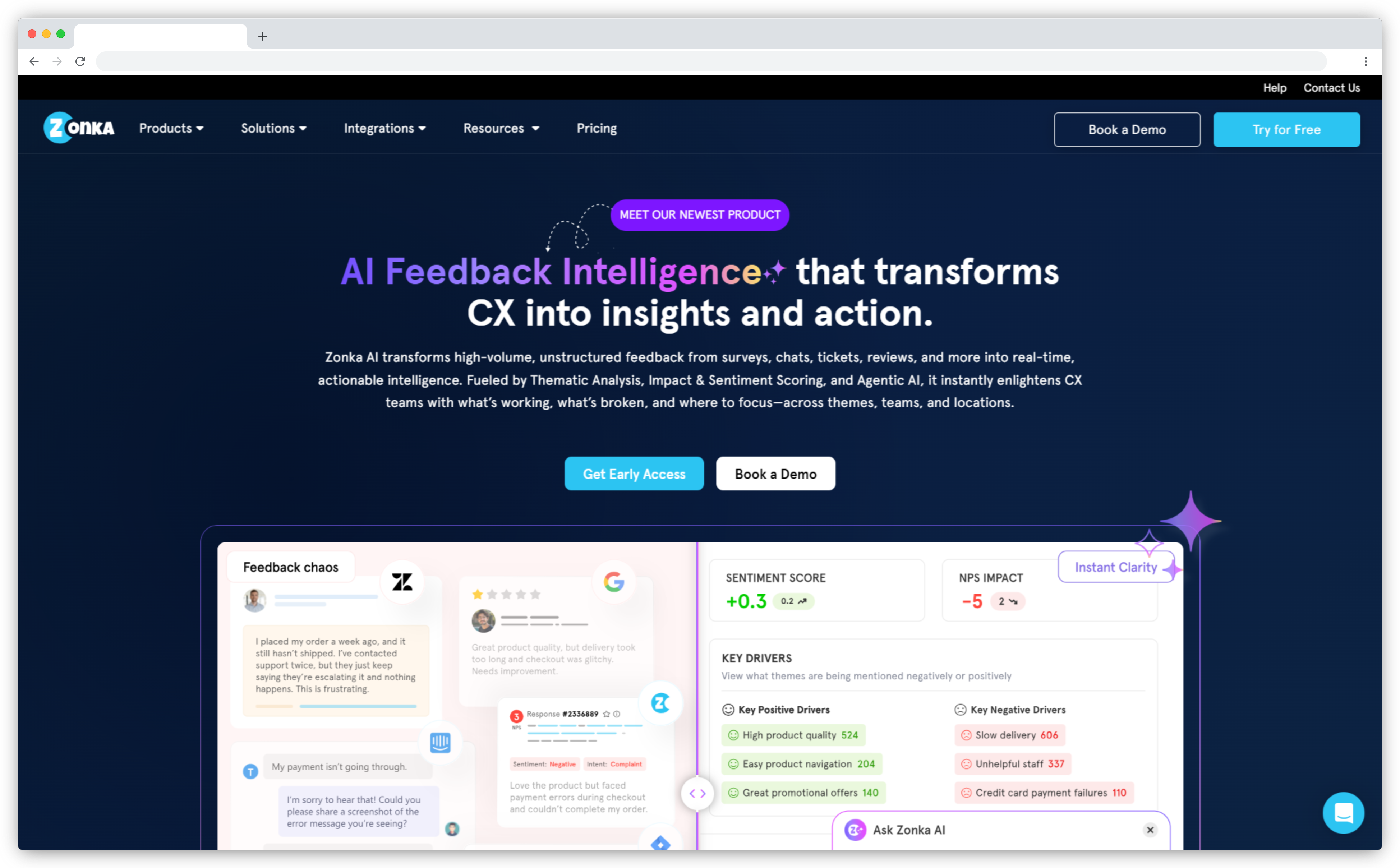
Zonka Feedback is an AI Customer Feedback & Intelligence Platform built around one promise: collect feedback on every channel, unify it from every source, understand it with AI, and fix what matters. All in one system, without separate tools to connect.
We're Zonka Feedback, so take this section with that awareness. Where most platforms require you to open a dashboard and look for trends, Zonka's AI agents proactively surface signals: flagging emerging themes in drop-off feedback, detecting churn-risk language in open-text responses, alerting teams to NPS drops before renewal conversations happen. Entity mapping ties every signal to the specific product area, agent, or location it belongs to, so each team sees what's relevant to them. SmartBuyGlasses increased NPS by 30%; their team attributes it to acting on signals faster, not waiting on manual analysis cycles.
On the collection side, event-triggered in-app surveys fire via JavaScript SDK on specific user actions: onboarding completion, first feature use, drop-off detection. Teams getting started can use our SaaS onboarding survey template to deploy quickly. One honest limitation: pricing isn't publicly listed. Advanced workflow automations also have a learning curve for new users.
Key SaaS Features:
- AI Feedback Intelligence: thematic analysis, sentiment scoring, entity mapping, and impact analysis
- AI agents that surface signals proactively (no manual dashboard-checking needed)
- Multi-source unification: surveys, tickets, reviews, chats, and calls in one intelligence layer
- Event-triggered in-app surveys via JavaScript SDK and mobile SDKs (iOS, Android, Flutter, React Native)
- Role-based signals: each team sees what's relevant to them, from frontline agents to the CCO
- Closed-loop automation: Jira tickets, HubSpot sync, Slack alerts, Intercom tagging
Zonka Feedback Pros
- AI agents surface signals before teams have to go looking: genuinely agentic, not just analytical
- Full lifecycle in one platform: collect, unify, understand, and fix. No separate tools to connect.
- Multi-channel delivery covers in-app, email, SMS, and WhatsApp feedback programs
Zonka Feedback Cons
- Pricing not publicly available; requires a demo call to get a quote
- Initial setup for advanced automations has a learning curve
- Broad feature set may feel complex for teams that only need lightweight microsurveys
Zonka Feedback Pricing
Pricing: Custom pricing based on team size and requirements. 14-day free trial available on request.
G2 Rating: 4.7/5
Best Use Case: SaaS teams that need the full feedback lifecycle (collection, unification, AI intelligence, and action) in one platform, without separate tools to connect.
2. Canny: Best for B2B SaaS Feature Requests and Product Roadmap Management
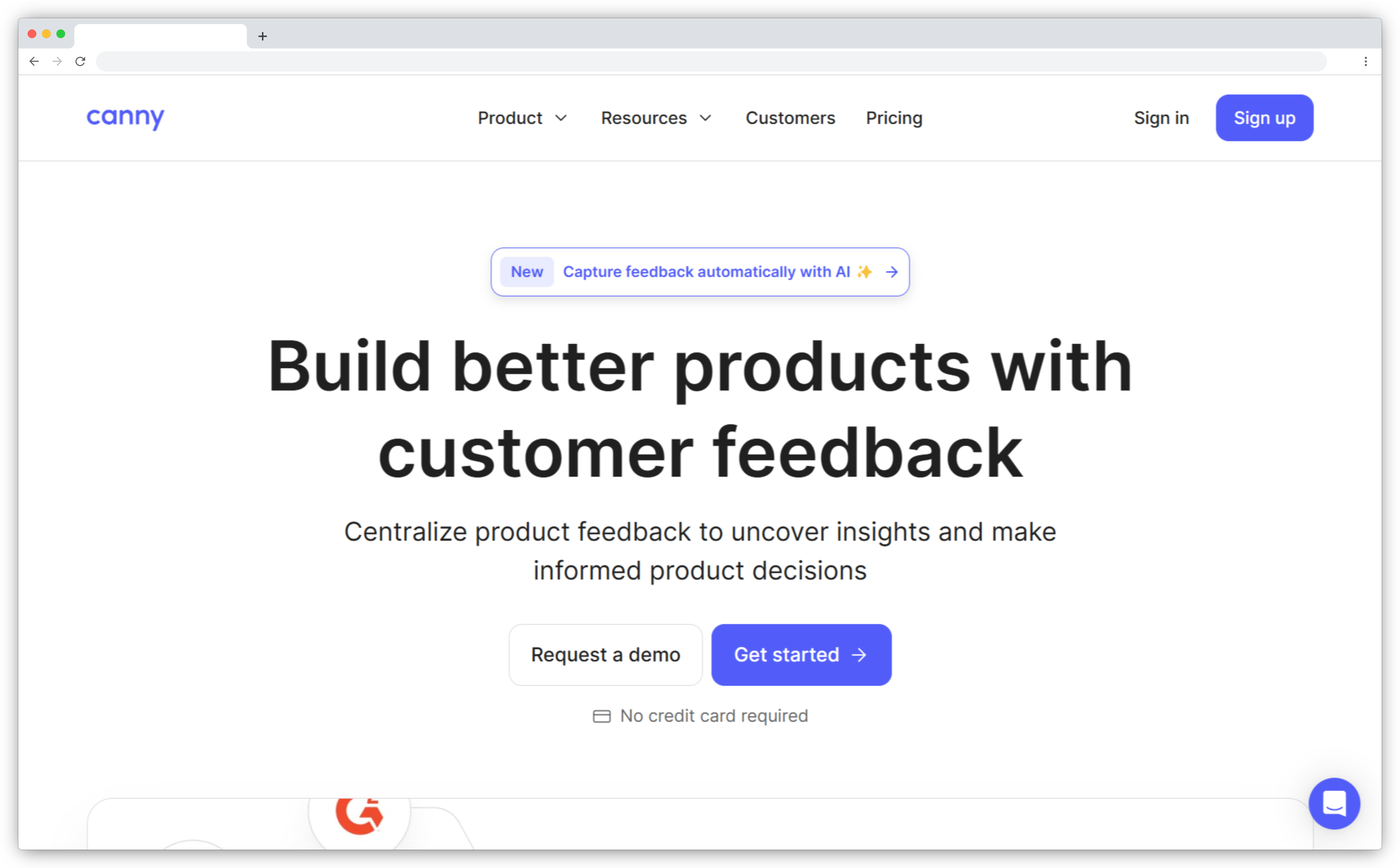
Canny is a customer feedback tool designed specifically for SaaS product teams who need to turn scattered user ideas into structured roadmap decisions. It doesn't try to do everything. It focuses tightly on one problem: helping product managers understand what customers want to build next, quantify demand with revenue data, and communicate what's happening back to users through public roadmaps and changelogs.
B2B and enterprise SaaS products have a problem that survey tools miss entirely. The question isn't just "how satisfied are users?" It's "which features would increase retention if we shipped them?" Canny connects feature requests to ARR, so you see not just how many users want something, but how much revenue is attached to the ask. In 2026, Canny's AI Autopilot automatically discovers and summarizes feedback from support tickets, sales calls, and Intercom conversations, reducing the manual overhead of maintaining a feedback board.
Where it still falls short: Canny isn't a survey platform. If you need NPS, CSAT, or in-app microsurveys alongside feature management, you'll run Canny in parallel with another tool. And its tracked-user pricing model, while accessible at the start, can scale steeply as your active user base grows.
Key SaaS Features:
- Centralized feedback boards with feature voting and revenue-weighted prioritization
- Public and internal product roadmaps with real-time status updates
- Changelog to close the loop with users when features ship
- AI Autopilot for automated feedback discovery and theme summarization
- Integrations with Jira, Slack, Salesforce, HubSpot, Intercom, and GitHub
Canny Pros
- Best-in-class for feature request management and roadmap alignment in B2B SaaS
- Revenue-weighted prioritization makes product decisions more objective
- Public roadmap and changelog build visible trust with power users and enterprise accounts
Canny Cons
- Not a survey or CX platform; doesn't support NPS, CSAT, or in-app experience surveys
- Tracked-user pricing scales steeply as your active user base grows
- English only; no localization support for international SaaS products as of 2026
Canny Pricing
Pricing: Free plan available (25 tracked users). Core plan from $19/month. Starter plan $79/month. Enterprise pricing on request.
G2 Rating: 4.6/5
Best Use Case: B2B SaaS product teams with a defined user base who need structured feature request management, roadmap transparency, and a loop-closing mechanism with customers on what ships and what doesn't.
3. Hotjar: Best for UX Behavior Analytics and In-App Experience Visualization
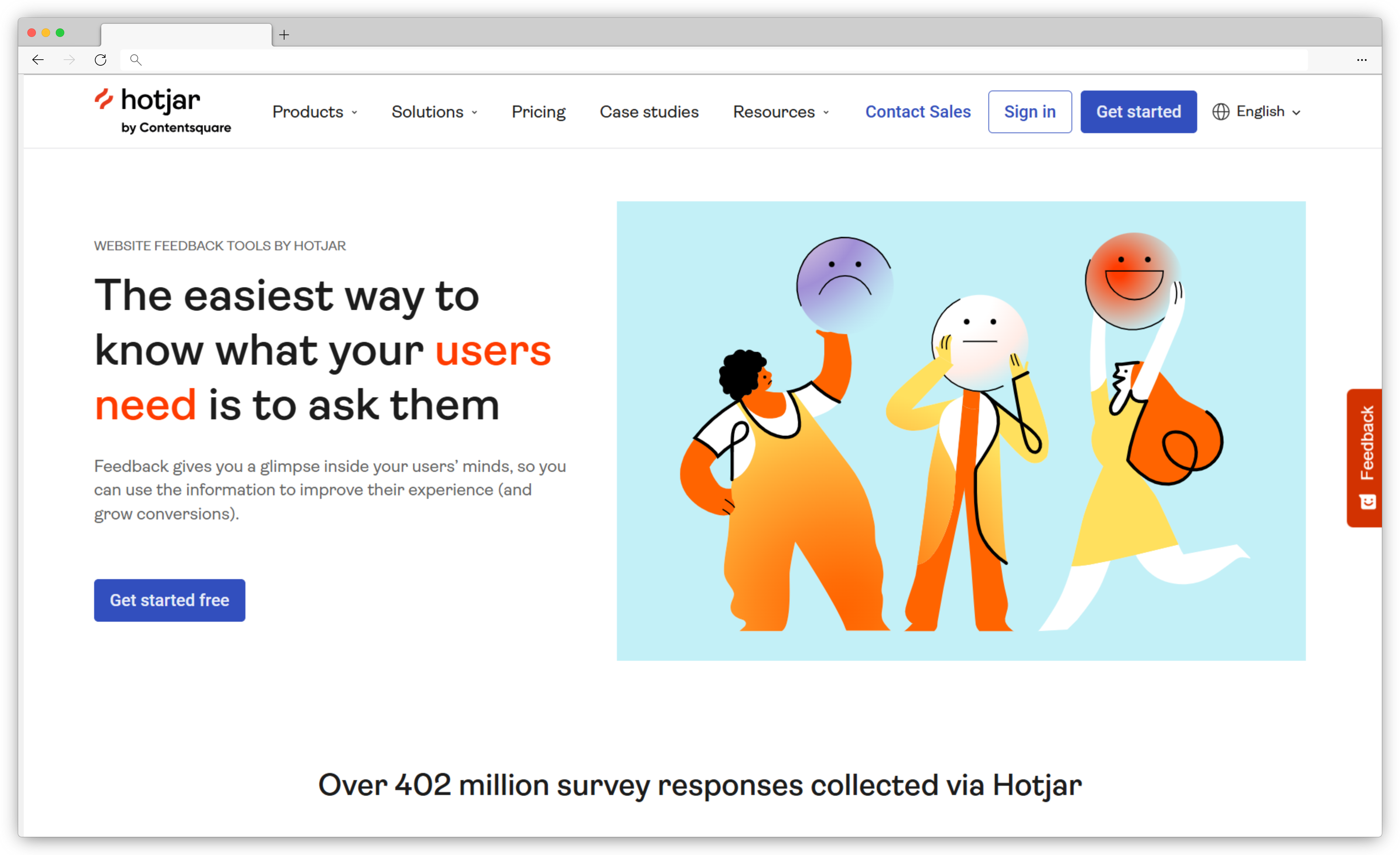
Hotjar is the customer feedback tool you reach for when you know users are dropping off but can't tell why. It's a behavior analytics and user feedback platform that gives SaaS product and design teams a visual layer on top of their product data: heatmaps showing where users click and scroll, session recordings that replay exactly what a user saw before they churned, and feedback widgets that capture frustration in the moment.
Context is what SaaS teams get from Hotjar that they can't get anywhere else. Survey tools tell you users are unhappy. Hotjar shows you what they were doing when they became unhappy. Watching ten session recordings of users failing at the same onboarding step tells you more than a hundred NPS responses that say "product is confusing." It's a different kind of signal, and it changes what you build next.
Hotjar's AI features have matured in 2026, with automated insight tagging that flags common frustration patterns across sessions. Useful for pattern detection, though not a replacement for deep text analysis. Pair Hotjar with a survey tool for qualitative depth and you have a complete picture. Without that pairing, you'll see behavior clearly but miss the "why" underneath it.
Key SaaS Features:
- Heatmaps for click, scroll, and interaction pattern visualization
- Session recordings for real-time user behavior analysis
- In-app feedback widgets for moment-of-interaction sentiment capture
- Funnel and journey analysis for drop-off point identification
- AI-powered session highlights and automated insight tagging
- Integrations with Jira, HubSpot, Zapier, Slack, and Intercom
Hotjar Pros
- Exceptional behavioral context that quantitative dashboards can't provide
- Easy setup with a lightweight JavaScript snippet; no developer-heavy onboarding
- Strong for UI/UX optimization: friction detection, rage-click patterns, scroll depth
Hotjar Cons
- Limited segmentation compared to purpose-built SaaS survey platforms
- Survey logic and in-app targeting are basic; not suitable for multi-metric CX programs
- Behavioral tools require meaningful traffic volume to generate reliable patterns
Hotjar Pricing
Pricing: Free plan available (basic features). Paid plans from $39/month.
G2 Rating: 4.3/5
Best Use Case: SaaS product and design teams who need to understand user behavior inside the product, especially for onboarding flow optimization, UX friction detection, and UI improvement before or after a major feature release.
4. Refiner: Best for Targeted In-App Microsurveys in PLG SaaS Products
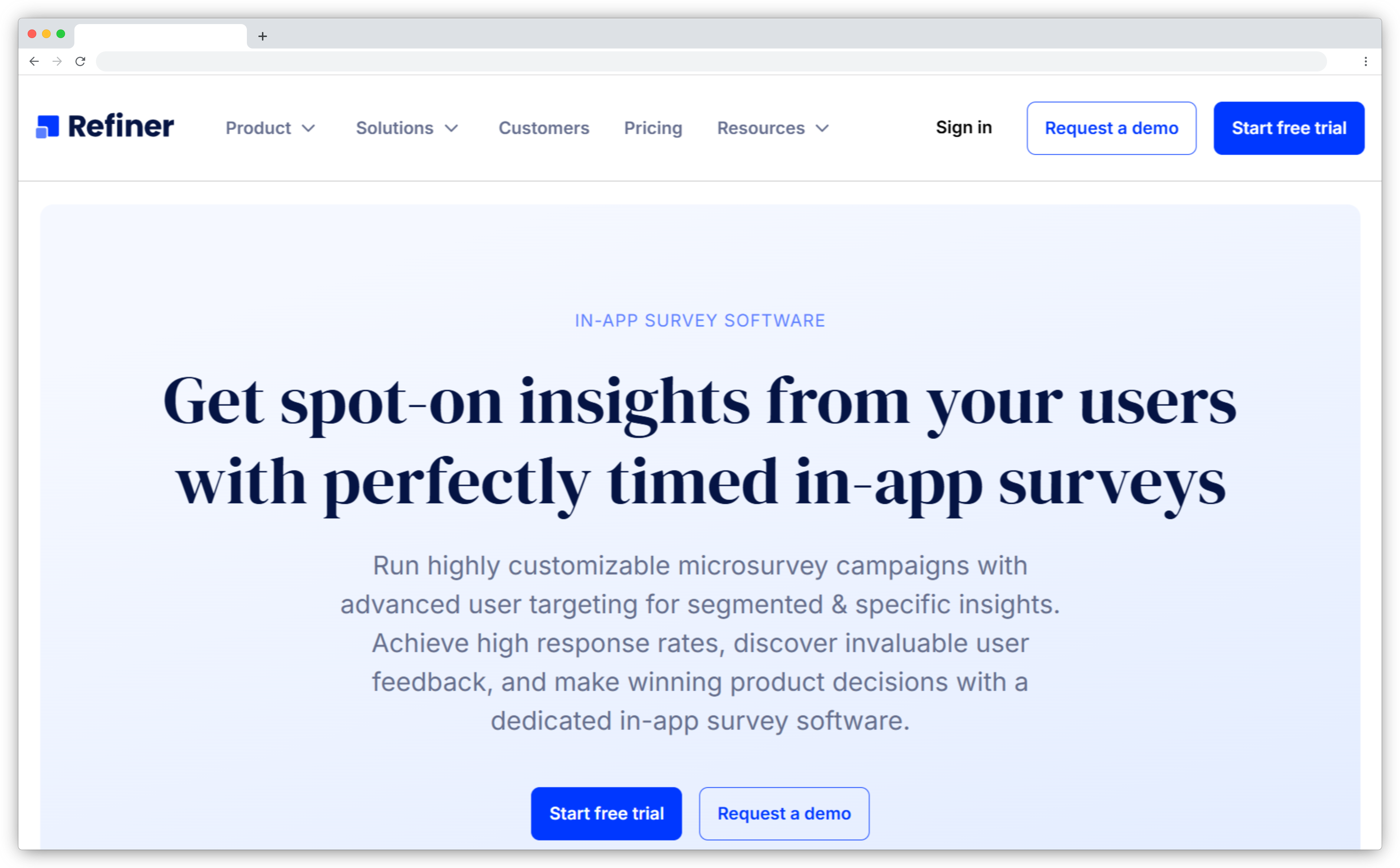
Refiner is a customer feedback tool built around a deceptively simple idea: ask the right user the right question at exactly the right moment, inside the product, without disrupting the session. It specializes in highly targeted, native-feeling microsurveys for web and mobile SaaS products: NPS, CSAT, CES, PMF surveys, and user profiling, all tied to behavioral segmentation and usage events.
What makes Refiner effective for PLG teams is targeting precision. You're not sending NPS to everyone after 30 days. You're sending it to users on a specific plan tier, after they've used a specific feature at least three times, in a specific geographic market, at a moment when they're already engaged inside the product. Response rates follow accordingly. Refiner's integration ecosystem is built for the modern SaaS stack: Segment, Amplitude, Mixpanel, HubSpot, Salesforce, Customer.io. Survey responses flow directly into analytics and CRM so feedback doesn't sit in a silo.
One limitation worth noting: Refiner is a focused microsurvey tool, not an all-in-one platform. If you need deep AI text analysis, visual feedback, or feature request management alongside microsurveys, you'll combine it with other tools.
Key SaaS Features:
- In-app microsurveys for NPS, CSAT, CES, PMF, churn reasons, and user profiling
- Native-feel survey widgets that match SaaS product UI and brand
- Advanced behavioral targeting: user traits, events, device, country, and prior responses
- Mobile SDKs for iOS, Android, and React Native
- Automation workflows to trigger Slack alerts, tag users, or sync data to CRMs
- Integrations with Segment, HubSpot, Salesforce, Amplitude, Mixpanel, and Customer.io
Refiner Pros
- Purpose-built for SaaS; excellent behavioral targeting produces high response rates
- Great fit for PLG teams running continuous product satisfaction measurement
- Deep integrations keep feedback connected to product analytics and CRM workflows
Refiner Cons
- Focused on microsurveys; not suited for long-form research or complex survey logic
- AI text analysis is lighter compared to AI-first platforms
- Response-volume pricing can scale as active user base grows
Refiner Pricing
Pricing: From $99/month (MAU-based; all plans include unlimited survey responses). Free trial available.
G2 Rating: 4.6/5
Best Use Case: PLG-focused SaaS teams that need highly targeted, in-app NPS, CSAT, CES, and PMF surveys with behavioral segmentation. Particularly valuable for teams running A/B testing on onboarding flows or tracking product-market fit across different user cohorts.
5. Survicate: Best for Multichannel NPS, CSAT, and CES Across the SaaS Journey
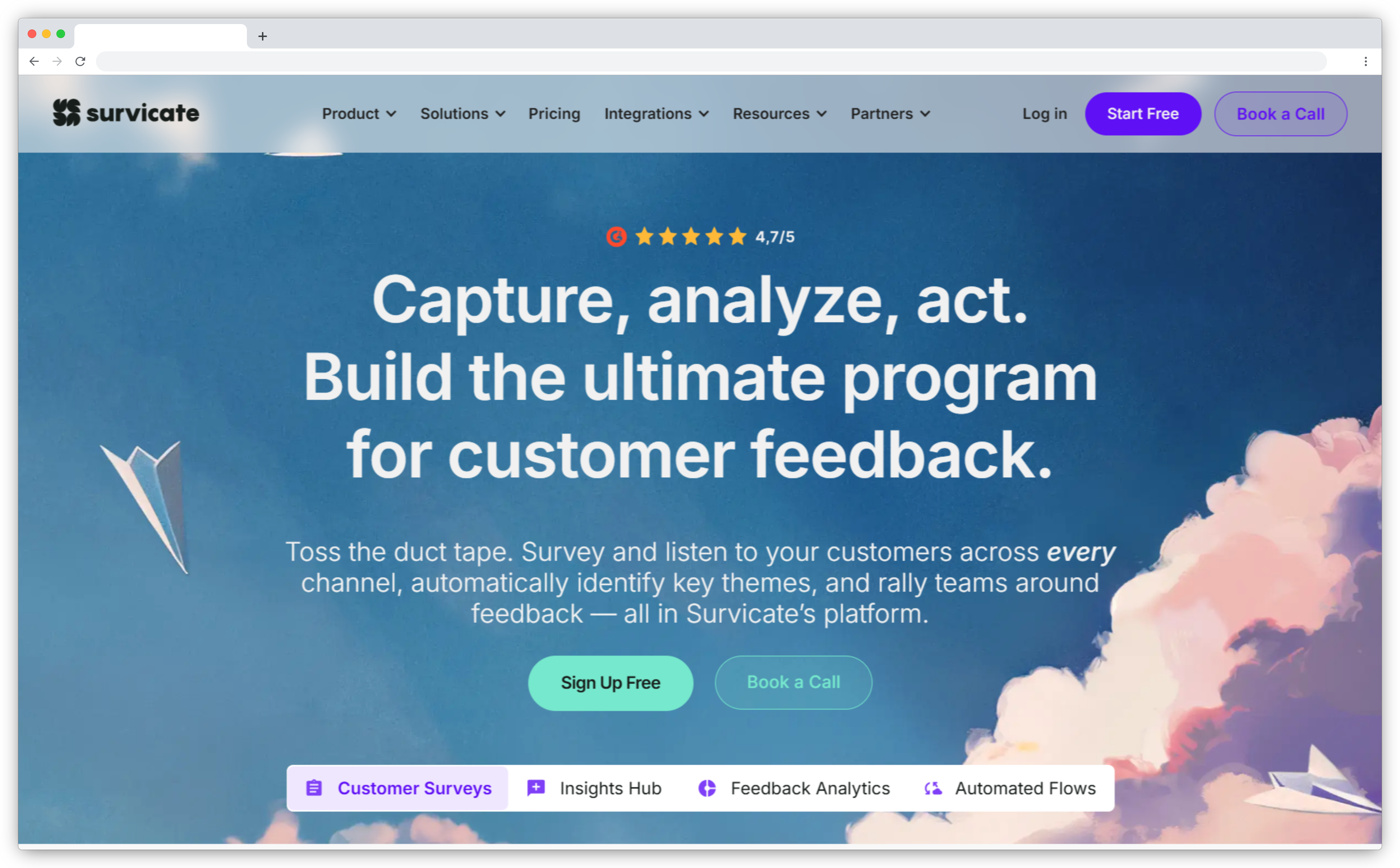
Survicate is a customer feedback tool for SaaS teams who need one platform to run their entire feedback program, not just in-app surveys, but the full lifecycle: onboarding NPS inside the product, post-support CSAT via email, churn surveys triggered by cancellation intent, mobile app feedback via SDK. Multichannel by design, not by afterthought.
SaaS teams running mature CX programs, where product, CS, and success teams all need feedback data but measure different things at different moments, benefit most from Survicate's unified approach. It reduces tool sprawl. Your in-app onboarding NPS and post-renewal email survey live in the same platform, with the same reporting, feeding the same AI Insights Hub that surfaces patterns across sources. That Hub automatically categorizes open-text feedback, detects sentiment, and clusters themes, saving meaningful time on manual tagging.
Where Survicate has its limits: AI analysis depth is less than dedicated AI-first platforms, and dashboard customization can feel restrictive for advanced data teams who want custom views. For straightforward multi-channel CX measurement, it covers a lot of ground well.
Key SaaS Features:
- In-product and website surveys with advanced event-based targeting
- Mobile SDK for iOS and Android in-app feedback collection
- NPS, CSAT, CES, and custom surveys in one platform
- AI-powered Insights Hub for automatic tagging, sentiment, and theme detection
- Targeting by user plan, lifecycle stage, behavior, and attributes
- Integrations with HubSpot, Salesforce, Intercom, Productboard, Amplitude, and Mixpanel
Survicate Pros
- Strong multichannel coverage: web, in-app, email, and mobile in one platform
- Good for teams running simultaneous NPS, CSAT, and CES programs
- Flexible enough for product, CX, marketing, and CS teams to share one tool
Survicate Cons
- Analytics depth and custom reporting feel limited for advanced data teams
- Tiered pricing and response limits may require upgrades as you scale
Survicate Pricing
Pricing: Free plan available. Business plan from $119/month; Scale plan $299/month; Enterprise $499/month. Free trial available.
G2 Rating: 4.6/5
Best Use Case: Mid-sized SaaS teams running multichannel feedback programs, particularly valuable when product, CS, and success teams are running different survey types and need unified reporting across all of them.
6. Userpilot: Best for SaaS Onboarding Flows and Contextual In-App Surveys
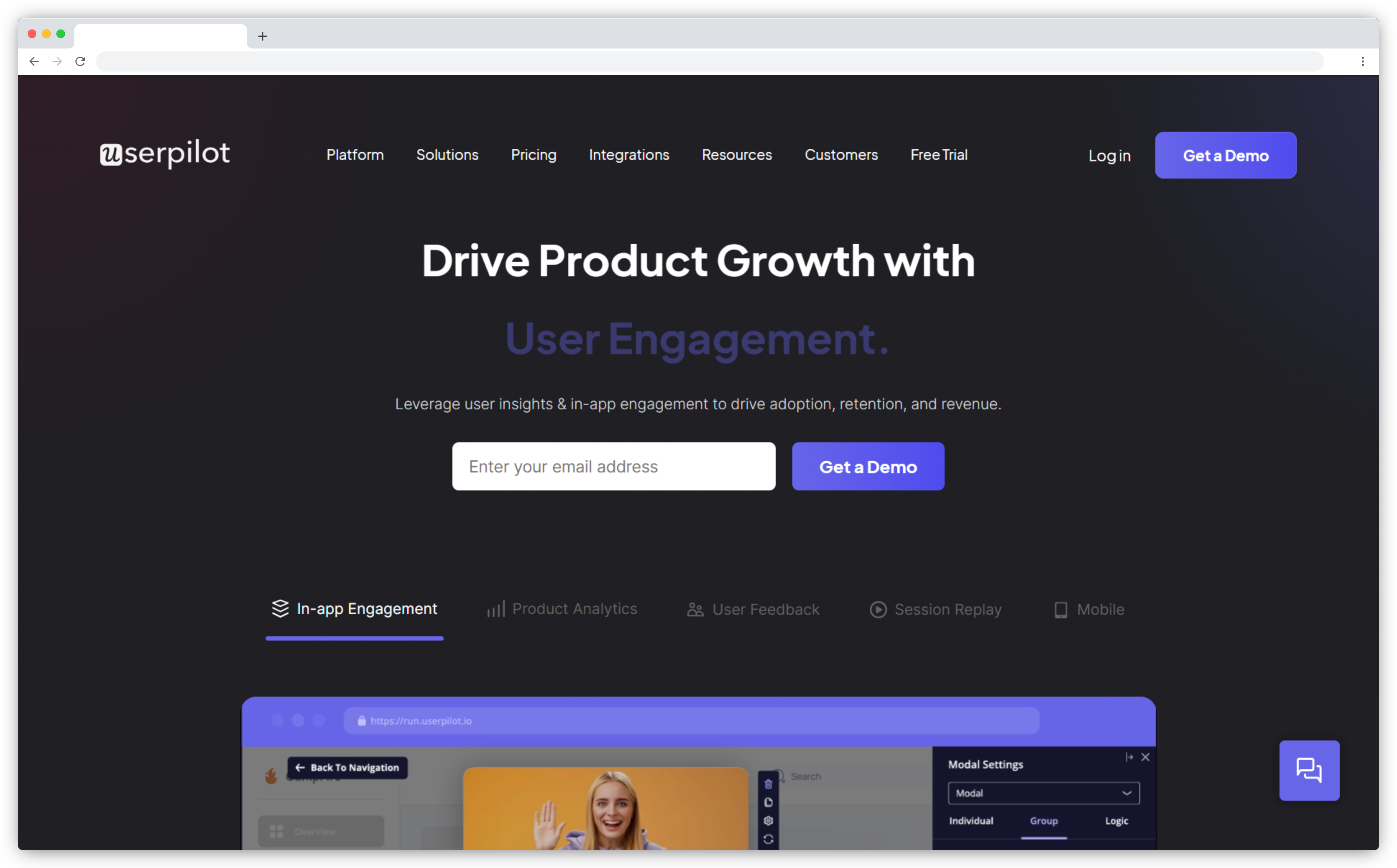
Userpilot solves the gap between users who sign up and users who activate. It's a product growth and customer feedback tool for SaaS companies that want to improve onboarding, drive feature adoption, and capture contextual in-app feedback, all without writing code. The no-code experience builder lets product teams deploy NPS surveys, microsurveys, tooltips, and product tours inside the app and adjust them without waiting for a developer sprint.
What sets Userpilot apart is how tightly the feedback side connects to the onboarding layer. Rather than sending a survey after onboarding completes, you trigger it at the specific step where users most often drop off, and you see the correlation between what users said and what they did in the same platform. That's a meaningful advantage for teams where activation rate is the primary metric.
What Userpilot isn't: a full-scale CX platform. AI text analysis is less developed than AI-first platforms, and multi-channel feedback programs beyond in-product surveys require adding other tools. For teams where onboarding optimization is the primary metric and the product needs guided flows to reach activation, it's one of the most focused tools in this category.
Key SaaS Features:
- No-code builder for onboarding flows, tooltips, UI patterns, and product tours
- Behavior-triggered in-app NPS, CSAT, and microsurveys
- Feature tagging for adoption and engagement tracking
- A/B testing for onboarding flows and feedback widgets
- Segmentation by user behavior, plan type, lifecycle stage, or persona
- Integrations with HubSpot, Amplitude, Mixpanel, Segment, and Intercom
Userpilot Pros
- Excellent for capturing feedback at onboarding and activation milestones
- Strong segmentation for SaaS user cohorts by plan, behavior, and lifecycle stage
- No-code setup reduces dependency on engineering for survey and onboarding changes
Userpilot Cons
- Not a full CX platform; survey capabilities are focused, not comprehensive
- Starts at $249/month; more expensive than lightweight survey-only tools
- Advanced usage analytics may require careful event tagging and setup
Userpilot Pricing
Pricing: Starter plan from $249/month (up to 2,000 MAUs). Growth plan from $799/month. Enterprise pricing on request. Free trial available.
G2 Rating: 4.6/5
Best Use Case: SaaS product teams running PLG models who need to combine in-product onboarding optimization with contextual feedback, particularly where activation rate is the primary metric and the product is complex enough to need guided flows.
7. Usersnap: Best for Visual Product Feedback and QA in Growing SaaS Teams
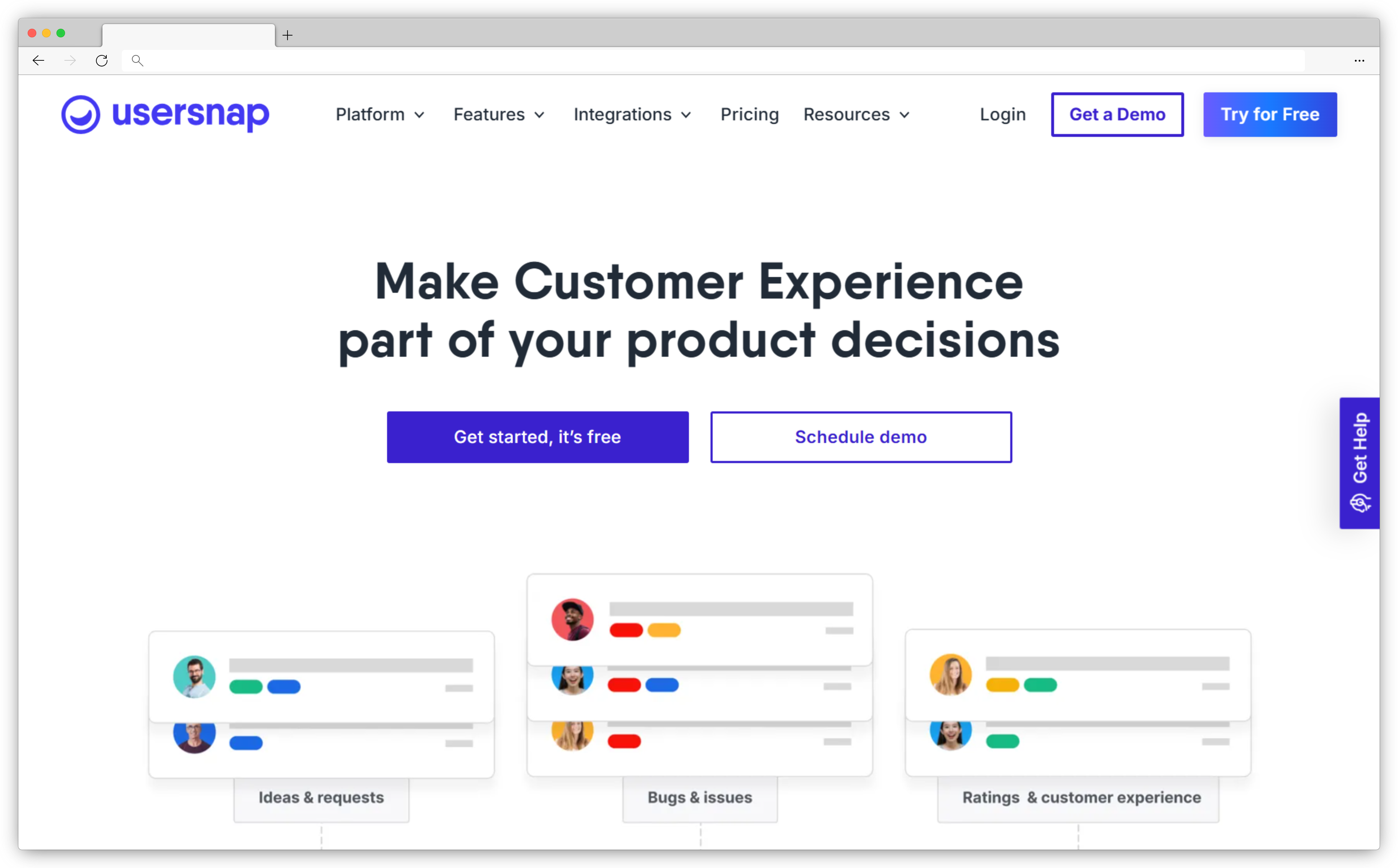
Usersnap takes a different approach to customer feedback collection. Instead of asking users to describe a problem in a survey, it gives them tools to show exactly what they saw: annotated screenshots, screen recordings, and visual bug reports submitted directly from inside the product. Feedback arrives with context already attached, with the page, the element, the exact moment, eliminating the "I'm not sure how to describe it" gap that kills most text-based feedback.
Product teams managing QA cycles, beta releases, or complex B2B SaaS products where users range from technical to non-technical find this fills a gap that microsurveys miss. When a user's feedback is a screenshot with a red circle around a broken button, the engineering team doesn't need to reproduce the issue. It's already documented. Usersnap pairs this with a central feedback hub for triaging, upvoting, and roadmap alignment. Teams like Canva, Lego, and Dynatrace use it because feedback and QA share one infrastructure instead of two separate tools.
Key SaaS Features:
- Visual feedback capture: annotated screenshots, on-screen markups, and screen recordings
- Microsurveys for NPS, CSAT, and product feedback at key journey moments
- Central product feedback hub with upvoting, tagging, and roadmap alignment
- QA and UAT support with browser, OS, and session metadata auto-attached to reports
- Behavior and omnichannel targeting using events, URL paths, and user segments
- 100+ integrations including Jira, Azure DevOps, GitHub, Zendesk, and Slack
Usersnap Pros
- Exceptional for visual, contextual feedback; users show problems instead of describing them
- Strong fit for product, QA, and UX teams working in a shared feedback workflow
- Designed specifically for SaaS product teams, not adapted from a generic tool
Usersnap Cons
- More focused on product and UX feedback than full lifecycle CX programs
- Process setup required to get full value from boards, tagging, and workflow automation
Usersnap Pricing
Pricing: From ~$45/month. Free trial available.
G2 Rating: 4.5/5
Best Use Case: Growing SaaS teams managing complex B2B products, QA cycles, or beta programs who need visual feedback alongside traditional surveys in one hub.
How Do SaaS Teams Use Customer Feedback at Different Stages of Growth?
SaaS feedback needs don't stay static. Questions your team needs to answer at 20 people are completely different from the ones you're asking at 200, or at 2,000. Here's how the tooling maps to each phase.
Early-Stage SaaS (0–50 Employees): Validating Product-Market Fit with Feedback
At this stage, the question isn't "how do we scale feedback?" It's "are we building something people actually need?" Early-stage SaaS teams use customer feedback tools to run PMF surveys, capture onboarding friction before it becomes a pattern, and understand why trial users don't convert.
Valuable feedback here is qualitative and fast. You need to hear what users say in their own words, not just a Net Promoter Score, but the open-text underneath it. Tools like Refiner for lightweight in-app microsurveys, or Zonka Feedback for PMF surveys tied to specific activation events, support discovery-mode feedback collection without requiring a full ops setup.
The failure mode at this stage is over-engineering the feedback system before you know what you're measuring. Start with one question per key moment: onboarding completion, first feature use, day-14 check-in. Analyze responses yourself first. Patterns become obvious faster than any automated tool can show you when you're at 200 users.
Mid-Sized SaaS (50–500 Employees): Optimizing Onboarding and Feature Adoption
At this stage, you have activation rates, feature usage data, and cohort retention numbers, but you don't have the "why" sitting behind them. Why do 40% of users who reach the dashboard never use the core feature? Why do users from a specific acquisition channel churn at double the rate of others?
Mid-sized SaaS teams use triggered, in-app surveys to answer those questions. Customer feedback tools that work here are ones with behavioral segmentation: Userpilot for in-product onboarding and survey combination, Survicate for multi-channel NPS and lifecycle programs, Zonka Feedback for AI-driven theme clustering across higher response volumes. For a focused comparison of NPS-specific platforms, see our guide to best NPS tools for SaaS.
The shift is from reading feedback to having a system that surfaces what matters. At 500 users, you can read every response. At 5,000, you need AI to do the first pass.
Enterprise SaaS (500+ Employees): Using Feedback for Churn Reduction and Account Health
Enterprise SaaS teams don't just collect feedback. They use it as an early warning system. Accounts most likely to churn in the next quarter rarely announce it. They show up in sentiment signals, declining feature usage, and support interaction patterns. AI-powered feedback analysis connects those signals into something actionable before renewal conversations happen.
At this scale, feedback flows from multiple sources simultaneously: in-product surveys, support ticket analysis, QBR notes, CS team observations. Customer feedback tools like Zonka Feedback with multi-source AI analysis, or Usersnap with centralized feedback hubs, become the connective tissue between product, support, and success teams.
Feedback at this stage is measured in account health scores, not individual survey responses. Signal, not noise. For teams building out their first structured feedback program, our guide to how to manage SaaS customer feedback covers the operational framework behind it.
Conclusion
No universal answer here. Right customer feedback tool depends on where your SaaS product is, what your team is trying to answer, and whether you need a single platform or a combination of tools working together.
Pre-PMF: start lightweight. One in-app survey at the right moment beats a complex feedback program that takes three weeks to set up. Refiner or Hotjar's free tier gets you started without commitment.
Scaling a PLG motion: you need behavioral triggers and AI analysis. Userpilot for the onboarding layer; Zonka Feedback if you need both surveys and AI analysis in one system.
B2B product with feature-hungry enterprise users: Canny for structured feature requests, Usersnap if you also need visual feedback and QA in the same hub.
Multi-channel CX program across every journey stage: Survicate or Zonka Feedback, depending on how much AI analysis depth you need.
The question to ask before you pick isn't "which tool has the most features." It's "what signal are we missing, and what would change if we had it?" Start there, and the tool choice follows. Try your top two options on a free trial. Score them against the criteria in this guide. The tool that fits your workflow at trial is the one that'll get used.


.png)
.svg)