.svg)
 Healthcare
 Finance
 Retail
 SaaS & Digital
 eCommerce
 Education
 Salesforce
  HubSpot
 Pipedrive
 Mailchimp
 Klaviyo
 Zendesk
  Intercom
 Freshdesk
 HelpScout
  Front
Front Jira
Jira Slack
Slack  MS Teams
 Zoom
Zoom Google Sheets
  Zapier
  Integrately
 Make
Make  Webhooks




 MS Teams

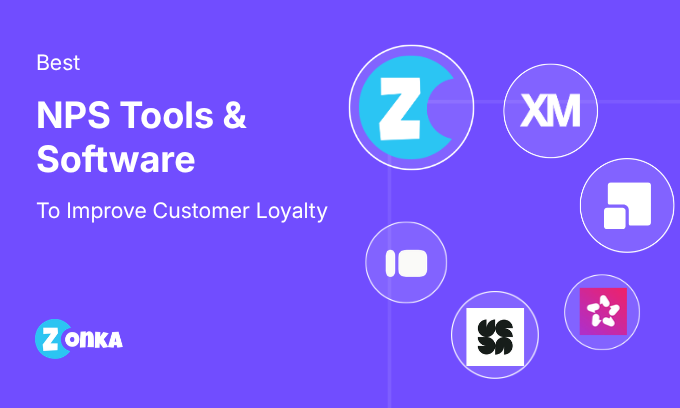


The best NPS software platforms in 2026 include Qualtrics, CustomerGauge, Zonka Feedback, Survicate, Retently, Refiner, Gainsight, Pendo, AskNicely, Qualaroo, and Typeform. Evaluated on AI analytics, closed-loop workflows, multi-channel survey distribution, and use-case fit across SaaS, B2B, enterprise, and omnichannel programs.
TL;DR: NPS Tools 2026
- Net Promoter Score remains one of the most widely used ways to measure customer loyalty and predict churn.
- The best NPS software does more than collect scores. It helps teams understand why customers feel the way they do and what actions to take next.
- This guide covers 11 leading NPS survey tools, evaluated on feedback collection, analytics depth, AI capabilities, integrations, pricing, and real user adoption.
- The most widely used NPS platforms today include Qualtrics, CustomerGauge, Zonka Feedback, Survicate, Retently, Refiner, Gainsight, Pendo, AskNicely, and Typeform.
- Enterprise teams, SaaS companies, and service businesses often need very different NPS capabilities. There is no single "best" tool for everyone.
- This list is reviewed and updated regularly to reflect product changes, acquisitions, and feature updates across the NPS software landscape.
- Note: This guide is written by the team at Zonka Feedback, but tools are included based on independent research, hands-on evaluation, and real user reviews. The list is not sponsored or ranked by promotion.
After working with businesses across regions and industries for more than a decade, one thing has stayed consistent: almost every business wants to measure Net Promoter Score.
And that makes sense.
NPS isn't just another CX metric to track. When used well, it helps businesses understand customer loyalty, spot churn risks early, and identify customers who can fuel organic growth through referrals and advocacy.
The challenge isn't measuring NPS.
The real challenge is doing something meaningful with it.
That's where the right NPS survey software comes in.
Modern NPS tools go far beyond sending surveys and showing a score. The best platforms help teams analyze nps feedback in real time, understand customer sentiment using AI, automate follow-ups, and connect insights directly to action.
This guide is built to help you find the right NPS tool based on how businesses actually use NPS today, not just feature checklists.
After reviewing and comparing leading NPS platforms, we've shortlisted the top 10 NPS software tools for 2026. Whether you're looking for an enterprise-grade CX solution, a CRM-friendly NPS tool, or a simple platform to get started, this list will help you make an informed decision.
Note: For a comprehensive guide to NPS strategy, survey design, and analysis, see our Net Promoter Score Guide. This article focuses specifically on software tool selection and comparison.
What Is Net Promoter Score?
Net Promoter Score (NPS) is a customer loyalty metric that asks one question: "How likely are you to recommend us?" on a 0–10 scale, then calculates the score by subtracting the percentage of detractors from promoters.
If you could ask your customers just one question to understand loyalty, predict future growth, and benchmark your brand against competitors, that question would be the NPS question.
Net Promoter Score measures how likely customers are to recommend your product, service, or company to others. It was developed by Fred Reichheld at Bain & Company and first published in Harvard Business Review in 2003. Bain's research showed that companies with higher NPS tend to grow faster than their competitors. In many categories, NPS leaders outgrew their peers by more than 2x over a decade.
It's based on a single standardized question:
"On a scale of 0 to 10, how likely are you to recommend our company, product, or service to a friend or colleague?"
Most teams also add a follow-up question: "What is the main reason for your score?"
That open-ended response is where the real insight lives.
For a detailed explanation of how NPS works, calculation methods, and scoring ranges, see our guide on what is net promoter score.
Promoters, Passives, and Detractors Explained
Based on their score, customers fall into three groups:
- Promoters (9–10): Loyal customers who are likely to stay, buy more, and recommend you.
- Passives (7–8): Satisfied customers who are not unhappy, but not strongly loyal either.
- Detractors (0–6): Unhappy customers who are more likely to churn or share negative feedback.
Your NPS score is calculated by subtracting the percentage of detractors from the percentage of promoters. A positive score means you have more promoters than detractors.
But the score alone doesn't improve loyalty. What matters is how quickly and consistently you act on what customers tell you.
That's where NPS software comes in.
NPS sits alongside CSAT (Customer Satisfaction Score) and CES (Customer Effort Score) as the three primary CX metrics. NPS measures long-term loyalty; CSAT measures satisfaction with a specific interaction; CES measures how easy an interaction was to complete. Each serves a different purpose, and the strongest programs use all three together.
Over the years, NPS has evolved from a simple survey metric into one of the most widely used benchmarks in customer experience. Companies use it to:
- Track customer loyalty over time
- Identify customers at risk of churning
- Compare performance across teams, products, or locations
- Understand how customer experience impacts business growth
What Is NPS Software?
NPS software is used to collect, analyze, and act on Net Promoter Score feedback at scale, automating survey distribution, calculating nps scores, and turning customer responses into workflows and alerts.
At a basic level, NPS tools help teams send nps surveys, collect responses, and calculate the NPS score automatically. More advanced platforms go beyond scores. They connect customer feedback with workflows, alerts, and customer data so teams can take action quickly.
Modern NPS software typically helps teams:
- Send NPS surveys at key moments in the customer journey, such as after onboarding, purchases, or support interactions
- Analyze open-text responses using AI-driven sentiment and theme detection
- Track nps scores and feedback trends over time across segments, products, teams, or locations
- Get real-time alerts when detractors respond
- Close the feedback loop with structured follow-ups and ownership
Instead of treating NPS as a static report, NPS software turns customer loyalty into an ongoing, actionable system. For step-by-step guidance on setting up your nps program, see our guide on how to implement NPS.
Why Is NPS Software Important for Measuring Customer Loyalty?
Many businesses track NPS. Far fewer use it effectively.
Collecting a score is easy. Turning that score into action is where most teams struggle.
Without NPS software, feedback often ends up scattered across spreadsheets, dashboards, and inboxes. By the time patterns emerge, unhappy customers may have already churned. Promoters may go unnoticed. Opportunities to improve get missed.
NPS software helps bridge the gap between collecting scores and acting on them, turning feedback data into something teams can act on in real time.
NPS tools are important because they help teams:
- Identify unhappy customers early and reduce churn risk
- Understand why customers give certain scores, not just what the score is
- Track loyalty trends across time, teams, products, or locations
- Respond quickly to detractors before issues escalate
- Recognize promoters and turn loyalty into advocacy
- Create consistent processes for closing the feedback loop
Instead of treating NPS as a periodic metric, NPS software helps teams use it as a continuous signal for improving customer experience and customer retention.
Key Features and Capabilities of NPS Software
Choosing an NPS tool isn't about finding the platform with the most features. It's about finding one that fits how your business collects feedback and takes action on it.
Many NPS survey tools look similar on the surface. The real differences show up once you start using them at scale.
When evaluating NPS software, focus on whether the tool helps you move from scores to action, not just reporting.
Here are the key features and capabilities to look for in an NPS survey tool:
- Flexible Survey Triggers: The tool should let you trigger surveys based on customer actions: onboarding completion, purchases, renewals, or support interactions.
- AI-Powered Feedback Analysis: Look for tools that analyze open-text nps responses using sentiment analysis and theme detection, so you don't have to read every comment manually.
- Real-Time Alerts: Immediate notifications when detractors respond help teams act before customers churn.
- Closed-Loop Workflows: Good NPS survey software supports structured follow-ups, ownership, and task assignment to close the feedback loop on every NPS response.
- Multi-Channel Survey Distribution: The ability to reach customers through email, in-app surveys, web widgets, SMS, or integrations across multiple channels.
- Clear Reporting and Dashboards: Dashboards should make it easy to track nps scores and feedback trends over time and across the customer segments that matter to your business.
- Integration Capabilities: Native integrations with CRMs, helpdesks, and marketing automation tools make nps feedback more actionable and connected to the customer journey.
A simple way to decide: if an NPS tool helps you answer these four questions clearly, it's usually a good fit:
- Can we reach customers at the right moments?
- Do we understand why scores are changing?
- Can teams act on customer feedback quickly?
- Does feedback connect to our existing systems?
How Did We Evaluate and Compare NPS Tools?
We evaluated each NPS tool on seven factors: ease of setup, survey distribution channels, AI and analytics depth, closed-loop workflow support, integration capabilities, pricing transparency, and product momentum.
Our evaluation is based on practical usage, public documentation, and real user feedback. We looked at how well each tool supports the full NPS workflow, from capturing feedback to acting on it.
A Note on Transparency
We're the team behind Zonka Feedback, so it's only fair to say that upfront. That said, this list is not sponsored, and tools are not ranked based on promotion. Our goal is to help teams find the right NPS software for their needs, even if that ends up being a different platform.
Evaluation Criteria
Setup and Ease of Use:
How easy it is to get started, configure surveys, and onboard teams without heavy training.
Survey Distribution and Triggers:
The channels supported and how flexible the tool is in sending nps surveys at the right moments.
Feedback Analysis and AI Capabilities:
How well the platform analyzes open-text nps feedback, detects customer sentiment, and surfaces key drivers and patterns.
Engagement and Follow-Up:
Support for closing the feedback loop through alerts, workflows, and response management.
Integration Capabilities:
Native integrations with CRMs, helpdesks, data platforms, and other tools teams rely on.
Pricing and Value:
How pricing aligns with features, scale, and business needs, including transparency and flexibility.
Product Momentum:
Evidence that the tool is actively maintained and shipping meaningful updates.
The tools covered in this guide are not ranked in a strict order. Each serves different business sizes, industries, and levels of NPS maturity.
Comparison of Best NPS Software Tools in 2026
| NPS Software | Best For | Survey Distribution Channels | Closed-Loop | Free Tier | G2 Rating | Price |
| Qualtrics | Enterprise CX programs | Email, SMS, In-app, Web, Offline | Yes (XM workflows) | No | 4.3/5 | Custom |
| CustomerGauge | B2B revenue-linked NPS | Email, Web | Yes (account workflows) | No | 4.6/5 | Custom |
| Zonka Feedback | Omnichannel NPS + AI analytics | Email, SMS, WhatsApp, In-app, Web, Kiosk, QR | Yes (built-in) | No | 4.7/5 | Custom |
| Chattermill | AI powered feedback intelligence | Surveys, Reviews, Support, Social, Email | Yes (action workflows) | No | 4.5/5 | Custom |
| Qualaroo | In-app/On-page NPS | In-app, Web | No | Yes | 4.3/5 | $20/mo |
| Survicate | Multi-channel NPS, SMB & product teams | Email, In-app, Web, Mobile | Partial | Yes (25/mo) | 4.6/5 | €99/mo |
| Retently | Dedicated NPS automation, SaaS & ecommerce | Email, In-app, Link, Intercom, Kiosk | Yes (workflows) | Trial | 4.7/5 | $99/mo |
| Refiner | In-app SaaS NPS | In-app, Email, Link | Yes (workflows) | Trial | 4.6/5 | $99/mo |
| Gainsight | Customer success-led NPS | Email, In-app | Yes (playbooks) | No | 4.5/5 | Custom |
| Pendo | PLG NPS + product analytics | In-app, Email | Yes (via integrations) | Yes | 4.4/5 | Custom |
| AskNicely | Closed-loop CX NPS | Email, SMS, Web | Yes (industry-leading) | No | 4.7/5 | Custom |
| Typeform | Conversational surveys | Web, Email, Link | No | Yes | 4.5/5 | $25/mo |
For teams running omnichannel NPS programs, Zonka Feedback and Qualtrics offer the widest channel coverage. Teams that need the fastest setup should look at Survicate or Typeform. Both have free tiers and minimal implementation overhead. The only tools with genuinely built-in closed-loop workflows, not relying on third-party integrations, are Zonka Feedback, Qualtrics, CustomerGauge, and AskNicely.
What Is a Good NPS Score? Industry Benchmarks for 2026
NPS scores don't exist in a vacuum. A +35 is strong in telecom, average in SaaS, and below the category median in consumer tech. Before tracking your nps data against your own quarterly trends, know the range your industry actually operates in.
| Industry | Average NPS Score Range | Notes |
| SaaS / B2B Software | 30–50 | PLG companies often score higher due to product-led retention |
| Consumer Tech | 40–60 | High bar; brand loyalty effects drive promoter rates |
| Financial Services / Fintech | 25–45 | Varies by sub-sector (lending vs. banking vs. payments) |
| Healthcare | 20–40 | Patient experience programs trending upward |
| Retail / E-commerce | 30–50 | Post-purchase NPS differs significantly from overall brand NPS |
| Travel & Hospitality | 35–55 | Loyalty programs can inflate promoter counts |
| Telecom / Cable | 5–25 | Structurally lower; legacy service issues create persistent detractors |
| Insurance | 20–35 | Claims experience drives significant variance within the band |
A positive score is good. Above +50 is strong. Above +70 is world-class. The most useful comparison isn't against an absolute threshold. It's whether your nps scores are improving quarter over quarter and how they track against direct competitors in your category.
For a full breakdown, see our guide on NPS benchmarks by industry.
Best NPS Software Platforms in 2026
The NPS landscape keeps evolving, but a few platforms consistently lead the pack for usability, AI-driven insights, and integrations. Below, we cover the best NPS tools of 2026: who they're best for, standout features, and typical pricing, so you can quickly compare options and choose the right fit for your feedback program.
1. Qualtrics: Best for Enterprise-Scale NPS and CX Programs
Qualtrics is an enterprise-grade NPS platform tailored for large organizations that need scalable and customizable feedback solutions. It's widely recognized for its powerful analytics and flexibility but is often noted for its complex setup process and higher pricing. Despite these considerations, this enterprise NPS software remains a top choice for businesses seeking deep customer insights and advanced customer experience management.
- Best For: Large enterprises, global brands, and companies with complex CX ecosystems requiring advanced analytics and customization.
- Use Cases: Enterprise NPS programs, journey-level NPS, multi-region feedback, VoC programs, customer journey mapping
- G2 rating: 4.3/5 (745 reviews)
What Do Customers Say About Qualtrics?
"Qualtrics makes it easy to create unique survey links for a large customer database and customize survey journeys based on different use cases. It's especially powerful for building complex NPS surveys with flexibility and control." — G2 Reviewer
Why Do Enterprises Choose Qualtrics for NPS in 2026?
Qualtrics provides unmatched customization, deep analytics, and enterprise-level scalability. It is widely used by organizations that require omnichannel collection, predictive insights, advanced segmentation, and full customer journey analysis. Although setup is complex, Qualtrics delivers the most comprehensive NPS and CX insights in the enterprise space.
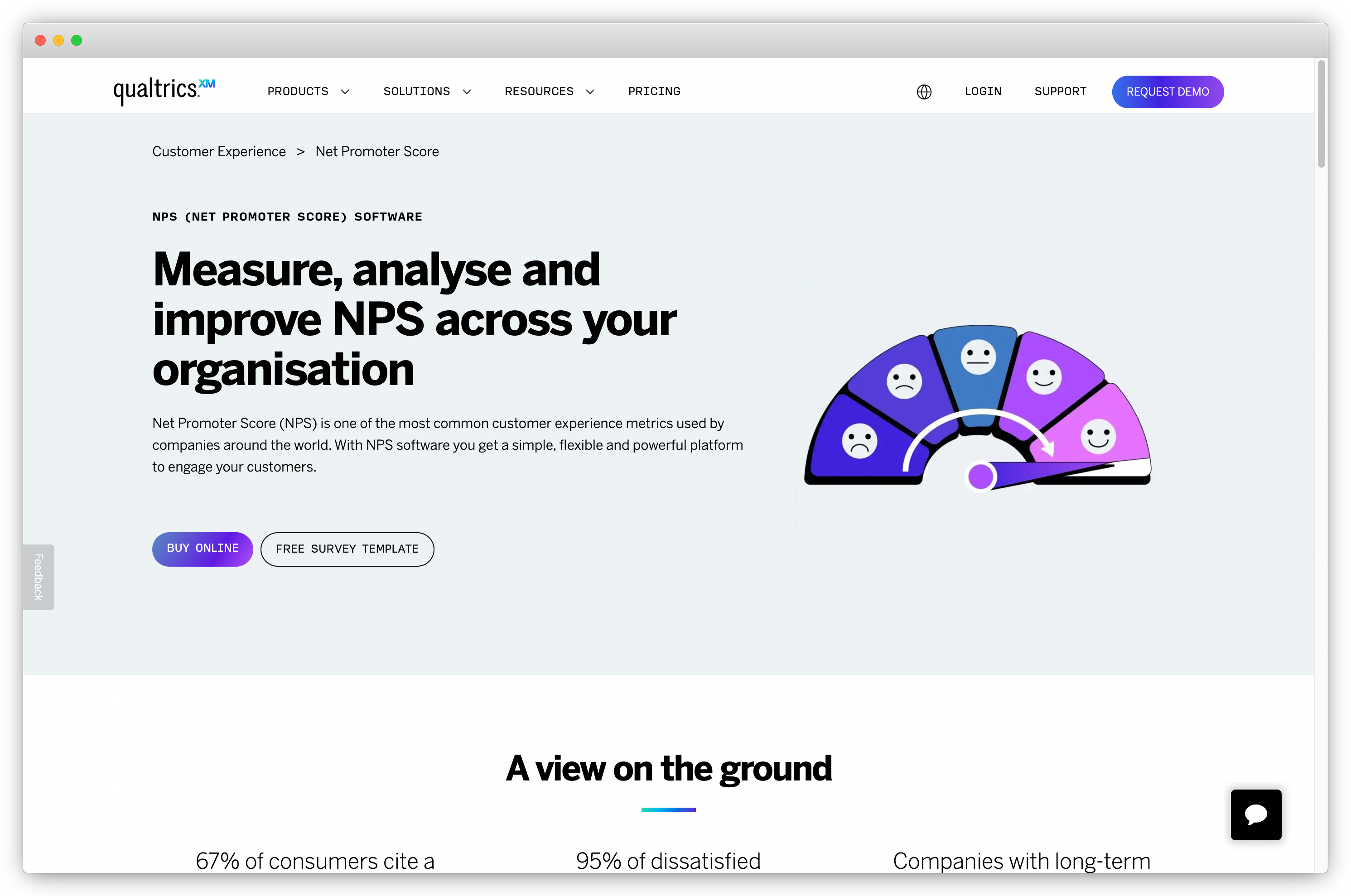
Key Features of Qualtrics
- Highly customizable NPS workflows and surveys
- Predictive intelligence and AI-powered text analysis
- Journey-level feedback mapping across the customer journey
- Multi-channel NPS collection (web, email, SMS, in-app, offline)
- Case management with automated alerts and routing
- Enterprise integrations with Salesforce, SAP, Oracle, Adobe, and HubSpot
- Advanced segmentation and role-based dashboards
Qualtrics Pros
- Enterprise-level customization and scalability
- Advanced predictive analytics and customer journey mapping
- Multi-channel collection with social listening
- Strong case management workflows
- Deep segmentation for complex CX programs
- Wide range of enterprise integration capabilities
Qualtrics Cons
- Steep learning curve
- Longer implementation time
- Higher pricing than SMB-focused tools
- Some advanced integrations require technical expertise
Qualtrics Pricing
- Custom pricing based on business requirements
- Free trial not available
Best Use Case: Large enterprises running multi-region NPS programs who need predictive analytics, customer journey mapping, and deep integration capabilities across a single enterprise CX platform.
2. CustomerGauge: Best for B2B Account-Based and Revenue-Linked NPS
CustomerGauge is a specialized NPS software built for B2B companies with a strong emphasis on account-level feedback management. Its core strength lies in directly linking nps scores to revenue, helping businesses understand how customer sentiment affects growth, retention, and churn. Designed specifically for B2B workflows, it excels in managing complex client relationships and offers insights into account health and churn risks.
While CustomerGauge shines in account-based NPS tracking, it has limitations in digital surveys and doesn't support other metrics like CSAT or CES, making it most suitable for businesses focused on NPS as their primary measure of customer loyalty.
- Best For: B2B companies in SaaS, CPG, manufacturing, and enterprise sectors focused on account-level NPS and revenue retention.
- Use Cases: Relationship NPS, Account Health Tracking, Churn Prediction, Renewal Insights, Key Account Feedback
- G2 Rating: 4.6/5 (50 reviews)
What Do Customers Say About CustomerGauge?
"CustomerGauge makes it easy to gather and track NPS feedback with intuitive dashboards that clearly visualize customer sentiment over time. It's especially helpful for identifying at-risk accounts and enabling quick follow-up actions." — G2 Reviewer, Technology
Why Is CustomerGauge the Best NPS Tool for B2B Account Experience?
CustomerGauge differentiates itself by tying NPS directly to revenue and offering churn prediction and account health scoring specifically for B2B environments. Unlike general survey platforms, it excels in mapping NPS to account structures, helping teams prioritize high-value accounts and drive retention, expansion, and upsell strategies with data-backed precision.
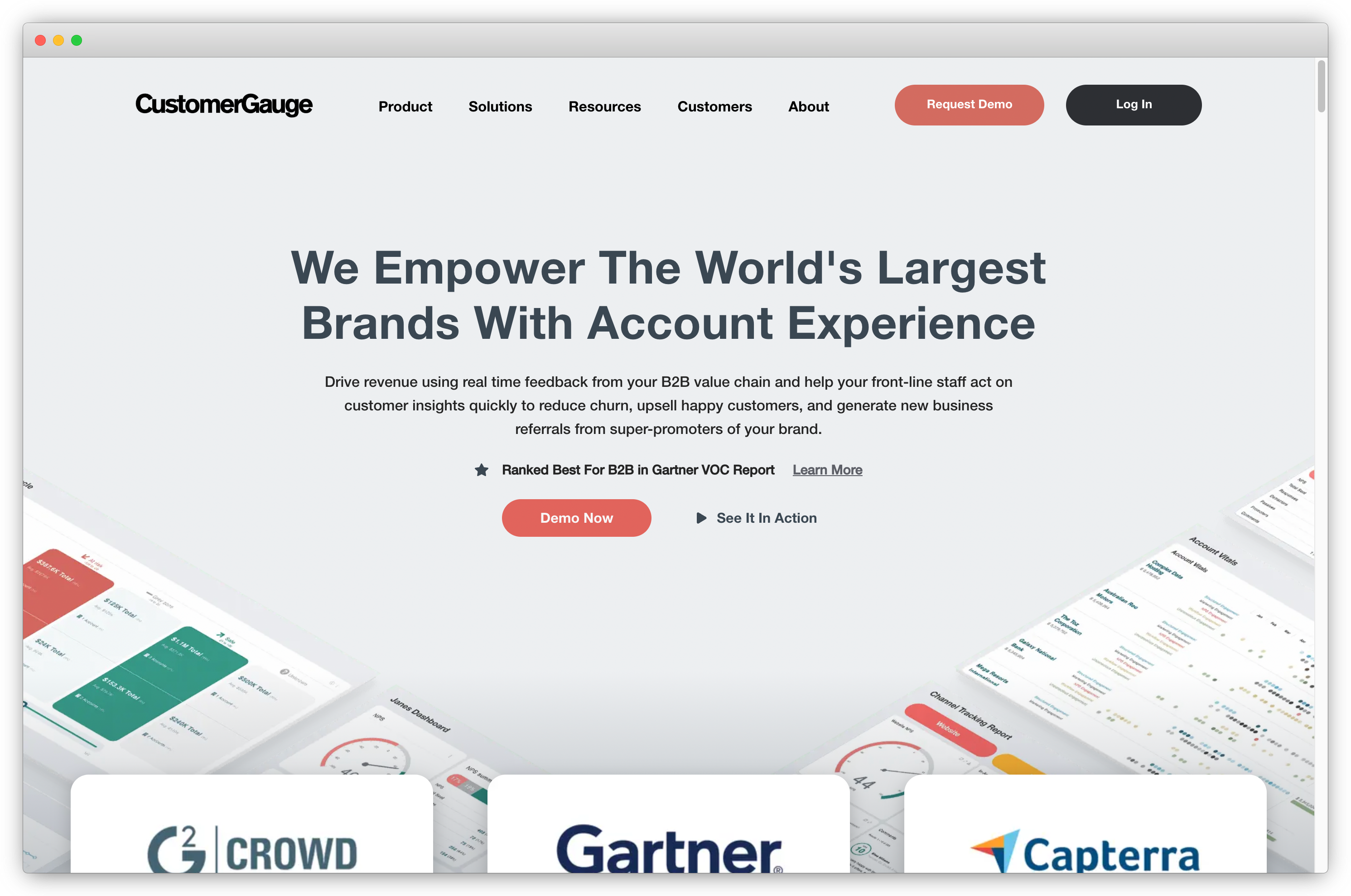
Key Features of CustomerGauge
- Relationship-based NPS collection across key account stakeholders
- Revenue-linked NPS analysis to prioritize high-value clients
- Account Health Score combining customer sentiment, engagement, and churn risk
- Churn prediction models powered by NPS trends
- Segmented reports by industry, region, and account size
- Role-based dashboards for sales, CS, and leadership teams
- CRM and MAP integrations for unified account data
CustomerGauge Pros
- Purpose-built for B2B account-level NPS
- Strong linkage between NPS, revenue, churn, and renewals
- Excellent churn prediction and account health scoring
- Deep segmentation for enterprise B2B structures
- Revenue-based prioritization makes follow-ups actionable
CustomerGauge Cons
- Limited capabilities for transactional or high-volume digital NPS
- Does not support CSAT or CES
- Advanced account mapping requires onboarding support
CustomerGauge Pricing
- Custom pricing based on account volume, user roles, and required features
- Free trial may be available on request
Best Use Case: B2B companies in SaaS, manufacturing, or professional services who want NPS tied directly to account revenue, renewal forecasting, and churn risk. Not just survey responses.
3. Zonka Feedback: Best for Omnichannel NPS Programs with AI Feedback Intelligence
Zonka Feedback is an AI Customer Feedback & Intelligence Platform that collects NPS across every channel, unifies it with support tickets and reviews, and runs AI agents that surface what's driving your scores before you think to ask. Most NPS tools give you a number. Zonka tells you what it means, routes the signal to the right person, and closes the loop automatically. Live in under a week, no consulting required.
- Best For: SaaS, fintech, healthcare, retail, and multi-location businesses needing omnichannel NPS with AI analysis and closed-loop automation
- Use Cases: Transactional NPS, relationship NPS, multi-location CX, in-app NPS, WhatsApp post-purchase surveys, agent and location performance tracking
- G2 Rating: 4.7/5 (80 reviews)
- Compliance: ISO 27001 certified, GDPR and HIPAA compliant
What Do Customers Say About Zonka Feedback?
"Since switching to Zonka Feedback, we've increased our NPS by 30%. The platform makes it simple to run surveys across 30+ countries from one place, with surveys automatically translating across languages instead of us maintaining separate versions for each market." — SmartBuyGlasses (84,000+ responses, 30+ countries)
Why Do Teams Choose Zonka Feedback for NPS?
Teams choose Zonka when they need the full nps program, not just collection. AI Feedback Intelligence clusters open-text responses into themes, scores sentiment at the response and entity level, and ranks issues by business impact rather than frequency. Role-based signals mean a branch manager sees their location's NPS drop, a CSM sees at-risk account signals, and the CCO sees the org-wide picture. No one gets a flat dashboard with everything.
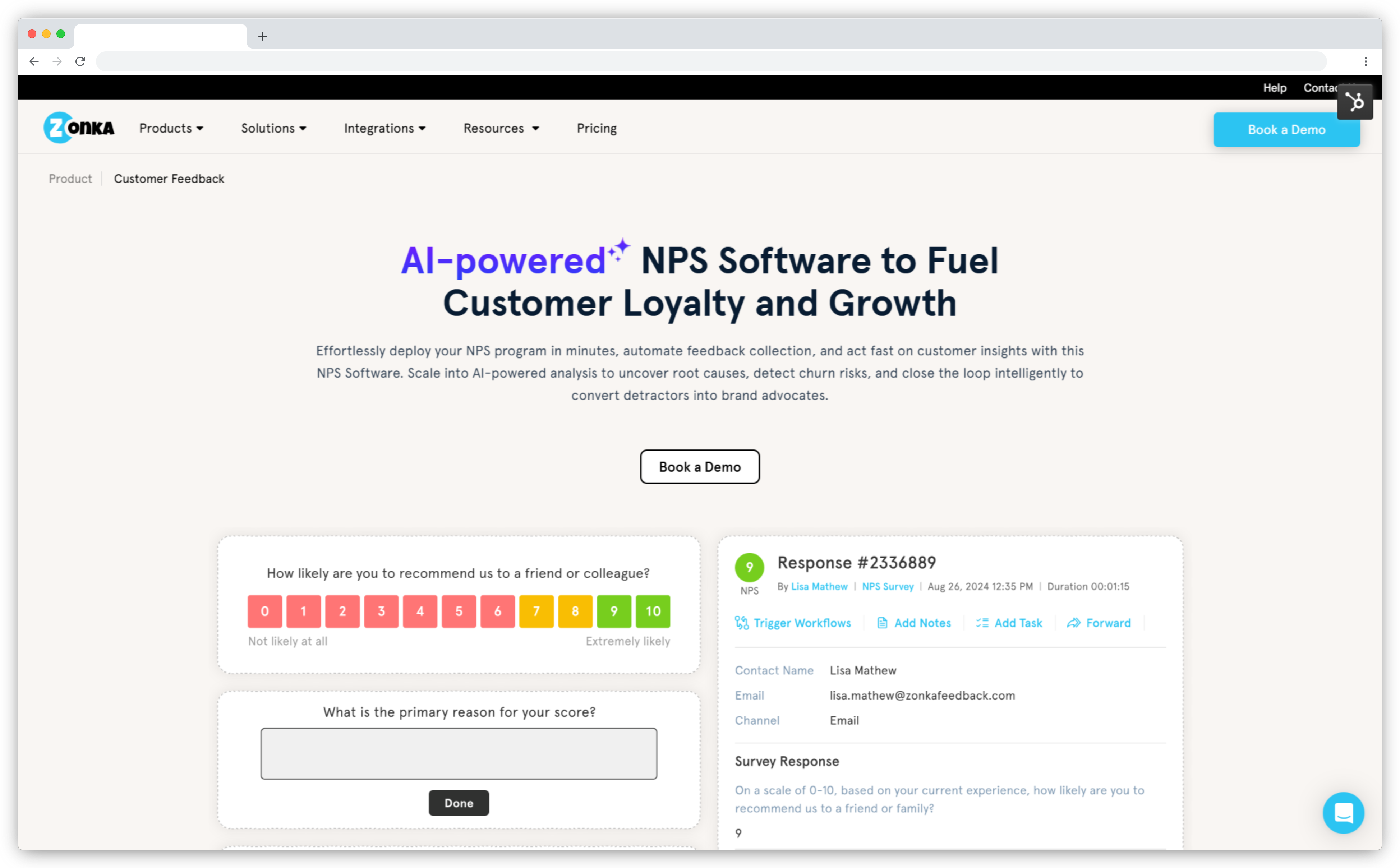
Key Features
- Omnichannel collection across email, SMS, WhatsApp, web widgets, in-app SDKs, offline kiosks, and QR codes
- AI Feedback Intelligence: thematic analysis, sentiment scoring, entity mapping, and impact scoring on open-text nps responses
- Role-based signals that surface the right nps feedback to the right stakeholder automatically
- Closed-loop automation: detractor alerts, helpdesk ticket creation, Jira routing, and auto-responders without code
- Integrations with Salesforce, HubSpot, Zendesk, Intercom, Slack, and 50+ tools
Zonka Feedback Pros
- NPS, CSAT, and CES in one platform. Not NPS-only like CustomerGauge.
- Widest channel coverage on this list: WhatsApp, offline kiosks, in-app SDKs for Android, iOS, Flutter, and React Native
- Proactive AI signals: teams don't need to check dashboards to catch emerging issues
- ISO 27001, GDPR, and HIPAA compliance for healthcare and fintech teams
Zonka Feedback Cons
- Advanced AI features on higher-tier plans
- Reporting requires initial setup to surface the most relevant views per team
Zonka Feedback Pricing
- Custom pricing based on business requirements
Best Use Case: Multi-channel NPS programs where AI needs to surface what's driving detractors, route signals to the right people, and close the loop automatically across locations, agents, and teams.
Boost Customer Loyalty and Retention by Tracking NPS in Real-Time
Use instant nps feedback to take action, improve customer experience, and increase customer satisfaction.

Two NPS platforms are exiting the market. Delighted shut down on June 30, 2026, and GetFeedback Direct follows on December 31, 2026. Teams still on GetFeedback should start migration now, since Salesforce mappings and historical data don't transfer automatically. Read why GetFeedback is shutting down and what to do before the deadline, or compare GetFeedback alternatives and competitors. Former Delighted teams can still review Delighted alternatives to evaluate where to rebuild.
4. Chattermill: Best for AI-Powered Feedback and CX Intelligence
Chattermill is an AI-native customer experience intelligence and Voice of Customer platform designed to unify feedback from surveys, reviews, support, social, and other customer channels in one place. Its core strength is using AI to structure large volumes of unstructured feedback, identify themes and sentiment, surface emerging issues, and help teams understand what is driving key customer experience metrics.
- Best For: Enterprise CX, product, support, and insights teams that need AI-powered analysis of customer feedback across multiple channels.
- Use Cases: Voice of Customer, Customer Feedback Analytics, Sentiment Analysis, NPS Analysis, Customer Experience Intelligence, Issue Detection, Impact Analysis
- G2 Rating: 4.5/5 (299 reviews)
What Do Customers Say About Chattermill?
"I use Chattermill to gather customers' feedback based on keywords relevant to my department, which helps me reshape the product and address concerns in real-time." — G2 Reviewer, Enterprise
Why Do Teams Choose Chattermill For NPS?
Chattermill differentiates itself by moving beyond simply measuring NPS to explaining why customer sentiment changes and what businesses should act on. Its AI models tag feedback by themes and sentiment, while Impact Analysis connects those themes to NPS, Net Sentiment, and Average Score. This gives CX and product teams a more detailed view of the issues driving customer experience rather than relying on a single overall score.
Key Features of Chattermill
- AI-powered analysis of customer feedback across multiple channels
- Automatic theme and sentiment classification
- Unified customer feedback dashboard
- Impact Analysis for NPS, Net Sentiment, and Average Score
- AI-generated Highlights and detailed customer observations
- Custom reports, dashboards, filters, and visualizations
- Anomaly detection and real-time issue alerts
- Feedback enrichment with customer, channel, and business context
Chattermill Pros
- Strong AI-powered analysis of large-scale customer feedback
- Unifies feedback from multiple customer touchpoints
- Goes beyond NPS to identify the themes and issues driving customer sentiment
Chattermill Cons
- Primarily designed for larger organizations with significant volumes of customer feedback
- Advanced analytics and dashboards can require a learning curve
- AI-generated classifications may require validation and refinement for specific business contexts
Chattermill Pricing
- Custom pricing based on the organization's requirements and feedback program
- Pricing is not publicly displayed on the Chattermill website
Best Use Case: Enterprise companies with large volumes of customer feedback across surveys, reviews, support, social, and other channels that want to move beyond basic NPS tracking and use AI to identify customer issues, understand their impact, and turn Voice of Customer data into actionable CX intelligence.
5. Qualaroo: Best for Behavior-Triggered NPS Surveys
Qualaroo helps with sending a follow-up NPS email days after an interaction, it fires micro-surveys ("Nudges") directly inside the product or on a webpage, triggered by behavior like time on page, exit intent, or feature usage. For product and growth teams, that means the NPS question shows up at the moment a customer is actually forming their opinion.
- Best For: Product and growth teams running in-app or on-page NPS tied to specific user behavior
- Use Cases: In-product NPS, website NPS, onboarding NPS, feature-level loyalty checks, churn-intent surveys
- G2 Rating: 4.3/5 (48 reviews)
What Do Customers Say About Qualaroo?
"We needed a tool that can launch a survey anywhere on our website and not just one page at a time. Qualaroo saves a lot of time as it starts analyzing the responses as they come and we can make impactful decisions in real-time." — G2 Reviewer, Retail
Why Do Teams Choose Qualaroo For NPS?
Qualaroo isn't trying to be a full CX platform, it's built for one thing: catching feedback at the exact moment a user is having the experience. Its behavioral targeting (time on page, visit history, page visited, user attributes) means the NPS Nudge only fires for the right users at the right moment, which drives higher response rates than a generic email blast. The trade-off is depth: this is a lightweight, contextual layer, not a replacement for a full closed-loop NPS program.
.png?width=1366&height=621&name=Screenshot%20(83).png)
Key Features of Qualaroo
- Qualaroo Nudges: in-product and website micro-surveys that appear contextually
- Behavioral triggers based on time on page, exit intent, visit history, and user attributes
- No-code setup with ready-made NPS survey templates
- Basic sentiment/text analysis on open-text responses
- Multi-surface deployment: website, in-product, and prototypes
- Integrations with common analytics and CRM tools
Qualaroo Pros
- Fires NPS surveys in the moment, not after the fact — higher response rates
- Behavioral targeting keeps surveys relevant instead of interrupting everyone
- Lighter, faster setup than full-scale CX platforms for product/UX use cases
Qualaroo Cons
- No email, SMS, or offline NPS distribution — in-app/on-page only
- Analytics and reporting are basic compared to dedicated NPS platforms; deeper analysis means exporting data out
- Not built for closed-loop workflows, multi-location tracking, or enterprise-scale NPS programs
Qualaroo Pricing
- Free version available
- Paid plans start at ~$20/month
Best Use Case: Product and UX teams who want to catch NPS signal inside the product or on a webpage at the exact moment of the experience, and don't need email/SMS distribution or closed-loop automation on top of it.
6. Survicate: Best for Multi-Channel NPS with HubSpot Integration
Survicate is a multi-channel survey platform built for small to mid-sized businesses and product teams that want NPS, CSAT, and CES running across web, email, in-app, and mobile without complex setup. Its standout feature is embedded first-question previews: the NPS question appears directly inside the email or webpage without the respondent needing to click through to a separate survey page. Survicate reports this approach drives up to 30% higher response rates compared to standard survey links.
The platform is particularly well-suited to teams that run their customer data through HubSpot. It integrates natively with HubSpot, Intercom, Segment, Amplitude, and Google Analytics, making it one of the cleaner options for product-led teams that want NPS data flowing into tools they already use, without manual CSV exports or Zapier bridges.
- Best For: SMB and product teams wanting multi-channel NPS with HubSpot-native integration and fast no-code setup
- Use Cases: Website NPS, email NPS, in-app NPS, post-onboarding feedback, product adoption surveys, HubSpot-connected CX programs
- G2 Rating: 4.6/5 (180 reviews)
What Do Customers Say About Survicate?
"Survicate is a great tool for gathering customer feedback and market research. It helps us understand what our customers think, find problems, and discover what they need. It's easy to use, which makes creating and sending out surveys simple." — G2 Reviewer, Marketing
Why Is Survicate One of the Best NPS Tools for SMB and Product Teams?
Survicate stands out because it removes the two biggest friction points in NPS programs at small and mid-market scale: low response rates and fragmented data. The embedded first-question format keeps survey completion in the customer's natural flow instead of redirecting them to a separate page. And native integrations with HubSpot and Intercom mean NPS scores land directly in the tools CS and product teams already use to manage customer relationships.
Key Features of Survicate
- Multi-channel survey distribution: website, in-app, email, and mobile
- Embedded first-question previews for higher response rates without redirects
- NPS, CSAT, and CES templates with no-code setup
- Real-time analytics with AI-powered insights and segment filtering
- Native integrations with HubSpot, Intercom, Segment, Amplitude, and Google Analytics
- Audience targeting and event-triggered survey distribution
- Custom branding with survey throttling to prevent over-surveying
Survicate Pros
- Embedded survey format consistently improves response rates vs. link-based surveys
- HubSpot-native integration makes NPS data immediately usable in CRM workflows
- Free plan available (25 responses/month) with a straightforward upgrade path
- Clean no-code setup; teams can go live in under an hour
- Supports NPS, CSAT, and CES, not NPS-only
Survicate Cons
- Advanced reporting is lighter than enterprise platforms like Qualtrics or Gainsight
- Fewer AI analytics features compared to tools with dedicated feedback intelligence layers
- Some users note a pricing jump between plans when scaling response volumes
Survicate Pricing
- Free plan: 25 responses/month
- Business plan: €99/month
- Scale plan: €299/month
- 10-day free trial available
Best Use Case: SMB and product teams running multi-channel NPS programs who want response rates above baseline, a clean HubSpot integration, and a free tier to start without a procurement process.
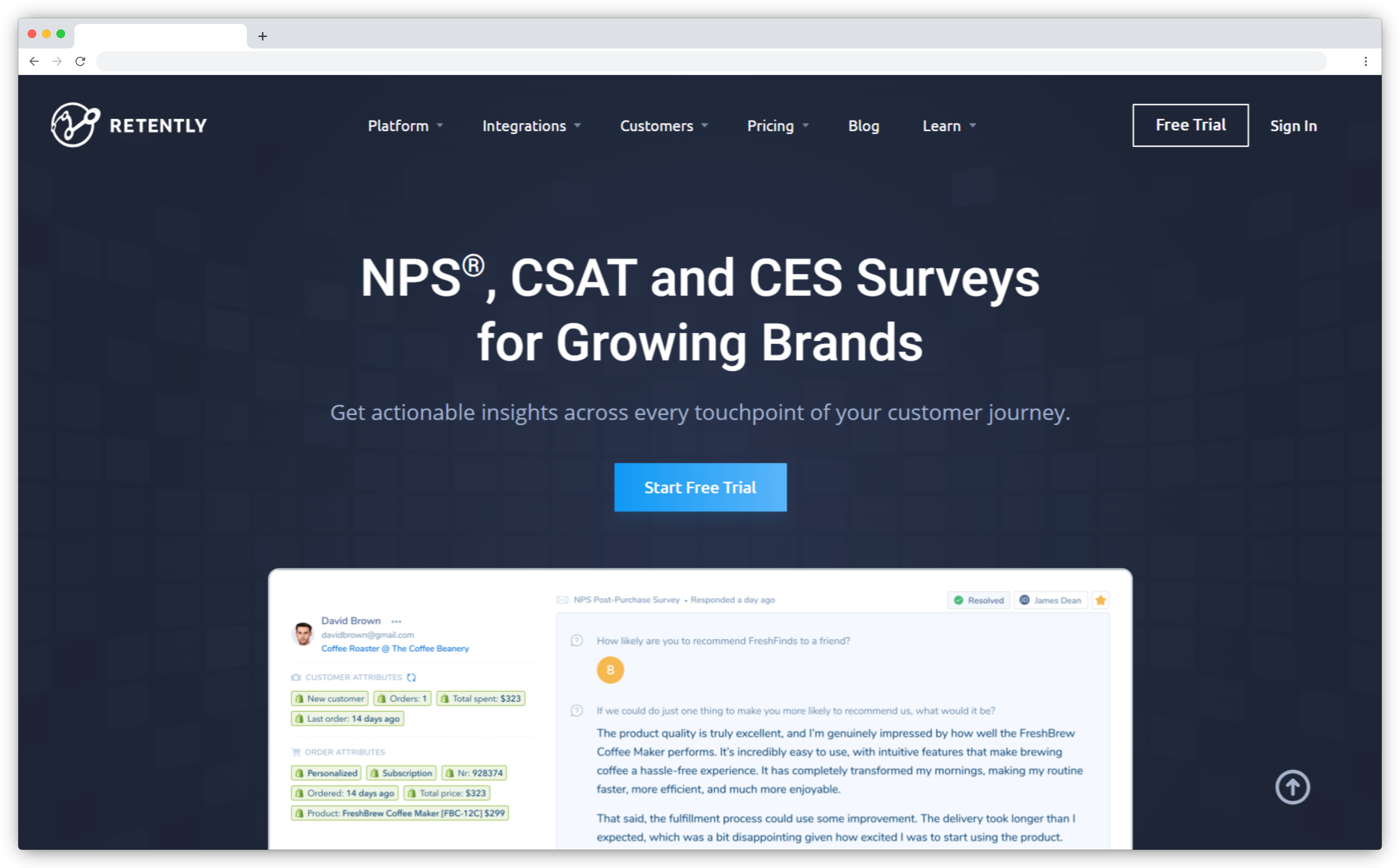
7. Retently: Best for Dedicated NPS Automation in SaaS and Ecommerce
Retently is a customer experience platform built around one job: running NPS programs that follow up automatically. Where broader survey tools treat NPS as one template among hundreds, Retently structures the entire product around the NPS workflow, from score-based survey personalization to detractor follow-ups to promoter review requests. It also supports CSAT, CES, and 5-star surveys, so teams aren't locked into a single metric.
What sets it apart structurally is its plan split. Retently offers separate B2B and Ecommerce tracks, each with tailored integrations: HubSpot, Pipedrive, and Salesforce for B2B teams, Shopify and Gorgias for ecommerce brands. That specialization shows up in the details, like company-level CX scores for B2B accounts and post-purchase triggers for online stores.
- Best For: B2B SaaS companies, ecommerce brands, and customer success teams wanting a focused NPS platform with transparent flat-rate pricing
- Use Cases: Relationship NPS, transactional post-purchase NPS, churn-risk follow-ups, promoter review generation, CSAT and CES tracking alongside NPS
- G2 Rating: 4.7/5
What Do Customers Say About Retently?
"I like its simplicity. It's easy to set up and understand what's going on. We moved from AskNicely to Retently and the improvement is significant." — G2 Reviewer
Why Is Retently One of the Best Dedicated NPS Tools?
Retently stands out because it does one thing deeply instead of many things adequately. Follow-up questions change based on the score a customer gives, so a detractor sees a different path than a promoter. Survey throttling and sampling prevent over-surveying, which protects response rates over time. And automation workflows handle the part most teams drop: notifying the right person when an at-risk account responds, and routing happy customers toward public reviews. For teams that found bigger platforms bloated and simpler tools shallow, Retently sits in the useful middle.
Key Features of Retently
- NPS, CSAT, CES, and 5-star surveys across email, in-app web pop-ups, survey links, Intercom messenger, and kiosk mode
- Score-based personalization: follow-up questions adapt to promoter, passive, or detractor responses
- Automation workflows for detractor alerts, at-risk account notifications, and follow-up autoresponders
- AI-powered text and sentiment analysis to categorize open-text nps responses
- Separate B2B and Ecommerce plan tracks with tailored integrations
- Survey throttling, audience sampling, and subject line A/B testing
Retently Pros
- Transparent flat-rate pricing published on the website. No demo call required to see costs.
- Focused NPS workflow; reviewers switching from broader tools consistently cite simplicity
- Customer support is a recurring highlight across user reviews
- Promoter auto-replies convert high scores into public reviews
Retently Cons
- No native mobile SDK for iOS or Android in-app surveys
- Campaign limits on lower-tier plans can feel restrictive as programs scale
- No free plan, and a smaller public review base than most tools on this list
Retently Pricing
- Starts at $99/month (Ecommerce Basic: 2,500 surveys, 10 campaigns, 3 seats)
- Pro plan at $299/month (20,000 surveys, 10 seats); Enterprise from $599/month, billed annually
- 14-day free trial with no credit card required; no free plan
Best Use Case: SaaS and ecommerce teams that want NPS to run itself: score-based follow-ups, throttled sends, detractor routing, and review generation, without paying for an enterprise suite around it.
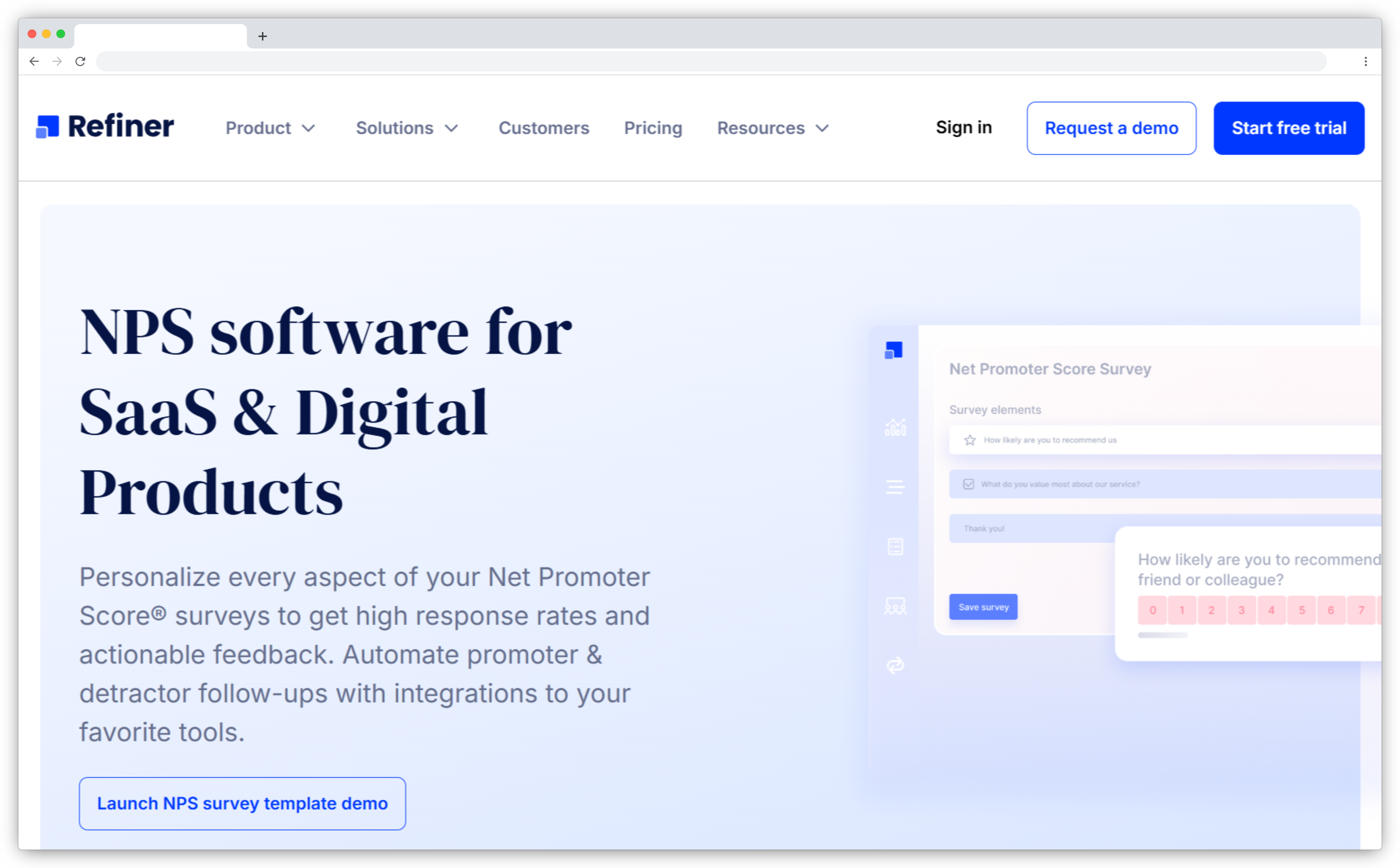
8. Refiner: Best for In-App NPS in SaaS Products
Refiner is a customer feedback platform purpose-built for SaaS companies that rely on in-app NPS and user experience insights. It focuses on behavior-triggered surveys, segment-based targeting, and customizable survey widgets, ensuring nps feedback is collected at the most relevant moment inside the product. With precise targeting and lightweight setup, Refiner helps product and customer success teams measure user satisfaction with high contextual accuracy.
- Best For: SaaS companies, PLG teams, product managers, and customer success teams needing in-app NPS.
- Use Cases: In-app NPS, user onboarding feedback, churn signals, product adoption insights, feature feedback
- G2 Rating: 4.6/5 (24 reviews)
What Do Customers Say About Refiner?
"Refiner is an advanced yet user-friendly tool for SaaS NPS insights. It helps track crucial SaaS-specific metrics while remaining easy to integrate and quick to set up in production. The straightforward implementation and powerful tracking capabilities make it highly reliable for collecting valuable customer feedback." — G2 Reviewer, SaaS
Why Is Refiner One of the Best NPS Tools for SaaS Products?
Refiner stands out because it delivers true in-app NPS with advanced user targeting, something most generic survey tools cannot do as precisely. It lets teams trigger surveys based on user behavior, traits, lifecycle stage, or activity level, making nps feedback highly contextual. This makes Refiner extremely powerful for PLG and SaaS environments where timing, segmentation, and in-app delivery determine the quality of customer insights.
Key Features of Refiner
- Behavior-triggered in-app NPS surveys
- Customizable survey widgets (modals, slide-ins, popups)
- Advanced user segmentation and targeting
- SDK-based integration for web and mobile apps
- Real-time analytics dashboards
- Post-survey dynamic CTAs
- Strong product-led growth alignment
Refiner Pros
- Best-in-class for in-app SaaS NPS
- Highly precise targeting and segmentation
- Extremely contextual customer insights
- Lightweight, flexible, and fast to implement
- Excellent fit for product-led growth companies
Refiner Cons
- Limited AI and deep analytics
- Not ideal for omnichannel NPS programs
- Advanced workflows require third-party tools
Refiner Pricing
- Starts at $99/month
- Free trial available
Best Use Case: SaaS product managers running in-app NPS programs with behavior-triggered survey distribution and account-level segmentation, particularly in PLG or product-led environments.
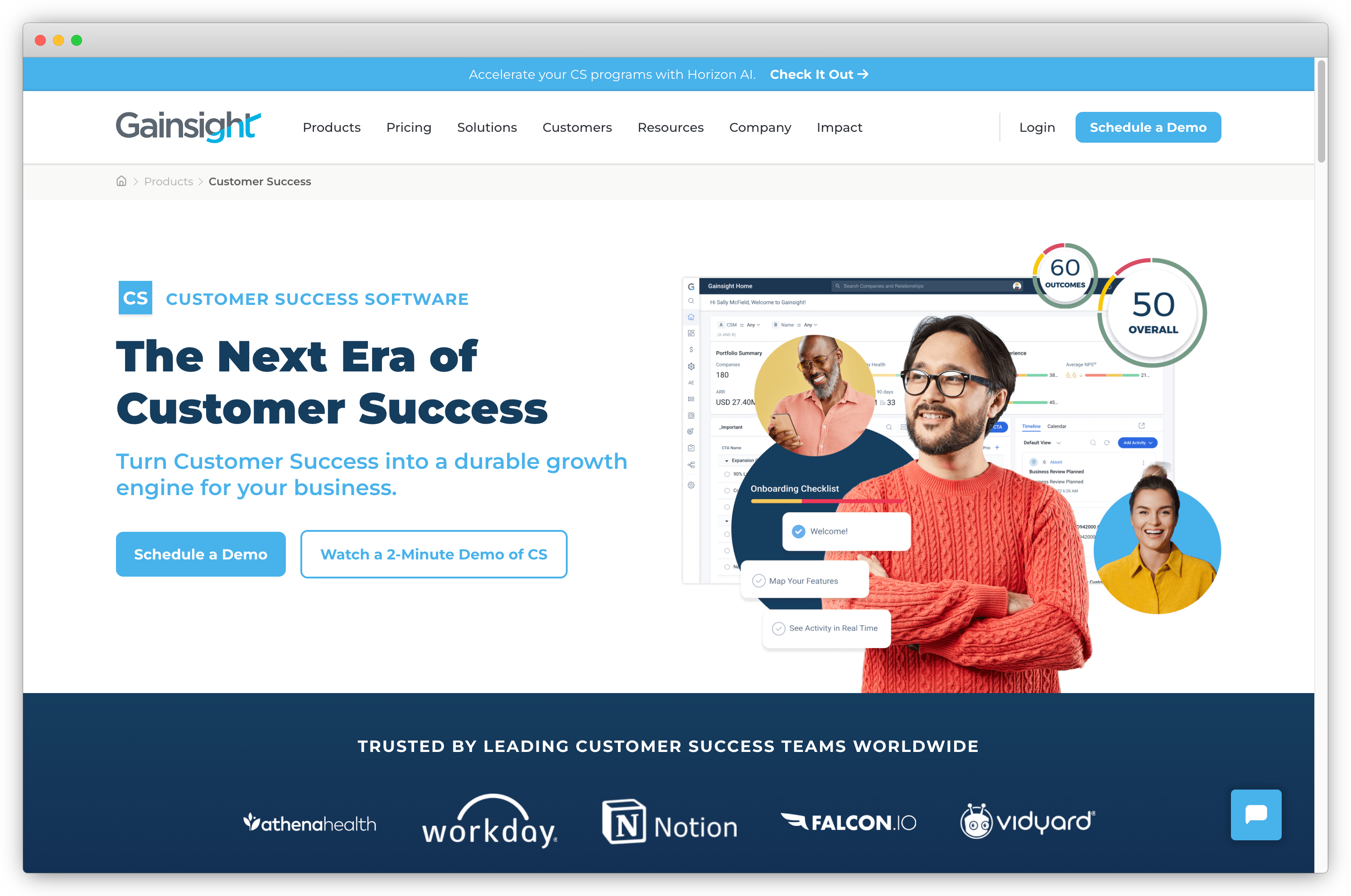
9. Gainsight: Best for Customer Success-Led NPS Programs
Gainsight is an enterprise-grade customer success platform that unifies post-sales workflows across support, product, marketing, and account management. It helps businesses reduce churn and grow revenue through comprehensive health scoring, customer journey orchestration, automated playbooks, and deep integrations with CRM systems. Designed for scaling SaaS and enterprise teams, Gainsight centralizes NPS, product usage insights, and account risk signals for proactive customer success execution.
- Best For: Mid-market and enterprise SaaS, customer success teams, revenue operations, post-sales leadership.
- Use Cases: NPS programs, churn prediction, health scoring, renewal workflows, lifecycle automation
- G2 Rating: 4.5/5 (1,630 reviews)
What Do Customers Say About Gainsight?
"Gainsight helps prioritize customer accounts with clear signals on which accounts need attention and why. Automated cues and timelines keep interactions contextual and consistent, reducing reactive firefighting and improving overall customer health." — G2 Reviewer, Technology
Why Is Gainsight the Best Customer Success and NPS Platform?
Gainsight stands out because it goes far beyond NPS collection. It connects NPS directly to customer health, product usage, revenue, risk signals, and lifecycle journeys. Unlike standard NPS survey tools, Gainsight centralizes engagement data across departments and turns NPS into part of a broader customer success operating system. With powerful playbooks, predictive AI, and enterprise orchestration, it's a leading choice for companies managing large account portfolios and renewal pipelines.
Key Features of Gainsight
- Multi-channel NPS collection (email and in-app)
- Automated playbooks and lifecycle workflows
- Customer Health Scores pulling usage, support, and sentiment data
- Horizon AI for predictive analytics and trend identification
- Customer journey orchestration for digital and human touchpoints
- Role-based dashboards for CS, support, and sales
- Renewal forecasting and risk management
Gainsight Pros
- Industry-leading customer success ecosystem
- Strong predictive insights for churn and revenue
- Enterprise-level customer journey orchestration
- Deep CRM and data integrations
- Comprehensive dashboards for CS, support, and leadership
Gainsight Cons
- Higher cost than standard NPS tools
- Complex implementation requiring structured onboarding
- Heavier learning curve for smaller teams
Gainsight Pricing
- Custom pricing based on business size, features, and data volume
- Free trial not available
Best Use Case: SaaS and B2B companies where NPS is one input among several, alongside health scores, product usage data, and renewal forecasting, inside a broader customer success operating system.
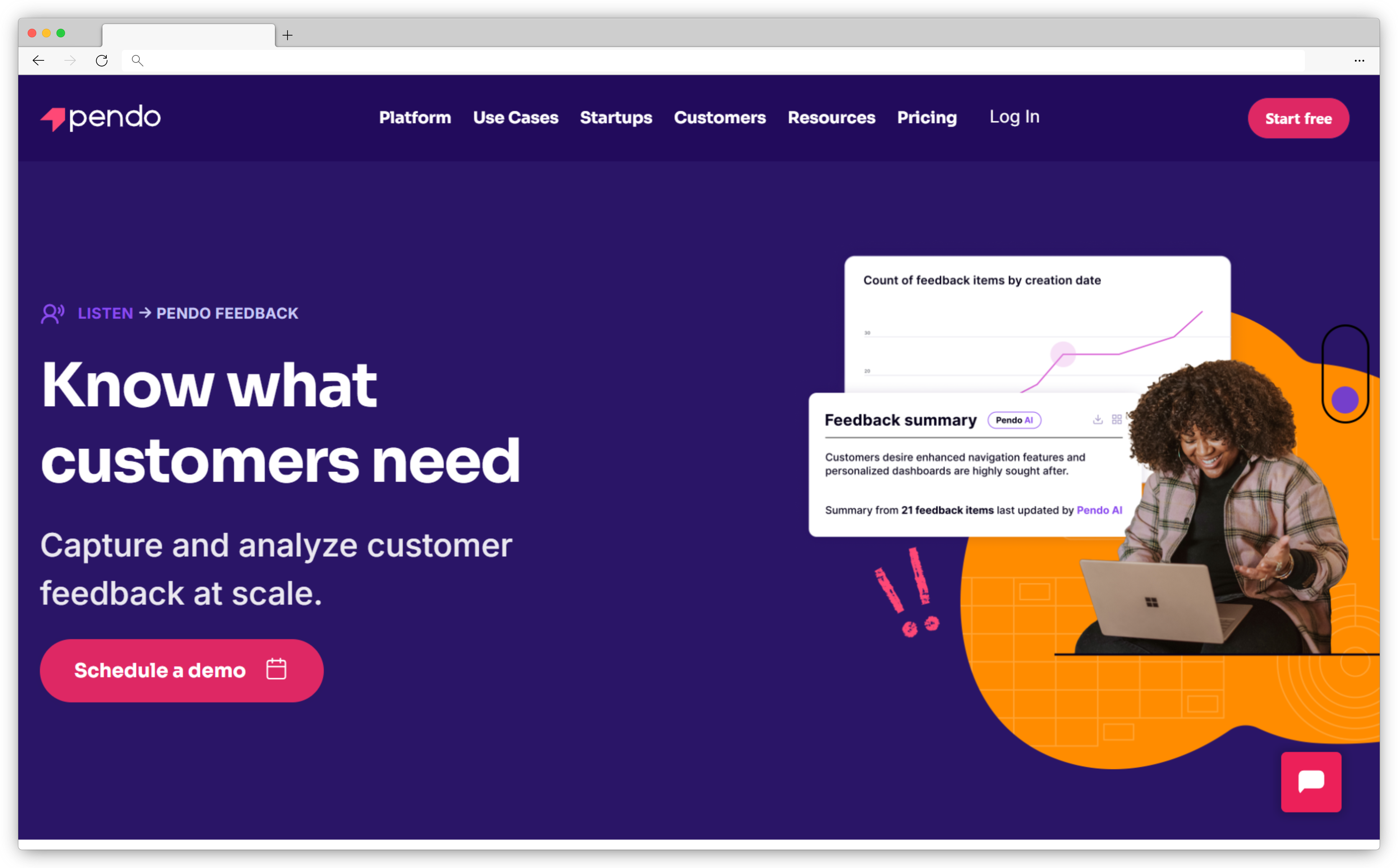
10. Pendo: Best for Product-Led NPS Tied to Usage Analytics
Pendo is a powerful product experience platform that enables SaaS and product-led teams to collect NPS directly inside their applications. By embedding surveys in-app, Pendo captures nps feedback from active users in real time, producing significantly higher response rates and more accurate product sentiment. With strong behavioral targeting, in-app messaging, and built-in analytics, Pendo connects NPS with user behavior, feature usage, and product adoption.
- Best For: SaaS companies, PLG teams, product managers, UX teams
- Use Cases: In-app NPS, onboarding feedback, feature sentiment, product adoption insights
- G2 Rating: 4.4/5 (1,563 reviews)
What Do Customers Say About Pendo?
"Pendo provides detailed feature usage analytics that show exactly how users interact with specific UI elements. The intuitive NPS dashboard clearly breaks down promoters, passives, and detractors with real-time response tracking, helping turn complex user behavior data into actionable product insights." — G2 Reviewer, Technology
Why Is Pendo One of the Best In-App NPS Tools?
Pendo stands out because it combines in-app NPS with product analytics, making it one of the only tools that ties customer sentiment directly to user behavior. You can see why users gave a score by pairing nps results with feature usage, friction points, and adoption data, a major advantage for product-led teams. It is exceptionally strong for collecting nps feedback from active users, though companies needing external-facing NPS (email/web) may need a supplemental tool.
Key Features of Pendo
- In-app NPS surveys triggered based on user behavior
- Email fallback for users who miss in-app prompts
- Customizable survey widgets and branding
- Advanced user segmentation (role, lifecycle, behavior)
- AI-powered sentiment analysis for open-text nps responses
- Trend and cohort-based NPS reporting
- In-app guides and messaging for follow-up
- Strong integration with product analytics
Pendo Pros
- Best-in-class for in-app sentiment collection
- Connects NPS to product behavior and usage
- High response rates from engaged users
- Excellent for PLG and SaaS product teams
- Powerful analytics and sentiment tracking
Pendo Cons
- Limited email and web survey capabilities
- Advanced targeting may require dev support
- Pricing can be high for teams only needing NPS
Pendo Pricing
- Custom pricing based on MAUs and feature set
- Free plan available
Best Use Case: PLG teams that want to trigger surveys based on user behavior inside the product and read nps data alongside feature adoption, activation, and retention metrics in one platform.
11. AskNicely: Best for Closed-Loop CX NPS Programs
AskNicely is built for CX teams that need their NPS program to drive action, not just produce a score. Where most NPS survey tools stop at capturing nps responses and displaying nps scores on a dashboard, AskNicely routes detractor nps feedback to the right team member, automates follow-up workflows, and surfaces daily score visibility for frontline staff and managers. It's the platform that operationalizes NPS.
Service-based businesses, multi-location companies, and CX teams running structured feedback programs use AskNicely specifically because it closes the feedback loop without manual effort. Its frontline coaching features (daily huddles, team leaderboards, and personal score tracking) make it one of the few NPS solutions that changes what frontline staff actually do, not just what leadership reports. Teams handling high volumes of customer interactions across multiple channels find it especially effective for tying customer sentiment to real operational outcomes.
- Best For: Service businesses, CX teams, and multi-location companies running structured NPS programs with operational follow-through
- Use Cases: Post-service NPS, frontline coaching, detractor routing, promoter activation, CX team accountability, customer retention programs
- G2 Rating: 4.7/5 (995 reviews)
What Do Customers Say About AskNicely?
"AskNicely makes it incredibly easy to collect customer feedback at every touchpoint. The automation features ensure no detractor goes unnoticed, and the frontline dashboards have genuinely changed how our team responds to customer concerns." — G2 Reviewer, Customer Success
Why Is AskNicely One of the Best NPS Tools for Closed-Loop CX?
AskNicely stands out because it was built from the ground up around the feedback loop, not just feedback collection. Its detractor routing, frontline coaching tools, and daily-huddle dashboards create a system where every nps response triggers a defined action. For CX teams and service-based businesses, this is the difference between NPS as a metric and NPS as an operating rhythm.
Key Features of AskNicely
- Multi-channel NPS delivery across email, SMS, and web to send nps surveys at key touchpoints
- Automated detractor routing to CSMs or support teams for immediate follow-up
- Frontline dashboards that give daily score visibility and enable team coaching
- Workflow automation that triggers follow-ups based on nps score thresholds
- Integrations with Salesforce, HubSpot, Zendesk, Slack, and 40+ existing systems
- Built-in NPS benchmarking to compare customer loyalty trends against industry standards
AskNicely Pros
- Industry-leading closed-loop workflows (routes detractors, coaches frontline staff, tracks resolution)
- Nearly 1,000 G2 reviews signal a mature, proven nps survey software product
- Strong integration capabilities with CRM and helpdesk tools teams already use
- Frontline coaching features most NPS software platforms don't offer
AskNicely Cons
- Pricing not transparent: requires a demo request for quotes
- Channel coverage is email, SMS, and web only; not built for in-app SaaS NPS
- Heavier than what small teams with basic NPS survey needs require
AskNicely Pricing
- Custom pricing based on business size and team configuration
- No free plan; no public trial
Best Use Case: CX teams and service businesses running active NPS programs who need nps feedback to trigger real operational follow-up: routed detractors, coached frontline staff, and actionable insights flowing to the right people across locations or agents.
12. Typeform: Best for Design-First and Conversational NPS Surveys
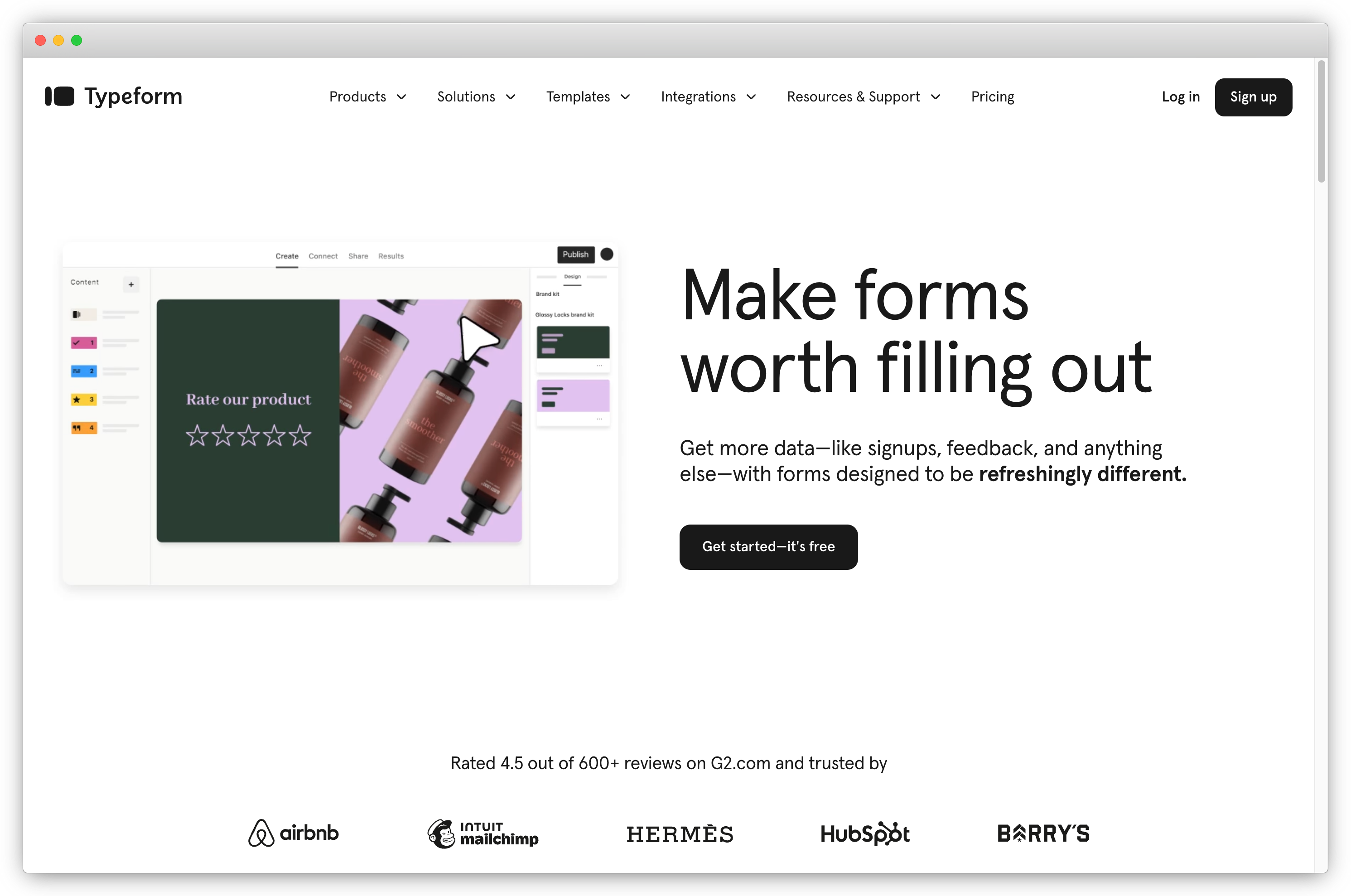
Typeform is a design-centric survey and form builder known for its visually engaging, conversational surveys. While not built specifically for NPS programs, Typeform allows businesses to create simple, branded net promoter score surveys with a modern look and feel. It's ideal for teams prioritizing aesthetic design, easy setup, and high engagement, especially for lightweight customer feedback or small-scale NPS collection.
- Best For: Small businesses, startups, marketers, UX teams, design-focused brands
- Use Cases: Simple NPS collection, onboarding surveys, website feedback, lead-gen forms, quizzes
- G2 Rating: 4.5/5 (944 reviews)
What Do Customers Say About Typeform?
"Typeform's clean, intuitive experience helps boost response rates, while conditional logic and integrations (like Slack and Google Sheets) make it easy to run tailored survey workflows and collect feedback efficiently." — G2 Reviewer, Retail
Why Is Typeform One of the Best Lightweight NPS Platforms?
Typeform stands out because it delivers a highly engaging, conversational survey experience that improves completion rates. Compared to traditional NPS survey tools, Typeform focuses on beautiful design, smooth micro-interactions, and minimal effort setup, making it ideal for small teams or marketers who want visually appealing surveys without complexity. While Typeform lacks advanced analytics and deep NPS workflows, it excels as a simple, user-friendly tool for collecting basic customer loyalty signals.
Key Features of Typeform
- Simple, conversational NPS survey creation
- Drag-and-drop form builder with no code needed
- 3,000+ templates for surveys and forms
- Clean, interactive UI that improves completion rates
- Custom themes, fonts, layouts, and brand styling
- Logic jumps for branching paths
- Multi-channel embedding and sharing
Typeform Pros
- Best-in-class UI and interactive, conversational survey experience
- Extremely easy to set up, ideal for non-technical teams
- Large template library for fast deployment
- Smooth mobile experience
- Strong integrations with marketing and CRM tools
Typeform Cons
- Not built specifically for NPS workflows
- No AI analytics or advanced reporting
- Limited closed-loop capabilities
- Higher-level plans needed for branding and logic jumps
Typeform Pricing
- Basic plan starts at $25/month for 100 responses
- Free plan available
Best Use Case: CX teams and service businesses running active NPS programs who need nps feedback to trigger real operational follow-up: routed detractors, coached frontline staff, and actionable insights flowing to the right people across locations or agents.
How to Choose the Right NPS Software for Your Business Needs?
The right NPS software depends on four factors: how you deploy surveys, whether you need closed-loop workflows, how you analyze open-text nps responses, and which existing systems it needs to connect with.
Selecting the right NPS tool isn't just about sending out a 0–10 survey. It's about choosing a platform that fits your goals, integrates with your workflow, and helps you turn nps feedback into action. A great NPS tool doesn't just collect scores; it helps you improve customer loyalty and reduce churn.
1. Understand Your NPS Goals and Use Cases
Before diving into features, clarify your NPS objectives.
Are you focused on transactional NPS (feedback after specific interactions like purchases or support calls) or relationship NPS (periodic surveys to gauge overall customer sentiment)?
Knowing this will help you select a tool that aligns with your needs.
Consider:
- What insights are you seeking? (Immediate customer satisfaction, long-term loyalty trends, churn risks)
- Who will use the data? (Customer success, product, marketing, or support teams)
- What actions will follow? (Closing feedback loops, improving processes, or engaging promoters)
💡 Pro Tip: Don't limit yourself to one survey type. Combining transactional and relationship NPS provides a complete picture: real-time feedback on specific interactions and broader insights into customer loyalty.
2. Evaluate Survey Setup and Collection Capabilities
A good NPS tool should make it easy to create and distribute nps surveys without a lot of effort.
Look for tools that support:
- Customizable Surveys: Ability to brand surveys, add logic, and support multiple languages.
- Multi-Channel Survey Distribution: Email, SMS, in-app, website pop-ups, or kiosks to reach customers across multiple channels.
- Audience Segmentation: Target specific customer segments based on demographics, behavior, or lifecycle stage.
💡 Pro Tip: Match the channel to the context. Email surveys work best for relationship NPS, while in-app or SMS surveys are ideal for transactional feedback. This ensures relevance. For more on channel selection, see our guide on how, when, and where to collect net promoter score surveys.
3. Use AI Features and In-Depth Reporting to Understand Your NPS Data
A raw NPS score tells you what your customers feel but not why. That's where analytics come in.
Beyond the basic analysis of quantitative data, look for features like:
- AI-Powered Sentiment Analysis: Automatically detect themes and key drivers in open-text nps responses.
- Real-Time Dashboards: Track nps scores and feedback trends and key insights.
- Advanced Reporting: Segment nps data by customer demographics, product usage, or lifecycle stage.
💡 Pro Tip: Use sentiment analysis to dig deeper into open-ended nps responses. This helps uncover recurring issues and opportunities that scores alone won't reveal. Learn more about using sentiment analysis to improve NPS.
4. Focus on Closing the Feedback Loop
Sending NPS surveys and collecting nps data is just the start. Closing the feedback loop is where real improvements happen. Choose a tool that makes it easy to follow up with both unhappy and satisfied customers.
Key features to look for:
- Automated Alerts: Notify teams when detractors respond so they can act fast.
- Follow-Up Workflows: Trigger personalized emails, support tickets, or loyalty offers based on scores.
- Collaboration Tools: Assign nps feedback to the right teams and track issue resolution.
💡 Pro Tip: Speed matters. Responding to detractors within 24 hours can turn a negative experience into a positive one. It shows customers you're listening and value their input. For strategies on managing detractors, see our guide on NPS detractors.
5. Check Integration Capabilities with Your Existing Systems
Your NPS software should work alongside your existing systems to streamline workflows and enrich customer profiles.
Look for integration capabilities with:
- CRMs: Salesforce, HubSpot, or MS Dynamics to centralize customer data.
- Helpdesks: Zendesk or Freshdesk for post-support surveys.
- Marketing Automation Tools: Push nps data into platforms like Mailchimp or ActiveCampaign for targeted campaigns.
💡 Pro Tip: Integrate nps feedback into your CRM to build richer customer profiles and tailor communications based on loyalty levels.
6. Compare Pricing and Scalability
NPS tools come with varying pricing structures, so it's important to find one that fits your budget while supporting future growth.
Consider:
- Pricing Model: Per user, per survey, or flat-rate plans. Choose what aligns with your usage.
- Included Features: Watch for hidden costs related to integration capabilities, analytics, or user limits.
- Scalability: Ensure the tool can handle increased survey volume as your business grows.
💡 Pro Tip: Don't just focus on price. Prioritize value. A slightly higher investment in the right tool can lead to better insights, higher response rates, and more actionable feedback data.
7. Additional Factors to Consider
Beyond features and pricing, a few extra considerations can make or break your NPS program's success.
- Ease of Use: A user-friendly interface ensures quick adoption by teams.
- Security and Compliance: Look for GDPR and ISO 27001 compliance to protect customer data.
- Customer Support: Opt for tools with responsive support teams and helpful resources.
- Trial and Demos: Always test the tool through free trials or demos to ensure it fits your needs.
💡 Pro Tip: Choose a tool that your entire team can use, not just data analysts. Simplicity and usability help ensure your NPS program runs smoothly.
Choosing the right NPS tool goes beyond sending surveys. It's about creating a system that helps you listen to your customers, understand their needs, and act on their nps feedback. The best NPS tools help you:
- Collect real-time feedback across multiple touchpoints in the customer journey
- Analyze customer experience and customer sentiment deeply
- Close the feedback loop quickly and effectively
- Drive customer loyalty and reduce churn
Final Thoughts
Choosing the right NPS tool comes down to how well it fits your needs today and how you plan to use feedback over time. A small team running NPS for the first time will need something very different from a large organization managing NPS programs across products, regions, or teams.
The NPS tools that stand out in 2026 don't just help you collect scores. They help you understand why customers feel the way they do and make it easier to act on that feedback. Features like clear reporting, AI-assisted analysis, closed-loop workflows, and strong integration capabilities matter more than long feature lists.
Most importantly, NPS only works when nps feedback leads to action. The value isn't in the score itself, but in how consistently teams respond, follow up, and improve customer experience based on what they learn.


.png)