.svg)
 Healthcare
 Finance
 Retail
 SaaS & Digital
 eCommerce
 Education
 Salesforce
  HubSpot
 Pipedrive
 Mailchimp
 Klaviyo
 Zendesk
  Intercom
 Freshdesk
 HelpScout
  Front
Front Jira
Jira Slack
Slack  MS Teams
 Zoom
Zoom Google Sheets
  Zapier
  Integrately
 Make
Make  Webhooks



 Sign In
 MS Teams


The best sentiment analysis tools in 2026 are Zonka Feedback, SentiSum, Qualtrics, and Brandwatch. Each serves a different use case: customer feedback analysis, support analytics, enterprise CX, and social listening. Match the tool to where your feedback actually lives.
TL;DR
- This guide covers 20 sentiment analysis tools organized by use case: customer feedback analysis, brand monitoring, market research, social media monitoring, product development, and free options
- Not all tools analyze the same sources. Some focus on surveys and support tickets, others on social media, some on both. Source coverage is the most important filter
- For CX and support teams, look for aspect-based sentiment detection that scores individual topics within a response, not just an overall positive/negative label
- Zonka Feedback's analysis of 1,000,000+ feedback responses found that 29% carry mixed sentiment, 32% mention specific entities, and 23% contain intent signals like churn risk. All of these are invisible to polarity-only tools
- Pricing ranges from free tiers to $6,000+ per year; most mid-market tools start between $79–$499/month
- If you want to skip straight to the tool listings, jump to the comparison table below
Sentiment analysis tools use artificial intelligence, natural language processing, and machine learning to detect the emotional tone in text data.
These tools analyze text to detect how customers actually feel, not just what they chose to rate. Most return a positive, negative, or neutral label. The better ones go deeper: identifying which specific topic drove that sentiment, how intense it is, and whether it carries urgency or a churn signal.
Consider a single support ticket: “The onboarding team was great, but the product crashes constantly.” A basic tool scores that as mixed and moves on. An aspect-based tool scores support positively and stability negatively. Two signals, two different teams, two different actions required. That’s the gap these tools are built to fill.
What Are the Different Types of Sentiment Analysis?
There are four main types of sentiment analysis: fine-grained analysis, aspect-based sentiment analysis, emotion detection, and intent analysis. Each one answers a different question about how your customers feel.
Fine-grained analysis classifies feedback on a scale beyond positive, negative, and neutral. A five-point range (very positive to very negative) gives you intensity alongside direction. Qualtrics’ Text iQ uses a numeric -2 to +2 scale specifically for this.
Aspect-based sentiment analysis (ABSA) assigns sentiment to specific topics within a single response rather than scoring the comment as a whole. If a customer writes “great support, terrible UI,” ABSA scores those separately. This is the most useful type for CX and product teams working with NPS open-text responses or support tickets.
Emotion detection goes beyond polarity to identify specific emotional states: frustration, delight, confusion, anger, disappointment. A customer who writes “I guess it works” is not expressing satisfaction. Emotion detection catches the difference.
Intent analysis classifies what the customer wants to do: complain, request a feature, advocate, escalate, or ask a question. Each intent type routes to a different team and triggers a different response.
Most AI-powered sentiment analysis platforms combine several of these types. The question goes beyond which type to use. It’s whether the tools you’re evaluating go beyond the first one.
Why Sentiment Analysis Matters for Your Business in 2026
Sentiment analysis matters because your customers are already telling you what’s wrong. The problem is it’s buried in open-text responses, chat logs, and reviews that standard analytics can’t process.
Zonka Feedback’s internal analysis of 1,000,000+ feedback responses across industries and 8 languages puts numbers on it: 29% carry mixed sentiment, 32% mention specific entities like staff names or competitors, and 23% contain clear intent signals like churn risk or feature requests. Your team is already collecting that data. Most of it never gets read.
Here’s why that matters:
- It catches churn before it shows up in your metrics. Customers signal intent to leave in open-text responses weeks before they act on it. A rating alone won’t tell you that.
- It tells you which topic drove a score, not just the score. An NPS of 6 is not actionable. The open-text response pointing to a specific billing flow is.
- It surfaces what structured metrics miss. A 4-star review ending with “starting to look at alternatives” is a churn signal that never registers as a low score.
- It routes the right signal to the right team automatically. A product bug and a billing complaint belong in different queues. Sentiment analysis separates them without manual reading.
- It tracks satisfaction at the level that actually drives decisions. Not one company-wide average. Per agent, per location, per feature, per week.
Volume makes manual analysis impossible. A support team processing 2,000 tickets a month can’t manually read every open-text comment. Sentiment analysis tools read all 2,000 and surface the 40 that need immediate attention. That’s not a productivity gain. It’s a category shift in what your team can see.
What Features Should You Look for in a Sentiment Analysis Tool?
Polarity detection (positive, negative, neutral): The baseline. Every tool does this. The question is whether it stops here.
Aspect-based sentiment analysis: Assigns sentiment to specific topics within a response, not just an overall label. This is what makes the difference for CX and support teams.
Emotion detection: Identifies frustration, delight, confusion, and anger beyond the polarity label. A customer can sound neutral but register frustration in their word choice.
Intent detection: Classifies what the customer wants: complaint, feature request, escalation, or advocacy. Each type routes to a different team.
Urgency detection: Flags time-sensitive language so high-priority responses don’t get buried in the queue.
Entity recognition: Identifies staff members, products, locations, or competitors mentioned in feedback, so you know what customers feel sentiment about, and who they’re pointing to.
Source coverage: Which channels does it ingest? Some tools only handle surveys. Others cover tickets, reviews, social, and calls. Match this to where your feedback actually lives.
Multilingual support: If your customers write in more than one language, you need consistent sentiment detection across all of them. Applying translated English models globally won’t give you that.
Workflow automation: Can it route negative feedback automatically? Trigger alerts on negative sentiment spikes? Send follow-ups based on detected churn risk? Detection without action is just another dashboard nobody checks.
How Do You Choose the Right Sentiment Analysis Tool for Your Team?
Choose a sentiment analysis tool by matching it to where your feedback lives first, then evaluating depth, integrations, and price. One question cuts through most of the noise: what does your team actually need to do with the output?
| If your primary need is... | Look for... | Tools to start with |
| Analyzing NPS, CSAT, and support ticket language | Aspect-based detection, closed-loop workflows, multi-source ingestion | Zonka Feedback, SentiSum, Qualtrics |
| Monitoring brand reputation online | Real-time monitoring across 25M+ sources, sentiment alerts, influencer analysis | Brand24, Birdeye, Brandwatch |
| Social media sentiment across platforms | Multi-platform integration, hashtag tracking | Sprout Social, YouScan, Hootsuite |
| Product feedback and roadmap prioritization | Feature-request sentiment, urgency alerts, roadmap integration | Canny, UserVoice, Enterpret |
| Market research and competitor analysis | Consumer insight AI, competitor benchmarking, trend detection | Brandwatch, Meltwater |
| Open-ended survey and research feedback | Semantic coding, longitudinal tracking, multilingual accuracy | Blix, Dovetail |
| Developers building sentiment into a pipeline | API access, free tier for prototyping | MeaningCloud |
| Call center QA and conversation analysis | 100% conversation coverage, agent-level sentiment data | Enthu.AI |
Two factors that often get underweighted: volume and integration depth. Most tools perform adequately at low volume. At 10,000+ responses per month, accuracy gaps and taxonomy inconsistencies become expensive. And a tool that detects a churn risk signal but requires manual handoff to your CRM loses half its value. Look for platforms that write results back to the tools your team already uses.
If you’re also comparing tools to collect and analyse customer feedback with sentiment-specific platforms, the two categories overlap significantly at the enterprise end of the market. Teams running structured NPS tools for SaaS teams programs will find sentiment analysis explains the ‘why’ behind the NPS score. The two capabilities work together, not in place of each other.
How to Test a Sentiment Analysis Tool Before You Buy
Test any sentiment analysis tool on your own historical data before committing. Most vendors demo on clean, clearly-worded feedback. Real feedback is messier. Four tests reveal what actually matters.
Test 1: Negation check. Paste a sentence like “I’m not happy with the response time.” A weak tool flags “happy” and scores positive. A good one processes the negation correctly. If it fails here, it fails across hundreds of mixed-signal responses every week.
Test 2: Mixed-emotion handling. Use a real comment with two distinct sentiments: “The onboarding team was great, but the product crashes constantly.” The output should separate the staff sentiment from the product sentiment. If it returns a single “mixed” label and stops there, you’re getting response-level scoring, not aspect-based analysis.
Test 3: Intensity test. “I’m a bit annoyed” and “I’m furious” should not score the same. Tools with numeric scoring or intensity tiers catch this. Polarity-only tools don’t.
Test 4: Domain language test. Run 20–30 real responses through the tool. If your product has industry-specific terms: procedure names, SKUs, internal jargon. Generic models will misclassify them. Custom-trained models handle this. Off-the-shelf API tools often don’t.
The accuracy gap between a polished demo and your actual production data is where most buying decisions go wrong.
How We Evaluated These Sentiment Analysis Tools
Disclosure: We're the team behind Zonka Feedback, so we want to be transparent about that. This guide is based on hands-on research, official documentation, recent G2 reviews, and real feature comparisons across each platform. Tools are organized by use case, not ranked by preference. We included Zonka Feedback because it belongs in this comparison, and described it with the same structure and depth as every other tool.
Our evaluation covered four criteria: depth of sentiment detection, source coverage, real-world usefulness, and verified G2 ratings. Depth means: does it go beyond positive/negative to detect emotion, intent, and urgency? Source coverage means: which channels can it ingest? Real-world usefulness means: does the output help teams decide what to do?
Best Sentiment Analysis Tools Compared
Here’s a quick overview of all 20 tools by use case, G2 rating, and free trial availability.
| Use Case | Tool | Best For | G2 Rating | Free Trial |
| Customer Feedback Analysis | Zonka Feedback | AI-powered customer feedback management | 4.7/5 | Demo required |
| Refiner | In-app sentiment for SaaS teams | 4.6/5 | Free version | |
| SentiSum | Support and contact center analytics | 4.6/5 | No | |
| Dovetail | Qualitative research and interview analysis | 4.7/5 | Free version | |
| Enterpret | Product feedback with custom sentiment models | 4.6/5 | No | |
| Anecdote AI | Multi-source feedback and competitor benchmarking | 4.7/5 | 14 days | |
| Medallia | Enterprise omnichannel experience management | 4.4/5 | No | |
| Qualtrics | Enterprise CX research and survey analytics | 4.5/5 | Available | |
| Brand Monitoring | Birdeye | Multi-location reputation management | 4.8/5 | No |
| Brand24 | Social media and online brand monitoring | 4.6/5 | 14 days |
Best Sentiment Analysis Tools for Customer Feedback Analysis
The tools in this category are built for teams running NPS, CSAT, and CES programs. They also handle unstructured feedback from surveys, tickets, and reviews. Analyzing customer feedback well means going deeper than an overall score. It means understanding which topics drove the sentiment, and what to do about it.
1. Zonka Feedback: Best for AI-Powered Customer Feedback Analysis
Best for: AI-Powered Customer Feedback Analysis
G2 rating: 4.7/5
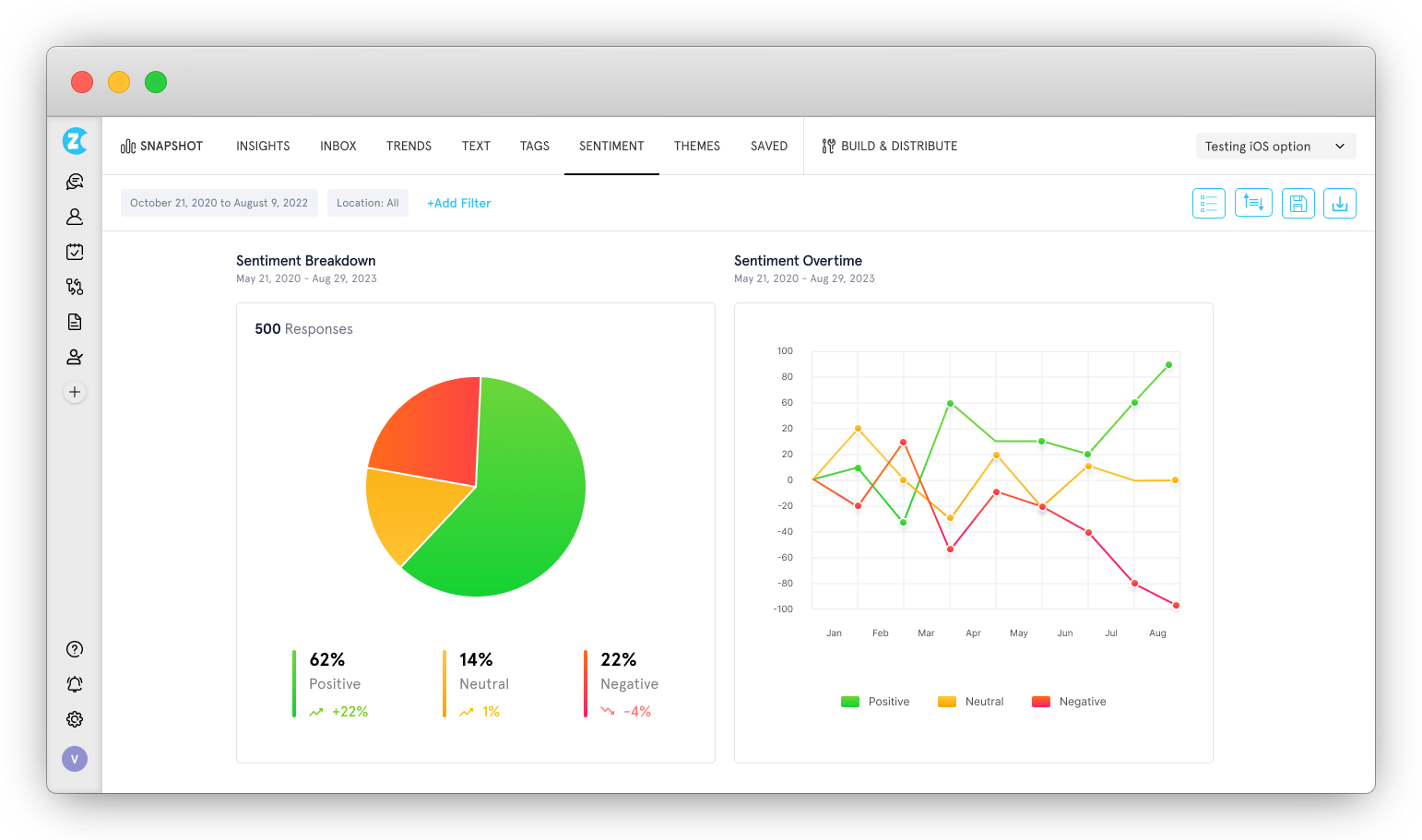
Zonka Feedback detects sentiment at the theme level, not the response level. When a customer writes "onboarding was smooth, but billing support was slow," it scores those as two separate signals. Most tools return one blended label for the whole comment.
Where most sentiment platforms wait for you to ask what’s wrong, Zonka’s AI agents signal it first. Delivery complaints in a region up 340%. Three top accounts mentioning billing friction in the same 14 days. A branch NPS dropping 12 points in 72 hours. Each surfaces automatically, routed to the right team before anyone opens a dashboard.
It ingests from surveys, tickets, Google Reviews, G2, App Store, and social channels. Every response runs through thematic analysis, experience signals, and entity recognition simultaneously. SmartBuyGlasses grew NPS by 30% after deploying Zonka across their global feedback program. Sentiment model customization is available on higher-tier plans only.
Key Features
- Sentence-level detection of sentiment, emotion, urgency, and intent within each response, not just an overall polarity score
- Thematic analysis that automatically clusters feedback into recurring themes and applies AI-generated tags without manual coding
- Predictive insights that forecast NPS and churn shifts and highlight high-impact areas before they escalate
- AI-powered workflows that route negative feedback, escalate urgent cases, or trigger loyalty campaigns automatically
- Visual rollups by product, location, or team that surface key drivers of delight and churn for executive review
- Multilingual analysis with auto-translation and contextual smart replies across 30+ languages
Pricing: Custom
Free trial: (14 days) Available on Request
2. Refiner: Best for In-App Sentiment for SaaS Product Teams
Best for: In-App Sentiment for SaaS Product Teams
G2 rating: 4.6/5
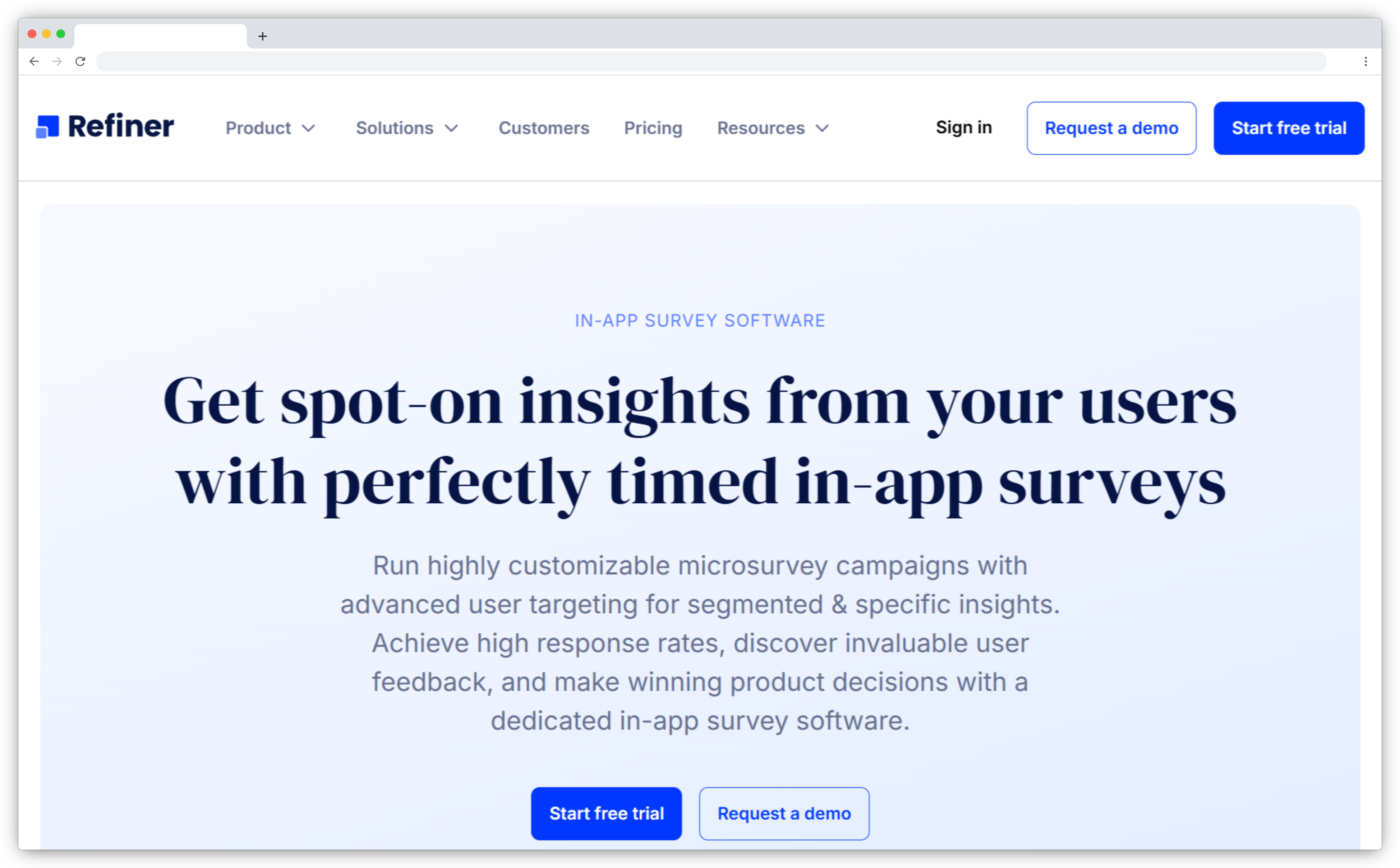
Refiner fires surveys based on specific user actions, milestones, or behaviors inside your product. The sentiment data comes in context, tied to what the user was doing when they responded. Generic survey platforms collect feedback in isolation. Refiner connects it to the moment.
The AI layer analyzes open-text responses for sentiment, keywords, and recurring themes. It also layers in user properties like plan tier, lifecycle stage, and usage behavior. A PM can filter NPS responses by the exact segment they care about, without building a custom report.
It's built for SaaS and digital products. It won't handle call center conversations or monitor external review platforms. Teams looking specifically for contextual feedback collection tools for mobile and SaaS will find Refiner among the most focused options for that use case.
Key Features
- Event-triggered surveys that fire based on specific user behaviors, milestones, or product actions
- Sentiment detection on open-text responses with keyword clustering and theme grouping
- User segmentation that filters sentiment insights by plan, role, or lifecycle stage
- Churn signal detection that surfaces negative sentiment patterns linked to at-risk users
- Integrations with Segment, HubSpot, Intercom, Amplitude, and Mixpanel
Pricing: Custom (typically from $79–$200/month)
Free trial: Free version available
3. SentiSum: Best for Support and Contact Center Sentiment Analysis
Best for: Support and Contact Center Sentiment Analysis
G2 rating: 4.6/5
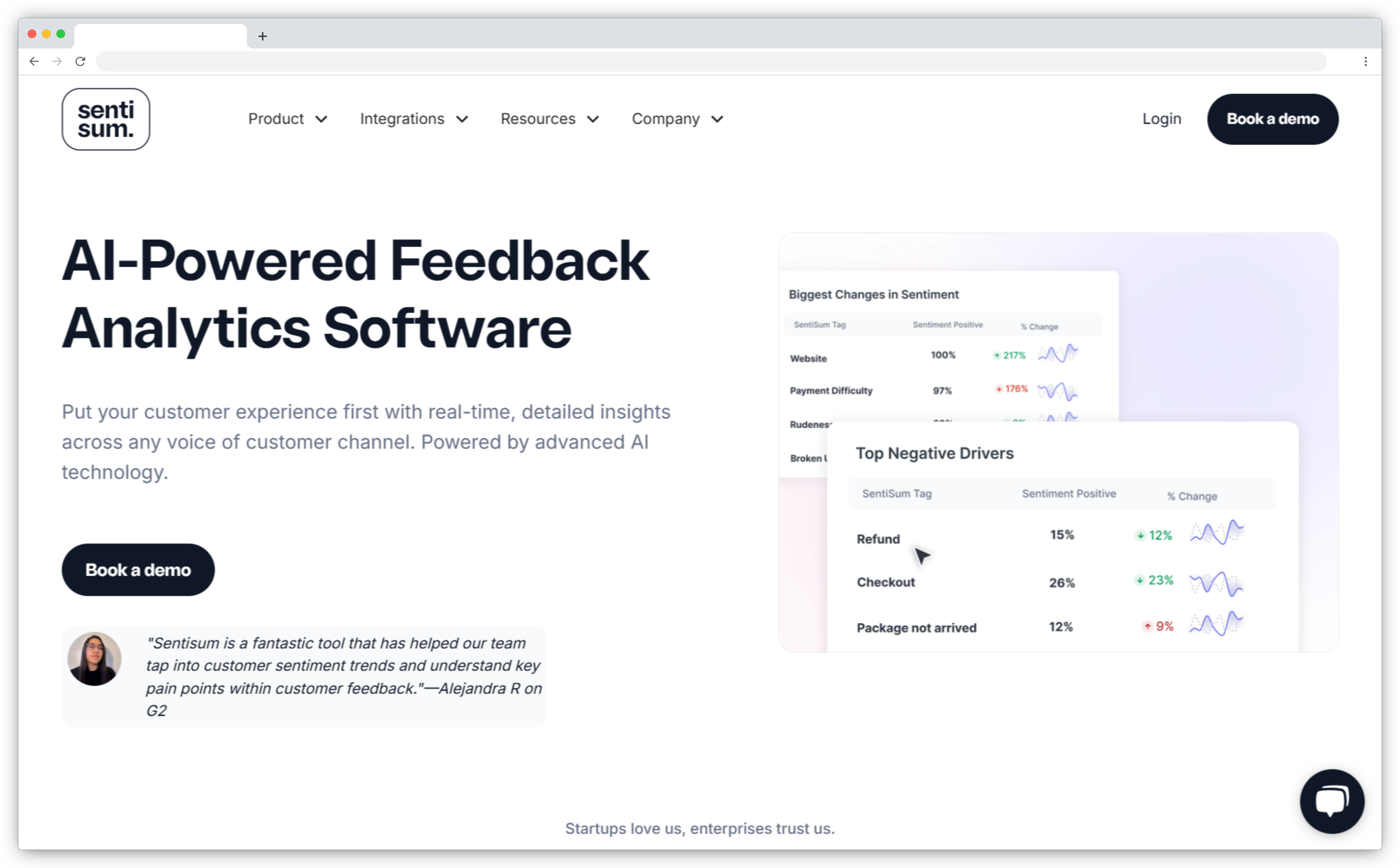
SentiSum tags specific topics within every ticket or chat and scores each one separately. A delayed order complaint gets distinct scores for the delivery experience and the support interaction. That's aspect-level analysis — not one blended label per ticket.
It integrates natively with Zendesk, Intercom, Freshdesk, and Salesforce. Coverage extends to 100+ languages, which matters for global support queues. Pricing starts around $1,000/month. It's designed for teams processing thousands of conversations. It's not the right fit for smaller operations.
Key Features
- Aspect-based sentiment tagging that scores individual topics within each support conversation
- Intent and urgency detection to surface escalation risks before they compound
- Auto-routing that sends high-priority or negative feedback to the right team in real time
- Multilingual sentiment analysis across 100+ languages with contextual understanding
- Native integrations with Zendesk, Intercom, Freshdesk, and Salesforce
Pricing: From ~$1,000/month
Free trial: No
4. Dovetail: Best for Qualitative Research and Interview Analysis
Best for: Qualitative Research and Interview Analysis
G2 rating: 4.7/5
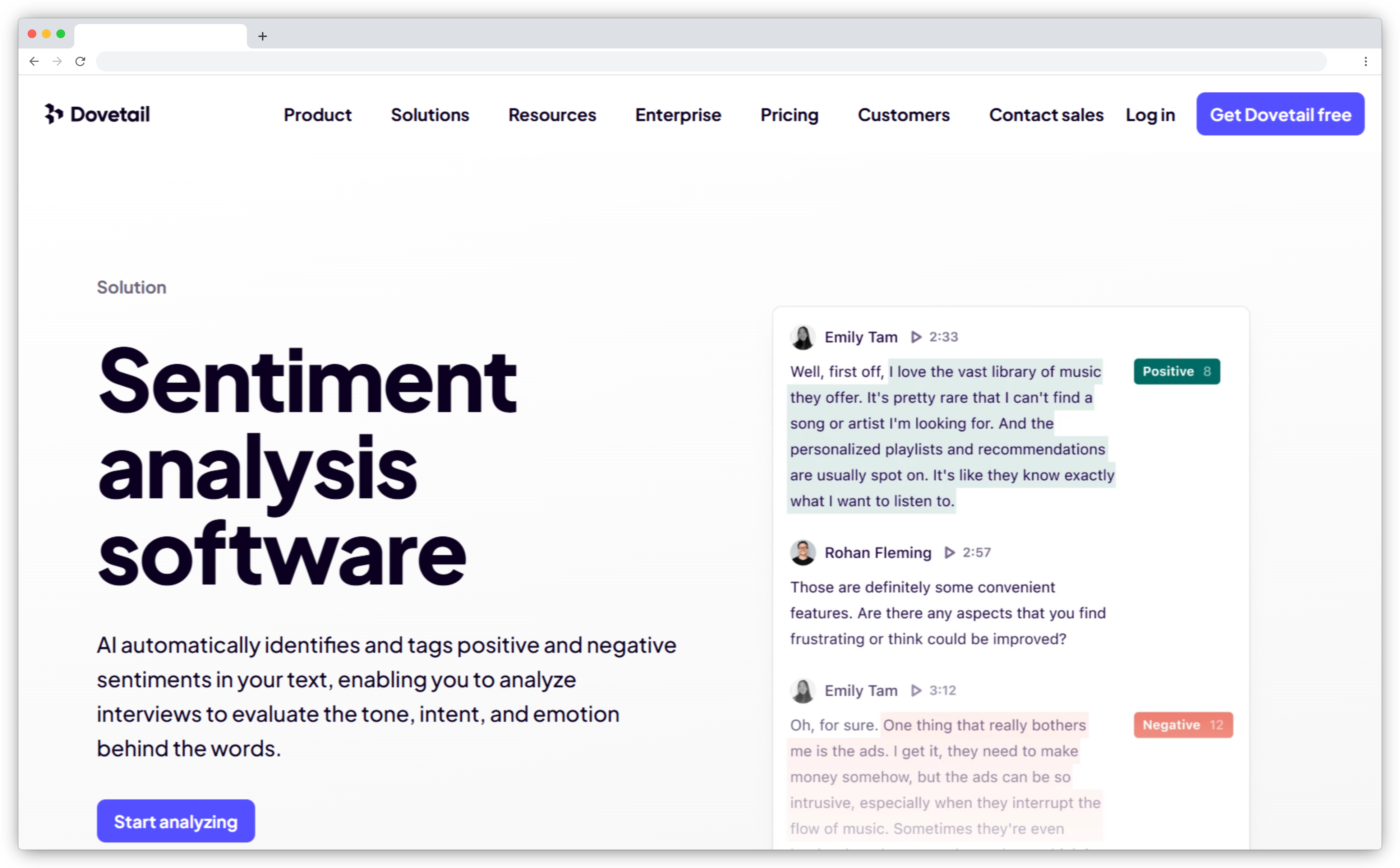
Dovetail is built for research teams that work with interviews, customer calls, and survey responses. It uses AI to tag sentiment, cluster themes, and generate summaries across qualitative data sources. The visual canvas lets you arrange and explore those themes without building a separate spreadsheet.
It's the tool you reach for when the output needs to become a stakeholder presentation, not a data export. Transcripts, uploaded documents, and survey responses all live in one searchable workspace.
It's optimized for qualitative depth. It doesn't do real-time ticket triaging, automated feedback routing, or large-scale CX metrics. Teams specifically looking for software to cluster and analyse open-text feedback by theme will find more dedicated options in our separate comparison.
Key Features
- AI sentiment tagging across interviews, transcripts, and survey responses
- Thematic clustering that groups related feedback excerpts into meaningful patterns
- AI-generated summaries of qualitative sessions with emotional tone highlights
- Natural language search that surfaces emotion-linked excerpts on demand
- Collaborative workspace for sharing and annotating insights across teams
Pricing: Free plan available
Free trial: Enterprise: Custom pricing
5. Enterpret: Best for Product Feedback with Custom Sentiment Models
Best for: Product Feedback with Custom Sentiment Models
G2 rating: 4.6/5
Enterpret builds a custom ML model for each customer instead of applying a generic taxonomy. If your users consistently describe a problem as "load time" or "lag," the model learns that phrase in your product's context. Off-the-shelf tools frequently misclassify domain-specific language.
It pulls from 150+ sources: Slack, Zoom, Gong, Intercom, surveys, and more. An AI Copilot handles natural language queries on the dataset. A PM can ask "What's driving negative sentiment on onboarding this quarter?" and get a structured answer without writing a query or building a report.
It's built for mid-market and enterprise product teams. It's over-engineered for smaller operations that need basic feedback analysis.
Key Features
- Custom-trained sentiment models built on your product's specific language and terminology
- Unified feedback ingestion from 150+ sources including calls, reviews, and chat platforms
- AI Copilot that answers natural language questions about your full feedback dataset
- Predictive sentiment trends that flag shifts before they grow into larger problems
- Automatic tagging of churn risk, feature issues, and urgency signals across all feedback
Pricing: From ~$1,000/month
Free trial: No
6. Anecdote AI: Best for Multi-Source Feedback and Competitor Benchmarking
Best for: Multi-Source Feedback and Competitor Benchmarking
G2 rating: 4.7/5
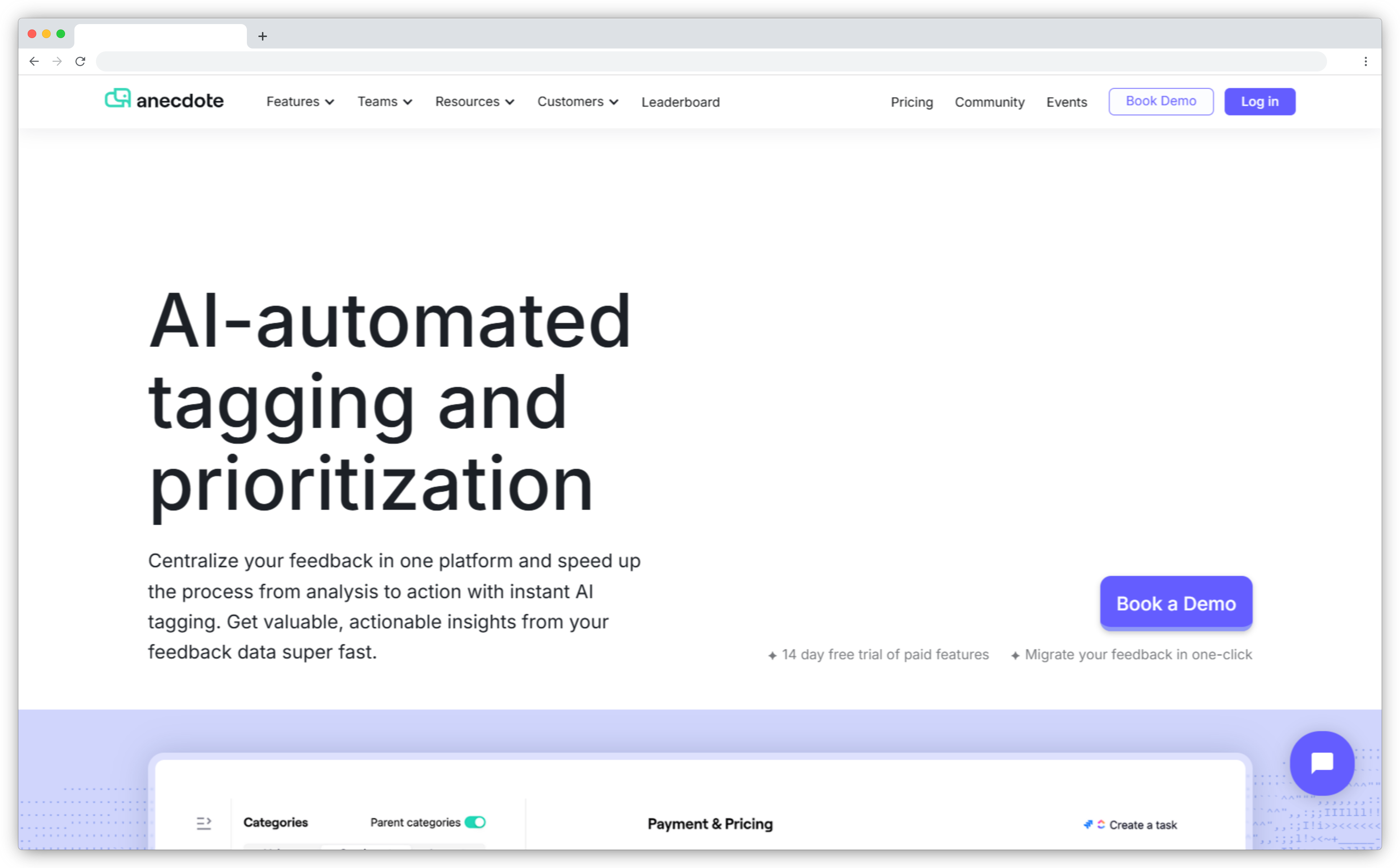
Anecdote AI pulls from 125+ sources: NPS responses, app store reviews, support tickets, and competitor reviews. It surfaces prioritized insights without a multi-day analyst cycle. Most sentiment tools only analyze your own data. The competitor benchmarking layer changes that.
It tells you whether a customer frustration is specific to your product or an industry-wide pattern. For product and competitive intelligence teams, that cross-dataset context is hard to replicate otherwise. Real-time alerts flag spikes in negative sentiment before they escalate.
Pricing isn't public and is positioned for mid-to-large teams.
Key Features
- Multi-source ingestion from 125+ channels including internal feedback and public competitor reviews
- Competitor sentiment benchmarking that compares your signals against public competitor data
- Real-time anomaly detection that surfaces unusual sentiment spikes before they escalate
- Priority tagging and automated routing for high-impact or negative feedback items
- Natural language search across your full feedback dataset
Pricing: Custom
Free trial: 14 days
7. Medallia: Best for Enterprise Omnichannel Experience Management
Best for: Enterprise Omnichannel Experience Management
G2 rating: 4.4/5
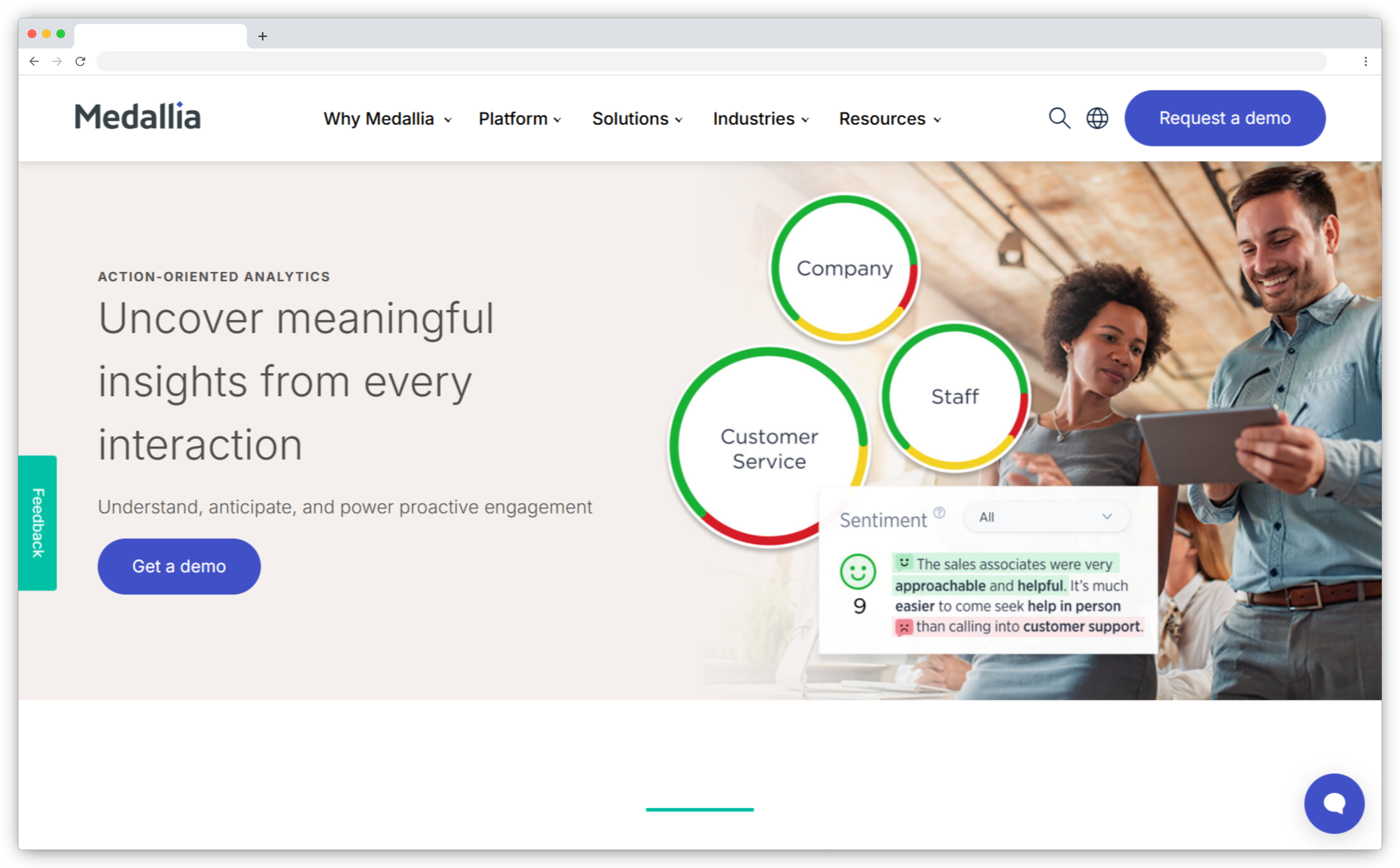
Medallia processes unstructured data from surveys, chats, emails, and calls at enterprise scale. Its prebuilt industry-specific AI models produce accurate topic-level sentiment scores without a lengthy training phase. For enterprise deployments where a three-month setup timeline isn't viable, that matters.
Following its acquisition of MonkeyLearn, teams can build custom tagging workflows and sentiment models in a no-code environment. Compound topic tracking handles responses where multiple issues co-exist in a single comment. This is where simpler tools tend to fail at volume.
It's a comprehensive platform. Smaller teams without dedicated analysts may find it more than they need. You can also check the top Medallia alternatives if the platform's scale exceeds your team's requirements.
Key Features
- Prebuilt industry-specific AI models that produce accurate sentiment scores from day one
- Compound topic tracking that handles multiple co-existing issues within a single response
- No-code custom model building via MonkeyLearn integration
- Real-time alerting that flags significant sentiment changes and routes them to the right team
- Omnichannel data capture across surveys, chats, emails, calls, and social channels
Pricing: Custom
Free trial: No
8. Qualtrics: Best for Enterprise CX Research and Survey Analytics
Best for: Enterprise CX Research and Survey Analytics
G2 rating: 4.5/5
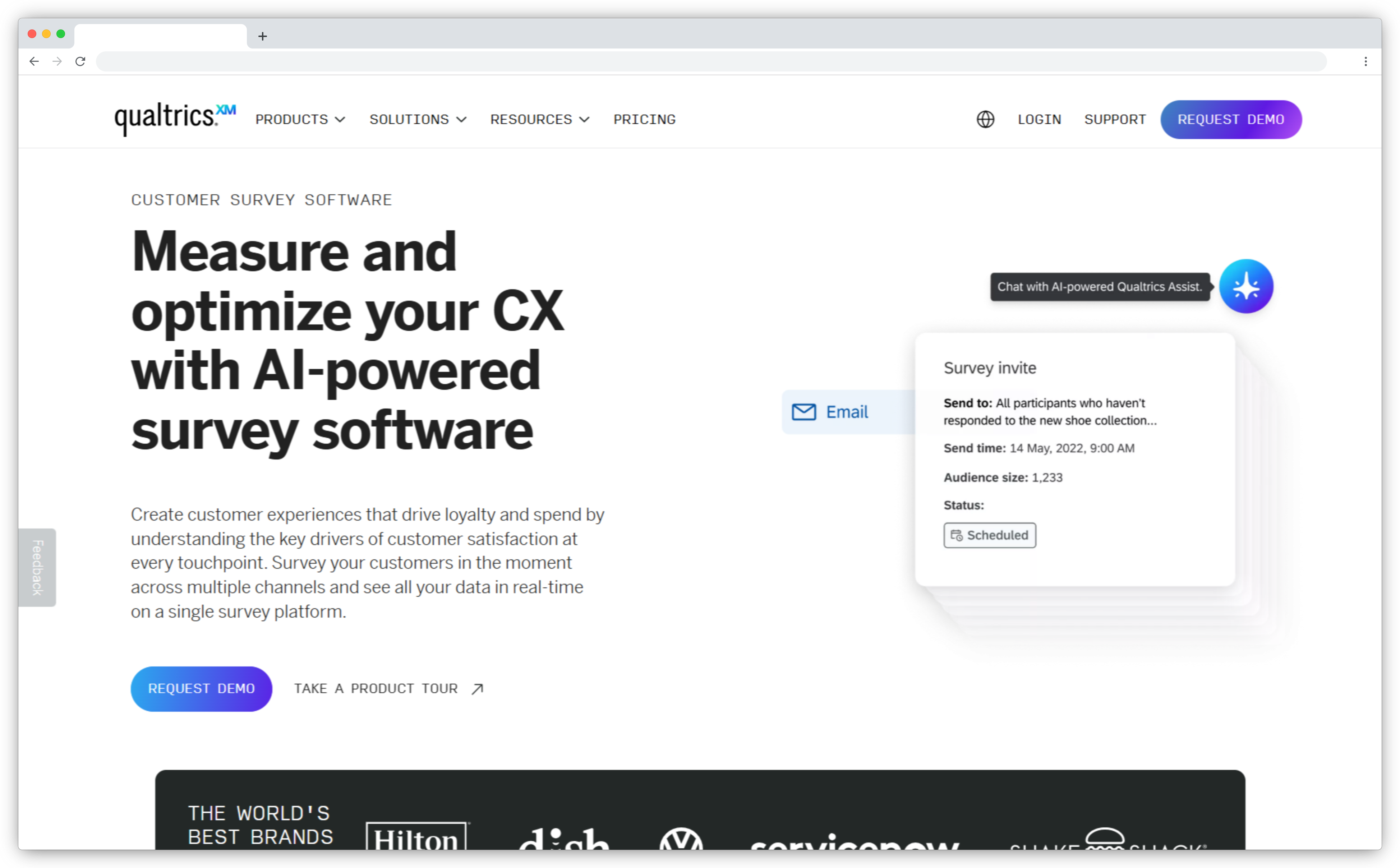
Qualtrics scores sentiment on a -2 to +2 scale. That intensity information matters. A response scoring -1.8 on pricing signals a different urgency than one scoring -0.3. Most tools give you direction — positive or negative — but not degree.
Text iQ also factors in the question when scoring the response. “What did you love?” primes a different emotional context than “What could we improve?” The model adjusts accordingly. For research programs where question framing varies across surveys, that layer meaningfully improves accuracy.
Text iQ sentiment analysis is only available on Advanced clients plans. Check your plan tier before assuming it's included. If Qualtrics is outside your budget or scope, the top Qualtrics alternatives cover enterprise-grade options at different price points.
Key Features
- Numeric sentiment scoring on a -2 to +2 scale that captures intensity, not just direction
- Context-aware classification that adjusts sentiment scoring based on how the question is framed
- Topic-level analysis that assigns sentiment to specific themes within a single response
- Predictive experience analytics using historical sentiment data to forecast churn or loyalty shifts
- Multilingual NLP with support for 15+ languages
Pricing: Custom
Free trial: Available
Best Sentiment Analysis Tools for Brand Monitoring
Brand monitoring requires a different capability from internal feedback analysis. The primary challenge isn't depth — it's breadth and speed. You need to know what's being said about your brand across millions of sources before the narrative sets.
9. Birdeye: Best for Multi-Location Reputation Management
Best for: Multi-Location Reputation Management
G2 rating: 4.8/5
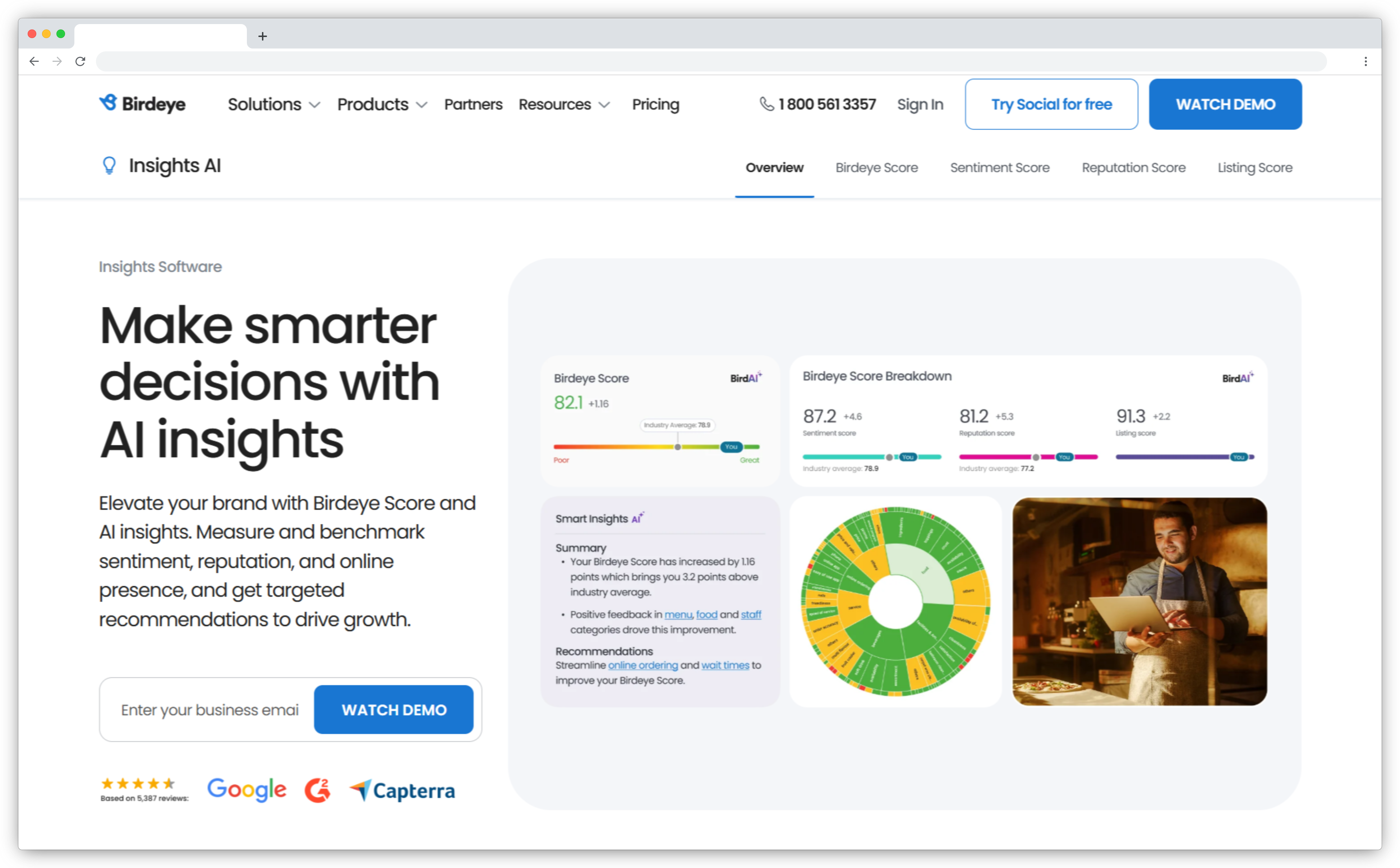
Birdeye tracks customer sentiment across many physical locations simultaneously. A healthcare network or restaurant chain can see which locations are driving negative sentiment. It also surfaces the top complaint topics at each one, without manual location-by-location report pulling.
It analyzes feedback from reviews, surveys, and chats across all locations at once. AI-generated summaries surface key sentiment drivers per location so teams know where to focus without reading every comment.
It's most effective for businesses with strong review platform presence. If your feedback primarily lives in internal surveys or support tickets, it's not the primary fit.
Key Features
- Location-based sentiment tracking that surfaces performance patterns across all business locations
- AI summaries that highlight key sentiment drivers per location without manual report-pulling
- Review response management handled directly within the platform
- Smart review collection that triggers requests after positive customer interactions
- Competitor sentiment benchmarking by location and category
Pricing: Contact for pricing
Free trial: No
10. Brand24: Best for Social Media and Online Brand Monitoring
Best for: Social Media and Online Brand Monitoring
G2 rating: 4.6/5
Brand24 monitors 25 million+ sources in real time: social platforms, forums, blogs, podcasts, and news sites. It scores sentiment at the emotion level, distinguishing frustration from admiration rather than just flagging positive or negative.
The influencer analysis layer shows which voices are shaping your brand's sentiment narrative and what their relative reach is. That helps you decide which conversations need a direct response and which ones to watch.
It's a public web and social monitoring tool. It won't analyze your internal surveys, support tickets, or in-app feedback.
Key Features
- Real-time sentiment monitoring across 25 million+ online sources
- Emotion-level scoring that distinguishes frustration, admiration, anger, and joy beyond basic polarity
- Influencer detection that identifies which voices are amplifying your brand's sentiment narrative
- Anomaly detection that surfaces unusual spikes in brand mentions or sentiment before they escalate
- Multilingual sentiment analysis across 108 languages
Pricing: From $79/month
Free trial: 14 days
Best Sentiment Analysis Tools for Market Research and Competitor Analysis
Marketing and insights teams use sentiment analysis differently from CX teams. The goal isn't closing loops on individual customers. It's understanding how entire consumer segments feel about categories, competitors, and campaigns, at a scale internal feedback tools don't reach.
11. Brandwatch: Best for Market Research and Social Brand Intelligence
Best for: Market Research and Social Brand Intelligence
G2 rating: 4.5/5
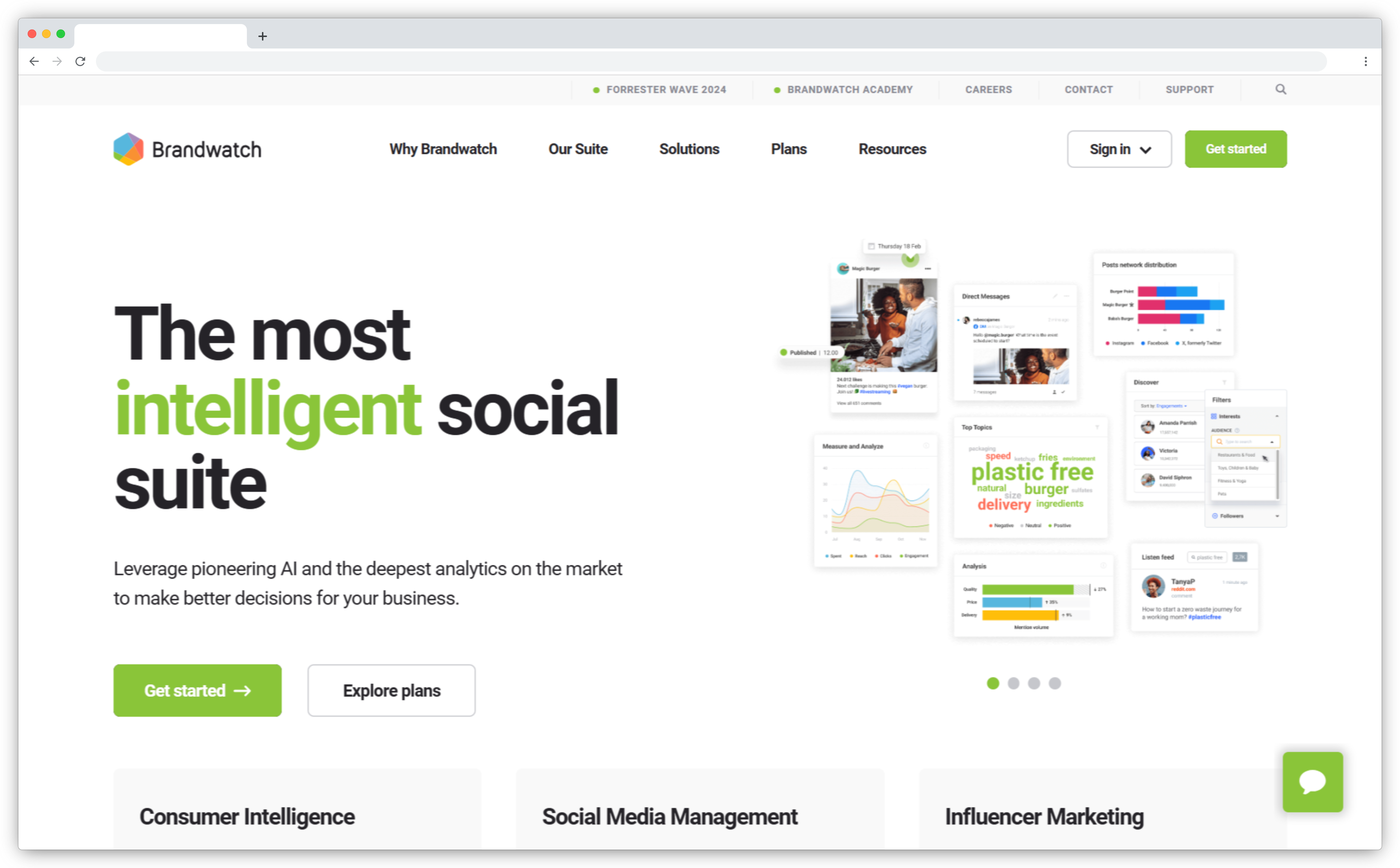
Brandwatch analyzes sentiment across 40+ languages and interprets emojis, slang, and dialects. That last detail matters more than it sounds. A tool that misreads sarcasm or can't process informal language produces incomplete sentiment data for modern consumer conversations.
Its Iris AI layer explains volume spikes automatically. Instead of showing you that brand mentions tripled on Tuesday, it surfaces the specific drivers and themes behind that spike. For PR and communications teams, that shortens the gap from “something happened” to “here's what and why.”
Pricing isn't disclosed publicly and is positioned for enterprise and larger teams.
Key Features
- Sentiment detection across 40+ languages including slang, dialects, and emoji interpretation
- Iris AI that explains volume spikes by surfacing their themes and drivers, not just the numbers
- Competitor sentiment benchmarking and share-of-voice comparison across monitored sources
- Topic and theme discovery that clusters unstructured social data automatically
- Adjustable sentiment classifications that analysts can refine for context accuracy
Pricing: Custom
Free trial: No
12. Meltwater: Best for Global Media Monitoring and Trend Analysis
Best for: Global Media Monitoring and Trend Analysis
G2 rating: 4.3/5
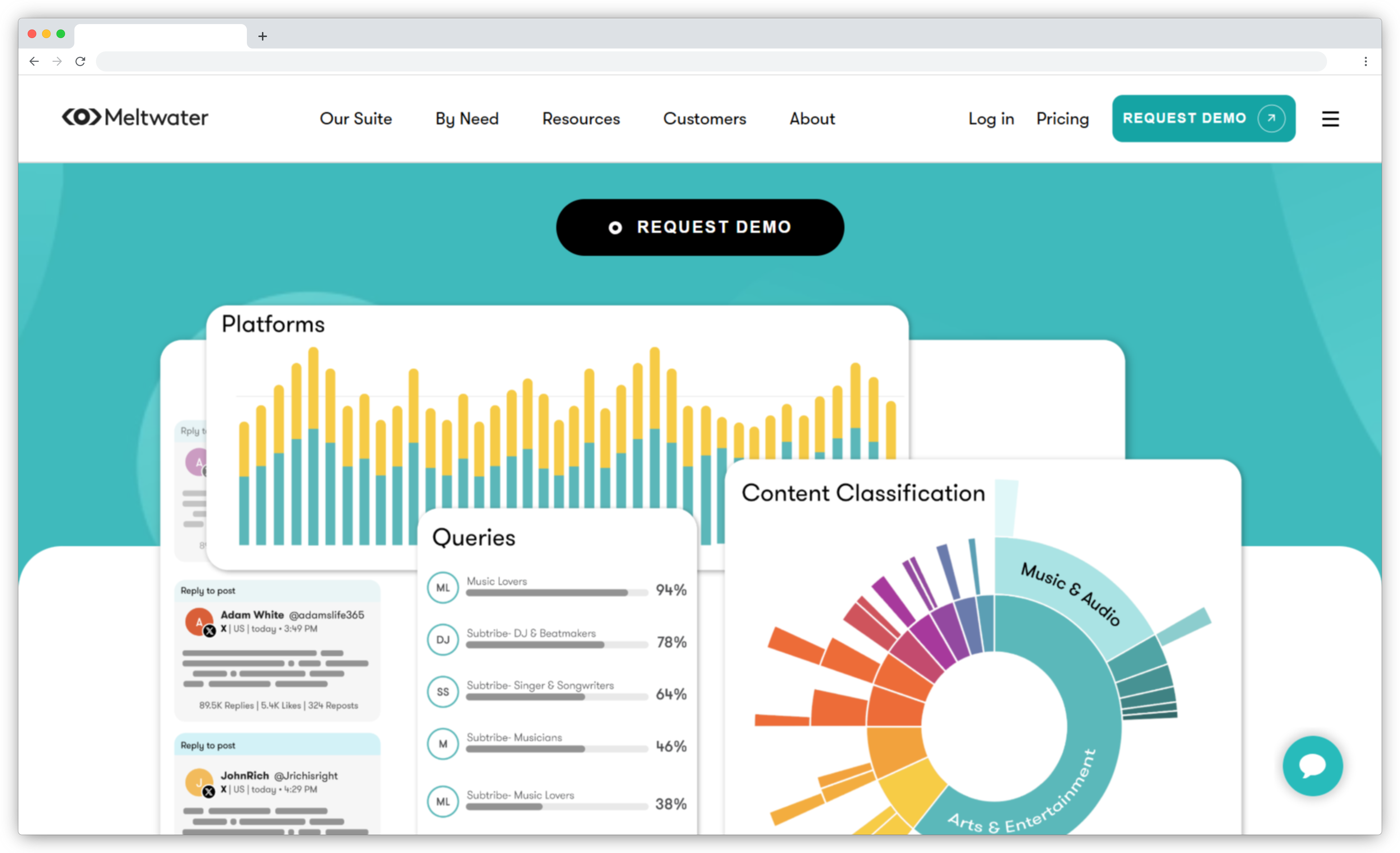
Meltwater covers digital media, print, broadcast, and social simultaneously. It's the right tool when the question isn't just “what are customers saying?” but “what is the media saying, and how is that shaping public perception?”
Regional analytics show how sentiment varies by geography. That's useful for multi-region brands that need more than a global average. The competitor benchmarking layer compares share of voice and sentiment against named competitors across the same sources.
Plans start at $6,000–$10,000 per year. It also carries a steeper setup curve than most tools on this list.
Key Features
- Global source monitoring across digital, print, broadcast, and social simultaneously
- Regional sentiment analytics that breaks down brand perception by geography
- Competitor share-of-voice benchmarking across all monitored source types
- Trend and anomaly detection for emerging topics and unexpected sentiment shifts
- AI-generated summaries of large media coverage volumes
Pricing: From ~$6,000/year
Free trial: No
13. Blix: Best for Open-Ended Survey and Research Feedback Analysis
Best for: Open-Ended Survey and Research Feedback Analysis
G2 rating: 4.7/5
Blix is purpose-built for analyzing open-ended survey responses. It handles spelling mistakes, nuanced language, and multiple languages automatically. That consistency matters for research agencies running global studies where manual coding introduces variability across waves.
Its tracker-ready taxonomy creates reusable codebooks that stay consistent across research cycles. Quarter-over-quarter sentiment comparisons stay clean when the same codebook applies each time. It's designed for research and insights teams, not for real-time support ticket triaging or CX routing.
Key Features
- Semantic sentiment coding that analyzes open-ended responses with nuance and language precision
- Tracker-ready taxonomies that create reusable codebooks for consistent longitudinal analysis
- Automatic translation and multilingual sentiment detection across global survey responses
- AI summaries that surface key sentiment drivers and emerging themes across response sets
- Accurate mixed-sentiment detection that handles complex, multi-topic responses
Pricing: Custom (pay-as-you-go or subscription)
Free trial: 14 days
Best Sentiment Analysis Tools for Social Media Monitoring
The tools in this section are built for social-first use cases. They handle real-time volume, informal language, and multi-platform reach simultaneously.
14. YouScan: Best for AI-Powered Social Listening and Visual Analysis
Best for: AI-Powered Social Listening and Visual Analysis
G2 rating: 4.8/5
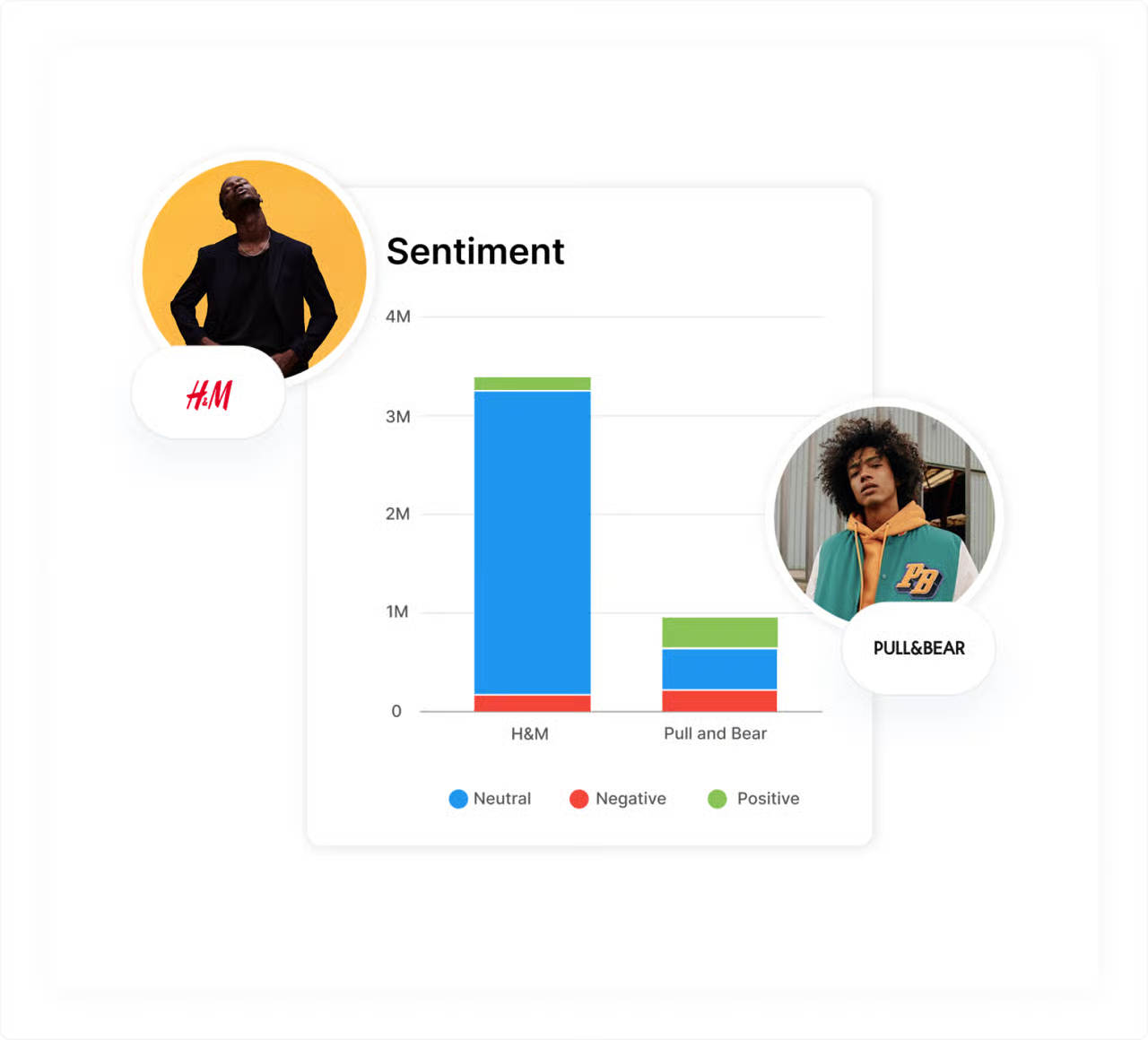
YouScan classifies sentiment with 90–95% accuracy across multiple languages. Most social listening tools don't publish a specific accuracy figure. That transparency is worth noting when you're evaluating tools that make similar-sounding claims.
The visual AI layer detects brand logos, objects, and actions in images and videos. For retail, hospitality, or consumer goods brands where a significant share of customer expression happens visually, this expands the sentiment dataset. Text-only tools miss those mentions entirely.
Key Features
- 90–95% sentiment accuracy across multiple languages with machine learning-based classification
- Visual AI that detects brand logos, objects, and scenes in images and videos
- Audience analysis covering demographics, interests, conversation topics, and preferences
- Crisis detection with early warning signals for emerging reputation threats
- Sentiment dynamics graph that tracks sentiment shifts over time across monitored sources
Pricing: From $499/month (billed annually)
Free trial: No
15. Sprout Social: Best for Social Media Management with Built-In Sentiment
Best for: Social Media Management with Built-In Sentiment
G2 rating: 4.6/5
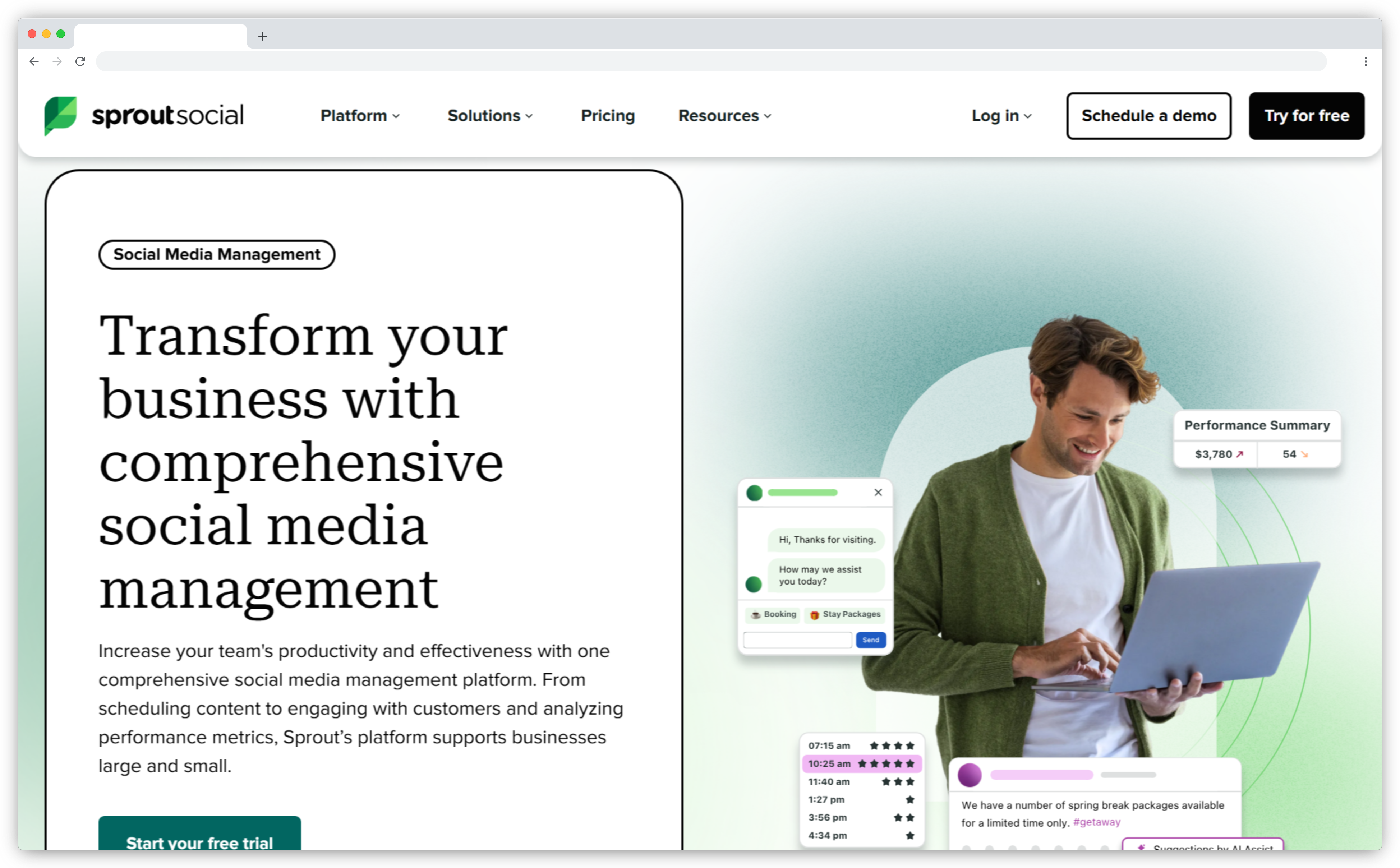
Sprout Social is a full social media management platform with sentiment analysis built into its listening layer. Teams already using Sprout for publishing, scheduling, and engagement don't need a separate sentiment tool on top.
The sentiment layer covers what Sprout manages natively: social platforms, hashtag conversations, and brand mentions. Teams get sentiment breakdowns per post, per keyword, and per audience segment. The Sentiment Reclassification feature lets teams manually correct AI misclassifications, which improves model accuracy over time.
It's social-first. It won't analyze your NPS surveys, support tickets, or in-app feedback.
Key Features
- AI sentiment detection across social platforms including nuance in emojis and complex sentence structures
- Hashtag and keyword-level sentiment scoring updated in real time
- Sentiment Reclassification that lets teams manually correct AI misclassifications to improve accuracy
- Smart Inbox filtering that prioritizes incoming messages by sentiment level
- Competitor sentiment comparison across monitored topics and brand mentions
Pricing: From $199/seat/month (billed annually)
Free trial: 30 days
16. Hootsuite: Best for Social Listening for Existing Hootsuite Users
Best for: Social Listening for Existing Hootsuite Users
G2 rating: 4.5/5
Hootsuite's Stream View dashboard labels mentions as positive, negative, or neutral and identifies specific emotions like joy or anger. For teams already using Hootsuite for social scheduling and community management, the sentiment layer adds analytical depth without a separate tool purchase.
The Personal AI Analyst detects significant fluctuations in social conversations and explains the cause behind the jump. Most sentiment dashboards show you the spike. They don't explain why it happened. The sentiment capability is shallower than dedicated CX or listening platforms. It covers social channels only.

Key Features
- Automated sentiment labeling with emotion identification across monitored social streams
- Personal AI Analyst that detects conversation spikes and identifies what drove them
- Brand mention tracking across Facebook, X, and Instagram in real time
- Sentiment-based filtering for faster inbox prioritization and triage
- Reporting on brand mentions with sentiment classification and tag management
Pricing: Contact for current pricing
Free trial: 30 days
Best Sentiment Analysis Tools for Product Development
Product teams use sentiment analysis differently from CX or social teams. The primary question isn't “how do customers feel about us broadly?” It's “what do users feel about each feature, and how urgent is it?” Teams building a full tools to capture, analyse and act on customer voice program will find sentiment analysis handles the ‘how do they feel’ layer. The tools below handle the ‘what to build next’ layer.
17. Canny: Best for Feature Prioritization Based on Product Feedback
Best for: Feature Prioritization Based on Product Feedback
G2 rating: 4.7/5
Canny is a feedback management platform that adds sentiment weight to feature prioritization. A request with 50 votes from satisfied users lands differently than one with 30 votes where half the commenters are frustrated. Canny surfaces that emotional context so product teams aren't just counting votes.
Users submit requests, track their status, and get notified when features ship. That closed loop reduces churn from unaddressed feedback. The sentiment capabilities are more basic than dedicated analysis platforms. It's not built for analyzing support tickets or external review data. If you need broader feature tracking capabilities, the top Canny alternatives cover tools with deeper sentiment integrations.
Key Features
- Sentiment scoring on feature requests that surfaces emotional weight beyond raw vote counts
- AI summaries that condense high-volume feedback threads into dominant themes and pain points
- Roadmap integration that connects sentiment-scored feedback directly to product planning
- Status updates that notify users automatically when requested features ship
- Churn risk detection that flags feedback patterns from dissatisfied or at-risk users
Pricing: From $19/month (billed yearly)
Free trial: Free plan available
18. UserVoice: Best for Product Feedback Urgency Tracking and Routing
Best for: Product Feedback Urgency Tracking and Routing
G2 rating: 4.6/5
UserVoice's Urgency Alert identifies high-intensity negative sentiment in product feedback and notifies the right team immediately. It's the most practically useful feature in the platform. Critical issues get surfaced before they're buried in a queue of lower-priority submissions.
The stakeholder segmentation capability is worth noting for enterprise product teams. UserVoice routes feedback separately by customer tier, company size, or plan level. Enterprise-level needs don't get diluted by high-volume SMB submissions in the same queue. It's designed specifically for product-led organizations and won't cover social sentiment, media monitoring, or support analytics.
Key Features
- Urgency Alert that identifies high-intensity negative sentiment and notifies the product team in real time
- Stakeholder segmentation that separates feedback routing by customer tier, plan, or company size
- AI-powered auto-categorization that groups similar feedback into themes without manual tagging
- Roadmap planning that links sentiment-weighted feedback directly to product decisions
- Integrations with Salesforce, Jira, and Zendesk
Pricing: Custom
Free trial: No
Free Sentiment Analysis Tools
For teams analyzing small volumes of text or prototyping before committing to a platform, these two options cover distinct use cases without a subscription.
19. MeaningCloud: Best for Best Free Tool for Developers Building via API
Best for: Best Free Tool for Developers Building via API
G2 rating: 4.2/5
MeaningCloud provides a text analytics API for teams that want to add sentiment capabilities to an existing product or pipeline. The free tier gives 500 API queries per month, enough to prototype and validate before committing to a paid plan.
It's a developer tool, not an out-of-the-box analytics platform. There's no dashboard to log into. Setup requires technical implementation, and the free tier volume isn't practical for production use. Teams needing a dashboard-based AI text analysis software in 2026 rather than an API will find more options in our dedicated guide.
Key Features
- REST API for sentiment analysis that integrates into any product, app, or data pipeline
- Free tier with 500 queries per month for prototyping and early testing
- Multi-language support for sentiment scoring across short and medium-length texts
- Topic extraction and classification alongside sentiment detection
- Paid tiers for higher query volumes and production-scale analysis
Pricing: Free (500 queries/month)
Free trial: Paid plans available for higher volume
20. Enthu.AI: Best for Best Free Tool for Call Centers and QA Teams
Best for: Best Free Tool for Call Centers and QA Teams
G2 rating: 4.6/5
Enthu.AI analyzes 100% of customer conversations: calls, chats, and emails. Not a sampled subset. For QA teams that have historically reviewed 2–5% of calls, that coverage shift changes what's visible and what gets missed.
It combines sentiment analysis with agent performance data. Supervisors see not just how customers feel, but which agents and conversation patterns are driving those emotions. That makes coaching conversations more specific and less reliant on anecdote. It's built for call centers and CX teams. Not suited for social listening, survey analysis, or market research.
Key Features
- 100% conversation coverage across calls, chats, and emails without sampling
- Combined sentiment and QA scoring that connects customer emotions to agent performance data
- Trend detection that tracks sentiment shifts over time and surfaces churn risk patterns
- Customer sentiment reports with data to improve CSAT and NPS scores
- Fast setup with no credit card required for the 14-day pilot
Pricing: Custom
Free trial: 14 days (no credit card required)
5 Mistakes Teams Make When Choosing a Sentiment Analysis Tool
Most teams evaluate sentiment analysis tools the same way they'd evaluate any software: feature list versus price. Here's what that process misses.
Mistake 1: Using a social listening tool for a CX problem
Social media sentiment and customer feedback sentiment require fundamentally different capabilities. Sprout Social and Brand24 are excellent at what they do. But they don't analyze your NPS open-text responses, your customer support tickets, or your in-app feedback. Confirm the source coverage before committing. A tool that can't access your actual feedback data is just an expensive brand monitoring dashboard.
Mistake 2: Evaluating accuracy on clean data only
Most demos use polished, clearly-worded feedback. Real feedback is sarcastic, ambiguous, multilingual, and messy. Ask vendors to run their tool on your actual historical data, not a curated sample. The accuracy gap between demo performance and production is where most buying decisions go wrong.
Mistake 3: Buying a sentiment platform before securing your feedback infrastructure
A sentiment analysis tool that can't ingest your actual feedback is just an expensive dashboard. Confirm the platform can pull from the sources where your feedback actually lives: survey responses, Zendesk tickets, Google Reviews, Slack conversations, or wherever your customers communicate. Many teams discover this mismatch after signing a contract.
Mistake 4: Prioritizing detection depth over workflow integration
The best sentiment analysis in the world doesn't help if the output sits in a separate dashboard that nobody checks. The question isn't just “how accurate are the sentiment scores?” It's also: when the platform detects a churn risk signal, where does it go next? Does it get there automatically? Detection without automated action is just another report.
Mistake 5: Treating multilingual sentiment analysis as a checkbox feature
"Supports 50 languages" can mean very different things. Some tools translate feedback into English first, then analyze it, which loses context and nuance in the translation. True multilingual sentiment analysis applies language-native models. If your customers write in multiple languages, dig into how each vendor handles this specifically. Generic claims don't tell you which approach they use.
Which Sentiment Analysis Tool Is Right for Your Team?
Sentiment analysis tools work when they connect detection to decision. The gap most CX teams live in is knowing customers are frustrated, but not knowing which topic drove it, which team should handle it, or whether the pattern is getting worse.
The right tool depends on where your feedback lives. Support-heavy teams should start with SentiSum or Zonka Feedback. Social-first teams should look at Brandwatch or Sprout Social. Product teams running continuous discovery should evaluate Canny, UserVoice, or Enterpret. Enterprise CX programs with volume and complexity are better served by Medallia or Qualtrics.
If you're building a broader customer experience program beyond just analyzing sentiment, best customer satisfaction software and automated feedback intelligence and analytics software cover the full stack from collection through to action.
Book a demo with Zonka Feedback to see how theme-level sentiment analysis works on your actual feedback data.