.svg)
 Healthcare
 Finance
 Retail
 SaaS & Digital
 eCommerce
 Education
 Salesforce
  HubSpot
 Pipedrive
 Mailchimp
 Klaviyo
 Zendesk
  Intercom
 Freshdesk
 HelpScout
  Front
Front Jira
Jira Slack
Slack  MS Teams
 Zoom
Zoom Google Sheets
  Zapier
  Integrately
 Make
Make  Webhooks



 Sign In
 MS Teams


Market research tools are a business essential in 2026. As customer expectations evolve rapidly and data volumes continue to grow, businesses need more than intuition to make confident decisions. Modern market research software, increasingly powered by AI, helps transform questions into clear insights and insights into actionable plans.
Whether you are validating a new product idea, exploring a new market, or analyzing competitors, the right tool helps convert raw data into decision-ready intelligence. From survey platforms that capture voice of the customer, to social listening tools that track brand sentiment, to demand and behavior analysis platforms, each plays a role in shaping smarter strategies.
In this blog, we’ve categorized the 31 best market research tools of 2026 based on real-world use cases, including surveys and feedback, social monitoring, competitive intelligence, analytics, UX research, and more. For each tool, you’ll find what it is best suited for, key differentiators, pricing and free trial details, and how it supports specific business goals. If your aim is to turn market signals into insights you can act on, this guide will help you get there.
TL;DR
- This blog covers the best market research tools and software for 2026, including Zonka Feedback, SurveyMonkey, Typeform, Qualaroo, Qualtrics, QuestionPro, and other leading platforms used by teams to collect, analyze, and interpret market data across customer feedback, behavior, sentiment, and demand signals.
- These tools support a wide range of market research needs, from identifying customer and market challenges to validating ideas, understanding competitive landscapes, and informing product, marketing, and growth decisions with data-backed insights.
- Choosing the right market research software depends on factors such as the type of data you want to collect, research objectives, feature depth, scalability, reporting capabilities, reliability, and how well the tool aligns with your specific business use cases.
- Zonka Feedback stands out as a powerful market research software for creating targeted research surveys, analyzing insights through real-time reports, and taking action with closed-loop workflows. You can schedule a demo to see how it supports end-to-end market research for your business.
Build & Send your Market Research Surveys🔥
Choose from over 30+ question types, add your own themes and create amazing surveys that people love answering.

How did We Evaluate the Best Market Research Tools?
To identify the most effective market research tools for 2026, we focused on platforms that support modern research workflows and deliver reliable, decision-ready insights across different business needs. Our evaluation framework prioritized tools that:
-
Support multiple research methods, including surveys, feedback collection, qualitative and quantitative analysis, and market intelligence
-
Collect and analyze data from diverse sources such as customers, users, markets, competitors, and digital channels
-
Deliver clear, actionable insights through reporting, dashboards, and real-time analysis
-
Fit real-world business use cases, from product and growth research to customer experience and competitive analysis
-
Integrate smoothly with existing tools and workflows to ensure insights can be acted on efficiently
-
Scale across teams, regions, and data volumes while maintaining reliability and performance
By comparing these capabilities across tools, we’ve highlighted the best-fit market research software for different use cases, business sizes, and research objectives, helping teams choose the right platform for informed decision-making in 2026.
Best Market Research Tools at a Glance
| Use Case | Tools | Best For | Notable Strength | Free Version | Starting Price (Per Month) |
| Feedback & Surveys | CleverX | AI moderated insight collection | B2B and B2C panels with AI moderated and live research | No | $99 |
| Zonka Feedback | AI-driven market research & CX surveys | Multichannel surveys, AI text/sentiment, workflows | (Free trial available) | Custom | |
| BTInsights | AI analysis solution | Focus group and in-depth interview analysis | Yes | Pricing Based on Annual Subscription | |
| Skimle | Analysis across interviews, surveys | Two way traceability from finding to source, AI moderated interviews | Free trial available | $22 | |
| Perspective AI | AI-moderated interviews | Adaptive AI interviewer with automatic themes | Yes - 100 credits | $99 | |
| QuestionPro | Enterprise survey logic & distribution | Advanced logic, multilingual, robust reporting | Yes | $99 | |
| SurveyMonkey | Quick VoC studies & panels | Templates, panel access, broad integrations | Yes | $18 | |
| Coupler.io | On-site surveys & user intent | Contextual targeting, in-app surveys | Yes | $24 | |
| Data & Reports | Statista | Vetted stats & industry reports | Huge data library, reports, forecasts | Yes (basic) | $199 |
| Google Trends | Search trend validation | Real-time interest by region/topic | Yes | Free | |
| Think with Google | Consumer insights & benchmarks | Research, case studies, tools | Yes | Free | |
| Pew Research Center | Public opinion & social trends | In-depth, non-partisan studies | Yes | Free | |
| Brizo FoodMetrics | Foodservice market intel | Establishment/menu/tech stack data | No | Not disclosed | |
| Social Listening | BrandMentions | Brand tracking & competitor mentions | Web + social coverage, alerts | No | $79 |
| Social Mention | Free social sentiment snapshots | Simple social monitoring | Yes | Free | |
| BuzzSumo | Content trends & influencer discovery | Viral content + influencer finder | No | $199 | |
| Respona | Outreach research & digital PR | AI prospecting + sequences | No | $100 | |
| Web & SEO | Whatagraph | Marketing data reporting | Automated multi-source reports | No | $229 |
| Ubersuggest | Keyword research & SEO intel | KW ideas, audits, competitor pages | Yes | $20.95 | |
| AnswerThePublic | Search listening & ideation | Question/preposition maps | No | $13.33 | |
| Plerdy Heatmap | Web behavior & conversion | Real-time heatmaps, SEO checker | Yes | $21 | |
| CX/EX & BI | Qualtrics | Enterprise research & analytics | Conjoint, predictive, closed-loop | No | Not disclosed |
| NielsenIQ | Retail/CPG market panels | Consumer behavior + retail data | No | Not disclosed | |
| Census Bureau | U.S. demographics & economics | Detailed geo/demos, APIs | Yes | Free | |
| Tableau | BI dashboards & storytelling | Visual analytics + data blend | No | $75 | |
| UX Testing | Upwave | Ad impact & brand lift | Campaign measurement dashboards | No | Not disclosed |
| Loop11 | Usability testing + heatmaps | Moderated/unmoderated tests | No | $199 | |
| Userlytics | Remote UX tests (global) | PIP recordings, task analytics | No | $34 |
What are the Best Tools for Market Research in 2026?
The best market research tools in 2026 are platforms that help teams collect, analyze, and interpret market and customer data to generate reliable, decision-ready insights. Based on research depth, reporting and analysis capabilities, scalability, and real-world usability, the top market research tools include:
-
CleverX - Best for verified B2B and B2C panels with AI moderated live research
-
Zonka Feedback — Best for AI-driven market research surveys, real-time analysis, and closed-loop workflows.
-
Qualtrics — Best for enterprise-grade market research with advanced analytics and large-scale data collection.
-
SurveyMonkey — Best for quick market studies, surveys, and panel-based research.
-
Typeform — Best for conversational surveys that improve response quality and engagement.
-
QuestionPro — Best for flexible survey design, advanced logic, and multi-language research projects.
In the sections below, we break down the full list of market research tools in detail, covering their strengths, limitations, pricing, and ideal use cases, so you can choose the right solution for your market research needs in 2026.
1. CleverX: Best for Verified B2B and B2C Panels with AI Moderated Live Research
CleverX provides market research teams access to a verified global panel of 8 million+ B2B and B2C participants across 150+ countries, paired with research infrastructure for live moderated sessions, AI-moderated interviews, surveys, and structured studies. The AI Interview Agent scales qualitative depth across 50+ participants in the time a manual study would cover 8.
G2 Rating: 4.4 / 5
.png?width=1366&height=618&name=Screenshot%20(41).png)
Key Features
- Verified panel of 8M+ B2B and B2C participants across 150+ countries
- AI Interview Agent for autonomous, adaptive AI-moderated sessions
- Live moderated sessions with Krisp AI noise cancellation and hidden observer mode
- Methods: interviews, surveys, diary studies, usability testing, card sorting, tree testing, first-click analysis
- AI-assisted screening with behavioral consistency checks before participants reach sessions
- Post-session AI analysis: theme extraction, sentiment, automated transcript tagging
- BYOA (Bring Your Own Audience) for teams with internal participant lists
- Native integrations with Prolific and Respondent.io
- Searchable research repository
CleverX Pros
- Combines B2B and B2C panel access in a single platform (most competitors specialize in one)
- AI moderation and human moderation under one roof
- AI analysis built in, no need to export to a separate tool
- Transparent credit-based pricing
CleverX Cons
-
Credit-based pricing model is best suited for teams running ongoing research rather than one-off projects
CleverX Pricing
- Starter at $99/month (1 seat, 99 credits/month)
- Pro at $149/seat/month (unlimited seats, 149 credits/seat/month)
- Managed Services with custom pricing.
- Additional credits at $1/credit.
2. Zonka Feedback: Best for AI-Driven CX & Market Research Intelligence
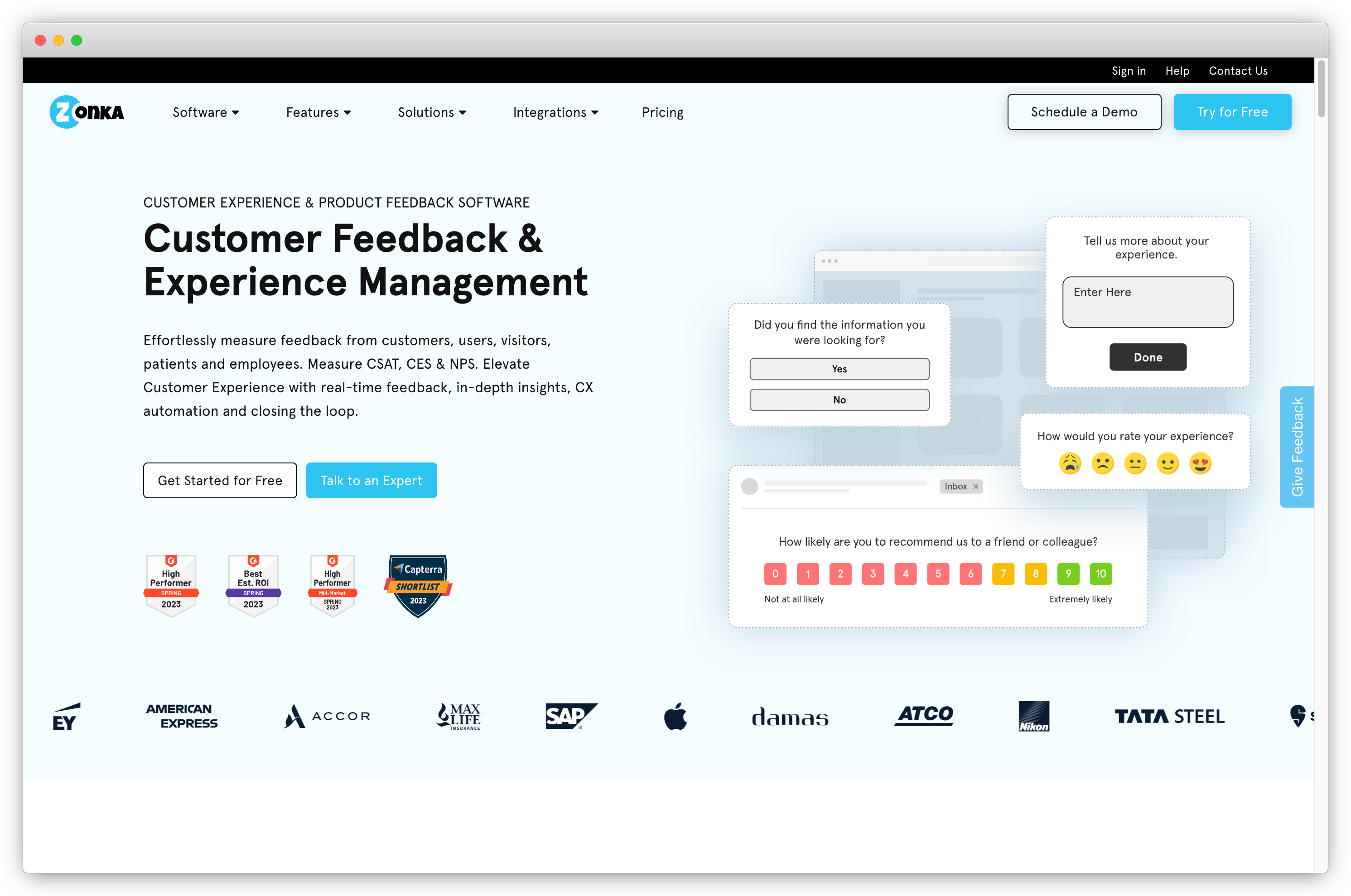
Zonka Feedback is an all-in-one market research and customer experience platform powered by AI Feedback Intelligence. It enables businesses to capture voice-of-market and voice-of-customer insights from every channel—surveys, interviews, support tickets, and reviews—and analyze them in real time to guide smarter product, marketing, and experience decisions.
Unlike traditional research tools that only capture surface-level responses, Zonka Feedback uses AI-driven text analysis, sentiment analysis, and intent analysis to reveal what customers and target audiences truly feel. Its feedback intelligence engine automatically detects themes, emotions, and priorities hidden in open-ended responses—turning raw qualitative data into clear, data-backed insights.
With 100+ ready-to-use survey templates (including Product-Market Fit, New Product Concept, and Market Research Surveys) and multi-channel distribution across email, web, SMS, in-app, kiosks, and QR codes, Zonka Feedback makes data collection effortless. Researchers can segment audiences by demographics, region, or behavior, visualize trends instantly through dashboards, and even predict shifts in satisfaction or NPS using AI-powered analytics.
Whether you’re validating a new product, measuring brand perception, or mapping customer journeys, Zonka Feedback brings together research data, AI analysis, and actionable insights in one unified platform.
Use Case: Zonka Feedback is a unified market research and customer feedback platform that helps teams collect responses across channels (surveys, tickets, chats, reviews, kiosks), analyze qualitative and quantitative data with AI, and turn insights into action through automated workflows and reporting. It is widely used for measuring NPS, CSAT, CES, and thematic trends at scale.
Best for: Real-time market and customer feedback research with AI-driven analysis and closed-loop action workflows.
G2 Rating: 4.6/5
Key Features
- With AI Feedback Intelligence, automatically identify key themes, sentiment, and intent within open-ended responses for deeper insight into audience perception
- Text & Sentiment Analysis interprets tone, urgency, and emotion to reveal drivers behind customer behavior
- 100+ fully customizable white-labeled surveys with templates such as Sean Ellis product market fit survey template, market research survey template, new product survey template, etc.
-
Diverse range of questions like survey rating scales, multiple-choice questions, open-ended survey questions, and more
-
Create buyer persona and perform market segmentation based on visit analytics, contact details, survey scores, and survey interactions
-
Auto tagging and intelligent workflows to tag survey responses and trigger automatic actions
-
Skip logic and branching to customize questions based on previous responses for meaningful data collection
-
Multi-channel feedback collection through email, SMS, in-app, survey link, QR code, tablet, offline kiosk, and feedback widgets like popup surveys, feedback buttons, and more
-
Powerful integrations with CRM and other tools like Salesforce, Zendesk, Slack, Webex, Intercom, Google Analytics, and more
-
Data visualization through charts, graphs, and other visual representations to understand and communicate findings effectively
-
Advanced analytics and reporting like snapshot reports, response inboxes, and trends reports for analyzing user responses.
Zonka Feedback Pros
-
Easy-to-use interface with no code survey builder
-
Extensive customization
-
Robust analysis and reporting
-
AI-powered feedback and sentiment analysis
-
Responsive customer support
-
Fits all business sizes
-
Data security with ISO 27001:2022 certification
Zonka Feedback Cons
- Advanced workflow setups may require initial configuration
Zonka Feedback Pricing
- Customizable plan as per business requirements available
- Free trial of paid features available
3. BTInsights: Best for AI-Powered Interview and Survey Analysis
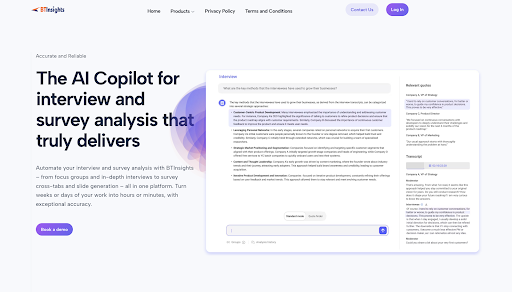
BTInsights is an all-in-one AI analysis solution for market research. It can automate your entire analysis workflow—from analyzing focus groups and in-depth interviews, to coding open-ended survey responses, to creating survey cross-tabs and generating client-ready PowerPoint slides in your exact format.
It delivers exceptional analysis accuracy, with every output linked directly to the raw data so you never need to worry about AI hallucinations.
Use Case: It helps researchers, consultants, and strategy teams process open-ended responses and interview transcripts with advanced AI coding, theme detection, and custom export options for deeper insights.
Best for: In-depth qualitative and open-ended survey analysis with AI-assisted coding and fast turnaround on research outputs.
G2 Rating: No public G2 rating available
Key Features
- Interview transcription and translation
- Focus group and in-depth interview analysis
- Find interview quotes
- Create highlight reels
- Survey text analytics
- Create cross-tab tables
- Generate PowerPoint slides in your format
BTInsights Pros
-
Exceptional speed — analyzes interviews and survey responses in minutes
-
Highly accurate AI analysis
-
All-in-one analysis platform for interviews and surveys
-
Learns your PowerPoint template and generate slides in your exact format
-
Fast, responsive support and rapid product iteration
BTInsights Cons
- Does not provide data collection (laser-focused on data analysis)
- Slide generation tool is currently available only for survey data
BTInsights Pricing
- Free trial available
- Pricing is based on annual subscription
4. Skimle: Best for Rigorous, Traceable Qualitative Analysis Across Interviews, Documents & Surveys
Skimle is an AI-native qualitative analysis platform built for market researchers and customer insights teams who need to analyse interviews, documents, open-ended surveys, and call transcripts together in one project rather than juggling separate tools for each. Every theme it identifies traces back to the exact source quote in both directions, from finding to evidence and from document to what was and wasn't coded, so a market research analysis holds up to scrutiny from a client or executive stakeholder.
Use Case: Qualitative and research analysis
Best for: Rigorous, Traceable Qualitative Analysis Across Interviews, Documents & Surveys

Key Features
- AI-native thematic analysis across interviews, documents, PDFs, audio, and open-ended survey responses in a single project
- Two-way traceability: every insight links to its source quote, and every document shows what was and wasn't coded
- Supports both inductive (theme discovery) and deductive (predefined framework) coding
- Metadata-driven segmentation to compare themes across region, customer segment, or demographic
- REFI-QDA export for interoperability with NVivo, MAXQDA, and other QDA tools
- Skimle Ask: AI-moderated interviews that scale qualitative data collection without a live moderator
- Skimle Ask responses flow directly into the same analysis project as interviews and documents, no export step
Skimle Pros
-
Analyses interviews, documents, and surveys together instead of requiring separate tools for each
-
Full source-to-finding traceability supports client-facing and academic-grade rigour
-
Skimle Ask adds AI-moderated interviewing without leaving the platform
Skimle Cons
- Newer to market than legacy CAQDAS tools like NVivo or MAXQDA
- Built for depth on qualitative data rather than purely quantitative survey analytics
Skimle Pricing
- Free trial (3 months, 200-300 pages of analysis)
- Paid plans from $22 (~€20)/month
- Enterprise plans available
5. Perspective AI: Best for AI-Moderated Interviews & Online Focus Groups
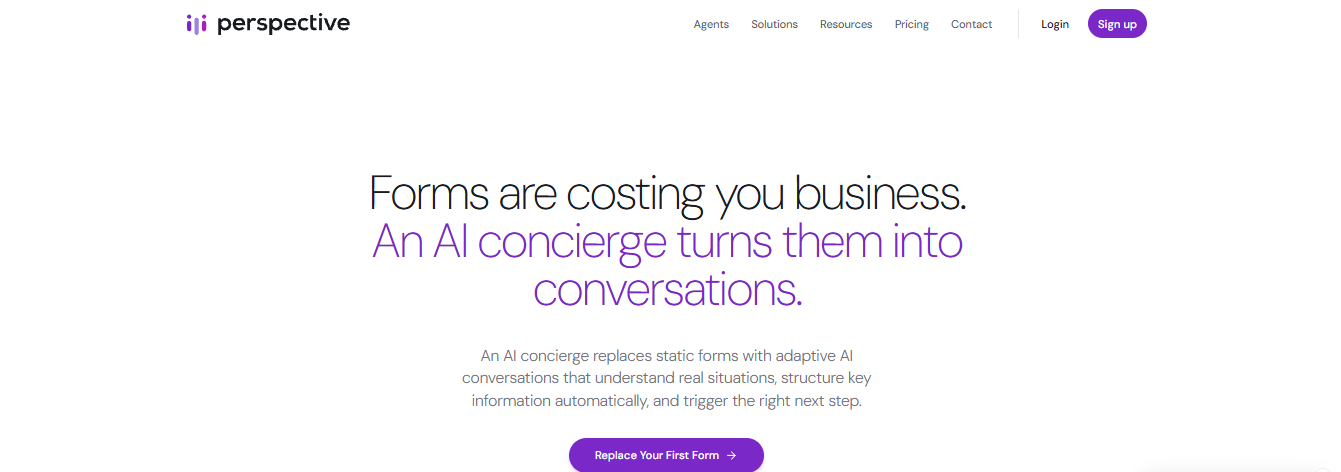
Qualitative research has always been the expensive half of market research: a study that needs 40 moderated interviews needs a moderator, six weeks of scheduling and a transcript backlog nobody wants to code. Perspective AI removes that constraint by running the interviews itself. You describe the research goal in plain language, and the AI interviewer conducts the conversations — in text or voice, in any language, hundreds at once — asking its own follow-up questions as it goes, exactly where a human moderator would probe. Findings come back as themes, sentiment and attributable quotes within the day. For concept testing, positioning work, pricing research, churn and win/loss studies, it produces the depth of a qual study on the timeline of a survey.
Key Features
- AI interviewer generating unscripted follow-ups in real time, in voice or text
- Voice moderation in 57 languages with automatic language detection — multi-market studies run without a local moderator per market
- Accent-native voices including Australian, Indian, Scottish, Irish, Nigerian and Jamaican English, Argentinian Spanish, and Arabic across Modern Standard, Egyptian, Levantine, Gulf and Moroccan
- Sub-second opening, mid-sentence interruption and noise filtering, so a spoken interview holds its rhythm
- Hundreds of simultaneous interviews from one plain-language research goal
- Magic Summary: automatic themes, sentiment, key quotes and risk signals per study
- Interactive AI analysis across the full response set, with answers cited to source conversations
Perspective AI Pros
-
Qualitative depth without moderator scheduling or transcript coding
-
Turnaround in days rather than the weeks a moderated study takes
-
Consistent probing across every respondent — no moderator drift between sessions
-
Runs multilingual studies without separate local moderators
Perspective AI Cons
- No respondent panel of its own — you bring the audience or recruit separately
- No quantitative testing, crosstabs, significance or quota management
- Not a secondary-research or market-sizing source
Perspective AI Pricing
- Free: 100 credits (about ten conversations)
- Pro: from $99/month for 1,000 credits
- Flex: pay-as-you-go credits, a conversation costing 10
- Enterprise: custom pricing; unlimited seats included
6. QuestionPro: Best for Enterprise Survey Logic & Global Distribution
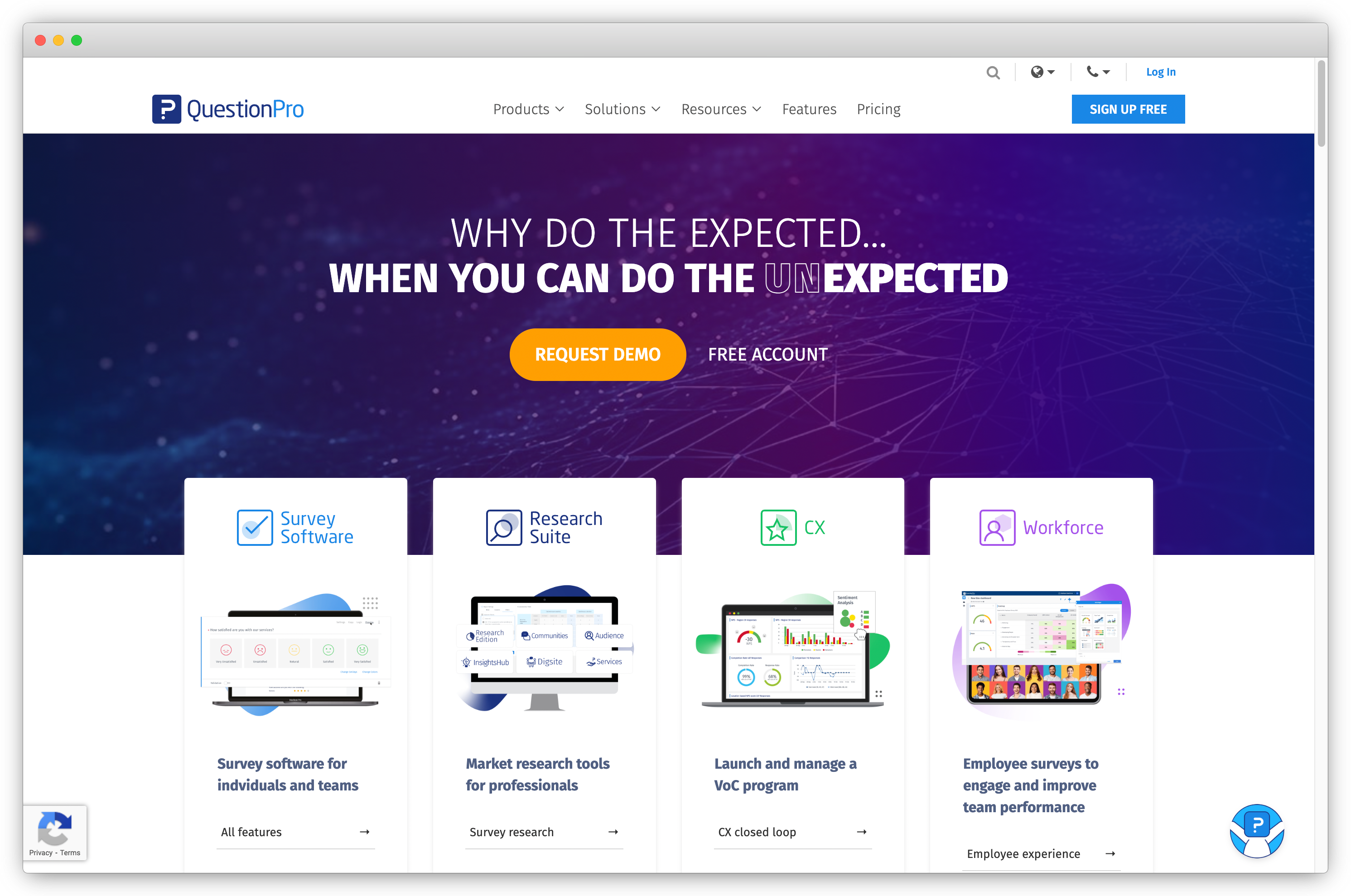
QuestionPro is one of the most premium online survey tools that excels in creating surveys and distributing them across multiple survey collection channels. Its advanced reporting and analytics capabilities facilitate deep market research, data interpretation, and trend identification, enabling targeted insights for product, service, and marketing optimization. This, in turn, enhances customer satisfaction and drives market success.
Use Case: QuestionPro is a comprehensive research platform used by businesses and researchers to design, distribute, and analyze surveys at scale. It supports advanced survey logic, multi-channel distribution, panel access, and detailed reporting, making it suitable for market, customer, employee, and academic research.
Best for: Enterprise-level survey research with strong analytics, customizable survey flows, and support for large research projects.
G2 Rating: 4.4 / 5
Key Features
-
Employ skip logic branching to customize survey responses, especially useful for complex surveys
-
Seamless Google Sheets integration for swift and efficient analysis
-
Connect with respondents in their native languages through multilingual surveys, expanding your reach and gaining global insights
-
24/7 LiveChat support
QuestionPro Pros
- Extensive design customization options
- Comprehensive analytics for in-depth insights
QuestionPro Cons
-
Experience delays or slow loading times in certain features
-
May not be cost-effective for smaller organizations
QuestionPro Pricing
- Free plan is available
- Advanced plan starts at $99/month
- It also offers a free trial for 10 days for its paid plan
6. SurveySensum: Best for AI-Powered Market Research That Delivers Insights in Days
SurveySensum is an AI-powered market research platform built to shorten the entire research cycle. Instead of spending weeks designing surveys, collecting responses, cleaning data, and building reports, teams can go from research brief to boardroom-ready insights in days.
What makes SurveySensum different is its agentic AI workflow. The platform converts your research brief into a professional questionnaire, launches studies with the right audience, automatically checks data quality, analyzes responses in real time, and generates presentation-ready insights.
It is designed for teams that want agency-level research rigor with DIY speed and cost efficiency.
Whether you are validating a concept, testing an ad campaign, or tracking brand perception, SurveySensum removes the manual work so teams can focus on decisions instead of data processing.
G2 Rating: 4.6/5

Key Features
-
Turn a research brief into a complete questionnaire automatically using AI trained on 30,000+ surveys across multiple industries and markets.
-
Reach 150M+ panelists worldwide or run studies using your own customer data via CRM, email, in-app, branch, or event channels.
-
AI automatically detects speeders, straight-liners, duplicates, and contradictory responses to ensure clean research data.
-
Track responses live with cross-tabs, segmentation, and drill-down analysis as data comes in.
-
Automatically identify key themes, sentiment, and drivers in open-ended responses without manual tagging.
SurveySensum Pros
-
AI significantly reduces time spent on survey design and analysis
-
Faster research cycles, often completed in days instead of weeks
-
Combines DIY flexibility with agency-level research rigor
-
Automated reporting eliminates manual presentation building
-
Supports global audience targeting and multiple research methods
-
Easy-to-use platform with real-time dashboards and insights
SurveySensum Cons
- Advanced research features may require initial onboarding for new users
- Pricing and panel access vary depending on study size and audience targeting
SurveySensum Pricing
-
SurveySensum offers custom pricing based on research needs, audience size, and study complexity.
7. SurveyMonkey: Best for Rapid Voice-of-Customer & Panel Feedback
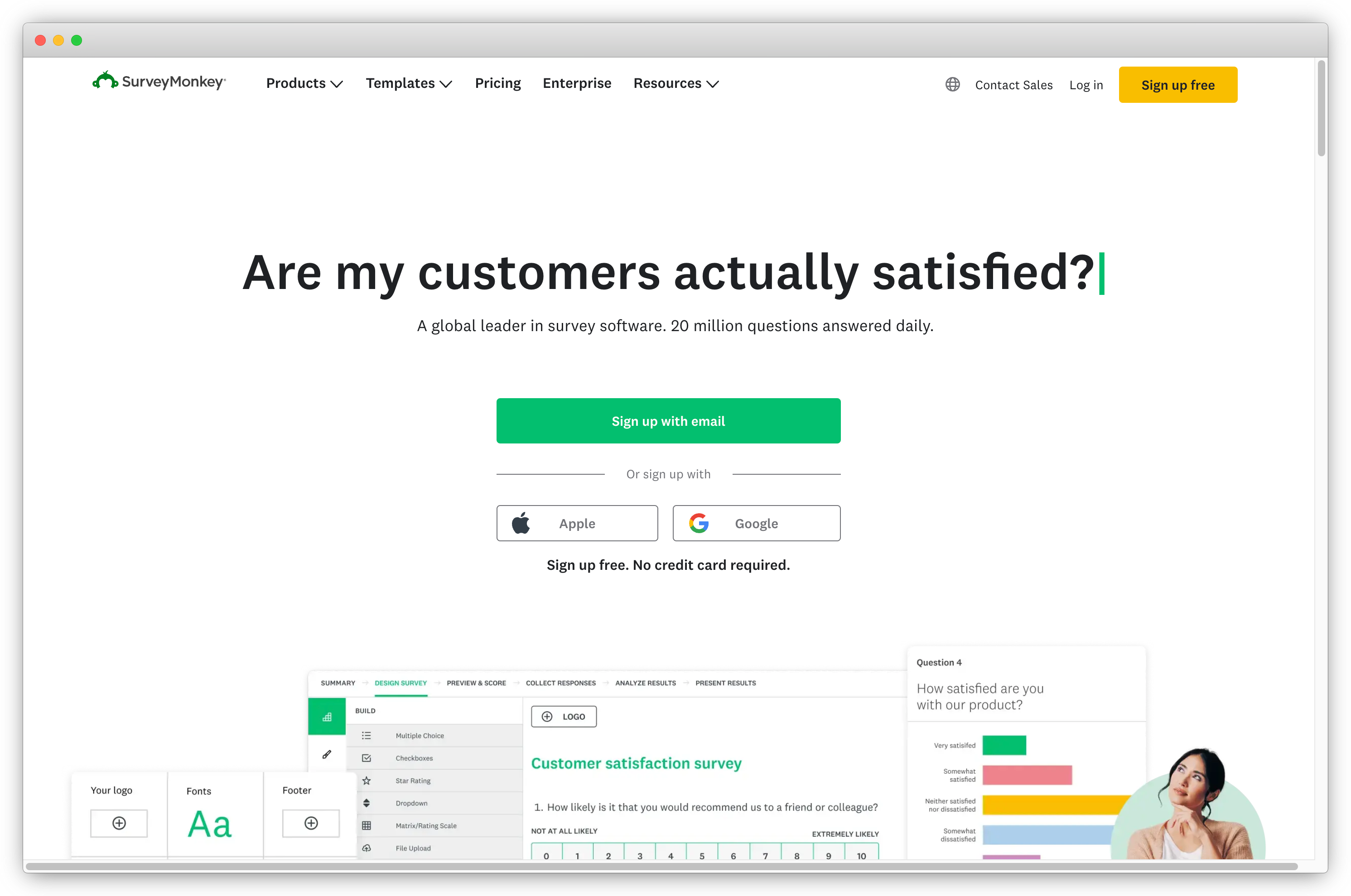
Whether it's measuring satisfaction among customers, gauging trends in the market, or conducting in-depth market studies, SurveyMonkey, popular among voice of customer tools, offers a comprehensive suite of survey templates and customization options. The powerful analytics of this market research software allow users to interpret survey data, identify key trends, and draw actionable conclusions, helping you refine your strategies, improve products and services, and challenge market competitors.
Use Case: SurveyMonkey is a widely used online survey and market research platform that helps teams design surveys, collect responses from target audiences, and analyze results through built-in reports and benchmarks. It is commonly used for market validation, customer satisfaction studies, brand tracking, and panel-based research.
Best for: Quick and scalable market research surveys, audience polling, and panel-based studies for teams that need fast insights with minimal setup.
G2 Rating: 4.4 / 5
Key Features
-
Inbuilt survey templates to get started with creating market research surveys and collecting feedback
-
CX metrics like Net Promoter Score (NPS), Customer Satisfaction (CSAT) score, and Customer Effort Score (CES)
-
Skip logic, question branching, and answer piping
-
Integrations with 120+ systems like Salesforce, Tableau, and Marketo
SurveyMonkey Pros
-
Wide customization option to design surveys
-
Variety of survey-sharing options
-
Ability to get responses from outside of your existing audience
SurveyMonkey Cons
- Lacks visual logic map
- Limitation for personalization for complex surveys
SurveyMonkey Pricing
-
Free plan and free trial available
-
Offers Individual Standard Monthly plan priced at $25 per month
However, its lower-pricing plans may not offer many functionalities. If you feel SurveyMonkey does not serve your purpose, you can check out SurveyMonkey alternatives.
8. Coupler.io: Best for Data Integration and AI-Powered Analytics
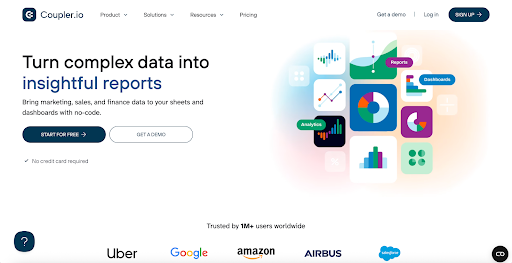
Coupler.io is a data integration platform and AI analytics that helps businesses turn raw marketing, sales, and finance data into actionable insights. Coupler.io automates data collection from multiple sources and syncs it into spreadsheets and BI tools, making it easier to analyze trends, customer behavior, and market performance at scale. With AI-powered analytics features like ChatGPT integrations and AI insights built into dashboards, Coupler.io enables market research teams to analyze complex data in minutes.
Use Case: Used to automate data extraction, integration, and reporting by pulling data from multiple sources into unified analytics dashboards, spreadsheets, or BI tools.
Best for: Teams that need reliable data aggregation and automated reporting workflows to support research insights and business decisions. (G2)
G2 Rating: 4.8 / 5
Key Features
- Ready-made dashboards
- Automated data collection
- Scheduled data transfers to spreadsheets, BI tools, and AI systems
- AI insights in dashboards for quick data analysis
- Data blending and transformation
- Google Sheets and Microsoft Excel add-ons
Coupler.io Pros
- No coding required
- User-friendly and wizard-based UI
- Automated data refresh
- Human support team
Coupler.io Cons
-
Focused on data integration and analytics rather than survey creation
-
Learning curve
Coupler.io Pricing
- Free plan available
- Paid plans start at $24/month
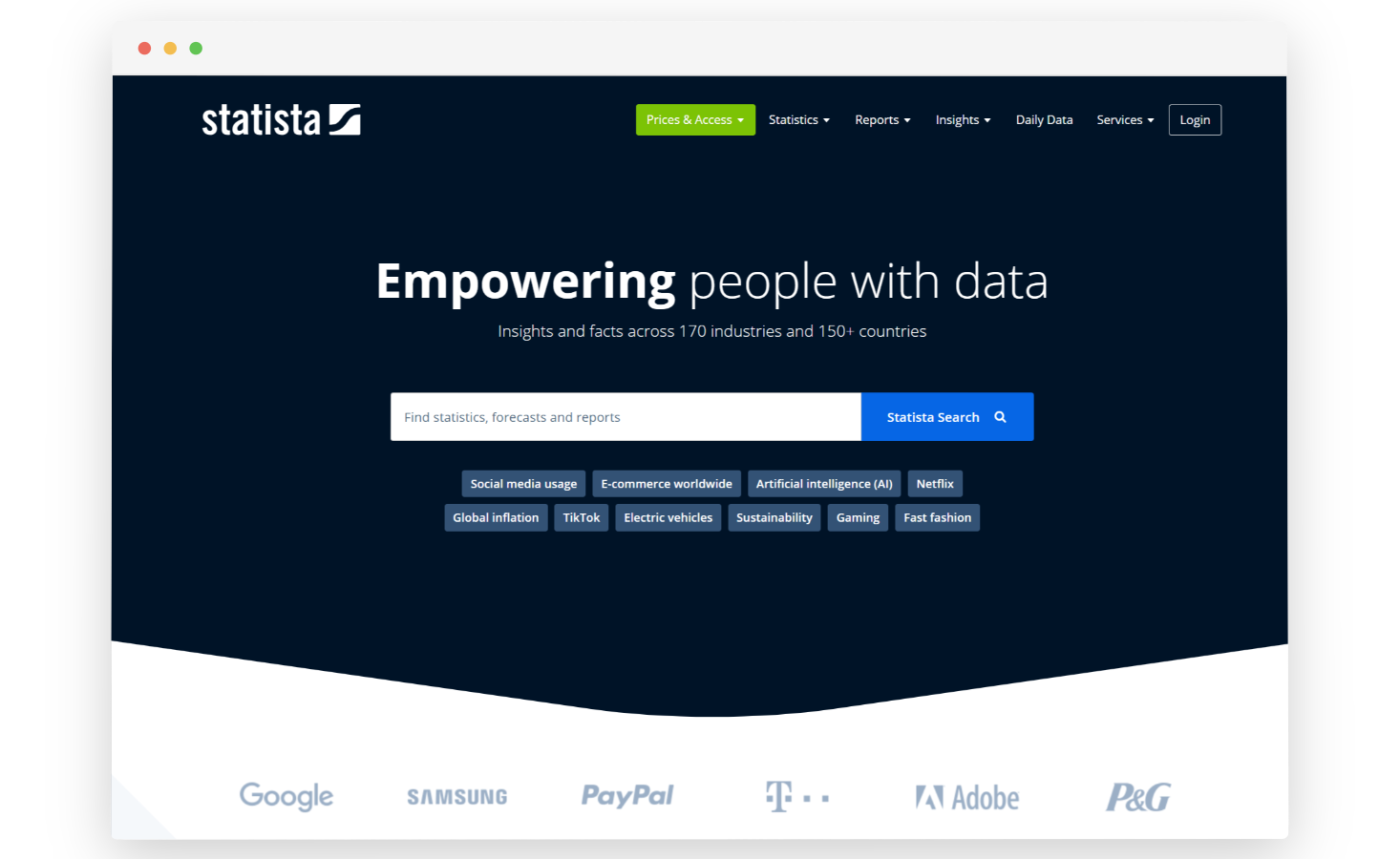
9. Statista: Best for Market Research Data & Industry Report Software
Statista is a comprehensive market research tool that provides access to a vast and diverse collection of statistical data and research findings. It gives up-to-date data on retail sales to help identify rapidly growing industries. This resource is a valuable asset for creating buyer personas, constructing online surveys, and incorporating in depth data into content marketing strategies.
If you are a market researcher in search of reliable statistics rooted in thorough research, Statista can be an ideal platform for you.
Use Case: Used for secondary market research when teams need quick access to industry statistics, market data, consumer insights, and ready-to-use research reports.
Best for: Market sizing, industry analysis, and desk research using reliable, pre-compiled data and global statistics.
G2 Rating: 4.4 / 5
Key Features
-
Extensive data repository covering finance, healthcare, technology, consumer goods, and more industries
-
In-depth industry reports and market studies on key topics and emerging trends
-
Customizable data searches and reputable reports for specific market segments, regions, or different industries
-
Visual representation of data in user-friendly formats, such as charts, graphs, infographics, etc
-
Market forecasts and projections to anticipate future trends and plan strategies
-
Global surveys offer consumer insights for businesses operating in international markets or conducting global market research
Statista Pros
- Comprehensive data across various industries and regions
- Visualizations of data in appealing formats (charts, graphs, etc.)
- Reliable data obtained from reputable organizations
Statista Cons
-
Not cost-effective
-
Lacks depth of information on specific topics
Statista Pricing
- Basic account is free
- Starter account costs $199/month
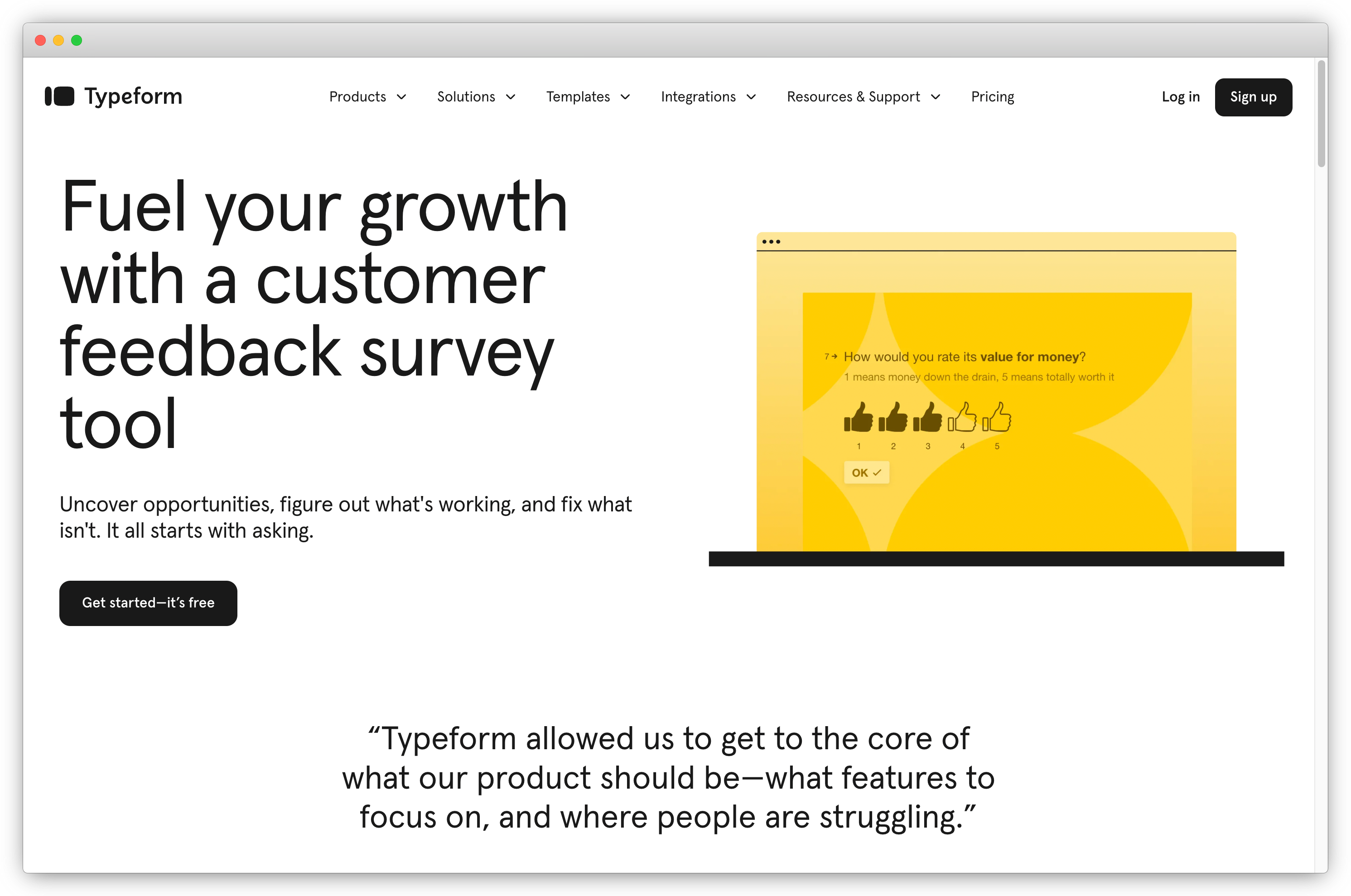
10. Typeform: Best for Conversational Market Research Surveys & Higher Completion
Typeform is a well-known market research tool that adopts a conversational approach by presenting one question at a time in surveys. This conversational flow is highly effective in engaging customers and can even lead to increased survey response and completion rates.
Use Case: Used for qualitative and quantitative market research when teams need higher response rates and richer inputs through conversational surveys and forms.
Best for: Market research teams running engagement-focused surveys, concept testing, and discovery research.
G2 Rating: 4.4 / 5
Key Features
-
User-friendly interface to run surveys that can be customized through a drag-and-drop process
-
Robust analytics and reporting tools that provide real-time consumer insights into survey responses
-
Ready-made survey templates with 20+ question types
-
Integrations like Slack, Google Analytics, Salesforce, and more
-
Multiple distribution marketing channels - email, social media, and website
-
Easy-to-share reports, analytics, and results dashboard
Typeform Pros
-
Visually appealing surveys
-
Advanced features like survey logic and AI integration
-
Seamless integration with other tools
Typeform Cons
-
Limited customization for branding needs
-
Fewer options for highly structured questionnaires
Typeform Pricing
-
Free plan available
-
Basic plan starts at $25/month
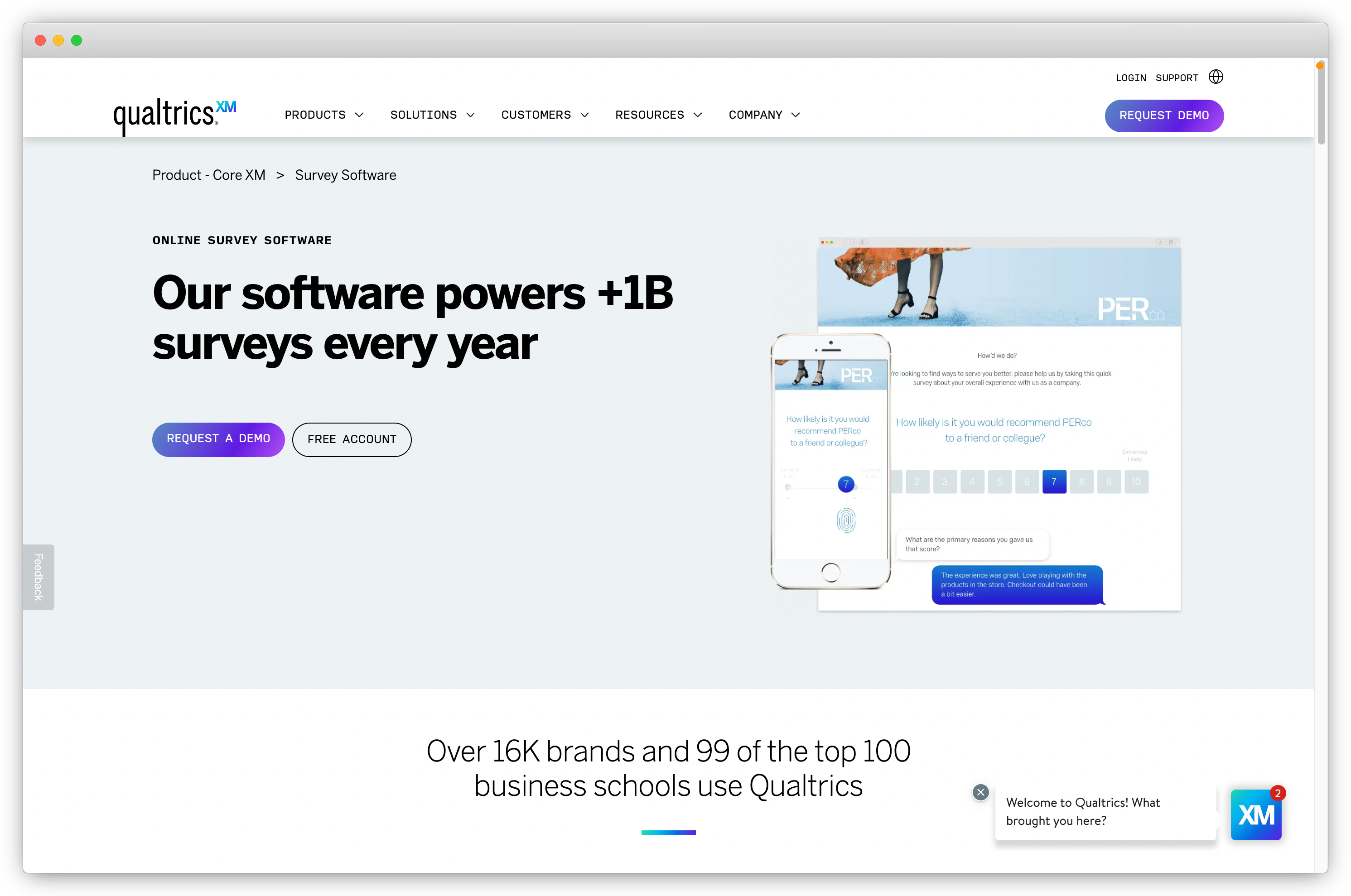
11. Qualtrics: Best for Enterprise Market Research Software With Advanced Analytics
Qualtrics is an AI-driven market research software that helps global brands to excel in customer experience management. Renowned as one of the premier market research software, Qualtrics expedites high-quality market research initiatives. Employing advanced statistical methodologies, the tool extracts intricate details about your target audience, facilitating efficient and high-quality market research processes.
Use Case: Used for large-scale market, brand, and product research when teams need advanced survey logic, multi-channel data collection, and deep analytics.
Best for: Enterprise and large organizations conducting complex, global market research programs.
G2 Rating: 4.4/5
Key Features
-
50+ expert survey templates and 100+ question types to create customized feedback surveys
-
Powerful analytics and reporting to dive deep into feedback from prospects' data collected
-
Multiple survey distribution channels: email, chatbot, SMS, contact management, web, social media, QR codes, and offline surveys
-
Built-in closed-loop follow-up with automated tickets based on feedback meeting certain conditions
-
Conjoint and predictive analysis to enhance customer experience
Qualtrics Pros
-
Comprehensive suite of features for improving brand experiences
-
Role-based access and filtering
-
Offers exceptional data analysis capabilities
-
Prioritizes data security with compliance certifications
Qualtrics Cons
-
Expensive for smaller businesses
-
Steeper learning curve for advanced features
Qualtrics Pricing
- No information available on the website. Contact their team to get pricing information.
- Some resources indicate that pricing starts at $1500 per month
Some customers perceive this tool as being on the higher end of the price spectrum. Therefore, if you are seeking a more budget-friendly option, you can explore Qualtrics alternatives to discover the most suitable option for your needs.
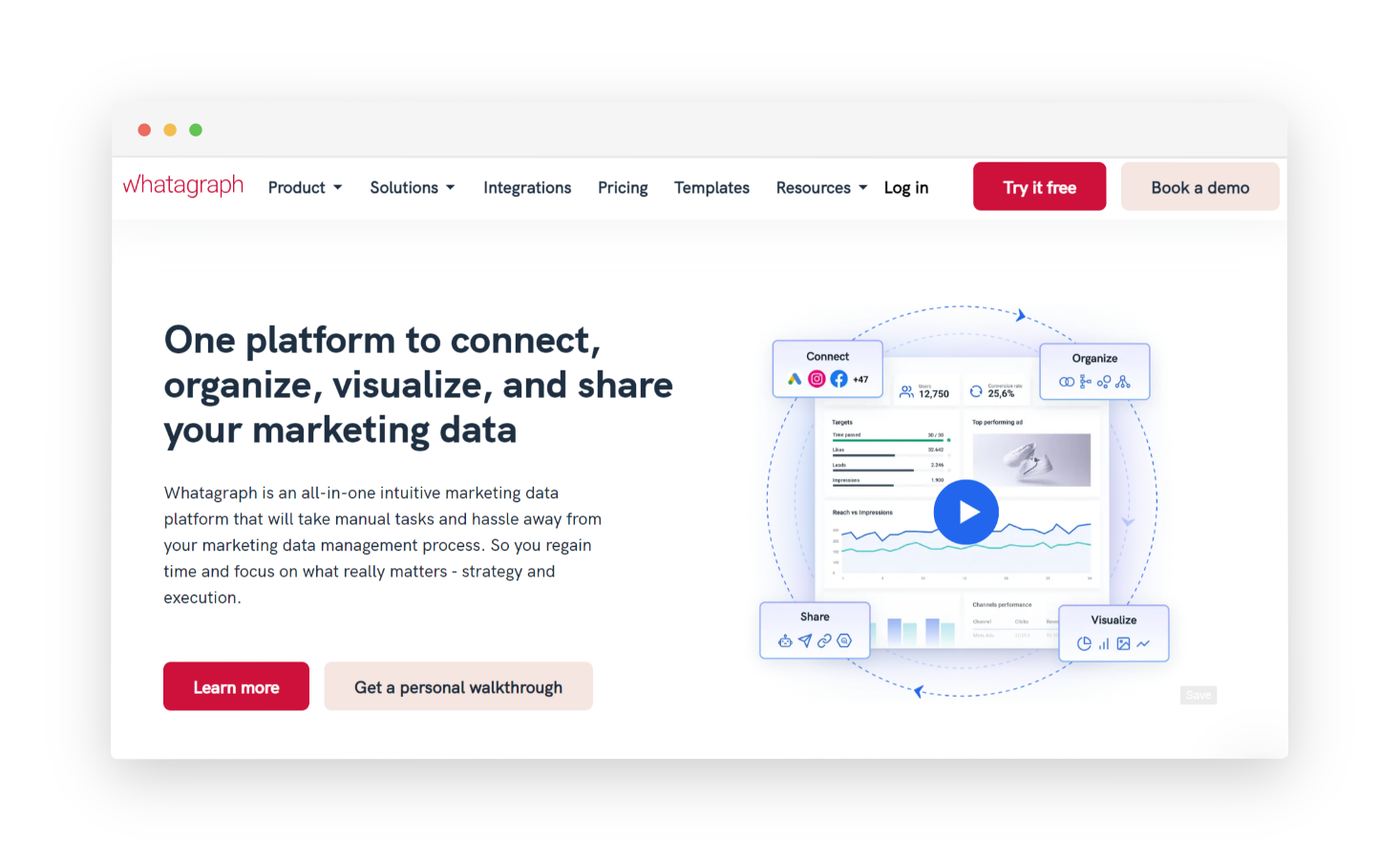
12. Whatagraph: Best for Multi-Channel Marketing Data Platform & Research Visualization
Whatagraph is a marketing data platform that streamlines data connectivity, organization, visualization, and sharing. It helps marketers unify scattered data, uncover insights, and showcase ROI quickly. The platform offers seamless integrations with popular analytics, SEO, social media, advertising, e-commerce, email marketing, and CRM tools. It also supports custom data source connections via API, Google Sheets, or BigQuery.
Use Case: Used to consolidate and visualize data from multiple sources into automated reports, helping teams analyze performance trends and present market and campaign insights clearly.
Best for: Marketing and analytics teams that need automated, visual reporting to support market analysis and performance tracking.
G2 Rating: 4.5 / 5
Key Features
-
Pre-made templates for easy source addition
-
Bulk report editing for hundreds of reports
-
Branding customization with logo and color palette
-
Personalized reports and dashboards
-
Custom domain sharing
-
Live online dashboard link sharing
-
Scheduled data transfers to data warehouse without coding
Whatagraph Pros
-
Automated reporting features
-
Multi-channel reporting
-
Data visualizations to interpret data
-
Collaboration features for team members to work together
Whatagraph Cons
-
Not cost-effective
-
Learning curve required to use the tool
-
Limited integrations
Whatagraph Pricing
-
Pricing starts from $229 per month
- Free trial available
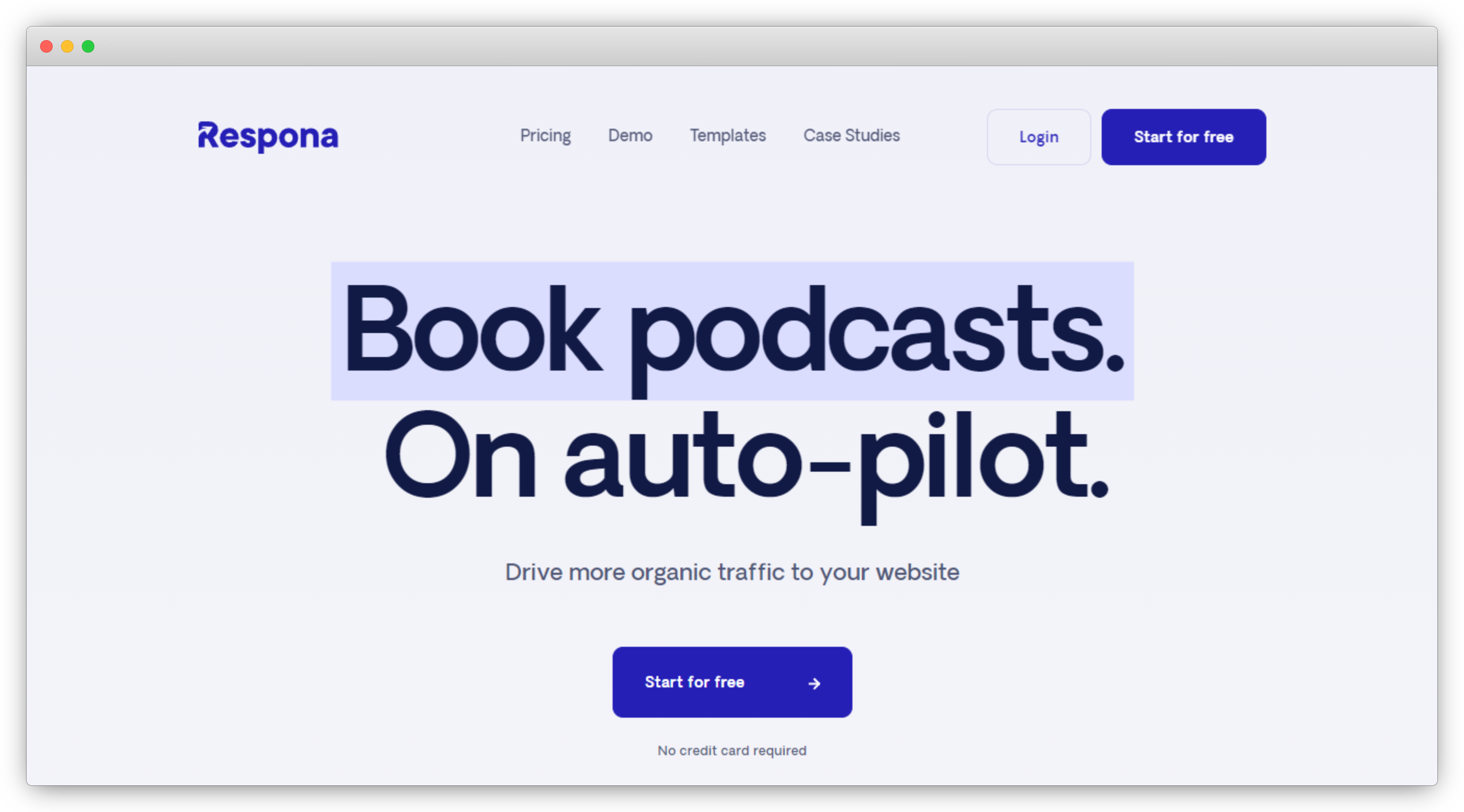
13. Respona: Best for Outreach-Driven Market Research & Digital PR Intelligence
Respona is an advanced email outreach tool designed to streamline and enhance your marketing campaigns, PR efforts, and link-building services. By integrating with various platforms and offering a comprehensive set of features, Respona enables you to build meaningful relationships and generate targeted outreach with ease.
It focuses on personalization and automation to ensure your messages resonate with recipients, resulting in higher engagement rates and successful outreach initiatives. With this tool, you can also monitor mentions of your brand or content across the web and social media and increase engagement.
Use Case: Used for competitive and content market research when teams need to analyze competitor content, identify link-building opportunities, and understand outreach landscapes.
Best for: Content, PR, and growth teams conducting competitive research and authority analysis to inform market positioning.
G2 Rating: 4.8 / 5
Key Features
- Leverage AI-driven prospecting to identify and segment potential leads based on relevance and engagement likelihood
- Create hyper-personalized email templates with dynamic variables to tailor outreach for different segments
- Automate follow-ups and manage your outreach campaigns through a centralized dashboard
- Analyze campaign performance with detailed metrics and insights, allowing for continual optimization
Respona Pros
- Exceptional personalization capabilities
- User-friendly interface with easy-to-navigate features
- Significantly reduces manual outreach efforts, saving valuable time
Respona Cons
- Limited free plan features may require an upgrade for extensive use
- The learning curve for advanced features can be steep for new users
Respona Pricing
- Starter plan starts at $100/month and custom plans is also available
- 14-day free trial available
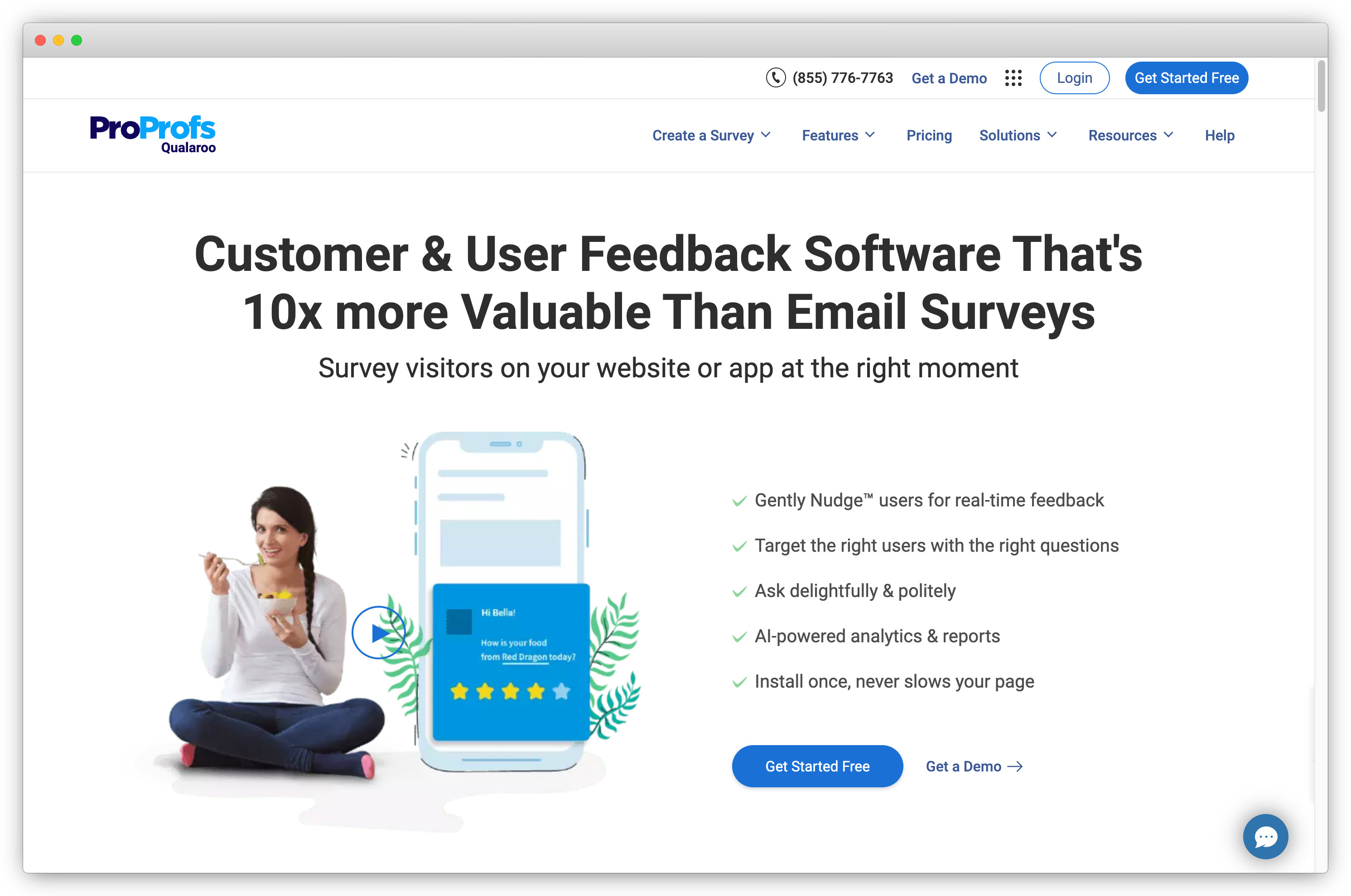
14. Qualaroo (Now ProProfs): Best for On-Site Market Research Software & User Intent Capture
Qualaroo is a versatile market research tool designed to help businesses gain valuable insights into their customers and website visitors. Through its user-friendly platform, Qualaroo offers features such as market research questions, survey creation, feedback collection, and data analysis.
Additionally, the tool excels in facilitating the creation of detailed buyer persona, employing advanced targeting techniques that offer deeper insights into user behavior and goals, making it a valuable asset for understanding and tracking customer behavior and preferences.
Use Case: Used for on-site and in-app market research when teams want to capture contextual user feedback through targeted surveys and micro-questions.
Best for: Product, UX, and marketing teams collecting in-the-moment user insights tied to specific pages, features, or user actions.
G2 Rating: 4.4 / 5
Key Features
-
Create customized surveys using different question types and pre built survey templates
-
Perform feedback mining, keyword and emotion identification and semi-automatic feedback closing using the analytics dashboard
-
Ability to create free surveys online and asynchronous code for website surveys so they don't slow the website
-
In-app surveys using its free customer feedback app
Qualaroo Pros
-
Multiple feedback channels
-
Advanced targeting based on behavior, demographics, etc.
-
AI-Powered sentiment analysis
-
Advanced reporting and analytics
Qualaroo Cons
-
Pricing may be high for some businesses
-
Advanced customization options may require technical expertise
Qualaroo Pricing
-
Pricing starts from $19/month for email surveys and $69/month for contextual surveys
-
It also offers a free trial for 15 days
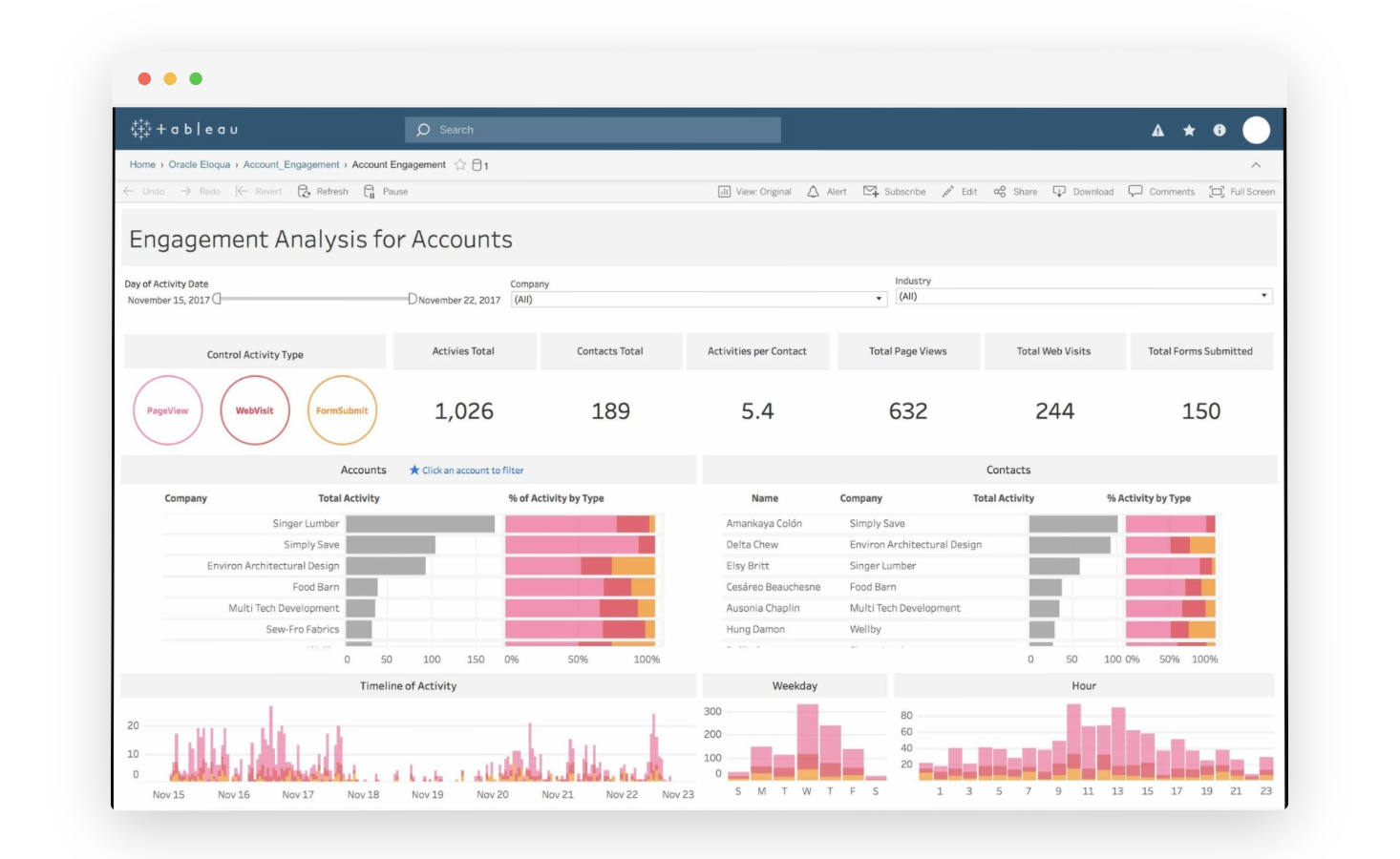
15. Tableau: Best for Business Intelligence & Market Research Data Storytelling Software
Tableau is a business intelligence suite that offers robust intelligence capabilities to enterprises of various sizes. Its primary strength lies in its ability to transform data into visual insights, enabling users to create interactive charts, compelling stories, and informative dashboards that facilitate comprehensive data analysis.
It is a popular choice for larger organizations equipped with embedded business intelligence analytics teams.
Use Case: Used for market and business research analysis when teams need to visualize large datasets, identify patterns, and explore insights through interactive dashboards.
Best for: Analytics, research, and business intelligence teams that require advanced data visualization and self-service analytics.
G2 Rating: 4.4 / 5
Key Features
-
Create interactive and insightful data visualizations
-
Connect to various data sources for comprehensive analysis
-
Build interactive dashboards and data stories
-
Combine data from different sources for a unified view
-
Perform ad-hoc data analysis and exploration
Tableau Pros
-
Powerful data visualization
-
Data integration with a wide range of data sources
-
Community support
Tableau Cons
-
Mastering advanced features requires a learning curve
-
Lacks certain advanced functionalities
-
Might lag while working with large datasets
Tableau Pricing
- Free trial is available
- Premium plan starts at $75
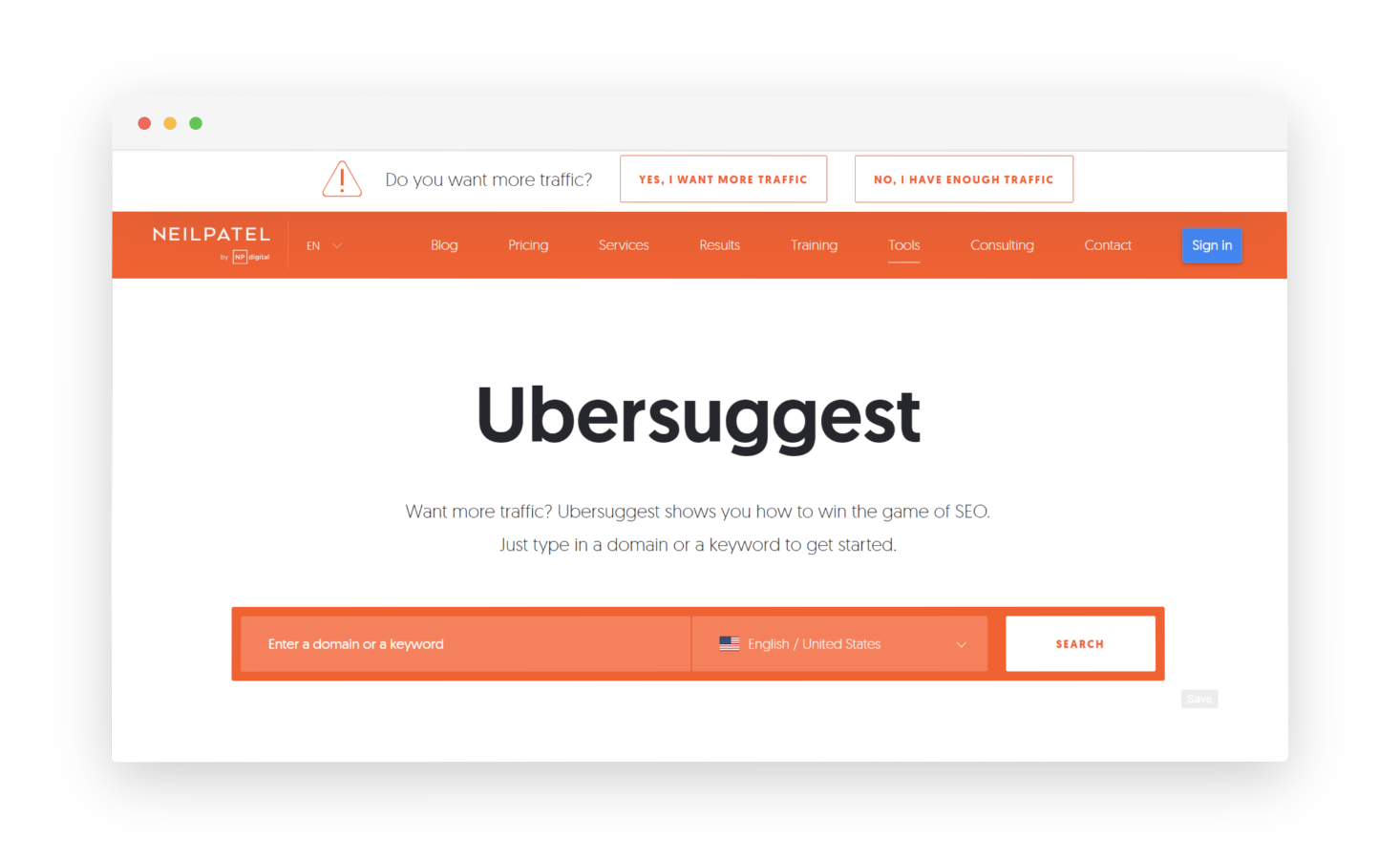
16. Ubersuggest: Best for Keyword Research Market Tool & SEO Market Intelligence
Ubersuggest serves as valuable market research software for discovering fresh keyword concepts for effective marketing campaigns. Simply input a domain or keyword, and this tool will present you with SEO keyword insights, monthly search volumes, and additional insights to assist you in your keyword searches and pinpointing the most promising opportunities related to your target keyword.
Use Case: Used for market and demand research when teams need to analyze search behavior, keyword interest, competitor visibility, and content opportunities.
Best for: Small to mid-sized teams conducting keyword-based market research, competitive analysis, and demand validation.
G2 Rating: 4.2 / 5
Key Features
-
Generate keyword suggestions, encompassing both long-tail and short-tail options
-
Keep tabs on keyword metrics, such as monthly search volume, PPC competition, CPC, SEO competition, fintech SEO and more to understand market share
-
Perform comparative keyword research by analyzing top-ranking pages for your target keywords, and assessing estimated traffic, social shares, and domain scores
-
Utilize the SEO analyzer to conduct site audits and speed assessments
Ubersuggest Pros
-
Comprehensive keyword research tool for SEO and content marketing
-
Offers content ideas based on trending topics and search patterns
-
Gives backlink analysis for SEO purposes
Ubersuggest Cons
- Data accuracy, especially for search volume and keyword competitiveness, is a concern
- Limited integration options with other platforms
- Mastering its advanced features requires time and effort
Ubersuggest Pricing
-
Free plan is available
-
Individual paid plans start at $20.95/month
17. BrandMentions: Best for Brand Monitoring Market Research Tool & Competitor Mentions
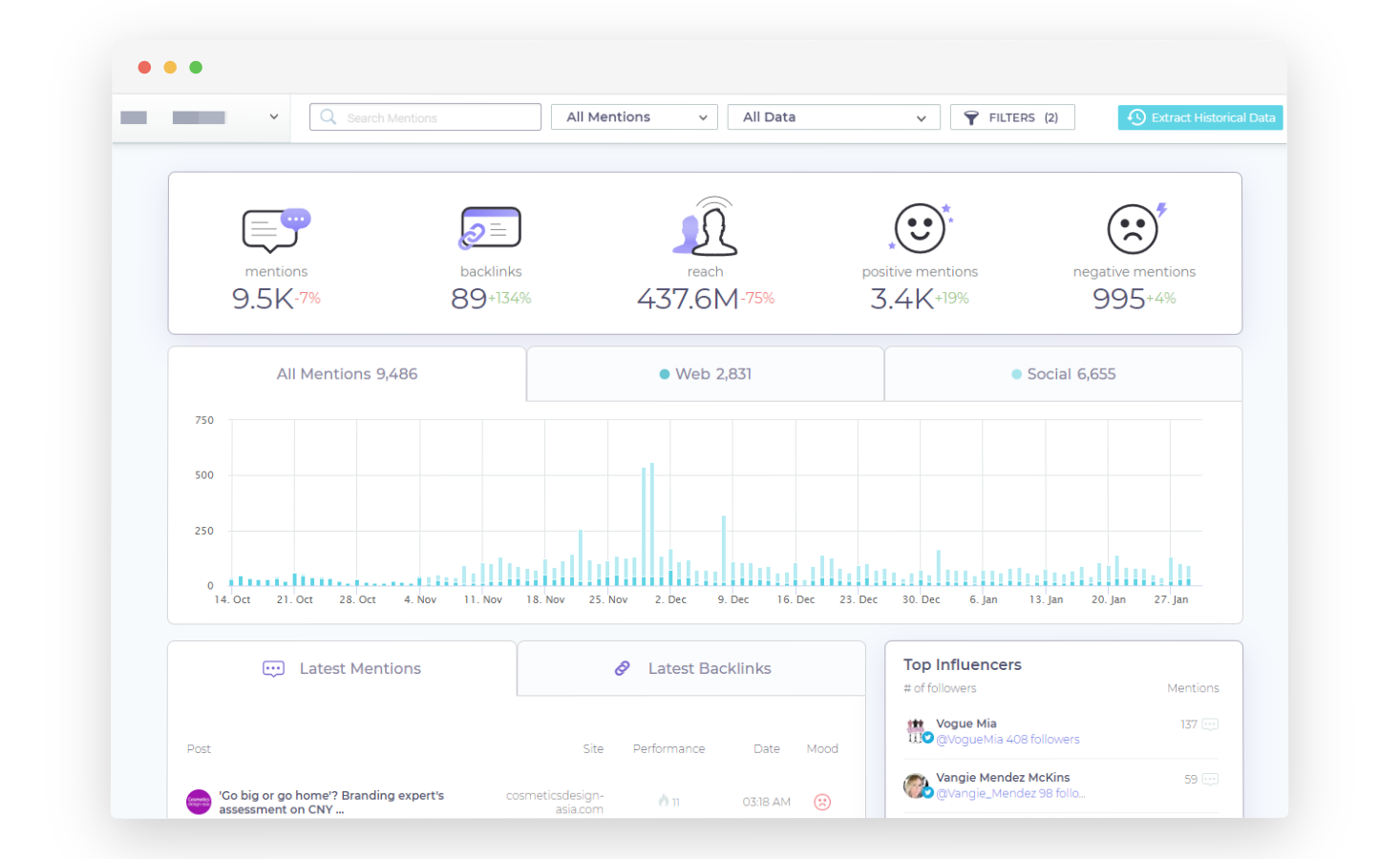
BrandMentions is a versatile market research and social media monitoring platform that offers you a comprehensive toolset for monitoring your brand's online presence and brand reputation. With this market research platform, users can track brand mentions across various online platforms, including social media, news articles, blogs, and forums, providing valuable insights into how their brand is perceived by the digital community.
Use Case: Used for market and brand research when teams need to monitor brand mentions, competitor activity, and sentiment across web and social channels.
Best for: Marketing and research teams tracking brand visibility, reputation, and competitive signals in real time.
G2 Rating: 4.6 / 5
Key Features
-
Track social mentions across various channels like Facebook, Instagram, Twitter, etc
-
Respond to brand mentions from the dashboard to build an online community
-
Find and connect with influencers to fuel your marketing efforts
-
Conduct sentiment analysis of all brand mentions tracking overall sentiment tone
-
Perform market analysis for competitors' internet performance
-
Track competitors' brand mentions, social shares, and other data to identify popular channels
-
Set alerts for trending topics and news to optimize business strategies effectively
BrandMentions Pros
-
Real-time monitoring across the web, social media, and news sources
- Comprehensive coverage from websites, blogs, forums, and social media platforms
- Sentiment analysis feature
- Customizable alerts for notifying users of new brand mentions
BrandMentions Cons
- Expensive for smaller businesses
- Data limitations for niche markets or industries
- Reporting limitations
BrandMentions Pricing
-
Growing business plan starts at $79/month
-
Free trial for 7 days is available
18. Upwave: Best for Ad Impact Market Research Software & Brand Lift Measurement
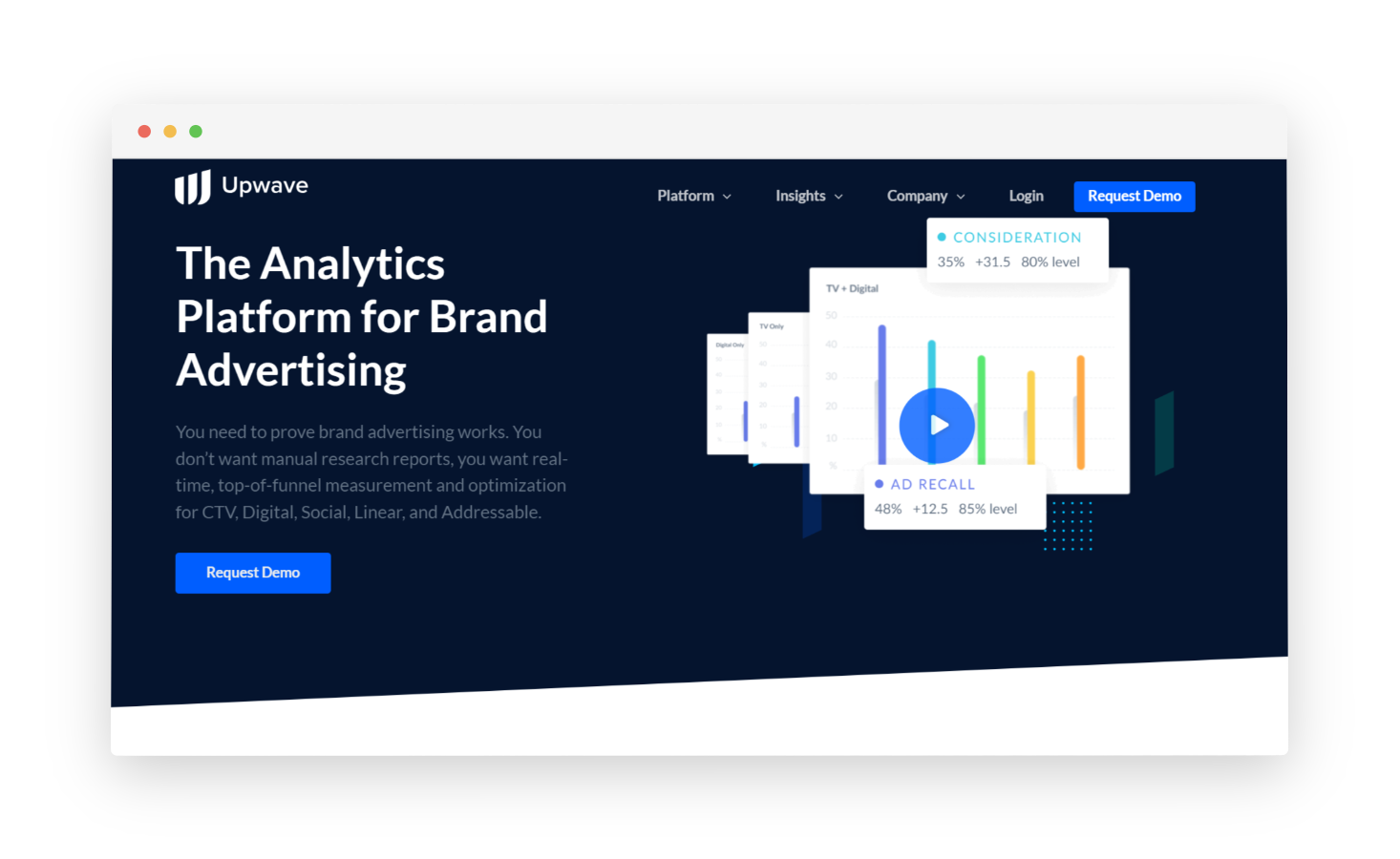
Upwave Instant Insights stands out among top-tier survey tools due to its analytics and market research abilities that helps you gauge the impact of your brand's advertising endeavors. Utilizing its integrated dashboard, you can meticulously monitor each campaign's performance across diverse channels and fine-tune strategies for enhanced return on investment (ROI).
Use Case: Used for brand and campaign market research when teams need to measure brand lift, ad effectiveness, and audience impact across digital campaigns.
Best for: Marketing and insights teams running brand tracking, brand lift studies, and campaign effectiveness research.
G2 Rating: 4.2 / 5
Key Features
-
Access real-time insights on campaign performance, enabling timely optimization
-
Receive email notifications with updated reports delivered to your inbox
-
Automatically track diverse demographic and behavioral profiles within each campaign
-
Assess the precision of each campaign's reach across multiple channels
-
Craft custom dashboards to oversee campaign performance
Upwave Pros
-
Provides a collaborative environment for teams
-
Advanced data visualization features
-
Project management tools for market research initiatives
Upwave Cons
-
Mastering its advanced features requires a steep learning curve
-
Data coverage is limited compared to other market research tools
-
Level of customization and detail in reports is limited
Upwave Pricing
-
Contact their sales team for pricing information
19. Loop11: Best for Usability Testing Market Research Tool with Heatmaps
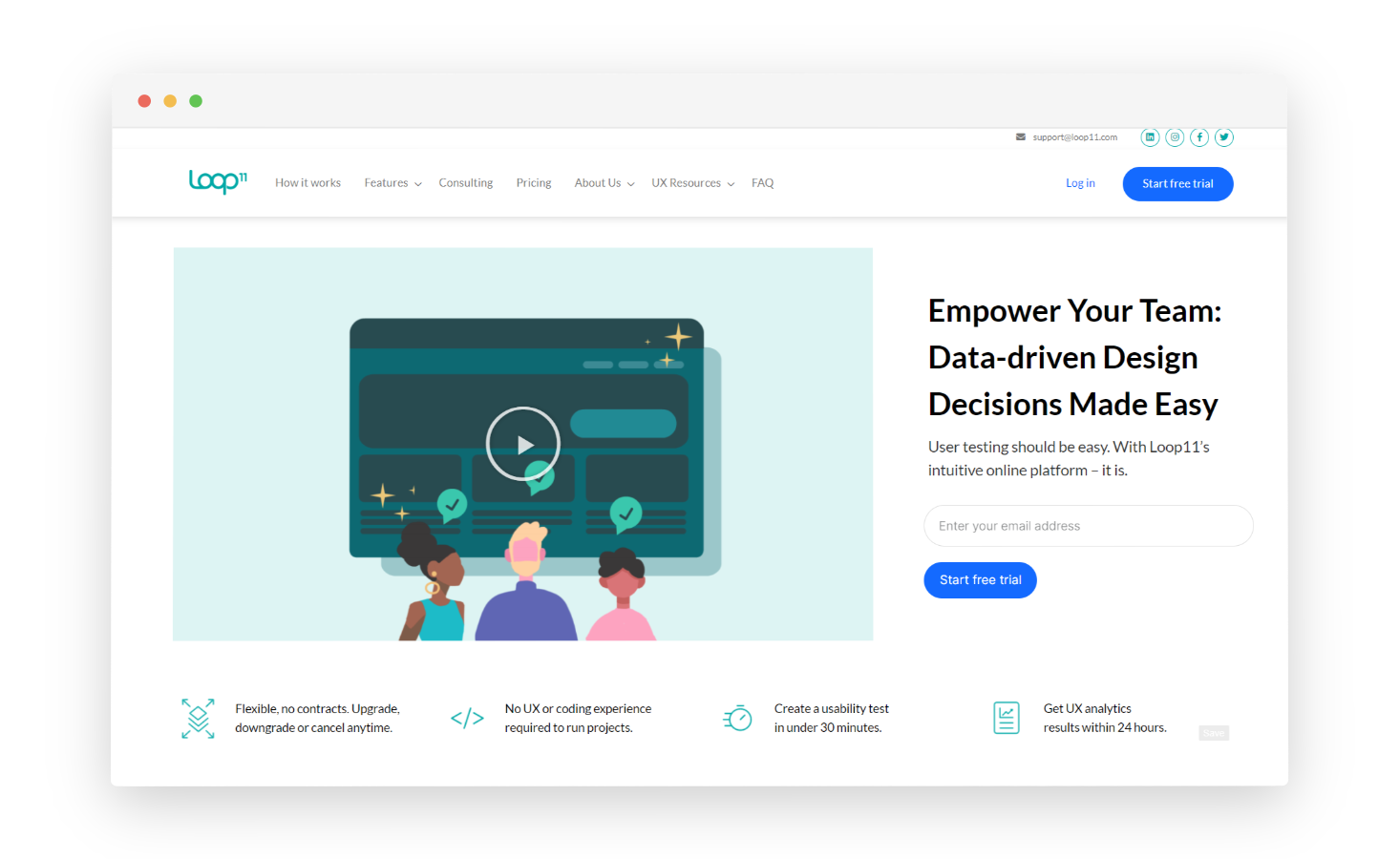
Loop11 stands out as an exceptional market research tool and user experience testing platform due to its specialization in usability testing and user research. This platform empowers businesses to gain deep insights into the user experience of their digital products, whether it's a website or an app.
With features like remote testing, heatmaps, task analysis, and feedback surveys, Loop11 provides a comprehensive toolkit for understanding user interactions and preferences.
Use Case: Used for UX and market research when teams need to test website or prototype usability, navigation clarity, and task completion with real users.
Best for: UX, product, and research teams conducting usability testing and user journey validation during discovery and optimization phases.
Key Features
-
Conduct usability testing for websites and apps to identify UX issues.
-
Reach global participants for diverse feedback.
-
Visualize user interactions with heatmaps.
-
Evaluate performance with task completion tracking.
-
Facilitate teamwork with project sharing features.
-
Generate actionable market insights reports.
Loop11 Pros
- Offers both moderated and unmoderated testing
- Provides heatmaps and clickstream data for in-depth analysis of user behavior
- Supports large-scale projects
Loop11 Cons
-
Not ideal for all market research needs beyond user experience
- Limited integration with other software
- Users often encounter technical issues or bugs
Loop11 Pricing
- Starts at $199/month
- Free trial is available for 14 days
20. Userlytics: Best for Remote UX Market Research Software with Global Panels
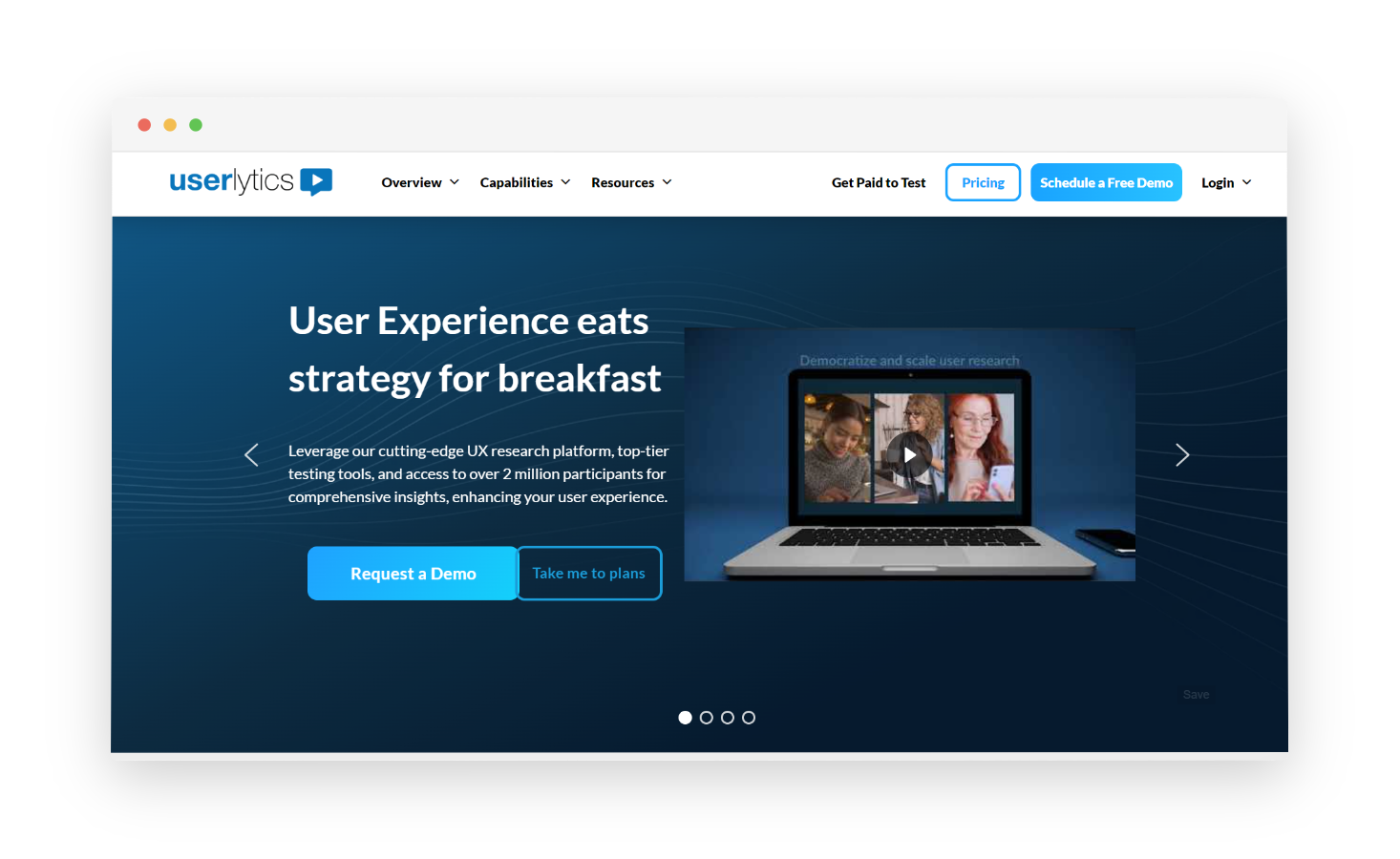
Userlytics stands out as a highly effective market research tool, particularly in the realm of user testing. This platform facilitates remote usability testing, making it effortless to align products with the specific preferences and needs of the target audience. Userlytics sets itself apart in the software industry through its ability to collect data from participants and engage live conversations for in-depth market research, eliminating the need for time-consuming personal interviews.
Use Case: Used for UX and market research when teams need to gather qualitative insights through moderated and unmoderated usability testing, user interviews, and task-based studies.
Best for: Product, UX, and research teams conducting remote usability testing and experience validation across websites, apps, and prototypes.
G2 Rating: 4.4/ 5
Key Features
-
Select from various testing options like tree testing, card sorting, and prototype testing to tailor research to your goals.
-
Use these tests to find the best product-market fit, evaluate product performance, and conduct thorough market research.
-
Customize research tasks with multiple question types, branching logic, multi-language support, and task customization.
-
Target specific audiences with built-in targeting options.
-
Observe participants' task performance with picture-in-picture recording.
-
Access comprehensive dashboards with insights such as NPS scores, task completion times, and success/failure rates for informed decision-making.
Userlytics Pros
- Offers both moderated and unmoderated testing for flexibility
- Global participant pool from various demographics
- Budget-friendly option
- Provides heatmaps, click recordings, and task completion rates for insights
Userlytics Cons
- Limited question types
- Limited customization for test appearance
- Can't filter testers by device type
Userlytics Pricing
-
Starts at $34/session
-
Custom pricing is available on request
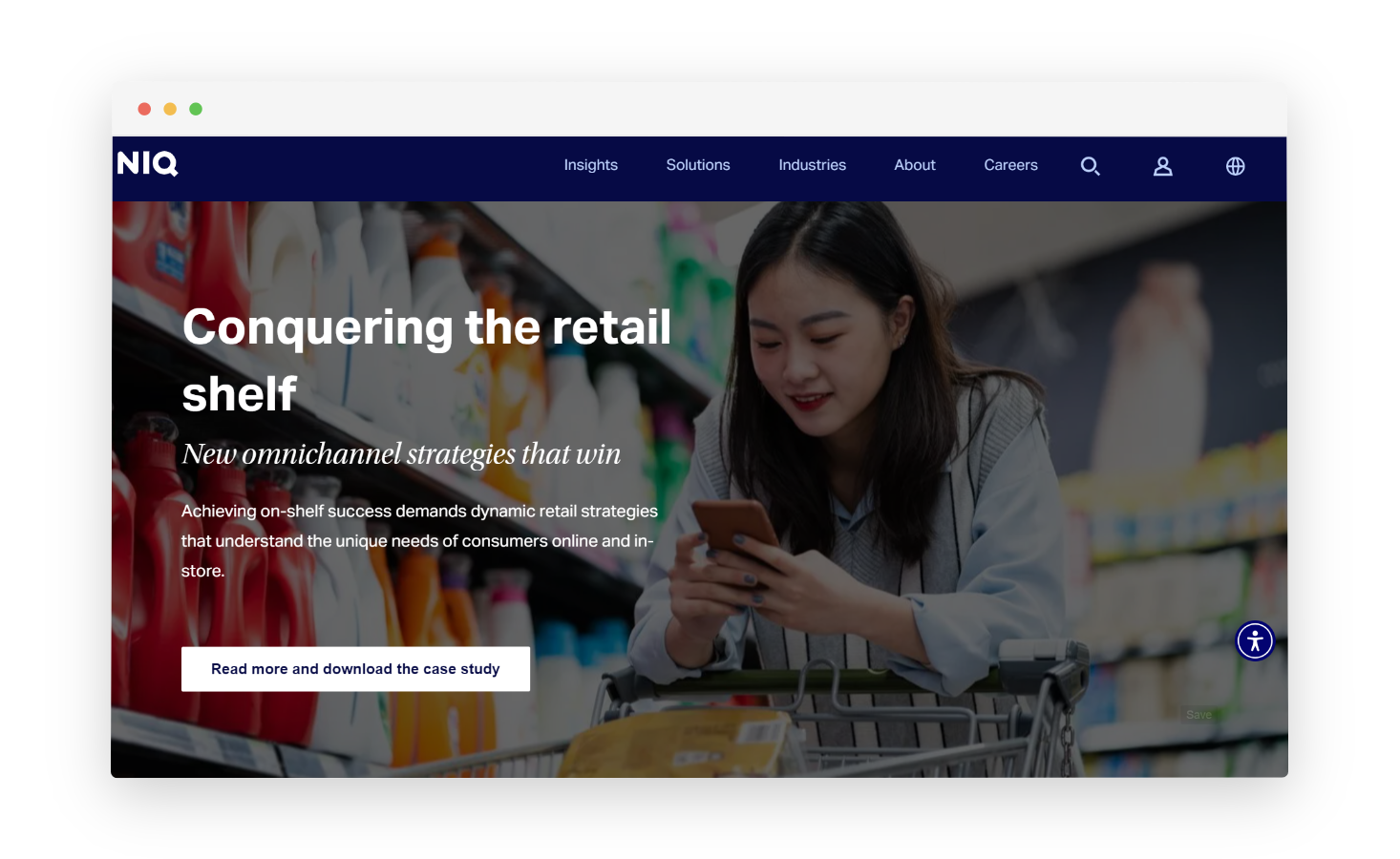
21. NeilsenIQ: Best for Retail/CPG Market Research Software & Consumer Intelligence
Neilsen IQ stands as an exceptional market research tool, offering a comprehensive suite of solutions for businesses to thrive in the evolving consumer landscape. Its strength lies in its ability to provide real-time market intelligence, enabling companies to adapt swiftly and constantly perform competitive analysis to stay competitive.
Use Case: Used for large-scale market and consumer research when teams need retail measurement, consumer panel data, and insights into buying behavior, market share, and category performance.
Best for: Enterprises and research teams conducting consumer, retail, and FMCG market analysis using panel-based and point-of-sale data.
G2 Rating: 3.8/ 5
Key Features
-
Access consumer data on purchasing behavior, preferences, and trends to shape strategies
-
Use media analytics to measure advertising campaign impact
-
Utilize predictive analytics to anticipate market trends and make proactive decisions
-
Analyze media performance and online consumer interactions with digital measurement
-
Conduct custom research projects tailored to your needs
-
Access global market data for a comprehensive view of consumer behavior across regions
NeilsenIQ Pros
-
Massive dataset on consumer behavior across various industries and regions
-
Reliable market research data
-
Offers market research solutions with global reach
NeilsenIQ Cons
- Data complexity that requires expertise for proper analysis
- Customizable solutions may not be as flexible as some agile market research tools
- Its core strength lies in retail market research excluding others
NeilsenIQ Pricing
- Contact the sales team to get pricing information
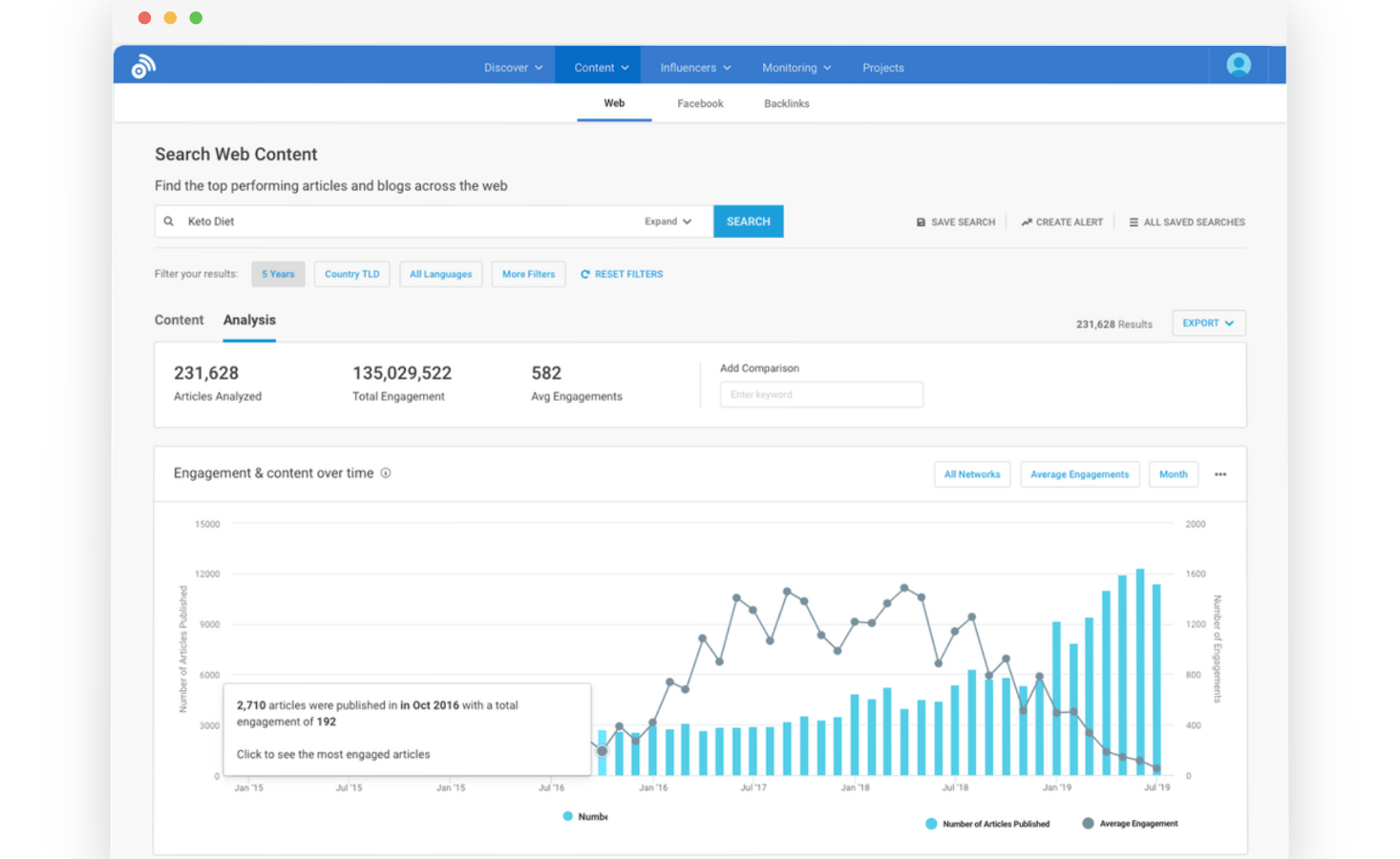
22. BuzzSumo: Best for Content Trends Market Research Tool & Influencer Discovery
With its comprehensive content analysis capabilities, BuzzSumo helps users identify trends, uncover competitive intelligence, and track the performance of their own and competitors' content across various digital and social media monitoring platforms. It simplifies influencer discovery and outreach, making it easier to engage with key players in your industry.
Use Case: Used for content and market research when teams need to identify trending topics, analyze competitor content performance, and understand audience engagement patterns.
Best for: Content, marketing, and research teams tracking market trends, content demand, and competitive performance signals.
G2 Rating: 4.5 / 5
Key Features
-
Perform content research and identify emerging trends in the industry.
-
Analyze the content strategies, performance, and critical data points of your competitors.
-
Influencer discovery in your niche to collaborate with.
-
Real-time alerts about mentions of your brand or relevant keywords.
-
Monitor backlinks to improve your SEO and content strategy.
-
Track social media engagement for content performance evaluation.
BuzzSumo Pros
-
Uncovers trending content and topics relevant to your niche
- Influencer identification for potential partnerships
- Social media insights
BuzzSumo Cons
- Limited data depth with no in-depth audience demographics or sentiment analysis
- Primarily geared toward content marketing research
- Focus on top-performing content, potentially missing out on emerging trends
BuzzSumo Pricing
- Starts at $199/month
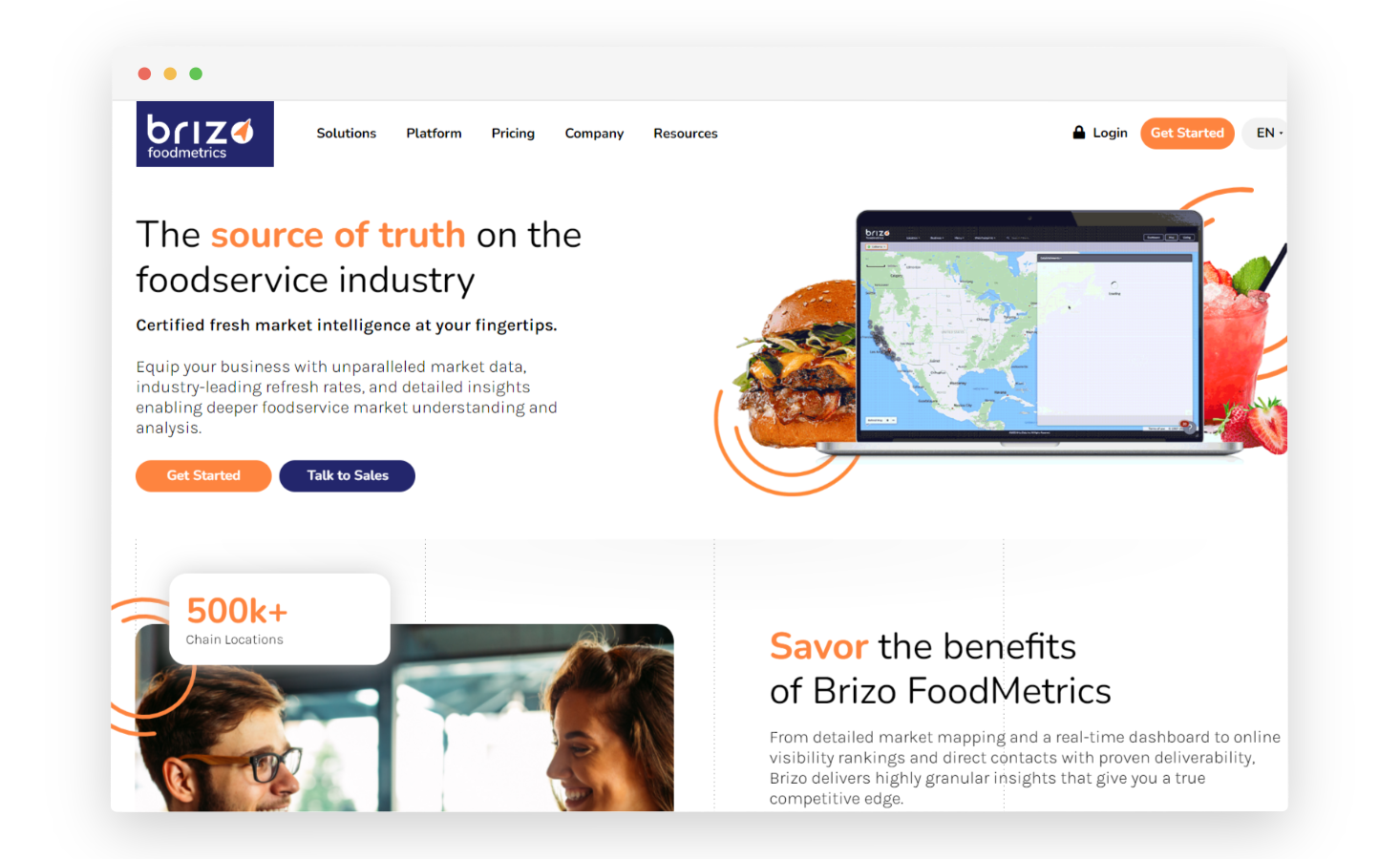
23. Brizo FoodMetrics: Best for Foodservice Market Research Software & Industry Intelligence
Brizo is a marketing intelligence platform that delivers fresh and actionable analytics for food service professionals to empower them with accurate data. The platform is equipped with data from more than 1.5 million food service establishments across Canada and the US, 2.5 billion menu items, and 500+ tech stack details. It provides detailed insights and industry-leading refresh rates and reduces prospecting time.
Use Case: Used for market research in the foodservice industry when teams need data on restaurants, menus, pricing, locations, and competitive dynamics.
Best for: Food and beverage brands, distributors, and analysts conducting industry-specific market and competitive research.
G2 Rating: Not listed on G2 (no official rating available)
Key Features
-
Provides a real-time dashboard for gaining insights.
-
Detailed drop-down for each establishment and mapped views of markets.
-
Proprietary scoring system based on online visibility and reviews.
Brizo FoodMetrics Pros
-
Offers a wide range of data points on consumer behavior, market trends, and product performance within the food and beverage industry
-
Real-time data collection
-
User-friendly interface
Brizo FoodMetrics Cons
- Limited industry coverage
- Require additional tools or expertise for in-depth analysis
- Limited customization options
Brizo FoodMetrics Pricing
-
Available for free trial
-
It offers various plans for which you need to contact their team
-
When you buy any Brizo plan, you get the choice of opting for optional add-ons, namely data cleansing and API Access
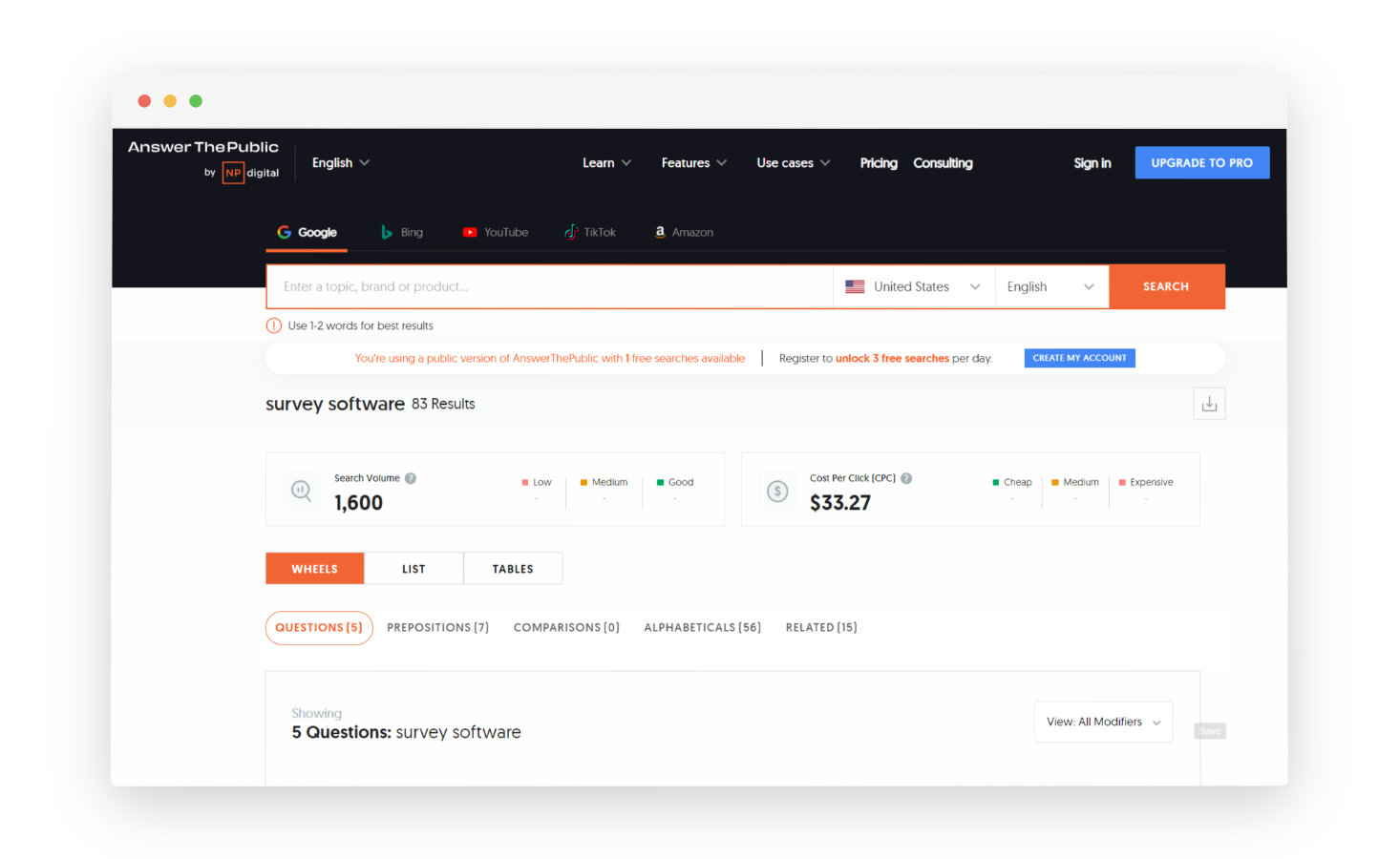
24. Answer the Public: Best for Search Listening Market Research Tool & Topic Ideation
Answer The Public is a popular online market research tool that bridges the gap between what the customers are looking for and what content or solutions you can provide through questions and topics. It essentially generates visual data representations of the most common queries people have related to specific keyword searches or topics.
Use Case: Used for market and demand research when teams need to understand consumer questions, search intent, and topic interest around products, categories, or problems.
Best for: Early-stage market research, audience insight discovery, and intent mapping based on real search queries.
G2 Rating: 4.5/ 5
Key Features
-
Generates content ideas and topics by visualizing search queries.
-
Offers valuable insights into what questions and topics interest your target audience.
-
Provides data on search volume and related keywords for each query.
-
Allows for keyword export and integration with other
-
Helps in content creation and optimization by addressing user queries effectively.
Answer the Public Pros
- Provides a visual representation of search queries
- Helps identify long-tail keywords and search phrases
- Easy to use interface
- Multiple search options to explore different search perspectives (questions, prepositions, comparisons)
- Supports searches in various languages
Answer the Public Cons
- Limited data depth for search volume, competition, or demographics
- Relies heavily on user input for the accuracy of keywords
Answer the Public Pricing
- Starts at $13.33/month
- Free trial available
25. Plerdy Heatmap: Best for Web Behavior Market Research Tool & Conversion Insights
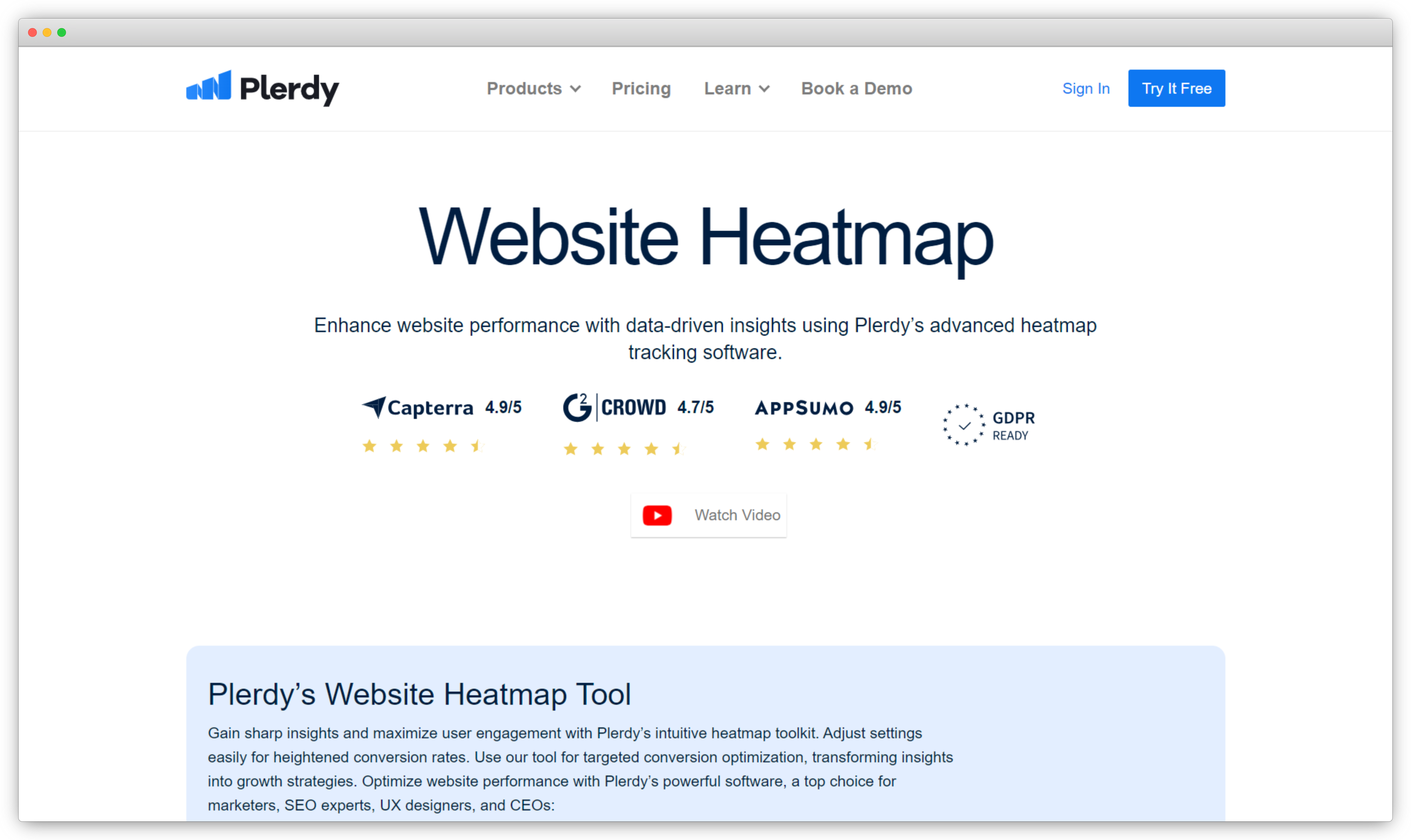
Designed to let companies see how users of their websites interact, Plerdy Heatmap is a flexible market research and user behavior analytics tool. Focusing on real-time heat map tracking, Plerdy sees user clicks, scrolling, and cursor movements, so offering useful information to improve website usability and raise conversion rates. Analyzing user involvement helps companies make data-driven decisions to properly design and content of their website.
Use Case: Used for market and UX research when teams need to analyze user behavior on websites through heatmaps, click tracking, scroll depth, and session insights.
Best for: Marketing, CRO, and UX teams optimizing websites and landing pages based on real user interaction data.
G2 Rating: 4.7 / 5
Key Features
-
Monitor user interactions as they happen for immediate insights with real-time heatmaps.
-
Understand and track where users click, how far they scroll, and where they hover.
-
Identify stages where users drop off to improve the sales funnel.
-
Analyze SEO factors alongside user behavior for a holistic view with SEO checker integrations.
-
Customize events to track specific user actions and engagements.
Plerdy Heatmap Pros
- Real-time user interaction analysis with heatmaps
- Easy setup with intuitive navigation
- Detailed metrics for in-depth user behavior analysis
- Seamless integration capabilities with business tools
Plerdy Heatmap Cons
- Lacks granular customization options for specific use cases
- Integration challenges with other marketing or analytics tools
- Free plan has restricted features and data limits
Plerdy Heatmap Pricing
- Starts at $21/month
- Free version available
Top Free Market Research Tools
When seeking cost-effective solutions for market research, several free tools can be valuable resources. These tools offer essential features and insights without requiring a financial commitment. Here are some free market research software that can help you in conducting the research.
26. Social Mention: Best for Free Social Media Market Research Tool & Sentiment Snapshots
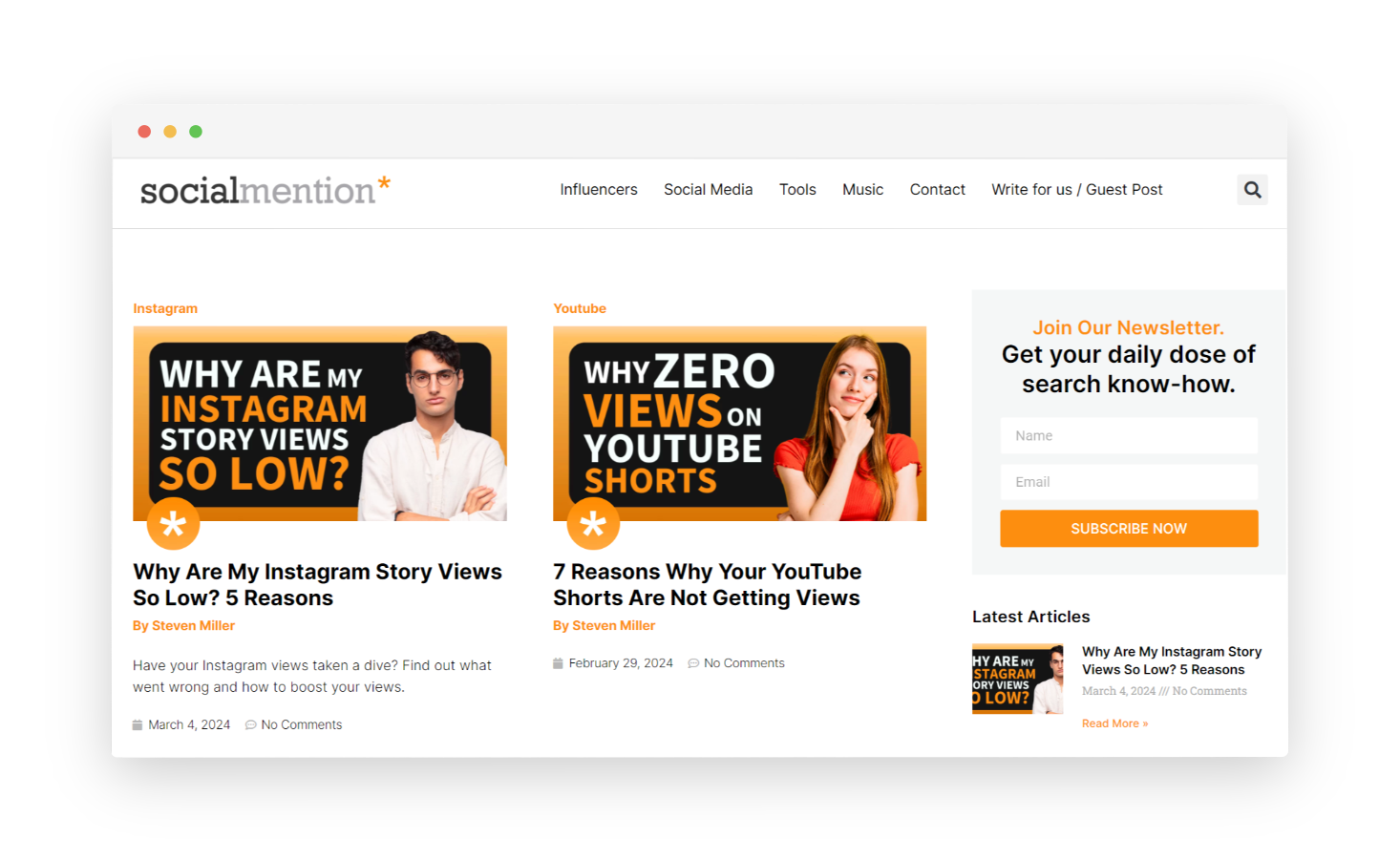
Social Mention is a valuable market research tool that provides insights into the online sentiment and perception surrounding your brand, products, or topics of interest. This tool allows you to monitor social media platforms and websites to track mentions, comments, and discussions related to your keywords or brand.
Use Case: Used for basic market and brand research when teams want to track brand mentions, keywords, and sentiment across social media and web sources in real time.
Best for: Early-stage market research, brand monitoring, and quick sentiment checks without complex setup.
G2 Rating: 3.2/5
Key Features
-
Real-time social media monitoring
-
Multichannel insights from various platforms like Twitter, Facebook, Instagram, and more.
-
Sentiment analysis for brand mentions to understand the overall sentiment (positive, negative, or neutral) of discussions related to the brand or keywords.
-
Trending topics and keyword discovery.
-
Hashtag performance tracking.
-
Exportable data and reports.
Social Mention Pros
-
Tracks brand mentions across various social media platforms
-
Provides sentiment analysis
-
Identifies influencers for potential influencer partnerships
-
Easy to use interface
Social Mention Cons
- Lacks in-depth audience demographics or detailed sentiment analysis
- Difficult to track trends over time due to limited historical data
- Prioritizes high-volume mentions, potentially missing out on niche conversations
27. Google Trends: Best for Search Trend Market Research Tool & Topic Validation
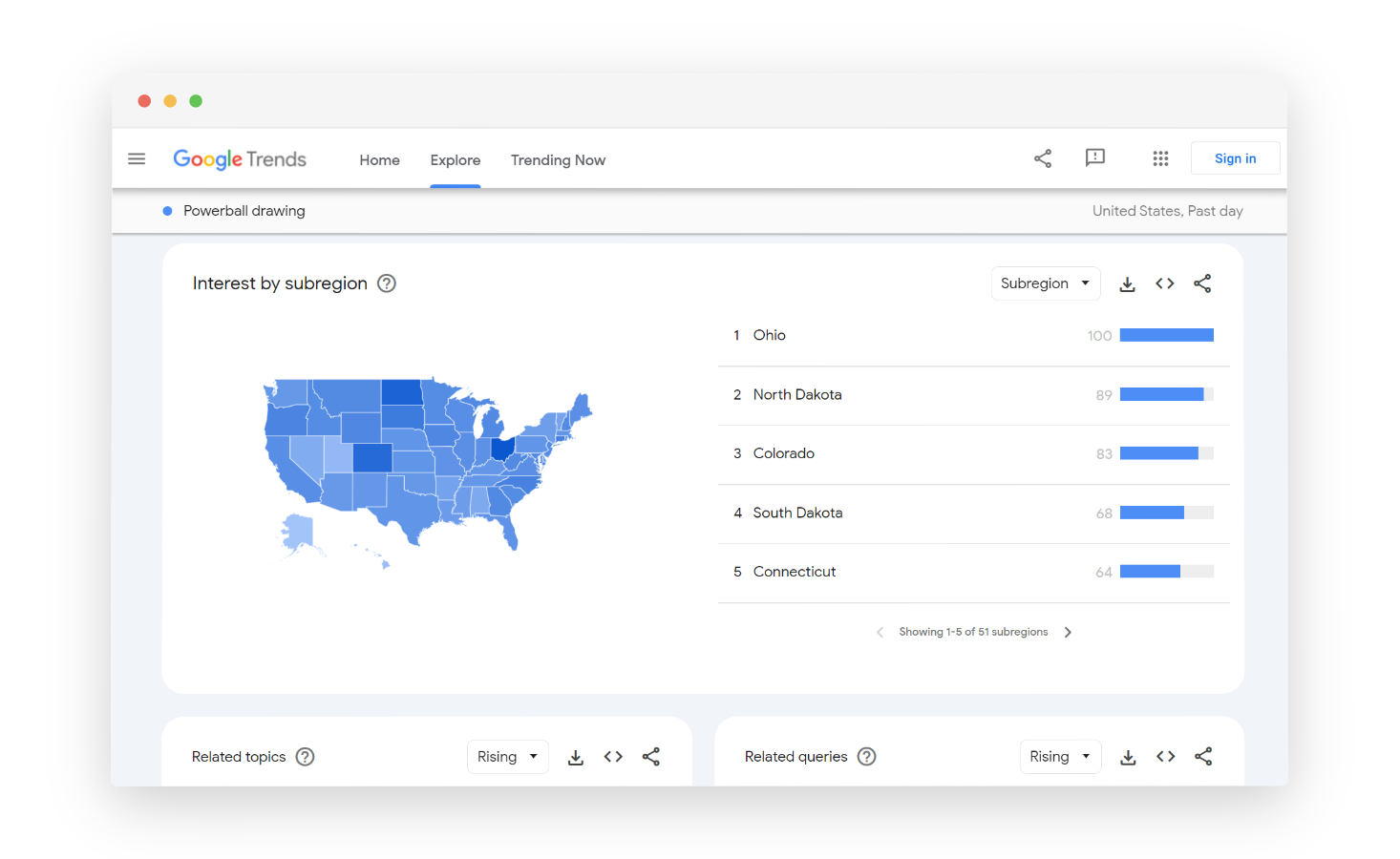
Google Trends serves as a dynamic market research tool that uses the power of Google's search data to offer real-time insights into consumer interests and trends. It allows you to gauge the popularity of specific keywords and topics over time, helping to identify emerging market trends and customer preferences.
By providing data on regional outlook interest, related queries, and trending topics, Google Trends aids in market segmentation and targeted marketing efforts.
Use Case: Used for market and demand research when teams want to analyze interest over time, compare topics, and spot emerging trends across regions and audiences.
Best for: Trend validation, demand forecasting, and early-stage market research using search interest data.
G2 Rating: 4.6/5
Key Features
-
Analyze search trends globally or focus on specific regions and languages.
-
Compare the popularity of multiple keywords or topics.
-
Visualize data with interactive graphs and maps.
-
Search term frequency to know how often your queried term appears in Google searches relative to the total search volume within a specific timeframe.
-
Graphical representation for search trends for enhanced clarity.
Google Trends Pros
-
Provides access to up-to-date search trends
-
Global reach for a broader perspective
-
Comparative analysis for multiple keywords
-
Topic exploration for content or product development
Google Trends Cons
- Limited data depth including demographic data
- Lack of context for search trends
- Limited customization options
- Requires careful interpretations as seasonality and trends impact search data
28. Think With Google: Best for Consumer Insights Market Research Software & Benchmark Data
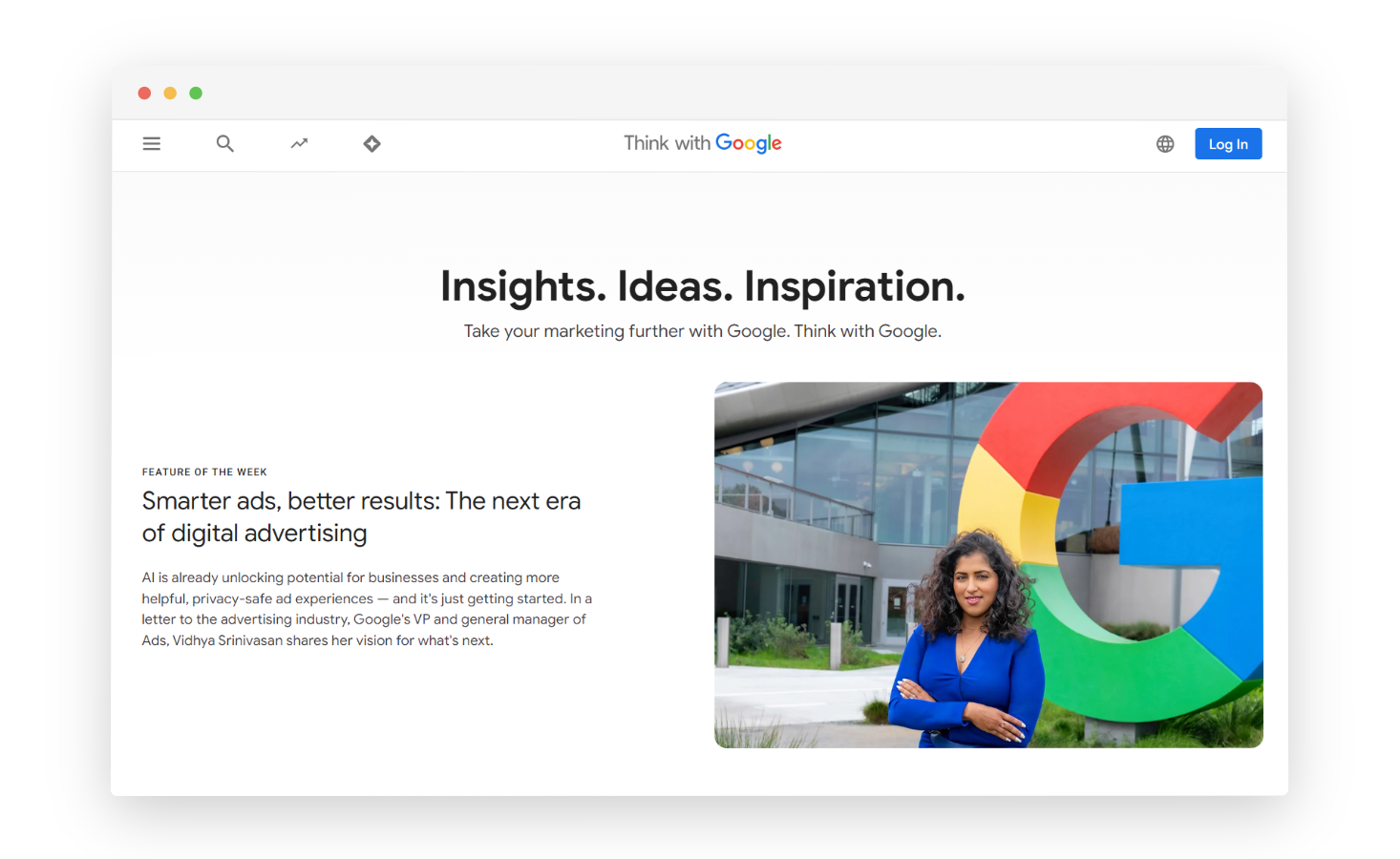
Think with Google offers a wealth of insights and data-driven content that can empower you to gain a deep understanding of consumer behavioral traits, industry trends, and emerging market dynamics. Through a wide array of articles, reports, and case studies, it provides market researcher and businesses with the information needed to make informed decisions, refine their marketing strategy, and stay ahead in the ever-evolving digital landscape.
Use Case: Used for market and consumer research when teams need access to data-backed insights, trends, and studies based on Google’s aggregated consumer and industry data.
Best for: Strategists, marketers, and research teams looking for high-level market trends, consumer behavior insights, and inspiration for planning and decision-making.
G2 Rating: Not listed on G2 (no official rating available)
Key Features
-
Conduct a comprehensive site audit for tailored recommendations to enhance site speed, UX, and more.
-
Access trend data and actionable consumer insights for specific geographic locations.
-
Track emerging technologies to plan future marketing campaigns and product offerings strategically.
-
Benchmark your website against industry standards and perform competitive analysis.
-
Use Google Trends to explore trending topics and uncover relevant hot subjects for your industry.
Think With Google Pros
- Leverages Google's vast data pool for data driven insights
- Offers a variety of content formats (articles, case studies, webinars, videos)
- Provides in-depth guidance on utilizing Google's marketing tools (Search Ads, Analytics)
- Up-to-date information
- Offers insights and case studies from around the world
Think With Google Cons
- Primarily focuses on digital marketing, potentially neglecting traditional marketing channels
- Content geared towards a general marketing audience rather than a specific niche
- Lacks customization features
- Dependency on Google's interpretation
29. Census Bureau: Best for Demographic Market Research Tool & Economic Datasets
The United States Census Bureau is a vital and comprehensive market research tool that provides an extensive range of demographic and economic data about the U.S. population. This tool helps in understanding global software market size by conducting periodic censuses, surveys, and data collection to gather information on various aspects of society, including population size, age, income, education, housing, and economic activities.
By leveraging the Census Bureau's census data, you can make informed decisions about product development, marketing strategies, market segmentation, and location-based planning.
Use Case: Used for demographic and population market research when teams need official data on population size, income, housing, employment, and geographic distribution.
Best for: Demographic analysis, market sizing, location planning, and public sector or policy-related research.
G2 Rating: Not listed on G2 (no official rating available)
Key Features
-
Access detailed demographic information about the U.S. population
-
Explore economic indicators like employment rates, income levels, and business statistics
-
Utilize geographic data and mapping tools to analyze market trends at various levels
-
Access historical data to track changes in consumer behavior over time
-
Create custom reports and visualizations for specific market segments
-
Use Census Bureau's data tools and APIs for research and analysis
Census Bureau Pros
-
Reliable and accurate data
-
Provides a vast repository of demographic, social, and economic data
-
Data is available at various geographic levels (national, state, county, etc.)
-
Provides historical data sets allowing for trend analysis and comparison over time
Census Bureau Cons
-
Time lags exist between data collection and release
-
Focuses on population data at a macro level
-
Privacy concerns lead to data aggregation at certain geographic levels
-
Potential for bias due to uneven census participation
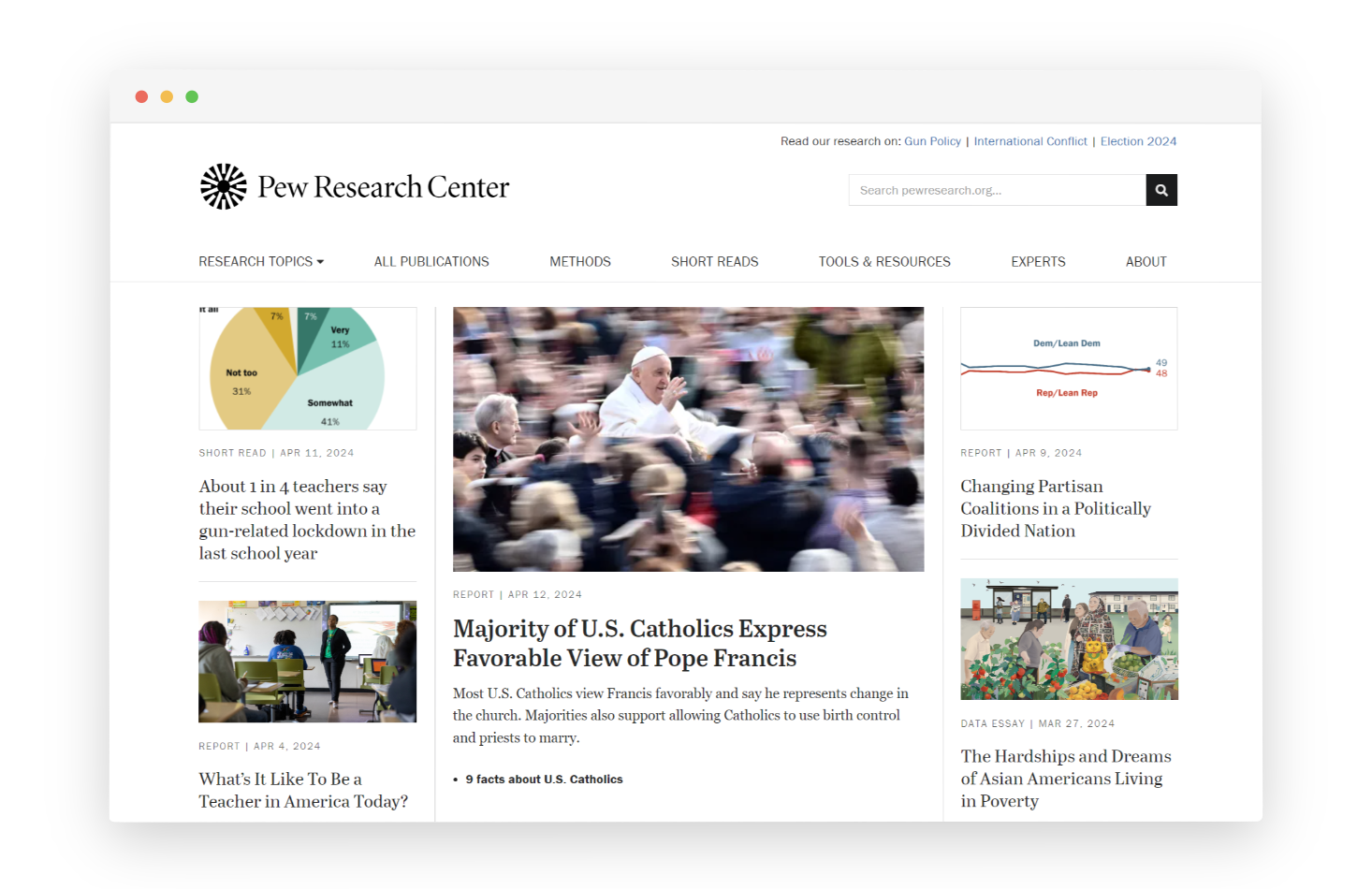
30. Pew Research Center: Best for Public Opinion Market Research Tool & Social Trend Data
A great free market research tool that can help you understand your target market through a wide range of subjects, from economic trends to positive and negative sentiments and social media behaviors, the Pew Research Center website offers a wealth of free research resources to enhance your understanding of your target audience.
Use Case: Used for secondary market and social research when teams need reliable, nonpartisan data on public opinion, demographics, technology use, and social trends.
Best for: Researchers, analysts, and strategists conducting evidence-based market, social, and policy research using high-quality public datasets.
G2 Rating: Not listed on G2 (no official rating available)
Key Features
- Provides a wide range of free, in-depth research reports and data on various topics.
-
Offers valuable insights into social, political, and demographic trends for various forecast period.
-
Covers a vast array of subjects, including technology, religion, economics, and more.
-
Presents data through interactive articles, charts, and graphs for easy understanding.
Pew Research Center Pros
- Renowned for its non-partisan research and reliable data collection methods
- Provides detailed reports with analysis
- Focus on emerging trends
- Covers a wide range of topics
Pew Research Center Cons
- Primarily focuses on the U.S. population
- Published reports might lag behind real-time trends
- Not a substitute for comprehensive research
- Limited customization
Got it — this needs to mirror the decision-guide style of your reference, but adapted cleanly to market research tools (not competitors or switching).
Below is a ready-to-paste section that fits naturally into your blog, is skimmable, and works well for AEO + R2.
How to Choose the Best Market Research Tool in 2026?
The best market research tool depends on what kind of insights you need and how you plan to use them. Different tools serve different research goals, so choosing the right one starts with understanding your primary use case. Use this quick decision guide to choose confidently:
-
Choose Zonka Feedback if you need continuous market and customer research with real-time analysis, AI-driven insights, and the ability to take action through closed-loop workflows.
-
Choose Qualtrics if you are running large-scale, enterprise-grade market research programs that require advanced analytics, governance, and global data collection.
-
Choose SurveyMonkey if you want to run quick market studies, audience surveys, or panel-based research with minimal setup.
-
Choose Typeform if response quality and engagement matter most, and you want conversational surveys for qualitative and exploratory research.
-
Choose Skimle if you need to analyse interviews, documents, and open-ether with full traceability back to source, and want to collect richerqualitative data at scale using AI-moderated interviews (Skimle Ask).
-
Choose QuestionPro if you need flexible survey design, advanced logic, and support for complex or multi-language research projects.
-
Choose Statista or NielsenIQ if your focus is secondary research, market sizing, industry benchmarking, or consumer and retail data.
-
Choose Google Trends or AnswerThePublic if you want to understand demand signals, audience interest, and emerging trends early.
-
Choose Tableau or Whatagraph if you already have data and need powerful visualization and reporting to uncover insights.
-
Choose Loop11 or Userlytics if your research is focused on usability, user behavior, and experience testing.
-
Choose BrandMentions, BuzzSumo, or Social Mention if you need brand, content, or competitive signals from the web and social channels.
Quick rule of thumb:
-
If you need ongoing insights and action, choose tools like Zonka Feedback or Qualtrics.
-
If you need fast answers or validation, choose SurveyMonkey, Typeform, or Google Trends.
-
If your goal is analysis and interpretation, choose Statista, NielsenIQ, or Tableau.
-
If your focus is UX or behavior, choose Loop11, Userlytics, or Plerdy.
This approach helps you build a market research stack that fits your goals today and can scale with your needs through 2026.
Conclusion
Market research tools have evolved significantly, but in 2026, businesses need more than disconnected data sources or one-off studies. They need tools that not only collect market and customer data, but also help teams analyze insights efficiently and apply them across product, marketing, and growth decisions. The tools covered in this guide reflect that shift, spanning surveys, feedback, trend analysis, competitive intelligence, UX research, and industry data to support modern, decision-driven research workflows.
If your goal is to run continuous market research, capture customer and market signals in real time, and turn insights into action without added complexity, Zonka Feedback is a strong place to start. It helps teams design research surveys, analyze insights through real-time reporting, and close the loop with actionable workflows. You can schedule a demo to explore how Zonka Feedback supports end-to-end market research and insight-driven decision-making for your business.


.png)
.svg)
.png)