

 Healthcare
 Finance
 Retail
 SaaS & Digital
 eCommerce
 Education
 Salesforce
 HubSpot
 Pipedrive
 Mailchimp
 Klaviyo
 Zendesk
 Intercom
 Freshdesk
 HelpScout
 Front
 Jira
 Slack
 MS Teams
 Zoom
 Google Sheets
 Zapier
 Integrately
 Make
 Webhooks



 Sign In

 MS Teams




TL;DR
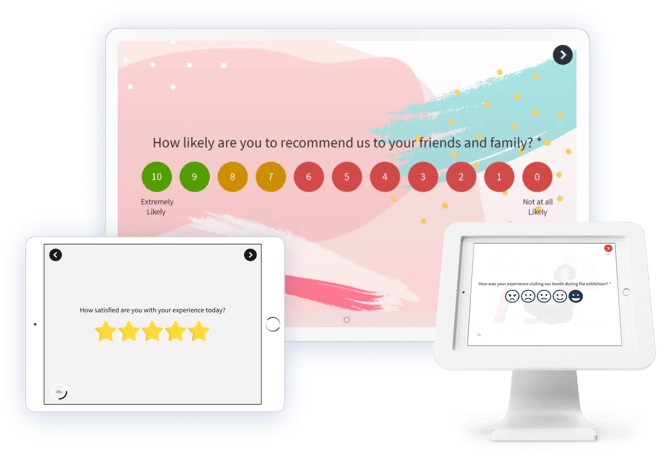
- Offline surveys are one of the quickest ways for businesses to collect customer feedback on-premises or in areas with limited or no internet access.
- Instead of going the old way, you can use an offline survey tool that collects feedback on a smartphone, tablet, kiosk, and other devices.
- Offline surveys are useful: they collect data securely when there is no internet, they are cost-effective, and they offer detailed feedback reports, just like your online surveys.
- Offline surveys can be used for field research, market research, event feedback, and collecting customer feedback through kiosks, tablets, and smartphones.
- We have also covered other platforms like Medallia alternatives, Hotjar alternatives, SurveySparrow alternatives, SurveyMonkey alternatives, Qualtrics alternatives, Typeform alternatives, and many more.
- With Zonka Feedback, you can collect feedback with or without an internet connection and let the data sync automatically, with survey logic and white labeling to make your surveys more dynamic. Book a demo of Zonka Feedback to get started.
Collecting real-time feedback is easy until you need it somewhere with no internet: a trade show, a remote worksite, a busy retail floor, or a field survey. That's where offline surveys come in. They capture responses in person on a tablet, smartphone, or dedicated survey station, store the data securely on the device, and sync it automatically once you're back online, so no insight is ever lost.
This guide covers how offline surveys work, where they help most, the best offline survey tools available, and the practices that keep your field data clean. Let's dive in.
What are Offline Surveys?
Offline surveys are an incredibly effective way to gather data even in places where the internet isn’t always reliable. Whether done on paper or electronically on tablets and smartphones, offline surveys are invaluable across industries, allowing organizations to collect data even in locations with limited connectivity.
When it comes to smooth data collection on the go, paper forms aren’t the best choice anymore.
In today’s digital age, offline survey software is the way forward. These apps let users gather feedback and conduct surveys without needing WiFi or an internet connection. Designed specifically to work offline, they store survey data and automatically sync once you’re back online. Most offline survey apps are compatible with both iOS and Android, making them versatile for any environment.

From market research to customer satisfaction surveys, offline survey tools are essential for organizations that need to gather data efficiently, especially in areas where internet access isn’t guaranteed.
Why Offline Surveys Are Important?
In a world where feedback is everything, offline surveys make it easy to collect data smoothly, no matter where you are. Whether you’re gathering insights at an event or in a remote area, offline surveys keep the process smooth and reliable. Here are five reasons why offline surveys are essential for businesses today:
Reliable Data Collection Without Internet
In places with limited or spotty connectivity, offline surveys ensure that data collection doesn’t come to a halt. This is essential for events, trade shows, remote research locations, and areas where connectivity can be unpredictable.
Real-Time Feedback
Offline surveys allow businesses to capture real-time feedback on-site, improving the relevance and accuracy of the data. This enables quick analysis and insights you can act on, even when teams are out in the field.
Increased Flexibility and Mobility
Whether on a tablet, smartphone, or dedicated kiosk, offline survey tools work anywhere. This flexibility is especially useful for field researchers, sales teams, and retail staff who need a tool they can rely on anytime, anywhere.
Improved Data Quality
Offline surveys often result in more complete and accurate data. Respondents aren’t interrupted by connection issues, and data is stored securely until syncing is possible, ensuring no responses are lost.
Automatic Syncing for Easy Data Management
Once an internet connection is restored, offline survey tools sync the collected data automatically, making it easy to access and manage data in one place without any additional hassle. Just be mindful of the network you sync over. Field teams often reconnect on venue or public hotspots, so it is worth pausing to ask is public Wi-Fi safe before pushing a batch of sensitive responses through it.
Real-life Application & Use Cases of Offline Survey Tools
Imagine being an anthropologist or a public health researcher working in a remote village with poor network. An offline survey tool can be a game-changer in such situations, enabling you to gather valuable data and insights without the need for network connectivity. Similarly, market researchers can capture user data at trade shows or shopping malls where internet connectivity may be unreliable. Some use cases include:
1. Field Research
Offline survey tools are invaluable for researchers engaged in fieldwork, particularly anthropologists and public health researchers who often find themselves working in remote and isolated areas. These survey apps provide a practical and efficient way to gather data and insights even in locations with limited or no internet connectivity so that you can deliver exceptional location based CX.

2. Market research
One can use these apps as their market research tools to capture user data for any type of project. They come with market research survey templates that can be easily used to create surveys to collect in locations where internet connectivity may be limited, such as trade shows or shopping malls.

3. Healthcare
Offline survey tools can securely collect data from patients in remote or underdeveloped areas, which helps healthcare providers improve patient care and treatment. You can include patient satisfaction surveys, health survey questions, mental health surveys, and other types of surveys and questions to gauge complete data about the patient's experience and health information in hospitals and clinics.

4. Retail Stores
Curious about how shoppers feel in your store? Set up tablets, kiosks, or smartphones with targeted retail survey questions at key touchpoints like entrances or popular sections. This gives you real-time insights into customer satisfaction, no Internet needed. To boost engagement, consider offering small incentives like discounts or loyalty points for participating.

5. Restaurants & Cafes
Offline survey tools help gather customer feedback in places like restaurants and cafes. With a kiosk survey app, you can collect unattended feedback by placing devices in strategic spots like exits and reception areas letting customers share their thoughts easily. This setup provides a steady stream of valuable insights for businesses to analyze and act on, all without needing a constant internet connection.

6. Incident Reporting
Offline surveys simplify incident reporting by allowing employees to document incidents in real-time, on-site or off, without needing internet connectivity. Once reconnected, data automatically syncs, ensuring efficient recordkeeping, privacy, and prompt response. This is especially valuable for industries with compliance needs, supporting smooth data collection for safety and improvement.

7. Inspection & Audits
Ditch paper forms for inspections and audits and use offline survey tools for more organized data collection. With tablets or smartphones, inspection teams can document details smoothly, ensuring real-time accuracy and easy access to records. This shift to digital surveys streamlines data management and supports better decision-making.

8. Non-profit and government agencies
Offline feedback apps are invaluable for non-profits and government agencies conducting surveys in rural or underdeveloped areas with limited internet. Unlike online survey tools, offline tools on mobile devices let field workers gather critical data smoothly, fostering community engagement and assessing local needs. The use of this kind of marketing software for non-profits and government agencies ensures voices in underserved areas are heard, enabling data-driven decisions even without reliable connectivity.

9. Guest Satisfaction in Hotel & Resorts
In the hospitality industry, offline survey forms with tailored hotel survey questions are invaluable for capturing guest feedback. By placing these surveys at key touchpoints like check-in desks or common areas, hotels can gather insights on room quality, service, and amenities without needing internet. This approach enhances guest satisfaction by addressing concerns promptly and supports informed decision-making for continual improvement.
10. Academic research
In the realm of academic research, offline surveys present a valuable tool for collecting data in locations where internet connectivity may be limited or unreliable. Researchers in social sciences, including sociologists, psychologists, and political scientists, can use offline survey tools to conduct surveys in diverse settings. By using tablets or smartphones equipped with offline survey capabilities, researchers can reach respondents in remote areas or communities with poor networks.

11. Events and Conferences
Capturing customer data at events can be challenging, especially in areas with poor internet connectivity. Offline survey tools make it easy for organizers to gather insights at conferences, festivals, and other events. By setting up survey stations or using mobile devices with survey apps, organizers can collect real-time feedback on speakers, sessions, and logistics. This reliable feedback loop enables quick improvements and enhances future event success, even without continuous internet access.

12. Museums and Galleries
Museums and galleries can use offline surveys to gather visitor feedback on exhibits, amenities, and overall experience. Guests can share whether they’d recommend the experience and rate specific art forms, providing valuable insights for curators and management.

13. Site Inspection
With offline survey tools, inspectors can easily complete checklists and document observations on tablets, even without internet connectivity. This ensures thorough, organized record-keeping in real-time, which syncs automatically once back online.

14. Airports
At airports, offline survey tools enable passengers to share their feedback on amenities, cleanliness, and overall experience. By capturing these insights on-site, airport management can address issues swiftly.

15. Banks
In banks, offline surveys let customers share feedback on services, facilities, and satisfaction within the branch. This immediate feedback empowers management to improve in-branch service quality based on real-time insights.

Top 12 Offline Survey Tools
- Zonka Feedback
- Qualtrics: Collecting Offline App Responses
- Formstack Mobile app
- Jotform Offline App
- QuickTap Offline Survey App
- GoSurvey Offline App
- SurveySparrow Offline Survey App
- SurveyMonkey Anywhere
- SmartSurvey Offline App
- QuestionPro Offline Survey
- Zoho Mobile Forms
- SurveyStance Feedback Kiosk
Offline survey tools are game-changers for data collection, letting businesses and researchers gather insights from anywhere, anytime, with no Internet required. Perfect for market research, field studies, or customer feedback, these tools capture data that drives smart decisions. Ready to find the best? Here are our top picks!
|
Tool Name |
Top Features |
Device Compatibility |
Pricing |
|
Zonka Feedback |
AI feedback analysis with agentic closed-loop workflows |
Android & iOS |
Custom pricing |
|
Qualtrics |
Enhanced security and data protection |
Android & IOS |
Contact their team for pricing |
|
Formstack |
Customizable form designs with branding options |
Android & IOS |
Contact their team for pricing |
|
Jotform |
800+ Offline Survey Templates |
Android & IOS |
Starts $34/month |
|
QuickTap |
Integration Zapier, MailChimp, Salesforce and more |
Android & IOS |
Get in touch with their sales team |
|
GoSurvey |
Multi-language option to conduct offline surveys |
Android & IOS |
Starts $17/month |
|
SurveySparrow |
Kiosk mode with auto-refresh and secure PIN lock for unattended feedback |
Android & IOS |
Starts from $99/month |
|
SurveyMonkey Anywhere |
Auto-pilot mode for continuous, hands-free survey-taking experience |
Android, IOS Nook Readers, Kindle |
Contact their sales team for the price |
|
SmartSurvey |
Option of SMS survey links for remote feedback |
Android & IOS |
Starts $70/month (billed annually) |
|
QuestionPro |
Advanced survey logic (branching, piping, randomization) |
IOS & Android |
Starts at $99/month |
|
Zoho Mobile Forms |
Admin controls for setting user permissions |
Android & IOS |
Starts at $12/month |
|
SurveyStance |
One-tap emoji feedback kiosks with offline sync |
iPad (iOS) |
From $39/month |
#1. Zonka Feedback
Zonka Feedback is AI survey software with agentic closed-loop workflows that automate detractor recovery and route feedback to tickets, and deep integrations with CRMs, helpdesks, and commerce platforms like Salesforce, Zendesk, HubSpot, and Shopify, so feedback programs run on autopilot. Its AI feedback analysis reads every response as it arrives, finding the themes, sentiment, and key drivers behind each score and flagging churn risk before it shows up in the numbers.
It collects feedback on iPads, Android tablets, and smartphones, with or without an internet connection, syncing automatically the moment a device is back online, and runs as unattended survey stations for events, stores, and waiting rooms. Teams build surveys from 500+ templates and 30+ question types, add skip logic and answer piping, and reach audiences in multiple languages.
Alerts go to Slack and Microsoft Teams, and AI agents route every response to the right owner, follow up on detractors, and turn happy customers into online reviews. With 50+ integrations and data sources, Ask AI, SSO, and ISO 27001, GDPR, and HIPAA compliance, it brings enterprise capabilities without complex setup.
Top Features
-
Collect feedback on iPads, Android tablets, iPhones, and smartphones, with or without an internet connection
-
Run unattended survey stations for events, stores, and waiting rooms
-
Automatic syncing the moment a device is back online
-
AI feedback analysis that surfaces themes, sentiment, key drivers, and churn risk
-
Agentic closed-loop workflows that route responses, recover detractors, and create tickets
-
500+ templates and 30+ question types, with skip logic, hide logic, and answer piping
-
Deep integrations with Salesforce, Zendesk, HubSpot, and Shopify; alerts in Slack and Microsoft Teams; issues created in Jira
-
Multi-language surveys and user segmentation
-
G2 Rating: 4.7 out of 5
Best For: Agentic closed-loop surveys that turn responses into action.
Pros
-
Easy to build custom surveys with 500+ templates and 30+ question types
-
Works on iPads, Android tablets, iPhones, and smartphones, and as unattended survey stations
-
Automatic syncing when a device is back online, so no responses are lost
-
AI feedback analysis and agentic closed-loop workflows turn responses into action
-
Deep integrations with CRMs, helpdesks, and commerce platforms for streamlined data management
Cons
-
Pricing is custom and not published on the website, so teams need to speak with Zonka to get a quote.
-
Zonka Feedback is known for being easy to set up and use, and is now expanding into enterprise feedback programs; large organizations should review how its enterprise capabilities fit their governance and rollout needs.
Pricing
-
Pricing is custom. Contact the Zonka Feedback team for a quote.

#2. Qualtrics: Collecting Offline App Responses
As one of the top customer feedback tools, the Qualtrics offline survey software offers advanced features for gathering high-quality data and insights. Available on iPhones, iPads, Android tablets, and phones, the app allows businesses to design surveys and collect responses smoothly in offline mode. This flexibility makes it ideal for researchers, marketers, and organizations focused on real-time data collection across varied environments.
Top Features
-
Conduct surveys anywhere, with offline support for iOS and Android
-
Manage respondent experience with customizable surveys and branding
-
Kiosk mode available for Android tablets and phones
-
Collect geolocation data for added response context
-
Sync with the central Qualtrics platform for comprehensive data management
-
Enhanced security and data protection features
-
G2 Rating: 4.4 out of 5
Best For: Researchers, marketers, and organizations need a highly customizable and feature-rich tool for offline data collection.
Pros
-
High customization with question types, branching logic, and design options
-
Strong data security and protection
-
Offline capability with smooth user experience for mobile data collection
-
Integration with Qualtrics’ main platform for streamlined analysis
Cons
-
Requires a learning curve to maximize advanced features
-
Pricing is available only by contacting the sales team
-
May be more costly than simpler offline survey options
Pricing
-
Get in touch with their sales team for plan details

#3. Formstack: Offline Forms Made Easy
Want to collect important feedback without a Wi-Fi signal in sight?
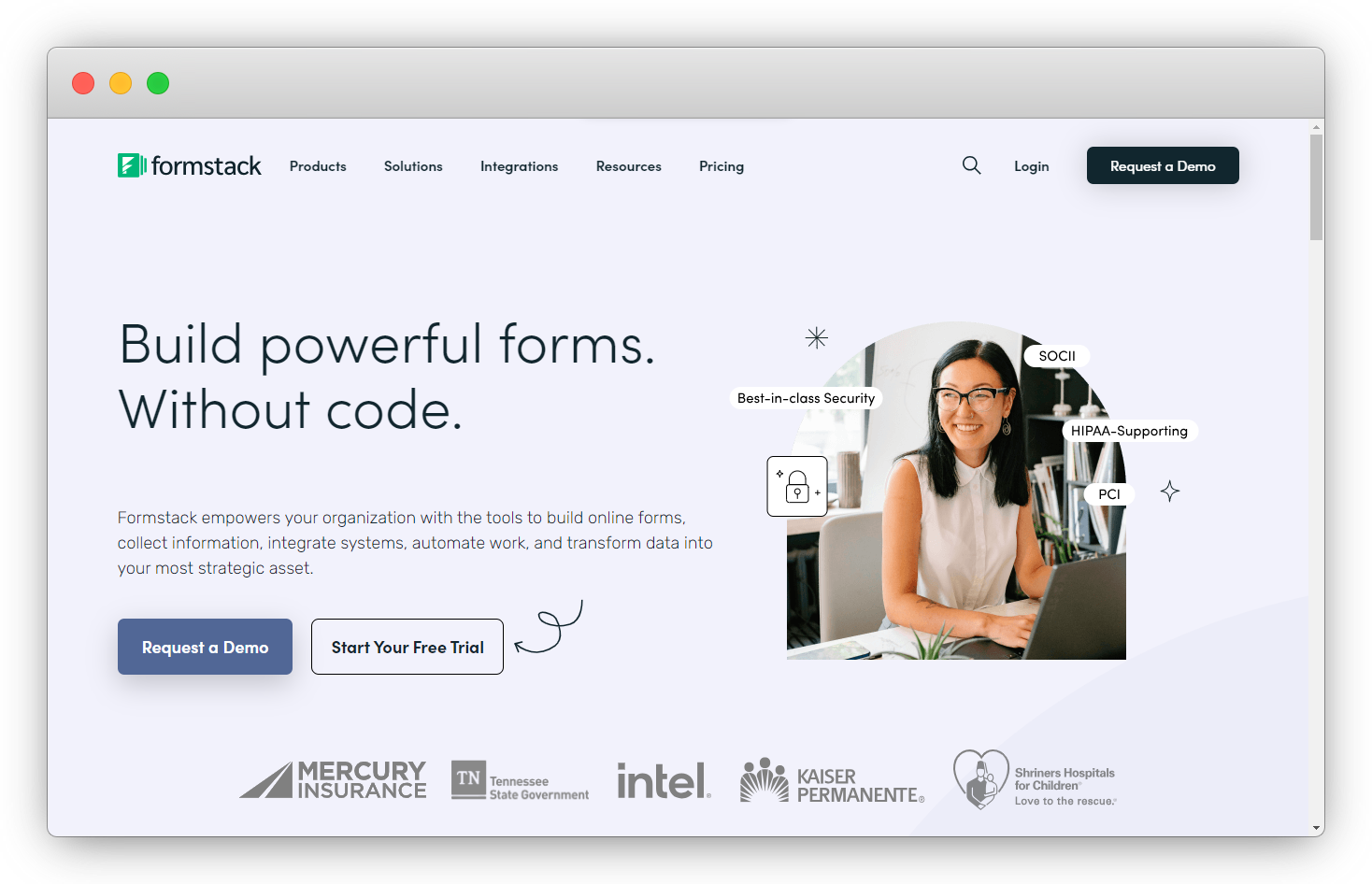
Formstack Go makes it easy. This powerful platform transforms data collection by allowing you to create and manage offline survey forms directly from your mobile device. Forget the hassle of paper forms. Formstack handles it all, from simple responses to detailed feedback, and syncs it as soon as you’re back online.
With advanced features like kiosk mode for secure, unattended surveys, Formstack is perfect for businesses needing reliable, streamlined data collection wherever they go. It’s a smart, efficient way to gather insights, no matter where you are.
Top Features
-
Create, design, and collect survey data offline
-
Automatic syncing of data collected when connected online
-
Real-time access to form submissions and instant notifications
-
Capture photos, signatures, and other data collection elements
-
Customizable form designs with branding options
-
Kiosk mode to lock devices for secure, unattended kiosk survey collection
-
Integration with the main Formstack platform for a smooth survey-taking experience
-
Secure data encryption and privacy measures
-
G2 Rating: 4.3 out of 5
Best For: Businesses needing a comprehensive solution for offline data collection and survey workflows for field research, customer feedback, and team collaboration settings.
Pros
- Flexible and customizable survey tool with multiple data capture options
- User-friendly with kiosk mode and offline capabilities
- Strong integration options for exporting and automating survey workflows
- Strong security features with data encryption
Cons
-
Some advanced features may require higher-tier plans
-
Limited access to survey results without syncing
Pricing
-
The offline survey feature can be added to any Formstack plan after consulting with the team
#4. Jotform Offline App
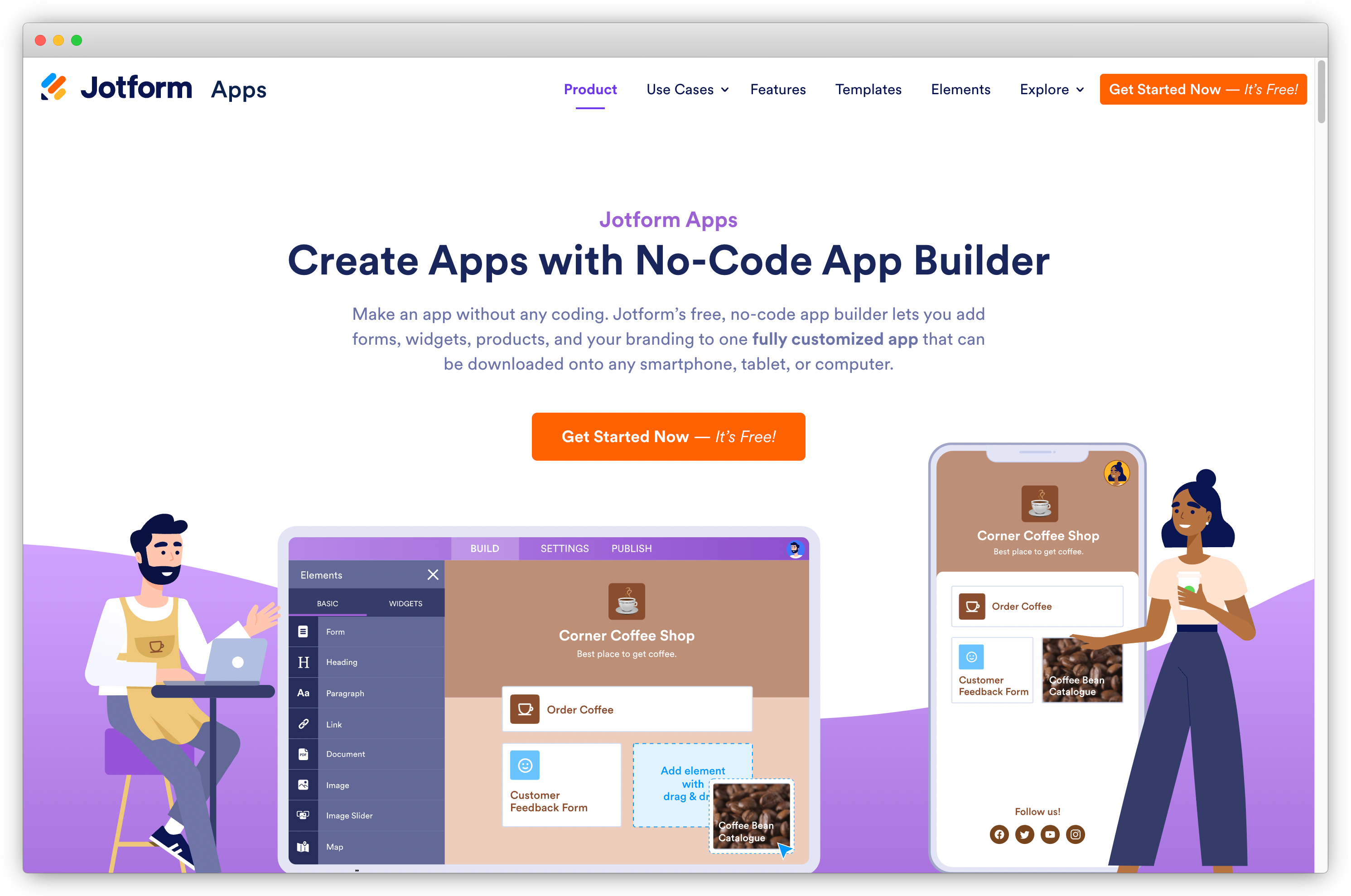
JotForm’s offline survey app is like a pocket-sized powerhouse for team collaboration and customer feedback collection on the move. It lets you take mobile forms offline, turning data collection into a smooth, no-internet-needed experience, perfect for capturing insights wherever you go.
The best part of this offline survey mobile app is that it integrates with Jotform Tables for data analysis, enabling users to easily gather Voice of customer survey responses. With its strong kiosk mode and Jotform Tables integration, JotForm is an excellent solution for collecting, managing, and analyzing survey data anytime, anywhere.
Top Features
-
Offline use on smartphones or tablets with automatic syncing once connected
-
Kiosk mode with screen lock for secure, unattended kiosk surveys
-
Integrates with Jotform Tables for easy data analysis and survey results viewing
-
Instant push notifications for new submissions
-
Auto-refresh feature after each form submission for continuous data collection
-
Customizable form design for branding and easy modifications on the go
-
G2 Rating: 4.7 out of 5
Best For: Teams and businesses needing a reliable offline survey tool for collecting multiple form submissions in settings like events, retail, or field research.
Pros
- Ideal for collecting feedback and survey data offline with a collaborative interface
- Secure survey workflows with screen lock and offline data storage
- Easy integration with Jotform Tables for data organization and analysis
- Flexible editing options to modify forms as needed
Cons
- Some advanced features are available only with higher-tier plans
- Kiosk mode may require familiarity for optimal use in high-traffic settings
Pricing
- Pricing starts at $34/month
#5. QuickTap Offline Survey App
QuickTapSurvey is a versatile offline survey solution designed for quick and easy data collection in real-world settings. Supported by Formstack, QuickTapSurvey enables users to capture customer feedback, gather leads, or conduct market research within minutes, making it ideal for trade shows, events, or field surveys. Its visually appealing surveys and mobile forms enhance face-to-face and kiosk-based data collection.
Top Features
-
Capture data with beautiful surveys and mobile forms anywhere and in offline mode
-
Create and design your perfect survey- choose from the pre-build template
-
Collect your data in person or with a kiosk mode
-
Use iPads, iPhones, Android tablets, or smartphones to collect data offline
-
Use the Android Survey App to capture data offline via a face-to-face survey
-
Integrate with partners like Zapier, MailChimp, Salesforce and more
-
G2 Rating: 4.7 out of 5
Best For: Businesses and researchers who need an intuitive offline survey tool for gathering insights at events, trade shows, or in the field, especially for capturing customer feedback or lead generation.
Pros
- Easy setup with customizable templates for mobile-friendly survey
- Automated alerts to notify users of collected feedback
- Flexible integrations for streamlined data collection and analysis
- Reliable offline performance for capturing valuable information anywhere
Cons
- Some advanced features may require consultation with the sales team for access
- Limited access to features during the 14-day free trial
Pricing
- Offers a 14-day free trial
- Contact their sales team for pricing

#6. GoSurvey Offline App
GoSurvey Offline App is like having a data collection pro in your pocket, ready to work anytime, anywhere, even without the internet. Perfect for market research, field surveys, and trade shows, the app lets users securely collect data offline, automatically syncing it to the account once online. With extensive customization options and support for multiple languages, GoSurvey offers flexibility for diverse data collection needs.
Top Features
-
Conduct surveys without an internet connection, collect data in remote or offline locations
-
Automatic data syncing when online
-
Support for various question types and survey formats
-
Real-time access to survey data and insights, also customizable survey designs and branding options
-
Offline support for both iOS and Android devices
-
User-friendly for all industries
-
Multi-language option to conduct offline surveys
-
Create subform and share surveys to the targeted audience as a web URL
-
Enhanced security and data protection measures
-
Collaboration and team management features
-
G2 Rating: 4.2 out of 5
Best For: Organizations in need of a versatile offline survey tool for market research, customer feedback, or field surveys, especially those requiring multi-language support and customization options.
Pros
- Unlimited surveys can be conducted in offline mode
- Highly customizable survey design for branded, engaging forms
- Flexible and user-friendly for diverse data collection settings
- Ideal for remote or multi-language survey needs
Cons
- Advanced features may require higher-tier plans
- Data sync is dependent on reconnection for access
Pricing
-
Pricing starts at $17/month

#7. SurveySparrow Offline Survey App
SurveySparrow’s offline survey app simplifies data collection on the go. It's perfect for unattended feedback gathering with kiosk mode (which refreshes after each session), a secure PIN lock, and features like auto-syncing.
What makes SurveySparrow stand out is its customization: everything from colors to fonts can be tailored to match your brand. Plus, with built-in survey workflows and multiple integrations, it’s a complete solution for gathering and analyzing feedback smoothly.
Top Features
-
Kiosk mode with auto-refresh and secure PIN lock for unattended feedback
-
Full customization for branding, including colors, fonts, and layouts
-
Offline data collection with automatic syncing once connected
-
Built-in survey workflows and automation for streamlined data management
-
Integrations with various tools for easy analysis and feedback handling
-
Available on iOS and Android for mobile offline survey app use
-
G2 Rating: 4.4 out of 5
Best For: Professionals and businesses needing a highly customizable offline survey tool for customer feedback or field data collection, especially useful for events, remote locations, or unattended kiosks.
Pros
- Highly customizable to match brand identity and design preferences
- Smooth user experience with auto-refreshing forms for high-traffic use
- Strong data security features, including device lock
- Workflow configurations and integrations for streamlined data collection and analysis
Cons
- Higher starting price compared to some other offline survey tools
- May require time to set up advanced customization and integrations
Pricing
-
Pricing starts at $99/month
#8. SurveyMonkey Anywhere
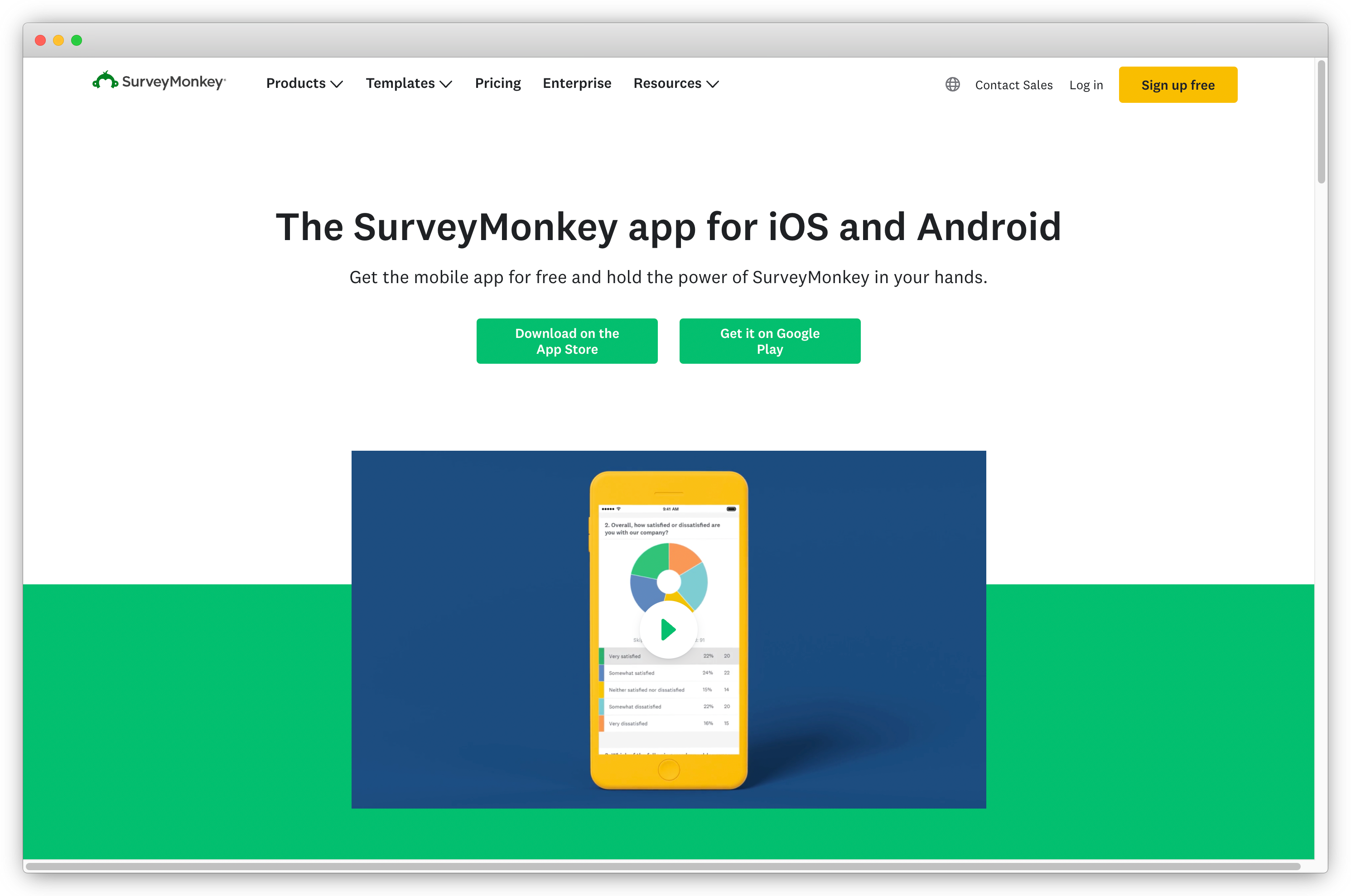
SurveyMonkey Anywhere turns any mobile device into a feedback powerhouse, letting you capture valuable insights without an internet connection. Perfect for trade shows, conferences, or retail locations, this free offline survey tool transforms tablets and phones into dedicated survey stations with its kiosk mode, making in-person data collection easy, reliable, and smooth, no matter where you are.
Top Features
-
Offline mode for data collection in remote or on-the-go settings
-
Kiosk mode to convert mobile devices into dedicated survey stations
-
Auto-pilot mode for continuous, hands-free survey-taking experience
-
Secure device management for ease of use and quick reset after each survey
-
Compatible with smartphones and tablets for flexibility in data collection
-
G2 Rating: 4.4 out of 5
Best For: Businesses and researchers conducting field surveys or gathering customer feedback in offline environments, especially at events, remote locations, or retail stores.
Pros
- Versatile for multiple settings: trade shows, retail, or street surveys
- Easy device management with auto-return to start page
- Secure and efficient with built-in kiosk mode
Cons
- Enterprise plan pricing requires contacting the sales team
- Some advanced features may be limited to higher-tier plans
Pricing
-
Pricing for SurveyMonkey Anywhere is available through consultation with the sales team.
#9. SmartSurvey Offline App
SmartSurvey offers a reliable and efficient platform for data collection with both online and offline survey capabilities. Known for its ease of use, SmartSurvey enables users to create engaging offline surveys in just a few steps. With the SmartSurvey offline app, businesses can collect feedback at events, trade shows, or any point of experience, storing responses securely until an internet connection is available for syncing.
Top Features
-
User-friendly interface for quick survey creation and customization
-
Offline survey storage with automatic syncing upon reconnection
-
Kiosk mode for continuous feedback collection in high-traffic areas
-
Option to reach a broader audience with SMS survey links for remote feedback
-
Compatible with smartphones and tablets for flexible data collection
-
G2 Rating: 4.6 out of 5
Best For: Organizations and researchers seeking a simple yet powerful offline survey tool for field surveys, trade shows, and real-time customer feedback collection.
Pros
- Easy setup with a highly customizable survey builder
- Secure offline data storage with reliable syncing
- Ideal for capturing data at events or the point of experience
- SMS survey option extends reach to more respondents
Cons
-
Limited advanced features in lower-tier plans
-
Customization options may require more familiarity for new users
Pricing
-
Pricing starts at $70/month (billed annually).
#10. QuestionPro Offline Surveys
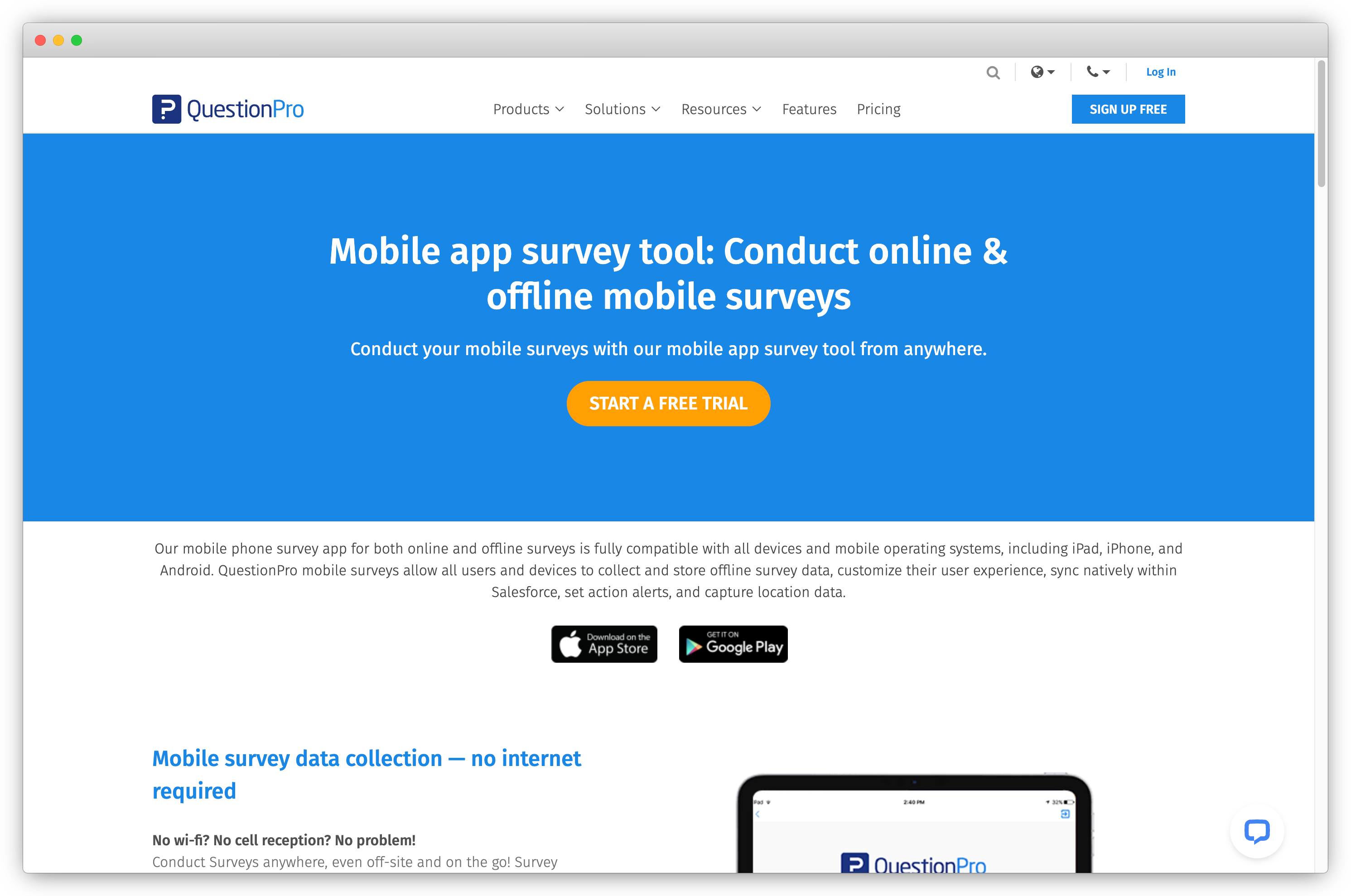
QuestionPro’s offline survey software offers a secure and flexible solution for market research surveys and customer feedback collection without needing an internet connection. Compatible with mobile devices on both iOS and Android, QuestionPro lets users create and distribute offline surveys quickly, using advanced features like branching, randomization, and multiple question types. With multi-language support and strong device management, it’s a versatile choice for various data collection needs.
Top Features
-
Advanced offline survey creation with over 80 question types
-
Flexible device compatibility with support for iPads, iPhones, and Android devices
-
Kiosk mode for unattended surveys in high-traffic areas
-
Advanced survey logic (branching, piping, randomization)
-
Multimedia data collection, including audio, video, and barcodes
-
Real-time syncing with CRM tools like Salesforce, with custom alert options
-
G2 Rating: 4.5 out of 5
Best For: Researchers and businesses needing a secure, flexible offline survey tool for in-depth data collection across multiple locations, ideal for market research and field surveys.
Pros
- High flexibility with no device restrictions for offline use
- Supports complex survey designs with advanced logic and multimedia collection
- Multi-language support for diverse audiences
- Strong integration capabilities for enhanced data management
Cons
- Higher pricing tier at $99/month
- May require initial setup to optimize advanced features
Pricing
-
Pricing starts at $99/month.
#11. Zoho Forms Offline Survey App
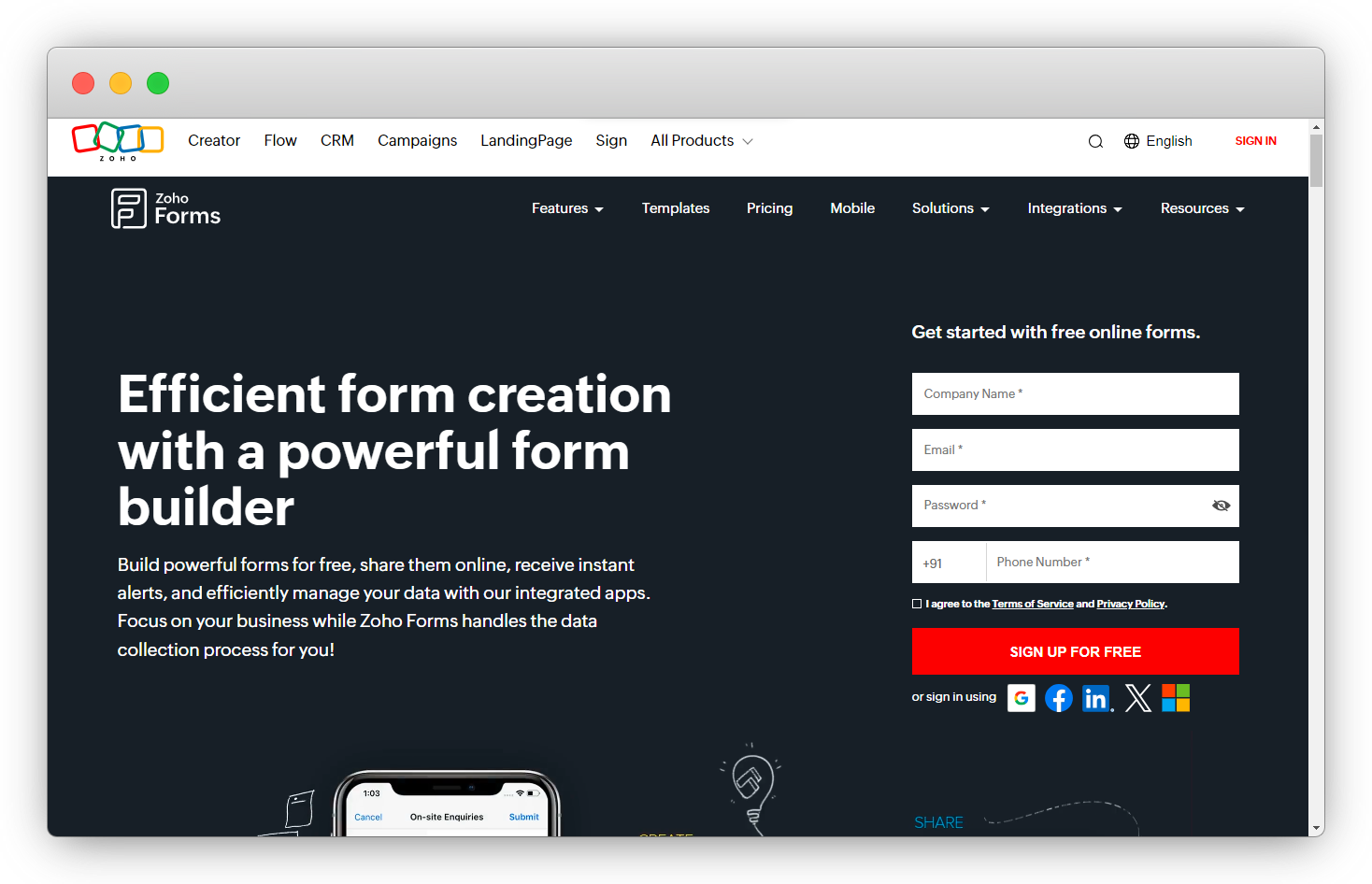
Zoho Forms offers a versatile offline survey solution, allowing remote teams to capture survey data even in remote areas. With features like barcode scanning, image capture, and geolocation, Zoho Forms enables effective data collection offline, syncing automatically once connected. It also includes strong team collaboration tools, making it ideal for field teams and multi-location businesses.
Top Features
-
Offline mode with barcode scanning, image capture, and geolocation
-
Auto-sync data when reconnected to the internet
-
Team collaboration tools, including task assignments, approver roles, and feedback
-
Admin controls for setting user permissions
-
Available on both iOS and Android
-
G2 Rating: 4.4 out of 5
Best For: Organizations needing an affordable, flexible offline survey tool with strong team collaboration features, suitable for remote teams and data collection in field settings.
Pros
- Affordable pricing with a feature-rich offline mode
- Strong collaboration features, ideal for team-based data collection
- Enhanced data capture options (barcode, image, geolocation)
- Easy-to-use interface and comprehensive field management
Cons
- Advanced integrations may be limited at lower pricing tiers
Pricing
-
Plans start at $12 per month ($10 per month billed annually)
#12. SurveyStance Feedback Kiosk
SurveyStance turns an iPad into a one-tap feedback kiosk for capturing customer and employee feedback in the moment. Its emoji and smiley-style terminals suit high-traffic spots like retail counters, receptions, and campuses, where quick on-the-spot responses matter more than long surveys. Feedback is collected in offline mode and syncs securely to the cloud once a connection is available, so data keeps flowing even when the Wi-Fi drops.
Top Features
-
One-tap emoji and smiley feedback terminals on iPad
-
Offline mode with secure cloud sync
-
Real-time alerts for low scores
-
Conditional follow-up logic and anonymous feedback
-
Location, question, and time-based reporting
-
AI-powered text analysis for open-text responses
-
Integrations via API, Zapier, Freshdesk, Google, and Outlook
-
G2 Rating: 5.0 out of 5 (2 reviews)
Best For: Capturing quick, in-the-moment feedback at high-traffic physical locations with one-tap iPad kiosks.
Pros
- Very fast setup, with one-tap surveys that drive high response rates
- Hardware (iPad and stand) available as a full package
- Offline mode keeps collecting without a connection
- Month to month, with no long contract
Cons
- Primarily an iPad kiosk tool, so less suited to multichannel or large online survey programs
- Small public-review base compared with established platforms
Pricing
-
From $39/month. The Feedback Kiosk full package (iPad and stand included) is $69/month. Free trial, month to month.
How to Pick the Best Offline Survey Tools for Your Business
Choosing the right offline survey tool depends on understanding your specific data collection needs and the features that best support them. Here are key factors to consider when selecting the ideal tool for your business:
- Ease of Use: Look for tools with an intuitive interface, easy setup, and straightforward survey creation to ensure a smooth experience for your team, even on the go.
- Offline Functionality and Syncing: Ensure the tool can operate smoothly offline and offers automatic syncing once connected, so your data is never lost, even in remote areas.
- Device Compatibility: Choose a tool that works on devices you commonly use, like iPads, Android tablets, or smartphones, for added flexibility in different environments.
- Customization Options: The best tools allow you to customize survey questions, branding, and logic to suit your business identity and gather targeted insights.
- Kiosk Mode and Security: If you need unattended surveys, look for kiosk mode and secure device lock features to keep data collection uninterrupted and safe.
- Data Export and Integration: Pick a tool that integrates with your existing CRM, customer support, or data analysis platforms, so feedback feeds into your workflows.
- Pricing and Support: Consider your budget and whether the tool offers support options that meet your needs. Some tools may offer free trials to explore features before committing.
By evaluating these features, you can find a reliable offline survey tool that enhances data collection and supports insights you can act on for your business.
How to Create Offline Surveys
Offline surveys let you gather responses without needing a live internet connection, with data stored locally and synced when you’re back online. These surveys are valuable for various industries, including retail, healthcare, and events.
Steps to Create Offline Surveys with Zonka Feedback
-
Log into Zonka Feedback: Access your Zonka Feedback dashboard and ensure your account has offline survey functionality enabled.
-
Select Survey Type:
-
Choose the survey template best suited for your needs, whether it's for customer feedback, patient feedback, event satisfaction, or employee engagement.
-
-
Enable Offline Mode:
-
In your survey settings, enable the “Offline Mode” option. This setting allows the survey to work without an internet connection.
-
-
Customize the Survey:
-
Add relevant questions, including multiple-choice, rating scales, and open-ended text fields, to capture the necessary data.
-
Ensure questions are concise, as offline surveys are often used in environments where participants may have limited time.
-
-
Set up the Device:
-
Download the Zonka Feedback mobile app on the tablet or smartphone you’ll use for data collection.
-
Log in to your Zonka Feedback account through the app and select the offline-enabled survey.
-
Ensure the device has enough storage and battery life, especially if it will be used for extended periods.
-
-
Test the Survey:
-
Conduct a test run to ensure all questions load correctly, responses are saved, and data is accessible offline.
-
-
Conduct the Survey:
-
Collect responses offline. Data will be stored locally on the device and automatically sync when internet connectivity is restored.
-
-
Review and Analyze Responses:
-
Once responses are synced to the Zonka Feedback dashboard, analyze the data using available tools and reports.
-
Best Practices for Conducting Offline Surveys
Conducting offline surveys effectively requires a few best practices to ensure you’re capturing accurate, valuable insights. Here are some essential tips for maximizing the impact of your offline surveys.
-
Choose the Right Device: Tablets are typically better for offline surveys due to their larger screen size, which makes the survey more accessible to participants.
-
Use Unattended Mode: Zonka Feedback’s unattended survey mode allows participants to complete the survey without navigating away or tampering with other settings on the device, ideal for unattended survey setups.
-
Design Mobile-Friendly Surveys: Since offline surveys are often conducted on tablets or smartphones, ensure the survey layout is mobile-optimized. Avoid clutter and use larger buttons for easier navigation.
-
Keep Questions Short and Relevant: Offline environments may not allow participants to spend a lot of time on a survey. Focus on key questions and avoid lengthy response fields unless absolutely necessary.
-
Ensure Device Security: To protect data, use password protection on devices, and make sure surveys are set up to auto-lock between sessions if possible. A password generator can help teams create stronger device or admin credentials when surveys are collected on shared tablets or kiosks
-
Provide Clear Instructions: Include brief instructions within the survey to guide participants, especially if the survey is self-administered.
-
Prepare for Large Response Volumes: Offline surveys at high-traffic events can accumulate responses quickly, so ensure devices have ample storage and a way to back up responses if needed.
-
Regularly Sync Data: Plan to connect the device to Wi-Fi regularly to upload responses, ensuring your data is securely stored and available for analysis.
-
Monitor Battery Levels: Especially during events, keep backup chargers or portable power banks on hand to prevent interruptions in data collection.
Using these steps and best practices, you can maximize the effectiveness of offline surveys with Zonka Feedback, ensuring a smooth and efficient data collection experience.
Key Takeaways
From eliminating paper forms to solving connectivity challenges, offline survey tools provide an efficient way to gather data smoothly and effectively, even in remote locations. With so many options available, choosing the right tool can transform how you collect insights on the go, making research faster and more reliable. We have shared the best 12 offline survey platforms that you can try at your convenience.
Whether you’re conducting field surveys or capturing customer feedback, tools like Zonka Feedback offer flexibility, customization, and offline functionality to help you stay connected with your audience, even without the internet.
Schedule a demo with Zonka Feedback today and explore a wide range of offline survey templates tailored to meet your needs.