.svg)
 Healthcare
 Finance
 Retail
 SaaS & Digital
 eCommerce
 Education
 Salesforce
  HubSpot
 Pipedrive
 Mailchimp
 Klaviyo
 Zendesk
  Intercom
 Freshdesk
 HelpScout
  Front
Front Jira
Jira Slack
Slack  MS Teams
 Zoom
Zoom Google Sheets
  Zapier
  Integrately
 Make
Make  Webhooks




 MS Teams



TL;DR
- Nine VoC analytics tools pass a documentation-only check on alerts, insights without manual dashboards and emerging pain point detection.
- Seven of the nine document anomaly alerts that fire when a theme leaves its normal range.
- Zonka Feedback breaks trends down by location and agent and emails a digest per location.
- Only Unwrap ($24,000 a year) and SentiSum ($100,000 a year) publish starting prices.
Most VoC programs have a dashboard nobody opens until a score drops. By then, the complaint behind the drop has been growing for weeks.
VoC analytics tools fix the timing. They read every survey response, support ticket and review as it lands and tell your team what moved. If you're evaluating an AI voice of customer analytics platform, this guide compares nine of them on the three jobs that matter for monitoring the voice of the customer.
What Are AI Voice of Customer Analytics Tools?
AI voice of customer analytics tools, or VoC analytics tools, use artificial intelligence to analyze feedback from surveys, support tickets, reviews and other customer interactions, then flag changes in themes and sentiment as they happen.
A survey tool tells you CSAT fell four points. A VoC analytics tool runs theme detection and sentiment analysis on every comment, tells you billing complaints doubled at two locations since Tuesday, and pings the person who owns billing. That monitoring layer is what separates voice of customer analytics software from survey reporting.
VoC Analytics Tools Compared at a Glance
All nine VoC analytics tools cover the three monitoring jobs, but they differ in what triggers an alert, how findings reach people and how new themes get caught.
| Tool | Best for | Alerts and trends | Without dashboards | Emerging pain points | Pricing |
| Zonka Feedback | Trends by location and agent | Real-time alerts on scores, tags and AI-detected sentiment, intent and urgency | Digests per location, Ask AI | New and Emerging views in AI Signals | Custom pricing based on usage and needs |
| Birdie | Account-level risk | Alerts on new issues, growing problems and spikes | Automated digests, Skye assistant | Adaptive taxonomy | Not published |
| Thematic | Rare themes on the rise | Slack or email alerts on themes and anomalies | Agentic Answers, monthly theme email | New themes added automatically | Not published |
| Unwrap | Executive digests | Alerts when a theme breaks from its baseline | Weekly or monthly digests, Unwrap Assistant | Alerts when a new theme starts to move | From $24,000/year |
| SentiSum | Support-led early warning | Machine-learning anomaly alerts | Scheduled digests, Kyo in Slack | Issues caught without tagging | From $100,000/year |
| Enterpret | Product teams with frequent releases | Slack or email anomaly alerts | Monthly insights email, Wisdom | Adaptive taxonomy | Not published |
| unitQ | Incident-style alerting | Anomaly alerts to Slack, Teams or PagerDuty | Scheduled inbox updates, agentQ | Models discover new categories | Not published |
| Chattermill | Tunable enterprise alerts | Alerts when volume leaves its expected range | Scheduled Slack reports, Lyra Agent | Emerging topics surfaced | Not published |
| Medallia | Enterprise frontline routing | Alerts on category or sentiment shifts | Ask Now | Unsupervised trend discovery | Per Experience Data Record |
Seven of the nine document anomaly alerts, which compare each theme with its own normal level. Zonka Feedback's alerts fire on scores, tags and AI-detected signals, and its edge is the location and agent breakdown.
How Do VoC Analytics Tools Send Alerts and Detect Trends?
VoC analytics tools send alerts when a score, theme or sentiment moves. The stronger ones learn each theme's normal level first, so they catch a spike before the score drops.
A threshold alert fires when customer satisfaction falls below a number you set. An anomaly alert fires when checkout complaints triple against their usual volume, even if NPS hasn't moved. Score alerts alone miss a lot. Zonka Feedback's analysis of 1M+ responses across 8 languages, covered in our guide to AI feedback analytics tools, found that 29% carry mixed sentiment, so a promoter can still describe a broken checkout.
For incident-style alerts in PagerDuty, pick unitQ. To tune alerts by segment and channel, pick Chattermill.
Can VoC Analytics Tools Surface Insights Without Manual Dashboards?
Yes. VoC analytics tools push findings through scheduled digests, alerts and plain-language answers, so nobody has to build or check a dashboard to learn what changed.
That matters because most teams don't have time to go looking. In Zonka Feedback's AI in Feedback Analytics 2025 report, 87% of 100+ CX leaders said they still rely on manual text review to get insights. Digests and AI agents close that gap, and the dashboard becomes the place for the full story once something's worth a closer look.
For executive readers, Unwrap's digests fit best. For Slack-first teams, SentiSum's Kyo answers questions right in the channel.
How Do VoC Analytics Tools Use AI to Detect Emerging Pain Points?
VoC analytics tools spot themes that are new or growing faster than usual, using a taxonomy that updates itself instead of waiting for someone to add a category.
Trend detection watches themes you already track. Emerging detection catches the ones nobody had a tag for last month, like a new release breaking login, and it's often the first sign that customer needs have shifted. Zonka Feedback's same 1M+ response analysis found an average of 4.2 topics per comment over 100 characters, so new pain points often hide inside feedback about something else.
Many turn out to be early churn signals, and our roundup of tools that detect churn signals in customer feedback covers that job in depth. Thematic is the most explicit about catching rare themes early, and Enterpret suits product teams whose themes change with every release.
How We Evaluated These VoC Analytics Tools
We evaluated every tool on six monitoring capabilities that cover the three jobs in this guide, from alerts and trend detection to insights without dashboards and emerging pain points.
- Anomaly alerts: Alerts that fire when a theme moves away from its normal level, on top of fixed score thresholds.
- Theme-level alerts: Alerts tied to a specific theme, tag or signal, sent to the person who owns it.
- Segment breakdowns: Trends and alerts split by location, agent, account or customer segment.
- Scheduled summaries: Digests or reports delivered by email or Slack, so findings arrive without anyone opening a dashboard.
- Plain-language Q&A: Asking questions about feedback in everyday language and getting answers back.
- New-theme detection: Catching themes that didn't exist last month, without someone adding a category first.
Zonka Feedback is our product, so we've listed it first. Every other tool was evaluated on the same six capabilities.
The 9 Best AI VoC Analytics Tools in 2026
1. Zonka Feedback: Best for Spotting Trends by Location and Agent
Zonka Feedback collects feedback across email, SMS, WhatsApp, web, in-app, kiosks and QR codes, then unifies it with reviews and support tickets. Every response is tagged to the location, agent or entity it came from, and AI runs thematic, sentiment and intent analysis across all of it.
That tagging is what sets its monitoring apart. Frontline analytics shows sentiment shifts and emerging trends for each location, team and region, so a dip arrives with the branch or agent behind it. Brands like Damas and Simpl run their VoC programs on it.
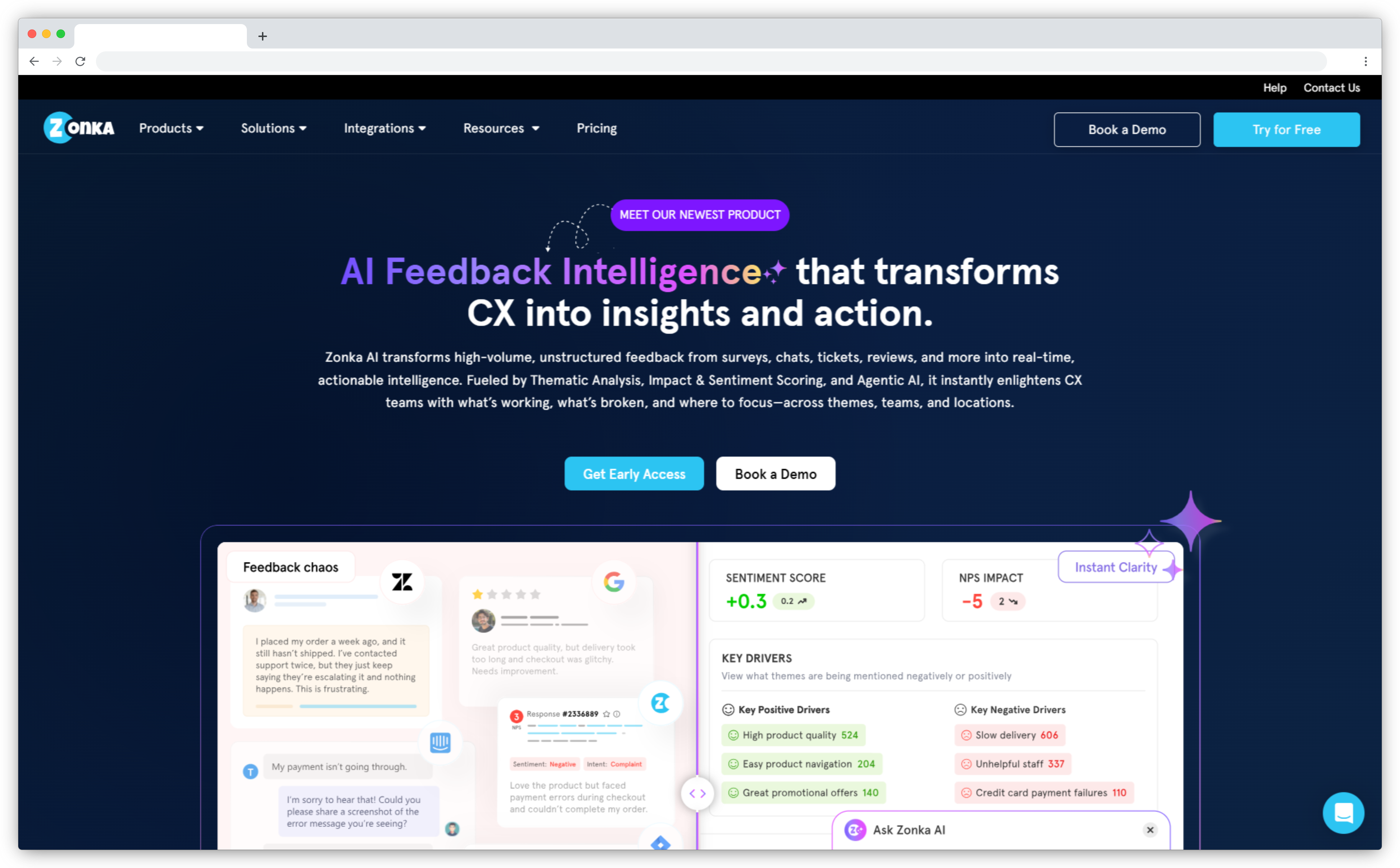
- Alerts and trends: Real-time alerts on NPS, CSAT and CES, tags, and AI-detected sentiment, intent and urgency, via email, Slack or Teams through sentiment-based workflows.
- Without dashboards: Daily digests per location, Ask AI, and an MCP server for querying data from Claude or ChatGPT.
- Emerging pain points: AI Signals sorts sub-themes into Trending, New and Emerging views with no setup.
Pros
- Surveys and workflows are quick to customize
- Responsive support team
- Strong Salesforce integration
Cons
- Feature breadth takes time to learn
- Pricing needs a quote
Pricing: Custom pricing based on usage and needs
G2 rating: 4.7/5 (80 reviews)
Best use case: Multi-location brands and distributed support teams.
2. Birdie: Best for Catching Account-Level Risk Before Health Scores Do
Birdie is a feedback analytics platform built for regulated, high-stakes industries like financial services and fintech. It connects your feedback channels into one adaptive taxonomy trained on your domain, so themes stay accurate as products and customer language change.
Its monitoring leans toward accounts and escalation. Birdie flags accounts whose feedback is trending negative before health scores catch up, and it aims to catch a complaint at 20 tickets instead of 200, with the root cause and owner already identified. Decisions can then flow out to Jira, Asana or your own AI agents.
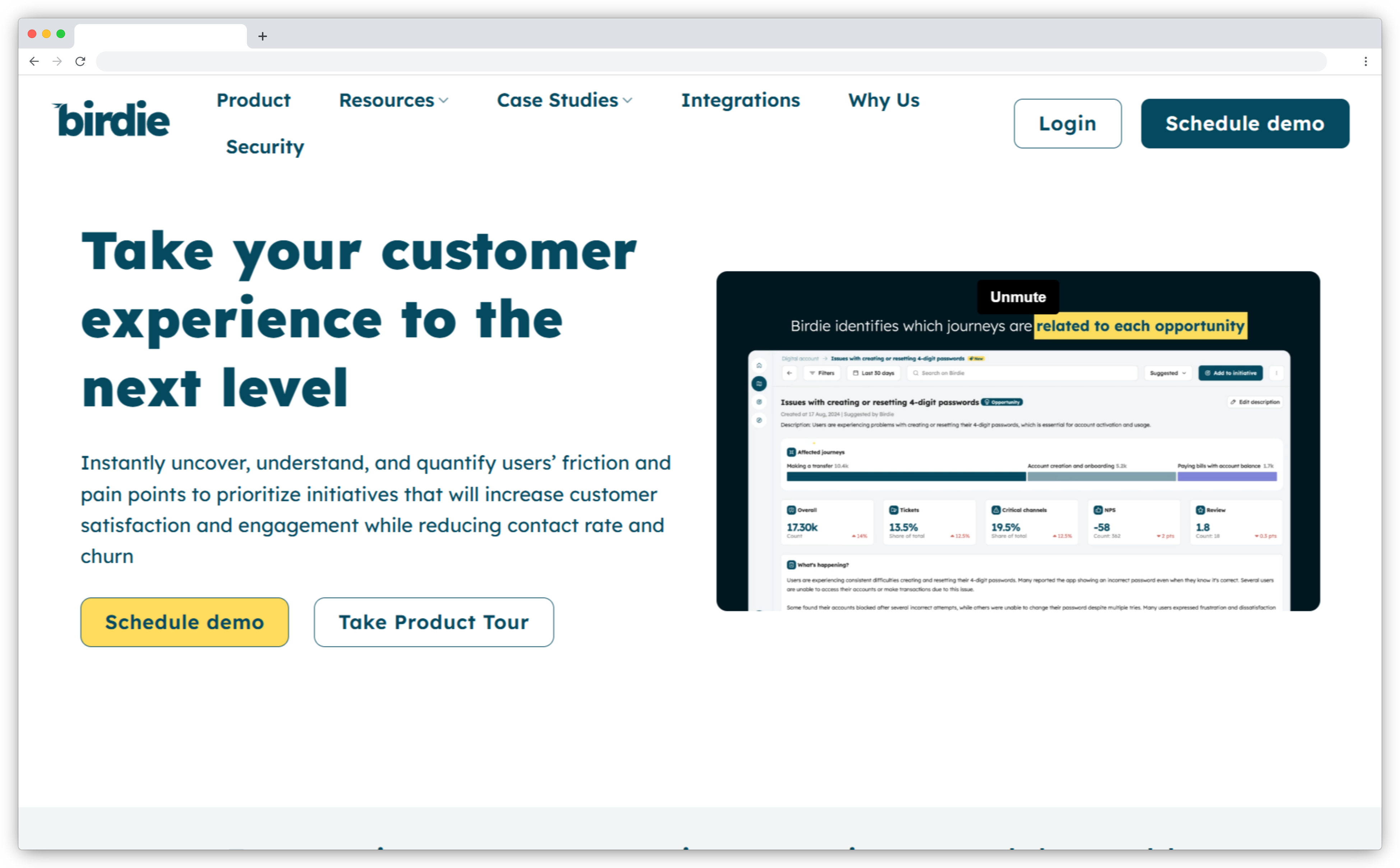
- Alerts and trends: Alerts when new issues emerge, problems grow, or anomalies and spikes appear.
- Without dashboards: Automated digests, plus Skye, an AI assistant for quick questions.
- Emerging pain points: Use cases include anomaly detection, emerging themes and real-time launch monitoring.
Pros
- Accurate feedback categorization
- No manual tagging
- Fast at spotting emerging trends
Cons
- Advanced features take time to learn
- Collection runs through your existing tools
Pricing: Not published
G2 rating: 4.8/5 (43 reviews)
Best use case: Fintech and financial services teams watching account-level risk.
3. Thematic: Best for Catching Rare Themes on the Rise
Thematic is known for transparent, editable themes that analysts can review, adjust and defend in front of leadership. It sits on top of the survey tools and CX suite you already run and turns open-text feedback into a theme structure your team can audit.
Where it stands out is small signals. Thematic's AI picks up rare themes on the rise as new data arrives, well before they're big enough to crack a top-ten list. It can also connect to AI assistants through MCP.
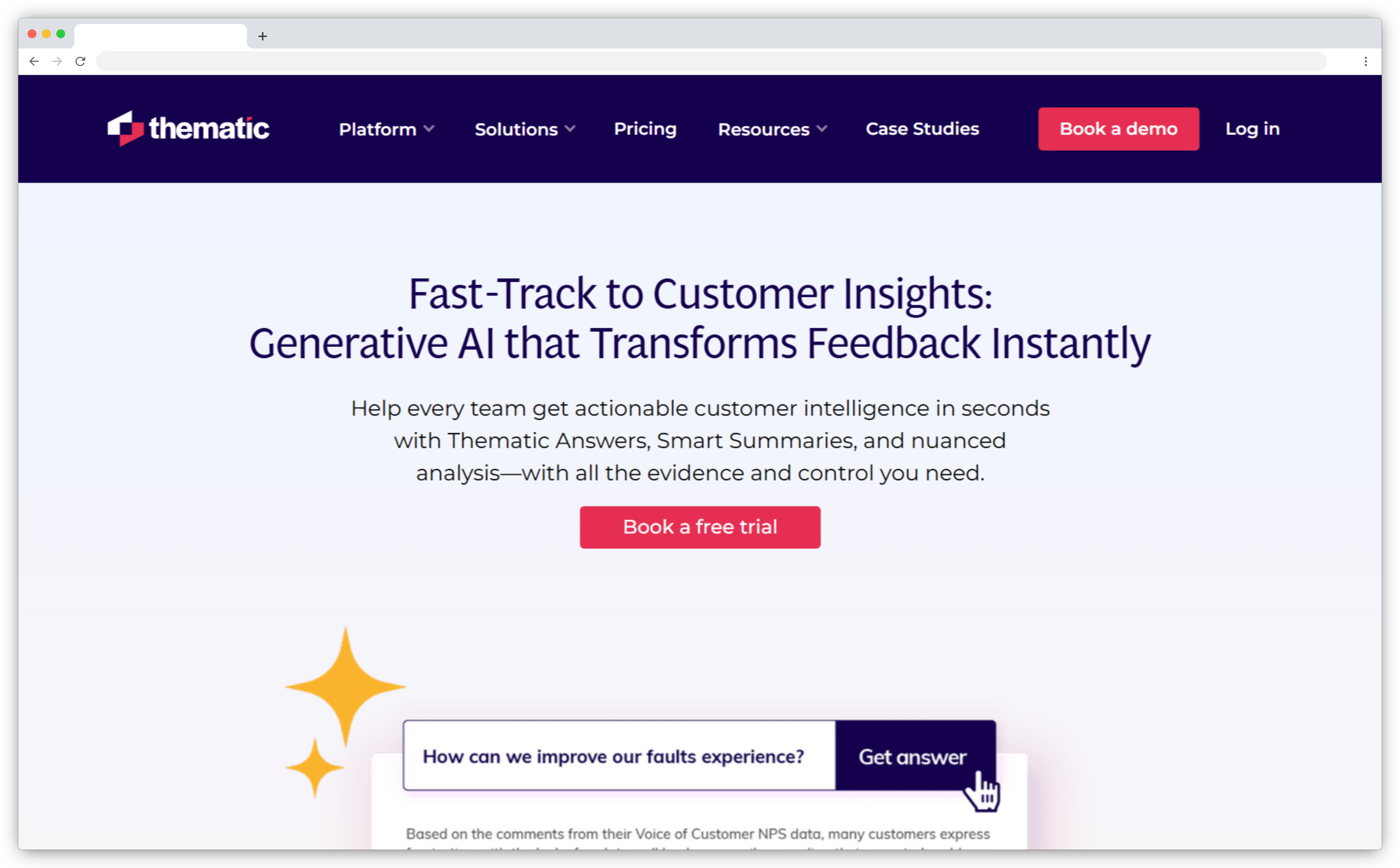
- Alerts and trends: Slack or email alerts, CRM cases and tickets when a theme or anomaly needs attention.
- Without dashboards: Agentic Answers handles plain-English questions and segment comparisons.
- Emerging pain points: Theme discovery adds new themes automatically and emails a monthly summary of changes.
Pros
- Intuitive interface
- Granular themes explain NPS movement
- Support quality scores 9.8 on G2
Cons
- Closing the loop needs other tools
- Multi-source setup takes time
Pricing: Not published
G2 rating: 4.8/5 (43 reviews)
Best use case: Insights teams that want early warning on small themes.
4. Unwrap: Best for Executive Digests That Arrive Without a Dashboard
Built for the VP who never opens a dashboard but reads every Monday email. Unwrap groups feedback from support tickets, reviews and other channels into themes, and its own pitch is that you don't need another dashboard.
Instead, findings come to you on a schedule. That suits product and CX leaders who need the same feedback cut differently for each audience, with executives getting a short summary and team leads getting their own product area or region. When someone wants to dig deeper, they can ask follow-up questions in Unwrap Assistant without waiting on an analyst.
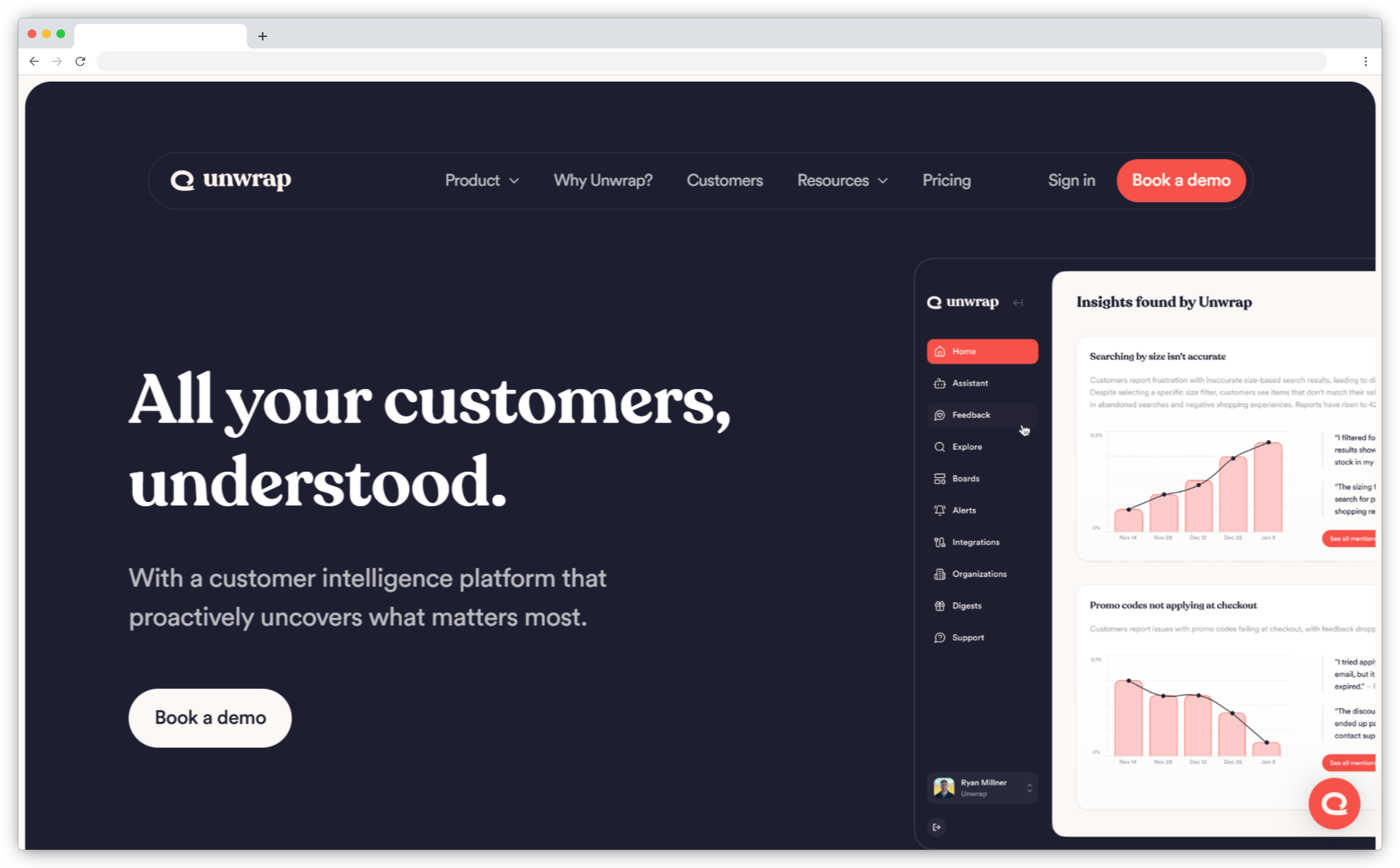
- Alerts and trends: Real-time alerts when a theme breaks from its baseline, sent to Slack or email.
- Without dashboards: Weekly or monthly digests, plus report templates that fan out per product, region or customer.
- Emerging pain points: Alerts the moment a new theme starts to move.
Pros
- Saves hours pulling insights
- Surfaces trends quickly
- Responsive support over Slack
Cons
- Overlapping groups can overwhelm
- Integrations are still growing
Pricing: From $24,000 per year, with a 30-day trial on your own data
G2 rating: 4.8/5 (26 reviews)
Best use case: Leaders who want weekly findings in front of executives.
5. SentiSum: Best for Support-Led Early Warning
SentiSum is built for customer support teams. It reads tickets, chats, call transcripts, surveys and reviews, then explains what's driving contact volume without anyone tagging tickets by hand.
Its Early Warning Agent is the monitoring piece. It watches for spikes in volume, sentiment, repeat contacts and resolution times, so a courier delay, a billing spike or a wave of login failures reaches support leaders while it's still small. It fits large support organizations best, where a contact-driver spike costs the most when it's caught late.
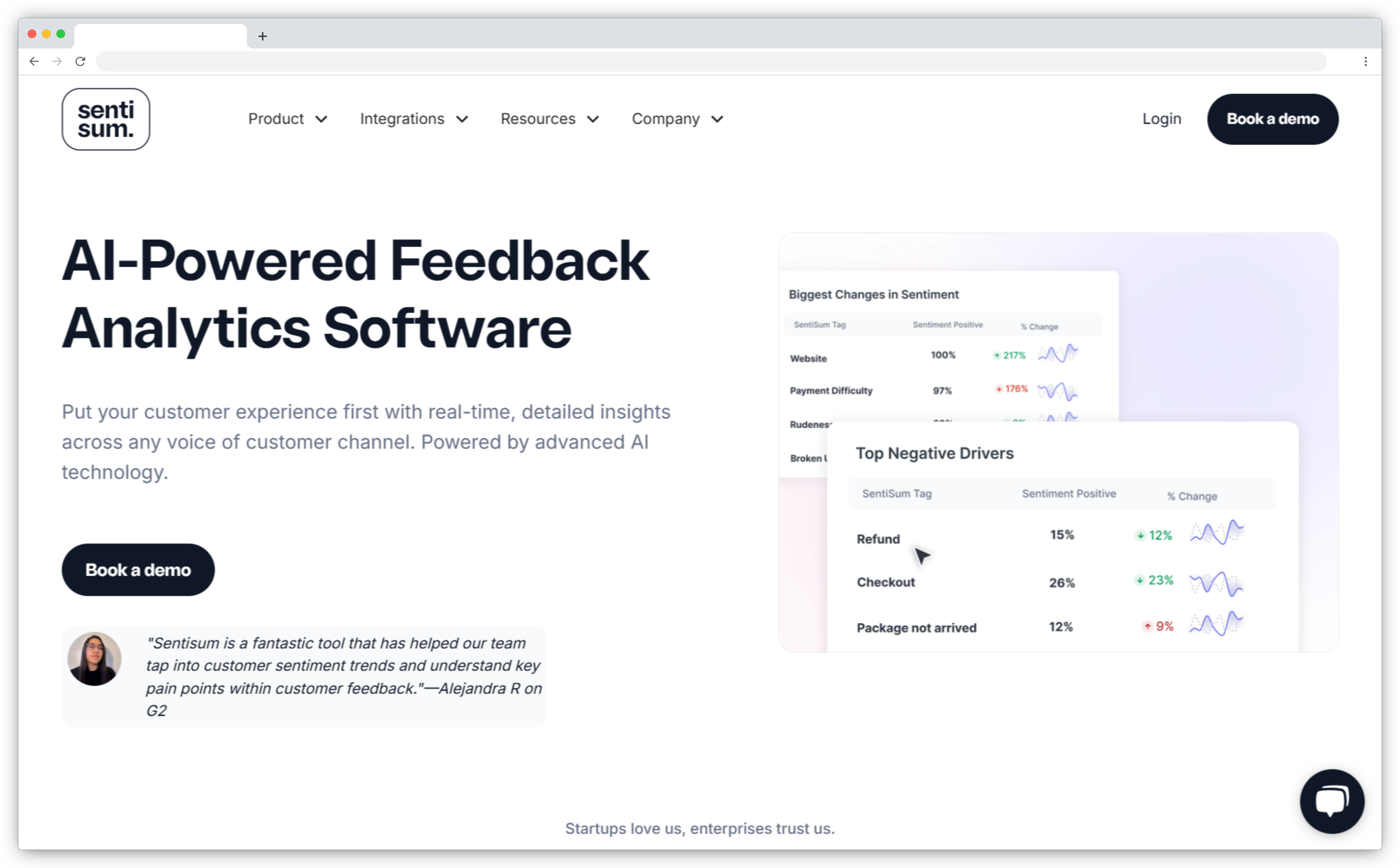
- Alerts and trends: Machine-learning anomaly alerts that learn what normal looks like for your data.
- Without dashboards: Scheduled team digests, and Kyo answers questions inside Slack.
- Emerging pain points: Detects issues as they emerge across chat, email and voice transcripts.
Pros
- Deep focus on support data
- Hands-on vendor team
- No manual tagging
Cons
- No survey sending
- Only 14 G2 reviews
Pricing: From $100,000 per year, with unlimited users
G2 rating: 4.8/5 (14 reviews)
Best use case: Large support teams that want contact-driver spikes caught early.
6. Enterpret: Best for Product Teams Whose Themes Shift With Every Release
Enterpret is an analysis layer for teams that already collect feedback in many places, from support tickets and reviews to sales calls and community forums. It links that feedback to users, accounts and opportunities, so themes rank by ARR, CSAT and NPS impact instead of raw volume.
For product teams, the draw is a taxonomy that keeps up. Enterpret's adaptive taxonomy learns from new features and changing customer language, suggests its own updates and flags drift, so a theme that appears after a release gets picked up without anyone rebuilding tags.
- Alerts and trends: Slack or email alerts when anomalies occur.
- Without dashboards: Monthly curated insights by email, plus Wisdom for grounded answers.
- Emerging pain points: NPS and CSAT trends can be tracked by segment, release or customer tier, so a post-launch theme stands out.
Pros
- Themes weighted by revenue
- About a month to implement
- Learns your terminology
Cons
- No published pricing
- Dense information takes getting used to
Pricing: Not published
G2 rating: 4.5/5 (111 reviews)
Best use case: Product teams that ship often.
7. unitQ: Best for Incident-Style Alerts in Slack, Teams or PagerDuty
If your team runs on-call in PagerDuty, unitQ will feel familiar. It treats customer feedback like a quality monitoring feed, sorting feedback from every source into a granular taxonomy and watching each category for unusual movement. When something does spike, AI runs a root cause analysis in one click.
Beyond alerts, unitQ connects feedback to business results. Its Impact module shows what drives expansion or churn by cohort, which helps product and engineering teams decide which spikes deserve a fix this sprint and which can wait.
- Alerts and trends: Anomaly alerts to Slack, Teams or PagerDuty that factor in seasonality.
- Without dashboards: Scheduled inbox updates with week-over-week comparisons, plus agentQ for questions.
- Emerging pain points: Models retrain to discover new categories as your business changes.
Pros
- Granular categorization
- Fast anomaly alerts
- Built-in competitor benchmarking
Cons
- Setup takes upfront work
- Relies on existing feedback sources
Pricing: Not published
G2 rating: 4.5/5 (48 reviews)
Best use case: Product and engineering teams that treat feedback spikes like incidents.
8. Chattermill: Best for Anomaly Alerts You Can Tune by Segment and Channel
Chattermill is a feedback analytics platform for enterprise CX, product and insights teams, with customers that include Uber. It unifies surveys, reviews, contact center conversations and support tickets into one taxonomy, then tracks how themes and sentiment move over time.
Its alerting is built for large, multi-region programs. Every alert can be tuned by filter, segment, threshold and channel, so a spike in one market reaches that market's team instead of flooding everyone's inbox.
- Alerts and trends: Slack alerts when a metric or volume leaves its expected range, or when new feedback lands on a chosen theme.
- Without dashboards: Reports scheduled to Slack daily, weekly or monthly, plus Lyra Agent for open questions.
- Emerging pain points: Surfaces emerging topics as they appear.
Pros
- Strong at enterprise volume
- No seat-based pricing
- Praised support team
Cons
- Steep learning curve
- Dashboards can be hard to build
Pricing: Not published
G2 rating: 4.4/5 (238 reviews)
Best use case: Enterprise CX teams that need alerts tuned per segment.
9. Medallia: Best for Enterprise Programs That Route Alerts to Frontline Teams
Overkill for a simple Slack alert, but strong when alerts have to reach frontline managers across many locations. Medallia is an enterprise experience platform built for large, multi-country programs, with role-based reporting that runs from frontline teams to the C-suite.
Athena, its AI layer, runs across every program in that structure, which suits enterprises with many business units. The trade-off is a long implementation and enterprise pricing, which makes it a fit for organizations that already run feedback at scale.
- Alerts and trends: Alerts on any shift in categorization, sentiment or AI model, routed to the right people in real time.
- Without dashboards: Ask Now answers questions by market and role.
- Emerging pain points: Unsupervised learning surfaces trends nobody was tracking.
Pros
- Strong multi-touchpoint feedback management
- Well-rated insights
- Helpful support
Cons
- Steep learning curve
- Reporting is hard to set up
Pricing: Per Experience Data Record, quoted by sales
G2 rating: 4.5/5 (210 reviews)
Best use case: Large enterprises routing alerts by role and location.
Which Alerts Should You Set Up First?
Start with three alerts, covering score drops by location, theme spikes against baseline and new themes above a volume floor. Then triage whatever fires by impact and trend.
- Score drops by location or team, sent to that location's manager.
- Theme spikes against baseline, sent to whoever owns the theme.
- New themes above a volume floor, sent to the CX lead weekly.
For triage, use the Impact × Trend matrix from our feedback intelligence framework.
| Impact and trend | Call |
| High impact, getting worse | Fix now |
| High impact, improving | Monitor |
| Lower impact, getting worse | Watch |
| Positive, high volume | Celebrate |
An alert nobody owns is noise. Give each one an owner and pause it once the fix ships.
How to Choose the Right VoC Analytics Tool
The right platform depends on where your alerts need to land and who reads them.
| If you need | Look at |
| Trends by location and agent | Zonka Feedback |
| Account-level risk in fintech | Birdie |
| Early warning on rare themes | Thematic |
| Digests for executives | Unwrap |
| Support-led spike detection | SentiSum |
| Themes that keep up with releases | Enterpret |
| Incident-style alerts | unitQ |
| Alerts tuned per segment | Chattermill |
| Role-based enterprise routing | Medallia |
For a broader comparison that includes survey-first platforms, see our guide to voice of customer tools.
If most of your feedback comes from customer calls, look at conversational analytics software instead.
Which VoC Analytics Tool Fits Your Team?
Run a two-week pilot on one stage of the customer journey with the three starter alerts, and keep the tool whose alerts your team actually acts on.
Multi-location brands and distributed support teams should start with a tool that breaks trends down by location and agent. SaaS product teams should start with an adaptive-taxonomy tool. If you're still defining what to measure, start with the basics of voice of customer analytics.


.svg)
.png)