.svg)
 Healthcare
 Finance
 Retail
 SaaS & Digital
 eCommerce
 Education
 Salesforce
  HubSpot
 Pipedrive
 Mailchimp
 Klaviyo
 Zendesk
  Intercom
 Freshdesk
 HelpScout
  Front
Front Jira
Jira Slack
Slack  MS Teams
 Zoom
Zoom Google Sheets
  Zapier
  Integrately
 Make
Make  Webhooks




 MS Teams


The best in-app survey tools in 2026 include Zonka Feedback, Qualaroo, Refiner, Formbricks, Qualtrics, Mopinion, Userpilot, Pendo, Userback, and Luciq. These platforms let product and CX teams trigger surveys inside web and mobile apps at the exact moment an experience happens, with response rates running 3–5x higher than email surveys sent after the fact.
TL;DR
- In-app surveys collect feedback while the experience is still fresh. Across customer implementations, well-targeted event-based surveys achieve 25–40% response rates versus 5–15% for email.
- This guide covers 11 in-app survey tools evaluated on survey delivery quality, targeting and triggers, mobile SDK support, reporting depth, and pricing.
- Tools are grouped into four categories: best purpose-built survey tools, digital feedback platforms, product analytics tools with surveys, and visual/contextual feedback tools.
- Standout tools by use case: Zonka Feedback (AI-powered, closed-loop), Qualaroo (contextual nudge surveys), Refiner (SaaS lifecycle), Formbricks (open-source/privacy-first), Userpilot (no-code onboarding), Pendo (product analytics + surveys).
- Free and open-source options: Formbricks (self-hosted, fully functional), Pendo (limited free plan), Qualaroo (free plan available).
- Written by the Zonka Feedback team. Tools selected based on free trial testing where available, official documentation, and verified G2 reviews. Not sponsored.
Collecting feedback after the experience ends is a timing problem. Email surveys arrive when the context is gone. Dashboards show you what happened but not why. In-app surveys close that gap by collecting feedback inside the product, at the exact moment a user completes a task, hits friction, or uses a feature.
This guide covers the 11 best in-app survey tools in 2026. Each tool is evaluated on survey delivery quality, targeting and triggers, mobile SDK support, reporting depth, and pricing so you can find the right fit for your team's use case and budget.
One clarification before the tools: in-app surveys and in-app feedback aren't the same thing. Surveys are structured: NPS, CSAT, CES, rating scales. In-app feedback is broader: open comments, annotations, bug reports. This guide covers the survey side. A few tools here (Userback, Luciq) bridge both, and we've noted where they do.
What Are In-App Surveys?
In-app surveys are short questionnaires that appear inside a web or mobile app while the user is actively using the product. They show up as a widget, slide-up, or overlay within the app's interface. The user responds without leaving the product. Common formats include NPS, CSAT, CES, and feature feedback forms, typically one to three questions long.
For a deeper look at when to use them and how to set them up, see our guide to in-app surveys.
What Are In-App Survey Tools?
In-app survey tools are software platforms that let product and CX teams create, deploy, and analyze surveys directly inside a web or mobile app. They install via a lightweight SDK or JavaScript snippet, trigger surveys based on specific user actions or events, and control who sees which survey through behavioral targeting, all managed from a no-code dashboard. No developer involvement needed for each new survey.
How Do In-App Surveys Work?
In-app surveys work through a lightweight SDK or JavaScript snippet installed once inside your web or mobile app. Once installed, the tool handles everything from the dashboard. No code changes needed to launch new surveys.
Here's what the process looks like in practice:
- Install the SDK or JS snippet. One installation covers all surveys in that workspace. You don't re-deploy for every new survey.
- Create the survey in the dashboard. Choose NPS, CSAT, CES, or a custom format. Add your questions. Set the logic.
- Configure targeting. Decide which users see it (by segment, plan, behavior, or percentage) and on which pages or screens.
- Set the trigger. The survey fires on a specific event: onboarding completed, feature used three times, checkout abandoned. Not on a random timer.
- Set throttling. Define how often a user can receive surveys so you don't cause survey fatigue.
- Responses come in with context. User attributes, the triggering event, and device details attach automatically.
That's the architecture behind every tool in this list. The differences are in how well each one executes each step.
In-App Surveys vs Email Surveys
Run both — in-app surveys for collecting feedback at specific product moments, email surveys for reaching users who aren't currently active or when you need more than three questions. They solve different problems.
| Factor | In-App Surveys | Email Surveys |
| Response rates | 25–40% (well-targeted) | 5–15% |
| Timing | During the experience | After the experience |
| Context quality | High — user is actively engaged | Lower — user reconstructs from memory |
| Best for | Feature feedback, NPS/CSAT post-event, CES after a task | Churn surveys, relationship NPS, long-form research |
| Survey length | Short — 1 to 3 questions works best | Can be longer — user has time |
| Audience | Logged-in, active users only | Any user with an email address |
Use in-app surveys when you need feedback on a specific moment. Use email surveys when you need to reach users who aren't currently in the product, or when you need more than three questions.
Why Do In-App Survey Tools Matter?
In-app survey tools matter because they collect feedback in context — at the exact moment a user experiences something — rather than relying on reconstructed memory from email surveys or the loudest voices in support tickets and app store reviews.
Support tickets represent users who hit a wall and had the patience to report it. App store reviews skew toward strong opinions: five stars or one star, rarely three. Email surveys arrive after the experience is over. You end up with data that's skewed, delayed, or both.
Product analytics adds another layer to this problem. You can see where users drop off. You can see which features nobody touches. What analytics can't show you is what the user expected to happen, what felt confusing, or what made them abandon a flow that looks perfectly functional in your dashboard.
That gap — between what happened and why — is where in-app surveys do their actual work.
Response rates are higher not just because of timing, but because of relevance. A user who just completed onboarding and gets asked "How easy was it to get set up?" is being asked about something they just lived through. That question earns a response. The same question sent the next morning earns a delete.
What Features Should You Look For in an In-App Survey Tool?
The most important features to look for in an in-app survey tool are: native in-app delivery for both web and mobile, event-based triggers, survey format breadth, throttling controls, qualitative feedback handling, workflow routing, and integration with your existing stack.
Not all in-app survey tools are built the same way. Some are lightweight micro-survey tools. Others are full feedback platforms where in-app surveys are one channel in a larger system. Here's what separates the tools worth your time from the ones that just look good in a demo.
Native in-app delivery. Web and mobile SDK support, both. If a tool covers only one, you'll hit a wall fast.
Event-based triggers. Showing a survey to every user on login isn't targeting. It's noise. You want triggers tied to specific actions: onboarding completion, feature usage, drop-off events. Ask each vendor how long it takes to configure a first event-based trigger without a developer. The answer varies more than marketing pages suggest.
Survey format support. NPS, CSAT, Customer Effort Score, rating scales, open-text responses, and feature requests at a minimum. Anything less is too narrow for a real product feedback program. If you're evaluating standalone CSAT measurement, see our comparison of the best CSAT survey software for a deeper look.
Throttling controls. The ability to prevent a user from receiving multiple surveys within a configurable window. This is easy to overlook in demos. It shows up fast in production when users start complaining about constant prompts. Most tools support it. Very few teams configure it correctly.
Qualitative feedback handling. Open-text responses are where the real insight lives, but they don't scale manually. Look for theme grouping or sentiment analysis built into the reporting layer.
Workflow and actionability. Alerts, assignments, routing: so valuable feedback reaches someone who can act on it, not just the person who set up the survey.
Integration with your existing stack. Your analytics platform, CRM, and support tool should connect to your survey data. Otherwise that data stays siloed.
What Are the Limitations of In-App Surveys?
In-app surveys have five key limitations: survey length is constrained to short formats, reach is limited to active users only, they can feel intrusive if poorly timed, mobile SDK adds implementation effort, and they don't capture issues you never thought to ask about.
Survey length is constrained. Because you're interrupting an active session, surveys need to stay short: ideally one to three questions. You can collect a score and a follow-up comment. You can't run a 15-question research study in-app without hurting the user experience.
You only reach active users. In-app surveys can't reach churned users, inactive users, or people who haven't signed up yet. Email surveys and link surveys cover those audiences. In-app doesn't.
They can feel intrusive if poorly timed. A survey that fires on every login, regardless of what the user is doing, trains users to dismiss it. Targeting precision matters. A poorly configured in-app survey gets a worse response rate than a well-crafted email survey.
Mobile SDK adds implementation effort. Web app surveys need one JS snippet. Mobile app surveys need iOS and Android SDK installation. For teams without a developer available, that setup has real friction.
They don't capture what you don't ask about. A user hitting a bug you've never seen won't tell you about it through an NPS survey. For open-ended issue capture, visual feedback tools (Userback, Luciq) or a persistent feedback button serve that need better.
Knowing the limitations helps you pair in-app surveys with the right in-app feedback tools for the jobs they can't do.
How Did We Evaluate These In-App Survey Tools?
We evaluated each tool on how it performs in real product feedback workflows, not on feature lists or marketing pages. Our evaluation combines free trial testing where available, official documentation, and verified G2 reviews. For enterprise tools that require a sales conversation before access, analysis draws from public documentation and direct G2 reviewer accounts.
Three specific things we paid attention to that most comparisons skip:
Time to configure a first event-based trigger without developer involvement. Some tools handle this in under 20 minutes from a clean account. Others require engineering support for anything beyond page-load rules. That difference matters enormously for teams without a dedicated engineering resource on feedback tooling.
Default throttling behavior. We checked whether throttling is on by default or has to be manually activated. Tools where it defaults to off generate survey fatigue complaints the team rarely connects back to the configuration.
Open-text response handling in the default view. How a tool displays qualitative feedback in its out-of-the-box reporting reveals a lot about whether it was designed for teams that actually read responses or teams that mainly track scores.
On transparency: we're the team behind Zonka Feedback. Zonka is included here as one tool among ten. Descriptions are written to the same standard as every other tool. This guide is not sponsored and no tool paid for placement.
Comparison Table: Best In-App Survey Tools in 2026
| Tool | Best For | In-App Survey Capability | Targeting & Triggers | Pricing | G2 Rating |
| Zonka Feedback | AI-powered surveys + closed-loop workflows | Web & mobile, native SDK | Events, throttling, segments | Custom pricing; 14-day free trial | 4.7/5 |
| Qualaroo | Contextual nudge surveys | Native nudges, web & mobile | Behavior, device, page, time, skip logic | From $19.99/month; free plan | 4.3/5 |
| Refiner | SaaS lifecycle in-app feedback | Native in-app (web-focused) | Lifecycle, event, attribute targeting | From ~$99/month; free trial | 4.6/5 |
| Formbricks | Privacy-first, open-source in-app surveys | Native web + app surveys | Attribute, behavior, survey logic | Free (self-hosted); from $49/month cloud | 4.9/5 |
| Perspective AI | In-app exit interviews & churn analysis | Web embed, popup, slider via SDK | Placed at a chosen moment | Free; from $99/month | 5.0/5 |
| Qualtrics | Enterprise digital feedback programs | In-app + digital surveys | Segment and touchpoint targeting | Custom pricing; demo required | 4.3/5 |
| Mopinion | Real-time digital feedback, web + mobile | In-app forms and widgets | Page, interaction, behavior triggers | From ~$279/month | 4.1/5 |
| Userpilot | No-code in-app engagement + product feedback | Native in-app surveys | Event-based, behavioral segmentation | From ~$299/month (annual) | 4.6/5 |
| Pendo | Product analytics with in-app feedback | In-app polls + NPS | Behavior and account-based targeting | Free plan; paid plans custom | 4.4/5 |
| Userback | Visual, annotated in-app feedback | Feedback widget + embedded forms | Display rules, contextual capture | From $24/month (annual) | 4.7/5 |
| Luciq | Mobile in-app feedback + visual bug reporting | Native mobile feedback | Session, behavior, context triggers | Usage-based; free trial available | 4.3/5 |
What Are the Best In-App Survey Tools in 2026?
The best in-app survey tools are the ones that let you collect feedback inside the product without disrupting the experience, and then actually help you do something with what you hear. In practice, that comes down to survey delivery quality, targeting precision, reporting clarity, and how well the tool fits your team's workflow.
What Are the Best Purpose-Built In-App Survey Tools?
Purpose-built in-app survey tools are designed primarily for collecting structured feedback inside web and mobile apps. Survey delivery is their core product, not a feature added onto an analytics platform. These tools support NPS, CSAT, CES, and open-text formats alongside targeting, triggers, and reporting.
1. Zonka Feedback: Best for AI-Powered In-App Surveys and Closed-Loop Feedback Management
Use Cases: In-app NPS & CSAT · Feature feedback · Post-interaction surveys · Web & mobile app feedback · Multi-location CX · Omnichannel feedback
G2 Rating: 4.7/5 on G2
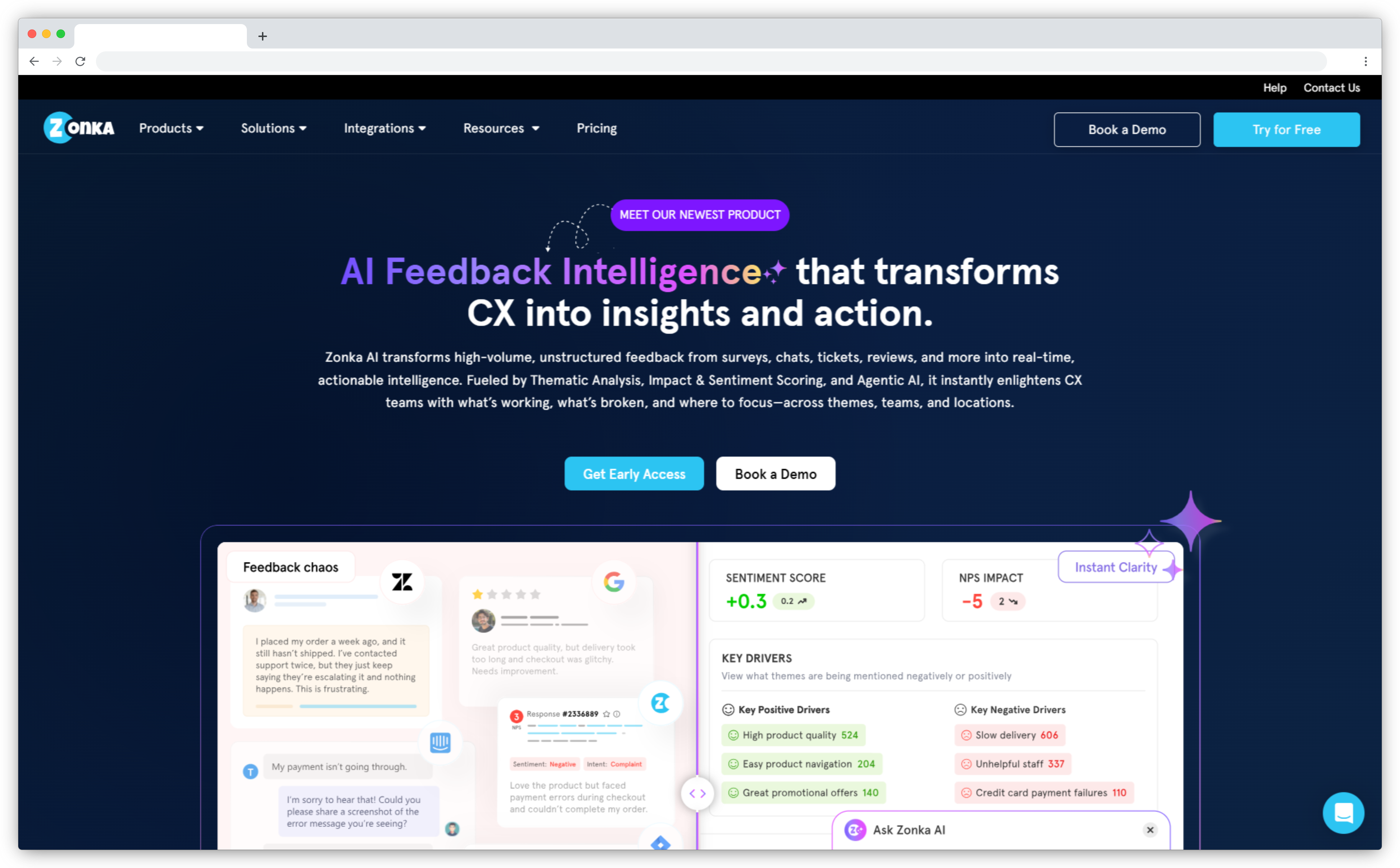
Zonka Feedback is an AI customer feedback and intelligence platform that covers the full feedback lifecycle: collect in-app feedback, analyze it with AI, and route the right signals to the right people. In-app surveys support NPS, CSAT, CES, and custom formats, with event-based triggers tied to specific product moments: onboarding completion, feature usage, lifecycle stage.
Where Zonka goes further than lighter survey tools is in what happens after the response. AI agents analyze open-text feedback for themes, sentiment, and impact automatically, then deliver role-based signals: a support agent sees feedback about their own interactions, a product manager sees feature signals, a CX leader sees the full picture. Feedback doesn't wait to be found. It closes the product feedback loop automatically through integrations with Slack, CRMs, and helpdesk tools.
The in-app user feedback setup uses a native SDK for iOS, Android, React Native, and Flutter. SmartBuyGlasses, running NPS and CSAT surveys across 30+ countries on Zonka, increased their NPS by 30%.
Key Features:
- In-app surveys with event-based triggers, advanced targeting, and throttling controls
- AI-powered sentiment, emotion, and intent analysis for open-text feedback
- Real-time dashboards with filters, segmentation, and trend tracking
- Unified feedback inbox to manage, assign, and respond to survey responses
- Automated alerts and workflows via email, Slack, and integrations
- Native mobile SDK for iOS, Android, React Native, and Flutter
Zonka Feedback Pros
- Strong in-app survey capabilities with precise event-based targeting
- AI analysis covers themes, intent, and impact, not just basic sentiment scoring
- All-in-one platform: collection, analysis, and closed-loop workflows in one place
- No-code setup with templates; scales well for SaaS, mobile, and multi-location teams
Zonka Feedback Cons
- Advanced AI features (thematic analysis, impact analysis) sit on higher-tier plans
- Voice and speech feedback isn't yet supported
- Pricing is custom and not publicly listed
Zonka Feedback Pricing
- Custom pricing based on business requirements
- 14-day free trial for paid features (available on request)
Best Use Case: Product and CX teams at mid-size to enterprise SaaS companies that need a full feedback lifecycle: collection, AI analysis, and closed-loop action, without stitching together multiple tools.
2. Qualaroo: Best for Contextual Nudge Surveys Across In-App and Website
Use Cases: In-app surveys · Exit-intent feedback · Website/mobile app surveys · NPS/CSAT · UX research · Market research
G2 Rating: 4.3/5 on G2
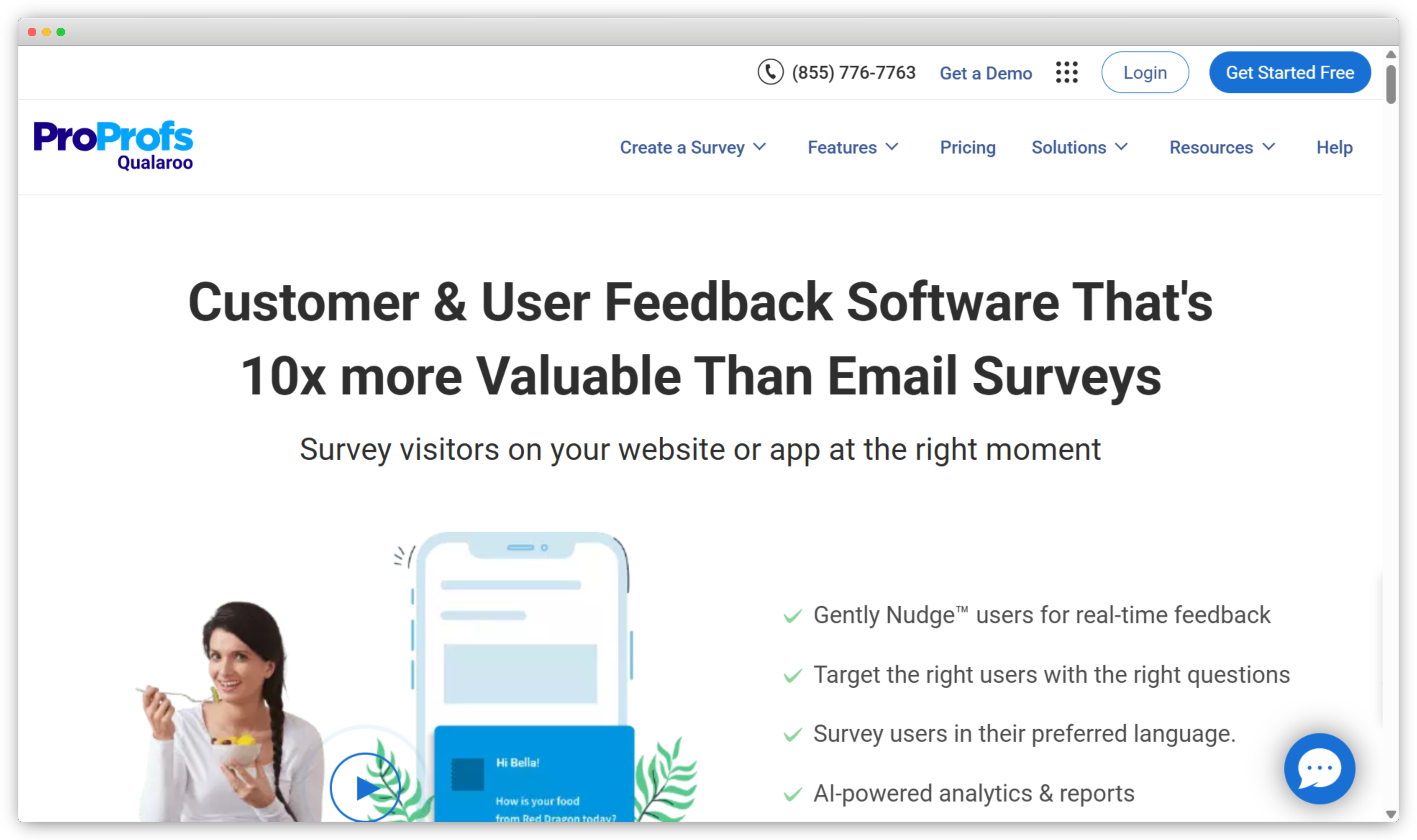
Qualaroo is a user research and feedback platform built around Nudges: small, non-modal survey prompts that appear inside web and mobile apps without taking over the screen. Instead of a full-screen overlay, a Nudge appears as a small widget at the bottom corner of the interface. Users can engage or dismiss without losing their place in the product, and response quality reflects that reduced friction.
The platform supports NPS, CSAT, CES, exit-intent surveys, and custom formats, with targeting based on behavior, device type, page, time on site, and user attributes. Sentiment analysis powered by IBM Watson runs on open-text responses and surfaces emotional patterns without requiring manual review.
The format advantage is real for teams that have burned user goodwill with intrusive center-screen modals. Qualaroo's Nudge format is notably lower friction. The tradeoff is that some survey types, specifically those that genuinely need the user's full attention, work better in a more prominent format.
Key Features:
- Targeted in-app and on-site nudge surveys at specific user moments
- NPS, CSAT, CES, exit-intent, and custom survey formats
- Targeting based on behavior, device, page, time on site, and user attributes
- Skip logic and conditional questions for more relevant survey flows
- IBM Watson-powered sentiment analysis and real-time reporting
- Integrations with HubSpot, Salesforce, Slack, Google Analytics, and Zapier
Qualaroo Pros
- Nudge format is notably less disruptive than modal-style surveys
- Strong contextual targeting with advanced behavior and attribute-based rules
- Real-time sentiment reporting helps teams identify friction quickly
- Supports both web and mobile in-app survey deployment
Qualaroo Cons
- Pricing is on the higher end for small teams relative to the feature set
- Reporting depth is limited compared to platforms where analytics is the primary focus
- Advanced targeting options have a steeper learning curve than lighter alternatives
Qualaroo Pricing
- Free plan available
- Paid plan starts at $19.99/month
Best Use Case: Teams running contextual website and in-app surveys who want nudge-style delivery that doesn't disrupt the user flow, particularly suited for UX research and exit-intent capture.
3. Refiner: Best for SaaS Lifecycle In-App Feedback
Use Cases: In-app NPS · Feature feedback · Onboarding surveys · Churn and cancellation feedback · Product discovery · User research
G2 Rating: 4.6/5 on G2
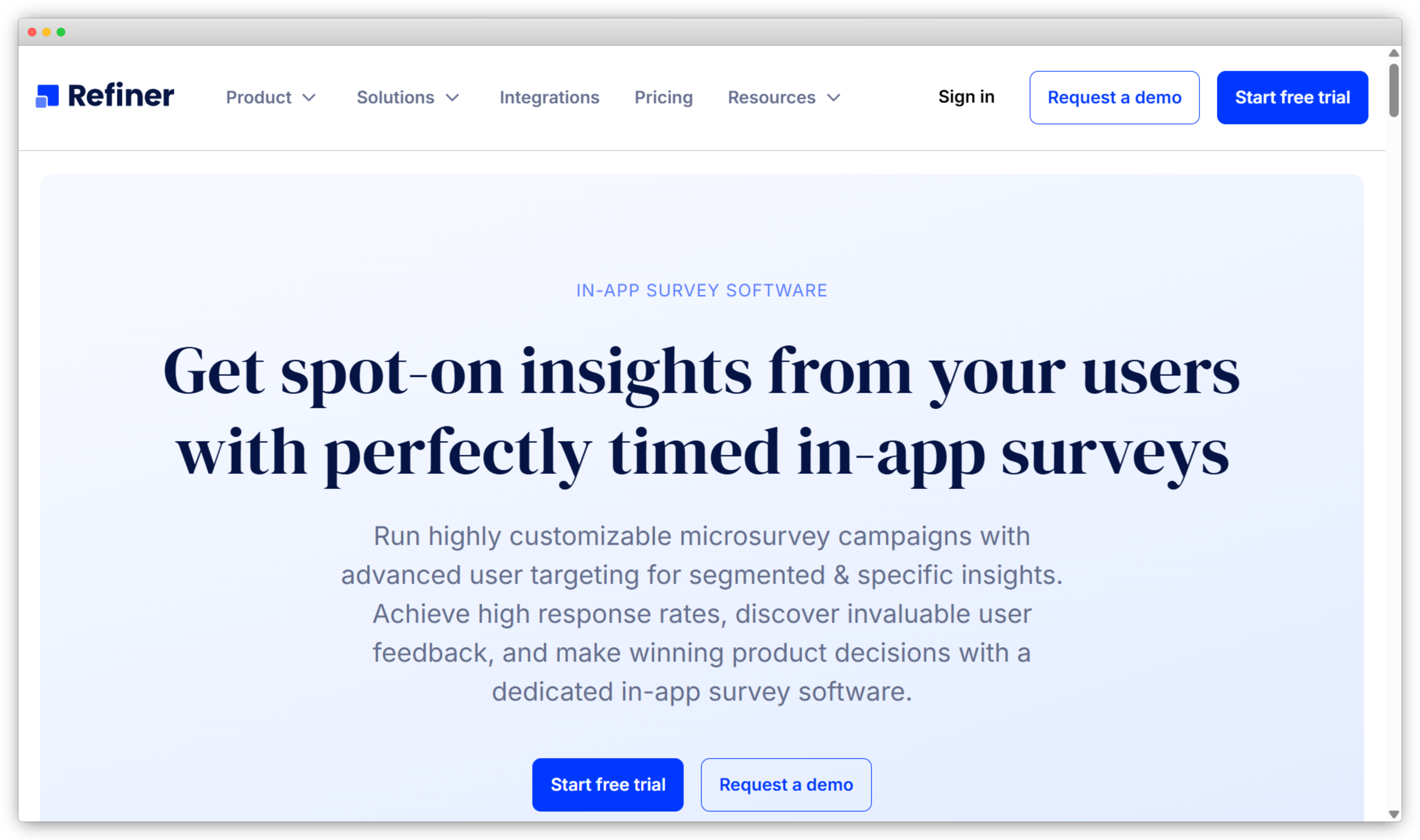
Refiner is a survey tool built specifically for SaaS teams. Not adapted for SaaS, but designed from the ground up with SaaS lifecycle logic in mind. The targeting system is built around the events and attributes that matter in a SaaS product: trial started, feature activated, plan upgraded, cancellation initiated. You trigger surveys based on where a user actually is in their lifecycle, not just what page they're on.
Setup time for event-based triggers is fast by any benchmark. Configuring a post-onboarding NPS survey tied to a custom lifecycle event takes under 20 minutes without engineering support. That matters for early-stage teams without a dedicated developer on feedback tooling.
Refiner's focus is tight: web app surveys for SaaS products. That focus produces a cleaner implementation experience than broader platforms. The limitation is the same: if you need mobile SDK coverage or advanced AI analysis of open-text responses at scale, you'll need to layer on another tool.
Key Features:
- In-app surveys triggered by lifecycle events, user attributes, and custom conditions
- NPS, CSAT, CES, and custom survey formats with skip logic
- Unlimited surveys on paid plans for continuous feedback programs
- Real-time reporting and segmentation by user attributes and cohorts
- Integrations with Segment, Intercom, HubSpot, Slack, and Google Sheets
- API and webhooks for advanced integrations
Refiner Pros
- Purpose-built for SaaS lifecycle feedback; targeting logic reflects how SaaS products actually work
- Fast, non-developer setup for event-based triggers
- Unlimited surveys on paid plans supports continuous feedback without usage anxiety
Refiner Cons
- Web-focused; mobile SDK support is limited compared to tools built mobile-first
- Native analytics are basic; works best when connected to a separate BI or analytics tool
- No visual or contextual feedback capabilities (screenshots, annotations, session data)
Refiner Pricing
- Paid plans start at ~$99/month
- Free trial available
Best Use Case: SaaS product teams running NPS, CSAT, and feature feedback surveys tied to specific lifecycle events, where tight event-based targeting and fast non-developer setup matter most.
4. Formbricks: Best for Privacy-First, Open-Source In-App Surveys
Use Cases: In-app surveys · Web surveys · Customer feedback · UX research · Product-market fit surveys · GDPR/CCPA-compliant feedback collection
G2 Rating: 4.9/5 on G2
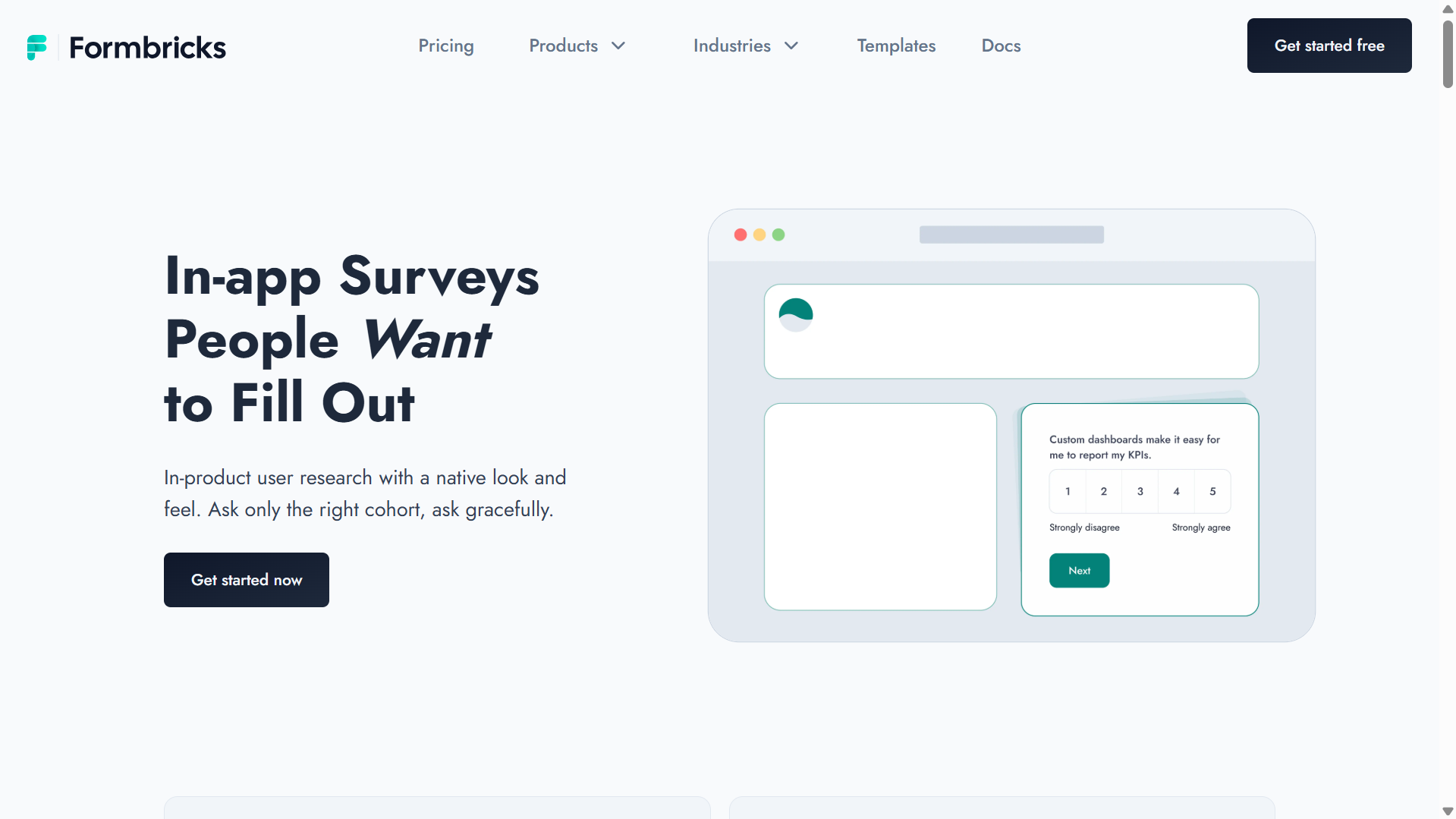
Formbricks is an open-source experience management platform that gives teams full control over their survey infrastructure. Most survey tools are SaaS-only: you pay for the platform, your data lives on their servers, and your customization stops at the theme editor. Formbricks breaks that model. Teams can self-host the entire platform, configure it to their compliance requirements, and modify the codebase if needed. It's GDPR and CCPA compliant by architecture, not just by policy.
The free self-hosted version is production-ready. Not a stripped-down trial with a two-week timer. For early-stage teams with technical resources and real privacy constraints, that changes the cost calculation significantly. You get event-based targeting, survey logic, and attribute-based segmentation at zero cost if you can manage the infrastructure.
The tradeoff is setup effort. Self-hosting requires a developer. Community-based support means variable response times on lower tiers. Teams that need a plug-and-play experience without infrastructure management should use the cloud plan or look at Refiner.
Key Features:
- Open-source, self-hostable platform with full data control
- Native in-app and web survey deployment via SDK or script tag
- GDPR/CCPA compliant by design; suitable for regulated environments
- Drag-and-drop survey builder with conditional logic and branching
- Attribute and behavior-based targeting with survey logic
- Integrations with Slack, Zapier, n8n, and Google Sheets
💡 Free option: Formbricks offers a fully functional self-hosted version at no cost, making it the most capable free option in this category for teams with technical resources.
Formbricks Pros
- The only tool in this list where the free self-hosted version is genuinely production-ready
- Strong privacy-by-design architecture for teams with compliance requirements
- Highly customizable for technical teams who want to extend or modify the platform
Formbricks Cons
- Self-hosting requires technical setup; not plug-and-play for non-developer teams
- Community-based support model with variable response times on lower tiers
- More configuration effort required compared to turnkey SaaS alternatives
Formbricks Pricing
- Free for self-hosted (fully functional)
- Cloud-hosted Startup Plan at $49/month
Best Use Case: Privacy-conscious teams, regulated industries, or companies that need full data control and can support a self-hosted deployment. Also the best starting point for early-stage teams with strong technical resources that want a capable free option.
5. Perspective AI: Best for In-App AI Exit Interviews & Churn Analysis
G2 Rating: 5.0/5 on G2
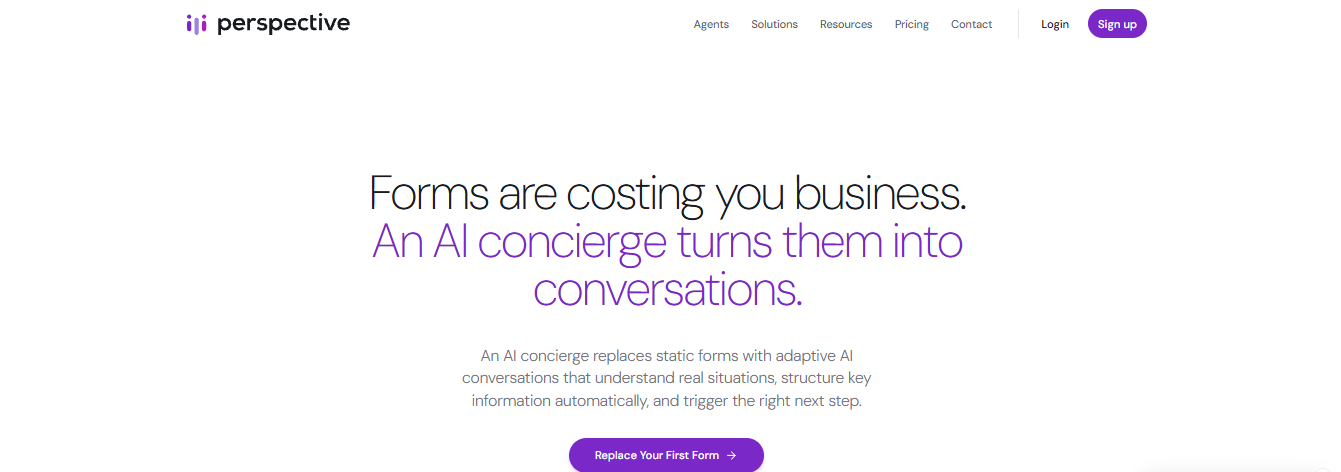
Most in-app survey tools are built around the micro-survey: one question, fired at the right moment, answered in two seconds. That is the correct design for measuring satisfaction continuously, and Perspective AI does not compete with it. It claims the opposite end — the handful of in-product moments where a one-tap answer is worth almost nothing.
The clearest example is cancellation. A dropdown asking why someone is leaving returns "too expensive" and teaches you nothing. Swap that dropdown for an embedded AI interview and the same user is asked what they were comparing against, what they expected to get for the price, and what would have kept them — typically 25–30 exchanges, right there in the flow, with themes and quotes generated automatically across everyone who cancelled that month. The same pattern applies to onboarding drop-off, failed activation and post-downgrade flows. The conversation embeds inline, as a popup, slider or chat, and can be white-labelled to match the product.
The trade off is that it is built for AI-driven conversational intake on the web rather than native in-app delivery — no mobile SDK or in-product targeting rules, so it's a stretch fit for teams needing surveys embedded directly inside a mobile or web app experience.
Key Features:
- AI interviewer with real-time generated follow-ups, embedded inline, as a popup, slider or chat
- Runs as voice or text in the same embed — 57 languages with automatic language detection, accent-native voices, sub-second opening and mid-sentence interruption handling
- SDK for placing conversations inside a web product; shareable link and email for out-of-app moments
- Automatic themes, sentiment, key quotes and risk signals across every conversation
- Completion flows that route users based on what they said — to a save offer, a calendar or a human
Perspective AI Pros
- Turns the single most valuable in-app moment into a real exit interview
- No tagging or coding — themes and quotes are ready the same day
- Routing on the answer, so a churn risk can be handed to a human immediately
- Flat $99/month with unlimited seats, plus a free tier for a first study
Perspective AI Cons
- No native mobile SDK — web embed and SDK only
- No event-based trigger rules, audience segmentation or throttling controls
- Not built for continuous in-app CSAT or NPS measurement
Perspective AI Pricing
-
Free plan with 100 credits (about ten conversations). Pro from $99/month for 1,000 credits. Pay-as-you-go Flex credits and custom Enterprise pricing, with unlimited seats on every plan.
Best Use Case: The cancellation or downgrade flow, where replacing a reason-code dropdown with a short AI interview turns your highest-intent moment into your best source of churn intelligence.
What Are the Best Digital Feedback Platforms With In-App Survey Support?
Digital feedback platforms collect across multiple channels: websites, mobile apps, email, kiosks, and more. In these tools, in-app surveys are part of a larger feedback strategy rather than the primary focus. They're best for organizations that want to unify feedback from multiple sources rather than run in-app surveys as a standalone channel.
6. Qualtrics: Best for Enterprise Digital Feedback Programs With In-App Survey Support
Use Cases: In-app surveys · Digital customer feedback · NPS and CSAT tracking · User research · Product and experience feedback · Continuous feedback programs
G2 Rating: 4.3/5 on G2
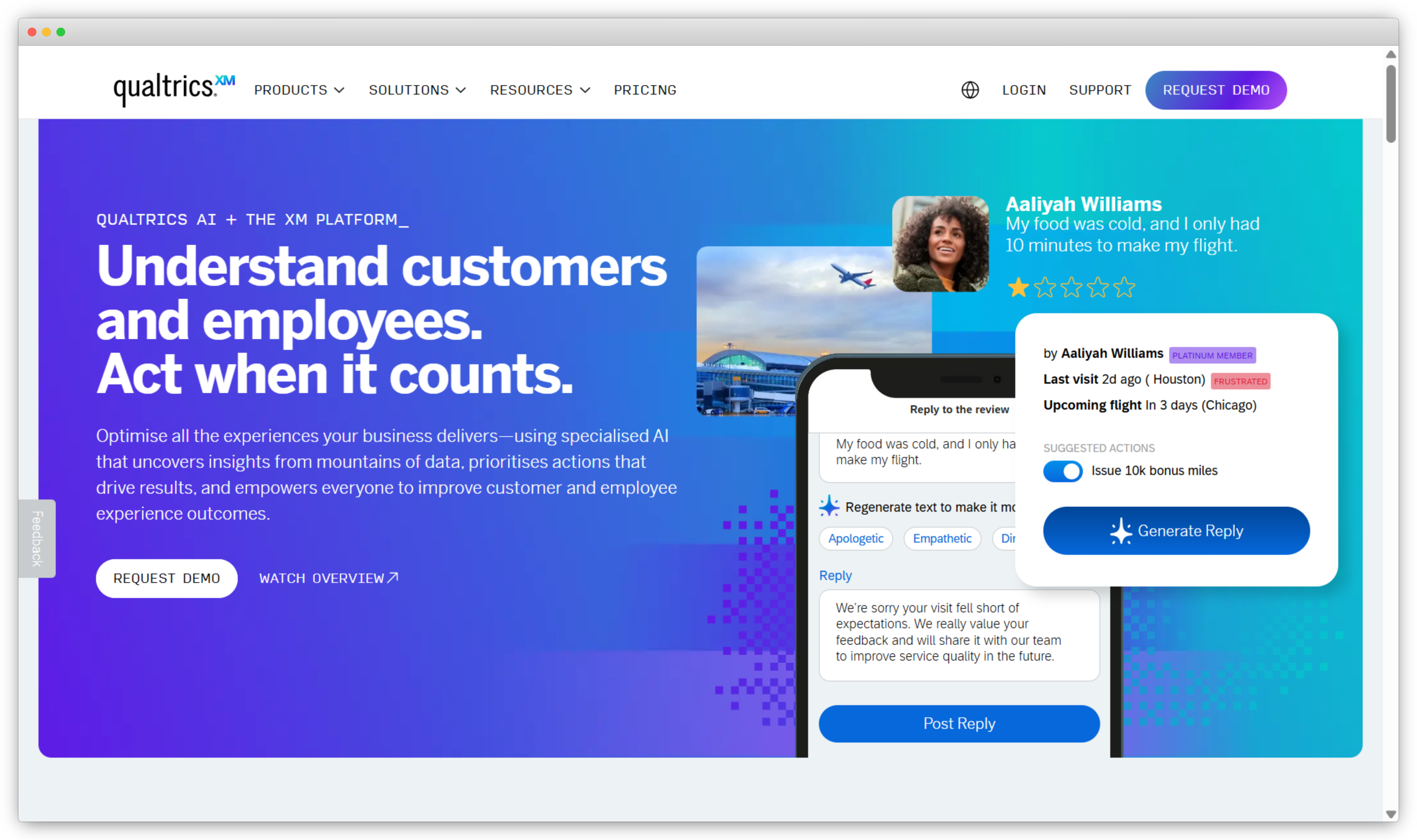
Qualtrics is an enterprise experience management platform. It's not primarily an in-app survey tool — it's a research and measurement system that includes in-app surveys as one channel among many. Where it earns its position is in complexity and scale: the survey builder handles advanced branching logic, conjoint analysis, and multi-market research programs that most in-app survey tools can't support.
The tradeoff is implementation time. Most enterprise deployments require a dedicated configuration phase. Teams running simple in-app NPS surveys will find Qualtrics significantly over-engineered for that use case. Teams running multi-market, multi-touchpoint experience programs will find it fits.
Key Features:
- Digital and in-app surveys across web and app experiences
- NPS, CSAT, CES, and fully custom survey programs with advanced branching logic
- Segment and touchpoint-based survey targeting
- Text analysis and sentiment detection across open-text survey responses
- Dashboards for tracking satisfaction and feedback trends over time
- Integrations with Salesforce, HubSpot, Tableau, and major analytics platforms
Qualtrics Pros
- Handles complex, multi-touchpoint feedback programs that simpler tools can't support
- Strong text analysis and reporting for large volumes of open-text responses
- Scales across business units and geographies for large organizations
Qualtrics Cons
- Most enterprise deployments require a dedicated implementation phase
- In-app survey capabilities are part of a broader platform, not the primary focus
- Pricing isn't publicly available; requires a sales conversation to evaluate fit
Qualtrics Pricing
- Custom pricing based on features and survey volume
- Demo required to evaluate pricing and fit
Best Use Case: Large enterprises running multi-touchpoint feedback programs where in-app surveys are one channel in a broader CX research and measurement system.
7. Mopinion: Best for Real-Time Digital Feedback Across Web and Mobile
Use Cases: In-app feedback · Website and mobile app surveys · Customer satisfaction tracking · UX and product feedback · Digital journey feedback
G2 Rating: 4.1/5 on G2
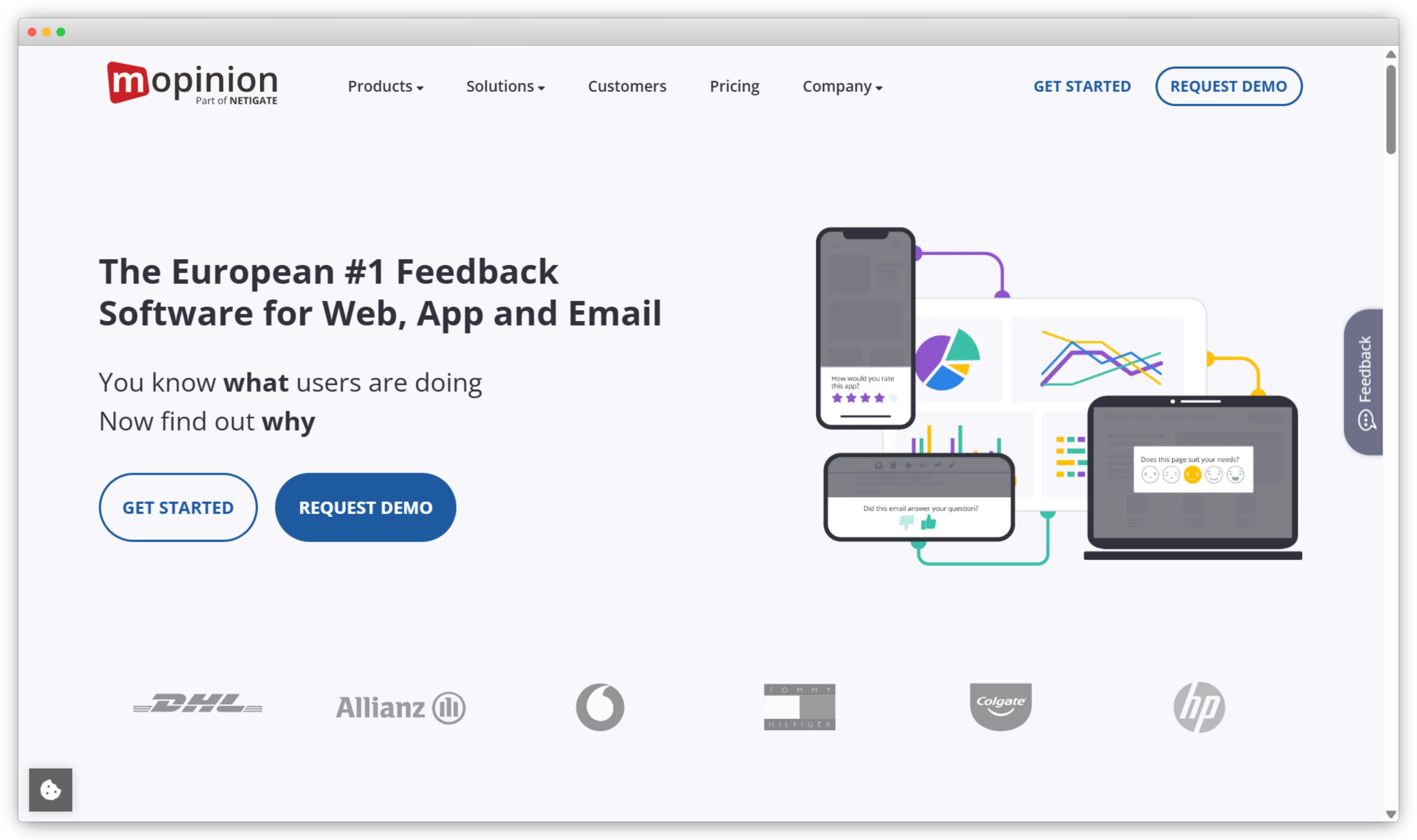
Mopinion is a digital customer feedback platform focused on capturing in-context feedback across web and mobile apps at specific interaction moments: form completions, page scrolls, feature usage, and other behavioral triggers. The feedback widget library is broader than most: sliders, ratings, emoji scales, open-text, and screenshot attachments sit alongside standard survey formats, giving UX and product teams more flexibility in how they ask questions.
Where Mopinion fits in a stack depends on what you already have. For teams with analytics coverage that want to layer in qualitative feedback at specific digital touchpoints, it fills that gap well. For teams looking for a complete closed-loop system with workflow automation, it's more limited.
Key Features:
- In-app and website feedback forms, widgets, and surveys
- Triggers based on page, user interaction, scroll depth, and behavior
- NPS, CSAT, CES, and custom question types including emoji, sliders, and open-text
- Visual feedback widgets with screenshot capture
- Dashboards and sentiment trend analysis
- Centralized inbox to tag, review, and manage feedback
Mopinion Pros
- Flexible feedback formats beyond standard survey types; gives UX teams more options
- Strong focus on real-time, in-context digital feedback at specific journey moments
- Useful for identifying friction points alongside satisfaction scores
Mopinion Cons
- Advanced workflow automation is limited; closing the feedback loop requires more manual steps
- Steeper onboarding for teams new to digital feedback tooling
- Less suited for mobile-native products than tools with mature mobile SDKs
Mopinion Pricing
- Standard plan from ~$279/month
- Contact sales for enterprise options
Best Use Case: Digital teams at mid-size organizations that want real-time, in-context feedback across websites and web apps, particularly when capturing qualitative input at specific interaction moments.
What Are the Best Product Analytics and PLG Tools With In-App Survey Support?
These platforms combine feedback collection with user behavior tracking. Surveys connect to a broader system that analyzes how users interact with features, onboarding flows, and product moments. The key advantage is linking what users say with what they actually do, something standalone survey tools can't do on their own. For teams focused purely on product feedback collection without the analytics layer, see our list of the best product feedback tools.
8. Userpilot: Best for No-Code In-App Surveys and Product Onboarding Feedback
Use Cases: In-app surveys · Product adoption · Onboarding flows · Feature announcements · User engagement analytics · Behavior-triggered messages
G2 Rating: 4.6/5 on G2
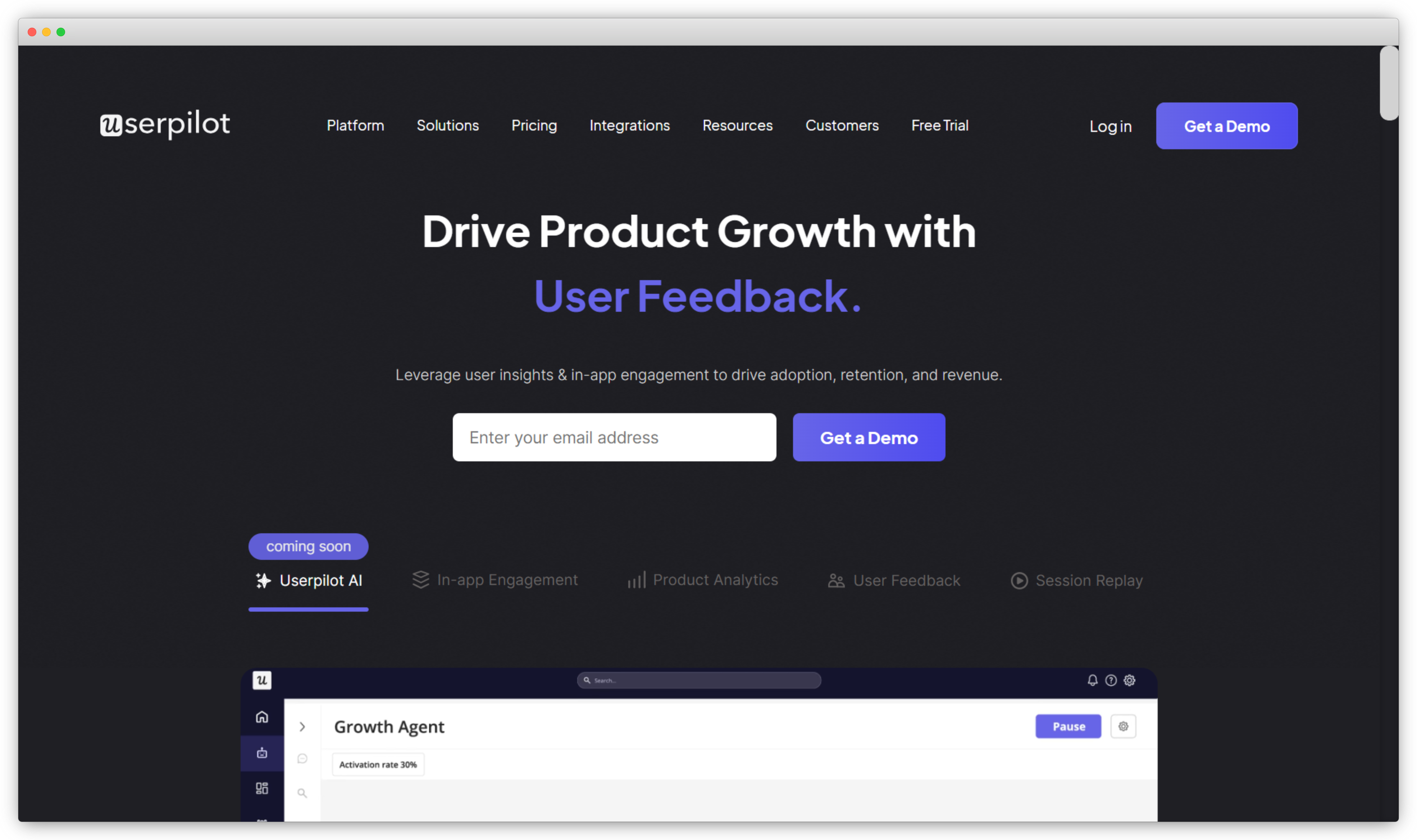
Userpilot is a product experience platform that combines in-app surveys with onboarding flows, feature announcements, and product analytics, all without writing code. The no-code builder is genuinely functional: setting up an onboarding completion survey triggered by a specific product event takes under 15 minutes from a clean account, with no developer involvement required.
Where it stands out is in connecting survey responses to product analytics. A user gives a low onboarding satisfaction score, and you can immediately see their activation event history alongside that response. That connection between sentiment and behavior is harder to build when your survey tool and your analytics platform are separate systems.
Key Features:
- In-app surveys including NPS, CSAT, and custom formats with no-code creation
- Event-based triggers and behavioral segmentation tied to product usage
- Survey logic, skip logic, and conditional questions
- Product analytics combining survey data with feature adoption and usage trends
- Onboarding flows, interactive guides, and in-app messaging in the same platform
- Integrations with Amplitude, Mixpanel, HubSpot, and Google Analytics
Userpilot Pros
- No-code survey creation and deployment is genuinely fast; non-developer setup for complex event triggers
- Connecting survey responses to product analytics data is a real differentiator for product teams
- Strong segmentation for targeting surveys to specific user cohorts by behavior
Userpilot Cons
- Key survey features sit on higher-tier plans; starter plans have meaningful limitations
- Pricing scales sharply with MAU growth, making costs harder to predict for growing SaaS products
- Teams wanting survey-only functionality may find it over-engineered
Userpilot Pricing
- Starter plan from ~$299/month (billed annually)
- Custom pricing for growth and enterprise plans
Best Use Case: Product and growth teams at SaaS companies who want to combine in-app surveys with onboarding flows and product analytics in one platform.
9. Pendo: Best for Product Analytics Combined With In-App Feedback
Use Cases: In-app feedback · Feature adoption tracking · NPS surveys · User journey analysis · Product analytics · Customer experience insights
G2 Rating: 4.4/5 on G2
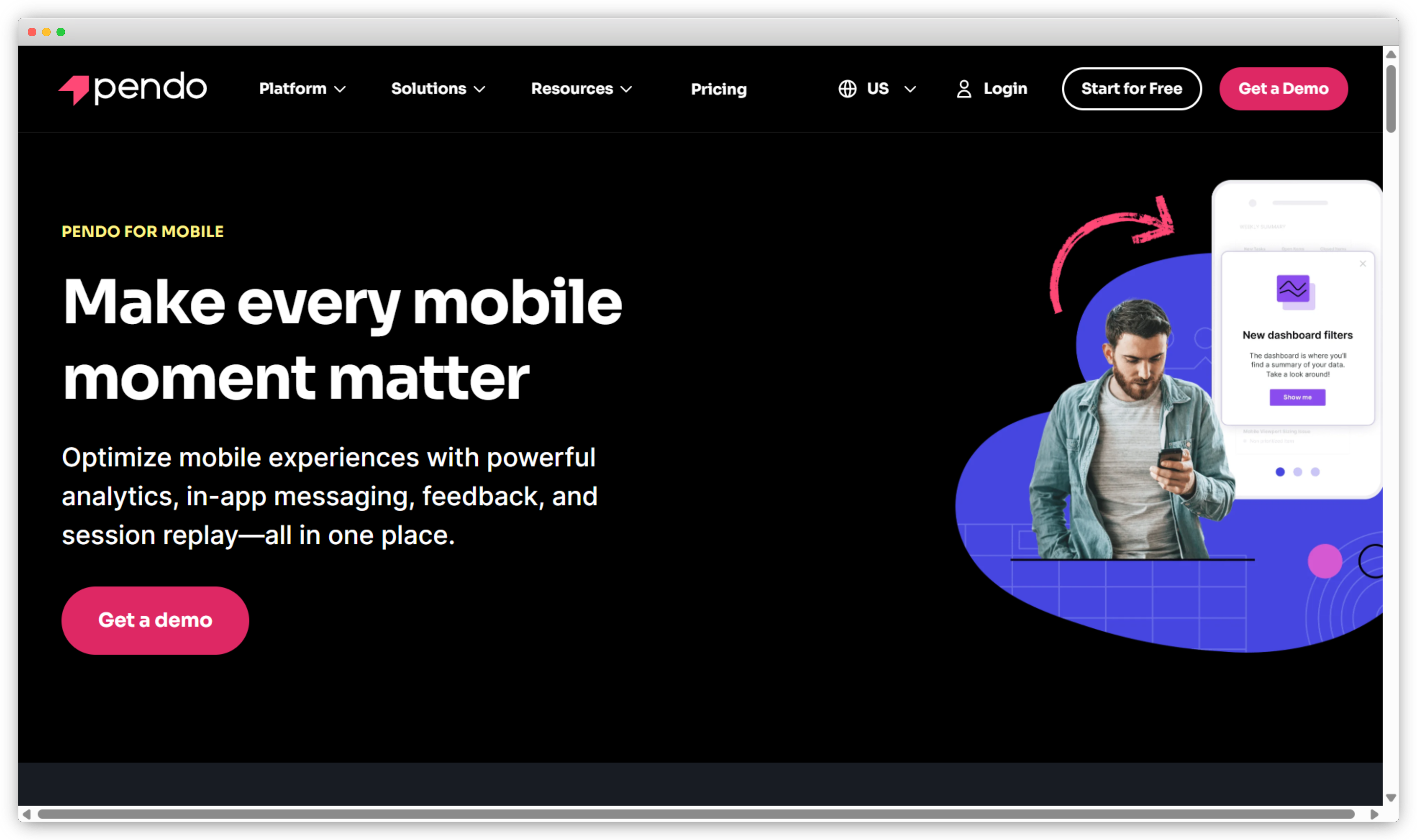
Pendo is a product experience and analytics platform where in-app surveys (polls and NPS) are one layer in a much larger product intelligence system. The primary product is analytics: feature usage tracking, user journey mapping, adoption funnels, and retention analysis. Surveys are built into that system, not bolted on, which means a low NPS from a particular user cohort lands alongside their feature usage history, retention curve, and engagement data.
The limitation is survey flexibility. Pendo's poll and NPS formats are intentionally simple: designed to collect a signal, not run a complex research program. Teams that need branching logic, open-text analysis, or multi-metric surveys will hit those limits quickly.
Key Features:
- In-app polls and NPS surveys tied to specific features and user actions
- Deep product analytics: feature adoption, user flows, retention, and usage trends
- Behavior and account-based targeting for survey delivery
- In-app guides and walkthroughs for onboarding and feature adoption
- Role-based dashboards combining survey data with product usage metrics
- Integrations with Salesforce, HubSpot, and major analytics platforms
Pendo Pros
- The connection between survey responses and product usage data is strong; you see behavior and sentiment in the same view
- Excellent feature adoption visibility for product-led teams
- Scales well for enterprise organizations and product-led SaaS companies
Pendo Cons
- Survey creation and customization are limited compared to dedicated survey tools
- Free plan analytics are capped; meaningful in-app feedback use requires a paid plan
- Initial setup and configuration require more technical investment than lighter tools
Pendo Pricing
- Free plan available with limited analytics and feedback features
- Paid plans custom-priced based on MAU and feature access
Best Use Case: Product-led teams at mid-size to enterprise SaaS companies who already use Pendo for analytics and want to layer in NPS or polls without adding a separate feedback tool.
What Are the Best Visual and Contextual In-App Feedback Tools?
Visual and contextual feedback tools capture what users are experiencing, not just what they score it. Alongside survey forms, they collect annotated screenshots, screen recordings, and session data. Product and engineering teams get the context they need to act on feedback without a separate investigation.
10. Userback: Best for Visual, Annotated In-App Feedback
Use Cases: In-app feedback · Visual feedback with annotations · Screenshot and video feedback · Bug reporting · UX research · Continuous feedback programs
G2 Rating: 4.7/5 on G2
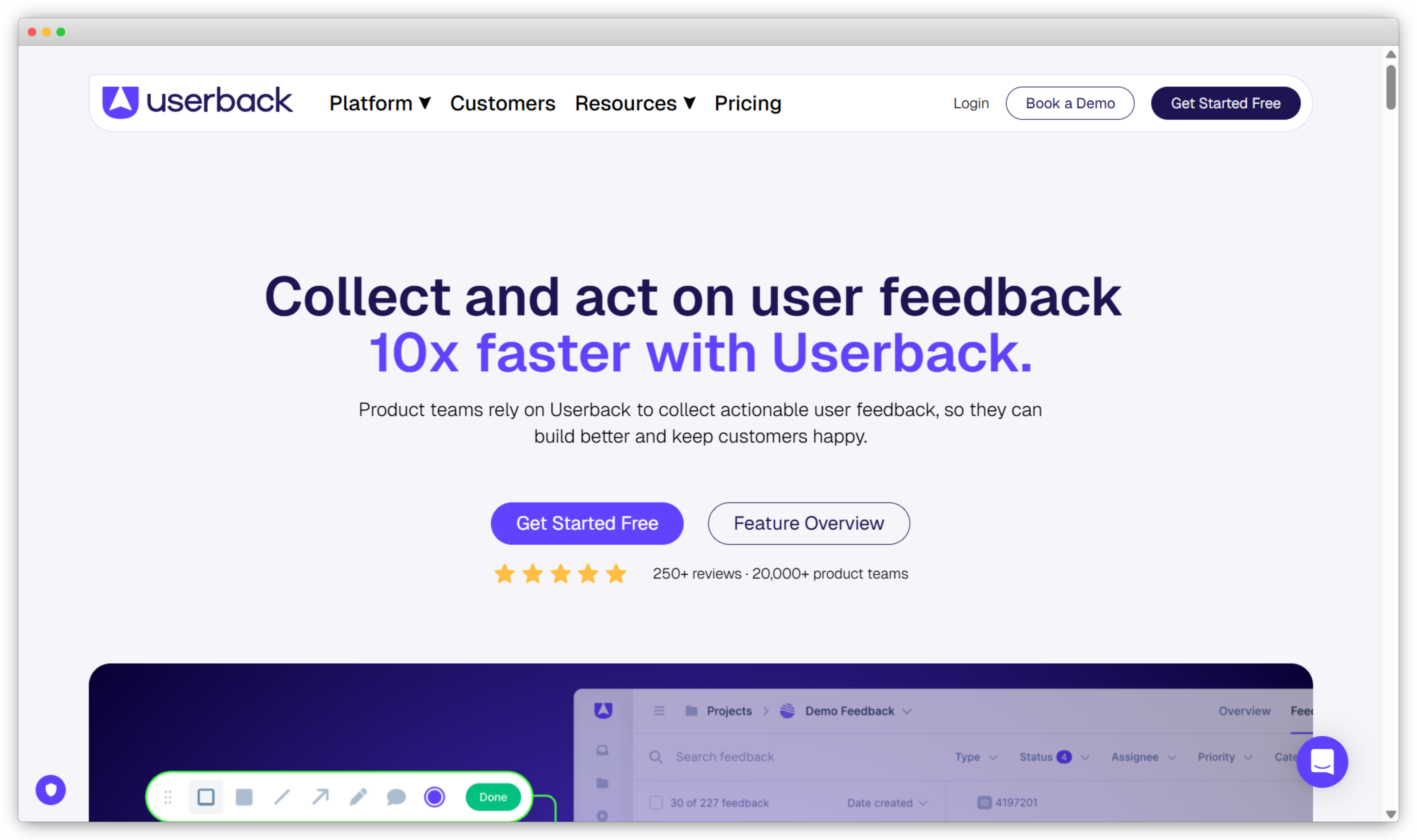
Userback is an in-app feedback tool focused on visual, annotated input. Users submit screenshots with drawn annotations, screen recordings, and comments that show exactly what they're experiencing rather than describing it in a text field. Every submission includes device data and browser context automatically, which reduces the "works on my machine" cycle that product and QA teams deal with constantly.
Userback supports embedded feedback forms and custom display rules alongside its visual tools, so teams can combine structured survey questions with screenshot capture in the same session. It integrates with Jira, GitHub, Trello, Asana, and Slack for routing issues directly into existing development workflows.
Key Features:
- In-app feedback widget with annotated screenshots and screen recording
- Custom feedback forms embedded within the product
- Display rules and contextual triggers for when and where feedback appears
- Centralized inbox to review, tag, and manage all submitted feedback
- Automatic device, browser, and session metadata with every submission
- Integrations with Jira, Trello, Asana, GitHub, Slack, and Google Sheets
Userback Pros
- Annotated screenshots and screen recording add visual context that text responses can't capture
- End-user annotation experience is intuitive; no guidance needed to submit useful feedback
- Strong integrations with development and project management workflows
Userback Cons
- Structured survey capabilities (NPS, CSAT at volume) are limited; not a replacement for a dedicated survey tool
- Mobile SDK support is less mature than tools built mobile-first
- Advanced trend reporting and analytics require higher-tier plans
Userback Pricing
- Starts at $24/month (billed annually) for basic visual and in-app feedback
- From $79/month (billed annually) for advanced integrations and workflows
- Custom pricing available for larger teams
Best Use Case: Product, UX, and QA teams that need rich, context-specific feedback alongside structured surveys. Works best as a complement to a dedicated survey tool rather than a standalone solution.
11. Luciq (formerly Instabug): Best for Mobile In-App Feedback and Visual Bug Reporting
Use Cases: Mobile in-app feedback · App feedback · Bug reporting · Visual feedback · UX and product feedback · Continuous mobile feedback programs
G2 Rating: 4.3/5 on G2
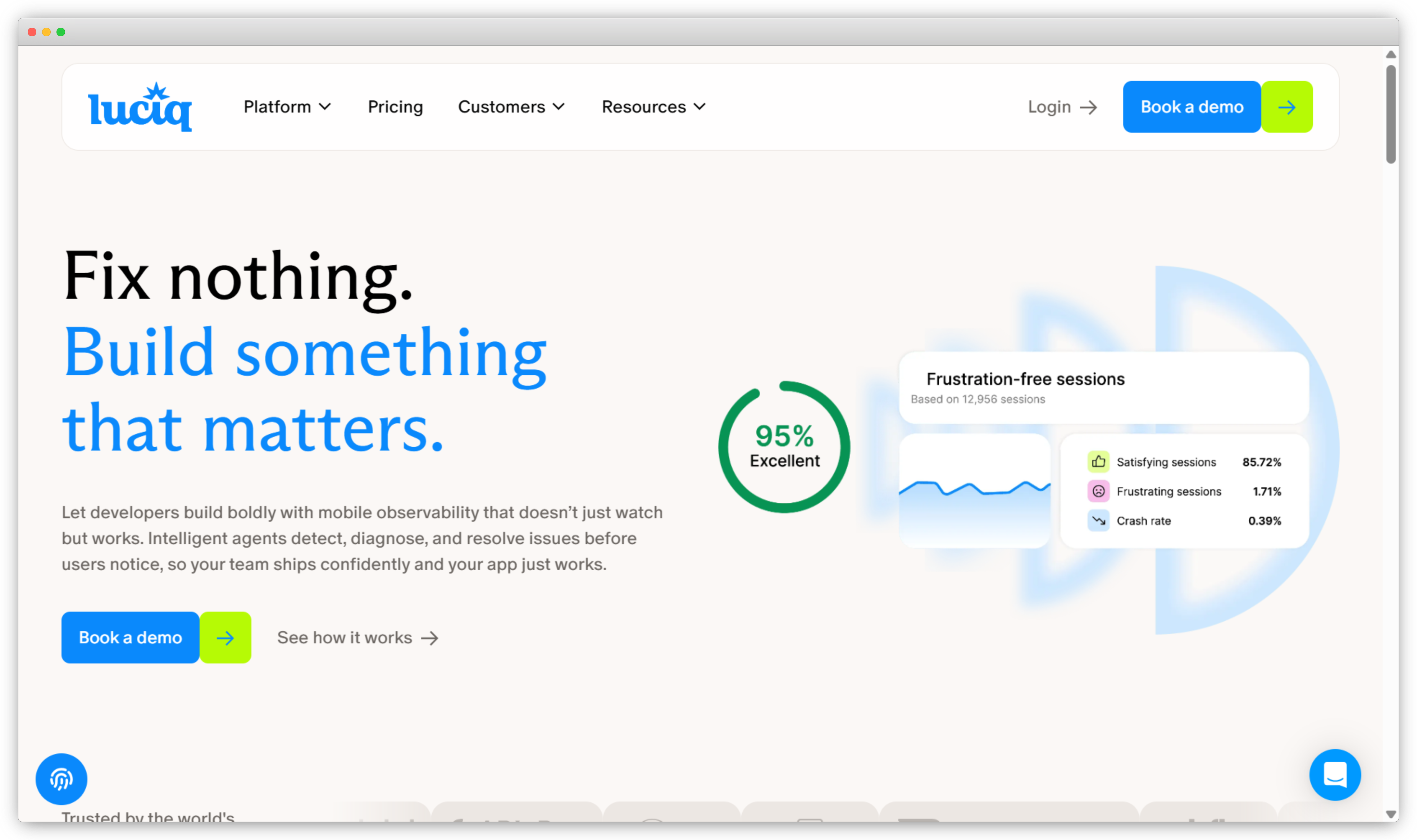
Luciq (formerly known as Instabug) is a mobile-first feedback and app quality platform designed for product and engineering teams collecting feedback inside iOS and Android apps. Users report issues, share feedback, and submit annotated screenshots or screen recordings from within the app. No leaving the product, no external form, no copy-pasting error codes into a support ticket.
What makes Luciq useful for mobile engineering teams is the automatic context capture: every feedback submission includes device model, OS version, network conditions, crash logs if relevant, and the steps the user took before hitting the issue. Reproducing a bug report typically requires that information anyway. Luciq removes the step of asking for it. Teams looking for structured mobile app surveys alongside bug reporting will need to combine Luciq with a dedicated survey platform.
Key Features:
- In-app feedback collection directly inside iOS and Android apps
- Annotated screenshots and screen recordings with automatic device and session context
- Bug and issue reporting tied to user sessions, device data, and reproduction steps
- Custom feedback forms embedded inside the app
- Centralized dashboard to review, prioritize, and manage feedback
- Integrations with Jira, Slack, GitHub, and other issue trackers
Luciq Pros
- Automatic device, session, and environment data with every submission reduces bug reproduction time significantly
- Visual feedback from within the app eliminates the gap between what users experience and what teams see
- Strong fit for product and engineering collaboration on mobile issues
Luciq Cons
- Not designed for structured NPS or CSAT programs at scale; requires a separate survey tool for that use case
- Primarily mobile-focused; not suited for web-only products
- Reporting and analytics are stronger on the issue-tracking side than on survey trend analysis
Luciq Pricing
- Usage-based pricing that varies by app size and feature set
- Free trial available
Best Use Case: Mobile product and engineering teams that need users to report bugs, friction, and feedback from directly within an iOS or Android app, with device context and session data attached automatically.
What Do In-App Survey Response Rates Actually Look Like?
Well-targeted event-based in-app surveys consistently achieve 25–40% response rates. Poorly timed or untargeted in-app surveys drop below 10%, comparable to email. The difference isn't the format — it's the targeting.
The format advantage is real. It's not automatic.
What actually moves the number:
Timing. Surveys triggered immediately after a specific action (onboarding completed, feature used for the third time, checkout flow abandoned) outperform surveys triggered on time-based schedules. The question feels relevant when it arrives right after the moment it's asking about.
Length. One question outperforms five, almost universally. A single-question NPS nudge regularly achieves response rates 2x higher than a five-question survey covering the same ground. If you need more information, consider a follow-up sequence rather than a single long survey.
Throttling. Users who receive a survey every session stop responding. A suppression window (no new survey within 30 days of a previous response) protects both response rates and user experience. Most tools support this. Very few teams configure it.
Placement. Bottom-corner widgets outperform center-screen modals for response quality, even if modals sometimes produce higher raw volume. Modal-forced responses tend to be lower quality because users are answering to dismiss, not to engage.
The teams with the highest in-app survey response rates don't survey the most. They survey precisely. Fewer surveys, better timing, tighter targeting, and a suppression strategy that treats user attention as something worth protecting.
Common Mistakes Teams Make With In-App Surveys
The five most common in-app survey mistakes are: triggering surveys on login instead of on a specific event, skipping throttling configuration, asking too many questions at once, ignoring open-text responses, and running the same survey program for too long without reviewing it.
Triggering on login instead of on an event. A survey that fires every time a user logs in is in-app in placement but blind in targeting. Users learn to dismiss it within a few sessions. Response rates drop to email-survey levels. The fix: tie every survey to a specific action in the product: not a time or a page, but a thing the user just did.
Skipping throttling configuration. Most tools have throttling settings. Most teams leave them at the default, which is often off or set to an interval that's too short. A user who sees an NPS survey, a feature survey, and an onboarding survey in the same week will stop responding to all of them. Set a global suppression window before you launch the first survey. Not after.
Asking too many questions at once. Three questions in-app feels like five. Five feels like a form. The user is in the middle of using your product. Respect that. If you need more than two questions, use a single-question in-app trigger and follow up by email for users who engage.
Not reading the open-text responses. Scores are easy to track. Open-text responses take time. So teams review the NPS dashboard and skip the comments section where the actual signal is. Sentiment analysis to improve NPS and theme detection exist to close that gap. Use them, or you're collecting data you'll never act on.
Running the same survey program for a year without reviewing it. In-app surveys set up well can run on autopilot. That's a feature and a risk. A product feedback strategy that made sense at launch may be measuring the wrong moments six months later, after the product has changed significantly.
How Do You Choose the Right In-App Survey Tool for Your Team?
Choose your in-app survey tool based on your primary use case: Zonka Feedback for AI-powered closed-loop feedback, Refiner for SaaS lifecycle surveys, Formbricks for open-source or privacy-first deployments, Userpilot for surveys tied to product analytics, and Qualaroo for non-modal nudge-style surveys.
| If you need... | Look at... |
| Full feedback lifecycle: collection, AI analysis, and closed-loop workflows | Zonka Feedback |
| Lightweight SaaS-specific surveys tied to lifecycle events | Refiner |
| Privacy-first or self-hosted control over your data | Formbricks |
| Surveys + product analytics in one platform (no-code) | Userpilot |
| Why users cancel | Perspective AI |
| Surveys + product analytics for existing Pendo users | Pendo |
| Enterprise-scale multi-touchpoint feedback programs | Qualtrics |
| Non-modal, nudge-style contextual surveys | Qualaroo |
| Real-time digital feedback with flexible widget formats | Mopinion |
| Visual annotations and bug context alongside surveys | Userback |
| Mobile-specific feedback with automatic session context | Luciq |
By team size:
Early-stage and startup teams want fast setup, minimal configuration, and a tool that doesn't require an implementation sprint. Formbricks (free, self-hosted), Refiner (straightforward event targeting), and Qualaroo (free plan available) are the natural starting points.
Mid-size SaaS product teams need in-app surveys, behavioral targeting, and reporting without the implementation overhead of an enterprise platform. Zonka Feedback, Userpilot, and Refiner all fit this profile, with the choice depending on whether you want AI analysis, product analytics integration, or a pure survey focus.
Enterprise organizations running multi-channel, multi-market feedback programs need the depth of Qualtrics or Zonka Feedback, where surveys are part of a larger experience management system rather than a standalone tool. For a broader look at tools that span every channel and use case, see our guide to the best customer feedback tools.
One thing worth checking before you buy: ask each vendor what developer involvement is needed for event-based triggers. The answer varies more than the marketing pages suggest, and it's often the variable that determines whether your feedback program launches in a week or sits in the backlog for a quarter.
Which In-App Survey Tool Is Right for Your Team?
The right in-app survey tool depends on the specific question your team needs to answer, not on feature comparisons.
The distinction isn't features. It's fit. A SaaS product team that needs to tie NPS responses to feature adoption data has a different problem than a mobile engineering team that needs users to report bugs with session context attached. Same category. Completely different tool.
Start from the question your team is actually trying to answer. "Why are users dropping off after onboarding?" means you need event-based triggers and lifecycle-stage targeting: Refiner or Userpilot. "What are users experiencing across every channel we run feedback on?" means you need a platform that unifies those channels: Zonka Feedback or Qualtrics. "What are users hitting in our mobile app that we can't see in analytics?" means you need contextual capture: Luciq or Userback.
Pick the tool that answers your actual question. Build the feedback program around it. Start smaller than you think you need. A well-targeted single-question survey your team actually reviews beats a twelve-metric program nobody has time to analyze.