.svg)
 Healthcare
 Finance
 Retail
 SaaS & Digital
 eCommerce
 Education
 Salesforce
  HubSpot
 Pipedrive
 Mailchimp
 Klaviyo
 Zendesk
  Intercom
 Freshdesk
 HelpScout
  Front
Front Jira
Jira Slack
Slack  MS Teams
 Zoom
Zoom Google Sheets
  Zapier
  Integrately
 Make
Make  Webhooks



 Sign In
 MS Teams



TL;DR
- A customer feedback MCP server lets an AI client like Claude, ChatGPT, or Cursor query your feedback in plain language, using the Model Context Protocol as the connection standard.
- The field splits three ways: all-in-one platforms that collect and analyze in one server (Zonka Feedback, Survicate), feedback-intelligence layers that ingest many external channels and return themes (Enterpret, Chattermill), and single-source connectors that expose one survey, form, or support tool (Tally, Jotform, Qualtrics, Intercom, Zendesk, HubSpot).
- What separates a good one from a thin one isn't the protocol. It's whether the server returns structured, analyzed answers or a pile of raw rows your model has to re-read every time.
- Governance matters more than most guides admit: OAuth, permission scoping, read-only access, and where your data physically sits.
- For most teams, an all-in-one platform is the shortest path from question to answer; connectors win on simplicity when your feedback truly lives in one tool.
The best MCP servers for customer feedback in 2026 are Zonka Feedback, Survicate, Enterpret, Chattermill, Tally, Jotform, Qualtrics (via Improvado), Intercom, Zendesk, and HubSpot. They don't do the same job. Some pipe one tool's data into your AI assistant. Others unify every feedback channel and hand back analyzed answers. The right pick depends on one thing: whether your feedback lives in a single place, or scattered across ten.
We built Zonka Feedback, so take that for what it's worth. We've described every tool here the way someone without a stake in the outcome would, with the same depth and the same honesty about tradeoffs. Several of these servers are genuinely good, and each has a profile of team it fits best. This guide names those profiles plainly instead of steering every answer to one product.
Why "Feedback MCP Server" Is Suddenly Confusing
The public MCP catalogs now list hundreds of servers, and a chunk of them touch customer feedback in some form. That's the problem. "Connect my feedback to AI" sounds like one job, but the servers doing it are built on completely different foundations, and picking the wrong kind wastes a week.
There are two unrelated things called a "feedback MCP server," and they have nothing to do with each other. One is the customer feedback kind: servers that give an AI assistant access to what your customers said in surveys, reviews, tickets, and chats. The other is a developer tool, where a coding agent pauses mid-task to ask the human for input. Same words, different universe. If you're evaluating tools to analyze customer sentiment, the coding ones will only clutter your search results.
This guide is about the first kind. And within it, the split that decides everything is architectural: does the server collect feedback, analyze it, or only pipe one source into your AI?
Comparison of the Best Customer Feedback MCP Servers
| Tool | Category | Best For | What Its MCP Server Exposes | Pricing |
| Zonka Feedback | All-in-one + AI | AI feedback analysis & signals | CX metrics, responses, reviews, AI themes & quotes across channels | Custom pricing based on usage and needs |
| Survicate | All-in-one + AI | Product & support feedback with AI theming | Survey responses, AI-grouped themes | Free tier; paid plans (verify current) |
| Enterpret | Intelligence layer | Unifying 50+ external channels | Unified, taxonomy-structured feedback with citations | Custom pricing |
| Chattermill | Intelligence layer | Enterprise text analytics at volume | Cross-channel themes, sentiment analysis | Custom pricing |
| Tally | Survey/form connector | Free, form-based survey data | Form and survey responses | Free plan available |
| Jotform | Survey/form connector | Form-collected feedback | Form submissions and responses | Free tier; paid plans (verify current) |
| Qualtrics | Survey connector | Enterprise survey programs | NPS/CSAT scores, response themes, segments | Custom pricing |
| Intercom | Support connector | Support-conversation feedback | Conversations, contacts, help-center content | Paid plans (verify current) |
| Zendesk | Support connector | Teams standardized on Zendesk | Tickets, customer context, knowledge base | Paid plans (verify current) |
| HubSpot | CRM connector | Feedback living in the CRM | CRM objects, conversations, engagement | Free CRM; paid tiers (verify current) |
The pattern across the table is simple. The more places your feedback lives, the more you want a platform or intelligence layer instead of a single connector. Connectors win on simplicity and price. All-in-one platforms and intelligence layers win on analyzed, cross-channel answers your AI can use without re-reading raw rows.
What Should You Look for in a Customer Feedback MCP Server?
Score every server on five things: channel coverage, analyzed output, traceable answers, a persistent taxonomy, and governance. The first two are where a purpose-built feedback server pulls away from a raw pipe. Here they are in rough priority order.
- Does it collect across channels, or expose one silo? A survey-tool connector answers questions about that survey tool. Your customers don't confine themselves to one channel. They complain in a support ticket, leave a 2-star review, and skip your NPS survey entirely. A server that sees one source gives your AI one slice of the truth.
- Does it return analyzed answers, or raw rows? This is the criterion that predicts everything. Hand an AI client 400 raw tickets and it re-invents categories on every query, and those categories drift each run. A server that returns structured data (a computed net promoter score trend, a ranked list of themes from thematic analysis, a sentiment breakdown) gives a consistent answer and burns far fewer tokens.
- Can it show its work? Grounded answers beat confident guesses. The best servers tie a theme back to the exact verbatim quotes behind it, so when your AI says "delivery complaints are up," you can read the comments that prove it.
- Does it carry a persistent taxonomy? Without a fixed structure, your model re-clusters feedback from scratch every time you ask. Ask twice, get two answers. A stable taxonomy is what makes quarter-over-quarter comparisons real instead of noise.
- How's the governance? Check the authentication (OAuth beats copied keys), whether access is scoped to the user's own permissions, whether it's read-only, and where your feedback data physically lives. For a healthcare or financial CX team, data residency isn't a nice-to-have. It's the whole approval.
The decision rule: weight a server's ability to return cited, structured, permission-safe answers over the raw number of tools it can reach.
How Do You Choose the Right MCP Server for Your Team?
Match the server to where your feedback lives: one tool means a single-source connector, many tools means an all-in-one platform or an intelligence layer. Different teams need different tiers. Here's how the decision usually breaks down.
- If your feedback sits in one tool and you just want to query it, a single-source connector is the simplest path. Running surveys in Tally? Use Tally's server. Living in Zendesk? Use a Zendesk connector.
- If you collect across channels and want AI to analyze it too, an all-in-one platform saves you from stitching a connector to a separate analytics tool. You get collection and intelligence from one MCP endpoint.
- If your feedback is already scattered across a dozen external systems, a feedback-intelligence layer is built for exactly that. It ingests everything, structures it once, and answers across the whole corpus.
- If you're an engineering or product team working inside Cursor or Claude Code, prioritize servers with clean OAuth and structured output. Raw dumps waste your context window mid-task.
- If you're enterprise, governance is the filter. Start with the servers that offer managed OAuth, audit-friendly permission scoping, and regional data hosting, then compare features inside that shortlist.
One practical note. You can run multiple MCP servers at once in the same AI client. A common setup is one or two source connectors for direct access, plus an all-in-one platform or intelligence layer for the analyzed view. It's not always either/or.
How We Evaluated These Tools
This guide is written by the team at Zonka Feedback, which appears in the list below, and we want to be upfront about that. We evaluated each server on public documentation, official MCP listings, AppExchange and G2 profiles, and hands-on familiarity with Zonka's own AI Feedback Intelligence and MCP server, applying the same depth and honesty to every tool, including ours. Servers are grouped by architecture rather than ranked in one flat line, because a free survey connector and an enterprise intelligence layer aren't competing for the same buyer. Ratings and pricing were live as of writing and both change, so verify current numbers before you decide.
The 10 Best MCP Servers for Customer Feedback
All-in-One Feedback Platforms with Built-In AI
These collect feedback across channels and analyze it, exposed through a single server. You don't wire a survey connector to a separate analytics tool. It's one endpoint.
Zonka Feedback: Best for AI Feedback Analysis & Signals
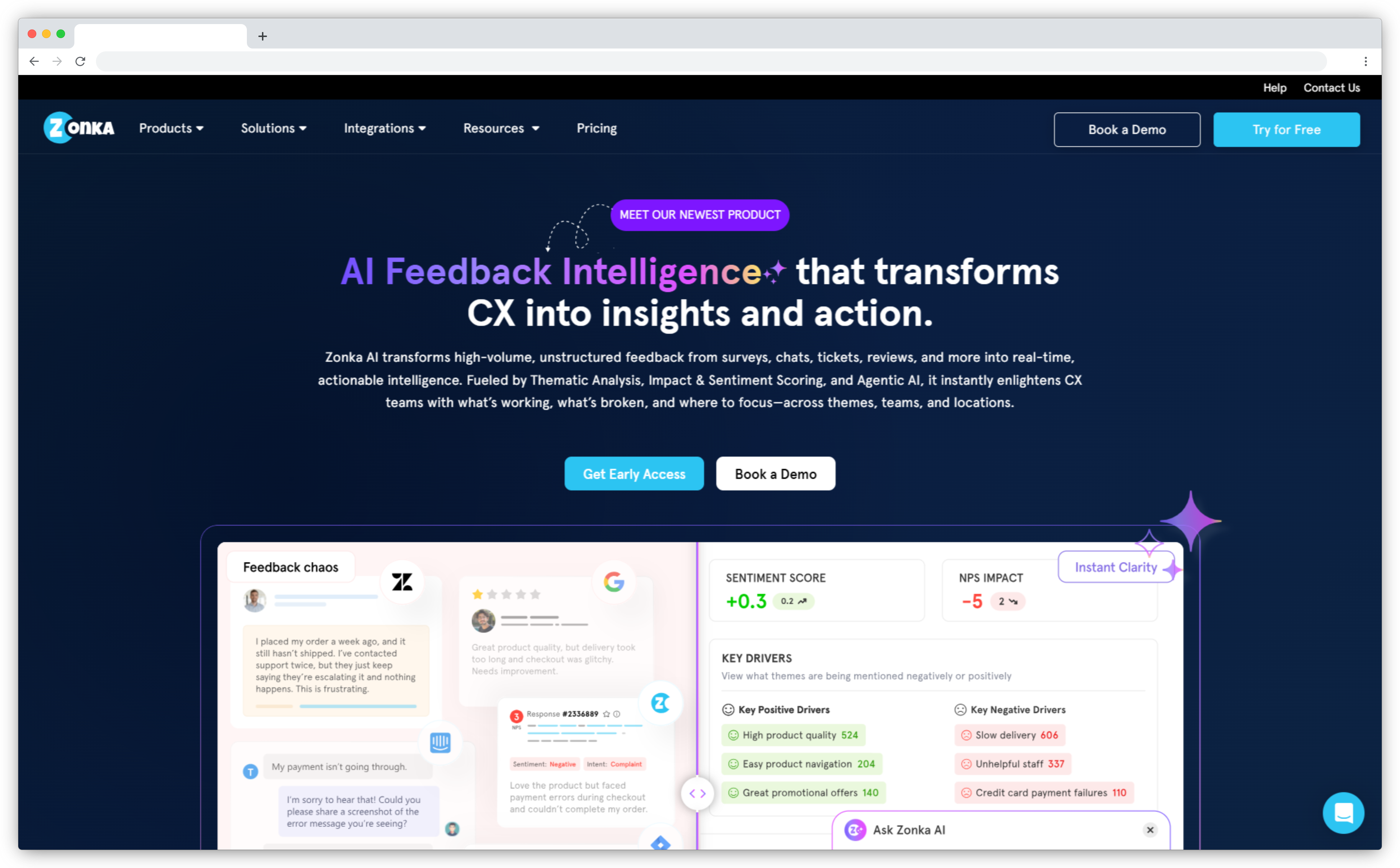
Zonka Feedback is an AI Customer Feedback & Intelligence Platform, and its MCP server reflects that dual job. Where a survey connector hands your AI raw responses, Zonka returns both the feedback and the analysis on top. Ask for your NPS trend this quarter versus last, and it returns the computed value, comparison, and breakdown, not rows to average.
That gap, a number versus a signal, is what separates a survey tool from a feedback intelligence platform. The server exposes 21 read-only tools spanning CX metrics, responses, reviews, and records from connected chats, tickets, and imports, plus the themes and quotes behind them. Every query runs over OAuth, stays scoped to the signed-in user, and routes to your account's region.
Key features:
- Structured CX metrics (NPS, CES, CSAT, sentiment) as values, trends, breakdowns, and pivots
- AI signals per response: sentiment, urgency, churn risk, intent, and emotion, feeding churn analysis
- Theme-to-quote drill-down, tracing answers to real customer language
- Region-routed data residency (US, EU, India, Australia); works with Claude, ChatGPT, Gemini, and Cursor
Zonka Feedback Pros
- Collects and analyzes in one server, no separate analytics connector
- Returns computed answers and signals, not raw rows
- Strongest data-residency and permission model in this group
Zonka Feedback Cons
- Read-only today: it analyzes feedback but can't act on it in-platform yet
- AI Feedback Intelligence is a module that has to be enabled
Pricing: Custom pricing based on usage and needs. Contact the Zonka team for a quote.
G2 Rating: 4.7/5 on G2 (83 reviews); 4.8/5 on Capterra, 1,000+ customers
Best use case: Teams already collecting multi-channel feedback who want their AI to answer metric and theme questions on live data.
Survicate: Best for Product & Support Feedback with AI Theming
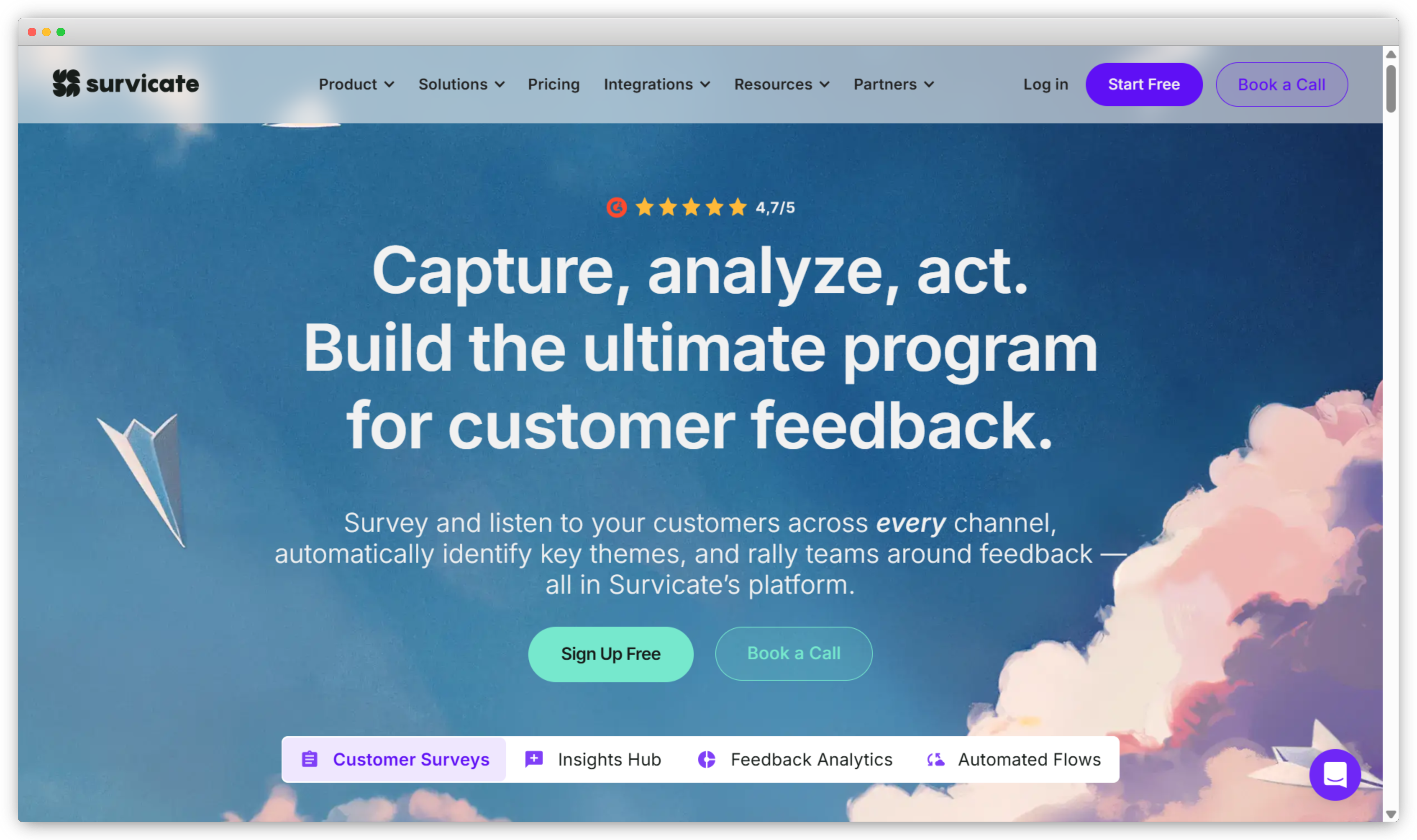
Survicate collects feedback across web, email, in-product, and link surveys, and its AI groups open-text responses into themes automatically. That combination puts it in the all-in-one camp rather than the pure-connector one. Its official remote MCP server lets an AI client pull responses and the themes already extracted from them, so you're not asking the model to categorize hundreds of comments from scratch on every query.
It's a strong fit for product and support teams who want lightweight collection with analysis baked in, without an enterprise contract. The server works with Claude, ChatGPT, Copilot, and Gemini, and setup is quick. The ceiling is depth: Survicate's intelligence is solid for theming and sentiment, but it doesn't reach the entity-mapping or role-based signal depth of a platform built around a dedicated intelligence layer, and it centers on survey-shaped feedback.
Key features:
- Multi-channel survey collection: web, email, in-product, and link surveys
- Automatic AI theming and sentiment on open-text responses
- Official remote MCP server for Claude, ChatGPT, Copilot, and Gemini
- Native routing into HubSpot, Intercom, Salesforce, and Slack
Survicate Pros
- Collection plus AI theming without heavy setup
- Genuinely fast to launch and connect
- Good integration coverage for a mid-market tool
Survicate Cons
- Analysis depth trails dedicated intelligence platforms
- Best suited to survey-shaped feedback rather than tickets and calls
Pricing: Free tier available; paid plans scale by responses.
G2 Rating: 4.6/5
Best use case: Product and support teams that want survey collection and AI theming in one tool, queried through their AI client rather than exported to a dashboard.
Feedback-Intelligence Layers
These don't collect feedback. They ingest it from everywhere you already collect, structure it once, and expose an analyzed, cross-channel view. If your feedback is scattered and you want one source of truth, this is the tier.
Enterpret: Best for Unifying 50+ External Channels
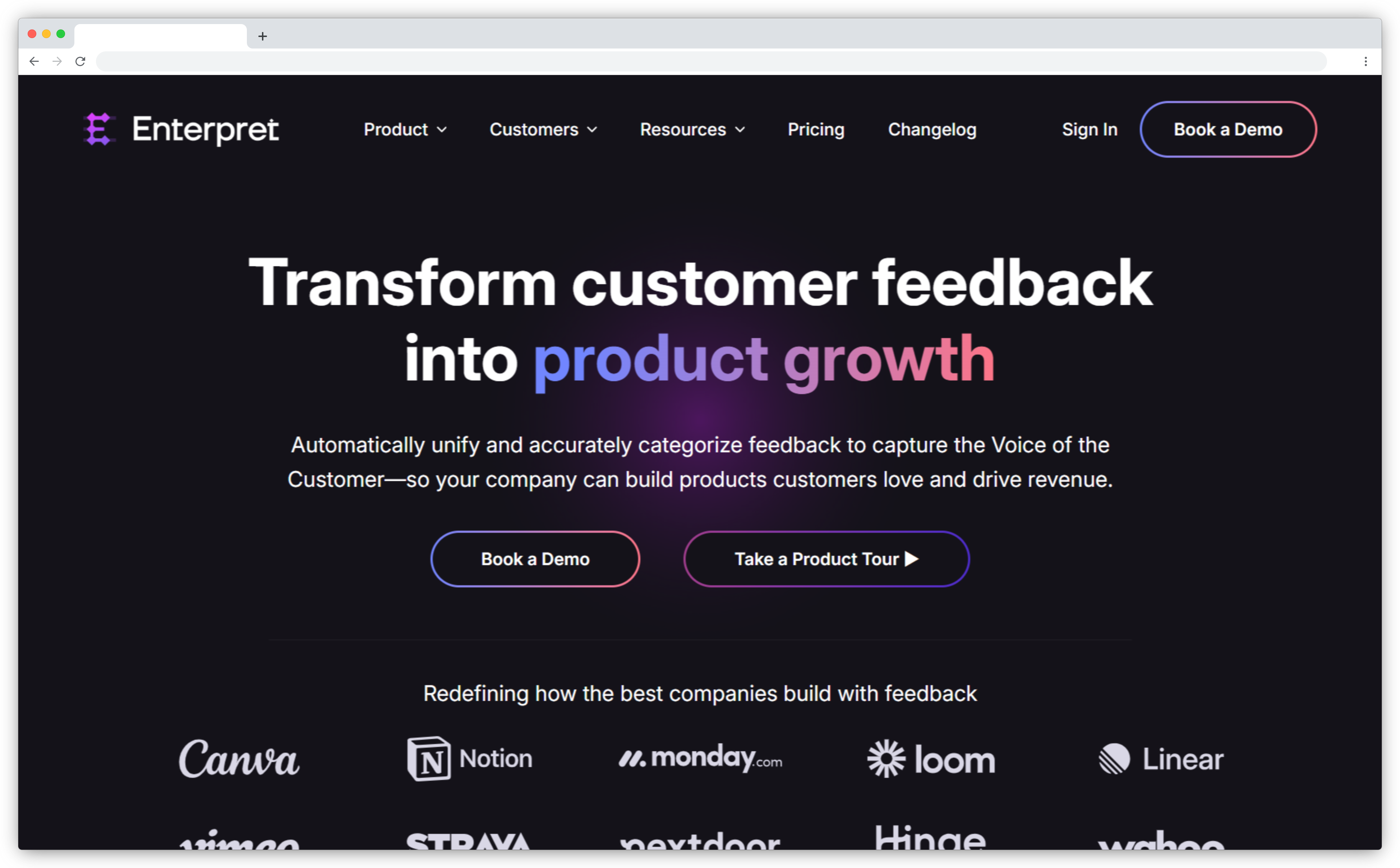
Enterpret is the clearest example of a feedback-intelligence layer, and its Wisdom MCP server exposes intelligence rather than raw text. Feedback from dozens of channels gets unified, categorized by an adaptive taxonomy that learns your themes, and tied to account and revenue context before your AI ever queries it. Ask which issues are driving enterprise churn risk this month and it returns a structured, attributable answer in one call, with the verbatims behind it.
The tradeoff is the flip side of its strength. Enterpret analyzes feedback, it doesn't collect it, so you still need survey tools, review sources, and support platforms feeding it underneath. For teams whose feedback genuinely spans many systems, that's the right shape. For a team that mostly runs surveys in one place, it's more machinery than the job needs. The server connects to Claude, ChatGPT, Cursor, and other clients over standard auth.
Key features:
- Ingestion from 50+ feedback channels into one unified layer
- Adaptive taxonomy that keeps themes consistent across queries
- Revenue and account context tied to every signal
- Cited answers traced to source verbatims; connects to Claude, ChatGPT, and Cursor
Enterpret Pros
- Deepest cross-channel unification in this list
- Revenue-weighted answers, useful for prioritization
- Consistent, reproducible analysis across queries
Enterpret Cons
- Doesn't collect feedback, so you still need collection tools underneath
- Enterprise-oriented, likely overkill for single-source teams
Pricing: Custom pricing.
G2 Rating: 4.5/5
Best use case: Teams whose feedback spans many external channels and who want AI to answer business questions with revenue and account context attached.
Chattermill: Best for Enterprise Text Analytics at Volume
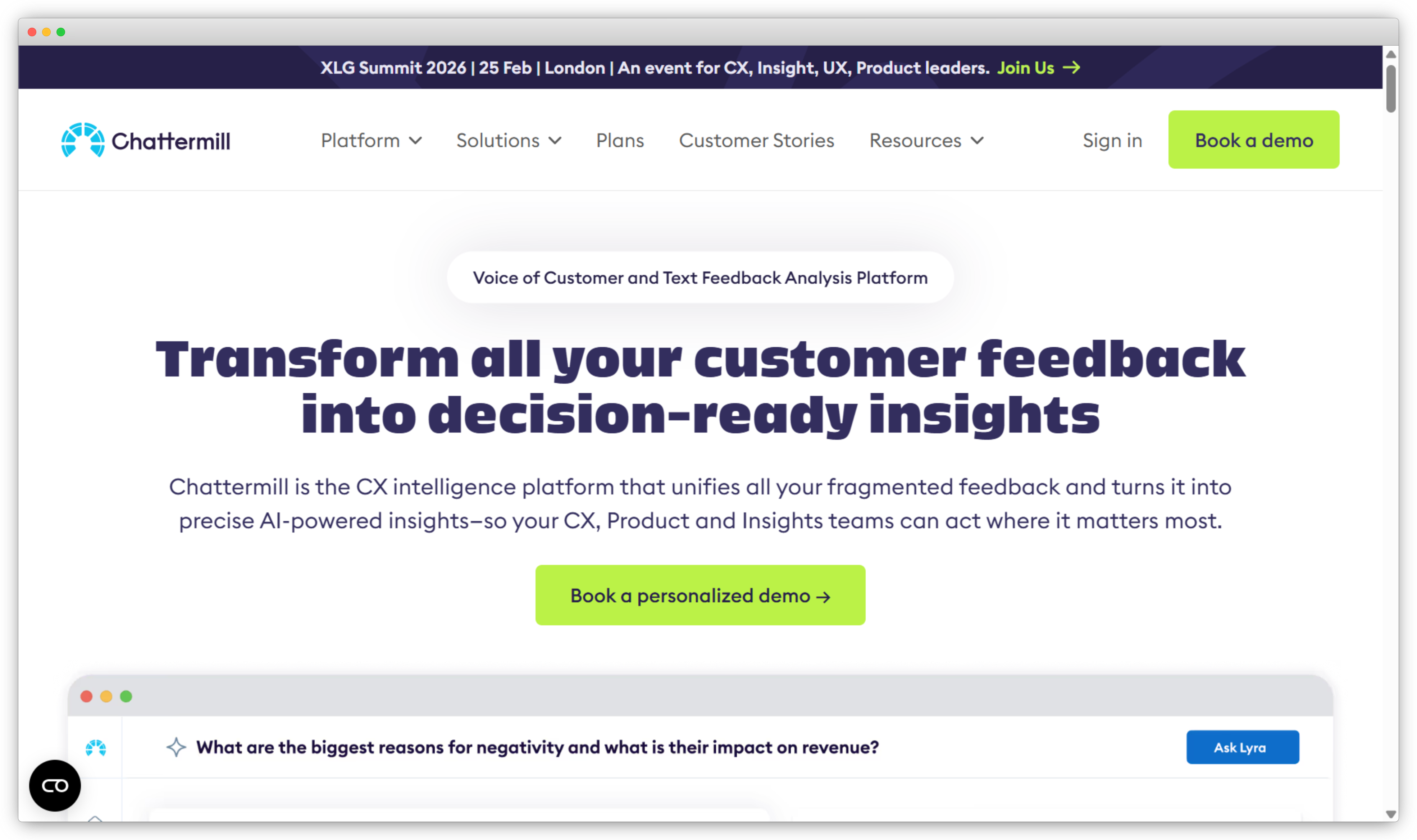
Picture a CX team processing hundreds of thousands of feedback records a month across tickets, reviews, and surveys, where the bottleneck isn't collection but making sense of the volume. That's Chattermill's home. It ingests feedback across channels and exposes an MCP server for querying analyzed themes and sentiment, with real strength in high-volume enterprise text analytics tools.
Like Enterpret, it's an analysis layer, not a collection tool, so it sits on top of the systems where your feedback already lands. It shines when the sheer scale of unstructured feedback has outgrown manual tagging and spreadsheets, and it's less relevant for smaller teams whose feedback still fits comfortably in a couple of tools. Its analytics depth is mature, but that depth comes with enterprise pricing and the setup that implies.
Key features:
- Enterprise-grade text analytics across tickets, reviews, and surveys
- Theme clustering and sentiment analysis tools at high volume
- MCP querying of the analyzed layer from your AI client
- Built to handle feedback volumes that break lighter tools
Chattermill Pros
- Built for scale most tools buckle under
- Mature analytics and theming depth
- Consistent analysis across very large datasets
Chattermill Cons
- Enterprise pricing and setup complexity
- Collection not included; it analyzes, it doesn't gather
Pricing: Custom pricing.
G2 Rating: 4.4/5
Best use case: Enterprise CX teams drowning in feedback volume that manual tagging and spreadsheets can no longer keep up with.
Survey and Form Connectors
These expose one collection tool's responses to your AI. Simple, direct, and the right call when your feedback genuinely lives in that one place.
Tally: Best for Free, Form-Based Survey Data
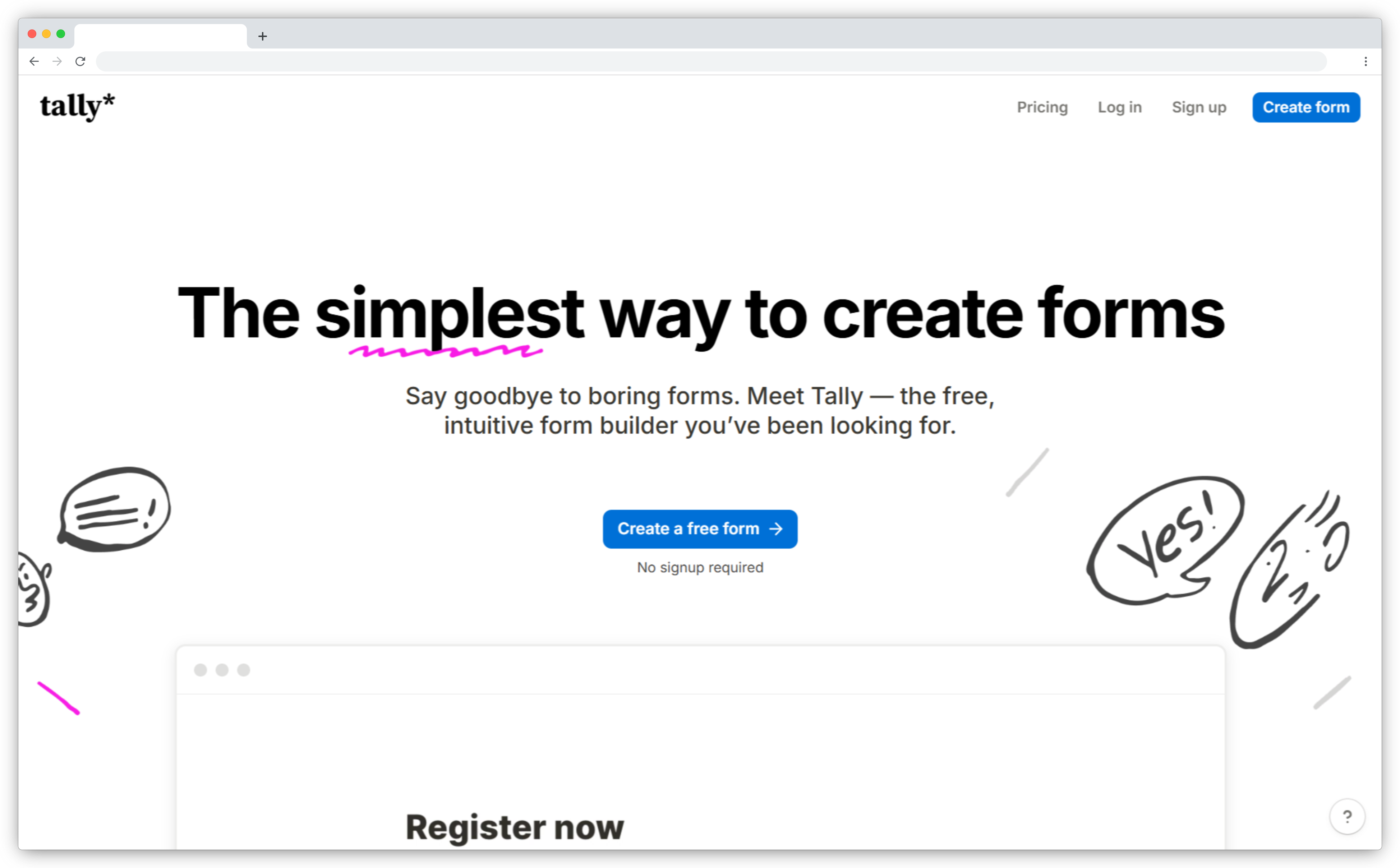
Tally's MCP server (currently in beta) is free on all plans and exposes form and survey responses directly, so you can ask your AI to pull responses and surface recurring patterns without exporting a CSV. It authenticates over OAuth and connects as a Claude connector, a ChatGPT app, and in Cursor, so setup takes minutes rather than an integration project.
It's a clean fit for teams whose feedback is the surveys they run in Tally, nothing more, nothing less. Any theming or sentiment is work your AI client does on the raw responses the server returns, not analysis Tally computes and hands back. The limit is exactly its scope: it sees Tally, not the tickets, reviews, or calls happening elsewhere. For a small team standardizing on Tally forms, that scope is a feature, not a flaw.
Key features:
- Free MCP access on all plans, including the free tier
- Direct query of form and survey responses
- OAuth setup as a Claude connector, ChatGPT app, and in Cursor
- Fast to connect, no integration project required
Tally Pros
- No cost to start, on any plan
- Genuinely simple to set up and use
- Clean OAuth across the major AI clients
Tally Cons
- Single-source by design; sees only Tally data
- No analysis layer beyond what your AI does on raw responses
- Still in beta at the time of writing
Pricing: Free plan available; MCP access free on all plans.
G2 Rating: 4.9/5
Best use case: Small teams running surveys in Tally who want free, no-friction AI access to their responses.
Jotform: Best for Form-Collected Feedback
Jotform offers an official developer MCP server, hosted at its own endpoint and authenticated over OAuth, covering the forms teams use for lead capture, registrations, and feedback collection. It connects to ChatGPT, Claude, Cursor, and other clients, and MCP access comes at no extra charge on your existing Jotform plan, which makes it an easy add for teams already collecting through Jotform.
It's solid for solicited, form-based feedback, letting your AI query submissions across your forms in natural language. The boundary is the same one every connector here has: it's limited to what comes through Jotform forms. If forms are how you collect, it does the job cleanly. If feedback also arrives as app-store reviews and support conversations, a form connector won't see any of it, and it returns raw submissions rather than pre-analyzed themes.
Key features:
- Official developer MCP server on a hosted endpoint
- OAuth authentication; connects to ChatGPT, Claude, and Cursor
- Natural-language query across all your form submissions
- Broad form-type coverage for feedback and data capture
Jotform Pros
- Official, supported server at no extra charge
- Good fit for form-heavy collection workflows
- Wide AI-client support
Jotform Cons
- Scope stops at Jotform forms
- Returns raw submissions, not pre-structured analysis
Pricing: Free tier; paid plans by usage. MCP access included at no extra charge (verify current).
G2 Rating: 4.7/5
Best use case: Teams collecting structured feedback through Jotform forms who want to query it from their AI client.
Qualtrics: Best for Enterprise Survey Programs
Qualtrics is where structured survey feedback goes to be measured, and it now offers an official MCP server over its Public API, OAuth-authenticated, for governed access to surveys, responses, and distributions. For teams that want to blend Qualtrics with other data, Improvado's hosted MCP server exposes the same Qualtrics data (NPS trends, CSAT scores, response themes, segment breakdowns) alongside 1,000+ other sources in natural language. Either path suits enterprises standardized on Qualtrics.
The honest caveat is what you'd expect from a connector: the official server largely mirrors the API rather than adding analysis, and open-text verbatims come back as raw text for your model to re-read on each query. It reaches the scores and structured fields cleanly, works with Claude, ChatGPT, and Cursor, but it stops at the edge of Qualtrics and doesn't unify feedback living in other systems.
Key features:
- Official Qualtrics MCP server (Public API, OAuth), plus Improvado's multi-source option
- Natural-language query of NPS, CSAT, response themes, and segment breakdowns
- Governed, permissioned access to surveys, responses, and distributions
- Works with Claude, ChatGPT, and Cursor
Qualtrics Pros
- Access to enterprise-grade survey programs
- Familiar and governed for Qualtrics-standardized teams
- Two paths: first-party server or multi-source via Improvado
Qualtrics Cons
- Verbatims come back as raw text, not pre-structured themes
- Scoped to Qualtrics data only
Pricing: Custom pricing (both Qualtrics and Improvado).
G2 Rating: 4.3/5
Best use case: Enterprises running Qualtrics who want governed AI access to survey metrics and responses.
Support and CRM Connectors
Support tickets and CRM records are a primary feedback channel, even though they weren't designed as one. These servers expose that silo.
Intercom: Best for Support-Conversation Feedback
Intercom's official remote MCP server connects your AI to support conversations, which for many teams is the single richest source of unsolicited feedback. Part of Intercom's Fin developer platform, it ships a set of read-focused tools reaching conversations, contacts, companies, and Help Center articles, authenticates over OAuth, and is available for US and EU-hosted workspaces. It's strong for grounding answers in what customers actually said in chats and tickets.
But it's one source by design. The same frustration a customer raises in Intercom usually shows up in a review or an NPS comment too, and a conversation connector can't see those. It also returns conversations and records rather than pre-analyzed themes, so any clustering or sentiment is work your AI client does on the raw data each time you ask. For Intercom-centric teams, though, that direct line to support conversations is genuinely useful.
Key features:
- Official remote MCP server, part of the Fin developer platform
- Access to conversations, contacts, companies, and Help Center articles
- OAuth authentication; US and EU workspaces
- Strong for support-led, unsolicited feedback
Intercom Pros
- Rich unsolicited feedback channel
- Official and well-supported
- Clean OAuth, region-aware hosting
Intercom Cons
- Single silo; sees only Intercom data
- Unanalyzed, so themes are re-derived per query
Pricing: Paid plans (verify current).
G2 Rating: NA
Best use case: Teams whose primary feedback channel is Intercom support conversations and who work in Claude, ChatGPT, or Cursor.
Zendesk: Best for Teams Standardized on Zendesk
Zendesk is the default help desk for a large share of teams, and support tickets are a core feedback channel. Zendesk doesn't ship a first-party MCP server, but partner and community servers (such as Swifteq's marketplace app and several open-source projects) let an AI client read tickets, customer context, and the knowledge base, which is useful when the feedback you care about is ticket-shaped.
Because access comes through third-party servers rather than Zendesk itself, the exact tools, auth, and support vary by provider, so it's worth checking what a given server exposes before you commit. And it carries the same limit as every connector here: it's Zendesk data, raw rather than pre-analyzed, and scoped to that one system. For teams standardized on Zendesk who mainly want to query ticket-level feedback, the partner route still works well.
Key features:
- Query tickets, customer context, and the knowledge base
- Available via partner (e.g. Swifteq) and open-source MCP servers
- Strong for support and ticket-shaped feedback
- Scoped, permission-aware access depending on provider
Zendesk Pros
- Direct access to a primary feedback channel
- Fits Zendesk-standardized teams cleanly
- Multiple server options to choose from
Zendesk Cons
- No first-party MCP server; access is via partner or community servers
- One source; capabilities vary by provider
- Raw data, no analysis layer
Pricing: Paid plans; partner servers may add cost (verify current).
G2 Rating: 4.3/5
Best use case: Teams standardized on Zendesk who want AI access to ticket-level feedback through a partner or community server.
HubSpot: Best for Feedback Living in the CRM
HubSpot's official remote MCP server exposes CRM data (contacts, companies, deals, tickets, conversations, and engagement) so an AI client can pull feedback context alongside the deal and contact record it belongs to. Authenticated over OAuth 2.1 with PKCE and generally available since 2026, it's one of the few servers here that offers read and write to CRM objects rather than read-only access, which opens up light workflow actions.
For teams that capture feedback inside HubSpot, that CRM context is the value: a survey score or a support note read next to the account it came from. The boundary is that its view is the data inside HubSpot, not feedback unified from across your stack, and it's CRM-shaped rather than feedback-first, so it lacks the metric and theme structure a purpose-built feedback server returns.
Key features:
- Official remote MCP server, GA since 2026
- Read and write access to CRM objects
- Contacts, companies, deals, tickets, conversations, and engagement
- OAuth 2.1 with PKCE authentication
HubSpot Pros
- Feedback in full CRM context
- Official, well-maintained server
- Read and write, not just read-only
HubSpot Cons
- CRM-shaped, not feedback-first
- One system's view; no cross-channel unification
Pricing: Free CRM tier; paid hubs scale up.
G2 Rating: 4.4/5
Best use case: Teams running customer conversations and feedback through HubSpot CRM who want AI access in full account context.
When a Single-Source Connector Is Actually Enough (and When It Quietly Breaks)
Connectors get dismissed too fast in guides like this one, so here's the honest case for them. If your feedback genuinely lives in one tool, a single-source connector is the right answer. It's simpler, it's often free or already paid for, and it does exactly one job well. A team running everything through Tally surveys doesn't need an intelligence layer. That'd be buying a freight truck to move a bookshelf.
The connector approach breaks at a specific, predictable moment: when your feedback stops living in one place. And it almost always does. You start with surveys. Then support tickets pile up with feedback that never became a survey. Then the app-store reviews start mattering. Now you're running three connectors, and your AI has to stitch three silos together on every query, with no shared taxonomy and no memory of how it categorized anything last time. Ask "what's driving negative sentiment this month" and it re-reads everything, re-invents the themes, and gives you a slightly different answer than it did yesterday.
That drift is the tell. The moment you notice your AI contradicting itself across queries, or you find yourself mentally merging three answers into one, you've outgrown connectors. That's the line where an all-in-one platform or an intelligence layer earns its keep. Not before. Knowing which side of that line you're on is most of the decision.
Which Customer Feedback MCP Server Is Right for You?
If your feedback lives in one tool, use that tool's connector; if it lives across many, choose an all-in-one platform (Zonka Feedback, Survicate) or an intelligence layer (Enterpret, Chattermill). Start with one question: does your feedback live in one place, or many? If it's one, pick the connector for that tool and move on. Tally for surveys, Zendesk for tickets, done. If it's many, the choice is between collecting and analyzing in one platform, or bolting an intelligence layer onto the collection tools you already run.
For teams that want their AI to answer real questions on live feedback, with the themes, signals, and governance already in place, an all-in-one platform is the shortest path from question to answer. For teams whose feedback is already sprawled across a dozen external systems, an intelligence layer is what unifies it. Either way, the servers that win aren't the ones reaching the most tools. They're the ones handing your AI a structured, cited answer instead of a pile of rows to sort out.
For the wider landscape beyond MCP, see our guide to customer feedback tools. And if you want to point your AI assistant at live feedback and see the difference between raw rows and analyzed signals, explore Zonka Feedback's AI Feedback Intelligence and connect its MCP server to Claude, ChatGPT, or Cursor.


.png)
.png)
.png)
.png)