




.svg)
 Healthcare
 Finance
 Retail
 SaaS & Digital
 eCommerce
 Education
 Salesforce
  HubSpot
 Pipedrive
 Mailchimp
 Klaviyo
 Zendesk
  Intercom
 Freshdesk
 HelpScout
  Front
Front Jira
Jira Slack
Slack  MS Teams
 Zoom
Zoom Google Sheets
  Zapier
  Integrately
 Make
Make  Webhooks




 MS Teams



Quick answer: The best customer feedback categorization tools in 2026 are Zonka Feedback, Enterpret, SentiSum, Thematic, Chattermill, and Unwrap. Some tag incoming feedback into categories you define, some discover categories from the feedback itself, and a few do both. The right pick depends on where your feedback comes from and whether you need each theme tied to a location, agent, or touchpoint.
TL;DR
- Zonka Feedback, Enterpret, SentiSum, Thematic, Chattermill, and Unwrap all auto-categorize customer feedback, and they build their categories in three different ways.
- Thematic, Unwrap, SentiSum, and Enterpret find feedback themes automatically. Chattermill trains a bespoke taxonomy with your team. Zonka combines AI-detected themes with custom categories and entities.
- Published prices start at $24,000 a year for Unwrap, $25,000 for Thematic, and $100,000 for SentiSum. Enterpret, Chattermill, and Zonka quote custom pricing.
- The widest gap between these customer feedback tools shows up after categorization. Can the tool tie each theme to the part of the business it came from and route it to an owner?
- This guide covers how each tool categorizes, what to evaluate, a decision table, and 10 FAQs.
Tagging customer feedback by hand works until feedback volume doubles. Support tickets and chat logs join the survey responses, two people tag the same comment differently, and new issues land in "Other."
Customer feedback categorization tools take over that manual review. They read open text feedback as it arrives, assign themes and sentiment, and keep categories consistent across multiple channels. The six below differ on how categories get built and what happens to categorized feedback next.
6 Best Customer Feedback Categorization Tools
| Tool | Best For | How It Categorizes | Pricing | G2 Rating |
| Zonka Feedback | Categorizing feedback by theme and by location, agent, or touchpoint | Hybrid: AI themes plus custom taxonomy and entities | Custom pricing based on usage and needs | 4.7/5 (80 reviews) |
| Enterpret | Self-maintaining taxonomies for product-led teams | Discovers, with editing | Pricing on request | 4.5/5 (111 reviews) |
| SentiSum | Enterprise support-ticket categorization | Discovers, with guided setup | From $100,000/year | 4.8/5 (14 reviews) |
| Thematic | Transparent, editable theme discovery | Discovers | From $25,000/year | 4.8/5 (43 reviews) |
| Chattermill | Enterprise multi-channel categorization | Configured (bespoke taxonomy) | Pricing on request | 4.4/5 (238 reviews) |
| Unwrap | Automated theme tagging across product and CX feedback | Discovers (Auto Tagger) | From $24,000/year | 4.8/5 (24 reviews) |
What Is Customer Feedback Categorization?
Customer feedback categorization is the process of sorting unstructured customer feedback into themes, sub-themes, and sentiment so it can be counted, filtered, and routed. It's the first step in customer feedback analysis, turning a pile of open text responses into feedback data your team can trend.
Take a single survey comment from a hotel guest about a slow check-in and an unhelpful front desk. A categorization tool tags it with the theme Check-in, the sub-theme Wait time, and negative sentiment. If the tool supports entities, it also records the property and shift.
Repeat that across 10,000 comments and you can identify trends, like whether wait-time complaints are rising and which properties drive them. Manual tagging answers that once. It can't answer it every week.
Survey data and net promoter score comments are the usual starting point, followed by support tickets, chat logs, app reviews, in-app user feedback, and feature requests. Open text never arrives in neat fields, which is the core problem with structured vs unstructured data.
Categorization is the automated version of thematic coding, the step that gives that text structure.
Tagging vs. Discovery: How These Tools Build Categories
Every tool here auto-categorizes feedback. They split on how the categories come to exist.
Tagging into a predefined taxonomy. You define the categories, and the tool classifies incoming feedback into them. Researchers call this deductive coding. You get control, and categories that match the reporting leadership already uses. The weakness is drift. Ship a new feature and feedback about it gets forced into the closest old bucket until someone updates the list.
Discovering categories from the data. The tool reads feedback and proposes themes on its own, the software version of inductive thematic analysis. Theme detection runs continuously, so emerging issues surface without anyone predicting them. The cost is tidiness. G2 reviewers of discovery-led tools regularly mention merging near-duplicates, like "discounts" and "promotions" showing up as two topics.
Hybrid. AI detects themes, and your team shapes them with custom categories, business context, or edits that train future classifications.
So which is better? A team with a mature taxonomy and quarterly reports built on it will want control. A product team shipping weekly will want discovery. Most land in between. The trade-offs are the same whether a person or a model does the work, as our guide on how to code qualitative data explains.
What Should You Look for in a Feedback Categorization Tool?
Use these six evaluation criteria. The first two carry the most weight.
- Categorization approach. Tagging, discovery, or hybrid. Match it to how stable your categories are.
- Accuracy you can inspect and correct. The better tools show why a label was applied, let you refine it, and learn from each change. AI features vary widely here, so check this on your messiest unstructured feedback.
- Taxonomy depth. One level of themes gets crowded fast. Look for sub-themes so "Billing" can split into refunds, invoice errors, and failed payments.
- Categorization by entity. Can themes be split by location, agent, product line, or user segment? Tools with entity recognition show which part of the business a theme lives in.
- Source coverage. Surveys, tickets, and chats are different kinds of customer interactions. Check which data sources connect natively and whether multi language support covers your customers.
- What happens next. Alerts on emerging issues, routing to an owner, and follow-up workflows decide whether categorized feedback leads to a fix.
Basic sentiment tagging alone won't get you there. A negative label with no theme or trend attached doesn't tell anyone what to change. If you mainly need to analyze customer feedback text, our roundup of text analytics tools covers a wider field.
How We Evaluated These Tools
We scored each tool against the six criteria above, with the most weight on categorization approach and accuracy controls. As the team behind Zonka Feedback's AI thematic analysis, we focused on where these tools differ in day-to-day use: how categories get created, how easily teams can correct them, and what happens to categorized feedback next.
Every detail was verified against primary sources in September 2026. Categorization features come from each vendor's product pages, ratings from each tool's official G2 product page, and pricing only from the vendor's official pricing page. Where a vendor doesn't publish a price, we say so. We left out tools that are no longer independent products, along with broad suites, such as an enterprise experience management platform, where categorization is one module among dozens.
Zonka Feedback publishes this blog, and we've listed it first. It follows the same format, length, and sourcing rules as every other tool here.
The 6 Best Customer Feedback Categorization Tools
1. Zonka Feedback: Best for Categorizing Feedback by Theme and by Location, Agent, or Touchpoint
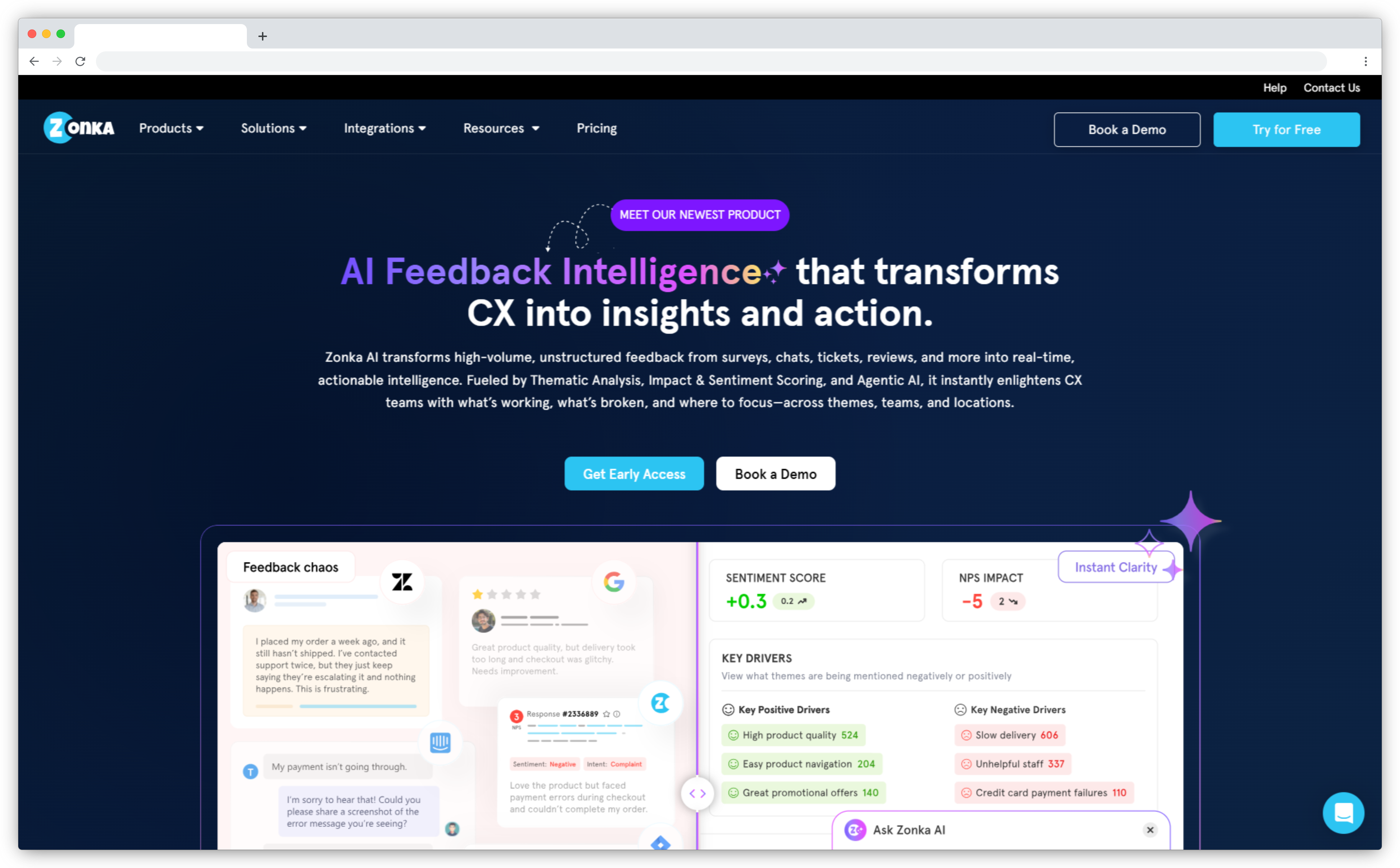
Zonka Feedback collects feedback across email, SMS, WhatsApp, web, in-app, kiosk, and offline channels, and pulls in reviews, tickets, and chats. Its thematic analysis tool groups similar phrases into themes and sub-themes, trained on a description of your business.
For categorization, entity mapping is the standout, letting you track named entities like locations and agents. Each response is tagged to its location, agent, or touchpoint as it arrives, so a billing theme splits by branch automatically. Tagged feedback then routes to its owner.
How it categorizes: Hybrid. AI detects themes, and you add custom entities and themes.
 Key features
- Two-level themes and sub-themes
- Impact scoring on NPS, CSAT, and customer effort score
- Custom taxonomy for entities and themes
- Case management that closes the customer feedback loop
Pros
- G2 reviewers highlight ease of use and customization
- Reviewers praise responsive support
- Collection and categorization share one platform
Cons
- A learning curve for advanced configuration, per G2 reviews
- No published pricing
Pricing: Custom pricing based on usage and needs
G2 rating: 4.7/5 on G2 (based on 80 reviews)
Best for: Multi-location businesses and distributed support teams that need themes tied to a site or agent.
2. Enterpret: Best for Self-Maintaining Taxonomies in Product-Led Teams
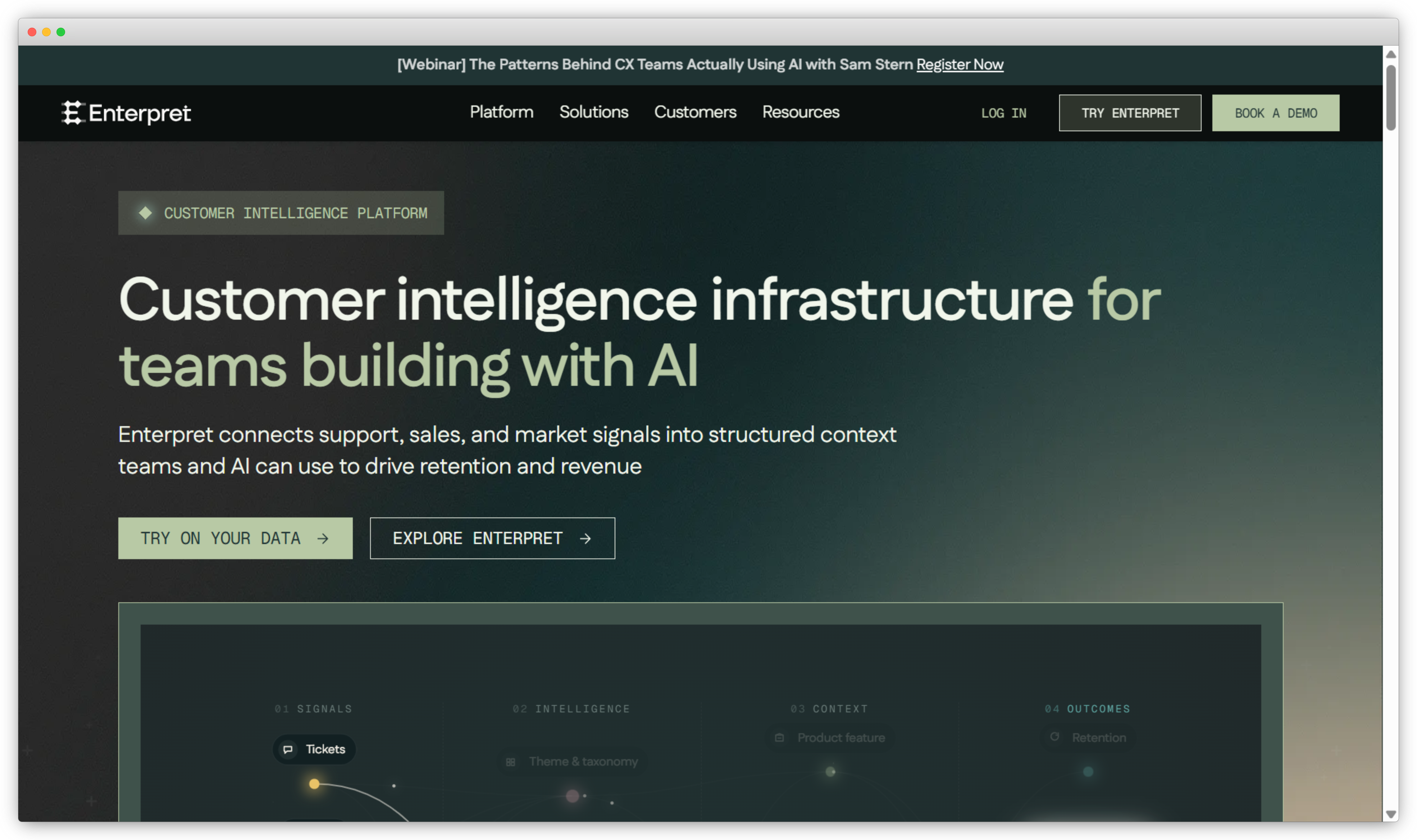
Enterpret's Adaptive Taxonomy discovers categories from feedback across 50+ sources and keeps updating them as customer language changes. You can open any classification to see its rationale, edit the taxonomy in the interface, and have edits improve future classifications.
It fits product teams at SaaS companies best. Categories connect to customer context like accounts, plans, and customer segments, and G2 reviewers keep naming Wisdom, its natural-language query feature, as how they explore the data.
How it categorizes: Discovers, with inline editing and AI-assisted validation.
 Key features
- Adaptive Taxonomy that evolves with your feedback
- Explainable classifications you can correct
- Wisdom for plain-language questions
- Topic alerts in Slack
Pros
- Ease of use is its most-mentioned strength on G2
- Reviewers say it surfaces issues old categories missed
- Support gets strong marks
Cons
- Integration and setup effort show up in G2 complaints
- Some reviewers merge similar reasons by hand periodically
Pricing: Pricing on request
G2 rating: 4.5/5 on G2 (based on 111 reviews)
Best for: Product-led SaaS teams that want categories to keep pace with changing customer needs.
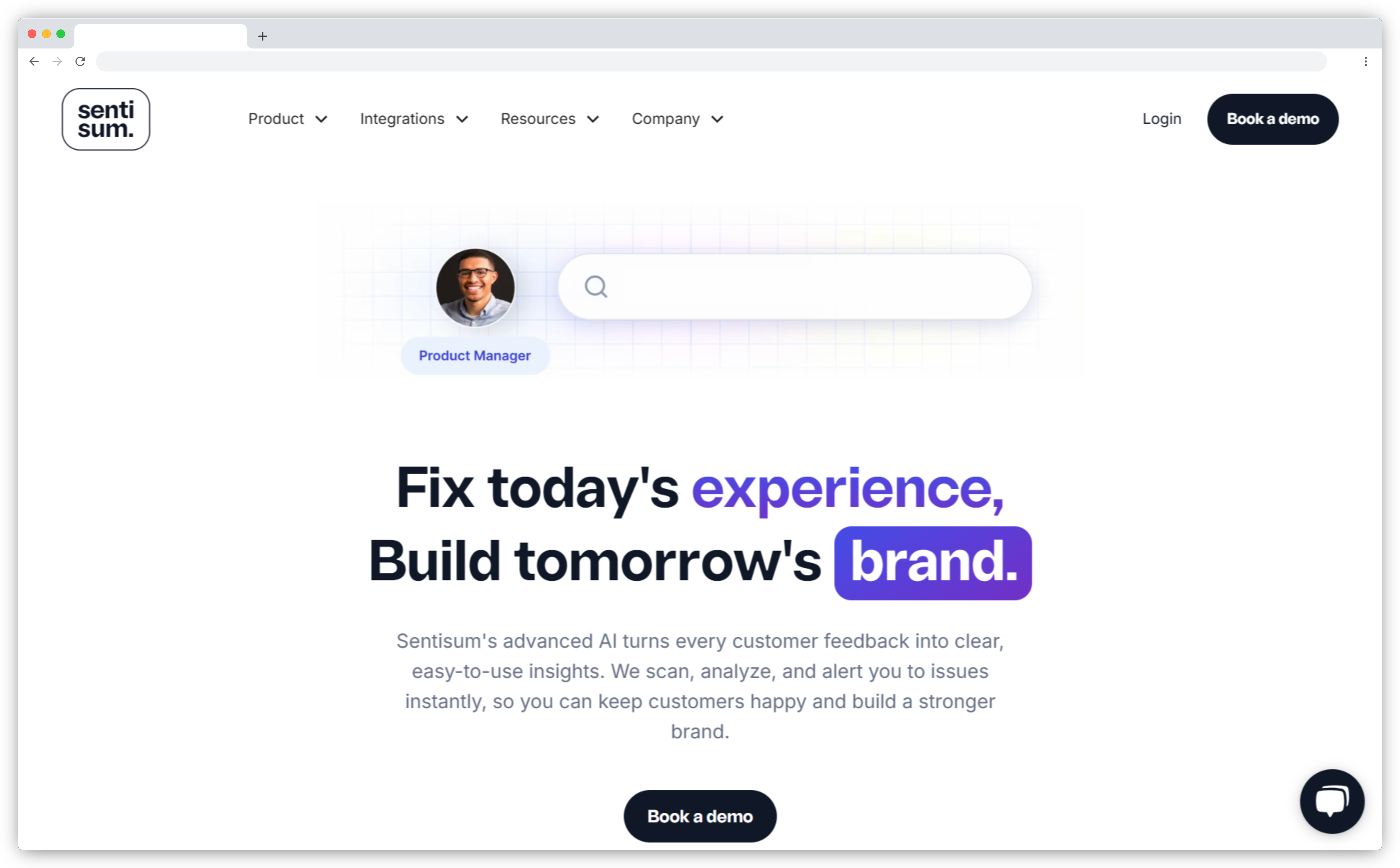
3. SentiSum: Best for Enterprise Support-Ticket Categorization
SentiSum built its name on categorizing support conversations and now covers tickets, calls, chats, NPS, CSAT, reviews, and bot transcripts. Its site says you don't need to build taxonomies or clean up tags in advance, and a customer success manager configures the taxonomy during setup.
Categorization feeds root-cause analysis. SentiSum aims to explain why each ticket exists, put a cost on recurring failures, and route them to the team that fixes them.
How it categorizes: Discovers, with setup guided by a customer success manager.
 Key features
- No upfront taxonomy build
- Root-cause detection behind ticket volume
- Cost impact on recurring issues
- Early Warning agent for emerging issues
Pros
- G2 reviewers call the interface intuitive
- Reviewers value both high-level views and granular drill-downs
- The support team gets strong praise
Cons
- A $100,000 starting price rules out most mid-market teams
- G2 reviewers mention occasional manual corrections to model outputs
Pricing: From $100,000/year, with unlimited users
G2 rating: 4.8/5 on G2 (based on 14 reviews)
Best for: Enterprise support teams with high ticket volume that want categories tied to cost and root cause.
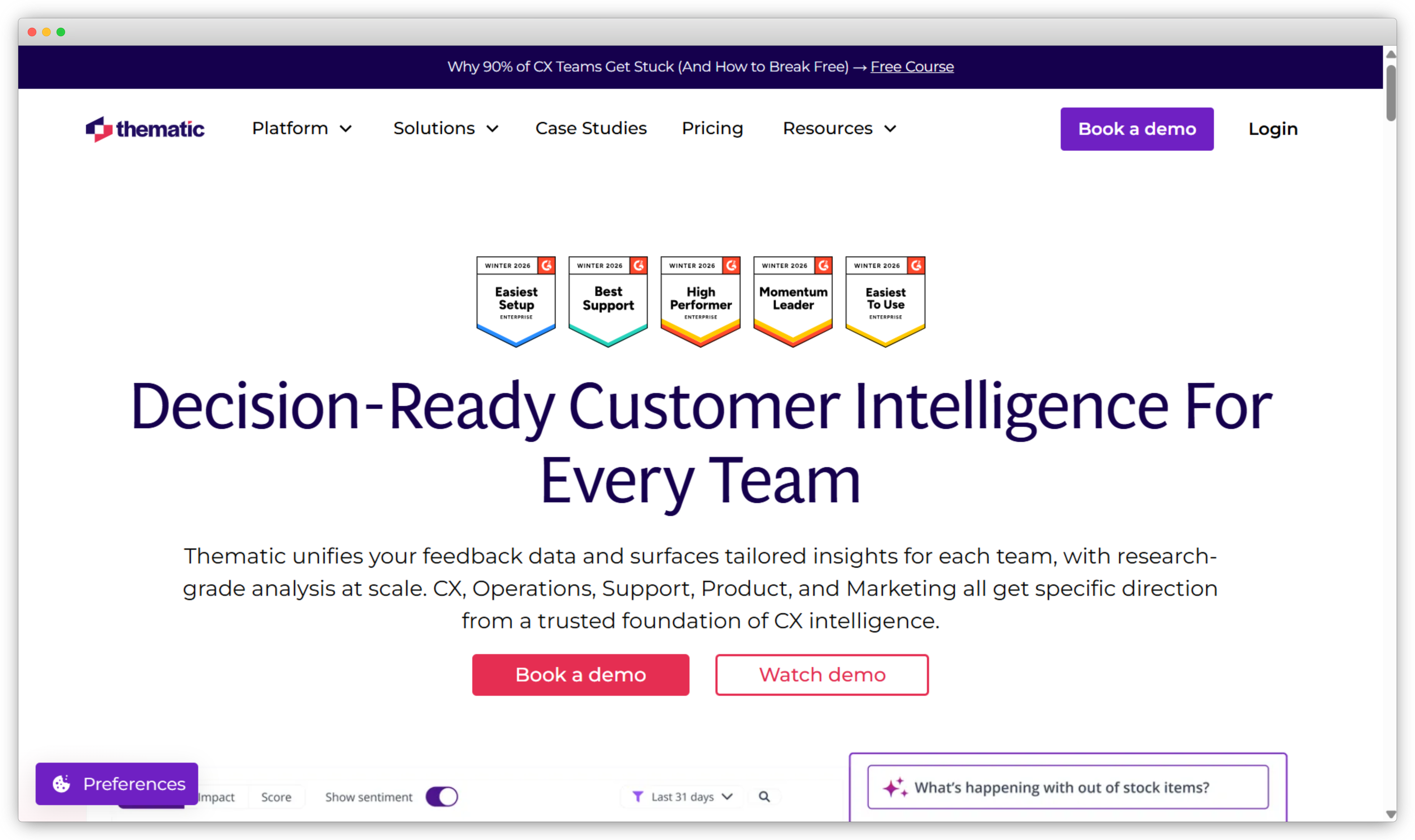
4. Thematic: Best for Transparent, Editable Theme Discovery
Thematic holds a 4.8 on G2 across 43 reviews, and the same review summary that praises its ease of use warns that setup can take longer than teams expect. That tension fits a tool built for people who want to see and shape every theme.
Thematic lets themes emerge from the feedback, and its theme editor lets analysts guide the AI when a grouping misses the business context. Answers trace back to the source comments, which research teams need when defending a finding.
How it categorizes: Discovers, with analyst-guided refinement.
 Key features
- Themes built from the feedback itself
- Theme editor for refining AI groupings
- Traceable answers to plain-language questions
- Impact analysis and revenue-at-risk ranking
Pros
- High marks for ease of use on G2
- Reviewers say it quantifies qualitative data well
- Frequent praise for support
Cons
- Initial setup and theming can be time-consuming
- The Foundation plan caps comment volume and datasets
Pricing: Foundation from $25,000/year for up to 25,000 comments and 3 datasets, with custom Enterprise plans
G2 rating: 4.8/5 on G2 (based on 43 reviews)
Best for: Research and insights teams that need categorization they can explain and defend.
5. Chattermill: Best for Enterprise Multi-Channel Categorization with a Bespoke Taxonomy
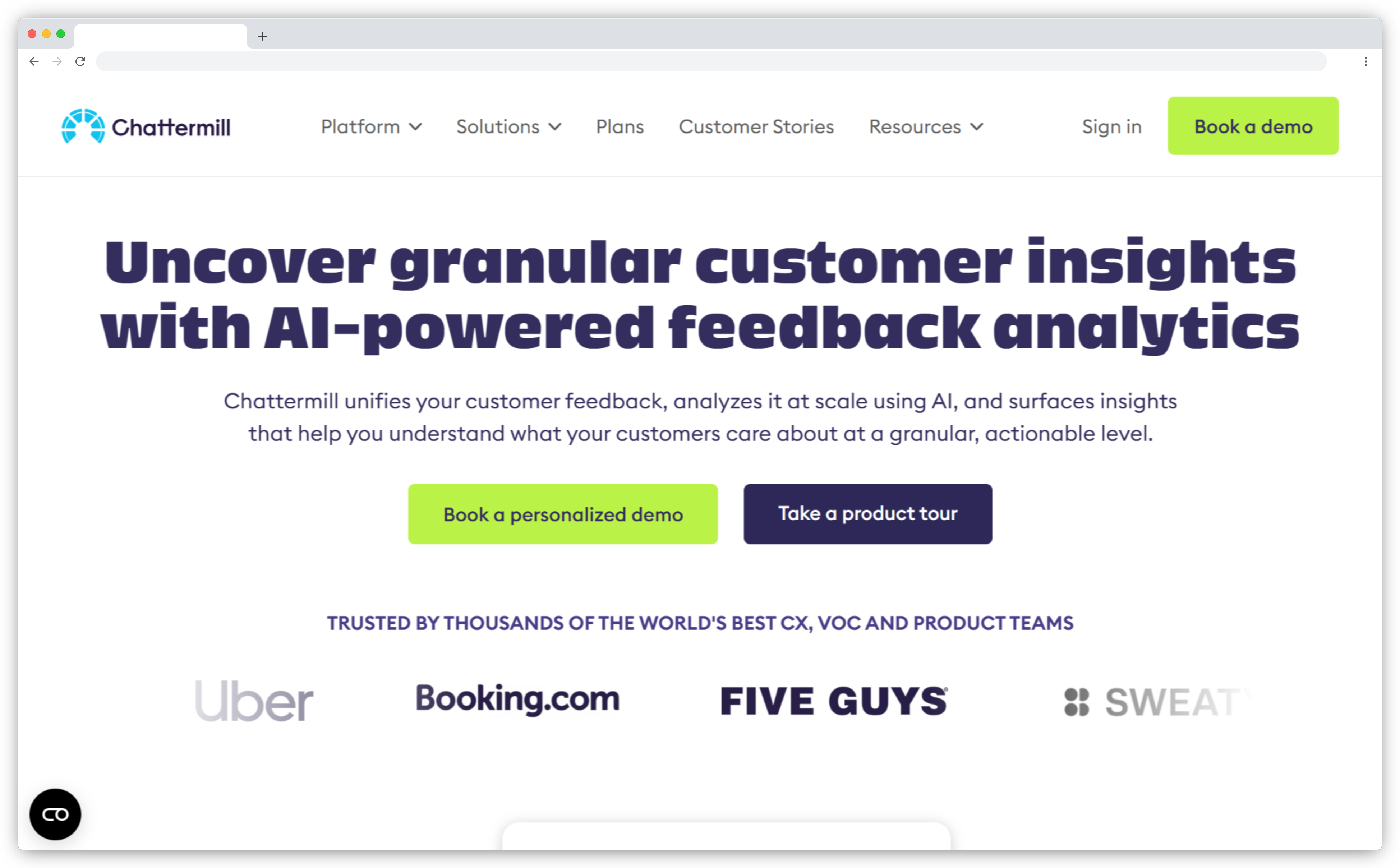
Chattermill classifies every comment with Lyra, its AI model, which combines aspect based sentiment analysis, supervised learning, and large language models. It connects 100+ feedback channels, translates 100+ languages, and adds context like customer ID, channel, and location.
Each customer's taxonomy is trained in isolation and defined with their stakeholders, so categories match existing reporting. Setup is a project, though. One G2 reviewer described two to three months.
How it categorizes: Configured. AI tags into a bespoke taxonomy built with your team.
 Key features
- Lyra AI tagging with aspect-based sentiment
- Customizable taxonomy per customer
- 100+ channels and languages
- Anomaly detection on emerging spikes
Pros
- Ease of use leads its positive themes on G2
- Reviewers value centralizing many feedback sources
- Multilingual coverage suits global enterprise programs
Cons
- Some G2 reviewers flag misclassification and translation gaps
- The interface can feel unintuitive at first
Pricing: Pricing on request
G2 rating: 4.4/5 on G2 (based on 238 reviews)
Best for: Enterprise B2C brands with multilingual, multi-channel feedback and established reporting categories.
6. Unwrap: Best for Automated Theme Tagging Across Product and CX Feedback
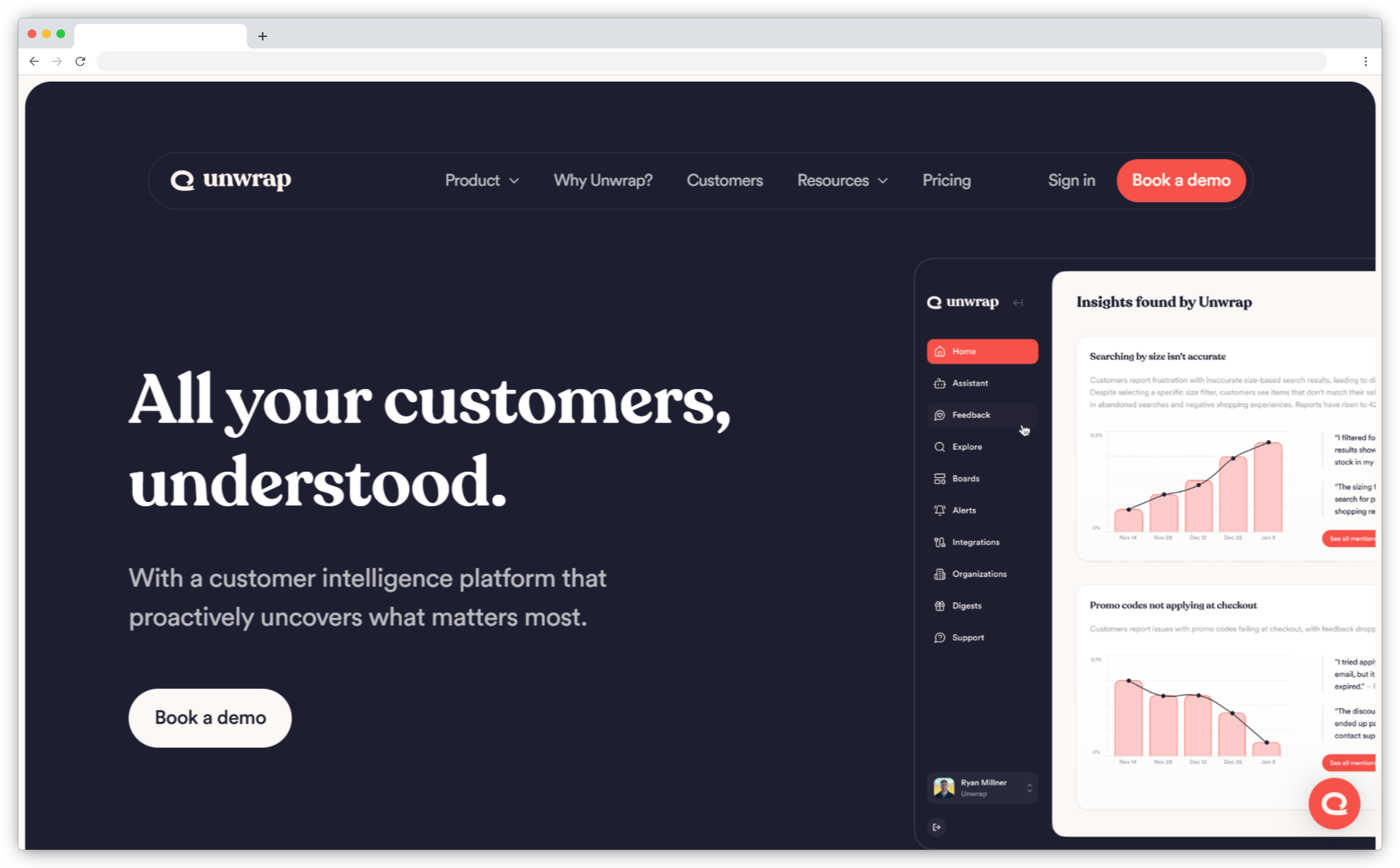
Say your product team gets digital feedback from app reviews, support chats, and surveys every day, and nobody has time to maintain a tag list. Unwrap targets that team. Its Auto Tagger categorizes incoming feedback automatically, and its homepage pitch is simply to stop tagging.
Unwrap Assistant answers plain-language questions about the feedback, and group summaries explain what's driving each cluster. A Research Suite handles feedback collection when you need more data.
How it categorizes: Discovers, through the Auto Tagger.
 Key features
- Auto Tagger for hands-off categorization
- Unwrap Assistant for plain-language queries
- Group summaries per theme
- Research Suite for gathering new feedback
Pros
- G2 reviewers highlight time saved on analysis
- The design gets called intuitive
- A 30-day trial runs on your own data
Cons
- G2 reviewers want stronger integrations
- G2's comparison summary rates custom reporting below Enterpret's
Pricing: From $24,000/year, sized by feedback volume and integrations
G2 rating: 4.8/5 on G2 (based on 24 reviews)
Best for: Product and CX teams that want categorization running on day one with no taxonomy to build.
How Do You Choose the Right Categorization Tool for Your Team?
Picking the right customer feedback tool starts with your biggest feedback source and your budget. Those two answers cut the list in half.
| If you need... | Look at |
| Categories that match an existing reporting structure | Chattermill, Zonka Feedback |
| Themes found automatically with no taxonomy to build | Unwrap, Thematic, SentiSum |
| Support tickets as your main source | SentiSum |
| Product feedback tied to accounts and plans | Enterpret |
| Collection and categorization in one platform | Zonka Feedback |
| Themes split by location or agent, then routed | Zonka Feedback |
| A published price to budget against | Unwrap, Thematic |
| Themes you can explain to stakeholders | Thematic, Enterpret |
Then check whether you already have a feedback collection tool you like. Enterpret, Thematic, Chattermill, and SentiSum sit as an analysis layer on top of existing feedback sources, and Unwrap adds a Research Suite for gathering new feedback. Zonka Feedback runs full multi-channel surveys and categorizes the results in the same place, which matters if you're replacing or consolidating customer feedback platforms.
And think about daily users. Research teams want control over every theme. Support leads and site managers, mostly non technical users, want categorized feedback in their queue with an owner attached.
Categorize by What Was Said and Where It Came From
Most categorization tools answer one question well. What are customers talking about? Fewer answer the question that decides whether anyone fixes it. Where is it happening?
Take a hypothetical clinic network with 40 sites. Its tool reports that wait times appear in 12% of negative feedback this quarter. That reads like a network-wide problem, so leadership funds a scheduling project for every site.
Now split the theme by site. Say three clinics produce most of the complaints and the other 37 barely register it. The theme was real. The average was misleading. The fix belonged to three site managers, and the network paid for changes in 37 places that didn't need them.
Entity-level categorization prevents that. When each response carries its location, agent, or touchpoint from the moment it's collected, you can cross any theme with any entity. Nobody exports survey responses into Google Sheets to match them to a site list by hand.
The second payoff is ownership. A theme tied to a site has an obvious owner, so it can go straight to that manager with the source comments attached. Tools built for frontline analytics work this way.
That routing step is how categorization becomes an ai feedback loop that ends in a fix.
If your feedback program spans locations, agents, or product lines, add one test to every demo. Pick a theme and ask the vendor to split it by entity, live, on your data.
Which Feedback Categorization Tool Is Right for Your Team?
All six tools remove manual tagging, so the choice comes down to fit. SentiSum suits ticket-heavy enterprise support teams with the budget for it. Product-led SaaS teams will get the most from Enterpret or Unwrap. Research teams that must explain every theme should look hard at Thematic. Global B2C brands with established reporting will find Chattermill's bespoke taxonomy familiar. Zonka Feedback covers collection, categorization, and routing by location or agent in one feedback intelligence platform.
Test any shortlisted tool on your own feedback, including messy tickets and one-word survey comments. For a wider view of the market, see our guide to ai feedback analytics tools.
If discovery-led theme analysis is your priority, our roundup of thematic analysis software goes deeper.
Every score has a reason. Every reason has an owner.


.png)
.png)








