.svg)
 Healthcare
 Finance
 Retail
 SaaS & Digital
 eCommerce
 Education
 Salesforce
  HubSpot
 Pipedrive
 Mailchimp
 Klaviyo
 Zendesk
  Intercom
 Freshdesk
 HelpScout
  Front
Front Jira
Jira Slack
Slack  MS Teams
 Zoom
Zoom Google Sheets
  Zapier
  Integrately
 Make
Make  Webhooks




 MS Teams


TL;DR
- Reputation management tools help businesses monitor reviews, respond to feedback, and track brand mentions across review sites, social media, and search results.
- The best platforms centralize monitoring, automate alerts, provide sentiment analysis, and help teams respond faster from one dashboard.
- This guide covers 15 leading tools in 2026, grouped into 7 categories: all-in-one platforms, local business tools, social listening tools, multi-location enterprise systems, review generation platforms, advanced monitoring tools, and free options.
- Widely used platforms include Zonka Feedback, Birdeye, Podium, ReviewTrackers, Brand24, Sprout Social, Reputation.com, and others.
- Multi-location businesses, local service providers, and enterprises need different capabilities. No single best tool exists for everyone.
- Each tool is evaluated on review monitoring, response management, sentiment analysis, integrations, scalability, and pricing transparency.
- Note: This guide is written by the team at Zonka Feedback, but tools are included based on independent research, official documentation, G2 reviews, and real-world use cases. The list is not sponsored or ranked by promotion.
Online reviews and brand mentions now directly influence customer decisions. Before booking a service, making a purchase, or accepting a job offer, people search for what others are saying about a brand. Those search results shape trust before a company ever gets to make its case.
Reputation management tools help businesses monitor feedback across review sites, social media, and other digital channels. They centralize reviews in one dashboard, send alerts when new feedback appears, and provide sentiment analysis to understand what drives reputation beyond star ratings.
This guide covers what reputation management tools do, the features that matter in 2026, and how to choose the right platform for your business size and goals. We review 15 leading tools organized by use case so you can quickly identify which platforms fit multi-location businesses, local service providers, or teams managing high volumes of customer feedback.
Whether you manage hundreds of locations or build trust in a competitive market, this guide helps you make an informed decision.
What is Reputation Management?
Reputation management is the process of shaping how your business is perceived online.
It includes monitoring what people are saying about your brand, responding to reviews and public feedback, and making sure customer concerns don’t go unresolved. For most businesses, this shows up through Google reviews, industry review sites, social media comments, and brand mentions across the web.
Reputation management isn’t only about replying to negative reviews. It also includes identifying patterns in feedback, fixing recurring issues, and building trust over time through consistent communication.
In practice, good reputation management is a mix of three things:
-
Listening: tracking reviews and mentions as they come in
-
Responding: replying quickly and consistently across platforms
-
Improving: using feedback to fix problems that affect customer experience
What Are Reputation Management Tools?
Reputation management tools help businesses monitor and manage their online presence across review sites, social media, and digital channels.
These platforms pull reviews, brand mentions, and customer feedback from sources like Google, Yelp, Facebook, news sites, and forums into one dashboard. Instead of checking each platform separately, you see everything in one place and respond without switching between accounts.
Most tools automate alerts when new reviews or mentions appear. This helps teams respond quickly instead of discovering feedback days or weeks later.
Beyond monitoring, these platforms typically include sentiment analysis to identify whether feedback is positive or negative. They also provide reporting features to track reputation trends, spot recurring complaints, and measure how perception changes over time.
Some tools focus only on review management. Others work alongside customer feedback tools and CX tools to monitor broader brand conversations across social media, blogs, and news sites to track how a brand is discussed outside traditional review platforms.
Why Are Reputation Management Tools Important?
Most businesses know reviews matter. Far fewer manage them in a consistent way.
Checking Google reviews once in a while is easy. Staying on top of reviews, social mentions, and brand conversations across channels is where teams struggle.
Without a reputation management tool, feedback gets spread across platforms. A negative review might sit unanswered for days. Patterns get missed. And small issues can turn into bigger reputation problems before anyone internally even notices.
Reputation management tools help teams stay organized by centralizing monitoring, speeding up responses, and making sentiment easier to track over time.
In 2026, reputation management tools are important because they help teams:
-
Monitor reviews and brand mentions in one place
-
Respond faster and more consistently across platforms
-
Track sentiment trends, not just star ratings
-
Catch recurring issues early before they damage trust
-
Manage reputation across multiple locations or teams
-
Automate alerts, routing, and follow-ups
-
Report on reputation performance with less manual work
Instead of treating reputation as something you react to only when there’s a problem, these tools help teams manage it as an ongoing part of customer experience.
What Are the Key Features to Look for in Reputation Management Software?
Choosing a reputation management tool isn’t about picking the one with the longest feature list. It’s about finding one that fits how your team monitors feedback and responds to it.
Many tools look similar at first glance. The differences become clear once you’re handling higher review volume, multiple locations, or social mentions across channels.
When evaluating reputation management software, focus on whether it helps your team stay organized and act quickly, not just monitor ratings.
Here are the key features and what to look for:
-
Centralized Review Monitoring: The tool should pull reviews from major platforms into one dashboard so your team doesn’t have to check each site manually.
-
Brand Mention Tracking: If social conversations matter to your brand, look for tools that monitor mentions across social media, blogs, forums, and news sites.
-
Sentiment and Theme Analysis: Basic sentiment tagging helps you see positive and negative trends. More advanced tools surface recurring topics so you can understand what is driving feedback.
-
Review Response Management: A shared inbox makes it easier to respond consistently and avoid missed reviews.
-
Real-Time Alerts: Notifications for new reviews or spikes in negative feedback help teams react before issues escalate.
-
Location-Level Reporting: For multi-location businesses, reporting should allow comparisons across locations, teams, or time periods.
-
Workflow and Task Assignment: Some tools let you assign reviews internally, track follow-ups, and close the loop when action is required beyond a public response.
-
Integrations: Connections with CRM, helpdesk, or marketing systems make it easier to route issues and keep feedback connected to customer records.
A Simple Way to Decide
If a reputation management tool helps you answer these questions clearly, it’s usually a good fit:
-
Can we see all reviews and mentions in one place?
-
Can we respond quickly and consistently?
-
Do we understand what is driving positive and negative trends?
-
Can we track performance across locations or teams?
-
Does it fit into our existing workflows?
If the answer is yes, you’re likely looking at the right solution.
Also Read: Best NPS Tools in Retail to Measure Customer Loyalty
What Are the Benefits of Using Reputation Management Tools?
Reputation management tools provide organizations with a structured approach to monitoring and managing public perception across digital channels. By centralizing data and automating key processes, these tools support consistent and efficient reputation management practices.
-
Centralized Visibility of Brand Perception
Reputation management tools consolidate reviews, mentions, and feedback from multiple platforms into a single interface. This allows businesses to gain a comprehensive view of how their brand is perceived across channels without manually monitoring individual sources. -
Timely Response to Customer Feedback
By providing alerts and notifications for new reviews or mentions, these tools help organizations respond to customer feedback in a timely manner. Prompt responses can support effective issue resolution and improve communication consistency. -
Improved Sentiment Tracking and Analysis
Sentiment analysis features enable businesses to identify trends in customer perception over time. This helps organizations understand shifts in sentiment and recognize recurring themes or potential reputation risks. -
Increased Operational Efficiency
Automation features reduce the manual effort required to track, organize, and respond to feedback. This allows teams to manage reputation-related tasks more efficiently, particularly when handling large volumes of reviews or mentions. -
Data-Driven Decision Making
Reporting and analytics capabilities provide structured insights into reputation performance. These insights can inform strategic decisions related to customer experience, communication practices, and brand management. -
Consistent Brand Communication
Centralized response management and collaboration features help ensure that customer interactions follow consistent guidelines. This supports uniform messaging across platforms and teams. -
Improved Brand Consistency Across Channels
Reputation management tools help businesses maintain consistent brand representation across multiple platforms. By centralizing reviews, responses, and monitoring activities, these tools ensure that messaging, tone, and engagement practices remain aligned across review sites, social media, and other public channels.
Best Reputation Management Tools: A Quick Comparison
| Tool | Best for | Core Strengths | G2 Rating | Pricing |
| Zonka Feedback | CX-driven reputation management and closed-loop feedback | Review monitoring, sentiment insights, triggers and workflows, case management, CX reporting | 4.7/5 | Custom pricing (free trial available) |
| Birdeye | Local and multi-location reputation management | Review monitoring and response, automated review requests, listings management, customer messaging | 4.7/5 | $299 per location/month |
| Podium | SMS-first review collection and customer communication | SMS review requests, messaging inbox, review response workflows | 4.6/5 | Custom pricing |
| ReviewTrackers | Centralized review monitoring across locations | Review aggregation, alerts, location-level reporting, reputation analytics | 4.6/5 | Custom pricing |
| AIclicks | Brand reputation monitoring | AI brand mention tracking, sentiment analysis | 4.9/5 | $59/mo |
| Brand24 | Real-time brand monitoring and social listening | Brand mention tracking, sentiment analysis, alerts, influencer identification | 4.6/5 | $149/month |
| Sprout Social | Social media–driven reputation management | Social listening, unified inbox, engagement workflows, analytics | 4.4/5 | $199 per user/month |
| Reputation.com | Enterprise-grade reputation and experience management | Governance, benchmarking, advanced analytics, review and listings management | 4.6/5 | $80 per location/month |
| Yext | Listings-driven reputation and brand consistency | Listings management, review monitoring and response, location-level reporting | 4.4/5 | Custom pricing |
| NiceJob | Automated review generation and social proof | Automated review requests, follow-ups, website review widgets | 4.8/5 | $75/month |
| GatherUp | Review collection and feedback analysis | Review generation, private feedback capture, monitoring, reporting | 4.5/5 | $99/month |
| Mentionlytics | AI-powered brand mention tracking | Brand mention monitoring, sentiment analysis, alerts, competitor insights | 4.9/5 | $49/month |
| Vista Social | Social media–centric reputation monitoring | Social monitoring, publishing, engagement, analytics | 4.8/5 | Free plan available |
| Google Alerts | Basic brand mention monitoring | Keyword-based web alerts for new mentions | NA | Free |
| Talkwalker | Free web and social mention alerts | Keyword alerts across news, blogs, forums, and select social platforms | 4.3/5 | Free |
How We Evaluated These Reputation Management Tools?
Choosing reputation management software isn’t about who has the longest feature list. It’s about which tools actually help teams monitor feedback, respond consistently, and improve processes over time. Many platforms look similar on the surface. The real differences show up when you’re managing multiple review sources, handling higher volume, or trying to coordinate responses across teams.
A Note on Transparency
Although this guide is written by the team at Zonka Feedback, the tools included here were selected based on independent research, official documentation, recent G2 reviews, and real product capabilities. This list is not sponsored, and tools are not ranked based on promotion.
Here are the main criteria we used:
Monitoring Coverage
Does the tool track reviews and brand mentions across relevant review platforms, search results, social channels, forums, and news sites?
Review Management and Response
Can teams manage and respond to reviews from multiple platforms in one place without switching between accounts?
Sentiment and Trend Analysis
Does the platform go beyond star ratings to identify patterns, recurring themes, and shifts in customer perception?
Alerts and Automation
Are there real-time notifications, routing rules, or workflows that help teams act quickly when new feedback appears?
Workflow and Follow-Up Support
Can teams assign reviews internally, track ownership, and close the loop when issues require follow-up beyond a public response?
Integrations
Does the software connect with CRM, helpdesk, marketing, or collaboration tools so feedback fits into existing systems?
Ease of Use and Scalability
Is the platform practical for daily use, and does it support growing teams or multi-location businesses?
Pricing Transparency
Is pricing clearly communicated, and does the feature set align with the cost?
If a tool performs well across these areas, it’s likely to support structured and consistent reputation management.
What Are the Best Reputation Management Tools in 2026?
To help you compare and choose the right reputation management software, we have grouped the best tools in this guide based on their primary use case and core strengths. Each category addresses a specific reputation management need, ranging from all-in-one platforms and local business review management to social listening, enterprise reputation, and advanced monitoring.
This categorization makes it easier to evaluate tools based on your business size, industry, and reputation management goals.
These platforms offer end-to-end capabilities for monitoring brand mentions, managing reviews, analyzing sentiment, and improving customer experience from a single system. They are well suited for businesses looking for an integrated approach to reputation management and customer insights. Reputation management tools in this category include Zonka Feedback and Birdeye.
Tools in this category are designed for local and multi-location businesses that rely heavily on online reviews. They focus on review generation, response management, and maintaining visibility across popular review platforms. Reputation management tools in this category include Podium and ReviewTrackers.
These tools specialize in tracking brand mentions and conversations across social media, blogs, forums, and news sites. They help businesses understand public sentiment and monitor how their brand is discussed beyond traditional review platforms. Reputation management tools in this category include Brand24 and Sprout Social.
Enterprise-focused platforms are built to support large organizations managing reputation across multiple locations or business units. They typically offer advanced analytics, reporting, and governance features for large-scale reputation management programs. Reputation management tools in this category include Reputation.com and Yext.
Tools in this category focus on increasing review volume and encouraging customer feedback. They help businesses collect reviews more consistently and analyze feedback to identify areas for improvement. Reputation management tools in this category include NiceJob and GatherUp.
These tools provide specialized monitoring capabilities, including advanced brand mention tracking across web, news, and social channels. They are suitable for businesses that require deeper visibility into online conversations and emerging reputation risks. Reputation management tools in this category include Mentionlytics and Vista Social.
Free reputation management tools offer basic monitoring capabilities for tracking brand mentions and online discussions without a paid subscription. While these tools do not provide advanced analytics, automation, or workflow management, they can be useful for small businesses or individuals looking for lightweight visibility into their online presence. Reputation management tools in this category include Google Alerts and Talkwalker.
a. What Are the Best All-in-One Reputation Management Tools?
All-in-one reputation management platforms combine multiple reputation-related capabilities into a single solution. These tools are designed to help businesses monitor public feedback, manage reviews, understand sentiment, and take corrective action through automated workflows and analytics.
In this category, we cover Zonka Feedback and Birdeye, two widely-used platforms that provide broad reputation management capabilities alongside other customer experience functions.
1. Zonka Feedback: Best for CX-Driven Reputation Management and Closed-Loop Feedback
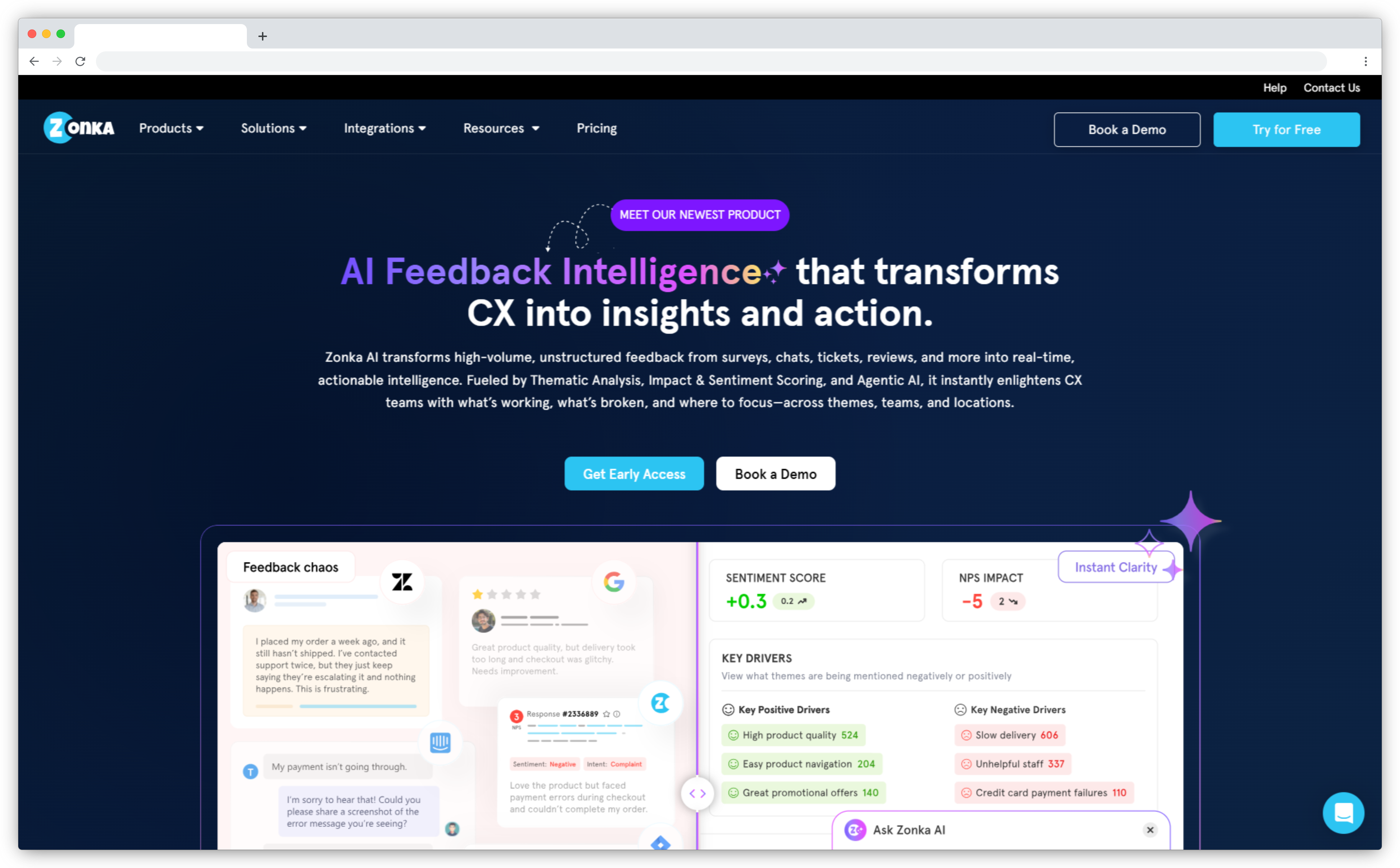
Zonka Feedback is a customer experience platform and online reputation management platform that helps businesses monitor online reviews, track sentiment, and manage follow-up actions from a single system. It pulls reviews from connected sources such as Google Business Profiles into a centralized dashboard. Teams can track average rating, review volume, response rate, and sentiment trends over time. Data can be segmented by location, channel, or time period to identify patterns.
The platform includes sentiment analysis across reviews and open-text feedback. This helps teams understand recurring issues and experience drivers behind ratings.
Zonka also supports workflows for managing reputation at scale. Teams can set triggers based on low ratings, negative sentiment, or specific keywords. These triggers can create cases, assign tasks, and notify internal stakeholders so issues are addressed consistently. A centralized inbox and case management system allow teams to route, prioritize, and track reputation-related issues through resolution.
Use Cases: Transactional NPS · Online Review Monitoring · Sentiment Analysis Across Channels · Multi-Location Reputation Tracking · Review Response Automation · Centralized Feedback Inbox · Integrated CX and Reputation Reporting
G2 Rating: 4.7/5
 Key Features of Zonka Feedback
-
Online Review Monitoring – Monitor reviews from connected sources in one dashboard.
-
Review Generation Workflows – Trigger review requests, route promoters to public reviews, and time outreach based on customer moments.
-
Sentiment and Theme Insights – Track sentiment trends and recurring themes across reviews and open-text feedback.
-
Real-Time Alerts and Risk Signals – Get alerts for negative reviews, keyword mentions, and shifts in sentiment to catch issues early.
-
Inbox, Case Management, and Routing – Assign, tag, and track follow-ups across teams and locations.
-
Role-Based Access and Permissions – Control who can view, respond, and manage reputation workflows.
-
Dashboards and Reporting – Track sentiment trends over time and compare performance across locations.
-
Integrations – Connect with CRM, helpdesk, marketing, and collaboration tools.
Zonka Feedback Pros
- Covers review monitoring, sentiment insights, and follow-up workflows in one place.
- Supports multi-location reporting and trend tracking over time.
- Alerts and routing help teams respond quickly and reduce reputation risk.
- Role-based permissions make it easier to manage reputation across teams.
Zonka Feedback Cons
- Some advanced analytics features may require training to use effectively.
- Smaller teams may find the full suite more than needed if only basic reputation monitoring is required.
Zonka Feedback Pricing
- Custom pricing available based on business requirements
- Free trial for paid features available for 14 days
2. Birdeye: Best for Local & Multi-Location Reputation Management
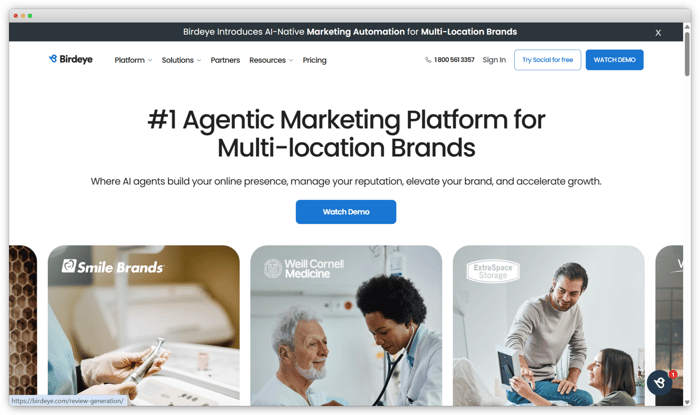
Birdeye is an all-in-one reputation management platform designed to help businesses manage online reviews, customer interactions, and brand visibility from a single system. It allows organizations to collect, monitor, and respond to reviews across major platforms such as Google, Facebook, and industry-specific review sites. Reviews are centralized in one dashboard, enabling teams to track ratings, review volume, and response performance across locations.
Beyond review management, Birdeye supports reputation growth through automated review requests, business listings management, and customer messaging. The platform uses AI-powered capabilities to analyze sentiment and suggest responses, helping teams respond faster and more consistently. Birdeye is widely used by local businesses and multi-location brands that need centralized control over reputation, listings, and customer engagement at scale.
Use Cases: Multi-Location Reputation Monitoring · Automated Review Generation · Review Response Management · Business Listings Management · Sentiment Tracking · Customer Messaging · Local SEO Reputation Support
G2 Rating: 4.7/5
 Key Features of Birdeye
-
Online Review Monitoring – Monitor customer reviews from major review platforms in a centralized dashboard.
-
Review Response Management – Respond to customer reviews directly from one interface to maintain consistent engagement.
-
Automated Review Requests – Send automated review invitations via SMS and email to increase review volume.
-
Sentiment Analysis – Analyze customer feedback to identify sentiment trends and reputation drivers.
-
Business Listings Management – Manage and update business information across online directories to support local search visibility.
-
Unified Customer Messaging – Manage customer conversations from multiple channels through a single inbox.
- Reputation Analytics & Reporting – Track ratings, review trends, response performance, and reputation metrics over time.
Birdeye Pros
- Combines review management, listings, and messaging in one platform
- Strong automation for review generation and responses
- Well suited for businesses with multiple locations
Birdeye Cons
- Pricing can be high for small or single-location businesses
- Feature-rich platform may require onboarding time to fully adopt
- Custom pricing model reduces upfront cost transparency
Brideye Pricing
- Starter Plan: Starts at $299 per month per location
- Growth Plan: Starts at $399 per month per location
-
Dominate Plan: Starts at $449 per month per location
b. What Are the Best Tools for Local Business and Review Management?
Reputation management needs can vary significantly for local and multi-location businesses, where online reviews play a major role in visibility, trust, and customer acquisition.
These tools typically focus on review generation, centralized review monitoring, response management, and local visibility support. They are well suited for businesses that rely heavily on customer reviews to drive foot traffic, conversions, and local search performance. Reputation management tools in this category include Podium and ReviewTrackers.
3. Podium: Best for SMS-First Review Collection and Customer Communication
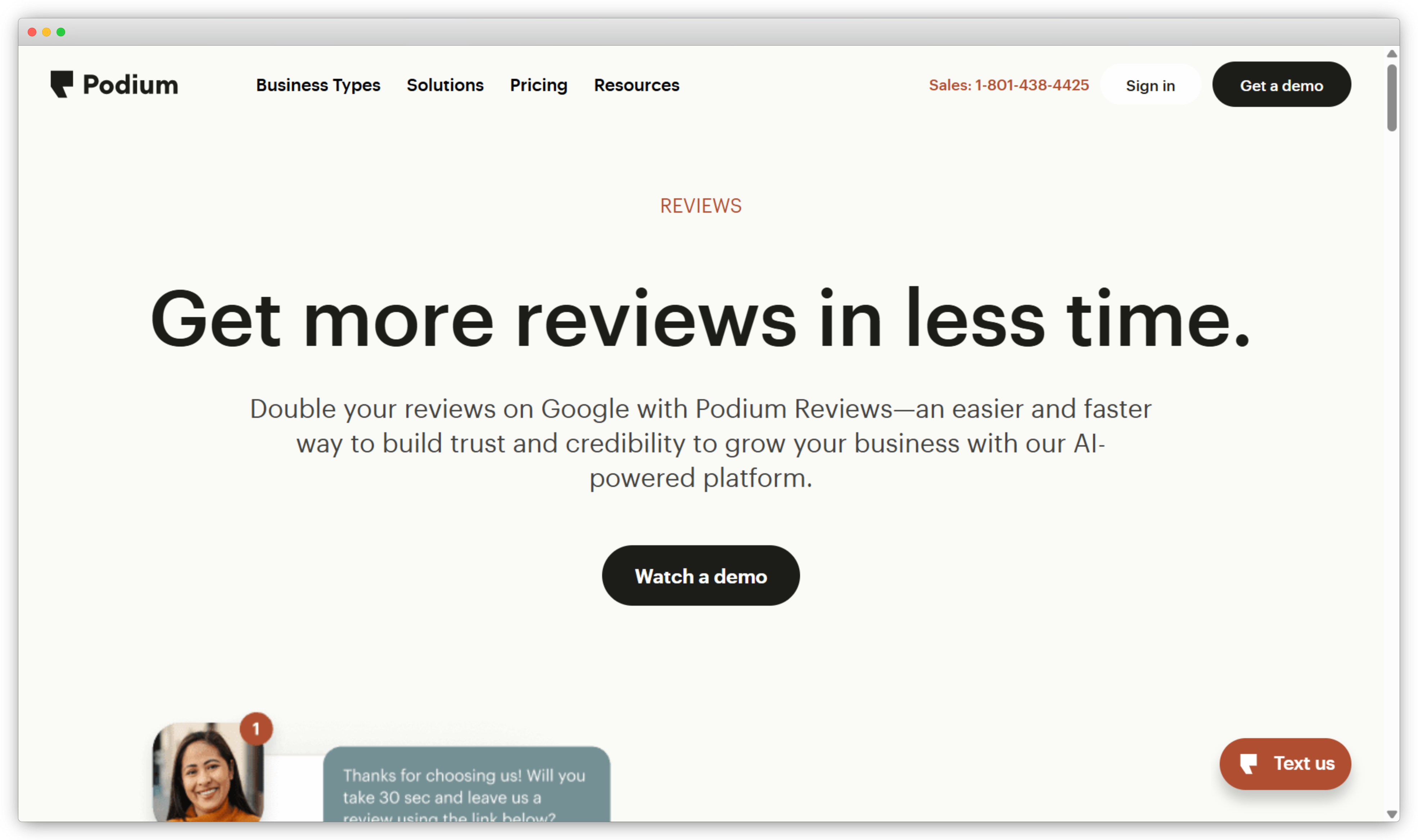
Podium is a reputation management and customer communication platform designed primarily for local businesses that rely on fast, direct customer interactions. The platform focuses on helping businesses collect online reviews, communicate with customers via messaging, and manage reputation through conversational channels. Podium centralizes reviews from major platforms, allowing teams to monitor ratings and respond to customer feedback from a single dashboard.
A key differentiator of Podium is its SMS-first approach. Businesses can request reviews, respond to inquiries, and follow up with customers using text messaging, which often leads to higher engagement and response rates. In addition to review management, Podium supports messaging for payments, lead capture, and customer conversations, making it a common choice for service-based and brick-and-mortar businesses that want to combine reputation management with real-time customer communication.
Use Cases: Local Business Reputation Management · SMS-Based Review Collection · Review Response Management · Customer Messaging · Lead Capture via Text · Payment Requests · Location-Based Reputation Tracking
G2 Rating: 4.6/5
 Key Features of Podium
-
Online Review Monitoring – Monitor customer reviews from major review platforms in one centralized dashboard.
-
Review Response Management – Respond to customer reviews directly from the platform to maintain consistent engagement.
-
SMS-Based Review Requests – Send review requests via text messages to increase response rates and review volume.
-
Customer Messaging Inbox – Manage customer conversations across text and web chat from a unified inbox.
-
Reputation Performance Tracking – Track review volume, ratings, and response activity over time.
-
Location-Level Reporting – View and compare reputation performance across individual business locations.
Podium Pros
- Strong focus on SMS, which drives higher customer engagement
- Easy to use for local and service-based businesses.
- Combines reputation management with customer communication
Podium Cons
- Limited depth in sentiment analysis compared to CX-focused platforms
- Pricing may be high for very small businesses
- Less suitable for complex enterprise reputation programs
Podium Pricing
- Contact sales for custom pricing
- Demo available on request
4. ReviewTrackers: Best for Centralized Review Monitoring Across Locations
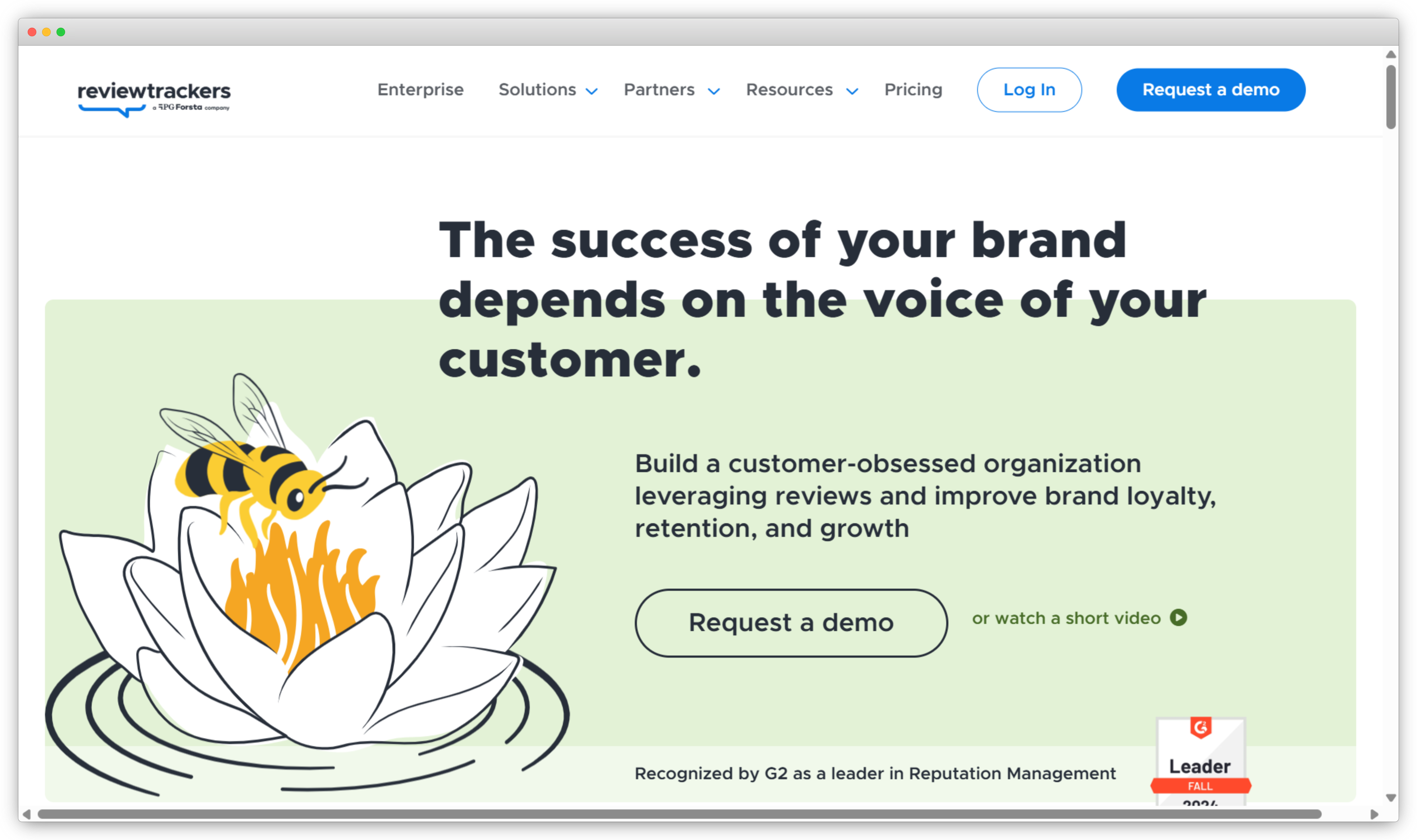
ReviewTrackers is a reputation management platform focused on helping businesses monitor, analyze, and respond to online reviews across multiple review sites and locations. The platform aggregates reviews from popular sources such as Google, Facebook, Yelp, and industry-specific platforms into a single dashboard, making it easier for teams to stay on top of customer feedback without manual tracking.
ReviewTrackers is commonly used by multi-location businesses that need visibility into review performance at both the brand and location level. In addition to review monitoring and response, the platform provides reporting and analytics that help teams identify trends, measure reputation performance, and compare locations. Its emphasis on structured reporting and review insights makes it suitable for businesses that want consistent oversight of their online reputation.
Use Cases: Multi-Location Review Monitoring · Review Response Management · Reputation Performance Reporting · Location-Level Reputation Analysis · Review Trend Tracking · Brand Sentiment Visibility
G2 Rating: 4.6/5
 Key Features of ReviewTrackers
-
Online Review Monitoring – Monitor customer reviews from multiple review platforms in a centralized dashboard.
-
Review Response Management – Respond to customer reviews directly from one interface to maintain consistency.
-
Sentiment Analysis – Analyze review sentiment to identify positive and negative feedback trends.
-
Location-Level Reporting – Track and compare reputation performance across multiple business locations.
-
Reputation Analytics – Measure review volume, ratings, and changes in reputation over time.
-
Alerts and Notifications – Receive alerts for new reviews to enable timely responses.
ReviewTrackers Pros
- Strong focus on centralized review monitoring across locations
- Clean and structured reporting for reputation performance analysis
- Suitable for brands managing multiple locations or franchises
ReviewTrackers Cons
- Limited review generation capabilities compared to some competitors
- Fewer customer messaging and engagement features
- Less emphasis on proactive feedback collection outside of reviews
ReviewTrackers Pricing
- Contact sales for custom pricing
- Pricing varies based on number of locations and selected features
c. What Are the Best Tools for Social Listening and Sentiment Analysis?
Social listening and sentiment analysis tools focus on monitoring brand mentions and conversations across social media platforms, blogs, forums, news sites, and other public channels.
Unlike review-focused tools, these platforms help businesses understand how their brand is discussed in real time, even when customers are not leaving formal reviews. Tools in this category are Brand24 and Sprout Social.
5. AIclicks: Best for Monitoring Brand Reputation
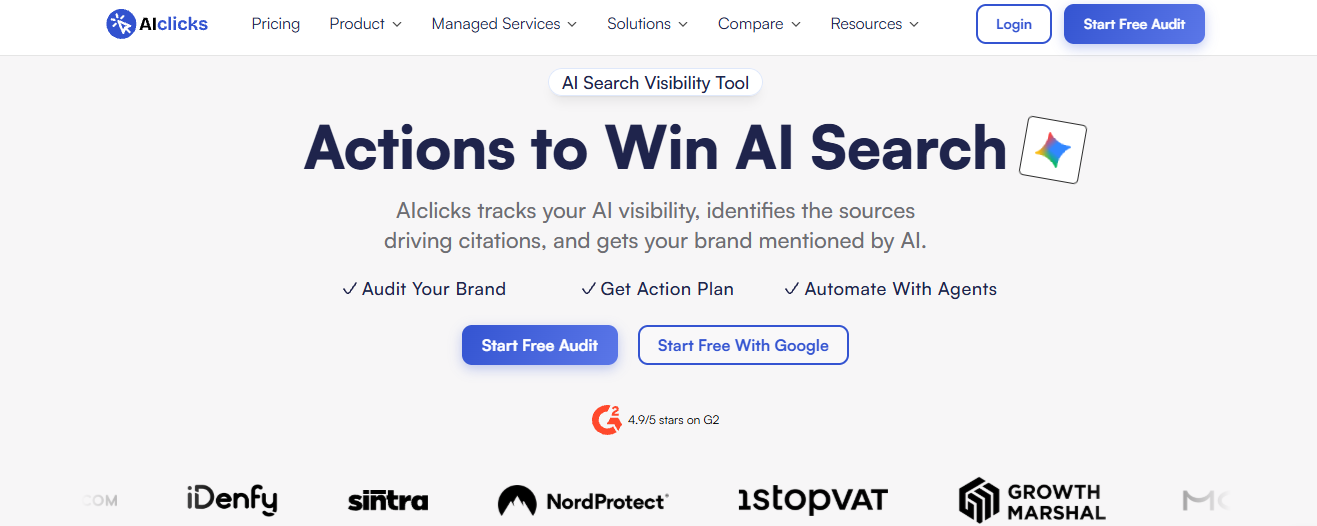
AIclicks is an AI visibility platform that tracks how AI assistants describe a brand when customers ask them for recommendations, comparisons, or reviews. The platform monitors 10+ AI platforms, including ChatGPT, Google AI Overviews, Google AI Mode, Gemini, Perplexity, Claude, and Copilot, and runs tracked prompts on every enabled model daily. Teams can see whether their brand is mentioned, how it is described, and which competitors appear in the same answers.
AIclicks also analyzes sentiment across AI-generated answers and groups it into recurring themes, showing which sources each theme draws from. Every URL an AI model cites is classified by page type, such as review sites, forums, comparison pages, and listicles, which helps teams identify the third-party content shaping how AI describes their brand. AIclicks is commonly used by marketing and brand teams that want visibility into brand perception inside AI search alongside their existing review and social monitoring.
Use Cases: AI Search Brand Monitoring · AI Answer Sentiment Tracking · Competitor Visibility Benchmarking · Citation Source Analysis · Brand Perception Themes · Multi-Market Brand Tracking
G2 Rating: 4.9/5
 Key Features of AIclicks
- AI Brand Mention Tracking: Monitor how often and in what context your brand appears in answers across 10+ AI platforms.
- AI Sentiment Analysis: Track sentiment in AI-generated answers over time and identify the themes behind positive and negative descriptions.
- Citation Source Analysis: See which review sites, forums, and articles AI models cite when describing your brand.
- Competitor Benchmarking: Compare your share of voice and sentiment against competitors in the same AI answers.
- Regional Tracking: Track AI visibility by country, with state-level tracking available in select markets.
- Content and Outreach Tools: Create and publish content to your CMS to address gaps in how AI describes your brand.
AIclicks Pros
- Covers AI search, a channel most review and social listening tools do not monitor
- Daily tracking on every plan, including the entry-level plan
- Shows which sources shape AI answers, not just what the answers say
AIclicks Cons
- Does not monitor review sites or social media directly, so it works best alongside a review management tool
- The 3-day free trial is short for spotting sentiment trends
AIclicks Pricing
- Starter Plan: Starts at $59 per month
- Pro Plan: Starts at $189 per month
- Business Plan: Starts at $499 per month
- Free trial available for 3 days
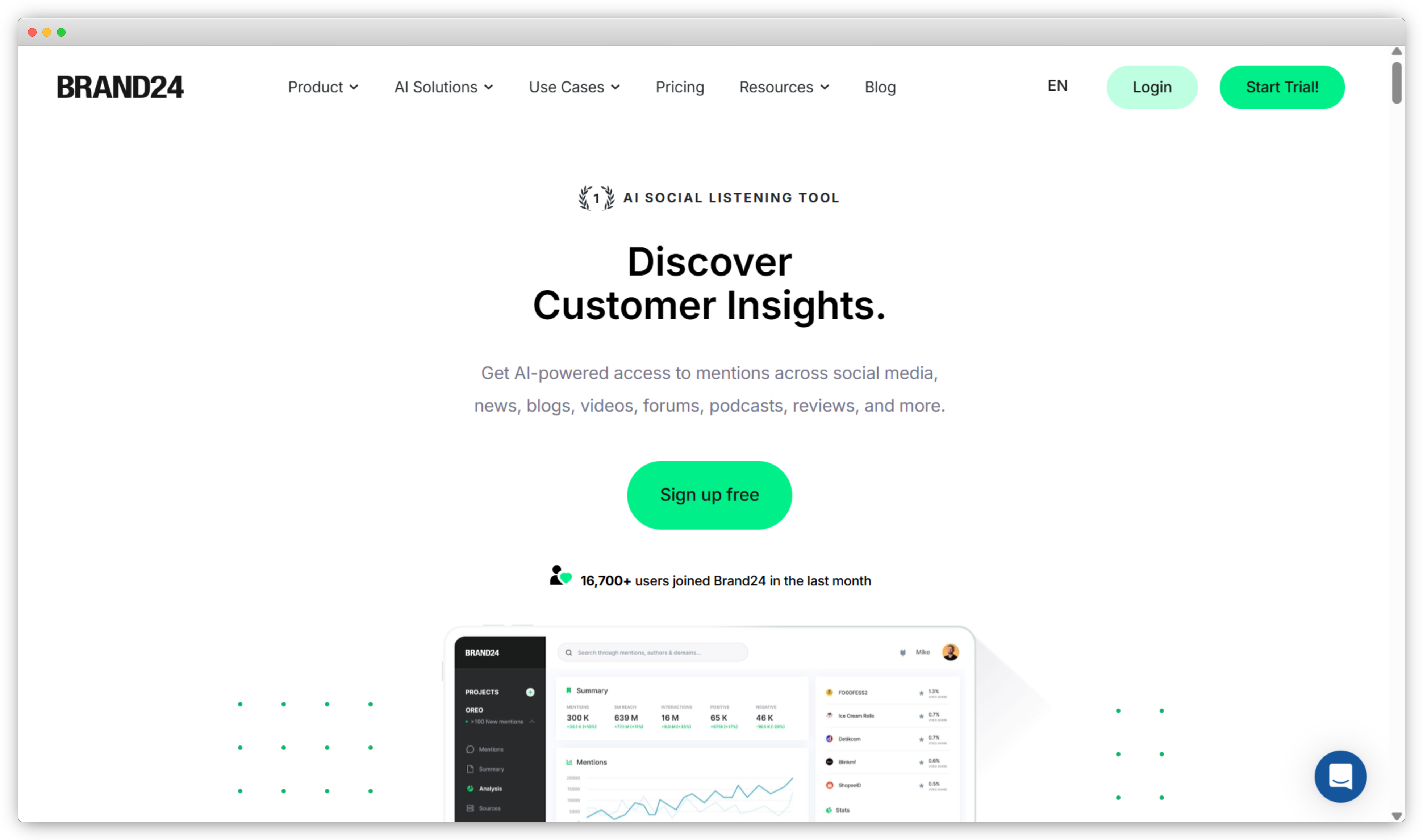
6. Brand24: Best for Real-Time Brand Monitoring and Social Listening
Brand24 is a social listening and online monitoring tool designed to help businesses track brand mentions and conversations across the web in real time. The platform monitors social media platforms, blogs, forums, news sites, videos, podcasts, and other public sources to give brands visibility into how they are being discussed outside of traditional review platforms. Its core focus is on capturing unprompted customer conversations and brand mentions as they happen.
Brand24 places strong emphasis on real-time alerts and sentiment analysis, enabling teams to identify spikes in mentions, emerging trends, or potential reputation risks early. The platform provides dashboards and analytics that help users understand reach, engagement, and sentiment associated with brand mentions. Brand24 is commonly used by marketing, PR, and brand teams that need continuous monitoring of public perception and fast response to online conversations.
Use Cases: Real-Time Brand Mention Tracking · Social Media Monitoring · Online Sentiment Analysis · PR and Brand Monitoring · Crisis Detection · Campaign Performance Tracking · Competitive Brand Monitoring
G2 Rating: 4.6/5
 Key Features of Brand24
-
Brand Mention Monitoring – Track brand mentions across social media, blogs, forums, news sites, and other online sources in real time.
-
Real-Time Alerts – Receive instant notifications for new mentions, spikes in activity, or changes in sentiment.
-
Sentiment Analysis – Analyze mentions to identify positive, negative, and neutral sentiment trends.
-
Reach and Engagement Analytics – Measure the reach and engagement generated by brand mentions across channels.
-
Influencer Identification – Identify influential profiles and sources driving brand conversations.
-
Custom Dashboards and Reports – View mention trends, sentiment changes, and performance metrics in customizable dashboards.
Brand24 Pros
- Strong real-time monitoring across a wide range of online sources
- Easy-to-use interface with quick setup
- Effective for identifying trends and potential reputation risks early
Brand24 Cons
- Limited review response and review management capabilities
- Less suitable for managing structured customer feedback or surveys
- Focused more on monitoring than on workflow automation
Brand24 Pricing
- Individual Plan: Starts at $149 per month
- Team Plan: Starts at $249 per month
- Pro Plan: Starts at $399 per month
- Pricing varies based on the number of keywords, users, and data retention period
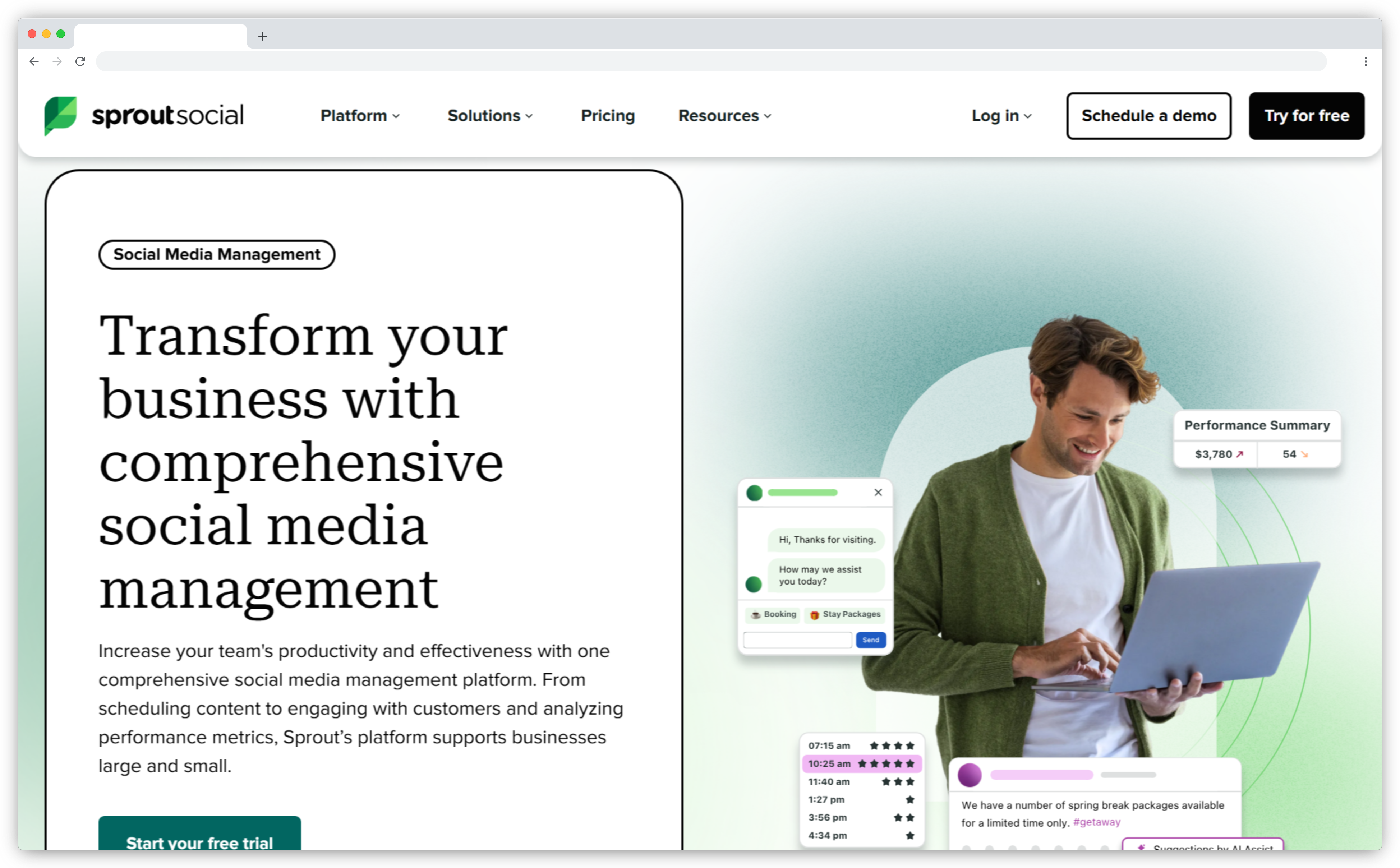
7. Sprout Social: Best for Social Media–Driven Reputation Management
Sprout Social is a social media management and social listening platform designed to help businesses monitor brand conversations, engage with audiences, and analyze sentiment across social networks. Unlike review-centric reputation tools, Sprout Social focuses on managing reputation where conversations actively happen, including platforms such as X (Twitter), Facebook, Instagram, LinkedIn, and TikTok. It enables teams to track brand mentions, comments, messages, and keywords from a centralized workspace.
Sprout Social is widely used by marketing, communications, and brand teams that need structured workflows for social engagement and reputation monitoring. The platform combines social listening, publishing, engagement, and analytics to help businesses understand public perception, respond to customers, and measure brand sentiment over time. Its collaboration features and reporting capabilities make it suitable for teams managing reputation across multiple social channels.
Use Cases: Social Media Reputation Monitoring · Brand Mention Tracking · Social Listening and Sentiment Analysis · Customer Engagement on Social Channels · Community Management · Campaign Performance Analysis · Competitive Social Benchmarking
G2 Rating: 4.4/5
 Key Features of Sprout Social
-
Social Media Monitoring – Monitor brand mentions, comments, and conversations across major social media platforms.
-
Social Listening – Track keywords, hashtags, and topics to understand how your brand is discussed in real time.
-
Unified Social Inbox – Manage messages, comments, and mentions from multiple social channels in one place.
-
Sentiment Analysis – Analyze social conversations to identify sentiment trends and changes in brand perception.
-
Publishing and Scheduling – Plan, publish, and schedule social media content across platforms.
-
Social Analytics and Reporting – Measure engagement, reach, and sentiment performance with detailed reports.
-
Team Collaboration Tools – Assign messages, manage approvals, and collaborate across teams.
Sprout Social Pros
- Strong social listening and engagement capabilities
- Centralized inbox improves response efficiency across channels
- Robust analytics and reporting for social reputation tracking
Sprout Social Cons
- Pricing is per user, which can increase costs for larger teams
- Limited review management features outside social platforms
- Advanced listening features require higher-tier plans
Sprout Social Pricing
- Standard Plan: Starts at $199 per user per month
- Professional Plan: Starts at $299 per user per month
- Advanced Plan: Starts at $399 per user per month
d. What Are the Best Tools for Multi-Location Brand Reputation Management?
Enterprise and multi-location organizations face unique reputation management challenges, including managing reviews at scale, maintaining consistency across locations, and ensuring governance across teams. Tools in this category are designed to support centralized oversight while allowing flexibility at the regional or location level.
These platforms typically offer advanced analytics, role-based access, location-level reporting, and workflows suited for large organizations. Reputation management tools in this category include Reputation.com and Yext.
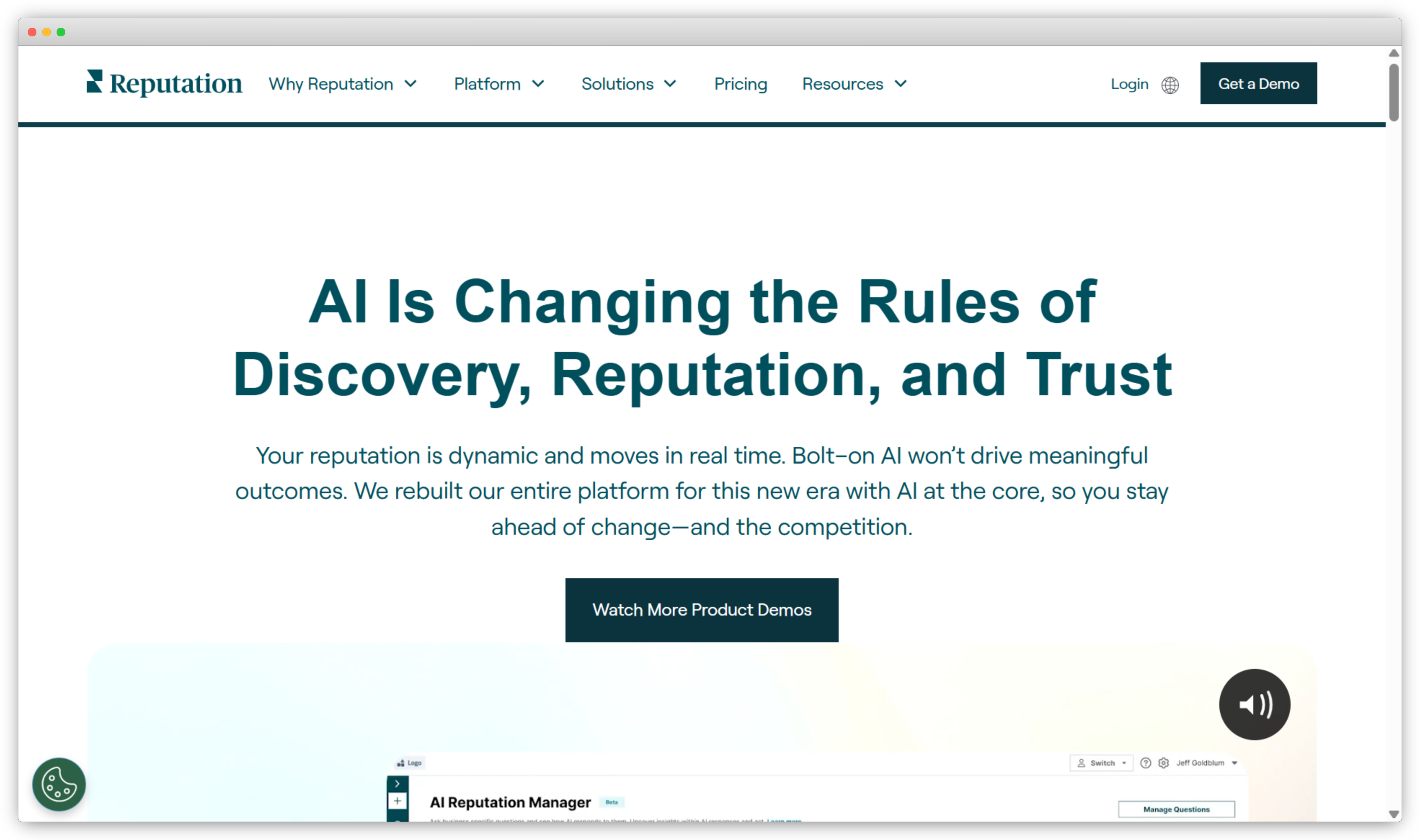
8. Reputation.com: Best for Enterprise-Grade Reputation and Experience Management
Reputation.com is an enterprise-focused reputation and customer experience management platform designed for large, multi-location organizations. The platform enables businesses to monitor online reviews, manage listings, analyze sentiment, and measure reputation performance across locations from a centralized system. It is commonly used by enterprises that require structured governance, advanced reporting, and scalability across regions or brands.
In addition to review monitoring and response, Reputation.com emphasizes analytics and experience insights. The platform aggregates feedback from reviews and surveys to help organizations identify performance gaps, compare locations, and track reputation trends over time. With enterprise controls, role-based access, and configurable dashboards, Reputation.com supports large-scale reputation programs where consistency, compliance, and data visibility are critical.
Reputation.com Use Cases: Enterprise Reputation Management · Multi-Location Review Monitoring · Location-Level Performance Benchmarking · Listings and Brand Consistency · Reputation Analytics · Governance and Compliance · CX and Reputation Reporting
G2 Rating: 4.6/5
 Key Features of Reputation.com
-
Online Review Monitoring – Monitor customer reviews across major platforms at enterprise and location levels.
-
Review Response Management – Manage and respond to reviews with role-based controls and approval workflows.
-
Reputation Analytics – Analyze ratings, review trends, and sentiment across locations and regions.
-
Listings Management – Maintain accurate and consistent business listings across directories and search platforms.
-
Location-Level Benchmarking – Compare reputation performance across locations, regions, or brands.
-
Governance and Permissions – Control access, approvals, and workflows across large teams.
-
Dashboards and Reporting – Track reputation metrics with customizable enterprise dashboards.
Reputation.com Pros
- Not well suited for small businesses or single-location teams
- Implementation and onboarding can be complex
- Pricing is typically higher than SMB-focused tools
Reputation.com Cons
- Not well suited for small businesses or single-location teams
- Implementation and onboarding can be complex
- Pricing is typically higher than SMB-focused tools
Reputation.com Pricing
- Rep Core: Starts at $80 per location per month, provides core reputation features without surveys.
- Rep Core + Pulse: Starts at $115 per location per month, adds a single custom survey along with core reputation features.
- Rep Core + Surveys: Starts at $150 per location per month, includes review management, listings, insights, and multiple custom surveys.
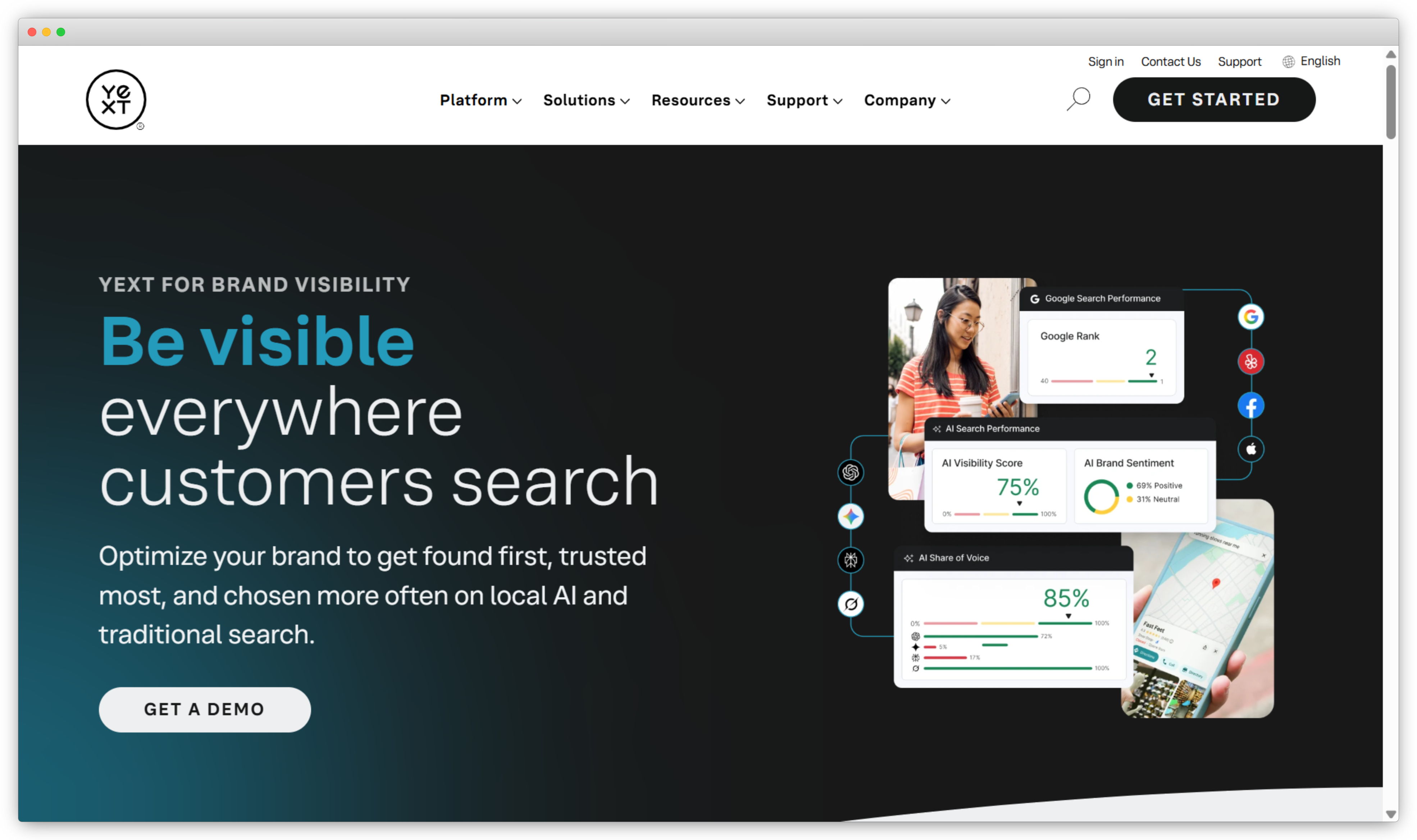
9. Yext: Best for Listings-Driven Reputation and Brand Consistency
Yext is a digital presence and reputation management platform designed to help businesses manage brand information, listings, and reputation across search engines, maps, and online directories. The platform focuses on ensuring that business information such as name, address, hours, and services remains accurate and consistent wherever customers search. This consistency plays a critical role in local visibility, trust, and reputation.
Alongside listings management, Yext enables businesses to monitor and respond to customer reviews from major platforms, track ratings and sentiment, and analyze reputation performance across locations. Yext is commonly used by enterprises and multi-location brands that prioritize brand accuracy, search visibility, and governance as part of their reputation management strategy.
Use Cases: Multi-Location Listings Management · Online Review Monitoring · Review Response Management · Brand Consistency Across Search · Local SEO Reputation Support · Location-Level Reputation Tracking
G2 Rating: 4.4/5
 Key Features of Yext
-
Listings Management – Manage and sync business information across search engines, maps, and online directories.
-
Online Review Monitoring – Monitor customer reviews from major review platforms in a centralized dashboard.
-
Review Response Management – Respond to customer reviews directly from one interface.
-
Reputation Analytics – Track ratings, review trends, and reputation performance across locations.
-
Location-Level Reporting – Compare reputation metrics across individual business locations.
-
Brand Governance Controls – Maintain consistency and control over brand information at scale.
Yext Pros
- Strong focus on listings accuracy and brand consistency
- Well suited for enterprises and multi-location organizations
- Improves local search visibility alongside reputation management
Yext Cons
- Listings management is the primary strength, with reputation features being more complementary
- Pricing may be high for small businesses
- Advanced customization may require setup and onboarding
Yext Pricing
- Yext does not publish fixed pricing on its official website.
- Businesses need to contact Yext’s sales team to receive a tailored quote
e. What Are the Best Tools for Review Generation and Feedback Expansion?
Review generation and feedback expansion tools focus on helping businesses proactively collect customer reviews and increase the volume of positive feedback across online platforms. These tools are especially useful for brands that want to strengthen social proof, improve ratings, and encourage satisfied customers to share their experiences publicly.
Tools in this category emphasize automated review requests, follow-ups, and feedback collection workflows. Reputation management tools in this category include NiceJob and GatherUp.
10. NiceJob: Best for Automated Review Generation and Social Proof
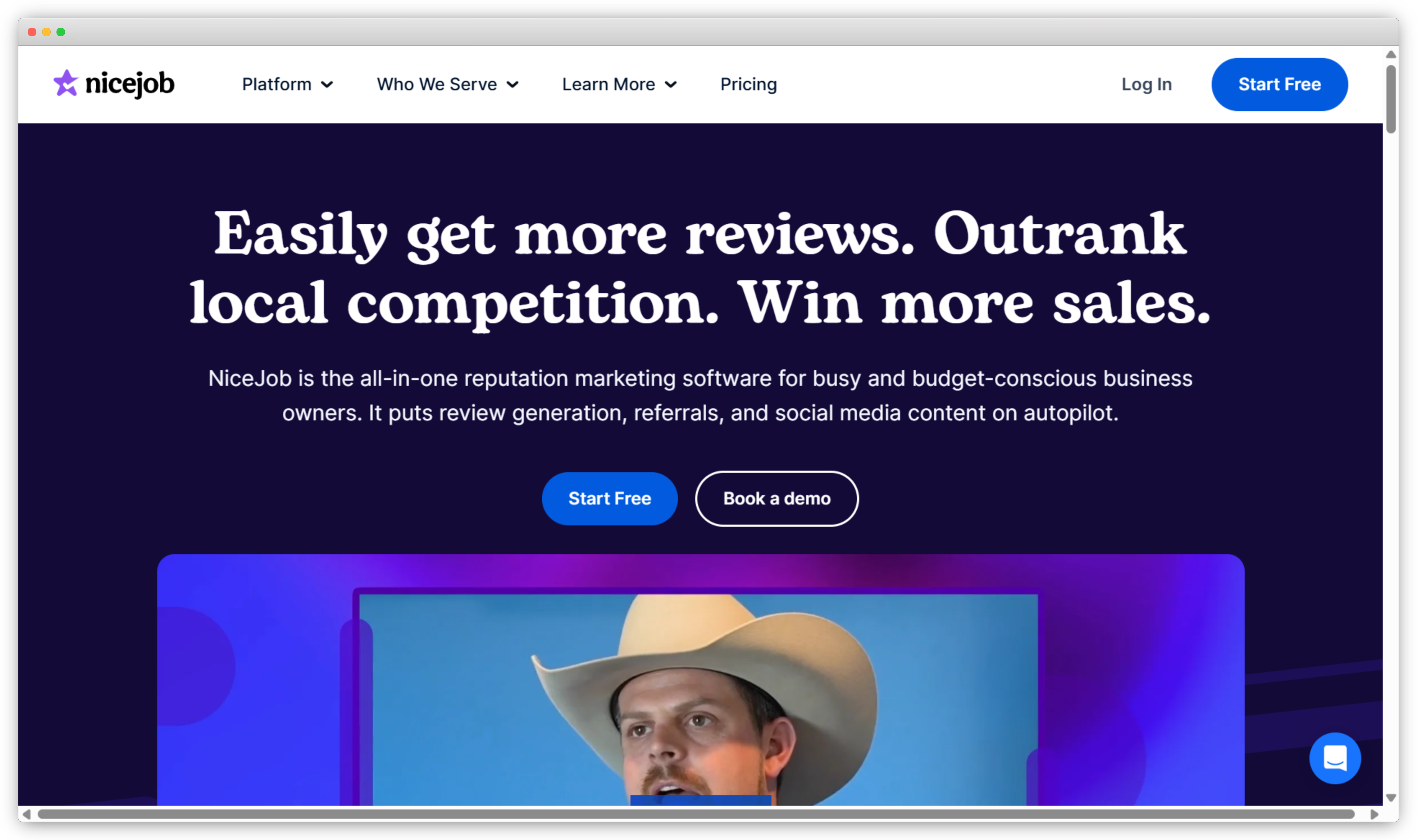
NiceJob is a reputation and review generation platform designed to help businesses increase the number of online reviews they receive from satisfied customers. The platform focuses on automating the review request process, making it easier for businesses to consistently collect feedback without manual follow-ups. NiceJob connects with major review platforms and encourages customers to leave reviews through automated email and SMS campaigns.
In addition to review generation, NiceJob supports the use of social proof to strengthen brand credibility. Businesses can showcase reviews on their websites using review widgets and badges, helping convert positive feedback into trust-building assets. NiceJob is commonly used by service-based and local businesses that want to grow their online reputation through consistent review collection.
Use Cases: Automated Review Collection · Review Follow-Ups · Social Proof Display · Customer Feedback Requests · Local Business Reputation Growth · Website Review Widgets
G2 Rating: 4.8/5
 Key Features of NiceJob
-
Automated Review Requests – Send automated email and SMS requests to customers to collect online reviews.
-
Review Platform Integration – Collect reviews for platforms such as Google and industry-specific review sites.
-
Follow-Up Automation – Automatically remind customers who have not completed review requests.
-
Review Display Widgets – Showcase reviews on websites using customizable widgets and badges.
-
Reputation Performance Tracking – Track review volume, ratings, and growth over time.
-
Customer List Syncing – Import customer data to trigger review requests automatically.
NiceJob Pros
- Easy to set up and manage automated review campaigns
- Strong focus on increasing review volume
- Built-in tools for displaying social proof on websites
NiceJob Cons
- Limited review monitoring and response capabilities
- Minimal sentiment analysis and reporting depth
- Not designed for complex, multi-channel reputation management
NiceJob Pricing
- Starter Plan: Starts at $75 per month
- Pro Plan: Starts at $135 per month
- Grow Plan: Starts at $195 per month
11. GatherUp: Best for Review Collection and Feedback Analysis
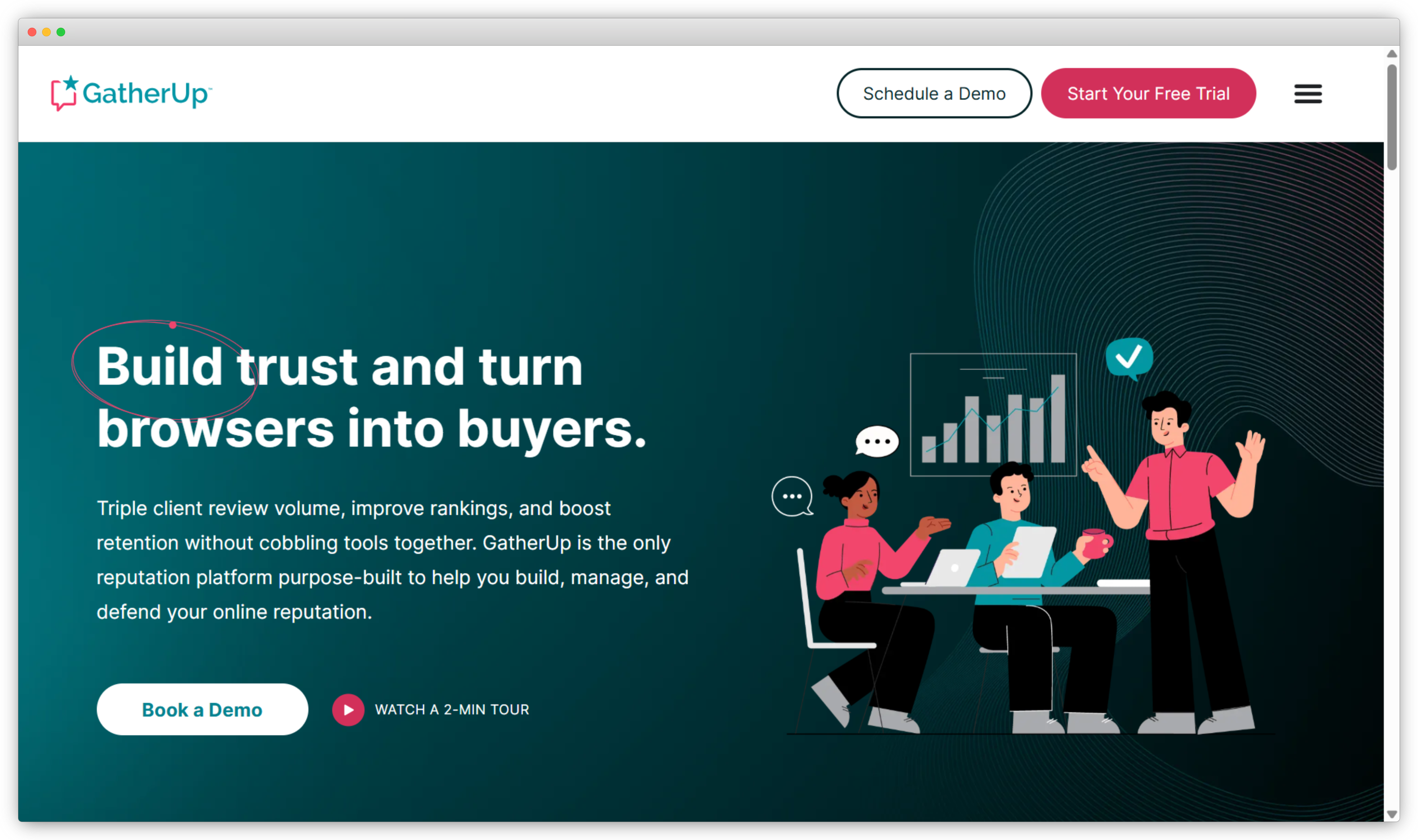
GatherUp is a reputation management and customer feedback platform designed to help businesses collect reviews, monitor feedback, and analyze customer sentiment across locations. The platform focuses on capturing customer feedback through automated review requests and surveys, then organizing that feedback to help teams understand performance and identify areas for improvement.
In addition to review generation, GatherUp provides tools for monitoring reviews from major platforms, responding to feedback, and analyzing trends across locations. It also supports internal feedback collection, allowing businesses to gather private feedback before issues escalate into public reviews. GatherUp is commonly used by local and multi-location businesses that want more control over how feedback is collected and acted upon.
Use Cases: Review Generation · Private Customer Feedback Collection · Review Monitoring · Location-Level Reputation Tracking · Feedback Trend Analysis · Multi-Location Reputation Management
G2: 4.5/5
 Key Features of GatherUp
-
Automated Review Requests – Send email and SMS requests to customers to collect online reviews.
-
Private Feedback Collection – Capture internal feedback to identify issues before they become public reviews.
-
Online Review Monitoring – Monitor reviews from major platforms in a centralized dashboard.
-
Review Response Management – Respond to customer reviews directly from one interface.
-
Reputation Analytics – Track ratings, review trends, and sentiment across locations.
-
Location-Level Reporting – Compare reputation performance across business locations.
GatherUp Pros
- Strong balance between review generation and feedback analysis
- Helps identify issues early through private feedback collection
- Suitable for multi-location businesses
GatherUp Cons
- Interface may feel less modern compared to newer tools
- Limited social listening capabilities
- Advanced automation features require higher-tier plans
GatherUp Pricing
- Small Business: Starts at $99 per month
- Multi-location: Starts at $60 per month/ location
f. What Are the Best Tools for Niche and Advanced Reputation Monitoring?
Niche and advanced reputation monitoring tools focus on tracking brand mentions beyond traditional review platforms. These tools monitor conversations across news sites, blogs, forums, social media, and other online sources where brand perception is shaped through unprompted discussions.
They are commonly used by marketing, PR, and brand teams that require continuous monitoring of brand mentions. Reputation management tools in this category include Mentionlytics and Vista Social.
12. Mentionlytics: Best for AI-Powered Brand Mention Tracking
Mentionlytics is an advanced brand monitoring and social listening platform designed to help businesses track online mentions across the web in real time. The platform monitors social media, news websites, blogs, forums, and other online sources to provide a comprehensive view of how a brand is discussed beyond review platforms.
Mentionlytics places strong emphasis on AI-driven analysis, allowing businesses to understand sentiment, identify trends, and detect potential reputation risks early. It provides dashboards and alerts that help teams respond quickly to spikes in mentions or negative sentiment. Mentionlytics is commonly used by marketing and PR teams that need detailed monitoring and analysis of brand conversations across diverse online channels.
Use Cases: Brand Mention Monitoring · Online Sentiment Analysis · Reputation Risk Detection · PR Monitoring · Competitive Brand Analysis · Trend Identification · Crisis Monitoring
G2: 4.9/5
-2.png?width=3940&height=2336&name=frame_generic_light%20(7)-2.png) Key Features of Mentionlytics
Key Features of Mentionlytics
-
Brand Mention Monitoring – Track brand mentions across news sites, blogs, forums, and social media in real time.
-
AI-Powered Sentiment Analysis – Analyze mentions to identify sentiment trends and emotional tone.
-
Real-Time Alerts – Receive instant notifications for spikes in mentions or negative sentiment.
-
Competitive Monitoring – Track competitor mentions to benchmark brand visibility and sentiment.
-
Influencer Identification – Identify influential sources and profiles driving brand conversations.
-
Custom Dashboards and Reports – Visualize mention volume, sentiment, and reach with configurable dashboards.
Mentionlytics Pros
- Broad coverage across online and media sources
- Strong sentiment analysis and real-time alerting
- Useful for early detection of reputation risks
Mentionlytics Cons
- Limited review response and review management features
- Focused more on monitoring than on customer engagement workflows
- Advanced analytics may require setup and tuning
Mentionlytics Pricing
- Basic Plan: Starts at $49 per month
- Essential Plan: Starts at $141 per month
- Pro Plan: Starts at $ 416 per month
13. Vista Social: Best for Social Media–Centric Reputation Monitoring
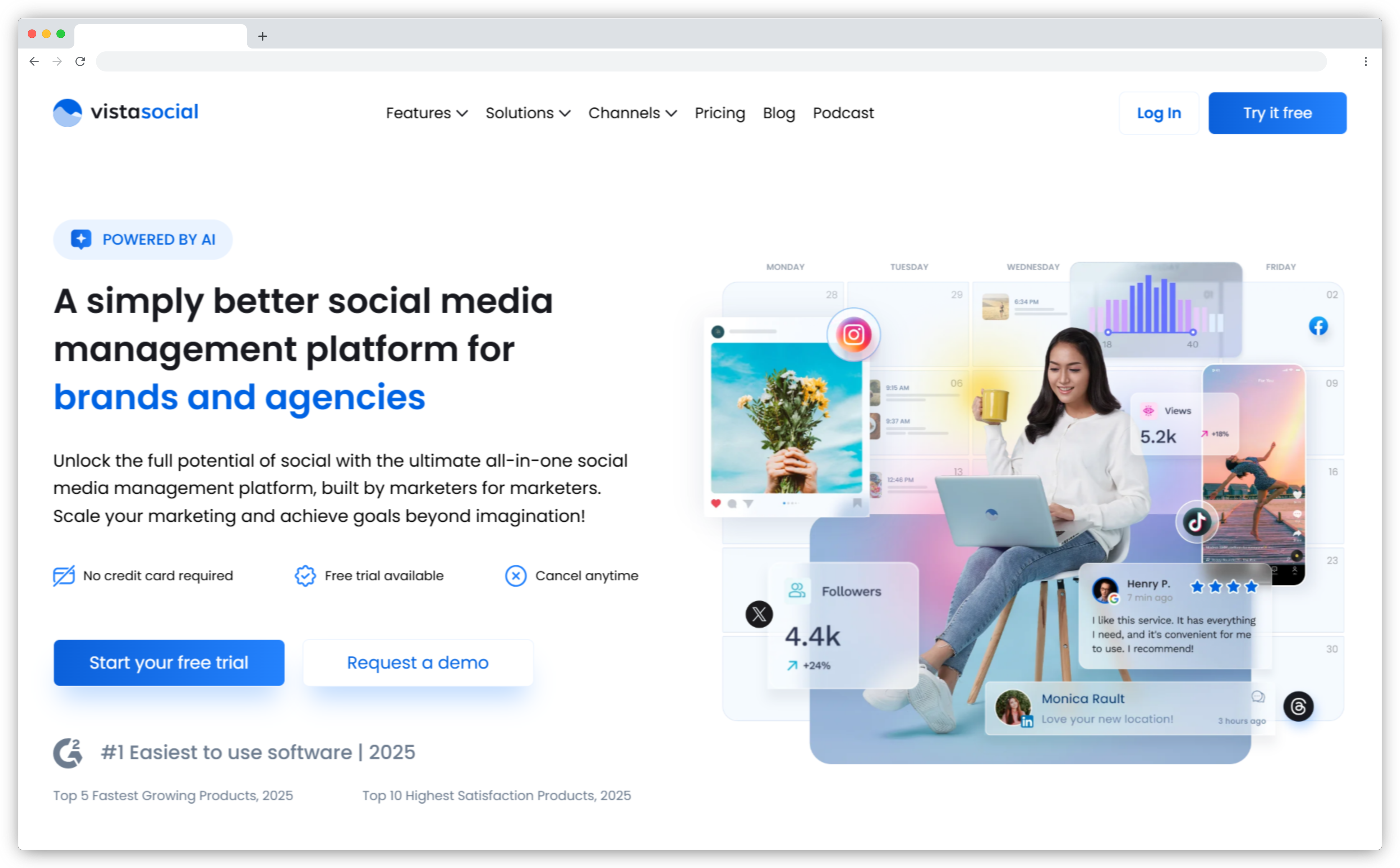
Vista Social is a social media management and reputation monitoring platform designed to help businesses track brand conversations, engage with audiences, and analyze sentiment across social channels. The platform focuses on reputation where it is most visible and dynamic, particularly on social media platforms such as Facebook, Instagram, LinkedIn, X, and TikTok. It enables teams to monitor mentions, comments, and messages from a centralized workspace.
In addition to monitoring, Vista Social combines publishing, engagement, and analytics capabilities to support ongoing brand management. Businesses can schedule content, respond to social interactions, and track performance metrics that reflect audience sentiment and engagement. Vista Social is commonly used by marketing and social media teams that want to manage social reputation alongside content and community engagement.
Use Cases: Social Media Reputation Monitoring · Brand Mention Tracking · Community Management · Social Engagement · Sentiment Visibility · Social Performance Reporting · Multi-Account Social Management
G2 Rating: 4.8/5
Key Features of Vista Social
-
Social Media Monitoring – Monitor brand mentions, comments, and conversations across major social platforms.
-
Unified Social Inbox – Manage messages, comments, and mentions from multiple social channels in one place.
-
Publishing and Scheduling – Plan, publish, and schedule posts across social media platforms.
-
Sentiment Analysis – Analyze social conversations to understand audience sentiment and trends.
-
Social Analytics and Reporting – Track engagement, reach, and performance metrics through dashboards and reports.
-
Team Collaboration Tools – Assign conversations and manage workflows across team members.
Vista Social Pros
- Strong focus on social media reputation and engagement
- Combines monitoring, publishing, and analytics in one platform
- Easy to use for social and marketing teams
Vista Social Cons
- Limited review monitoring outside social platforms
- Not designed for deep review analytics or CX workflows
- Advanced reputation needs may require additional tools
Vista Social Pricing
- Free Plan available
- Paid plans start from $64/month
What Are Some Free Reputation Management Tools?
Free reputation management tools offer basic capabilities for monitoring brand mentions and tracking online conversations without a paid subscription. While these tools do not provide advanced analytics, automation, or workflow management, they can be useful for small businesses or individuals looking to keep an eye on their online presence.
These tools typically focus on brand mention alerts, simple monitoring, or limited review tracking. Free reputation management tools in this category include Google Alerts and Talkwalker.
14. Google Alerts: Best for Basic Brand Mention Monitoring
Google Alerts is a free monitoring tool that allows users to track brand mentions across the web using keyword-based alerts. It scans publicly available content such as news articles, blog posts, forums, and web pages and sends notifications when new content matching the selected keywords appears. Google Alerts is commonly used as a starting point for reputation monitoring due to its simplicity and ease of setup.
The tool works best for basic visibility into brand mentions rather than active reputation management. It does not offer sentiment analysis, review response capabilities, or centralized dashboards, but it can help businesses stay informed about new mentions and potential reputation issues as they arise.
Use Cases: Basic Brand Mention Tracking · News and Blog Monitoring · Competitor Monitoring · Early Reputation Risk Detection · Personal Brand Monitoring
G2: NA
 Key Features of Google Alerts
-
Keyword-Based Alerts – Receive email notifications when new content matching selected keywords appears online.
-
Web Content Monitoring – Monitor mentions across news sites, blogs, and publicly indexed web pages.
-
Custom Alert Frequency – Choose how often alerts are delivered, such as real time, daily, or weekly.
-
Multiple Keyword Tracking – Set up alerts for multiple brand names, products, or topics.
-
Free Access – Use the tool at no cost with a Google account.
Google Alerts Pros
- Completely free and easy to use
- Quick setup for basic brand monitoring
- Useful for tracking news mentions and industry topics
Google Alerts Cons
- No sentiment analysis or review monitoring
- Limited coverage of social media platforms
- No centralized dashboard or workflow support
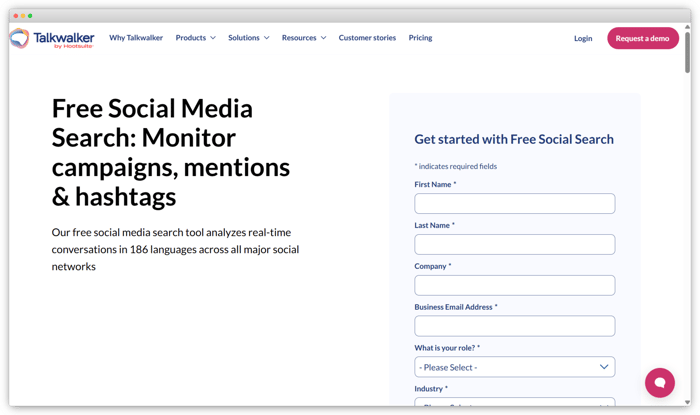
15. Talkwalker: Best for Free Brand Mention Alerts Across Web and Social
Talkwalker Alerts is a free brand monitoring tool offered by Talkwalker that helps businesses track online mentions of their brand, products, or keywords. It allows users to set up alerts for brand mentions across news sites, blogs, forums, and select social platforms such as X (Twitter). Alerts can be delivered via email or RSS feeds, enabling teams to stay informed about new conversations as they emerge.
While Talkwalker Alerts does not provide advanced sentiment analysis, dashboards, or workflow automation, it is useful for basic reputation monitoring and early awareness of brand mentions. It works well for small businesses or individuals looking for a no-cost way to track online visibility before investing in a full reputation management platform.
Use Cases: Basic Brand Mention Monitoring · News and Blog Tracking · Social Mention Alerts · Competitor Mention Tracking · Early Reputation Risk Awareness
G2 Rating: 4.3/5
Key Features of Talkwalker
-
Keyword-Based Alerts – Create alerts for brand names, products, or relevant phrases and receive updates when they are mentioned online.
-
Web Content Monitoring – Track mentions across blogs, news sites, forums, and selected social sources.
-
Custom Alert Delivery – Choose how alerts are delivered via email or RSS feed.
-
Frequency Options – Set the frequency of alerts (real-time, daily summaries).
-
Free Access – Use the service at no cost without a subscription.
Talkwalker Pros
- Completely free and easy to set up
- Immediate visibility into new mentions across web and select social sources
- Supports keyword and competitor tracking
Talkwalker Cons
- Limited coverage compared with full social listening platforms
- No built-in sentiment analysis or dashboards
- Not designed for comprehensive reputation workflows or response management
How to Choose the Right Reputation Management Tool for Your Business
Choosing the right reputation management tool depends on your business size, industry, and where your brand is most visible online. Not every platform is built for the same use case, so it’s better to evaluate tools based on what you actually need rather than picking the one with the longest feature list.
Here are the key factors to consider:
1. Business Size and Structure
Small or local businesses often need strong review monitoring and response tools. Multi-location or enterprise teams usually require deeper reporting, location-level controls, and clearer governance. The way your business is structured should guide your shortlist.
2. Reputation Channels That Matter Most
Some tools focus mainly on online reviews. Others cover social listening, listings management, or broader brand monitoring. Start by identifying where your customers are most likely to leave feedback and make sure the tool covers those channels.
3. Monitoring and Response Capabilities
Timely monitoring and response are central to reputation management. Look for platforms that offer real-time alerts, centralized inboxes, and practical response workflows so your team can stay consistent across platforms.
4. Sentiment Analysis and Insights
Beyond star ratings, sentiment analysis helps you understand how perception is changing over time. Tools that surface recurring themes or trends provide more context than ratings alone.
5. Automation and Workflow Support
Automation reduces manual effort, especially at scale. Features like alerts, routing rules, task assignments, and follow-up workflows help teams address issues more consistently.
6. Integration with Existing Systems
Reputation tools are more effective when they connect with your CRM, support, marketing, or collaboration systems. Integrations help embed feedback into everyday workflows instead of keeping it separate.
7. Data Ownership and Access Control
As teams grow, it becomes important to manage who can access and respond to reviews. Role-based permissions and approval workflows help maintain accountability and consistency.
8. Budget and Pricing Structure
Pricing models vary. Some tools charge per location, others per user or feature tier. Understanding the total cost, including add-ons and future scaling, helps avoid surprises later.
Conclusion
Choosing from the best reputation management tools in 2026 comes down to what kind of reputation work you actually need to do. A small local business mainly focused on Google reviews will need something very different from a multi-location brand tracking reviews, listings, and customer sentiment at scale.
The tools that stand out don’t just help you monitor reviews. They help you understand what customers are saying across channels, spot patterns early, and respond in a consistent way. Features like clean reporting, sentiment tracking, alerts, and team workflows usually matter more than long feature lists.
Most importantly, reputation management only works when feedback leads to action. The value isn’t in seeing a rating or mention, but in how reliably teams respond, follow up, and improve the customer experience based on what they learn.


.svg)
.png)