.svg)
 Healthcare
 Finance
 Retail
 SaaS & Digital
 eCommerce
 Education
 Salesforce
  HubSpot
 Pipedrive
 Mailchimp
 Zendesk
  Intercom
 Freshdesk
 HelpScout
  Front
Front Jira
Jira Slack
Slack  MS Teams
 Zoom
Zoom Google Sheets
  Zapier
  Integrately
 Make
Make  Webhooks




 MS Teams


TL;DR
- Teams switch from QuestionPro for three main reasons: pricing jumps between tiers, a learning curve that slows everyday use, and a UI that feels dated compared to newer tools.
- The right alternative depends on your use case: research-heavy teams need different things than CX teams or SMBs collecting basic survey feedback.
- We evaluated 13 tools across survey creation, logic depth, analytics, AI capabilities, pricing plans, and free plan quality. This guide covers all of them.
- Top QuestionPro alternatives in 2026: Zonka Feedback, SurveyMonkey, Formbricks, SurveySparrow, Alchemer, Typeform, Jotform, Zoho Survey, Qualaroo, LimeSurvey, Microsoft Forms, Google Forms, and Qualtrics — each suited to a different buyer.
- Zonka Feedback is our platform. We've included it in this guide and evaluated it by the same criteria as every other tool, same format, same honesty about where it falls short.
QuestionPro has one of the most generous free research tiers in the survey market — 350+ question types, conjoint analysis, MaxDiff, offline collection, multilingual surveys. For academic researchers and market research teams, it punches well above its price point. That's worth saying upfront.
But here's the friction point. QuestionPro is built for research. And many teams searching for a QuestionPro alternative aren't researchers — they're CX managers frustrated by pricing jumps, SMBs wanting a cleaner UI, product teams needing in-product microsurveys, and ops leads trying to connect feedback data to their existing workflows. For those use cases, the platform might not be be suitable.
That's why we put together this guide. Not to tell you QuestionPro is not good but to help you find the tool that actually fits what you're trying to do.
How to Choose the Right QuestionPro Alternative for Your Team
Here's a quick decision guide:
- If you need AI signals and closed-loop CX: Zonka Feedback
- If you need free with no limits: Google Forms or LimeSurvey (self-hosted)
- If you need better UI and faster team adoption: SurveyMonkey or Typeform
- If you need conversational surveys and recurring automation: SurveySparrow
- If you need complex logic and system integrations: Alchemer
- If you need in-product microsurveys: Qualaroo or Formbricks
- If you need privacy-first with self-hosting: Formbricks or LimeSurvey
- If you need enterprise research at scale: Qualtrics
When QuestionPro Still Makes Sense and When It Doesn't
Before switching tools, be honest about why you're looking. QuestionPro is still the right call if you're an academic researcher running conjoint analysis, MaxDiff studies, or complex branching surveys. Its free tier is one of the deepest in the market. If that's your context, most alternatives here won't match it on research methodology.
You're in the right place if:
- You need a simpler tool that doesn't require a learning curve just to launch a basic CSAT survey
- Your budget doesn't justify the jump from QuestionPro's free tier to its paid plans
- You want a more modern interface — QuestionPro users consistently cite the dated UI as their top friction point
- You need feedback to flow into your CRM, helpdesk, or product workflows — not just sit in a survey dashboard
- Your team needs conversational, in-product, or multi-channel survey formats that QuestionPro doesn't prioritize
- You want AI that proactively tells you what's changing in your feedback — not just reports you have to pull
Why Do Teams Look for QuestionPro Alternatives?
The most common reasons aren't dramatic. Nobody wakes up and decides to rip out their survey tool. The pattern is more like: a few small frustrations stack up over months until someone asks "is there something better?"
Here's what actually drives the switch:
- The pricing jump hurts: QuestionPro's free tier is strong, but the gap between free and paid — and between paid tiers — catches teams off guard. Features like specific integrations or advanced logic that feel essential are often locked at higher tiers.
- The UI shows its age: This comes up in almost every user review. QuestionPro gets the job done, but finding a specific setting or building survey logic takes more clicks than modern tools. Teams used to Typeform or SurveySparrow feel the difference immediately.
- Survey creation is slower than it should be: The depth of QuestionPro's feature set is also its weakness for everyday teams. Simple survey creation shouldn't require navigating dense menus. Many teams want a drag-and-drop builder that moves fast.
- Reports don't close the loop: Collecting data is the easy part. Teams running CX programs need feedback to trigger alerts, create tickets, and land in the right person's hands. QuestionPro gives reporting dashboards — but the loop-closure piece isn't its strength.
- Engagement-first formats are limited: Conversational surveys, one-question-at-a-time flows, and in-product microsurveys drive higher completion rates. These formats matter for customer feedback and NPS programs. QuestionPro isn't built around them.
What Should You Look for in a QuestionPro Alternative?
The right survey tool depends on why you're switching. But these seven factors matter across almost every use case:
- Builder speed: Can a non-technical team member create and launch a survey in under 15 minutes? If the tool requires training, adoption will suffer.
- Logic depth: Do you need conditional branching, piping, quotas, and skip logic? Or just basic branching? Match the logic depth to your actual surveys — not your theoretical ones.
- Analytics and AI: Reports that show you scores are table stakes. Look for tools that detect themes, score sentiment at scale, and surface what changed — without you having to go looking.
- Channel coverage: Email, web, in-app, SMS, WhatsApp, offline, QR — map your real feedback touchpoints and check whether the tool covers them natively.
- Free plan quality: How much can you actually do without paying? The best free plans are genuinely usable. Many others are demos dressed as free tiers.
- Integration depth: Does survey data flow into your CRM, helpdesk, or data warehouse automatically? Or does it live in a silo you have to export from?
- Pricing transparency: Does the price scale with usage predictably? Watch out for plans that punish growth — response caps, seat limits, or features gated three tiers up from where you start.
How Do QuestionPro Alternatives Compare? Quick Summary
| Tool | Best for | Free plan | Starting price | G2 rating |
| Zonka Feedback | CX programs with AI signals & closed-loop workflows | Free trial | Custom pricing | 4.7/5 |
| SurveyMonkey | Fast survey creation, team collaboration | Yes (25 responses/survey) | ~$18/month | 4.4/5 |
| Formbricks | Privacy-first, self-hosted, regulated environments | Yes (cloud + on-premise) | $49/month cloud | 4.9/5 |
| Alchemer | Complex survey logic, custom workflows | No | $55/user/month | 4.4/5 |
| SurveySparrow | Conversational surveys, recurring feedback | Yes (75 responses/quarter) | ~$19/month | 4.4/5 |
| Typeform | Design-first surveys, high completion rates | Yes (10 responses/month) | ~$25/month | 4.5/5 |
| Jotform | Form-first workflows, payments, approvals | Yes (5 forms, 100 submissions) | ~$34/month | 4.7/5 |
| Zoho Survey | Affordable surveys inside the Zoho ecosystem | Yes | ~$5/month | 4.4/5 |
| Qualaroo | In-product microsurveys, behavioral targeting | Yes | ~$20/month | 4.3/5 |
| LimeSurvey | Open-source, self-hosted, full data ownership | Yes (self-hosted Community) | Free (self-hosted) / ~$8/month cloud | 4.2/5 |
| Microsoft Forms | Internal surveys inside Microsoft 365 | Yes (included in M365) | Included in M365 plans | 4.4/5 |
| Google Forms | Free basic surveys, quick data collection | Yes (fully free) | Free | 4.6/5 |
| Qualtrics | Enterprise CX research, advanced analytics at scale | Limited (500 responses) | Custom pricing | 4.4/5 |
How Did We Evaluate These QuestionPro Alternatives?
We have evaluated the QuestionPro alternatives in this guide based on hands-on research, verified G2 and Capterra reviews, official pricing pages, and feature documentation. We scored each tool across seven dimensions: survey creation experience, logic depth, analytics and AI, channel coverage, free plan quality, integration depth, and pricing transparency.
What Are the Best QuestionPro Alternatives in 2026?
The best QuestionPro alternatives in 2026 cover different buyer needs. For CX teams that want AI-driven signals and closed-loop workflows, Zonka Feedback. For enterprise research at scale, Qualtrics. For fast everyday surveys, SurveyMonkey. For conversational formats, SurveySparrow and Typeform. For free and open-source, Google Forms and LimeSurvey. Below, we break down each tool — features, honest pros and cons, pricing, and who it's actually right for.
1. Zonka Feedback: Best QuestionPro Alternative for AI Feedback Signals & CX Workflows
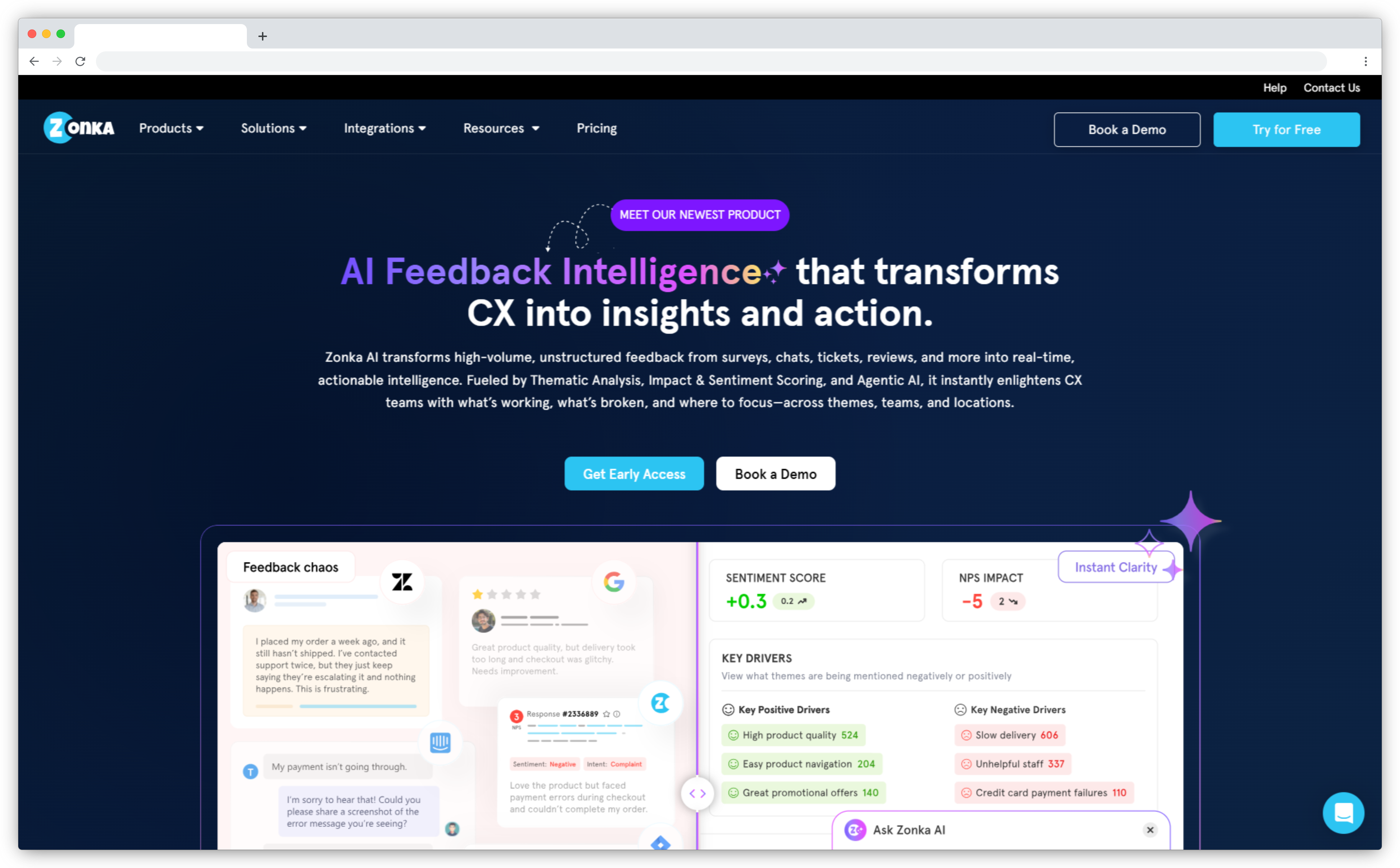
Zonka Feedback is an AI Customer Feedback & Intelligence Platform — it handles the full loop from collection to understanding to action. Where QuestionPro stops at reporting, Zonka gives every team role-based signals: the support lead sees what's driving CSAT scores, the CX director sees themes across locations, the product team sees which features are generating friction.
The platform combines a Customer Feedback Platform (survey creation, multi-channel distribution, NPS/CSAT/CES workflows) with AI Feedback Intelligence that runs on top of it. AI agents analyze open-text responses automatically — detecting themes, mapping them to entities like locations or agents, and surfacing signals before you go looking for them. For mid-market and enterprise CX teams, this is the gap between QuestionPro and a full intelligence platform.
It's not the right fit if you need academic research methods like conjoint or MaxDiff. And it works best when feedback volume is high enough for AI clustering to surface meaningful patterns. But for teams running real CX programs — NPS, CSAT, employee feedback, in-product surveys — it's the most complete alternative on this list.
- Best for: CX teams, product teams, customer success, multi-location businesses, and mid-market to enterprise organizations scaling their feedback program
- Use case: NPS and CSAT programs, multi-channel feedback collection, closed-loop issue management, AI thematic analysis across large response volumes
- G2 rating: 4.7/5 on G2 (70+ reviews)
What G2 reviewers say: "Zonka is the most robust tool for measuring a wide variety of CX activities. I love the major CX tools like Qualtrics, but that is so expensive. Zonka gives me that functionality at a much better price." One retail customer noted: "The real-time dashboard gives us valuable insights into what customers love and where we need to improve. Since implementing the platform, we've seen an improvement in our customer experience and retention rates."
Key Features
- AI Feedback Intelligence: automatic thematic analysis, sentiment analysis, AI summaries, entity mapping, and impact scoring
- Multi-channel feedback collection: email surveys, web links, in-app widgets, SMS/WhatsApp, QR codes, kiosks, and offline devices
- Drag-and-drop survey builder with templates, conditional logic, branching, and piping
- Closed-loop workflows: alerts, ticket creation, follow-up assignments, and loop-closure tracking
- Role-based dashboards so each team sees the signals relevant to them — not a one-size dashboard for everyone
- Integrations with Salesforce, HubSpot, Zendesk, Intercom, Slack, and 50+ tools via Zapier
Pros
- AI agents surface signals without manual report-pulling — proactive, not reactive
- Full feedback loop: collection, analysis, action, and resolution tracking in one platform
- Multi-channel coverage that actually matches how customers interact with real businesses
- Scales from 5,000 to 500,000 responses/month without switching tools
Cons
- Not designed for academic research — no conjoint analysis, MaxDiff, or panel management
- AI features are most valuable at scale; smaller teams may not see the full benefit early on
- Custom pricing means no self-serve sign-up for paid plans
Pricing
- Custom pricing based on business requirements and response volume
- Free trial available upon request
Choose Zonka Feedback if your team runs an active CX program and needs more than score reports — you need to know what's changing, why, and who should act on it.
2. SurveyMonkey: Best QuestionPro Alternative for Quick Survey Creation & Team Collaboration
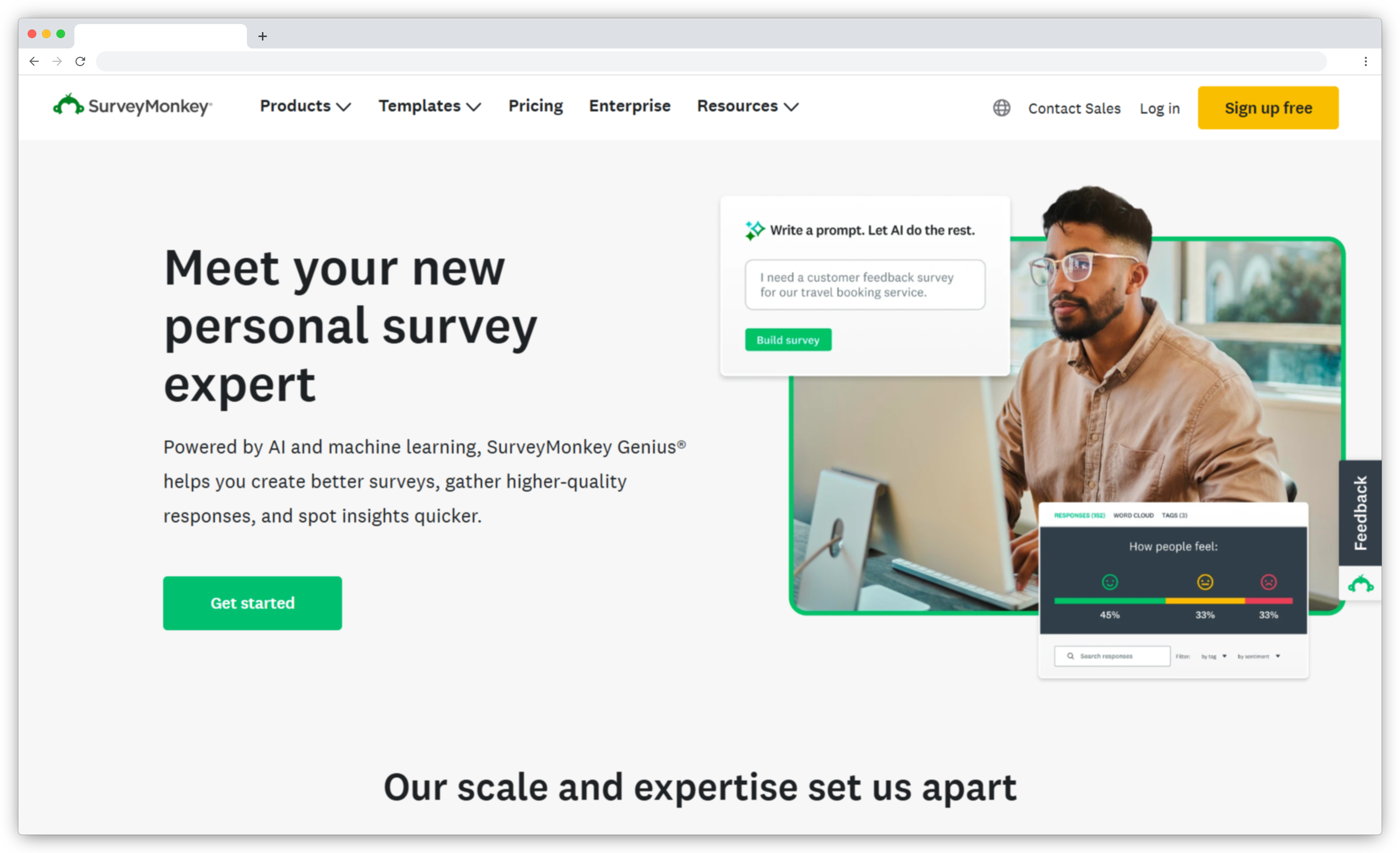
SurveyMonkey is the closest direct competitor to QuestionPro in terms of market position — both occupy the middle ground between basic form builders and enterprise platforms. SurveyMonkey wins on usability. The interface is cleaner, the template library is stronger, and teams with mixed technical skill can get a survey live in under 10 minutes.
What it adds that QuestionPro often lacks: industry benchmarks. SurveyMonkey lets you compare your NPS or CSAT scores against aggregated data from millions of surveys, which gives CX teams meaningful context without separate research. It also has better collaboration features for teams that review and co-edit surveys together.
What it gives up: depth. Advanced logic, analytics, and AI features are more limited than QuestionPro on equivalent tiers. And SurveyMonkey branding appears on surveys at most paid levels — a friction point for teams running branded customer surveys.
- Best for: Marketing teams, CX teams, HR, startups and mid-market businesses that want fast survey creation without complex setup
- Use case: Customer satisfaction surveys, employee engagement surveys, recurring pulse surveys, basic market research
- G2 rating: 4.4/5 on G2 (23,400+ reviews)
What G2 reviewers say: "The most helpful aspect of SurveyMonkey is its ability to turn responses into clear insights through built-in analytics and reports." The most consistent complaint at mid-tiers: "many advanced features and detailed analytics are only available in the paid plans," and "even basic professional needs like removing SurveyMonkey branding" require expensive upgrades.
Key Features
- Drag-and-drop builder with 200+ templates for surveys, polls, and quizzes
- Industry benchmark data for NPS, CSAT, and employee engagement scores
- AI-assisted question guidance that flags biased or confusing phrasing
- Multi-channel distribution: web links, email, QR codes, and embeds
- Team collaboration tools with shared surveys, roles, and approval workflows
- Integrations with Salesforce, HubSpot, Slack, Microsoft Teams, and more
Pros
- Easiest onboarding on this list — non-technical teams get productive on day one
- Benchmarking data gives CX scores context without extra tools or research
- Strong collaboration features for distributed or cross-functional teams
Cons
- SurveyMonkey branding shows on surveys even in mid-tier paid plans
- Advanced analytics and AI are limited on lower tiers — upgrades required for deeper analysis
- Pricing scales up quickly when you need more responses or team seats
Pricing
- Free: 25 responses/survey, 10 questions/survey
- Standard: starts ~$18/month
- Team and Enterprise plans available
Choose SurveyMonkey if you want QuestionPro's general-purpose capability but with a cleaner interface and faster team adoption — and your surveys don't require advanced research methods.
3. Formbricks: Best QuestionPro Alternative for Privacy-First & Regulated Environments
Formbricks is an open-core experience management platform built for teams that need full control over their survey data. The self-hosting option is the headline feature — you run it on your own infrastructure, your data never leaves your environment, and there's no vendor lock-in. For teams in healthcare, finance, or any regulated industry where data residency matters, that's not a nice-to-have. It's a requirement.
Beyond compliance, Formbricks handles targeted in-product surveys well. You define contacts and segments, target surveys based on behavior or attributes, and deploy branded surveys directly inside your product. The API and webhook support lets you plug survey flows into existing data pipelines without rebuilding your stack around a new tool.
- Best for: Enterprise teams in privacy-first or regulated environments needing flexible surveys and full data ownership
- Use case: NPS, CSAT, product discovery, user research, onboarding feedback, targeted in-product surveys
- G2 rating: 4.9/5 on G2 (small but growing review base)
What G2 reviewers say: "We've been using Formbricks for a while now and really appreciate its focus on data privacy. The self-hosting with Docker is super easy." Another reviewer noted: "They're not at feature parity with Qualtrics or the big software but what they have is more than what we need already." A common flag: some advanced features require technical know-how, and community-driven support may not suit all teams.
.png?width=1600&height=855&name=image%20(8).png)
Key Features
- Open-source Community Edition for self-hosting on your own infrastructure
- Multi-channel distribution: links, email, QR, embed, and in-app intercept surveys
- Contact-based targeting and segmentation for relevant in-product surveys
- Conditional logic, quotas, variables, and advanced rules for dynamic survey flows
- SSO, SAML, and audit logs for enterprise access governance
- API and webhook support to plug surveys into existing data workflows
Pros
- Full data ownership — self-hosting means your survey data stays on your servers
- Strong API/webhook support for teams building custom pipelines
- Flexible survey flows including both conversational and multi-question block formats
Cons
- No AI analysis — insights require manual interpretation or external tools
- Analytics support is limited compared to purpose-built CX platforms
Pricing
- Community Edition: free (self-hosted, open-source)
- Cloud plans: free tier available, paid from $49/month
- Enterprise/on-premise: custom pricing
Choose Formbricks if data residency is a compliance requirement and you need a survey tool your team can self-host without sacrificing in-product targeting or API flexibility.
4. SurveySparrow: Best QuestionPro Alternative for Conversational Surveys & Recurring Feedback
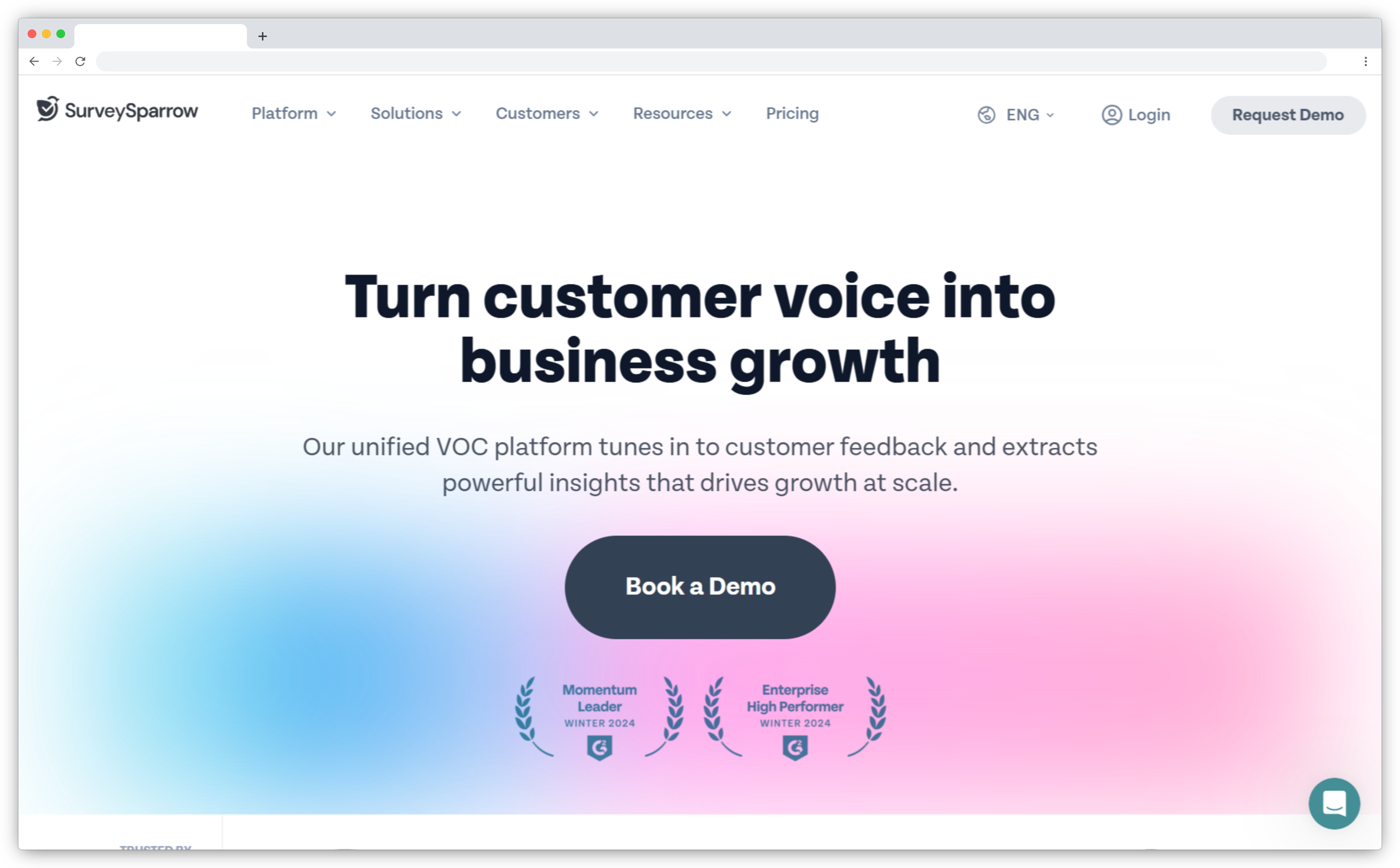
SurveySparrow's core insight is simple: surveys that feel like conversations get more honest answers than forms that feel like audits. The chat-style interface mimics a messaging app — one question at a time, conversational tone, mobile-native. For customer feedback and NPS programs where completion rates and honest feedback matter, this format works.
The other thing SurveySparrow does well is automation. Recurring survey scheduling, feedback-triggered case management, and 360-degree employee assessments are built in. If you want to set up an NPS program that runs itself — sends, collects, escalates low scores — this is a strong option.
- Best for: CX teams, HR, product teams focused on engagement-driven feedback and recurring survey programs
- Use case: Customer satisfaction surveys, NPS programs, employee engagement surveys, onboarding feedback, recurring feedback loops
- G2 rating: 4.4/5 on G2 (2,000+ reviews)
What G2 reviewers say: "SurveyMonkey does not provide a free trial that lets you try the HubSpot integration. SurveySparrow provides dedicated account managers" — a support comparison that comes up repeatedly in reviews. The most cited strength: chat-style surveys that drive noticeably higher completion on mobile. The most cited limitation: advanced analytics feel limited for enterprise programs that need deep segmentation beyond NPS/CSAT dashboards.
Key Features
- Chat-style conversational surveys with mobile-first design
- Recurring survey automation for pulse checks and ongoing NPS/CSAT tracking
- Case management: low scores auto-trigger tickets and team assignments
- 360-degree employee assessments built into the platform
- Multi-channel distribution: web links, email, embed, QR, and SMS
- NPS, CSAT, and CES templates for quick survey creation
Pros
- Conversational format drives higher completion rates — especially on mobile
- Recurring survey automation reduces manual work for ongoing feedback programs
- Case management turns negative scores into trackable action items
Cons
- Not suitable for complex research surveys with advanced branching or conjoint analysis
- Advanced analytics are limited — deeper data analysis needs external tools
- Multi-source feedback management isn't its focus
Pricing
- Free: 75 responses/quarter, 10 questions/survey
- Basic: ~$19/month
- Business: ~$79/month with custom branding and recurring surveys
Choose SurveySparrow if your priority is higher survey completion rates and automating recurring feedback loops — NPS pulse checks, quarterly CSAT programs, or employee engagement cadences.
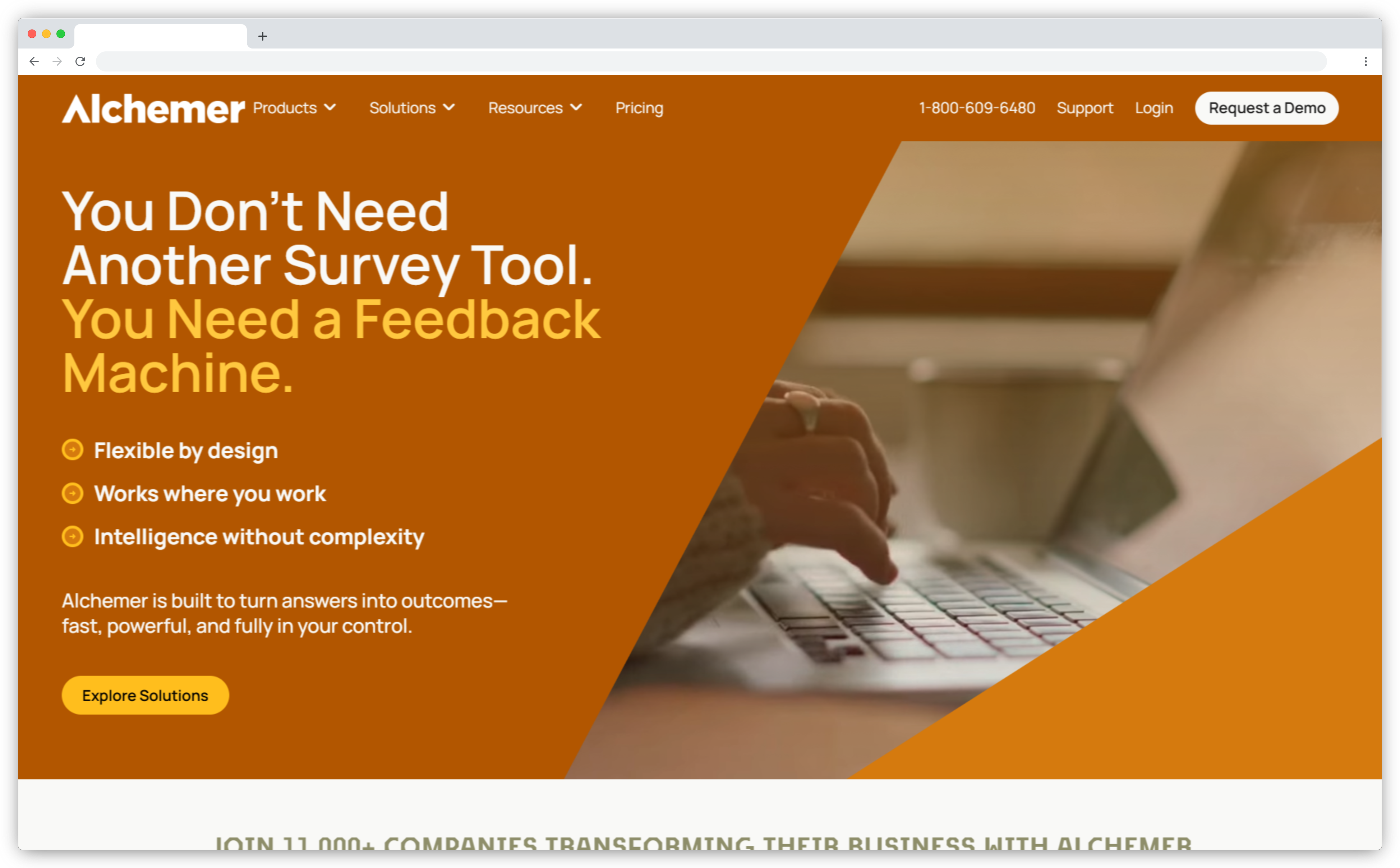
5. Alchemer: Best QuestionPro Alternative for Advanced Survey Logic & Custom Workflows
Alchemer (formerly SurveyGizmo) is a customer feedback tool for teams that bump into the ceiling of standard survey builders. Scripting, URL parameter pre-filling, complex conditional workflows, webhook integrations with arbitrary third-party systems — Alchemer handles what most tools can't.
It's the tool operations and IT teams reach for when survey data needs to flow precisely into internal systems. You can trigger complex email workflows from specific answer combinations, route responses to different teams based on logic conditions, and build multi-step feedback processes that look nothing like a standard survey form.
Where it trades off: interface complexity and cost. Alchemer isn't fast for everyday use, and at $55/user/month it's priced for teams that genuinely need the customization.
- Best for: CX, ops, marketing, and research teams that need complex survey logic and direct integration into business systems
- Use case: Customer feedback programs, complex surveys, advanced branching, custom workflow routing, data integration
- G2 rating: 4.4/5 on G2 (900+ reviews)
What G2 reviewers say: "While the functionality of both platforms is quite similar, I chose Alchemer for its distinct features and pricing model" — a pattern that shows up in reviews from teams moving off competitors. The consistent praise: scripting and webhook flexibility that standard survey tools can't match. The consistent criticism: the interface can require more learning time than teams expect, and it's not the right pick if your surveys are straightforward.
Key Features
- Advanced survey logic: branching, piping, display logic, quotas, and custom scripting
- URL parameter pre-filling to personalize surveys from existing contact data
- Action triggers — send emails, create records, or update systems based on survey answers
- Webhook and API integration with virtually any third-party system
- Advanced reporting and open-text analysis
- Native Salesforce and HubSpot integrations with bidirectional data sync
Pros
- Handles non-standard survey requirements that other tools can't — scripting unlocks real flexibility
- Strong integration depth for teams routing feedback into CRMs and internal systems
- Advanced reporting supports detailed analysis and custom segmentation
Cons
- Steeper learning curve — expect setup time before the team is productive
- No free plan; pricing starts high relative to simpler alternatives
- Visual design is functional but dated compared to Typeform or SurveySparrow
Pricing
- Collaborator: $55/user/month
- Professional: $165/user/month
- Full Access: $275/user/month
- No free plan; free trial available
Choose Alchemer if your surveys require custom scripting, complex routing logic, or tight integration into existing systems — and your team has the technical capacity to configure it properly.
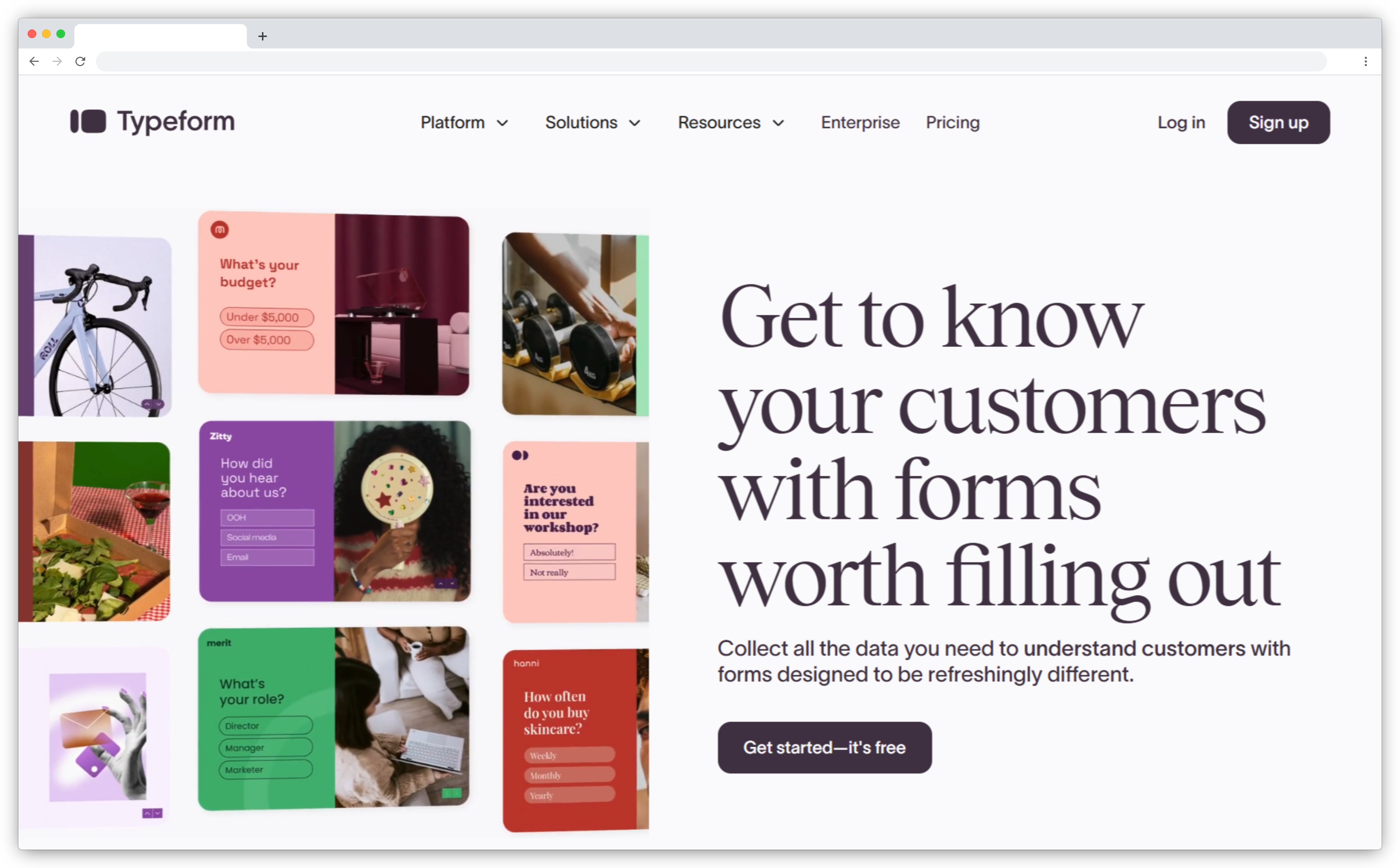
6. Typeform: Best QuestionPro Alternative for Design-First Surveys & High Completion Rates
Typeform is a strong QuestionPro alternative and a popular customer satisfaction tool for teams that want surveys to feel modern and engaging. The one-question-at-a-time format isn't a gimmick — it reduces cognitive load, keeps respondents focused, and produces measurably higher completion rates on external-facing surveys.
It's the go-to for marketing teams, product teams, and UX researchers who care about brand perception. VideoAsk integration lets you record a personal video greeting that plays before the survey — an unusual feature that adds genuine warmth for customer-facing programs. For research and analytics depth, though, it falls short of QuestionPro. It's a collection tool, not an analytics platform.
- Best for: Product teams, marketing, UX researchers, startups, and anyone building external-facing surveys where design and completion rates matter
- Use case: Customer satisfaction surveys, onboarding feedback, user feedback, lead capture, interactive surveys
- G2 rating: 4.5/5 on G2 (960+ reviews)
What G2 reviewers say: Typeform earns its G2 score of 9.0/10 for design — consistently the highest-rated survey tool for visual quality and respondent experience. Where reviewers flag friction: the free plan's 10 responses/month limit is tight enough that most teams hit the paywall before they've fully tested the tool, and analytics depth is "more limited" for teams who need to do anything beyond basic charts.
Key Features
- One-question-at-a-time conversational UI that drives higher completion rates
- VideoAsk integration for video-led survey experiences
- Drag-and-drop builder with polished templates and full brand customization
- Conditional logic for personalized survey paths
- Mobile-native design with calculator, payment, and file upload capabilities
- Integrations with HubSpot, Salesforce, Zapier, Slack, and more
Pros
- Best-in-class survey design — external-facing surveys look premium without design work
- VideoAsk adds a human touch no other tool on this list can match for certain use cases
- Fast survey creation — templates are well-designed and genuinely ready to use
Cons
- Free plan limits: only 10 responses/month — not realistic for testing at any meaningful scale
- Not designed for feedback management or closing the feedback loop
- Complex branching is limited compared to QuestionPro, Alchemer, or Formbricks
Pricing
- Free: 10 responses/month
- Basic: ~$25/month (100 responses/month)
- Plus: ~$59/month (1,000 responses/month)
- Business: ~$99/month (10,000 responses/month)
Choose Typeform if survey design and completion rates are your primary concerns — you're building customer-facing surveys and brand perception matters in every interaction.
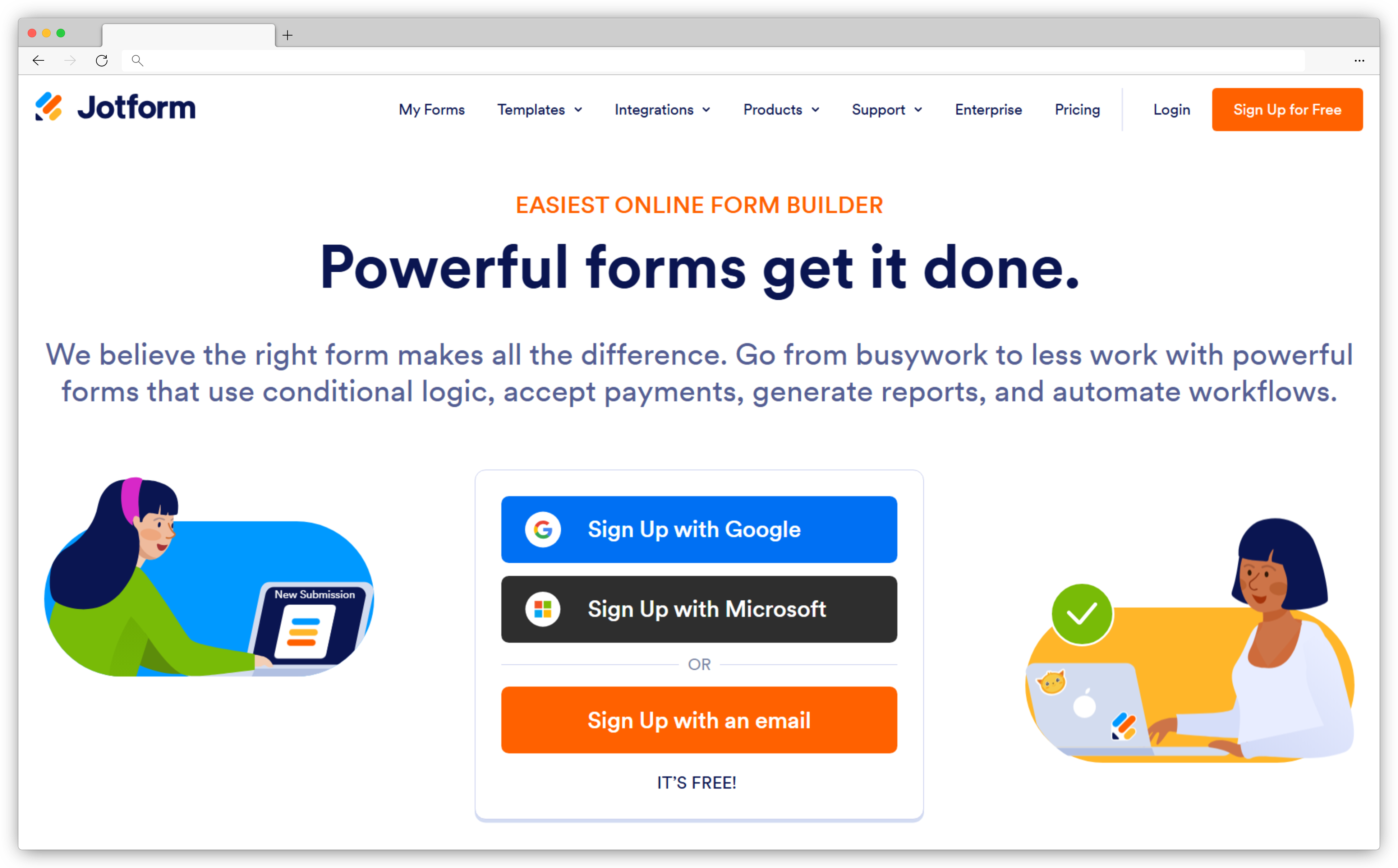
7. Jotform: Best QuestionPro Alternative for Online Form Builder & Workflow Automation
Jotform is what happens when a form builder adds everything a business could possibly need — surveys, registrations, payments, approvals, signatures, PDFs, no-code apps. It's more versatile than most tools on this list and less focused than any of them. That's actually the right trade-off for operational teams that need data collection across many formats, not just surveys.
The free plan is genuinely generous (5 forms, 100 submissions/month), and the template library is enormous — 10,000+ templates spanning every conceivable use case. For teams that need feedback forms plus operational forms in one place, Jotform avoids the need for multiple tools.
- Best for: Operations teams, HR, SMBs, and teams that need forms and workflows together — not just surveys
- Use case: Customer feedback, employee surveys, event registrations, approval workflows, lead capture, data collection
- G2 rating: 4.7/5 on G2 (4,400+ reviews)
What G2 reviewers say: Jotform scores 9.3/10 for survey builder quality on G2 — the highest builder score of any tool on this list. The most praised features: conditional logic depth and breadth of question types. The most common flag: "some advanced features and higher usage limits are gated behind higher-tier plans," which surprises teams that outgrow the free tier quickly.
Key Features
- Drag-and-drop form builder with 10,000+ templates
- Payment integrations: PayPal, Stripe, Square built in
- Conditional logic for tailored survey and form flows
- Approval workflows, autoresponders, and notification routing
- File uploads, signatures, and multi-page forms
- Jotform Tables for database-style response management
Pros
- Most versatile tool on this list — handles surveys, registrations, payments, and approvals in one platform
- Template library is the largest we've seen — faster to start than building from scratch
- Generous free plan for teams testing before committing
Cons
- Analytics and reporting are limited — not built for CX intelligence or deep survey analysis
- Design feels form-like rather than conversational — completion rates may lag behind Typeform or SurveySparrow
- Key features and response limits are gated behind higher-tier plans
Pricing
- Free: 5 forms, 100 submissions/month
- Bronze: ~$34/month
- Silver: ~$39/month
- Gold: ~$49/month
Choose Jotform if you need data collection that goes beyond surveys — your team also handles registrations, approvals, or payments, and you want one tool rather than three.
8. Zoho Survey: Best QuestionPro Alternative for Affordable Surveys Inside the Zoho Ecosystem
Zoho Survey's primary advantage is price: it's one of the most affordable full-featured survey tools on this list. If you're already inside the Zoho ecosystem — CRM, Desk, Campaigns, Analytics — Zoho Survey connects to those tools natively, which removes integration friction that other alternatives create.
Outside the Zoho ecosystem, it's a capable but unspectacular survey tool. Conditional logic, multilingual surveys, multi-channel distribution — it covers the core well. But AI features are limited and the design options are more restricted than Typeform or SurveySparrow.
- Best for: Small and mid-market Zoho users, budget-conscious CX and HR teams
- Use case: Customer satisfaction surveys, NPS programs, employee engagement surveys, feedback collection via email and web
- G2 rating: 4.4/5 on G2 (990+ reviews)
What G2 reviewers say: "I really enjoy the real-time analytics in Zoho Survey. It feels instant and practical, as I can see the charts and patterns shift right in front of me as people respond." The consistent complaint from G2: "The pricing plans seem high, and it would be more attractive if there were options for mid-tier plans offering unlimited responses" — a friction point that shows up across SMB reviewers who outgrow the free tier.

Key Features
- Drag-and-drop survey builder with ready-to-use templates
- Conditional logic, skip logic, and branching for tailored surveys
- Multilingual surveys for global feedback collection
- Multi-channel distribution via web links, email, QR codes, embeds, and social
- Native integrations with Zoho CRM, Zoho Desk, Zoho Analytics, and Zoho Campaigns
- Reporting dashboard with response tracking and basic analytics
Pros
- Starting at ~$5/month, it's the most affordable paid option on this list for basic surveys
- Best-in-class integration for Zoho ecosystem users — data flows without configuration
- Multilingual support makes it practical for global teams
Cons
- AI and advanced analytics are limited — not a fit for teams needing intelligent analysis
- Less valuable if you're not already using Zoho's other products
- Branding and customization options are more restricted than design-forward alternatives
Pricing
- Free version available
- Paid plans start at ~$5/month
Choose Zoho Survey if you're already invested in the Zoho ecosystem and want survey software that plugs in without integration work — at a price point that won't strain a lean budget.
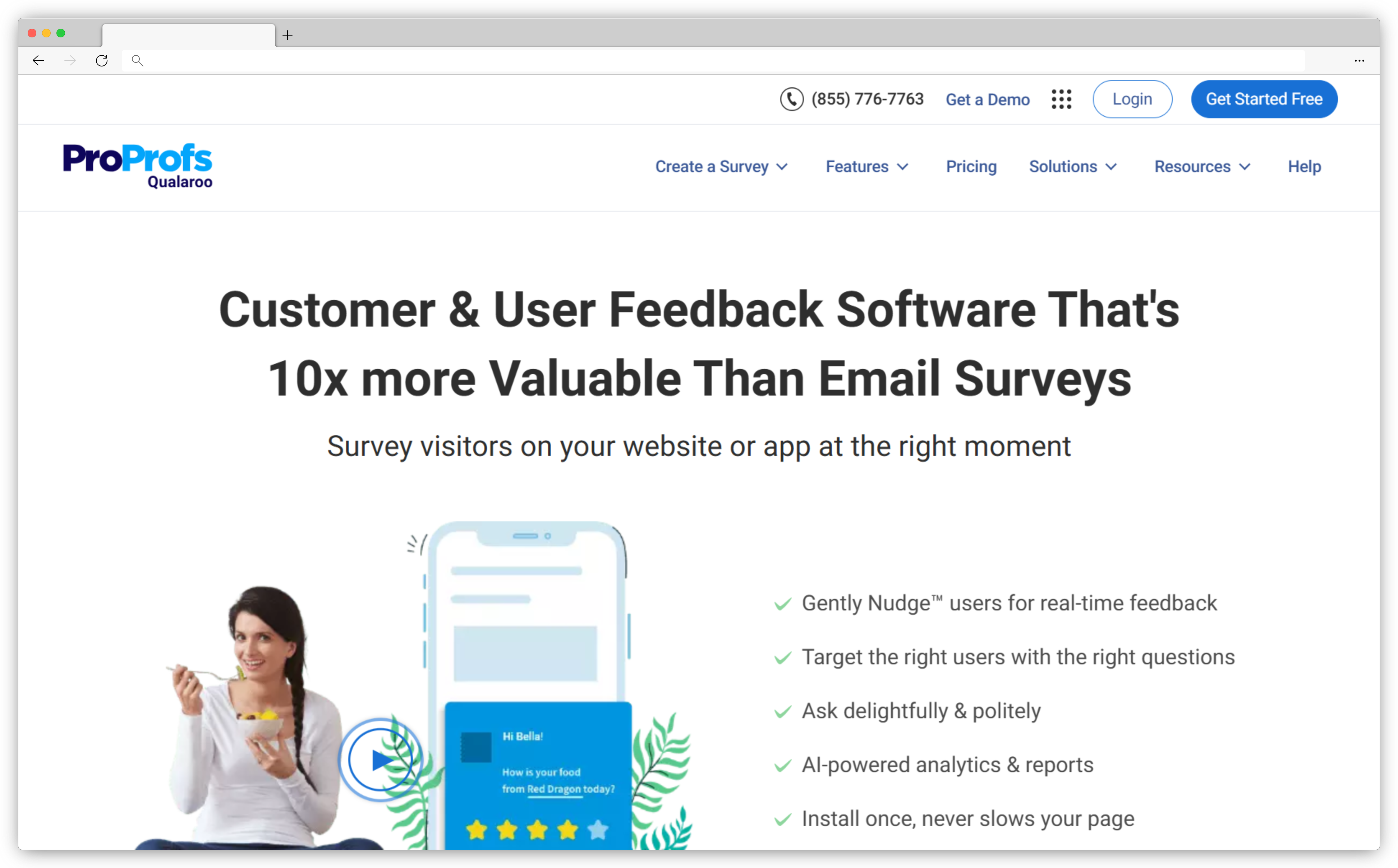
9. Qualaroo: Best QuestionPro Alternative for Contextual In-Product Microsurveys
Qualaroo sits in a different category from most alternatives on this list. It's not trying to replace a general-purpose survey platform — it's specifically built for collecting feedback inside the user journey, at the moment when users are doing the thing you want to ask about. Those micro-surveys ("Nudges") appear on pages, inside products, or at specific behavioral triggers like time on page, exit intent, or feature usage.
For product and UX teams, this contextual collection is more valuable than a follow-up email survey sent three days later. The response rates are higher, the feedback is more specific, and the signal is closer to the actual experience.
- Best for: Product teams, UX researchers, SaaS and e-commerce teams
- Use case: Website feedback, in-product surveys, onboarding feedback, churn intent surveys, feature-level feedback
- G2 rating: 4.3/5 on G2 (~50 reviews)
What G2 reviewers say: "We needed a tool that can launch a survey anywhere on our website and not just one page at a time. Qualaroo saves a lot of time as it starts analyzing the responses as they come and we can make impactful decisions in real-time." The most cited issue among reviewers: customization limits and pricing structure — some find the per-response pricing model restrictive for teams running surveys at scale.
Key Features
- Qualaroo Nudges™ — in-product and website microsurveys that appear contextually
- Advanced behavioral targeting based on time on page, visit history, pages visited, and user attributes
- No-code setup with templates and custom survey design options
- Basic analytics and text analysis for survey responses
- Multi-channel deployment: website, product, and prototype feedback
- Integrations with analytics and CRM tools
Pros
- Contextual feedback — surveys fire at the moment users are having the experience, not after
- Behavioral targeting collects feedback from the right users at the right moment
- Lighter lift than full survey platforms for product and UX use cases
Cons
- Not a replacement for general-purpose surveys — no email surveys, complex branching, or enterprise analytics
- Analytics are basic; deeper analysis requires exporting to external tools
- Not suited for employee engagement surveys or large-scale market research
Pricing
- Free version available
- Paid plans start at ~$20/month
Choose Qualaroo if you need to collect feedback inside your product or website at specific moments in the user journey — and a follow-up email survey is too slow or too removed from the actual experience.
10. LimeSurvey: Best Free QuestionPro Alternative for Self-Hosting & Data Control
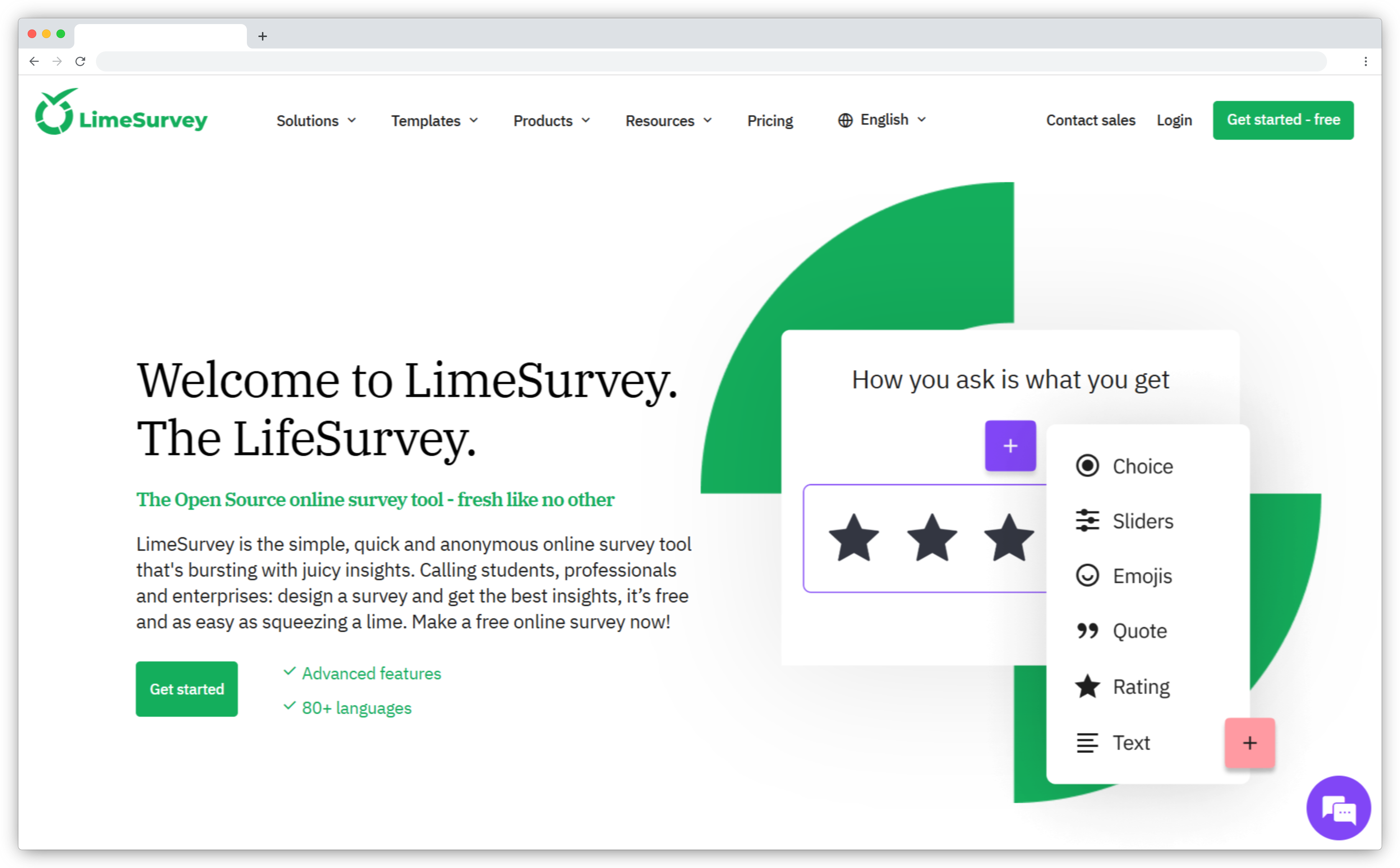
LimeSurvey is the rare survey tool that's genuinely free when self-hosted. Open-source, Community Edition, on your own servers — no response caps, no per-seat fees, no vendor dependency. For universities, government organizations, research institutions, and privacy-conscious companies, this is a meaningful option.
The trade-off is setup complexity. LimeSurvey isn't SaaS-simple — you need to manage hosting, maintenance, and updates. The UI is functional but dated, and the learning curve is real. But for teams with technical resources and compliance requirements, that complexity is worth the trade-off.
- Best for: Research teams, universities, government organizations, and privacy-focused companies with technical resources
- Use case: Academic surveys, complex branching surveys, multilingual surveys, secure feedback collection with full data ownership
- G2 rating: 4.2/5 on G2 (32 verified reviews)
What G2 reviewers say: "LimeSurvey is a powerful tool that allows you to solve 98% of the requirements of a commercial market research." At the same time, the honest critical view from reviewers: "There are just so many unnecessary layers of information... Creating a survey would seem like a 1 2 3 task but in reality it requires extensive knowledge on how the program works." It's a tool that rewards investment — but only makes sense if that investment fits your team.
Key Features
- Open-source Community Edition for self-hosting on your own infrastructure
- Advanced logic: conditions, branching, skip logic, and quota management
- Built-in multilingual survey support across 80+ languages
- Logic validation tools to catch errors in complex survey designs before launch
- Data export options for external analysis
- Cloud hosting options with selectable server regions for data residency
Pros
- Completely free when self-hosted — no response caps, no subscription, just server costs
- 80+ languages with built-in multilingual support — strongest on this list for global surveys
- Logic validation catches errors before launch — useful for complex research surveys
Cons
- Setup and maintenance require technical resources — not a plug-and-play option
- UI is dated; steeper learning curve than modern SaaS alternatives
- No AI analysis, automated insights, or closed-loop features out of the box
Pricing
- Community Edition: completely free (self-hosted)
- Cloud plans: from ~$8/month
Choose LimeSurvey if you need a free survey solution with no response limits and full data ownership — and your team has the technical capacity to self-host and manage it.
11. Microsoft Forms: Best Free QuestionPro Alternative for Basic Surveys Inside Microsoft 365
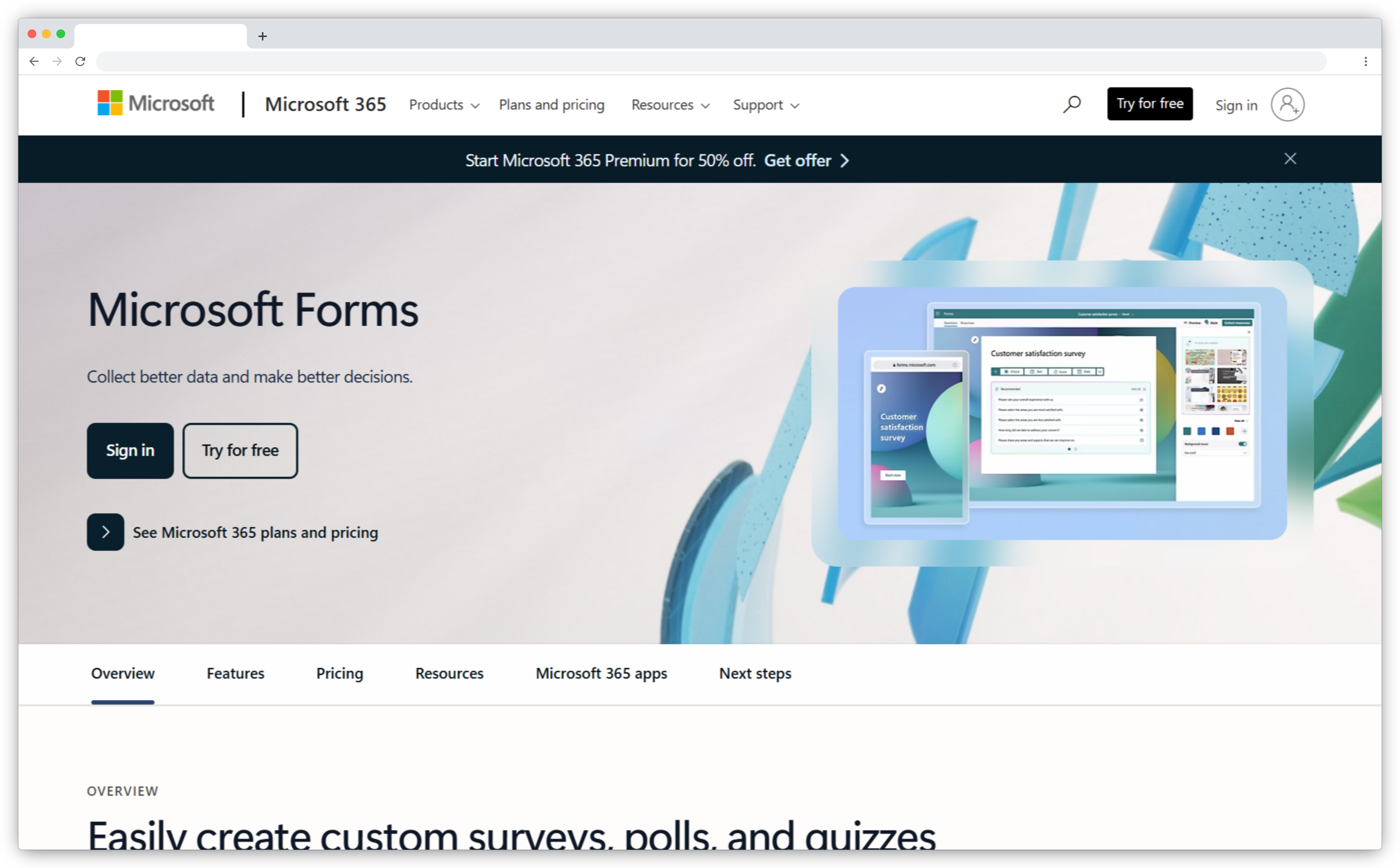
Microsoft Forms is the lowest-friction survey option for teams already inside Microsoft 365. It's included in most plans, integrates with Teams natively, and exports responses to Excel in two clicks. For internal surveys — employee pulse checks, training feedback, event registration — it gets the job done with zero additional cost or setup.
It's not trying to be a CX platform. No advanced logic, no AI analysis, no closed-loop workflows. But for internal feedback at low complexity, those limitations are irrelevant.
- Best for: Microsoft 365 organizations running internal surveys, HR, operations, and education
- Use case: Employee engagement surveys, training feedback, internal pulse checks, event feedback, simple quizzes
- G2 rating: 4.4/5 on G2 (400+ reviews)
What G2 reviewers say: Microsoft Forms earns its rating almost entirely on simplicity and speed — "the process of making and submitting a form is very simple and quick," with G2 scoring it 9.1/10 for ease of use. The consistent limitation: "I dislike that it's not integrated into Microsoft Teams" for some versions, and limited customization for external surveys. It's a workhorse for internal use, not a CX platform.
Key Features
- Basic survey creation with a clean, simple builder
- Native integration with Microsoft Teams, SharePoint, Excel, and OneDrive
- Multiple question types with basic branching logic
- Distribution via web links, QR codes, Teams sharing, and email
- Real-time response tracking with summary charts and Excel export
- Included in most Microsoft 365 plans — no additional cost
Pros
- Zero additional cost for Microsoft 365 users — already in your stack
- Native Teams integration makes distribution and response tracking frictionless for internal surveys
- No learning curve — anyone on the team can use it without training
Cons
- No advanced logic, AI analysis, or CX workflow features
- Limited branding customization — not suitable for external customer-facing surveys
- Not a fit for CX programs, NPS tracking, or any feedback that needs to close the loop
Pricing
- Included in most Microsoft 365 plans at no additional cost
Choose Microsoft Forms if you're a Microsoft 365 shop and need a no-cost, no-setup option for internal surveys — not a replacement for a CX platform.
12. Google Forms: Best Completely Free QuestionPro Alternative for Simple Surveys
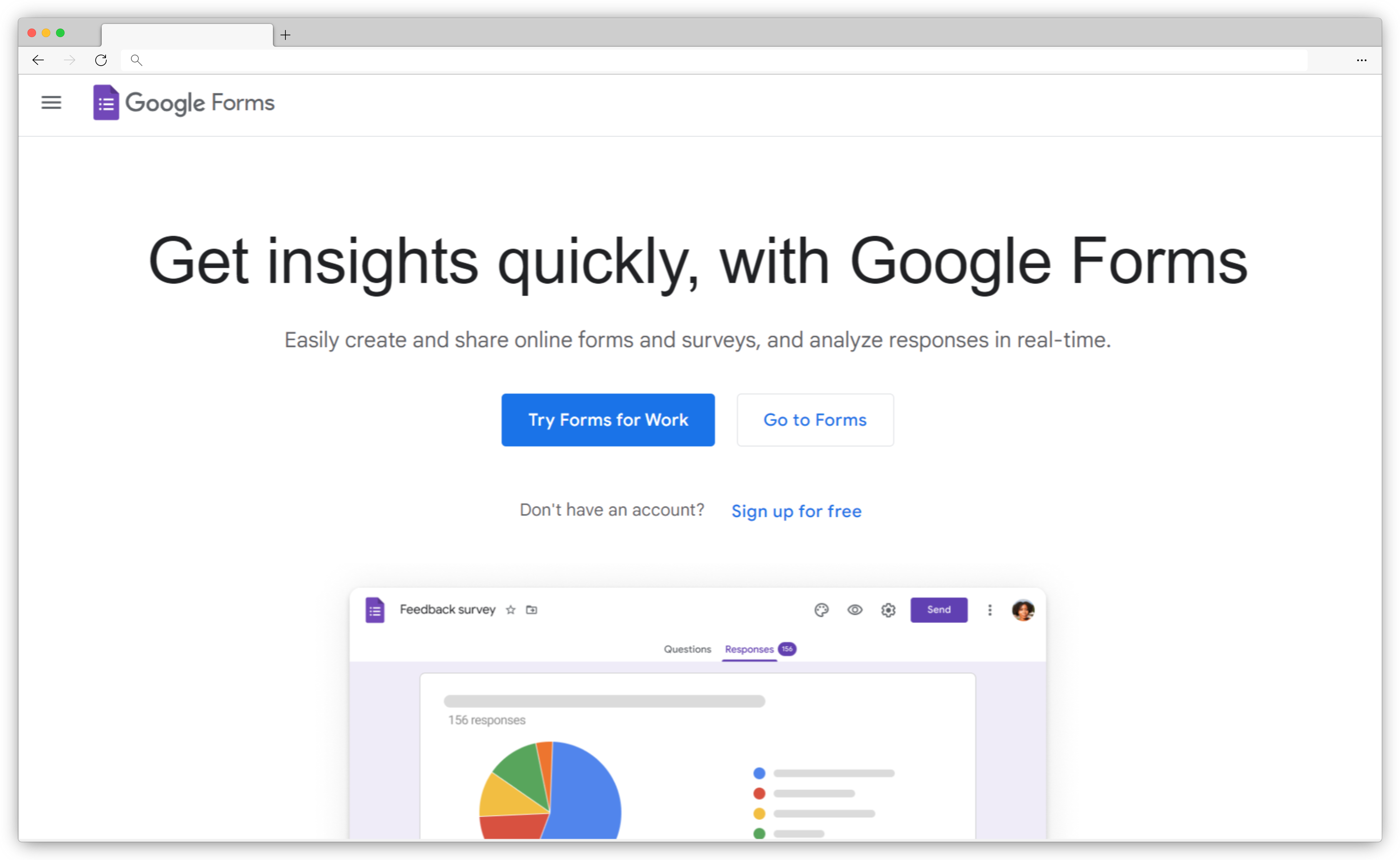
Google Forms is the best free survey tool, full stop. Unlimited forms, unlimited responses, no subscription required. It integrates directly with Google Sheets for instant response tracking, and anyone with a Google account can co-edit a form in real time. For small teams, students, early-stage companies, and anyone running lightweight internal surveys, it's hard to argue against.
What it doesn't have: advanced logic beyond basic branching, analytics beyond summary charts, any AI features, or closed-loop capabilities. It's a collection tool, not an intelligence platform. That's fine for most of what it's used for.
- Best for: Small teams, educators, startups, and anyone needing free survey collection with no response limits
- Use case: Basic data collection, internal surveys, event feedback, simple customer satisfaction surveys
- G2 rating: 4.6/5 on G2 (Google Workspace, 40,000+ reviews) — rated #1 in survey software on G2 for ease of use
What G2 reviewers say: Google Forms scores 94% for ease of use and 93% for ease of setup on G2 — the highest combined accessibility scores in the survey software category. The tradeoff is equally clear: "limited advanced survey logic... no advanced analytics, robust analytics, or advanced reporting dashboards." It's the right tool when simplicity matters more than depth.
Key Features
- Unlimited forms and responses at no cost
- Basic survey creation with clean design and built-in templates
- Section-based branching (basic conditional logic)
- Automatic Google Sheets integration for real-time response tracking
- Real-time collaboration: multiple team members can co-edit forms simultaneously
- Distribution via web links, email, and website embedding
Pros
- Completely free with no response caps — the strongest free plan on this list
- Google Sheets integration means response data is immediately usable without exports
- Real-time collaboration makes it fast for teams co-building surveys
Cons
- No advanced logic — only section-based branching, not rule-based conditional routing
- No AI features, no sentiment analysis, no thematic clustering
- Limited branding and customization — not suitable for customer-facing surveys where presentation matters
Pricing
- Completely free with a Google account
- Included in Google Workspace plans for organizations needing admin controls
Choose Google Forms if you need free, unlimited survey collection for basic internal use cases and can live without advanced logic, branding, or analytics.
13. Qualtrics: Best QuestionPro Alternative for Enterprise Research & Advanced Experience Management
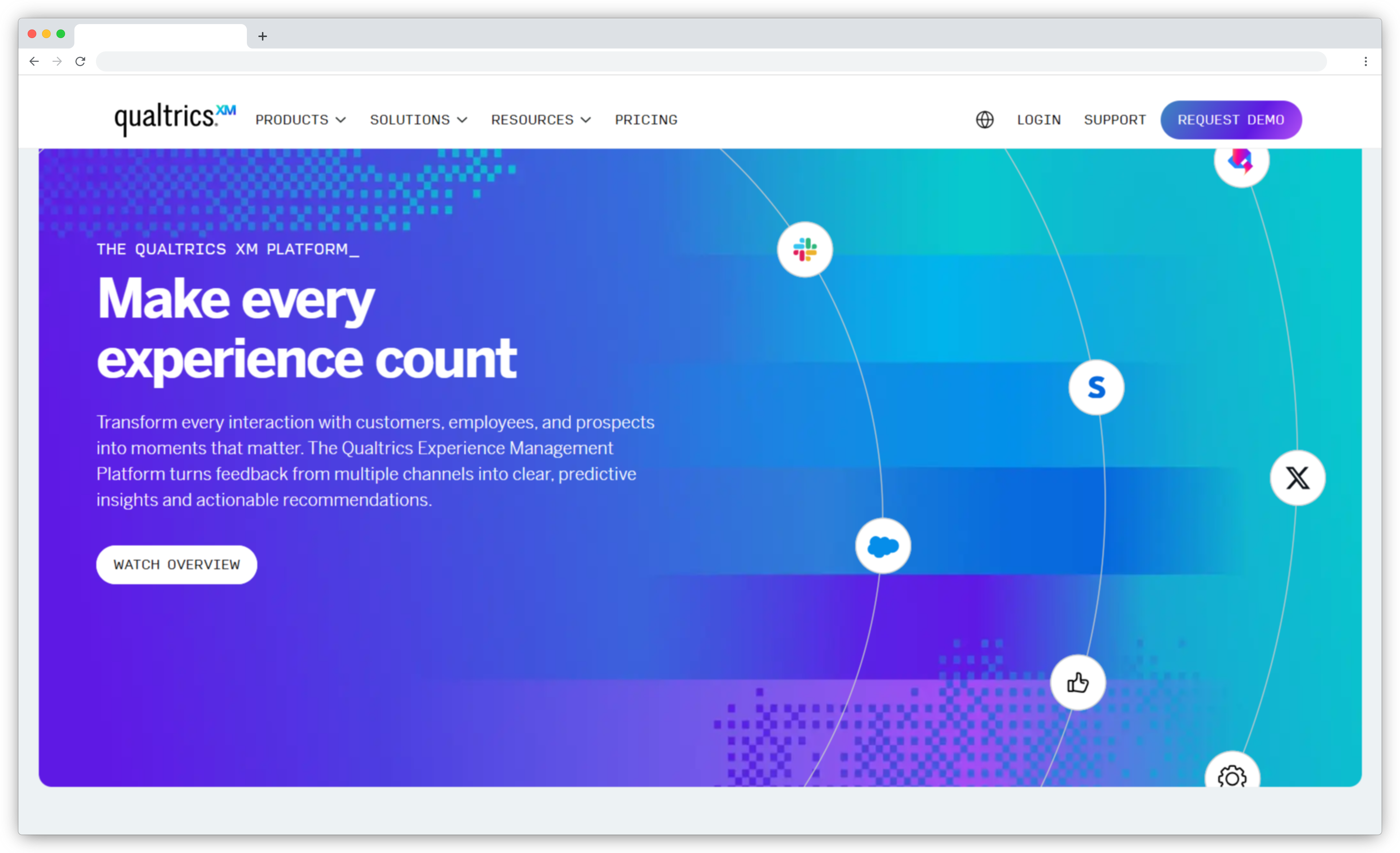
Qualtrics is what most enterprise research teams eventually land on when scale demands it. The Stats iQ feature runs regression analysis, T-tests, and other statistical models inside the platform — no SPSS required. Text iQ handles open-text analysis at scale. For organizations running complex customer experience programs across thousands of touchpoints, Qualtrics builds the infrastructure to support it.
The honest trade-off: Qualtrics is overkill for most teams that aren't running enterprise-grade research. The learning curve is steep, the pricing is enterprise, and simple surveys feel expensive to execute. If you don't need conjoint analysis, MaxDiff, or multi-region enterprise governance, QuestionPro delivers comparable research capabilities at a fraction of the cost.
- Best for: Enterprise CX teams, professional research organizations, global companies with complex VoC programs
- Use case: Market research, employee engagement surveys, complex CX programs, customer satisfaction surveys at enterprise scale
- G2 rating: 4.4/5 on G2 (2,900+ reviews, Strategy & Research product)
What G2 reviewers say: Enterprise reviewers consistently praise the analytical depth — "flexibility and advanced features, such as multiple question types and multilingual support." The most documented friction: ease of setup scores 7.6/10 for the CX product versus SurveyMonkey's 9.0, and support quality concerns appear repeatedly in community forums, with documented cases of 3-week unresolved bugs with multiple agent handoffs. It's powerful — but the deployment experience doesn't always match the feature promise.
Key Features
- Advanced survey logic: complex branching, piping, quotas, randomization
- Stats iQ: run regression analysis, T-tests, and cross-tabulations without external software
- Text iQ: AI-powered text analysis and sentiment detection at scale
- Multi-channel distribution: email, web links, QR codes, SMS, and embedded formats
- Enterprise governance: role-based access, SSO, HIPAA and ISO compliance
- Experience management workflows spanning CX, EX, product, and brand
Pros
- Best-in-class for enterprise research — statistical analysis depth no other tool on this list matches
- Scales across CX, EX, product, and brand programs in one governance structure
- Text iQ handles open-text analysis at volumes that manual coding can't
Cons
- Steeper learning curve than any other tool on this list — expect dedicated onboarding time
- Enterprise pricing means it's not cost-effective for small or mid-market teams
- For teams that just need NPS/CSAT surveys, it's significantly more than what's required
Pricing
- Custom pricing based on business requirements
- Limited free account available (500 responses, 8 question types)
Choose Qualtrics if you're running enterprise-grade research programs that need statistical analysis, governance controls, and survey infrastructure at global scale — and the budget supports it.
What Teams Actually Get Wrong When Switching Survey Tools
Most switching mistakes aren't about picking the wrong tool. They're about switching for the wrong reason.
The most common: switching because the current tool's UI feels outdated, then realizing six months later that the new tool's logic depth doesn't match your actual survey complexity. The interface is smoother — but you've lost functionality you needed.
The second most common: switching to a tool with better analytics, then finding out the survey creation experience is so slow that the team stops using it for everything except quarterly reports. Usage drops, the data quality drops with it, and the analytics never deliver the value that justified the switch.
Before switching, run this check: map your three most important surveys against the tool you're evaluating. Can you rebuild them completely in the new tool in under an hour? If the logic, distribution, and reporting you actually use don't transfer, the switch creates more friction than it removes.
Which QuestionPro Alternative Is Right for Your Team?
Most survey tools solve the same problem at the surface: they collect responses and show you a chart. The difference is what they do next. Some stop there. Others connect feedback to the people and processes that can actually act on it. That gap matters most when customer experience depends on teams acting quickly on what customer satisfaction surveys are telling them.
If you're running a growing CX program and finding that QuestionPro gives you scores but not signals — it tells you what your customers said, but not which team should change what — Zonka Feedback fills that gap. Collection, AI analysis, closed-loop action management, and role-based signals all in one platform. Schedule a demo to see how it maps to your feedback workflow.




.png)
_%20Benefits%2c%20Use%20Cases%2c%20Examples%20%26%20More.svg)