.svg)
 Healthcare
 Finance
 Retail
 SaaS & Digital
 eCommerce
 Education
 Salesforce
  HubSpot
 Pipedrive
 Mailchimp
 Klaviyo
 Zendesk
  Intercom
 Freshdesk
 HelpScout
  Front
Front Jira
Jira Slack
Slack  MS Teams
 Zoom
Zoom Google Sheets
  Zapier
  Integrately
 Make
Make  Webhooks



 Sign In
 MS Teams


GoCanvas is a widely used platform for digitizing paper forms and enabling mobile data collection across field operations. Many organizations rely on it to capture inspections, job reports, audits, and operational data directly from the field.
In 2026, field data collection tools play an increasingly important role as businesses expand field operations across industries such as construction, facilities management, logistics, utilities, and field services. Teams today look for solutions that support mobile data capture, offline access, seamless syncing, integrations with business systems, and scalable workflows to support growing operational needs.
From on-site inspections and safety checklists to audits, surveys, and compliance reporting, organizations expect platforms that can collect accurate field data, work reliably in low-connectivity environments, and fit into existing processes and tech stacks.
That’s where exploring GoCanvas alternatives and competitors becomes valuable.
In this article, we’ve curated the best GoCanvas alternatives for 2026 to help teams evaluate their options for mobile data collection and field workflows. Each tool on this list offers a different approach to building forms, capturing field data, and managing operational processes.
TL;DR
-
Teams are looking for GoCanvas alternatives due to its complicated onboarding process, and delays in support tickets being resolved. It also lacks the popular CX metrics.
-
We have gathered a list of the top 8 GoCanvas software alternatives in 2026, with thorough market research, and set parameters.
-
Some of the other software solutions of the popular alternatives are Zonka Feedback, Typeform, Fulcrum, SurveyMonkey, and more.
-
To see how Zonka Feedback can be your top choice as a perfect GoCanvas alternative, schedule a demo to explore more about the tool.
Measure Customer Feedback & User Insights
With Customer Feedback Surveys, understand what users need and learn ways to delight your customers.

#1. Zonka Feedback
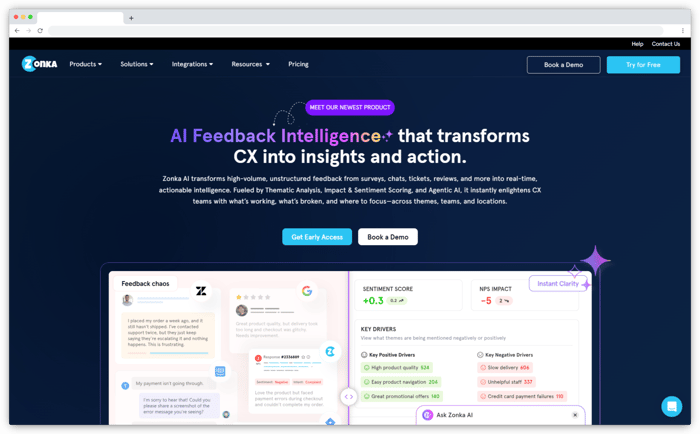
As one of the leading GoCanvas alternatives, Zonka Feedback is a versatile platform for building digital forms and collecting data through surveys, inspections, and on-site workflows. It supports mobile and offline data collection, enabling teams to capture responses even in locations with limited or no internet connectivity.
Zonka Feedback offers an intuitive form and survey builder that goes beyond basic data collection, allowing users to create forms with logic, validations, and flexible question types tailored to specific operational or feedback needs. Forms can be deployed across mobile devices, web links, kiosks, QR codes, and email, making it suitable for both field and on-premise use cases.
In addition to data collection, Zonka Feedback includes AI-powered insights and sentiment analysis for feedback responses, helping businesses identify trends, understand customer or employee sentiment, and act on insights faster. Real-time dashboards, reports, and alerts further enable teams to monitor responses and take timely action.
With support for team management and integrations via native tools, APIs, and webhooks, Zonka Feedback works well as a GoCanvas alternative for organizations looking to digitize forms while gaining deeper insights from collected data.
 Zonka Feedback Features
-
Capture feedback anywhere with beautiful Offline surveys
-
Survey App to capture data offline using Tablets & Mobile Devices
-
Create custom feedback forms to capture customer and employee feedback on-premises
-
Capture leads using the Offline Survey App at events, exhibitions, conferences, and trade shows.
-
create detailed research forms to conduct field surveys and do market research
-
Turn touchscreen tablets and iPads to Kiosk Feedback Devices to take unattended feedback
-
Build and customize Surveys with no technical knowledge
-
Choose from 30+ Question Types, measure CX Metrics — NPS, CES, CSAT, and white-labeled surveys with logo, background
-
Make your surveys dynamic and engaging through survey logic and branching
-
View and analyze how Survey Responses and Metrics have changed over time
-
Analysis and comparison of team member performance on each question and metrics
-
Get a quick summary and analysis of Responses, CX Metrics, and Survey Channels
Pricing
-
Custom pricing available based on business requirements
-
Free trial not available
#2. Typeform
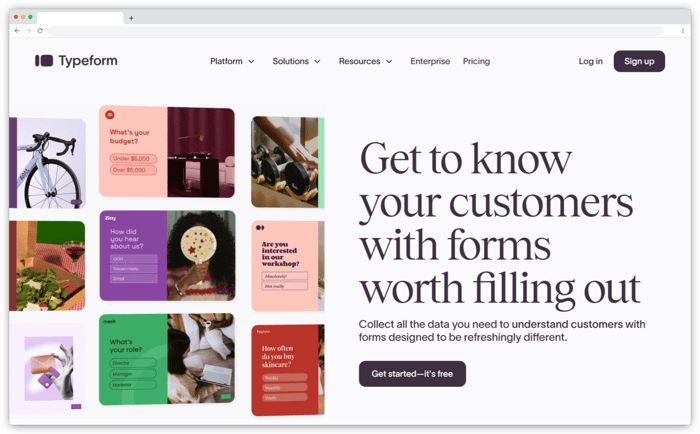
Typeform is a popular form and survey platform known for its conversational, one-question-at-a-time interface, making data collection more engaging and human-centric. It’s widely used by teams to create surveys, forms, quizzes, and lead generation forms that prioritize user experience and completion rates.
As a GoCanvas alternative, Typeform is best suited for online-first data collection use cases, such as customer feedback, market research, onboarding forms, and lead capture. Its clean design and interactive flow help businesses collect higher-quality responses, especially when form engagement and brand perception matter.
Typeform also integrates well with modern business tools, allowing teams to connect form responses with CRMs, marketing platforms, and automation workflows. While it’s not designed for heavy offline or field-based inspections, it works well for teams that need structured data collection combined with a polished front-end experience.
 Typeform Features
-
Conversational, one-question-at-a-time form interface
-
Drag-and-drop form and survey builder
-
Conditional logic and branching
-
Wide range of question types (multiple choice, rating scales, NPS, file upload, etc.)
-
Custom themes and design customization
-
Built-in response analytics and insights
-
Integrations with tools like Slack, HubSpot, Zapier, and Google Sheets
-
API access for custom integrations and workflows
-
Embeddable forms for websites and landing pages
Pricing
Typeform offers a free plan with limited responses and features. Paid plans start at approximately $28 per month.
#3. Paperform
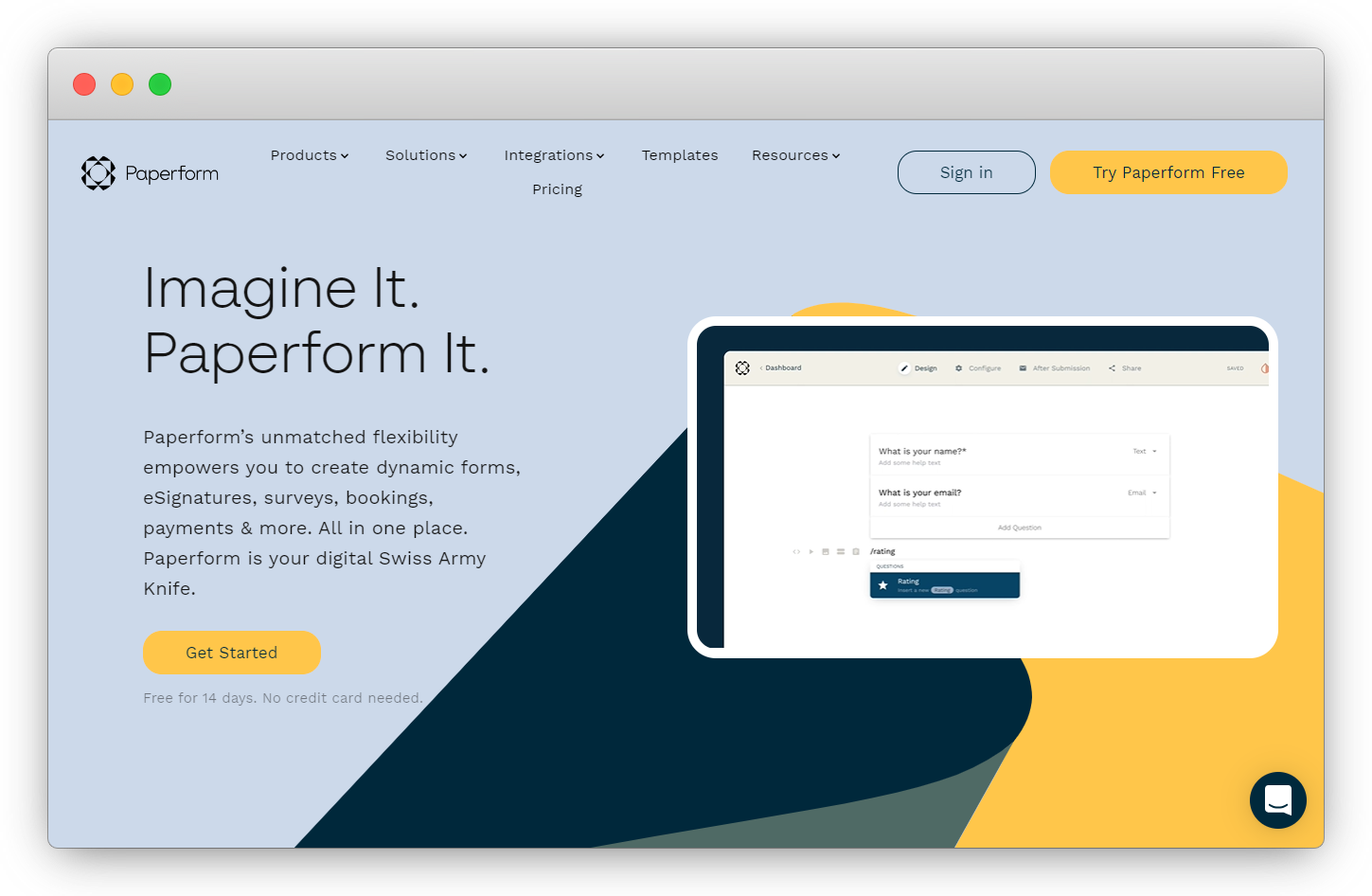
Paperform is a versatile tool for data collection that aims to streamline the processes of gathering information, using leads and insights, and automating manual tasks. Featuring a user-friendly interface, it offers robust functionality suitable for tasks like feedback surveys, company registrations, applications, and order forms.
Noteworthy for its reliability and security, Paperform provides users with the capability to collect various types of data, and documents such as emails, documents, text, addresses, images, and eSignatures. The platform's question fields automatically format the collected data, simplifying the subsequent processes of data review, export, and analysis.
 Paperform Features
-
Quickly export your data anytime in PDF, CSV, or Word doc formats
-
Get more than 500+ templates for data collection
-
Empowers you to create dynamic forms, eSignatures, surveys, bookings, payments and more
-
Build beautiful solutions as unique as your brand
-
Get unique calculations function to transform text, calculate shipping rates and discounts based on real-time user input
-
Zapier integration allows you to share information with different systems
Pricing
- The essential plan starts at $20/month.
#4. Fulcrum
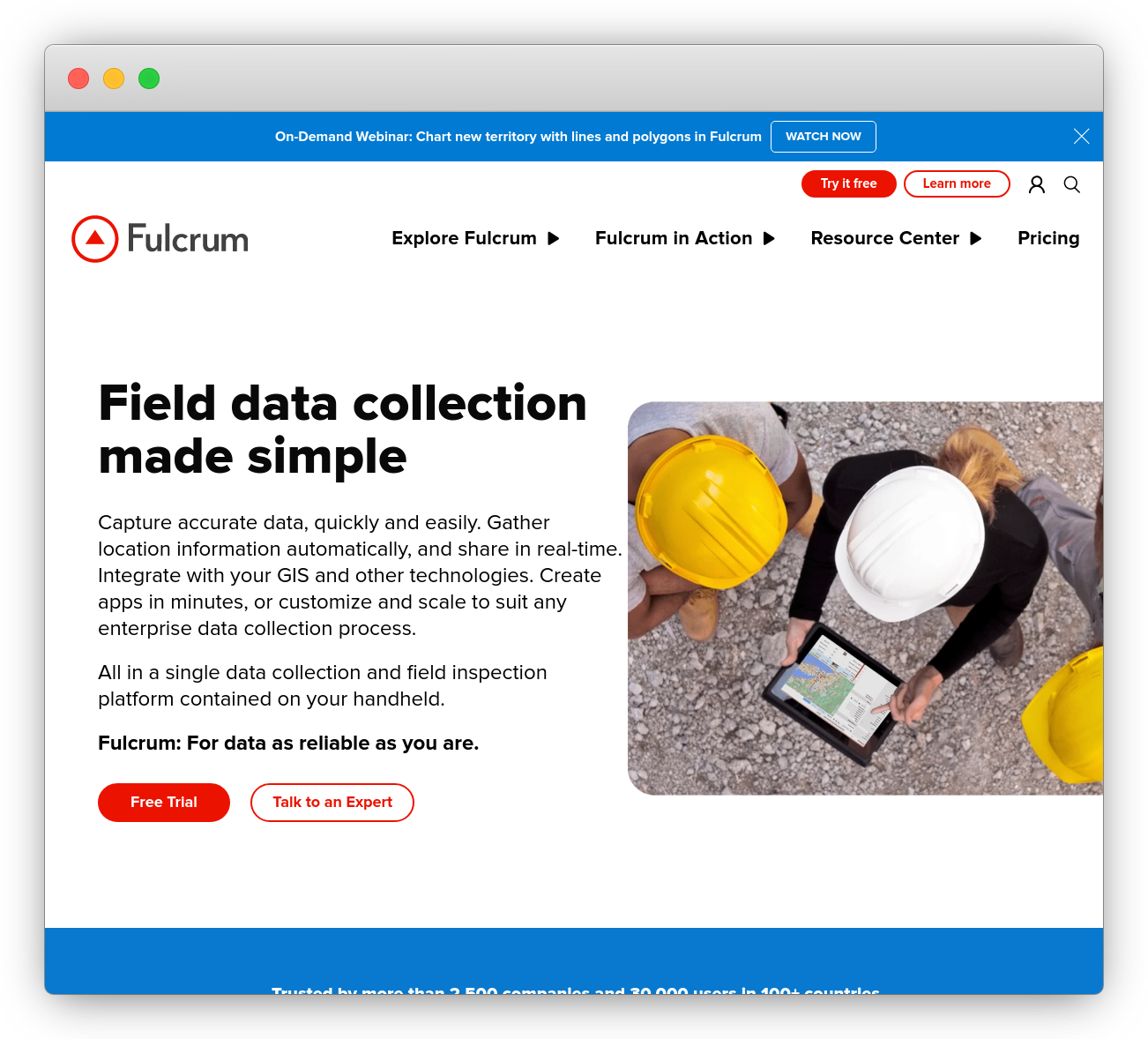
As one of the best GoCanvas alternatives, Fulcrum stands out as a robust and versatile mobile data collection app tailored for organizations requiring comprehensive and accurate data recording capabilities for field teams. It is an ideal and full management software solution used for field-based data collection, offering a comprehensive suite of user-friendly and adaptable data loss management software that operates on both Android devices and iOS devices.
The best part about this offline app is its extensive functionality, allowing users to capture various data types, including geolocation, photos, signatures, and barcodes, making it highly adaptable to diverse industry needs.
 Fulcrum Features
-
Create custom forms to collect data, referred to as "Apps," using an intuitive drag-and-drop editor
-
Effortlessly export collected data in multiple formats, including Excel, CSV, and Shapefile, and more
-
Capture electronic signatures to authenticate and verify data collected during inspections
-
Generate PDF reports from the iOS or Android app of submitted information
-
Efficiently scan barcodes using data collection forms
Pricing
- The essential plan starts at $15/month for 5 users in a month. You can also try its free plan.
#5. SurveyMonkey
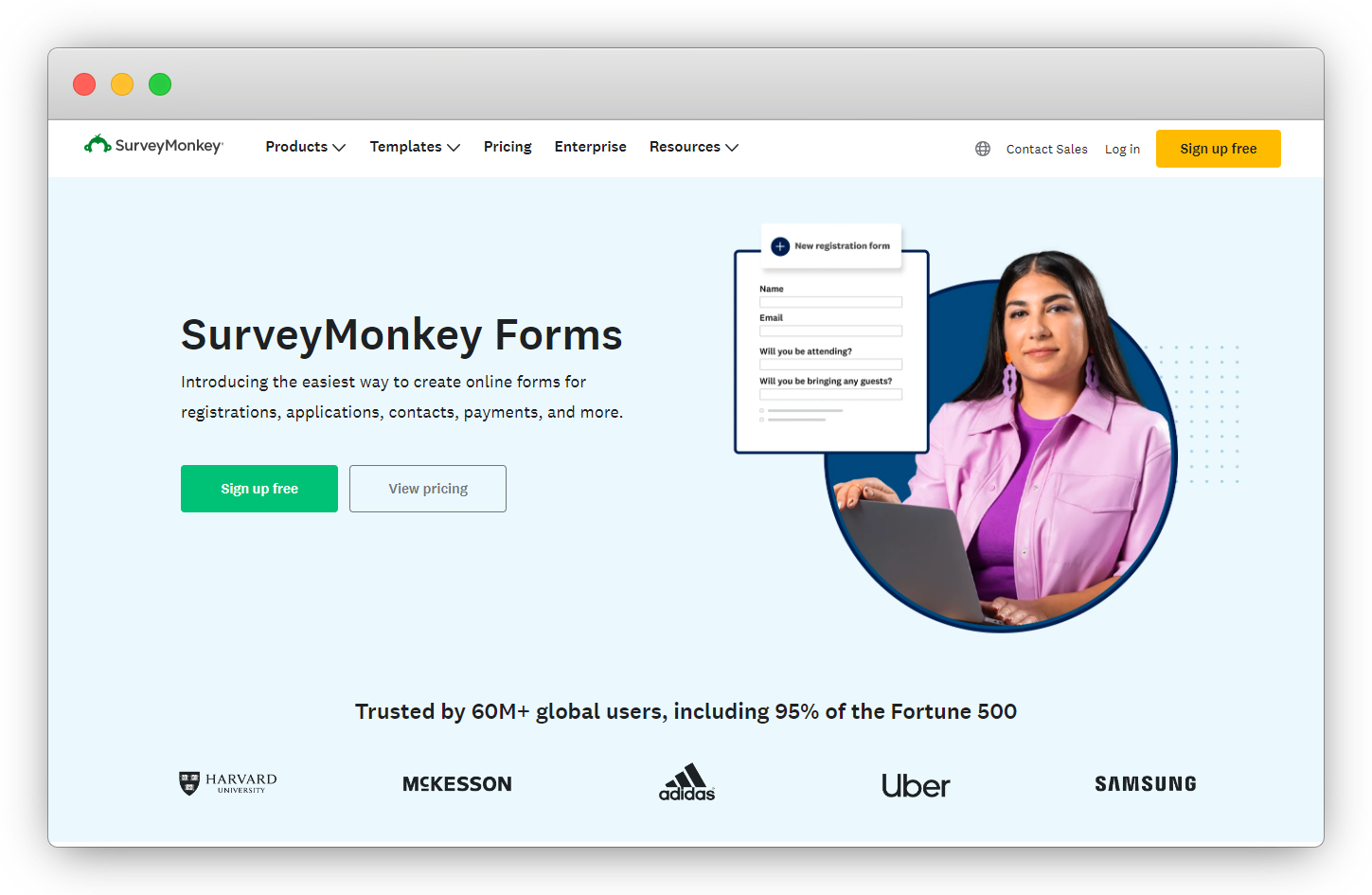
SurveyMonkey is a well-established online survey platform known for simplifying the process of conducting surveys and collecting research data. With support for unlimited forms and a diverse array of question types, SurveyMonkey enables users to customize surveys according to their organization and specific research objectives.
From creating engaging surveys to embedding forms, the platform offers flexibility in designing surveys, encompassing multiple-choice questions to open-ended inquiries. Additionally, its library of pre-built survey templates streamlines the survey creation process, providing users with customizable templates for quick and efficient survey development.
 SurveyMonkey Features
-
Choose from a variety of professionally designed templates to kickstart your survey creation.
-
Access a comprehensive library of pre-written questions and Microsurveys, saving time in survey creation
-
Integrate with popular apps and platforms like Salesforce, Microsoft Teams, and Slack
-
Collect data in offline mode anywhere, even from a remote location
-
Quickly and securely collect data even when you don’t have an internet
-
Use it for field surveys at trade shows, conferences, or retail stores
Pricing
- You need to contact the sales team to learn about their pricing plan.
#6. Prontoforms
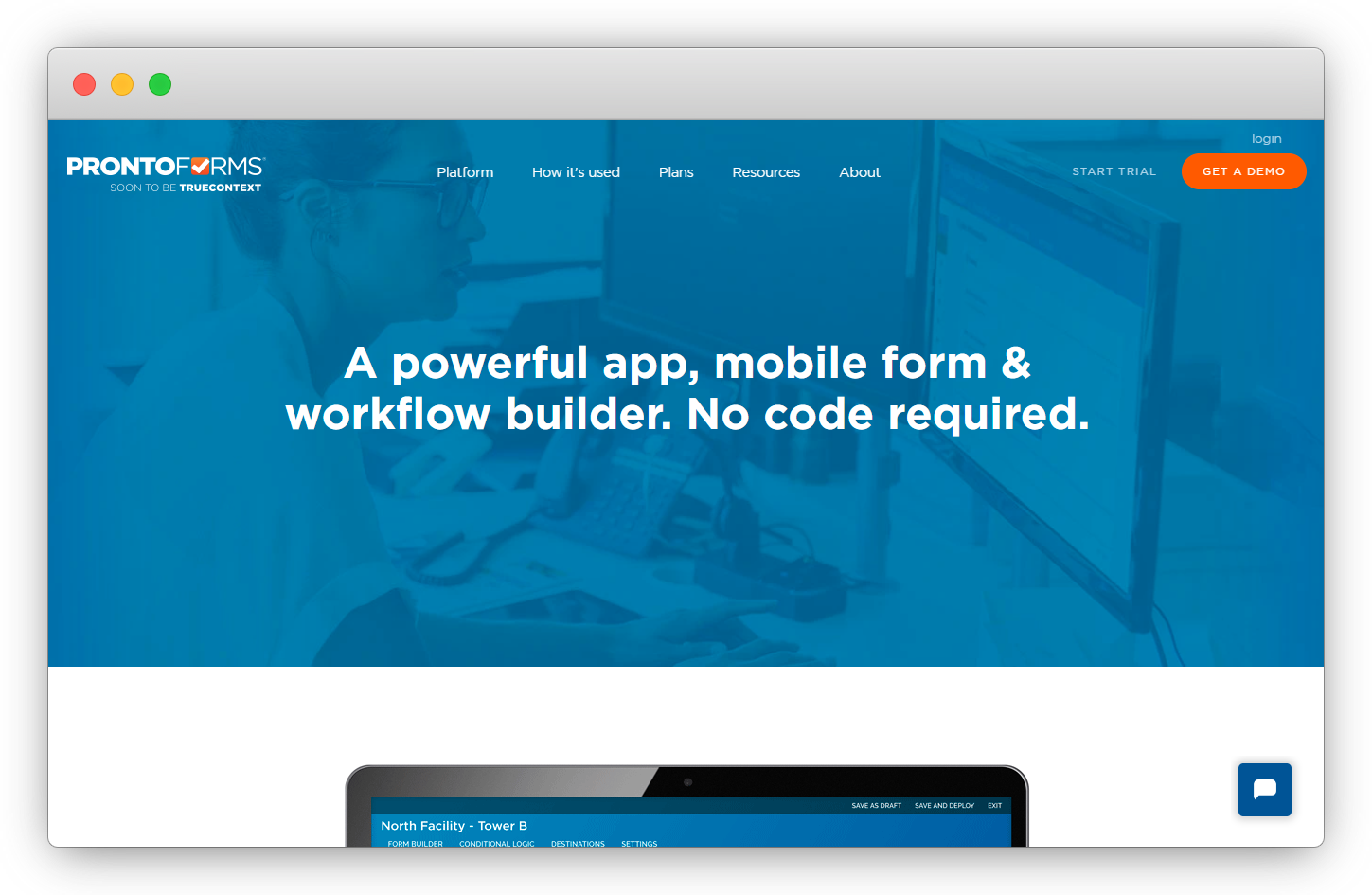
Prontoforms(Now TrueContext) is a specialized application catering to field survey management software, with a focus on optimizing field productivity through service management software, on-site data collection, and CX automation solutions. Its intuitive platform streamlines field operations and data management across various industries.
The application prioritizes a user-friendly interface to facilitate efficient data collection in the field. It includes advanced features like smart forms and sophisticated data analysis tools tailored for industries, companies, organizations, and enterprises such as construction, healthcare, utilities, and others. Users have the ability and flexibility to build customized apps and forms with similar functionalities to address specific data collection needs, enhancing productivity and efficiency for remote work scenarios.
 Prontoforms Features
-
Make data from your systems (FSM, EAM, EHS, CRM, ERP, etc.) available in an intelligent context
-
Build apps that work seamlessly to exchange data with other apps and business systems
-
Split your forms into multiple pages, create distinct sections on each page
-
Get advanced controls, questions, drop-down menus, color-coded button groups, photo/sketch
-
Create a universal approach to fieldwork with multilingual surveys
-
Keep pace with continuous feedback and ever-changing service requirements
Pricing
- You can request a software demo to learn about their pricing plans.
#7. Forms on fire
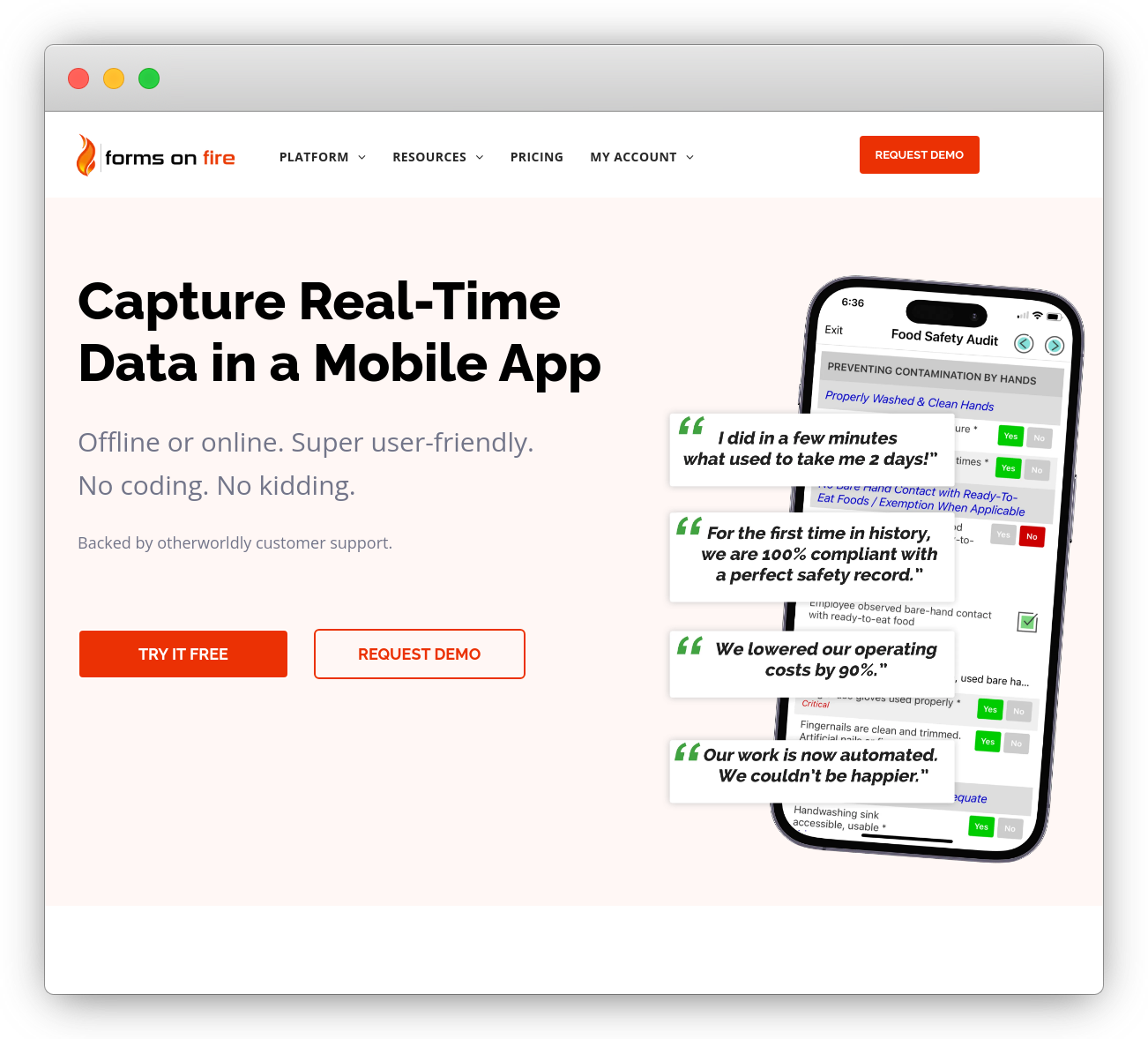
Forms on Fire stands out as a noteworthy alternative to GoCanvas solutions, particularly due to its robust data collection and CX automation capabilities. This offline analytics management software solution also empowers users to conduct surveys and gather valuable data even in environments with limited or no internet connectivity.
The platform offers vendors a user-friendly interface for designing surveys tailored to specific business needs, with a strong emphasis on data security. Collected information is securely stored on the device until an internet connection is reestablished.
Forms on Fire ensures seamless data synchronization when an internet connection becomes available, with other software facilitating the smooth transfer of collected survey data, documents, contact forms, online call form submissions, and user responses to the central database in real-time.
 Forms on fire Features
-
See what mobile forms will look like on mobile devices with a quick sync
-
Modify your forms with hundreds of fields using all your favorite shortcut keys
-
Work offline with mobile forms software without any hassle
-
Create astonishingly beautiful reports using Microsoft Excel and word
-
Send your mobile forms data wherever you want
-
Connect with Zapier to further customize and get real-time instant notifications
Pricing
- The essential plan starts at $20/month. You can also try its free plan.
#8. Jotform
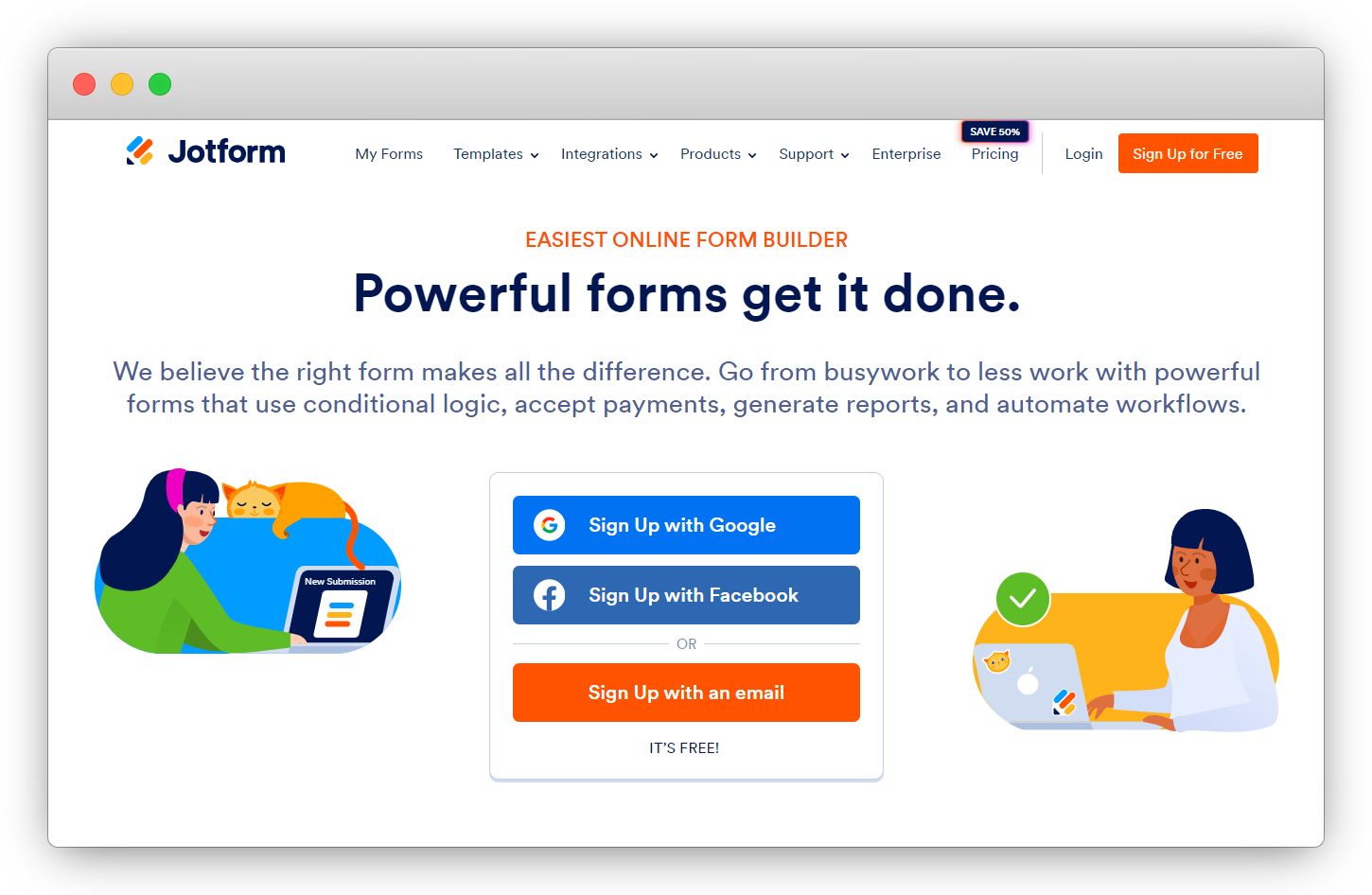
Jotform emerges as an excellent alternative to GoCanvas, catering to the needs of individuals, organizations, and businesses seeking to craft customized surveys and questionnaires. With an expansive collection of pre-built form builders and survey templates, JotForm provides users with a robust foundation and creative ideas to develop compelling and efficient forms.
With an ever-growing form library of over 10,000 templates, JotForm stands out as a comprehensive form management solution for any business or organization with various data collection forms. A standout feature is JotForm's incorporation of payment forms, encompassing templates for invoices, charitable donations, subscriptions, and more.
The platform seamlessly integrates with popular payment processing services from companies like PayPal, Square, and Stripe, enabling users to receive funds directly through the JotForm application and connect to other platforms, enhancing security and the overall experience for customers.
 Jotform Features
-
You collect data offline with powerful survey apps from your phone or tablet
-
Collect different types of data, like recorded voice, scanned barcodes, geolocation, and more
-
Get instant push notifications on your mobile device
-
Automate tedious manual tasks with CX automation and workflows
-
Collaborate with your team, and get everyone on the same page
Pricing
- The essential plan starts at $34/month; however, it also offers a free plan.
Conclusion
Exploring these alternatives to GoCanvas unveils a diverse landscape of robust data collection tools that cater to various business needs. Each of these alternatives brings unique strengths and features, providing users with options to tailor their choices based on specific requirements.
Whether enterprises are prioritizing mobile-centric solutions, advanced workflow capabilities, or versatile data visualization, these alternatives offer a spectrum of possibilities for effective data collection and management. Ultimately, the choice among these GoCanvas alternatives depends on their preferences, technical expertise, industry demands, and the specific goals of businesses and enterprises aiming to streamline their data collection processes and boost productivity.
You can schedule a demo to explore more about the tool.


.png)
.png)
.png)
.png)