.svg)
 Healthcare
 Finance
 Retail
 SaaS & Digital
 eCommerce
 Education
 Salesforce
  HubSpot
 Pipedrive
 Mailchimp
 Klaviyo
 Zendesk
  Intercom
 Freshdesk
 HelpScout
  Front
Front Jira
Jira Slack
Slack  MS Teams
 Zoom
Zoom Google Sheets
  Zapier
  Integrately
 Make
Make  Webhooks



 Sign In
 MS Teams


Surveys play a critical role across marketing, product, and customer experience workflows. Their impact depends on how effectively responses are connected to the rest of your systems. When survey data lives in silos, teams lose speed, visibility, and the ability to act on feedback in real time.
We’ve reviewed and implemented Zapier-based survey workflows across lead capture, customer feedback, and internal operations. One insight is consistent. Teams that connect surveys through the right integrations automate follow-ups faster, reduce manual data handling, and create more responsive workflows.
From sending survey responses into CRMs and support tools to triggering alerts, tasks, and analytics workflows, Zapier survey integrations help turn feedback into structured, actionable signals for marketing, sales, and support teams.
In this blog, we break down the best survey integrations with Zapier in 2026, explaining how each integration works, what workflows it supports, and which teams benefit most, so you can choose integrations that strengthen your automation and feedback strategy.
TL;DR
-
Zapier survey tools enable seamless connections between survey tools and hundreds of business applications, helping teams automate workflows, sync data in real time, and reduce manual effort across systems.
-
By integrating surveys with Zapier, teams can trigger actions based on responses, route feedback to CRMs, support tools, and analytics platforms, and build automated workflows without relying on custom code.
-
Based on our 2026 analysis, the best survey integrations with Zapier support flexible automation, reliable data sync, multiple survey types, and use cases across marketing, sales, customer support, product, SMB, and enterprise teams.
-
Some of the best Zapier survey integrations include Zonka Feedback, Typeform, SurveySparrow, Google Forms, JotForm, Zoho Survey, and Survicate among others.
-
Zonka Feedback is a leading survey tool that integrates with Zapier to automate survey distribution, route responses to connected apps, analyze feedback, and close the feedback loop efficiently. You can create surveys using ready-made templates, trigger workflows, and take action on insights from a single platform. Sign up to schedule a demo for a closer look at its features.
Automate Workflows & Maximize Productivity with Feedback Surveys🔥
Connect with 1400+ popular apps to automate and streamline marketing and lead management through Zonka Feedback and Zapier integration.

11 Most Useful Zapier Survey Integration for 2026
Here’s our list of the most useful survey tools with Zapier integrations to automate workflows, sync survey data across apps, and turn customer feedback into actionable insights.
| Survey Tool | Best For | Zapier Automation Strength | Pricing | G2 rating |
| Zonka Feedback | End-to-end feedback automation and routing | Advanced workflows, multi-step routing, alerts, and response-based actions | Custom (Free trial available) | 4.6/5 |
| Typeform | Interactive surveys and lead capture | Strong response-based triggers and workflow automation | $25/month | 4.5/5 |
| SurveySparrow | Conversational and recurring surveys | Workflow-driven automation and response routing | $7/month | 4.4/5 |
| Google Forms | Simple, cost-effective surveys | Basic response routing and automation | Free | 4.6/5 |
| JotForm | Advanced forms with conditional logic | Flexible automation with form-to-workflow routing | $34/month | 4.7/5 |
| Zoho Survey | Structured surveys for business workflows | Strong workflow automation with reliable data sync | $4.59/month | 4.4/5 |
| Survicate | Product and website feedback | Event-based automation and feedback routing | $79/month | 4.6/5 |
| SoGoSurvey (Sogolytics) | Secure and compliance-ready surveys | Enterprise automation for structured survey workflows | $39/month | 4.6/5 |
| SurveyMonkey | Large-scale survey programs | Scalable automation and reporting workflows | $17.20/month | 4.4/5 |
| Qualtrics | Enterprise experience management | Advanced automation for complex survey programs | Custom | 4.4/5 |
| Hotjar | Behavior-based user feedback | Automation for qualitative feedback routing and workflows | $40/month | 4.3/5 |
What are the best Zapier Survey Tools & Integrations to Collect Feedback in 2026?
The best Zapier survey integration software includes survey tools such as Zonka Feedback, Typeform, SurveySparrow, Google Forms, JotForm, Zoho Survey, and Survicate among others. These tools connect with Zapier to automate survey workflows, sync responses across hundreds of apps, and trigger actions like creating or updating CRM records, sending notifications, assigning tasks, or logging feedback in analytics and support systems.
Let us directly jump into the best Zapier survey integration software that can help you streamline your survey data collection and enhance automation for business workflows.
1. Zonka Feedback: Best for Zapier-Powered Survey Automation & Feedback Routing
Zonka Feedback is an online survey software that helps you create surveys of all types including NPS surveys, CSAT surveys, and CES surveys, and collect valuable customer feedback. Through this software, you can seamlessly integrate with Zapier, and it lets you connect with over 1400 apps for automated marketing and lead management and creating efficient workflows.
The software's capabilities extend beyond survey creation to generating customer tickets through logic-based forms, providing insights into customer concerns, and assessing customer satisfaction metrics. You can create custom zaps (workflows) in Zonka Feedback to ensure real-time customer data synchronization and maintain an updated contact list for informed decision-making.
You can further promote cross-team collaboration by assigning tasks based on priority and visibility into tickets and turning on repose alerts for receiving real-time alerts via Slack, Email, SMS, etc., to enhance responsiveness to customers' concerns.
Ideal for: Teams that rely on automated workflows to collect and act on feedback, including marketing teams routing responses to CRMs and email tools, support teams triggering alerts and tickets from survey data, and product or CX teams syncing feedback into analytics, dashboards, and internal systems using Zapier.
Key Features
-
Generate customer tickets using logic-based surveys and create support tickets for identifying concerns and measuring NPS, CSAT, and CES.
-
Collect real-time customer data with Zaps and sync customer data to organize insights and maintain an updated contact list.
-
Encourage cross-team collaboration by providing visibility into tickets, enabling efficient issue resolution through prioritized and assigned tasks.
-
Activate new response alerts and notifications via Slack, Email, SMS, etc., for timely resolution of customer concerns.
-
Streamline data collection by automating forms and surveys within email marketing tools for engagement at crucial touchpoints.
-
Automatically sync form respondents with your CRM, add to email lists, and trigger personalized follow-ups based on responses.
Top Triggers in Zonka Feedback and Zapier Integration
- Trigger surveys when a specific event occurs in a connected app, such as a new contact, deal update, form submission, or support interaction.
- Trigger surveys based on workflow conditions set in Zapier, including status changes, tag updates, or time-based rules.
- Create or update records in connected apps when a survey response is received, such as adding leads to a CRM, creating support tickets, updating spreadsheets, or sending internal alerts.
-png.png?width=2022&height=1258&name=frame_generic_light%20(3)-png.png)
What You Can Do with Zonka Feedback & Zapier Integration?
The Zapier integration expands Zonka Feedback’s automation capabilities by allowing you to:
-
Connect surveys to over 1400+ apps via Zapier and extend automation beyond native integrations.
-
Automate survey distribution and response processing without coding.
-
Route responses to CRM systems, support ticketing tools, team chats, spreadsheets, and more.
-
Trigger alerts, follow-ups, or workflows based on feedback data (e.g., low satisfaction alerts).
-
Reduce manual work by syncing survey data across systems instantly.
This integration lets you embed feedback into your broader business processes so teams can respond faster and act on insights in real time.
Zonka Feedback Pros
-
Strong Zapier integration for automating survey workflows across hundreds of apps
-
Flexible event-based triggers for sending surveys and routing responses
-
Supports both lead capture and post-interaction feedback use cases
-
Automates feedback routing to CRMs, support tools, spreadsheets, and internal systems
-
Enables real-time alerts and follow-ups based on survey responses
-
Role-based dashboards with actionable insights for CX, marketing, and support teams
-
Scales well for high-volume feedback collection and multi-team workflows
Zonka Feedback Cons
-
Advanced Zapier workflows may require initial setup and trigger-action mapping
-
Automation depth can depend on Zapier plan limits and connected apps
Zonka Feedback Pricing
- Custom pricing based on business requirements
- Free trial of paid features available on request
G2 Rating: 4.6/ 5
2. Typeform: Best for Interactive Surveys and Form-Driven Zapier Automations
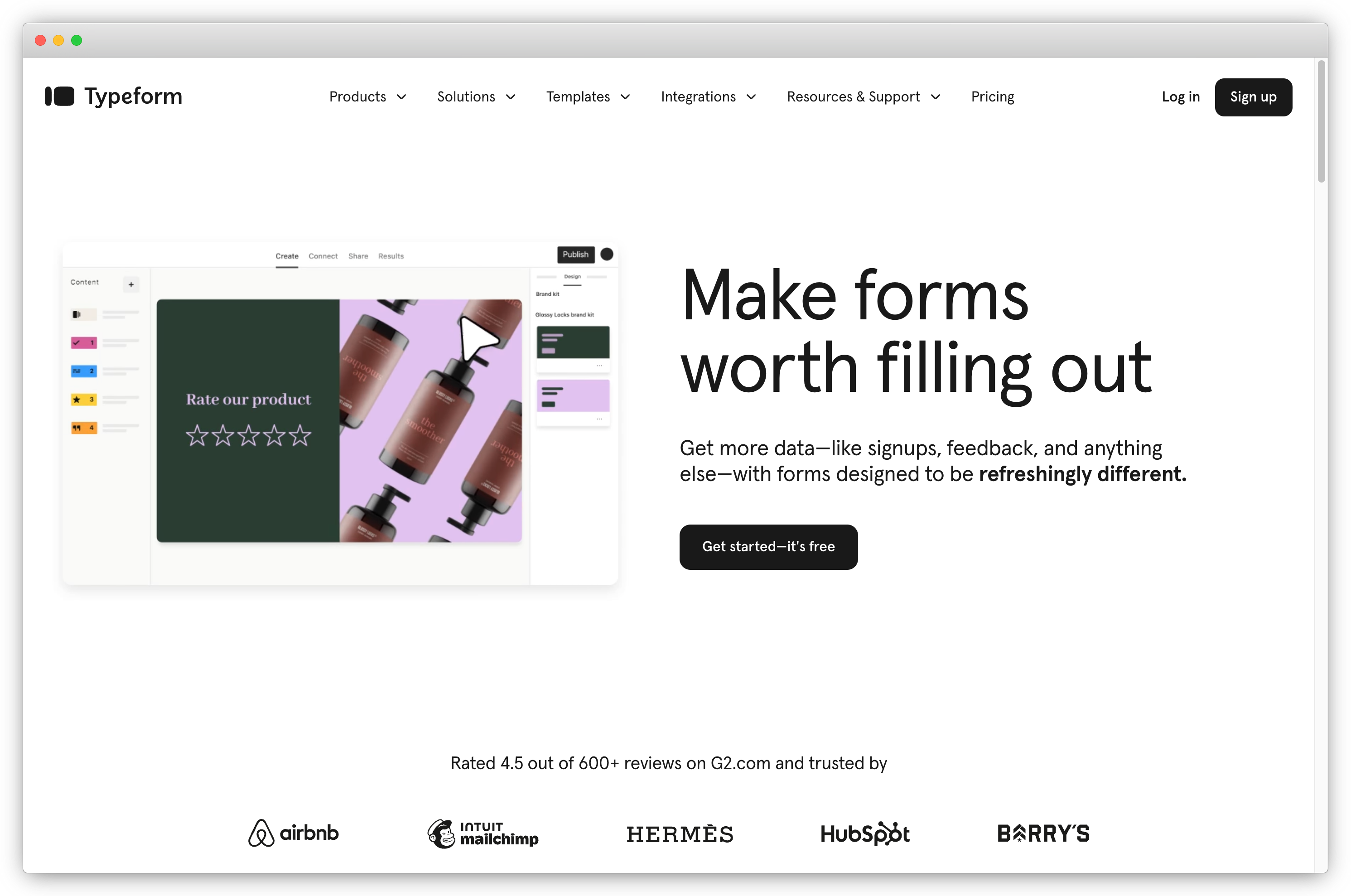
Typeform seamlessly connects engaging and interactive surveys with Zapier. Its versatility and user-friendly design make it an ideal choice if you are looking for a survey integration solution that effortlessly automates workflows, facilitates real-time data synchronization, and maximizes connectivity across various applications, ensuring a streamlined and efficient survey experience.
Ideal for: Marketing, growth, and product teams that use interactive forms and surveys to capture leads, onboard users, collect feedback, and trigger follow-up actions across CRMs, email tools, project management platforms, and analytics systems using Zapier.
Key Features
-
Effortlessly automate Typeform workflows with Zapier for seamless data processing.
-
Enjoy real-time synchronization of survey data with instant updates based on respondent interactions.
-
Set up triggers for specific feedback responses, automating actions across applications.
-
Integrate Typeform with numerous apps through Zapier for a customized, unified ecosystem.
Top Triggers in Typeform and Zapier Integration
- Trigger workflows when a new Typeform response is submitted and route the data to connected apps automatically.
- Trigger actions based on specific answers or form submissions, such as qualifying leads, assigning tasks, or sending notifications.
- Create or update records in connected apps when a form or survey response is received, including adding contacts to CRMs, updating spreadsheets, or triggering email sequences.
What You Can Do with Typeform and Zapier Integration?
- Connect Typeform surveys and forms with hundreds of apps through Zapier to automate lead capture, feedback collection, and follow-up workflows.
- Send form responses to CRMs, marketing tools, databases, and team collaboration tools without manual intervention.
- Trigger personalized emails, internal alerts, task assignments, or data enrichment workflows based on user responses.
Typeform Pros
-
Highly engaging, conversational survey and form experience
-
Strong Zapier support for response-based automation workflows
-
Easy to route form data into CRMs, email tools, and spreadsheets
-
Well suited for lead generation, onboarding, and product feedback use cases
-
Large template library and intuitive form builder
Typeform Cons
-
Limited advanced analytics compared to dedicated feedback platforms
-
Higher pricing tiers required for complex workflows and higher response volumes
Typeform Pricing
- Paid plans start at $25/month
- Free basic plan are available
G2 Rating: 4.5 / 5
3. SurveySparrow: Best for Conversational Surveys and Multi-Workflow Automation via Zapier
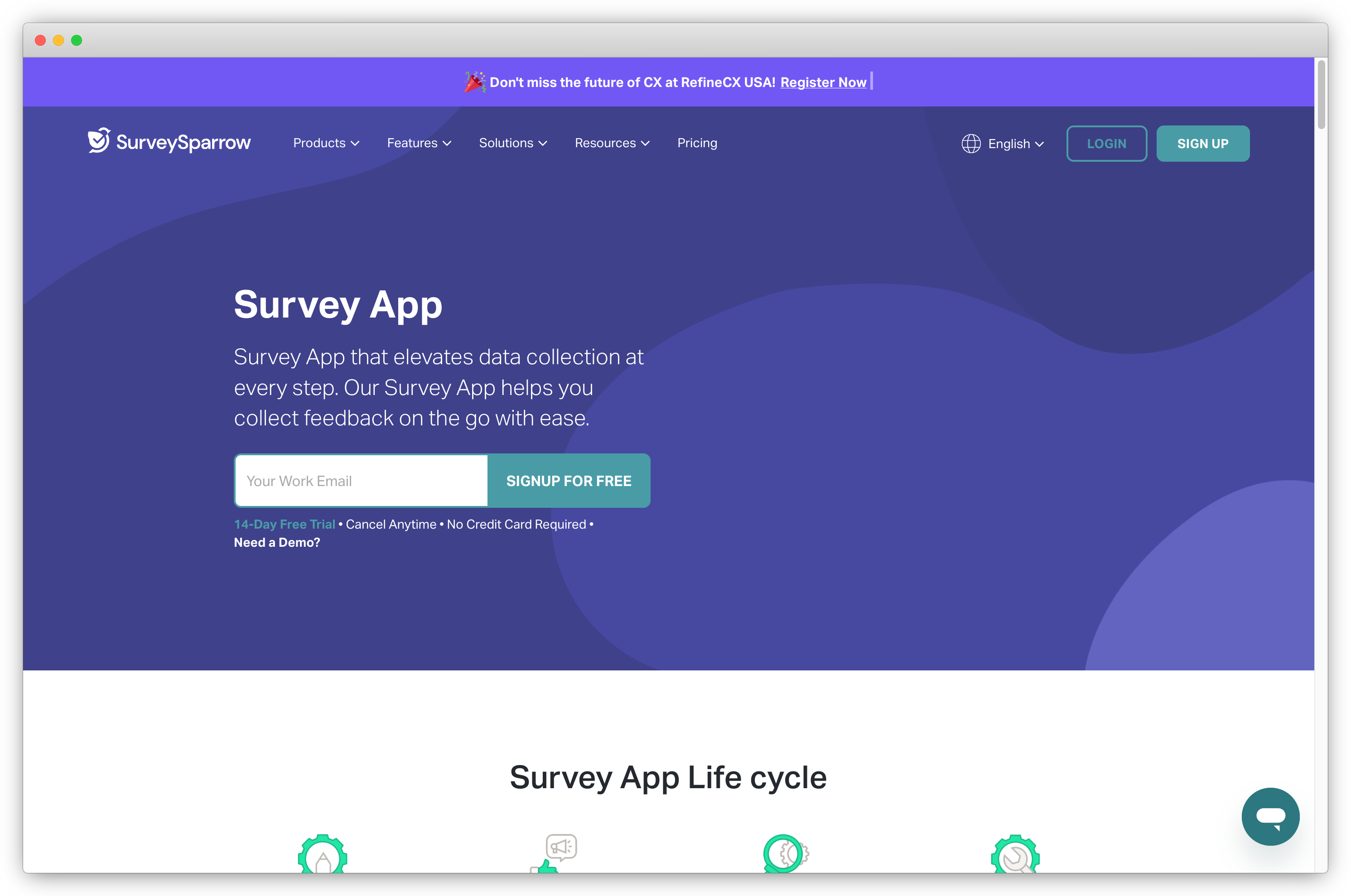
With seamless Zapier integration, SurveySparrow effortlessly collaborates with your favorite applications, simplifying tasks and boosting efficiency. This automation prowess allows you to send surveys, add new contacts, share results, and more with ease.
Ideal for: Marketing, CX, and support teams that want to run conversational surveys, recurring feedback programs, and automate response-based workflows across CRMs, support tools, collaboration apps, and analytics platforms using Zapier.
Key Features
-
Send surveys via Zapier post-issue resolution in Zendesk for prompt feedback.
-
Automate the addition of new contacts from Google Apps, Android Survey App, Payroll, HRIS to SurveySparrow.
-
Receive immediate alerts on Slack through Zapier when users submit surveys, ensuring quick response times.
-
Utilize Zapier to push survey results to Google Sheets and sync with analytics tools like Google Analytics.
Top Triggers in SurveySparrow and Zapier Integration
Trigger workflows when a new survey response is received in SurveySparrow and route the data to connected apps automatically.
Trigger actions based on survey responses or completion events, such as sending alerts, assigning tasks, or updating customer records.
Create or update records in connected apps when a survey response is submitted, including adding contacts to CRMs, updating spreadsheets, or logging feedback in support and analytics tools.
Pricing
-
Starts at $19/month
-
Free version and trial available
What You Can Do with SurveySparrow and Zapier Integration?
- Connect SurveySparrow with hundreds of apps using Zapier to automate feedback collection, response routing, and follow-up workflows.
- Sync survey responses with CRMs, help desks, email tools, and team collaboration platforms without manual effort.
- Trigger notifications, tasks, or internal workflows based on customer feedback to help teams act faster on insights.
SurveySparrow Pros
-
Conversational survey format that improves response rates
-
Strong Zapier support for response-based automation workflows
-
Supports recurring surveys for CSAT, NPS, and pulse feedback
-
Easy to route feedback into CRMs, support tools, and spreadsheets
-
Suitable for both SMB and mid-market teams
SurveySparrow Cons
-
Advanced automation workflows may require Zapier configuration experience
-
Reporting depth can vary depending on the plan selected
SurveySparrow Pricing
- Paid plans start at $7/month
- Free plan not available
G2 Rating: 4.4 / 5
4. Mailchimp: Best for Email-Driven Surveys and Marketing Automation with Zapier
Through Mailchimp and Zapier integration, you can streamline your workflow effortlessly and enable automated data transfer to and from various web services without the need for coding. Whether you want to replicate mailing lists, capture new subscribers, or connect with apps like Gmail, PayPal, and Salesforce - Mailchimp has you covered.
Ideal for: Marketing and growth teams that collect feedback through email campaigns, newsletters, and signup forms, and want to automate audience updates, follow-ups, and internal workflows using Zapier.
Key Features
-
Create Mailchimp subscribers seamlessly from Typeform entries, Google Contacts, MySQL, and other platforms with pre-made Zaps.
-
Greet new Mailchimp subscribers warmly with personalized emails from Gmail.
-
Connect Mailchimp with Asana, HubSpot, Eventbrite, Evernote, and more for efficient data management.
-
Create powerful automated workflows using Multi-Step Zaps to trigger multiple actions based on a single event.
Top Triggers in Mailchimp and Zapier Integration
- Trigger workflows when a survey or form response is submitted and sync the data with connected apps.
- Trigger actions when subscribers are added, updated, or tagged in Mailchimp based on survey responses.
- Create or update records in connected apps when feedback is received, such as updating CRM contacts, adding rows in spreadsheets, or sending internal notifications.
-png.png?width=2022&height=1258&name=frame_generic_light%20(36)-png.png) What You Can Do with Mailchimp and Zapier Integration?
What You Can Do with Mailchimp and Zapier Integration?
- Connect Mailchimp surveys and forms with hundreds of apps through Zapier to automate feedback collection and response routing.
- Sync survey responses with CRMs, databases, and analytics tools to maintain updated subscriber and customer records.
- Trigger automated email follow-ups, internal alerts, or task assignments based on survey responses or audience changes.
Mailchimp Pros
-
Strong email marketing capabilities combined with form and survey data
-
Easy to automate subscriber updates and follow-up workflows via Zapier
-
Well suited for email-based feedback and list-building use cases
-
Large ecosystem of connected apps and integrations
-
Scales well for SMB and mid-market marketing teams
Mailchimp Cons
-
Limited advanced survey logic compared to dedicated survey platforms
-
Automation flexibility depends on Zapier and Mailchimp plan limits
Mailchimp Pricing
- Standard pricing start at $6.34/month
- Free plan not available
G2 Rating: 4.4/5
5. Google Forms: Best for Simple, Cost-Effective Surveys with Zapier Automation
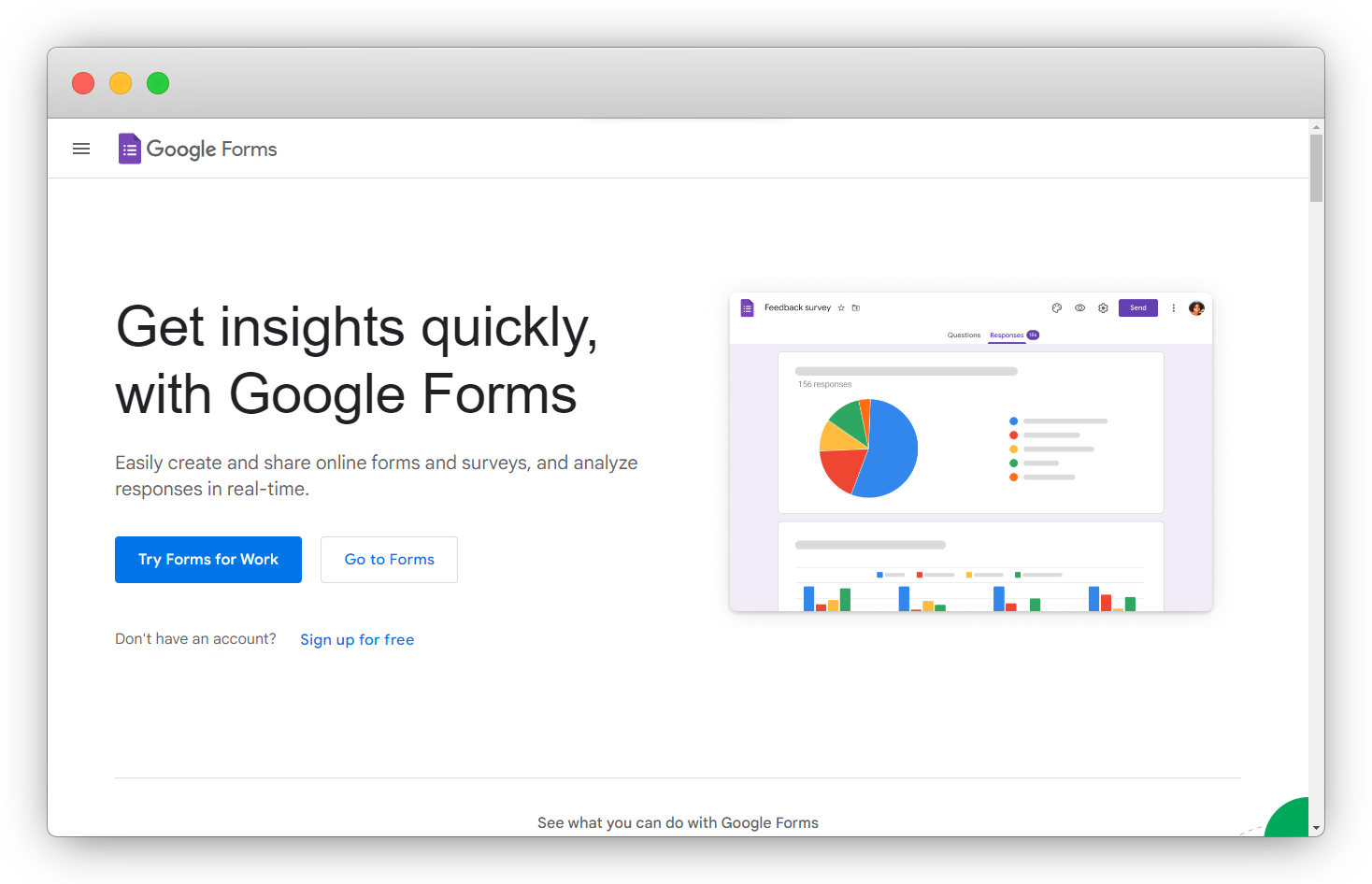
Google Forms, known for its user-friendly interface and powerful editor, is your go-to solution for effortless data collection on the web available for free. Paired seamlessly with Google Sheets, it's a dynamic duo for streamlined survey integration.
Key Features
-
Integrate Google Forms with Zapier for seamless data transfer to/from various apps.
-
Experience instant updates with efficient real-time synchronization between Google Forms and connected applications.
-
Set up triggers and actions via Zapier for customized, automated workflows tailored to your survey requirements.
-
Connect Google Forms to diverse apps through Zapier, creating an integrated environment and saving valuable time.
Top Triggers in Google Forms and Zapier Integration
- Trigger workflows when a new Google Form response is submitted and automatically send the data to connected apps.
- Trigger actions based on form submissions, such as notifying teams, creating tasks, or updating records in other tools.
- Create or update records in connected apps when a form response is received, including adding rows in spreadsheets, updating CRM contacts, or sending alerts.
Pricing
-
Free for personal use
-
Business plans start at $5.44/month
 What You Can Do with Google Forms and Zapier Integration?
- Connect Google Forms with hundreds of apps through Zapier to automate basic survey and form workflows.
- Route form responses into CRMs, project management tools, databases, and collaboration platforms without manual exports.
- Trigger notifications, follow-ups, or internal workflows when new responses are submitted.
Google Forms Pros
-
Free and easy to use with a minimal learning curve
-
Strong compatibility with Google Sheets and Google Workspace tools
-
Works well with Zapier for basic response-based automation
-
Suitable for quick surveys, internal feedback, and simple data collection
-
No setup cost for small teams and startups
Google Forms Cons
-
Limited advanced survey logic and customization options
-
Not ideal for complex feedback programs or detailed analytics
-
Automation capabilities depend on Zapier workflows
Google Forms Pricing
- Google Forms is available for free.
- A collective package of Google Workspace costs $6.month.
G2 Rating: 4.6/5
6. Wufoo for Form Building with Cloud Storage
Wufoo, a powerful survey solution that offers cloud storage ability for collected survey data and seamlessly integrates with Zapier, offering a powerful combination for efficient data collection and automation.
Ideal for: Marketing, operations, and admin teams that rely on structured forms for feedback, registrations, or data capture, and want to automate data flow into CRMs, spreadsheets, email tools, and internal systems using Zapier.
Key Features
-
Integrate Wufoo with Zapier for smooth, automated data transfer between your surveys and various applications.
-
Set up triggers through Zapier to prompt immediate actions based on Wufoo feedback responses, ensuring real-time engagement.
-
Connect Wufoo with a variety of apps through Zapier, streamlining workflows and saving time.
-
Unlock the power of custom actions using AI in beta, allowing you to create new, intelligent responses tailored to your unique needs.
-
Utilize raw HTTP requests, including integration authentication, through Wufoo's API request feature in beta, offering advanced customization options for seamless integration.
Top Triggers in Wufoo and Zapier Integration
- Trigger workflows when a new Wufoo form entry is submitted and route the data to connected apps automatically.
- Trigger actions based on form submissions, such as sending notifications, assigning tasks, or updating records in other tools.
- Create or update records in connected apps when a form response is received, including adding contacts to CRMs, updating spreadsheets, or triggering email workflows.
-png.png?width=2022&height=1258&name=frame_generic_light%20(38)-png.png) What You Can Do with Wufoo and Zapier Integration?
What You Can Do with Wufoo and Zapier Integration?
- Connect Wufoo forms with hundreds of apps using Zapier to automate form submissions and response handling.
- Sync form data with CRMs, databases, spreadsheets, and project management tools without manual exports.
- Trigger alerts, follow-ups, or internal workflows when new form entries are submitted.
Wufoo Pros
-
Simple and reliable form builder for structured data collection
-
Strong Zapier support for form submission–based automation
-
Easy to route form data into spreadsheets and CRMs
-
Suitable for registrations, internal forms, and basic feedback use cases
-
Quick setup with minimal technical overhead
Wufoo Cons
-
Limited survey logic and user experience customization
-
Not ideal for advanced feedback programs or analytics-heavy use cases
-
Interface feels dated compared to newer form tools
Wufoo Pricing
- Pricing starts from $16.25/month.
- It also offers a free trial.
G2 Rating: 4.2/5
7. JotForm: Best for Advanced Forms and Flexible Zapier-Based Survey Automation
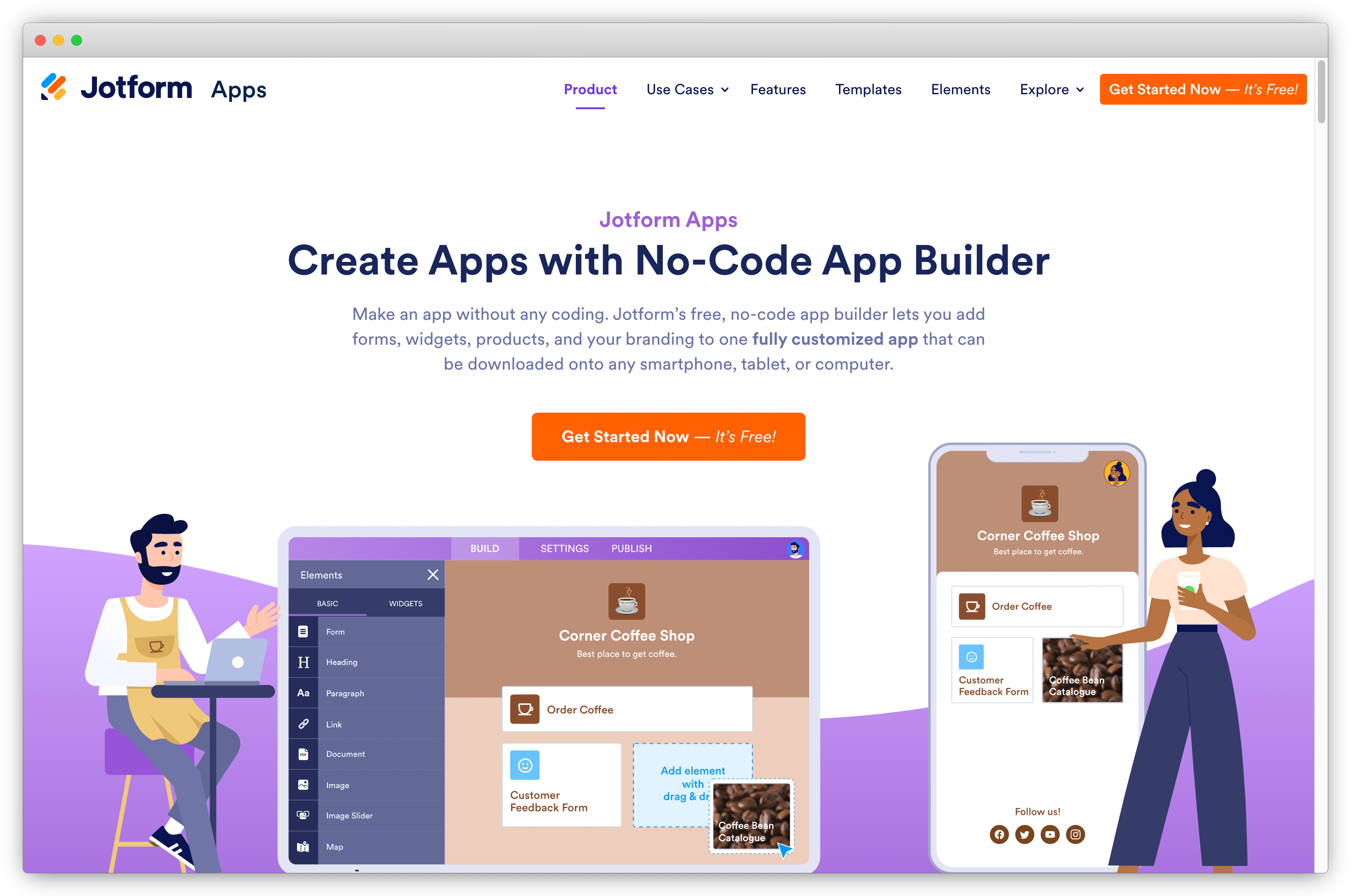
Popular among Android survey apps, Jotform when integrated seamlessly with Zapier, empowers you to sync form submissions effortlessly with over 3000 platforms. Streamline your workflow, eliminate manual data entry, and unlock powerful automation for enhanced productivity.
Ideal for: Marketing, operations, HR, and customer experience teams that need flexible form and survey creation with conditional logic, and want to automate response routing and follow-ups across multiple tools using Zapier.
Key Features
-
Effortlessly sync Jotform submissions to 3000+ platforms, including Excel, Gmail, Discord, Google Contacts, and Klaviyo.
-
Directly send leads to your CRM system for automated customer relationship management.
-
Transform contact form entries into help desk tickets, streamlining customer support.
-
Seamlessly integrate bookings into your calendar for efficient schedule coordination.
-
Add new tasks to your project management system, enhancing workflow organization.
-
Tailor automation to your needs, from lead management to task assignments, using Jotform's Zapier integration.
Top Triggers in JotForm and Zapier Integration
- Trigger workflows when a new JotForm submission is received and automatically route the data to connected apps.
- Trigger actions based on form responses or field values, such as sending notifications, assigning tasks, or qualifying leads.
- Create or update records in connected apps when a form or survey response is submitted, including adding contacts to CRMs, updating spreadsheets, or triggering downstream workflows.
 What You Can Do with JotForm and Zapier Integration?
- Connect JotForm with hundreds of apps through Zapier to automate form submissions, approvals, and feedback workflows.
- Sync form and survey responses with CRMs, databases, project management tools, and collaboration platforms.
- Trigger alerts, approvals, or follow-up actions based on responses without manual intervention.
Jotform Pros
-
Simple and reliable form builder for structured data collection
-
Strong Zapier support for form submission–based automation
-
Easy to route form data into spreadsheets and CRMs
-
Suitable for registrations, internal forms, and basic feedback use cases
-
Quick setup with minimal technical overhead
Jotform Cons
-
Interface and feature set can feel complex for simple use cases
-
Some advanced features are limited to higher-tier plans
Jotform Pricing
- Pricing starts from $34/month.
- Its Starter plan is free with certain limitations.
G2 Rating: 4.7/5
8. Sogosurvey(now Sogolytics): Best for Secure, Enterprise-Grade Surveys with Zapier Automation
Through SoGoSurveyand Zapier integration, you can effortlessly link your surveys with over 1,000 apps for customized workflows. This survey tool offers customizable workflows and effortless automation to handle feedback responses in no time.
Ideal for: Enterprises, government organizations, and research teams that require secure data collection, compliance-ready surveys, and automated response routing to internal systems, analytics tools, and databases using Zapier.
Key Features
-
Integrate SoGoSurvey with 1,000+ apps through Zapier, expanding your survey functionality across platforms like Slack, Trello, Gmail, Dropbox, and more.
-
Build tailored workflows to push survey results into various applications, allowing for personalized and automated data dissemination.
-
Let Zapier do the heavy lifting, ensuring smooth and automated processes for enhanced efficiency in handling form responses.
Top Triggers in SoGoSurvey and Zapier Integration
- Trigger workflows when a new survey response is received in SoGoSurvey and route the data to connected apps.
- Trigger actions based on response submissions or survey completion events, such as notifying teams or updating records.
- Create or update records in connected apps when survey data is received, including updating spreadsheets, CRMs, or internal databases.
-png.png?width=2022&height=1258&name=frame_generic_light%20(39)-png.png)
What You Can Do with SoGoSurvey and Zapier Integration?
- Connect SoGoSurvey with hundreds of apps through Zapier to automate secure survey workflows and data handling.
- Sync survey responses with CRMs, analytics tools, and internal systems without manual exports.
- Trigger notifications, reporting workflows, or follow-up actions based on survey responses.
SoGoSurvey Pros
-
Strong focus on data security and compliance
-
Suitable for enterprise and regulated environments
-
Reliable Zapier support for response-based automation
-
Advanced survey logic and reporting capabilities
-
Well suited for research and large-scale data collection
SoGoSurvey Cons
-
Interface can feel complex for non-enterprise users
-
Less emphasis on conversational or design-led surveys
-
Higher pricing compared to basic survey tools
SoGoSurvey Pricing
-
Starts at $39/month
-
Free trial available
G2 Rating: 4.6/5
9. QuickTapSurvey for Offline Surveys on Mobile Devices
QuickTapSurvey revolutionizes data capture with offline capabilities for tablets and phones. It seamlessly integrates with Zapier to trigger actions in over 750 apps using your user inputs, enhancing your workflow efficiency.
Ideal for: Teams that want to run quick surveys with minimal setup and automate response handling across spreadsheets, CRMs, email tools, and internal systems using Zapier.
Key Features
-
Collect data offline in-person without an internet connection using tablets and phones.
-
Link QuickTapSurvey seamlessly with Zapier to trigger actions in 750+ apps based on feedback responses.
-
Optimize workflow by connecting survey responses to various applications, enhancing data utilization.
-
Easily set up Zapier integration with a subscription and a published survey with at least one response.
Top Triggers in QuickSurvey and Zapier Integration
- Trigger workflows when a new survey response is submitted in QuickSurvey and send the data to connected apps.
- Trigger actions based on survey submissions, such as sending notifications, updating records, or triggering follow-up workflows.
- Create or update records in connected apps when a survey response is received, including adding rows in spreadsheets, updating CRM contacts, or notifying internal teams.
-png.png?width=2022&height=1258&name=frame_generic_light%20(40)-png.png) What You Can Do with QuickSurvey and Zapier Integration?
What You Can Do with QuickSurvey and Zapier Integration?
- Connect QuickSurvey with hundreds of apps through Zapier to automate simple survey workflows and response routing.
- Sync survey responses with spreadsheets, CRMs, databases, and collaboration tools without manual exports.
- Trigger alerts, follow-ups, or reporting workflows as soon as new responses are submitted.
QuickSurvey Pros
-
Simple and fast survey setup with minimal learning curve
-
Works well with Zapier for basic response-based automation
-
Suitable for quick feedback, polls, and internal surveys
-
Easy to route responses into spreadsheets and other tools
-
Lightweight solution for teams that value speed over complexity
QuickSurvey Cons
-
Limited advanced survey logic and customization
-
Not ideal for complex feedback programs or deep analytics
-
Fewer native features compared to full-scale survey platforms
QuickSurvey Pricing
-
Starts at $45/month
-
Free trial available
G2 rating: 4.7/5
10. YesInsights: Best for Email-Based Surveys and Automated Feedback Routing with Zapier
YesInsights helps you to gather actionable feedback with one-click surveys for teams or clients. It integrates with Zapier and helps to connect with 750+ apps for a comprehensive and efficient feedback loop.
Ideal for: Marketing, CX, and operations teams that run email-based surveys and want to automatically route responses to spreadsheets, CRMs, email tools, and internal systems using Zapier.
Key Features
-
Create one-click surveys quick surveys for instant feedback from teams or clients, driving actionable insights.
-
Connect YesInsights effortlessly with 750+ third-party apps through Zapier for seamless integration with your favorite software.
-
Set up triggers for new responses, specific respondent selections, and comments after surveys, ensuring timely and relevant actions.
Top Triggers in YesInsights and Zapier Integration
- Trigger workflows when a new email survey response is received in YesInsights and send the data to connected apps.
- Trigger actions based on survey submissions, such as sending internal notifications or updating records.
- Create or update records in connected apps when a survey response is received, including adding rows in spreadsheets, updating CRM contacts, or triggering follow-up workflows.
-png.png?width=2022&height=1258&name=frame_generic_light%20(41)-png.png) What You Can Do with YesInsights and Zapier Integration?
What You Can Do with YesInsights and Zapier Integration?
- Connect YesInsights with hundreds of apps through Zapier to automate email survey workflows and response handling.
- Sync survey responses with spreadsheets, CRMs, databases, and collaboration tools without manual exports.
- Trigger alerts, reports, or follow-up actions automatically when new feedback is received.
YesInsights Pros
-
Simple email-based survey distribution
-
Easy Zapier setup for response-based automation
-
Works well for quick feedback and pulse surveys
-
Lightweight solution with minimal configuration
-
Suitable for SMB teams and internal feedback use cases
YesInsights Cons
-
Limited survey design and customization options
-
Not suited for advanced feedback programs or deep analytics
-
Fewer multi-channel survey capabilities
YesInsights Pricing
-
Starts at $20/month
-
Free trial available
G2 Rating: 4.8/5
11. Zoho Survey: Best for CRM-Connected Surveys and Structured Automation with Zapier
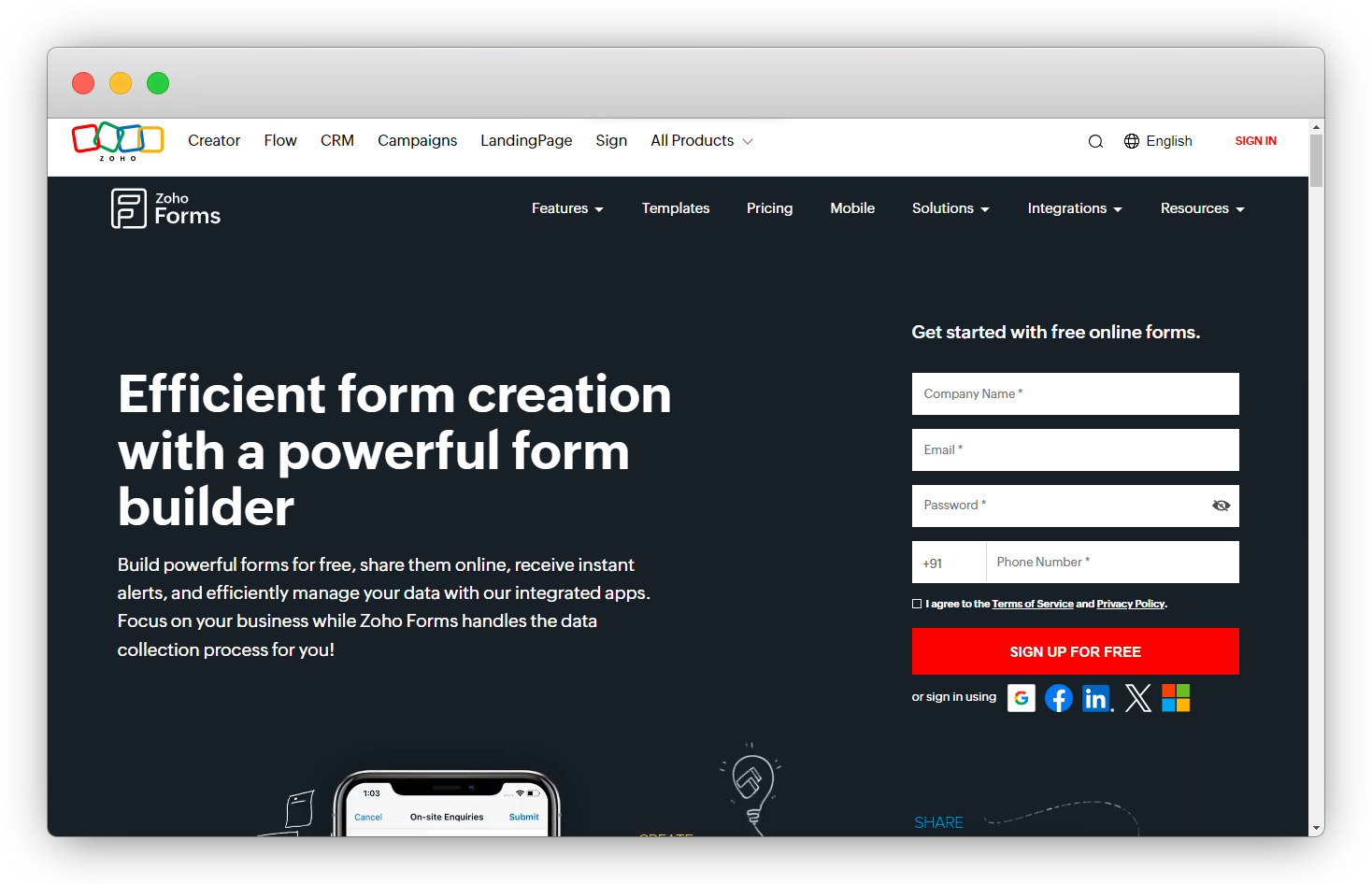
Zoho and Zapier integrations help you with data integration and workflow automation. You can trigger actions based on survey submissions, streamline data management, and extract valuable insights.
Ideal for: Marketing, sales, CX, and operations teams that use structured surveys and want to automate feedback routing into CRMs, spreadsheets, email tools, and internal systems using Zapier, especially teams already working within the Zoho ecosystem.
Key Features
-
Automate tasks, save time and enhance productivity by integrating Zoho Survey with a wide range of supported apps through Zapier.
-
Create custom workflows to connect survey responses with actionable tasks in other applications, automating processes like follow-up emails and report generation.
-
Eliminate manual data entry, reducing the risk of inconsistencies and inaccuracies in responses with Zoho Survey's integration with Zapier.
-
Connect Zoho Survey with various apps and services like calendars, CRM systems, project management tools, email platforms, and analytics applications for versatile integration possibilities.
-
Receive real-time notifications in messaging apps like Slack for prompt response to survey submissions.
Zoho Survey Pros
-
Well integrated with the broader Zoho ecosystem
-
Strong support for structured surveys and business workflows
-
Reliable Zapier integration for response-based automation
-
Suitable for SMB and mid-market teams
-
Good balance of features and affordability
Zoho Survey Cons
-
Survey design and UX less modern than some competitors
-
Advanced customization options can be limited
-
Best experience when paired with other Zoho tools
Zoho Survey Pricing
-
Starts at $4.59/month
-
Free trial available
G2 Rating: 4.4/5
12. Survicate: Best for Multi-Channel Product and Website Feedback with Zapier
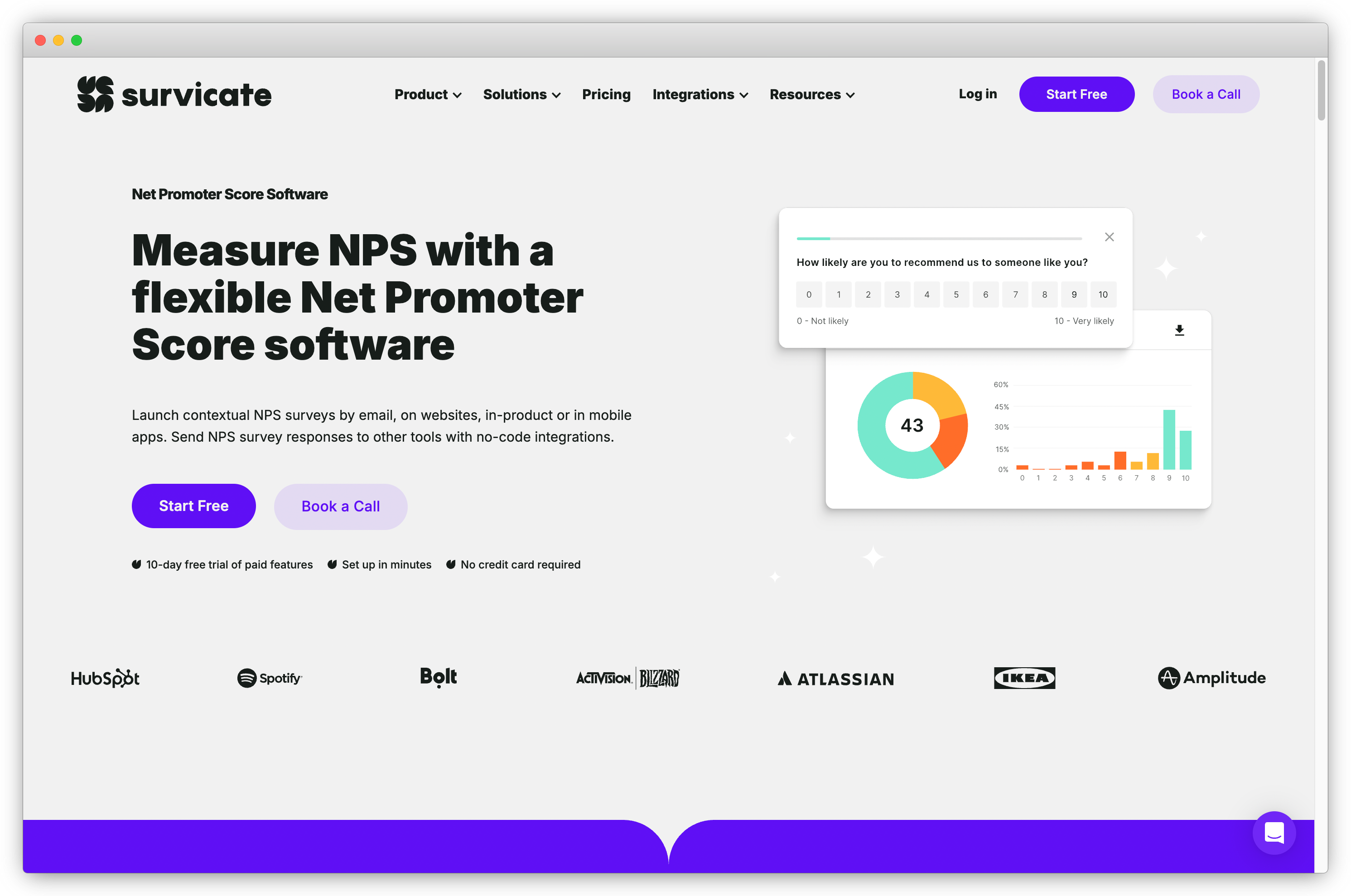
Survicate, an intuitive survey tool, enables continuous customer feedback collection through email, web, in-product, and mobile apps. By integrating this software with Zapier, you can automate surveys and response-based workflows, guaranteeing data integrity and preventing any loss.
Ideal for: Product, growth, and CX teams that collect feedback across websites, apps, email, and in-product touchpoints, and want to automate response routing, alerts, and analytics workflows using Zapier.
Key Features
-
Utilize Survicate and Zapier integration to automate surveys, enhancing efficiency and ensuring seamless feedback collection.
-
Automatically add feedback from surveys to Survicate Feedback Hub, preventing any loss of valuable customer insights.
-
Trigger actions in Survicate, such as creating feedback notes and completing surveys, based on user responses, providing real-time engagement.
Top Triggers in Survicate and Zapier Integration
-
Trigger workflows when a new survey response is submitted in Survicate
-
Trigger actions based on response data, such as specific answers or completion events
-
Create or update records in connected apps when a survey response is received, including CRMs, spreadsheets, and internal tools
What You Can Do with Survicate and Zapier Integration?
-
Connect Survicate with hundreds of apps via Zapier to automate feedback workflows
-
Sync survey responses with CRMs, analytics platforms, and collaboration tools
-
Trigger alerts, tasks, or follow-ups based on user feedback
-
Route product and website feedback into dashboards and reporting tools
Survicate Pros
-
Strong support for multi-channel surveys including web, in-app, and email
-
Well suited for product and UX feedback use cases
-
Reliable Zapier integration for response-based automation
-
Easy to route feedback into analytics and internal systems
-
Works well for SaaS and digital-first teams
Survicate Cons
-
Advanced features are limited to higher-tier plans
-
Reporting depth may feel limited for enterprise research use cases
Survicate Pricing
- Paid plans start at $79/month
- Free plan is available
G2 rating: 4.6/5
13. SurveyLab: Best for Advanced Research Surveys and Data-Driven Feedback with Zapier
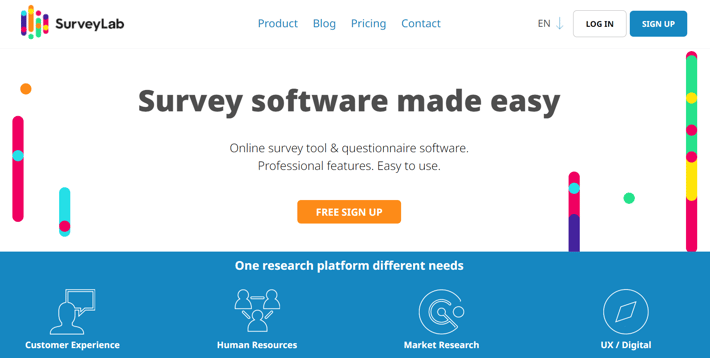
SurveyLab seamlessly integrates with over 3000 apps and tools through Zapier, providing a code-free solution for enhanced survey management and data integration.
Ideal for: Research teams, CX professionals, and enterprises that run structured surveys, need advanced logic and reporting, and want to automate response routing to analytics tools, CRMs, and internal systems using Zapier.
Key Features
-
Leverage the SurveyLab and Zapier integration to enhance survey capabilities across diverse applications, ensuring a comprehensive and customized survey experience.
-
Set up automated workflows with Zapier integration, enabling streamlined processes and real-time data synchronization.
-
Boost productivity by automating tasks and optimizing survey management for efficient data flow.
Top Triggers in SurveyLab and Zapier Integration
-
Trigger workflows when a new survey response is submitted in SurveyLab
-
Trigger actions based on survey completion or response conditions
-
Create or update records in connected apps when survey responses are received, including CRMs, spreadsheets, and reporting tools
What You Can Do with SurveyLab and Zapier Integration?
-
Connect SurveyLab with hundreds of apps using Zapier to automate research and feedback workflows
-
Sync survey data with analytics platforms, databases, and internal tools
-
Trigger alerts, reports, or follow-up workflows based on survey responses
-
Route structured feedback into dashboards for analysis and decision-making
SurveyLab Pros
-
Strong support for advanced survey logic and research use cases
-
Robust reporting and data analysis capabilities
-
Reliable Zapier integration for response-based automation
-
Suitable for enterprise and professional research teams
-
Good control over survey structure and data collection
SurveyLab Cons
-
Interface can feel complex for non-research users
-
Less suitable for quick or conversational surveys
-
Setup may require more planning compared to simpler tools
SurveyLab Pricing
- Starts at $49/month
- Free trial available
G2 Rating: 4.4/5
14. Surveybot: Best for Chat-Based Surveys and Messaging App Automation with Zapier
Surveybot, a powerful survey tool with seamless Zapier integration, empowers you to collect valuable feedback directly through your Facebook page, streamlining the survey process and enhancing engagement with your audience.
Ideal for: Marketing, community, and CX teams that collect feedback through chat platforms like Facebook Messenger and want to automate response routing, notifications, and follow-up workflows using Zapier.
Key Features
-
Leverage Zapier Integration to link surveys with over 750 apps including Facebook page, ensuring widespread data distribution and automation.
-
Access popular CRM systems effortlessly, allowing seamless integration of more responses with your customer relationships.
-
Set up chatbot integrations for each survey, enabling personalized interactions and streamlined data flow for multiple survey projects.
Top Triggers in Surveybot and Zapier Integration
-
Trigger workflows when a new survey response is submitted through Surveybot
-
Trigger actions based on chat-based survey interactions or completions
-
Create or update records in connected apps when survey responses are received, including CRMs, spreadsheets, and notification tools
-png.png?width=2022&height=1258&name=frame_generic_light%20(43)-png.png) What You Can Do with Surveybot and Zapier Integration?
What You Can Do with Surveybot and Zapier Integration?
-
Connect Surveybot with hundreds of apps via Zapier to automate chat-based feedback workflows
-
Sync survey responses from messaging platforms into CRMs and reporting tools
-
Trigger alerts, follow-ups, or internal workflows based on chat responses
-
Route conversational survey data into dashboards and analytics systems
Surveybot Pros
-
Chat-based survey experience that improves engagement
-
Works well for conversational and messaging-first feedback use cases
-
Simple Zapier setup for response-based automation
-
Useful for social media and community feedback collection
-
Lightweight and easy to deploy
Surveybot Cons
-
Limited to chat and messaging-based survey channels
-
Not suitable for complex survey logic or advanced analytics
-
Fewer customization options compared to full-featured survey platforms
Surveybot Pricing
- Starts at $35/month
- Free trial available
G2 Rating: 4.0/5
15. SmartSurvey: : Best for Chat-Based Surveys and Messaging App Automation with Zapier
SmartSurvey is a powerful online survey software that offers advanced reporting capabilities for individuals and teams to effortlessly create a variety of data collection forms. The Zapier integration allows for automating Smartsurvey responses and survey tasks by connecting over 1,000 web apps.
Ideal for: Marketing, community, and CX teams that collect feedback through chat platforms like Facebook Messenger and want to automate response routing, notifications, and follow-up workflows using Zapier.
Key Features
-
Connect to over 1,000 popular web apps including Salesforce, Office 365, Google Drive and more, and automate new Smartsurvey survey responses and tasks for heightened efficiency.
-
Leverage Zaps to create tailored workflows, automating processes like sending surveys to new lead in Salesforce.
-
Simplify task automation with easy-to-create Zaps for a user-friendly interface for users of all levels.
-
As both a trigger and an action in Zapier, SmartSurvey offers flexibility, allowing you to mix and match for diverse task automation tailored to your specific needs.
Top Triggers in Surveybot and Zapier Integration
-
Trigger workflows when a new survey response is submitted through Surveybot
-
Trigger actions based on chat-based survey interactions or completions
-
Create or update records in connected apps when survey responses are received, including CRMs, spreadsheets, and notification tools
-png.png?width=2022&height=1258&name=frame_generic_light%20(44)-png.png) What You Can Do with Surveybot and Zapier Integration?
What You Can Do with Surveybot and Zapier Integration?
-
Connect Surveybot with hundreds of apps via Zapier to automate chat-based feedback workflows
-
Sync survey responses from messaging platforms into CRMs and reporting tools
-
Trigger alerts, follow-ups, or internal workflows based on chat responses
-
Route conversational survey data into dashboards and analytics systems
SmartSurvey Pros
-
Chat-based survey experience that improves engagement
-
Works well for conversational and messaging-first feedback use cases
-
Simple Zapier setup for response-based automation
-
Useful for social media and community feedback collection
-
Lightweight and easy to deploy
SmartSurvey Cons
-
Limited to chat and messaging-based survey channels
-
Not suitable for complex survey logic or advanced analytics
-
Fewer customization options compared to full-featured survey platforms
SmartSurvey Pricing
- Starts at $120.46/month
- Free trial available
G2 Rating: 4.6/5
16. SurveyMonkey: Best for Scalable Surveys and Broad Zapier-Based Automation
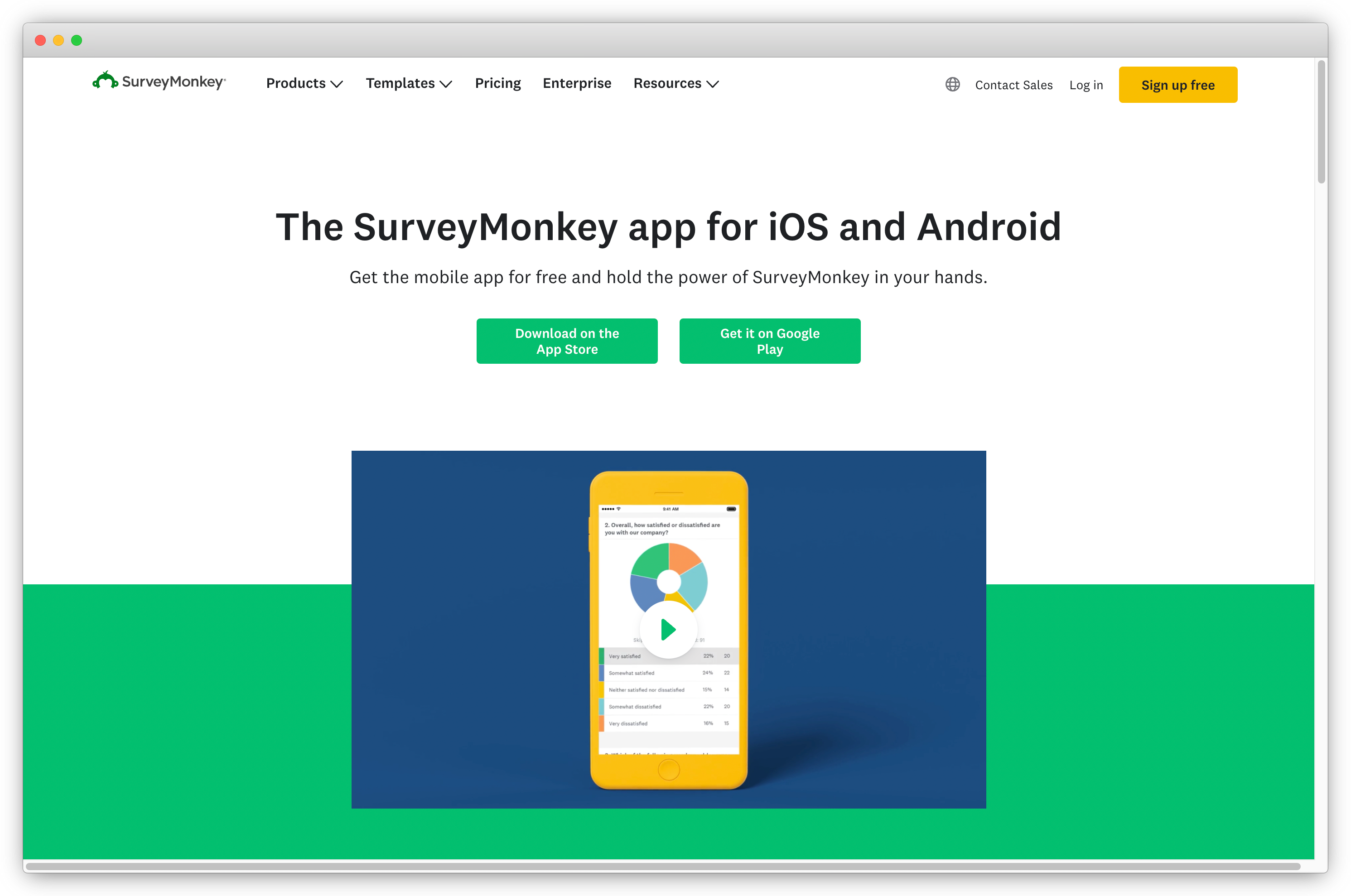
SurveyMonkey and Zapier integration allows you to automate workflows and enhance survey management. You can trigger actions based on customer responses, automate email notifications including Gmail account, and efficiently organize data in Google Sheets.
Ideal for: Marketing, CX, research, and operations teams that run surveys at scale and want to automate response routing, reporting, and follow-up workflows across CRMs, analytics tools, and internal systems using Zapier.
Key Features
-
Set up customized email notifications for every complete response, including options to insert answer text, send to multiple addresses, and filter responses based on criteria.
-
Send personalized confirmation emails to respondents using Zapier, with the flexibility to customize content and trigger conditions based on specific criteria.
-
Automatically update a Google Sheets spreadsheet with new SurveyMonkey responses, offering dynamic and organized data storage for efficient analysis.
-
Tailor zaps to specific needs, including criteria-based triggers, selective collector preferences, and personalized content insertion, providing a high level of customization in your automated processes.
Top Triggers in SurveyMonkey and Zapier Integration
-
Trigger workflows when a new survey response is submitted in SurveyMonkey
-
Trigger actions based on survey completion events or specific response conditions
-
Create or update records in connected apps when survey responses are received, including CRMs, spreadsheets, analytics tools, and notification systems
 What You Can Do with SurveyMonkey and Zapier Integration?
-
Connect SurveyMonkey with hundreds of apps through Zapier to automate survey workflows
-
Sync survey responses with CRMs, data warehouses, and reporting tools
-
Trigger alerts, tasks, or follow-up workflows based on survey responses
-
Route large volumes of feedback into dashboards for analysis and decision-making
SurveyMonkey Pros
-
Highly scalable platform suitable for large survey programs
-
Strong Zapier support for response-based automation
-
Wide range of survey templates and question types
-
Reliable reporting and analytics capabilities
-
Trusted by teams across industries and use cases
SurveyMonkey Cons
-
Advanced features are locked behind higher pricing tiers
-
Customization can feel limited compared to some modern survey tools
-
Automation depth depends on Zapier plan limits
SurveyMonkey Pricing
- Starts at $17.20/month.
- Custom-based enterprise pricing
G2 Rating: 4.4 / 5
17. SurveyCTO for Secure & Robust Mobile Data Collection
Through SurveyCTO and Zapier integration, you can connect your survey data seamlessly with external systems like Salesforce, G Suite, and more. The integration allows you to streamline your workflow, trigger events, and send data effortlessly.
Ideal for: Research organizations, NGOs, government teams, and field research teams that collect data in low-connectivity environments and want to automate response syncing and reporting workflows using Zapier.
Key Features
-
Connect SurveyCTO effortlessly with systems like Salesforce, G Suite, Office 365, Twilio, Power BI, and SMS/IVR via Zapier.
-
Facilitate seamless interactions between SurveyCTO and external systems, ensuring complete and connected data management.
-
Save time by automating repetitive tasks, allowing focused efforts on deriving valuable insights from survey data.
Top Triggers in SurveyCTO and Zapier Integration
-
Trigger workflows when new survey data is submitted or synced in SurveyCTO
-
Trigger actions based on survey completion events or data updates
-
Create or update records in connected apps when survey responses are received, including spreadsheets, databases, and internal systems
-png.png?width=2022&height=1258&name=frame_generic_light%20(45)-png.png) What You Can Do with SurveyCTO and Zapier Integration?
What You Can Do with SurveyCTO and Zapier Integration?
-
Connect SurveyCTO with hundreds of apps through Zapier to automate mobile data collection workflows
-
Sync field-collected survey data with spreadsheets, databases, and analytics tools
-
Trigger alerts, reporting workflows, or data exports when new responses are submitted
-
Route secure survey data into centralized systems for analysis and decision-making
SurveyCTO Pros
-
Strong offline and mobile data collection capabilities
-
High focus on data security and reliability
-
Well suited for field research and low-connectivity environments
-
Reliable Zapier integration for syncing collected data
-
Trusted by research and development organizations
SurveyCTO Cons
-
Not designed for marketing or conversational surveys
-
Setup and survey design can require technical expertise
-
Limited visual customization compared to web-based survey tools
SurveyCTO Pricing
- Starts at $250/month.
- Custom-based enterprise pricing
G2 Rating: 4.5/5
18. Hotjar: Best for Behavior-Based Feedback and User Insights with Zapier
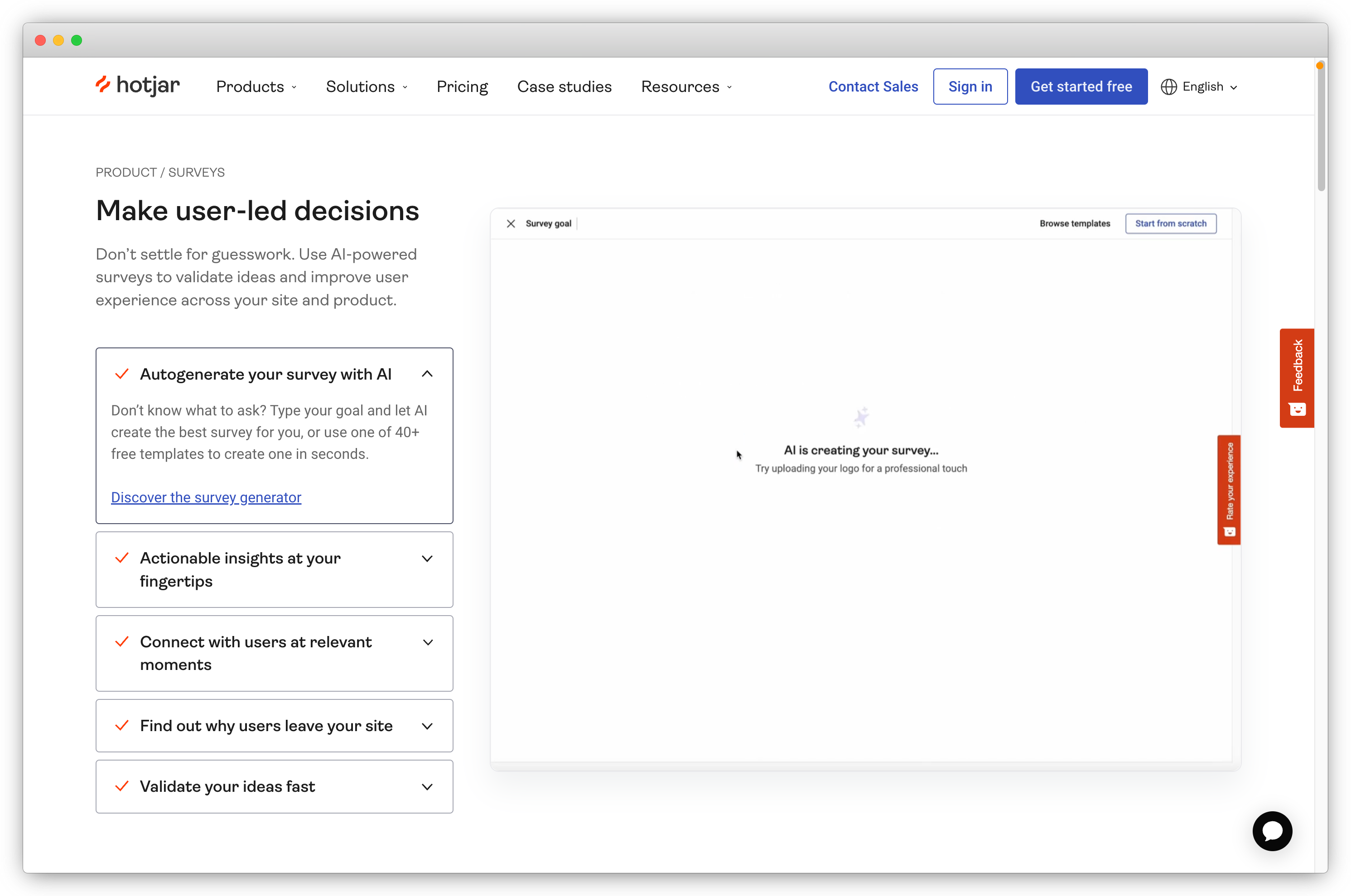
Hotjar helps you to gather valuable insights directly from your users through its feedback and surveys option. With seamless Zapier integration, you can automate the organization of feedback responses and feedback, and streamline the decision-making process for a user-centric approach.
Ideal for: Product, UX, and growth teams that want to collect qualitative user feedback through surveys and polls, and automate response routing, alerts, and analytics workflows using Zapier.
Key Features
-
Connect Hotjar with Zapier for seamless integration with tools like Airtable and Miro, ensuring efficient data organization.
-
Improve stakeholder communication by sending Hotjar data to tools like Sheets or Excel, creating visually appealing charts for user behavior patterns.
-
Automate workflows with Zaps like create a new row in Google sheets spreadsheet for Hotjar Recordings, saving time on data collation and analysis.
-
Enhance conversion rates by automatically creating Trello cards for customer responses and feedback on high-value web pages.
-
Boost team engagement by sending insights into user feelings via feedback responses and recordings to a dedicated Microsoft Teams channel, facilitating quick trend-spotting and issue identification.
Top Triggers in Hotjar and Zapier Integration
-
Trigger workflows when a new survey or feedback response is submitted in Hotjar
-
Trigger actions based on feedback submissions or response conditions
-
Create or update records in connected apps when feedback data is received, including CRMs, analytics tools, and collaboration platforms
 What You Can Do with Hotjar and Zapier Integration?
-
Connect Hotjar with hundreds of apps through Zapier to automate feedback workflows
-
Sync user feedback and survey responses with analytics, CRMs, and internal tools
-
Trigger alerts, tasks, or follow-up actions based on user feedback
-
Route behavioral feedback into dashboards for analysis and optimization
Hotjar Pros
-
Strong focus on user behavior and qualitative insights
-
Complements surveys with heatmaps and session recordings
-
Reliable Zapier integration for response-based automation
-
Well suited for product and UX research use cases
-
Easy to deploy on websites and apps
Hotjar Cons
-
Limited survey depth compared to dedicated survey platforms
-
Not ideal for structured or long-form surveys
-
Best used alongside other analytics or survey tools
Hotjar Pricing
- Paid plans start at $40/month
- Free basic plan are available
G2 Rating: 4.3 / 5
19. Qualtrics: Best for Enterprise-Grade Experience Management and Advanced Automation with Zapier
Qualtrics is an enterprise survey software which when paired with Zapier, effortlessly blends your new survey responses (X-Data) with operational data from other apps to provide you with actionable insights and automated workflows. You can easily distribute surveys, enable real-time event triggers, and create a customized data ecosystem, all through the power of Qualtrics and Zapier collaboration.
Ideal for: Large enterprises, CX leaders, and research teams that run complex experience management programs and want to automate response routing, alerts, and reporting workflows across enterprise systems using Zapier.
Key Features
-
Gain actionable insights into customer experience data by effortlessly integrating Qualtrics with various apps, ensuring a smooth flow of data upon survey completion.
-
For users with XM Directory, easily distribute Qualtrics surveys from any available application in Zapier and deliver experience data to the system of record.
-
Automatically enable new contact creation and survey distribution as events happen, ensuring timely responses and trigger actions based on collected responses.
-
Tailor survey distribution based on events and responses, providing flexibility and customization to suit your specific needs.
Top Triggers in Qualtrics and Zapier Integration
-
Trigger workflows when a new survey response is submitted in Qualtrics
-
Trigger actions based on survey completion events or specific response conditions
-
Create or update records in connected apps when survey responses are received, including CRMs, analytics platforms, and internal enterprise systems
 What You Can Do with Qualtrics and Zapier Integration?
-
Connect Qualtrics with hundreds of apps through Zapier to automate experience management workflows
-
Sync survey and XM data with CRMs, analytics tools, and enterprise reporting systems
-
Trigger alerts, tasks, or follow-up workflows based on customer, employee, or product feedback
-
Route large-scale feedback data into dashboards for strategic analysis and decision-making
Qualtrics Pros
-
Enterprise-grade survey and experience management capabilities
-
Advanced analytics, reporting, and segmentation features
-
Reliable Zapier integration for response-based automation
-
Suitable for large-scale and complex feedback programs
-
Strong focus on data governance and security
Qualtrics Cons
-
Steep learning curve for new users
-
Pricing is higher compared to most survey tools
-
Overpowered for simple or lightweight survey needs
Qusltrics Pricing
- Contact their sales team to get pricing information
- Free version not available
G2 Rating: 4.4 / 5
20. Nicereply: Best for CSAT, CES, and NPS Surveys with Helpdesk Automation via Zapier
Nicereply, a powerful survey tool, excels at gathering customer feedback effortlessly. When integrated with Zapier, this dynamic duo ensures seamless automation, connection and synchronization of survey data with various apps, resulting in enhanced efficiency, personalized automation, and valuable insights from customer responses.
Ideal for: Customer support and CX teams that measure CSAT, CES, and NPS and want to automate response routing, alerts, and reporting across helpdesk tools, CRMs, and internal systems using Zapier.
Key Features
-
Utilize Zaps to trigger actions based on Nicereply responses, ensuring streamlined processes.
-
Connect Nicereply with various apps through Zapier for smooth and real-time synchronization, enhancing your data management capabilities.
-
Tailor Zaps according to your needs, allowing personalized and automated workflows that match your survey requirements.
-
With Zaps, automate routine tasks and derive valuable insights from feedback responses.
Top Triggers in Nicereply and Zapier Integration
-
Trigger workflows when a new customer satisfaction survey response is received in Nicereply
-
Trigger actions based on CSAT, CES, or NPS scores or survey completion events
-
Create or update records in connected apps when feedback is received, including CRMs, helpdesk tools, spreadsheets, and notification systems
-png.png?width=1918&height=953&name=frame_generic_light%20(46)-png.png) What You Can Do with Nicereply and Zapier Integration?
What You Can Do with Nicereply and Zapier Integration?
-
Connect Nicereply with hundreds of apps through Zapier to automate support feedback workflows
-
Sync CSAT, CES, and NPS responses with CRMs, helpdesks, and reporting tools
-
Trigger alerts, follow-ups, or escalations based on negative or positive feedback
-
Route support feedback into dashboards for monitoring and improvement
Nicereply Pros
-
Purpose-built for customer support satisfaction metrics
-
Simple setup for CSAT, CES, and NPS surveys
-
Reliable Zapier integration for response-based automation
-
Works well with popular helpdesk tools
-
Easy to act on feedback through alerts and follow-ups
Nicereply Cons
-
Limited flexibility beyond support-focused surveys
-
Not suitable for complex or multi-channel survey programs
-
Customization options are more limited than general survey tools
Nicereply Pricing
- Pricing starts at $59/month
- Free version not available
G2 Rating: 4.5/5
21. forms.app: Best for Simplified Form Creation with Zapier
forms.app simplifies form creation, providing a user-friendly platform for efficient data collection. When integrated with Zapier, it automates data transfer from various apps for streamlined workflows.
Ideal for: Marketing, operations, HR, and small teams that need a simple no-code form builder and want to automate response routing, notifications, and data syncing across tools using Zapier.
Key Features
-
Set up triggers through Zapier to prompt immediate actions based on form responses, ensuring real-time engagement.
-
Create powerful automated workflows using multi-step Zaps for enhanced complexity in data management.
-
Enjoy real-time synchronization between forms.app responses and connected applications for instant updates.
Top Triggers in forms.app and Zapier Integration
-
Trigger workflows when a new form or survey response is submitted in forms.app
-
Trigger actions based on form submissions or response conditions
-
Create or update records in connected apps when responses are received, including spreadsheets, CRMs, email tools, and internal systems
.png?width=2982&height=1978&name=forms.app%20(2).png)
What You Can Do with forms.app and Zapier Integration?
-
Connect forms.app with hundreds of apps via Zapier to automate form and survey workflows
-
Sync form responses with spreadsheets, CRMs, and collaboration tools
-
Trigger alerts, follow-ups, or task assignments based on submissions
-
Route form data into reporting tools for quick analysis
forms.app Pros
-
Simple, no-code form builder with quick setup
-
Easy Zapier integration for response-based automation
-
Suitable for lightweight surveys and internal data collection
-
Clean interface with minimal learning curve
-
Good option for SMBs and startups
forms.app Cons
-
Limited advanced survey logic and analytics
-
Not ideal for large-scale or complex feedback programs
-
Customization options are basic compared to enterprise tools
forms.app Pricing
- Starts at $15/month
- Free version available
How We Selected the Best Survey Integrations with Zapier?
To identify the best survey integrations with Zapier, we evaluated each tool based on how effectively it supports automation, data flow, and real-world survey workflows across teams. Our selection focused on tools that go beyond basic connectivity and enable actionable, scalable feedback automation.
We assessed each survey tool using the following criteria:
-
Zapier Integration Depth: Availability of reliable triggers and actions to automate survey distribution, response handling, and workflow execution across connected apps.
-
Automation Flexibility: Ability to build event-based workflows, route responses conditionally, and trigger follow-ups, alerts, or data syncs without custom code.
-
Survey Capabilities: Support for different survey types, channels, logic, and response handling suited for marketing, product, CX, and support use cases.
-
Ease of Setup: Simplicity of connecting the tool with Zapier and configuring workflows for non-technical teams.
-
Scalability & Use Cases: Suitability for SMB, mid-market, and enterprise teams, including high-volume feedback and multi-team workflows.
-
Reliability & User Feedback: Consistency of performance and user sentiment based on real-world adoption and reviews.
Based on this evaluation, we curated survey tools that work well with Zapier to help teams automate feedback collection, streamline operations, and turn survey responses into meaningful actions across their tech stack.
Conclusion
Choosing the right Zapier survey integration allows teams to move beyond standalone surveys and build automated, insight-driven workflows. By connecting survey tools with Zapier, businesses can sync responses across CRMs, support tools, analytics platforms, and internal systems, helping teams act on feedback faster and reduce manual effort. Whether it’s interactive surveys, product feedback, research data, or support metrics, the tools covered in this list support a wide range of automation and use cases.
Among the options available, Zonka Feedback stands out as a powerful customer feedback and experience management platform that integrates seamlessly with Zapier. With this integration, teams can automate survey distribution, route responses across tools, trigger alerts and follow-ups, and maintain real-time feedback flow across systems. This makes it easier to close the feedback loop and turn customer insights into meaningful action.
If you want to see how this works in practice, you can schedule a demo with Zonka Feedback to explore its Zapier integration, automation capabilities, and feedback management features in detail.


.png)
.png)

.png)
.png)