.svg)
 Healthcare
 Finance
 Retail
 SaaS & Digital
 eCommerce
 Education
 Salesforce
  HubSpot
 Pipedrive
 Mailchimp
 Klaviyo
 Zendesk
  Intercom
 Freshdesk
 HelpScout
  Front
Front Jira
Jira Slack
Slack  MS Teams
 Zoom
Zoom Google Sheets
  Zapier
  Integrately
 Make
Make  Webhooks




 MS Teams




In a mobile-first world, customer feedback is most valuable when it is collected in the moment and on the devices people actually use. With Android powering the majority of smartphones worldwide, Android survey apps have become a practical choice for gathering feedback across in-store locations, events, kiosks, and field operations.
From real-world usage, the challenge is rarely about creating surveys. It is about collecting reliable data offline, syncing responses smoothly, and rolling out surveys at scale without operational friction. Modern Android survey apps focus on usability, offline access, integrations, and flexible deployment to support these needs.
In this blog, we’ve curated the best Android survey apps for 2026 based on hands-on evaluation, real user feedback, and comparative analysis, so you can choose the right tool for mobile and on-the-go feedback collection. Let's get started!
TL;DR
-
Android survey apps are mobile applications designed for Android devices, facilitating the creation, distribution, and analysis of survey data collection in a user-friendly manner.
-
Survey apps for Android serve as versatile tools to collect valuable customer feedback in real-time, on-site, or remotely, supporting both online and offline needs.
-
This blog lists the best Android survey apps for 2026, evaluated based on offline functionality, Android compatibility, ease of use, survey flexibility, integrations, data sync reliability, and suitability for different feedback and field use cases.
Based on our comparative analysis, the top Android survey apps by use case include:
-
Zonka Feedback — Best for offline-first surveys, omnichannel feedback collection, and real-time insights across customer touchpoints.
-
SurveySparrow — Best for conversational surveys and mobile-friendly customer experience feedback.
-
Qualaroo — Best for in-app and contextual feedback on mobile experiences.
-
GoSurvey — Best for offline field data collection and research-heavy use cases.
-
-
Zonka Feedback is a powerful survey tool that can help you create surveys and analyze results on any Android device and identify trends, patterns, and opportunities for improvement to take action and close feedback loop. You can sign up to schedule a demo to get started with creating surveys on your Android device.
Take Feedback & Gather Data anywhere with the Offline Survey App🔥
Run surveys on any device in offline mode, even in remote locations and get real-time alerts, responses and insights.

If you want to jump straight into our top Android survey tools, here's our list for a quick overview, or keep reading for an in-depth look at each Android app's features.
How Did We Evaluate the Best Android Survey Softwares?
Choosing the right Android survey app goes beyond picking the first tool that looks appealing. To identify the top options, we focused on the essential features that bring the most value to both large enterprises and growing businesses. Here’s the criteria we used to assess each app:
- Question Flexibility: We looked for apps offering diverse question types—multiple choice, ratings, short answers—plus pre-built templates and unlimited questions for versatile data collection.
- Advanced Survey Logic: Apps were rated on their ability to create dynamic surveys, using logic and branching to tailor questions based on previous responses.
- Customization and Branding: Strong customization options, including themes, logos, and colors, were prioritized to help users maintain brand consistency in their surveys.
- Ease of Use: We focused on apps with user-friendly interfaces that make survey creation straightforward for creators and enjoyable for respondents.
- Scalability: We considered each app’s ability to handle growing data and users, from small team surveys to large-scale research projects.
- Comprehensive Reporting and Analysis: Apps with real-time dashboards, data visualization, and AI-driven insights ranked higher, making it easier to extract actionable insights.
- Data Export and Integrations: We assessed each app’s data export options (CSV, Excel, Google Sheets) and integrations with tools like Salesforce and HubSpot for streamlined workflows.
- Closing the Feedback Loop: We valued features like automated follow-ups, CRM integrations, and response management tools to help businesses act on feedback efficiently.
What are Android Survey Apps?
Android survey apps are specialized mobile applications designed to create, distribute, and collect survey responses using Android devices such as smartphones and tablets. These apps offer a streamlined, mobile-friendly approach to gathering feedback from customers, employees, or any target audience, enabling you to manage surveys on-the-go.
With features like customizable survey templates, offline data collection, and instant analytics, Android survey apps simplify the feedback collection process, making it accessible anywhere and anytime.
Why Android Survey Apps Matter?
In an era where Android dominates the mobile device landscape, survey apps built for this platform have become essential tools for data collection. Here’s why they’re invaluable for today’s feedback-driven strategies:
- Real-Time Engagement: Capture immediate feedback using Android devices for direct, on-site engagement with customers.
- Versatile Survey Modes: Transform Android devices into self-serve kiosks, ideal for independent participation in high-traffic locations.
- Flexible Data Collection: Conduct surveys anytime, even offline at your location and field surveys at the remotest of locations; data syncs automatically when reconnected.
- Hassle-Free Distribution: Send survey links directly to customers’ devices for easy, accessible participation.
Best Android Survey Apps at a Glance
| Use Case | Android Survey App | Standout Feature | Pricing (Per Month) | G2 Rating |
| Customer Feedback & Experience Management | Zonka Feedback |
AI-driven sentiment analysis with omnichannel feedback and offline capabilities |
Custom | 4.6 |
| Surveysparrow | Dual-interface (chat and form) for conversational feedback collection | NA | 4.4 | |
| HubSpot Service Hub | AI-powered response topic analysis and automated survey translation | $9/user | 4.4 | |
| Qualaroo | Nudge™ technology for behavior-based in-app feedback | $19.99 | 4.3 | |
| Offline Data Collection | Formstack Go | No-code form builder with powerful offline syncing and automated workflows | $99 | 4.3 |
| GoSurvey | Offline data collection with custom branding and multilingual options | $17 | 4.2 | |
| FynzoSurvey | Pre-built templates with real-time notifications and offline data sync | $19 | 4.4 | |
| Forms on Fire | Field data collection with GPS, barcode support, and easy offline access | $20 | 4.5 | |
| GoFormz | Digital forms with drag-and-drop builder, offline sync, and logic functions | $24 | 4.7 | |
| Market Research & Data Collection | QuestionPro | Advanced survey logic, geolocation tracking, and multimedia response capture | $99 | 4.5 |
| Survicate | Targeted, in-app feedback triggered by user behavior and screen actions | $79 | 4.6 | |
| Sogolytics | Customizable surveys with automated reminders and advanced sentiment analysis | $39 | 4.6 | |
| General Purpose Form Builders | SurveyMonkey | Extensive template library with real-time push notifications | $17.20 | 4.4 |
| Jotform | Versatile data fields, offline capture, and team collaboration | $34 | 4.7 | |
| forms.app | Simple form builder with conditional logic and broad app integrations | $15 | 4.5 | |
| Surveyapp | Multi-channel feedback with offline access and automated reporting | $23.99 | 4.5 |
What are the Best Android Survey Apps to Collect Customer Feedback?
The best Android survey apps for 2026 include tools designed to support a wide range of feedback collection needs, from offline field surveys and on-site kiosks to in-the-moment customer experience and mobile research programs. These platforms vary in focus, with some built for quick, lightweight feedback and others offering more advanced workflows, integrations, and reporting.
Tools such as Zonka Feedback, SurveySparrow, Qualaroo, GoSurvey, SurveyMonkey, and QuestionPro are commonly considered among the best Android survey apps based on factors like offline data collection, Android app stability, ease of deployment, survey customization, integrations, and scalability.
Let’s take a closer look at each Android survey app to understand where it fits best and how it compares for mobile and on-the-go feedback collection.
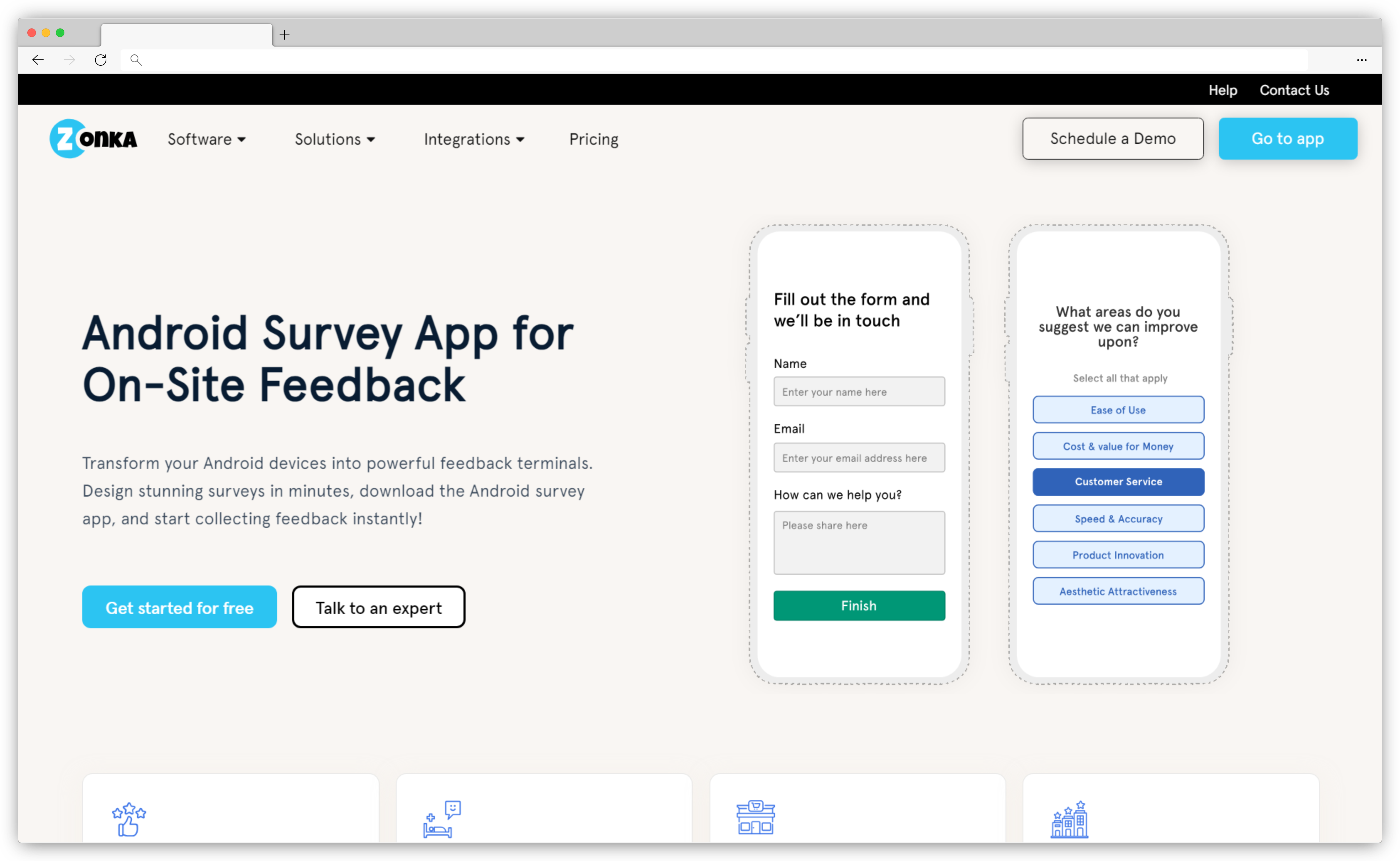
1. Zonka Feedback - Best AI-Powered Omnichannel Android Survey App
Zonka Feedback is designed to turn any Android device into a powerful feedback tool. Whether you’re looking to collect in-the-moment feedback from patients, guests, or shoppers, this Android survey app has you covered. It offers a highly customizable, user-friendly interface that lets you create stunning surveys in minutes, allowing you to capture valuable insights from customers, employees, or any audience you engage with on-site.
Perfect for on-the-go data collection, Zonka Feedback’s offline capabilities make it easy to gather feedback anywhere, even without an internet connection. From kiosks to field surveys, you can use your Android tablet or phone as a mobile survey station, capturing real-time opinions that sync automatically when you’re back online. This flexibility makes it a standout solution for you if you are operating across multiple locations or industries that rely on frontline engagement.
With advanced analytics, powered by AI sentiment analysis, you can detect emotions, themes, and tags for quick insights. Its response inbox centralizes feedback, enabling easy review, assignment, and direct responses while the automated workflows route urgent feedback to the right teams instantly, triggering alerts for low ratings and helping you close the feedback loop efficiently.
Best For: Offline-first Android surveys, omnichannel customer feedback, and real-time insights across on-site, in-store, kiosk, and field environments.
Use Case: Zonka Feedback is well-suited for CX teams, retail and hospitality brands, healthcare providers, and field teams that need reliable offline data collection, flexible survey deployment on Android devices, and centralized reporting with automated workflows.
G2 Rating: 4.6/5
Key Features
- Design custom surveys effortlessly with 100+ templates or start from scratch, adding questions and adjusting layouts as needed
- Collect user feedback offline with automatic syncing when internet connectivity is restored, ensuring data capture anytime, anywhere
- Use Android devices as unattended kiosks for easy, self-serve survey participation in high-traffic locations
- Centrally manage responses across multiple locations, allowing for efficient analysis and trend identification
- Customize surveys with white-label options, including personalized colors, themes, and branding for a cohesive look
- Support multilingual surveys and consolidate responses in one language, simplifying analysis across diverse audiences
- Measure key CX metrics like NPS, CES, and CSAT, along with other feedback types, including product, employee, and event feedback
- Get instant alerts for real-time insights, empowering quick action on customer feedback to close the loop effectively
- Automate workflows for seamless feedback management, routing alerts and tasks to the right team members
- Integrate seamlessly with tools like Slack, Mailchimp, and Google Sheets, enhancing productivity and data flow
- Protect your data with GDPR compliance and enhanced security measures tailored for business use
Zonka Feedback Pros
-
Extensive customization with numerous templates and branding options
- Powerful offline mode with automatic sync
- AI-powered sentiment analysis and reporting
- Integration with popular CRMs and helpdesk tools
- Collaborative tools for closing the feedback loop
- Responsive customer support team
Zonka Feedback Cons
- May not integrate with all business software by default, but custom integrations are available upon request
Zonka Feedback Pricing
- Custom based pricing based on feedback volume and integrations
- Free Trial is available on request
2. SurveySparrow: Conversational & Engaging Android Survey App
Known for its unique dual-interface—offering both chat-like surveys and traditional forms—SurveySparrow makes gathering feedback feel less like a task and more like a conversation. Whether you’re gauging customer satisfaction, collecting product feedback, or conducting market research, SurveySparrow delivers a smooth survey experience across Android mobile devices, tablet, and desktop, adapting effortlessly to each platform.
For businesses aiming to maximize response rates, SurveySparrow’s interactive features allow you to add multimedia elements, such as images and videos, for a richer survey experience. With built-in analytics, it’s easy to turn feedback into actionable insights, helping you improve your services based on real user input.
Best For: Conversational, mobile-friendly surveys that improve response rates on Android devices.
Use Case: SurveySparrow works well for customer experience teams, marketers, and HR teams running Android-based feedback campaigns, in-app surveys, and mobile surveys that require conditional logic, automation, and easy sharing.
G2 Rating: 4.4/5
Key Features
- Offers chat-like and traditional form surveys for a conversational experience that boosts response rates
- Includes open-ended, ranking, drag-and-drop, and multimedia options for creating engaging surveys
- Real-time reporting with advanced filters for easy segmentation and insight extraction
- Share surveys via email, SMS, web links, and social media to reach a broader audience
- Adapts seamlessly across mobile, tablet, and desktop for user-friendly access
SurveySparrow Pros
- Unique dual interface for higher engagement
- Advanced filters for detailed analytics
- Easy integration with multiple platforms
SurveySparrow Cons
- Limited offline capabilities compared to competitors
- Some features may require a learning curve
SurveySparrow Pricing
-
Contact their sales team for pricing information
3. HubSpot Service Hub - Best for AI-Powered Feedback Management and Analysis
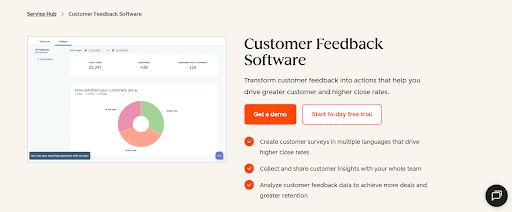
HubSpot Service Hub is a unified customer service solution with excellent feedback management and analytics capabilities. The platform lets you set up custom-branded, multi-lingual CSAT, CES, and NPS surveys, and measure results in real-time.
HubSpot displays metrics like views, responses, and general survey sentiment through dedicated dashboards. Its AI-powered features also identify common patterns and topics in survey responses – useful to pinpoint frequent user complaints or praises.
Best For:
Large-scale feedback collection through automation workflows and multi-language surveys.
Use Case:
HubSpot Service Hub is a solid option for medium and large companies looking for an all-in-one customer service solution with capable feedback collection tools.
G2 Rating: 4.4/5
Top Features
-
Deploy CSAT, NPS, and CES surveys customized with your color schemes and logos.
- Automatically translate surveys into multiple languages while keeping your brand voice intact.
- Track survey responses, total views, and general sentiment in real-time.
- Implement branching logic in surveys to gather feedback that’s as precise as possible.
- Integrate the platform with Jira, Slack, or HubSpot’s proprietary CRM to act on survey responses easier.
HubSpot Service Hub Pros Pros
-
Highly versatile customer service software
-
Easy to use, despite the platform’s complexity
-
Extensive integration with other survey tools via HubSpot Marketplace
HubSpot Service Hub Pros Cons
- Steep gaps between pricing plans may make scalability a challenge
- Customer survey tools only available in upper-tier plans
HubSpot Service Hub Pros Pricing
- Starts at $9/user/month
- Free plan available
4. Qualaroo: In-App Android Survey Tool for Real-Time Feedback
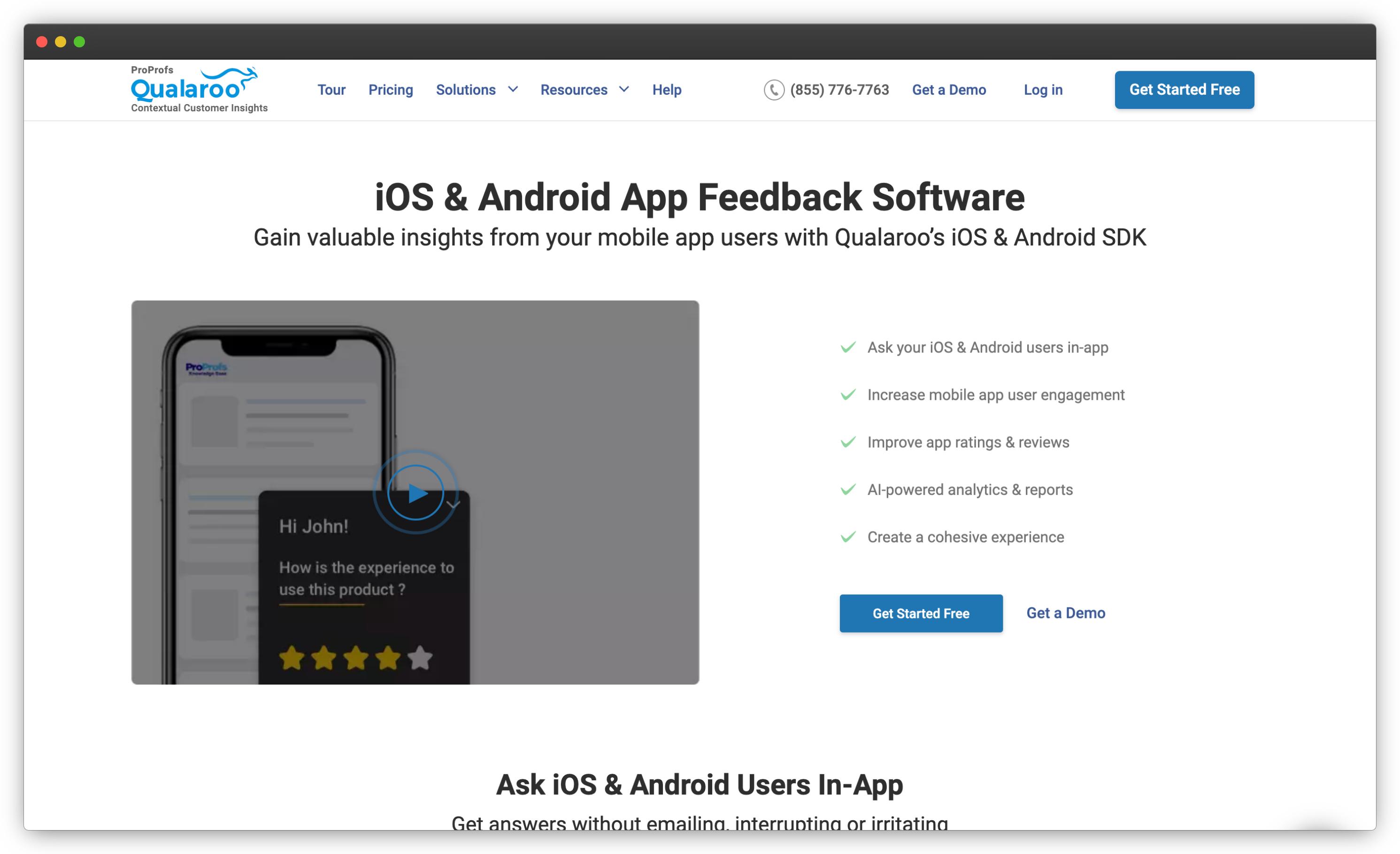
Here's another Android survey app that gathers feedback seamlessly within your app. It offers Nudge™ technology with which you can ask your Android users targeted questions at the perfect time, based on their app usage, behavior, and journey. This helps you gather valuable insights on user experience, satisfaction, and pain points directly within the app—improving engagement and reducing abandonment.
With smart targeting, you can prompt users for reviews, intercept negative feedback privately, and direct happy users to leave ratings on app stores, boosting your app’s reputation and visibility.
Best For:
Contextual, in-app feedback and targeted surveys on Android and mobile experiences.
Use Case:
Qualaroo is ideal for product, UX, and growth teams that want to capture feedback based on user behavior, screen-level interactions, or specific moments within Android apps and mobile web journeys.
G2 Rating: 4.3/5
Top Features
- Nudge™ technology to ask the right questions at the right time without disrupting user experience
- AI-powered sentiment analysis by IBM Watson, with keyword tracking and word cloud visualizations
- Target specific user segments based on behavior, device, or app stage for relevant insights
- Options to prompt users for app reviews or direct positive feedback to the app store
- Customizable branding with fonts, colors, and logos to match your app’s design
-
Supports multi-channel campaigns, combining in-app, email, and on-site surveys
Qualaroo Pros
- Smart, non-intrusive feedback collection with Nudge™ technology
- AI-powered insights with IBM Watson sentiment analysis
- Effective review management features
Qualaroo Cons
- Limited survey customization
- Requires learning curve for advanced targeting
Qualaroo Pricing
-
Starts at $19.99/month
-
Free version available
5. Formstack Go: Powerful Offline Data Collection Android Survey Software
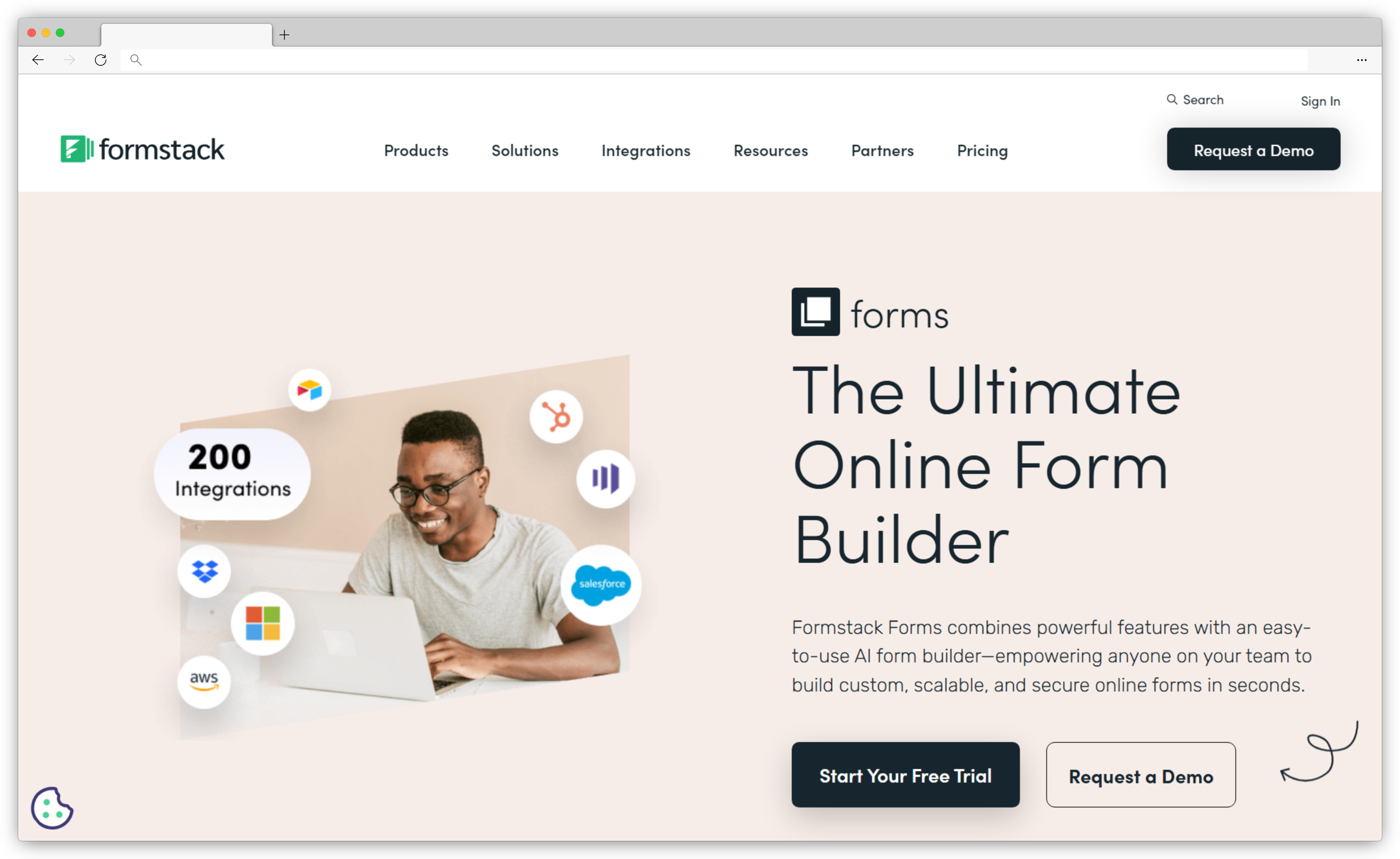
Formstack Go is the mobile extension of Formstack’s powerful form-building platform, perfect if want to collect form submissions on the move—whether you’re at a conference, working remotely, or gathering feedback in the field. With its offline capabilities, you can collect responses without an internet connection and sync them to your Formstack account once you're back online. From employee feedback to client data collection, this app simplifies data capture, making it easy to share, automate, and manage submissions.
With Formstack Go’s extensive integration options, you can connect data from forms to your existing software ecosystem, automating tasks and keeping data accessible across systems.
Best For: Secure mobile forms and offline data collection for regulated and compliance-driven workflows.
Use Case: Formstack Go is well suited for healthcare, legal, insurance, and enterprise field teams that need Android-based data capture with offline access, data security controls, and seamless syncing with Formstack’s broader workflow and automation tools.
G2 Rating: 4.3/5
Key Features
- No-code form builder for quick and easy digital form creation
- Offline data collection, allowing responses to sync once reconnected to the internet
- Ready-to-use templates and custom branding options for a tailored look
- Integration with over 100 software tools for seamless data transfer and automation
- Real-time data sync with Formstack account for centralized data management
Formstack Go Pros
- Easy-to-use interface with no coding requirement
- Strong offline functionality
- Extensive integrations with popular business tools
Formstack Go Cons
- Limited customization compared to other form-building apps
- Learning curve for users unfamiliar with form-building software
Formstack Go Pricing
-
Starts at $99/month
-
Free version not available
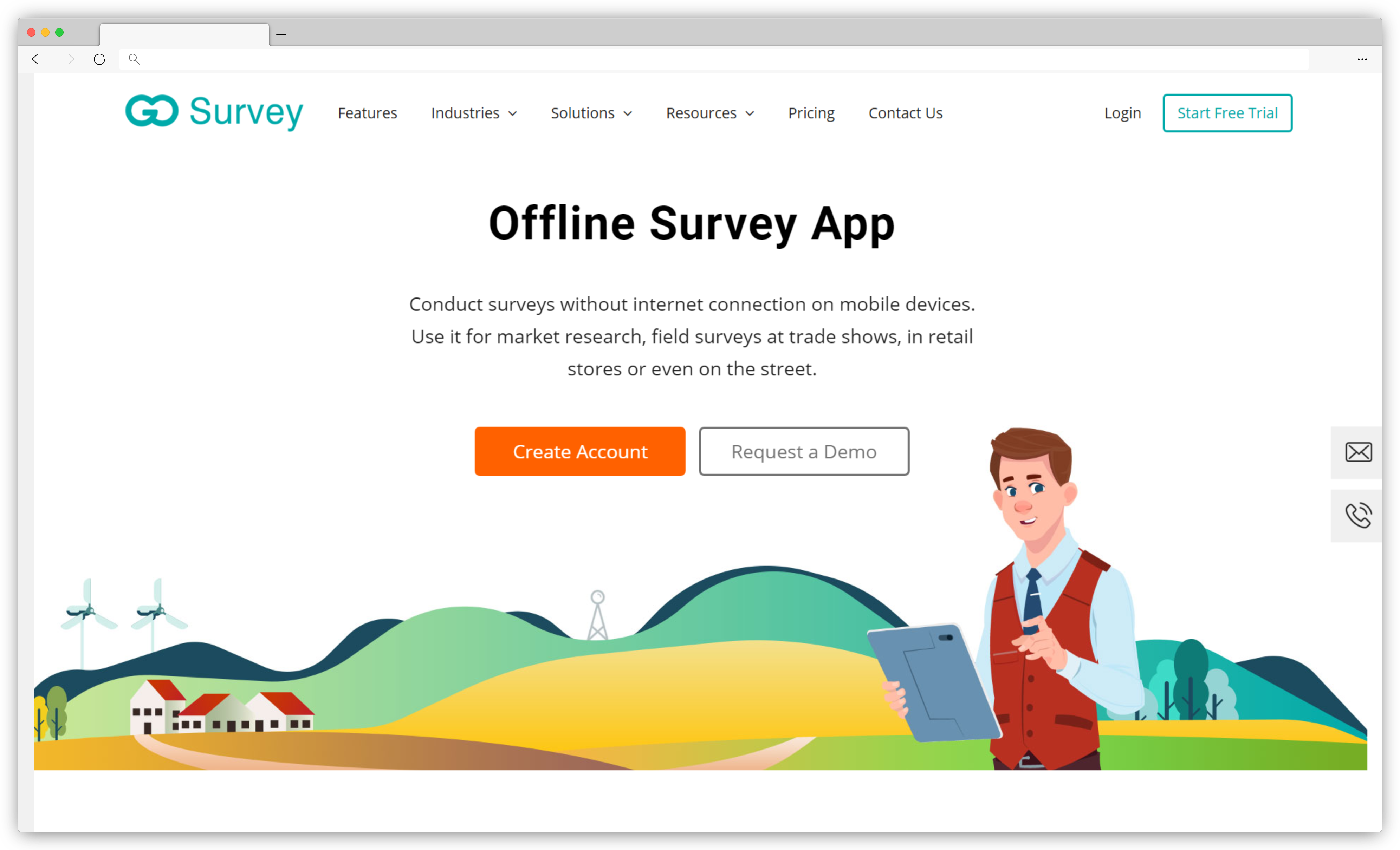
6. GoSurvey: Offline Android Survey App for Field Data Collection
GoSurvey stands out as a reliable offline survey app for businesses needing data collection in places where internet access is limited or unpredictable. Ideal for market researchers, field teams, and event organizers, GoSurvey enables seamless data capture directly on Android devices. With automatic syncing, data is safely stored on your device and updates to your account once connectivity is restored—making sure you never miss a response, no matter where you are.
Best For: Offline field surveys and structured data collection on Android devices.
Use Case: GoSurvey is a strong fit for field researchers, NGOs, government teams, and market research agencies that need dependable offline data capture, form-based surveys, and secure data syncing once connectivity is available.
G2 Rating: 4.2/5 (based on 3 reviews on G2)
Key Features
- Offline data collection with automatic syncing when connectivity is restored
- White-label options to customize the app with your brand’s logo and theme
- Multilingual support to reach a global audience with ease
- Sub-forms for collecting repetitive information and segmentation for organized reporting
GoSurvey Pros
- Strong offline functionality, ideal for remote and on-site data collection
- Customizable branding options
- Excellent customer support
GoSurvey Cons
- Limited advanced features
- Learning curve required for setting up custom features
GoSurvey Pricing
-
Starts at $17/month
-
Free version not available but free trial is there
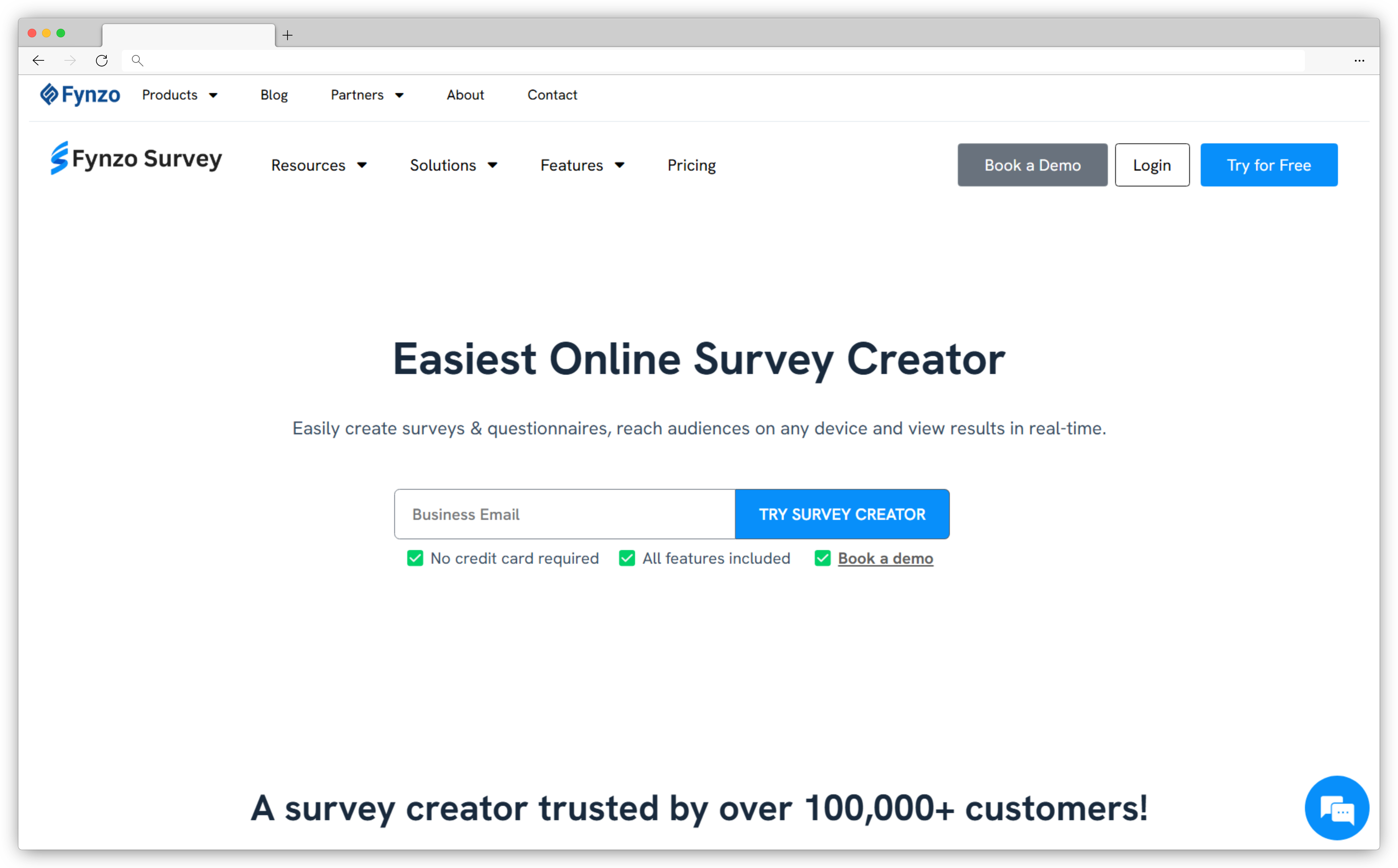
7. FynzoSurvey: Feature-Rich Android Survey App for Real-Time Insights
Whether you're gathering feedback in retail, healthcare, hospitality, or education, here's an Android survey app that’s packed with features to help you reach audiences and collect meaningful insights. The app lets you collect survey responses offline, storing responses securely and syncing automatically when back online. Instant notifications keep you updated on new responses, ensuring you stay engaged with your audience. It also provides rich data analysis options, allowing you to view responses in real-time, download reports in various formats, and even automate workflows through integrations with Google Sheets, Slack, and more.
Best For: Cost-effective Android surveys with simple setup and offline data collection.
Use Case: FynzoSurvey is a good fit for small businesses, educators, and teams running basic customer feedback or field surveys on Android devices, especially when budget and ease of use are key considerations.
G2 Rating: 4.4/5
Key Features
- Access 500+ industry-specific templates including NPS surveys, from customer satisfaction to healthcare surveys, for quick survey setup
- Use various question types (open-ended, closed-ended, long-answer) for comprehensive survey design
- Collect data offline and sync responses automatically once back online
- Customize surveys with logos, images, and background themes to align with your brand
- Integrate with apps like Google Sheets and Slack to streamline data sharing and workflow
FynzoSurvey Pros
- Extensive template library for quick, tailored survey creation
- Offline capabilities with auto-sync for remote data collection
- User-friendly with customizable branding options
FynzoSurvey Cons
- Limited advanced reporting features compared to some competitors
- Some features may require learning curve
FynzoSurvey Pricing
-
Starts at $19/month
-
Free version available
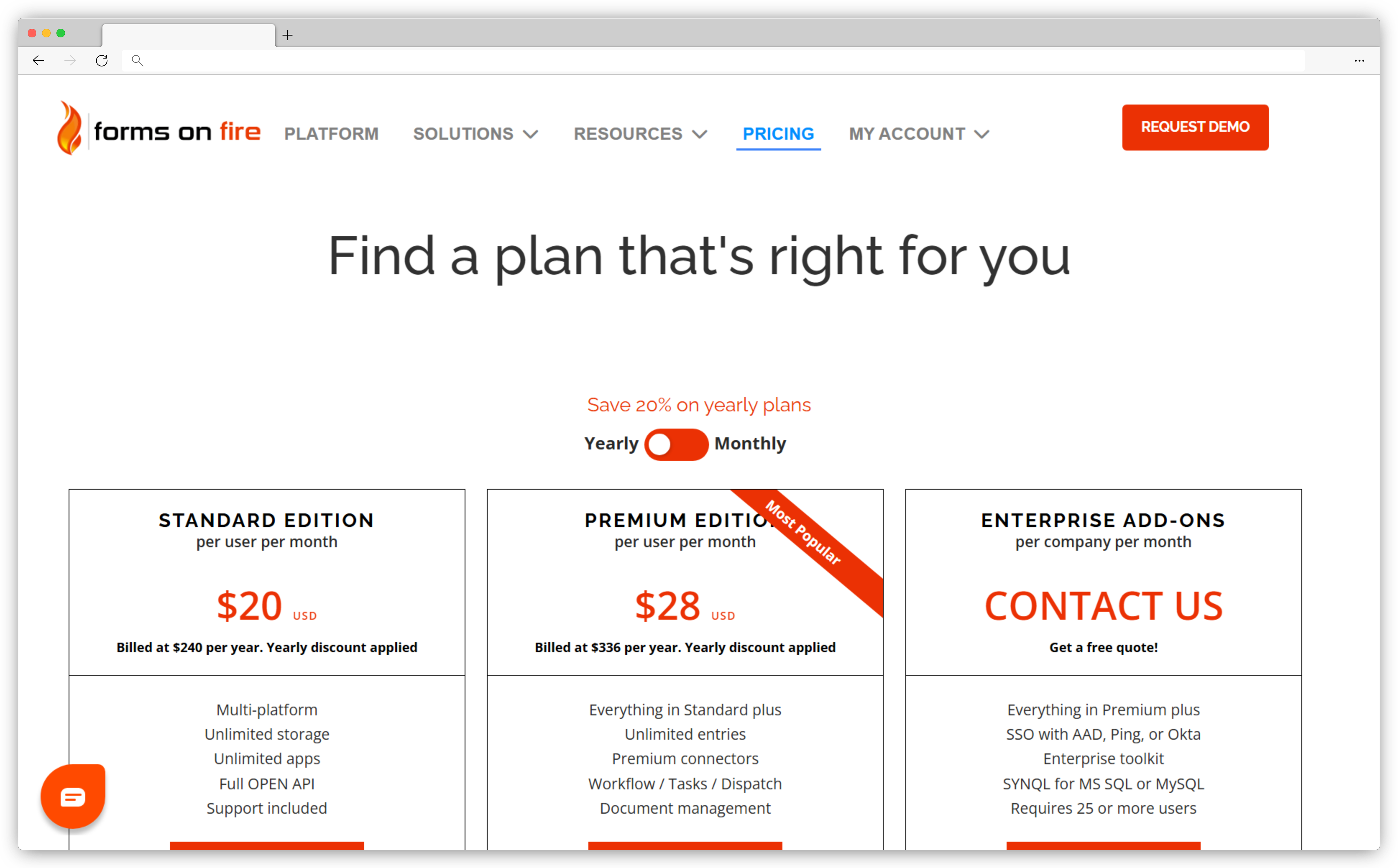
8. Forms On Fire: All-in-One Offline Android Survey Tool for Field Data
Forms On Fire transforms any mobile device into a versatile data collection powerhouse. Designed for real-time, on-site data capture, this Android survey tool is perfect for industries needing mobility, like construction, safety inspections, and field service. With its intuitive, no-code interface, you can create custom forms that include everything from photos and GPS to barcodes, allowing your teams to gather critical information quickly and accurately.
Forms On Fire’s offline capabilities make it easy to capture data without internet access, syncing instantly when reconnected. Perfect for remote safety inspections, inventory checks, or timesheets, it’s a flexible solution for streamlining field operations of any size.
Best For: Mobile data collection and workflow-driven forms for field teams using Android devices.
Use Case: Forms On Fire is suitable for operations, construction, utilities, and service teams that need Android-based forms to collect data in the field, automate workflows, capture signatures, and sync data with backend systems.
G2 Rating: 4.5/5
Key Features
- Design custom forms effortlessly with a drag-and-drop editor, adding features like conditional logic, photos, and signatures for richer data collection
- Capture data offline with automatic syncing once back online, perfect for remote or field-based tasks
- Utilize mobile devices as powerful data collection tools, from phones to tablets, in a variety of field environments
- Integrate with over 1,500 systems, including CRMs and databases, to streamline data flow across your organization
- Set up automated workflows for task dispatch and approvals, helping your team work efficiently and stay organized
Forms on Fire Pros
- User-friendly, no-code interface for quick form creation and deployment
- Powerful offline mode for uninterrupted data collection
- Strong integration capabilities with various business tools
Forms on Fire Cons
- Some advanced analytics may require external integrations
- Customization can be complex for highly tailored workflows
Forms on Fire Pricing
-
Starts at $20/month
-
Free version not available
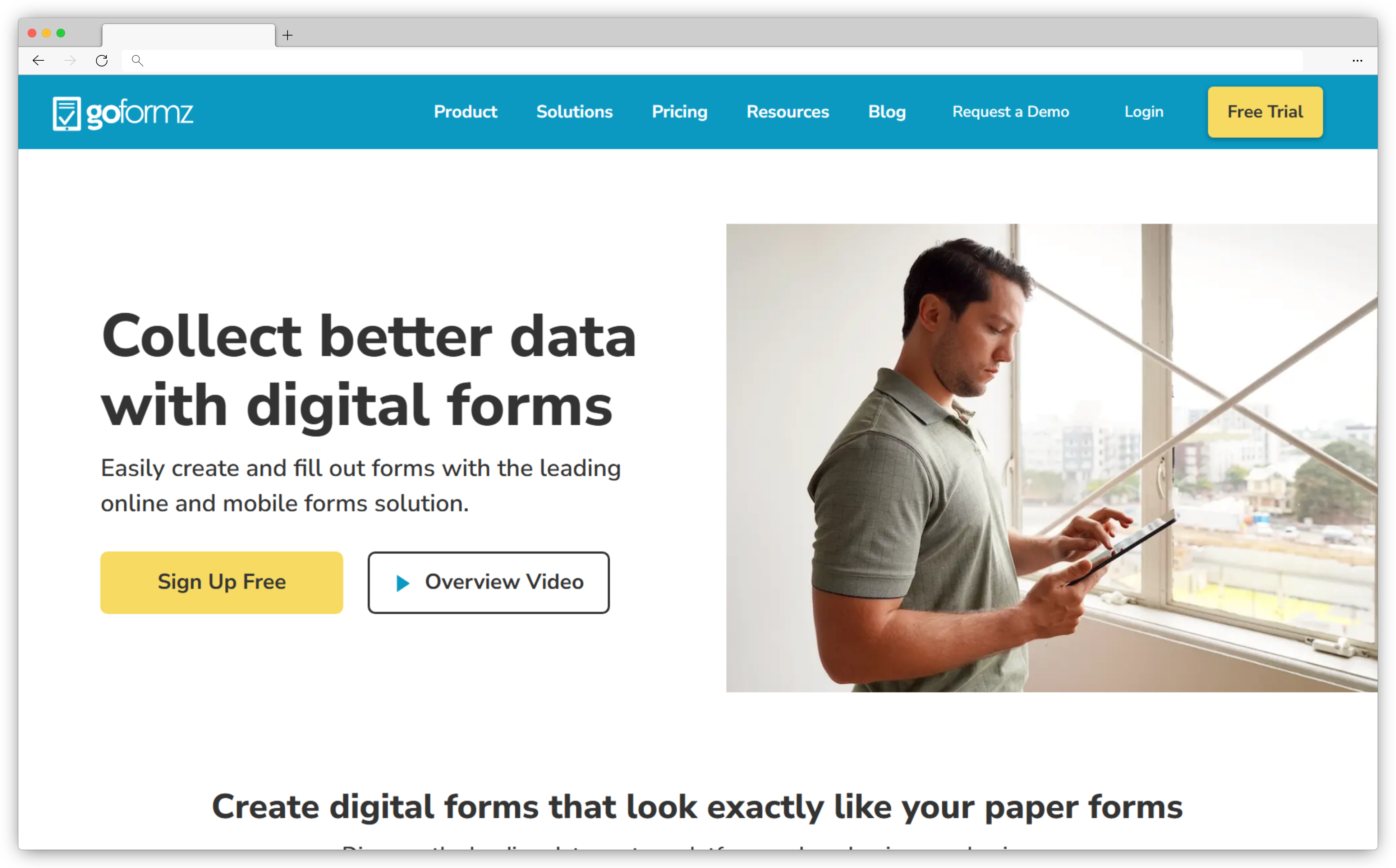
9. GoFormz: Flexible Digital Form & Android Feedback App with Offline Access
GoFormz is another Android survey app that transforms traditional paper forms into digital surveys, making data collection more flexible and efficient. Using GoFormz’s drag-and-drop form builder, you can easily create digital forms and implement advanced features like skip logic, automatic calculations, and custom branding. It allows you to create dynamic and engaging forms tailored to your specific business needs and collect feedback offline as well. Its automated workflows allows you to route completed forms, update records, and collaborate with team members effortlessly.
Best For: Advanced mobile forms and digital document workflows on Android devices.
Use Case: GoFormz is ideal for construction, engineering, manufacturing, and field service teams that need to convert paper forms into Android-friendly digital forms, collect data offline, capture signatures, and sync information with enterprise systems.
G2 Rating: 4.7/5
Key Features
- Drag-and-drop form builder for creating digital forms that mirror paper versions
- Offline data collection with auto-sync when an internet connection is restored
- Skip logic and automatic calculations for personalized surveys and forms
- Integration with tools like Salesforce, Google Sheets, Box, and more for seamless data transfer
- Real-time reporting and analytics to monitor trends and support quick decision-making
GoFormz Pros
- Extensive integrations with popular business apps
- Strong offline functionality
- Customizable forms to enhance user adoption
GoFormz Cons
- Limited survey customization options
- Initial setup requires learning curve
GoFormz Pricing
-
Starts at $24/user/month
-
Free version available
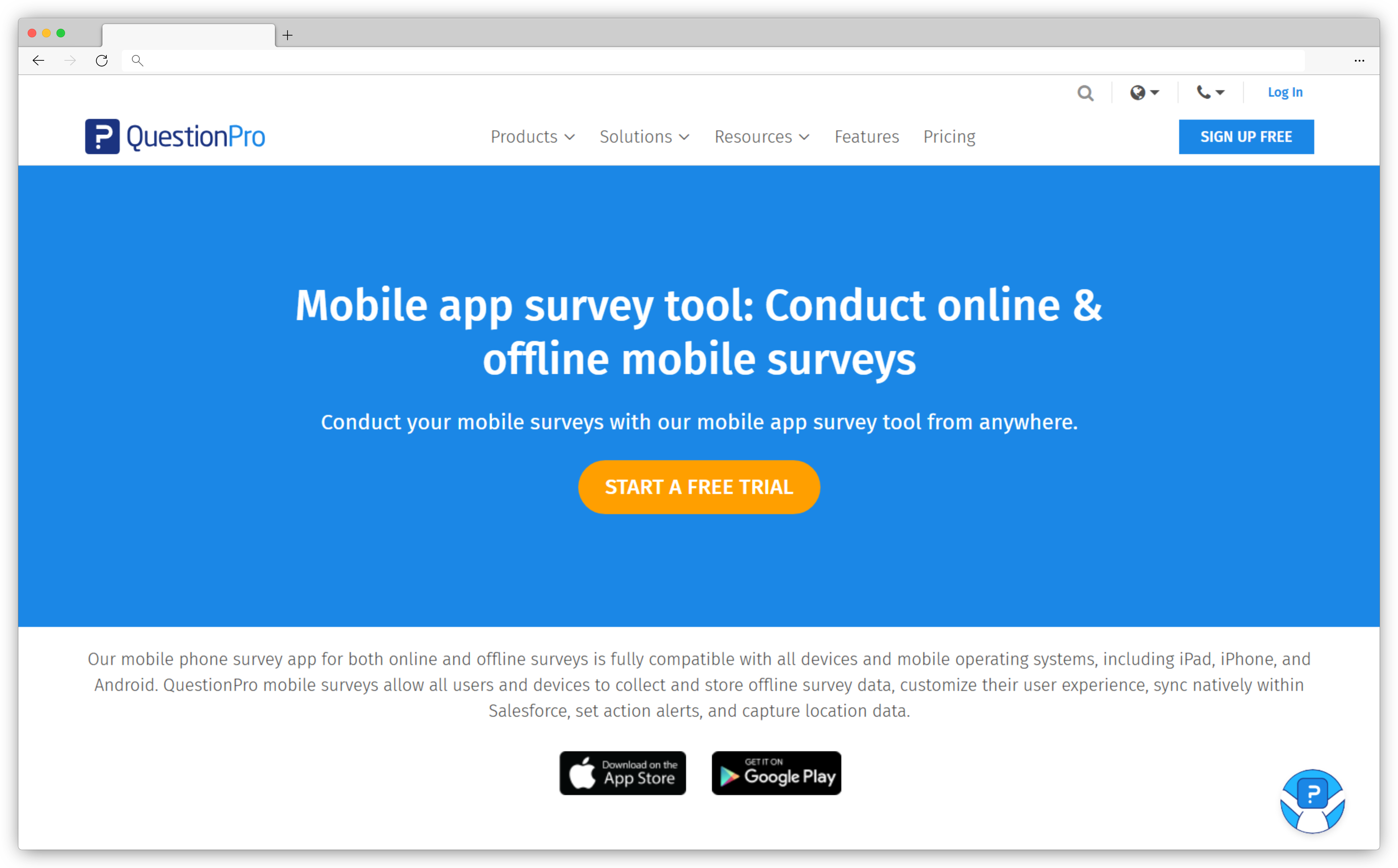
10. QuestionPro: Advanced Market Research Android Survey Software with Geolocation
QuestionPro stands out as a powerful Android survey app tailored for market research and powerful data collection. Ideal for teams in need of flexibility, this survey app enables both offline and online surveys, making it perfect for fieldwork, trade shows, or remote locations with low connectivity. Geolocation tracking helps researchers understand where responses come from, adding a layer of insight valuable for market analysis. With QuestionPro, you can create surveys in minutes, choose from 80+ question types, and capture multimedia inputs like audio, video, and images, enriching the feedback you collect.
Best For: Research-driven surveys and advanced analytics on Android devices.
Use Case: QuestionPro is well suited for enterprises, research teams, and academic institutions running complex surveys on Android, with needs around advanced logic, multiple distribution channels, detailed reporting, and scalable feedback programs.
G2 Rating: 4.5/5
Key Features
- 80+ question types, advanced survey logic, and multimedia capabilities for rich, personalized data collection
- Offline surveys for data capture with auto-sync, ideal for field and remote surveys
- GDPR-compliant geolocation tracking to understand respondent location for market insights
- Secure kiosk mode with restrictions, auto-lock, and inactivity timeout for controlled survey sessions
- Integration with Salesforce and Microsoft Dynamics to streamline survey management and data sharing
QuestionPro Pros
- Extensive question types and multimedia options
- Offline mode with auto-sync
- Robust survey security features
QuestionPro Cons
- Complex setup for advanced features
- Offline responses sometimes experience delays in syncing
QuestionPro Pricing
-
Starts at $99/month
-
Free version available
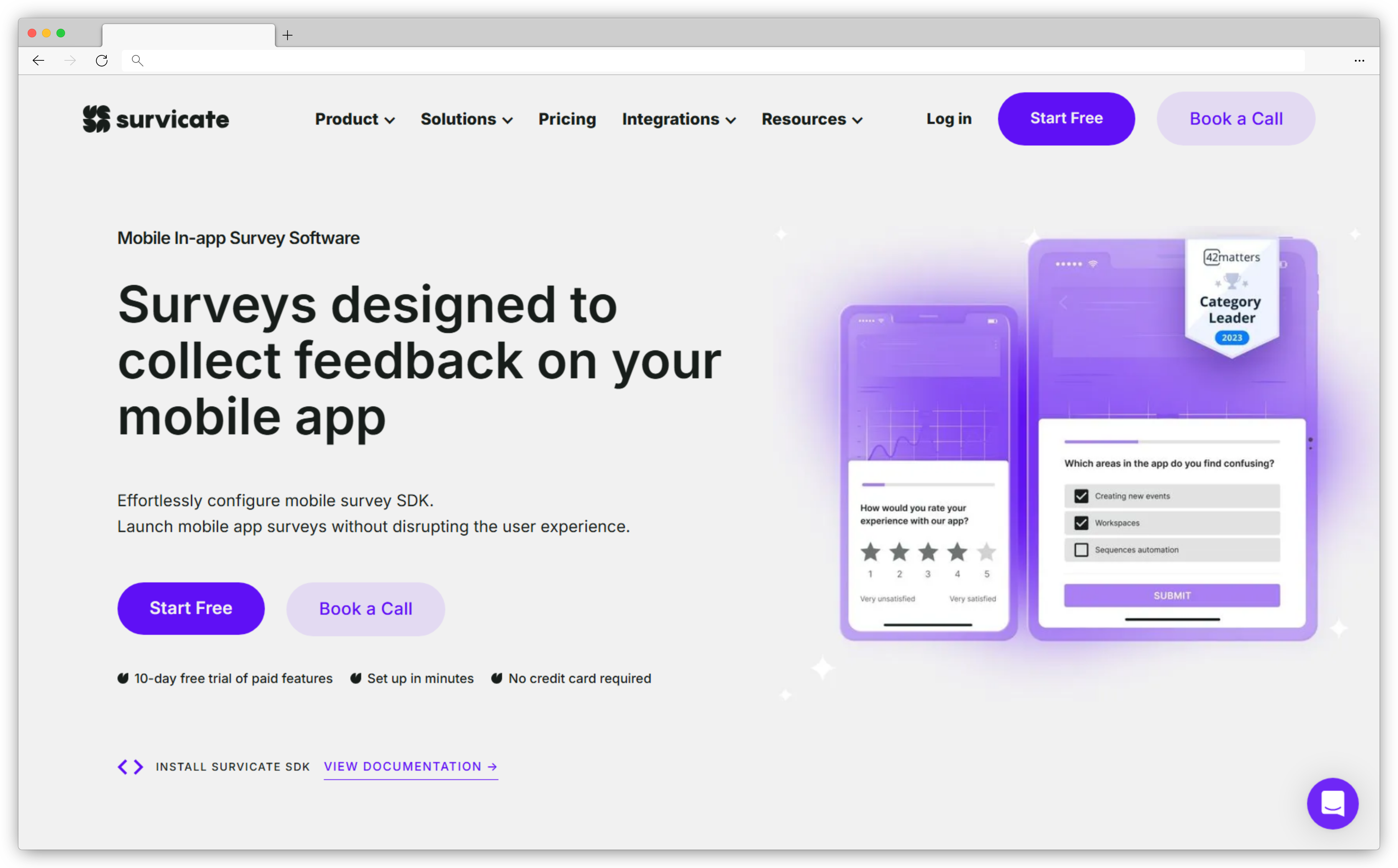
11. Survicate: Targeted In-App Android Feedback App for Customer Insights
Survicate offers you to launch in-app surveys without disrupting the user journey and capture customer insights and issues exactly when they occur. Whether you're collecting feedback on app usability or tracking customer satisfaction, this Android survey app helps you stay in tune with user needs. The flexibility in targeting allows you to trigger surveys on specific screens or based on user actions. This means you can choose exactly where and when to engage users, ensuring responses are relevant to their experience.
The app also supports recurring surveys, enabling you to track user satisfaction over time and measure the impact of app updates—all from a single, intuitive interface.
Best For: Continuous customer feedback and in-app surveys across mobile and digital touchpoints.
Use Case: Survicate is a good fit for product, growth, and CX teams that want to run always-on surveys on Android and mobile web, collect feedback at key user moments, and connect responses with analytics and CRM tools.
G2 Rating: 4.6/5
Key Features
- Customize surveys with branded colors, logos, and full-screen or dialog display options for a seamless look
- Choose from various question types, including NPS, Customer Effort Score, and customer satisfaction survey questions
- Trigger engaging surveys based on specific screens, user behaviors, or events for targeted feedback
- Integrate with tools like Slack and Google Sheets to streamline feedback sharing and internal collaboration
- Filter results by screen name or question to quickly identify patterns and insights in user responses
- Monitor sentiment over time to assess how updates impact user satisfaction and app usability
Survicate Pros
- Highly customizable, with various targeting and display options
- Strong integrations with collaboration tools
- Easy-to-use interface, ideal for beginners
Survicate Cons
- Limited advanced reporting and analytics
- May experience some delays in platform responsiveness
Survicate Pricing
-
Starts at $79/month
-
Free version available
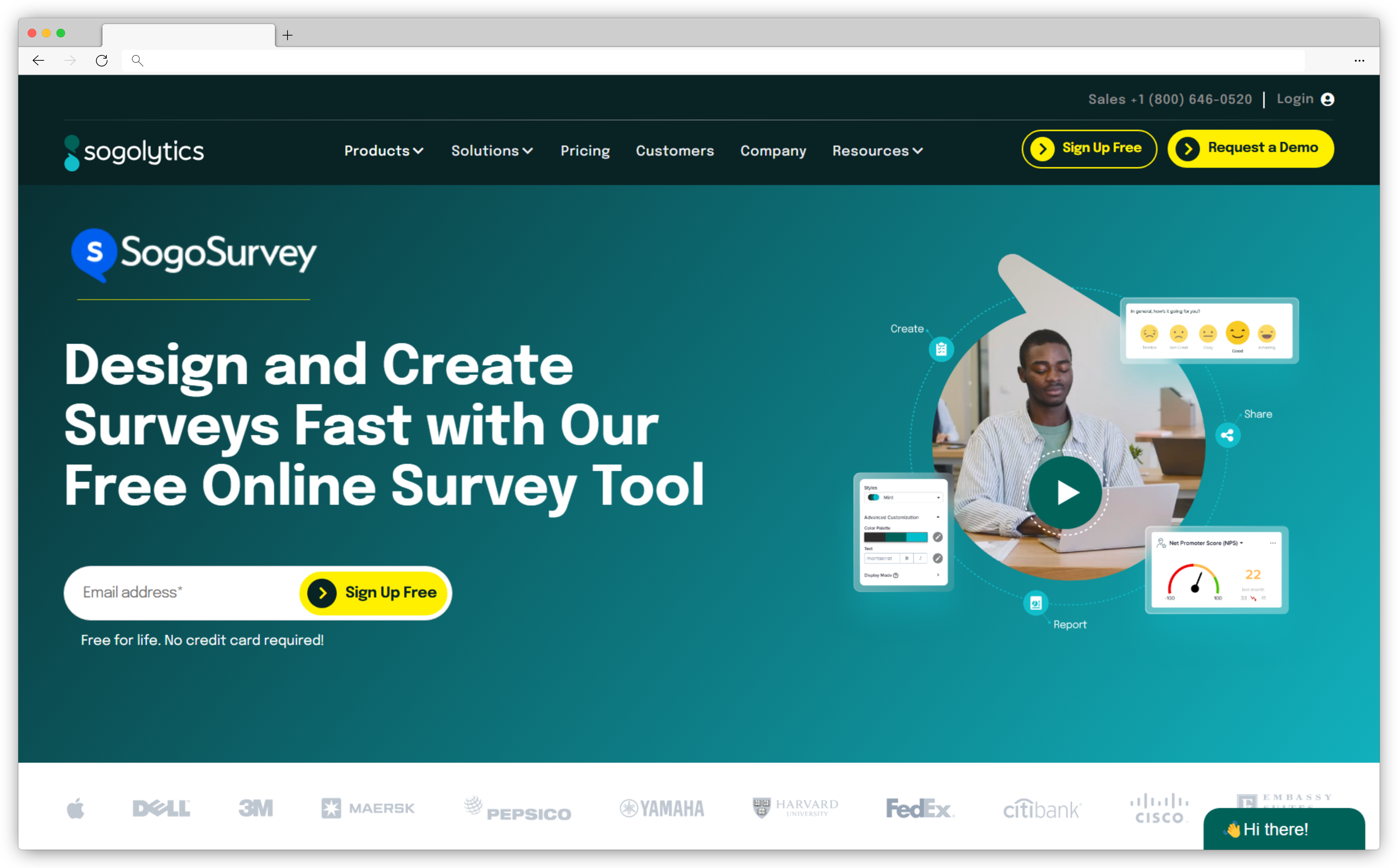
12. Sogolytics: Comprehensive Android Survey Software for Data Collection
Sogolytics, formerly known as SoGoSurvey, is a full-featured survey platform designed for collecting feedback on Android smartphones and tablets. It allows teams to create branded, mobile-friendly surveys with flexible customization options, ensuring a smooth and consistent experience for respondents.
The Android app supports automation features such as survey reminders to improve completion rates, along with advanced response tracking to monitor engagement and identify trends. These capabilities make Sogolytics a strong option for organizations that need reliable mobile data collection combined with structured analysis and reporting.
Best For: Enterprise-grade surveys with strong security, compliance, and experience management capabilities on Android.
Use Case: Sogolytics is well suited for large organizations, government bodies, and regulated industries running customer, employee, or research surveys on Android devices, especially where data privacy, role-based access, and advanced analytics are important.
G2 Rating: 4.6/5
Key Features
- Choose from a variety of templates tailored to business needs, including customer and product feedback
- Add logos and colors for a consistent survey experience that reflects your brand
- Increase survey completion rates with automated reminders for respondents
- Use sentiment analysis to understand feedback trends and gain deeper insights
- Access and share response trends and insights across different platforms in real-time
Sogolytics Pros
- Highly customizable templates for diverse survey needs
- Automated reminders to boost response rates
- Advanced sentiment analysis for in-depth insights
Sogolytics Cons
- Initial setup may require a learning curve for new users
- Limited integration options compared to competitors
SogoSurvey Pricing
-
Starts at $39/month
-
Free version available
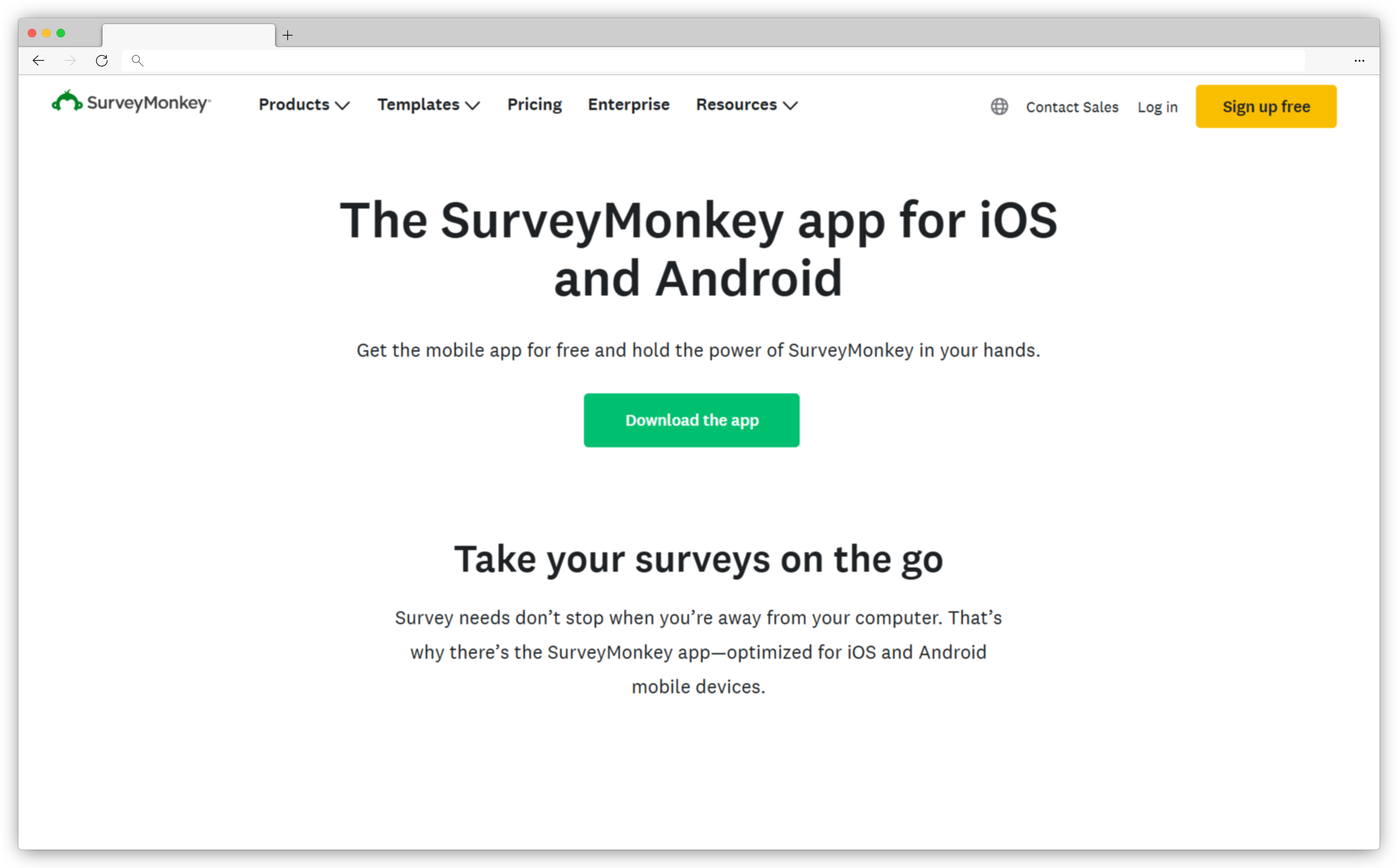
13. SurveyMonkey: Easy-to-Use Android Survey App with Extensive Templates
SurveyMonkey’s Android app makes it easy to create surveys, distribute them through various channels, and receive real-time updates on responses, all from a mobile device. Whether you’re at a conference, in a client meeting, or out in the field, SurveyMonkey ensures you’re always connected to your data. With hundreds of mobile-optimized templates, SurveyMonkey helps you create professional surveys quickly, covering everything from Customer Satisfaction (CSAT) to Net Promoter Score (NPS).
With seamless integration across desktop and mobile, it lets you monitor responses in real-time, apply filters, and share insights with your team—all while ensuring your surveys align with your brand standards.
Best For: Quick-to-launch surveys with ready-made templates and broad team adoption.
Use Case:
SurveyMonkey is suitable for businesses and teams collecting customer satisfaction, market research, and internal feedback on Android devices, especially when speed, familiarity, and standardized reporting are priorities.
G2 Rating: 4.4/5
Key Features
- Access hundreds of mobile-friendly, expert-written templates for quick survey creation or start from scratch for custom surveys
- Track responses 24/7 with real-time push notifications and review data wherever you are
- Utilize offline mode (Enterprise only) to collect feedback without internet, automatically syncing data when connected
- Share survey drafts with stakeholders for input before sending, streamlining collaboration and feedback
- Send surveys via email, text, or social media (including Facebook, Twitter, and WhatsApp) for broad reach
SurveyMonkey Pros
- Wide customization options to tailor surveys
- Versatile distribution channels
- Collect responses flexibly, with options to purchase responses beyond your contacts
SurveyMonkey Cons
- Limited customization for complex surveys
- Mobile app interface can be less intuitive than the desktop version
SurveyMonkey Pricing
-
Starts at $17.20/month.
-
Custom-based enterprise pricing
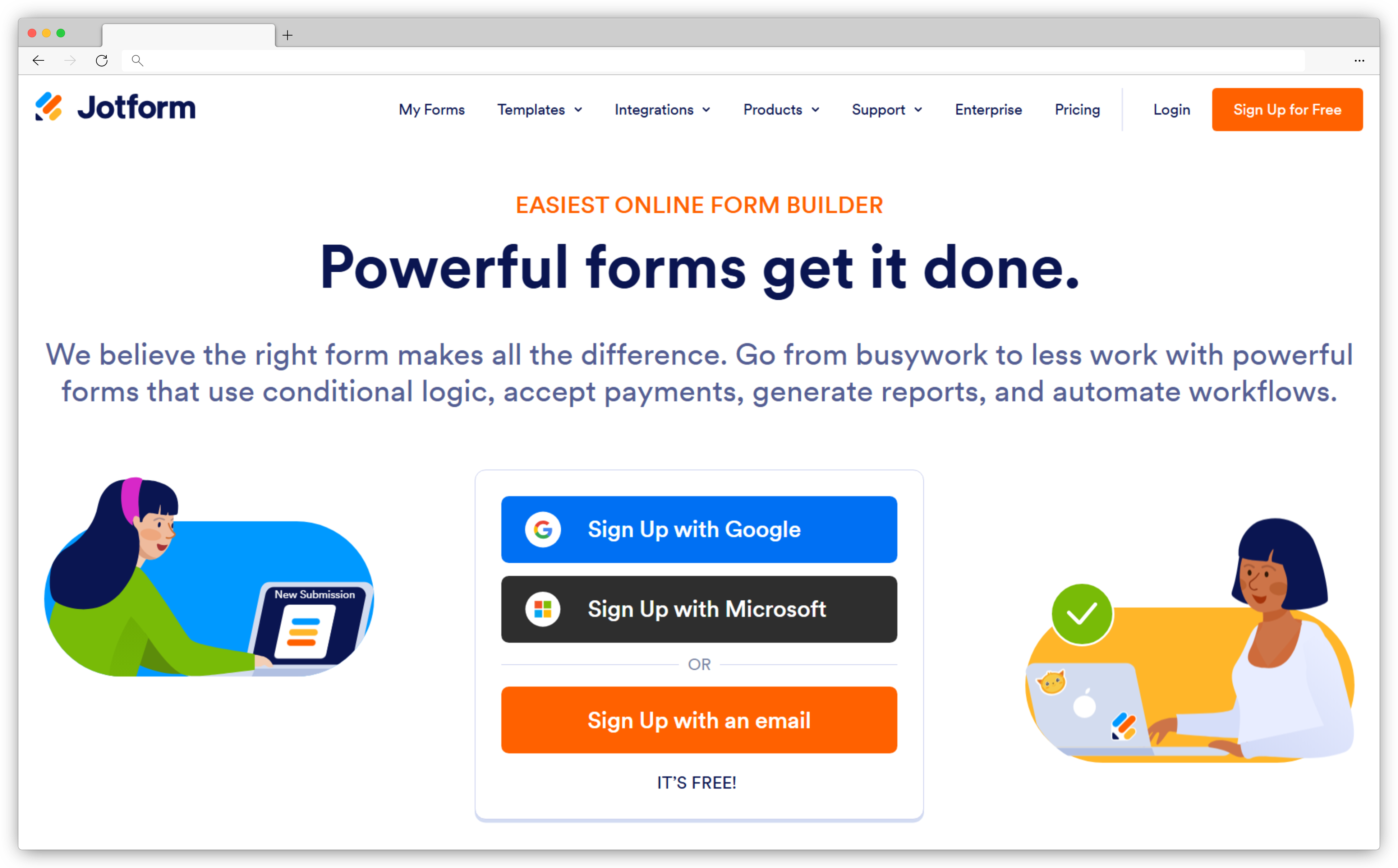
14. Jotform: Versatile Android Form Builder & Feedback App for Teams
Jotform offers you powerful forms to your Android device, allowing you to gather survey data anywhere, anytime—even offline. Perfect for teams in the field, this Android survey app lets you collect data like voice recordings, barcodes, GPS locations, and e-signatures, enhancing the quality and depth of your insights. Designed for flexibility, this form builder software helps you stay connected with real-time notifications for new submissions, so you're always in the loop. Whether you’re conducting inspections, collecting customer feedback, or managing signups, Jotform’s mobile capabilities make it a powerful tool for professionals in diverse industries.
Best For: Easy-to-build mobile forms and surveys with strong Android support and offline capabilities.
Use Case: Jotform is ideal for teams that need fast form creation for customer feedback, registrations, inspections, and field data collection on Android devices, with features like offline mode, integrations, and automated workflows.
G2 Rating: 4.7/5
Key Features
- Fully customizable forms with advanced fields for richer data collection
- Offline access with automatic syncing once reconnected
- Push notifications to stay updated on form submissions in real time
- Team assignments and approvals to boost collaboration and efficiency
- Custom-branded mobile app available for Enterprise users
- Supports multiple data types like voice recordings, signatures, and GPS locations
Jotform Pros
- Intuitive, user-friendly design for easy form creation
- Offline mode for uninterrupted data capture
- Team collaboration tools to streamline workflows
Jotform Cons
- Learning curve for advanced features
- Occasional syncing issues reported when moving from offline to online
Jotform Pricing
-
Starts at $34/month
-
Free version available
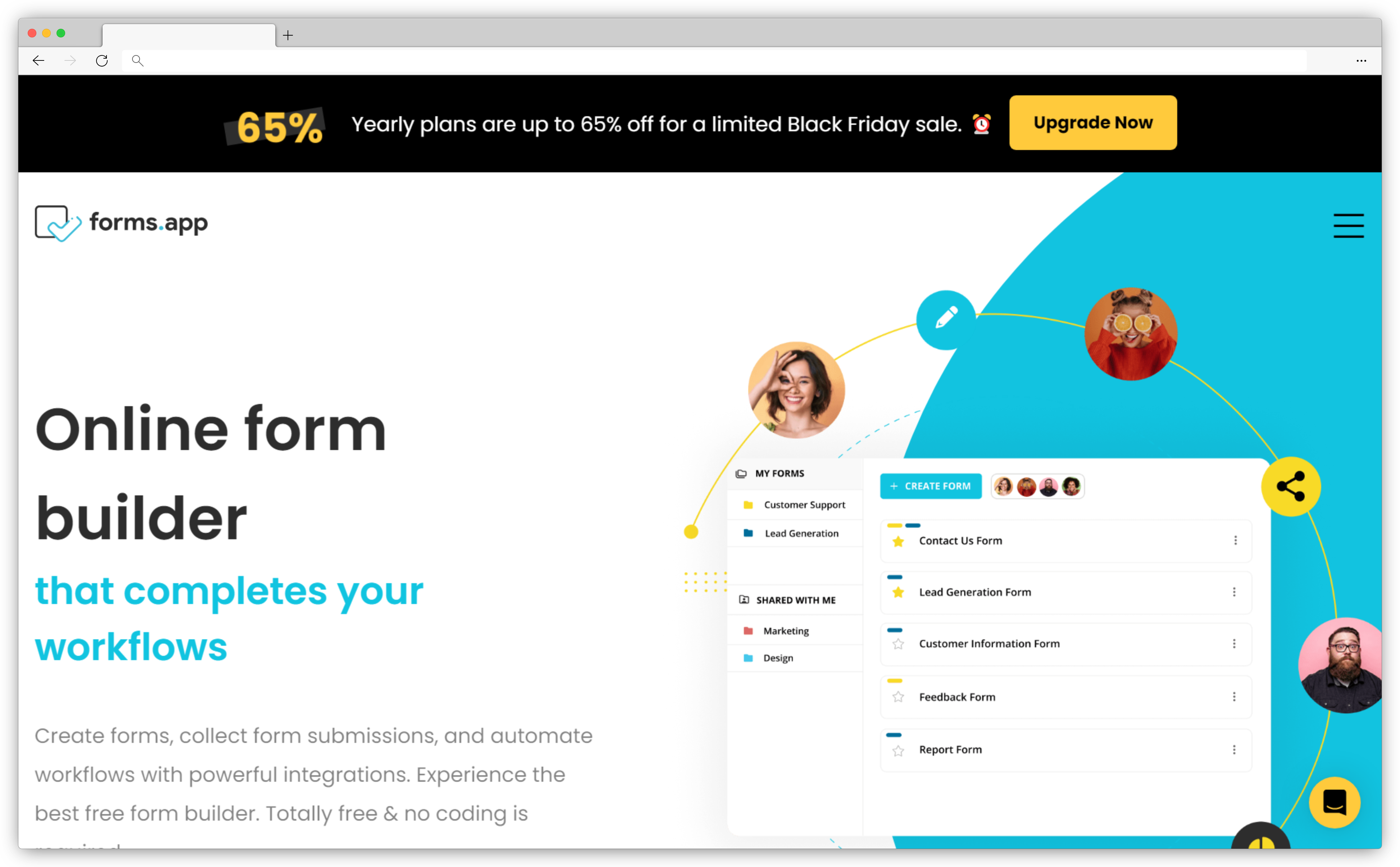
15. Forms.app: Simple & Customizable Android Survey App with Integrations
Forms.app brings simplicity and flexibility to form creation on Android, allowing you to design, share, and automate forms without any coding skills. With an easy-to-use app interface, this Android survey app enables you to build forms quickly—whether for customer feedback, registrations, or online orders—making it ideal for businesses on the go. It also offers offline mode where you’re able to collect responses without internet access, syncing data as soon as you’re online. Its powerful analytics further lets you review responses and view essential statistics, helping you gain valuable insights.
Best For: Simple, mobile-friendly forms and surveys with quick setup on Android devices.
Use Case: Forms.app is a good fit for small teams, educators, and businesses that need to create and share basic surveys or forms on Android for feedback collection, registrations, and lightweight data capture without a steep learning curve.
G2 Rating: 4.5/5
Key Features
- Build customizable forms with over 25 field types, conditional logic, and payment acceptance options
- Share forms easily through weblinks, embedding, or specific privacy settings for targeted audiences
- View responses in spreadsheet format or inbox style, with detailed analytics for data insights
- Offline data collection with auto-sync to ensure data is never missed
- Integrate with 500+ apps to automate workflows and connect forms with your existing systems
Forms.app Pros
- Easy-to-use interface
- Strong customization options for branding
- Extensive integration capabilities
Forms.app Cons
- Limited advanced survey logic
- Lacks comprehensive analytics features
Forms.app Pricing
-
Starts at $15/user/month
-
Free version available
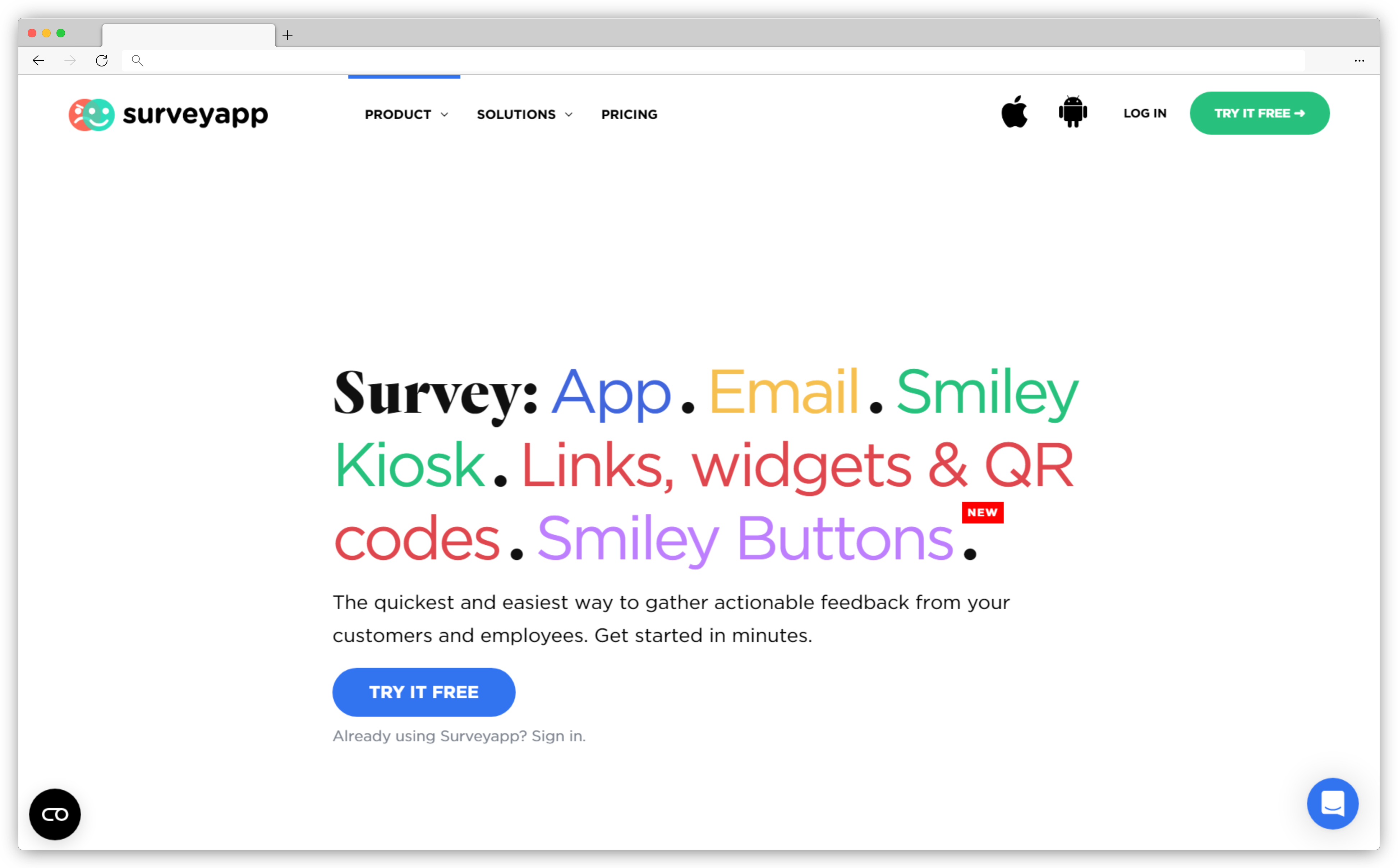
16. Surveyapp: Multi-Channel Mobile Survey App for Real-Time Feedback
Surveyapp is an Android survey app optimized for capturing feedback across multiple channels, making it ideal for customer experience and employee engagement programs. You can seamlessly collect data in real time for online and offline needs. With advanced analytics and real-time notifications, Surveyapp helps you stay on top of critical issues. The Manager App and case management features enable team collaboration on urgent responses, while automated reporting and analytics reveal valuable insights into customer and employee sentiments over time.
Best For: Offline-first surveys and on-device data collection using Android smartphones and tablets.
Use Case: SurveyApp is suitable for field researchers, NGOs, and teams conducting on-the-ground surveys where internet access is unreliable, with a focus on offline data capture, simple survey logic, and secure data syncing.
G2 Rating: 4.5/5
Key Features
- Personalize surveys with logos, images, and themes to create a branded experience
- Capture feedback offline with auto-syncing when connectivity is restored
- Use tablets, kiosks, QR codes, and links for versatile data collection options
- Get instant notifications on new responses for timely action with real-time feedback collection
- Access automated statistical and text analysis for easy performance tracking
Surveyapp Pros
- Multichannel flexibility for diverse feedback collection
- Offline functionality ensures seamless data collection in any location
- Real-time alerts and case management
Surveyapp Cons
- Limited integration options with other tools
- Advanced analytics may require a learning curve
Surveyapp Pricing
-
Starts at $23.99/month
-
Free version not available
How to Choose the Best Android Survey App for Your Business?
Choosing the right Android survey app depends largely on what type of feedback you want to collect and where it will be collected. Different tools are built for different use cases, so the best option is the one that aligns with your operational needs rather than a one-size-fits-all solution.
- Customer Feedback & Experience Management
If your goal is to capture customer feedback across touchpoints like in-store visits, kiosks, events, or post-interaction surveys, look for apps focused on customer experience management. These tools typically offer offline surveys, multiple distribution channels, and analytics that help teams act on feedback rather than just collect it. Platforms like Zonka Feedback, SurveySparrow, and Qualaroo fall into this category, each emphasizing engagement, contextual feedback, or omnichannel deployment. - Offline Data Collection for Field Teams
For organizations operating in areas with limited or unreliable internet access, offline-first Android survey apps are essential. These tools allow surveys to be completed without connectivity and synced once the device is online. Apps such as Formstack Go, GoSurvey, FynzoSurvey, Forms On Fire, and GoFormz are designed for field surveys, inspections, audits, and operational data collection, often supporting features like GPS capture, form logic, and secure syncing. - Market Research & Structured Data Collection
Teams conducting detailed research studies, academic surveys, or large-scale data collection projects should prioritize tools built for market research and advanced survey logic. These platforms usually support complex branching, multimedia responses, geolocation tracking, and deeper analytics. QuestionPro, Survicate, and Sogolytics are commonly used in this category for their flexibility and research-oriented capabilities. - General-Purpose Form Builders
If you need a flexible solution for creating forms and surveys across multiple use cases, general-purpose form builders can be a good fit. These tools are often easier to set up and work well for registrations, internal surveys, simple customer feedback, and lightweight data capture on Android devices. Options like SurveyMonkey, Jotform, forms.app, and SurveyApp are widely used for their simplicity, templates, and broad applicability.
Conclusion
The significance of Android survey software cannot be overstated. These powerful tools not only cater to the diverse needs of a global audience but also seamlessly integrate into our digital lives. From real-time insights at on-site locations to the flexibility of remote surveys, Android survey apps offer unparalleled convenience and efficiency.
Choosing the best survey apps for Android in 2026 would require you to assess your needs and consider the standout features of each platform for a strategic alignment with your specific goals. Zonka Feedback is among the most powerful online survey tools that can help you create and manage surveys on your tablet and mobile device and get real-time insights and take action.
You can sign up to schedule a demo and learn more about it.

-3.png)
-Feb-11-2025-06-44-08-4705-AM.png)
-1.png)