.svg)
 Healthcare
 Finance
 Retail
 SaaS & Digital
 eCommerce
 Education
 Salesforce
  HubSpot
 Pipedrive
 Mailchimp
 Klaviyo
 Zendesk
  Intercom
 Freshdesk
 HelpScout
  Front
Front Jira
Jira Slack
Slack  MS Teams
 Zoom
Zoom Google Sheets
  Zapier
  Integrately
 Make
Make  Webhooks



 Sign In
 MS Teams
.png?width=400&height=240&name=shopify_survey_white_logos%20(1).png)


The best Shopify survey apps and platforms in 2026 are Zonka Feedback, Qualtrics, SurveyMonkey, Fairing, Grapevine, Zigpoll, POWR, Asklayer, Shopify Forms, and Hulk Form Builder. The right one depends less on which app tops a list and more on the task you need done: attribution, satisfaction, catching visitors who leave, or running a full feedback program across channels.
TL;DR
- 10 Shopify survey apps and platforms, grouped by the task each does best: full CX platforms, post-purchase surveys, on-site and exit surveys, and form builders.
- Top picks by task: Zonka Feedback for a multi-channel feedback program with AI analysis on open-text; Fairing for post-purchase attribution; Grapevine for flat-rate unlimited surveys; Zigpoll for one flexible tool across post-purchase and on-site; Shopify Forms for free lead capture.
- Most stores end up needing more than one of these covered. A store that only wants "how did you hear about us" has different requirements from one that wants to analyze thousands of open-text comments.
- Surveys ask people who already bought or visited, so they explain the past. Pair them with a tool that actually reads the answers, or the comments pile up unread.
- Pricing splits two ways: metered (you pay by orders or responses) and flat-rate (one fee, unlimited). High-volume stores usually save on flat-rate.
Why Choosing a Shopify Survey App Is Harder Than It Looks
Most Shopify merchants already have a survey app installed. What they don't have is feedback they actually use.
The pattern is familiar. You add a popup, ask a question, and the responses land in a dashboard nobody opens after week two. Open-text comments stack up unread. A low score comes in and nothing happens, because no one wired up the follow-up. The app wasn't the problem. The fit was.
Here's the thing about "survey" in the Shopify App Store: search it and you'll get more than 200 results, and most are either too thin to matter or so narrow they solve exactly one problem. The app that wins at attribution is rarely the one that catches the shopper who almost bought and left. So before you compare a single feature, name the question you need answered. This guide sorts the field by that question, gives you honest trade-offs, and tells you where each tool stops being the right call.
What Is a Shopify Survey App?
A Shopify survey app is a tool that collects feedback, preferences, and intent directly from your store's visitors and buyers, then connects those answers to your Shopify order and customer data. Some run on the storefront as popups or on-site polls. Others fire after checkout by email, SMS, or on the thank-you page. The good ones don't just gather responses. They tie each answer to who the customer is and what they bought, so a rating becomes a signal you can act on instead of a number in isolation.
That last part is what separates a real survey app from a generic form. A CSAT score sitting in a standalone tool is trivia. The same score attached to the order that triggered it, visible to the person who can fix the problem, routed to a follow-up when it drops? That's feedback doing work. For the fundamentals behind that score, see How to Measure Customer Satisfaction with NPS, CES, and CSAT.
Why Shopify Stores Need a Survey App
Shopify stores run surveys for four separate use cases, and almost no app is best at more than one or two of them.
-
Attribution. Where did this customer actually come from? Since Apple's App Tracking Transparency landed in 2021, a large share of shoppers opt out of the tracking your ad pixels rely on, so your analytics increasingly can't tell you where someone first heard of you. A post-purchase "how did you hear about us" question asks the buyer directly. It's one of the few honest reads on demand you can still get.
-
Satisfaction and loyalty. How did the buying feel, and would they recommend you? This is NPS, CSAT, and product feedback, usually asked right after purchase while the experience is fresh. If satisfaction tracking is the priority, our comparison of CSAT Software covers the dedicated platforms beyond Shopify-only apps.
-
On-site and exit. Why did the visitor who didn't buy leave? These fire before checkout, on product pages or as an exit popup, and they reach the 90-plus percent of traffic that post-purchase apps never see.
-
Zero-party data and capture. Who is this person, and what do they want? A preference question or quiz that a customer answers on purpose, which you then use to personalize and to grow your list.
Name the task first. Everything downstream, including which of the apps below is right, follows from it.
How We Evaluated These Shopify Survey Apps
We evaluated each tool on the things that actually decide whether a survey program works in practice, not on marketing copy.
-
Survey capabilities: question types, logic and branching, placement options, and multi-language support.
-
Shopify integration: how it connects, whether responses tie to order and customer data, targeting by Shopify attributes, and data flow to tools like Klaviyo, Shopify Flow, and GA4.
-
AI and analytics: whether the tool analyzes open-text or only displays it. Thematic clustering and sentiment are the bar.
-
Automation and closed-loop: triggered surveys, low-score alerts and routing, and follow-up workflows.
-
Pricing model and value: metered versus flat-rate, free tiers, and where the bill goes as you grow.
-
Ratings: Shopify App Store and G2 ratings, read alongside repeated themes in the reviews rather than the star number alone.
Shopify Survey Apps and Platforms at a Glance
| Tool | Best for | Survey types / placement | AI on open-text | Pricing | Rating |
| Zonka Feedback | Multi-channel feedback + AI analysis | Post-purchase email/SMS, thank-you page, web, in-app, offline | Thematic, sentiment, entity, Ask AI | Growth plan and above; contact for pricing | 4.7/5 (G2) |
| Qualtrics | Enterprise research programs | Email, SMS, web, in-app, offline | Text iQ, Stats iQ | Custom / enterprise | 4.4/5 (G2) |
| SurveyMonkey | Familiar general-purpose surveys | Email, web, link (Shopify via connector) | Basic sentiment | Free + paid from ~$25/mo | 4.4/5 (G2) |
| Fairing | Post-purchase attribution | Thank-you and order-status pages | Limited | Order-based: free to ~$149/mo | 5.0/5 (App Store) |
| Grapevine | Flat-rate unlimited post-purchase | Post-purchase, NPS, CSAT, attribution | Limited | Flat ~$25/mo unlimited | 5.0/5 (App Store) |
| Zigpoll | Flexible post-purchase + on-site | Post-purchase, on-site, NPS, email, SMS | AI summaries | Free + response-metered to ~$194/mo | 5.0/5 (App Store) |
| POWR: Customer Survey | Simple on-site polls and forms | On-site surveys, polls, popups | None | Free + paid ~$9.90–$17.49/mo | 4.6/5 (App Store) |
| Asklayer | Targeted on-site and exit surveys | On-site, exit, post-purchase, email, NPS, CSAT | AI summaries + action items | Free 25 resp/mo; paid from ~$29/mo | 4.9/5 (App Store) |
| Shopify Forms | Free native lead & zero-party capture | Popups and inline forms | None | Free | Native (Shopify) |
| Hulk Form Builder | No-code custom forms with survey fields | On-site forms, popups | None | Free + paid tiers | 4.8/5 (App Store) |
Pricing and ratings are approximate and based on publicly available information as of July 2026. Verify directly with each vendor before purchasing.
The 10 Best Shopify Survey Apps and Platforms in 2026
Grouped by task. Each tool is evaluated the same way: what it does, where it wins, and where it falls short. Many tools cross use cases, so we've placed each in the one it does best and flagged the overlap in the write-up. Platforms sit at the top because they span several tasks at once, which is the whole reason they're a different tier.
a. Full CX and Feedback Platforms with Shopify
These aren't Shopify-only apps. They're complete customer-experience platforms that connect to Shopify and collect feedback well beyond the thank-you page: email, SMS, web, in-app, offline. If all you want is one question after checkout, skip to the next group. If you're running a real feedback program, this is your tier.
1. Zonka Feedback: Best for Multi-Channel Feedback and AI Analysis
Best Use Case: Stores running a multi-channel feedback program that need AI analysis on open-text and a closed loop, not just a score on the thank-you page. Especially strong when feedback has to reach product, support, and marketing from the same dataset.
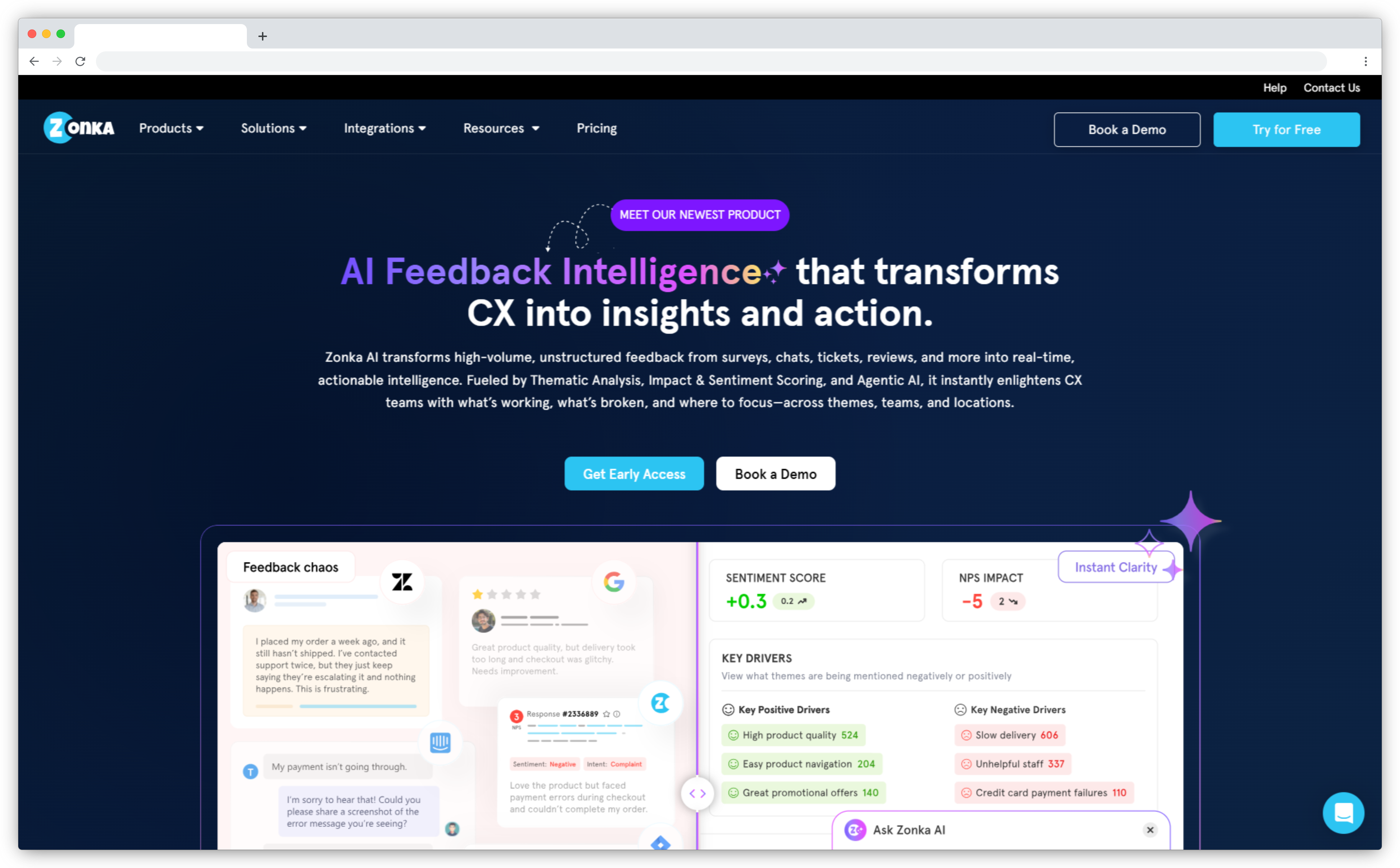
Zonka Feedback is built for stores that have outgrown a single popup and need a feedback program, not just a survey. On Shopify, it triggers post-purchase Email or SMS surveys the moment an order is placed or fulfilled, with timing delays so you can wait until the parcel actually arrives before asking how it went. It also embeds a survey directly on the Checkout Thank-You page using Shopify's Checkout UI Extension, so you can catch the customer while the experience is fresh, no email required. Every response carries the order and customer context with it, so a rating is tied to the product, the order value, and the buyer.
The real separation is what happens after the answer lands. Zonka's AI Feedback Intelligence runs thematic analysis and Sentiment Analysis Customer Feedback, plus entity recognition, across open-text comments, clustering hundreds of responses into patterns your team can act on instead of a backlog no one reads. That's What Is Feedback Intelligence in practice: signals, not just scores. Ask AI lets anyone query the whole dataset in plain language, like "what's driving low CSAT for repeat buyers this month." Low scores and high-value-order responses can fire alerts and route to the right person, which is the point of Closing the Feedback Loop to Improve Customer Satisfaction instead of letting it stay open. Where the apps below each nail one task, Zonka covers post-purchase, thank-you-page, on-site, and cross-channel feedback from one platform, with the analysis layer built in.
Key Features
- Post-purchase Email and SMS surveys triggered on order placed or fulfilled, with send-timing delays and survey throttling to avoid over-surveying repeat buyers
- Native Checkout Thank-You page survey via Shopify Checkout UI Extension
- Order and customer data attached to every response for segmenting by product, order value, and customer type
- AI Feedback Intelligence: thematic analysis, sentiment, entity recognition, and Ask AI over your full feedback set
- Omnichannel reach beyond Shopify: email, SMS, WhatsApp, web, in-app SDK, kiosk, QR, and offline
- Closed-loop automation: low-score and high-value-order alerts, routing, and follow-up notifications
Zonka Feedback Pros
- Cuts the "three apps, three dashboards" problem stores hit once they need more than one task done — one setup, one dataset
- Reviewers point to Ask AI as the feature people open weekly, not just once at setup
- Alerts on low scores and high-value orders reach the right person automatically, so follow-up doesn't depend on someone remembering to check a dashboard
- Doesn't fragment as the program grows — the same dataset covers Shopify feedback and every other channel a support or CX team already uses
Zonka Feedback Cons
- Not a public Shopify App Store listing. Setup runs through a custom private app the Zonka team configures for your store
- Shopify integration needs the Growth plan or above, a higher entry point than a flat $25 single-purpose app
- Full AI features sit on higher tiers, and initial setup takes more than a one-click popup install
Zonka Feedback Pricing
- Shopify integration available on the Growth plan and above
- Pricing based on volume and program needs. See the Shopify integration or contact the team for a quote
G2 Rating: 4.7/5 on G2
2. Qualtrics: Best for Enterprise Research Programs
Best Use Case: Large organizations running complex, multi-program research where enterprise-grade analytics and compliance justify the cost and the setup.
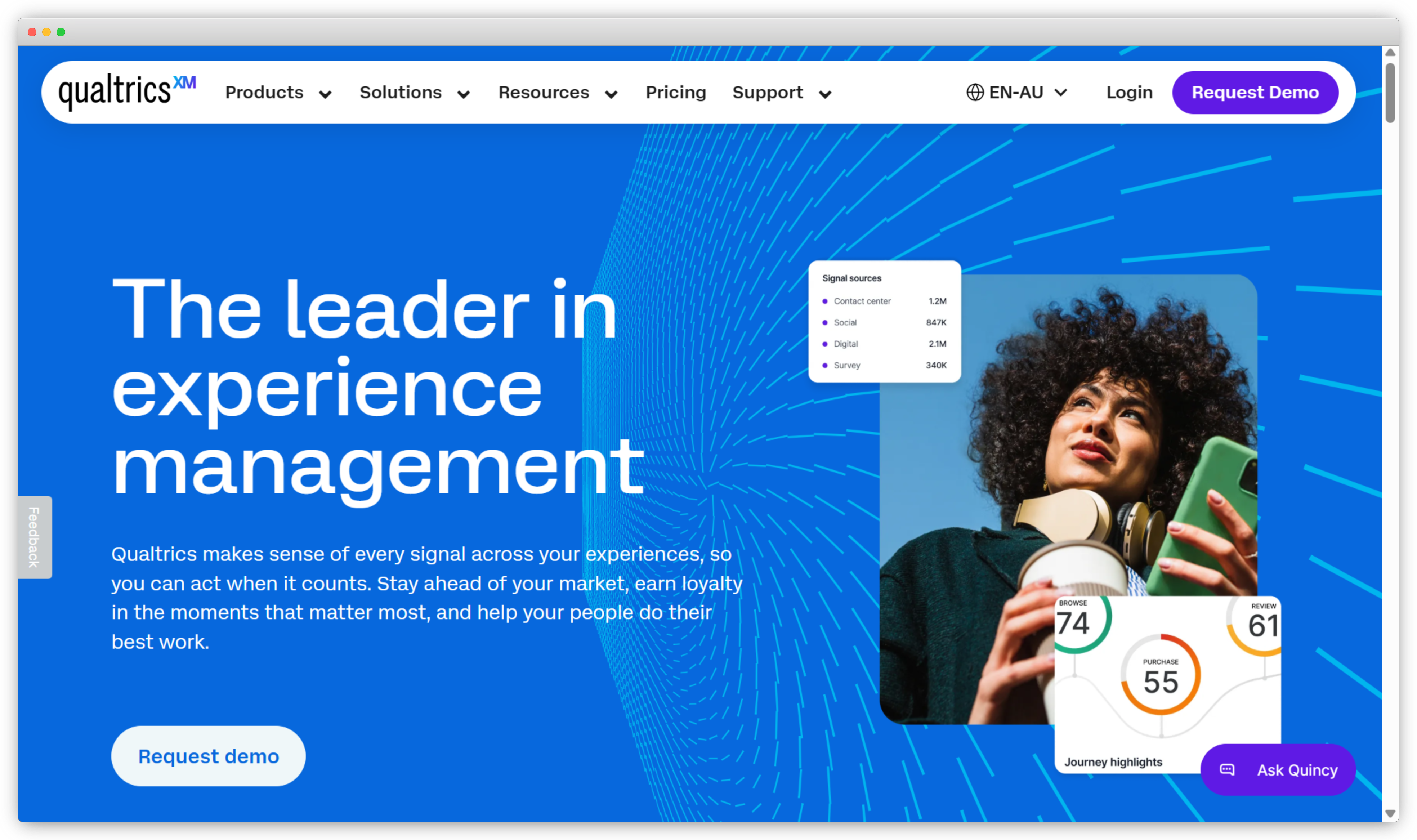
Qualtrics is the enterprise standard for experience management. Customer, employee, product, and academic research all run on it at scale. Its analytics are the reason: Text iQ handles thematic and sentiment analysis across large response volumes, and Stats iQ does the statistical heavy lifting for research-grade programs. For a store that's part of a larger enterprise running quarterly programs across thousands of customers, that depth is real.
The honest trade-off is fit. Qualtrics isn't a native Shopify app. It connects through API and integrations, and a typical implementation involves setup work and often professional services, not an afternoon install. A store that just wants post-purchase CSAT will find it more platform than the task needs. It earns its place here as the top end of the spectrum, and as the reference point that makes right-sized platforms look sensible.
Key Features
- Text iQ for AI text analysis: thematic clustering, sentiment, and topic classification
- Stats iQ for statistical testing and predictive analytics
- Advanced branching, skip logic, and display conditions
- Multichannel distribution: email, SMS, web, in-app, offline
- Role-based dashboards and closed-loop case management
Qualtrics Pros
- Sets the analytics ceiling in this category — nothing else here pairs statistical testing with thematic clustering at this depth
- Doubles as the CX and employee-experience system in one org, useful when multiple teams already rely on it
- Compliance certifications (HIPAA, GDPR, FedRAMP options) reduce procurement friction for regulated buyers
Qualtrics Cons
- Among the highest price points here, on enterprise contracts
- Steep learning curve, and most rollouts need professional services
- Not Shopify-native, and overkill for a simple store survey program
Qualtrics Pricing
- Custom enterprise pricing. No self-serve tier published; contact Qualtrics directly
G2 Rating: 4.4/5 on G2
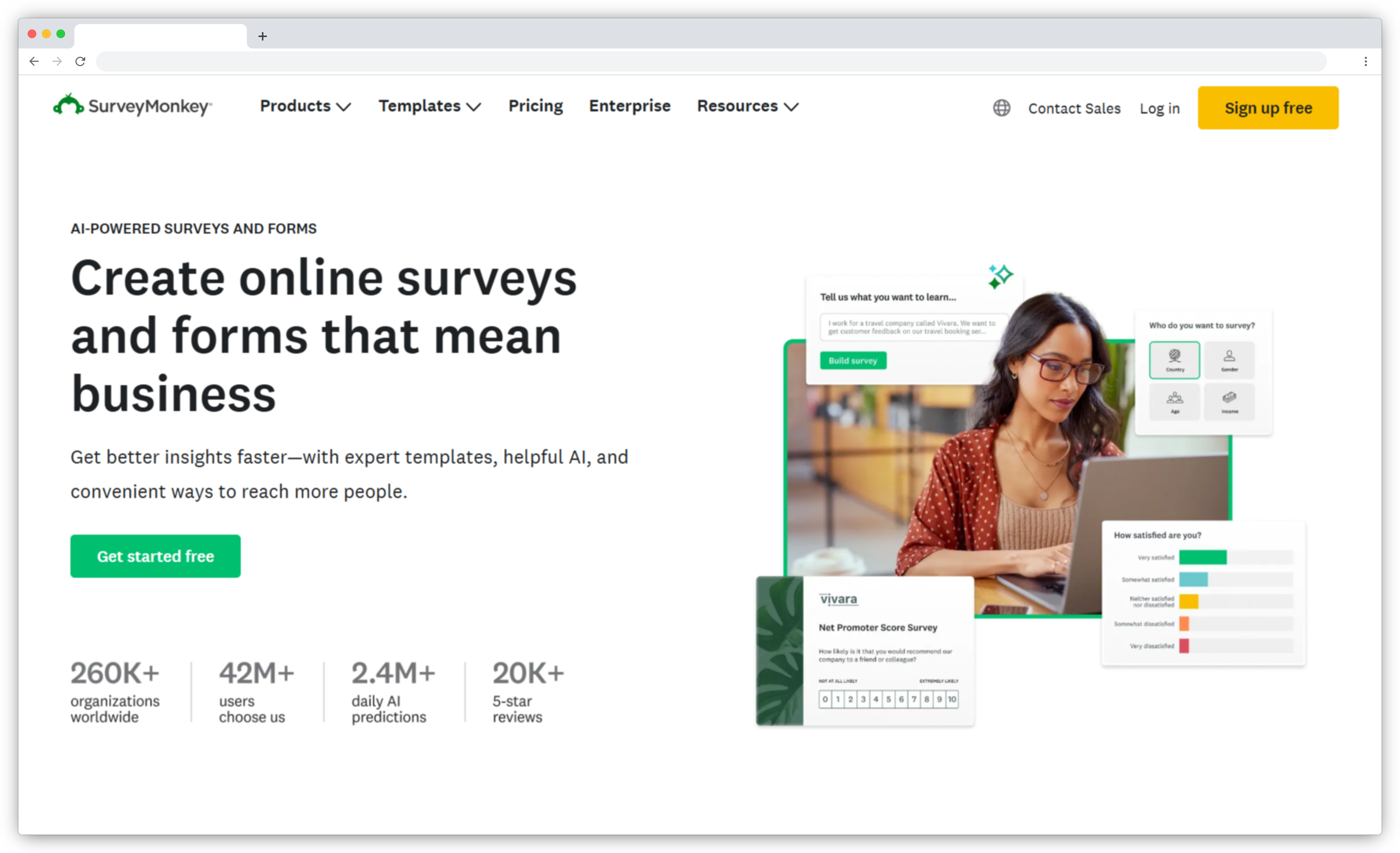
3. SurveyMonkey: Best for Familiar, General-Purpose Surveys
Best Use Case: Stores that want a familiar, general survey platform for occasional feedback and don't need tight Shopify-native order mapping.
SurveyMonkey is the name almost everyone already knows, and that familiarity counts for something. It covers NPS, CSAT, and custom surveys with a huge template library and analytics that non-technical teams can read without training. For a Shopify store, it connects through an integration or Zapier to send surveys after purchase or after a support interaction, then syncs responses back.
Where it slips for ecommerce is depth of fit. It's a general survey platform, not built around Shopify order data or the post-purchase moment, so the integration takes more wiring than a native app and the ecommerce-specific targeting is thinner. If you value a trusted, broadly capable tool over Shopify-native polish, it's a reasonable pick. If you want survey answers joined tightly to order and LTV data, a specialist app fits better.
Key Features
- NPS, CSAT, and custom survey types with a large template library
- Skip logic and branching for personalized survey paths
- Shopify connection via integration or Zapier for post-purchase and post-support surveys
- Established analytics and reporting dashboards
- Broad third-party integrations
SurveyMonkey Pros
- Familiarity lowers the internal buy-in effort — most stakeholders have already used it, so adoption rarely needs training
- The free tier removes the pilot-cost objection when a team just wants to test before committing
- Scales from a single quick survey to a larger program without switching tools
SurveyMonkey Cons
- Not built for Shopify or ecommerce specifically; integration needs setup
- Ecommerce targeting and order-data mapping are thinner than native apps
- Advanced features sit behind higher tiers
SurveyMonkey Pricing
- Free plan available; paid plans from roughly $25/month, scaling by responses and features. Verify current pricing on SurveyMonkey's site
G2 Rating: 4.4/5 on G2
b. Post-Purchase Survey Apps
Once someone has bought, the question shifts from where they came from to how it went. These apps specialize in the moment right after checkout, when attention is highest, and cover attribution, NPS, and CSAT. For question ideas and timing beyond what any single app template offers, our guide to Post Purchase Surveys covers the format in depth.
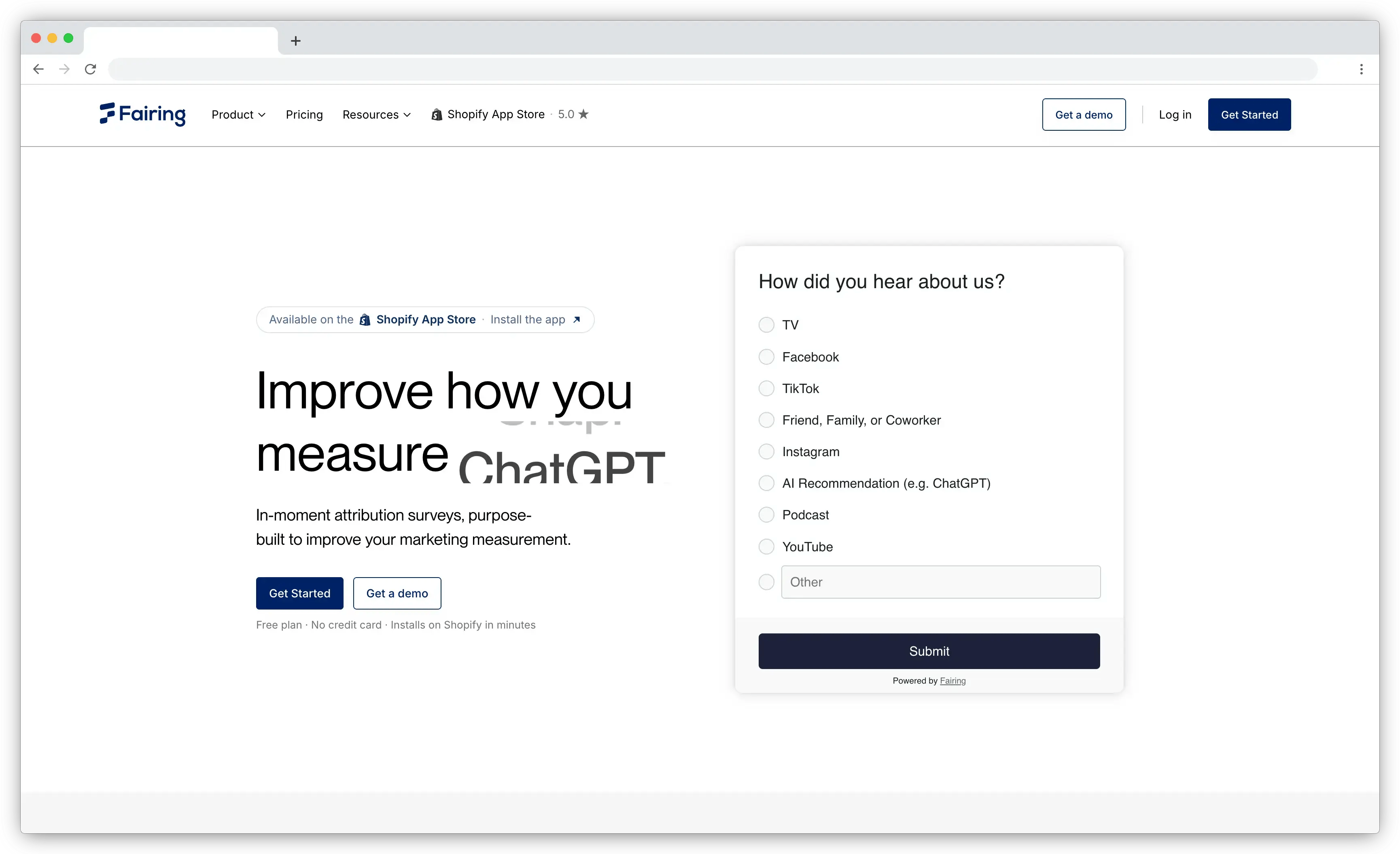
4. Fairing: Best for Post-Purchase Attribution
Best Use Case: DTC brands that want trustworthy post-purchase attribution joined to order and lifetime-value data.
Fairing, formerly Enquire Labs, built its reputation on one question done well: "how did you hear about us." It shows a short survey on your thank-you and order-status pages, then reads the answers against real order and lifetime-value data, so attribution stops being a vanity chart and becomes a channel-by-channel view of which sources bring your best customers. It's Shopify Plus Certified, holds a 5.0 rating across more than 190 reviews, and connects to Klaviyo, Google Analytics, Meta, and around 25 other tools. Its Question Stream feature rotates questions across orders, so you learn more over time without asking any single customer more than a question or two.
The honest limits: it's checkout-only, so it never hears from visitors who didn't buy, and pricing runs on order volume, so the bill climbs as you grow even if your survey usage doesn't. Read attribution answers as a strong directional signal too, not gospel. People misremember, and they tend to credit the last thing they saw.
Key Features
- Post-purchase attribution surveys on thank-you and order-status pages
- Responses tied to order value and lifetime value
- Question Stream to rotate questions across orders
- Integrations with Klaviyo, GA, Meta, and ~25 more
- Pre-built attribution question templates
Fairing Pros
- The name Shopify Plus operators mention first when attribution volume matters
- 190+ reviews holding a 5.0 average is a rare combination at that review count, more a signal of consistency than early hype
- Rotating the question across orders avoids repeat-customer fatigue, which usually protects response rates over time
Fairing Cons
- Checkout-only. It won't survey visitors who didn't purchase
- Order-based pricing means the bill scales with growth
- Attribution is self-reported, so treat it as directional
Fairing Pricing
- Order-based tiers: free up to 100 orders/month, then roughly $15, $49, and $149 as order volume rises, with unlimited responses on every tier
App Store Rating: 5.0/5 (190+ reviews)
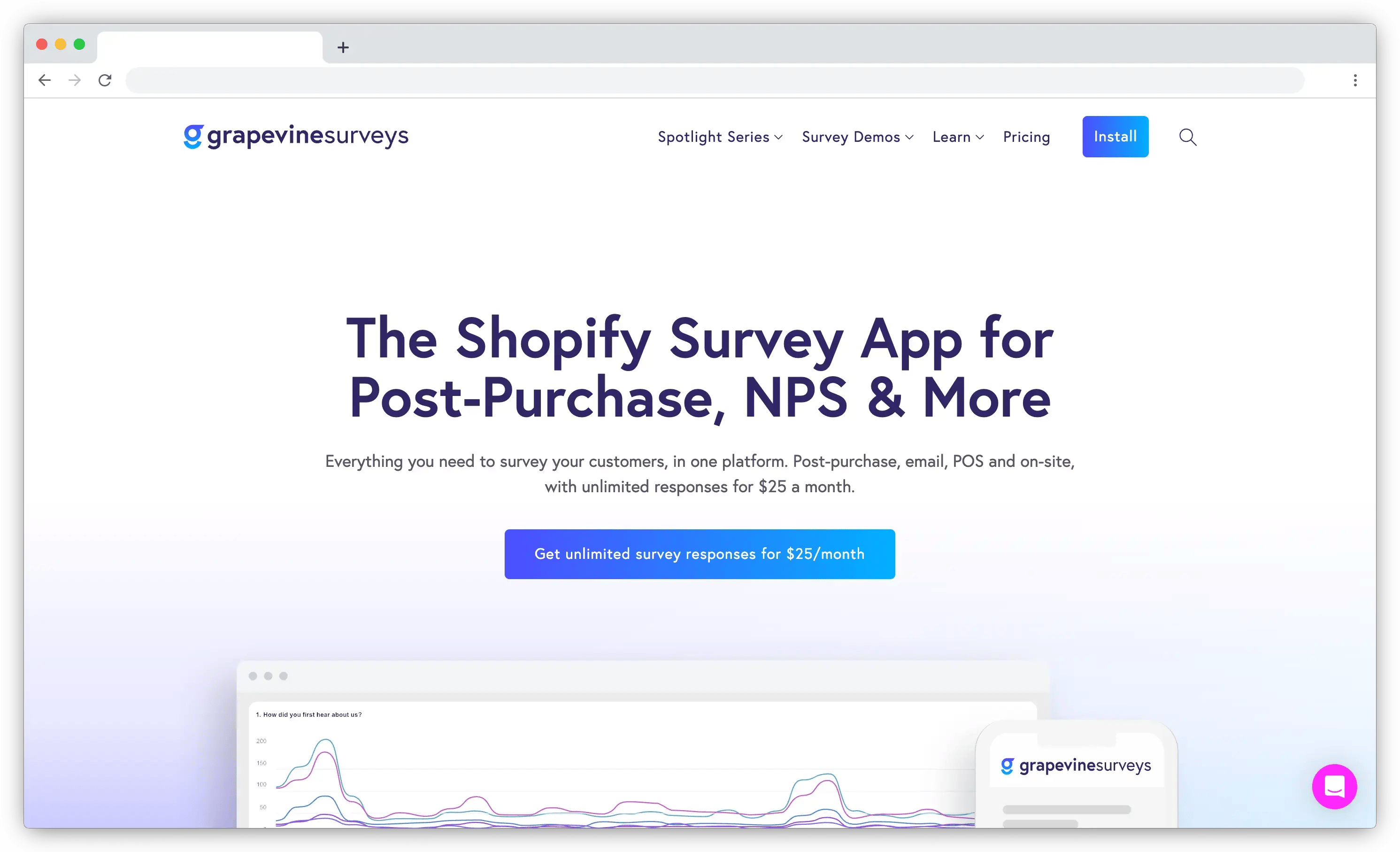
5. Grapevine: Best for Flat-Rate Unlimited Post-Purchase Surveys
Best Use Case: High-volume stores that want unlimited post-purchase surveys at a predictable price without a metered bill.
Grapevine is the value pick, and the one to look at hard if response-metered pricing annoys you. It runs post-purchase, NPS, CSAT, and attribution surveys, carries a "Built for Shopify" badge, and charges one flat rate of around $25 a month for unlimited surveys, questions, and responses. No tiers, no per-response creep. Answers flow to Klaviyo, Shopify Flow, and GA4, and you can target by order value, product, country, and customer type.
It installs fast and lives inside your Shopify admin, which makes it a common pick for stores that want a predictable bill. The trade-off is depth: analytics are simpler than a dedicated attribution tool's, and there's no permanent free plan, only a trial.
Key Features
- Post-purchase, NPS, CSAT, and attribution surveys
- Flat-rate unlimited surveys and responses
- Targeting by order value, product, country, and customer type
- Exports to Klaviyo, Shopify Flow, and GA4
- "Built for Shopify" badge, installs inside the admin
Grapevine Pros
- A spike in orders never spikes the survey bill, unlike metered competitors on this list
- Reviewers frequently cite the predictable price as the reason they switched off a metered app
- Fewer settings to configure than the deeper attribution tools, useful for a same-day launch
Grapevine Cons
- Analytics are lighter than specialist attribution tools
- Post-purchase focused, so not built for on-site or exit surveys
- No permanent free plan
Grapevine Pricing
- Flat rate of about $25/month for unlimited surveys and responses, after a free trial
App Store Rating: 5.0/5 (190+ reviews)
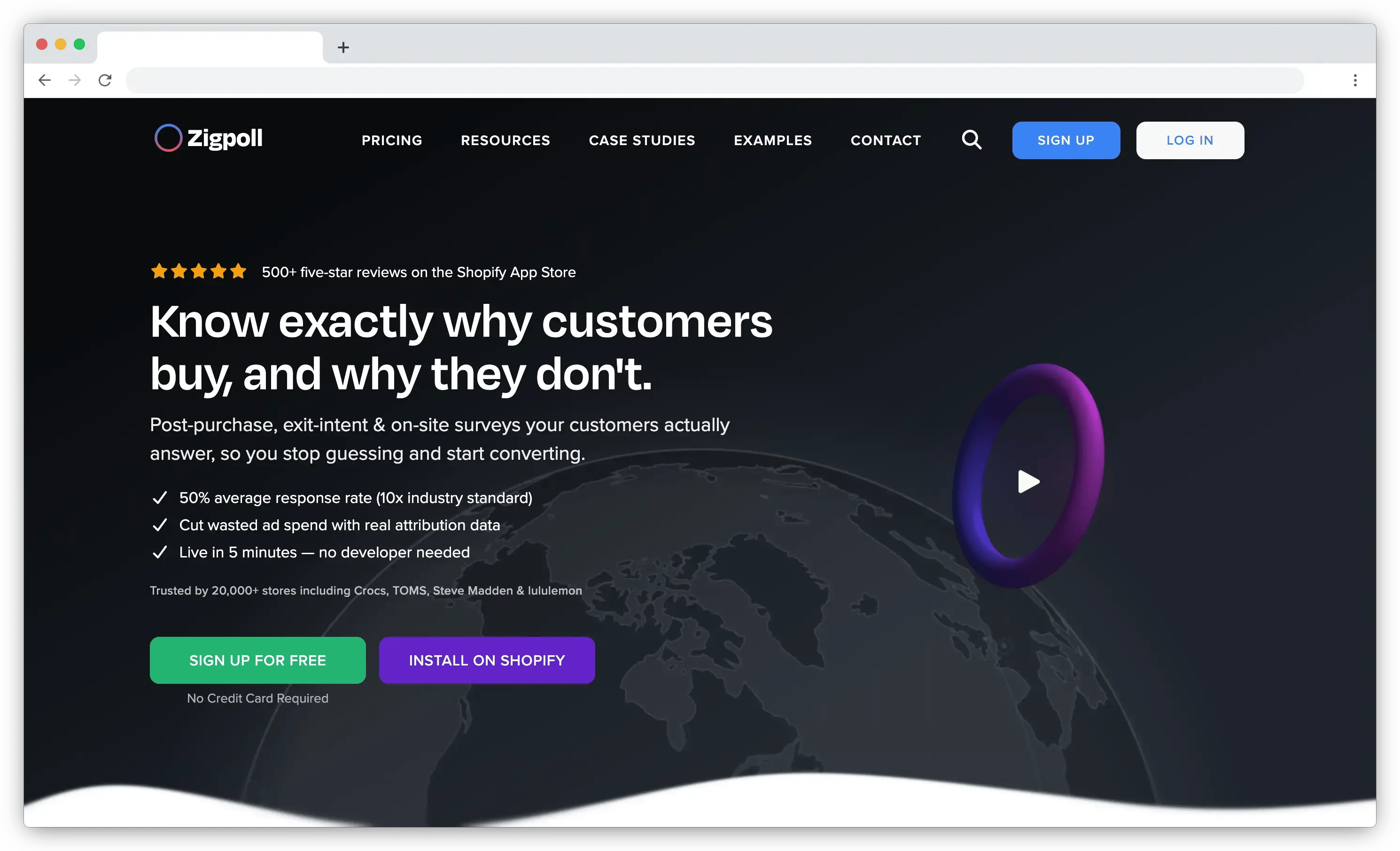
6. Zigpoll: Best for Flexible Post-Purchase and On-Site Surveys
Best Use Case: Stores that want one flexible app covering both post-purchase and on-site surveys without stitching two tools together.
Zigpoll is the most-reviewed customer survey app on Shopify, at 5.0 across more than 500 reviews, and the best all-rounder here. It runs post-purchase, on-site, NPS, email, and SMS surveys from one install, with AI analytics that summarize open-text answers and abandoned-checkout campaigns that ask people why they didn't finish. That breadth is the point: your survey data lives in one place regardless of where you collected it, which is often a smarter buy than a best-in-class specialist for each slot.
Because it covers both post-purchase and on-site, Zigpoll also shows up as an option in the next group. The trade-off is metered pricing, so a high-traffic store either pays for the top tier or rations its surveys, and its attribution depth doesn't match Fairing's dedicated segmentation.
Key Features
- Post-purchase, on-site, NPS, email, and SMS surveys in one app
- AI summaries of open-text responses
- Abandoned-checkout survey campaigns
- Multi-language support and zero-party data capture
- Integrations with common marketing and analytics tools
Zigpoll Pros
- Lets merchants retire two apps at once, since it natively covers both the post-purchase and on-site use cases
- The largest review base of any Shopify survey app here (500+), a meaningful proof point on reliability at scale
- AI summaries mean the open-text backlog gets read, even if the analysis doesn't go as deep as a dedicated platform's
Zigpoll Cons
- Response-metered pricing scales with traffic
- Attribution depth is lighter than dedicated attribution apps
- AI stays at summary level, not full thematic querying
Zigpoll Pricing
- Free for 100 responses; paid tiers roughly $29 (500), $97 (2,000), up to about $194/month for unlimited, with unlimited surveys on every tier
App Store Rating: 5.0/5 (500+ reviews)
c. On-Site and Exit Survey Apps
Post-purchase apps only ever hear from buyers, a single-digit slice of your traffic. To learn why the other 90-plus percent left, you need a survey that runs before checkout.
7. POWR: Customer Survey: Best for Simple On-Site Polls and Forms
Best Use Case: Stores that want quick on-site polls and exit-intent questions without a specialist tool.
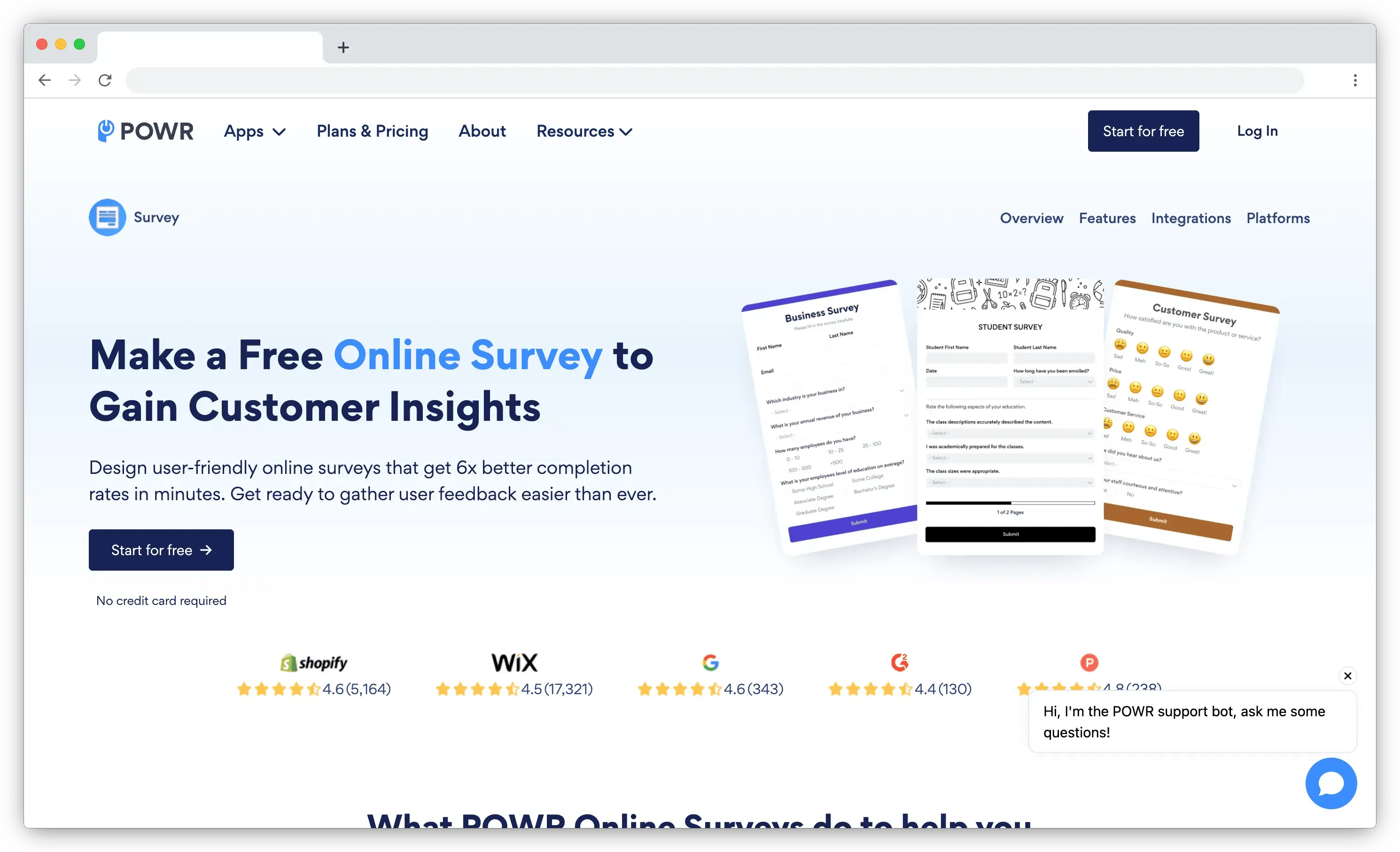
POWR is the simplest way to put a poll or survey on the page itself. It's a general-purpose survey and form builder with a genuine free plan and low-cost paid tiers, priced on usage rather than orders, and it drops surveys onto product pages, in popups, or as embedded forms. Pre-built templates, common question types, instant email alerts, Google Sheets export, and reCAPTCHA to keep spam out round it off, and it carries a "Built for Shopify" badge.
The honest note: it's a broad form builder, not a post-purchase or attribution specialist, so it won't join answers to order data the way Fairing or Zonka do. For quick on-site polls and exit-intent questions, that's fine. For a serious attribution program, it isn't the tool.
Key Features
- On-site surveys, polls, and popups with a drag-and-drop builder
- Pre-built templates and common question types
- Instant email alerts on responses
- Google Sheets export and reCAPTCHA spam protection
- "Built for Shopify" badge with a free plan to start
POWR Pros
- One app covers surveys, popups, and lead capture, so smaller teams skip three separate tools for adjacent needs
- The free plan is usable rather than a crippled trial, so you can validate the idea before paying
- A large form-builder user base beyond Shopify means documentation and community answers are easy to find
POWR Cons
- General form builder, not an attribution or post-purchase specialist
- Won't tie answers to Shopify order and LTV data
- Analytics are basic
POWR Pricing
- Free plan to start; paid plans roughly $9.90 to $17.49/month depending on usage
App Store Rating: 4.6/5 on the Shopify App Store
8. Asklayer: Best for Targeted On-Site and Exit Surveys
Best Use Case: Stores that want precisely targeted on-site and exit surveys with AI that points to next steps.
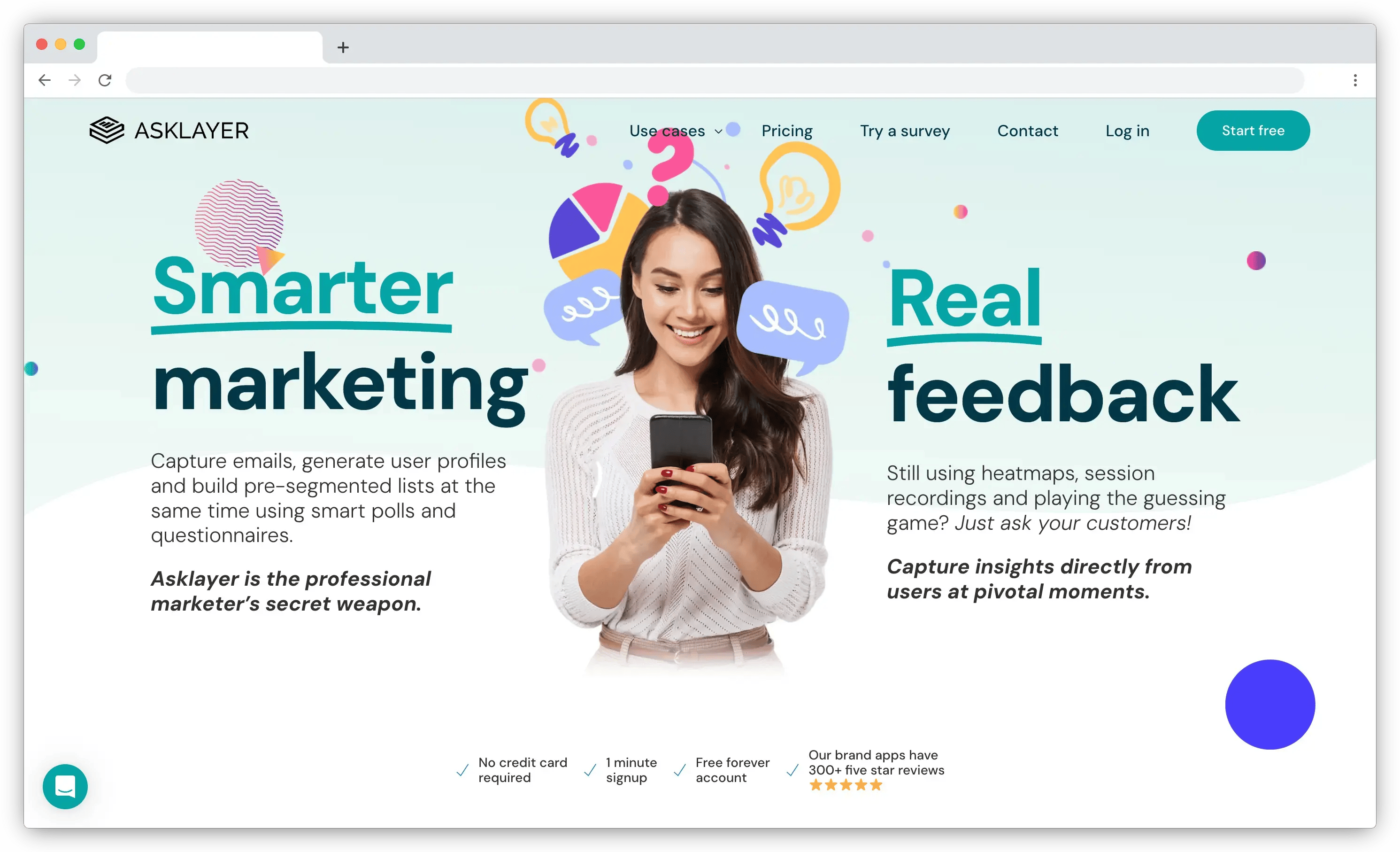
Asklayer is the pro's pick for on-site feedback with precise targeting. It offers 15-plus question types, unlimited surveys, skip logic, question randomization, and coupon generation, and it runs on-site, exit, post-purchase, and email surveys with advanced per-page, per-product, and behavior-based targeting. What stands out for a tool at its price is the analysis: alongside per-question charts and raw-data export, its AI reads open-text responses and surfaces action items, not just summaries. It carries a "Built for Shopify" badge and can install on post-purchase without needing Shopify Plus.
The trade-offs are volume-based pricing that climbs as responses grow, a thin free tier at 25 responses a month, and fewer third-party integrations beyond Shopify than the broader platforms offer.
Key Features
- 15+ question types, unlimited surveys, skip logic, and randomization
- On-site, exit, post-purchase, and email surveys with advanced targeting
- Coupon generation to lift response rates
- AI summaries with action items, per-question charts, and raw-data export
- Integrations with Shopify, GA, Google Sheets, GTM, Klaviyo, and Mailchimp
Asklayer Pros
- Reviewers specifically call out the AI surfacing what to do next, not just a summary, a rarer trait even among larger platforms
- Skip logic and behavior-based targeting usually sit behind pricier tools; here they show up at a lower price point
- Works on post-purchase without Shopify Plus, which opens the attribution-style survey to smaller stores
Asklayer Cons
- Response-based pricing rises with volume
- Free tier is limited to 25 responses a month
- Fewer integrations beyond Shopify than platform tools
Asklayer Pricing
- Free for 25 responses/month; paid tiers roughly $29 (200), $59 (1,000), and $149 (3,000 responses), with per-response overage above plan limits
App Store Rating: 4.9/5 on the Shopify App Store
d. Form Builders with Survey Features
Not survey specialists, but general form builders you can bend into a survey. Fine for a simple feedback form or lead capture, limited for a real feedback program.
9. Shopify Forms: Best for Free Native Lead and Zero-Party Capture
Best Use Case: Stores that want free email and lead capture with a light preference question, and don't need survey depth.
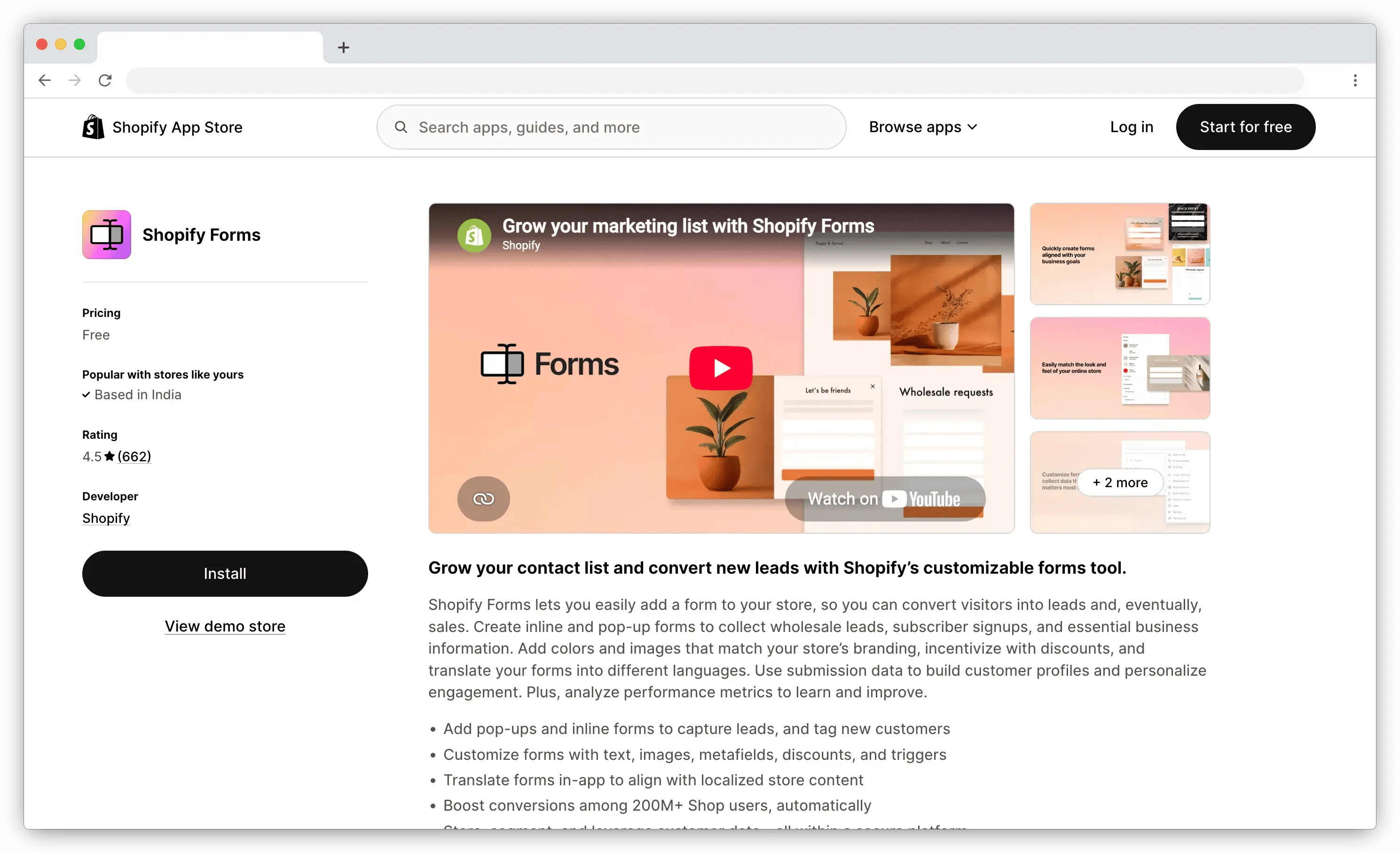
Shopify Forms is free, native, and the sensible default for capture. It builds email and lead-capture popups and inline forms, collects fields from email and phone to custom metafields like product interest or birthday, and hands the data straight to Shopify Email and your automations, all at no cost. For a store that mainly wants to grow its list with a light preference question or two, it's hard to argue with free and built-in.
Its limits are real, though. It can't place forms on product pages, has no conditional logic, and offers limited field types, so you'll outgrow it for anything resembling a genuine survey or feedback program.
Key Features
- Free, native email and lead-capture popups and inline forms
- Custom fields and metafields for zero-party preferences
- Direct handoff to Shopify Email and automations
- No extra app cost or third-party account
Shopify Forms Pros
- Zero cost removes the "is this worth paying for" question entirely for basic capture
- Living natively in Shopify means no app review, no extra login, one less vendor relationship
- Captured leads flow straight into Shopify Email, usable immediately instead of stuck in a CSV
Shopify Forms Cons
- No conditional logic and limited field types
- Can't place forms on product pages
- Not a real survey tool, and no analysis on responses
Shopify Forms Pricing
- Free
Rating: Native Shopify app
10. Hulk Form Builder: Best for No-Code Custom Forms with Survey Fields
Best Use Case: Stores that need flexible custom forms with the occasional survey question, and don't need feedback analytics.
Hulk Form Builder is the flexible no-code option when you need custom forms that happen to include survey questions. It offers a drag-and-drop builder, conditional logic, file and image uploads, a wide range of field types, and integrations to move submissions where you need them. For contact forms, feedback forms, and simple surveys that live on your storefront, it's capable and affordable.
The trade-off is focus. It's a form builder first, so it lacks the post-purchase triggers, attribution mapping, and open-text analysis that dedicated survey tools bring. If your feedback needs are basic and form-shaped, it fits. If you want a CX program, it won't get you there.
Key Features
- Drag-and-drop no-code form builder
- Conditional logic and a wide range of field types
- File and image uploads
- Integrations to route submissions to your tools
- Free plan with paid tiers for advanced features
Hulk Form Builder Pros
- Covers needs beyond surveys — contact forms, applications — so it earns a spot even when feedback is just one of several needs
- Conditional logic at this price point is uncommon among simple form builders
- The free plan lets a team test the builder before deciding on a paid tier
Hulk Form Builder Cons
- Form builder first, not a dedicated survey or CX tool
- No post-purchase triggers or attribution mapping
- No AI analysis on open-text feedback
Hulk Form Builder Pricing
- Free plan available; paid tiers unlock advanced features. Verify current pricing on the App Store listing
App Store Rating: 4.8/5 on the Shopify App Store
What Should You Look for in a Shopify Survey App?
-
Survey types and placement. Does the app cover the moment you care about: post-purchase, thank-you page, on-site, exit, email, SMS? An attribution app that only works at checkout won't help you survey browsers.
-
Shopify integration depth. Does it connect to real order and customer data, so you can target and segment by product, order value, or customer type? Does it carry a "Built for Shopify" badge, which signals the app meets Shopify's performance and design standards? Note that a badge isn't the only mark of quality. Some strong platforms connect through a private app or API instead of a public listing.
-
AI on open-text. Most teams collect open-ended feedback and never read it at volume. Look for thematic clustering and sentiment analysis that turn hundreds of comments into patterns, not a word cloud. This is where most Shopify survey apps are thinnest.
-
Response-rate design. Incentives like a discount code on completion, short flows, and smart placement all lift completion. Some apps generate unique Shopify discount codes automatically.
-
Where the data flows. Klaviyo segments, Shopify Flow triggers, GA4, your CDP. Survey data that stays trapped in the survey tool is worth half as much as data that moves into your marketing stack.
-
Pricing model. Metered apps charge by orders or responses. Flat-rate apps charge one fee for unlimited. If you send high volume, flat-rate is usually cheaper. Check which is which before you commit.
How Do You Choose the Right Shopify Survey App for Your Store?
Start with the task, not the demo. The mistake we see most often is a store picking an app for its UI, then realizing months later it can't do the one thing the program actually needed.
| Your situation | What matters most | Shortlist |
| You want to know which marketing channels actually drive sales | Post-purchase attribution tied to order and LTV data | Fairing, Zigpoll |
| You want NPS/CSAT after purchase without a metered bill | Flat-rate unlimited responses | Grapevine |
| You need to catch visitors who don't buy | On-site and exit surveys with targeting | Asklayer, POWR, Zigpoll |
| You're drowning in open-text comments nobody reads | AI thematic and sentiment analysis | Zonka Feedback, Qualtrics |
| You need feedback across channels, not just the store | Omnichannel + closed-loop automation | Zonka Feedback |
| You just want free lead and email capture | Native, zero-cost, simple | Shopify Forms |
If your needs sit in one row, a specialist app is the cleaner buy. If they span three or four rows, you're not shopping for an app anymore. You're shopping for a platform, which is a different decision covered further down.
Which Shopify Survey App Is Right for Your Store?
The answer comes down to what you actually need done.
If you only need to know which channels drive sales, Fairing owns attribution. If you want NPS and CSAT after purchase without a metered bill, Grapevine's flat rate is the value play. If you want one flexible tool across post-purchase and on-site, Zigpoll covers the most ground. To catch the visitors who don't buy, Asklayer and POWR do on-site and exit well. For free lead capture, Shopify Forms is already in your admin.
And if your program spans several of those use cases, or you're tired of open-text comments nobody reads, Zonka Feedback runs the whole loop across channels with the analysis built in. The mechanics of a good program (timing, targeting, closing the loop) matter more than any single app you pick. Choose for the question you actually need answered, and the shortlist gets short fast. And if your feedback needs stretch beyond Shopify to email, support, and other channels, our wider roundup of best voice of customer tools for ecommerce covers the full-funnel options.



.png)
.png)
.png)
.png)