.svg)
 Healthcare
 Finance
 Retail
 SaaS & Digital
 eCommerce
 Education
 Salesforce
  HubSpot
 Pipedrive
 Mailchimp
 Klaviyo
 Zendesk
  Intercom
 Freshdesk
 HelpScout
  Front
Front Jira
Jira Slack
Slack  MS Teams
 Zoom
Zoom Google Sheets
  Zapier
  Integrately
 Make
Make  Webhooks



 Sign In
 MS Teams


TL:DR
-
unitQ is widely used for AI-driven feedback analysis, helping product and CX teams surface patterns from support tickets, app reviews, and social channels
-
As feedback programs grow, teams often look for stronger collection capabilities, experience metrics, closed-loop workflows, and broader channel coverage
-
This guide compares the top unitQ alternatives across customer feedback platforms, voice of customer tools, product feedback systems, and enterprise CX software
-
Leading alternatives include Zonka Feedback, Qualtrics, Medallia, Chattermill, Sprinklr, Birdeye, Pendo, Hotjar, Thematic, Zoho Survey, and Zendesk
-
Each tool is evaluated based on feedback collection, AI-driven sentiment and text analysis, support for NPS, CSAT, and CES, workflow and action capabilities, and real-world fit for product, CX, and support teams
unitQ is a customer feedback analytics platform used by product teams to make sense of large volumes of feedback. It pulls in data from sources like support tickets, app reviews, surveys, and social channels, then applies AI to highlight patterns and product quality issues. For teams trying to understand what users are struggling with, this kind of visibility can be genuinely helpful.
The challenge usually shows up later. As feedback programs grow, analysis alone stops being enough. Teams start asking different questions. Where should we collect feedback? How do we track NPS or CSAT consistently? Who owns follow-ups when something goes wrong?
That is where unitQ often falls short. Not because it lacks insight, but because it is not built to manage the full feedback loop. This is why many companies begin looking at unitQ alternatives.
In this guide, we walk through the best unitQ alternatives for 2026. The focus is on tools that go beyond analysis and support the entire feedback journey, from collection and measurement to real action across teams.
What to Look for in a unitQ Alternative?
Choosing the right unitQ alternative starts with understanding how your feedback program is expected to evolve. While analyzing customer feedback is essential, many teams today want platforms that support the full journey. This includes collecting feedback, connecting it to customer interactions, and turning insights into action across teams.
As customer experience programs scale, the right platform should help organizations work with feedback from various sources while keeping insights easy to access and act on.
Here are the key factors to consider when evaluating alternatives.
-
Ability to collect feedback across channels
Look for tools that support surveys, web and mobile feedback, support tickets, and other customer touchpoints. Platforms that combine feedback collection with analysis help teams capture valuable feedback at the right moments. -
Advanced sentiment analysis and text analysis
Customer feedback often comes as unstructured data. Strong alternatives use artificial intelligence to do sentiment analysis, detect themes, and surface emerging trends from user generated content, reviews, and open-text responses. -
Actionable insights with real-time visibility
Insights should not live only in dashboards. The right platform enables users to act through real time notifications, alerts, and workflows that help teams respond faster and reduce recurring pain points. -
Support for customer experience metrics
If customer experience management is a priority, the platform should support metrics like Net Promoter Score, satisfaction tracking, and experience monitoring over time. This helps businesses connect feedback directly to loyalty and revenue outcomes. -
Ease of use and adoption across teams
An intuitive interface matters. Tools should be easy for CX, product, support, and marketing teams to use without heavy onboarding. This improves adoption and ensures insights are used consistently. -
Scalability for different business sizes
Whether you are a small business or a growing enterprise, the platform should scale with your data, users, and teams. Cloud based platforms with flexible pricing and free trial options often reduce friction during evaluation. -
Strong integrations and data connectivity
The best alternatives connect feedback data with existing systems so insights are available in the right place. This helps teams build confidence in decisions and avoid fragmented customer experience data.
Best unitQ Alternatives for 2026: Comparative Table
| Tool | Primary Focus | Feedback Collection | AI Text and Sentiment Analysis | Action and Workflows | G2 Rating |
| Zonka Feedback | End-to-end feedback and CX management | Yes | Yes | Yes | 4.7/5 |
| Qualtrics Customer Experience | Survey-led experience measurement | Yes | Yes | Limited | 4.3/5 |
| Medallia | Continuous experience monitoring | Yes | Yes | Limited | 4.5/5 |
| Chattermill | Voice of customer analytics | Limited | Yes | Limited | 4.5/5 |
| Sprinklr | Digital and social customer conversations | No | Yes | Yes | 4.2/5 |
| Birdeye | Reviews and reputation management | Yes | Basic | Limited | 4.8/5 |
| Pendo | Product usage and in-product feedback | Yes | Limited | Limited | 4.4/5 |
| Hotjar | Website behavior and on-site feedback | Yes | No | No | 4.3/5 |
| Thematic | Deep qualitative feedback analysis | No | Yes | No | 4.8/5 |
| Zoho Survey | Survey-based feedback collection | Yes | Limited | Limited | 4.5/5 |
What Are the Best Alternatives to unitQ in 2026?
The best unitQ alternatives in 2026 include Zonka Feedback, Qualtrics, Medallia, Chattermill, Sprinklr, Birdeye, Pendo, Hotjar, Zendesk, and Zoho Survey. There is no single best option for every team, as each platform focuses on a different part of the feedback process.
Some tools are built for analyzing large volumes of customer feedback, while others focus on structured surveys, product usage insights, or support-driven workflows. The right choice depends on whether your priority is collecting feedback, tracking experience metrics, improving product decisions, or managing customer conversations across channels.
1. Zonka Feedback — Best for Customer Feedback Analysis and Signals Across Channels
Best For: Customer feedback collection, AI-driven text and sentiment analysis, NPS/CSAT/CES tracking, closed-loop workflows
G2 Rating: 4.7/5
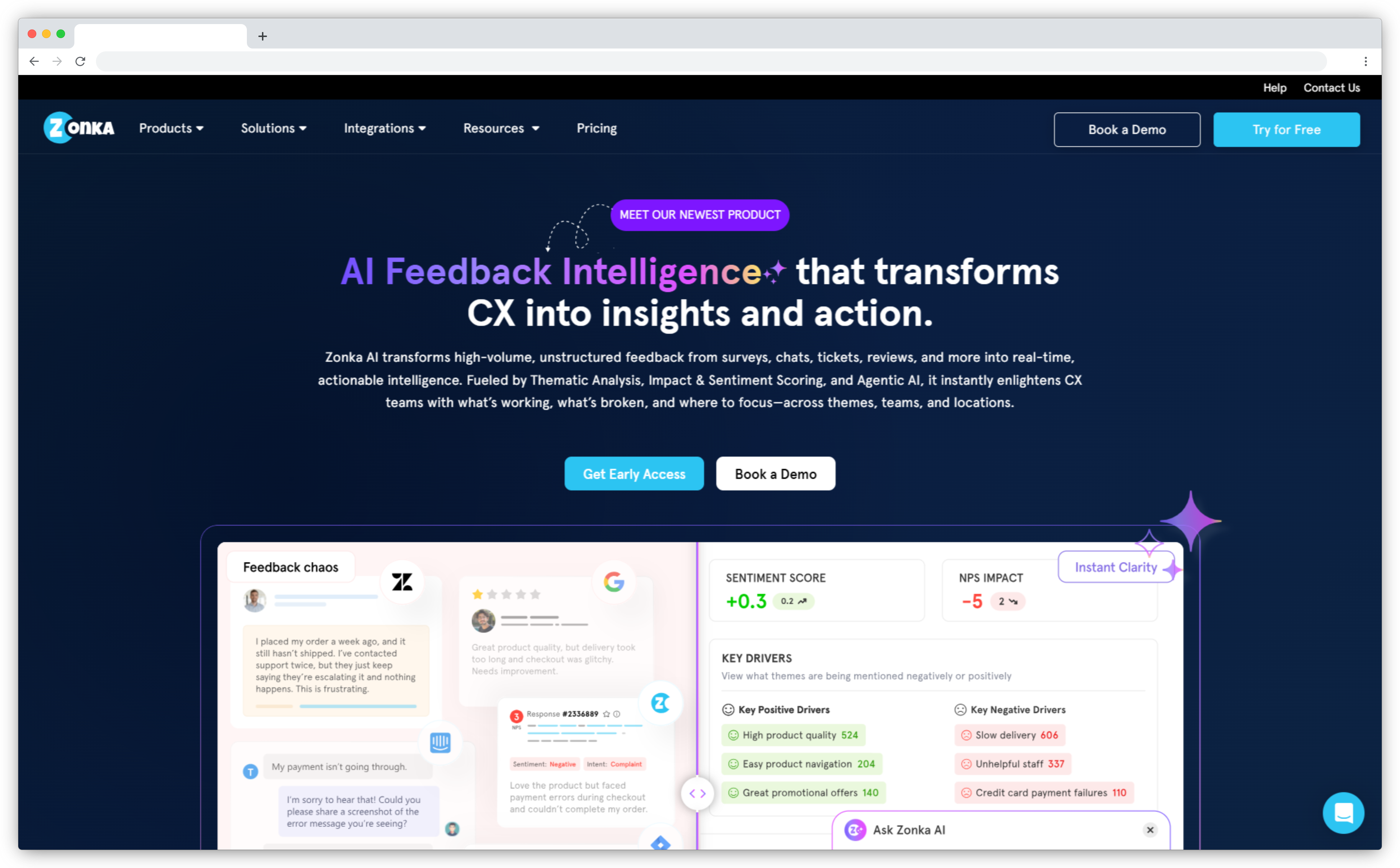
Zonka Feedback is a customer feedback and experience management platform that supports both feedback collection and analysis across an omnichannel environment. While unitQ primarily functions as an analytics layer over existing sources, Zonka enables teams to run surveys, collect feedback across channels such as email, SMS, web, in-app, support tickets, chats, and reviews, and measure experience metrics within the same system.
By bringing structured and unstructured feedback together, the platform helps teams generate clearer analysis and signals from customer conversations. AI-driven text analytics organizes large volumes of open-ended responses into themes, tracks sentiment shifts over time, and highlights anomalies such as sudden spikes in complaints or emerging issues. This makes it easier to understand patterns at scale rather than reviewing feedback case by case.
Experience metrics including NPS, CSAT, and CES can be monitored alongside qualitative trends, giving context to score changes and helping teams connect feedback signals to operational impact. The overall approach is designed to move beyond isolated analytics and support the full feedback loop, from collection to interpretation and follow-up.
Key Features
-
Omnichannel customer feedback collection
Collect feedback across email, SMS, web, mobile, in-app touchpoints, QR codes, and kiosks. This ensures feedback is captured consistently across customer interactions and journeys.
-
AI-powered text and sentiment analysis
Analyze open-ended responses, reviews, and user-generated content to identify themes and sentiment trends. This helps teams understand patterns across large volumes of feedback.
-
Customer experience metrics tracking
Measure and monitor NPS, CSAT, and CES alongside qualitative feedback. This provides context behind score changes and satisfaction shifts over time.
-
Real-time alerts and workflows
Trigger notifications and assign feedback to relevant teams automatically. This supports a structured close feedback loop process and timely follow-up.
-
Unified dashboards for cross-team visibility
Access centralized dashboards that combine surveys, support tickets, and other feedback sources. This helps teams review insights in one place without switching systems.
-
Integrations and scalability
Connect with CRM, support, and marketing tools to keep feedback aligned with existing workflows. The platform scales across teams, locations, and growing response volumes.
Why it's a strong unitQ alternative
unitQ is primarily an analysis tool. It works well for detecting patterns in feedback that already exists, but it does not help teams decide where or how to collect feedback in the first place. Zonka Feedback fills that gap by combining active collection across multiple channels with AI-driven analysis and structured follow-up workflows. Teams that want to control both what feedback they gather and what happens after an insight is flagged will find Zonka more complete for that purpose.
Zonka Feedback Pros
- Strong balance of feedback collection, analysis, and action workflows
- AI powered sentiment and text analysis works well at scale
- Supports NPS, CSAT, and CES with flexible survey deployment
- Easy to use across product, CX, and support teams
- Good integrations with CRM and support tools
Zonka Feedback Cons
- Voice analytics and speech feedback still on the roadmap
- Advanced AI features live on higher paid plans
Zonka Feedback Pricing
- Custom pricing available based on business requirements
- 14-day free trial of paid features available on request
2. Qualtrics Customer Experience: Best for Survey-Led Feedback Programs
Best For: Large-scale experience measurement, advanced survey design, structured CX programs, enterprise analytics
G2 Rating: 4.3/5
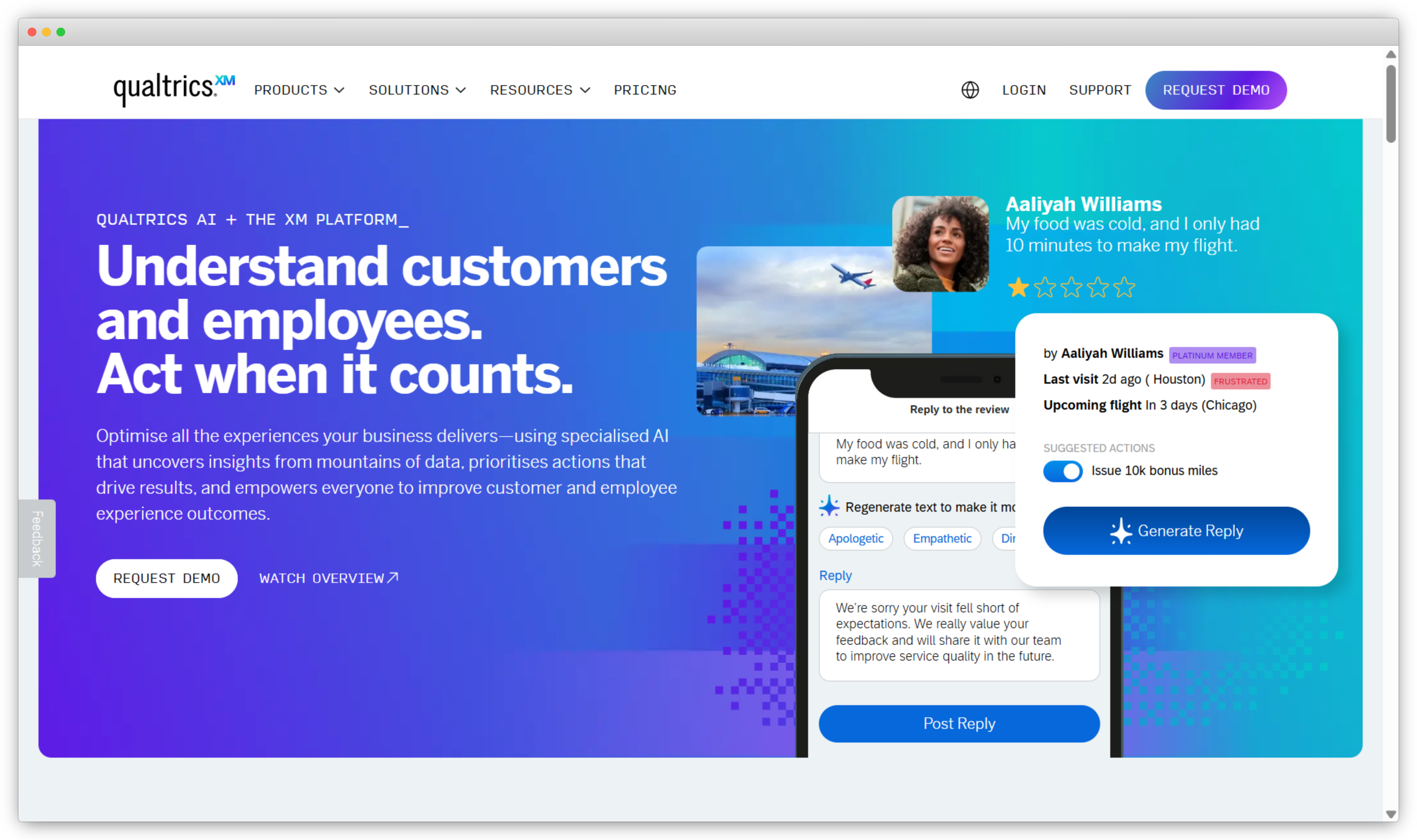
Qualtrics is an enterprise experience management platform built for organizations that run structured, large-scale customer experience programs. It is commonly evaluated by teams that have outgrown lighter feedback tools and need more control over how experience data is collected, governed, and analyzed across business units.
Where unitQ focuses on analyzing feedback that already exists, Qualtrics is built around designing and running experience programs from the ground up. Teams use it to build surveys with complex logic, manage feedback across regions and brands, and connect experience data with operational metrics to understand what is driving satisfaction or churn.
The platform's analytics capabilities go deeper than most tools in this space. Driver analysis, predictive modeling, and trend tracking help CX leaders understand not just what customers are saying, but which factors actually move the needle on experience outcomes.
That depth comes with tradeoffs. Qualtrics takes time to implement, requires dedicated resources to manage, and can feel heavy for teams that just need fast, flexible feedback workflows.
Key Features
-
Enterprise-scale experience measurement programs
Manage large-scale customer experience programs across regions, brands, and business units. Supports complex survey logic, sampling, and governance models for mature CX environments.
-
Advanced analytics for structured feedback
Analyze survey-based feedback using trend analysis, driver analysis, and predictive modeling. Helps teams understand which factors influence satisfaction and experience outcomes.
-
Text and sentiment analysis at scale
Apply text analytics to open-ended responses for sentiment tracking, topic modeling, and categorization. Enables structured interpretation of qualitative feedback alongside metrics.
-
Role-based dashboards and reporting
Customize dashboards for leadership, CX teams, and business units. Monitor performance, identify gaps, and track experience improvements over time.
-
Experience data integrations
Connect experience data with operational and customer systems. Link feedback insights to broader business outcomes and customer interactions.
Why it's a strong unitQ alternative
unitQ is built to analyze feedback passively, pulling from existing sources like reviews and tickets. Qualtrics takes a different approach entirely. It gives teams control over how feedback is structured and collected, then layers in deep analytics to make sense of it. For organizations running formal CX programs where consistency, governance, and measurement rigor matter, Qualtrics covers ground that unitQ was never designed for.
Qualtrics Customer Experience Pros
- Very powerful for large scale, structured CX programs
- Advanced analytics and reporting capabilities
- Strong governance, permissions, and role based access
- Well suited for global, multi region enterprises
Qualtrics Customer Experience Cons
- Expensive and complex to implement
- Steep learning curve for non CX specialists
- Less flexible for quick, lightweight feedback use cases
Qualtrics Customer Experience Pricing
- Custom pricing based on modules, usage, and enterprise requirements
- No public pricing tiers listed
3. Medallia: Best for Continuous Experience Monitoring
Best For: Enterprise experience monitoring, multi-source feedback collection, customer and employee experience programs, industry-specific
G2 Rating: 4.5/5
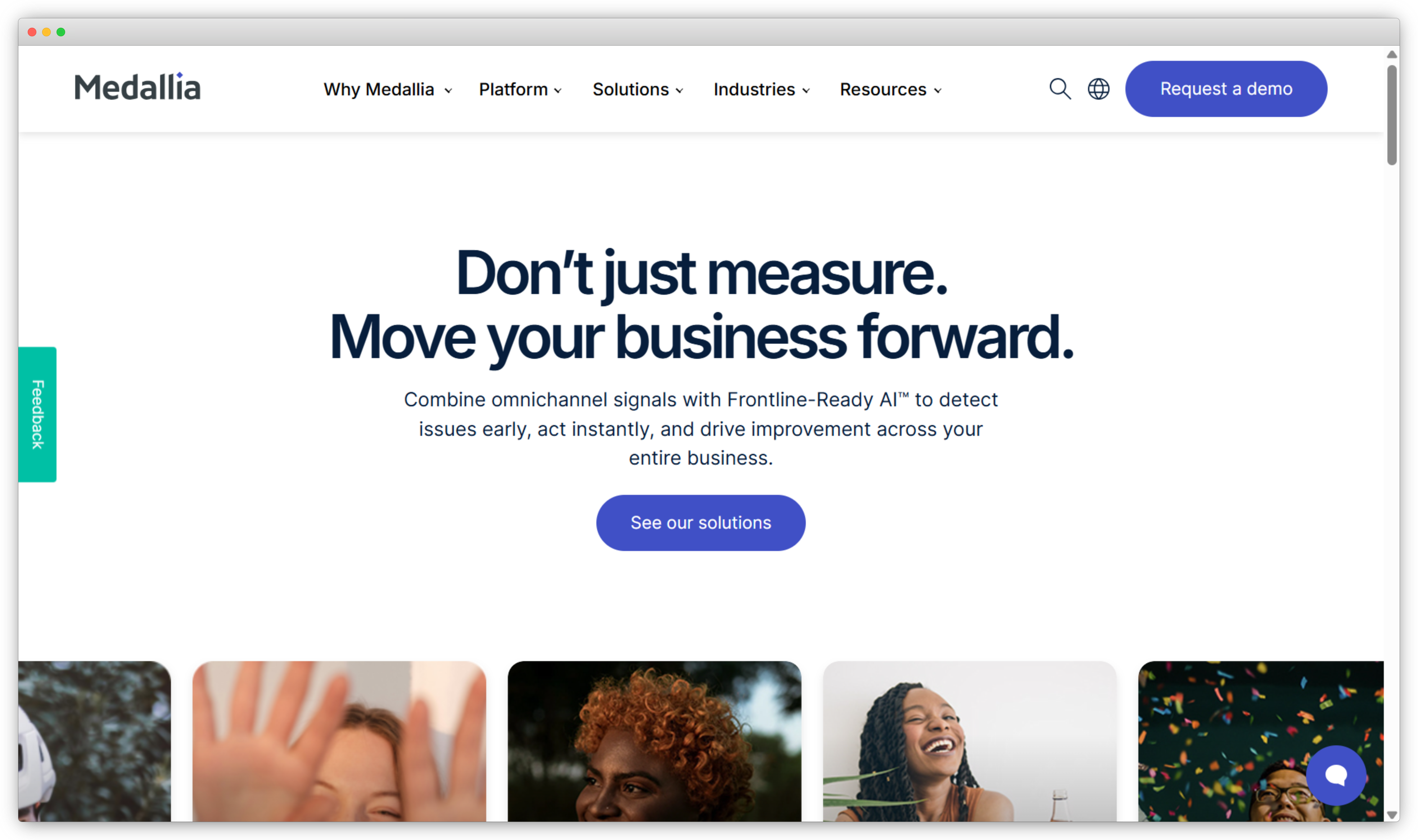
Medallia is an experience management platform used by large enterprises to capture and analyze feedback continuously across customers, employees, and operational systems. Teams typically evaluate it when they need organization-wide visibility into experience data, not just product-level signals.
The platform is designed for complex environments where feedback comes in from many places at once. Surveys, digital interactions, support channels, and operational data all feed into a central system, giving CX leaders a connected view of how experience is performing across touchpoints, regions, and business units.
Medallia's AI capabilities help process large volumes of unstructured feedback, surfacing themes and sentiment trends without requiring manual analysis. This is useful for enterprises that deal with high feedback volumes and need to stay on top of shifts in customer perception without dedicating significant analyst time to it.
Where it gets harder is implementation. Medallia takes time to deploy, needs dedicated internal resources to manage, and the cost reflects that. Teams that need speed and flexibility often find it more than they bargained for.
Key Features
-
Enterprise-wide experience intelligence
Manage feedback programs across large organizations with centralized oversight. Supports continuous listening across customers, employees, and digital channels.
-
Advanced feedback and text analytics
Process high volumes of unstructured feedback from comments, reviews, and open-text responses. Identify themes, track sentiment, and uncover patterns across data sources.
-
Multi-source data collection and integration
Combine feedback from surveys, digital interactions, support channels, and operational systems. Analyze customer experience in context alongside operational performance.
-
Experience dashboards and performance tracking
Access role-based dashboards to monitor trends, satisfaction levels, and service gaps. Track performance across regions, brands, and business units over time.
-
Industry-specific experience programs
Deploy tailored solutions for sectors such as hospitality, retail, and healthcare. Support continuous experience monitoring and reputation management needs.
Why it's a strong unitQ alternative
unitQ is focused on product feedback signals. Medallia operates at a different scale entirely, covering customer experience, employee experience, and operational data in one system. For enterprises that need continuous monitoring across the whole organization rather than product-level issue detection, Medallia covers significantly more ground. It also brings in feedback actively through surveys and digital interactions, which unitQ does not do natively.
Medallia Pros
- Built for continuous experience monitoring at enterprise scale
- Strong AI driven text and sentiment analysis
- Supports customer and employee experience programs
- Industry specific solutions for large organizations
Medallia Cons
- High cost and long deployment cycles
- Requires dedicated resources to manage effectively
- Can feel heavy for teams that need speed and flexibility
Medallia Pricing
- Custom pricing based on enterprise requirements
- Pricing varies by modules, data volume, and deployment scope
- Contact sales to get a tailored quote
4. Chattermill: Best for Unstructured Customer Feedback Analysis
Best For: Voice of customer analytics, AI-driven theme detection, multi-source feedback analysis, sentiment tracking
G2 Rating: 4.5/5
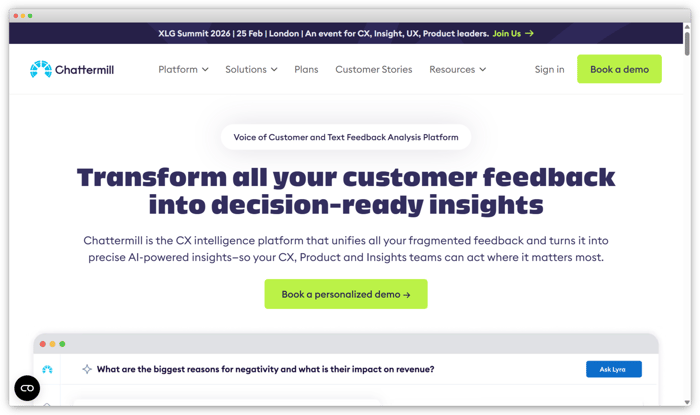
Chattermill is a customer experience intelligence platform that analyzes large volumes of unstructured feedback from surveys, support tickets, reviews, and social channels. It uses AI to identify themes, patterns, and sentiment trends across all incoming data.
CX, insights, and research teams typically use it when feedback volumes get too large to manage manually. Instead of building tagging systems or reading through individual responses, teams can see what topics come up most frequently and how sentiment around those topics changes over time.
The platform focuses purely on analysis. It does not have strong native feedback collection capabilities and is not designed around follow-up workflows. Teams usually bring feedback in from existing sources and use Chattermill as the analysis layer on top.
Key Features
-
Voice of Customer analysis at scale
Analyze large volumes of feedback from multiple channels to understand customer sentiment and underlying drivers. Helps teams prioritize improvements based on recurring feedback patterns.
-
Unified feedback from diverse sources
Consolidate product feedback, support conversations, reviews, and social interactions into one view. Enables broader context instead of reviewing isolated data points.
-
Theme and trend detection
Identify recurring issues and emerging topics using natural language processing. Reduce manual tagging while uncovering patterns across qualitative feedback.
-
Custom reporting and segmentation
Create tailored reports and segment feedback by product, region, language, or other attributes. Supports insights aligned with specific team and business goals.
-
Near real-time feedback monitoring
Monitor changes in sentiment and themes as new feedback arrives. Helps teams respond to emerging issues before they escalate.
Why it's a strong unitQ alternative
Both unitQ and Chattermill focus on analyzing existing feedback rather than collecting it. Where they differ is depth. Chattermill breaks down not just what customers are saying but why they feel that way. For insights and research teams that need to dig into qualitative data and present findings across the business, that level of detail is something unitQ does not offer.
Chattermill Pros
- Excellent voice of customer and text analytics capabilities
- Strong at identifying themes and sentiment across channels
- Good fit for insights and research focused teams
- Reduces manual tagging effort significantly
Chattermill Cons
- Limited native feedback collection options
- Less focused on workflows and closed loop action
- Pricing is custom and not transparent
Chattermill Pricing
- Chattermill offers Pro, Team, and Enterprise plans designed for different organization sizes and feedback volumes.
- Pricing is custom-quoted based on requirements, with details available on request.
5. Sprinklr: Best for Social and Digital Customer Conversations
Best For: Social listening, digital engagement, brand monitoring, online reputation management
G2 Rating: 4.1/5
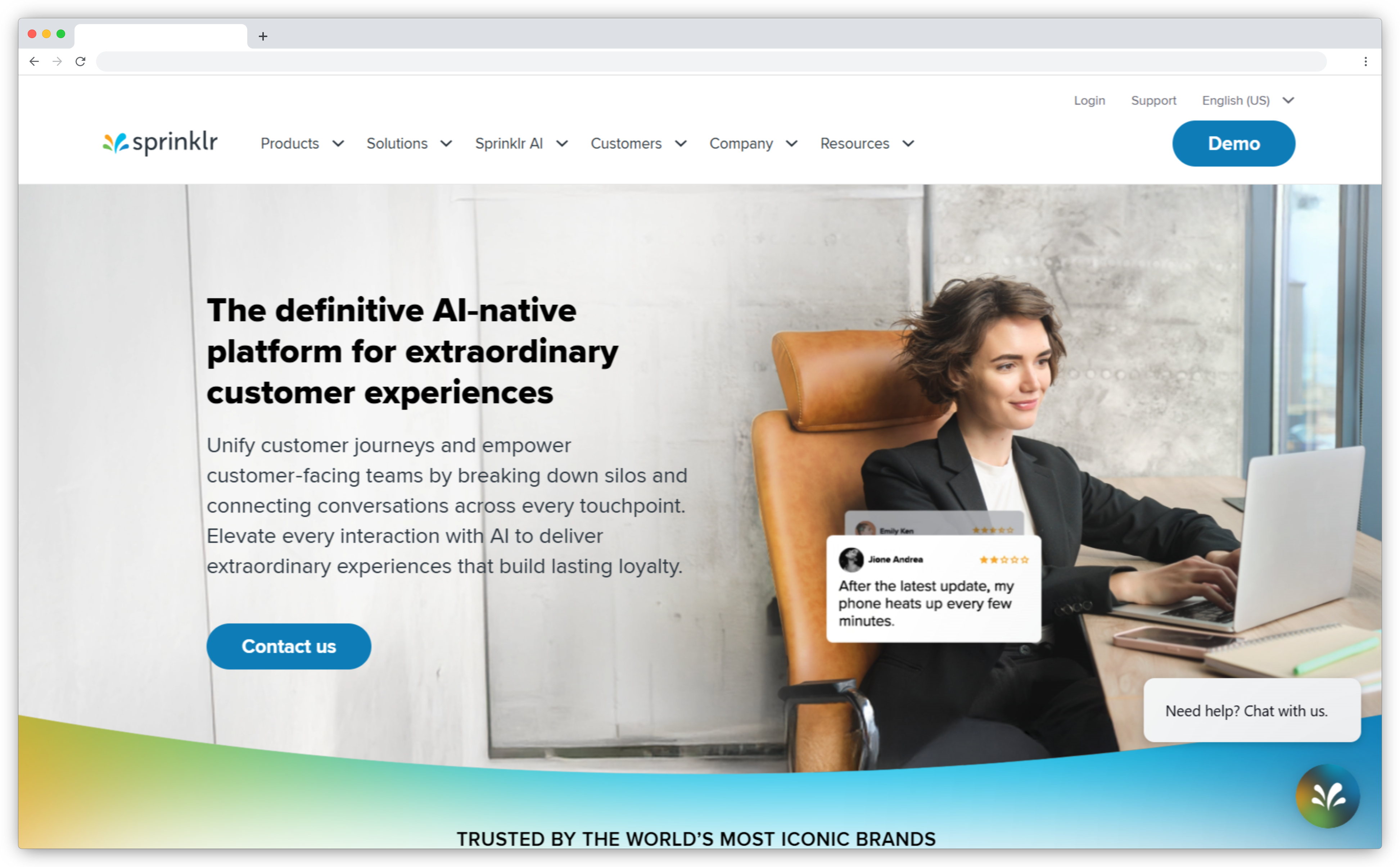
Sprinklr is an enterprise platform that manages customer interactions across social, messaging, and digital channels. It brings conversations from social media, live chat, email, and messaging apps into one system so teams can monitor, respond, and analyze at scale.
It is built for organizations where a large portion of customer feedback happens publicly, across social platforms and review sites rather than through surveys or support tickets. Teams use it to track brand perception, spot recurring complaints, and manage responses across multiple regions and channels from one place.
The platform applies AI to process unstructured text across high volumes of incoming conversations, helping teams identify sentiment shifts and flag issues before they grow. It also includes governance controls and approval workflows, which matter for large teams managing brand communications across markets.
Key Features
-
Centralized management of digital customer interactions
Bring customer conversations from social media, messaging apps, live chat, email, and web into one system. Manage engagement, responses, and monitoring without switching between tools.
-
Brand listening and voice-of-customer analysis
Capture feedback from reviews, comments, mentions, and direct messages. Track brand perception, recurring issues, and sentiment shifts across digital channels.
-
Text and sentiment analytics at scale
Process large volumes of unstructured customer conversations to identify patterns and risks. Monitor sentiment trends across regions, campaigns, and product lines.
-
Reputation monitoring and issue escalation
Set rules to flag critical conversations or negative trends across channels. Enable faster response and proactive management of brand reputation.
-
Enterprise controls and collaboration workflows
Use role-based permissions, approval processes, and governance controls to coordinate large teams. Maintain consistency and compliance across markets and regions.
Why it's a strong unitQ alternative
unitQ pulls feedback from social channels as one of several data sources. Sprinklr is built entirely around that use case. For teams whose primary feedback channel is social and digital conversations rather than surveys or support tickets, Sprinklr provides a level of depth and control that unitQ does not offer in that space.
Sprinklr Pros
- Very strong for social listening and digital engagement
- Handles large volumes of public and private conversations
- Enterprise grade controls and collaboration features
- Useful for brand monitoring across regions
Sprinklr Cons
- Overkill for teams focused mainly on surveys or product feedback
- Complex interface with a steep learning curve
- High cost compared to narrower tools
Sprinklr Pricing
- Sprinklr follows a demo-first pricing model
- Plans are tailored based on the products selected, supported channels, and scale of customer interactions
6. Birdeye: Best for Online Reviews and Reputation Management
Best For: Review generation, online reputation management, multi-location feedback, customer sentiment tracking
G2 Rating: 4.7/5
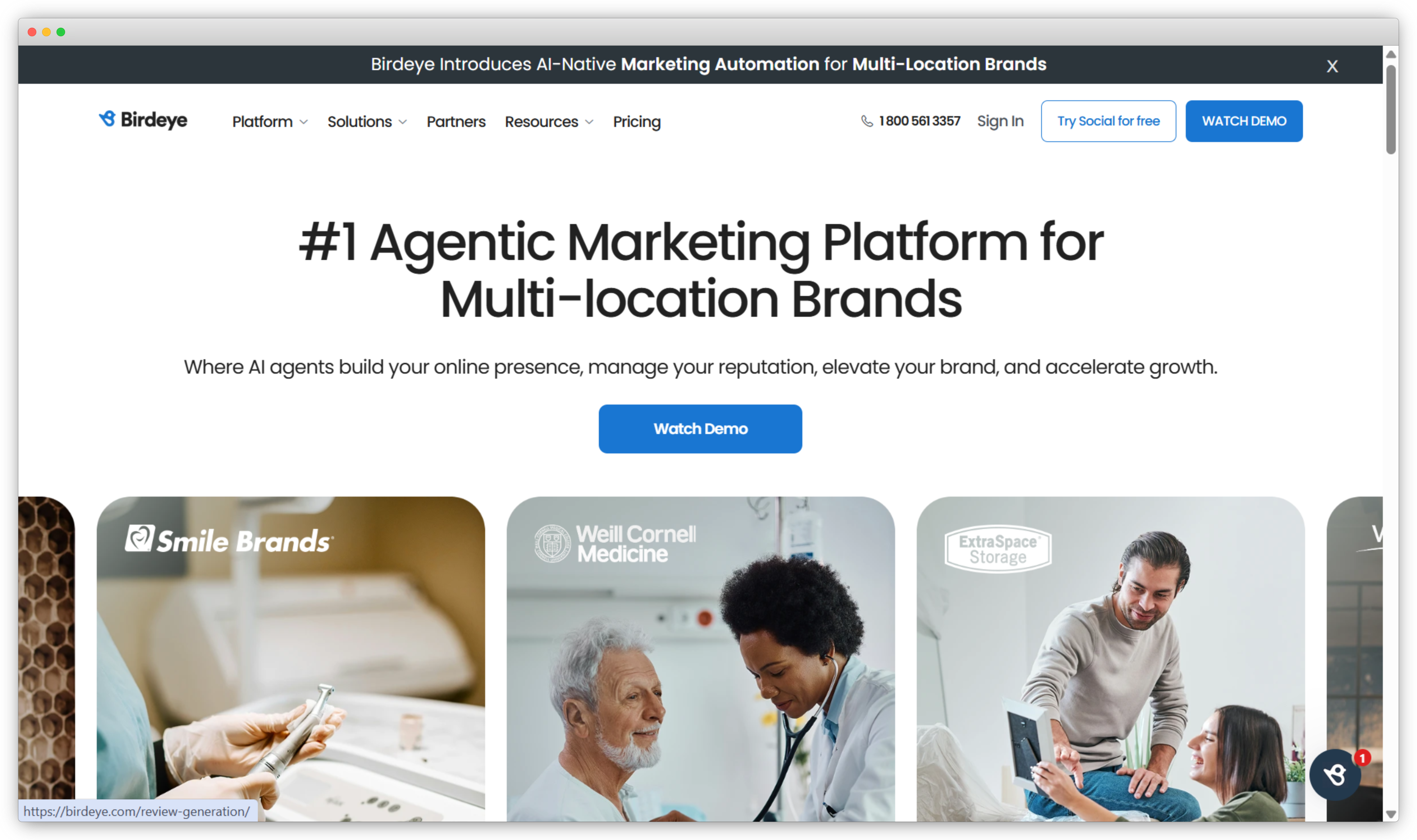
Birdeye is a customer feedback and reputation management platform focused primarily on online reviews and customer sentiment across public channels. It is commonly used by businesses that want to monitor, generate, and respond to reviews at scale, especially across multiple locations or branches.
The platform helps teams collect customer feedback through review requests sent via email and SMS, then brings reviews, ratings, and comments from platforms like Google and Facebook into a single dashboard. This makes it easier for teams to understand how customers perceive the brand publicly and respond in a timely manner.
Birdeye also includes basic analytics and sentiment insights that help teams track trends in reviews over time. While it is not built for deep product feedback or in-app experience analysis, it works well for organizations where online reputation and local presence play a significant role in customer acquisition and trust.
Key Features
-
Review generation and management
Birdeye allows teams to request reviews from customers and manage responses across major review platforms from one place.
-
Centralized review monitoring
Reviews and ratings from Google, Facebook, and other channels are aggregated into a single dashboard for easier tracking.
-
Sentiment insights and reporting
The platform provides basic sentiment analysis and reporting to help teams understand trends in customer feedback over time.
-
Multi-location support
Birdeye is well suited for businesses with multiple locations, making it easier to manage feedback and reputation at scale.
-
Customer messaging and responses
Teams can respond to reviews and messages directly through the platform, helping maintain consistency and response speed.
Why it's a strong unitQ alternative
unitQ aggregates feedback from public channels including reviews, but treats them as one input among many. Birdeye is built specifically around the reviews use case, giving teams more control over generating, managing, and responding to public feedback. For businesses where online reputation directly influences customer acquisition, that focus makes a practical difference.
Birdeye Pros
- Strong focus on online reviews and reputation management
- Easy to generate and respond to reviews across major platforms
- Works well for multi location and franchise businesses
- Simple interface that is easy for non technical teams to use
Birdeye Cons
- Limited depth in feedback analytics beyond reviews
- Not designed for in product or survey based feedback programs
- Less suitable for teams that need detailed CX metrics or AI driven insights
Birdeye Pricing
- Birdeye offers tiered pricing based on features and the number of locations or businesses managed
- Pricing details are available on request
7. Pendo: Best for Product Usage Insights and In-Product Feedback
Best For: Product usage analytics, in-product feedback, feature adoption tracking, onboarding insights
G2 Rating: 4.4/5
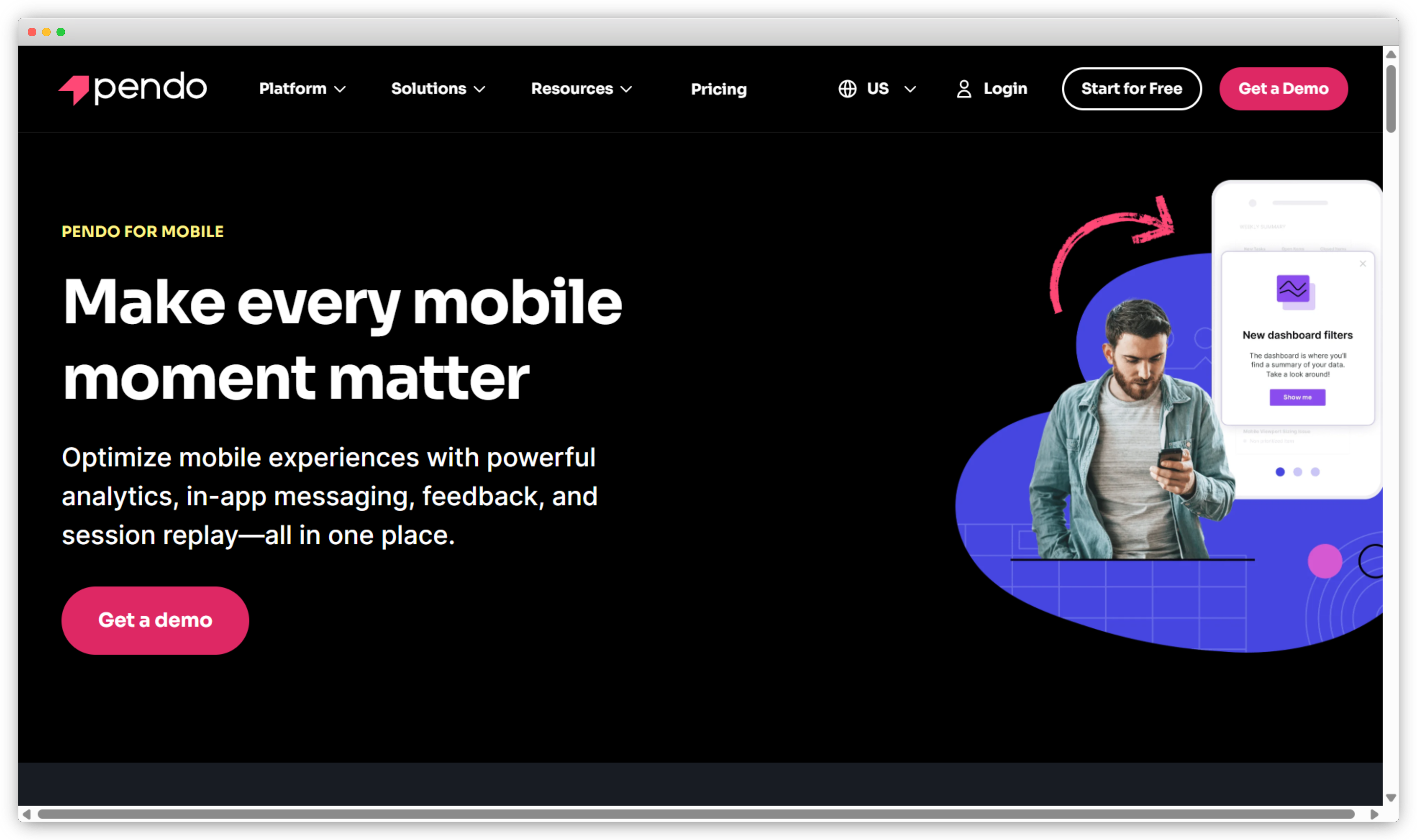
Pendo is a product experience platform used by product and growth teams to understand how users interact with digital products. It combines behavioral analytics with in-product feedback collection, giving teams a view of both what users do and what they think about it.
Teams use it to track feature adoption, identify where users drop off, and collect contextual feedback tied to specific actions or moments inside the product. This makes it easier to connect usage patterns with user sentiment without relying solely on surveys sent outside the product.
Pendo also includes in-app guides and messaging tools that help teams communicate changes, improve onboarding flows, and nudge users toward key features. This makes it useful not just for understanding behavior but also for influencing it.
 Key Features
-
Product usage analytics as the foundation
Analyze user behavior directly within digital products to understand feature usage and engagement trends. Track paths and interactions to see how customers actually use the product.
-
In-product feedback tools
Collect feedback inside the product using lightweight polls and forms. Capture contextual input tied to specific features or user actions.
-
Product adoption and journey insights
Identify friction points in onboarding and feature adoption. Analyze user flows to reduce drop-offs and improve activation.
-
Segmentation and user analysis
Teams can segment users by behavior, role, or lifecycle stage, allowing product managers to analyze feedback and usage patterns across different user groups. -
Guides and in-app messaging
Pendo includes tools for creating in-app guides and announcements, helping teams influence user behavior and communicate changes without relying on external channels.
Why it's a strong unitQ alternative
unitQ surfaces patterns from feedback that comes in after the fact, through reviews, tickets, and support data. Pendo captures feedback and behavior in the moment, inside the product itself. For product teams that want to understand how users experience specific features as they use them, that contextual layer is something unitQ does not provide.
Pendo Pros
- Excellent product usage and adoption analytics
- In product feedback tied directly to user behavior
- Strong tools for onboarding and feature guidance
- Useful for product led growth teams
Pendo Cons
- Limited support for broader CX metrics like NPS at scale
- Not designed for multi channel feedback programs
- Can be expensive for smaller teams
Pendo Pricing
- Pendo offers Free, Base, Core, and Ultimate plans, with Base/Core/Ultimate available via request pricing
- Pendo also mentions a free trial
8. Hotjar: Best for Understanding On-Site User Behavior
Best For: Website behavior analytics, on-site feedback collection, usability insights, UX optimization
G2 Rating: 4.3/5
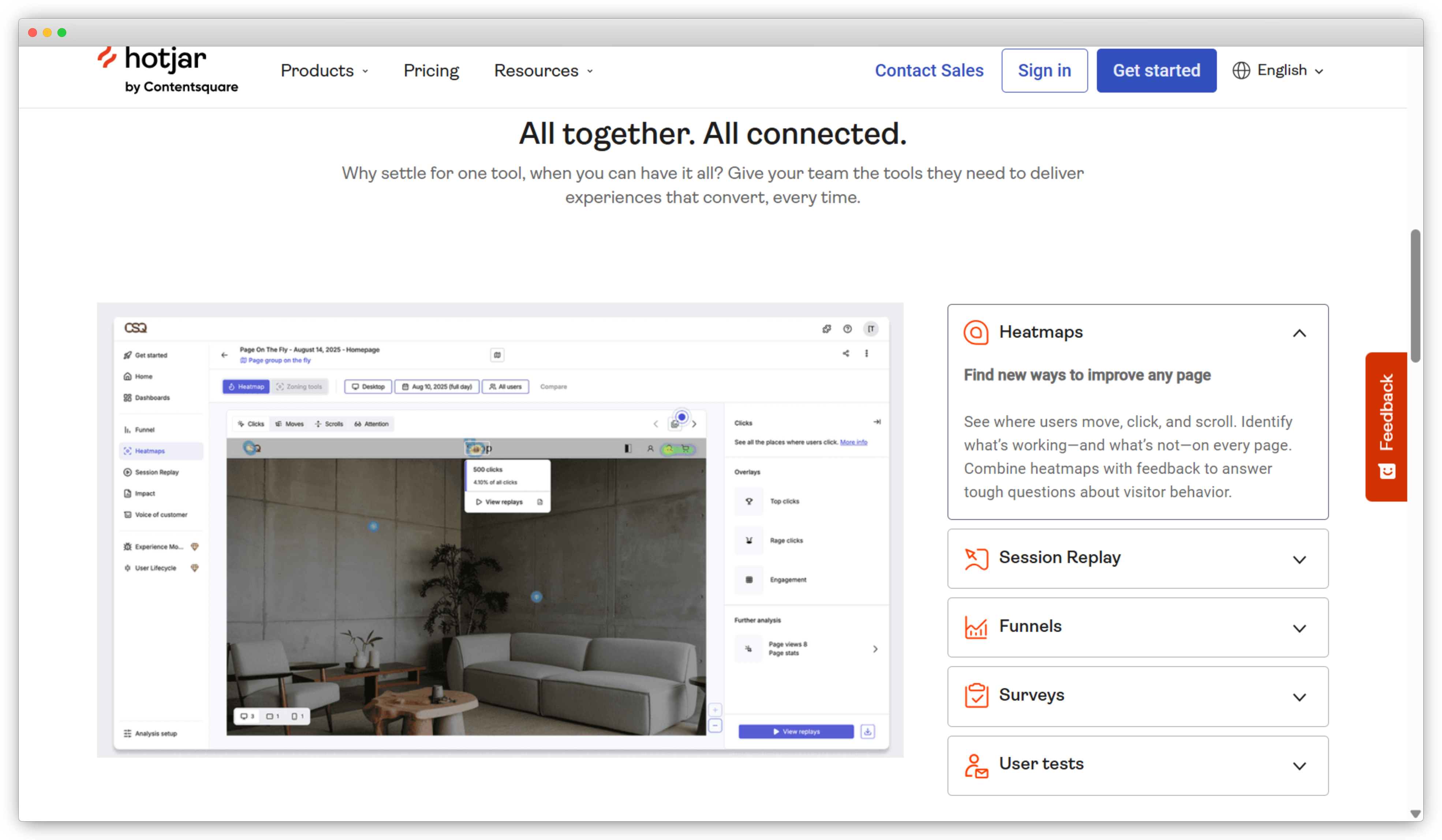
Hotjar is a behavior analytics and feedback tool that helps teams understand how users interact with websites and digital products. It combines visual behavior data with lightweight feedback collection, giving UX, product, and marketing teams a ground-level view of what users actually do on a page.
Teams use it to identify usability issues, spot drop-off points, and collect contextual feedback from users while they are actively browsing. Heatmaps and session recordings show where users click, scroll, and lose interest, while on-site surveys and feedback buttons capture what they think in the moment.
It is not built for large-scale feedback programs or deep CX analytics. There is no sentiment analysis at scale, no experience metrics tracking, and no workflow support for follow-up actions. What it does well is give teams fast, visual insight into on-site behavior without heavy setup or technical overhead.
Key Features
-
Visual behavior insights through heatmaps and recordings
Use heatmaps and session recordings to see how users scroll, click, and navigate pages. Identify usability issues and drop-off points through visual interaction data.
-
On-site feedback widgets and online survey tools
Deploy pop-up surveys, feedback buttons, and short polls directly on websites. Collect contextual feedback while users are actively browsing.
-
User sentiment and experience signals
Capture qualitative input through open-text responses and reaction-based questions. Understand sentiment behind user behavior without running full-scale survey programs.
-
Targeted feedback and segmentation
Trigger feedback based on page, device type, or specific user actions. Gather responses that are relevant to particular experiences or journeys.
-
Lightweight setup for fast insights
Implement quickly with minimal technical effort. Start collecting behavioral data and feedback without complex configuration.
Why it's a strong unitQ alternative
unitQ analyzes feedback that comes through external channels like app stores, support tickets, and social media. Hotjar captures what happens on the website itself, combining behavioral data with on-site feedback in a way unitQ does not cover. For teams trying to improve digital experience and usability rather than detect product quality issues, Hotjar addresses a different and more specific need.
Hotjar Pros
- Strong balance of feedback collection, analysis, and action workflows
- AI powered sentiment and text analysis works well at scale
- Supports NPS, CSAT, and CES with flexible survey deployment
- Easy to use across product, CX, and support teams
- Good integrations with CRM and support tools
Hotjar Cons
- Voice analytics and speech feedback still on the roadmap
- Advanced AI features live on higher paid plans
Hotjar Pricing
- Hotjar offers Free, Growth, Pro, and Enterprise plans. Growth starts at $49 for Experience Analytics, and Growth starts at $99 for Voice of Customer
- Hotjar states that every new account starts with a free trial of its Growth plans, and you can switch plans after the trial or continue on free.
9. Thematic: Best for Deep Qualitative Feedback Analysis
Best For: AI-driven theme detection, qualitative feedback analysis, sentiment tracking, multi-source feedback ingestion
G2 Rating: 4.8/5
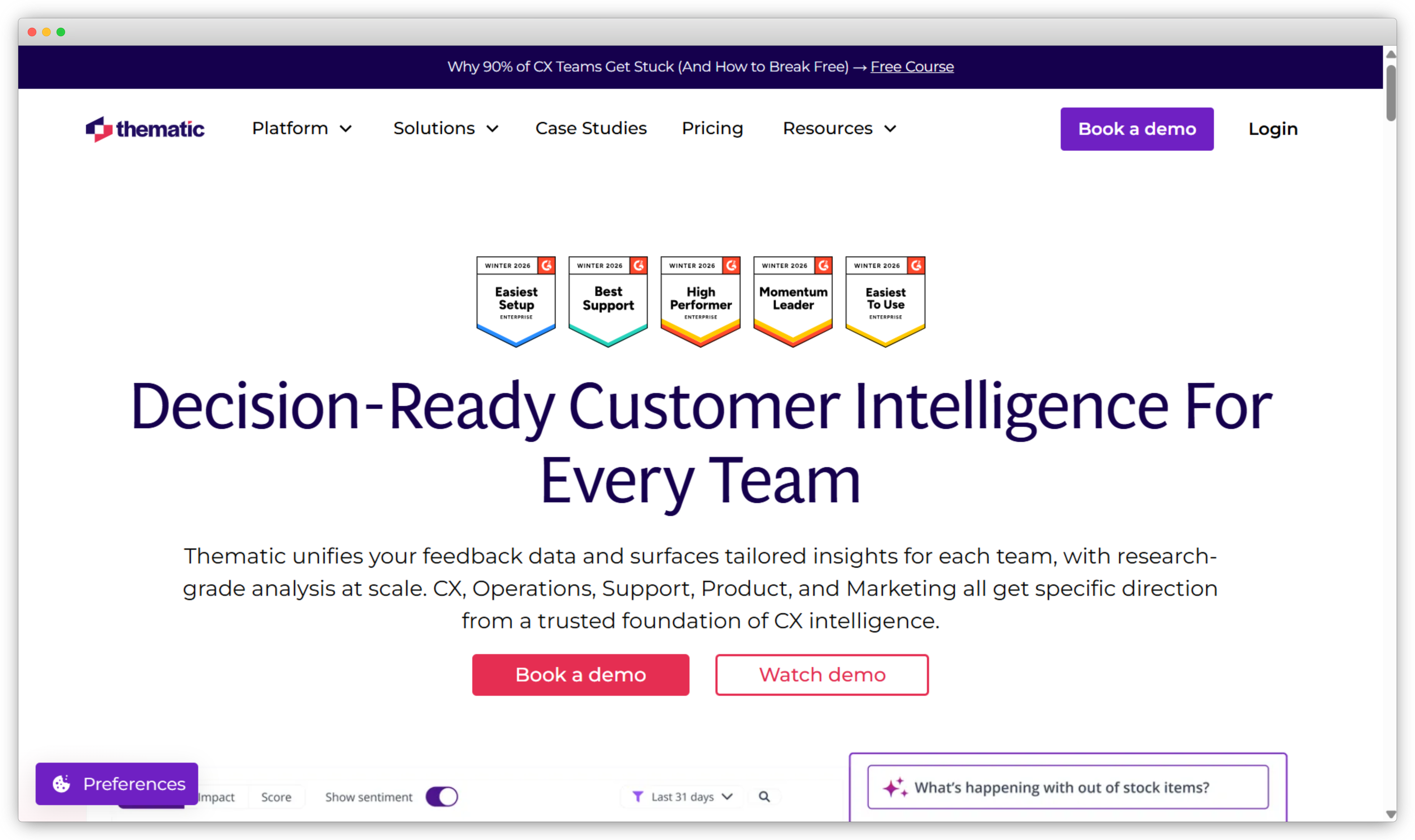
Thematic is a customer feedback analytics platform focused on helping teams understand large volumes of qualitative feedback. It is commonly used by insights, CX, and research teams that want to analyze open-ended responses from surveys, support tickets, reviews, and other text-heavy sources.
The platform is designed to surface themes and patterns across unstructured feedback using AI. Instead of reading individual responses or relying on manual tagging, teams can use Thematic to see what topics customers talk about most often and how those topics change over time. This makes it easier to identify recurring issues, emerging trends, and underlying drivers behind customer sentiment.
Thematic works best as an analysis layer rather than a full feedback management system. Teams typically bring feedback in from existing sources and use Thematic to interpret and explore that data in more depth.
 Key Features
-
AI-driven theme detection
Thematic uses machine learning to identify and group recurring themes in open-text feedback without requiring extensive manual setup.
-
Sentiment analysis tied to themes
Feedback can be analyzed by sentiment at both the response and theme level, helping teams understand not just what customers mention, but how they feel about it.
-
Multi-source feedback ingestion
The platform supports importing feedback from surveys, support systems, reviews, and other text-based sources.
-
Trend tracking over time
Teams can monitor how themes and sentiment evolve, making it easier to spot new issues or track the impact of changes.
-
Insights for research and CX teams
Thematic is well suited for teams that spend time digging into qualitative data and need clarity rather than operational workflows.
Why it's a strong unitQ alternative
unitQ and Thematic both focus on analyzing existing feedback rather than collecting it. Where they differ is in how deep the analysis goes. Thematic is built specifically for qualitative data, giving teams more granular control over how themes are defined, explored, and reported. For insights and research teams that spend significant time digging into open-ended feedback, that depth is more useful than a broader platform with lighter analysis.
Thematic Pros
- Strong AI-based theme and sentiment analysis
- Reduces the need for manual tagging of qualitative feedback
- Works well with feedback from multiple existing sources
- Useful for research and insights-led teams
Thematic Cons
- Limited native feedback collection capabilities
- Not designed for closed-loop workflows or follow-up actions
- Better suited as an analysis tool than a complete feedback platform
Thematic Pricing
- Thematic offers custom pricing based on feedback volume and use case.
- Pricing details are available on request.
10. Zoho Survey: Best for Survey-Based Feedback Collection
Best For: Structured survey design, multi-channel feedback collection, CRM-connected insights, SMB and mid-market teams
G2 Rating: 4.4/5
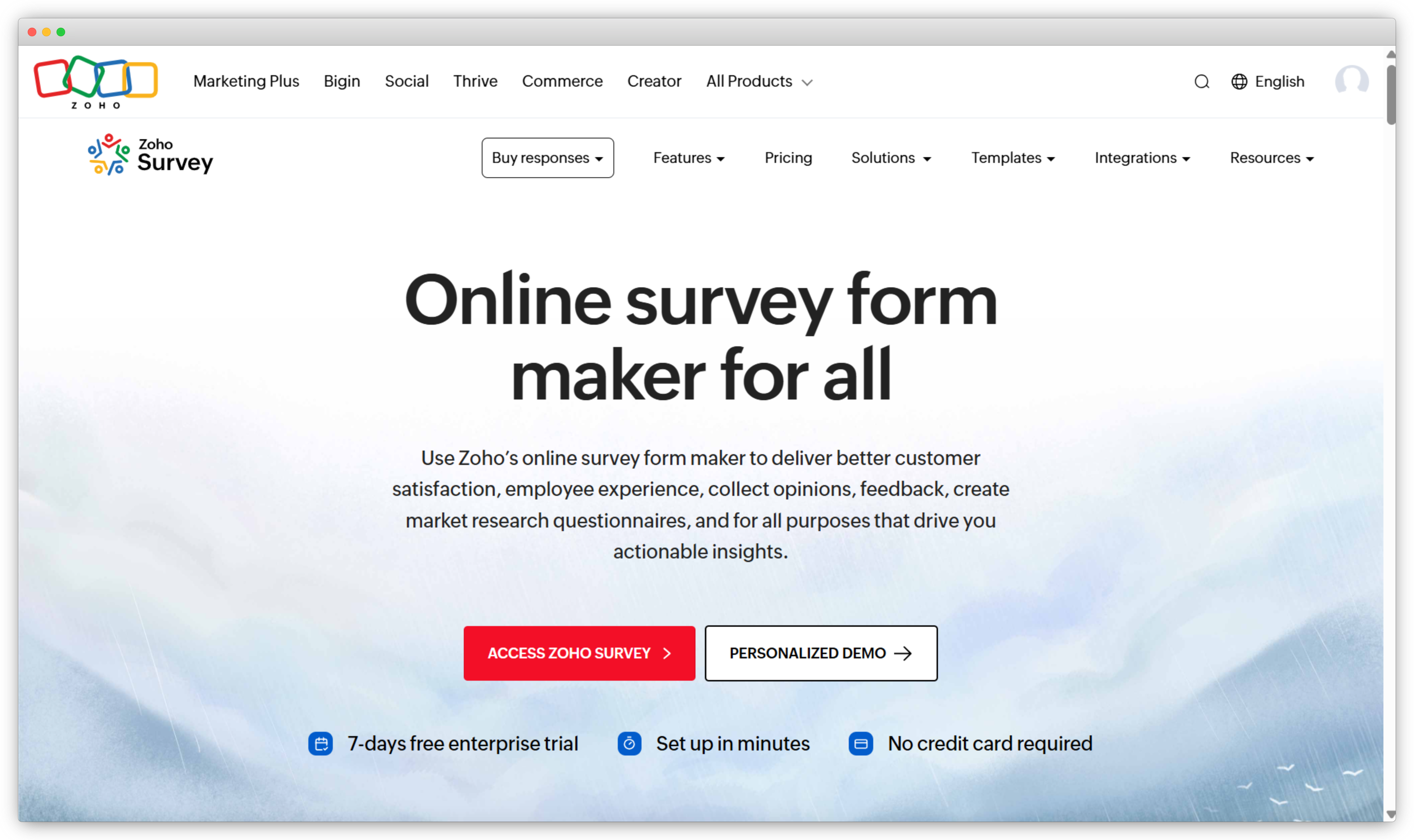
Zoho Survey is a survey builder and feedback collection tool that helps teams gather structured insights from customers, employees, and stakeholders. It is straightforward to set up and covers the core needs of teams that rely heavily on surveys as their primary feedback channel.
Teams use it to build surveys with a range of question types, distribute them across web, email, and mobile, and track responses in real time. When paired with other tools in the Zoho ecosystem, particularly Zoho CRM and Zoho Desk, survey responses can be connected to customer records and support histories for a more complete picture of satisfaction.
It is not built for deep qualitative analysis or complex CX programs. AI-driven text analysis is limited, and there is not much in the way of advanced workflows or automation. For teams that need a simple, affordable survey tool that fits into a broader Zoho setup, it does the job well.
Key Features
-
Customizable survey builder and feedback collection tools
Create surveys using a wide range of templates and question types. Embed on websites, send via email, SMS, or deploy as Mobile Forms to collect structured feedback.
-
Multi-channel distribution and mobile support
Distribute surveys through web links, email campaigns, and mobile forms. Expand reach across devices while capturing responses from diverse audiences.
-
Real-time response tracking and dashboards
Monitor completion rates, response trends, and key metrics as responses arrive. Review performance data to identify issues or shifts in feedback patterns.
-
Integration with Zoho ecosystem and analytics suite
Connect Zoho Survey with Zoho CRM, Zoho Desk, and related applications. Link survey responses directly to customer records for deeper analysis.
-
CX insights with Zoho CX Suite
Correlate survey data with customer journey touchpoints across channels. Understand how satisfaction levels connect to operational and service performance.
Why it's a strong unitQ alternative
unitQ is built around analyzing feedback that already exists. Zoho Survey focuses on the collection side, giving teams control over what questions are asked, when surveys go out, and how responses connect to customer data in CRM. For teams that want structured feedback tied directly to customer records rather than passive analysis of reviews and tickets, Zoho Survey paired with the broader Zoho ecosystem covers that need more directly.
Zoho Survey Pros
- Affordable and easy to use survey builder
- Free plan available for basic surveys
- Integrates well with Zoho CRM and CX tools
- Good option for SMBs and growing teams
Zoho Survey Cons
- Limited AI driven feedback analysis
- Less suitable for complex or high volume programs
- Fewer advanced workflows and automation features
Zoho Survey Pricing
- Paid plans starts at $20 per month
- Free plan available
11. Zendesk: Best for Support-Driven Customer Feedback
Best For: Support ticket management, multi-channel customer interactions, CSAT tracking, support-driven feedback workflows
G2 Rating: 4.3/5
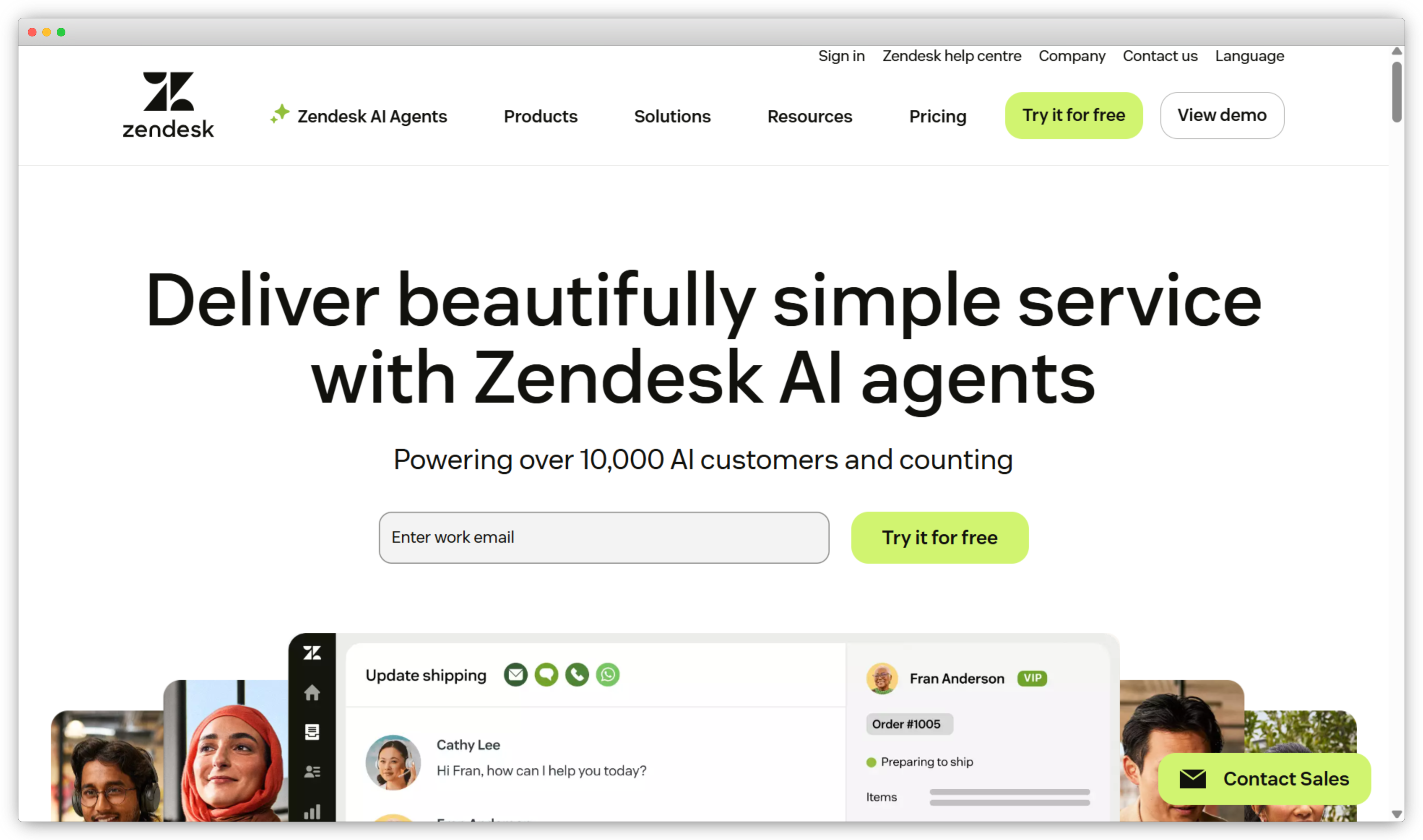
Zendesk is a comprehensive support and helpdesk platform that brings all customer support channels into one place, enabling teams to manage support tickets, automate workflows, and respond to customer inquiries efficiently. It is often evaluated among unitQ alternatives when the need extends beyond pure product feedback or analytics to include in-depth support ticket analysis and centralized management of customer interactions across channels.
With capabilities that include automated routing, multichannel support, self-service options, and AI-assisted automation, Zendesk is widely used by support, success, and operations teams to improve response quality, reduce ticket volume, and provide a consistent customer experience across touchpoints.
Key Features
-
Robust ticketing and case management system
Track and manage support tickets across email, chat, phone, and social messaging from one interface. Prioritize, assign, and resolve issues efficiently across teams.
-
Omnichannel support and routing
Consolidate conversations from multiple channels into a single workspace. Configure routing rules based on skills, priority, and workload.
-
Automated workflows and escalation rules
Use automation to trigger responses, escalate priority tickets, and reduce manual effort. Apply macros and contextual tools to streamline support processes.
-
Analytics for support performance
Monitor ticket trends, response times, and resolution rates through built-in dashboards. Track customer satisfaction using follow-up surveys and performance metrics.
-
Self-service knowledge base and help center
Publish help articles and FAQs to enable self-service support. Reduce ticket volume while improving response consistency.
Zendesk Pros
- Strong support ticket management and workflows
- Integrates feedback closely with support operations
- Scales well for mid sized and large support teams
- Reliable ecosystem and integrations
Zendesk Cons
- Feedback capabilities are secondary to support use cases
- Limited advanced VoC analytics
- Can become costly as agent count grows
Zendesk Pricing
- Support Team starts at $19 per agent per month when billed annually
- Suite Team starts at $55 per agent per month when billed annually
- Suite Professional starts at $115 per agent per month when billed annually
- Suite Enterprise is available with custom pricing and includes advanced security and workflow options.
How to Choose the Right unitQ Alternative in 2026?
Choosing the right unitQ alternative in 2026 is less about finding the most features and more about choosing a platform that fits how your teams actually work with feedback. Different tools solve different parts of the feedback and experience puzzle, so clarity on your goals is key.
Before making a decision, it’s worth stepping back and evaluating a few critical areas.
-
Clarify whether you need feedback collection or only analysis
Some platforms focus mainly on analyzing existing data from reviews, tickets, or conversations. Others allow you to actively collect structured feedback at key moments. If your teams run surveys across onboarding, product usage, or service touchpoints, choosing a platform with a built-in survey maker gives you more control over what data you capture and when. -
Align the tool with the metrics you track
Many organizations rely on experience metrics to guide priorities and investments. If loyalty and advocacy are central to your CX strategy, it’s important to choose a platform that supports NPS software and similar metrics in a way that is easy to track, analyze, and act on over time. -
Look beyond insights and focus on actionability
Feedback loses value if it stays in dashboards. The right alternative should help teams respond quickly through alerts, ownership, and follow-ups. Platforms that function as complete customer feedback tools make it easier to turn insights into improvements across product, support, and operations. -
Evaluate the range and quality of data sources supported
Customer feedback today comes from many places, including surveys, support tickets, reviews, and in-product interactions. Choosing a tool that can work with multiple data sources reduces blind spots and gives teams a more complete view of customer experience. -
Think about long-term flexibility, not just current needs
As organizations grow, feedback programs often expand to new teams, channels, or regions. Look for platforms that can adapt to new use cases without forcing major changes in workflows, pricing, or setup over time.
In the end, the best unitQ alternative is one that aligns with your feedback maturity, supports the channels you rely on, and helps your teams move from understanding customer voice to taking meaningful action.
Conclusion
When teams start exploring unitQ alternatives, it is usually because their feedback needs have expanded. Analyzing customer conversations is still important, but many teams also want more control over how feedback is collected, measured, and acted on across different systems and teams.
There is no single best solution for every organization. Some platforms are designed for large enterprise programs with advanced analytics. Others work better for product teams or structured survey-based feedback. The right choice depends on how feedback fits into your daily workflows and how much flexibility you need as your program grows.
If you are evaluating unitQ alternatives, focus on how each tool supports your specific goals. Consider how feedback is captured, how insights are organized, and how easily teams can follow up on issues. The best platform is the one that aligns with how your organization operates today and can scale as your feedback program matures.


.png)
.svg)
.png)