




.svg)
 Healthcare
 Finance
 Retail
 SaaS & Digital
 eCommerce
 Education
 Salesforce
  HubSpot
 Pipedrive
 Mailchimp
 Klaviyo
 Zendesk
  Intercom
 Freshdesk
 HelpScout
  Front
Front Jira
Jira Slack
Slack  MS Teams
 Zoom
Zoom Google Sheets
  Zapier
  Integrately
 Make
Make  Webhooks



 Sign In
 MS Teams
.svg)


The short answer: The best SurveyMonkey alternatives depend on the job. Zonka Feedback, Perspective AI and Survicate lead for customer feedback and research. Qualtrics and QuestionPro lead for enterprise and academic research, Typeform and Jotform for forms, and Google Forms and Microsoft Forms when the budget is zero.
TL;DR
- We compare 18 SurveyMonkey alternatives in four use-case groups. The order isn't a ranking.
- SurveyMonkey's free Basic plan caps surveys at 10 questions and limits how many responses you can view on each one. Team plans start at $30 per user per month, billed annually, with a three-seat minimum.
- On a zero budget, forms.app, Formester and SurveyMars include unlimited responses on their free plans.
- For customer feedback programs, Zonka Feedback adds AI analysis and signals to multichannel surveys, while Perspective AI and Survicate cover AI interviews and in-app feedback.
- For research, Qualtrics and QuestionPro go deepest. Qualtrics' free account includes 500 responses, and QuestionPro's free plan allows 200 per survey.
- Switching? Export first. On the free plan, SurveyMonkey hides responses past the limit and deletes them a year after collection.
SurveyMonkey is usually the first survey tool a team ever uses, and for a quick poll it still does the job. The friction starts later. The free plan stops at 10 questions and hides responses past its per-survey limit. Team plans bill per seat, three seats minimum, a year upfront. AI analysis only starts on the Advantage plan. And those hidden responses get deleted a year after collection. That's when teams start shopping. Which alternative fits depends on the limit you hit first.
How do the top SurveyMonkey alternatives compare?
| Tool | Best For | Key Feature | Pricing | G2 |
| Zonka Feedback | AI feedback analysis and signals | AI themes, sentiment and impact scoring | Custom pricing based on usage and needs | 4.7 |
| Perspective AI | AI customer interviews in voice or text | AI follow-up questions that adapt to each answer | 100 free credits, Pro from $99/mo | 5.0 (2 reviews) |
| Survicate | Multi-channel product and SaaS feedback | In-product and mobile SDK surveys, AI Research Hub | Free plan, paid from $89/mo | 4.6 |
| Sprig | Enterprise customer & market research | AI agents for study design, fielding, analysis & synthesis | Custom | 4.3 |
| Qualtrics | Enterprise experience management | Text iQ and Stats iQ analytics | Free account (500 responses), paid plans by quote | 4.4 |
| QuestionPro | Academic and market research | Conjoint, MaxDiff and A/B testing | Free (200 responses per survey), Advanced $99/user/mo (annual) | 4.5 |
| Alchemer | Advanced survey logic | Logic, branching and piping | Free plan, Collaborator $55/user/mo or $315/user/yr | 4.4 |
| Paperform | Multi-step workflow forms | Payments, calculations and e-signatures | Free (30 submissions/mo), Pro from $49/mo (annual) | 4.8 |
| SurveySparrow | Conversational surveys | Chat-like surveys and WhatsApp | Free (75 responses per quarter), Basic $19/mo (billed yearly) | 4.4 |
| Typeform | Marketing forms and lead capture | One question at a time by default | Free plan, Basic $28/mo (billed yearly) | 4.5 |
| forms.app | AI-assisted form building | AI form generator | Free (5 forms, unlimited responses), from $19/mo (billed yearly) | 4.5 |
| Jotform | Operational forms and intake | 20,000+ templates, payments and workflows | Free Starter (5 forms, 100 submissions/mo), Bronze $34/mo (billed annually) | 4.6 |
| Google Forms | Free internal surveys | Responses sync to Google Sheets | Free with a Google account | Not rated separately |
| Microsoft Forms | Microsoft 365 teams | Results export to Excel | Free with a Microsoft account | 4.4 |
| Formbricks | Open-source, self-hosted surveys | Open source (AGPLv3) with in-app SDKs | Free self-hosted Community Edition or 250 responses/mo on Cloud, Pro from $74/mo | 4.8 (15 reviews) |
| SurveyMars | Unlimited free responses | Unlimited surveys, questions and responses | Free | – |
| Formester | AI form building on a budget | AI form creator and 1,000+ templates | Free (unlimited responses), Personal from $12/mo (annual) | 4.7 (13 reviews) |
| Affiniv | Lightweight NPS and CSAT | Shopify post-purchase NPS surveys | Free (25 responses/mo), Starter $25/mo | 4.8 (2 reviews) |
Sixteen of the 17 have a free plan, a free account or free credits, but the limits vary widely. forms.app, Formester and SurveyMars include unlimited responses on their free plans, while SurveyMonkey's Basic plan limits how many responses you can view on each survey.
Quick Verdict: Best SurveyMonkey Alternative by Use Case
- For CX intelligence with AI analysis and CRM sync → Zonka Feedback
- For understanding why customers answer the way they do → Perspective AI
- For in-app product feedback with behavioral targeting → Survicate
- For AI-agent-powered customer & market research → Sprig
- For enterprise-scale XM programs → Qualtrics
- For research surveys with complex logic → QuestionPro
- For advanced survey logic and branching → Alchemer
- For workflow forms with payments and e-signatures → Paperform
- For conversational surveys and WhatsApp → SurveySparrow
- For marketing forms and lead generation → Typeform
- For AI-assisted form building on a free plan → forms.app
- For operational forms, intake and payments → Jotform
- For free internal surveys → Google Forms or Microsoft Forms
- For self-hosted, open-source surveys → Formbricks
- For completely free surveys with no response caps → SurveyMars
- For AI form building on a small budget → Formester
- For lightweight NPS and CSAT on Shopify → Affiniv
Why are teams looking for SurveyMonkey alternatives?
Teams look for SurveyMonkey alternatives when the work around the survey outgrows the tool. The usual triggers are the free plan's limits, per-seat annual pricing and analysis that still ends in a spreadsheet. Three switching profiles come up again and again.
- The manual exporter. Surveys run fine, but reporting happens by hand. One CX operations team put it plainly. "We kind of don't use the results from SurveyMonkey directly. We put it into our own Excel and distribute from there."
- The GetFeedback user. GetFeedback is part of the SurveyMonkey company, and its Salesforce-connected Direct product is being retired. Teams on it want that CRM depth back, and the dates and options are in GetFeedback is shutting down.
- The trapped power user. SurveyMonkey is just the collection layer in a stack with a data warehouse, a text-analytics tool and a BI layer. They'd switch the moment one platform handled collection, AI analysis and dashboards together.
Is SurveyMonkey free?
Yes, through its Basic plan, but with tight limits. Basic gives one user unlimited surveys, each capped at 10 questions, and shows only a limited number of responses per survey. SurveyMonkey's US pricing page asks you to sign up to see the exact figure, and its regional pricing pages list 25. Responses over the limit stay hidden and are deleted a year after collection. Data exports start on paid plans.
How much does SurveyMonkey cost?
Individual plans start at $39 a month for Advantage, billed annually at $468, with 15,000 responses a year. Premier costs $139 a month billed annually, with 40,000 responses a year, and the month-to-month Standard plan is $149 a month for 1,000 responses a month. Team plans run from $30 to $92 per user per month, billed annually, with a three-seat minimum. Responses beyond a plan's allowance cost $0.15 each.
What happened to SurveyMonkey?
SurveyMonkey's parent company renamed itself Momentive in 2021 and kept SurveyMonkey as the product name. An investor group led by Symphony Technology Group (STG) then took the company private in an all-cash deal worth about $1.5 billion, and in June 2023 it announced a return to the SurveyMonkey name. GetFeedback, part of the same company, retires its Direct product on December 31, 2026, while the website feedback product formerly called GetFeedback Digital continues under the GetFeedback name. Our GetFeedback vs SurveyMonkey comparison covers how the two differ.
How we evaluated these SurveyMonkey alternatives
We grouped the 17 tools by the job they do best, so the order within each group isn't a ranking. Pricing comes from each vendor's official pricing page and G2 ratings from each tool's G2 product page, both checked in October 2026. Capability claims come from vendor documentation and product pages. We also drew on conversations with teams evaluating SurveyMonkey alternatives, which is where the switching profiles above come from. Full disclosure, Zonka Feedback is our product, and it gets the same card format and the same scrutiny as every other tool here.
Which SurveyMonkey alternatives are best for customer feedback and research?
Zonka Feedback, Perspective AI and Survicate are the strongest SurveyMonkey alternatives for customer feedback and research. Each goes past collection, into AI analysis, AI-led interviews or in-product targeting.
Zonka Feedback: Best for AI Feedback Analysis & Signals
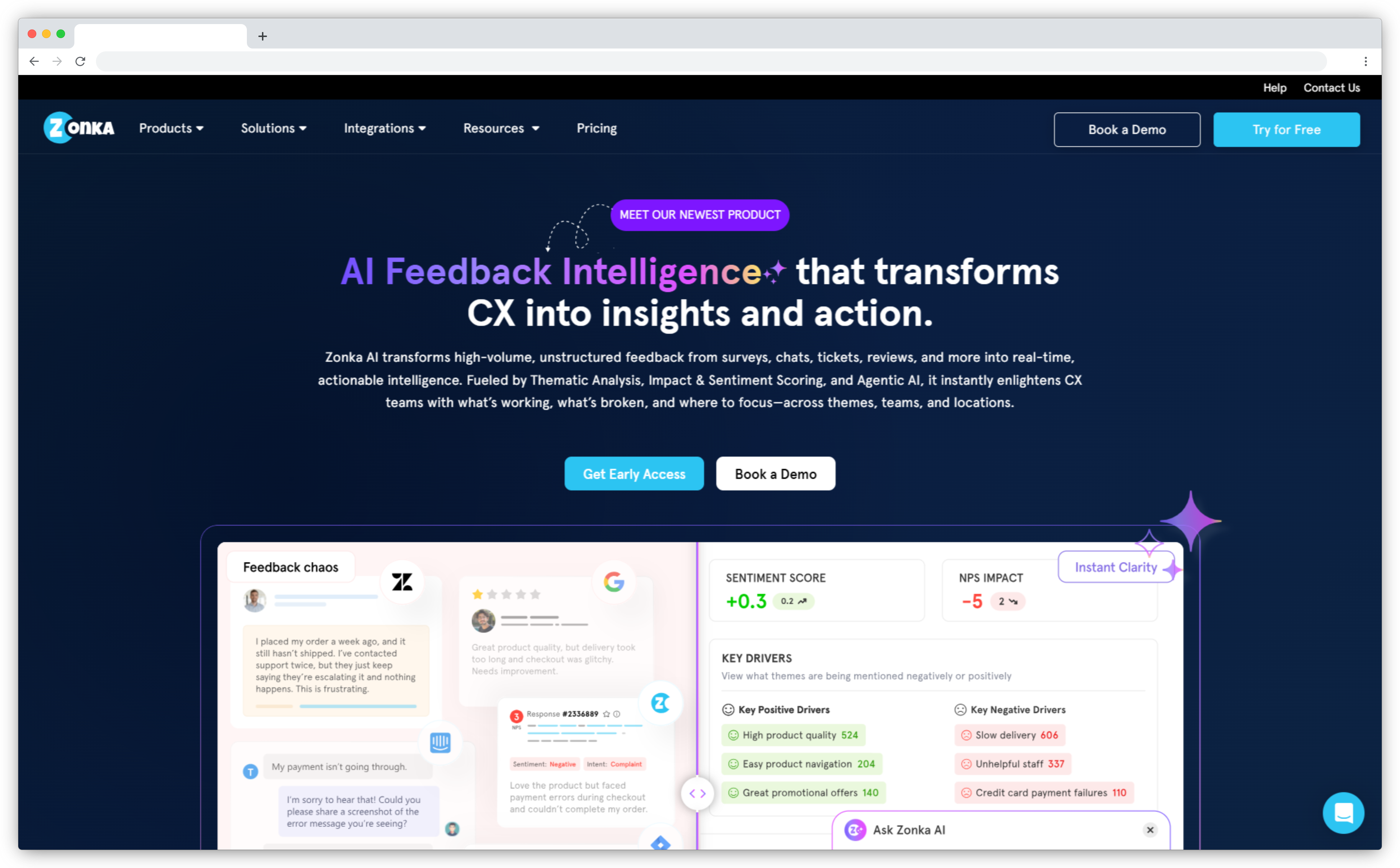
Zonka Feedback is a customer feedback and intelligence platform that runs NPS, CSAT and CES surveys across email, SMS, WhatsApp, web, in-app, kiosk and offline channels. Its AI customer feedback analytics read open-text responses for themes, sentiment and impact, then tie each one to the location, agent or product behind the score.
SurveyMonkey is a general-purpose survey tool. Zonka Feedback is built around what happens after a response lands. Low scores become cases with an owner, alerts reach Slack or Microsoft Teams, and integrations with Salesforce, HubSpot, Zendesk and Intercom trigger surveys and sync scores back. If you only need a quick form, it's more platform than you need. Compare the two in Zonka Feedback vs SurveyMonkey.
Zonka Feedback Pricing and G2 Rating
- Custom pricing based on usage and needs
- 4.7/5 on G2 (85 reviews)
Perspective AI: Best AI Interviewer for Customer Research
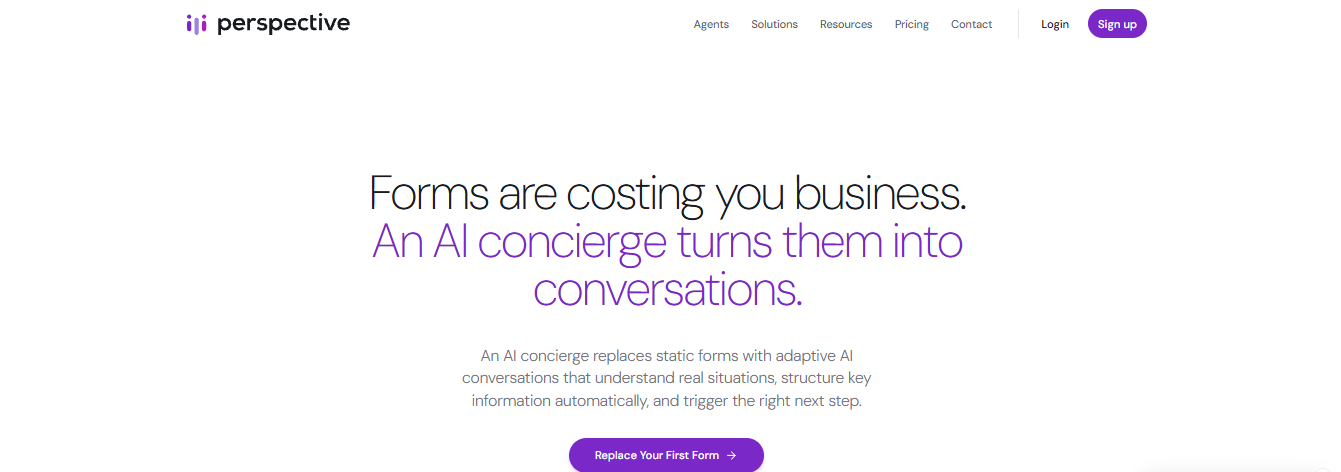
Most SurveyMonkey alternatives are a better questionnaire. Perspective AI isn't a questionnaire at all. It replaces the form with an AI interviewer that asks a question, reads the answer and decides what to ask next, so a respondent who writes "it's been a bit frustrating lately" gets asked what changed instead of moving to question four.
Teams describe a research goal in plain language, share the conversation by link or embed, and get structured summaries back. Voice agents cover phone-based conversations too. It's the closest thing here to running customer interviews at survey volume. The trade-off is effort. A conversation asks more of a respondent than five multiple-choice questions, and it's the wrong tool when a fixed scale asked the same way is the point.
Perspective AI Pricing and G2 Rating
- 100 free credits, Pro from $99/mo for 1,000 credits
- 5.0/5 on G2 (2 reviews)
Survicate: Best for Multi-Channel Product & SaaS Feedback
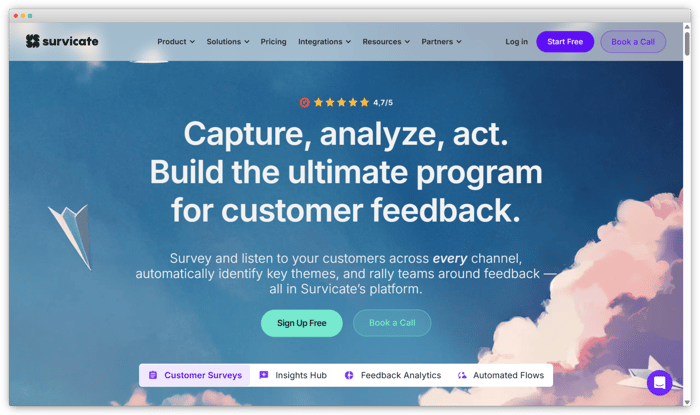
Survicate is built for product, research and CX teams that need feedback inside the product, not just over email. Where SurveyMonkey collects through links, email and website embeds, Survicate also runs surveys in-product and in mobile apps. Targeting fires when users reach a specific screen or use a feature. SDKs cover iOS, Android, React Native, Flutter and Unity.
Its Research Hub pulls feedback into one repository, and its AI answers research questions with the customer quotes behind each answer. For PLG teams, that combination changes both how much feedback you collect and how relevant it is. Watch the entry tier, though. Starter includes 100 responses a month, with $0.89 per extra response.
Survicate Pricing and G2 Rating
- Free plan, Starter $89/mo, Growth $114/mo (billed annually)
- 4.6/5 on G2 (214 reviews)
Which SurveyMonkey alternatives are best for enterprise and academic research?
Qualtrics, Sprig, QuestionPro and Alchemer are the strongest SurveyMonkey alternatives for enterprise and academic research. They're built for teams that need advanced logic, research methods and statistical analysis. For the head-to-head with the biggest name here, see SurveyMonkey vs Qualtrics.
Sprig: Best for Enterprise Teams Running Customer & Market Research
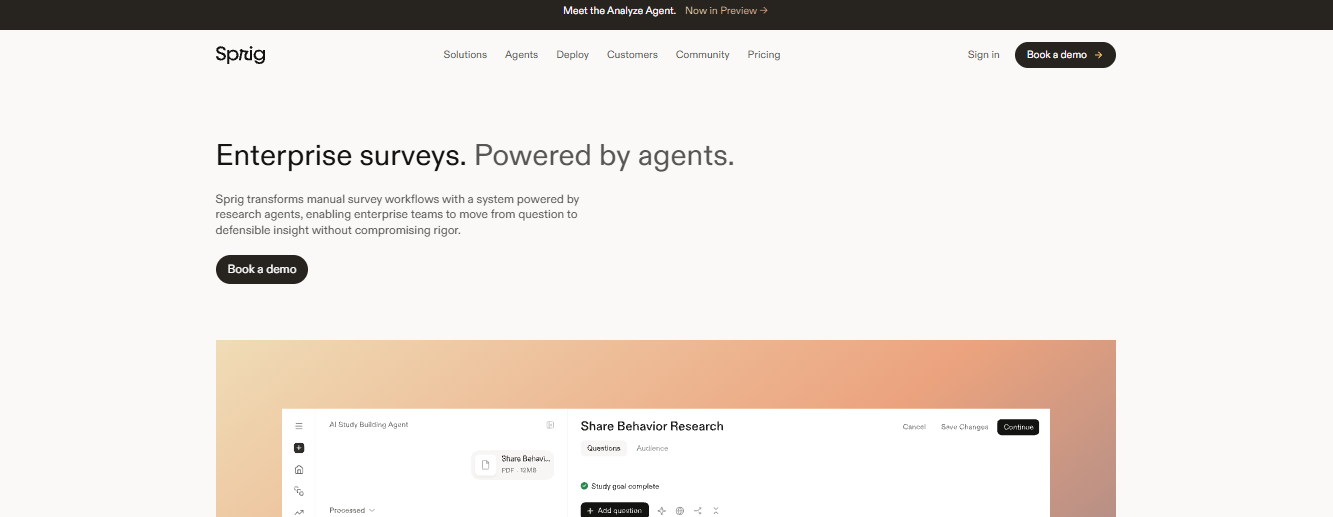
Sprig is an enterprise survey platform powered by AI agents. Where SurveyMonkey requires you to draft questions and build logic by hand, Sprig's Design, Field, Analyze and Synthesize agents help turn a research objective into a launched study and then into a report. Teams can field surveys by email, shareable link, or research panel, and run advanced methods like conjoint and MaxDiff in the same platform.
Sprig Pricing and G2 Rating
- Custom enterprise pricing based on response volume, research capabilities, and distribution channels; book a demo for a quote.
- 4.3/5 on G2 (199 reviews)
Qualtrics: Best for Enterprise XM Programs
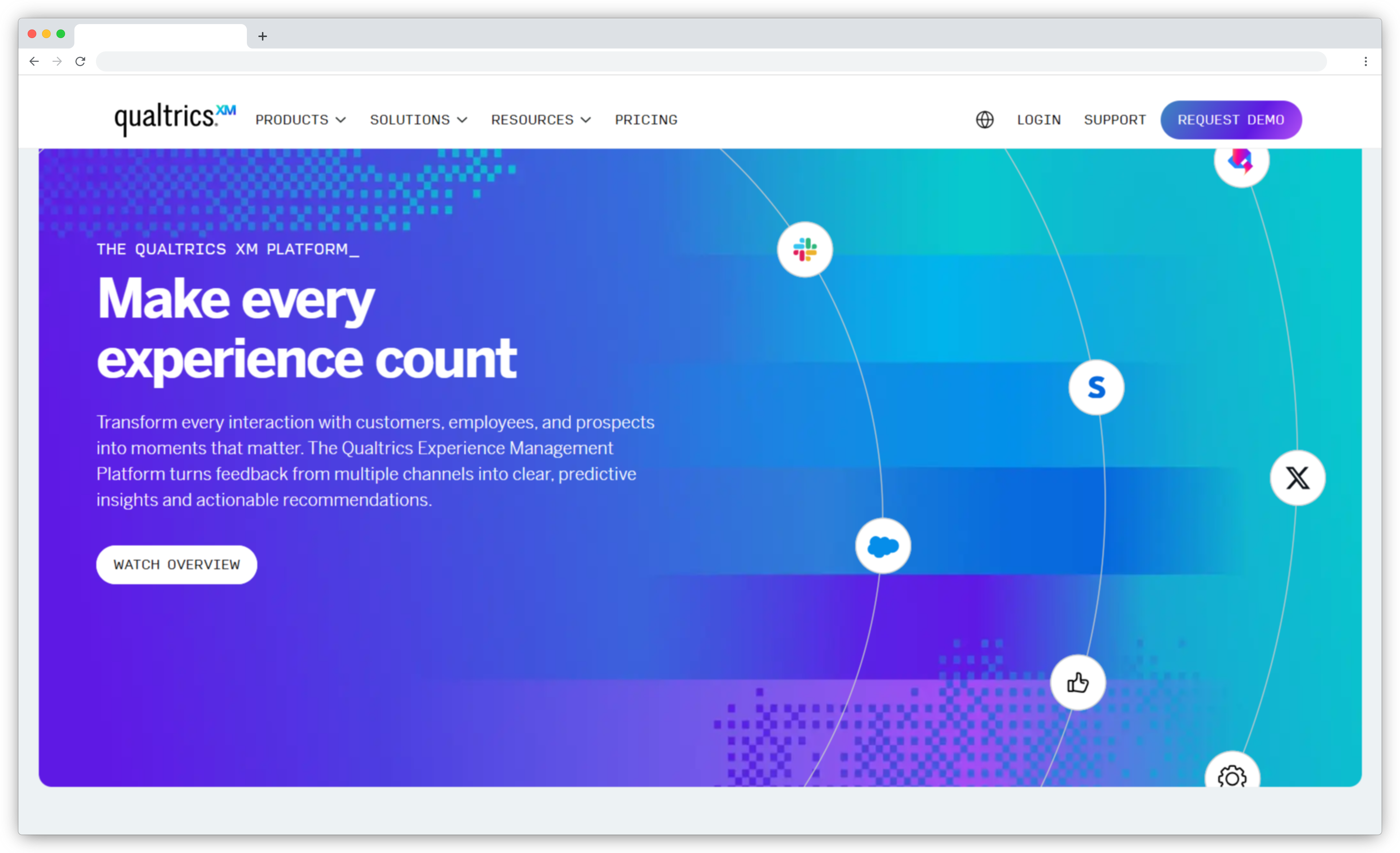
Qualtrics and SurveyMonkey sell to different buyers. SurveyMonkey is built around self-serve plans. Qualtrics is an experience management platform for organizations running customer, employee and market research programs at scale. Its pricing page asks you to request a quote. Text iQ and Stats iQ handle open-text and statistical analysis, and its market research product adds conjoint and MaxDiff.
A free account covers basic surveys, with 500 responses and three active surveys, which is enough to test the builder but not to run a program. Qualtrics also bought Delighted in 2018 and closed it on June 30, 2026. If it feels heavier than you need, compare Qualtrics alternatives and competitors.
Qualtrics Pricing and G2 Rating
- Free account (500 responses), paid plans by quote
- 4.4/5 on G2 (3,019 reviews)
QuestionPro: Best for Research Depth & Methodology
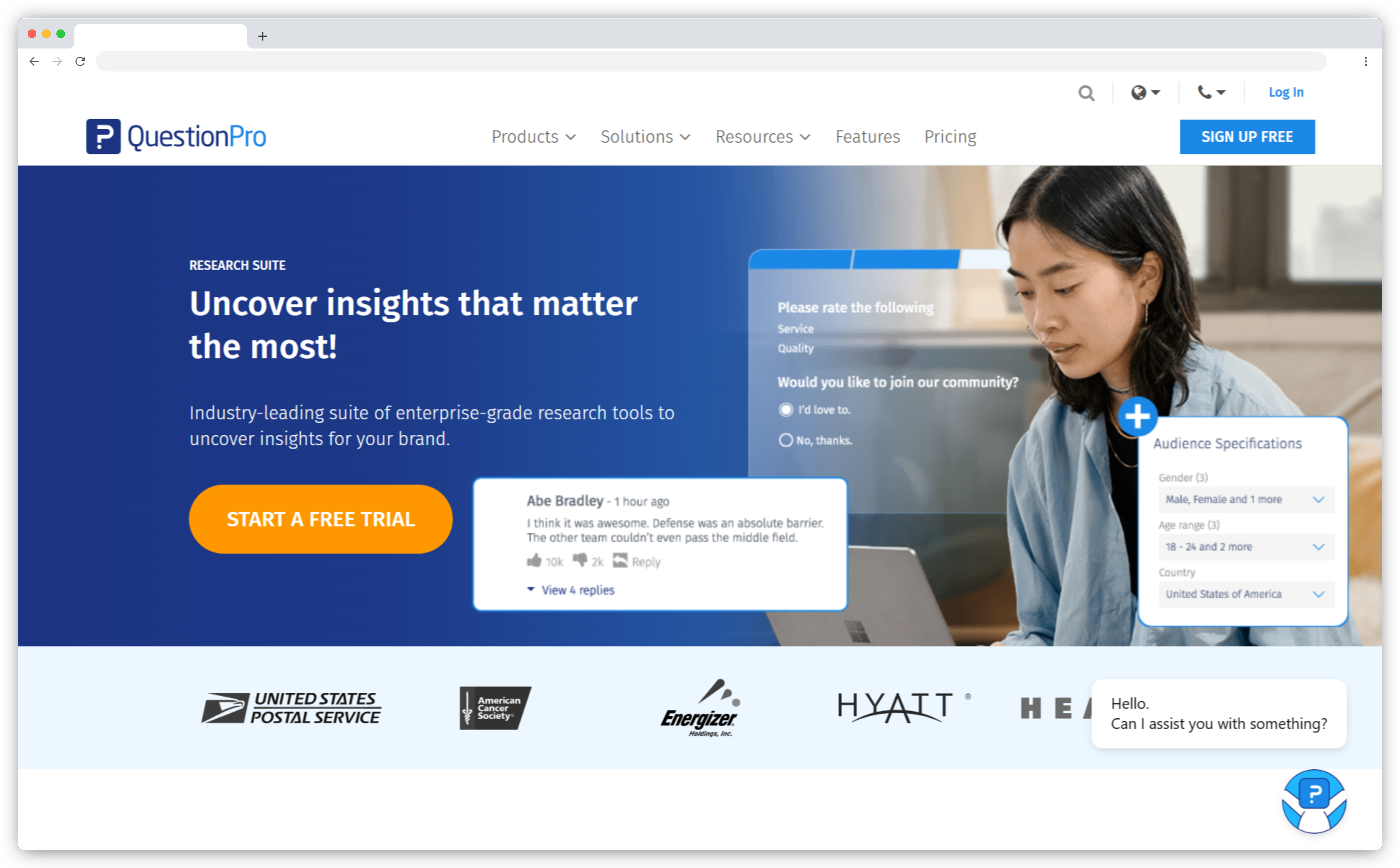
QuestionPro sits between SurveyMonkey and Qualtrics on price and depth. Its research tools include conjoint, MaxDiff and A/B testing, and teams that need respondents as well as a survey can buy access to a panel of 22 million-plus people.
The free plan allows 200 responses per survey, enough to run a pilot before paying. Advanced costs $99 per user per month, billed annually, and the research suites are quote-based. G2 reviewers praise the ease of use and support. Their most common complaint is that advanced features and extra question types sit on higher tiers, so price the plan you'll actually need, not the entry one.
QuestionPro Pricing and G2 Rating
- Free (200 responses per survey), Advanced $99/user/mo (annual)
- 4.5/5 on G2 (1,161 reviews)
Alchemer: Best for Advanced Survey Logic
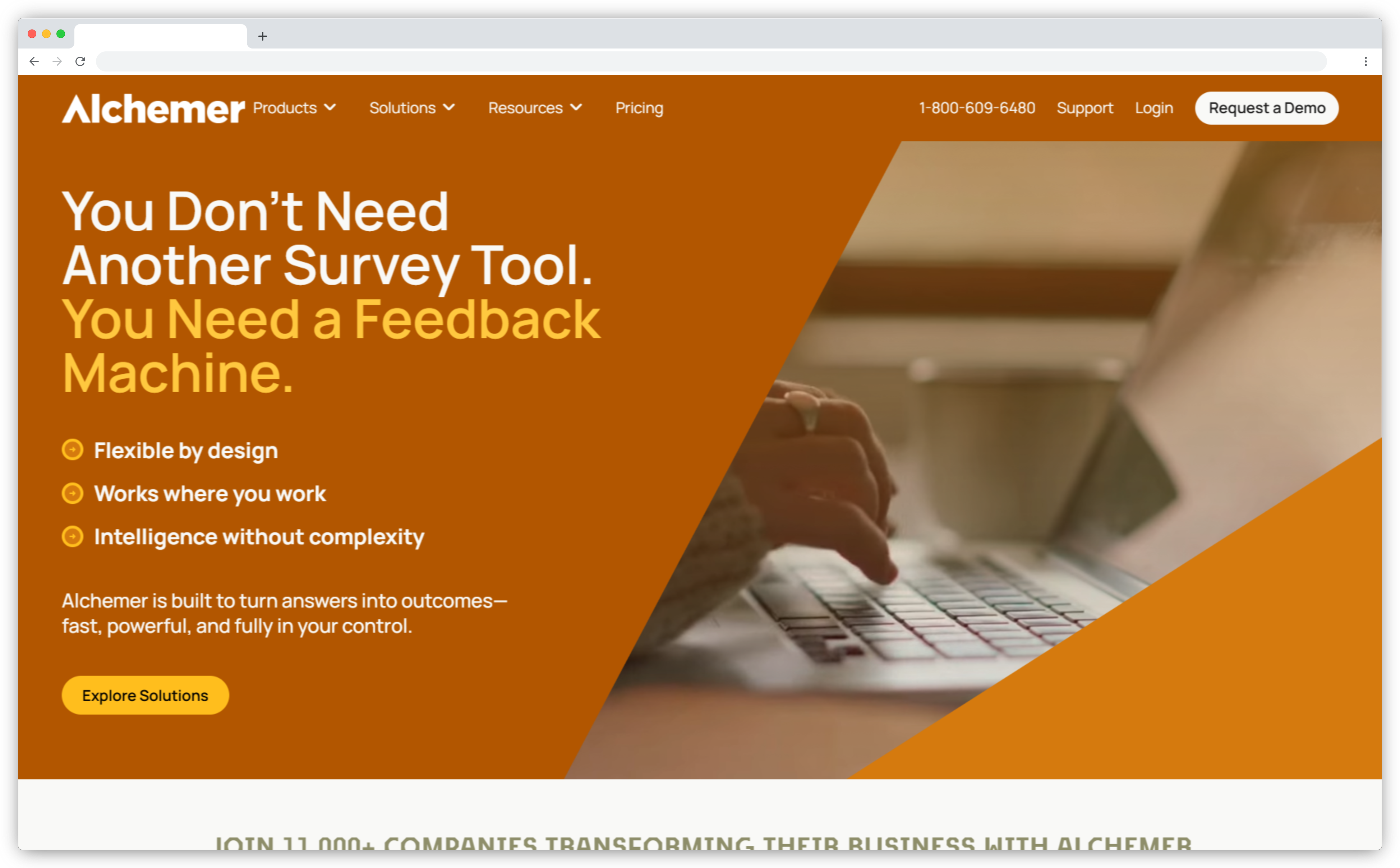
Alchemer, formerly SurveyGizmo, is for teams that find SurveyMonkey's builder too rigid. Its builder handles branching logic, piping, randomization and skip patterns. Surveys go out by email, web, SMS, embedded links and QR codes, and Full Access adds advanced research question types.
Pricing is per user. Collaborator costs $55 a month or $315 a year per user, while Professional and Full Access cap at three users, so bigger teams move to the quoted Business Platform. A free plan with limited features and responses lets you test the logic before committing. Pick it when survey logic and routing are the bottleneck, not out-of-the-box CX dashboards.
Alchemer Pricing and G2 Rating
- Free plan, Collaborator $55/user/mo or $315/user/yr
- 4.4/5 on G2 (958 reviews)
Which SurveyMonkey alternatives are best for forms and conversational surveys?
Paperform, SurveySparrow, Typeform, forms.app and Jotform are the strongest SurveyMonkey alternatives when the job is a form, a conversational survey or an intake workflow. For Typeform, see SurveyMonkey vs Typeform. Jotform gets the same treatment in SurveyMonkey vs Jotform.
Paperform: Best for Multi-Step Workflow Forms
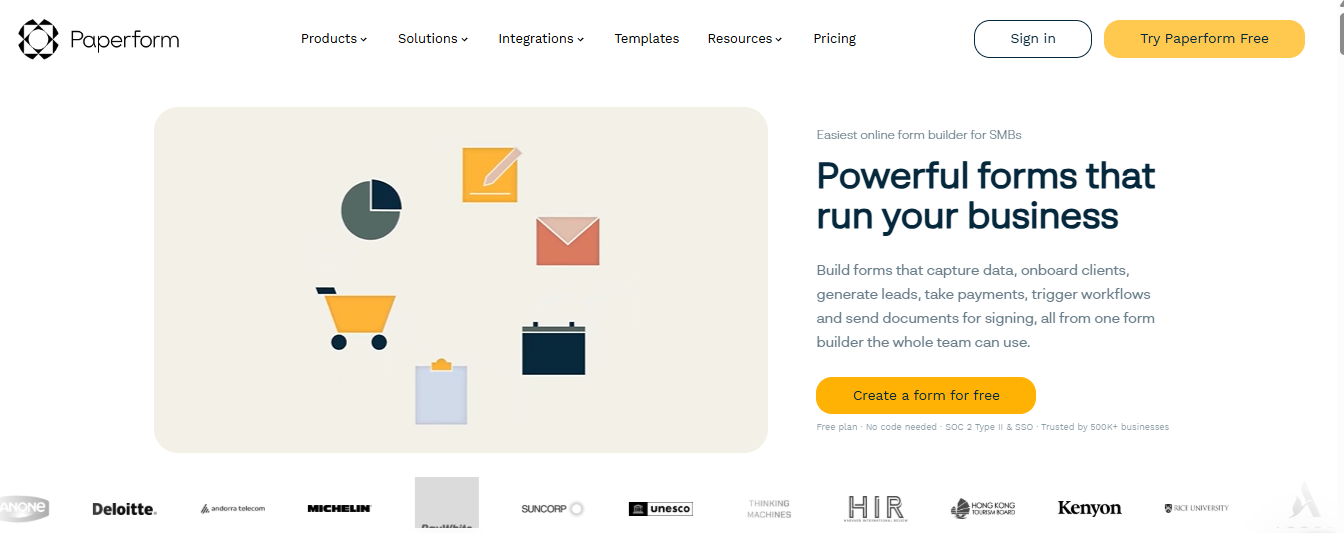
Paperform treats the form as a page you write, not a template you fill in, then does what most form builders leave to a separate app. It takes the payment, runs the calculation and gets the signature, with no add-on marketplace to piece together.
You write copy and drop fields in inline, layer in conditional logic, and collect payments through Stripe, PayPal or Square, while Papersign covers contracts without leaving the form. A library of 30,000+ templates covers most use cases, and native connections to CRMs, spreadsheets and email tools mean most workflows don't need Zapier as a middle step. The free plan allows 30 submissions a month.
Paperform Pricing and G2 Rating
- Free (30 submissions/mo), Pro from $49/mo (annual)
- 4.8/5 on G2 (86 reviews)
SurveySparrow: Best for Conversational Surveys
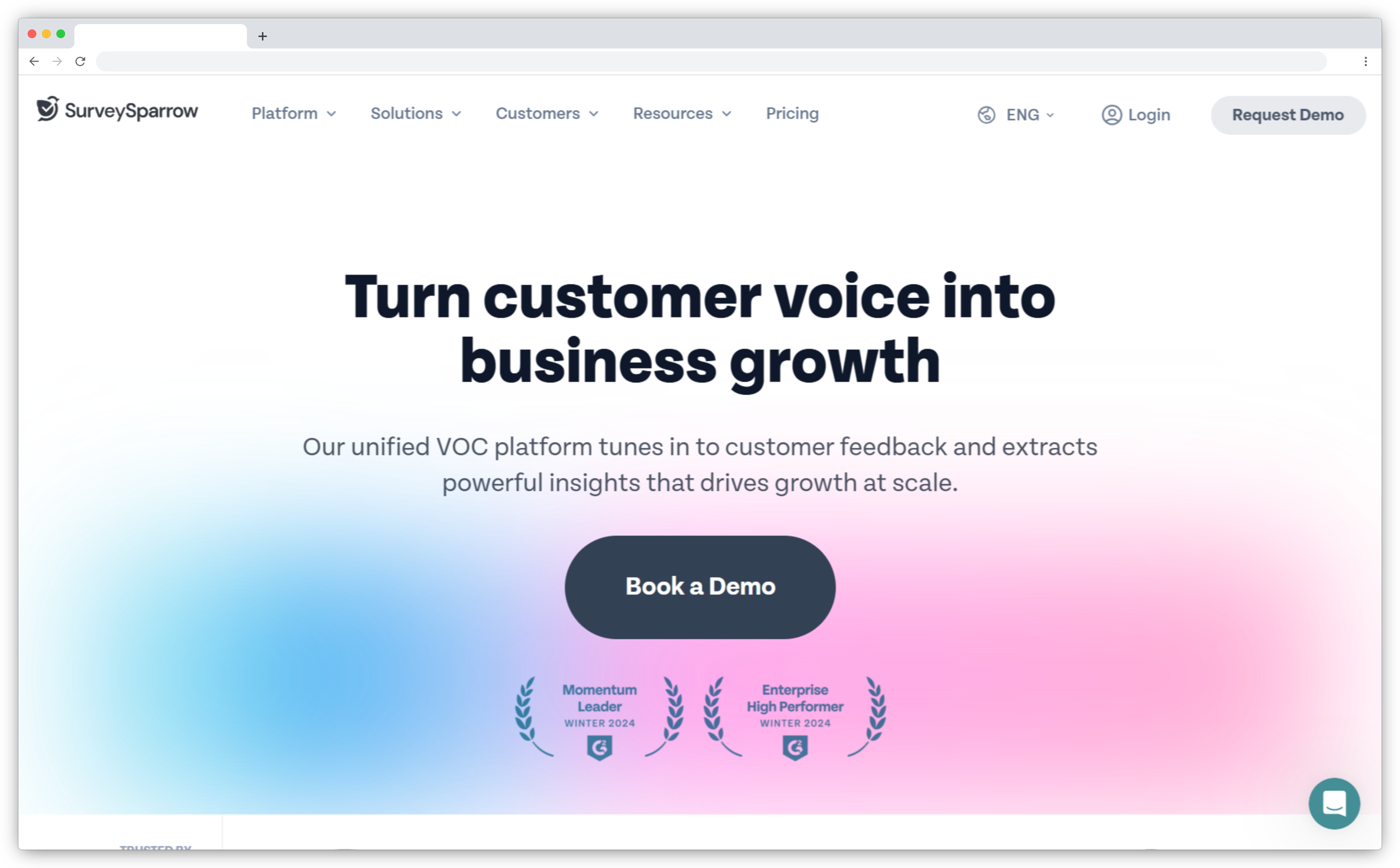
SurveySparrow swaps a page of questions for a chat-like flow, and its AI, Echo, asks natural follow-up questions in real time. For teams whose real problem is response rate, the format is the reason to look. Surveys go out across email, SMS and WhatsApp, and offline surveys, video surveys and HIPAA compliance are available for teams that need them.
Against SurveyMonkey, the pitch is engagement first, with AI theme detection and key driver analysis on top. The free plan is tight, at 75 responses a quarter, three active surveys and 10 questions per survey, and G2 reviewers flag limited reporting options. Paid plans start with Basic at $19 a month, billed yearly.
SurveySparrow Pricing and G2 Rating
- Free (75 responses per quarter), Basic $19/mo (billed yearly)
- 4.4/5 on G2 (2,065 reviews)
Typeform: Best for Marketing Forms & Lead Generation
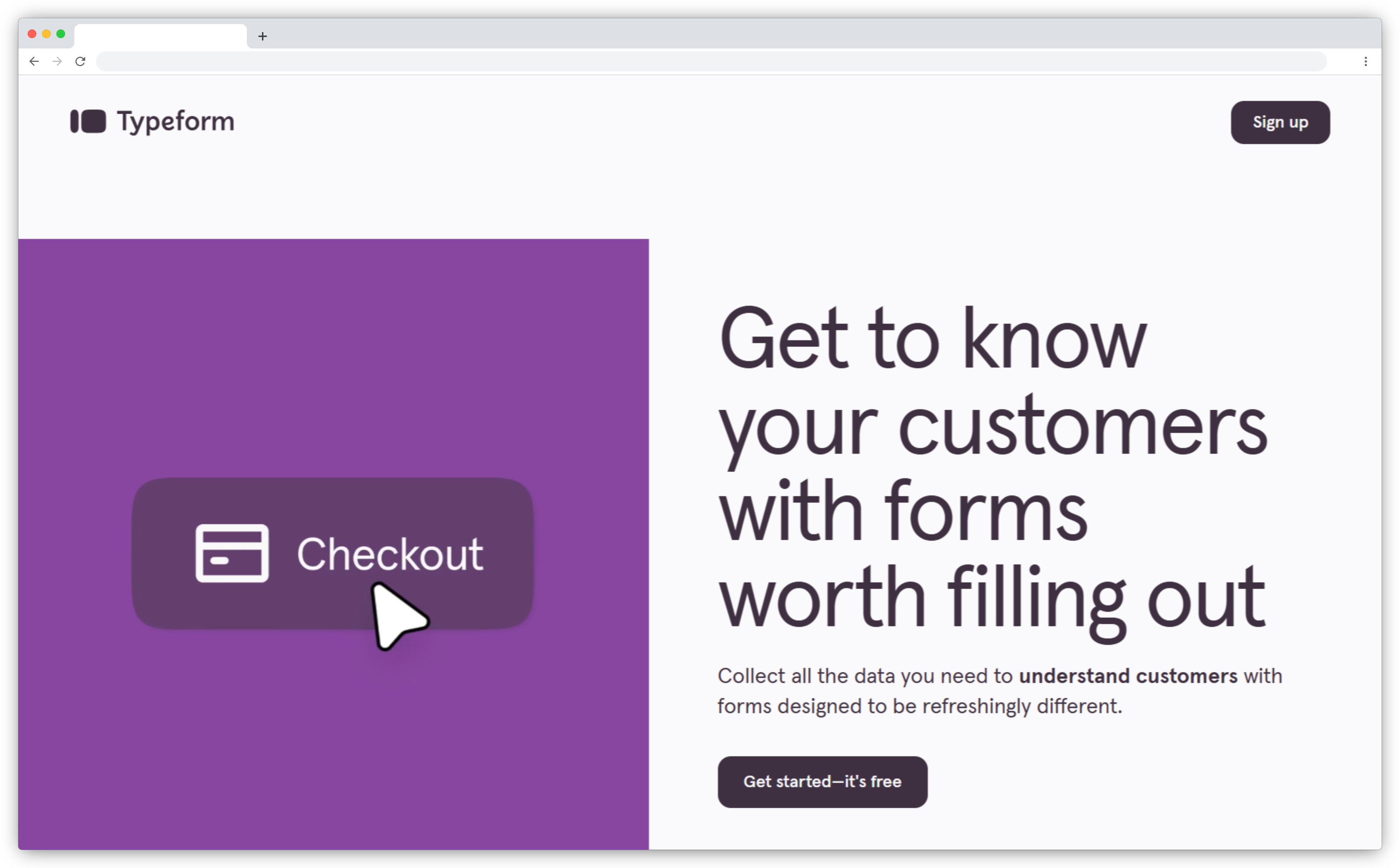
Here's the honest case for Typeform. It shows one question at a time by default, and marketing teams pick it for lead capture, registrations and quizzes where completion matters more than analysis. Against SurveyMonkey, it wins on the respondent experience, not on research depth or CX reporting.
Watch the response limits. The free plan includes a limited number of responses a month, and Basic, at $28 a month billed yearly, covers 100 responses a month, so busy forms climb the plans fast. Plus costs $56 and Business $91 a month, both billed yearly. If limits are your sticking point, compare Typeform alternatives & competitors.
Typeform Pricing and G2 Rating
- Free plan, Basic $28/mo (billed yearly)
- 4.5/5 on G2 (1,025 reviews)
forms.app: Best for AI-Assisted Form Building
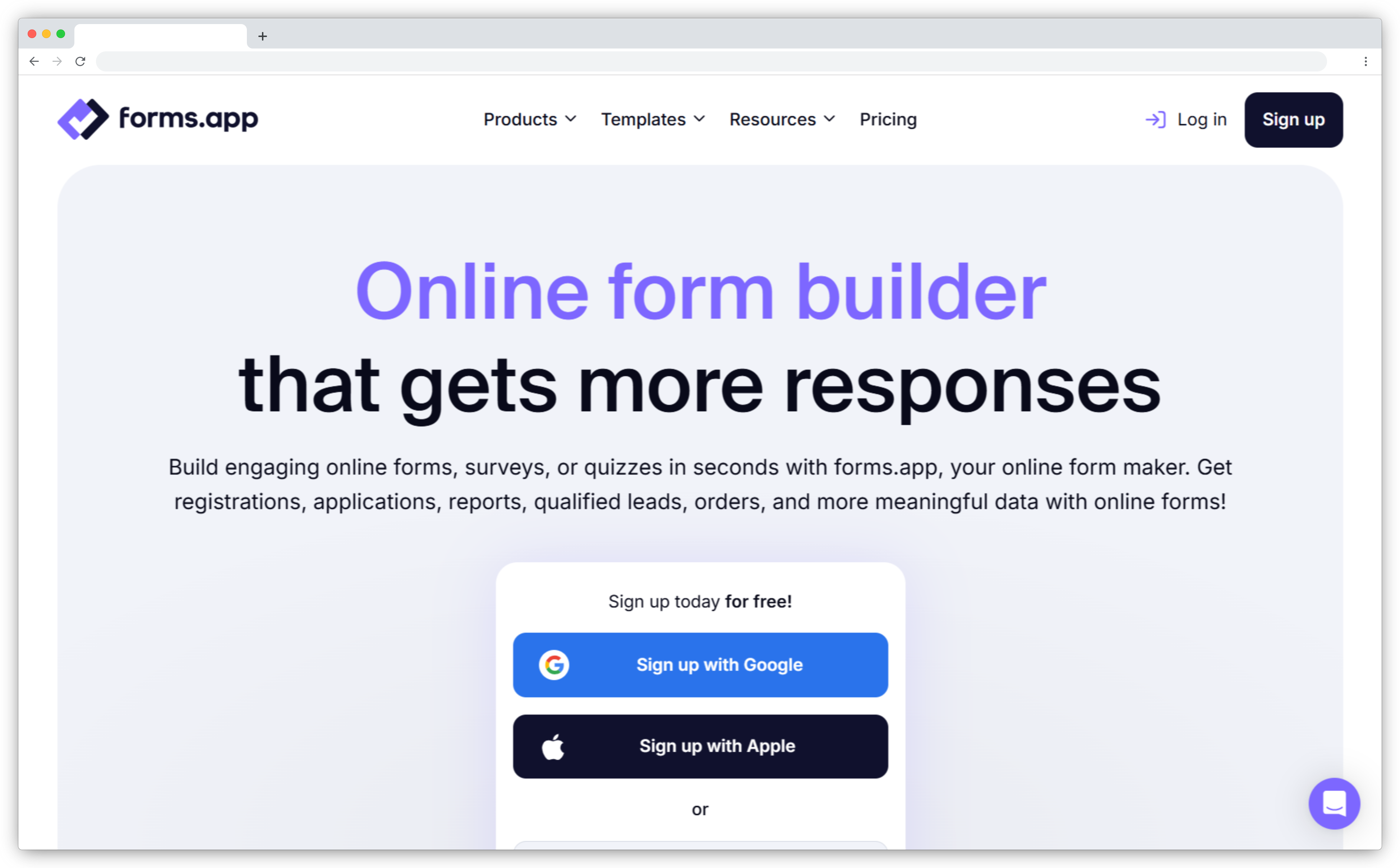
forms.app sits between Google Forms, free but basic, and Typeform, polished but pricier. Its edge is AI form generation. Describe what you want to ask and its AI Form Generator builds the questions, while an AI Survey Maker does the same for surveys. It also covers quizzes, polls and order forms that sell products.
The free plan includes unlimited responses, unlimited views and unlimited team members, which removes the response ceiling that pushes many teams off SurveyMonkey's free plan. HubSpot connects natively, and 500+ integrations cover the rest of the stack. Analytics stay basic next to a dedicated CX platform, so treat it as a builder first.
forms.app Pricing and G2 Rating
- Free (5 forms, unlimited responses), from $19/mo (billed yearly)
- 4.5/5 on G2 (500 reviews)
Jotform: Best for Operational Forms & Intake
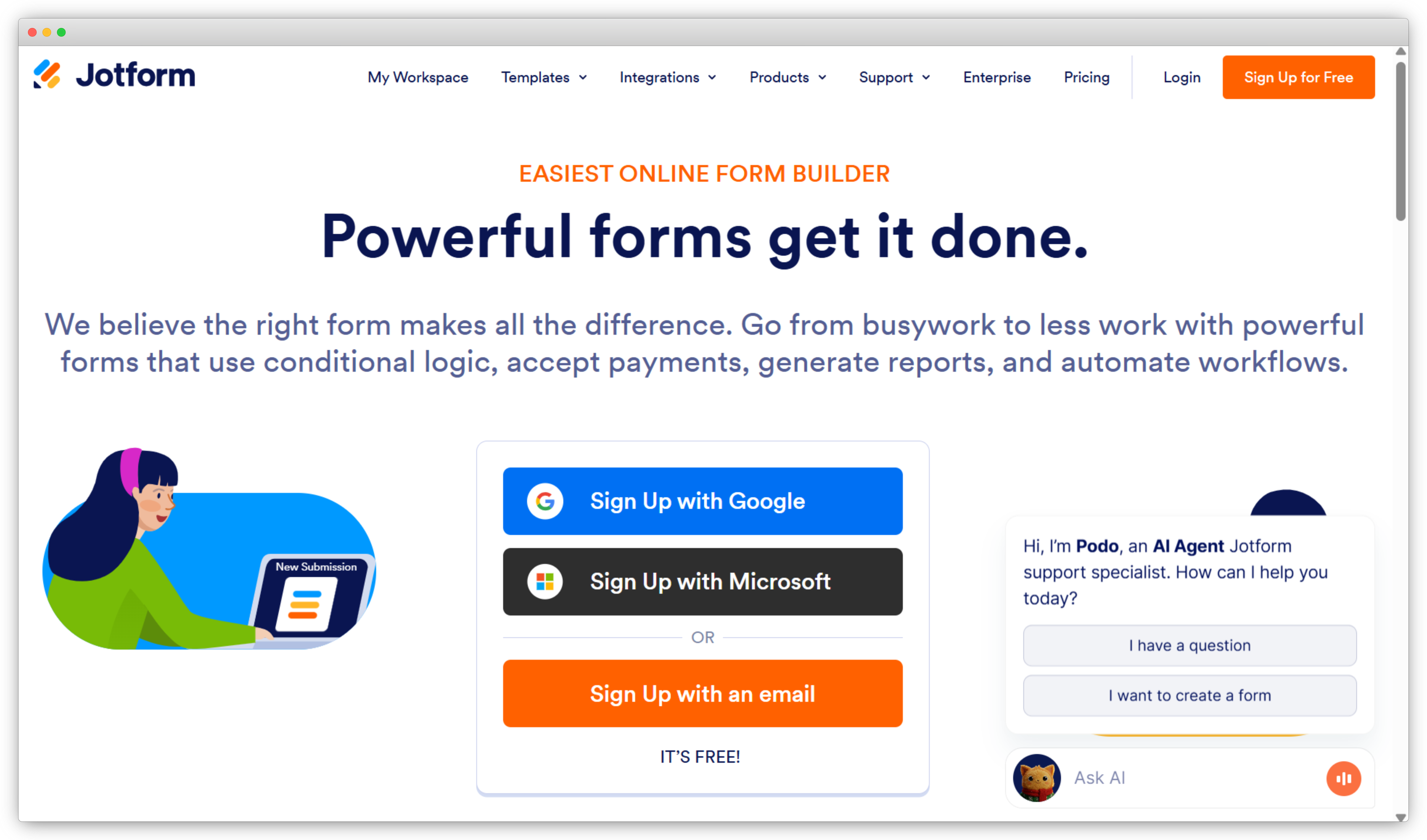
If your form's job is registration, payment, approval or document intake, Jotform fits better than a research-first survey tool. Its template library runs to 20,000+, and forms can take payments, collect e-signatures and feed approval workflows. Against SurveyMonkey, it's broader as a workflow tool and narrower as a research tool.
The free Starter plan covers 5 forms and 100 submissions a month, and paid plans start with Bronze at $34 a month, billed annually. Form views, storage and payment submissions are capped per plan too, so check all three before you commit. If the interface or limits don't fit, compare Jotform alternatives & competitors.
Jotform Pricing and G2 Rating
- Free Starter (5 forms, 100 submissions/mo), Bronze $34/mo (billed annually)
- 4.6/5 on G2 (5,680 reviews)
What are the best free and low-cost SurveyMonkey alternatives?
Google Forms, Microsoft Forms, Formbricks, SurveyMars, Formester and Affiniv are the strongest free and low-cost SurveyMonkey alternatives. Each has a free tier, but the limits differ a lot, so check the response cap before you commit. If Google Forms is on your shortlist, SurveyMonkey vs Google Forms walks through the trade-offs.
Google Forms: Best Free Option for Internal Use
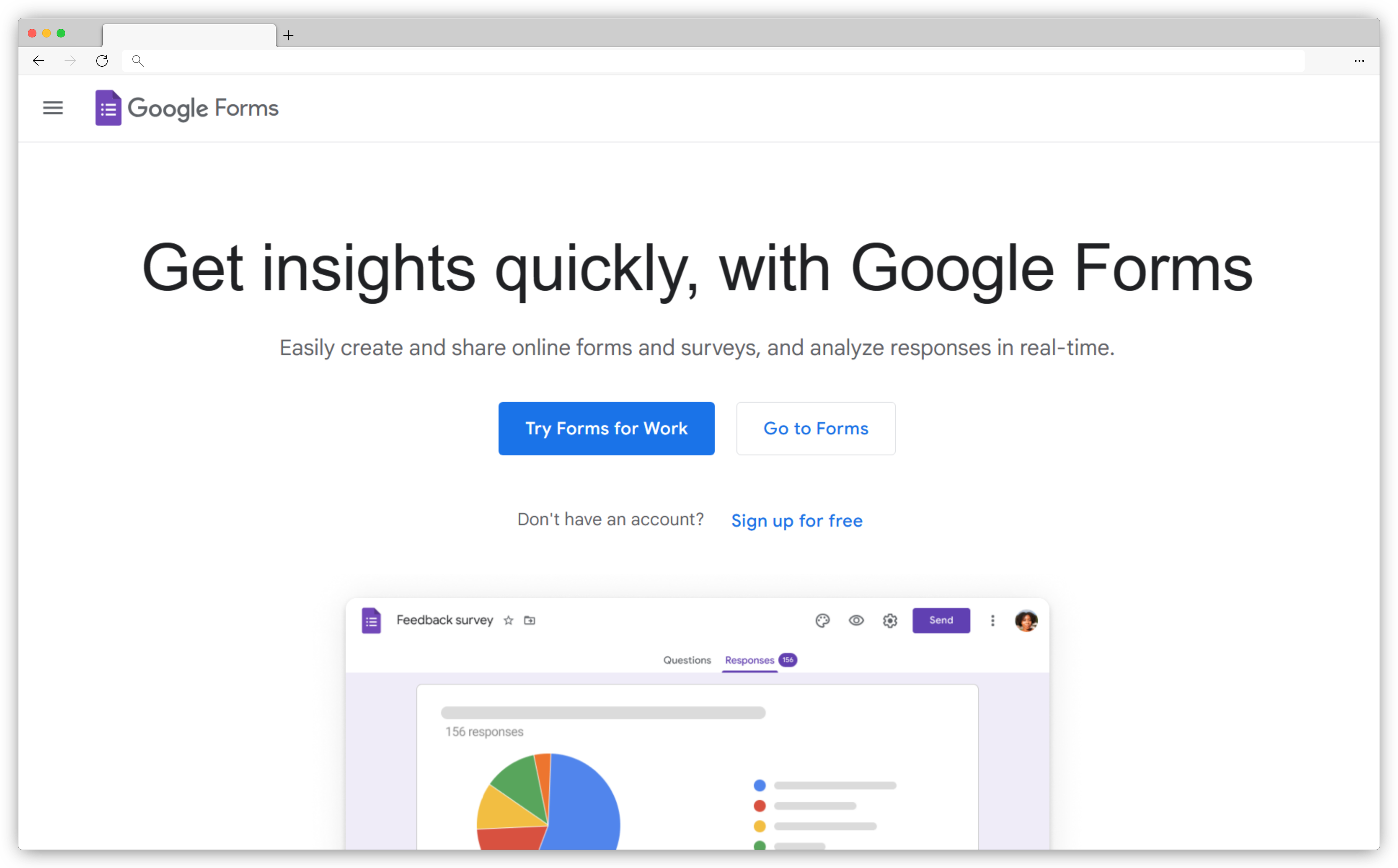
Google Forms is the obvious free survey tool for anyone with a Google account, and it's included in every Google Workspace plan. Responses can flow straight into Google Sheets, where they land in a table you can sort, chart and share with the team. Quizzes can grade themselves with an answer key.
For internal surveys, sign-ups and classroom quizzes, that's often all you need. Against SurveyMonkey, you trade polish and program features for cost. Analysis means summary charts plus whatever you build in Sheets, and there's no closed-loop follow-up built in. It's the right answer when budget is the only constraint and the audience is internal.
Google Forms Pricing and G2 Rating
- Free with a Google account, included in Google Workspace plans
- Not rated separately on G2
Microsoft Forms: Best for Microsoft 365 Teams
Microsoft Forms is the natural free option for organizations already standardized on Microsoft 365. It's available to Microsoft 365 business and education users and to anyone with a personal Microsoft account, and results export to Excel for deeper analysis. It plugs into other Microsoft 365 apps, so a form can live where the team already works.
For pulse checks, quizzes and event sign-ups inside the Microsoft stack, it's frictionless. Compared with SurveyMonkey's paid plans, you trade design and analysis options for zero added cost. Watch the limits on personal accounts, though. A free personal account caps each form at 200 responses and a paid one at 1,000, while business and education accounts allow far more.
Microsoft Forms Pricing and G2 Rating
- Free with a Microsoft account, included in Microsoft 365 business and education plans
- 4.4/5 on G2 (475 reviews)
Formbricks: Best Open-Source SurveyMonkey Alternative
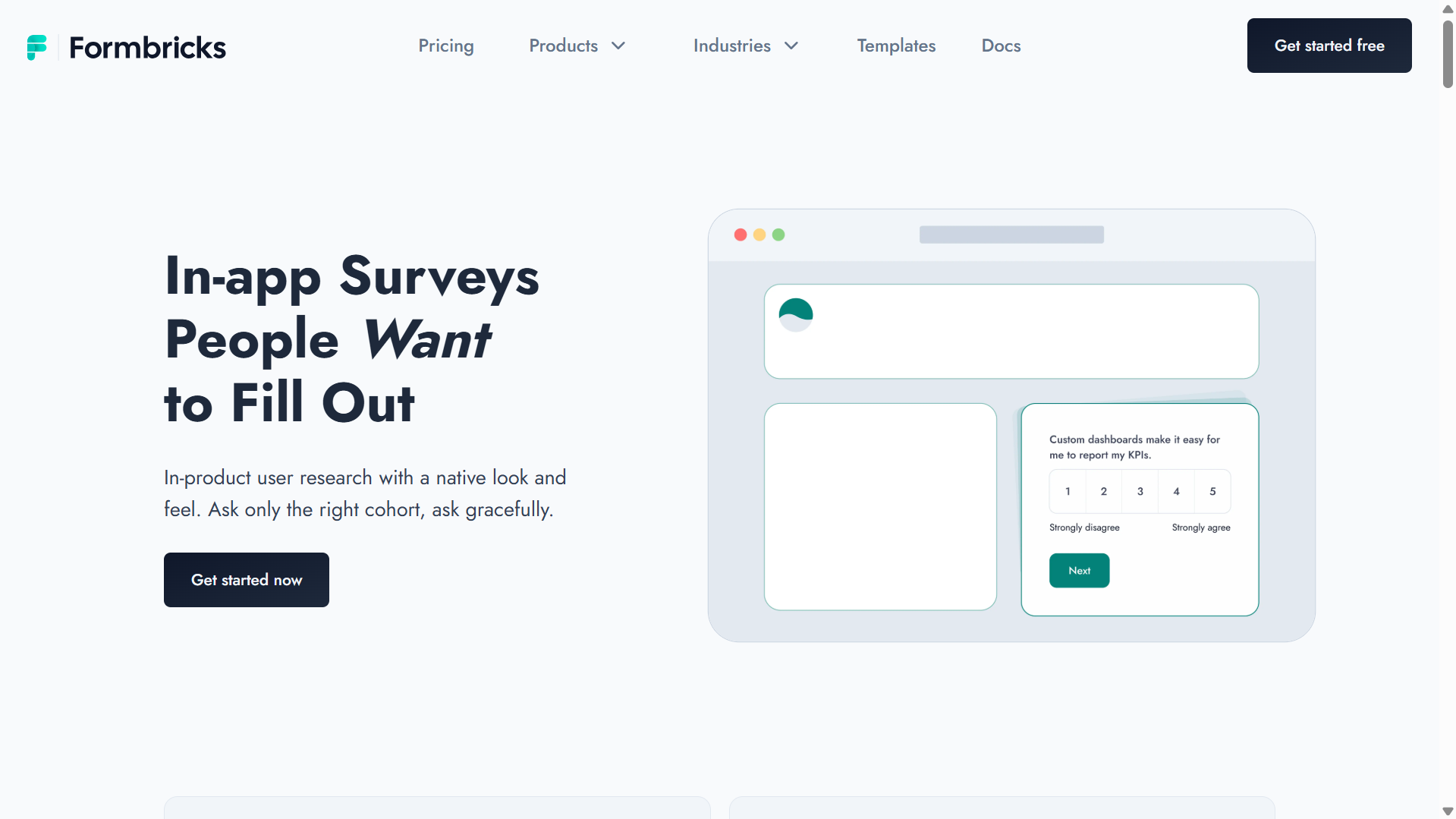
Formbricks is an open-source survey platform built for product and engineering teams that want in-app and website surveys without vendor dependency. Self-host the free Community Edition and responses stay on your own servers. That matters in regulated industries where survey data can't leave your infrastructure.
Where SurveyMonkey collects through links, email and website embeds, Formbricks also fires in-app surveys based on what users do and who they are once its SDK is installed. The core is licensed under AGPLv3, with MIT-licensed SDKs. The trade-off is upkeep. Self-hosting needs engineering time, and analytics stay basic next to a dedicated CX platform.
Formbricks Pricing and G2 Rating
- Free self-hosted Community Edition, Cloud free up to 250 responses/mo, Pro from $74/mo
- 4.8/5 on G2 (15 reviews)
SurveyMars: Best for Unlimited Free Responses
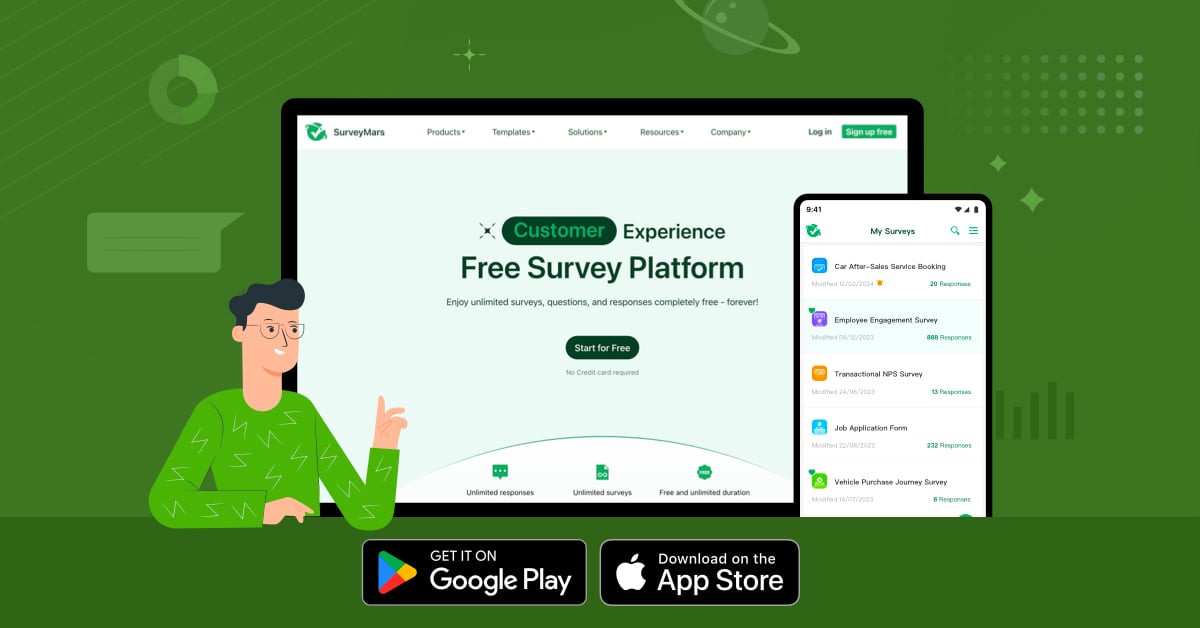
SurveyMars solves one SurveyMonkey frustration directly, the free-plan response limit. It offers unlimited surveys, questions and responses at no cost, with no credit card needed to start, and its AI helps build surveys from a plain description. Beyond classic surveys, it covers polls, quizzes, registration forms and 360-degree evaluations.
On a zero budget, that means you can keep collecting without hitting a wall mid-study. It also works as an overflow option when a paid tool's monthly cap runs out mid-project, since there's no ceiling to hit. Before you build an ongoing program on it, check that its integrations and reporting cover your stack.
SurveyMars Pricing
- Free (unlimited surveys, questions and responses)
Formester: Best for AI Form Building on a Budget
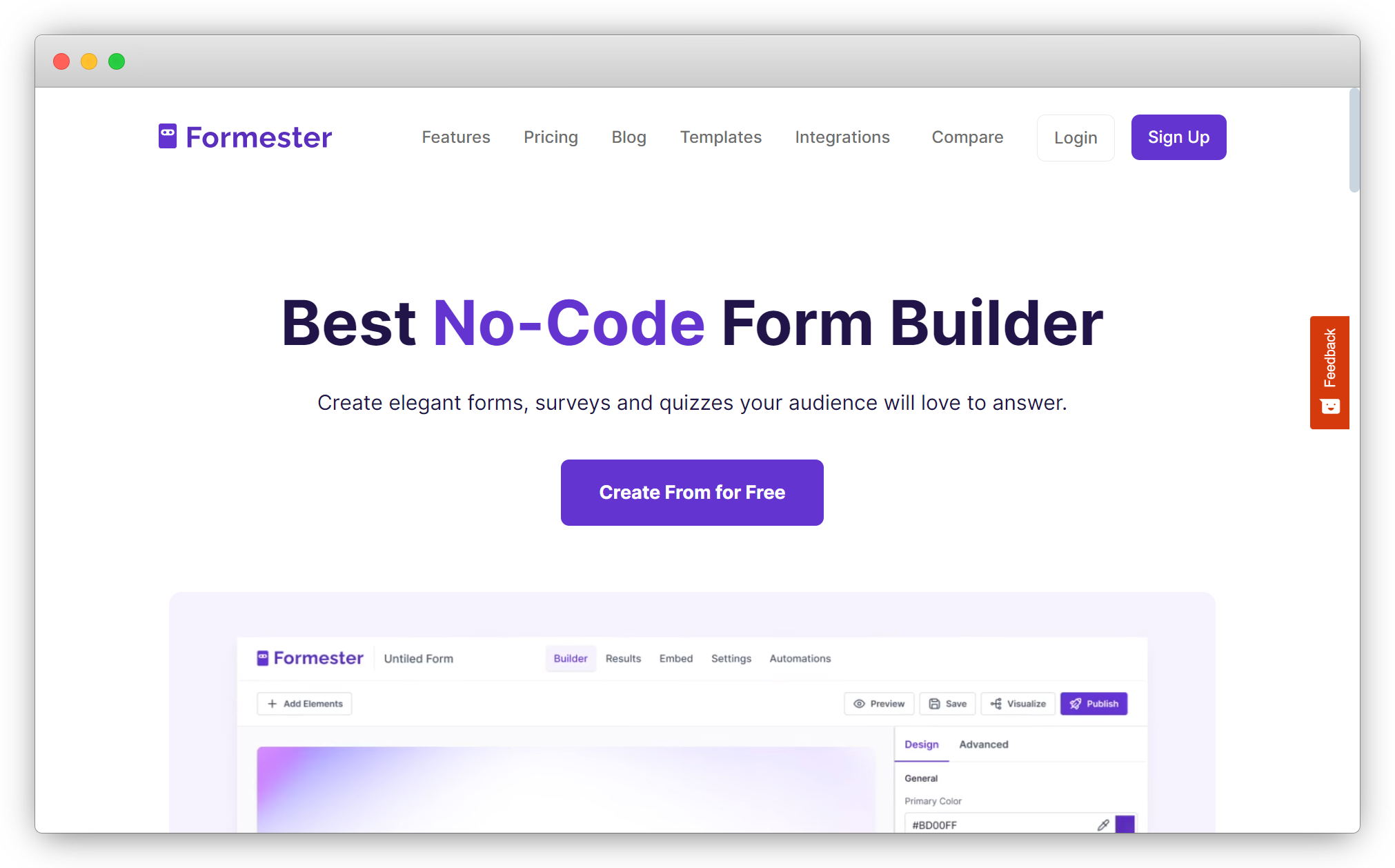
Formester competes with SurveyMonkey on design and build speed, with a specific edge in AI form generation. Describe the form in plain English and its AI form creator drafts it, and 1,000+ templates cover common use cases. It sits between Google Forms and Typeform in both price and capability.
The free plan includes unlimited forms and unlimited responses, and Personal starts at $12 a month, billed annually. Native integrations include HubSpot, Salesforce, Google Sheets and Slack, with Zapier for everything else. Analytics stay basic next to a dedicated CX platform, so it suits freelancers and agencies turning around client forms more than CX programs.
Formester Pricing and G2 Rating
- Free (unlimited responses), Personal from $12/mo (annual)
- 4.7/5 on G2 (13 reviews)
Affiniv: Best for Lightweight NPS & CSAT
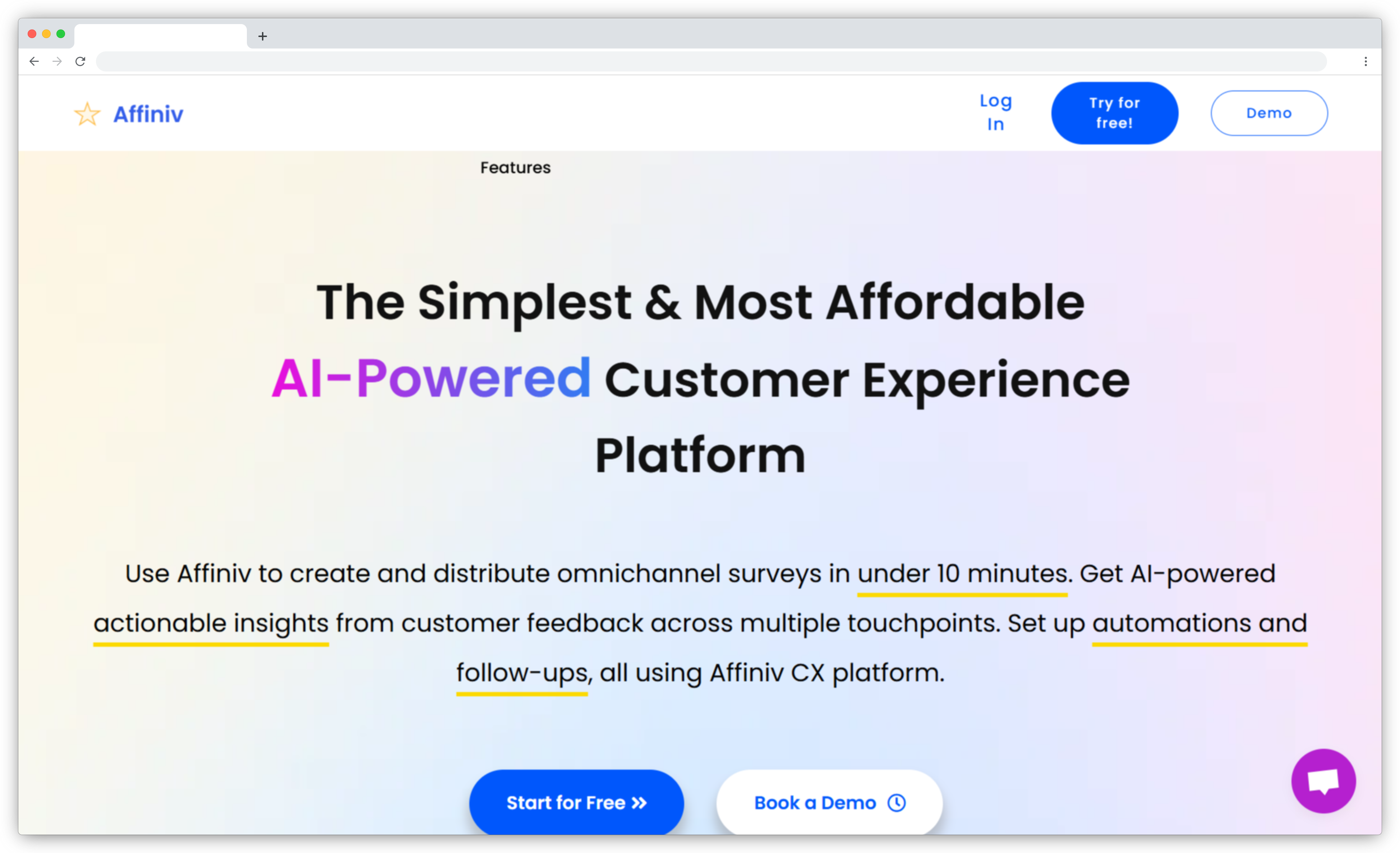
Affiniv is purpose-built for NPS and CSAT in SaaS and e-commerce, a focused pick for teams that know which metrics they need and don't want a full platform to collect them. Surveys trigger automatically from customer actions, such as a set number of days after a purchase, with reminders for people who haven't answered.
The Shopify integration stands out. It sends post-purchase NPS surveys without a Zapier workaround, and integrations with Salesforce, Zendesk and Slack route responses to the right team. AI sentiment analysis and auto-tagging cover the open text. The free plan allows 25 responses a month. For a wider comparison of NPS-focused platforms, see our best NPS tools roundup.
Affiniv Pricing and G2 Rating
- Free (25 responses/mo), Starter $25/mo
- 4.8/5 on G2 (2 reviews)
How do you switch from SurveyMonkey without losing your data?
You switch from SurveyMonkey without losing data by exporting first, rebuilding what won't transfer and running both tools in parallel before cutover. Treat it as a data project first and a tool change second.
- Export before anything changes. SurveyMonkey lists data exports as a paid-plan feature, and when a paid plan lapses to Basic, responses over the Basic limit that are older than 365 days are deleted. Pull CSV or XLS exports of every survey you need while you're still paying.
- Plan to rebuild, not import. Don't assume question logic, piping, quotas or custom themes will survive the move. Rebuild your most-used surveys in the new tool and test them end to end.
- Reconnect integrations. List every CRM, helpdesk and Slack connection that touches SurveyMonkey today, and rebuild them before cutover.
- Run both tools in parallel. Keep one survey cycle running in each and compare response rates and scores before you move traffic.
- Time it around renewal. SurveyMonkey team plans bill annually, so start two to three months before your renewal date.
Scale changes the job. When TAJBank moved off Google Forms and QuestionPro, the work was designing separate surveys for teams across its 38 departments, not just moving files, as TAJBank migrated from QuestionPro & Google Forms to Zonka Feedback describes. For bigger programs, our guide on how to run an enterprise survey migration covers sequencing and stakeholders. Teams leaving GetFeedback Direct can follow the GetFeedback Salesforce migration playbook.
How do you choose the right SurveyMonkey alternative?
The right SurveyMonkey alternative is the one that fixes the limit you hit first. Three questions settle most decisions faster than a feature checklist.
- What isn't working right now? A capped free plan points to Google Forms, Microsoft Forms, forms.app, Formester or SurveyMars. Manual exports and CRM gaps point to a customer feedback platform. A survey nobody finishes points to conversational tools like SurveySparrow or Typeform.
- What happens to the data after collection? Every tool here collects. If your team exports, cleans and hand-tags responses before anyone acts, the bottleneck is analysis, and AI survey tools that read open text remove that step.
- What's your real volume and budget? At a few hundred responses a year with no CRM needs, switching is a capability decision more than a price one. At thousands of responses a month across channels, automation and per-response costs matter more than the entry price.
In 2016, a survey program meant a quarterly NPS email and a glance at the average. Today CX teams are expected to know which accounts are at risk, which agents are pulling scores down and which complaints move churn. SurveyMonkey was built for the first version, and it still does that well. If you're running the second, schedule a demo and we'll show you how Zonka Feedback handles it.


![18 Best SurveyMonkey Alternatives & Competitors in 2026 [Free + Paid]](https://www.zonkafeedback.com/hubfs/Best%20Tools%20to%20Analyze%20Customer%20Feedback%20in%20Zendesk%20(1).png)
![18 Best SurveyMonkey Alternatives & Competitors in 2026 [Free + Paid]](https://www.zonkafeedback.com/hubfs/Best%20Customer%20Intelligence%20Platforms%20for%20CX%20Leaders%20%20(1).png)
![18 Best SurveyMonkey Alternatives & Competitors in 2026 [Free + Paid]](https://www.zonkafeedback.com/hubfs/Best%20Closed%20Loop%20Feedback%20Software%20Platforms.png)
![18 Best SurveyMonkey Alternatives & Competitors in 2026 [Free + Paid]](https://www.zonkafeedback.com/hubfs/Google%20Reviews%20Analysis%20Tools%20for%20Multiple%20Locations.png)
![18 Best SurveyMonkey Alternatives & Competitors in 2026 [Free + Paid]](https://www.zonkafeedback.com/hubfs/Best%20Support%20Tickect%20Analysis%20Tools.png)
![18 Best SurveyMonkey Alternatives & Competitors in 2026 [Free + Paid]](https://www.zonkafeedback.com/hubfs/Best%20Tools%20to%20Auto-Categorize%20and%20Tag%20Customer%20Feedback.png)
![18 Best SurveyMonkey Alternatives & Competitors in 2026 [Free + Paid]](https://www.zonkafeedback.com/hubfs/Best%20NPS%20Text%20Analysis%20Tools%20to%20Analyze%20Open-Ended%20Comments%20(1).png)
![18 Best SurveyMonkey Alternatives & Competitors in 2026 [Free + Paid]](https://www.zonkafeedback.com/hubfs/Best%20Tools%20to%20Detect%20Churn%20Signals%20in%20Customer%20Feedback%20(1).png)
![18 Best SurveyMonkey Alternatives & Competitors in 2026 [Free + Paid]](https://www.zonkafeedback.com/hubfs/Best%20MCP%20Servers%20for%20Customer%20Feedback.png)
![18 Best SurveyMonkey Alternatives & Competitors in 2026 [Free + Paid]](https://www.zonkafeedback.com/hubfs/Zonka%20Feedback%20vs%20SurveyVista%20680x408.png)








