.svg)
 Healthcare
 Finance
 Retail
 SaaS & Digital
 eCommerce
 Education
 Salesforce
  HubSpot
 Pipedrive
 Mailchimp
 Klaviyo
 Zendesk
  Intercom
 Freshdesk
 HelpScout
  Front
Front Jira
Jira Slack
Slack  MS Teams
 Zoom
Zoom Google Sheets
  Zapier
  Integrately
 Make
Make  Webhooks




 MS Teams


TL;DR
- Jotform's free plan caps you at 5 forms and 100 responses per month. Most paid plans are single-user. That's why teams hit a wall and start looking for alternatives.
- The best Jotform alternatives in 2026 depend on what you need — free options, design-first forms, workflow automation, compliance, developer tools, and AI-powered feedback all have different winners.
- For the best free alternatives, Google Forms (unlimited responses) and Tally (unlimited forms + responses on free plan) top the list.
- For design and high conversion, Typeform and Paperform consistently outperform Jotform on UX and completion rates.
- For enterprise workflows and compliance, Formstack and Fillout handle approvals, document generation, and app-building that Jotform can't match natively.
- If you want to go beyond forms and surveys into feedback intelligence — sentiment analysis, closed-loop workflows, omnichannel collection — Zonka Feedback is the tool on this list built for that purpose.
Jotform has 20 years of templates, integrations, and use cases behind it. That's genuinely impressive. But "a lot of features" isn't the same thing as "the right features for your team right now."
The reasons people leave Jotform are almost always the same: 5-form limits hit faster than expected, 100-response monthly caps frustrate growing campaigns, single-user plans create friction for teams, and the interface — while powerful — starts to feel cluttered once you know what you actually need. If any of those sound familiar, you're in the right place.
This guide covers 16 Jotform alternatives for 2026, grouped by what they're actually best at. Every tool has been evaluated on form flexibility, pricing fairness, analytics depth, workflow capabilities, and real user feedback from G2. All pricing is verified directly from each tool's official pricing page as of May 2026.
Why Are People Leaving Jotform in 2026?
Jotform's limitations aren't hidden — they're baked into the pricing model. Here's what consistently drives teams to look elsewhere.
- Submission caps hit fast: The free plan allows just 100 responses per month. Even the Bronze plan ($34/month) caps at 1,000. Run one modest campaign and you're upgrading before you planned to.
- Single-user default: Every plan except Enterprise is single-user. Teams either pay for the most expensive tier or work around it awkwardly.
- 5-form limit on the free plan: Most alternatives — Tally, Google Forms, Fillout's free tier — give you unlimited forms. Jotform doesn't.
- Cluttered interface: G2 reviewers consistently describe the builder as hard to navigate at scale. With 20,000+ templates and 40+ payment gateways, the product has grown wide at the expense of being clean.
- Basic analytics: Jotform collects data well. Analyzing it usually means exporting to Excel or connecting a third-party tool — the native reporting doesn't go deep.
- No workflow-native design: Once a form submission needs to trigger an approval chain, route to different team members, or feed a structured database, Jotform hands off to integrations. Tools like Fillout and Formstack handle this natively.
Which Jotform Alternative Is Right for You?
Before going tool-by-tool, here's how the best Jotform alternatives break down by use case — so you can skip straight to what fits your situation.
| If you need… | Best picks | Why |
| Survey analytics & closed loop action | Zonka Feedback, SurveyMonkey, SurveySparrow | Omnichannel collection, AI analysis, closed-loop automation — built for teams where CX is a business metric. |
| Best free Jotform alternative | Google Forms, Tally | Google Forms: no submission caps, ever. Tally: unlimited forms and responses on free plan with a Notion-style editor. |
| Best for design + high conversion | Typeform, Paperform | Typeform's one-question-at-a-time format lifts completion rates. Paperform treats forms like landing pages — full branding control, rich media, payment-ready. |
| Best for enterprise workflows and compliance | Formstack, Fillout | Formstack handles multi-step approvals, document generation, and HIPAA compliance natively. Fillout turns form submissions into apps and internal tools with no per-seat pricing. |
| Best for ecosystem fit | Zoho Forms, Microsoft Forms | Zoho Forms integrates natively with Zoho CRM and Zoho Desk. Microsoft Forms is the natural pick for teams already on Microsoft 365. |
| Best for developers and privacy-first deployment | Formbricks, Forms.io | Formbricks is open-source, self-hostable, with full data ownership and in-product SDK targeting. Forms.io auto-generates form APIs for enterprise app embedding. |
| Best for AI-powered forms with no hidden limits | Formester, Formaloo | Formester: AI form builder with unlimited questions and custom domains from $12/mo. Formaloo: turns form responses into databases, dashboards, and client portals. |
Top Jotform Alternatives Compared at a Glance
All pricing verified from official websites, May 2026. Annual billing rates shown where applicable.
| Jotform Alternative | Best for | Free plan? | Starting price | G2 rating | Key advantage over Jotform |
| Zonka Feedback | AI feedback intelligence + CX automation | 14-day trial | Custom pricing | 4.7/5 | Thematic + sentiment analysis, omnichannel collection, closed-loop workflows |
| Google Forms | Simple internal surveys, free | Yes (unlimited responses) | Free; Google Workspace from $6/user/mo | 4.6/5 | No submission caps, ever. Free for all Google account holders. |
| Tally | Creators + startups needing free unlimited forms | Yes (unlimited forms + responses) | $29/mo Pro (branding removal + custom domains) | 4.7/5 | Notion-style editor, unlimited free forms and responses |
| Typeform | Conversational, design-first forms | Yes (10 responses/mo) | $25/mo Basic (100 responses/mo) | 4.5/5 | Higher completion rates, question-level drop-off analytics, cleaner UX |
| Paperform | Design-led forms, payments, bookings | Yes (free plan + 7-day Pro trial) | $29/mo Essentials (100 submissions/mo) | 4.8/5 | Landing-page-style forms, rich media embedding, full branding control |
| Fillout | Forms → apps and internal workflows | Yes (1,000 responses/mo, unlimited users) | $15/mo Starter | 4.7/5 | Built-in database, unlimited users on all plans, no per-seat pricing |
| Formstack | Enterprise workflows + HIPAA compliance | No (14-day trial) | $83/mo (Forms only, 1 user, 25 forms) | 4.3/5 | Multi-step approval workflows, document generation, HIPAA-ready |
| SurveyMonkey | Research-grade surveys and analytics | Yes (limited — 25 responses/survey) | $39/mo Advantage Annual; $99/mo Standard Monthly | 4.4/5 | Built-in audience panels, cross-tab analysis, research-grade logic |
| SurveySparrow | Conversational surveys + recurring programs | Yes (Forever Free, 75 quarterly responses) | $19/mo Basic (2,500 yearly responses) | 4.4/5 | Chat-style surveys, automated recurring sends, 40% higher completion rates claimed |
| Zoho Forms | Zoho ecosystem teams | Yes (3 forms, 500 submissions/mo, 1 user) | $10/mo Basic (unlimited forms, 10K submissions/mo) | 4.4/5 | Native Zoho CRM integration, approval workflows, offline mobile collection |
| Microsoft Forms | Microsoft 365 teams | Yes (included with M365) | Free with Microsoft 365 subscription | 4.4/5 | Native Teams + Excel integration, AI Copilot form generation, no extra cost |
| Formbricks | Open-source, self-hosted, privacy-first | Yes (self-hosted forever free) | $49/mo Cloud | 4.9/5 | Full data ownership, self-hostable, in-product SDK survey targeting |
| Forms.io | Developer-led, API-first forms | No | Contact for pricing | 4.5/5 | Auto-generated form APIs, multi-tenant, white-label enterprise deployment |
| Formester | AI-powered forms with no hidden limits | Yes (up to 100 submissions/mo) | $12/mo Personal | 4.5/5 | AI form builder, unlimited questions, custom domains from entry level |
| Formaloo | No-code forms + databases + portals | Yes (unlimited forms, 100 submissions/mo) | $38/mo Team | 4.6/5 | Turn form responses into databases, dashboards, and client portals without code |
| Forms.app | Fast, modern forms on a budget | Yes (5 forms, 100 responses/mo) | $15/mo Basic | 4.5/5 | Modern UX, drop-off analytics, more affordable than Jotform at entry level |
How We Evaluated These Jotform Alternatives
Each tool was tested against a consistent set of criteria, with pricing verified directly from official pages in May 2026. Zonka is our product. It's included because it's a genuine alternative for teams who've outgrown form tools and need feedback intelligence. It's positioned in accordance to that.
- Features and capabilities: We looked at must-haves like form building, survey logic, and reporting, but gave extra weight to advanced capabilities — AI analytics, multi-channel distribution, closed-loop automation, and enterprise compliance.
- User experience: Tools with clean, intuitive interfaces scored higher. We prioritized platforms that reduce friction for both admins setting up forms and users filling them out.
- Customer reviews: Real-world feedback from G2, Capterra, and TrustRadius. We leaned on user reviews to surface both strengths and recurring complaints.
- Pricing and value: We verified all pricing directly from official pages in May 2026 and assessed how fairly each tool balances cost with functionality for SMBs and enterprises.
- Integration compatibility: We examined each tool's ecosystem fit with CRMs, support desks, and marketing platforms.
- Support and onboarding: Responsive support, dedicated onboarding, and strong documentation often make or break adoption — we factored this in heavily.
The 15 Best Jotform Alternatives in 2026
We've grouped tools by what they're best at — so you can skip to the category that matches your situation rather than reading every entry.
Best Jotform Alternatives for CX Teams & Survey Analytics
Jotform's reporting is functional but thin. These Jotform alternative tools are built for teams that need to do something rigorous with survey data — not just collect it.
1. Zonka Feedback: Best Jotform Alternative for AI-Powered CX Feedback and Closed-Loop Automation
- Best for: CX, product, and support teams that need omnichannel feedback collection with AI analysis and closed-loop action
- Use case: Run NPS, CSAT, and CES programs across email, SMS, WhatsApp, kiosk, in-app, and offline; route issues to the right team automatically; analyze open-text at scale
- AI strength: Sentiment and emotion analysis, thematic tagging, entity extraction, auto-summaries, and role-based dashboards — built for open-text at scale
- Integrations: Salesforce, HubSpot, Zendesk, Intercom, Slack, Microsoft Teams, Google Sheets, and 50+ others via native integrations and APIs
- G2 rating: 4.6/5
Zonka Feedback starts from the same survey-building foundation as Jotform — drag-and-drop builder, conditional logic, branching, answer piping, custom branding — but extends it specifically for customer feedback programs. Where Jotform gives you survey templates and a basic report builder, Zonka Feedback adds NPS scoring, CSAT scales, CES metrics, multi-language support, recurring feedback automation, and survey scheduling. The builder flexibility isn't sacrificed; the layer on top is just built for CX, not general form use.
The practical difference shows up in response management and analytics. Jotform stores submissions and routes them through integrations. Zonka Feedback has a centralized Response Inbox where feedback can be tagged, segmented, assigned to owners, escalated, and tracked through resolution — closer to a support ticketing model than a form inbox. Distribution covers SMS, WhatsApp, in-app, QR codes, offline kiosks, and field tablets alongside the standard email and web embeds. Reporting goes beyond chart exports into real-time dashboards with trend analysis, location-based breakdowns, and automated CX reporting over time. For teams handling high volumes of open-ended responses, the AI Feedback Intelligence layer surfaces themes, sentiment analysis, and impact scores across responses without requiring manual tagging.

Zonka Feedback features
- AI Feedback Intelligence: Sentiment and emotion analysis, thematic clustering, entity extraction, and auto-summaries — runs on open-text at scale without manual tagging.
- Omnichannel collection: Email, SMS, WhatsApp, in-app, kiosk, website feedback button, and offline — all feeding into one dashboard.
- 30+ question types: NPS, CSAT, CES, matrix, open-text, and more — no caps on questions or responses.
- Real-time response inbox: Centralized inbox with case routing, team assignment, and response tracking.
- Closed-loop automation: Auto-alerts, tagging, and workflow triggers so feedback reaches the right team and action happens — not just storage.
- Role-based dashboards: Different views for CX leaders, support managers, and frontline teams — everyone sees what matters to them.
- White-labeling: Branding removal available across plans — not tier-gated like Jotform.
Zonka Feedback pros
- Only tool on this list with built-in sentiment and thematic analysis — not a bolt-on
- Omnichannel collection that Jotform can't match: WhatsApp, SMS, kiosk, offline all included
- Closed-loop workflows replace manual follow-up — issues get routed, not just recorded
- Role-based dashboards give different teams the right view without custom reporting
Zonka Feedback cons
- AI features available on Growth-tier plans and above — not on entry-level plans
- Voice feedback analysis is on the roadmap but not yet available
Zonka Feedback pricing
- Custom pricing based on business requirements and scale
- 14-day free trial on request
Why choose Zonka Feedback over Jotform?
- Branding freedom: Unlike Jotform, which locks branding removal behind paid tiers, Zonka Feedback offers white-labeling across plans.
- Scalability: Jotform caps questions and responses; Zonka Feedback allows unlimited questions and scales across thousands of responses without slowing down.
- AI-powered analytics: Where Jotform's reporting is basic exports, Zonka Feedback's AI engine delivers sentiment, themes, and role-based dashboards on open-text.
- Actionability: Jotform collects data, but Zonka Feedback ensures it's acted on with automation, alerts, and case management.
2. SurveyMonkey: Best Jotform Alternative for Research-Grade Logic and Analytics
- Best for: Research, CX/EX, marketing, and HR teams running structured surveys with serious analysis requirements
- Use case: Brand studies, employee engagement programs, market research, and stakeholder reporting with cross-tab analysis and data exports
- AI strength: AI Analysis Suite for text analytics and survey creation — available on Premier plan and above
- Integrations: Salesforce, HubSpot, Slack, Tableau, Microsoft Teams, and most major CRMs and analytics tools
- G2 rating: 4.4/5
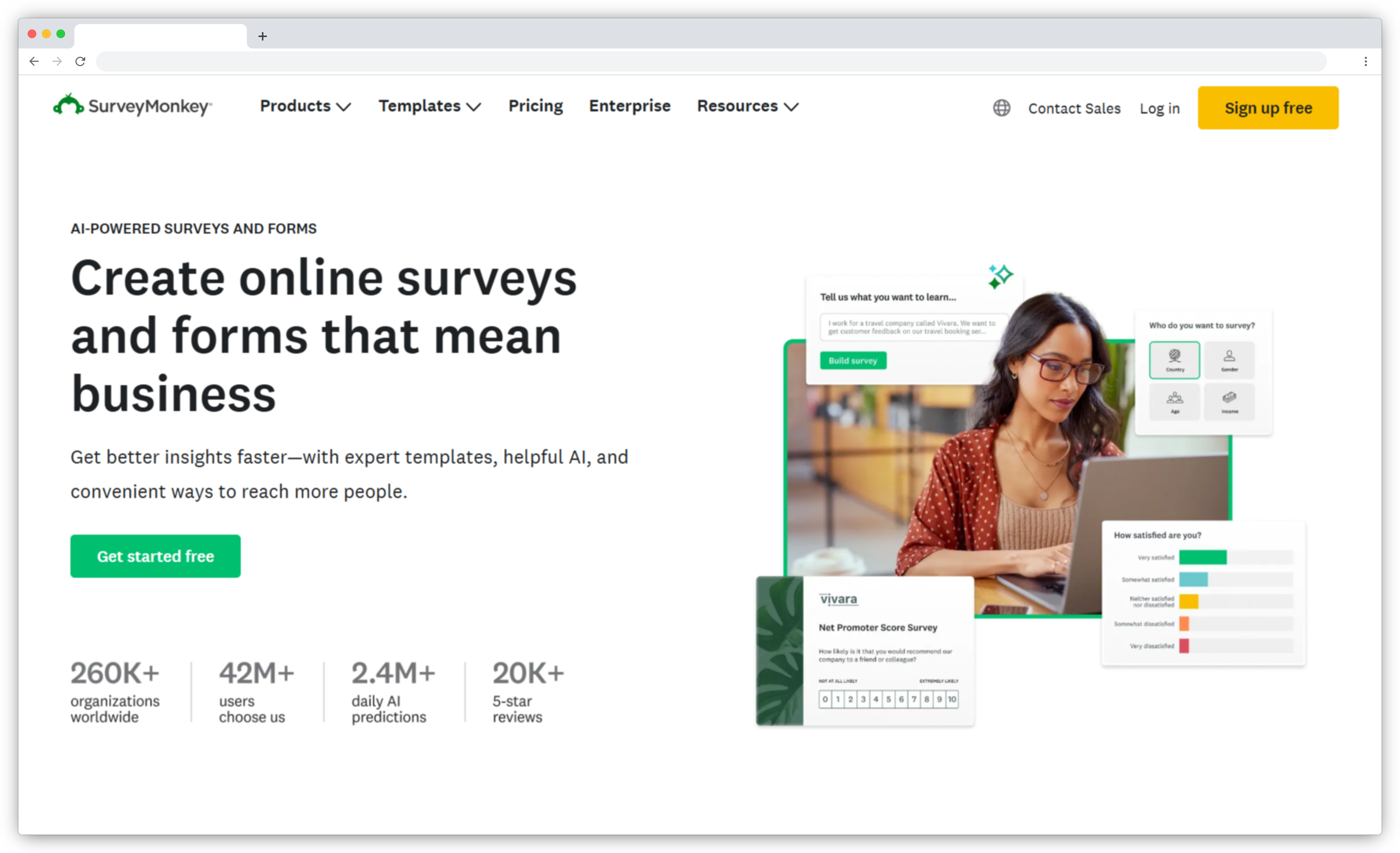
SurveyMonkey is what Jotform isn't: a research tool first, a form builder second. The analytics go deeper — cross-tab filtering, statistical significance testing, built-in audience panels, and a 400+ question bank. G2 reviewers highlight the reporting as the primary reason they choose it: "I can obtain the analysis and results very quickly and it consists of tabular and graphical summaries of the data that provide actionable insights." (G2)
The tradeoff: the entry-level paid plan (Advantage Annual) starts at $39/month billed annually. If you need month-to-month, the Standard plan is $99/month. Advanced logic, branding removal, and AI analysis are gated behind higher plans — a consistent G2 complaint.
SurveyMonkey features
- Research-grade logic: Skip logic, quotas, block randomization, and custom variable piping for complex survey designs.
- Built-in audience panels: Reach targeted respondents you don't already have — unique among tools on this list.
- Cross-tab analysis and filtering: Segment and analyze responses by any combination of fields.
- Multiple export formats: CSV, XLS, PDF, SPSS — suited for stakeholder reporting and research workflows.
- Team collaboration: Share surveys, manage permissions, and audit activity on team plans.
SurveyMonkey pros
- Deepest analytics of any tool on this list — cross-tabs, significance testing, benchmarks
- Built-in audience panels for external research — no other tool here offers this
- 25+ years of survey methodology behind the platform
SurveyMonkey cons
- Advanced features gated behind higher plans — one of the most consistent G2 complaints
- Team plans require 3-user minimum and annual billing only
- No offline collection — web-based only
SurveyMonkey pricing
- Free Basic: unlimited surveys, 10 questions/survey, 25 responses/survey — no data export or skip logic
- Advantage Annual: $39/month billed annually — 15,000 responses/year, skip logic, CSV export, multilingual
- Standard Monthly: $99/month — 1,000 responses/month, no annual commitment
- Team Advantage: $30/user/month annual, 3-user minimum — 50,000 responses/year
Check out our full list of SurveyMonkey alternatives if you need stronger offline functionality or deeper CX-specific analytics.
3. SurveySparrow: Best Jotform Alternative for Conversational Surveys & Recurring Feedback
- Best for: Teams wanting conversational surveys with automation, recurring NPS/CSAT/CES programs, and multi-channel distribution
- Use case: Chat-style surveys distributed across email, web, and chatbot interfaces with automated recurring sends and follow-up routing
- AI strength: AI-assisted survey creation and basic sentiment summaries — depth varies significantly by plan
- Integrations: HubSpot, Salesforce, Zendesk, Slack, webhooks, and common CRM and helpdesk tools
- G2 rating: 4.4/5
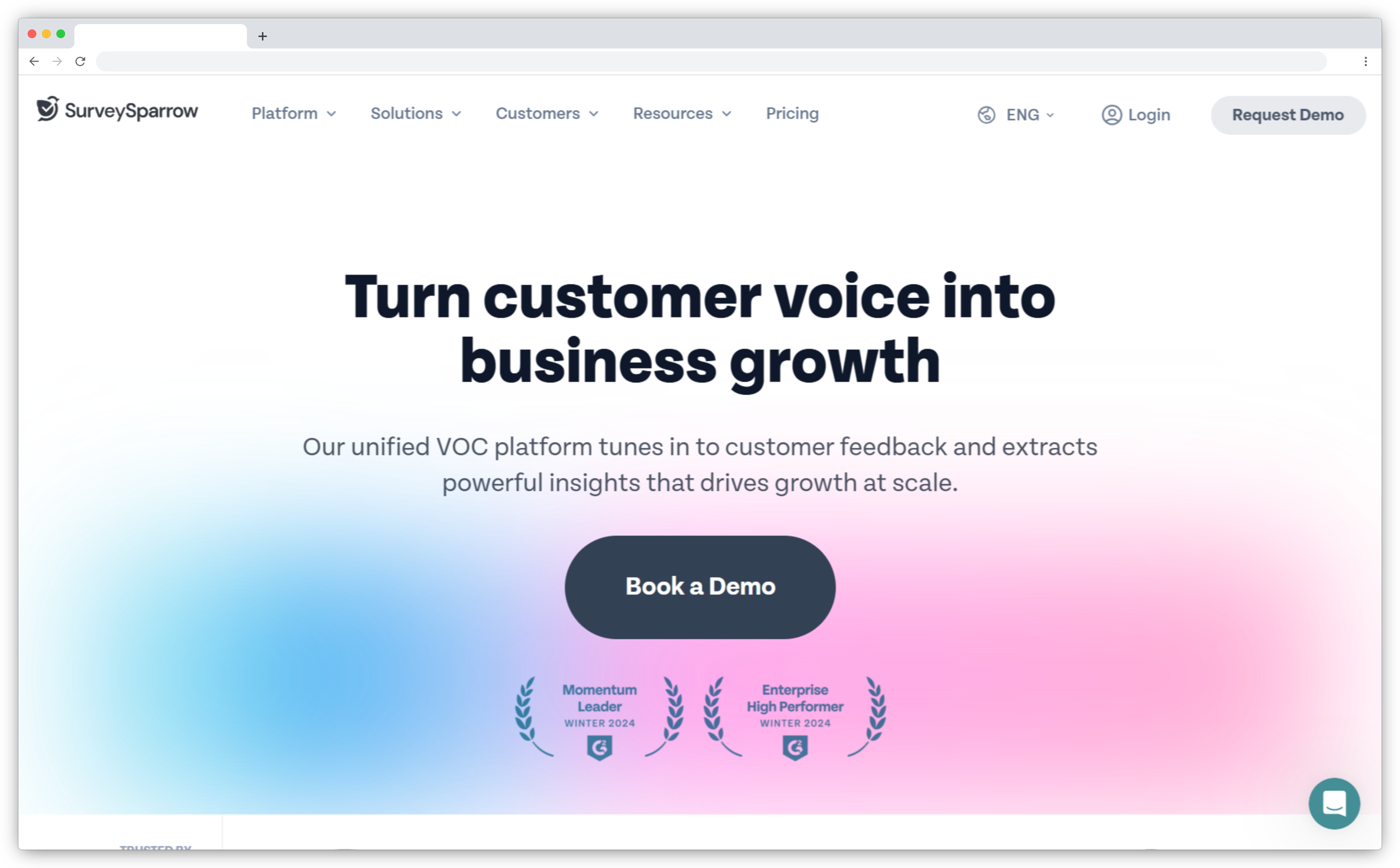
SurveySparrow claims its chat-style surveys increase completion rates by 40% over traditional forms. G2 reviewers support this. One described how "the chat-based flow feels natural and engaging, allowing respondents to see only one question at a time like a real conversation, which drastically reduces drop-offs." (G2) The recurring automation is also a genuine differentiator — NPS and CSAT programs run themselves once configured.
The pricing structure is more complex than it appears: the Basic plan starts at $19/month but gives only 2,500 yearly responses. The CX suite (for running NPS/CSAT programs properly) starts at $249/month — a significant jump that G2 reviewers frequently flag.
SurveySparrow features
- Conversational chat-style surveys: Claims 40% higher completion rates — backed by G2 user reviews.
- Recurring automated surveys: Schedule NPS, CSAT, and CES programs to run on cadence without manual sends.
- Multi-channel distribution: Email, web embeds, links, social media, and chatbot interfaces.
- Conditional logic and question piping: Dynamic question flows based on earlier answers.
- Multilingual support: Run programs across regions with localized survey text.
SurveySparrow pros
- Chat-style format measurably improves response rates per G2 user feedback
- Recurring automation handles ongoing feedback programs with minimal maintenance
- Mobile-responsive with high mobile completion rates
SurveySparrow cons
- CX suite for NPS/CSAT programs starts at $249/month — significant jump from the base plan
- Basic plan response cap (2,500 yearly) is lower than alternatives at similar price points
- Feature gating consistently flagged as a frustration on G2
SurveySparrow pricing
- Forever Free: 75 quarterly responses, limited features
- Basic: $19/month — 2,500 yearly responses, 1 user
- Essentials: $49/month — 15,000 responses, small teams
- CX Suite (NPS/CSAT/CES): from $249/month
- 14-day free trial; no credit card required
Check out our full list of SurveySparrow alternatives if you need heavier customization or stronger analytics.
Best Jotform Alternatives for Design and High Conversion
Jotform's builder is functional, but it hasn't aged as gracefully as newer tools. If your forms are customer-facing and completion rate directly affects your business outcomes, these two are the stronger choice.
4. Typeform: Best Jotform Alternative for Conversational, High-Conversion Forms
- Best for: Marketing, growth, and product teams optimizing for completion rate and brand-forward form UX
- Use case: Conversational lead gen, onboarding, research, and feedback forms with drop-off visibility and strong logic paths
- AI strength: AI-assisted form creation and question suggestions — more "build faster" than "deep analytics"
- Integrations: HubSpot, Salesforce, Slack, Google Analytics, Google Workspace, Microsoft Teams, Zapier, Shopify, Stripe
- G2 rating: 4.5/5
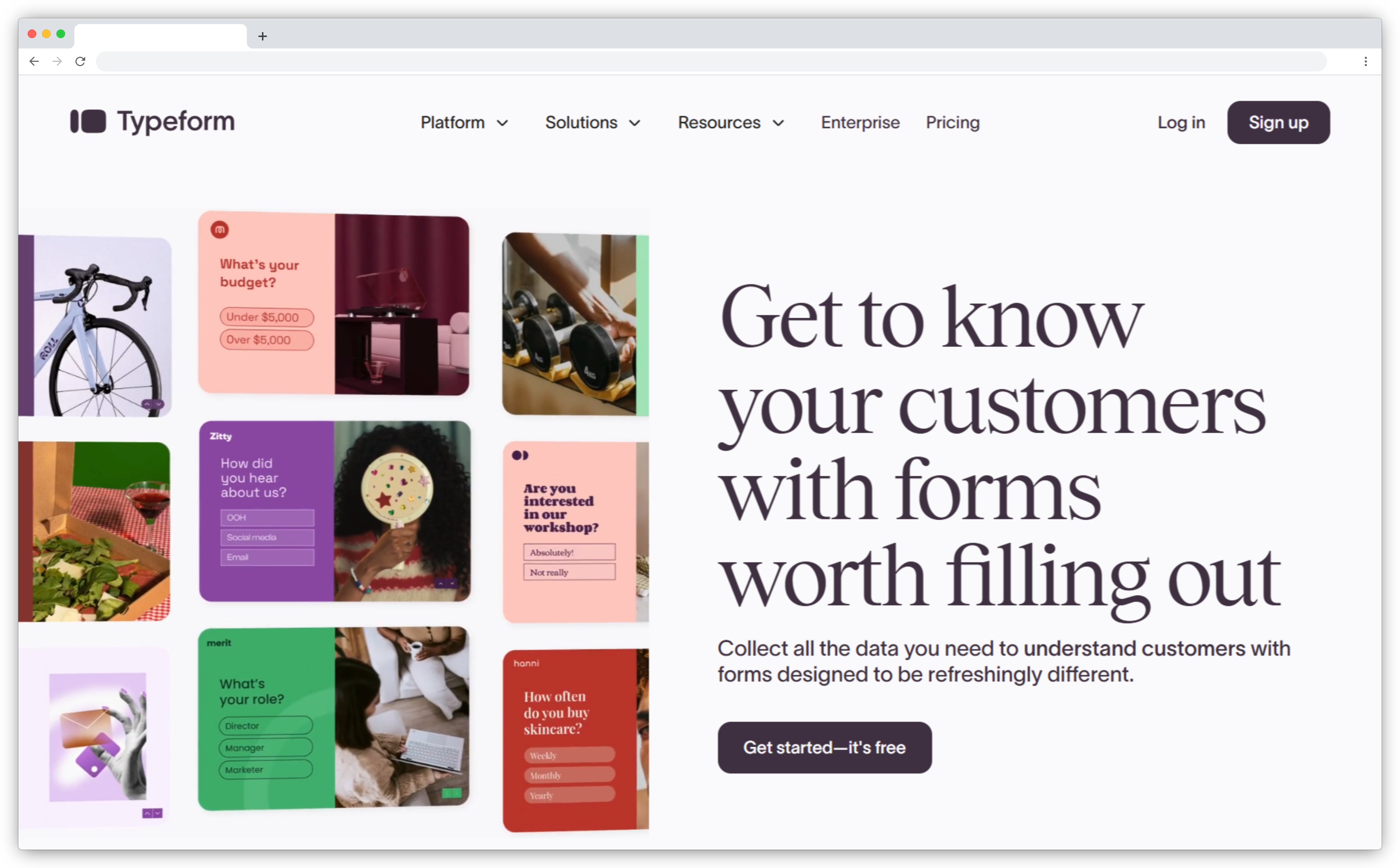
Typeform built its reputation on showing people one question at a time — a design decision that consistently delivers higher completion rates on customer-facing forms. G2 reviewers back this up directly. One reviewer noted that Typeform's "approach of presenting one question at a time, similar to a conversation, has significantly improved and sped up our data collection process," while another described how it makes "data collection smoother and more enjoyable for respondents, which means I get higher response rates and better-quality insights." (G2)
The tradeoff: the free plan allows only 10 responses per month — far more restrictive than Jotform's 100. Drop-off analytics (seeing exactly where respondents bail) are only available on the Business plan and above.
Typeform features
- Conversational one-question-at-a-time format: Reduces visual clutter and improves completion rates on customer-facing forms.
- Advanced logic and question piping: Branching, skip logic, MCQs, ratings, dropdowns, and custom variable piping.
- AI form generation: Describe what you need and Typeform generates questions, copy, and basic logic.
- Payment forms: Stripe and PayPal — available from Basic plan.
- Drop-off analytics: Question-level visibility into where respondents abandon — Business plan and above.
Typeform pros
- Best-in-class UX for customer-facing forms — completion rates measurably higher
- Clean editor that requires no training to use
- Strong integration ecosystem across major CRMs and marketing tools
Typeform cons
- Free plan caps at 10 responses/month — more restrictive than Jotform's 100
- Drop-off analytics only on Business plan — not included on Basic or Plus
- Per-response pricing climbs quickly at scale; frequently flagged on G2
Typeform pricing
- Free: 10 responses/month, unlimited forms, unlimited questions
- Basic: $25/month — 100 responses/month, payments, file uploads
- Plus: $50/month — 1,000 responses/month, branding removal, custom subdomains, up to 3 users
Check out our full list of Typeform alternatives if response caps or pricing are a concern.
5. Paperform: Best Jotform Alternative for Design-Led Forms, Payments, and Branding Control
- Best for: Marketing, creators, and SMBs wanting highly branded, landing-page-style forms with payments or bookings
- Use case: Lead gen, payments, bookings, and quizzes where the form is part of the brand experience
- AI strength: Built-in AI form builder — strength is design flexibility and calculation logic
- Integrations: Zapier, webhooks, Slack, Google Sheets, Trello, Stripe, PayPal, Square, Braintree, and 2,000+ apps
- G2 rating: 4.8/5
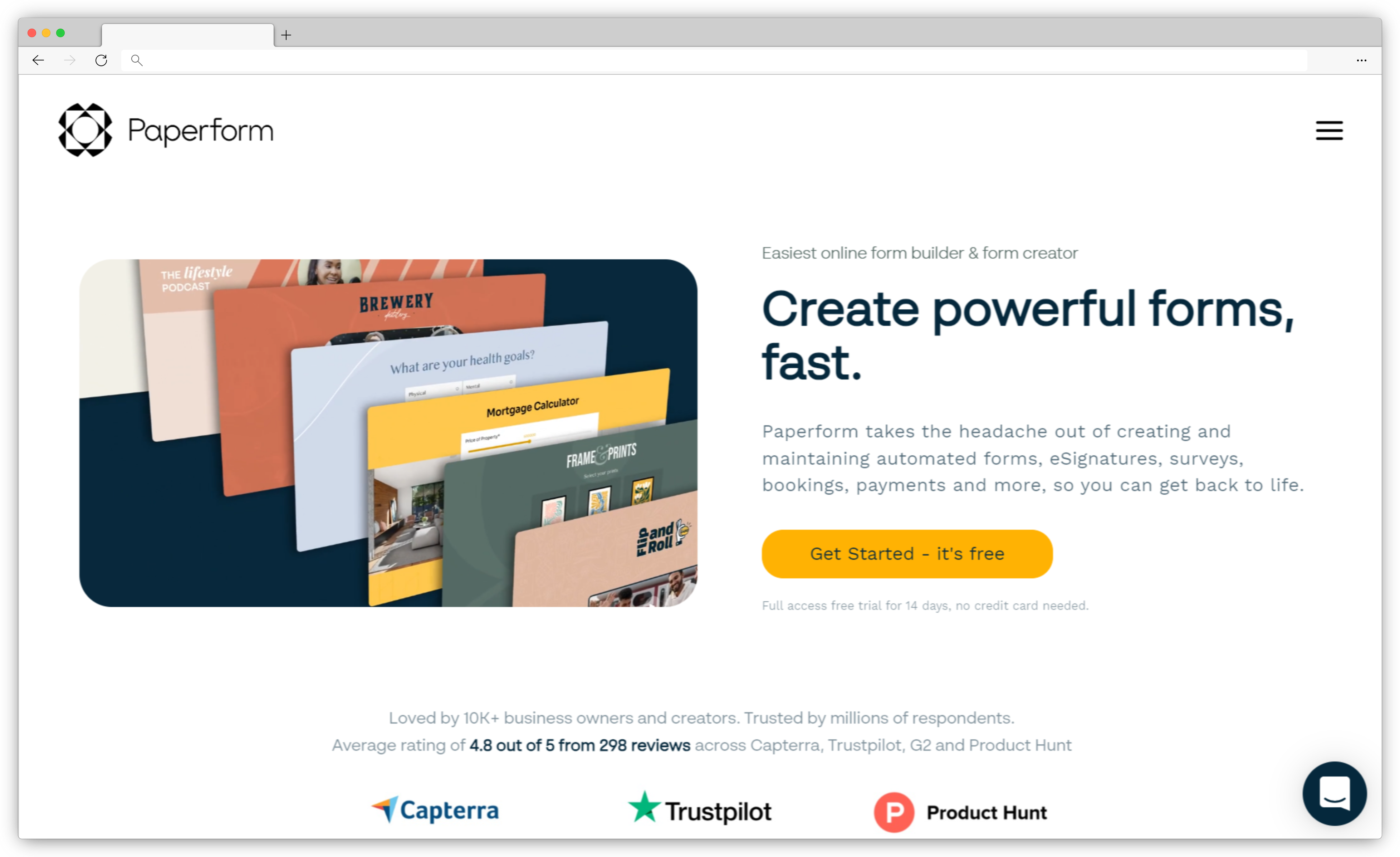
Paperform's document-style editor lets you mix headings, paragraphs, images, videos, and form fields on the same canvas — the result feels like a landing page rather than a survey widget. All paid plans include unlimited forms and branding removal. Paperform now also offers a free plan for individuals getting started, plus a 7-day Pro trial with no credit card required.
Paperform features
- Document-style editor: Mix content blocks and form fields on one canvas — forms feel like landing pages, not widgets.
- Calculation and pricing fields: Custom formulas and pricing logic for order forms, quotes, and subscription setups.
- Rich media embedding: Images, videos, custom CSS, and fonts for full visual control.
- Conditional logic and response piping: Dynamically show/hide fields or pre-fill based on earlier answers.
- Payment collection: Stripe, PayPal, Square, and Braintree — all in one form flow.
Paperform pros
- Highest design ceiling of any tool on this list — forms genuinely look good
- Intuitive document-like editor with a low learning curve
- Responsive support consistently praised in G2 reviews
Paperform cons
- Essentials plan limits to 100 submissions/month — upgrade required for higher volume
- Logic complexity has limits; not suited for enterprise-grade conditional workflows
- Editor performance can lag on very large, media-heavy forms
Paperform pricing
- Free plan available — limited features, unlimited forms
- Essentials: $29/month — unlimited forms, 100 submissions/month, branding removal
- Pro: $59/month — 10,000 submissions/month, webhooks, advanced features
- 7-day free trial of Pro available, no credit card required
Best Jotform Alternatives for Workflow Automation and Compliance
Once form submissions need to trigger approval chains, generate documents, or meet HIPAA requirements, Jotform hands off to integrations. These two handle those workflows natively — no Zapier required.
6. Fillout: Best Jotform Alternative for Turning Forms into Apps and Internal Workflows
- Best for: Teams that need form submissions to trigger internal apps, portals, task routing, or structured databases
- Use case: Client intake feeding a status tracker, job applications routing to hiring managers, field forms populating dashboards
- AI strength: AI-assisted form creation; core strength is workflow execution and database connectivity
- Integrations: Built-in Zite database, Slack, Google Calendar, Outlook, Stripe, Airtable, Notion, Zapier — SOC 2 compliant, supports Okta and Active Directory SSO
- G2 rating: 4.7/5
Fillout's differentiator is what happens after submission. Most form tools store data in a table or send an email. Fillout connects directly to the Zite database (built by the same team), letting you turn submissions into apps, dashboards, and internal portals without migrating data. The free plan supports unlimited users and forms — capping only at 1,000 responses per month. No per-seat pricing on any plan.
G2 reviewers highlight Fillout's integration depth as its strongest point. One reviewer called it "extremely user-friendly" with "impressive" integration capabilities across Asana, Google Drive, Slack, and HubSpot. (G2)
Fillout features
- Built-in database connection: Submissions store directly into Zite's relational database — no export or integration setup.
- App and portal creation: Build dashboards, client portals, and internal apps from the same data without migrating.
- Unlimited users on all plans: No per-seat pricing — the whole team accesses without cost creep.
- Workflow automation: Task routing, status changes, approvals, and notifications triggered by form submissions.
- SOC 2 compliance + SSO: Supports Okta and Active Directory for enterprise access control.
Fillout pros
- Most generous free tier for teams: unlimited forms, unlimited users, 1,000 responses/month
- Native database + app creation removes the need for Airtable or Zapier for basic workflows
- No per-seat pricing at any tier — rare for tools at this feature level
Fillout cons
- Design customization is more limited than Typeform or Paperform
- Drop-off analytics not available — can't see where respondents abandon
- App-building features have a learning curve coming from a pure form tool
Fillout pricing
- Free: unlimited users and forms, 1,000 responses/month
- Starter: $15/month — 2,000 responses/month, custom domains, branding removal
- Business: $75/month — unlimited responses, priority support, advanced features
7. Formstack: Best Jotform Alternative for Enterprise Workflow Automation and HIPAA Compliance
- Best for: Ops, IT, and HR teams in regulated industries needing approval workflows, document generation, and compliance controls
- Use case: Multi-step approval chains, e-signature routing, HIPAA-compliant data collection, Salesforce-integrated workflows
- AI strength: Limited — strength is structured workflow automation and data routing, not AI analytics
- Integrations: Salesforce, Microsoft ecosystem tools, Zapier, and common enterprise business apps
- G2 rating: 4.3/5
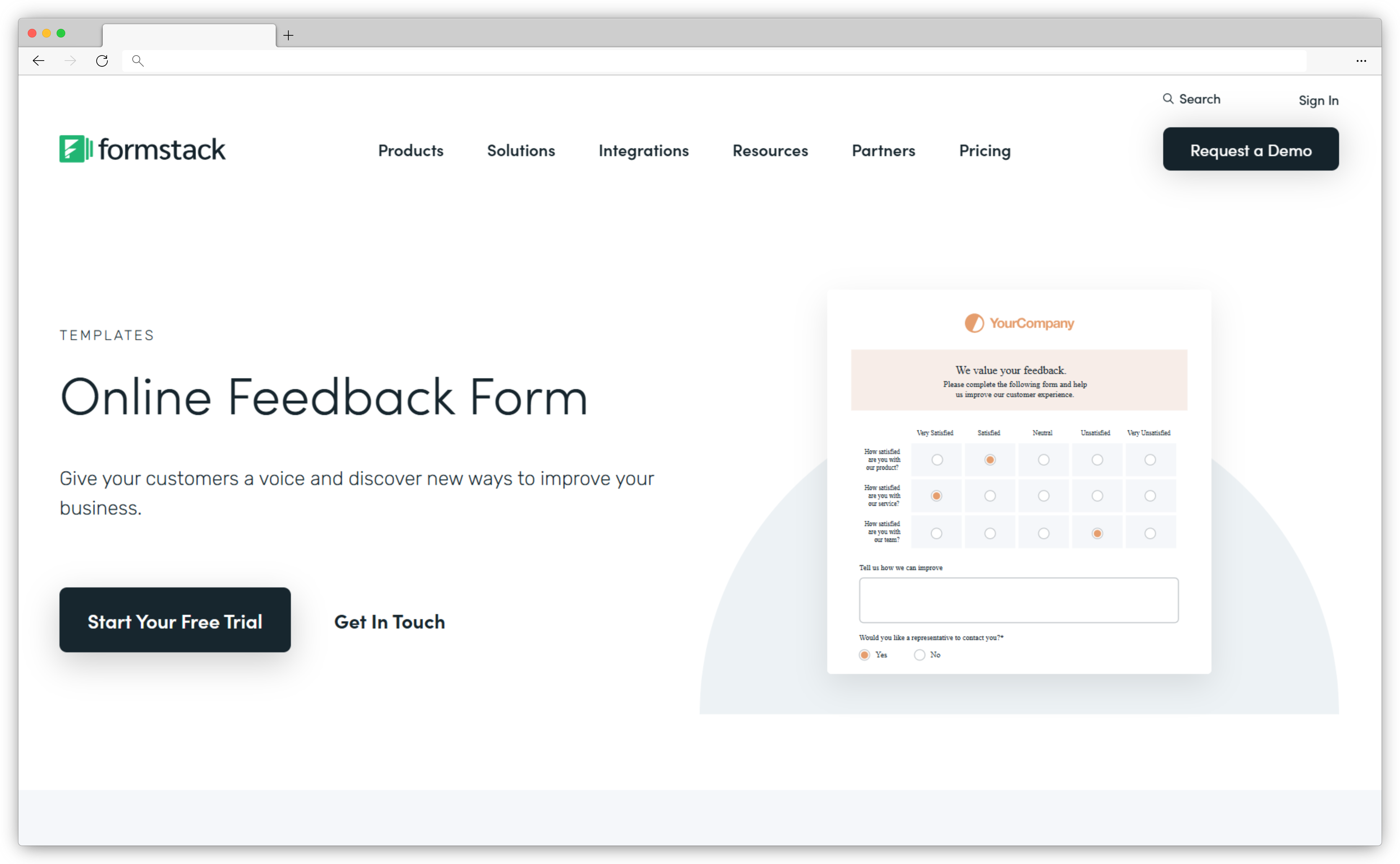
Formstack is built for organizations where a form submission is the start of a business process, not the end. Multi-step approval chains are built directly into the form — submissions can route to a manager, then a compliance team, then finance, all within Formstack without Zapier. G2 reviewers who use it for approvals are consistently positive: "I particularly like how the approval routing is automatic and will send forms to the right person without us having to hand them off manually." (G2)
Formstack features
- Multi-step approval workflows: Route submissions through managers, compliance teams, and stakeholders without integrations.
- Document generation and e-signature: Convert form data into contracts or agreements and route for signing — available on Suite plan.
- Smart Lists: Centrally manage dropdown data shared across multiple forms.
- HIPAA compliance: Enterprise-level HIPAA accounts available for regulated healthcare data collection.
- Deep Salesforce integration: Purpose-built Salesforce plan available for enterprise CRM workflows.
Formstack pros
- Best native approval workflow of any tool on this list — no Zapier required
- Document generation + e-signature for contract-heavy use cases
- Deep Salesforce integration for enterprise CRM workflows
Formstack cons
- Expensive starting point — $83/month with no free plan; 14-day trial only
- Interface feels dated compared to newer tools, as noted by G2 reviewers
- Complex logic setups have a learning curve
Formstack pricing
- Forms only: $83/month — 1 user, 25 forms, 1,000 submissions per form
- Suite (forms + docs + sign): $250/month
- 14-day free trial available; no free forever plan
Best Free Jotform Alternatives
If the core problem is Jotform's 5-form and 100-response free tier, these two tools solve it cleanly — no upgrade required and no credit card needed to get started.
8. Google Forms: Best Free Jotform Alternative for Simple Internal Surveys
- Best for: Individuals, educators, startups, and internal teams needing free, unlimited data collection
- Use case: Registration forms, quizzes, internal surveys, quick polls — anything where function matters more than design
- AI strength: None — basic summaries and charts only
- Integrations: Native with Google Sheets, Drive, Docs, Gmail, and Google Workspace
- G2 rating: 4.6/5
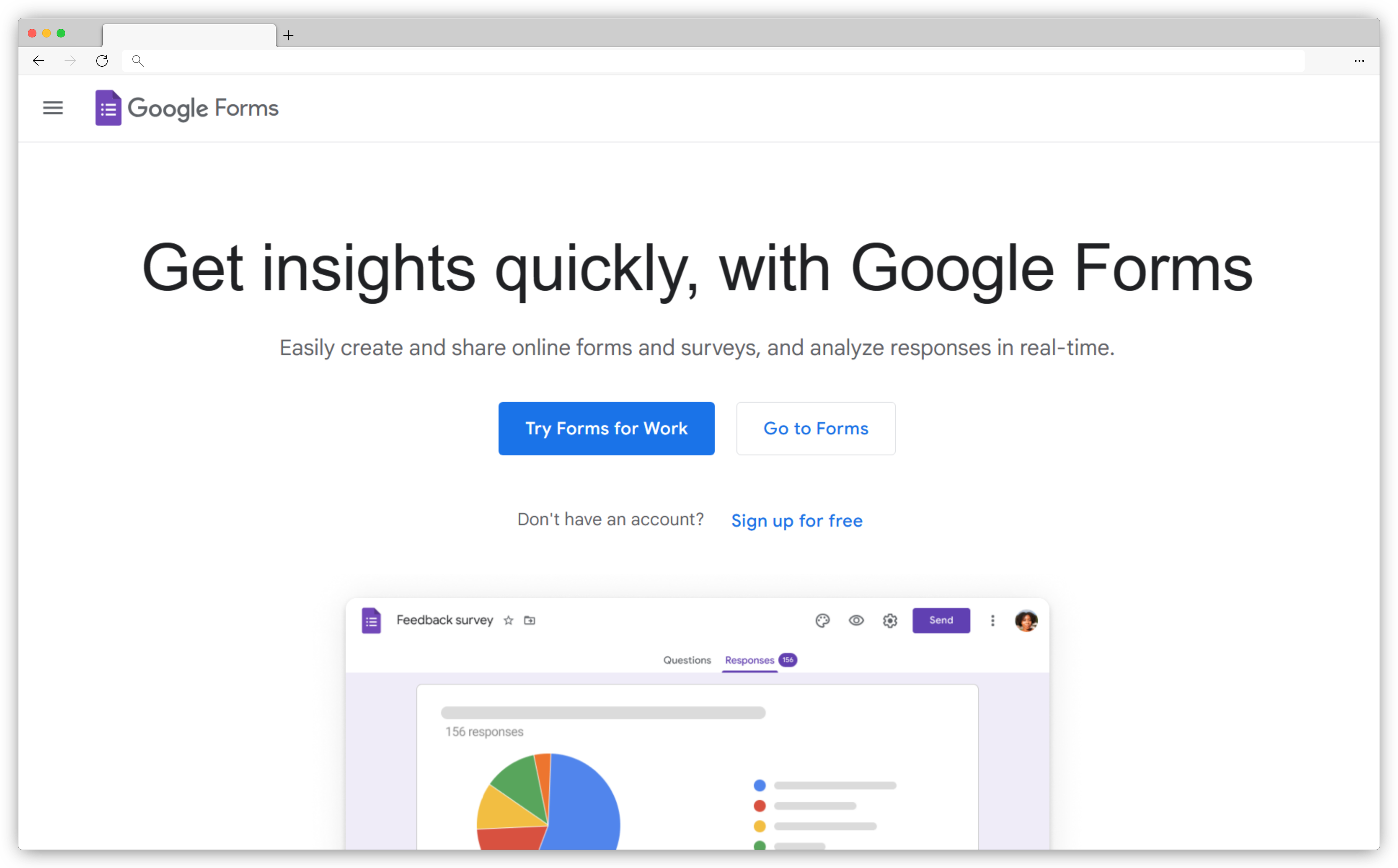
Google Forms is the clearest answer to "I just want a free form tool with no caps." Jotform's free plan allows 100 submissions per month. Google Forms allows unlimited submissions — always, for any Google account holder, with no upgrade required. The free storage ceiling is 15GB shared across your Google account, and responses are effectively unlimited, capped only by Google Sheets' 10-million-cell limit per spreadsheet.
The tradeoff is scope. Styling is limited to basic theme colors and logo. Conditional logic covers basic branching but nothing close to Jotform's depth. File uploads require respondents to have Google accounts. But for internal surveys, event registrations, and classroom quizzes where budget is zero and speed matters most, Google Forms is genuinely hard to beat.
Google Forms features
- Unlimited responses: No submission caps at zero cost for any Google account holder.
- Native Google Sheets integration: Responses sync in real time — no export step needed.
- Real-time collaboration: Multiple team members can edit forms simultaneously.
- Basic conditional logic: Show or hide questions based on previous answers.
- Multiple question types: Multiple choice, dropdowns, linear scale, text, date, and file uploads.
Google Forms pros
- Completely free with no submission caps — ever
- Zero learning curve — anyone can build a form in minutes
- Perfect Google Workspace fit: Sheets, Drive, Gmail all connect natively
- Reliable and stable — no maintenance, no downtime concerns
Google Forms cons
- Very limited branding — only basic colors and logo
- No payment collection without third-party add-ons
- File uploads require respondents to have a Google account
Google Forms pricing
- Free for all Google account holders — no submission caps
- Google Workspace Business Starter: $6/user/month — adds 30GB storage per user, Gemini AI, and admin controls
9. Tally: Best Free Jotform Alternative for Creators and Startups
- Best for: Indie creators, bootstrapped startups, and small teams wanting unlimited free forms with an intuitive builder
- Use case: Lead gen forms, waitlists, surveys, quizzes, contact forms — anything where the build experience matters as much as the result
- AI strength: Basic — no deep analytics, but clean and fast to build
- Integrations: Notion, Google Sheets, Airtable, Zapier, Slack, Stripe payments — all available on the free plan
- G2 rating: 4.7/5
Tally's free plan does something unusual: unlimited forms and unlimited responses without a credit card. Jotform caps both on the free tier. The builder works like Notion — you type, and fields appear inline, with no drag-and-drop grid to navigate. Conditional logic, Stripe payments, and integrations with Notion, Airtable, and Google Sheets are all included at zero cost.
One important caveat: the free plan includes Tally branding. Removing it requires the Pro plan at $29/month, which also adds custom domains, partial submission capture, unlimited file uploads, and advanced customization.
Tally features
- Unlimited forms and responses on free plan: No submission caps, no credit card — within fair use guidelines.
- Notion-style editor: Type to add fields — no drag-and-drop friction.
- Conditional logic, calculations, and hidden fields: All available on the free plan.
- Stripe payments: Collect payments directly in forms — free plan included.
- GDPR compliant: Data stored in the EU — suits privacy-conscious teams.
Tally pros
- Genuinely unlimited free tier — forms, responses, conditional logic, and payments
- Fastest builder on this list for teams who know Notion
- Strong free integrations: Notion, Airtable, Google Sheets, Zapier
Tally cons
- Free plan shows Tally branding — removing it costs $29/month (Pro)
- No HIPAA compliance — not suitable for regulated healthcare data
- Smaller template library than Jotform's 20,000+
Tally pricing
- Free forever — unlimited forms and responses, conditional logic, Stripe payments, Notion/Airtable integrations
- Pro: $29/month — branding removal, custom domains, partial submissions, unlimited file uploads, custom CSS
- Business: $89/month — email verification, submissions data retention control
Best Jotform Alternatives for Ecosystem Fit
If your team already lives in Zoho or Microsoft 365, the best form tool is usually the one that talks natively to what you already use — no connectors, no mapping, no sync delays.
10. Zoho Forms: Best Jotform Alternative for Zoho Ecosystem Teams
- Best for: Teams on Zoho CRM, Zoho One, or Bigin who want forms that integrate without third-party connectors
- Use case: Multi-page forms with approvals, offline collection, and automatic pushes into Zoho CRM fields
- AI strength: Not AI-first — strength is approval workflows and native Zoho app integration
- Integrations: Zoho CRM, Zoho Desk, Bigin, Zoho Books, Google Sheets, Microsoft Teams, Stripe, PayPal, Razorpay, Authorize.Net, Zapier
- G2 rating: 4.4/5
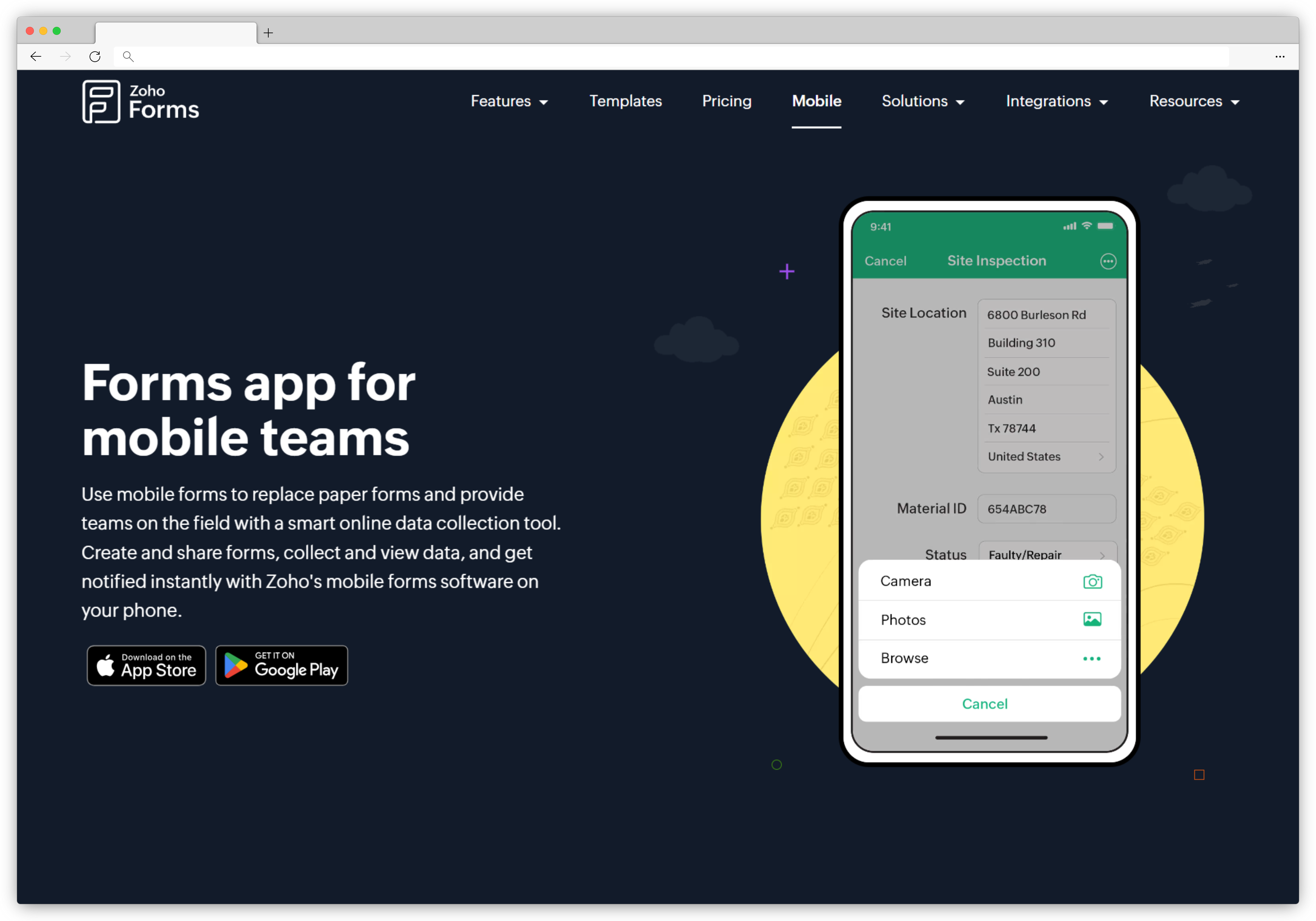
Zoho Forms makes most sense if you're already in the Zoho ecosystem. Data flows directly into Zoho CRM or Zoho Desk without field mapping in Zapier — a native connection that eliminates setup time and sync errors. One G2 reviewer captured why this matters: "The best thing with Zoho Forms is that we get to integrate it and use it alongside other Zoho products like Zoho CRM and Books and this makes our work more convenient." (G2)
Zoho Forms features
- Native Zoho CRM integration: Submissions push directly into CRM records without third-party connectors.
- Mobile and offline apps: iOS and Android apps with offline capture — sync when back online.
- Approval workflows: Multi-level approval routing — available from Standard plan ($25/month).
- Payment collection: Stripe, PayPal, Razorpay, and Authorize.Net built in.
- Conditional logic and field validation: Prevents duplicate submissions and adapts form flow to responses.
Zoho Forms pros
- Tightest Zoho ecosystem integration of any tool on this list — no Zapier required
- Free plan is more generous than Jotform's (500 vs 100 submissions/month)
- Offline mobile collection works reliably for field teams
Zoho Forms cons
- Approval workflows require Standard plan ($25/month) or above
- Limited design customization compared to Typeform or Paperform
- HIPAA compliance only available on Premium plan ($90/month)
Zoho Forms pricing
- Free: 3 forms, 500 submissions/month, 1 user
- Basic: $10/month — unlimited forms, 10,000 submissions/month, 1 user
- Standard: $25/month — 25,000 submissions/month, up to 10 users, approval workflows
- Professional: $50/month — 75,000 submissions/month, up to 25 users
- Premium: $90/month — 150,000 submissions/month, HIPAA compliance, up to 100 users
11. Microsoft Forms: Best Jotform Alternative for Microsoft 365 Teams
- Best for: Organizations already on Microsoft 365 that want a free, native form builder without adding another tool to the stack
- Use case: Internal surveys, quizzes, event registrations, and quick polls that sync directly with Excel and Microsoft Teams
- AI strength: Microsoft Copilot integration — generate an entire form from a prompt and get AI-driven design recommendations
- Integrations: Native with Microsoft Teams, Excel, SharePoint, OneDrive, and the full Microsoft 365 suite
- G2 rating: 4.4/5
Microsoft Forms is the practical Jotform alternative for any organization already paying for Microsoft 365 — it's already there, costs nothing extra, and integrates directly with the tools the team already uses daily. Every response syncs to Excel in real time, making it easy to analyze, share, and automate form data using tools teams already rely on. For organizations that live in Excel, this tight integration can remove the need for a separate form platform altogether.
The tradeoff is scope. Microsoft Forms doesn't aim to match Jotform's breadth of features — there's no multi-page form support, no payment collection, and limited design customization beyond preset color themes. It's best thought of as a fast, free form builder for internal use, not a customer-facing data collection platform.
Microsoft Forms features
- Native Microsoft 365 integration: Real-time Excel sync, Teams embedding, and SharePoint integration without connectors.
- Copilot AI form generation: Generate a complete form from a text prompt; get AI suggestions for question clarity and completion rates.
- Branching and logic: Basic conditional branching — show different questions based on previous answers.
- Multilingual support: Translate forms automatically across supported languages.
- Response analytics: Built-in summary charts and response breakdowns directly in the interface.
Microsoft Forms pros
- Completely free for all Microsoft 365 subscribers — no extra cost
- Native Teams and Excel integration removes friction for Microsoft-first teams
- Copilot AI form generation speeds up creation significantly
Microsoft Forms cons
- No multi-page forms, no payment collection, no advanced conditional logic
- Limited design customization — preset color themes only
- Only accessible if you have a Microsoft 365 subscription — not available as a standalone free tool
Microsoft Forms pricing
- Included with all Microsoft 365 plans — no additional cost
- Microsoft 365 Business Basic starts at $6/user/month
- Not available as a standalone product for non-Microsoft 365 users
Best Jotform Alternatives for Developers and Privacy-First Deployments
Jotform stores all data on its own SaaS infrastructure. For teams with strict data residency requirements or those embedding forms inside applications, these two give you full control over your data and architecture.
12. Formbricks: Best Jotform Alternative for Open-Source, Self-Hosted Feedback
- Best for: Privacy-conscious organizations, regulated industries, and developer teams needing full data ownership and in-product survey targeting
- Use case: Event-triggered in-product surveys, contextual feedback at critical app moments, self-hosted data collection for regulated environments
- AI strength: Limited — no built-in AI analytics; focus is data control and developer integration, not AI insight
- Integrations: Native SDKs for web and mobile, webhooks, REST APIs, custom data pipelines
- G2 rating: 4.9/5
Formbricks solves a problem most form tools ignore: if you self-host, your data never leaves your infrastructure. Jotform stores everything on its own servers. For teams in healthcare, finance, or any region with strict data residency requirements, the self-hosting option isn't a nice-to-have — it's a compliance requirement. Beyond privacy, in-product SDK targeting lets you trigger surveys based on specific user actions inside your app, which typically gets higher response rates than generic email sends.
.png?width=1600&height=855&name=image%20(8).png)
Formbricks features
- Self-hosted deployment: Run on your own servers — data never touches Formbricks' infrastructure if you prefer.
- In-product survey targeting: Trigger surveys based on user actions, segments, or events via native SDKs.
- Open-source codebase: Full transparency — inspect, fork, and modify as needed. No vendor lock-in.
- Advanced logic and quotas: Conditional paths, response quotas, and variable handling.
- Team governance: SSO, SAML, and audit logs for enterprise access control.
Formbricks pros
- Only self-hostable option on this list — full data ownership is genuinely achievable
- In-product event-triggered surveys get higher response rates than email sends
- Developer-grade integration depth: native SDKs, webhooks, REST APIs
Formbricks cons
- No built-in AI analytics — analysis requires external tools or custom pipelines
- No out-of-the-box reporting dashboard
Formbricks pricing
- Community edition: free forever, self-hosted
- Cloud free tier available
- Cloud plans from $49/month
- Enterprise on-premise pricing available on request
13. Forms.io: Best Jotform Alternative for Developer-Led, API-First Forms
- Best for: Development teams building forms into applications — not as standalone surveys but as embedded data-collection components in larger systems
- Use case: Multi-tenant SaaS applications, white-labeled form deployment, complex conditional logic embedded in enterprise apps
- AI strength: Not positioned as an AI analytics platform — focuses on rules-based workflows and API-first architecture
- Integrations: Salesforce, ServiceNow, Microsoft Dynamics, REST APIs, data warehouses
- G2 rating: 4.5/5
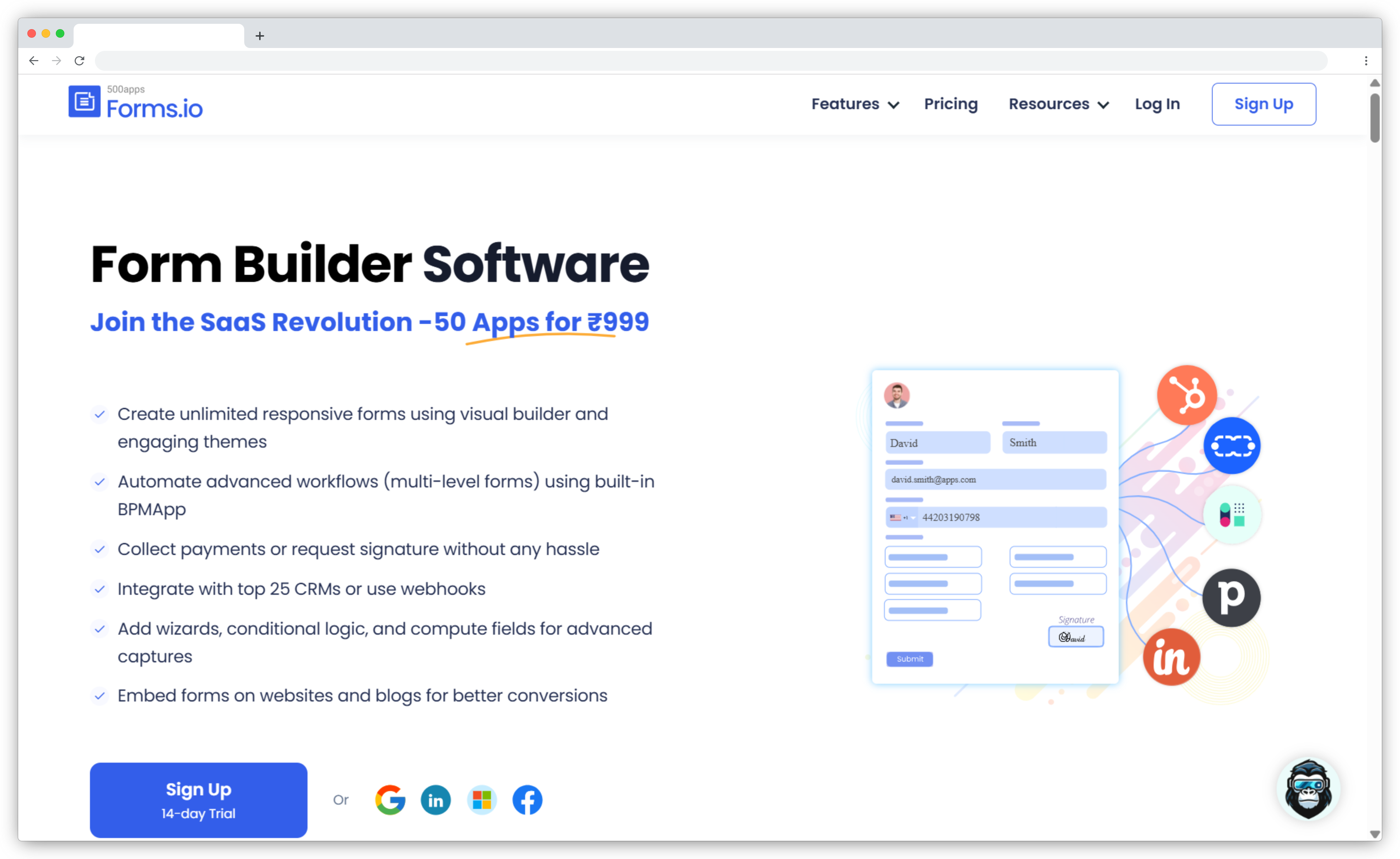
Forms.io treats a form as a data application, not a survey. Every form you build comes with auto-generated APIs — you're not just collecting submissions, you're scaffolding the data layer that other systems can read and write to. For developer teams building multi-tenant SaaS products or enterprise apps, that architecture is significantly more useful than what Jotform offers.
Forms.io features
- Auto-generated form APIs: Every form comes with generated endpoints — data is API-accessible without custom development.
- Multi-tenant and white-label deployment: Run multiple clients or brands from a single instance.
- Complex logic and validation: Field validations, conditional logic, and dynamic behaviors at enterprise scale.
- Offline support and sync: Capture data without connectivity; sync when online.
- PDF generation: Convert submissions into formatted documents automatically.
Forms.io pros
- API-first architecture suited for forms embedded in larger applications
- Multi-tenant deployment for agencies and SaaS products
- Strong enterprise security and flexible deployment (cloud or self-hosted)
Forms.io cons
- Steep learning curve for non-technical users
- Pricing is opaque — contact sales required, no public tiers
- Documentation gaps for combining data from multiple forms
Forms.io pricing
- Contact for pricing — no public tiers listed
- No free trial or free plan available
Best Jotform Alternatives for AI-Powered Forms & No-Code Workflows
These three tools share a common positioning: more capability than Jotform's free tier at a lower or comparable price — with AI form creation, no hidden feature walls, and flexible free plans.
14. Formester: Best Jotform Alternative for AI-Powered Forms With No Hidden Limits
- Best for: Teams, creators, and small businesses wanting AI-assisted form creation with unlimited questions and custom domains without tiered paywalls
- Use case: Fast form creation with AI suggestions, complex logic flows, and branded forms without multiple plan upgrades
- AI strength: AI form builder that suggests structure, logic, and question flows as you build — practical rather than gimmicky
- Integrations: Website embeds, email distribution, analytics dashboard, Zapier
- G2 rating: 4.5/5
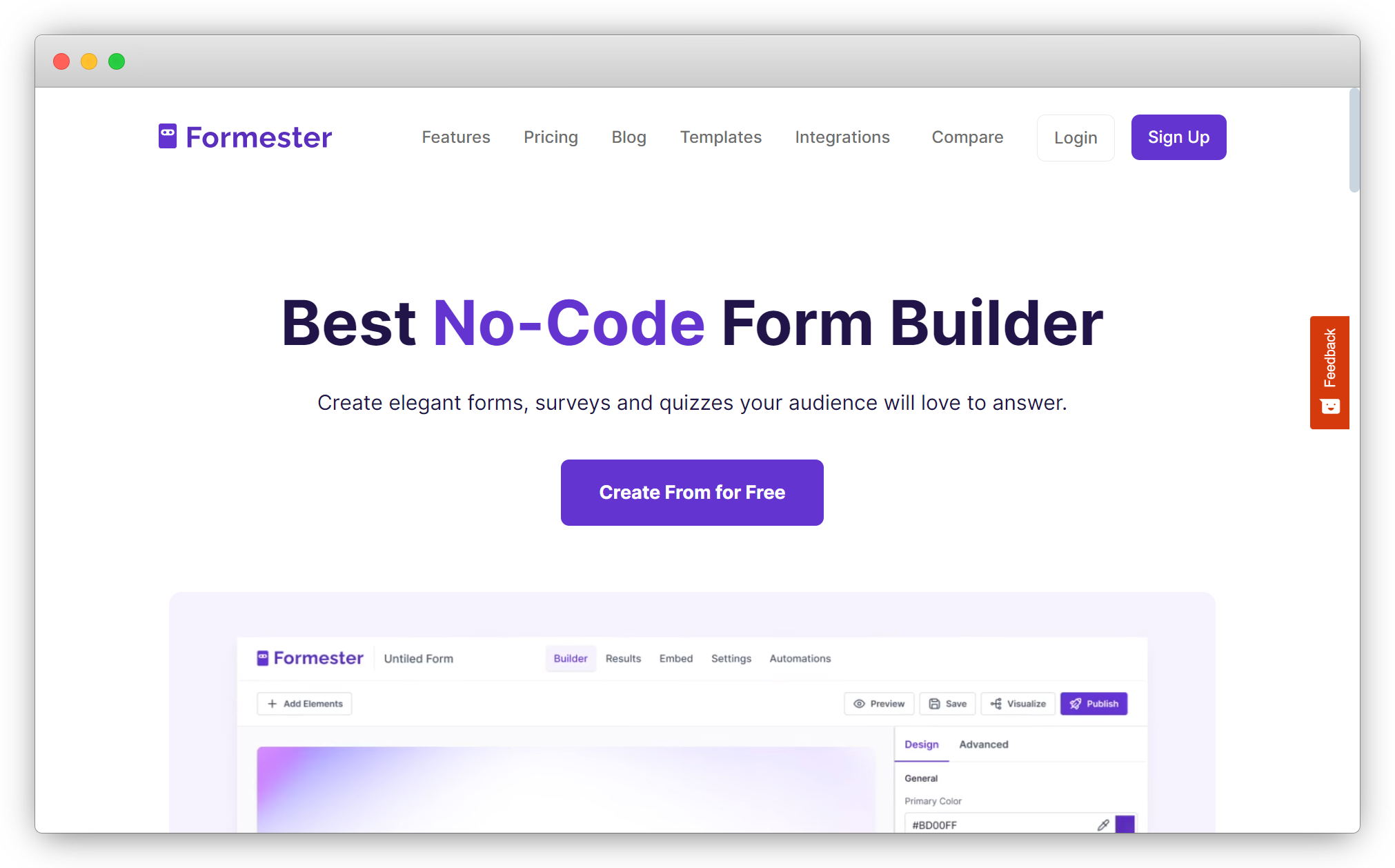
Formester's pitch against Jotform is simple: unlimited questions, custom domains, and AI form suggestions without the tiered paywalls Jotform uses to restrict basic functionality. The Personal plan starts at $12/month with 1,000 submissions — meaningfully cheaper than Jotform's $34/month Bronze for comparable functionality. Users consistently highlight the fast, human support: one reviewer noted "exceptional customer service with responses typically within 10 minutes."
Formester features
- AI-powered form builder: Suggests structure, logic, and questions based on your form's purpose as you build.
- Unlimited questions on all plans: No per-field caps — create forms with as many fields as needed.
- Custom domains: Brand your form URLs without paying for premium tiers — unlike Jotform.
- Advanced conditional logic: Branching rules and personalized paths based on responses.
Formester pros
- Free plan with no hidden feature walls (up to 100 submissions/month)
- Custom domains available on $12/month plan — Jotform gates this behind higher tiers
- AI tools that genuinely reduce time-to-launch
Formester cons
- Fewer payment and marketplace integrations than established form builders
- Analytics are simpler than full survey platforms
Formester pricing
- Free: up to 100 submissions/month
- Personal: $12/month — 1,000 submissions/month, custom domains, advanced logic
15. Formaloo: Best Jotform Alternative for No-Code Forms, Databases, and Client Portals
- Best for: SMBs, agencies, and startups wanting forms connected to lightweight databases, dashboards, and client-facing portals
- Use case: Turn form responses into structured CRM-like databases, build client portals, and create internal dashboards from submission data
- AI strength: AI-assisted form creation and basic AI summaries
- Integrations: Zapier, webhooks, APIs, Google Sheets two-way sync, and 5,000+ app connections
- G2 rating: 4.6/5
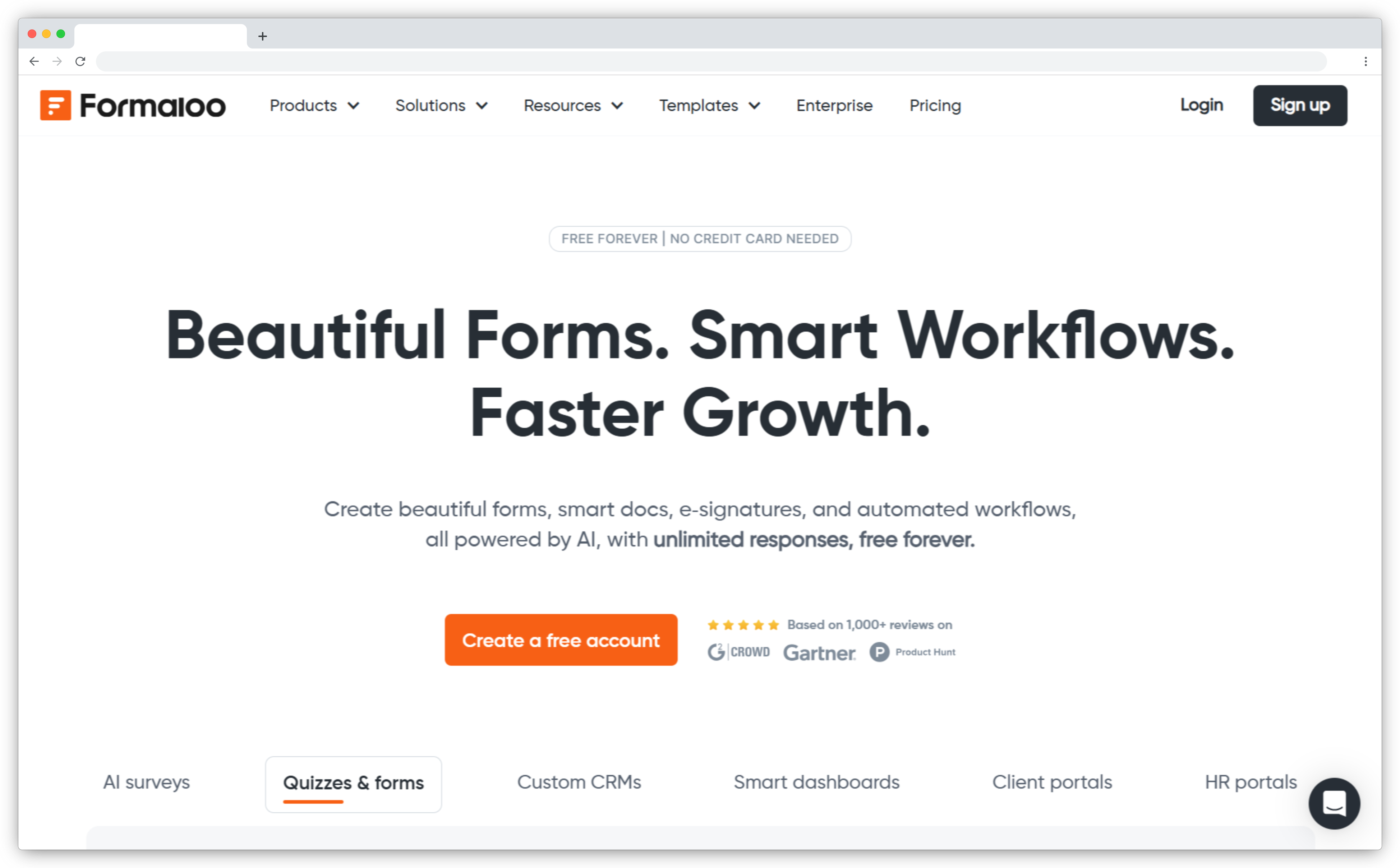
Formaloo positions itself between form builder and lightweight app platform. The free plan is meaningful: unlimited forms, apps, blocks, and fields, with up to 2,000 records per database and 100 monthly submissions. Where it separates from Jotform is what you can build with the data after it's collected — Kanban views, client portals, custom dashboards, and even chatbots, all without code.
Formaloo features
- Drag-and-drop form and app builder: Build forms, quizzes, and lightweight apps without code.
- Embedded databases and CRM views: Store responses as structured data with Kanban, table, and calendar views.
- Client portals: Secure portals for external clients or internal team views — available from Team plan.
- Conditional logic and calculations: Dynamic forms with branching, formulas, and show/hide rules.
Formaloo pros
- Best tool on this list for teams wanting form data to feed a lightweight CRM or portal
- Generous free plan — unlimited forms with 100 submissions/month and 2,000 records per database
- Strong conditional logic and calculation features
Formaloo cons
- Learning curve for portals and database views — not a pure form builder experience
- Performance can lag with large data sets
- Support response times inconsistent based on user feedback
Formaloo pricing
- Free: unlimited forms, 100 submissions/month, up to 2,000 records per database, 1 user
- Team: $38/month — unlimited records, unlimited submissions, up to 100 users, branding removal, custom domains
- Enterprise: custom pricing with self-hosted option
What to Look for in a Jotform Alternative
The right alternative depends on which Jotform limitation you're actually hitting — the answer differs significantly depending on whether your problem is submission caps, weak analytics, missing compliance features, or no workflow capability.
- Free plan fairness: If the problem is submission caps, compare free tiers specifically. Google Forms and Tally are genuinely unlimited. Most others are not.
- After-submission workflow: Does the tool store data, or can it route, notify, approve, and trigger actions? Fillout and Formstack build this in natively. Jotform relies on Zapier.
- Analytics depth: If you need cross-tab analysis, response segmentation, or AI text analysis, Jotform's reporting won't get you there. SurveyMonkey, Zonka Feedback, and SurveySparrow are built for that.
- Design and completion rate: If your forms are customer-facing and abandonment is a problem, Typeform and Paperform consistently outperform Jotform's default builder.
- Compliance requirements: HIPAA, GDPR, and data residency needs narrow the field quickly. Formstack and Formbricks handle regulated environments; Zoho Forms offers HIPAA on its Premium plan ($90/month).
- Developer needs: If forms need to embed in apps, connect to databases, or expose APIs, Fillout, Formbricks, and Forms.io are built for that. Jotform is not.
- Ecosystem fit: If you live in Microsoft 365, Microsoft Forms is already there. If you live in Zoho, Zoho Forms is the path of least resistance.
Find the Right Jotform Alternative for Your Team
Switching form tools is usually about finding something that stops creating friction at the exact point where your current tool runs out of road. Sometimes that's a response cap. Sometimes it's the absence of a workflow you actually need. Sometimes it's just an interface that's grown too wide to navigate cleanly.
The tools in this list cover a wide range of those friction points. Most of them offer a free plan or trial that costs nothing to test. The fastest way to find the right one isn't to evaluate feature lists — it's to take the tool that matches your primary use case, run one real form or survey through it, and see if it holds up.
If that primary use case is customer feedback — collecting it consistently, analyzing what's actually in it, and making sure something happens after it arrives, schedule a demo with Zonka Feedback and see how it compares to what you're using today.



.png)