.svg)
 Healthcare
 Finance
 Retail
 SaaS & Digital
 eCommerce
 Education
 Salesforce
  HubSpot
 Pipedrive
 Mailchimp
 Klaviyo
 Zendesk
  Intercom
 Freshdesk
 HelpScout
  Front
Front Jira
Jira Slack
Slack  MS Teams
 Zoom
Zoom Google Sheets
  Zapier
  Integrately
 Make
Make  Webhooks




 MS Teams


TL;DR
- Typeform earns its reputation for beautiful, conversational forms. The reasons teams look for Typeform alternatives and competitors are usually practical: a 10-response monthly free cap, response limits that apply across all forms combined, and CAPTCHA locked behind a $199/month plan.
- If you need NPS, CSAT, or CES programs with AI analysis and CRM automation — that's a different product category. Zonka Feedback is built for that.
- The best free Typeform alternatives with unlimited or generous responses: Tally, Google Forms, FormGrid.
- For open-source or self-hosted Typeform alternatives with full data control: Quill Forms (WordPress) and Formbricks (Docker self-host).
- For quiz and assessment-focused alternatives: Quill Forms has the strongest built-in scoring. Paperform and Fillout handle quiz logic well too.
- For a Typeform alternative for WordPress specifically: WPForms is the most-installed plugin. Quill Forms is best if you want the conversational format with self-hosting.
- Other strong Typeform competitors: Jotform, MakeForms, forms.app, Fynzo Survey, HubSpot Forms, WPForms, SurveyMonkey, Paperform.
Typeform earns its 4.5/5 on G2 for genuine reasons.
Beautiful one-question-at-a-time forms. Design that actually looks polished without a designer. Completion rates 14–23% higher than traditional layouts for short surveys. For lead capture, marketing quizzes, and event registrations — it still does its job well.
The friction shows up later.
Response volumes grow. The format that worked for a short lead form becomes rigid for something longer or more complex. Some teams realize they've been using a form builder for something that needs a feedback platform altogether — NPS programs, AI analysis of open-ended responses, CRM-connected workflows. That's a different product category.
That's what this guide is for. 15 Typeform alternatives evaluated by use case. So, let's get started.
How We Evaluated These Typeform Alternatives
Each Typeform alternative tool was evaluated across five criteria: how response limits are structured and counted (including whether partial completions count), what the free plan genuinely offers versus what it artificially restricts, the depth of native integrations versus Zapier-dependent ones, compliance coverage and data ownership options, and how clearly each tool's design matches its stated use case.
Disclosure: Zonka Feedback is our platform. We've included it here because it addresses a specific use case — customer feedback programs. The comparison below is based on that distinction, not promotional positioning.
Why Teams Switch from Typeform?
- Typeform pricing that escalates faster than expected. The Basic plan is $25/month for just 100 responses — shared across all forms in the account combined. Running two active campaigns splits that cap in half. The free plan's 10-response limit makes it unusable for anything beyond testing. G2 reviewer: "100 responses a month is nothing for any real campaign."
- CAPTCHA behind a $199/month paywall. No other major form builder gates basic bot protection this way. For teams running paid ads, bot submissions count as conversions, waste ad spend, and train campaign algorithms toward more bot traffic.
- Format rigidity on longer or more complex forms. The one-question flow works well for short surveys. For longer forms, reordering is slow, respondents can't skip ahead or review answers, and the screen-by-screen editor is harder to navigate than a full-form view.
- No offline mode. Typeform requires internet access for everything. No kiosk mode, no offline data collection, no tablet-based surveys in locations without reliable connectivity.
- No native NPS/CSAT/CES infrastructure. Teams trying to run customer feedback programs find themselves building the analytics and automation layer from scratch on top of Typeform — a clear sign they've chosen the wrong tool category.
- Pricing changes post-2024. The Growth Plans introduced after the CEO change in November 2024 locked CAPTCHA, lead enrichment, and other previously accessible features behind $199–$349/month tiers, prompting re-evaluation from long-standing users.
Best Typeform Alternatives with Features and Pricing
|
Typeform Alternative |
Starting Price (Per Month) |
Best For |
G2 Rating |
|
Zonka Feedback |
Custom |
NPS/CSAT/CES programs with AI feedback analysis, omnichannel collection, and CRM workflow automation |
4.7 |
|
Tally |
Free / $29 |
Unlimited free forms and responses with conditional logic and payments included on the free plan |
4.8 |
|
Google Forms |
Free |
Zero-cost internal surveys with unlimited responses and native Google Sheets sync |
N/A |
|
FormGrid |
Free / $29 |
Design-forward forms with unlimited free responses and AI form generation from a text prompt |
N/A |
|
Fillout |
$15 |
Advanced logic with native Notion, Airtable, HubSpot, and Salesforce integrations — 1,000 free responses/month |
5.0 |
|
Paperform |
$24 |
Landing page-style forms combining content and form fields — payment collection with no commission |
4.5 |
|
forms.app |
$16 |
Payments and full branding available on the free plan — no commission on transactions |
4.5 |
|
Jotform |
$34 |
Feature-rich forms with 10,000+ templates, 40+ payment gateways, and automated approval workflows |
4.7 |
MakeForms |
$25 |
Unlimited responses with HIPAA, GDPR, and PIPEDA compliance on paid plans |
4.9 |
|
Fynzo Survey |
$19 |
Mobile-first surveys with offline data collection on iOS and Android |
4.4 |
|
HubSpot Forms |
Free / contact sales |
CRM-native forms with progressive profiling for teams already on HubSpot |
4.4 |
|
WPForms |
$49.50/yr |
WordPress-native forms with data stored on your own server — no external hosting |
4.7 |
|
QuillForms |
Free / $99/yr |
Open-source self-hosted conversational forms with built-in quiz scoring |
4.5 |
|
Formbricks |
Free / $49 |
Open-source self-hosted surveys with in-app and pop-up survey types beyond link-based forms |
4.9 |
|
SurveyMonkey |
$25/user |
Structured research surveys with cross-tabulation, statistical significance, and benchmark comparisons |
4.4 |
1. Zonka Feedback — Best for Customer Feedback Programs (NPS, CSAT, CES + AI)
Zonka Feedback earns its 4.6/5 on G2 as a customer feedback and AI intelligence platform — not a form builder.
That distinction is the whole argument. Typeform asks the 0–10 NPS question. Zonka Feedback calculates the score, tracks it over time, segments it by customer tier, sends a Slack alert when a score drops below threshold, and routes the detractor to a CRM task — automatically. No Zapier chain, no Google Sheets workaround, no manual tagging of open-ended responses.
The AI Feedback Intelligence layer is what separates it further. Every open-text response gets automatic thematic analysis, entity extraction, phrase-level sentiment scoring, and impact analysis that shows which themes correlate most strongly with NPS or CSAT movement. One G2 reviewer working in SaaS CX said it plainly: "The AI-driven analytics are a game changer — it identifies themes and sentiment patterns we'd have missed manually reviewing thousands of responses." (Source: G2 Reviews, Zonka Feedback)
Collection covers channels Typeform doesn't reach at any price tier: in-app widgets, kiosk mode, offline surveys with automatic sync, WhatsApp, SMS, QR codes, and web intercepts — alongside email and web embeds. CRM integrations with Salesforce (custom objects, merge fields), HubSpot, Zendesk, Pipedrive, and Intercom are bidirectional — not one-way pushes via webhook.
ISO 27001:2022 certified, GDPR-ready, HIPAA-supported via BAA. Compliance that Typeform restricts to Enterprise tiers.

Zonka Feedback Vs. Typeform: Key Differences
- Typeform is a form builder — the response is the end goal. Zonka Feedback manages the full feedback lifecycle: collect, analyze with AI, and automate the action. The workflow after submission is where the product lives.
- No native NPS/CSAT/CES in Typeform. Zonka Feedback calculates scores automatically, tracks trend lines, segments by customer attributes, and triggers alerts when thresholds are crossed — all built in.
- Typeform is link-based only. Zonka Feedback collects via email, SMS, WhatsApp, in-app widget, kiosk, offline tablet with sync, QR codes, and web intercept — none of which Typeform supports.
- Typeform's conditional logic is desktop-only. Zonka Feedback's logic runs on both desktop and mobile.
- Typeform has no text analysis. Zonka Feedback's AI performs thematic grouping, entity extraction, phrase-level sentiment, and impact scoring on all open-text responses — automatically.
- CRM sync in Typeform is one-way via Zapier or basic connectors. Zonka Feedback offers bidirectional sync with Salesforce custom objects, HubSpot, Zendesk, and Intercom with closed-loop automation built on top.
Zonka Feedback Pros
- Single platform for the full feedback lifecycle — collection, AI analysis, closed-loop action, and CRM routing
- AI Feedback Intelligence automatically groups themes, extracts entities, and scores sentiment across every open-text response
- Unlimited responses with no caps, no per-form limits, and no overage billing regardless of survey volume
- ISO 27001:2022 certified, GDPR-ready, and HIPAA-supported
Zonka Feedback Cons
- Not for lead capture, event registration, quizzes, or marketing forms — those use cases belong with form builders
Zonka Feedback Pricing
- Custom pricing based on program requirements
- Free trial available on request to evaluate for your use case
2. Tally — The "Notion of Forms" with No Response Limits
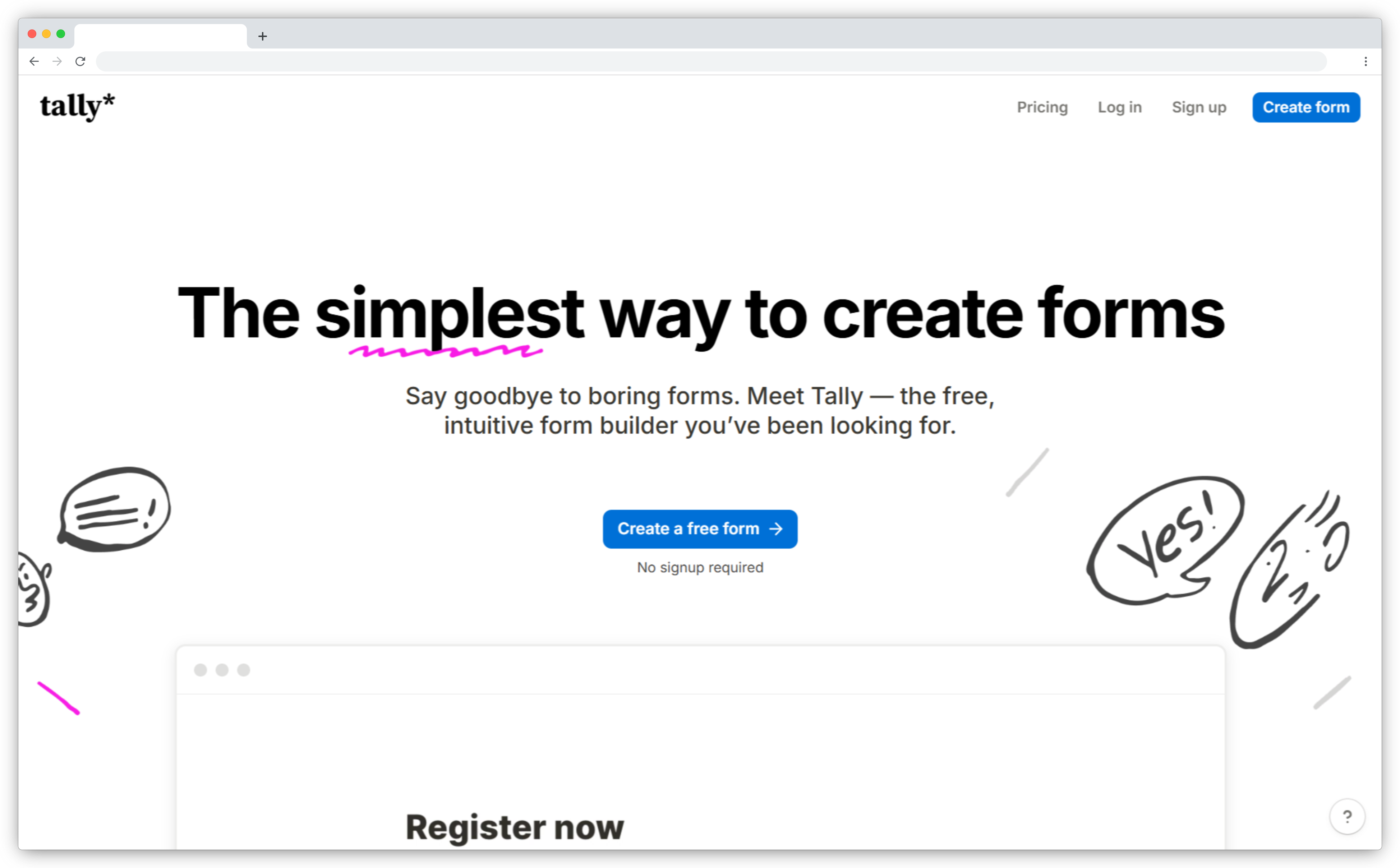
Tally earns its 4.8/5 on G2 as the most generous free form builder available — and the most direct answer to Typeform's 10-response monthly cap.
Unlimited forms, unlimited responses, conditional logic, calculated fields, file uploads, and Stripe payments — all free, no credit card required. Every feature Typeform charges $39–$50/month to unlock. G2 rates Tally's conditional logic quality higher than Typeform's (9.4 vs 8.9), and support quality higher too (9.2 vs 8.4).
The editor works differently. Document-style: type to add content blocks, and the whole form is visible at once. You can see branching logic across the entire form while editing it — something Typeform's screen-by-screen builder doesn't allow. A multi-page mode replicates the Typeform one-question-at-a-time experience when you specifically need it, but it's a choice rather than a format requirement.
Tally Vs. Typeform: Key Differences
- Unlimited responses and forms on the free plan. Typeform's free plan: 10 responses/month across all forms combined.
- Conditional logic, calculated fields, file uploads, and Stripe payments all free. Typeform charges $39+/month for conditional logic access.
- Document-style editor — full form visible and editable at once. Typeform requires navigating screen-by-screen.
- Multi-page mode available for conversational one-question flows — optional, not forced.
- 100+ integrations including Notion, Airtable, Google Sheets, Slack, HubSpot, and Zapier on the free plan.
Tally Pros
- G2 rating 4.8/5 — the highest-rated free form builder, with consistently strong scores for logic quality and support responsiveness
- Free plan is genuinely full-featured — not an artificially restricted trial designed to push upgrades
- Document-style editor makes building and editing long or branching forms significantly faster than screen-by-screen builders
Tally Cons
- Less visual polish than Typeform — limited animation and theme options on the free plan
- No self-hosting — data lives on Tally's servers
- Custom domains and team workspaces require the $29/month Pro plan
Tally Pricing
- Free: Unlimited forms and responses, conditional logic, payments
- Pro: $29/month — custom domain, team workspace, advanced branding
- Free plan available immediately, no credit card needed
3. Google Forms — The Zero-Setup Default for Internal Data Collection
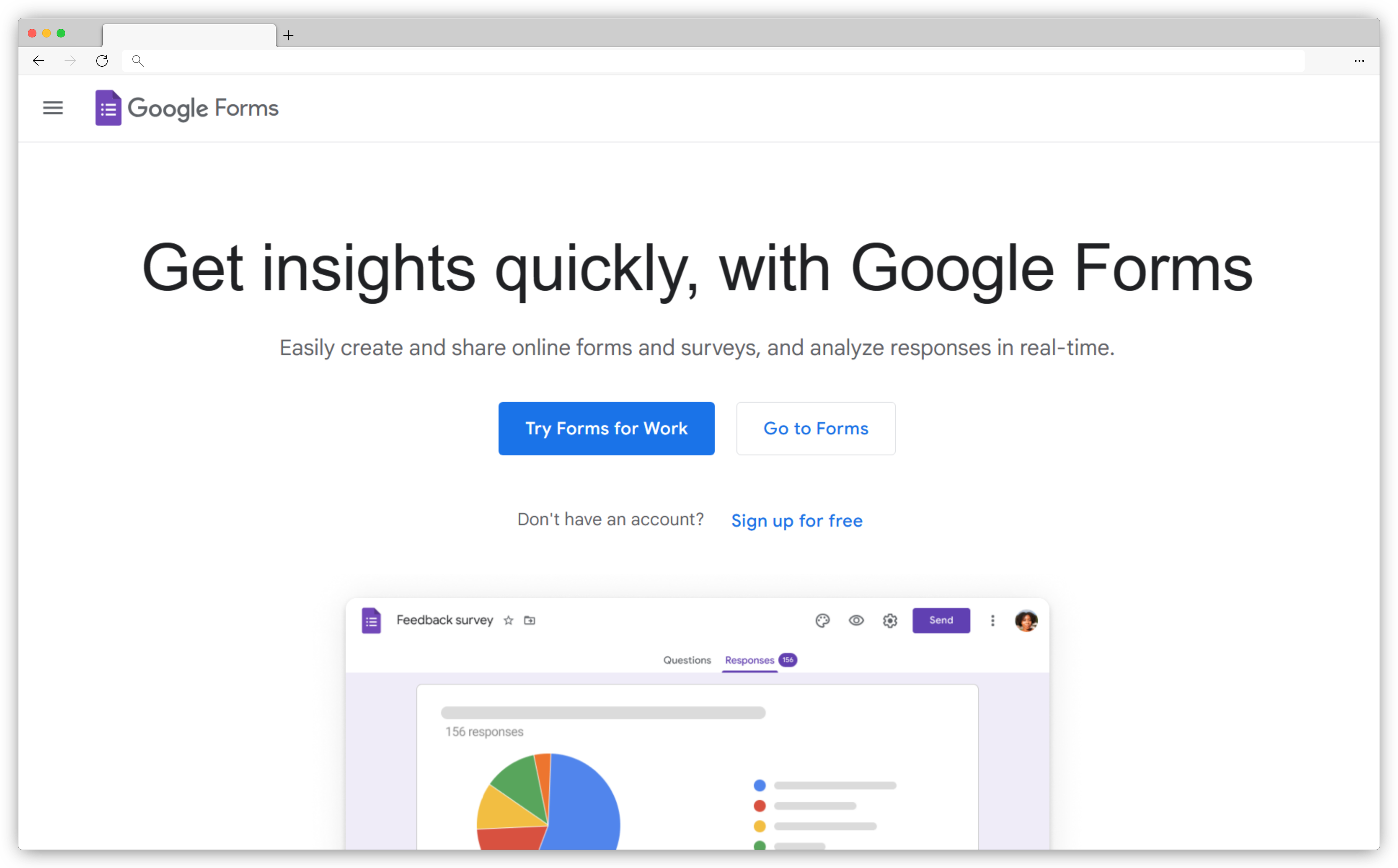
Google Forms doesn't try to compete with Typeform on design. What it provides is zero cost, unlimited responses, unlimited forms, real-time Google Sheets sync, and multi-editor collaboration — with nothing to set up beyond a Google account.
For internal surveys, quick quizzes, event registrations, and basic data collection where design isn't a factor, it removes every barrier. Two things it genuinely does better than Typeform: multiple editors can work on the same form simultaneously (Typeform doesn't support this on lower tiers), and the entire form is visible at once — no screen-by-screen navigation.
What it doesn't do: design customization beyond a color theme, conditional logic beyond basic section branching, payment collection, or custom domains at any tier. Every Google Form looks like a Google Form.
Google Forms Vs. Typeform: Key Differences
- Completely free with no response limits. Typeform's free plan: 10 responses/month total across all forms.
- Native Google Sheets sync — responses auto-populate a connected spreadsheet in real time.
- Multi-editor collaboration built in. Typeform is single-user on the free plan.
- Quiz mode with auto-grading included free. Typeform's quiz scoring requires a paid plan.
- All questions visible at once. Typeform forces one-question-at-a-time on every form.
Google Forms Pros
- Zero cost, zero infrastructure — accessible immediately from any Google account with no learning curve
- Real-time Google Sheets sync means responses are instantly available in a format teams already know how to work with
- Genuine multi-editor collaboration — multiple people can build and review the same form simultaneously
Google Forms Cons
- No design customization beyond a basic color theme — every form looks generic
- Conditional logic limited to basic section jumps — much less flexible than Typeform
- No payments, no custom domain, no branding removal at any tier
Google Forms Pricing
- Free: Unlimited forms and responses with any Google account
- Google Workspace Business Starter: $12/month per user
- Free plan available immediately — no account setup beyond a Google account
4. FormGrid — A Canvas Builder That Breaks Typeform's Fixed Layout
FormGrid addresses one specific gap: teams that care about Typeform's design quality but need more control over how forms actually look and behave.
Typeform locks every form into the same vertical, one-question-at-a-time layout. FormGrid uses a grid-based canvas — place questions, text, images, and content blocks anywhere, in any arrangement. Multi-column layouts and custom visual hierarchy are part of the core experience. The AI form generator builds a complete form from a text prompt — structure, questions, and visual theme included.
The free plan includes unlimited forms and unlimited responses, matching Tally on response generosity while offering more design control. FormGrid ranked fifth in the "typeform alternatives" SERP in early 2026 with a domain rating of just 30 — lower than Zonka's 66 — which is a useful signal about how well the content matches what people are searching for.
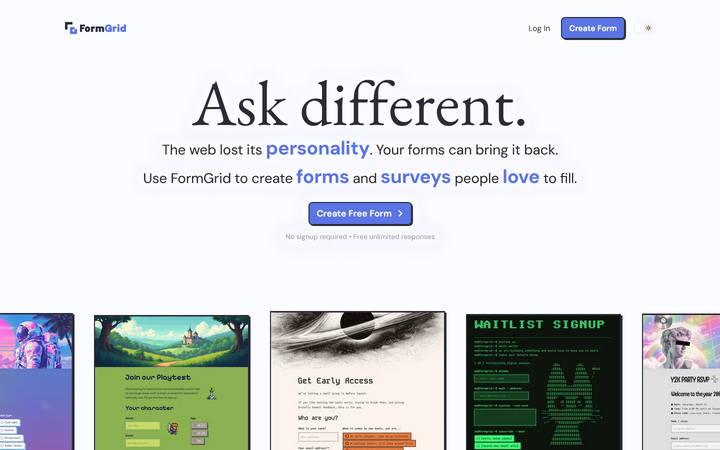
FormGrid Vs. Typeform: Key Differences
- Grid-based canvas — place any element (text, images, questions, sections) anywhere. Typeform is locked to a single sequential flow.
- Unlimited forms and unlimited responses on the free plan. Typeform caps at 10 responses/month free.
- AI generates a complete form — structure, content, and visual theme — from a text prompt. Typeform uses templates with manual setup.
- Full visual control: fonts, colors, buttons, backgrounds, animations. Typeform uses preset themes with limited styling flexibility.
FormGrid Pros
- Grid-based canvas gives full layout control — multi-column sections, custom visual hierarchy, and free element placement most form builders don't allow
- AI form generation from a text prompt builds structure, questions, and visual theme in seconds — faster than any template-based workflow
- Generous free plan with no response caps makes it a genuine long-term option, not just a trial
FormGrid Cons
- Smaller native integration library than Jotform or Fillout
- Newer platform — smaller template library and community than established tools
FormGrid Pricing
- Free: Unlimited forms and responses, all core features
- Plus: $29/month — collaboration, branding removal, version history
- Free plan available immediately, no account required
5. Fillout — The Highest-Rated Form Builder on G2 with Native Database Sync
Fillout earns its 5.0/5 on G2 — the highest rating of any form builder on the platform — primarily for the depth of its native integrations and the quality of its support.
The core advantage over Typeform: form data flows directly into Notion, Airtable, HubSpot, or Salesforce without Zapier as a bridge. Native integrations mean no third connector, no latency, no failure points. For teams whose work lives in Notion or Airtable, this alone is the reason to switch. G2 reviewers are specific about this: "We moved from Typeform to Fillout specifically for the Airtable native sync. Zero setup, data lands exactly where it should." (Source: G2 Reviews, Fillout)
The free tier gives 1,000 responses per month — 100 times more than Typeform's free plan. SOC 2 and GDPR compliance are included on standard plans, not locked to an enterprise contract. Built-in approval workflows, native calendar scheduling with Google and Outlook, submission summaries, and response filtering complete the feature set.
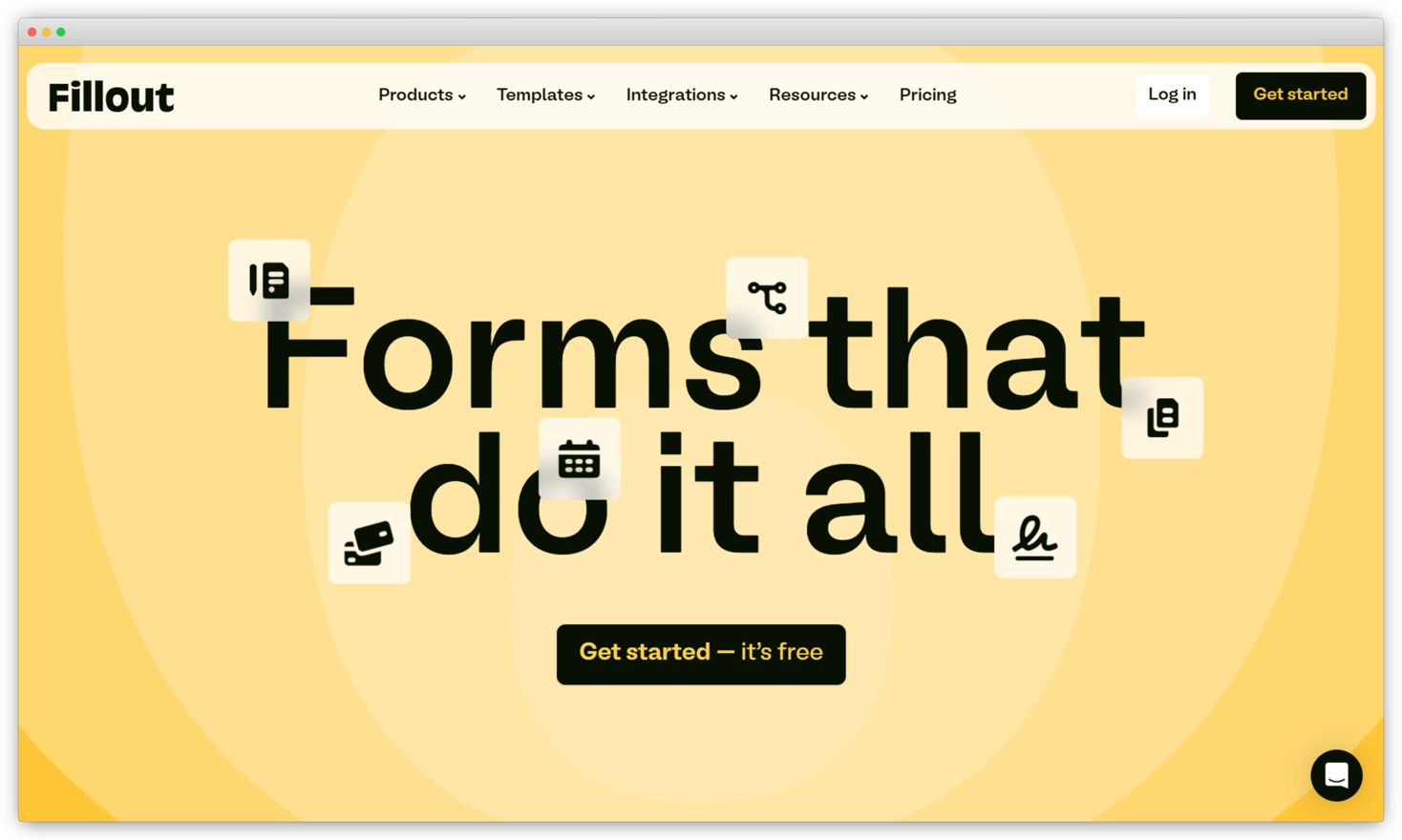
Fillout Vs. Typeform: Key Differences
- Native integrations with Notion, Airtable, HubSpot, and Salesforce — no Zapier required. Typeform relies on Zapier or paid native connectors for most integrations.
- Free tier: 1,000 responses/month. Typeform's free plan: 10 responses/month total.
- SOC 2 and GDPR compliance on standard plans. Typeform restricts compliance to Enterprise tiers.
- Built-in approval workflows, native calendar scheduling, submission summaries, and response filtering — none available natively in Typeform.
- Advanced conditional logic and multi-page branching with data validation built in.
Fillout Pros
- G2 rating 5.0/5 — the highest score of any form builder on the platform, driven by support quality and integration reliability
- Native database connectors for Notion, Airtable, HubSpot, and Salesforce eliminate the middleware layer most teams rely on Zapier to bridge
- SOC 2 and GDPR compliance included on standard plans — not gated to an enterprise contract or custom pricing discussion
Fillout Cons
- Less visual polish than Typeform — clean and functional, but lacks Typeform's animation quality
- Smaller template library than Jotform's 10,000+
Fillout Pricing
- Free: 1,000 responses/month, unlimited forms
- Starter: $15/month
- Pro: $40/month
- Business: $80/month
- Free plan available immediately
6. Paperform — A Document Editor and Form Builder in One Canvas
Paperform earns its 4.5/5 on G2 for a form experience that looks nothing like a traditional form.
The document-style editor mixes text, images, videos, and form fields freely on the same page — in any arrangement. For selling a service, collecting bookings, or creating branded experiences where the form IS the content, Paperform delivers something Typeform's fixed format can't. G2 reviewers describe the appeal clearly: "It replaces both a landing page and a form in a single flow — I explain the service, add the booking form, and collect payment, all in one Paperform." (Source: G2 Reviews, Paperform)
A Guided Mode gives you Typeform's conversational one-question-at-a-time layout when you need it — but as an option, not a constraint. Payment processing covers Stripe, PayPal, Square, and Braintree with no transaction commission, versus Typeform's 2.9% + $0.30 on Stripe only. Paperform has been bootstrapped and profitable since 2016 — no investor pressure to raise prices or restrict the free tier.
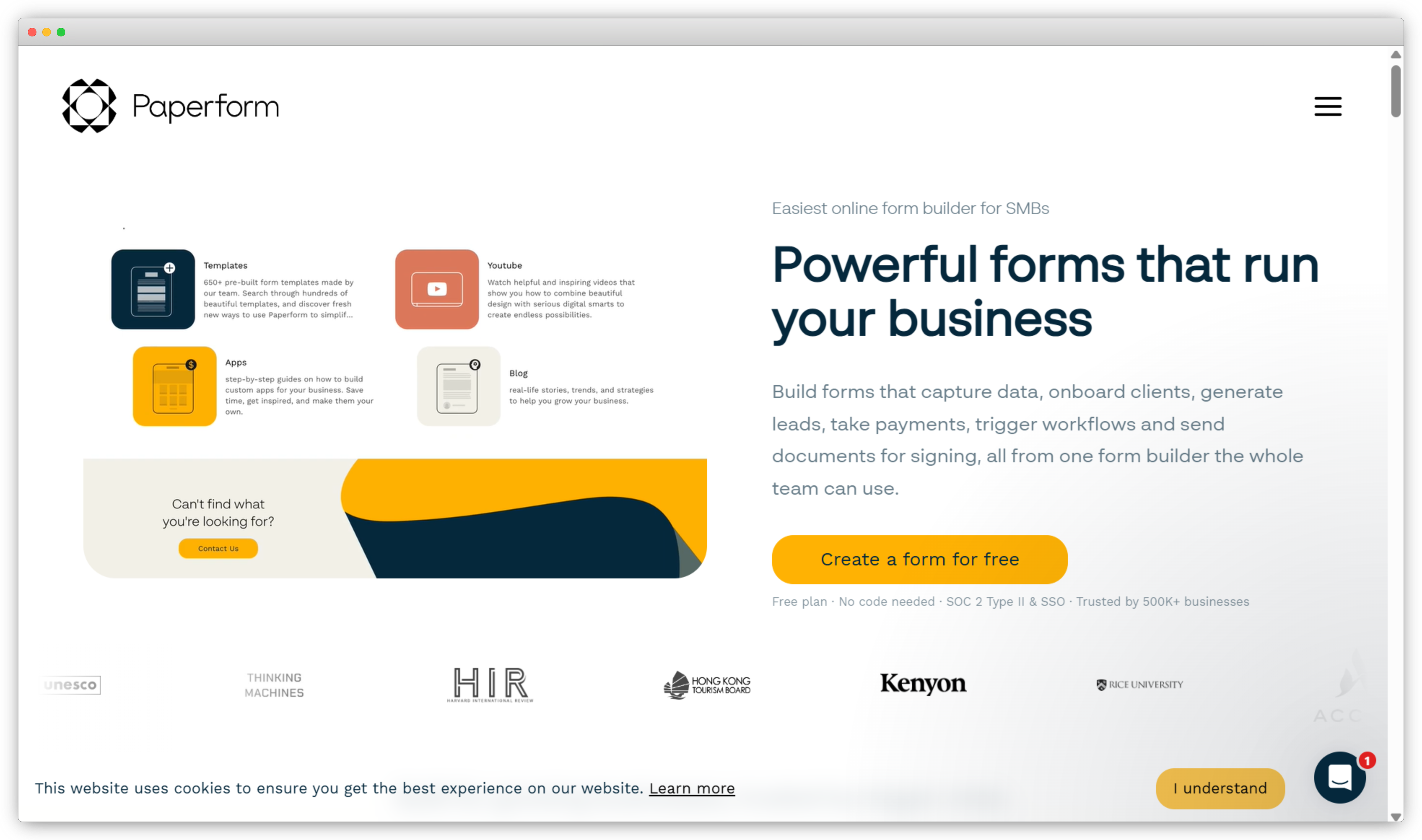
Paperform Vs. Typeform: Key Differences
- Document-style canvas — mix text, images, video, and form fields on one page in any arrangement. Typeform forces every form into the same sequential flow.
- Guided Mode replicates Typeform's conversational layout — available as an option, not mandatory.
- Payment processing via Stripe, PayPal, Square, and Braintree with no commission. Typeform: Stripe only, with 2.9% + $0.30 per transaction.
- Native booking and calendar scheduling. Typeform has no native scheduling.
- Bootstrapped and profitable since 2016 — lower pricing change risk than VC-backed competitors.
Paperform Pros
- Document-style canvas combines content and form fields on one page — produces forms that read like designed landing pages, not questionnaires
- Supports four payment gateways (Stripe, PayPal, Square, Braintree) with zero transaction commission — broader payment support than most dedicated form builders
- Bootstrapped and profitable since 2016 — no VC-driven pressure to raise prices, reduce free plan access, or pivot the product
Paperform Cons
- Free plan is limited — 30 submissions/month isn't enough to run an active form
- Higher starting price than most alternatives at $24/month
- More complex to configure than Typeform for short, simple surveys
Paperform Pricing
- Free: 30 submissions/month
- Essentials: $24/month — 1,000 submissions, 1 user
- Pro: $49/month — 10,000 submissions, 3 users
- Business: $99/month — 50,000 submissions, 5 users
- 14-day free trial on paid plans
7. forms.app — Payments, Branding, and Live Support All on the Free Plan
forms.app earns its 4.5/5 on G2 primarily for giving away what Typeform charges for — payments, branding, and live support, all on the free plan.
PayPal and Stripe payment collection with no commission — free. Full logo and color branding — free. Live customer support for all users — free. These are features Typeform gates behind $50–$59/month plans. The core complaint from G2 reviewers switching from Typeform: "I can collect payments through my forms without extra cost or commission. Typeform doesn't allow this at any affordable price point." (Source: G2 Reviews, forms.app)
The builder supports both step view (Typeform-style, one question at a time) and list view (all questions visible), giving respondents layout flexibility Typeform's fixed format doesn't allow. With step view and list view options, you can match the experience to the form — not the other way around.
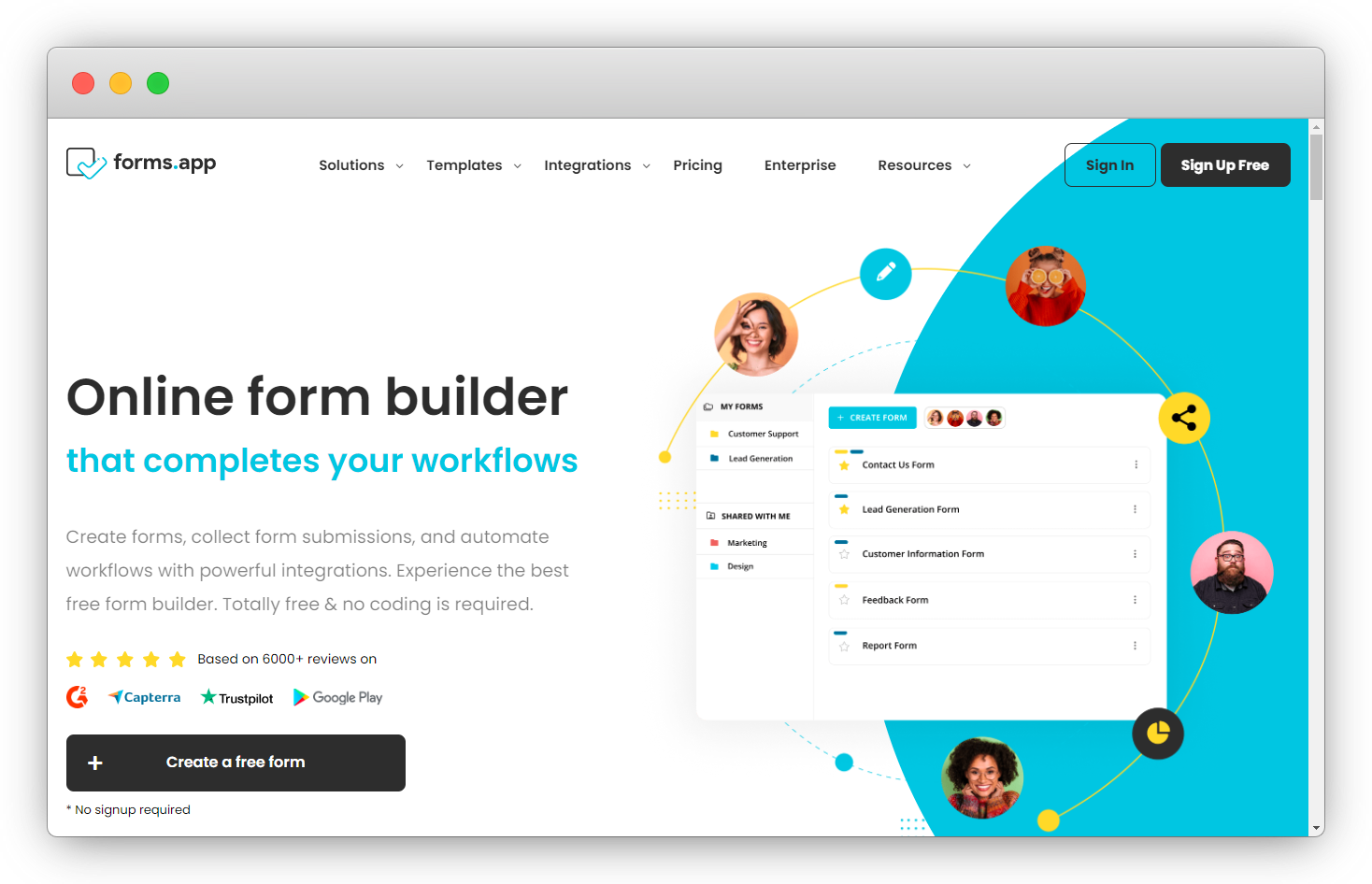
forms.app Vs. Typeform: Key Differences
- Payment collection via PayPal and Stripe on the free plan with no commission. Typeform charges 2.9% + $0.30 per transaction and requires a paid plan.
- Full branding customization including logo on the free plan. Typeform reserves logo removal for paid tiers.
- Live support for all users. Typeform restricts live support to Business plan and above.
- Both step view (conversational) and list view available. Typeform offers the one-question format only.
forms.app Pros
- Free plan includes payment collection, full logo branding, and live support — three features most tools gate to paid tiers
- Step view and list view modes let builders choose the respondent experience per form — conversational or all-at-once
- Accessible pricing for small businesses and freelancers who need professional-grade forms without a significant monthly commitment
forms.app Cons
- Free plan response limits — not as unlimited as Tally or FormGrid
- Smaller community and fewer third-party tutorials than Jotform or Typeform
forms.app Pricing
- Free: Core features including payments and full branding
- Basic: $16/month
- Pro: $29/month
- Business: $59/month
- Free plan available immediately
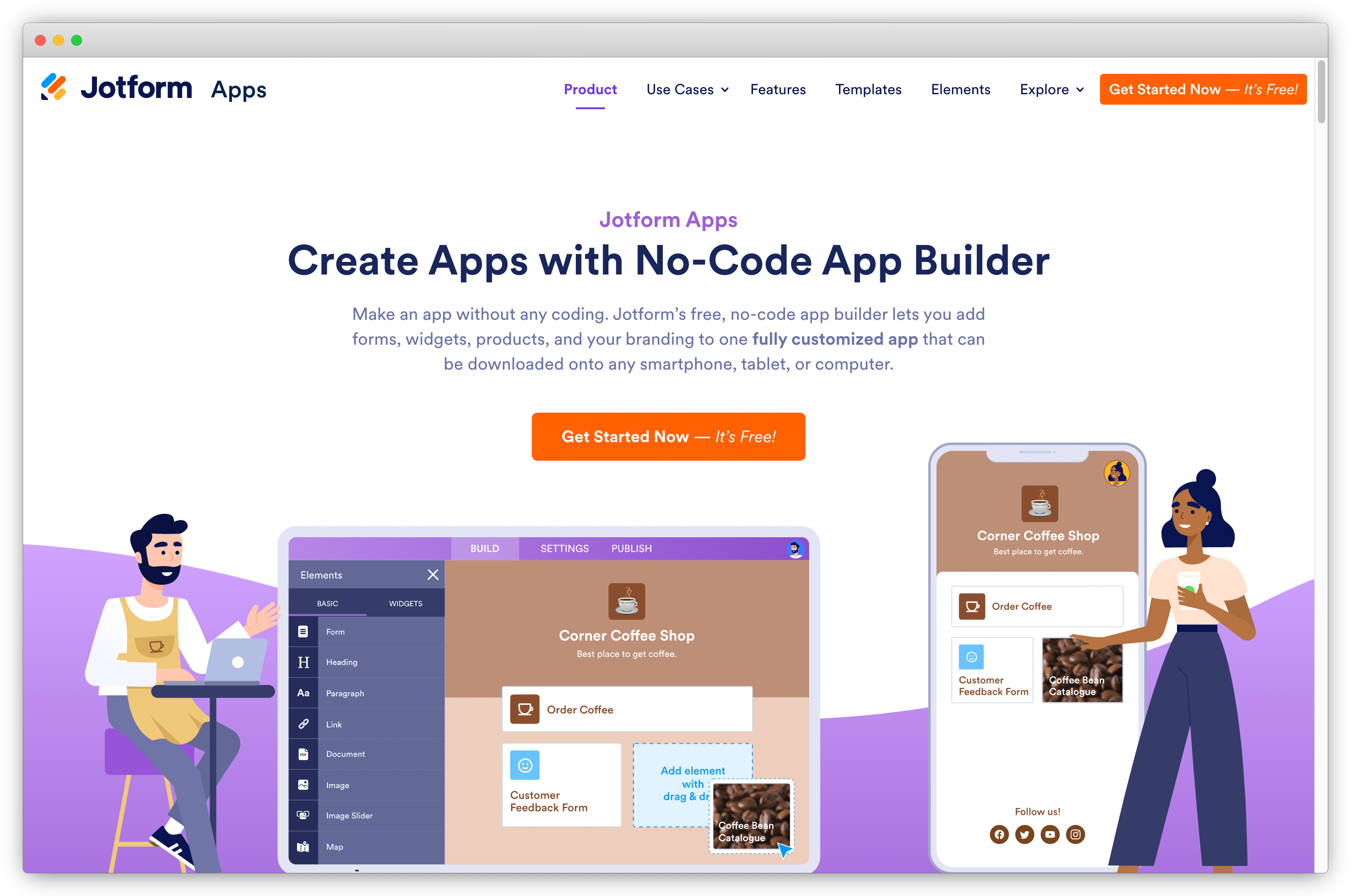
8. Jotform — 10,000+ Templates and a Widget for Almost Every Form Use Case
Jotform earns its 4.7/5 on G2 as the most feature-complete form builder on this list — and the default recommendation for anyone who needs a specific form capability immediately.
10,000+ templates, 40+ payment gateways, e-signature support, PDF generation, automated approval workflows, and a widget library for hundreds of specific use cases. G2 reviewers describe Jotform the same way consistently: "If a form needs to do something specific — signatures, complex payments, approvals — Jotform probably has a widget for it." The breadth is the product. (Source: G2 Reviews, Jotform)
A "Card Form" view replicates Typeform's conversational one-question layout within Jotform's broader feature set. CAPTCHA and spam protection are included on standard plans without any premium tier — the single most-cited Typeform pain point. See our full Jotform alternatives guide for more context.
Jotform Vs. Typeform: Key Differences
When comparing Typeform vs Jotform, the core trade-off is focus vs. breadth. Typeform is built around a single polished experience. Jotform is built around having a solution for every form use case imaginable.
- 10,000+ templates across every industry. Typeform has a smaller, more curated library focused on marketing and engagement use cases.
- 40+ payment gateways including PayPal, Square, and Authorize.net. Typeform supports Stripe only.
- "Card Form" view replicates Typeform's conversational layout as an option within Jotform.
- Automated approval workflows — forms route to reviewers without external tools. Typeform has no native approval capability.
- CAPTCHA and spam protection included on standard plans. Typeform charges $199/month for bot protection.
Jotform Pros
- 10,000+ templates and a widget library covering hundreds of specific use cases — the most feature-complete form builder on this list by a significant margin
- 40+ payment gateways including PayPal, Square, and Authorize.net — the widest payment gateway support of any tool in this guide
- Automated approval workflows built in — forms route to multiple reviewers with no external automation tool required
Jotform Cons
- Interface can feel overwhelming — steeper learning curve than Typeform for advanced features
- Paid plans are single-user; team access requires Enterprise pricing
- Response limits still apply on standard paid plans
Jotform Pricing
- Starter: Free — 5 forms, 100 submissions/month
- Bronze: $34/month — 25 forms, 1,000 submissions
- Silver: $39/month — 50 forms, 2,500 submissions
- Gold: $99/month — 100 forms, 10,000 submissions
- Enterprise: Custom pricing
- Free plan available immediately
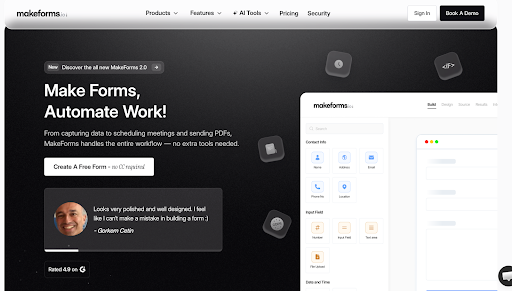
9. MakeForms — Unlimited Responses and OTP Verification Without Enterprise Pricing
MakeForms earns its 4.9/5 on G2 for solving two problems Typeform handles poorly: unlimited submissions and compliance without enterprise pricing.
HIPAA, GDPR, and PIPEDA compliance are included on paid plans — not locked to a custom contract. Unlimited responses means no shared caps across campaigns, no overage fees, no per-form limits. The OTP verification is what drives the most Typeform migrations: "We were getting constant bot spam through Typeform and couldn't justify $199/month for CAPTCHA. MakeForms solved it at $25/month." (Source: G2 Reviews, MakeForms)
Document uploads and e-signature collection are built in — capabilities Typeform doesn't support natively at any tier.
MakeForms Vs. Typeform: Key Differences
- Unlimited responses on all paid plans. Typeform caps at 100–10,000/month with shared limits across all forms.
- OTP email and phone verification built into forms. Typeform requires $199/month Growth plan for CAPTCHA.
- HIPAA, GDPR, and PIPEDA compliance included on paid plans — not enterprise-only.
- Document uploads and e-signature support. Typeform supports neither natively.
MakeForms Pros
- G2 rating 4.9/5 — one of the highest-rated tools on this list, recognized for compliance depth and submission security
- HIPAA, GDPR, and PIPEDA compliance included on standard paid plans — no enterprise contract or BAA negotiation required to get started
- OTP email and phone verification built directly into forms — prevents bot spam at the submission level without additional tools
MakeForms Cons
- No free plan — requires paid subscription from the start
- Smaller brand and community than Jotform or Typeform
MakeForms Pricing
- Essentials: $25/month — unlimited responses, OTP verification
- Pro: $59/month
- Agency: $129/month
- Enterprise: Custom
- No free plan — paid plans only
10. Fynzo Survey — Offline Data Collection That Syncs When Connectivity Returns
Fynzo Survey earns its 4.4/5 on G2 for one capability Typeform simply doesn't have: offline data collection.
iOS and Android apps support full offline survey completion — responses store locally and sync automatically when the device reconnects. For retail, hospitality, field research, and events, this is often the deciding factor. G2 reviewers are direct: "We run surveys at retail locations where WiFi is inconsistent. Fynzo just works offline. Typeform doesn't." (Source: G2 Reviews, Fynzo Survey)
Advanced logic including piping, branching, and adjustable variables. Real-time response notifications on both desktop and mobile. QR code distribution alongside email, social media, and website embedding — all channels in one survey app.
-png.png?width=2022&height=1258&name=frame_generic_light%20(33)-png.png)
Fynzo Survey Vs. Typeform: Key Differences
- Offline survey mode with automatic sync — collect data without internet. Typeform requires an active connection at all times.
- iOS and Android apps for full mobile creation, distribution, and review. Typeform is primarily web-based.
- Advanced logic (piping, branching, adjustable variables) available on mobile as well as desktop. Typeform's logic is desktop-only.
- Real-time notifications on desktop and mobile simultaneously.
Fynzo Survey Pros
- Offline data collection on iOS and Android — responses save locally and sync automatically, making it reliable in locations without stable connectivity
- Full survey lifecycle on mobile — build, distribute, and review results from the app without needing a desktop
- Advanced branching and piping logic available within the mobile app, not just the desktop interface
Fynzo Survey Cons
- Smaller integration ecosystem compared to Jotform or Fillout
- Less design flexibility than Typeform or FormGrid
Fynzo Survey Pricing
- Free trial: 14 days available
- Starter: $19/month
- Professional and Enterprise plans available
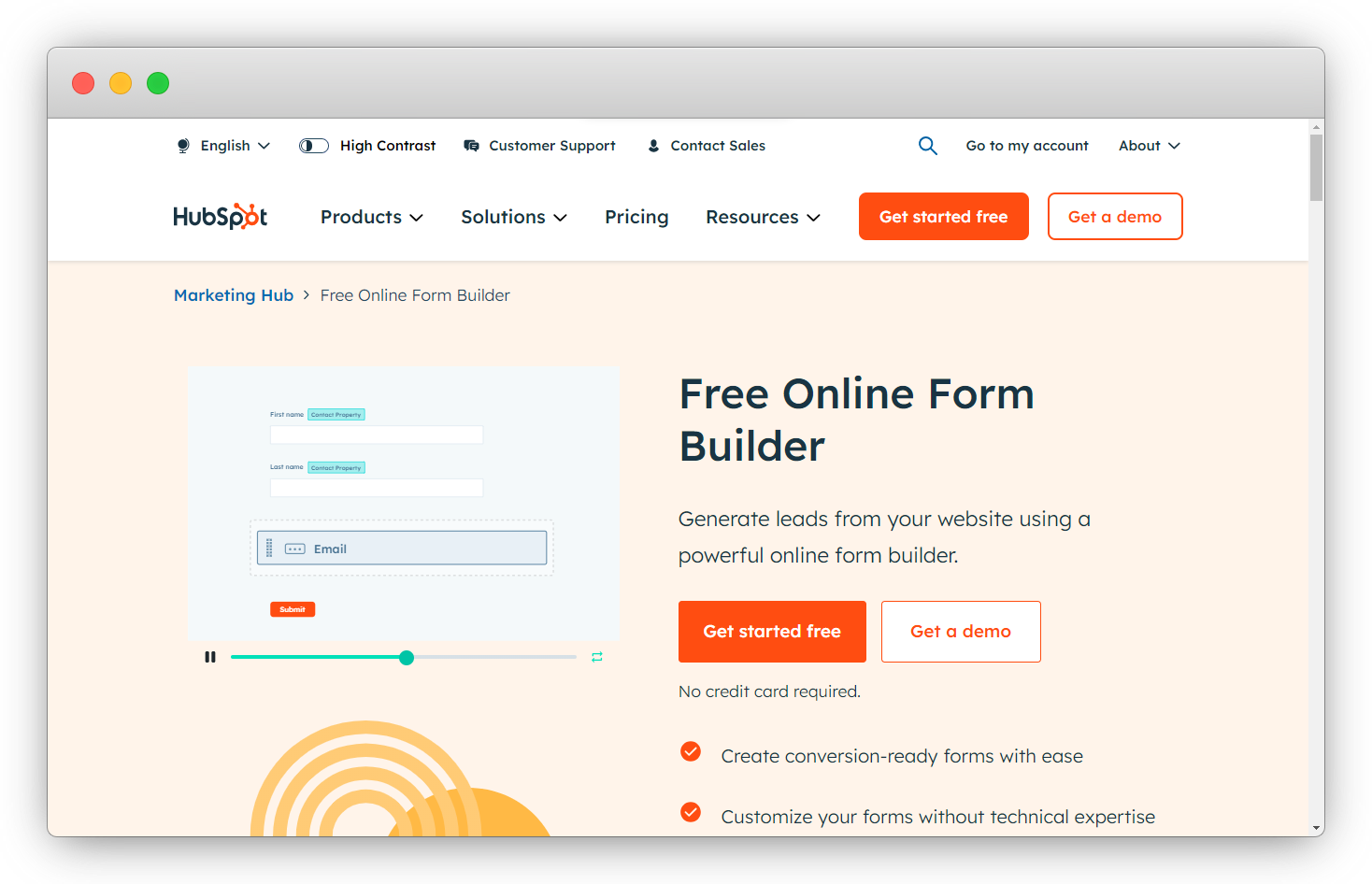
11. HubSpot Forms — Zero Integration Setup If You're Already on HubSpot
HubSpot Forms earns its 4.4/5 on G2 not for form design, but for native CRM integration that requires nothing to configure.
Every submission auto-creates a contact in HubSpot, logs activity, updates properties, and triggers marketing workflows — with zero connector setup. If you're already on HubSpot, there is no reason to use Typeform for lead generation forms. G2 reviewers are consistent: "If you're already on HubSpot, just use HubSpot Forms. The data flows automatically and progressive profiling alone makes it worth it." (Source: G2 Reviews, HubSpot Marketing Hub)
Progressive profiling shows different fields to returning contacts — avoiding repeated questions for known leads. Smart fields adapt based on existing contact data in the CRM. Neither capability exists in Typeform at any plan tier. If you're not on HubSpot, there's no compelling reason to choose this over any other tool on this list.
HubSpot Forms Vs. Typeform: Key Differences
- Native HubSpot CRM sync — submissions auto-create contacts and trigger workflows without any setup. Typeform requires Zapier or a paid native connector.
- Progressive profiling — different fields shown to returning contacts. Typeform has no equivalent.
- Smart fields adapt based on existing CRM contact data. Typeform has no CRM-aware field logic.
- Unlimited forms and submissions on the free plan. Typeform caps at 10 responses/month free.
- Supports lead gen, contact, conversational, and event registration forms — all feeding the same customer journey.
HubSpot Forms Pros
- Submissions feed directly into HubSpot's contact database, trigger email sequences, and update deal records — with no connector configuration required
- Progressive profiling builds richer lead profiles over multiple touchpoints by showing different questions to returning contacts
- Free plan within HubSpot CRM is fully functional for real lead capture workflows — not artificially capped to push upgrades
HubSpot Forms Cons
- Limited design customization — forms look like HubSpot forms, not your brand
- Advanced automation requires Marketing Hub Professional at $800+/month
- No value if you're not on HubSpot — the CRM integration is the entire product
HubSpot Forms Pricing
- Free: Unlimited forms and submissions within HubSpot Free CRM
- Starter Marketing Hub: $15/month per seat
- Professional: $800/month (advanced automation)
- Free plan available immediately within HubSpot CRM
12. WPForms — WordPress-Native Forms Where Your Data Stays on Your Server
WPForms earns its 4.7/5 on G2 as the most-installed WordPress form plugin — and for a structural reason that matters for data-conscious teams.
Forms live on your server. Not on WPForms' servers, not on a third-party cloud — on your WordPress installation. Your data stays where you put it. G2 reviewers highlight this consistently: "WPForms feels like a native part of my site. My data stays where it should, and the forms match my theme automatically." (Source: G2 Reviews, WPForms) Typeform forms are hosted externally and embedded via iframe — a meaningful difference for teams with data sovereignty requirements.
1,800+ templates, conversational form option (Typeform-style, within WordPress), no response limits, lead abandonment recovery that captures partial entries Typeform loses, and payment integration with Stripe, PayPal, Square, and Authorize.net. The one absolute constraint: it only works in WordPress. WPForms isn't a hosted form tool — it's a WordPress plugin. Connect with marketing email surveys to extend reach beyond embedded forms.
-png.png?width=2022&height=1258&name=frame_generic_light%20(34)-png.png)
WPForms Vs. Typeform: Key Differences
- WordPress-native — forms and submissions stored on your server. Typeform is hosted externally via iframe embed.
- 1,800+ templates for contact, payment, survey, quiz, and registration forms.
- No response limits — WordPress handles unlimited submissions. Typeform imposes shared account-wide caps.
- Lead abandonment recovery captures partial form entries. Typeform loses all data from drop-offs, and partial completions still count against the response limit.
- Payment integration with Stripe, PayPal, Square, and Authorize.net. Typeform supports Stripe only. Also see our guide to website feedback tools.
WPForms Pros
- Forms and all submission data stored on your own server — full data ownership with no dependency on third-party cloud infrastructure
- Lead abandonment recovery captures partial entries before they drop off — recovers data that embedded form tools never receive
- Conversational form option within WordPress lets teams run both traditional and one-question-at-a-time layouts from the same installation
WPForms Cons
- WordPress-only — requires an active WordPress installation to function
- Ongoing WordPress maintenance (updates, security) required as the underlying platform
WPForms Pricing
- Basic: $49.50/year — single site
- Plus: $99.50/year — multiple sites
- Pro: $199.50/year — payments, surveys, user journey
- Elite: $299.50/year — unlimited sites
- Free Lite version available with limited features
13. Quill Forms — Typeform's Conversational UX, Open-Source, with Built-In Quiz Scoring
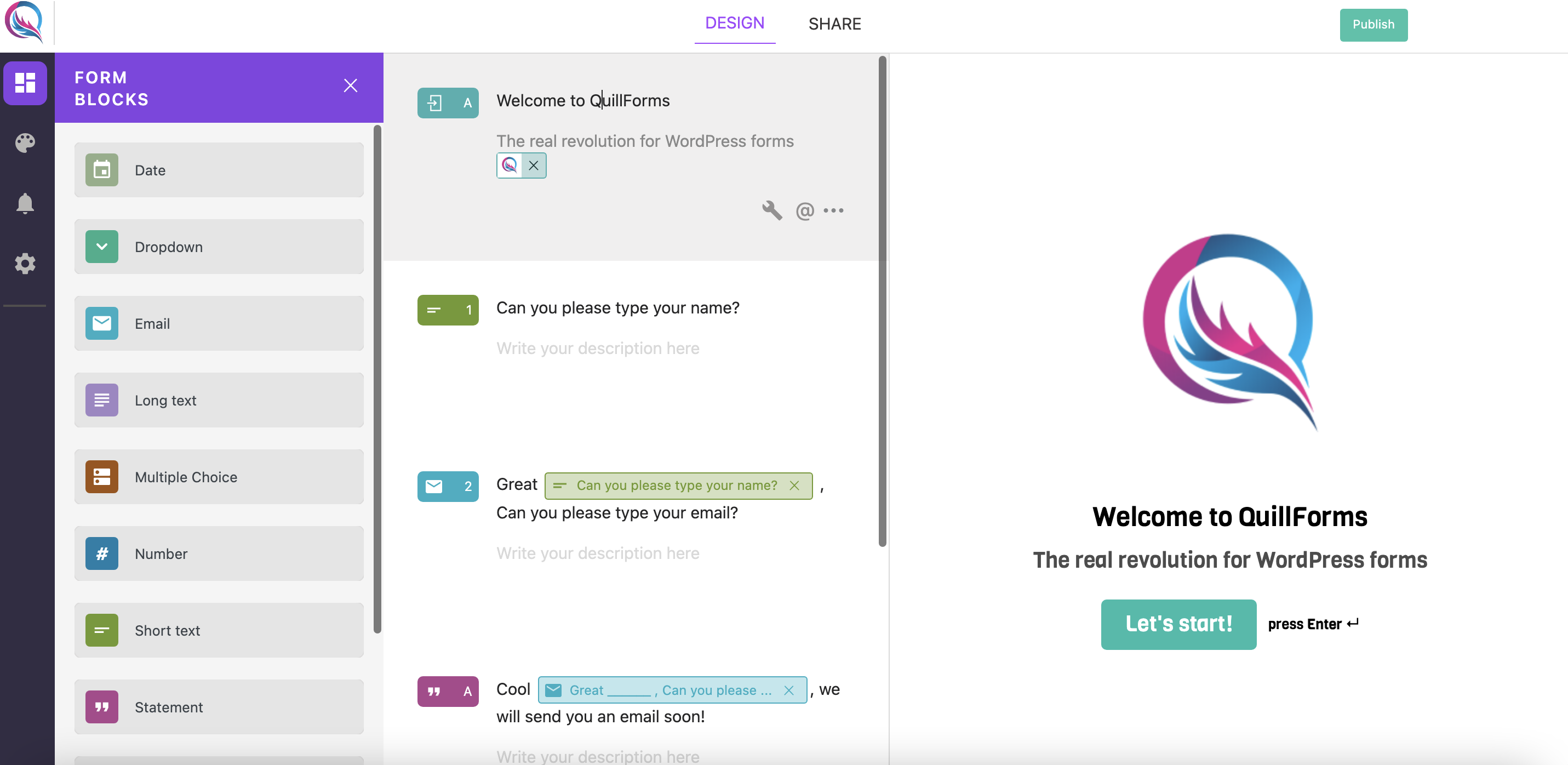
Quill Forms earns its 4.5/5 on G2 for replicating Typeform's conversational experience in an open-source package — with data ownership that Typeform doesn't offer at any price.
Built on React JS and TypeScript, it runs as a self-hosted WordPress plugin or cloud Studio SaaS. G2 reviewers are clear: "It looks and feels exactly like Typeform. My data stays on my WordPress server and the free plan has no response limits." (Source: G2 Reviews, Quill Forms)
The standout differentiator is built-in quiz scoring — a native calculator for score-based assessments, cost estimations, and outcome-based branching that Typeform achieves only through workarounds. Full white-label theming with no Quill Forms branding on the free version, versus Typeform's $50+/month branding removal. Unlimited forms and unlimited responses on both free deployment options.
Quill Forms Vs. Typeform: Key Differences
- Self-hosted WordPress plugin — full data ownership. Typeform is cloud-only with no self-hosted option at any price.
- Cloud Studio SaaS available for conversational forms without a WordPress installation.
- Built-in calculator for quiz scoring, cost estimation, and outcome-based assessment. Typeform requires workarounds or third-party tools.
- Full white-label theming including custom CSS — no branding on the free version. Typeform charges $50+/month for branding removal.
- Unlimited forms and responses on both free deployment options. Typeform caps at 10 responses/month free.
Quill Forms Pros
- The only tool on this list that delivers Typeform's conversational one-question UX in a self-hosted, open-source package — data ownership and familiar format in one
- Built-in calculator for quiz scoring, cost estimation, and outcome-based assessment — no third-party tools or workarounds needed
- White-label theming with custom CSS and no platform branding on the free version — full visual control from the start
Quill Forms Cons
- WordPress plugin requires an active WordPress installation — adds infrastructure dependency
- Self-hosting requires technical knowledge to set up and maintain
- Premium integrations are add-ons, not included in the base plan
Quill Forms Pricing
- Free: Unlimited forms and responses (WordPress plugin and Studio SaaS)
- Basic: $99/year — single WordPress site
- Professional: $199/year — multiple sites, premium integrations
- Studio Pro: $19/month — cloud SaaS with advanced features
- Free plan available immediately on both WordPress and Studio
14. Formbricks — Open-Source Self-Hosting with In-App Surveys Typeform Can't Do
Formbricks earns its 4.9/5 on G2 for combining three capabilities in one open-source platform: link surveys, in-app micro-surveys triggered by user behavior, and pop-up surveys based on page events. Typeform supports only link-based forms.
The fully self-hosted deployment via Docker means data never leaves your infrastructure. Organizations at Siemens, Cal.com, and the Ethereum Foundation use it specifically for data residency requirements that Typeform's cloud-only model can't address. G2 reviewers describe the decision: "It gave us in-app survey capability, full self-hosting, and an open API — in one platform. Typeform doesn't offer any of those three." (Source: G2 Reviews, Formbricks)
Unlimited team members on every plan — no per-seat pricing. Open API with complete programmatic access. 1,000 free cloud responses/month, versus Typeform's 10.
.png?width=1600&height=855&name=image%20(8).png)
Formbricks Vs. Typeform: Key Differences
- Three survey types from one platform: link surveys, in-app micro-surveys, and pop-up surveys. Typeform supports link-based forms only.
- Full self-hosting via Docker with one-click setup — complete data ownership. Typeform has no self-hosted option.
- Open API with complete programmatic access. Typeform's API is closed-source and limited.
- Unlimited team members on all plans. Typeform limits team members by plan tier.
- 1,000 free cloud responses/month. Typeform free: 10 responses/month total.
Formbricks Pros
- Three survey delivery types — link, in-app micro-survey, and pop-up — from a single open-source platform, covering touchpoints most form builders don't reach
- Docker-based self-hosting is genuinely production-ready — well-documented, one-click setup, used at Siemens and Ethereum Foundation for real data residency requirements
- No per-seat pricing on any plan — unlimited team members at every tier, including the free Community Edition
Formbricks Cons
- Self-hosting requires DevOps knowledge — not zero-config for non-technical teams
- Less visual customization than Typeform — design is functional, not polished
Formbricks Pricing
- Community Edition: Free — self-hosted, unlimited everything
- Free Cloud: 1,000 responses/month, unlimited team members
- Pro: $49/month — 5,000 responses
- Enterprise: Custom
- Free plan and Community Edition available immediately
15. SurveyMonkey — Research-Grade Analytics Where Methodology Matters More Than Design
SurveyMonkey earns its 4.4/5 on G2 as the industry standard for professional survey research — the tool for teams where data validity and analytical depth matter more than form aesthetics.
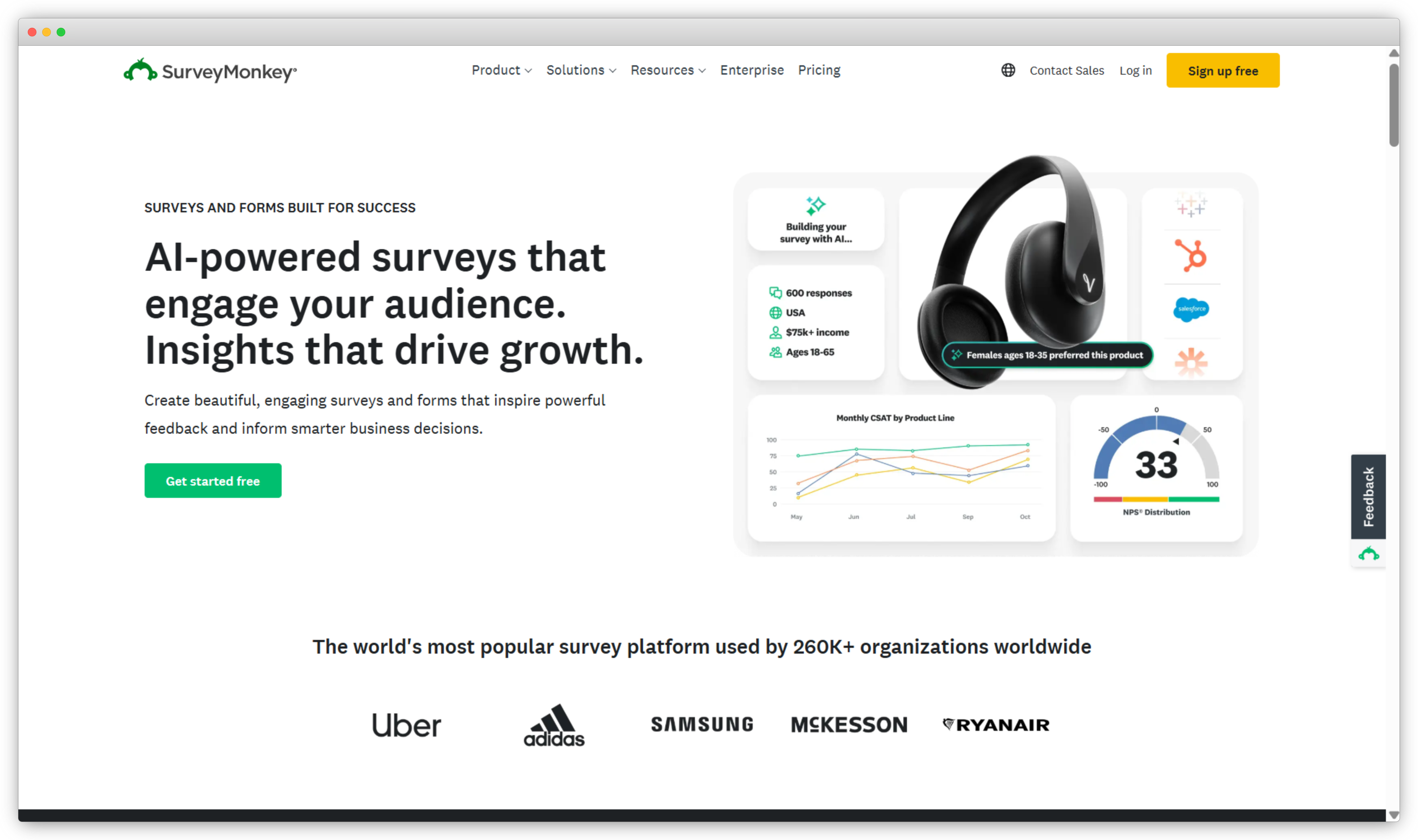
Cross-tabulation, statistical significance testing, benchmark comparisons against industry averages, validated question banks, and respondent panel access for market research. G2 reviewers describe the trade-off clearly: "SurveyMonkey is the standard for professional research — cross-tabulation and benchmarking built in. But forms look dated compared to Typeform." (Source: G2 Reviews, SurveyMonkey) For HR engagement surveys, academic research, and market research where rigor matters over presentation, SurveyMonkey is the stronger tool. See our full SurveyMonkey alternatives guide for the broader landscape.
SurveyMonkey Vs. Typeform: Key Differences
- Cross-tabulation, filter by respondent attributes, and statistical significance testing built in. Typeform's analytics are basic response summaries.
- Validated question banks for methodology-driven research. Typeform is optimized for engagement, not research rigor.
- Respondent panel access for targeted audience research. Typeform has no panel capability.
- Benchmarking against industry averages. Typeform has no benchmark data layer.
- Free plan: 40 responses per survey. Typeform free: 10 responses/month total across all forms.
SurveyMonkey Pros
- Research-grade analytics built in — cross-tabulation, statistical significance testing, and industry benchmark comparisons are native features, not add-ons
- Respondent panel access lets teams reach specific audience segments for market research without sourcing participants independently
- Validated question banks developed for research methodology — useful for HR engagement surveys, academic work, and market research where question wording affects data validity
SurveyMonkey Cons
- Forms look utilitarian — completion rates typically lower than Typeform for customer-facing surveys
- Free plan: 10 questions and 40 responses per survey only
- Per-user pricing scales expensive quickly for larger teams
SurveyMonkey Pricing
- Free: 10 questions, 40 responses per survey
- Starter: $25/month per user
- Advantage: $32/month per user
- Premier: $75/month per user
- Free plan available immediately
How to Choose the Right Typeform Alternative
The quick-pick list at the top maps use cases to tools. This section goes one level deeper — what to actually check before committing to any alternative, because the friction points that aren't obvious until after you've signed up.
- How response limits are counted. Some tools count partial completions as full responses (Typeform does). Others apply limits per form, others account-wide. Understand the mechanic before you hit a cap mid-campaign.
- What tier branding removal sits on. Most tools charge to remove their branding. Verify it's on a plan you'd actually use — not the top tier shown in the demo.
- Native integration vs. Zapier dependency. A tool listing 300+ integrations via Zapier is materially different from one with 50 native integrations. Native is faster, more reliable, and doesn't add a third monthly cost.
- Bot protection tier. If you're running paid ads or public-facing forms, check whether CAPTCHA or OTP verification is included on the plan you'd use — not gated to a premium tier like Typeform does.
- Data hosting and compliance. If your industry has compliance requirements, verify the specific certification level and whether self-hosting is available. "GDPR-ready" means different things on different platforms.
- Support tier on your actual plan. Test the support channel on the plan you intend to buy — not the enterprise tier shown in demos. Typeform's support ratings (1.4/5 on Trustpilot) are largely driven by Basic and Plus tier users, not Enterprise.
- Form builder vs. feedback platform. If you need NPS/CSAT programs, AI text analysis, and CRM automation — you need a feedback platform, not a form builder. Using a form builder for that means building the analytics stack yourself. That's the wrong starting point.
Wrapping Up
Typeform is a good product for what it's designed to do — short, beautiful, conversational forms where completion rate matters. That use case is real and worth acknowledging.
The Typefrma alternative tools in this guide cover everything beyond that: teams that need unlimited free responses (Tally, Google Forms, FormGrid), teams that need forms that look like their brand rather than a third-party widget (FormGrid, Paperform), teams that need data to stay on their own infrastructure (WPForms, Quill Forms, Formbricks), teams with compliance requirements that Typeform's mid-tier plans don't address (MakeForms, Formbricks), and teams that have outgrown form building altogether and need a customer feedback platform (Zonka Feedback, SurveyMonkey).
Most switches from Typeform come down to one of three things: the pricing model doesn't scale, the format is too rigid for what the form actually needs to do, or the tool category is wrong for the job. Knowing which of those applies to your situation makes the choice straightforward.




.png)
.png)