.svg)
 Healthcare
 Finance
 Retail
 SaaS & Digital
 eCommerce
 Education
 Salesforce
  HubSpot
 Pipedrive
 Mailchimp
 Klaviyo
 Zendesk
  Intercom
 Freshdesk
 HelpScout
  Front
Front Jira
Jira Slack
Slack  MS Teams
 Zoom
Zoom Google Sheets
  Zapier
  Integrately
 Make
Make  Webhooks




 MS Teams


SurveySparrow earned its reputation honestly. The chat-like, conversational survey format genuinely lifts completion rates — G2 users cite it in hundreds of reviews, and the interface is intuitive enough to get a survey live in under an hour. For teams that primarily need to collect responses, it works.
The friction shows up later. When open-ended responses pile up with no automated way to make sense of them. When the reporting doesn't go deep enough to answer why a score moved. When pricing jumps steeply as response volumes grow.
If that's the situation you're navigating, this guide is built for it. Top Surveysparrow alternatives, each evaluated against the gaps that drive most switches. Every tool earns its place through reviewer comparison data, competitor research, and direct product analysis. So. let's get started!
Which SurveySparrow Alternative Should You Pick?
- For AI feedback analysis + omnichannel collection in one platform: Zonka Feedback
- For conversational experience: Perspective AI
- For research-grade surveys + practical reporting dashboards: SurveyMonkey or QuestionPro
- For versatile form and survey building at scale: Jotform
- For the conversational UX with stronger design: Typeform
- For enterprise VoC + the deepest analytics tier available: Qualtrics
- For in-app and product-led feedback collection: Survicate
- For AI-assisted form building and templates: forms.app
- For open-source, self-hosted, privacy-first surveys: Formbricks
- For Zoho ecosystem teams: Zoho Survey
Not sure which fits your situation? Jump to the how to choose section.
How We Evaluated SurveySparrow Alternatives
This guide is based on our research, review platform comparison data combined with published documentation, and direct product evaluation. Tools are assessed against four dimensions: reporting and analytics depth, survey experience quality, pricing model, and integration pipeline.
Full disclosure: Zonka Feedback is our platform, listed first because it directly addresses the reporting gap most teams are switching for. That said, every tool here is evaluated on its own merits against the same criteria.
SurveySparrow Alternatives Compared: Pricing, Ratings, and Best Use Cases
| Tool | Best For | Key Limitation vs SurveySparrow | Starting Price | Free Plan? | G2 Rating |
| Zonka Feedback | AI feedback analysis + omnichannel CX | Custom pricing — no instant self-service trial | On request | Trial on request | 4.7 |
| Perspective AI | Conversational AI Surveys | No recurring NPS/CSAT program | $99/mo | Yes (100 credits) | 5.0 |
| SurveyMonkey | Research-grade survey logic + market research | Deep AI analytics locked to premium tiers; no conversational format | $18/month | Yes (10 questions/survey) | 4.4 |
| Jotform | Versatile form and survey building at scale | No conversational survey format; weaker NPS program infrastructure | $34/month | Yes (5 forms, 100 responses) | 4.7 |
| Typeform | Design-first conversational surveys | Analytics lighter than SurveySparrow's; no NPS dashboards or CX workflows | $29/month | Yes | 4.5 |
| Qualtrics | Enterprise VoC + Text iQ analytics | $25K–$100K+/yr; weeks to implement; overkill for most teams leaving SurveySparrow | Custom ($25K–$100K+/yr) | No | 4.4 |
| Alchemer | Unlimited responses without per-response pricing | No conversational format; less polished UI than SurveySparrow | $55/month | No (free trial) | 4.4 |
| Survicate | In-app and product-led feedback | Free plan caps at 25 responses/mo; first paid tier jumps to $99/month | $99/month | Yes (25 responses/mo) | 4.6 |
| QuestionPro | Research teams + advanced analytics suite | Advanced CX features on higher tiers; less polished UI | $99/month | Yes | 4.4 |
| Zoho Survey | Zoho ecosystem integration | Limited value outside Zoho; basic analytics not suited for CX programs | $35/month | Yes | 4.4 |
| forms.app | AI-assisted form and survey building | Analytics are visual summaries only; not suited for structured NPS/CX programs | $25/month | Yes | 4.7 |
| Formbricks | Open-source, privacy-first surveys | Self-hosting needs DevOps capability; lighter feature set than commercial tools | Free (self-hosted); $30/month (cloud) | Yes (self-hosted free) | 4.8 |
12 Best SurveySparrow Alternatives Worth Considering in 2026
The 12 best SurveySparrow alternatives include Zonka Feedback, Perspective AI, SurveyMonkey, Jotform, Typeform, Qualtrics, Alchemer, Survicate, QuestionPro, Zoho Survey, forms.app, and Formbricks.
1. Zonka Feedback: Best for AI Feedback Analysis and Omnichannel CX
Zonka Feedback is the right choice when your feedback program has outgrown SurveySparrow's reporting layer and you need AI analysis on open-ended responses, omnichannel collection, and closed-loop automation in one platform.
- Where it stands out vs. SurveySparrow: AI thematic and sentiment analysis on open-ended responses; broader channel coverage including kiosk and offline; closed-loop automation that doesn't require external integrations; impact scoring that connects feedback to specific business entities and outcomes.
- Use case: Omnichannel VoC programs, NPS/CSAT/CES tracking with AI-assisted analysis, digital and physical touchpoint feedback, teams that need to move from raw responses to action without building manual tagging workflows.
- Best for: Mid-market and enterprise CX, product, and operations teams running customer feedback management software across more than one channel who need analytics depth that SurveySparrow doesn't provide.
- G2 rating: 4.7/5
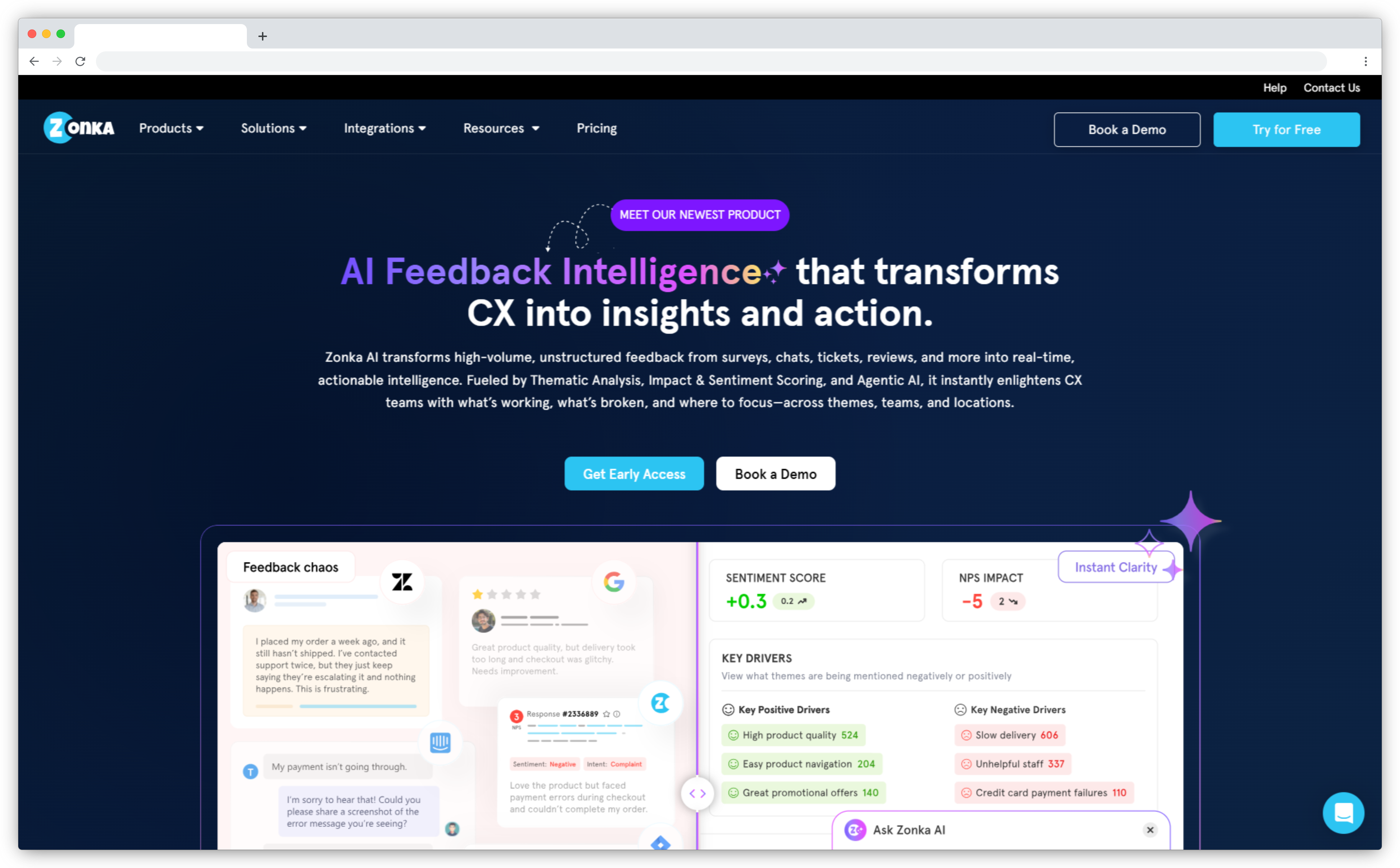
Zonka Feedback's AI customer feedback analytics layer does what most teams currently handle manually. Open-ended responses are grouped into themes automatically, sentiment is detected at the sentence level — so a mixed-emotion response gets two separate signals rather than one flattened score — and entity mentions are mapped across multilocational feedback — your locations, agents, and product areas. Impact scoring surfaces which themes are actually driving NPS and CSAT movement.
For teams running active feedback programs, that translates directly: hours previously spent manually tagging qualitative responses come back within the first month. Scores moving in your dashboard now come with an explanation. The open-text from a quarterly NPS run stops being a backlog and becomes a structured, searchable insight layer.
On collection, Zonka Feedback covers every channel SurveySparrow supports — web, in-app, email, SMS, WhatsApp — plus kiosk and offline modes essential for retail, healthcare, and hospitality. Behavioral targeting goes beyond URL rules: surveys fire based on lifecycle stage, custom events, and user attributes without engineering sprints. Closed-loop workflows — detractor alerts, ticket routing, case management — run natively, not through Zapier workarounds.
One Capterra reviewer described the reporting experience plainly: "The reporting is absolutely kickass. I get detailed reports in one click and love the way the entire analytics system is designed — it allows me to quickly browse reports as well as go in-depth by drilling down." A reviewer on SoftwareAdvice called it "the most robust tool for measuring a wide variety of CX activities" — delivering Qualtrics-level analytics depth at a fraction of the enterprise cost.
How it compares to SurveySparrow: SurveySparrow wins on conversational survey UX and immediate familiarity. Zonka wins on what happens after the response arrives — AI analysis, closed-loop automation, and role-based reporting that surfaces what different teams need to act on. Teams wanting a conversational collection experience alongside real analytics depth will find Zonka closes that gap. Teams that only need basic surveys at low volume may not need the added capability.
Zonka Feedback Key Features
- Website surveys and feedback button with behavioral targeting
- AI Feedback Intelligence: sentiment analysis, thematic analysis, entity mapping, and impact scoring
- Omnichannel collection: email, SMS, WhatsApp, web, mobile SDK, kiosk, offline, QR codes
- 200+ survey templates for NPS, CSAT, CES, and custom metrics
- Closed-loop workflows: detractor alerts, ticket routing, case management
- 60+ native integrations: Salesforce, HubSpot, Zendesk, Intercom, Freshdesk, Jira, and more
- Role-based dashboards so every team sees the signals relevant to them
Zonka Feedback Pros
- AI analysis removes the manual work of making sense of open-ended feedback at scale
- Full channel stack: digital, physical, and offline in one platform
- Closed-loop automation runs natively — no third-party integrations required
- Scales from mid-market CX programs to enterprise VoC without switching tools
Zonka Feedback Cons
- Custom pricing means you need a demo conversation before knowing exact costs
- Feature depth has a learning curve for teams new to full CX platforms
Zonka Feedback Pricing
- Custom pricing based on channels, response volume, and business requirements
- Free trial available on request
2. Perspective AI: Best for Conversational AI Surveys
- Where it stands out vs. SurveySparrow: The conversation is generated, not styled — follow-up questions are written in real time based on the answer just given. Voice as a first-class mode: 57 languages with automatic language detection, accent-native voices, and a first word that lands in about a second
- Use case: Churn and win/loss interviews where the reason matters more than the score. Product discovery and PMF research without booking a single call
- Best for: Teams who liked SurveySparrow's conversational premise and want it taken literally — an interviewer that asks its own follow-ups rather than a fixed script in a chat wrapper.
- G2 rating: 5/5
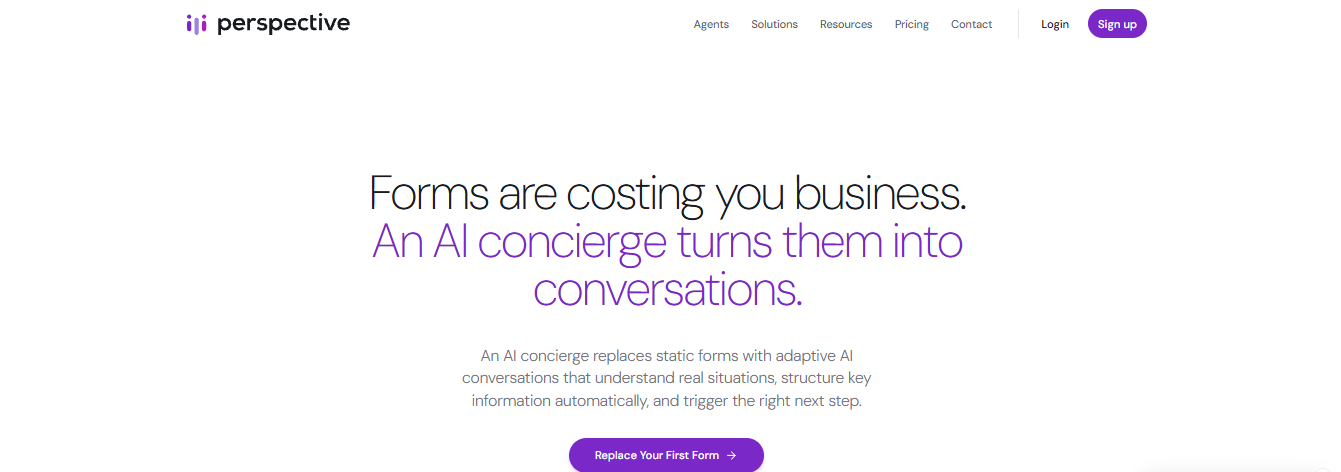
SurveySparrow made surveys feel like a chat, which lifted completion rates meaningfully. But the questions in that chat are still written in advance and identical for everyone; the interface is conversational, the instrument is not. Perspective AI closes that gap. You give the AI interviewer agent a research goal in plain language, and it holds an actual conversation — typically 25–30 exchanges where a survey would have asked five questions — deciding what to ask next from what the respondent just said. Someone who answers "support was fine, I guess" gets asked what would have made it better, which is exactly the answer no static question could have collected.
How it compares to SurveySparrow: SurveySparrow is the better tool if you are running a recurring feedback program: NPS and CSAT tracking, scheduled recurring surveys, score dashboards over time. Perspective AI does none of that. What it does instead is produce interview-grade depth at survey volume, then analyse it automatically — so the trade is program tracking for explanatory power. Many teams end up running both: the survey for the trend line, Perspective AI when the trend line moves and nobody can say why.
Perspective AI Key Features
- AI interviewer agent generating unscripted, real-time follow-ups in voice or text
- Voice interviews in 57 languages with automatic language detection — no per-language setup
- Accent-native voices across English (Australian, Indian, Scottish, Irish, Nigerian, Jamaican), Spanish and Arabic variants
- Sub-second opening, mid-sentence interruption handling and noise filtering
- Research outline builder — describe the goal in plain language, the agent builds and runs the study
- Magic Summary with auto-extracted themes, sentiment, key quotes and risk signals
- Interactive AI analysis across the full response set, with cited answers
Perspective AI Pros
- Genuinely adaptive questioning rather than conversational styling
- Far more usable signal per respondent than an open-text field
- Analysis and quote extraction are automatic and same-day
- Free tier and flat $99/month entry, with no per-seat charge
Perspective AI Cons
- No recurring NPS, CSAT or CES program tracking or score dashboards
- Not built for high-volume quantitative benchmarking
- Asks more time of a respondent than a 60-second chat survey
Perspective AI Pricing
- Free: 100 credits
- Pro: from $99/month, 1,000 credits
- Flex: pay-as-you-go credits (a conversation = 10 credits)
- Enterprise: custom; unlimited seats on all plans
3. SurveyMonkey: Best for Research-Grade Survey Logic and Practical Reporting
SurveyMonkey is the right choice when you need research-grade survey logic and practical dashboards for stakeholders who already recognize the platform — and can accept that deeper AI text analysis sits behind higher-tier plans.
- Where it stands out vs. SurveySparrow: Deeper survey construction logic, bias-reduction tools, audience panel access for external research, cleaner reporting dashboards — and the brand recognition that makes stakeholder buy-in easier.
- Use case: Market research, brand tracking, employee engagement, complex surveys requiring branching logic and structured analytical reporting.
- Best for: Researchers, marketing teams, and organizations whose primary need is survey design depth and reporting clarity rather than in-product targeting or conversational UX.
- G2 rating: 4.4/5 — G2's #1 ranked SurveySparrow alternative by reviewer comparison data, with 23,000+ reviews
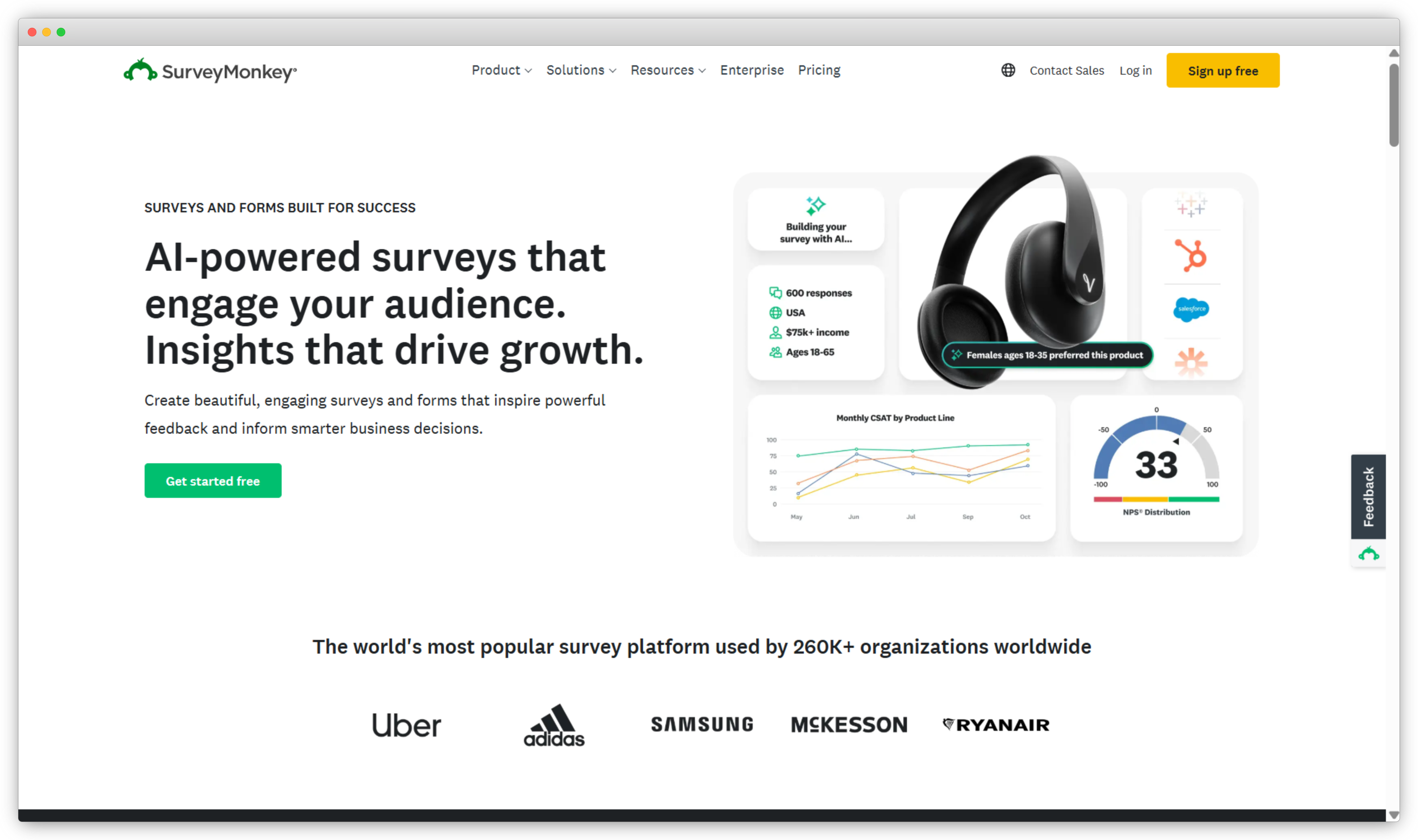
SurveyMonkey's position as G2's most-compared SurveySparrow alternative reflects genuine switching behavior, not just brand recognition. The survey construction is meaningfully better than SurveySparrow's at comparable price points: conditional logic, skip branching, question piping, 250+ templates, and AI-assisted question writing are all real upgrades.
On the reporting side, G2 reviewers are consistent: "The reporting and analytics are clear and practical, making it easy to track responses and visualize data using charts and summaries." Dashboard-level reporting — charts, filters, cross-tab analysis, and PDF export — is solid across paid plans. The watch point: G2 reviewers note that advanced AI analytics, deeper logic controls, and export options are locked behind higher-priced plans, which makes the free and lower tiers feel limiting once your needs grow beyond simple surveys.
What SurveyMonkey doesn't solve is the post-collection intelligence gap. Like SurveySparrow, it gives you responses. Making sense of open-ended text at scale still requires manual work or enterprise plan upgrades — that's the core limitation for teams switching from SurveySparrow specifically because the analytics run thin.
How it compares to SurveySparrow: SurveyMonkey is the more capable research and analytical tool; SurveySparrow is the more engaging survey experience. If you're leaving SurveySparrow for better dashboards and data export, SurveyMonkey is a direct step up at mid-tier plans. If you need the conversational format preserved alongside better analytics, you're making a trade-off — you gain reporting clarity and lose some of the completion-rate advantages SurveySparrow's chat format provides.
SurveyMonkey Key Features
- Advanced survey logic: skip logic, branching, question piping, and randomization
- 250+ templates for customer feedback, market research, and employee surveys
- Audience panels for targeting specific demographics in external research
- AI guidance for question creation and bias reduction
- Dashboard reporting with filter, segment, and cross-tab analysis
- Enterprise security: SSO, data governance, HIPAA compliance options
- Native integrations with Slack, HubSpot, Mailchimp, Salesforce, and Tableau
SurveyMonkey Pros
- Best-in-class survey logic for complex research workflows
- Reporting dashboards that are a clear step up from SurveySparrow at mid-tier plans
- Audience panel access for external research without a separate tool
- High brand recognition makes stakeholder buy-in straightforward
SurveyMonkey Cons
- AI analysis features locked to higher-tier plans — the reporting gap that drives SurveySparrow switches isn't fully solved at entry pricing
- Not built for in-product targeting or digital touchpoint feedback programs
- Free plan limited to 10 questions per survey — functionally restrictive
SurveyMonkey Pricing
- Individual plans from $18/month
- Team plans from $25/user/month (3 user minimum)
- Free version available (10 questions/survey limit)
SurveyMonkey covers a lot of ground but isn't right for every team leaving SurveySparrow. Here's a breakdown of the top SurveyMonkey alternatives if you're evaluating further.
4. Jotform: Best for Versatile Form and Survey Building at Scale
Jotform is the right choice when you want SurveySparrow's creation ease but need more template variety, a genuinely usable free tier, and visual reporting output your non-technical stakeholders can access without logging into the platform.
- Where it stands out vs. SurveySparrow: 10,000+ templates, a more functional free tier, strong visual report generation through Jotform Tables, and broader form versatility covering surveys, payments, registrations, and quizzes from one builder.
- Use case: Multi-purpose form and survey collection, teams that need data collection across diverse use cases, organizations that need shareable report output for non-technical stakeholders.
- Best for: Teams that want SurveySparrow's ease of creation but need more template variety, better visual reporting output, and a free tier that's actually usable.
- G2 rating: 4.7/5 (4,700+ reviews — G2's #2 ranked SurveySparrow alternative by reviewer comparison data)
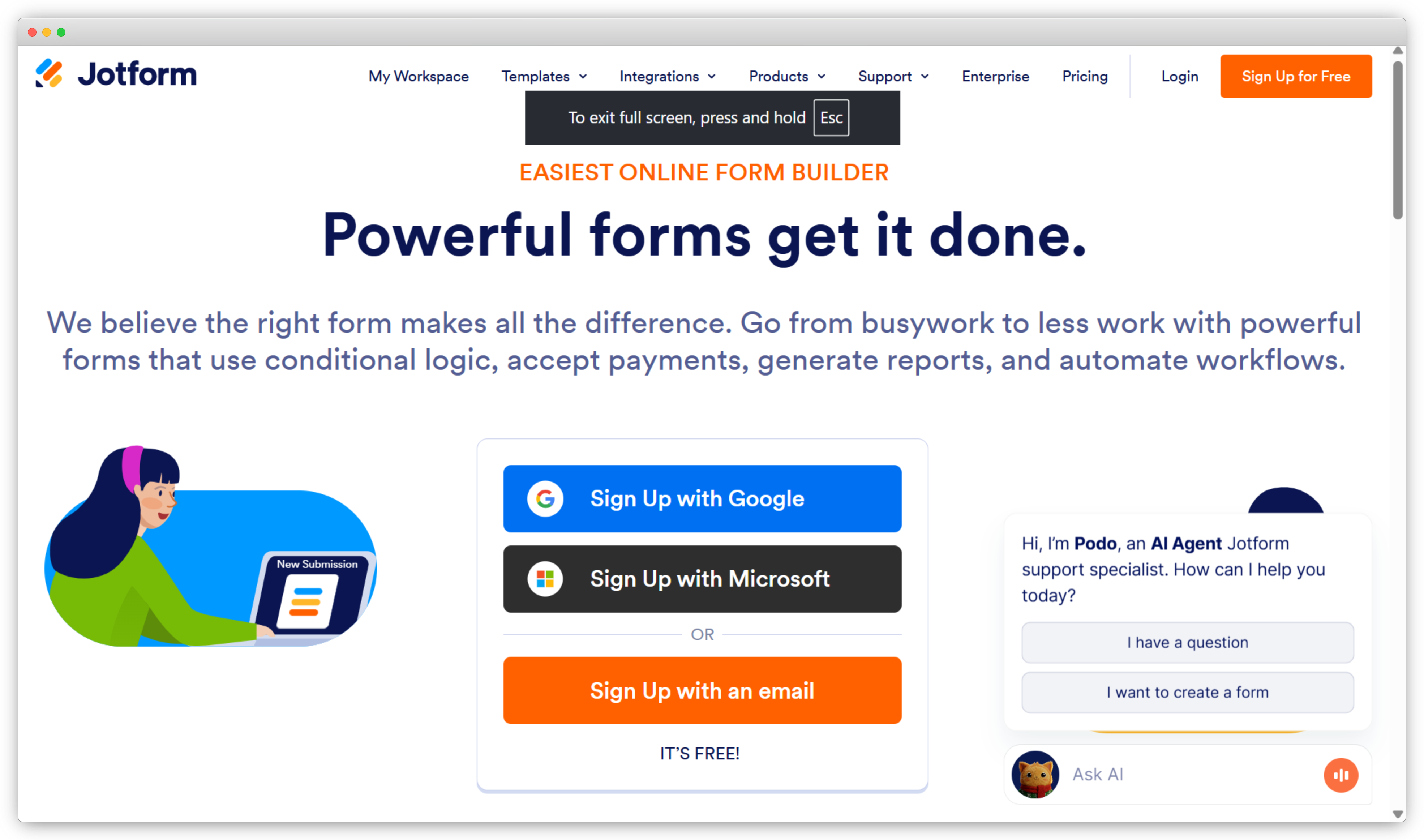
Thirty-five million users have landed on Jotform, and it consistently ranks as the #2 SurveySparrow alternative in G2's own data because the switching profile is so similar: teams that want easy creation but hit SurveySparrow's template limits and pricing walls. The free tier — 5 forms, 100 responses — is genuinely usable in a way SurveyMonkey's 10-question limit isn't.
The reporting is a real differentiator at comparable price points. Jotform Tables turns responses into a spreadsheet-style view that non-technical stakeholders can actually use — filtering, sorting, and assigning records without needing to log into a survey dashboard. The Report Builder generates visual PDFs that hold up in a management meeting. As one G2 reviewer put it, the platform "makes creating forms quick and efficient, even for users without a technical background" — and the templates genuinely "give you a running start on almost any form type."
The limitation to acknowledge clearly: Jotform doesn't have SurveySparrow's conversational chat format. The forms are traditional in structure. It also doesn't have NPS program infrastructure — recurring surveys, detractor workflows, automated follow-ups — that SurveySparrow supports. It's a collection and reporting tool, not a CX program platform.
How it compares to SurveySparrow: Jotform wins on template depth, visual reporting, and the free tier's usability. The UX gap is real — SurveySparrow's chat format and completion rate advantage hold. But if you're leaving for pricing reasons or because you need broader form types, that trade-off is worth making.
Jotform Key Features
- 10,000+ pre-built templates across surveys, registration, payment, and feedback forms
- Drag-and-drop builder with 100+ question types and conditional logic
- Jotform Tables for spreadsheet-style response management and team sharing
- Visual report generation and PDF export through Jotform Report Builder
- Payment collection integration: Stripe, PayPal, Square, and 40+ payment gateways
- 150+ native integrations including HubSpot, Salesforce, Google Sheets, and Slack
- HIPAA-compliant plans for healthcare teams
Jotform Pros
- 10,000+ templates — the deepest library in the category
- Free plan that's actually functional: 5 forms, 100 responses
- Jotform Tables makes sharing and organizing responses easy for stakeholders
- Multi-use platform: surveys, quizzes, payments, and registrations from one builder
Jotform Cons
- Traditional form structure only — no one-question-at-a-time conversational flow
- Limited CX program infrastructure (NPS tracking, closed-loop workflows)
- AI analysis on open-ended text is limited compared to dedicated CX platforms
Jotform Pricing
- Free plan: 5 forms, 100 monthly responses
- Bronze plan from $34/month (25 forms, 1,000 responses)
- Silver and Gold plans for higher volumes
5. Typeform: Best for Design-Led Conversational Surveys and High Completion Rates
Typeform isn't trying to compete with SurveySparrow on CX infrastructure. The entire product is built around one idea: make the survey experience so good that people actually finish it. For that specific brief, it delivers — and that's the only brief it's right for.
- Where it stands out vs. SurveySparrow: Superior brand customization, one-question-at-a-time format with more visual polish, and stronger completion rates for branded, public-facing surveys. Trades analytics depth for UX quality.
- Use case: Lead generation forms, onboarding questionnaires, branded surveys where design quality and completion rate are the primary objectives — not structured CX measurement.
- Best for: Marketing teams, designers, and growth teams that want a polished conversational survey for website or email distribution.
- G2 rating: 4.5/5
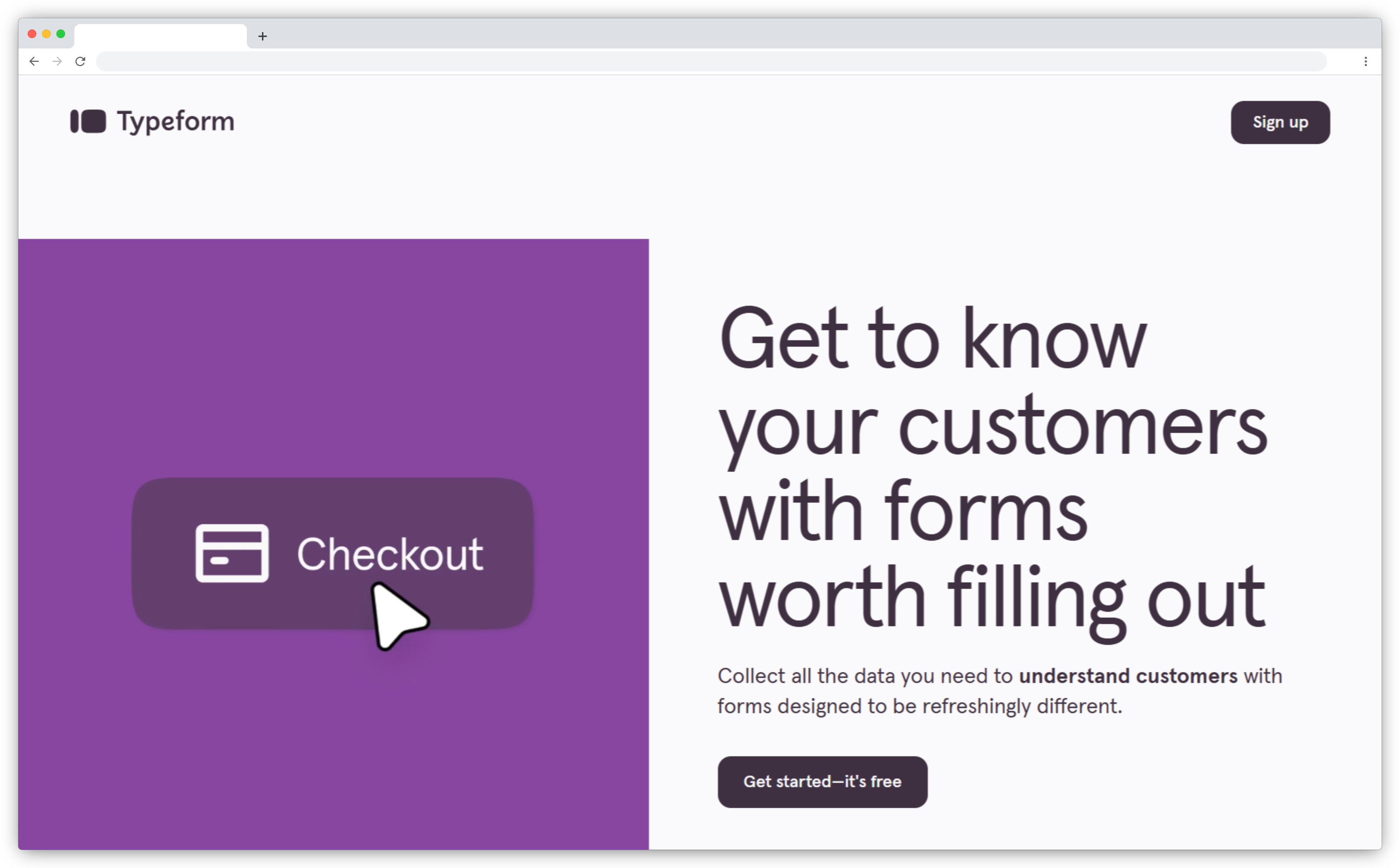
Typeform and SurveySparrow compete on the same core idea — surveys should feel like conversations, not interrogations — but they execute it for different audiences. SurveySparrow built a CX suite around the conversational format. Typeform built a design system. The brand customization depth, the completion rate performance on public-facing surveys, and the visual polish are genuinely better. A survey you'd embed on a product landing page or send to a prospective customer looks more premium in Typeform.
G2 reviewers have been direct about where Typeform wins: "Our conversion rates are killer since we switched over to typeform." The consistent criticism from the same G2 population: the reporting and analytics features are limited — notably lighter than SurveySparrow's, which is the key trade-off to understand before choosing it.
There's no native NPS or CSAT dashboard, no closed-loop workflows, no AI analysis on open-text responses. For teams leaving SurveySparrow because the reporting runs thin, Typeform moves in the wrong direction. It's the only tool on this list where the analytics are actually lighter than SurveySparrow's — making it the right choice only when the collection experience and completion rate are the whole objective.
How it compares to SurveySparrow: Typeform is a direct upgrade on survey design and completion rate for marketing-facing surveys. It's a step down on analytics and CX program infrastructure. Choose it when design quality matters more than what you do with the data. If analytics depth is the reason you're leaving SurveySparrow, Typeform doesn't solve the problem.
Typeform Key Features
- One-question-at-a-time conversational survey format with full brand customization
- Advanced logic jumps, hidden fields, and personalized survey paths
- Brand theming: fonts, colors, backgrounds, images, and video backgrounds
- Pre-built templates for lead gen, research, onboarding, and event registration
- Completion rate analytics and drop-off tracking by question
- 100+ integrations including HubSpot, Google Sheets, Slack, Zapier, and Salesforce
Typeform Pros
- Best-in-class survey UX and visual design — genuinely lifts completion rates
- Strong logic jumps and conditional branching
- Polished templates and deep brand customization options
- Easy to embed on websites and landing pages
Typeform Cons
- No native NPS, CSAT, or CES dashboards — analytics are basic completion stats
- Analytics are lighter than SurveySparrow's — the opposite of what most switchers need
- Response limits on lower plans are restrictive at scale
- Not suited for CX programs with closed-loop workflows
Typeform Pricing
- Basic from $29/month (100 responses/month)
- Plus from $59/month; Business from $99/month
- Free version: 10 questions, unlimited responses
Typeform has clear strengths but a real analytics ceiling. Here are the Typeform alternatives if you need more capability alongside the collection experience.
6. Qualtrics: Best for Enterprise-Grade VoC and Text Analytics at Scale
Qualtrics is the right choice when your CX program spans multiple departments or hundreds of locations and the investment — typically $25,000 to $100,000+ per year — is appropriate for the organizational footprint it requires.
- Where it stands out vs. SurveySparrow: Text iQ for AI-powered theme and sentiment analysis, predictive NPS modeling, enterprise governance across departments — the analytics ceiling SurveySparrow users hit doesn't exist here.
- Use case: Enterprise VoC programs, multi-department CX measurement, research-grade survey science with advanced statistical analysis.
- Best for: Large enterprises with mature CX programs, meaningful budgets, and the IT infrastructure to support enterprise deployment. Not mid-market teams looking for a faster analytics upgrade.
- G2 rating: 4.4/5
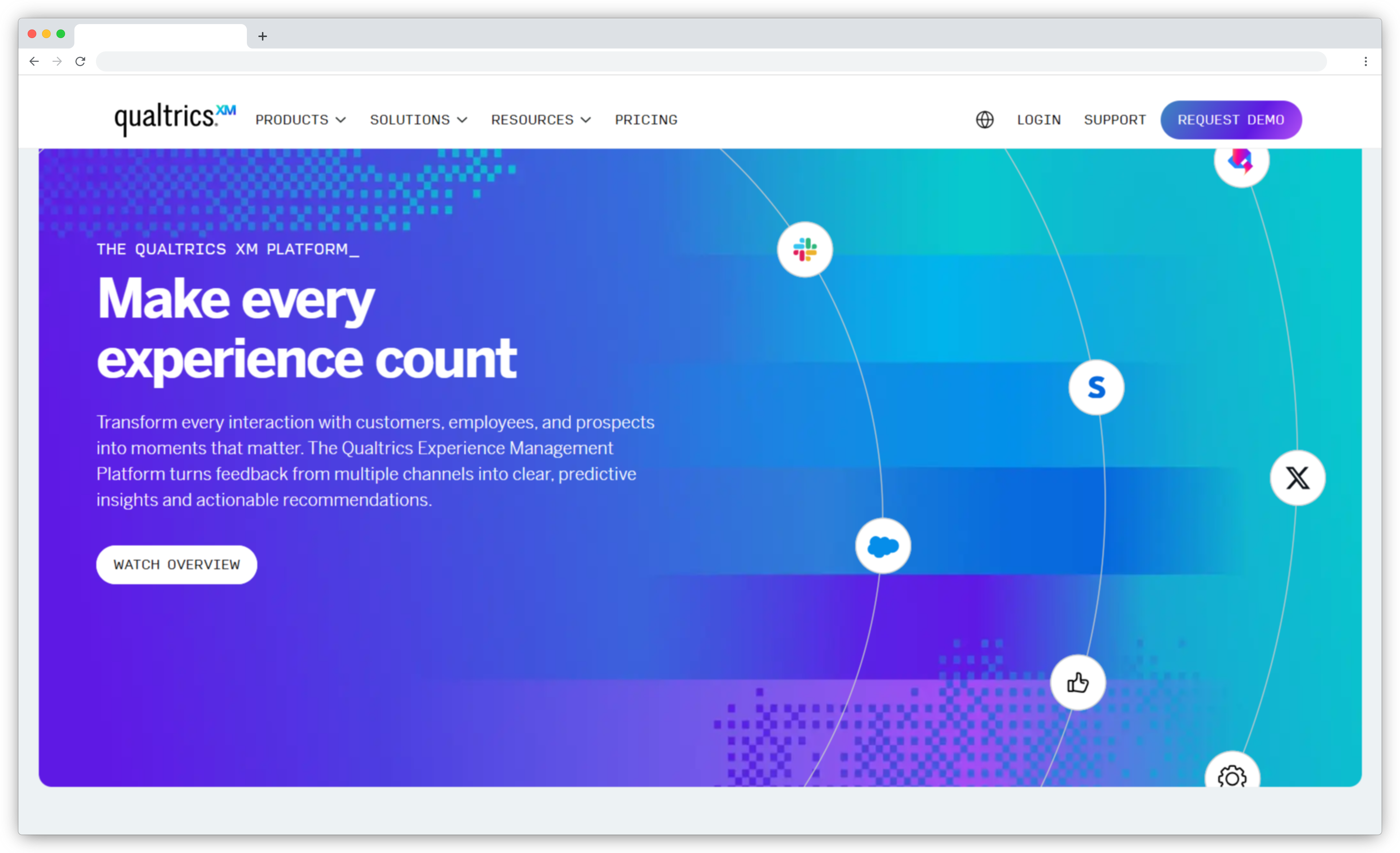
When does Qualtrics actually make sense as a SurveySparrow alternative? When you're not just upgrading a survey tool — you're building an organizational XM infrastructure. Text iQ analyzes open-text responses at scale with genuine AI capability: theme detection, sentiment scoring, and driver analysis that shows which themes move which metrics across thousands of responses weekly. That's a different category of tool than anything else on this list.
The question isn't capability. It's whether the scale of investment is appropriate for the problem. G2 reviewers call it "a powerful and versatile tool that goes way beyond a normal survey solution" — and that's precisely the issue for most teams leaving SurveySparrow. Contracts typically run $25,000 to $100,000 or more per year, implementation timelines stretch weeks to months, and the platform usually requires a dedicated admin to configure properly. For a 50–200 person team that needs better reporting, the overhead is disproportionate to the problem.
How it compares to SurveySparrow: This is the SurveySparrow alternative for teams that have outgrown not just SurveySparrow but the entire mid-market category. Running CX programs across hundreds of locations, multiple departments, and needing Text iQ-level analytics for thousands of open-ended responses weekly — Qualtrics earns its cost. For everyone else, the tools above close the reporting gap without the enterprise footprint.
Qualtrics Key Features
- Text iQ: AI-powered sentiment analysis and theme detection at enterprise scale
- Predictive NPS and statistical driver analysis
- Research-grade survey design with advanced branching and logic
- Role-based dashboards for cross-department CX reporting
- Full XM suite: Customer XM, Employee XM, Brand XM, and Product XM
- Enterprise security, SSO, data governance, and compliance controls
Qualtrics Pros
- Text iQ is the deepest NLP analytics layer available in the survey category
- Predictive modeling and statistical rigor for research programs
- Enterprise governance and compliance for regulated industries
- Full XM suite if running CX, EX, and research from one platform
Qualtrics Cons
- $25,000–$100,000+ per year — prohibitive for most teams leaving SurveySparrow
- Long implementation timeline; often requires a dedicated administrator
- Significant complexity for teams without the IT infrastructure to support it
Qualtrics Pricing
- Custom enterprise pricing — typically $25,000 to $100,000+ annually
- Demo required to receive a quote
Not ready for the enterprise investment? Here's a full comparison of the top Qualtrics alternatives and competitors at every price point.
7. Alchemer: Best for Unlimited Responses Without Per-Response Pricing
Alchemer is the right choice when SurveySparrow's per-response pricing has become the primary constraint and you need unlimited volume with more complex survey logic at predictable monthly cost.
- Where it stands out vs. SurveySparrow: No per-response pricing caps on paid plans, stronger survey logic for complex multi-branch workflows, more flexible reporting builder — and a cost model that doesn't penalize growth.
- Use case: Teams with high or growing response volumes, complex survey logic requirements, and mid-market research needs that SurveySparrow's tiered pricing makes increasingly expensive at scale.
- Best for: Growing teams hitting SurveySparrow's pricing ceiling who need advanced survey construction and unlimited responses at predictable cost.
- G2 rating: 4.4/5
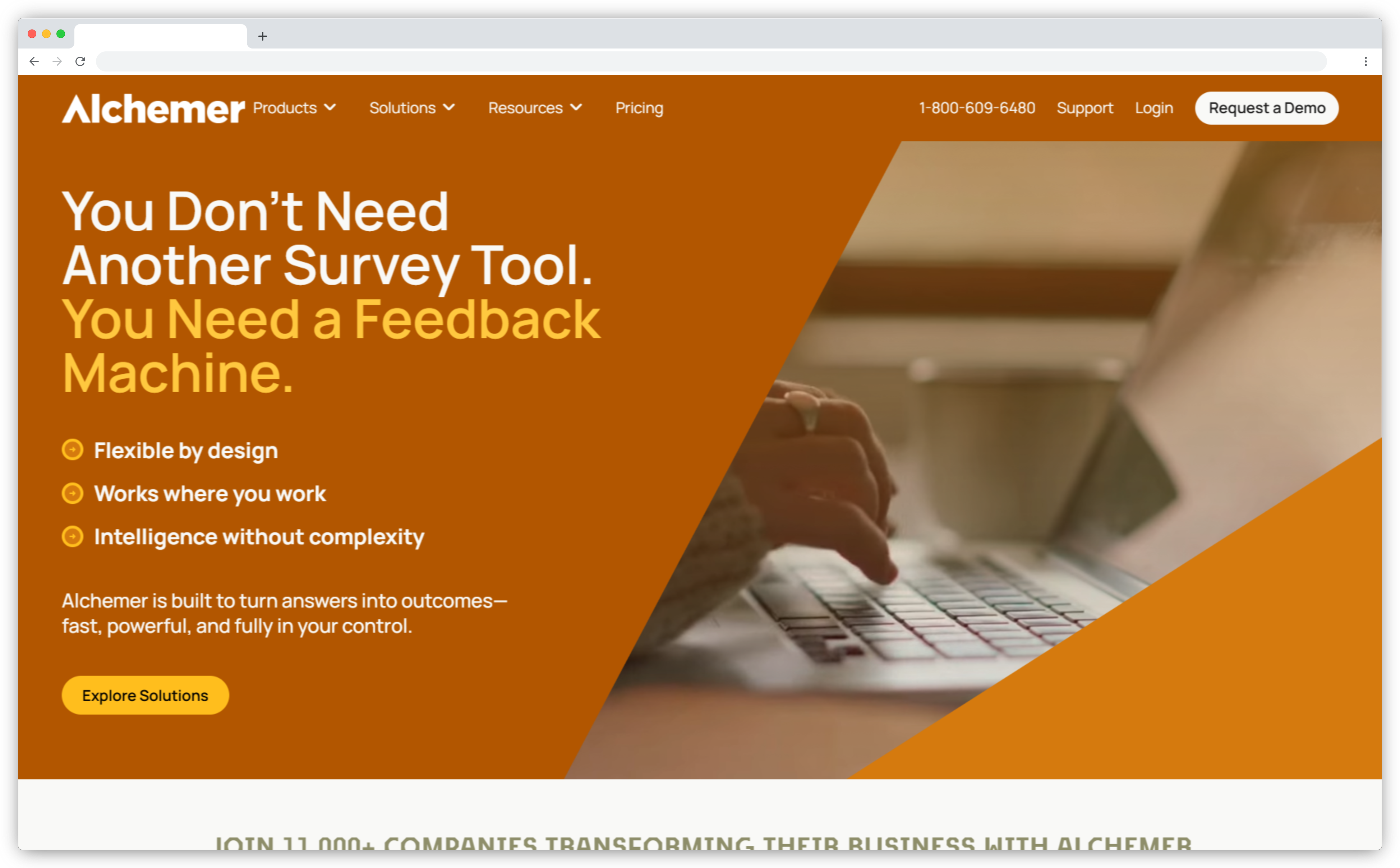
Alchemer (formerly SurveyGizmo) solves one of SurveySparrow's most frequently cited frustrations directly: once you're on a paid plan, response limits don't apply. For teams running active feedback programs that regularly hit SurveySparrow's volume thresholds and face steep tier jumps, that single structural difference changes the economics significantly.
The survey logic depth is a meaningful upgrade alongside the pricing. As one UX Research Manager noted in a verified G2 review: "We've been able to build some pretty complex survey flows with skip logic and branching." The reporting builder is more flexible than SurveySparrow's — custom reports, segment filtering, and BI tool export are all included at standard plan pricing, not enterprise add-ons. G2 comparison data puts Alchemer's data exporting capabilities at 8.9 versus Qualtrics at 8.5, making it a genuine step up for teams needing to push data into external analytics tools.
How it compares to SurveySparrow: Alchemer wins on pricing predictability at scale and survey logic depth. The survey experience itself is better in SurveySparrow — the chat format and completion rate advantage are genuine. Teams choosing Alchemer have made a deliberate trade: analytical rigor and unlimited volume over an engaging survey UX.
Alchemer Key Features
- Unlimited surveys and responses on paid plans — no response caps
- Advanced survey logic: piping, quota management, skip logic, and branching
- Custom reporting builder with filter, segment, and BI tool export
- Multi-channel distribution: email, web, in-app, API
- CRM and BI integrations: Salesforce, HubSpot, Tableau, Power BI
- API access for teams building custom feedback flows
Alchemer Pros
- No per-response pricing — straightforward, predictable cost at scale
- Deep survey logic for complex branching and research workflows
- Flexible reporting builder included at standard pricing
- Data export scores higher than Qualtrics on G2 reviewer ratings
Alchemer Cons
- Survey UX is functional, not engaging — form-based structure with no conversational flow
- Interface is functional but less polished than SurveySparrow or Typeform
- AI-assisted analysis on open-text is limited compared to dedicated CX platforms
Alchemer Pricing
- Collaborator plan from $55/month per user (3 users, unlimited surveys and responses)
- Professional and Full Access plans with expanded features
- No free plan; free trial available
8. Survicate: Best for In-App and Product-Led Feedback Collection
If your team is SaaS or product-led, you've probably felt this gap already: SurveySparrow distributes surveys well, but it doesn't fire them based on what a user just did inside your product. That's Survicate's lane — in-app behavioral targeting that most general survey tools don't match.
- Where it stands out vs. SurveySparrow: Better in-app targeting logic for product and PLG teams, behavioral trigger depth beyond URL and time-on-page rules, AI categorization on open-ended responses.
- Use case: Website feedback widgets, in-product microsurveys, NPS and CSAT tracking for SaaS and digital product teams.
- Best for: Product managers, growth teams, and customer success teams at SaaS companies who need targeted digital feedback without SurveySparrow's broader survey infrastructure.
- G2 rating: 4.6/5
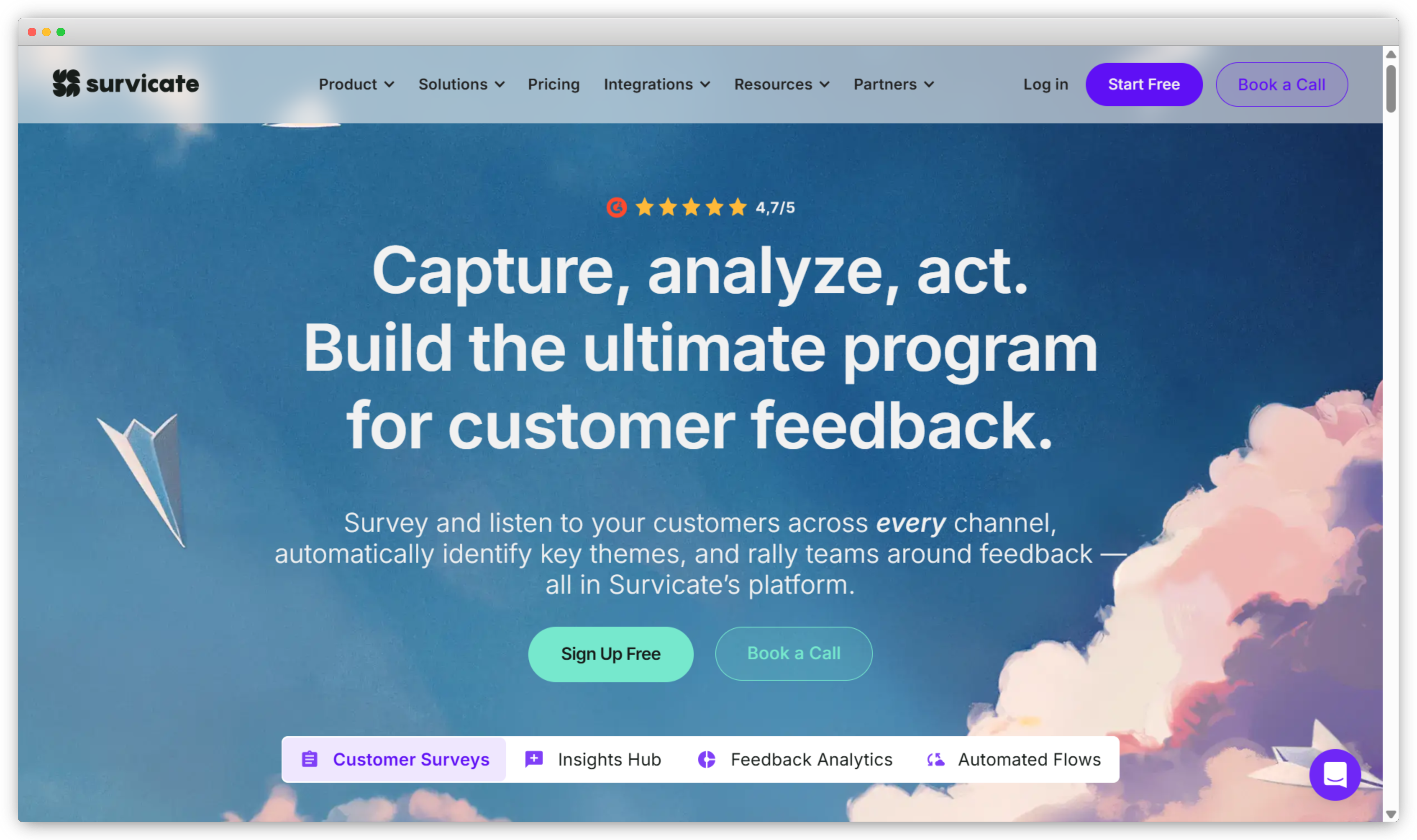
Survicate earns its 4.6 on G2 for good reasons: fast deployment, clean NPS and CSAT templates, behavioral targeting that works out of the box, and 40+ integrations that connect to HubSpot, Intercom, and Salesforce without engineering involvement. For teams getting started with digital feedback — website surveys, in-product prompts, email-embedded questions — it covers the ground well.
Where it outpaces SurveySparrow is in digital touchpoint targeting precision. SurveySparrow distributes surveys well across multiple channels, but Survicate's in-product behavioral triggers — segmented by page, user attribute, lifecycle stage, and time-on-site — are more granular for PLG and product teams that need to catch users at specific moments in the product journey. The AI categorization on open-ended responses is a genuine step up from SurveySparrow's basic reporting for digital feedback specifically.
How it compares to SurveySparrow: SurveySparrow is the broader tool — better for multichannel CX programs including SMS, WhatsApp, and offline. Survicate is the more precise tool for digital and in-product feedback. Teams leaving SurveySparrow because surveys feel disconnected from product behavior will find Survicate closes that gap. Teams that need full-channel CX including physical touchpoints should look elsewhere. Note: the pricing jump from free (25 responses/month) to first paid tier ($99/month) is steep — factor that into the evaluation if response volume is a concern.
Survicate Key Features
- In-product survey targeting by behavioral events, user attributes, and lifecycle stage
- website feedback tools: popups, slide-ins, and embedded surveys
- AI categorization and trend analysis on open-ended responses
- Native NPS, CSAT, and CES survey templates with tracking dashboards
- 40+ integrations including HubSpot, Intercom, Salesforce, and Amplitude
- Email-embedded surveys for transactional feedback collection
Survicate Pros
- In-product targeting granularity is stronger than SurveySparrow for PLG use cases
- Fast setup; most teams are live in under a day
- AI categorization adds useful analysis on open-ended text
- Clean NPS and CSAT tracking dashboards
Survicate Cons
- Free plan capped at 25 responses/month — restrictive for active programs
- Pricing jump to $99/month at first paid tier is steep for smaller teams
- No offline, SMS, or WhatsApp collection — digital-channel only
Survicate Pricing
- Free plan: 25 responses/month
- Essential plan from $99/month (250 responses)
- Pro and Enterprise plans for higher volumes
Looking for alternatives to Survicate as well? Here's a guide to the top Survicate alternatives compared side by side.
9. QuestionPro: Best for Research Teams Needing Advanced Analytics and Survey Logic
QuestionPro is the right choice when you need both research-grade survey construction and a VoC analytics suite with cross-tab reporting, at a price point that sits below Qualtrics' enterprise threshold.
- Where it stands out vs. SurveySparrow: CX analytics suite with VoC dashboards, advanced statistical analysis tools, panel access for audience research, cross-tab reporting SurveySparrow doesn't support.
- Use case: Market research, VoC programs needing analytical depth beyond standard NPS tracking, surveys requiring complex branching and statistical output.
- Best for: Research teams, CX analysts, and mid-market organizations that need both survey construction depth and meaningful analytics — without Qualtrics' enterprise price point.
- G2 rating: 4.4/5
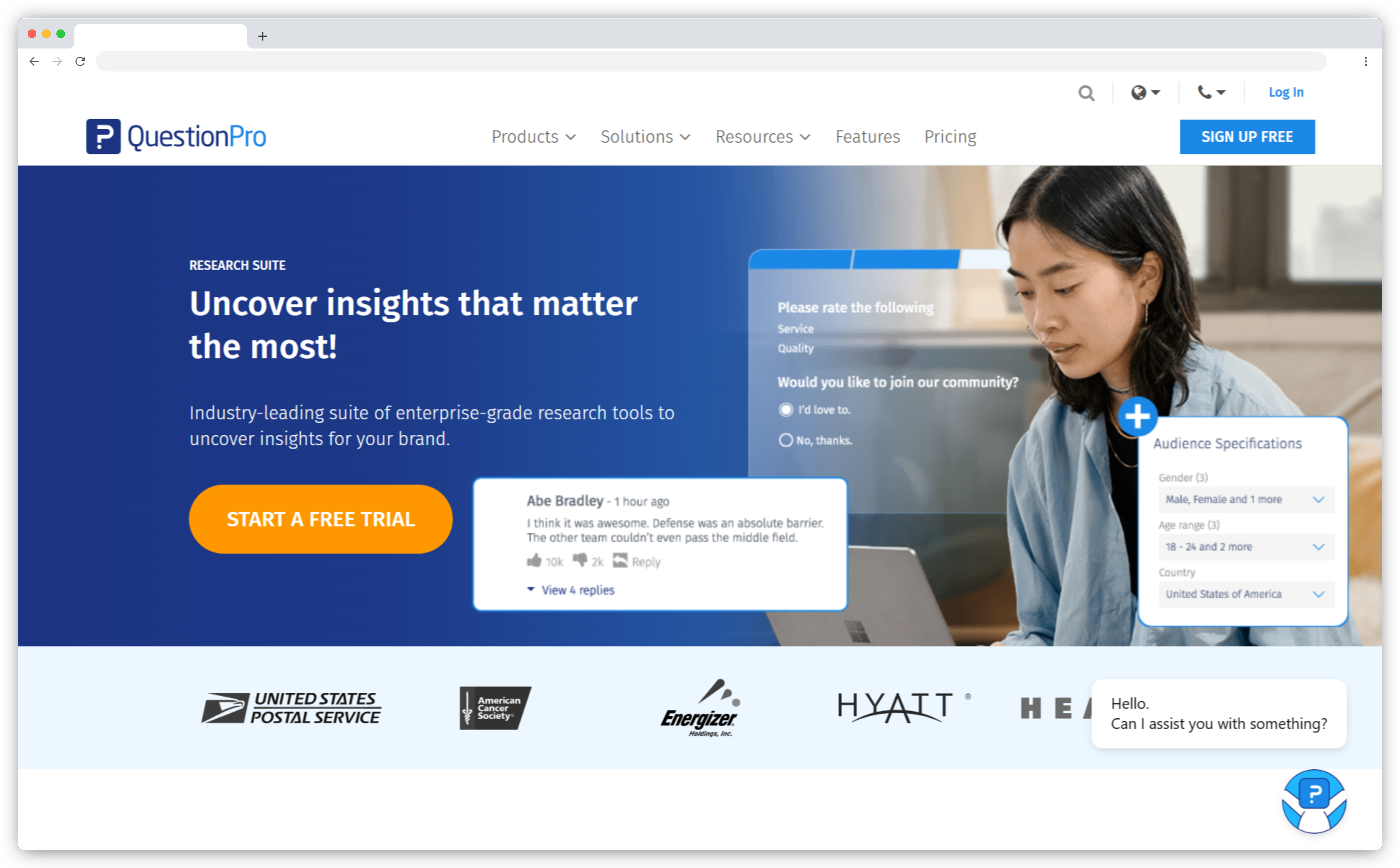
QuestionPro fills the gap between SurveyMonkey and Qualtrics in the analytics stack. The survey construction is research-grade — advanced question types, complex branching, matrix questions, video embedding — and the analytics suite goes meaningfully beyond what SurveySparrow offers. Cross-tab reports, VoC dashboards, sentiment analysis, and trend tracking are included in the platform rather than locked to enterprise add-ons.
One Research Manager at a higher education institution described the experience in a verified G2 review as "easy to pick up and actually gets used — which is half the battle with survey tools." That accessibility alongside genuine analytics depth is what positions QuestionPro well for teams that find SurveySparrow's reporting too surface-level but can't justify Qualtrics' pricing or implementation timeline.
How it compares to SurveySparrow: QuestionPro directly addresses the analytics gap that drives most SurveySparrow switches. Better cross-tab reporting, a VoC dashboard, and research-grade survey logic at a lower price ceiling than Qualtrics. The survey experience itself favors SurveySparrow — getting first surveys live is faster and more engaging. QuestionPro wins on what you can do with the data afterward.
QuestionPro Key Features
- Advanced survey logic: branching, piping, quota controls, and question randomization
- CX Suite with NPS, CSAT, CES dashboards and closed-loop workflow automation
- Cross-tab reports and advanced statistical analysis tools
- VoC dashboard for tracking customer sentiment trends over time
- Panel access for external audience research
- Multi-channel distribution: email, SMS, QR codes, web, and social
QuestionPro Pros
- Analytics depth meaningfully better than SurveySparrow at comparable pricing
- Research-grade survey construction without enterprise pricing
- CX Suite covers NPS programs and closed-loop workflows natively
- Cross-tab reporting is a significant upgrade for analytical teams
QuestionPro Cons
- Interface is functional but not as polished as SurveySparrow or Typeform
- Advanced CX Suite features require higher-tier plans
- Free plan is limited to individual use, not team feedback programs
QuestionPro Pricing
- Free plan available (individual use)
- Advanced plans from $99/month
- CX Suite and Research Suite pricing on request
10. Zoho Survey: Best for Teams Already in the Zoho Ecosystem
If your team runs on Zoho CRM, the argument for Zoho Survey is simple: feedback data sits alongside your CRM data without a sync, export, or middleware step. Outside that context, it's a harder case to make.
- Where it stands out vs. SurveySparrow: Native Zoho CRM integration that eliminates manual data sync, competitive pricing for teams already paying for Zoho apps, and reporting that flows directly into Zoho Analytics.
- Use case: Customer feedback collection for teams using Zoho CRM, help desk, or marketing tools; basic NPS and CSAT tracking with CRM-connected reporting.
- Best for: Businesses already operating in the Zoho ecosystem who want feedback data to sit alongside CRM and support data without a separate integration pipeline.
- G2 rating: 4.4/5
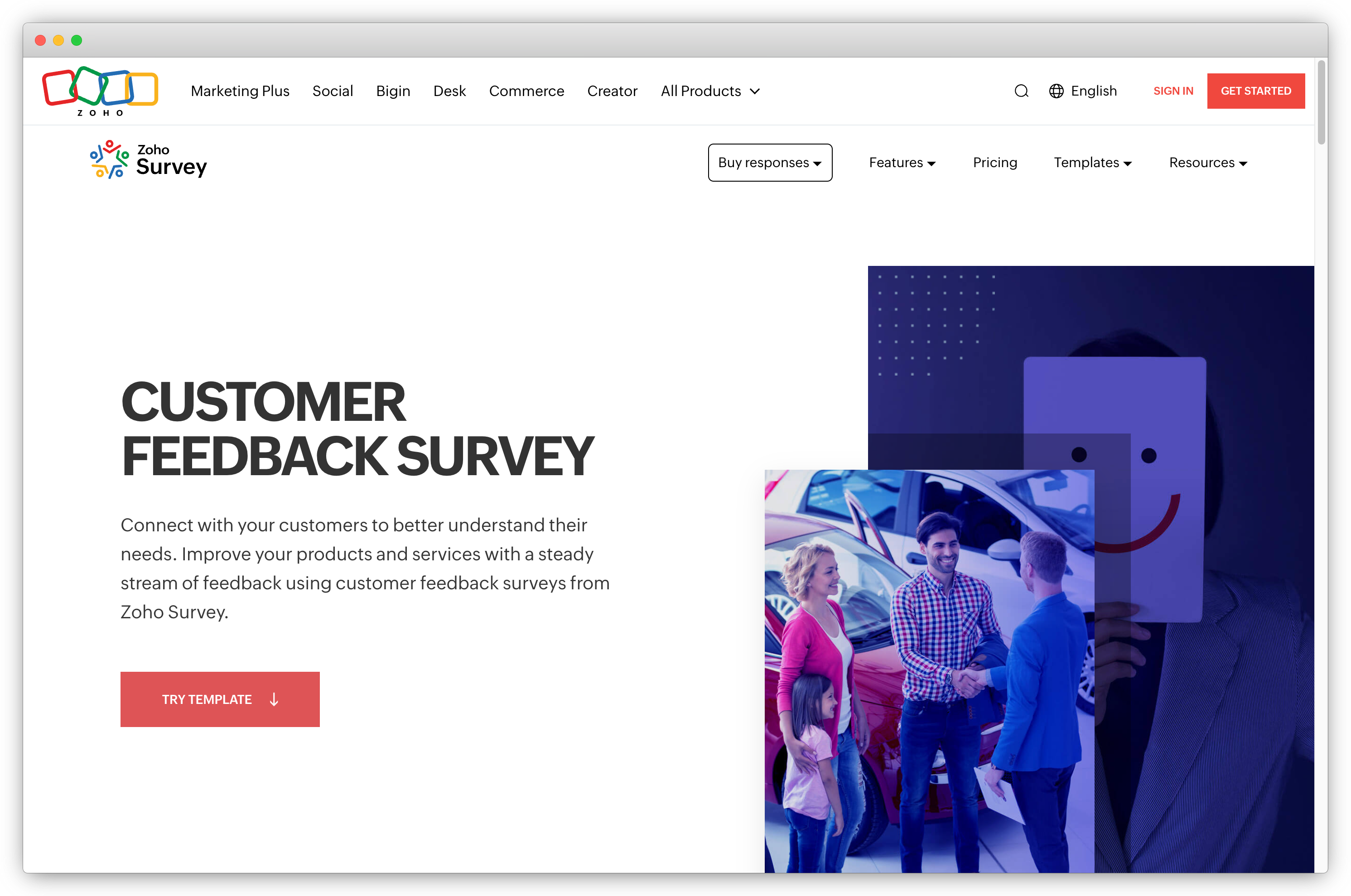
Zoho Survey isn't competing with SurveySparrow on conversational UX or AI analytics. It competes on ecosystem fit — and that argument is narrow but genuine. If your team is already using Zoho CRM, Zoho Desk, or Zoho Analytics, feedback data flows into the tools your team already lives in without a separate integration, sync, or export workflow. That's a real productivity argument for teams where the Zoho stack is already established.
Outside that context, the case is harder to make. The survey builder is solid — good template library, conditional logic, multi-channel distribution — but not differentiated from SurveySparrow or most tools on this list. The analytics are standard dashboard-level: charts, basic filters, response trends. The conversational chat format SurveySparrow is known for doesn't exist here.
How it compares to SurveySparrow: The only compelling reason to choose Zoho Survey over SurveySparrow is existing Zoho ecosystem investment. Outside that context, SurveySparrow is the better survey tool on UX, channel coverage, and feature depth. Inside that context, the native integration with Zoho CRM and the inclusion in Zoho One at no extra cost is a meaningful economic argument. If you're not a Zoho shop, look at the other tools on this list first.
Zoho Survey Key Features
- Native integration with Zoho CRM, Zoho Analytics, and Zoho Desk
- 250+ survey templates and multi-channel distribution (web, email, QR codes)
- Conditional logic, skip logic, and custom branding
- Real-time response dashboards and basic analytics
- Offline survey mode for field data collection without internet access
- multilingual surveys for global distribution
Zoho Survey Pros
- Native Zoho ecosystem integration — zero data pipeline overhead for Zoho users
- Competitive pricing; included in Zoho One at no additional cost
- Offline mode useful for field teams
Zoho Survey Cons
- Limited value outside the Zoho ecosystem
- Analytics are basic — not designed for CX programs with deep reporting needs
- Standard form layout — no chat-style experience; noticeably less polished than SurveySparrow
Zoho Survey Pricing
- Free plan available
- Plus plan from $35/month
- Included in Zoho One subscription at no additional cost
11. forms.app: Best for AI-Assisted Form and Survey Building with Extensive Templates
forms.app is the right choice when creation speed is the main constraint — you need survey structure fast and the AI generator's ability to build from a plain-text description matters more than analytics depth.
- Where it stands out vs. SurveySparrow: AI form and survey generator that creates survey structures from a plain-text description, 4,000+ templates covering forms, quizzes, surveys, and polls, and competitive pricing for creation-heavy use cases.
- Use case: Rapid survey creation, form building across diverse use cases, teams that want AI to handle the initial survey structure and reduce setup time.
- Best for: Teams building new survey programs from scratch who want a fast starting point and broad template coverage — particularly useful for marketing, HR, and customer service teams.
- G2 rating: 4.7/5
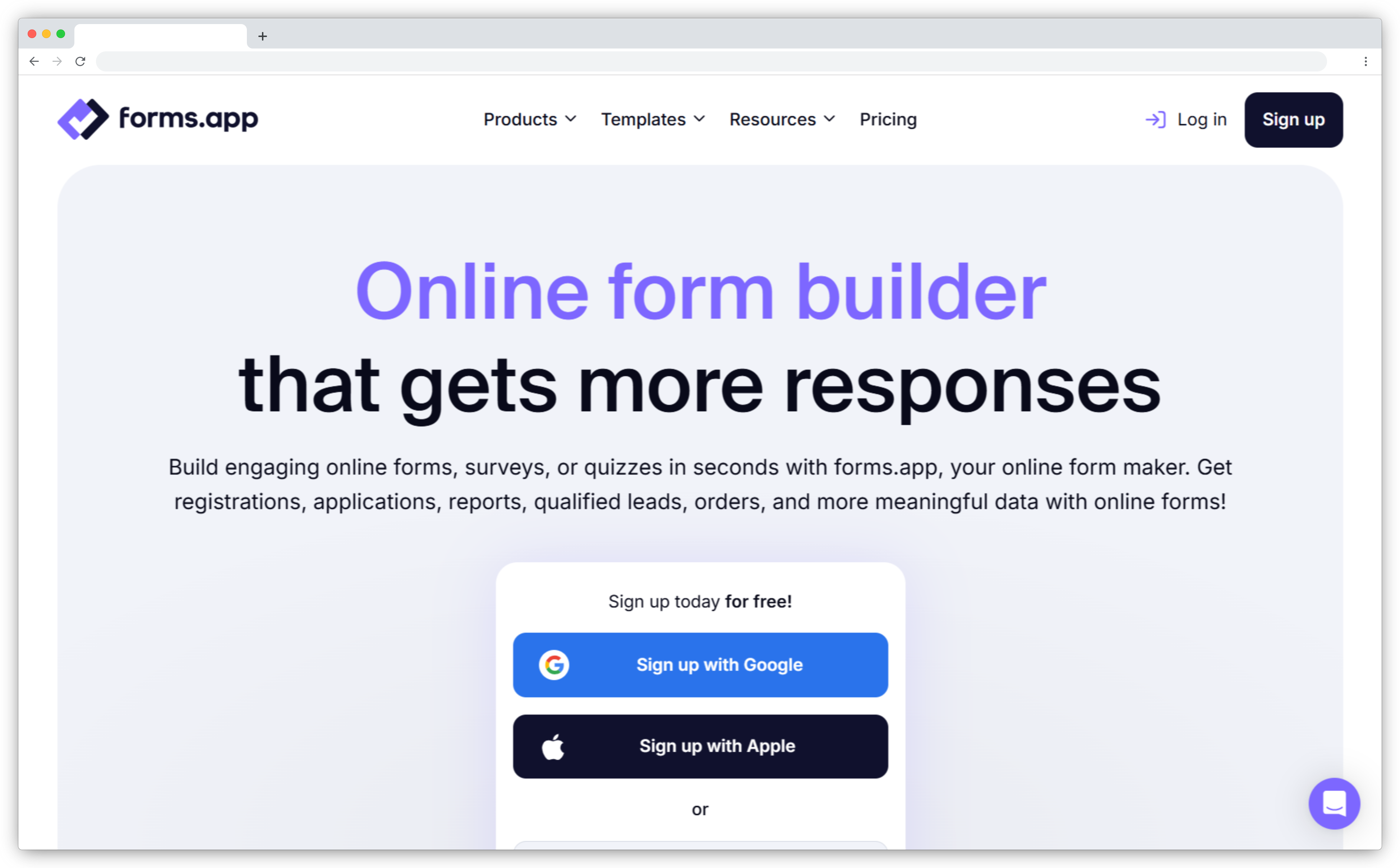
forms.app's most distinctive feature is the AI form generator: describe the survey you need in plain language and it builds the initial structure — question types, logic, flow — for you. For teams that find survey setup time itself a friction point, this cuts the creation phase significantly. The 4,000+ template library spans more use cases than most tools: feedback surveys, quizzes, registrations, event forms, lead gen forms, and polls all in one place.
The analytics are clean and visual — response summaries, completion rates, basic charts — without being deeply analytical. It handles collection and basic reporting well; the closed-loop layer isn't there. Teams that need both creation flexibility and meaningful post-collection analysis will want a tool that handles both natively.
How it compares to SurveySparrow: forms.app and SurveySparrow are comparable on creation ease, but the AI generator and broader template library give forms.app an edge on setup speed and variety. SurveySparrow's conversational chat format and CX metric infrastructure (NPS programs, recurring surveys, closed-loop workflows) are more developed. Good choice for teams prioritizing creation efficiency; not the right fit for structured CX measurement programs.
forms.app Key Features
- AI form and survey generator from plain-text descriptions
- 4,000+ ready-made templates for surveys, quizzes, polls, and registrations
- Conditional logic, branching, and hidden fields
- AI response insights and visual analytics dashboard
- Multi-language support for global distribution
- Integration with Zapier, HubSpot, Slack, Google Sheets, and more
forms.app Pros
- AI generator accelerates initial survey creation significantly
- 4,000+ templates — one of the deepest libraries in the category
- Clean visual analytics interface
- Competitive pricing for high template volume and form variety
forms.app Cons
- Analytics are visual summaries — not suited for CX programs with reporting depth requirements
- Static form structure — the AI speeds up creation but the respondent experience is conventional
- Less suited for structured NPS tracking, recurring surveys, and closed-loop automation
forms.app Pricing
- Free plan available
- Paid plans from $25/month (100 responses)
- Higher volume plans available
12. Formbricks: Best for Open-Source, Privacy-First Survey Teams
4.8/5 on G2 — the highest rating on this list. The reason is narrow but specific: Formbricks is the only tool here you can fully own. The code is yours, the data stays on your servers, and the cost of self-hosting is nothing beyond infrastructure.
- Where it stands out vs. SurveySparrow: Full data sovereignty through self-hosting, open-source codebase with no vendor lock-in, and a functional in-app and website survey stack for teams in regulated industries or with strict data residency requirements.
- Use case: In-product feedback for SaaS teams, website surveys, and any feedback program where data must stay on your own infrastructure.
- Best for: Privacy-conscious teams, organizations in regulated industries (healthcare, fintech, government), and developers who want to customize or extend the feedback stack.
- G2 rating: 4.8/5 — highest-rated tool on this list
.png?width=1600&height=855&name=image%20(8).png)
Formbricks is the only tool on this list that lets you own everything: the code, the data, the infrastructure. Self-hosted deployment means responses never leave your servers, which isn't a niche requirement for organizations in healthcare, fintech, or government — it's a non-negotiable one. Its 4.8/5 G2 rating — the highest on this list — reflects how consistently that data sovereignty need goes unmet by mainstream survey alternatives.
An Engineering Lead at a financial services firm described the experience in a verified G2 review: "Easy to set up and use, with great customization options for in-product surveys. Open-source gives us complete control." Beyond data sovereignty, the product is genuinely capable for digital feedback: in-app and website survey targeting, a clean survey builder, and an insights dashboard that surfaces trends from open-ended responses are all included. The self-hosted version is free forever — an economic argument that's genuinely different from every other tool on this list.
How it compares to SurveySparrow: SurveySparrow is a feature-richer product with a more polished UX, broader channel coverage, and a more developed analytics stack. Formbricks beats it on exactly two dimensions: data control and cost. For teams where neither matters, SurveySparrow or other tools on this list are better fits. For teams where data sovereignty is a hard requirement, Formbricks belongs at the top of the shortlist.
Formbricks Key Features
- Self-hosted or cloud deployment — full data sovereignty on self-hosted plans
- Open-source codebase (MIT license) — fully customizable and auditable
- In-app and website survey targeting with behavioral triggers
- NPS, CSAT, CES, and custom survey templates
- Insights dashboard with AI-assisted response analysis
- Integrations with Zapier, Slack, and major CRM tools
Formbricks Pros
- Complete data sovereignty with self-hosted deployment
- Free forever on self-hosted — genuinely no-cost for teams with infrastructure
- Open-source: auditable, customizable, no vendor lock-in
- Highest G2 rating (4.8/5) on this list
Formbricks Cons
- Self-hosting requires DevOps capability to deploy and maintain
- Less polished UI and fewer templates than commercial alternatives
- Analytics depth is lighter than dedicated CX platforms
Formbricks Pricing
- Self-hosted: free forever (unlimited surveys, unlimited responses)
- Cloud plan from $30/month
- Enterprise plan with dedicated support: on request
Why Teams Switch from SurveySparrow
Most teams switching from SurveySparrow aren't unhappy with the survey experience itself — they've hit a ceiling beyond it. Based on G2 review data, the four most common reasons:
- Reporting doesn't go deep enough. "Poor reporting," "limited reporting," and "difficult reporting" appear across 31 separate G2 reviews — the most cited pain point by a significant margin. When a score moves, teams need to know why and which segments drove it. Basic charts don't answer that.
- Pricing penalizes scale. SurveySparrow's plans start affordably, but advanced features — deeper analytics, more users, enterprise compliance — sit behind significantly higher tiers. Teams that grow past the entry plan often find the cost jump disproportionate to the feature gain.
- Customization hits a ceiling. "Limited customization" appears in 10 G2 reviews, covering both survey design flexibility and the ability to configure logic, workflows, and reporting without code.
- Key features locked to higher tiers. Conditional logic depth, multi-user controls, and white-labeling require plans that price out smaller teams — a structural issue that becomes apparent quickly for growing organizations.
Which SurveySparrow Alternative Is Right for You?
The right choice depends on which gap you're actually trying to close.
- If your primary need is AI analysis on open-ended responses and closed-loop CX automation: Zonka Feedback. AI thematic and sentiment analysis removes the manual work, closed-loop workflows run natively, and omnichannel collection spans digital and physical touchpoints. It addresses the dominant SurveySparrow reporting complaint directly.
- If you want the conversational experience taken literally: Perspective AI. AI runs an AI interview that writes its own follow-up questions, rather than presenting fixed questions in a chat interface.
- If you need better survey logic, dashboards, and research capability without an enterprise budget: SurveyMonkey for the full research and reporting stack. QuestionPro if you also need a CX analytics suite and VoC dashboards. Alchemer if unlimited responses and complex survey construction at predictable cost is the priority.
- If you want the conversational UX SurveySparrow is known for, with better design: Typeform. Be clear that you're trading analytics depth for UX quality. Right choice when design and completion rates are the only objectives.
- If you're enterprise and need the deepest analytics stack available: Qualtrics. Only choose it if scale and budget justify the implementation complexity.
- If you need in-app and product-led feedback targeting: Survicate for digital and in-product programs. Formbricks if data sovereignty is also a requirement.
- If you're leaving SurveySparrow primarily for pricing reasons: Alchemer (unlimited responses, no per-response caps) or Jotform (generous free tier, competitive paid plans). Formbricks if self-hosted free is operationally feasible.
- If you're already in the Zoho ecosystem: Zoho Survey. Outside that context, the tools above are better fits on almost every dimension.
Wrapping Up: Finding the Right SurveySparrow Alternative
SurveySparrow built something genuinely useful — a survey experience that people actually complete. The 31 G2 reporting complaints don't erase that. But a tool that collects responses well and a tool that helps you understand what those responses mean are two different things, and most teams leaving SurveySparrow are looking for the second one.
The tools above solve different versions of that problem. Some go deeper on analytics. Some fix the pricing. Some preserve the conversational format and improve the design. Some own the data sovereignty angle entirely.
The mistake worth avoiding: switching without being specific about which gap you're closing. Match the tool to the actual constraint, and the upgrade will hold.
If you want to see what customer feedback tools look like when AI analysis, closed-loop automation, and online survey tools capabilities run in one platform, schedule a demo with Zonka Feedback and see it in the context of your specific use case.


.png)