.svg)
 Healthcare
 Finance
 Retail
 SaaS & Digital
 eCommerce
 Education
 Salesforce
  HubSpot
 Pipedrive
 Mailchimp
 Klaviyo
 Zendesk
  Intercom
 Freshdesk
 HelpScout
  Front
Front Jira
Jira Slack
Slack  MS Teams
 Zoom
Zoom Google Sheets
  Zapier
  Integrately
 Make
Make  Webhooks




 MS Teams


Survicate earns its 4.6/5 on G2 for good reasons.
Fast deployment, clean NPS and CSAT templates, behavioral targeting that works out of the box, and 40+ integrations that connect to HubSpot, Intercom, and Salesforce without engineering involvement.
For teams getting started with digital feedback — website surveys, in-product prompts, email-embedded questions — it covers the ground well.
The problem shows up later.
Feedback programs grow. Response volumes hit the pricing ceiling. Targeting logic that was fine for a simple use case starts feeling rigid when you need to segment by lifecycle stage or product usage events. Open-ended responses pile up with no automated way to make sense of them.
The tool that got you started isn't always the tool that takes you further.
That's the situation this guide is for. 9 best Survicate alternatives, each evaluated specifically for digital feedback capability — website surveys, in-product targeting, in-app SDKs, and post-collection intelligence.
The goal is to help you see clearly which tool fits where your program actually is now.
Which Survicate Alternative Should You Pick?
- For digital feedback + AI analysis across website, in-product, and in-app: Zonka Feedback
- For behavior analytics alongside on-site surveys: Hotjar
- For SaaS in-app microsurveys with precise product-usage targeting: Refiner
- For lightweight in-context nudge surveys at lower cost: Qualaroo
- For conversational surveys with high completion rates: SurveySparrow
- For enterprise-grade XM programs: Qualtrics
Not sure which fits your situation? Jump to the how to choose section.
How We Evaluated the Best Survicate Alternatives
The alternatives to Survicate that we have shortlisted are assessed against four criteria — digital touchpoint coverage, behavioral targeting depth, post-collection analysis capability, and integration pipeline. Tools were reviewed using review data, published documentation, and interaction with teams teams looking for Survicate alternatives.
Full disclosure: Zonka Feedback is our platform. It's listed first because it directly addresses the gaps we hear most often in those conversations, but every tool here is evaluated on its own merits.
Why Teams Switch from Survicate
Teams typically switch from Survicate when their feedback programs outgrow its free plan limits (25 responses/month, one active survey), need deeper behavioral targeting beyond basic URL and exit-intent triggers, or require AI-assisted analysis on open-ended responses. Other common reasons include limited customer journey mapping across lifecycle stages and thin mobile SDK support for in-app targeting.
Here's specifically where it breaks down.
- The pricing model penalizes growth. The free plan caps at 25 responses per month with one active survey. Paid plans start at $99/month for 250 responses — and costs compound fast once volume picks up. Teams running active feedback programs hit the ceiling quickly.
- Behavioral targeting doesn't go deep enough. Survicate supports basic trigger conditions like page URL, time on site, and exit intent. But for SaaS product teams that need to segment by lifecycle stage, plan type, or specific in-app events, the targeting logic falls short. You can't reliably ask the right user the right question at the right moment.
- Analytics stop at collection. Survicate gives you survey results. What it doesn't give you is an automatic way to understand open-ended responses at scale — no native sentiment analysis, no thematic grouping, no AI layer on top of raw text. The work of making sense of feedback still falls to you.
- Customer journey mapping is fragmented. Triggering surveys at granular lifecycle stages — post-onboarding, post-feature adoption, pre-churn — requires workarounds that don't fit cleanly into Survicate's flow. The result is either over-surveying or coverage gaps.
- Mobile SDK is thin for mobile-first teams. Teams with mobile-first products find Survicate's in-app SDK limited compared to purpose-built alternatives with deeper iOS and Android targeting.
What to Look for in a Survicate Alternative
The best Survicate alternatives should cover four dimensions: digital touchpoint breadth (website widget, in-product surveys, in-app SDK), behavioral targeting depth (event-based triggers, user segmentation, lifecycle stage), post-collection intelligence (sentiment analysis, thematic grouping, AI tagging), and integration pipeline (native connections to HubSpot, Salesforce, Intercom, Zendesk without custom configuration).
Not every Survicate alternative solves the same gap. Before evaluating tools, it helps to know which dimension actually matters for your program. Here's the lens we used to evaluate each tool below.
- Digital touchpoint coverage — Does it support website widgets, in-product surveys, and in-app SDKs? Or just one of the three?
- Targeting and trigger depth — Can you trigger surveys based on behavioral events, user segments, lifecycle stage, or product usage? Or just page URL and time on site?
- Post-collection intelligence — Does the platform help you understand open-ended responses through AI, sentiment analysis, or thematic grouping? Or do you export to a spreadsheet and figure it out yourself?
- Integration pipeline — Does feedback flow into the tools your team already uses — HubSpot, Salesforce, Intercom, Zendesk, Amplitude — without custom configuration?
Quick Comparison: Survicate Alternatives at a Glance
| Tool | Best For | Digital Channels | Starting Price | Free Tier? | G2 Rating (Out of 5) |
| Zonka Feedback | AI-led digital feedback + omnichannel CX | Website, In-Product, In-App SDK, Email, SMS, WhatsApp | On request | Trial on request | 4.7 |
| Hotjar | Behavior analytics + on-site feedback | Website, heatmaps, session recordings | $49/month | Yes (limited sessions) | 4.3 |
| Qualaroo | In-context nudge surveys | Website, In-Product, Email | $19.99/month | Yes (50 responses/mo, all features) | 4.4 |
| Mopinion | Digital-channel feedback with deep analysis | Website, App, Email | $279/month (annual) | 14-day trial | 4.1 |
| SurveySparrow | Conversational multi-channel surveys | Website, In-App, Email, SMS, WhatsApp | $49/month | Yes | 4.4 |
| SurveyMonkey | Advanced survey logic + market research | Website, Email, In-App | $18/month | Yes (10 questions/survey) | 4.4 |
| Qualtrics | Enterprise experience management | Website, App, Email, SMS | Custom ($15K–$50K+/yr) | No | 4.4 |
| Refiner | SaaS in-app microsurveys | In-Product, In-App SDK | $99/month | Yes (25 responses/mo) | 4.7 |
| Typeform | Design-led conversational surveys | Website, Email | $25/month | Yes | 4.4 |
9 Best Survicate Alternatives Worth Considering in 2026
The 9 best Survicate alternatives include Zonka Feedback, Hotjar, Qualaroo, Mopinion, SurveySparrow, SurveyMonkey, Qualtrics, Refiner, and Typeform.
1. Zonka Feedback: Best for AI-Led Digital Feedback Across Website, In-Product, and In-App
- Where it stands out vs. Survicate: Broader channel coverage (website, in-product, in-app SDK, offline, SMS, WhatsApp), deeper behavioral targeting, AI thematic and sentiment analysis on open-ended responses, and closed-loop automation that Survicate requires external integrations to replicate.
- Use case: Omnichannel VoC programs, NPS/CSAT/CES tracking, digital feedback across website and product, teams that need to move from raw response to action without manual analysis.
- Best for: Mid-market and enterprise product, CX, and marketing teams running feedback programs across more than one digital channel.
- G2 rating: 4.6/5
The gap Survicate leaves isn't in collection. It's in what happens after a response comes in.
Zonka Feedback handles collection across the same digital touchpoints — then adds an analysis layer that removes the manual work most teams get stuck with.
Targeting goes beyond URL and time-on-page rules — you can fire surveys based on lifecycle stage, plan type, custom events, and user attributes. No engineering sprint required for most configurations.
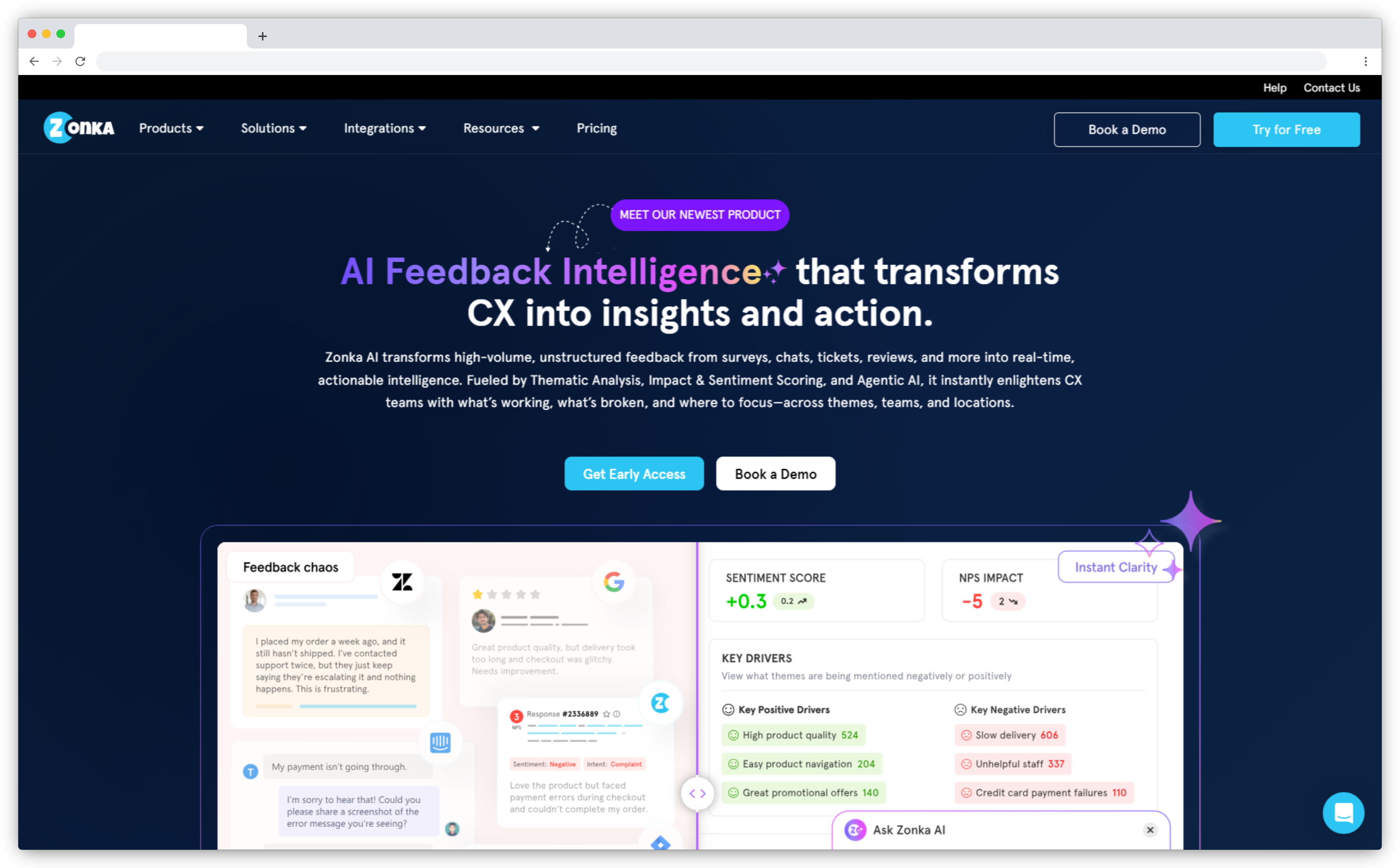
The bigger difference is post-collection. Zonka's AI Feedback Intelligence layer groups open-ended responses into themes automatically, detects sentiment at the sentence level, tracks entity mentions, and surfaces what's actually driving NPS and CSAT movement.
Reviewers back this up. One Capterra reviewer put it directly: "The reporting is absolutely kickass. I get too many detailed reports in one click and really love the way the entire analytics system is designed — it allows me to quickly browse through reports as well as go in-depth by drilling down." Another on SoftwareAdvice described it as "the most robust tool for measuring a wide variety of CX activities" — and one that delivers Qualtrics-level depth at a fraction of the cost.
The integration pipeline covers Salesforce, HubSpot, Zendesk, Intercom, Freshdesk, Slack, Jira, and 50+ more. Detractor alerts route automatically. Feedback lands in your CRM without manual exports.
On the collection side: website feedback surveys with behavioral triggers, in-product surveys with user segmentation, and a native in-app feedback SDK for iOS and Android. Teams that used to spend half a day tagging open-text responses report getting that time back within the first month.
Zonka Feedback Features
- Measure and improve visitor experience with a website feedback tool
- AI feedback intelligence with sentiment analysis, thematic analysis and entity mapping
- Add a feedback button, and display web widgets like popups, slide-ups, and bottom bars
- Choose from 200+ AI Survey Templates and measure CX Metrics (NPS, CES, or CSAT)
- Use exit intent surveys to recover abandoned opportunities and insights
- Improve customer satisfaction and loyalty through in-app surveys
- Set up survey targeting and feedback distribution management
- Automate manual tasks and integrate with existing tools for seamless feedback management
- Keep every customer satisfied while closing the customer feedback loop
Zonka Feedback Pros
- End-to-end CX solution covering collection, AI analysis, action, and closure
- Full digital touchpoint stack: website, in-product, in-app SDK, offline, SMS, WhatsApp
- AI thematic and sentiment analysis removes manual tagging effort
- Customizable dashboards with role-based access
- Scales well for mid-market and enterprise CX programs
Zonka Feedback Cons
- Advanced features may require onboarding for teams new to CX platforms
- Voice feedback analysis not yet available
Zonka Feedback Pricing
- Custom pricing based on business requirements
- Free trial available on request
2. Hotjar: Best for Pairing Behavior Analytics with On-Site Feedback
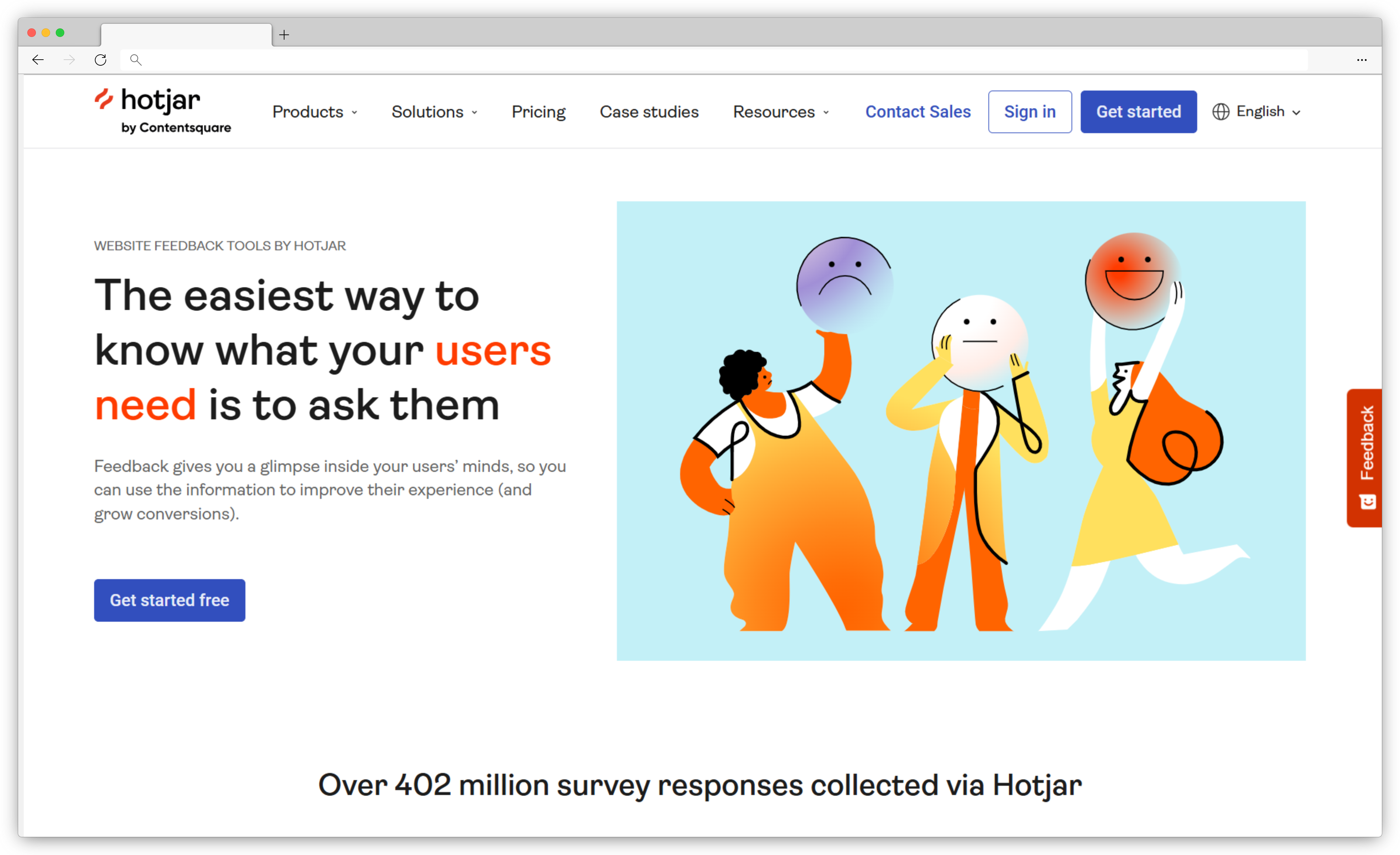
- Where it stands out vs. Survicate: Adds behavioral data (heatmaps, session recordings, rage click detection) that structured surveys can't capture; feedback and behavior live in the same tool.
- Use case: Website UX optimization, funnel analysis, pairing on-site surveys with behavioral context.
- Best for: Product managers, UX designers, CRO specialists, and marketing teams focused on website optimization rather than structured CX measurement.
- G2 rating: 4.3/5
Hotjar doesn't compete with Survicate on survey depth. It does something different.
It shows you what users actually do on your site before and after they answer a survey question. When a visitor rates your onboarding flow a 4 out of 10, you can pull up the session recording and watch where they got stuck.
Surveys alone can't give you that.
Heatmaps, session recordings, funnel analysis, and on-site feedback widgets sit in the same platform. In 2025, Hotjar merged into Contentsquare, which adds enterprise-grade digital experience analytics to the stack.
For teams running website optimization programs, the combination of qualitative feedback and behavioral data is hard to match without stitching together multiple tools.
G2 reviewers consistently describe the same experience: "Hotjar helps me understand why users behave a certain way by showing real interactions through heatmaps, recordings, and feedback — it makes it easier to quickly spot UX issues and reduce guesswork." The most common watch point: the separate Observe/Ask/Engage modules can feel fragmented if you're running all three, and "session recording limits can be restrictive once you hit your quota."
Hotjar Features
- Heatmaps showing clicks, scrolls, and mouse movement patterns
- Session recordings to watch real user behavior
- On-site feedback widgets and short surveys
- Place surveys across your entire website or trigger them on specific pages
- Funnels to identify where users drop off
- Rage click and error detection for UX issue identification
- Add a free website feedback widget to collect feedback continuously
Hotjar Pros
- Heatmaps and session replays add context surveys can't provide
- On-site surveys and feedback widgets built in
- Easy setup, intuitive UI
- Funnel and drop-off analysis in the same platform
Hotjar Cons
- Pricing scales up quickly at higher session volumes
- Separate Observe/Ask/Engage modules can feel fragmented
- Recordings can be time-consuming to review at scale
- Not suited for structured CX programs (NPS, CSAT tracking)
Hotjar Pricing
- Starts at $49/month (Experience Analytics)
- Free plan available with limited sessions
Looking for alternatives to Hotjar itself? Here are the most powerful Hotjar competitors worth evaluating.
3. Qualaroo: Best for In-Context Nudge Surveys with Behavioral Targeting
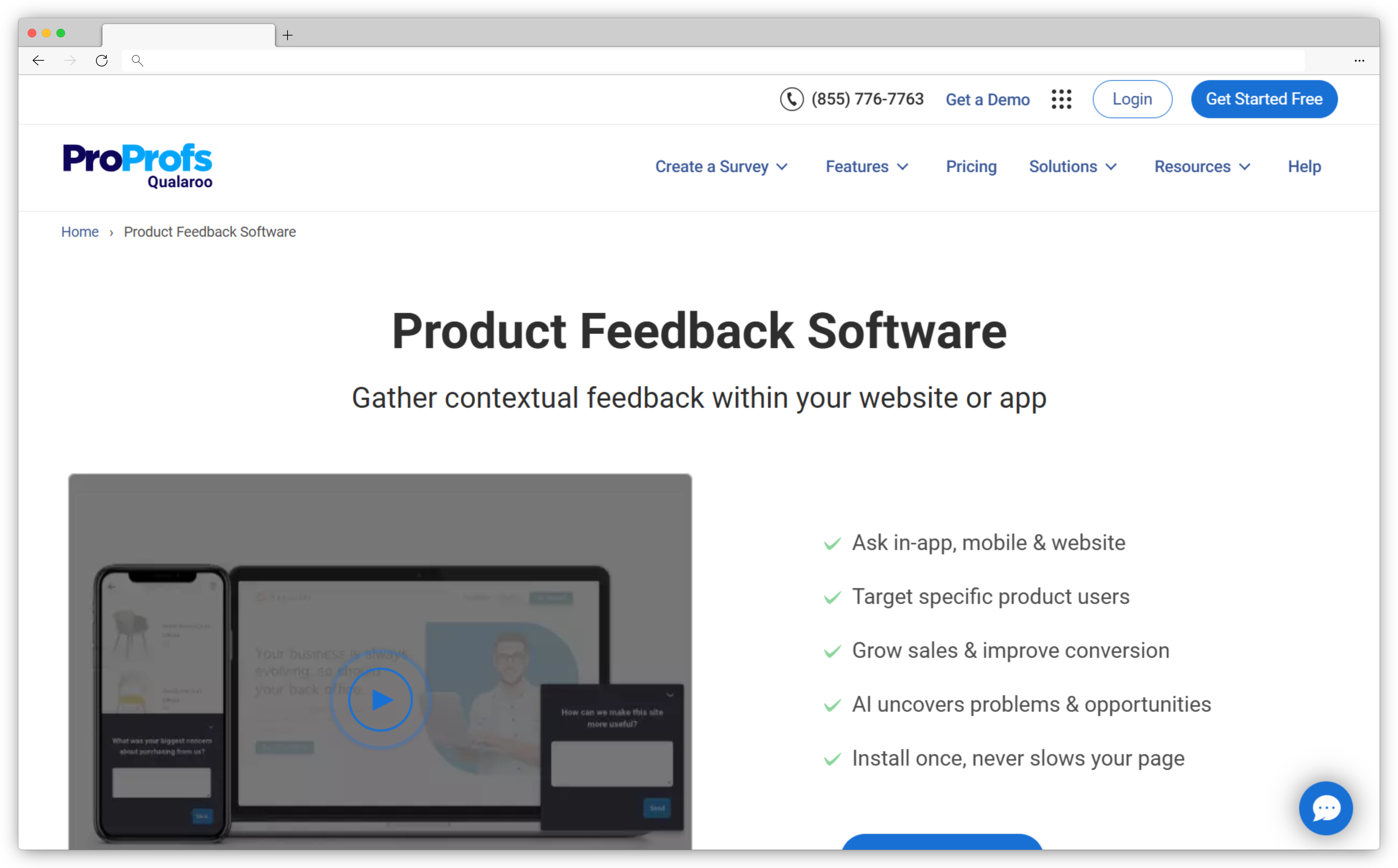
- Where it stands out vs. Survicate: More granular behavioral targeting per nudge, AI sentiment analysis on open-text responses, lower entry price for in-context feedback.
- Use case: In-product user research, exit intent capture, UX feedback at specific moments in the digital journey.
- Best for: Product and UX teams at SaaS companies that want lightweight, contextual feedback collection without full CX program infrastructure.
- G2 rating: 4.4/5
Qualaroo's core idea is the Nudge — a small, non-intrusive survey that appears contextually based on what a user is doing.
It's lighter than Survicate, more focused, and often a better fit for teams that want feedback at a specific moment in the user journey without running a full CX program.
The targeting options are where Qualaroo stands out: you can trigger surveys based on page, scroll position, time on page, exit intent, user attributes, or custom properties.
For SaaS teams and digital product teams that need in-context feedback without heavy configuration, it's one of the cleaner options in the market. The AI-powered sentiment analysis on open-ended responses adds a layer of analysis that makes Qualaroo more than a basic widget tool.
The pricing model is also friendlier than Survicate's — the free plan includes 50 responses per month across all premium features, and paid plans start at $19.99/month.
Teams evaluating both often find Qualaroo gives them more targeted capability at a lower entry cost for digital feedback use cases specifically.
Qualaroo Features
- Nudge technology for contextual, non-intrusive survey prompts
- Advanced targeting by page, scroll position, exit intent, time on page, and user properties
- AI-powered sentiment analysis on open-ended responses
- 12+ question types with skip logic and branching
- Templates for NPS, CSAT, CES, UX research, and SaaS feedback
- Integrations with HubSpot, Salesforce, Slack, Google Analytics, and Zapier
Qualaroo Pros
- Non-intrusive nudge format doesn't disrupt the user experience
- Granular behavioral targeting
- AI sentiment analysis included
- Generous free plan (50 responses/month with all features)
- Fast setup and lightweight deployment
Qualaroo Cons
- Less suited for multi-channel CX programs (primarily web and in-product)
- Reporting is functional but less customizable than dedicated CX platforms
- Enterprise features require higher-tier plans
Qualaroo Pricing
- Free plan: up to 50 responses/month with all premium features
- Paid plans from $19.99/month
4. Mopinion: Best for Digital-Channel Feedback with Advanced Analysis
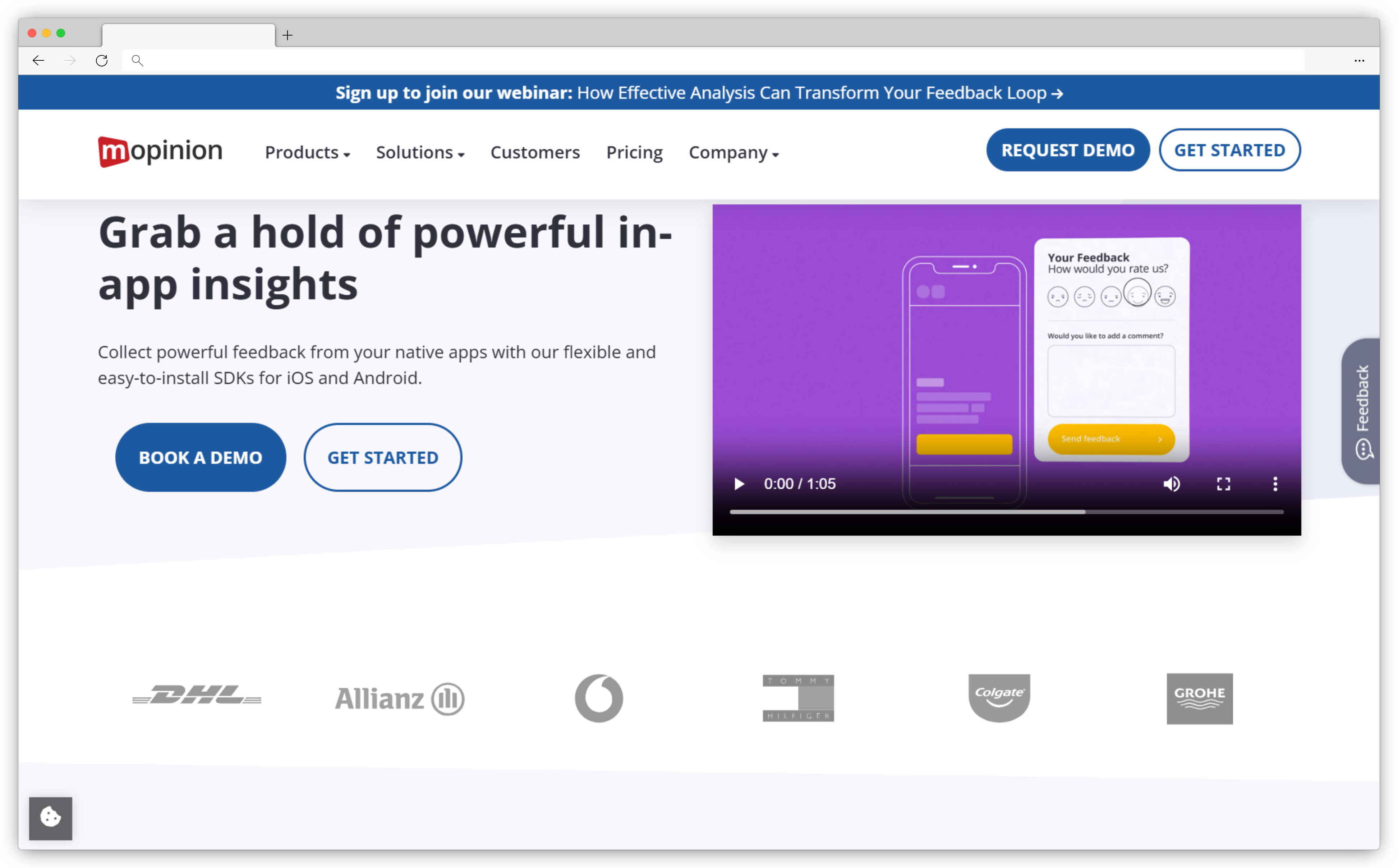
- Where it stands out vs. Survicate: Deeper text and sentiment analytics, metadata capture alongside responses, custom dashboards built for digital experience teams, stronger for ecommerce and SaaS digital properties.
- Use case: Digital CX programs across website, app, and email; teams that need analytical depth beyond response collection.
- Best for: Digital marketers, CX professionals, UX researchers, and analysts at mid-market to enterprise companies running serious digital feedback programs.
- G2 rating: 4.1/5
Mopinion was built specifically for digital teams — website, app, and email feedback with analysis that goes beyond what most survey tools offer.
If Survicate is where many teams start, Mopinion is where digital experience teams that need more analytical depth often land.
The platform sits inside Netigate's group, and its strength is in turning large volumes of digital feedback into structured insights.
Custom dashboards, text and sentiment analytics, metadata capture (browser, device, URL, session data), and smart alerts give digital CX and UX teams the infrastructure to run serious feedback programs across their digital properties.
For teams running feedback across an ecommerce site, a web app, and email campaigns simultaneously, the unified data model is genuinely useful.
The pricing reflects the positioning — plans start at $279/month billed annually, which is a meaningful step up from Survicate. But for teams that have hit the ceiling of what Survicate's reporting can do, the jump in analytical capability justifies it.
Mopinion Features
- Drag-and-drop survey editor with pre-built templates for website, app, and email
- Text and sentiment analytics on open-ended responses
- Metadata capture: browser, device, location, session data
- Custom dashboards with smart alerts and action management
- Integrations with Jira, Slack, Google Analytics, and major CRMs
- Available as SaaS or on-premise deployment
Mopinion Pros
- Purpose-built for digital channels (website, app, email)
- Strong text analytics and sentiment analysis
- Rich metadata capture alongside survey responses
- Flexible deployment (SaaS or on-premise)
Mopinion Cons
- Higher entry price than most alternatives ($279/month)
- Less suited for offline or SMS feedback programs
- Steeper onboarding curve for teams new to digital analytics platforms
Mopinion Pricing
- Growth plan from $279/month (billed annually)
- Enterprise pricing on request
5. SurveySparrow: Best for Conversational Multi-Channel Surveys
- Where it stands out vs. Survicate: Conversational survey format improves completion rates; broader channel coverage including WhatsApp; stronger for recurring NPS programs.
- Use case: NPS and CSAT programs with high response rate requirements, multi-channel distribution across global audiences.
- Best for: Marketing, CX, and HR teams that want an engaging survey experience across multiple channels.
- G2 rating: 4.4/5
SurveySparrow's differentiator is the survey format itself.
Instead of a traditional form, you get a chat-like, conversational experience that consistently lifts completion rates. For teams where survey fatigue is a real problem — and whose audiences expect a more interactive experience — that UX difference matters.
Beyond the format, SurveySparrow covers a broad channel mix: website widgets, in-app, email, SMS, and WhatsApp. It supports NPS, CSAT, and CES natively, with automation options for recurring surveys and closed-loop workflows.
The multi-device compatibility and 130+ language support make it a practical choice for teams with global audiences.
Where SurveySparrow runs into limitations is at the analytics layer — the platform is strong on collection and delivery but lighter on AI-driven insight from open-text responses. Teams that need sophisticated analysis on top of conversational feedback often pair it with a separate analytics tool or step up to a platform with native AI.
On G2, it holds a 4.4/5 rating, with reviewers consistently noting the conversational UX as a standout and pricing at scale as a watch point.
SurveySparrow Features
- Position website feedback surveys directly on selected web pages
- Chat-like conversational survey format across web, mobile, email, SMS, and WhatsApp
- Multi-device compatibility for in-app surveys
- Advanced logic, personalization, and branching
- NPS, CSAT, CES with automation and recurring survey options
- 130+ language support for global programs
SurveySparrow Pros
- Conversational chat-style UX lifts completion rates
- Strong multi-channel distribution including WhatsApp
- CX suite support (NPS, CSAT, CES)
- Automation and webhook support
- Wide language coverage
SurveySparrow Cons
- Can feel expensive for smaller teams at scale
- AI analytics on open-text responses are limited
- Key features locked to higher tiers
SurveySparrow Pricing
- Team plans start at $49/month
- Free plan available
Looking for alternatives to SurveySparrow as well? Here's a guide to the top SurveySparrow competitors worth comparing.
6. SurveyMonkey: Best for Advanced Survey Logic and Market Research
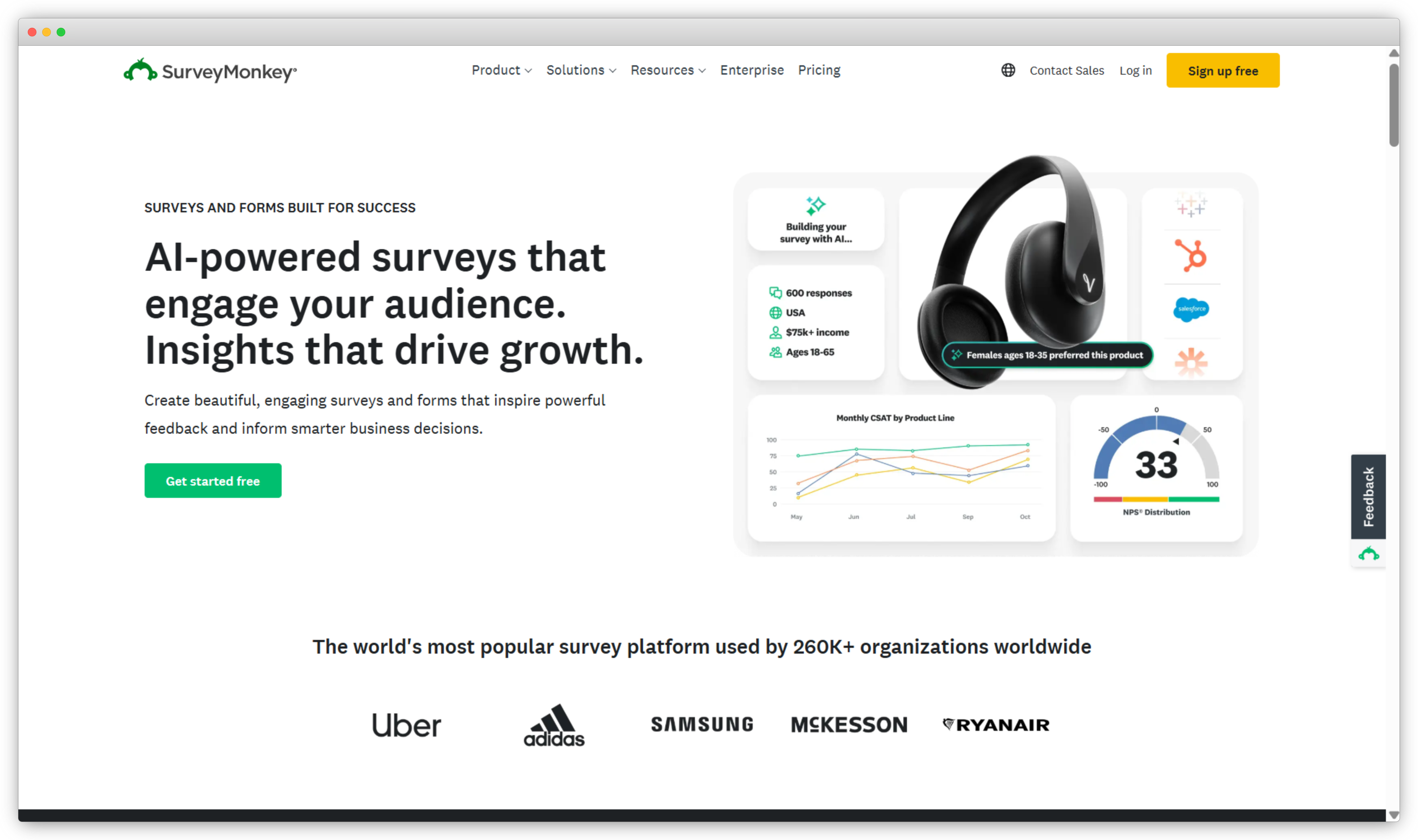
- Where it stands out vs. Survicate: More powerful survey logic and research workflows; access to audience panels; stronger for complex, multi-variable surveys.
- Use case: Market research, brand tracking, employee engagement, complex surveys requiring advanced logic.
- Best for: Researchers, marketers, and enterprise teams that need sophisticated survey design more than in-product feedback targeting.
- G2 rating: 4.4/5
SurveyMonkey is not a digital feedback platform in the way Survicate is. It's a research-grade survey tool, and that distinction matters when you're evaluating it as a replacement.
The strength is in survey construction — conditional logic, skip branching, question piping, 250+ templates, and access to survey panels for audience targeting. If the reason you're leaving Survicate is that your surveys have gotten too complex for its builder, SurveyMonkey solves that problem well.
What it doesn't solve is the post-collection intelligence gap. Like Survicate, SurveyMonkey gives you responses. Making sense of open-ended text at scale still requires manual work or third-party integrations unless you're on an enterprise plan with AI features enabled.
For teams running NPS programs or in-product surveys, Survicate is actually a better fit for those workflows than SurveyMonkey, which is primarily built for research, not CX programs.
That said, SurveyMonkey's brand recognition and integration ecosystem are real advantages. It connects natively with Slack, HubSpot, Mailchimp, Salesforce, and others, and its enterprise security options make it viable for regulated industries.
SurveyMonkey Features
- Advanced survey logic: skip logic, branching, and question piping
- 250+ templates for customer feedback, research, and engagement
- Survey respondent panels that allow users to target specific demographics
- AI guidance for survey question creation
- Mobile app surveys that integrate directly into mobile app surveys and web forms
- Enterprise-grade security options including SSO and data governance
SurveyMonkey Pros
- Best-in-class survey logic for complex research workflows
- Huge template and question library
- Strong native integrations
- Good reporting and data export options
- Enterprise security and compliance options
SurveyMonkey Cons
- Not built for in-product or digital touchpoint targeting
- Pricing scales quickly for teams with high response volumes
- Advanced features locked to higher tiers
- Free plan limited to 10 questions per survey
SurveyMonkey Pricing
- Individual plans start around $18/month
- Free version available (10 questions per survey)
SurveyMonkey is widely used but not always the right fit. Here's a breakdown of the top SurveyMonkey competitors if you're comparing across the board.
7. Qualtrics: Best for Enterprise-Grade Experience Management
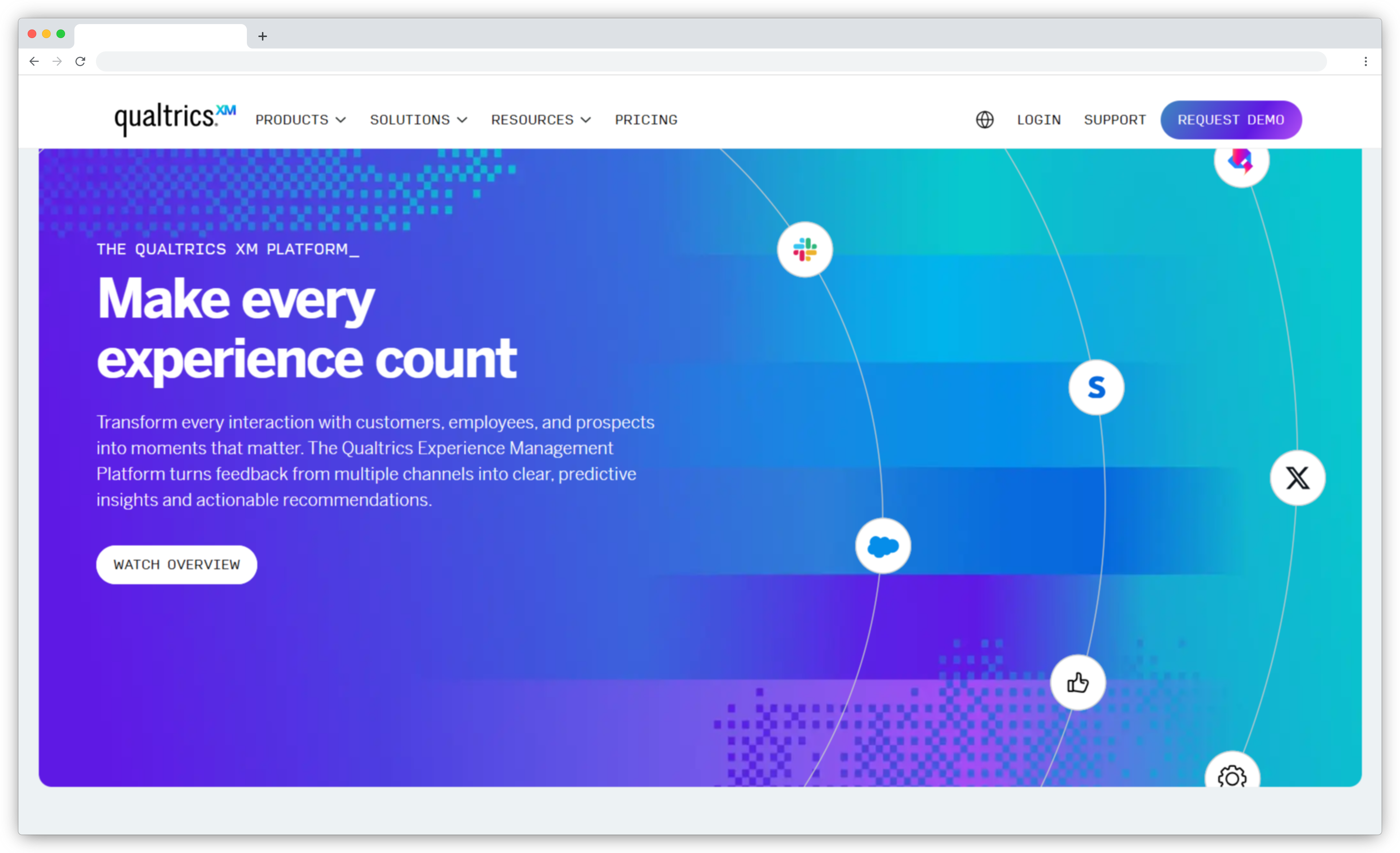
- Where it stands out vs. Survicate: Full XM suite, advanced Text iQ analytics, predictive modeling, enterprise governance and role-based dashboards.
- Use case: Enterprise VoC programs, multi-department CX measurement, research-grade analytics at scale.
- Best for: Large enterprises with mature CX programs, complex survey requirements, and the budget and IT resources for enterprise deployment.
- G2 rating: 4.4/5
Qualtrics is where the conversation changes entirely.
It's not competing in the same tier as Survicate — it's an enterprise XM platform with a price tag, implementation timeline, and organizational footprint to match.
Including it here because teams evaluating Survicate at scale sometimes ask "should we just go enterprise?" and that's a valid question worth answering directly.
The honest answer: Qualtrics is worth the investment if you need XM at an organizational level — research-grade survey science, advanced text analytics (Text iQ), predictive NPS, and the infrastructure to run CX programs across hundreds of locations or business units.
It's not the right choice if you're a mid-market team looking for better digital feedback targeting and analysis. The implementation timeline alone — often weeks to months — rules it out for teams that need to move fast.
What pushes teams toward Qualtrics is scale and governance: when feedback programs span multiple departments, geographies, and survey types, and when stakeholder reporting needs to be enterprise-grade. The analytics depth is real. So is the complexity.
Qualtrics Features
- Research-grade survey design with advanced logic and branching
- Text iQ for sentiment analysis and theme detection at scale
- Predictive intelligence and driver analysis
- Role-based dashboards for cross-department CX reporting
- Multi-channel distribution: website, app, email, SMS
- Enterprise security, SSO, and governance controls
Qualtrics Pros
- Industry-leading analytics depth for enterprise programs
- Full XM suite (CX, EX, BX, ProductX)
- Predictive modeling and driver analysis
- Enterprise governance and security
Qualtrics Cons
- Significant cost — enterprise contracts typically $15K–$50K+/year
- Long implementation timeline
- Steep learning curve, often requires a dedicated admin
- Overkill for mid-market digital feedback programs
Qualtrics Pricing
- Custom pricing — typically $15K–$50K+ annually
- Demo required to get a quote
8. Refiner: Best for SaaS In-App Microsurveys with Product Usage Targeting
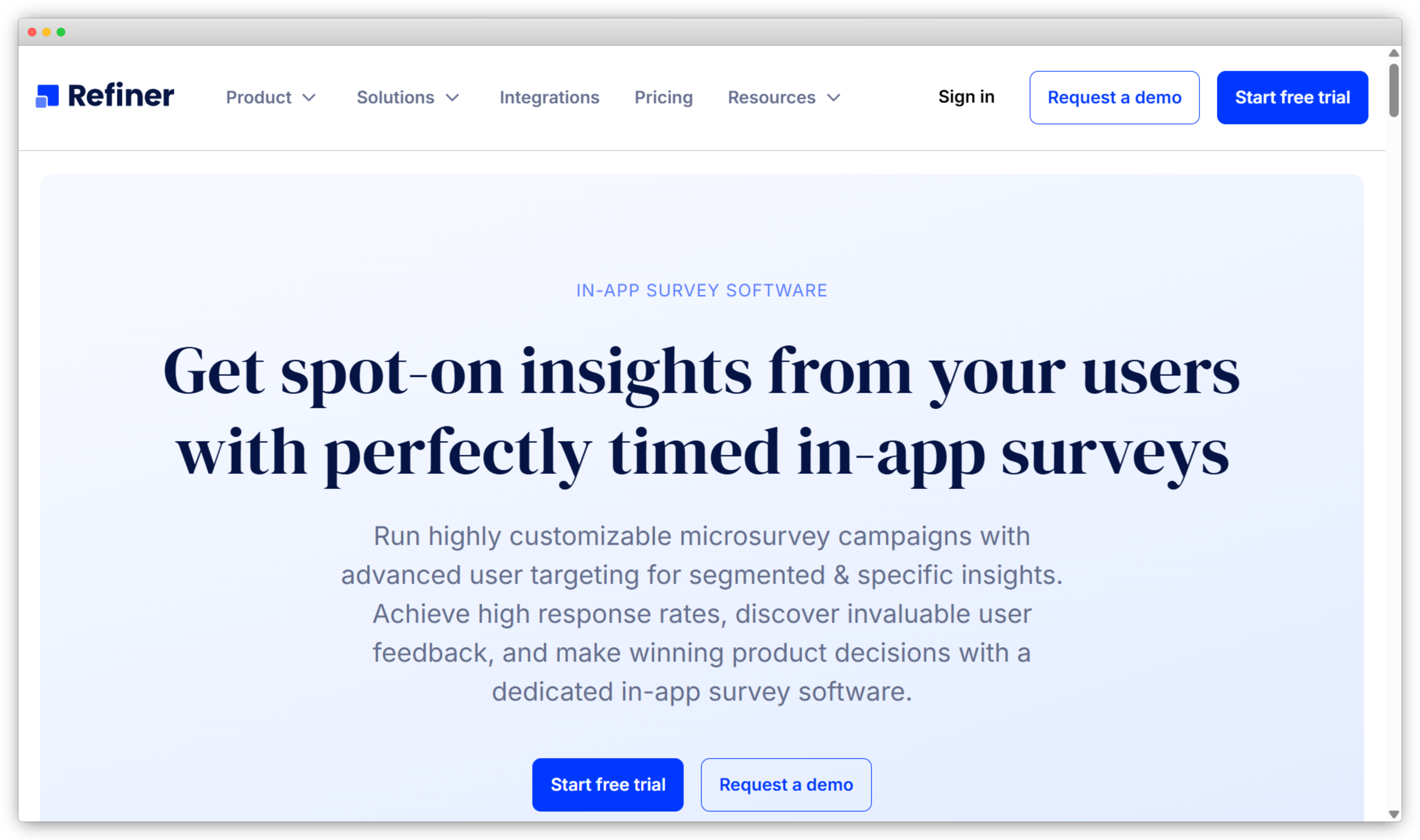
- Where it stands out vs. Survicate: Event-driven in-app targeting that goes far deeper than Survicate's behavioral rules; built specifically for SaaS product teams; bidirectional sync with analytics and CRM stacks.
- Use case: In-product NPS, CSAT, CES; feature discovery research; churn risk surveys; onboarding feedback for SaaS teams.
- Best for: SaaS product managers, growth teams, and customer success teams that need granular in-app survey targeting tied to product usage data.
- G2 rating: 4.7/5 — highest on this list.
Refiner is the most narrowly focused tool on this list — and that's precisely what makes it good.
It's built exclusively for SaaS product teams that need in-app microsurveys tied directly to product usage data. Nothing else. No email campaigns, no offline surveys, no broad CX program infrastructure.
Just precise, event-driven in-app feedback with the deepest targeting logic in its category.
The targeting engine is the real product. You can trigger surveys based on specific in-app events, user attributes, lifecycle stage, plan type, and usage patterns — and combine those conditions granularly.
A survey that fires only for users who have used Feature X at least 3 times in the past 7 days and have been on the Growth plan for less than 30 days is a realistic configuration. That level of precision is what SaaS product teams need and what Survicate doesn't fully deliver.
G2 reviewers describe exactly this: "We like its survey customization abilities and targeting — you can target based on audience segment or based on whether they viewed other surveys. We use it for all our in-product surveys." Another on Capterra noted that after switching from a basic in-house form, "the dashboard is straightforward, the targeting logic is strong, and the insights are actionable."
Refiner integrates bidirectionally with Segment, RudderStack, HubSpot, and Salesforce, so survey responses flow back into your analytics and CRM stack automatically.
Refiner Features
- Event-driven targeting based on in-app actions, user attributes, and lifecycle stage
- SDKs for web, iOS, Android, React Native, and Flutter
- 12 question types with logic jumps, liquid tags, and hidden fields
- Bidirectional sync with Segment, RudderStack, HubSpot, Salesforce
- AI autotagging and translation for open-ended responses
- Recurring surveys with configurable frequency limits
Refiner Pros
- Deepest in-app targeting logic in its category
- Clean SDKs across web, iOS, Android, React Native, Flutter
- Bidirectional analytics and CRM sync
- Highest G2 rating on this list (4.7/5)
Refiner Cons
- Only covers in-app and in-product — no website widget, email, SMS, or offline
- Not suited for broad CX programs beyond product feedback
- Pricing based on MAU can scale quickly for larger products
Refiner Pricing
- Free plan: 25 responses/month
- Essentials from $99/month (up to 5,000 MAU, unlimited responses)
- Growth from $239/month
9. Typeform: Best Survicate Alternative for Design-Led Conversational Surveys

- Where it stands out vs. Survicate: Best-in-class survey UX and completion rates; superior brand customization; better for marketing and lead generation workflows.
- Use case: Lead generation forms, onboarding questionnaires, branded surveys where completion rate and visual experience are the priority.
- Best for: Marketing teams, designers, and startups that need polished, engaging surveys for website and email rather than structured CX measurement.
- G2 rating: 4.4/5
Typeform is the clearest case of a tool that does one thing exceptionally well and other things barely at all.
The one thing: survey design and completion rate optimization. The one-question-at-a-time format, the brand customization options, the interactive logic jumps — these genuinely work when the goal is getting people to finish a survey and enjoy it.
What Typeform isn't is a customer feedback tool in the full CX sense. There are no native NPS or CSAT dashboards. No closed-loop workflows. No AI analysis on open-ended responses. No in-product targeting.
It's a form builder with excellent UX, and teams that need more than that quickly discover the gap.
The use case where Typeform makes sense as a Survicate alternative: marketing teams running lead generation forms or onboarding questionnaires where the survey experience itself matters more than the analytics.
For straightforward, visually appealing surveys embedded into a website or sent via email, it delivers. For CX programs, it falls short.
G2 reviewers rate it 4.4/5, with consistent praise for the design experience and consistent criticism for the lack of analytics depth.
Typeform Features
- One-question-at-a-time conversational survey format
- Advanced logic jumps and hidden fields for personalized paths
- Brand customization: fonts, colors, backgrounds, images, GIFs
- Pre-designed templates for different use cases
- Real-time reporting and analytics
- Integrations with HubSpot, Google Sheets, Slack, and 100+ tools
- Quickly embed surveys into websites as popups or standard embeds and ask for feedback on performance, functionality, and survey collection
Typeform Pros
- Best-in-class survey UX and completion rates
- Strong logic jumps and branching
- Polished templates and branding options
- Great for lead generation and onboarding flows
Typeform Cons
- No native NPS, CSAT, or CES dashboards
- No closed-loop workflows or alerts
- Limited analytics — basic charts only
- Not built for in-product targeting or CX programs
Typeform Pricing
- Starts at $25/month
- Free version available
Typeform has its strengths, but it has real limitations too. Here are the top Typeform alternatives if you need more capability.
How to Choose the Right Survicate Alternative
The tool list above covers a wide range. The right choice depends on which gap you're actually trying to close.
-
If your primary need is website and in-product feedback with AI analysis: Zonka Feedback covers the full digital touchpoint stack and runs thematic and sentiment analysis automatically after collection, so open-ended feedback doesn't pile up waiting for someone to tag it. Qualaroo is a lighter, more affordable option if you specifically need in-context behavioral targeting without building out a full CX program around it.
-
If you need behavior analytics alongside survey feedback: Hotjar. Heatmaps and session recordings paired with on-site surveys answer questions that surveys alone can't — specifically, where a user got stuck or dropped off before or after filling in your survey. It's often used alongside a dedicated feedback tool rather than as a full replacement.
-
If you're a SaaS product team with in-app feedback needs: Refiner if pure in-app microsurveys are the brief — it has the deepest event-driven targeting logic and cleanest mobile SDKs in the category. Zonka if you need in-product feedback alongside broader omnichannel feedback and AI analysis in the same platform, without managing two separate tools.
-
If engagement and completion rates are the bottleneck: SurveySparrow for conversational surveys across multiple channels — email, SMS, WhatsApp, and web. Typeform if the survey is website or email only and design quality is the top priority, and you don't need CX reporting built in.
-
If you're building an enterprise CX program: Qualtrics for a full XM infrastructure with Text iQ analytics and predictive NPS across multiple departments and geographies. SurveyMonkey if the need is research-grade survey design and complex question logic rather than CX program automation.
Wrapping Up
Survicate works. The question is whether it still works for where your feedback program is now — or where you need it to go.
If you've hit the response cap, the targeting ceiling, or the analytics floor, the tools above each solve a specific version of that problem.
The mistake worth avoiding is switching tools without knowing which gap you're actually closing. Match the tool to the constraint, and the upgrade will stick.
If you want to explore what a digital feedback program looks like with AI-powered analysis and closed-loop automation built in, schedule a demo with Zonka Feedback and see it in the context of your specific use case.


.svg)
.png)