.svg)
 Healthcare
 Finance
 Retail
 SaaS & Digital
 eCommerce
 Education
 Salesforce
  HubSpot
 Pipedrive
 Mailchimp
 Klaviyo
 Zendesk
  Intercom
 Freshdesk
 HelpScout
  Front
Front Jira
Jira Slack
Slack  MS Teams
 Zoom
Zoom Google Sheets
  Zapier
  Integrately
 Make
Make  Webhooks




 MS Teams
.png?width=400&height=240&name=Best%20Experience%20Management%20Tools%20(1).png)

.png)


The best experience management tools in 2026 are Zonka Feedback, Qualtrics XM, Medallia, InMoment, Birdeye, Reputation.com, AskNicely, and QuestionPro. The strongest tools do more than collect feedback. They analyze it and route each issue to the team that can fix it, across customer, employee, product, and brand experience.
TL;DR
- Experience management (XM) software covers four areas: customer (CX), employee (EX), product (PX), and brand (BX). Most lists cover only CX.
- The best experience management software does more than collect feedback. It shows teams what to fix and why.
- This guide covers 8 leading experience management tools, evaluated on four-area coverage, feedback collection, AI analysis, closed-loop action, setup time, pricing, and G2 ratings.
- The most widely used experience management platforms today include Zonka Feedback, Qualtrics XM, Medallia, InMoment, Birdeye, Reputation.com, AskNicely, and QuestionPro.
- Enterprise, mid-market, and service teams need different capabilities. There is no single best tool for everyone.
- This list is reviewed and updated regularly to reflect product changes, acquisitions, and new features.
- Note: This guide is written by the Zonka Feedback team. Tools are included on independent research and verified user reviews. Placement is not sold or sponsored.
Experience management tools are how companies find out what their customers, employees, and users actually think, then act on it. The category has grown fast, and the label now covers very different products. Some are full platforms. Some are survey tools with a new name.
Most lists of experience management tools make the same mistake. They rank customer experience tools and call it experience management. Customer experience is one of four experiences a business runs. Employee, product, and brand experience matter just as much, and most companies measure none of them well.
The tools worth shortlisting share one trait. They collect feedback from every channel, analyze what it means, and route each issue to the team that can fix it. That one capability separates a real experience management platform from a tool that only collects responses.
This guide ranks eight experience management tools on how well they do that across all four areas. We build Zonka Feedback, so we list it first and explain why. We are also direct about where Qualtrics, Medallia, and the others beat us.
What Is Experience Management Software?
Experience management (XM) software is a technology platform that organizations use to track, measure, and improve how customers, employees, and users interact with their brand. It collects feedback across the four areas of experience (customer, employee, product, and brand) and turns it into action using AI analysis and closed-loop workflows. It unifies feedback from many sources in one place, which sets it apart from single-metric survey tools.
The category builds on simpler tools. Survey tools collect responses. Enterprise feedback management tools add survey distribution and stakeholder reporting. Experience management platforms add the step that changes outcomes. They route each issue to an owner and track the fix across all four areas.
Use one simple test when you shop. A tool that handles only the customer area is a CX tool, even when it is labeled "experience management." A tool that collects feedback but never routes a fix is a survey tool. A true XM platform connects experience data with operational data and sends a clear action to a person who can act on it.
Most teams reach this point after they outgrow a set of separate tools. The usual path runs from a survey product, to enterprise feedback management, to a full closed-loop platform.
Experience Management Tools at a Glance
Here is the shortlist before the detailed reviews.
| Tool | Best for | Standout capability | G2 rating | Pricing |
| Zonka Feedback | AI feedback analysis & signals | Omnichannel collection plus built-in AI analysis in one platform | 4.7/5 | Custom |
| Qualtrics XM | Enterprise research programs | Four-area suite with XM Discover text analytics | 4.4/5 | Custom |
| Medallia | Large-scale operational CX | Real-time feedback capture across many touchpoints | 4.5/5 | Custom |
| InMoment | Industry-specific benchmarking | Combined CX, reviews, and text analytics (PG Forsta) | 4.7/5 | Custom |
| Birdeye | Multi-location reputation | Reviews, listings, and surveys for local brands | 4.7/5 | Custom |
| Reputation.com | Enterprise reputation analytics | Reputation Experience Management across locations | 4.6/5 | Custom |
| AskNicely | Frontline NPS & team coaching | NPS plus mobile coaching for service teams | 4.7/5 | Custom |
| QuestionPro | Flexible multi-program surveys | Broad survey and research engine with CX and EX modules | 4.5/5 | Free plan + paid tiers |
Two points stand out. The enterprise suites (Qualtrics, Medallia, InMoment) use custom pricing and are built for large-scale programs. The other tools offer faster setup, deeper focus on one area, or a lower starting price.
Why Experience Management Needs More Than a CX Tool
A common mistake is to buy a CX tool, watch NPS rise, and call it an experience program. At the same time, employees may be leaving, the product team may be building features customers did not ask for, and the brand may be getting poor reviews that no one tracks. Customer experience improves, but the overall experience does not.
Most spending goes to the customer area because it gets the most attention. PwC found that 73% of consumers say customer experience is an important factor in their purchasing decisions. The customer experience management market alone is projected to grow from $26.11 billion in 2026 to $84.22 billion by 2034, according to Fortune Business Insights. That figure covers only one of the four areas. Employee, product, and brand experience each carry similar stakes, and most of it goes unmeasured.
Feedback is usually split across separate tools. Customer feedback sits in a survey app. Employee feedback sits in an HR platform. Product feedback sits in a backlog tool. Brand feedback sits on Google, G2, and other review sites. The result is four areas, four systems, and no shared view.
That split is the main problem an experience management platform solves. It puts customer sentiment, employee experience, product experience, and brand perception in one place, so a pattern in one area is visible against the others. A churn increase your CX team sees in March may match a staffing gap your EX data showed in January. You can only catch that link when both data sets live in the same system.
Be honest about scope when you compare tools. Many platforms claim all four areas but cover only one or two well. A unified view is what separates a real program from a group of voice of customer tools connected by manual exports.
What to Look for in an Experience Management Tool
Use these six criteria to compare any platform. They are listed in order of importance for an XM program.
- Coverage across all four areas. A real XM platform works across customer, employee, product, and brand experience. It should track the main metric for each area: nps software for loyalty, a csat platform for satisfaction, and customer effort score for friction. A tool that covers only one area is a point tool. A full platform covers all four.
- Feedback collection from every channel. Look for collection across email, SMS, WhatsApp, web, in-app, kiosk, and offline. The tool should also pull in support tickets, reviews, chats, and calls. Customers share feedback across many channels and touchpoints.
- AI analysis of feedback. The platform should find themes in your data, score sentiment, and measure impact. It should flag trends early with predictive analytics. Manual tagging of every comment does not scale.
- Closed-loop action. The platform should route each issue to the team that owns the fix. Look for a shared inbox, case management, and escalation. Collecting feedback is easy. Acting on it is the harder part.
- A link between experience and business outcomes. A theme matters when you can see the accounts, revenue, or customer loyalty behind it. The best tools connect each signal to a segment and a business impact.
- Fast setup. Modern platforms connect to your CRM and help desk and produce first results in weeks. Long enterprise rollouts that take several quarters add cost and delay.
Survey template counts, chart types, and color options matter far less. The six criteria above are where tools really differ.
How to Choose the Right Experience Management Tool
Match the criteria above to your situation. Use the table below as a starting point. If you only need NPS to start, see our guide to the best NPS Tools.
| If your situation is... | Look for... |
| One area today, more later | A platform that adds areas without a re-platform |
| Enterprise scale and research rigor | Qualtrics XM or Medallia |
| Mid-market, AI without a data team | Zonka Feedback |
| Reputation or a multi-location brand | Birdeye or Reputation.com |
| Frontline service teams | AskNicely |
| Just NPS to start | An NPS-first tool |
Budget follows the same split. Enterprise suites justify their custom price when you need deep research and have time for procurement. Mid-market platforms cost less and set up faster. Integration depth is the deciding factor for many teams. A tool that syncs cleanly with your CRM and help desk saves hours of manual export work.
One rule saves the most money. Weight the ability to act on feedback more heavily than the volume of feedback collected. The tool that tells each team what to fix is the tool that improves the experience.
How We Evaluated These Tools
We build Zonka Feedback, so keep our bias in mind. We tried to earn your trust by being specific about trade-offs, including our own. For each tool, we reviewed six things: coverage across the four areas, how it collects and unifies feedback, its AI analysis, its closed-loop workflows, its setup time, and its current G2 rating. We pulled each rating from the tool's own G2 page in June 2026. Pricing reflects each vendor's public position. The enterprise suites use custom pricing, so we state that instead of estimating.
The 8 Best Experience Management Tools
a. End-to-End Experience Management Platforms
The platforms in this group collect feedback, analyze it, and route each fix across all four experience areas inside one system. They fit teams that want a single source of truth instead of several connected tools. The trade-off is a higher cost and a longer setup than the more focused tools that follow.
1. Zonka Feedback: Best for AI Feedback Analysis & Signals
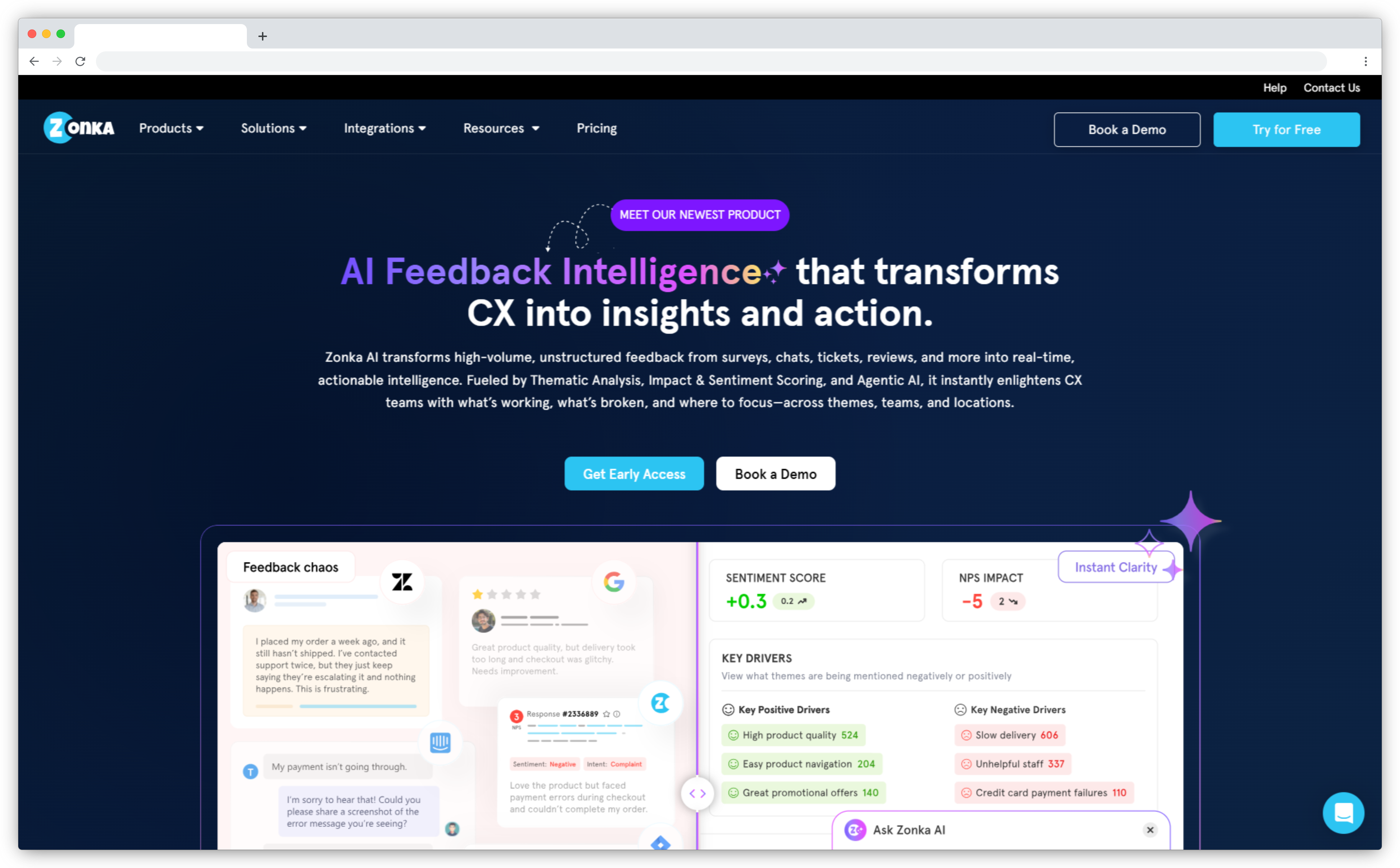
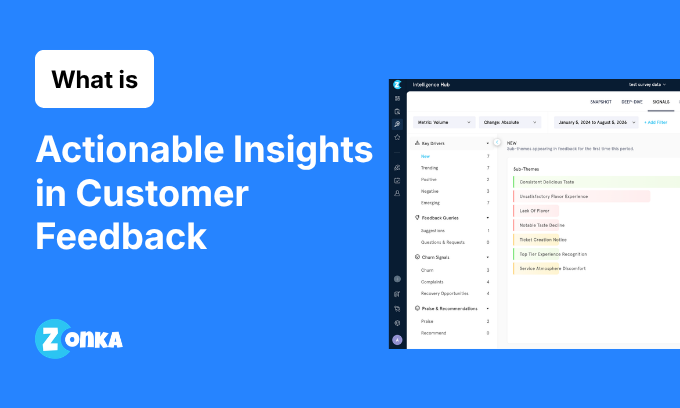
Zonka Feedback is an AI customer feedback and intelligence platform. It combines omnichannel survey collection with a built-in AI analysis layer in one platform. You collect feedback on email, SMS, WhatsApp, web, in-app, kiosks, and offline. The AI then groups themes, scores sentiment and impact, and sends each team the signals that matter to them.
The main advantage is that collection and analysis live in one platform. Many tools on this list collect feedback and add analytics later. Others analyze feedback that you import from another system. Zonka does both directly, then routes each issue through a shared inbox and case management. Mid-market teams get enterprise-style analysis without a long rollout, with first signals in days.
- Key features: Omnichannel collection across eight-plus channels; AI thematic analysis with entity mapping; sentiment and impact scoring; Ask AI for natural-language queries across feedback; closed-loop inbox, case management, and routing
- Pros: Collection and AI analysis in one platform, with no data pipeline to build; fast to set up; strong, responsive support in G2 reviews
- Cons: Advanced configuration has a learning curve; smaller brand recognition than the enterprise vendors
- Pricing: Custom (contact sales)
- G2 rating: 4.7/5 (81 reviews)
- Best for: Mid-market to enterprise teams that want feedback collection and AI analysis in one platform.
2. Qualtrics XM: Best for Enterprise Research Programs
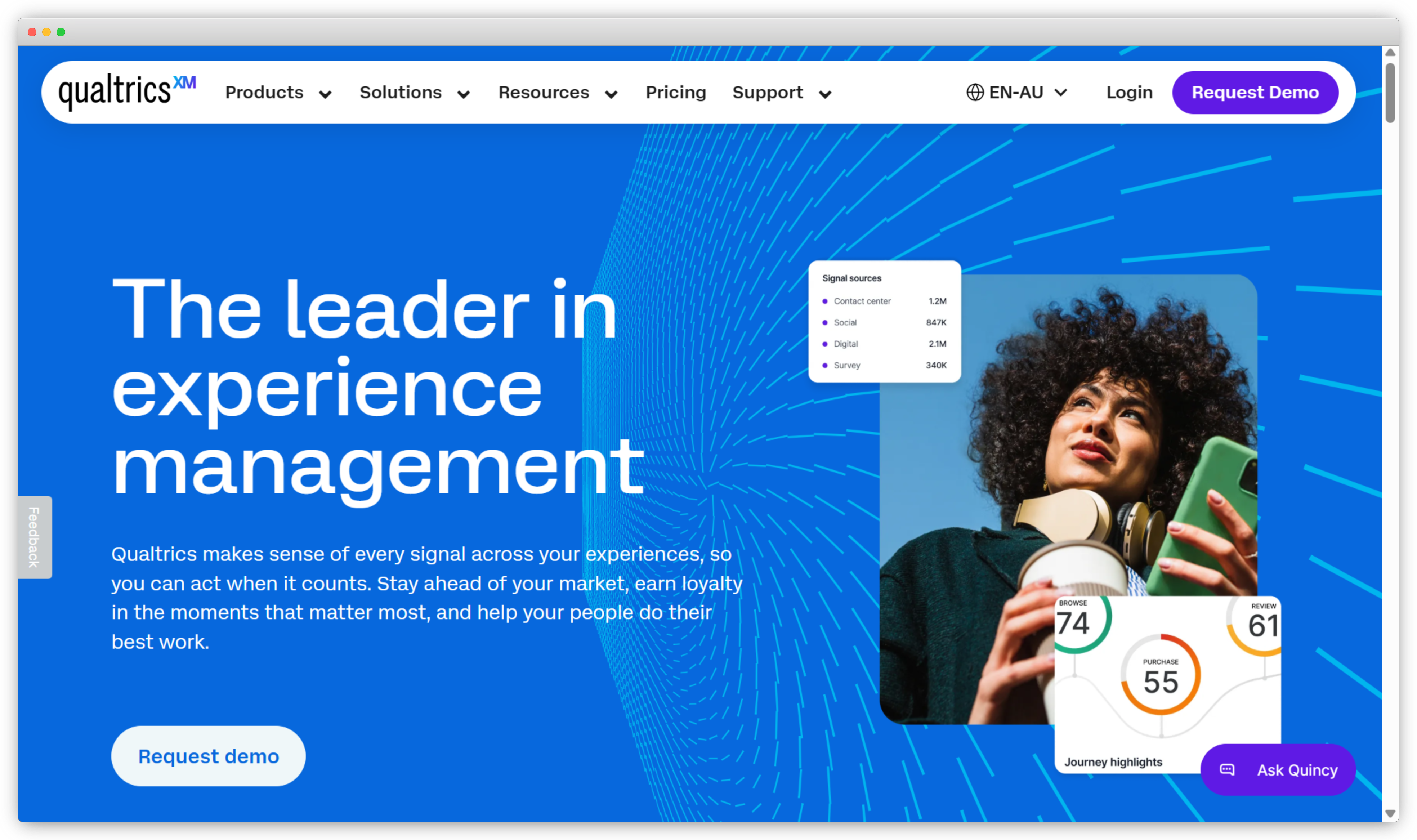
Qualtrics XM defined this category and remains the most complete four-area suite for organizations that run formal research. Customer, employee, product, and brand programs run on one platform. It includes advanced survey logic, statistical analysis, and the XM Discover engine for analyzing open-text and conversation data.
Qualtrics fits teams that need branching logic, embedded data, and research rigor at large scale, and that have the budget and staff to run it. Teams that run only simple NPS or CSAT will find it complex. Reviews mention the same trade-offs: strong capability, high cost, and slow setup.
- Key features: Four-area XM suite (CX, EX, PX, BX); advanced survey logic and distribution; XM Discover text and conversation analytics; predictive drivers; closed-loop action management
- Pros: Deep research and survey flexibility; strong text analytics; trusted at Fortune 500 scale
- Cons: High and opaque pricing; steep learning curve; more than most single-metric programs need
- Pricing: Custom (contact sales)
- G2 rating: 4.4/5 (3,000+ reviews)
- Best for: Large enterprises that need one suite for customer, employee, product, and brand research.
3. Medallia: Best for Large-Scale Operational CX
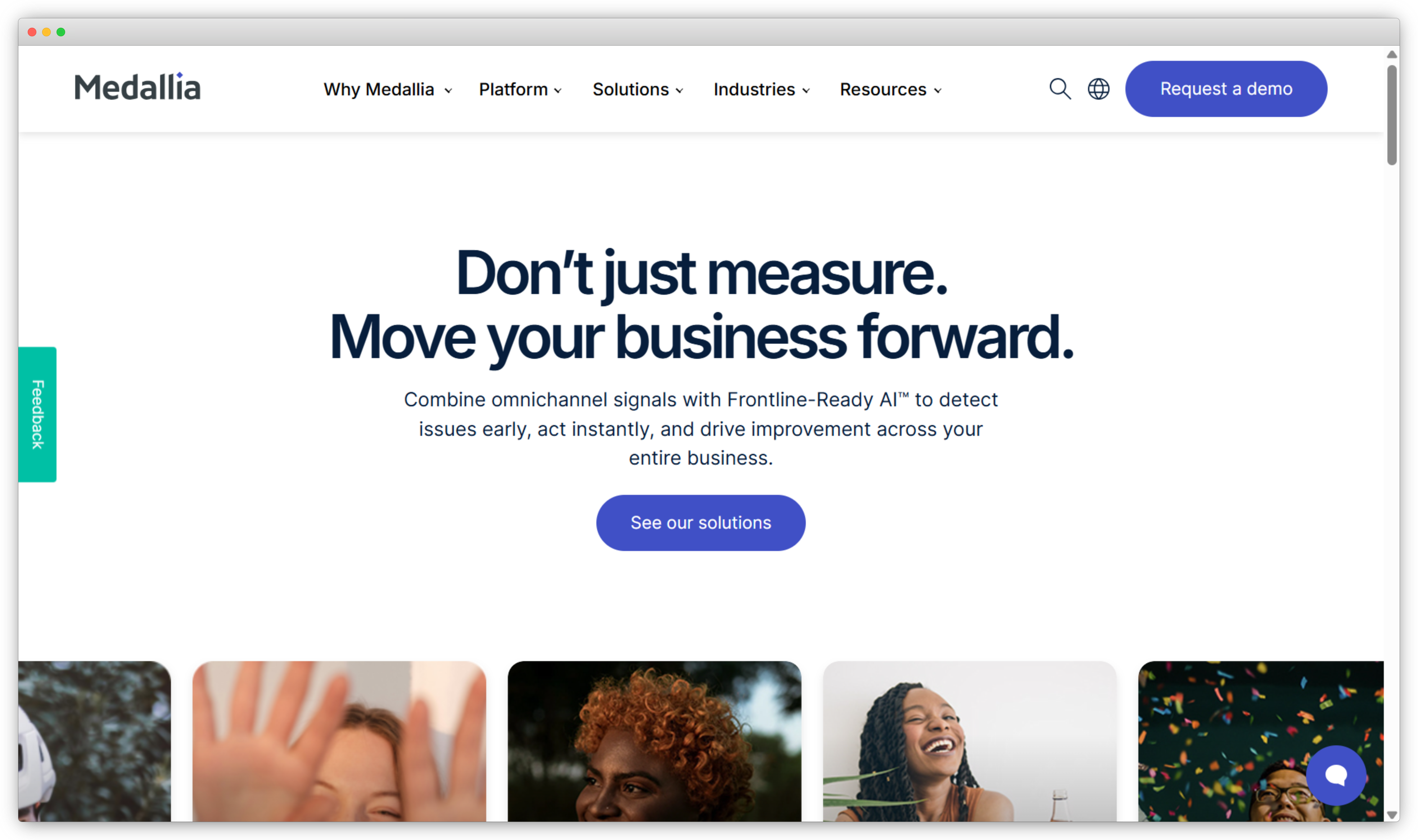
Medallia is built for large operations, such as contact centers that handle thousands of interactions a day and field teams across hundreds of locations. It captures feedback across voice, video, digital, and messaging in real time, then prompts frontline staff to act quickly.
Its main strength is operational scale. It routes the right alert to the right frontline person fast, across a large footprint. The trade-offs are common to enterprise platforms. Setup needs specialists, reporting takes time to learn, and smaller accounts report slower support. For large operations, few tools match its real-time reach.
- Key features: Real-time omnichannel feedback capture; frontline action workflows; AI text and speech analytics; role-based dashboards; predictive insights
- Pros: Real-time capture at very large scale; strong frontline action management; broad channel coverage
- Cons: Complex to configure; reporting has a learning curve; best value at enterprise size
- Pricing: Custom (contact sales)
- G2 rating: 4.5/5 (205 reviews)
- Best for: Large operations that need real-time frontline action across many touchpoints.
4. InMoment: Best for Industry-Specific Benchmarking
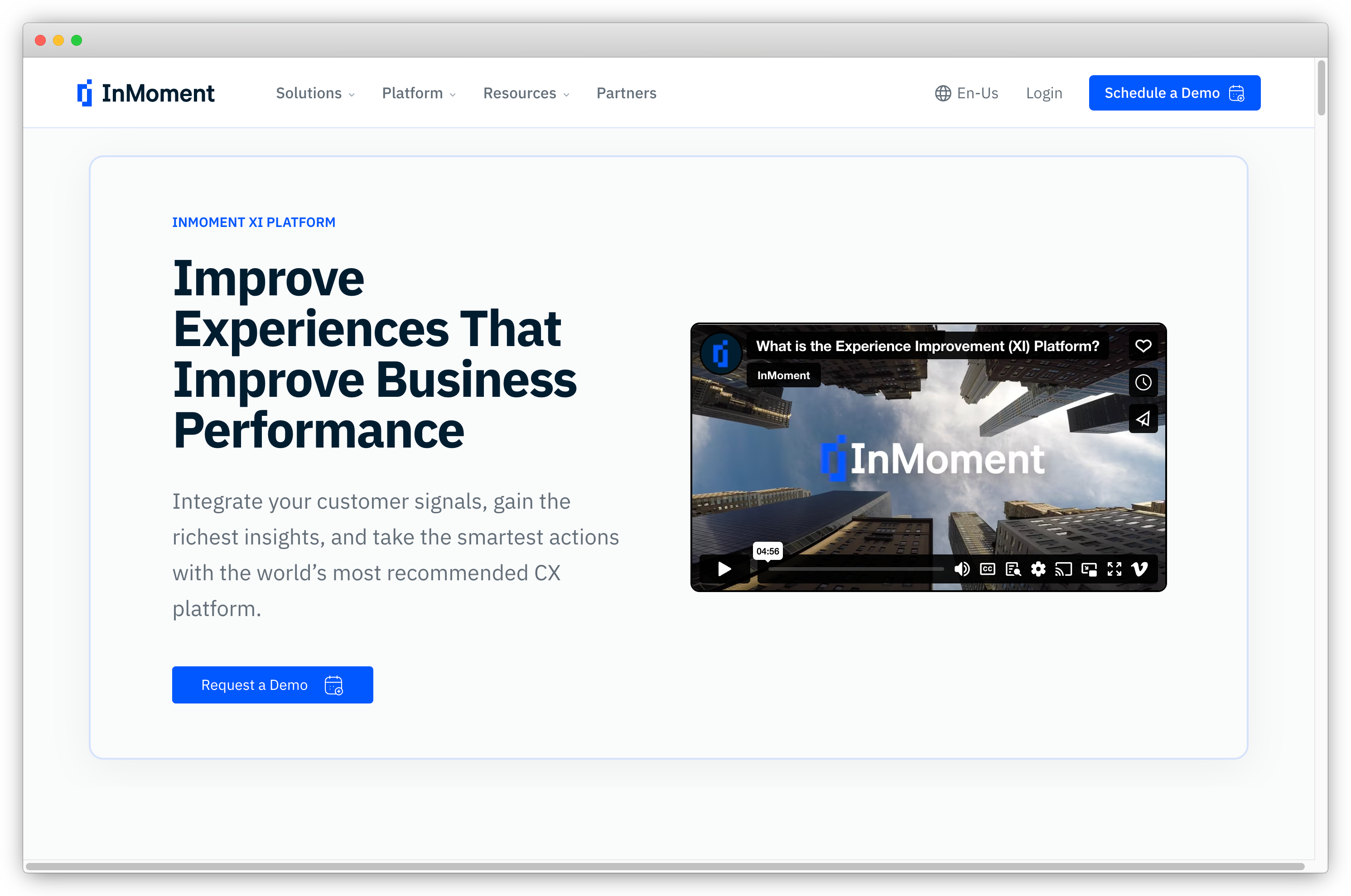
InMoment (now part of PG Forsta after a merger) combines surveys, reviews, social, and support data into one CX view. It adds industry-specific dashboards and benchmarks, so you can compare your scores against your sector instead of a generic baseline.
The platform reads structured surveys and unstructured text together, including call logs, emails, tickets, and chat, and applies AI to find themes. Reviews praise the dashboards and analytics. The common complaint is a learning curve, and some users report slower support on managed-service plans. It fits enterprises that want sector-specific programs.
- Key features: Combined CX across surveys, reviews, and social; AI text analytics; industry benchmarking; reputation and review tracking; multi-source data
- Pros: Strong industry benchmarks; combines structured and unstructured data; mature analytics
- Cons: Learning curve on setup; support quality varies by plan; enterprise-level pricing
- Pricing: Custom (contact sales)
- G2 rating: 4.7/5 (314 reviews)
- Best for: Enterprises that want sector-specific experience benchmarking.
b. Brand and Reputation Experience
The tools in this group focus on the brand and reputation area that many general suites treat as secondary. They bring reviews, listings, and public sentiment into one view across many locations. They are the right starting point when your experience gaps first show up in public reviews and local search.
5. Birdeye: Best for Multi-Location Reputation
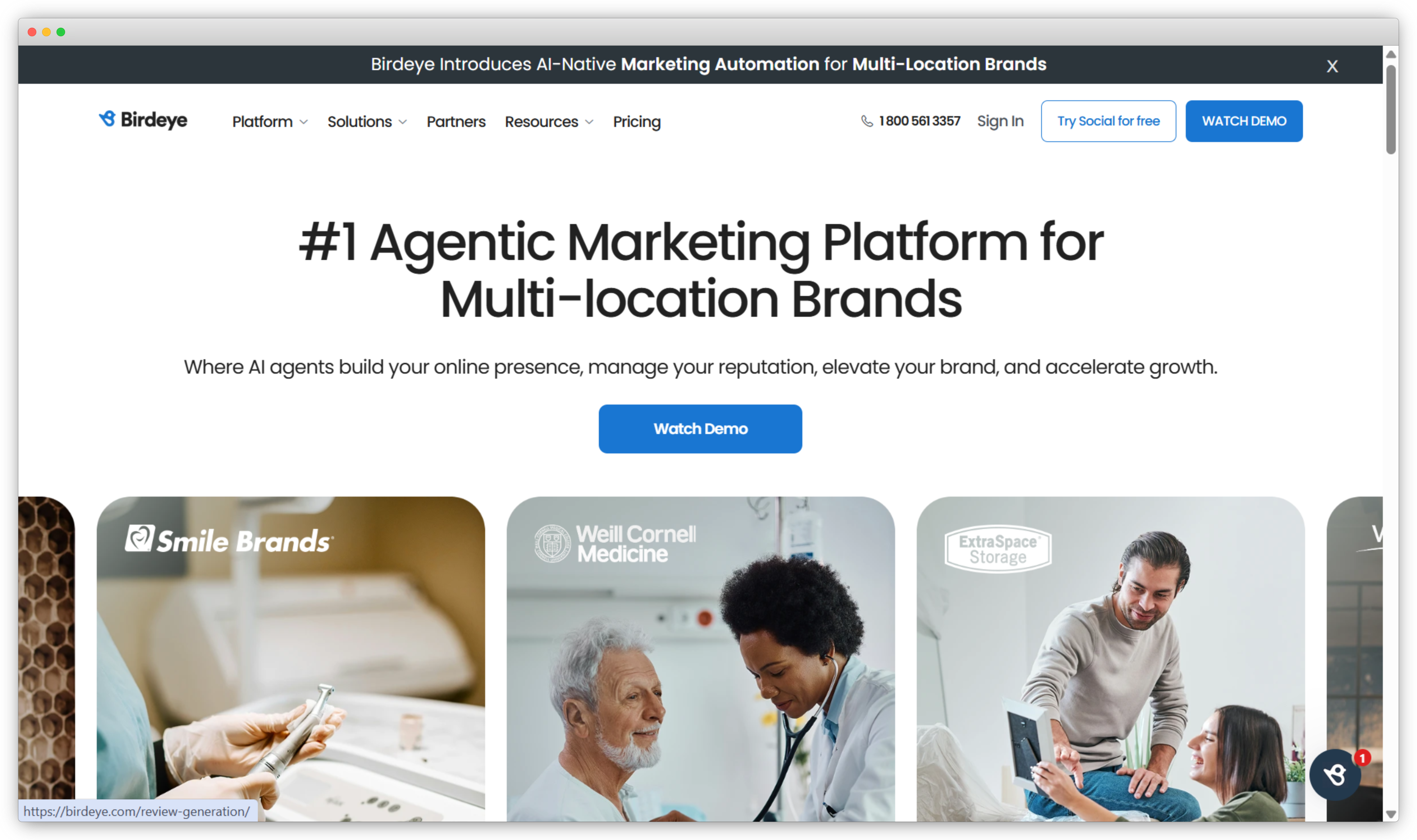
Birdeye focuses on the brand and reputation area that many XM lists leave out. It serves multi-location and local brands. It brings reviews, listings, social, and surveys into one platform and uses AI to manage online presence across hundreds of locations from one view.
Birdeye works as a local marketing and reputation tool more than a research suite. That focus is its strength. If your program depends on Google reviews, listing accuracy, and per-location reputation, Birdeye handles those tasks well. It is a weaker fit for deep employee or product experience work.
- Key features: Review generation and management; listings management; social and surveys; AI response drafting; per-location reputation dashboards
- Pros: Strong multi-location reputation tools; large review and listings coverage; clear local-brand focus
- Cons: Social reporting can frustrate; narrow beyond reputation and reviews; built mainly for the brand area
- Pricing: Custom (contact sales)
- G2 rating: 4.7/5 (4,093 reviews)
- Best for: Multi-location and local brands that focus on reviews and reputation.
6. Reputation.com: Best for Enterprise Reputation Analytics
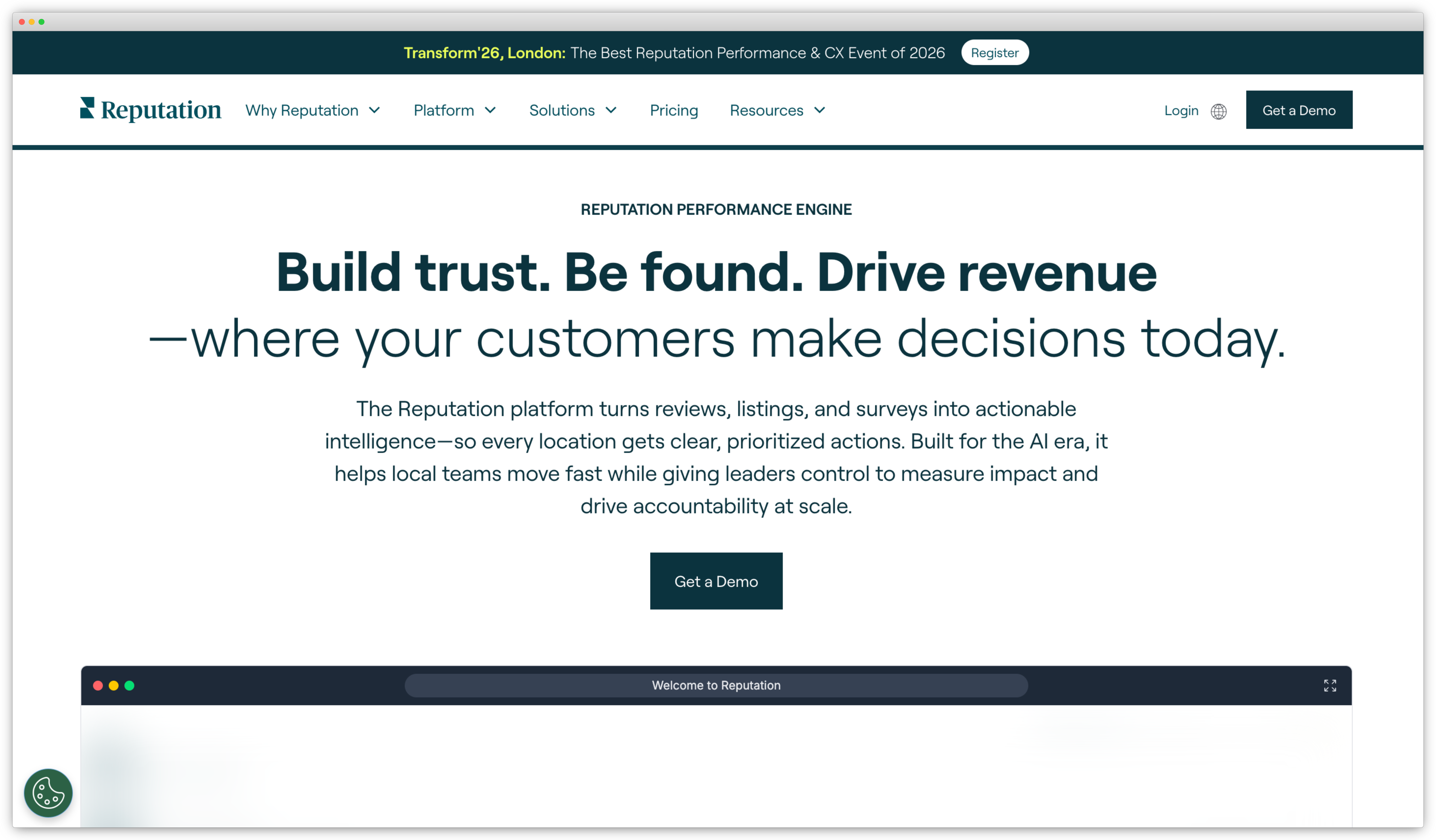
Reputation (Reputation.com) created and named its own part of the category, called Reputation Experience Management. It turns reviews, listings, and surveys into operational data for enterprises that run large location networks, franchises, or dealer groups.
Reputation leans toward enterprise analytics, while Birdeye leans toward local marketing. It gives per-location action lists and shows local search performance across the whole network. Reviewers like the central view and the AI insights. Some note that the reputation-score logic and certain integrations need testing before purchase. It is a strong choice for large multi-location operators.
- Key features: Review and listings management at scale; survey collection; sentiment and AI insights; per-location action lists; operational and search performance analytics
- Pros: Strong enterprise reputation analytics; good multi-location consolidation; AI-driven insight and response
- Cons: Reporting and scoring logic take time to learn; some integration friction; focused mainly on reputation, with limited depth in the other three areas
- Pricing: Custom (contact sales)
- G2 rating: 4.6/5 (2,405 reviews)
- Best for: Enterprises with large location networks that need reputation and operations analytics in one place.
c. Feedback-led programs
The tools in this group start from surveys and feedback collection, then add analysis and action on top. They are lighter and faster to deploy than the full suites above. They fit teams that want a focused program around metrics like NPS, CSAT, and CES without a long rollout.
7. AskNicely: Best for Frontline NPS & Team Coaching
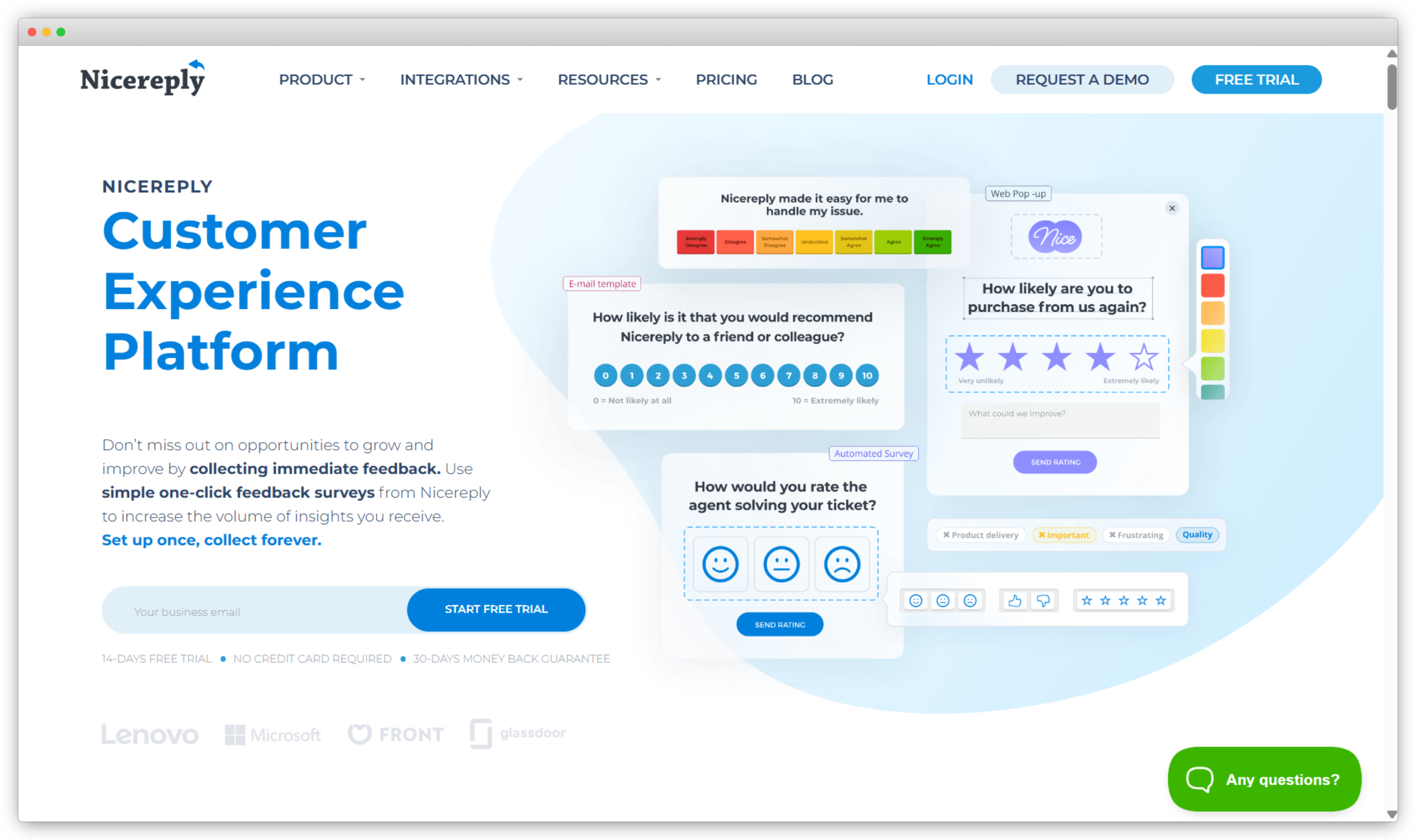
AskNicely is built for teams whose customer experience depends on frontline staff, such as technicians, stylists, and branch reps. It collects NPS, CSAT, and five-star feedback through short surveys, then turns the results into coaching for those teams. It is mobile-first.
The coaching layer is the main difference. Managers get a team view, and each rep sees their own scores, trends, and recognition. AskNicely's NiceAI analyzes sentiment across surveys and reviews to highlight focus areas. It fits service teams well and stays narrow on purpose. It will not replace a research suite or a deep product-experience tool.
- Key features: Conversational NPS, CSAT, and five-star surveys; frontline coaching and recognition; AI sentiment analysis; review and referral automation; real-time per-location and per-agent dashboards
- Pros: Strong frontline coaching; high response rates; easy to administer in G2 reviews
- Cons: Narrower than a full XM suite; reporting and customization have limits; AI is thinner on lower tiers
- Pricing: Custom (contact sales)
- G2 rating: 4.7/5 (1,050 reviews)
- Best for: Service businesses that want frontline NPS and team coaching in one tool.
8. QuestionPro: Best for Flexible Multi-Program Surveys
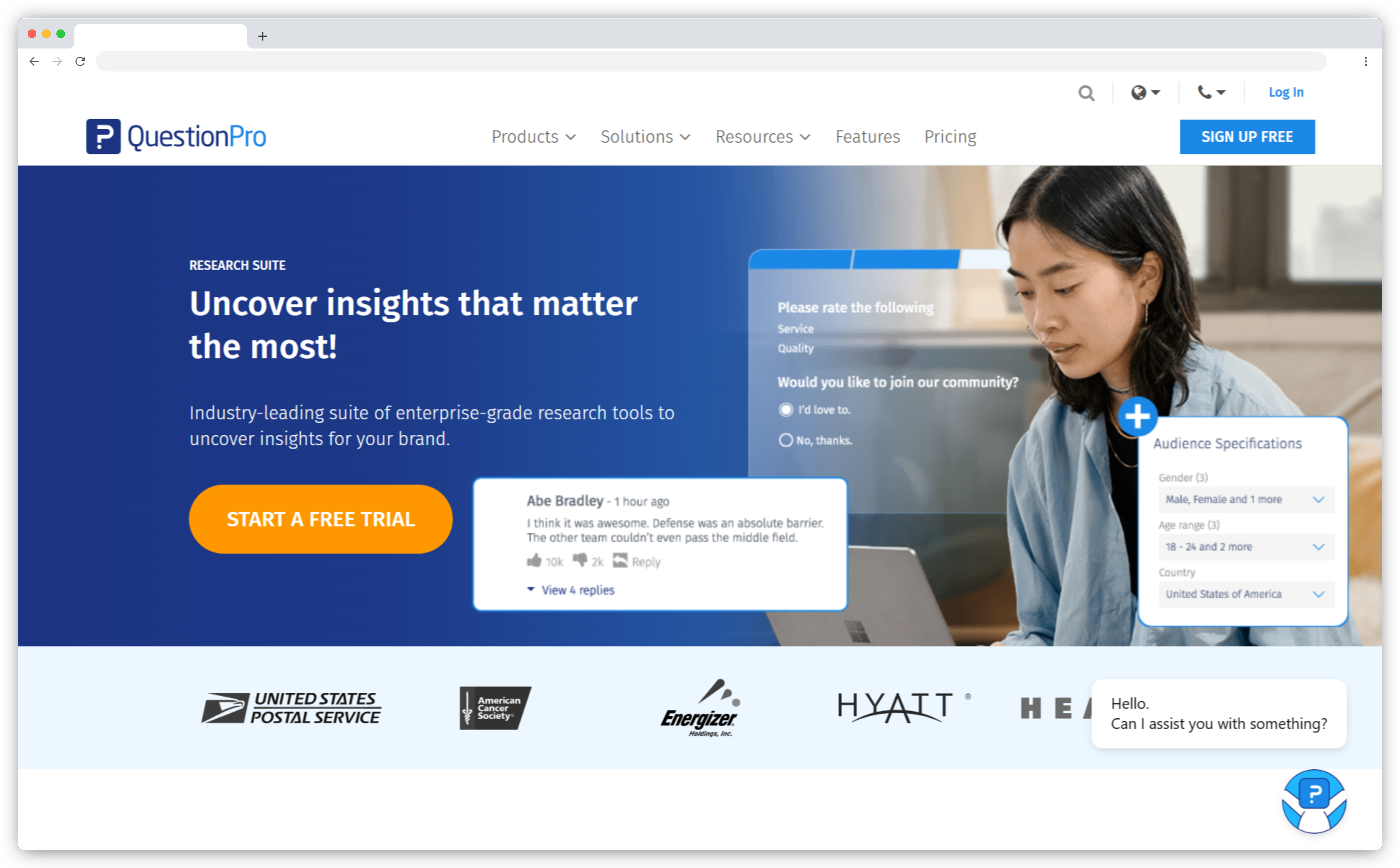
QuestionPro offers a wide range of survey and research features. It includes advanced logic, a large template library, and modules for CX, employee experience, and market research. A large global user base relies on it. The breadth and a free tier make it a flexible generalist.
Reviewers often praise its ease of use and value. The common note is that it covers many jobs well, with less depth in any single area than a specialist tool. If you run several feedback programs and want one affordable tool behind them, QuestionPro fits. If you need the deepest closed-loop action across areas, the dedicated platforms above go further.
- Key features: Survey builder with advanced logic and branching; CX, EX, and market-research modules; large template library; multi-channel distribution; analytics and dashboards
- Pros: Flexible across program types; strong value, including a free plan; easy to learn
- Cons: Less depth in closed-loop action than dedicated XM suites; lighter AI analysis than the leaders; breadth over specialization
- Pricing: Free plan plus paid tiers
- G2 rating: 4.5/5 (1,128 reviews)
- Best for: Teams that run several feedback programs and want one flexible, affordable tool.
Going Deeper: Guides for a Single Experience Pillar
If you need to focus on one area right now, start there instead of buying the full suite. For the customer area, our guide to customer experience software compares CX platforms in detail. For the employee area, employee feedback software covers EX tools. For the product area, product experience software reviews PX platforms. Birdeye and Reputation.com above cover the brand and reputation area. Pick the area that needs the most help, then expand to the full umbrella once the program proves its value.
Platform, Point Tools, or an Intelligence Layer? Making the Build/Buy Call
There are three common ways to build an XM stack. The marketing rarely tells you which one you are buying.
The first is a full suite. One platform collects, analyzes, and acts across all four areas. The benefit is a single source of truth. The cost is higher, and the largest suites can take several quarters to set up.
The second is point tools plus an analytics layer. You use a survey tool, a separate reviews tool, and another engine to analyze the combined data. Teams often formalize this stage with enterprise feedback management software before they move to a full platform. The setup costs less to start and is easy to build piece by piece. Over time, it becomes harder to manage, because staff must export data from several tools to reconcile scores each month.
The third is an intelligence layer. This type of tool reads feedback you already collect and analyzes it well. Its limit is clear. It does not collect feedback. You still need a survey and feedback layer beneath it, and you still handle the closed-loop step yourself.
Here is how to tell which one you need. When someone on your team exports data from three tools to answer one question about a customer, you have outgrown point tools. At that point, a platform that collects, analyzes, and acts in one place starts to save more than it costs.
Which Experience Management Tool Is Right for You?
The best experience management tool is the one your team will use to act on feedback. Choose based on the areas you are responsible for, the scale you operate at, and how fast you need results. The shortlist above narrows quickly once you apply those three filters.
If you want feedback collection and AI analysis together in one platform, see how Zonka Feedback works.


.svg)
.png)