.svg)
 Healthcare
 Finance
 Retail
 SaaS & Digital
 eCommerce
 Education
 Salesforce
  HubSpot
 Pipedrive
 Mailchimp
 Klaviyo
 Zendesk
  Intercom
 Freshdesk
 HelpScout
  Front
Front Jira
Jira Slack
Slack  MS Teams
 Zoom
Zoom Google Sheets
  Zapier
  Integrately
 Make
Make  Webhooks




 MS Teams



The best SaaS experience management tools include Zonka Feedback, Qualtrics, Medallia, Pendo, and Contentsquare. These tools differ mainly in what they measure. Some track the customer relationship, some track product usage, and a few connect both. This guide compares 12 SaaS experience management tools by what they do best, so you can match one to how your team works.
TL;DR
- This guide compares 12 SaaS experience management tools in four groups: all-in-one platforms, product and in-app tools, survey and voice-of-customer tools, and reputation tools.
- Each tool is reviewed the same way: what it does, key features, pros and cons, pricing, and G2 rating.
- There is a how-to-choose framework and a comparison table before the reviews.
- A short section explains which tools are often labeled experience management but belong in a different category.
Most SaaS teams already collect some feedback. They have a support inbox, an NPS email that goes out a few times a year, and a dashboard that someone checks before board meetings. The problem is that these pieces are not connected. A healthy-looking account can churn without warning because the early signals were spread across tools that never shared data.
In SaaS, experience does not happen only in a quarterly survey. It happens inside the product, during onboarding, at the third support ticket, and on the renewal call. SaaS experience management tools exist to bring these signals together and turn them into action. This guide compares the 12 tools worth considering in 2026. Some measure the product, and some measure the relationship. The right one depends on where your experience data lives.
What Are SaaS Experience Management Tools?
SaaS experience management tools are platforms that collect, unify, analyze, and act on experience data across a software company. That includes how customers feel (CX), how they use the product (PX), and how the employees who serve them are doing (EX). These tools sit on the measurement and action layer. They tell you what is happening and what to fix. They do not run the experience the way an onboarding builder or a personalization engine does.
This difference matters. A helpdesk resolves tickets. An in-app onboarding tool ships tooltips. Neither one tells you whether the experience improved. Experience management tools measure the outcome and route the fix to the right owner. The category includes survey and feedback collection, sentiment and theme analysis, product-usage signals, and closed-loop workflows. It does not include the execution tools that act on those insights.
Why Experience Management Is Different for SaaS
Retail measures a single transaction. SaaS measures a relationship that renews. That difference changes what you need to track.
Because revenue recurs, experience compounds over time. A weak onboarding does not cost one sale. It lowers a customer's lifetime value and raises churn months later. The earliest churn signals often do not appear in a survey. They appear in product usage, such as a power user who stops logging in, a team that never adopts a feature it asked for, or a support issue that was closed but not really resolved. A feedback program that only listens when a survey goes out will miss most of this. This is why how to measure SaaS customer experience has to be continuous rather than scheduled.
Experience in SaaS is also shared across teams that use different tools. Product owns the roadmap. Customer success owns the relationship. Support owns the tickets. Each team sees only part of the picture. Experience management connects those parts, which is why it maps to the four pillars of experience management: customer, product, employee, and brand. The wider model behind this sits in the experience management framework. Research on the delivery gap makes the point clearly. Most companies believe they deliver a strong experience, while far fewer customers agree. In SaaS, that gap shows up as lower net revenue retention.
What to Look For in a SaaS Experience Management Tool
The feature lists look similar across tools. Focus on the five things that separate a SaaS-fit tool from a general one.
In-product collection. Your users spend their time inside the app, so your feedback should too. Look for in-app surveys, a web SDK, and a mobile SDK if you have native apps. Short surveys that trigger on a specific action capture more than a monthly email.
Analysis of open-text responses. Scores tell you that something changed. Open-text answers tell you why. Strong tools run sentiment analysis and group free text into themes automatically. The better ones surface signals on their own, which is where how AI is used in experience management is heading.
Coverage across CX, PX, and EX. The value of a platform is one view instead of three. Even if you start with customer feedback, check whether the tool can extend to product feedback and employee experience management later, so you do not have to buy again in a year.
Closed-loop workflows. A signal that stays in a dashboard has little value. The tool should send alerts to Slack, open a Jira ticket for a bug, route a detractor to the right owner, and write back to your CRM. Ask how it does this, not whether it can.
Speed and role fit. SaaS teams do not want a long consulting project. Ask how fast you reach first value, and whether product, customer success, and support each get their own view.
| What to look for | Why it matters for SaaS |
| In-app and mobile SDK collection | Captures experience where it happens, not weeks later by email |
| Theme and sentiment analysis on open text | Turns thousands of comments into a ranked list of what to fix |
| CX, PX, and EX in one platform | One source of truth instead of three separate tools |
| Closed-loop to CRM, Slack, Jira, helpdesk | Signals reach the person who can act |
| Fast setup and role-based views | Value in days, with a view for product, CS, and support |
How to Choose the Right SaaS XM Tool for Your Team
Knowing what to look for is one step. Choosing is the next. The decision usually comes down to your stage, your main pillar, and how much of the loop you need to close.
Start with stage. An early product-led startup and a large enterprise solve different problems. Small teams need a tool that goes live quickly, captures in-app feedback, and does not require a specialist to run. Enterprises need role-based access, data residency, and the ability to handle large response volumes. A tool that fits one often does not fit the other.
Next, choose your main pillar. It points you to a group in this list.
| If your biggest gap is | Look for | Start in this group |
| You do not measure product usage or in-app feedback | PX depth: SDKs, session replay, funnels | Product and in-app experience tools |
| Feedback is scattered and nobody acts on it | Unification and closed-loop across CX, PX, EX | All-in-one platforms |
| You just need good surveys, fast | Survey flexibility, quick setup, integrations | Customer feedback and VoC tools |
| Reviews and ratings drive your pipeline | Review generation and monitoring | Reputation tools |
A note on metrics. If you only need one loyalty number, dedicated NPS software may be all you buy, and our list of the best NPS tools covers that case. If you track satisfaction on specific interactions, a focused CSAT platform fits. If you want to reduce friction, customer effort score is the metric to track. Many SaaS teams want more than one of these, which is the reason to choose a platform over a single-metric tool. If you truly need only one metric, buy the point tool.
Finally, be realistic about budget and how much of the loop you will use. Buying a large enterprise suite and using a small part of it is the most common expensive mistake in this category.
How We Evaluated These Tools
We reviewed each tool on five points: fit for a SaaS company, breadth of collection including in-app, depth of analysis, closed-loop and integration strength, and value for the price. Where a tool has changed or been acquired, we say so. G2 ratings come from each tool's G2 profile, and pricing comes from each vendor's official pricing page. Both can change, so confirm them before you buy.
One disclosure: Zonka Feedback publishes this guide. We held our own entry to the same standard as every other tool, including the cons. We also left out tools that do not belong. Delighted, a popular NPS tool in older lists, shut down in 2026, so it is not here. Pure support desks and onboarding builders are also excluded, for the reason explained in the last section.
Comparison Snapshot: 12 SaaS XM Tools at a Glance
Use the table for a quick overview, then read the reviews for detail. The pattern is simple. All-in-one platforms lead on unification, product tools lead on in-product depth, and survey tools lead on speed.
| # | Tool | Best For | Core Pillar | Pricing | G2 |
| 1 | Zonka Feedback | AI feedback analysis and signals | CX, PX, EX | 15-day trial, custom by volume | 4.7/5 |
| 2 | Qualtrics | Enterprise experience programs | CX, EX | Custom (contact sales) | 4.4/5 |
| 3 | Medallia | Large-enterprise omnichannel XM | CX, EX | Custom (contact sales) | 4.5/5 |
| 4 | Pendo | Product-led in-app feedback | PX | Free to 500 MAU, then custom | 4.4/5 |
| 5 | Contentsquare | Digital and product analytics | PX | Free plan, custom tiers | 4.4/5 |
| 6 | UserTesting | UX research and usability | PX | Custom (contact sales) | 4.4/5 |
| 7 | Refiner | SaaS lifecycle in-app surveys | CX, PX | Free trial, from ~$99/month | 4.6/5 |
| 8 | AskNicely | CX/NPS automation for service teams | CX | Custom (contact sales) | 4.7/5 |
| 9 | SurveySparrow | Conversational surveys | CX | Free, from $19/month | 4.4/5 |
| 10 | Survicate | Fast multi-channel SaaS surveys | CX, PX | Free, from about $89/month | 4.6/5 |
| 11 | QuestionPro | Flexible, research-grade surveys | CX | Free, from $99/month | 4.5/5 |
| 12 | Birdeye | Reviews and online reputation | Brand | Custom (contact sales) | 4.7/5 |
The Best SaaS Experience Management Tools
a. All-in-one experience management platforms
These tools handle collection and analysis together, across more than one pillar. They fit teams whose main problem is scattered feedback with no clear owner for action. They scale from a first survey to a full program.
1. Zonka Feedback: Best for AI Feedback Analysis & Signals
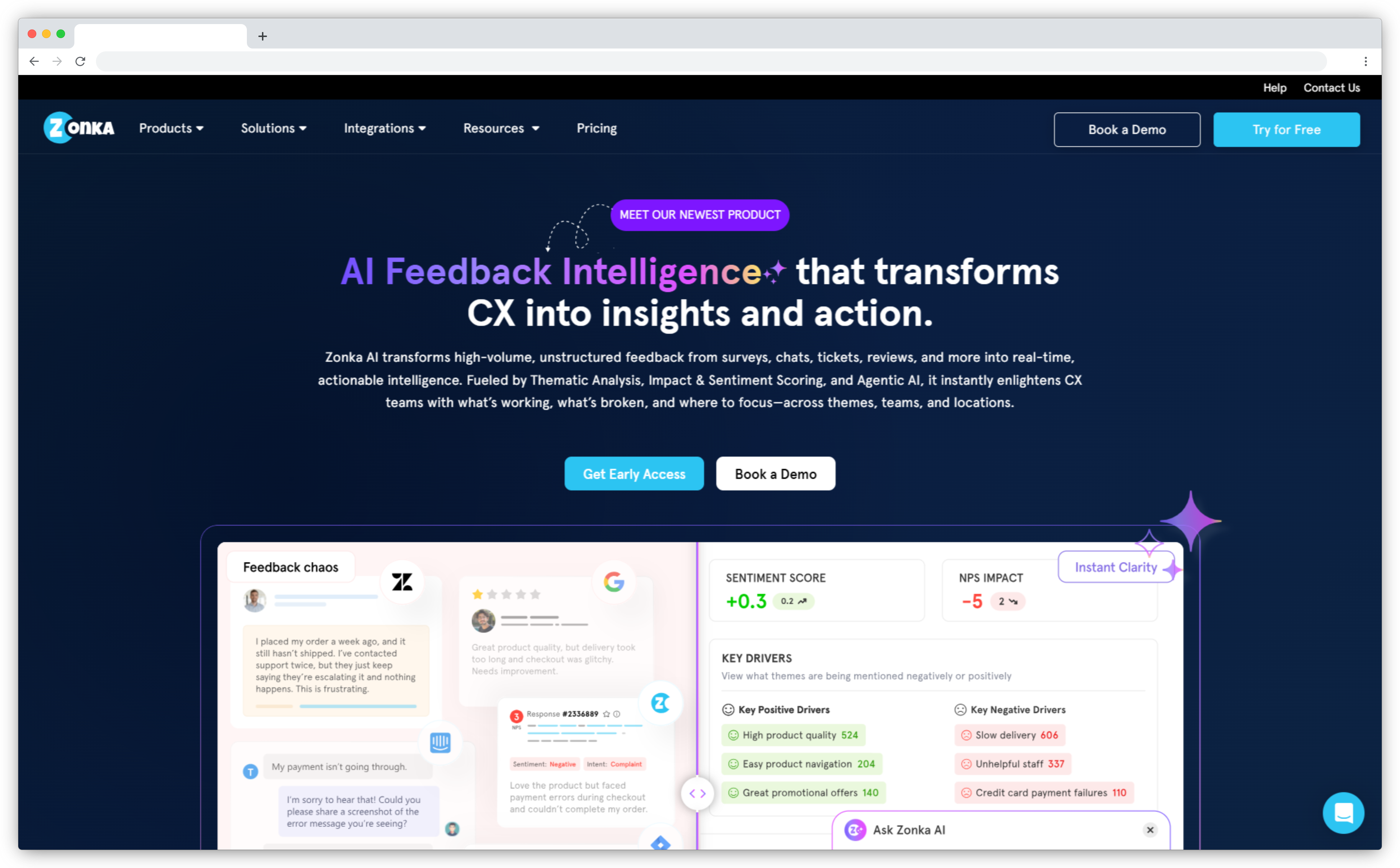
Zonka Feedback is an AI customer feedback and intelligence platform that combines omnichannel survey collection with a unified feedback analytics layer. It collects feedback through email, SMS, WhatsApp, web, in-app, kiosk, and offline channels, and unifies that feedback with tickets, reviews, chats, and calls in one place. For SaaS teams, it runs in-app NPS, CES, and CSAT through web and mobile SDKs, along with onboarding, feature, product-market fit, and churn surveys tied to the product lifecycle.
Its AI Feedback Intelligence groups open-text responses into themes, maps each response to a plan or account, scores sentiment, and flags churn risk before renewal. AI agents then send role-based signals to product, support, and customer success teams. The platform also includes closed-loop case management, a shared inbox, and reputation monitoring, so collection and action stay in one system rather than several separate tools. Data hosting is available in several regions to support compliance.
Key features:
- In-app, web, and mobile SDK surveys
- Email, SMS, WhatsApp, kiosk, and QR distribution
- AI thematic analysis, sentiment scoring, and entity mapping
- AI agents that send role-based signals
- Closed-loop routing to Slack, Jira, Zendesk, Salesforce, and HubSpot
Zonka Feedback Pros
- Collection and AI analysis in one platform
- Fast setup, with first value in days
- Scales from 100 to 100,000+ responses per month
Zonka Feedback Cons
- Advanced AI features have a short learning curve
- Not a product-analytics tool, so pair it with one for session replay or funnels
Zonka Feedback Pricing
15-day free trial, no free plan. Custom pricing based on feedback volume, with Feedback Management and AI Feedback Intelligence sold separately or bundled.
G2 Rating: 4.7/5 on G2 (81 reviews).
Best Use Case: Mid-market and enterprise SaaS teams that want collection and AI analysis in one place.
2. Qualtrics: Best for Enterprise Experience Programs
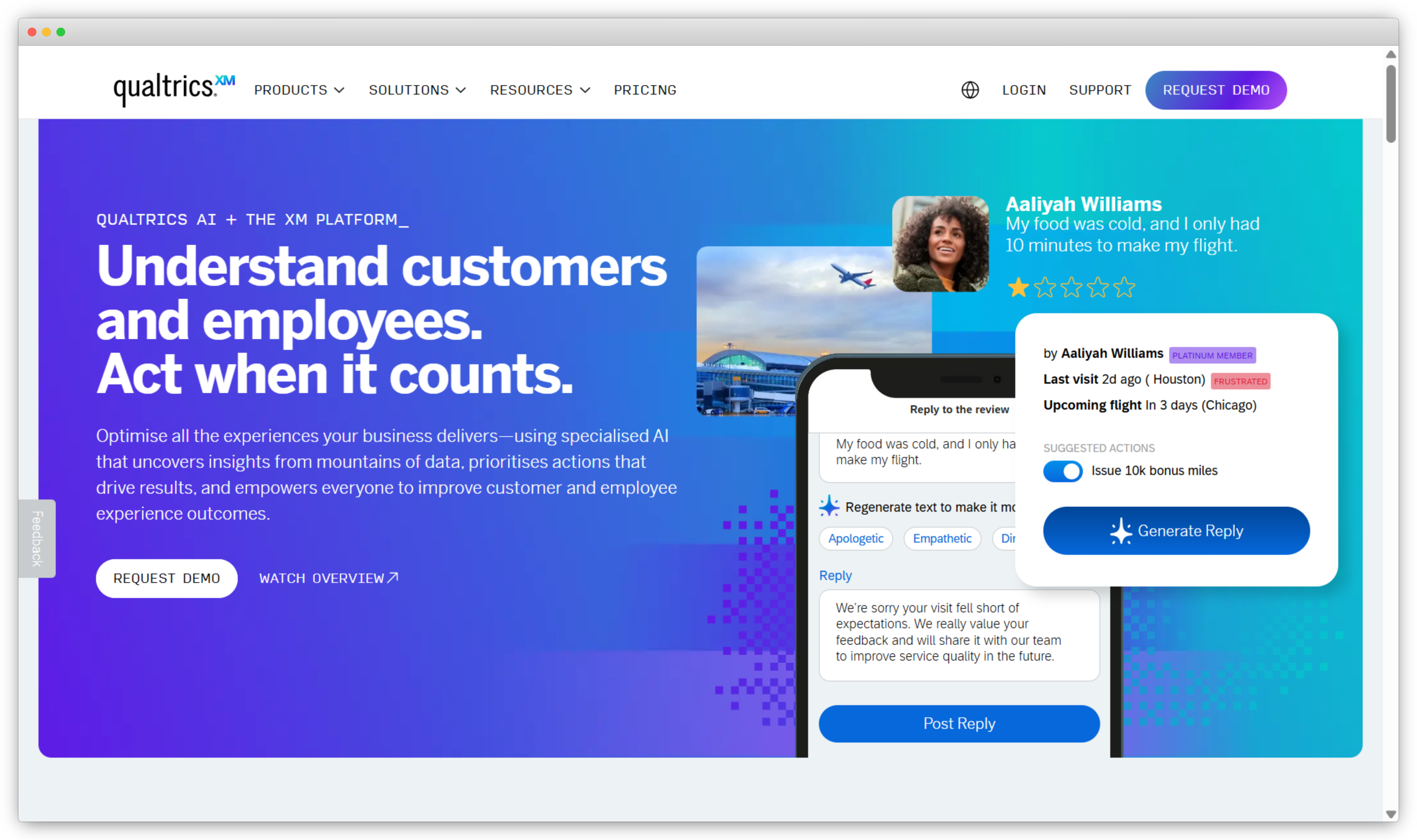
Qualtrics is an enterprise experience management platform built for formal research and large programs. Its Strategy & Research and CoreXM products offer advanced survey logic, branching, experimental design, and statistical analysis that lighter survey tools do not match. Large SaaS organizations use it to run structured programs across customer and employee experience on one platform, with governance and access controls for many teams.
The platform is capable, but it is heavy for simple needs. Teams that only run in-app NPS often find it more than they need, and the learning curve is steep enough that many organizations assign a dedicated admin to run it. Text iQ handles sentiment and theme analysis across large response volumes, and the analytics are mature. Reviewers value the depth of the data, though some report that building dashboards to their liking takes time and effort. It also offers predictive models and benchmarks for research teams.
Key features:
- Advanced survey logic, branching, and experimental design
- Text and sentiment analytics across large response volumes
- CX and EX program modules on one platform
- Predictive and statistical analysis
- Deep enterprise integrations and governance
Qualtrics Pros
- The deepest study design and statistical tooling in this list
- Strong for organizations running many programs at once
- Mature analytics and reporting
Qualtrics Cons
- More than needed, and costly, for simple NPS or CSAT tracking
- Steep learning curve that often needs a dedicated admin
Qualtrics Pricing
Custom pricing (contact sales). A limited free account is available for basic use.
G2 Rating: 4.4/5 on G2 (3,015 reviews).
Best Use Case: Large SaaS enterprises with formal research teams that need rigor over speed.
3. Medallia: Best for Large-Enterprise Omnichannel XM
Medallia is an enterprise experience platform built for large organizations with high feedback volumes. It captures feedback across many channels, including digital, contact center, and in-person, and uses AI to detect themes, score sentiment, and flag score drops. It works as a system of record that connects frontline feedback to executive reporting, so a branch-level issue and a leadership view come from the same data.
Medallia is an enterprise commitment. Smaller teams will find the price and setup effort high, and the strength here is breadth and scale rather than quick self-serve setup. Role-based reporting gives each level of the organization its own view, and integrations connect to systems like Salesforce. Deeper customization usually requires a services engagement, so most buyers plan for onboarding time and cost before they go live and reach full value. It suits organizations with many stakeholders that need one shared view of experience data.
Key features:
- Omnichannel feedback capture at high volume
- AI-driven theme and anomaly detection
- Role-based reporting from frontline to executive level
- Text analytics and sentiment scoring
- Tight integrations with systems like Salesforce
Medallia Pros
- Handles very large response volumes reliably
- Strong signal detection across channels
- Built for multi-stakeholder enterprise programs
Medallia Cons
- Enterprise pricing and heavy implementation effort
- Customization often needs outside services help
Medallia Pricing
Custom pricing (contact sales), based on an Experience Data Record model.
G2 Rating: 4.5/5 on G2 (199 reviews).
Best Use Case: Enterprise SaaS running omnichannel experience programs at scale.
b. Product and in-app experience tools
For SaaS, this group often matters most, because it measures experience inside the product. These tools focus on product experience depth and pair well with a feedback platform. For a deeper look, see our guide to the best product experience management software.
4. Pendo: Best for Product-Led In-App Feedback and Analytics
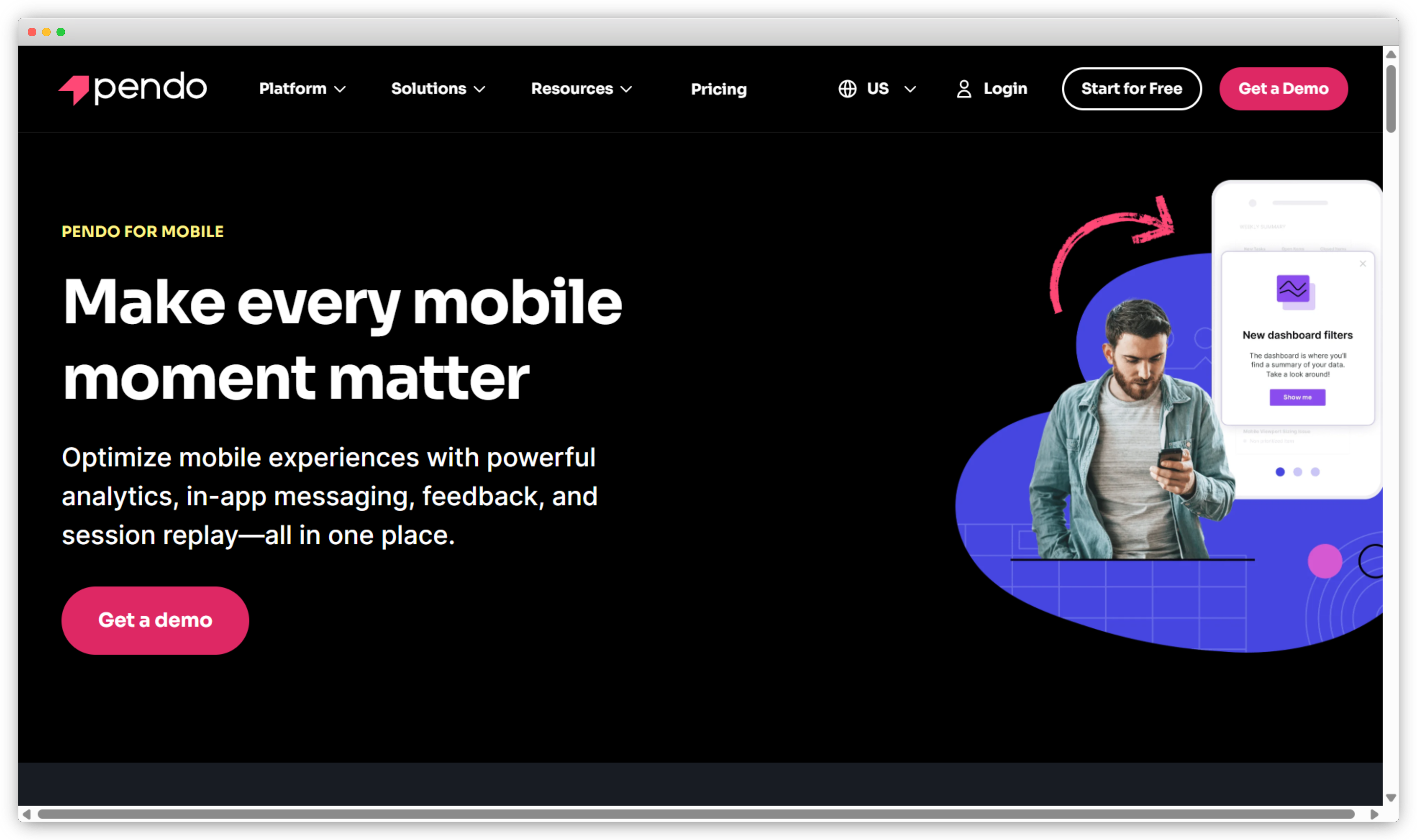
Pendo is a product experience platform that combines product analytics, in-app guides, and in-app surveys in one tool. It tracks how users move through a product, which features they adopt, and where they drop off. Product-led SaaS teams use it to measure adoption, guide users inside the product with walkthroughs, and collect feedback at the moment of use.
Pendo is strongest as an analytics tool. When feedback is the main need, the feedback module sits beside the analytics that drive most of the cost. Pricing is based on monthly active users, so the bill grows as usage grows, and quotes are not public. Pendo is also moving its older Feedback product to a newer product called Pendo Listen, so buyers should confirm which one they are getting. Setup takes more effort than a simple survey tool, and analytics remain the core strength. A free tier covers very small products.
Key features:
- Automatic product-usage analytics and event tracking
- In-app guides, walkthroughs, and onboarding flows
- In-app NPS and product feedback
- Session replay on higher tiers
- Segmentation by user and account
Pendo Pros
- Deep, well-regarded product analytics
- In-app guidance and feedback in the same tool
- Strong fit for product-led growth
Pendo Cons
- MAU-based pricing grows with usage, and quotes are not public
- Steeper setup, and feedback is secondary to analytics
Pendo Pricing
Free up to 500 monthly active users. Paid plans are custom-quoted and based on monthly active users.
G2 Rating: 4.4/5 on G2 (1,000+ reviews).
Best Use Case: Product-led SaaS teams that want usage analytics and in-app feedback together.
5. Contentsquare: Best for Digital and Product Experience Analytics
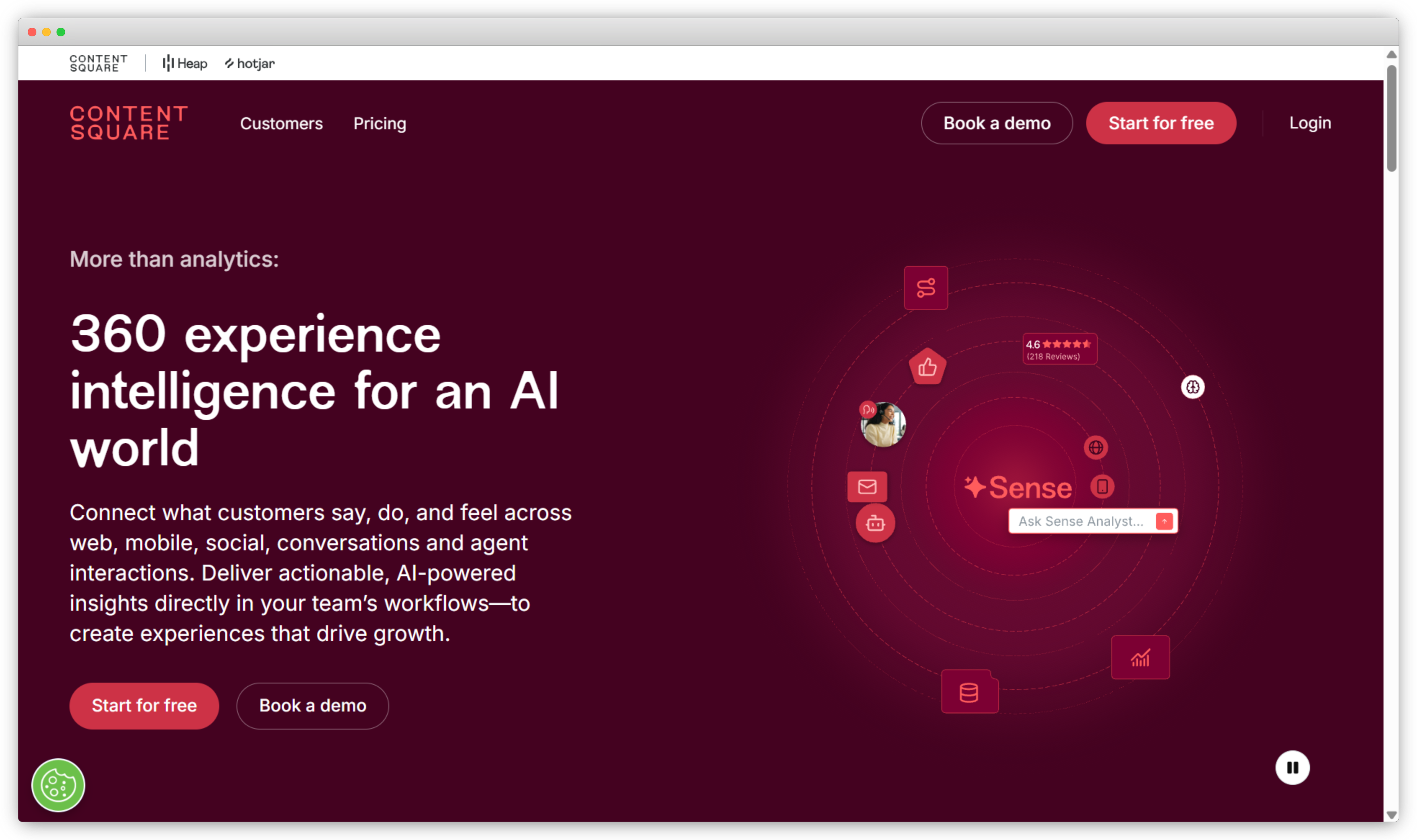
Contentsquare is a digital and product experience analytics platform that shows how users behave inside a product. It provides heatmaps, session replay, funnels, journey analysis, and error monitoring in one place. It now includes the tools Hotjar was known for, because Hotjar is part of Contentsquare, so heatmaps and surveys sit alongside deeper behavioral analytics on the same platform.
For SaaS teams improving web-app flows and onboarding, the behavioral depth is strong, and AI features summarize what the data shows. Contentsquare is a diagnostic layer more than a full voice-of-customer platform, because its focus is behavior rather than structured feedback programs. Many teams run it next to a dedicated feedback tool rather than in place of one. The free plan suits smaller teams, while enterprise tiers add more capability, a higher cost, and a more involved setup. It fits product and UX teams that want to see behavior in detail.
Key features:
- Heatmaps and attention maps
- Session replay and journey analysis
- On-site and in-product surveys (from Hotjar)
- Error and performance monitoring
- AI-generated summaries of behavior data
Contentsquare Pros
- Rich behavioral and journey analytics
- Generous free plan for smaller teams
- Combines behavior data with qualitative feedback
Contentsquare Cons
- Enterprise tiers get costly and complex
- Lighter closed-loop workflow than a voice-of-customer platform
Contentsquare Pricing
Free plan available. Growth, Pro, and Enterprise tiers are custom-quoted.
G2 Rating: 4.4/5 on G2 (631 reviews).
Best Use Case: SaaS product and UX teams diagnosing in-app friction and drop-off.
6. UserTesting: Best for UX Research and Usability
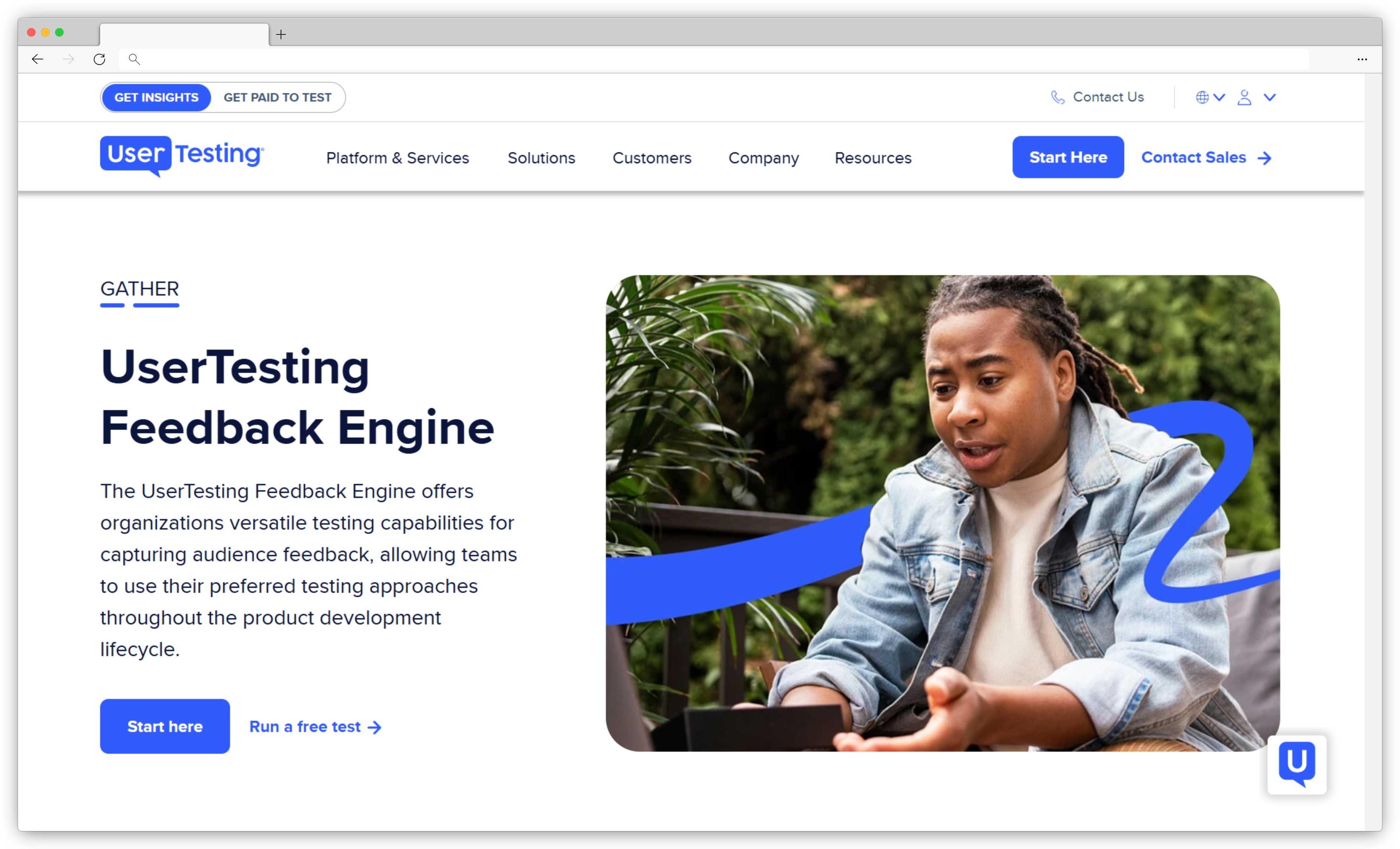
UserTesting is a user research platform that collects feedback from real users through moderated and unmoderated studies. Sessions are recorded on video, so teams can watch users complete a task and hear their reactions in their own words. Since the UserZoom merger, it covers a wider range of research methods, from quick usability checks to larger, structured studies.
UserTesting is a research tool rather than a continuous feedback platform. Teams use it in focused rounds around launches and redesigns, and AI features now speed up the work of turning sessions into themes and highlight reels. The participant panel fills studies quickly, which is one of the main reasons enterprise teams choose it. Pricing is custom with no monthly self-serve option, so it fits organizations that run research regularly rather than teams that need occasional, low-cost feedback. Findings are easy to share with stakeholders through clips and summaries.
Key features:
- Moderated and unmoderated usability tests
- Video recordings of real user sessions
- Access to a large participant panel
- Prototype and concept testing
- AI synthesis and highlight reels for sharing findings
UserTesting Pros
- Real user video is strong research evidence
- Fast qualitative insight before launch
- Large panel that fills studies quickly
UserTesting Cons
- Not built for ongoing, at-scale feedback
- Custom pricing with no monthly option, aimed at enterprise
UserTesting Pricing
Custom pricing (contact sales). No public self-serve plans.
G2 Rating: 4.4/5 on G2 (786 reviews).
Best Use Case: SaaS product teams running usability research around launches and redesigns.
c. Customer feedback and voice-of-customer tools
These tools focus on collecting and acting on feedback without enterprise weight. They fit teams that want strong surveys live quickly and connected to their stack.
7. Refiner: Best for SaaS Lifecycle In-App Surveys
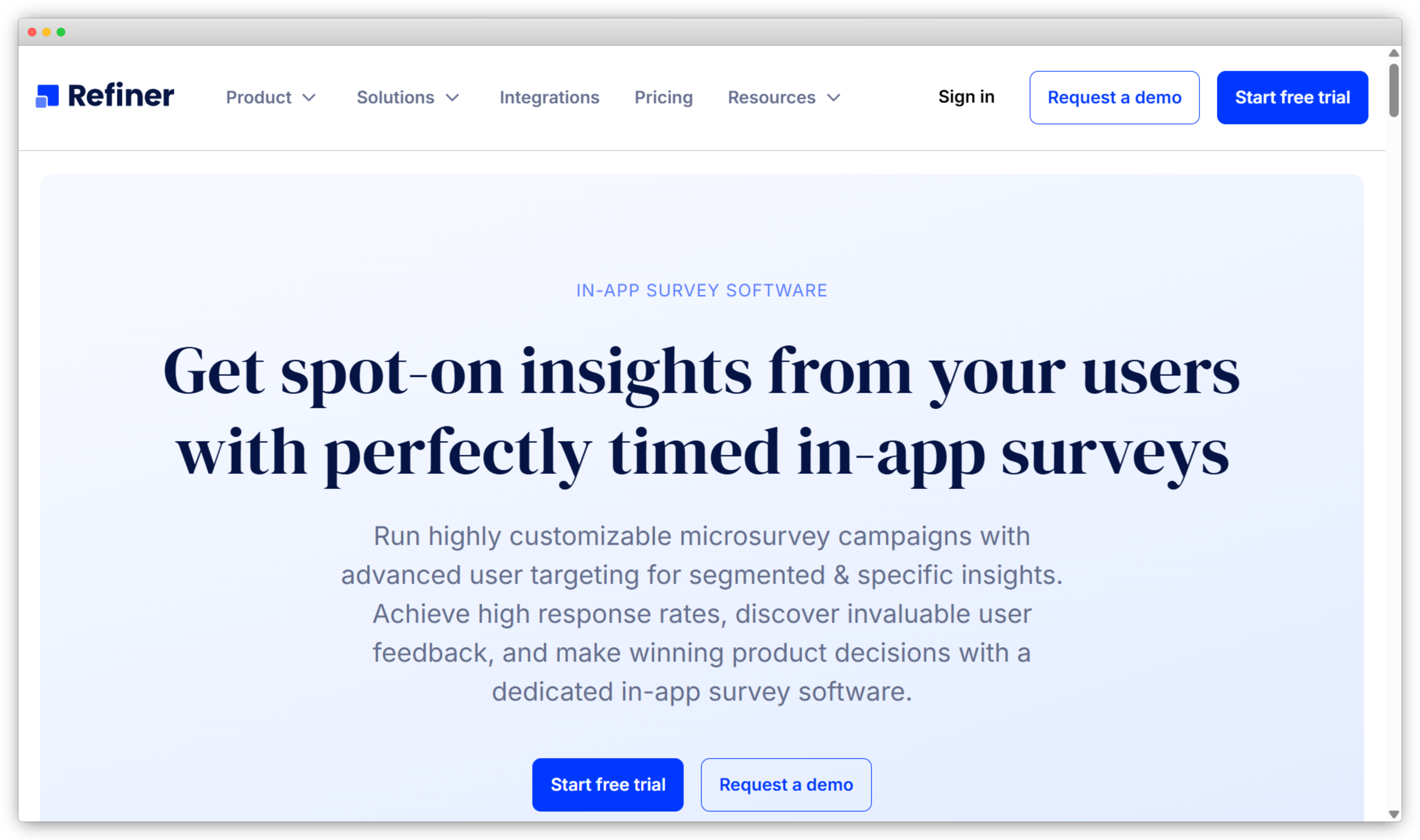
Refiner is a survey tool built specifically for SaaS products, with targeting designed around the SaaS lifecycle. You trigger surveys based on where a user actually is, using events and attributes like trial started, feature activated, plan upgraded, or cancellation initiated. It supports NPS, CSAT, CES, and custom formats with skip logic, and paid plans include unlimited surveys, which suits continuous feedback programs.
Setup is fast. Configuring a post-onboarding survey tied to a custom lifecycle event takes under 20 minutes without engineering help, which suits early teams with no dedicated developer on feedback tooling. The focus is tight, and that brings tradeoffs. Refiner is web-focused, so mobile SDK coverage is limited, and native analytics are basic and work best when connected to a separate BI tool. Teams that want deep AI analysis of open text at scale will pair it with another platform.
Key features:
- In-app surveys triggered by lifecycle events, attributes, and custom conditions
- NPS, CSAT, CES, and custom formats with skip logic
- Unlimited surveys on paid plans
- Real-time reporting and segmentation by attributes and cohorts
- Integrations with Segment, Intercom, HubSpot, Slack, and Google Sheets, plus API and webhooks
Refiner Pros
- Purpose-built for SaaS lifecycle feedback, with targeting that fits how SaaS works
- Fast, non-developer setup for event-based triggers
- Unlimited surveys on paid plans support continuous programs
Refiner Cons
- Web-focused, so mobile SDK support is limited
- Native analytics are basic, with no visual or contextual feedback capture
Refiner Pricing
Free trial available. Paid plans start around $99/month.
G2 Rating: 4.6/5 on G2 (review count to confirm).
Best Use Case: SaaS product teams running NPS, CSAT, and feature feedback tied to specific lifecycle events, where fast event-based targeting matters most.
8. AskNicely: Best for CX/NPS Automation for Service Teams
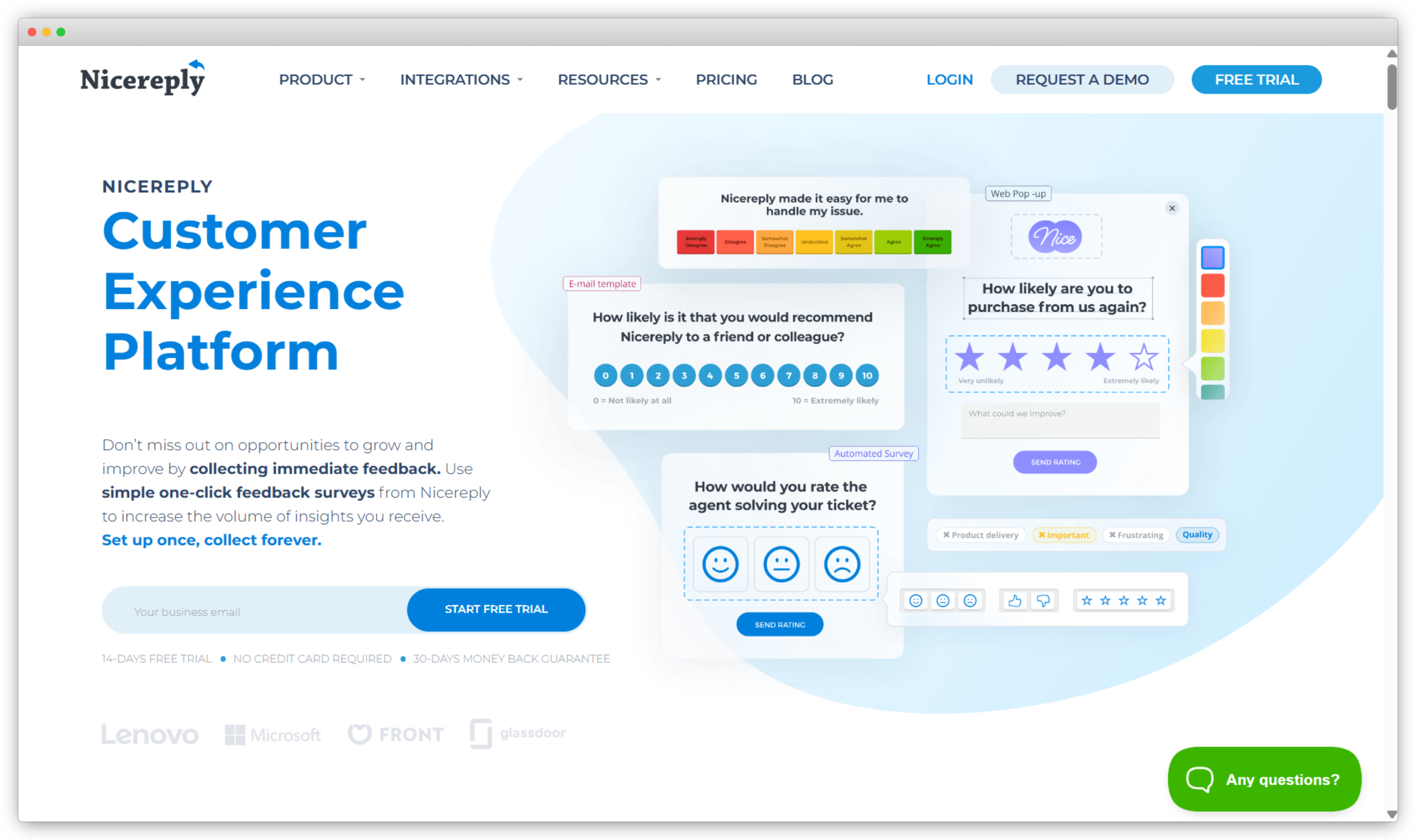
AskNicely is a customer experience platform that automates NPS, CSAT, and CES for service teams. It collects feedback by email, SMS, and web, and routes results to the people who own the customer relationship. It also includes coaching workflows, so managers can turn feedback into specific guidance for frontline staff and track improvement over time across teams.
AskNicely is built for speed and simplicity. It gets feedback to frontline owners quickly and automates review and referral requests from happy customers, which helps service-led SaaS teams act on results without manual work. Survey customization is more limited than research-grade tools, and the platform focuses on relationship metrics rather than broad research. It fits teams that want a clear, automated NPS or CSAT program with strong follow-through, and reviewers frequently praise both the automation and the customer support. It works best for teams with a hands-on customer success or service motion.
Key features:
- Automated NPS, CSAT, and CES programs
- Frontline dashboards and coaching workflows
- Real-time alerts and follow-up routing
- Review and referral automation from promoters
- Integrations with CRM and helpdesk tools
AskNicely Pros
- Strong automation with little manual work
- Gets feedback to frontline owners quickly
- Well-regarded customer support
AskNicely Cons
- Survey customization is more limited than research-grade tools
- Best for NPS and CSAT programs, less so for broad research
AskNicely Pricing
Custom pricing (contact sales).
G2 Rating: 4.7/5 on G2 (300+ reviews).
Best Use Case: SaaS CS teams that want automated NPS with frontline follow-through.
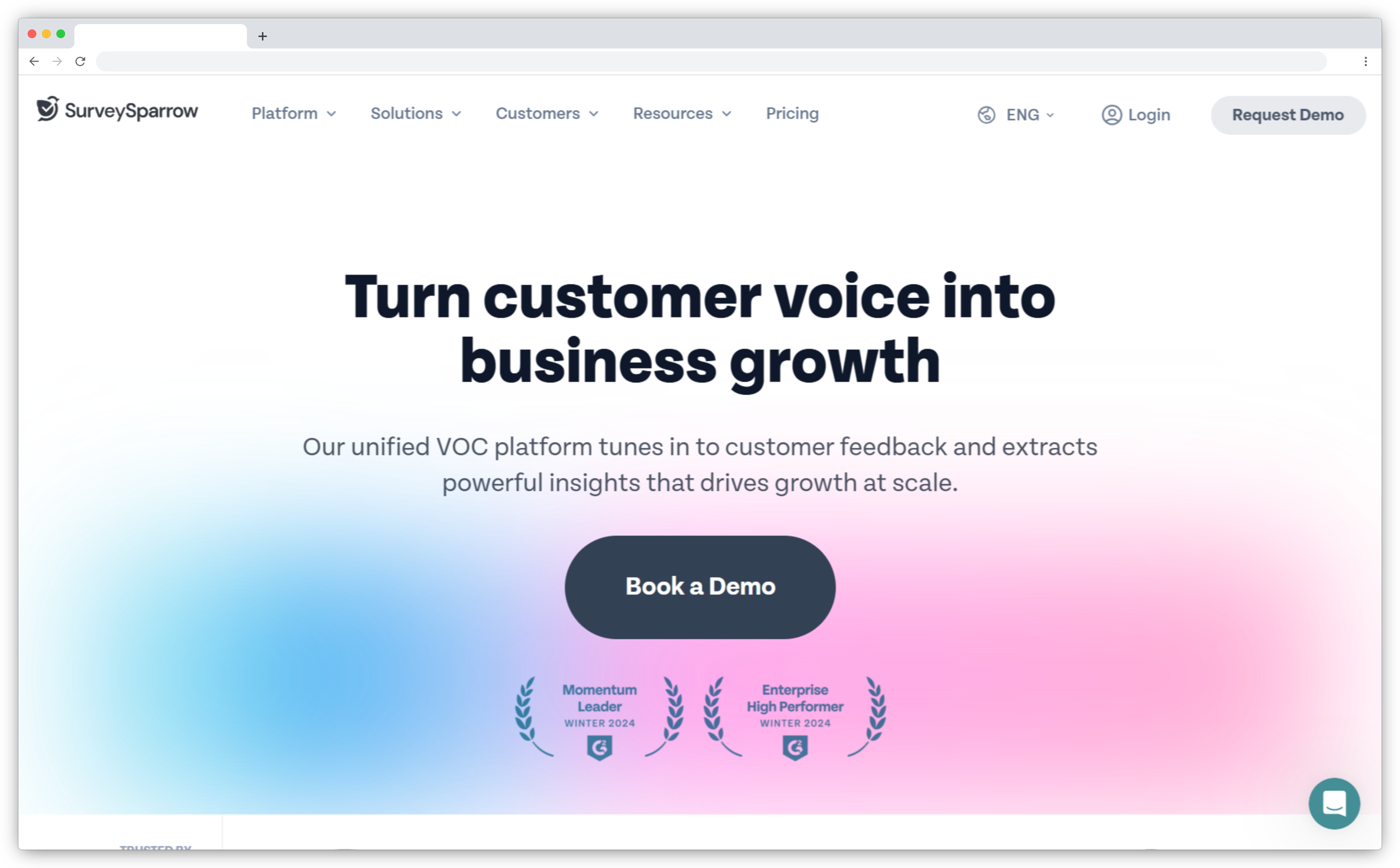
9. SurveySparrow: Best for Conversational Surveys
SurveySparrow is a survey platform known for conversational, chat-style surveys. The format shows one question at a time in a dialogue style, which improves response rates in in-app and mobile contexts where long forms lose people. It covers NPS, CSAT, and CES with recurring surveys, a simple drag-and-drop builder, and multi-channel distribution across web, email, and in-app.
SurveySparrow suits teams that want engaging surveys and quick setup without specialist help. It includes automation, ticketing, and dashboards, along with add-on products for reputation and 360 assessments, so it can grow beyond basic surveys. Deeper analytics sit on higher tiers, and reporting depth is lighter than research-grade tools, so large or complex programs may need more. Billing runs annual or quarterly rather than monthly, which is worth checking against your budget cycle before you commit to a plan. The builder and templates make it easy for non-technical teams to start.
Key features:
- Conversational, chat-style survey format
- NPS, CSAT, and CES with recurring automation
- Multi-channel distribution including in-app and email
- Workflow automation and case management
- Dashboards, reporting, and reputation add-ons
SurveySparrow Pros
- Engaging format that lifts completion rates
- Clean, approachable builder for any team
- Reasonable entry pricing
SurveySparrow Cons
- Advanced analytics sit on higher tiers
- Very large programs may want more depth
SurveySparrow Pricing
Free plan available. Paid plans start at $19/month (Basic, billed annually), and higher tiers are custom.
G2 Rating: 4.4/5 on G2 (2,063 reviews).
Best Use Case: SaaS teams that want higher response rates from friendlier, in-context surveys.
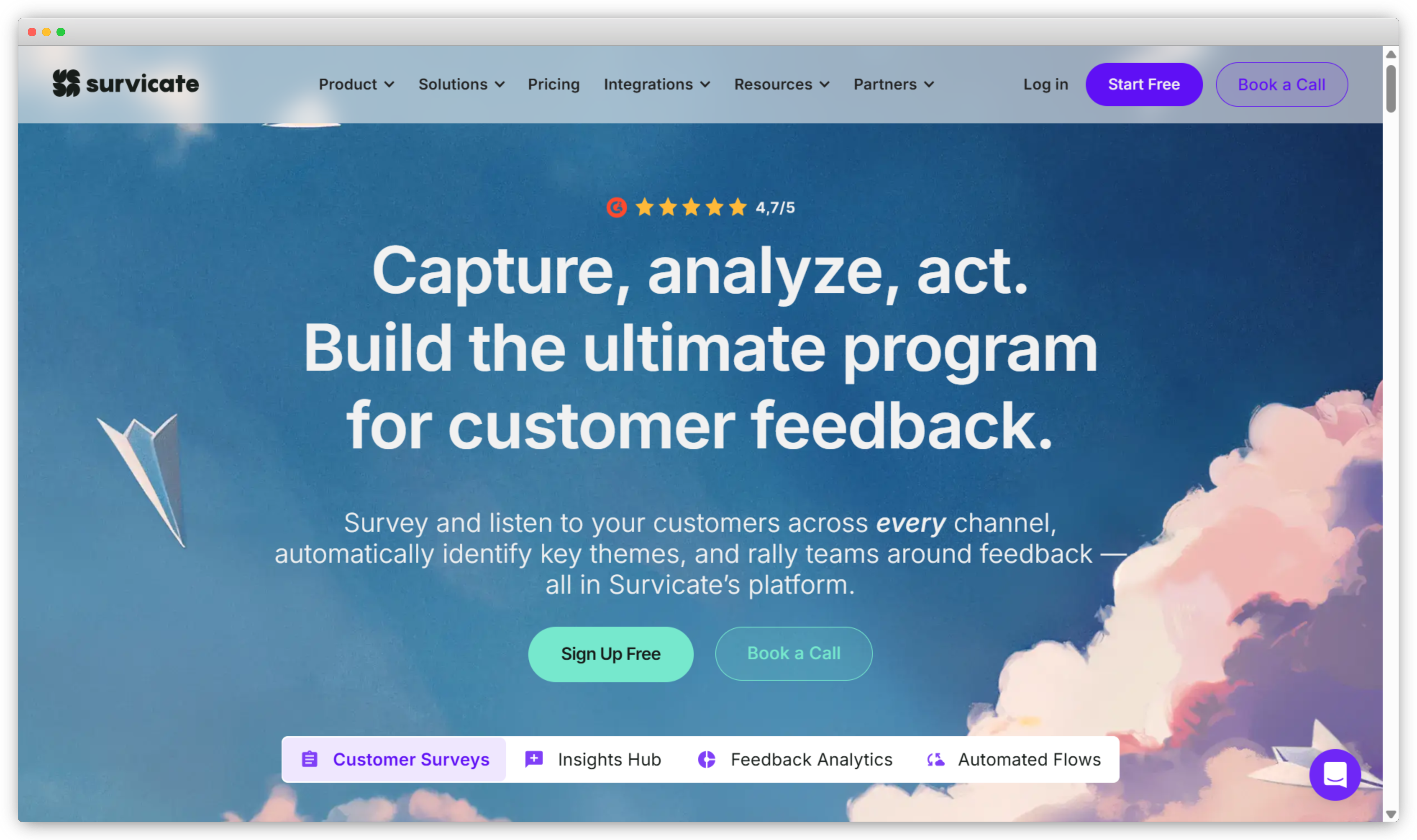
10. Survicate: Best for Fast Multi-Channel SaaS Surveys
Survicate is a multi-channel survey platform for product, marketing, and CX teams. It runs surveys across in-app, email, web, link, and mobile, and connects to more than 40 tools, including CRM and analytics platforms. Its Insights Hub and Research Assistant add AI that groups responses into themes automatically, so teams spend less time tagging feedback by hand.
Survicate is quick to set up and launch, which is its main strength for SaaS teams that want feedback flowing within days. It leans toward collection more than deep analysis, and text analytics are capable but lighter than a dedicated intelligence platform. A free plan covers early testing, while paid plans apply response and data-point limits, so heavy-volume programs may reach higher, annual tiers. It fits teams that value speed and channel coverage over advanced reporting depth. The template library and AI question drafting help teams launch surveys faster.
Key features:
- In-app, email, web, link, and mobile surveys
- Prebuilt templates for NPS, CSAT, CES, and PMF
- 40+ integrations including CRM and analytics
- AI Insights Hub and Research Assistant
- Response routing and basic automation
Survicate Pros
- Very fast to set up and launch
- Broad integration coverage for a SaaS stack
- Good value at the entry tier
Survicate Cons
- Analysis is lighter than a dedicated AI platform
- Advanced features and higher volume sit on annual plans
Survicate Pricing
Free plan available. Paid plans start around $89/month (Starter). Growth and above are billed annually.
G2 Rating: 4.6/5 on G2 (200 reviews).
Best Use Case: SaaS teams that want multi-channel surveys live fast with wide integrations.
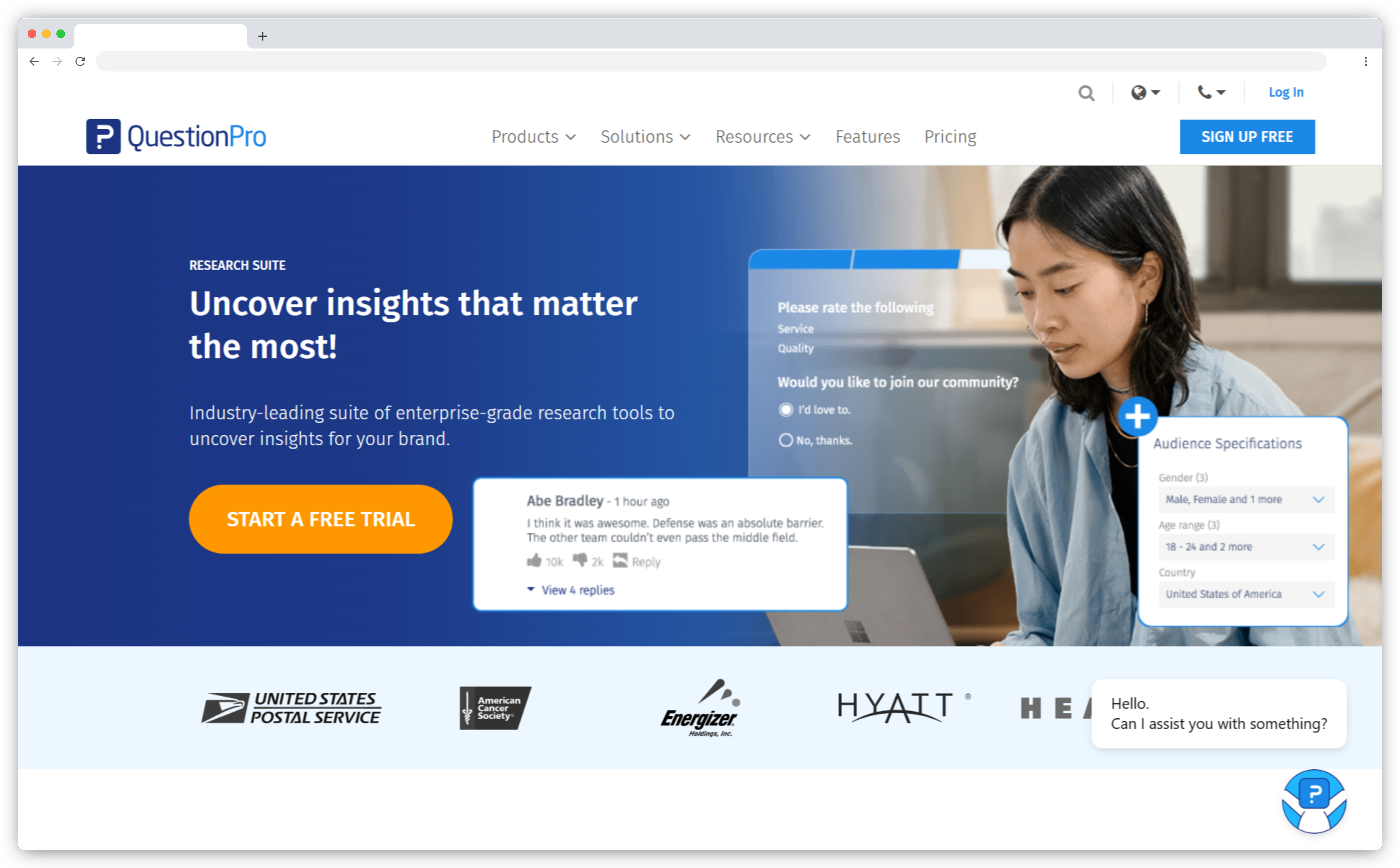
11. QuestionPro: Best for Flexible, Research-Grade Surveys
QuestionPro is a survey and research platform that offers advanced logic and a wide question library at a moderate price. It supports NPS, CSAT, and CES, along with text and sentiment analysis, offline collection, and dedicated CX and EX products for larger teams. SaaS teams use it when they want research-grade surveys without an enterprise budget.
QuestionPro balances capability and cost. A free Essentials plan covers small projects, while paid tiers add advanced features, more question types, and team collaboration. The interface is denser than some newer tools, and a few features take time to learn, so new users spend some setup time up front. It fits teams that value depth and flexibility over a minimal interface, and reviewers consistently call out the range of question types and the value for money against the large enterprise suites. It also serves academic and nonprofit teams through dedicated licensing.
Key features:
- Advanced logic, branching, and 50+ question types
- CX modules including NPS and CSAT
- Text and sentiment analysis
- Multi-channel distribution including offline
- Reporting and real-time dashboards
QuestionPro Pros
- Research-grade capability at a moderate price
- Flexible survey design
- Free Essentials plan to start
QuestionPro Cons
- Interface is denser than some newer tools
- Depth comes with a learning curve
QuestionPro Pricing
Free Essentials plan. Advanced starts at $99/month (billed annually). Team and Research tiers are custom.
G2 Rating: 4.5/5 on G2 (1,124 reviews).
Best Use Case: SaaS teams that want research-grade surveys without enterprise pricing.
d. Reputation and reviews
For most SaaS categories this is one pillar among several. For product-led and marketplace SaaS, public reviews sit at the top of the funnel and are worth managing directly.
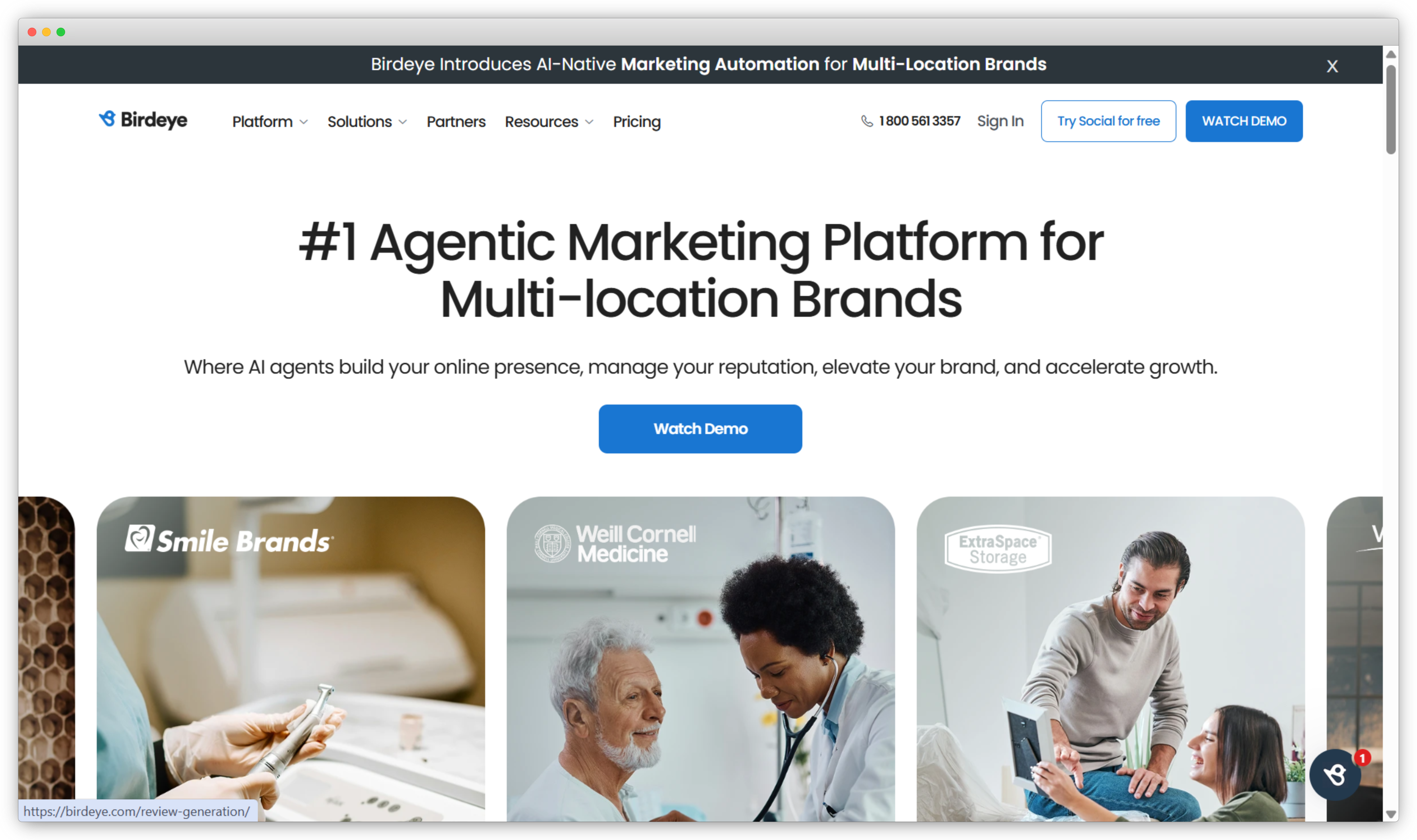
12. Birdeye: Best for Reviews and Online Reputation
Birdeye is a reputation and customer experience platform built for multi-location brands. It generates reviews, monitors them across sites, and responds from one dashboard. It also manages business listings and social profiles, and its BirdAI agents automate much of the routine work of requesting and replying to reviews at scale across locations.
For SaaS companies whose pipeline runs through review sites like G2, Capterra, or app stores, Birdeye manages the reviews that prospects see first. It is strongest on the reputation pillar, and it feeds review sentiment back to the team so trends are easy to track. It is not built for in-app product experience or deep voice-of-customer analysis, so most SaaS teams use it alongside a feedback platform rather than on its own. Pricing is custom and quoted by scale and modules. It works best for brands that manage many locations and depend on local search.
Key features:
- Review generation and request automation
- Multi-site review monitoring and response
- Listings and local-SEO management
- Reputation dashboards and benchmarking
- AI agents, messaging, and referral tools
Birdeye Pros
- Strong review generation at scale
- Broad platform coverage and monitoring
- Useful for pipeline that depends on reputation
Birdeye Cons
- Narrower than a full experience management platform
- Less relevant for in-product experience
Birdeye Pricing
Custom pricing (contact sales).
G2 Rating: 4.7/5 on G2 (3,502 reviews).
Best Use Case: SaaS brands where public reviews and ratings drive acquisition.
Where "Experience Management" Gets Miscategorized in SaaS
Search for SaaS experience management tools and you will find lists that include helpdesks like Intercom, Zendesk, and HubSpot Service Hub, plus a few onboarding builders. These are good products, but they belong in a different category.
Here is the distinction. Experience management is the measurement and action layer. It tells you what is happening and what to fix. A helpdesk, an onboarding tool, and a personalization engine are the execution layer. They carry out the work. You need both layers, but they are not the same purchase. If you buy an execution tool and expect it to measure experience, you get faster ticket resolution and still do not know whether the experience improved.
The test is simple. Ask what the tool measures about the experience itself, not about the task. A helpdesk measures response time and ticket volume, which are operational metrics. An onboarding builder measures completion of the flow it created. An experience management tool measures whether the customer, user, or employee had a better experience, and connects that result to a fix. Most overspending in this category comes from buying execution and calling it measurement. For the cross-industry view, our list of the best experience management tools separates the real platforms from the rest.
Which SaaS Experience Management Tool Is Right for You?
There is no single winner in this category. There is a right choice for your situation.
If your experience lives inside the product, start with the product and in-app group, and instrument the app before you send another email survey. If feedback is scattered and no one acts on it, an all-in-one platform that unifies data and closes the loop will do more than three separate tools. If you mainly need good surveys quickly, a focused voice-of-customer tool will get you there without enterprise cost. If reviews drive your pipeline, treat reputation as a real experience pillar.
Match the tool to where you are now and the stage just ahead, not five stages out. A useful way to frame this is your experience management maturity model: buy for your current stage and the next one. Then start small, prove that the loop closes on one program, and expand. The best tool is the one your team will use every week. To see how continuous, in-product feedback works in practice, explore SaaS surveys.


.svg)
.png)