.svg)
 Healthcare
 Finance
 Retail
 SaaS & Digital
 eCommerce
 Education
 Salesforce
  HubSpot
 Pipedrive
 Mailchimp
 Klaviyo
 Zendesk
  Intercom
 Freshdesk
 HelpScout
  Front
Front Jira
Jira Slack
Slack  MS Teams
 Zoom
Zoom Google Sheets
  Zapier
  Integrately
 Make
Make  Webhooks




 MS Teams


TL;DR
- Zonka Feedback, Canny, and UserVoice sit in three different categories: one collects and analyzes feedback across channels; one manages public feature requests and roadmap transparency; one weights feedback by ARR at enterprise scale.
- If your team needs NPS, CSAT, CES, or in-app surveys with AI analysis, Zonka Feedback fits. If you need a public voting board and changelog for your product community, Canny fits. If revenue-weighted prioritization and Salesforce integration are non-negotiable, UserVoice fits.
- The most common two-tool setup at growth-stage SaaS: Zonka for the insight layer, Canny for the community transparency layer. They don't overlap. They do different jobs.
- UserVoice starts at $899/month and makes sense primarily for teams above $10M ARR managing multiple enterprise accounts with varying contract sizes.
- This guide covers how all three tools differ, a decision framework by team stage, and when running two of them together actually makes sense.
You're reading this because you've narrowed it down. Maybe it's Zonka vs Canny. Maybe it's UserVoice vs everything else. Either way, you're past the "which category of tool do I need" question and into "which one specifically."
We built Zonka Feedback, so take that for what it's worth. We've described all three tools the way someone without a stake in the outcome would: same depth, same honesty about tradeoffs. If Canny or UserVoice is the right answer for your situation, this article will say so.
The short version: these tools don't compete for the same job. Picking the wrong one isn't just a budgeting mistake. It's six months of feedback data that doesn't answer the questions you actually needed answered.
How Do Canny, UserVoice, and Zonka Feedback Compare at a Glance?
| Tool | Best For | Key Differentiator | Pricing | G2 Rating |
| Canny | Feature request boards + roadmap transparency | Public voting + changelog + deduplication | Free; from $79/mo | 4.4/5 |
| UserVoice | Enterprise feedback consolidation | Revenue-weighted prioritization + Salesforce integration | From $899/mo | 4.5/5 |
| Zonka Feedback | Multi-channel feedback + AI analysis | In-app surveys + AI signals across NPS/CSAT/CES | From ~$25/mo (custom) | 4.7/5 |
What Are Zonka Feedback, Canny, and UserVoice, Really?
Three tools. Three different categories. The fact they all get described as "product feedback tools" in the same breath is part of what makes this comparison confusing.
Canny is a feature request and voting board. Users submit ideas, upvote existing requests, and see what's on your roadmap. When a feature ships, the users who asked for it get notified automatically via the changelog. It's a community-facing transparency layer — not a data collection system.
UserVoice is an enterprise feedback management platform. It consolidates input from sales teams, support tickets, customer portals, and user research, then weights each request by the revenue attached to the account making it. A $500K account's request carries more weight than a $10K account's, regardless of vote count.
Zonka Feedback is a multi-channel feedback and survey platform. It actively collects feedback via in-app widgets, mobile SDK (iOS, Android, React Native), email, SMS, WhatsApp, kiosk, and offline modes. It then analyzes responses with AI for sentiment, themes, and priorities.
Here's the distinction worth holding onto: a survey platform reaches out to users. A feedback board waits. A survey platform asks structured questions at specific moments: after a feature ships, after onboarding completes. A feedback board waits for users to volunteer input. Both capture feedback. What differs is who initiates the conversation and what format the data takes.
Most mature product teams need both eventually. The question is which problem you're solving first. For a full breakdown of product feedback strategy before committing to a tool, the product feedback guide is the right starting point.
Why Does Choosing the Wrong Product Feedback Tool Cost You?
The cost isn't the subscription. It's the six months of misaligned data you build on top of it.
A team that deploys Canny expecting NPS trends ends up with a voting board full of feature requests, with nothing to show leadership when they ask about retention drivers. A team that sets up Zonka when they actually needed a public roadmap misses the community transparency that reduces support volume. Neither tool failed. The wrong tool was chosen.
This matters more at growth stage than anywhere else. The first feedback infrastructure you build shapes what product decisions look like for the next two years. Get it right the first time. Migration mid-cycle is expensive. Not just technically, but in re-educating every stakeholder who built a workflow around the wrong tool.
What Should You Look for in a Product Feedback Tool?
Six things worth evaluating before you commit:
1. Feedback collection channels. Where and how does the tool capture input? In-app surveys, email surveys, SMS, voting boards, and portals are different mechanisms with different response rates and different data types.
2. Analysis depth. Does the tool store feedback or help you understand it? There's a real gap between a tool that gives you a score and one that tells you which themes are driving the score, which accounts they're coming from, and what changed last week.
3. Feedback organization. How is input structured once it arrives? Voting boards sort by popularity. Survey tools sort by time, score, or segment. Some tools deduplicate; most don't.
4. Roadmap integration. Can feedback connect directly to what you're building? Whether it's a voting board, a Jira integration, or a manual handoff — the signal-to-roadmap chain matters. Teams collecting feature requests from users need a clear path from input to prioritization.
5. Closed-loop capability. Can you notify users when their feedback is acted on? Underrated. Users who submitted feedback and never heard back are less likely to submit again.
6. Pricing and team fit. Not just total cost. Who is the tool actually designed for? A $79/month tool built for a 10-person startup will frustrate a 50-person enterprise team, regardless of whether the features technically exist.
How Do You Choose the Right Product Feedback Tool for Your Team?
The decision is simpler than it looks once you separate the tools by what they actually do.
| If you need... | Choose |
| Multi-channel feedback collection (in-app, email, SMS, WhatsApp) | Zonka Feedback |
| AI-powered sentiment and theme analysis on survey responses | Zonka Feedback |
| NPS, CSAT, and CES surveys triggered inside your product | Zonka Feedback |
| A public feedback board where users vote on feature requests | Canny |
| Changelog and roadmap transparency for your product community | Canny |
| Simple, structured feature request management with a free option | Canny |
| Revenue-weighted feature prioritization tied to ARR | UserVoice |
| Enterprise-grade Salesforce CRM integration for product feedback | UserVoice |
| Multi-product feedback consolidation across a large organization | UserVoice |
The table is clean. The reality is messier depending on where your team is.
Startups and early-stage teams. Canny's free plan is a credible starting point if feature request tracking is your main need. It's easy to set up, and the community transparency it creates (users seeing each other's requests, voting on priorities) costs nothing except setup time. If you're in B2B SaaS and CX metrics matter from day one, start with Zonka instead. NPS trends and CSAT scores are harder to build retroactively than most teams realize when they skip them early. You can't go back and collect the baseline you needed six months ago.
Growth-stage SaaS ($1M–$10M ARR). This is where the choice sharpens. Most teams doing well here have two distinct needs: understanding what users are experiencing (NPS trends, in-app survey data, AI analysis of open text), and managing what users are requesting (feature votes, roadmap visibility, changelog communication). Those are different jobs. One tool handles the first. Another handles the second. Running both is common at this stage, and the overlap between them is minimal enough that it doesn't feel like tool sprawl. If you want to think through your product feedback strategy before committing to either, that's worth doing first.
Enterprise ($10M+ ARR). UserVoice starts making sense when you have enough enterprise accounts with different contract sizes that vote count becomes a misleading signal. If a $500K account and a $5K account both request the same feature, they shouldn't carry equal weight in your roadmap decisions. That's exactly the problem UserVoice solves. But it comes with significant cost and setup complexity: $899/month minimum, a learning curve steeper than both Canny and Zonka, and a UI that reflects its age more than newer tools do. For enterprise teams that need omnichannel feedback collection and AI intelligence without the UserVoice price tag and complexity, Zonka covers that half of the equation separately.
On the Canny + Zonka combination. Growth-stage teams often ask whether running both is overkill. It isn't, because they don't overlap. Zonka collects structured feedback (surveys, NPS, CSAT) and surfaces AI signals from the responses. Canny collects volunteered feature requests and organizes them into a community. One is proactive collection. The other is passive collection. The data types are different, the audiences are different, and the workflows they feed are different. Most teams that run both find they complement rather than duplicate.
When one tool is enough. If your primary need is survey-based CX metrics and AI analysis, Zonka alone covers it. If your primary need is a public feature board with a changelog, Canny alone covers it. Don't add tools until you've hit the ceiling of what one does. Starting with Canny because it's free and adding Zonka when you realize you have no metric trends is a perfectly reasonable sequence. Not a failure of planning.
How We Evaluated These Tools
This article is written by the team at Zonka Feedback. We've evaluated all three tools based on public documentation, G2 reviews and ratings, and verified pricing from official sites, applying the same depth and honesty to each.
The goal is to help you make the right call, even if that call isn't Zonka. G2 ratings and pricing reflect what was live as of Q1 2026.
What Does Each Tool Do Best?
Canny: Best for Feature Request Management and Roadmap Transparency
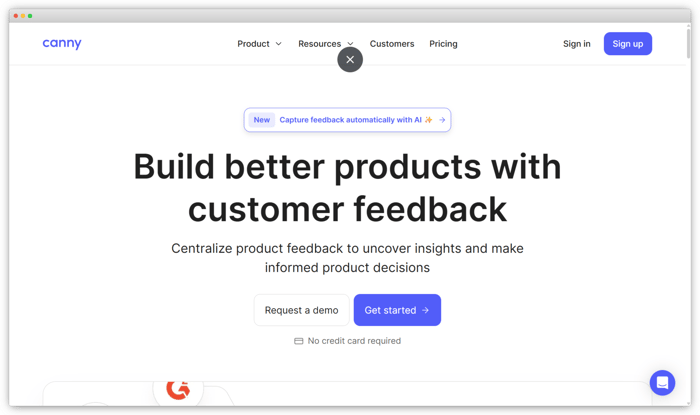
Canny's core value is visibility. Users submit ideas, upvote existing requests, and see where they sit on your roadmap. When a feature ships, everyone who asked gets notified via the changelog. Automatic deduplication merges repeat submissions so product managers see a clean vote count, not 200 versions of the same request.
Where it falls short: Canny only captures feedback that users voluntarily submit. If someone churns without visiting your board, you have nothing on them. It doesn't run NPS, CSAT, or in-app surveys, so any CX metric program needs a separate tool. And the free plan caps at 100 active ideas — most growing teams hit that quickly.
Canny Pros
- Best-in-class feature voting and roadmap transparency
- Automatic deduplication reduces noise from repeat submissions
- Changelog closes the loop without manual work
- Cleaner UI than UserVoice at a much lower price
Canny Cons
- No survey capability; NPS, CSAT, and CES require a separate tool
- Free plan very limited (100 active ideas)
- Paid plans expensive relative to what they cover
Canny Pricing
- Free plan available
- Paid plans from $79/month; Growth and Business tiers for larger teams
G2 Rating: 4.4/5 on G2
Best fit: Mid-stage SaaS teams that want transparent, community-facing feature request management and are comfortable running a separate tool for CX metrics and surveys. If you're actively evaluating Canny against the broader market, our Canny alternatives guide covers 10 tools across the same criteria.
UserVoice: Best for Enterprise Feedback Consolidation and Revenue-Weighted Prioritization
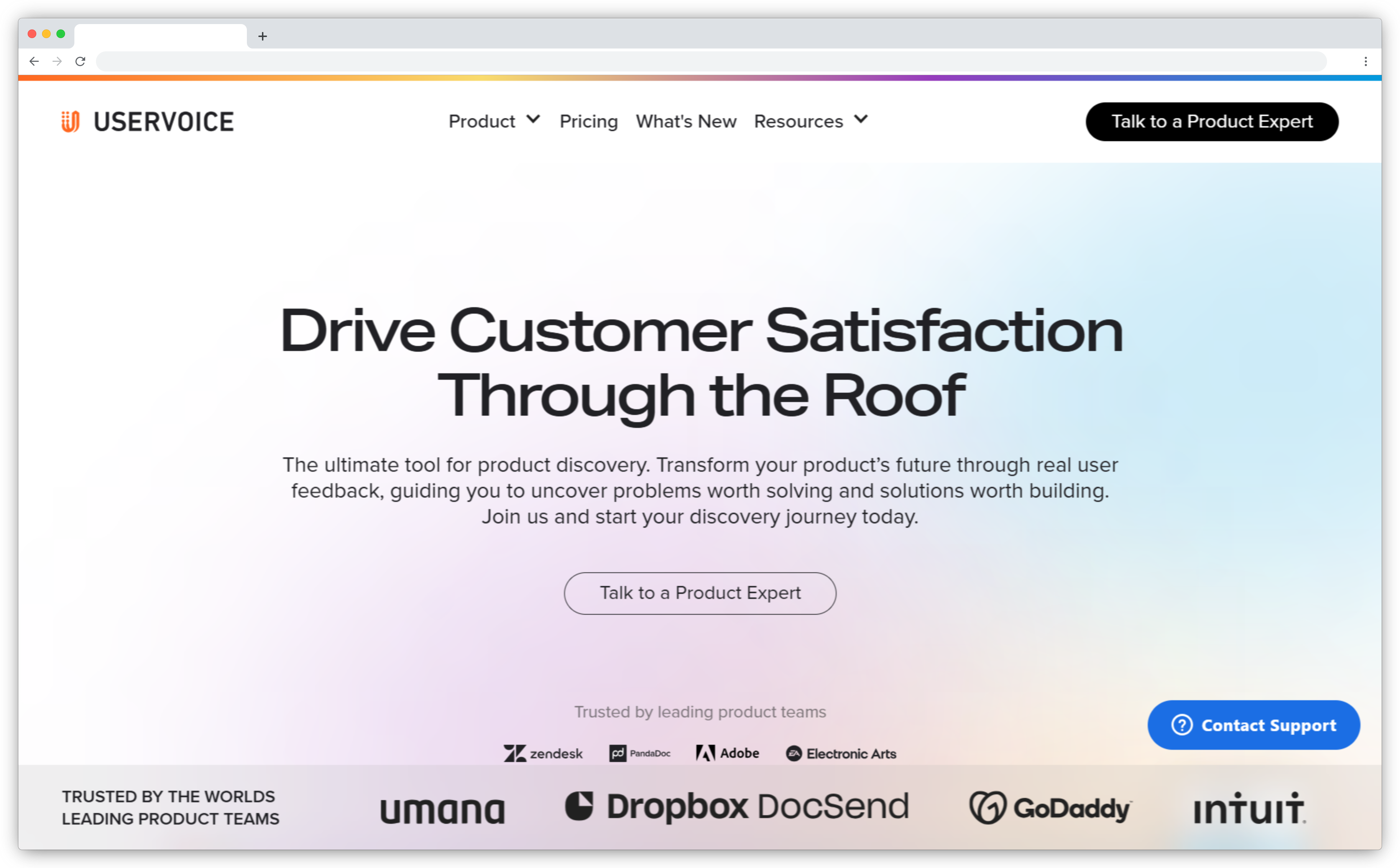
UserVoice solves a specific enterprise problem: too many accounts, all different sizes, all requesting features, with no way to know which requests actually move revenue. Its answer is revenue-weighted prioritization — requests are ranked by the ARR of the accounts making them, not by vote count. A $500K account outranks a $10K account regardless of upvotes.
The Salesforce integration runs deep. Feedback maps to Account and Opportunity records, so PMs can see which accounts are driving which requests and what deprioritizing them costs in renewal risk. The tradeoff: $899/month minimum, a setup curve steeper than Canny or Zonka, and a feature set that only pays off above roughly $10M ARR. Below that, you're paying for infrastructure you can't fully use.
UserVoice Pros
- Strongest revenue-weighted prioritization of the three tools
- Enterprise-grade Salesforce and CRM integration
- Handles multi-product feedback at scale
- Structured framework connecting feedback to roadmap decisions
UserVoice Cons
- Most expensive by a significant margin ($899+/month)
- Complex setup; longer time-to-value than Canny or Zonka
- Overkill for most teams below $10M ARR
- UI is heavier and less intuitive than newer tools
UserVoice Pricing
- From $899/month
- Custom enterprise pricing available
G2 Rating: 4.5/5 on G2
Best fit: Large enterprise product teams managing feedback across multiple products, teams, and revenue tiers, particularly those using Salesforce as their system of record. If you're evaluating the wider field, our UserVoice alternatives guide compares 19 tools across the same criteria.
Zonka Feedback: Best for Multi-Channel Feedback and AI Analysis
Zonka Feedback doesn't wait for users to submit feedback. It goes and gets it.
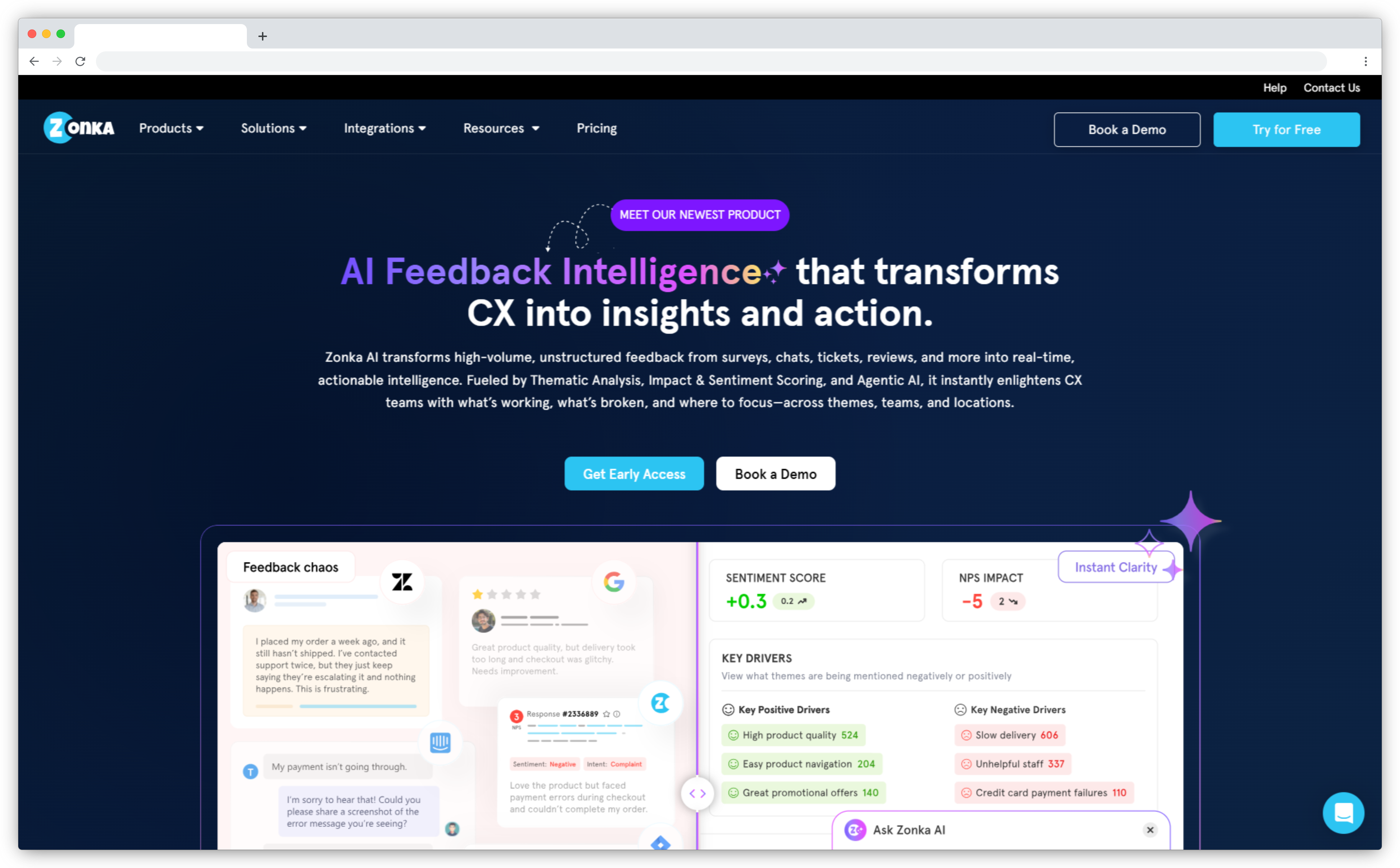
It collects through in-app widgets, mobile SDK (iOS, Android, React Native), email, SMS, WhatsApp, kiosk, and offline. Event-based triggers fire the right survey at the right moment — after onboarding, after a feature is used, after a support case closes. The AI layer then runs sentiment analysis, theme extraction, and intent classification on every response automatically.
Honest tradeoff: no public voting board. If the primary need is a community-facing feature request portal where users see and upvote each other's ideas, Zonka isn't the right fit. It's built for structured, proactive listening, not public roadmap transparency.
Zonka Feedback Pros
- Strongest multi-channel coverage of the three tools
- AI analysis runs automatically, no manual tagging required
- Supports the full CX metric suite (NPS + CSAT + CES) in one platform
- Responsive support team and fast setup time
Zonka Feedback Cons
- No built-in public feedback voting board
- Advanced AI features on higher-tier plans
- Pricing not publicly listed; requires a conversation with sales
Zonka Feedback Pricing
- Custom pricing; starts around $25/month
- Free trial available
G2 Rating: 4.7/5 on G2
Best fit: Product and CX teams that need to actively collect, analyze, and act on feedback across multiple channels, especially teams running in-app survey programs or NPS, CSAT, and CES at scale.
Which Tool Stack Should You Use Together?
Some teams find one tool covers 80% of what they need. Others run two. Here's when a combination actually makes sense — and when it doesn't.
Zonka + Canny. The most common two-tool stack at growth-stage SaaS. Zonka handles active feedback collection: NPS trends, CSAT scores, in-app surveys, AI signal analysis. Canny handles the public-facing feature request community: voting, roadmap visibility, changelog updates. These tools don't compete. Zonka is proactive collection; Canny is passive collection. The data types are different. The audiences are different. The workflows they feed are different. Teams that run both find the combination covers the full feedback picture: what users are experiencing and what users are requesting, without meaningful overlap.
Zonka + UserVoice. Less common, but relevant for enterprise teams that genuinely need both omnichannel CX metric collection and ARR-weighted feature prioritization. The overlap is real; both can collect some form of feedback, but the use cases are distinct enough that some large organizations run both without redundancy feeling like the right word for it.
Canny + a lightweight survey tool. If Canny is covering feature request needs and you want basic NPS or CSAT without the full Zonka stack, lightweight tools like Delighted pair reasonably with Canny at lower cost. You lose AI analysis and multi-channel reach, but for early-stage teams that's sometimes the right trade at that moment.
When one tool is genuinely enough. Survey-based CX metrics and AI analysis, no public roadmap component needed? Zonka alone covers it. Public feature board, changelog, community transparency, no CX metric requirements? Canny alone covers it. Don't add tools until you've hit the ceiling of what one does. Tool sprawl from premature expansion is its own kind of expensive, and switching costs compound when multiple workflows have been built around the wrong stack.
The clearest signal that you're ready for a second tool: you keep trying to use your existing tool for something it wasn't built to do, and the workaround keeps getting harder to maintain.
Which Product Feedback Tool Is Right for Your Team?
Zonka if you need to collect and analyze feedback at scale across multiple channels. Canny if you need a public feature request community with roadmap transparency. UserVoice if you need ARR-weighted prioritization and enterprise-grade Salesforce integration.
Most of the confusion here comes from the fact that all three tools get called "product feedback tools," when they're really solving three different stages of the same problem. Collection and analysis is one stage. Community management and transparency is another. Revenue-weighted prioritization is a third.
Some teams need all three eventually. The question is which one they need first.
If you're still mapping the broader landscape before narrowing to these three, our product feedback tools guide covers 12 tools grouped by use case. If you're ready to test the collection and AI analysis layer, Zonka offers a free trial. No sales call required to start.