.svg)
 Healthcare
 Finance
 Retail
 SaaS & Digital
 eCommerce
 Education
 Salesforce
  HubSpot
 Pipedrive
 Mailchimp
 Klaviyo
 Zendesk
  Intercom
 Freshdesk
 HelpScout
  Front
Front Jira
Jira Slack
Slack  MS Teams
 Zoom
Zoom Google Sheets
  Zapier
  Integrately
 Make
Make  Webhooks



 Sign In
 MS Teams


The best product survey tools in 2026 are Zonka Feedback, Refiner, Survicate, Sprig, Pendo, Hotjar, Qualaroo, SurveySparrow, Usersnap, Chameleon, Typeform, and Qualtrics.
They cover everything from in-app microsurveys for SaaS teams to enterprise research programs. The right one depends on your delivery channel, analytics depth, and whether you're building a one-metric program or a full feedback system.
TL;DR
- Product survey tools collect NPS, CSAT, CES, PMF, and microsurveys inside or alongside your product, triggered by user behavior, not a generic schedule.
- The best tools combine in-product delivery, behavioral targeting, and AI analysis so responses drive product decisions, not just dashboards.
- This guide covers 12 tools evaluated on in-product delivery, targeting depth, CX metric coverage, AI analysis, integrations, and pricing.
- Top picks: Zonka Feedback (multichannel + AI closed-loop), Refiner (in-product microsurveys for SaaS), Sprig (survey + session data combined), Qualtrics (enterprise research programs).
- This guide covers survey-first tools only. Feature voting boards, roadmapping tools, and bug reporting platforms are out of scope.
Most product teams treat surveys as an afterthought. They set up an NPS email blast, wait for responses, and call it a feedback program.
Six months in, they have hundreds of open-text responses nobody has read, a score that moved for unknown reasons, and a feature built on user feedback that turned out to be noise.
The problem isn't the survey. It's using the wrong tool for the job.
Product survey tools trigger a one-question microsurvey the moment a user finishes onboarding, not on the 15th of every month.
They fire a churn-prevention survey when usage drops, before the cancellation email arrives.
They surface that 38% of detractors mentioned checkout friction from 600 open-text responses, without anyone spending a day on manual analysis.
This guide covers the 12 best product survey tools in 2026, evaluated on in-product delivery, behavioral targeting, CX metric coverage, AI analysis, integrations, and pricing.
Best Product Survey Tools Compared
| Tool | Best For | Key Feature | Starting Price |
| Zonka Feedback | Multichannel surveys + AI closed-loop | AI thematic and sentiment analysis across all channels | Custom pricing |
| Refiner | In-product microsurveys for SaaS | Behavioral event triggering + custom CSS widget branding | $79/mo |
| Survicate | Event-triggered CX metric tracking | No-code trigger setup + Segment/HubSpot integration | $99/mo |
| Sprig | AI insights + session data combined | Survey responses linked to session replay clips | $175/mo |
| Pendo | Survey data correlated with user behavior | NPS scores tied directly to feature adoption data | Contact |
| Hotjar | Web surveys alongside heatmaps | Heatmap and survey data in a single workspace | $39/mo |
| Qualaroo | Contextual in-product nudge surveys | IBM Watson sentiment analysis on open-text responses | Contact |
| SurveySparrow | Conversational multi-question surveys | Chat-style format that reduces abandonment on longer surveys | Contact |
| Usersnap | Visual feedback + structured product surveys | Screenshot capture alongside NPS and CSAT survey widgets | $69/mo |
| Chameleon | In-app microsurveys within product flows | Surveys embedded inside product tours and onboarding checklists | $279/mo |
| Typeform | Long-form research surveys and user studies | Advanced conditional branching for complex survey flows | $25/mo |
| Qualtrics | Enterprise research and predictive analytics | Text IQ NLP + conjoint and MaxDiff analysis | Contact |
What Is Product Survey Software?
Product survey software is a platform that helps product teams create, deploy, and analyze structured surveys inside or alongside their product, triggered by what users actually do rather than a fixed schedule.
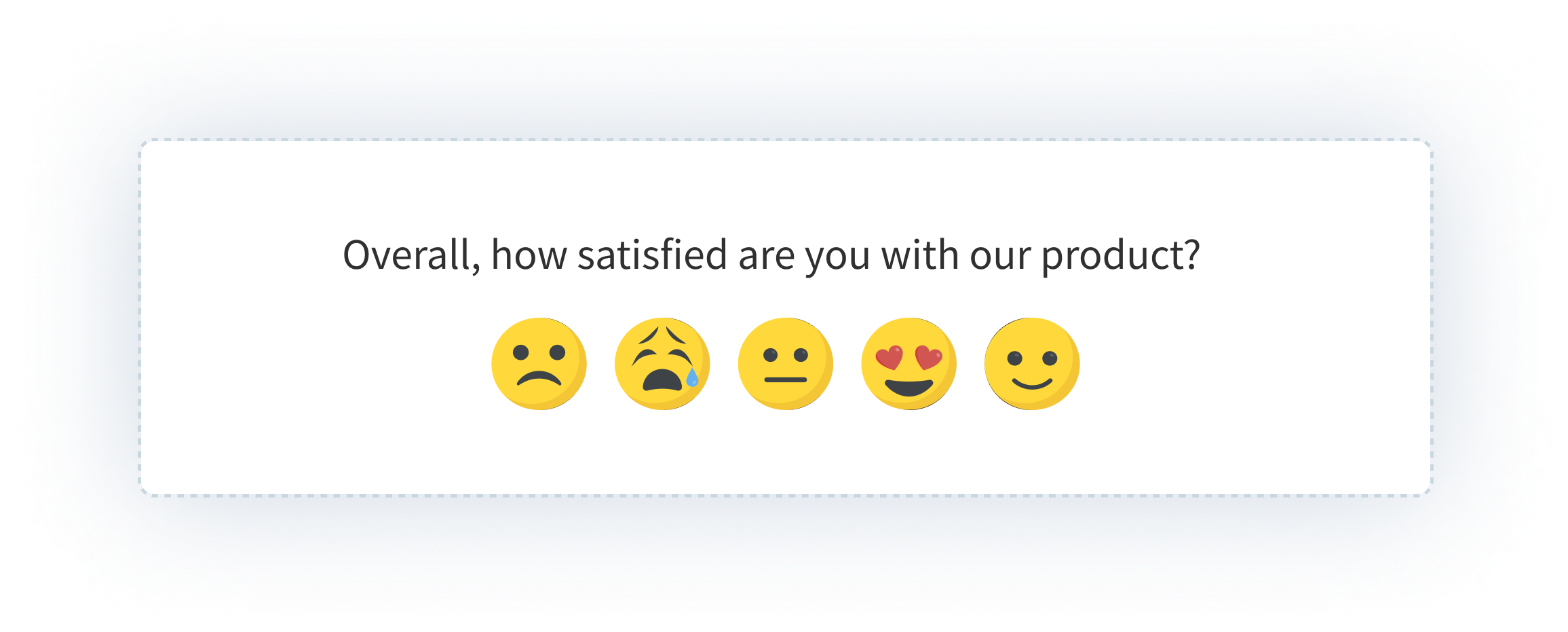
Unlike traditional survey tools that send online survey forms by email and hand you a spreadsheet, product survey tools trigger surveys when a user completes a specific action, deliver them as in-product widgets, segment responses by cohort or behavioral pattern, and use AI to analyze open-text at scale. Where a generic online survey tool stops at data collection, product survey tools continue through analysis and action.
This guide covers survey-first platforms only. Feature voting boards, roadmapping tools, bug reporting, and session replay tools are outside scope. For broader customer feedback collection across channels, see the customer feedback tools guide.
What Types of Surveys Do Product Teams Run?
Product teams run eight core survey types, each mapped to a specific moment in the user journey.
- Net Promoter Score surveys measure loyalty: "How likely are you to recommend us?" Run at onboarding milestones, quarterly check-ins, and renewal windows. Maps to retention behavior over time, not individual interactions.
- CSAT surveys measure satisfaction with a specific interaction. Run post-task, post-support, or after onboarding completion.
- Customer Effort Score surveys measure friction: "How easy was it to do X?" Most useful at support touchpoints and complex product flows where effort predicts churn better than satisfaction does.
- PMF surveys ask: "How disappointed would you be if this product no longer existed?" Teams benchmark against the 40% threshold to validate product-market fit.
- Feature adoption surveys check whether users understand and use a specific feature after it ships. They catch low-adoption signals before they show up in churn.
- Onboarding feedback surveys capture friction and intent during the first session or first seven days. Often the highest-value survey a SaaS team can run.
- Churn and cancellation surveys capture the reason for leaving at the exact moment of cancellation, while motivation to respond is highest.
- Usability surveys collect open-ended research on confusion, friction, or task completion difficulty. They feed UX decisions rather than metric dashboards.
Why Do Product Teams Need Dedicated Survey Tools?
Product teams need dedicated survey tools to collect user feedback at the right moment, not on a generic schedule. In-product delivery gets 3-4x higher response rates than email, behavioral triggering reaches the right survey respondents when context is highest, and AI analysis handles open-text at a scale manual review can't.
In-product surveys get significantly higher response rates than email surveys. Email survey response rates sit at 10–15% on a good day. In-product surveys run 30–50% because users are already in context and the friction is near zero.
Behavioral targeting changes what feedback you can collect. With an email list, you segment by plan or signup date. With event-based triggers, you survey users 24 hours after they activate a feature, when they haven't logged in for 14 days, or immediately after they contact support. That specificity is the difference between noise and signal.
Tracking CX metrics consistently across the journey requires a dedicated system. NPS at onboarding, CSAT after feature interactions, CES at support contact, PMF at the 30-day mark. Tracking all four consistently, with comparable data across cohorts and time periods, requires a tool designed for it. Spreadsheets and ad hoc forms can't give you that.
Manual analysis kills programs. Teams collecting 500 open-text responses a month that try to tag them by hand either fall behind or stop looking. Teams with AI-powered sentiment detection built in see the themes without the labor.
The real work happens after the response arrives. Routing a detractor score to the right CS rep, creating a Jira ticket from a bug signal, flagging urgent responses for follow-up. None of this happens automatically with a generic builder. With a dedicated product survey platform, workflow automation is built in, not bolted on.
What Features Should You Look for in a Product Survey Tool?
The key features to look for in a product survey tool are in-product delivery, behavioral event triggering, CX metric coverage (NPS, CSAT, CES, PMF), user segmentation, AI response analysis, trend reporting, integration routing, and survey frequency controls.
1. In-product and in-app delivery
The tool must support widget delivery inside the product (slide-in, modal, banner) plus mobile SDK options for iOS, Android, and React Native. A tool that only sends surveys by email link isn't a product survey tool. For always-on in-app feedback widgets, delivery method is everything.
2. Behavioral event triggering
Surveys should fire based on what users do, not when a scheduler says so. Look for advanced targeting features: triggers on user actions, lifecycle stages, page visits, and inactivity signals. Targeting criteria should go beyond time delays.
3. CX metric coverage
Native support for NPS, CSAT, CES, and PMF with appropriate question formats, not generic rating scales you configure yourself. Good tools have templates for all four built in.
4. User segmentation
Target by plan tier, device, behavior, cohort, lifecycle stage, and prior survey response. The ability to exclude users who responded recently is what separates clean data from noise. See how AI product feedback analytics uses segmentation to surface role-specific signals.
5. AI-powered response analysis
Thematic analysis, sentiment detection, and auto-tagging on open-text responses. If you collect hundreds of open-text responses, you need something that surfaces patterns without manual review.
6. Reporting and advanced analytics
Score trends over time, filterable by segment and cohort. "NPS for Enterprise plan users who joined in Q3" is the kind of cut that makes surveys useful for decisions, not just presentations. Most paid plans unlock deeper analytics; check what's available at each tier.
7. Integration and routing
Connect to Jira, Slack, HubSpot, Salesforce, Mixpanel, and Segment. Route low scores and urgent responses to the right team automatically. Feedback that stays inside a survey dashboard never drives action.
8. Data quality controls
Fraud detection, response validation, and duplicate filtering ensure the reliability of collected data. Without quality controls, high-volume data collection produces noise rather than signal.
9. Survey frequency controls
Suppression windows, per-user throttling, and frequency caps. Without these, engaged users eventually stop responding to everything.
How Do You Choose the Right Product Survey Tool for Your Team?
| Factor | What to Ask |
| Team size and maturity | Ad hoc surveys, or a systematic program across multiple metrics? |
| Primary use case | In-product NPS only? Multichannel CX programs? Enterprise research? |
| Delivery channel | In-product only, or multichannel: email, SMS, in-app, and web widget? |
| Budget | Free tier, $79/mo, $175/mo, or enterprise custom? |
| Analytics depth | Self-serve reporting, AI text analysis, or advanced statistical methods? |
| Integrations | Which of Jira, Salesforce, Segment, Mixpanel, HubSpot are non-negotiable? |
Survey tools vary significantly in their capabilities. Some prioritize ease of use and design; others prioritize advanced analytics and integrations. The choice of survey tool should align with your specific use case: market research, employee feedback, customer satisfaction, or in-product NPS tracking each have different requirements.
SaaS startup, limited budget: Start with Refiner or Survicate. Both handle NPS, CSAT, and CES without engineering overhead and have free or low-cost entry points.
Multichannel + AI analysis + closed-loop workflows: Zonka Feedback. It's the only tool in this list that covers all three in a single platform.
Survey data correlated with behavioral data: Sprig links responses to session clips. Pendo ties them to feature adoption metrics.
Already using Hotjar: Add surveys there before adopting another tool. The consolidation saves cost and the heatmap context adds real value.
Periodic user research studies: Typeform. Survey design quality and conditional logic are the best in this list for research-grade questionnaires.
Large enterprise, cross-functional research programs: Qualtrics. The analytical depth and compliance certifications justify the complexity at scale.
How We Evaluated These Product Survey Tools
We evaluated 12 tools on a consistent set of criteria: in-product delivery options, trigger and targeting depth, CX metric coverage, AI and analytics capabilities, integration ecosystem, pricing transparency, and G2 rating with review volume.
We included survey-first platforms only. Tools focused on feature voting, roadmapping, or visual bug reporting are outside this list.
Full disclosure: Zonka Feedback is our product. It's included because it belongs in this category, evaluated by the same criteria as every other tool. If you think the write-up is too generous or too minimal, the G2 reviews will tell you what independent users think.
What Are the Best Product Survey Tools in 2026?
1. Zonka Feedback: Best for Multichannel Product Surveys, AI Analysis, and Closed-Loop Workflows
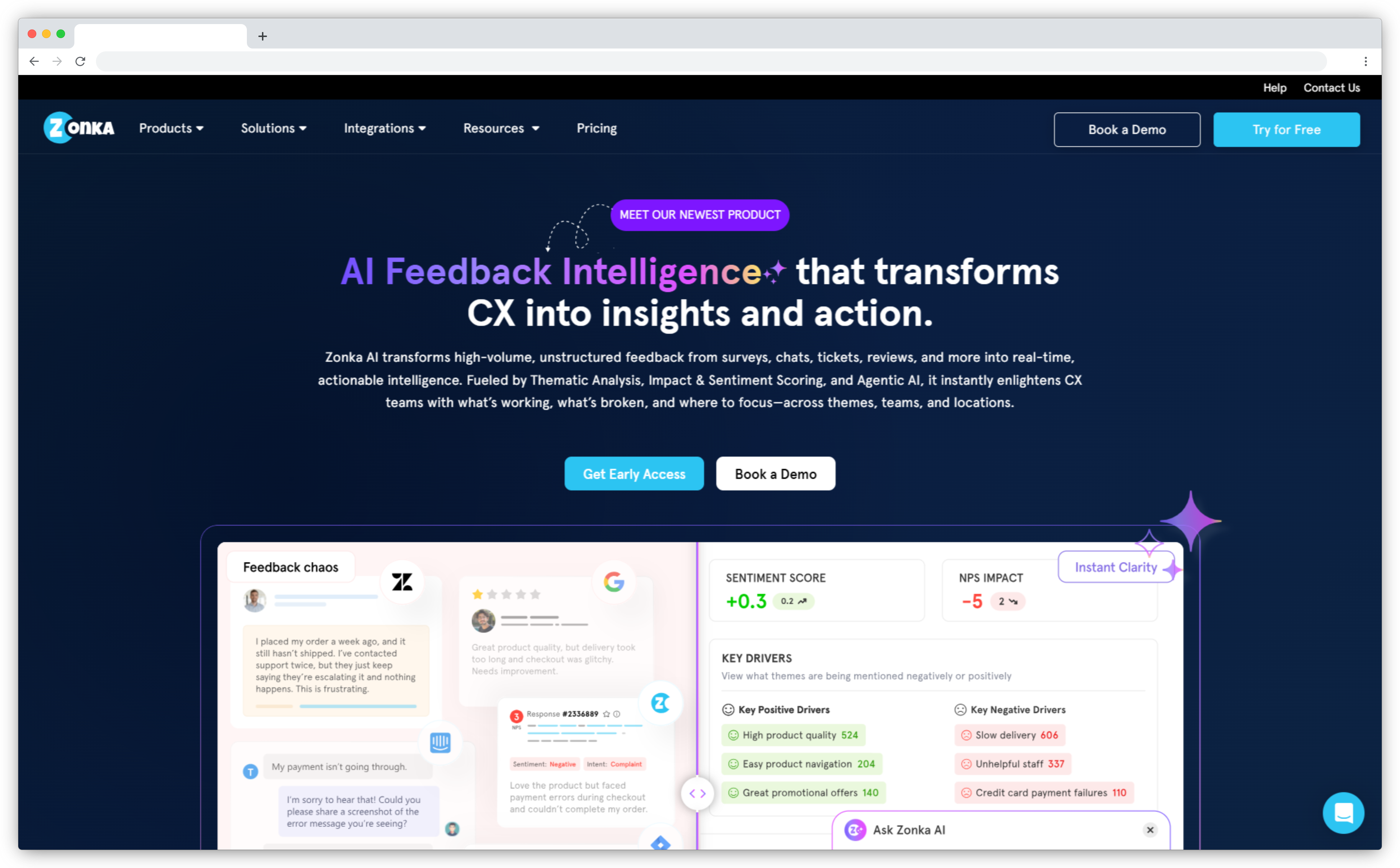
Zonka Feedback collects product surveys across in-app widgets, email, SMS, WhatsApp, website widgets, and offline, all feeding into the same analytics layer. Most tools in this list cover one or two channels. Zonka covers all of them in a single platform.
The AI layer handles open-text at scale. Thematic analysis groups responses by topic, detects sentiment per theme, and surfaces patterns without manual tagging.
The closed-loop workflow is built in. Low NPS scores auto-create tasks, detractors route automatically, urgent responses trigger Slack alerts. Feedback gets acted on because the tool is wired to close the feedback loop without manual intervention.
Pricing isn't public. You need to contact sales. Advanced AI features are locked to higher plans.
Key Features
- Multichannel survey delivery: in-product widget, email, SMS, WhatsApp, web widget, kiosk, and offline
- NPS, CSAT, CES, and PMF survey types with native templates
- AI thematic analysis, sentiment detection, and urgency scoring on open-text responses
- Behavior-based triggering and user segmentation by plan, lifecycle stage, device, and cohort
- Closed-loop automation: auto-create Jira tickets, Slack alerts, and follow-up tasks from responses
- Role-based dashboards for product, CX, and leadership teams
Zonka Feedback Pros
- Multichannel reach without adding a separate tool per channel
- AI analysis surfaces themes from open-text without manual tagging
- Closed-loop automation is built in, not a separate workflow to configure
- Fast setup; templates cover most standard product survey programs
Zonka Feedback Cons
- No public pricing tiers; requires contacting sales to evaluate budget fit
- Advanced AI features are locked to higher-tier plans
- No industry benchmark data for NPS and CSAT comparison against sector averages
Zonka Feedback Pricing
- Custom pricing based on business requirements
- Free trial available on request
G2 Rating: 4.7/5 on G2
Best Use Case: Product teams running NPS, CSAT, and CES programs across multiple channels simultaneously, with high open-text volume that needs AI analysis and automated closed-loop workflows.
2. Refiner: Best for In-Product Microsurveys and Behavioral Targeting in SaaS
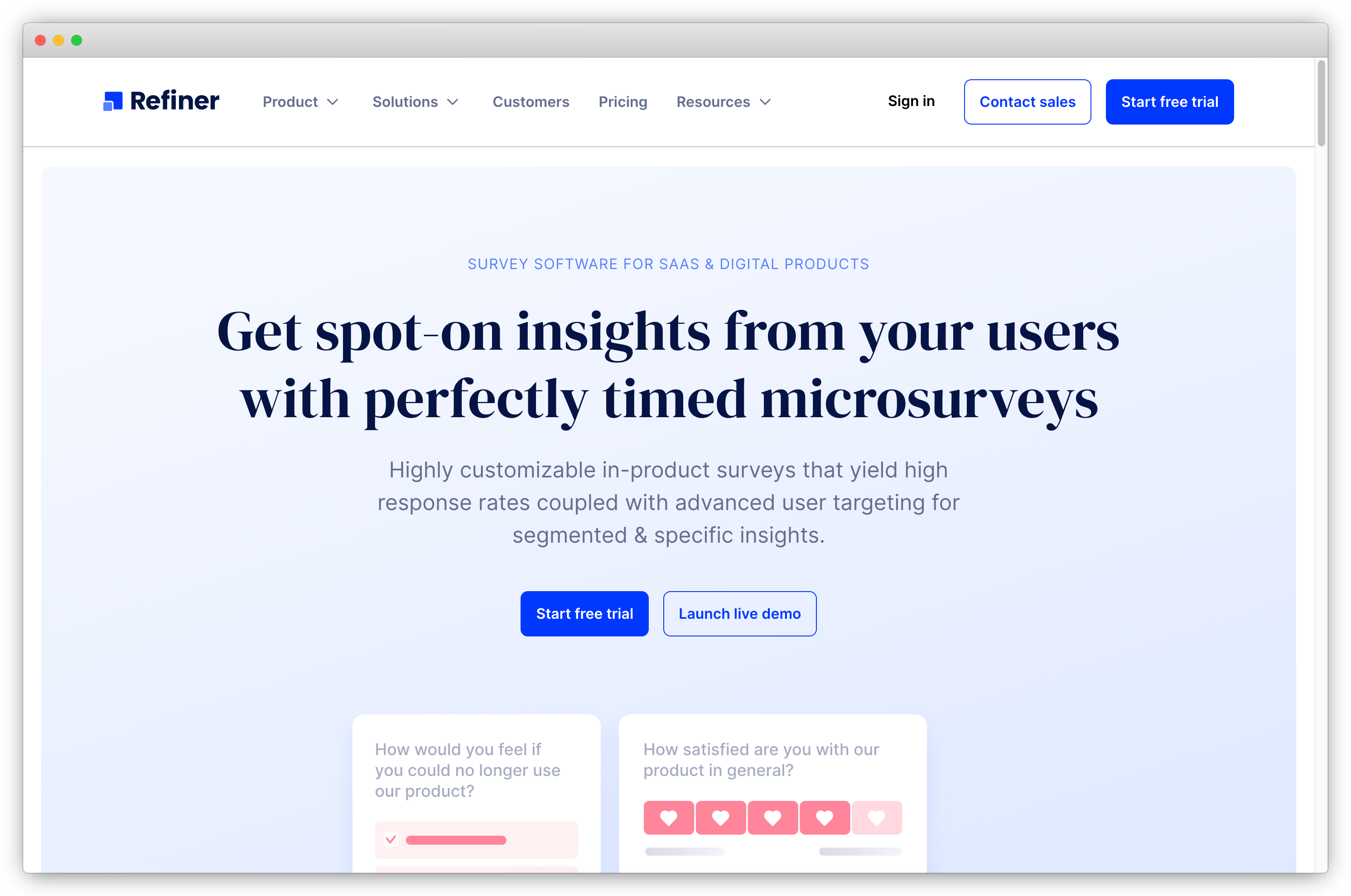
Refiner is in-app survey software built specifically for SaaS products that want contextual feedback inside the product, not in random email blasts.
The defining feature is targeting precision. Trigger a survey after a specific event, for a specific cohort, with a suppression window so the same user doesn't see another survey for 30 days. That level of control is uncommon at this price point.
Widget customization goes deep: custom CSS, brand fonts, widget type. The result is a branded survey that looks native to the product, not like a third-party overlay.
The gap is outside the product. No SMS, no WhatsApp, no kiosk. For SaaS teams whose users live in the web or mobile app, that tradeoff is fine. For multichannel programs, it leaves channels uncovered.
Key Features
- In-product delivery via JS client, plus iOS, Android, React Native, and Flutter SDKs
- 12 question types covering NPS, CSAT, CES, PMF, and custom formats
- Behavioral event triggering with segmentation by traits, behavior, device, and prior response
- Recurring surveys for continuous NPS and CSAT tracking over time
- Segment and Rudderstack integration for importing behavioral user data
- AI-powered response tagging on open-text fields
Refiner Pros
- Best-in-class behavioral targeting precision for in-product surveys
- Widget customization makes surveys look genuinely native to the product UI
- Transparent pricing that scales predictably with usage
- Solid analytics dashboard without complex configuration
Refiner Cons
- Limited to email for surveys outside the product; no SMS, WhatsApp, or kiosk delivery
- No standalone AI text analysis layer for large open-text volumes
- Less suited to multichannel feedback programs
Refiner Pricing
- Starts at $79/month
- Free trial available
G2 Rating: 4.6/5 on G2
Best Use Case: SaaS product teams that want precisely targeted, on-brand microsurveys inside the web app or mobile app, with minimal engineering overhead and strong behavioral segmentation.
3. Survicate: Best for Event-Triggered Product Surveys and CX Metric Tracking
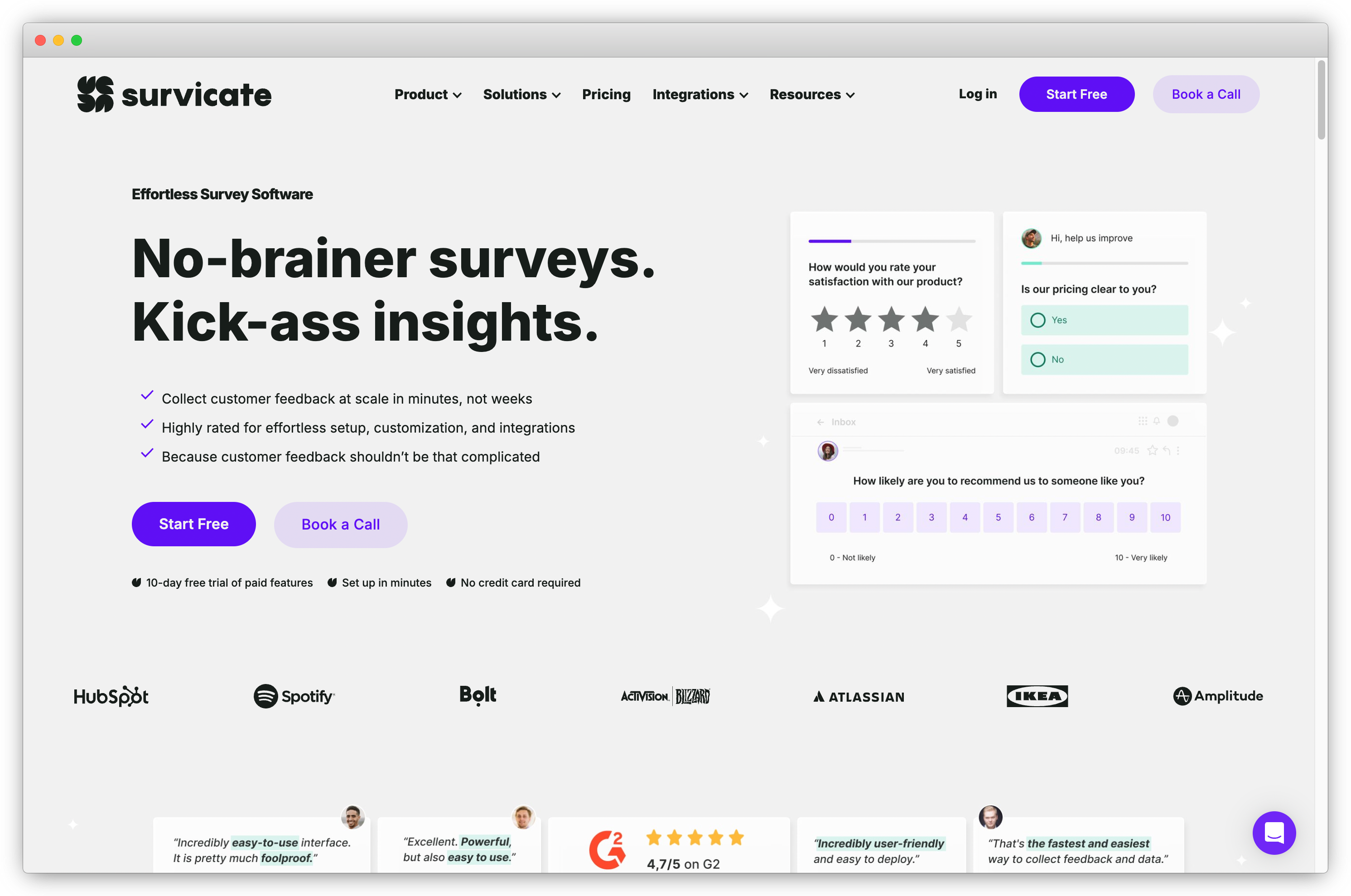
Survicate lets product teams run event-triggered in-product surveys without developer involvement, using a visual no-code trigger editor that handles common product events out of the box.
Setting up a CSAT survey that fires when a user completes onboarding takes minutes, not a sprint ticket. A feature ships and a CSAT survey is live for everyone who activates it within the hour.
Integration depth is a real strength. HubSpot, Salesforce, Intercom, Segment, and Amplitude connect natively.
Analytics is functional, not sophisticated. For AI-powered open-text analysis at scale, Survicate isn't the answer. See Survicate alternatives if analytics depth is a primary requirement.
Key Features
- Event-triggered surveys via visual no-code trigger editor
- NPS, CSAT, CES, and custom survey types with pre-built templates
- In-product, email, and web widget distribution channels
- User segmentation by behavior, demographics, cookies, and visit properties
- Native integrations with HubSpot, Salesforce, Intercom, Segment, Mixpanel, and Amplitude
- Respondent-level analytics and response filtering
Survicate Pros
- Fastest no-code setup for event-triggered surveys in this list
- Strong integration depth with CX and product analytics tools
- Free tier available for teams starting small
- Handles large response volumes reliably
Survicate Cons
- No AI text analysis on lower plans; open-text at volume requires manual review or upgrading
- Complex behavioral event mapping can still require developer involvement for non-standard triggers
- Reporting not suited to enterprise research programs
Survicate Pricing
- Starts at $99/month
- Free version available (up to 25 responses)
G2 Rating: 4.6/5 on G2
Best Use Case: Product teams that need reliable, event-triggered NPS and CSAT surveys with strong CX tool integrations, without engineering overhead for standard survey program setup.
4. Sprig: Best for AI-Driven Product Insights with Survey and Session Data Combined
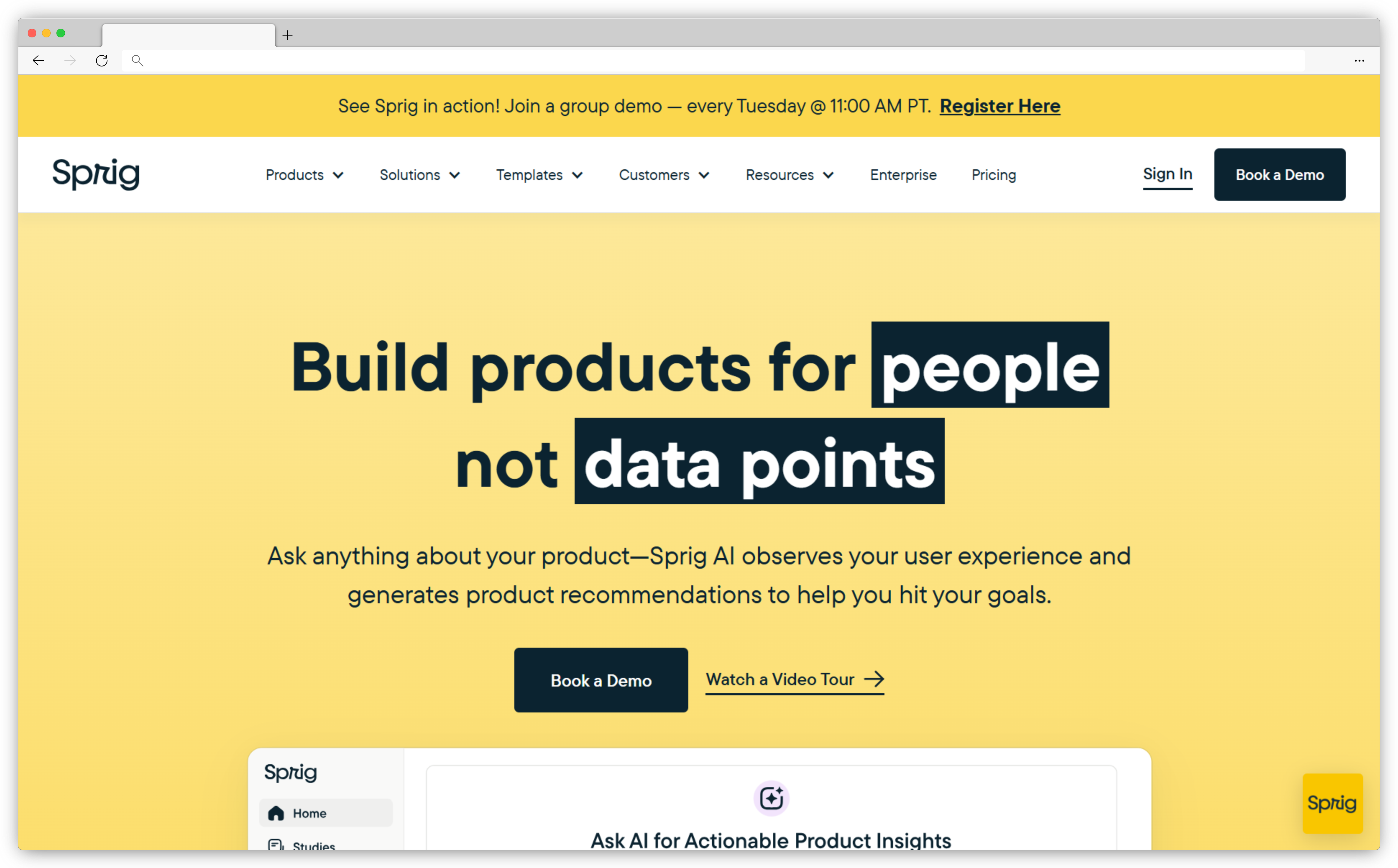
Sprig combines surveys, session replays, and heatmaps in one platform. When a user rates a feature 3 out of 10, you click through to the session clip and watch what happened. That's a different quality of information than a score and a comment field alone.
The AI study creator analyzes product usage data and suggests what to ask: which cohorts show unexplained behavior, which features have low adoption. For teams that struggle to decide what to survey, this saves real time.
At $175/month entry, it's the most expensive tool in this list for teams that only need surveys. The consolidation argument is stronger for teams building their analytics stack from scratch. See AI feedback analytics if you're evaluating combined platforms.
Key Features
- In-product surveys, session replays, and heatmaps in one platform
- AI study creator that recommends survey questions from product usage data
- Automated insight summaries linking survey responses to session behavior
- Integrations with Mixpanel, Amplitude, Segment, Optimizely, and Slack
- Real-time in-product feedback collection with behavioral targeting
- AI-generated insights from combined survey and replay data
Sprig Pros
- Linking survey responses to session clips produces richer context than surveys alone
- AI study recommendations reduce research planning time
- Single platform for surveys, heatmaps, and replays reduces tool sprawl
- Advanced analytics and AI summaries shorten the time from insight to decision
Sprig Cons
- Highest entry price in this list for teams that only need surveys
- Session replay and heatmap features are redundant if you already have a dedicated tool
- Limited for multichannel or offline survey programs
Sprig Pricing
- Starts at $175/month
- Free version available with limited features
G2 Rating: 4.4/5 on G2
Best Use Case: Product teams building their analytics stack from scratch who want survey data with behavioral context, or teams where understanding the "why" behind low scores matters as much as the scores themselves.
5. Pendo: Best for Correlating In-App Survey Responses with User Behavior Data
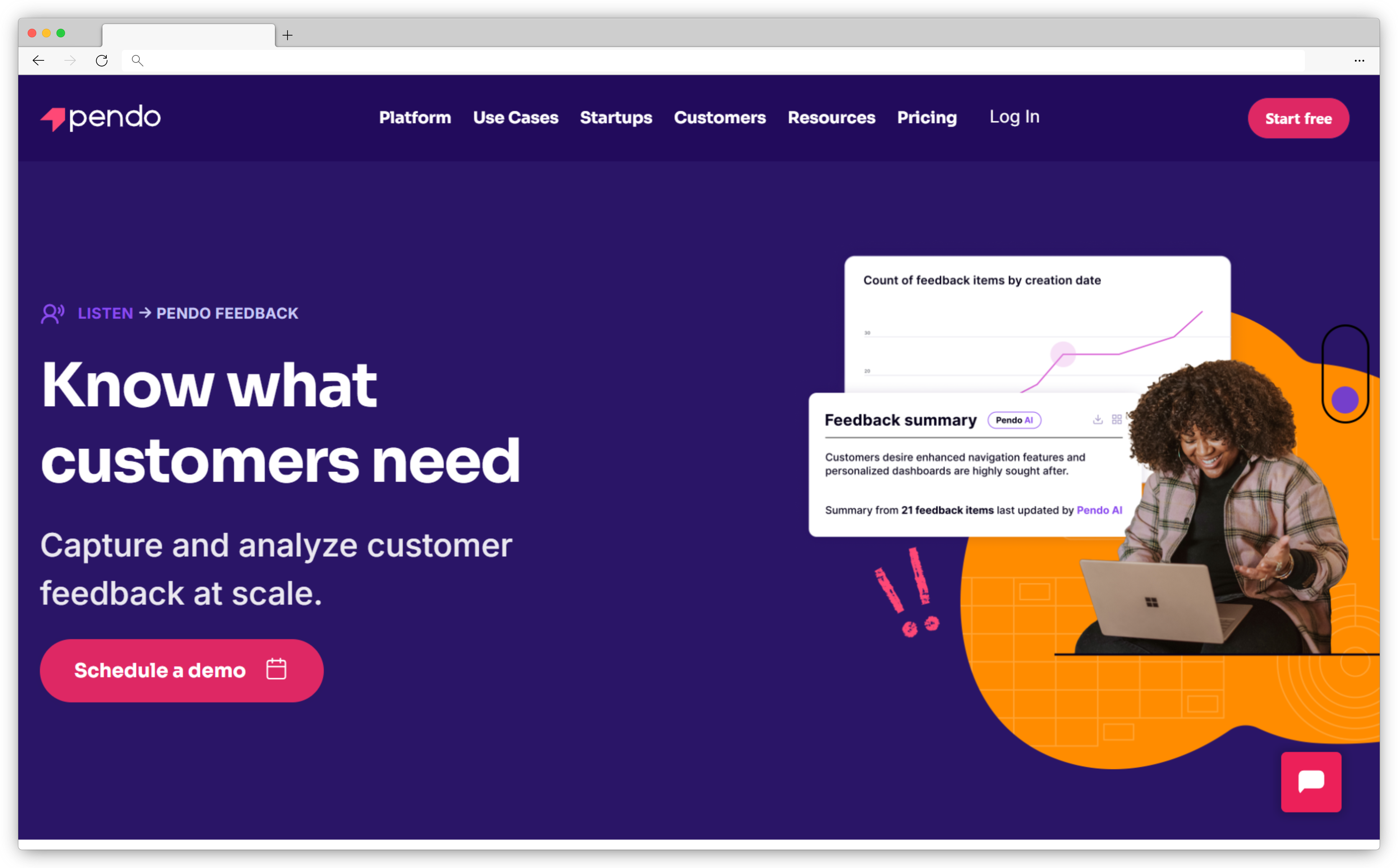
Pendo is a product analytics and onboarding platform with in-app survey capability built into the same data environment as feature adoption metrics and session data.
That context is the differentiator. Run an NPS survey in Pendo and immediately cross-reference which low-NPS users also have low feature activation rates, with no data export needed. Product managers connect detractor feedback to specific behavioral patterns, not just scores.
As a standalone survey tool, it's harder to justify. Pricing is enterprise-tier, survey design customization is limited, and there's no multichannel delivery beyond in-app. The value materialises only if you're already in the Pendo ecosystem.
Key Features
- In-app survey widget tied directly to Pendo's product analytics and usage data
- NPS with segmentation by feature adoption, plan tier, and behavioral cohort
- AI-powered feedback summarization for open-text responses
- Priority scoring that weights responses by user segment and usage patterns
- Integration with Salesforce, Zendesk, and other enterprise tools
- Real-time in-app messaging and guided feature adoption alongside survey data
Pendo Pros
- Behavioral and survey data in the same environment; no data wrangling required
- Segmentation by product usage makes targeting more precise than standalone tools
- Feedback correlation with adoption metrics is unique among survey platforms
- Strong fit for product-led growth teams tracking activation and retention
Pendo Cons
- Enterprise-tier pricing with no public rates
- Limited survey design customization compared to dedicated survey tools
- No multichannel delivery beyond in-app; no email, SMS, or web widget
- Full value requires investment in the broader Pendo platform
Pendo Pricing
- Contact for pricing
- No free version available
G2 Rating: 4.4/5 on G2
Best Use Case: Product teams already using Pendo for analytics and onboarding who want to add in-app NPS and feature feedback surveys without bringing in a separate platform.
6. Hotjar: Best for Web-Based Product Surveys Alongside Heatmaps and Recordings
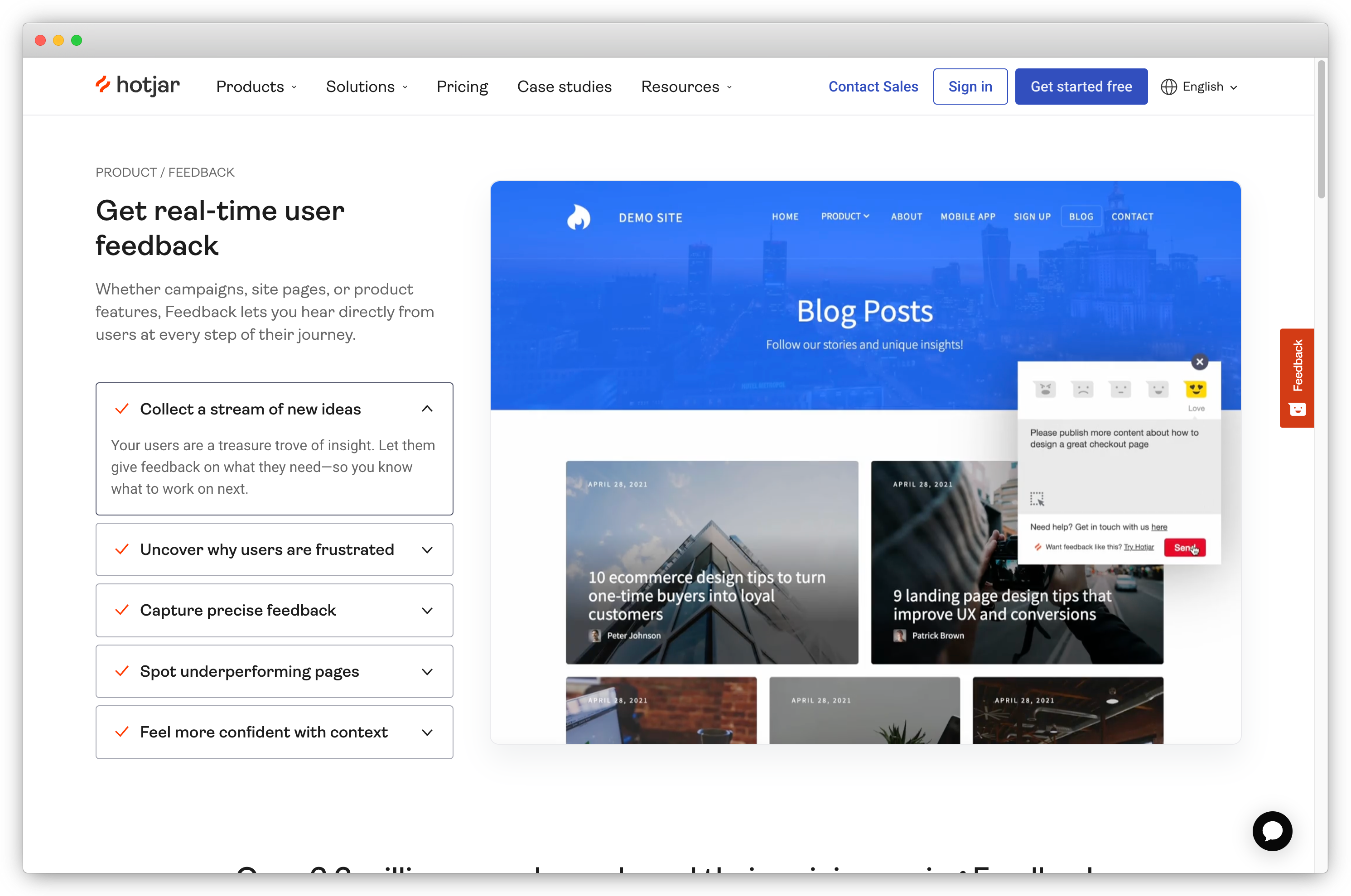
Hotjar combines heatmaps, session recordings, and on-site surveys in a single workspace, practical for web product teams who want to connect what users say with what they actually do.
When a user rates a page 3 out of 10 in a CSAT survey, you pull the heatmap for that page. No second tool, no data export. The context is already there.
The limitation is scope. No mobile SDK, no native app delivery. Behavioral triggering is lighter than dedicated survey tools. For web-first teams, it's often enough. See Hotjar alternatives if your use case extends beyond web.
Key Features
- On-site survey widget triggered by page visit, exit intent, scroll depth, or click event
- NPS, CSAT, and custom survey types with visual design customization
- Heatmap and session recording data in the same workspace as survey responses
- Targeting by device type, behavior, and user demographics
- Hotjar AI for summarizing open-text survey responses
- Free plan with basic survey functionality
Hotjar Pros
- Heatmap data alongside survey responses adds context standalone surveys can't provide
- Easy setup for web products without developer involvement
- Most accessible price point in this list with a functional free tier
- High adoption means most stakeholders are already familiar with it
Hotjar Cons
- No mobile SDK or native app survey delivery; web products only
- Behavioral triggering is lighter than dedicated product survey tools
- Survey feature depth is secondary to Hotjar's core heatmap and recording product
Hotjar Pricing
- Starts at $39/month
- Free version available
G2 Rating: 4.3/5 on G2
Best Use Case: Web product teams already using Hotjar for UX research who want to add NPS or CSAT surveys without adding another tool, and where combining survey responses with heatmap context is a genuine advantage.
7. Qualaroo: Best for Contextual In-Product Surveys at High-Intent Moments
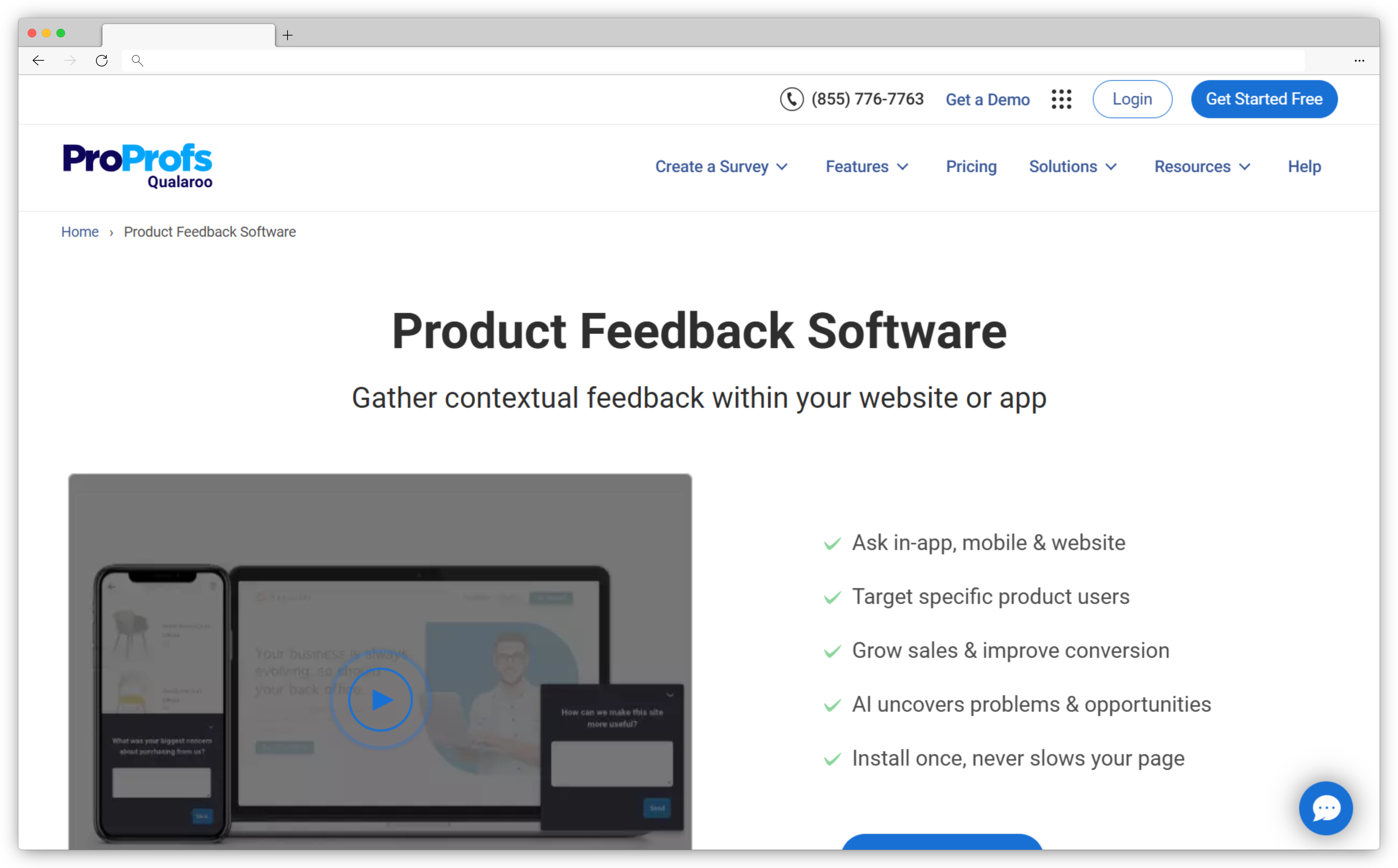
Qualaroo is known for its Nudge format: small, targeted prompts that appear at high-intent moments without the visual weight of a full modal.
A Nudge on a pricing page asking "What's stopping you from upgrading?" feels like a question. A full-screen overlay at the same moment feels like an interruption. That distinction drives real response rate differences on exit intent, pricing friction, and cancellation flows.
IBM Watson sentiment analysis categorizes feedback by sentiment and surfaces recurring themes without manual tagging.
The limits show up at scale. Question types are more restricted than full-featured platforms. Analytics isn't built for enterprise research programs.
Key Features
- In-product Nudge surveys in a non-intrusive format at high-intent moments
- IBM Watson-powered sentiment analysis and word cloud generation on open-text responses
- Targeting by user behavior, demographics, and journey stage
- Website and in-product delivery with customizable design
- Pre-built templates for NPS, exit surveys, pricing friction, and churn moments
- Free plan for low-volume programs
Qualaroo Pros
- Nudge format produces higher completion rates than modals on high-stakes questions
- IBM Watson sentiment analysis adds meaningful depth without manual tagging
- Good fit for exit, churn-moment, and pricing friction surveys specifically
- Free plan lowers the barrier to start
Qualaroo Cons
- More restricted question types than full-featured survey platforms
- Analytics layer not built for enterprise-scale or statistical research programs
- Paid plan pricing not publicly listed; requires contact
Qualaroo Pricing
- Free plan available (up to 50 responses)
- Contact for paid plan pricing
G2 Rating: 4.3/5 on G2
Best Use Case: Product and growth teams that want low-friction surveys at specific high-intent moments (exit intent, pricing page, and cancellation flow) with basic AI sentiment analysis built in.
8. SurveySparrow: Best for Conversational Product Surveys and Higher Completion Rates
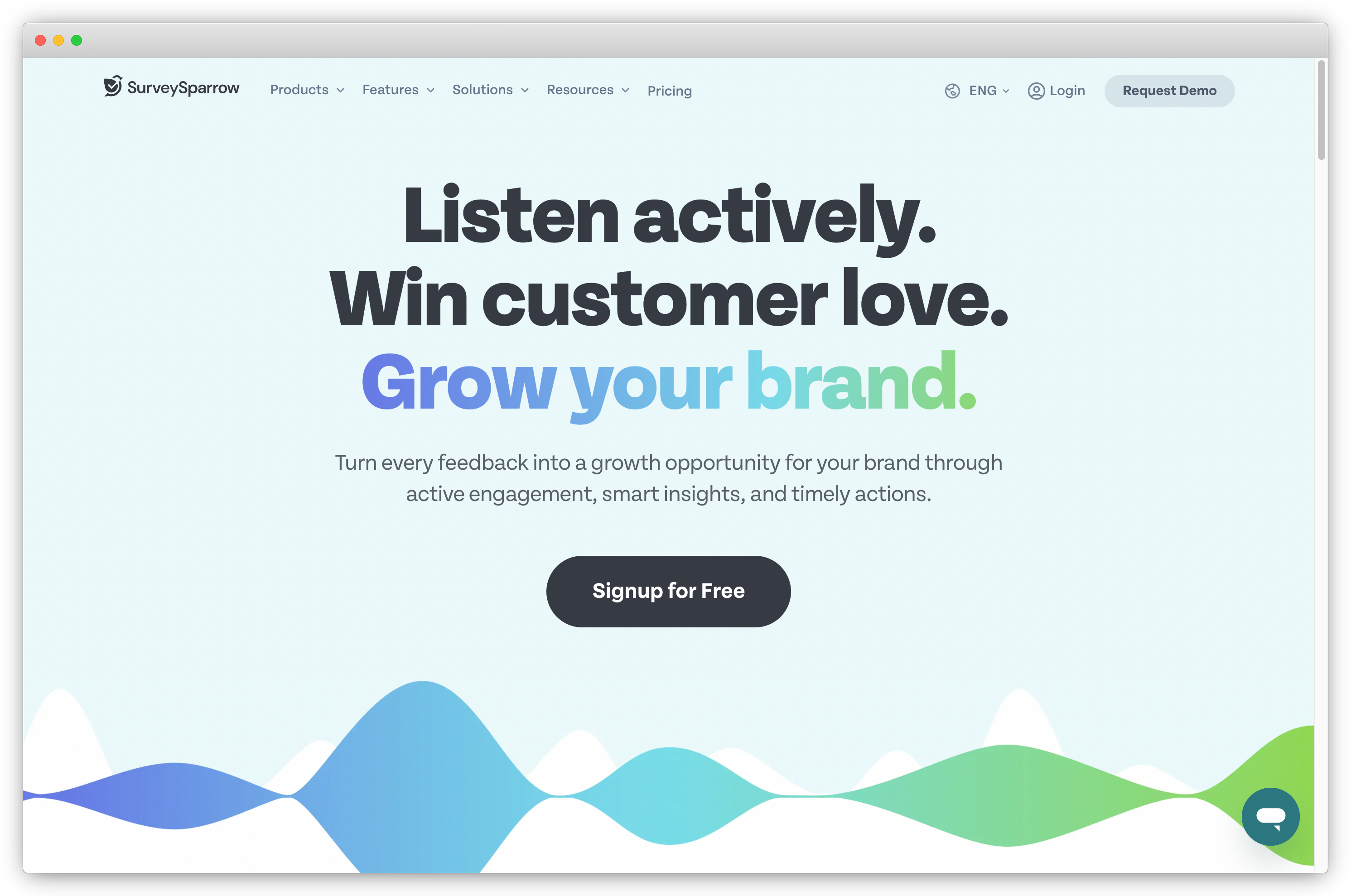
SurveySparrow is built around a conversational interface: one question at a time, in a format that looks like a messaging thread rather than a form.
For microsurveys of one to three questions, this doesn't make a significant difference. For product research surveys of five to ten questions, the completion rate difference is real. G2 reviewers consistently flag it as the main reason they chose SurveySparrow.
Where it falls short is always-on in-product microsurveys with advanced behavioral triggering. The integration path for complex in-product environments often requires developer involvement. Event-based triggering is less precise than Refiner or Survicate.
Key Features
- Conversational one-question-at-a-time interface for higher completion on multi-question surveys
- NPS, CSAT, CES, and custom survey types with native templates
- AI-generated question suggestions and sentiment analysis on responses
- Mobile-optimized design across all screen sizes without manual configuration
- Recurring surveys with configurable scheduling and automated reminders
- Visual dashboards with trend tracking and performance reporting
SurveySparrow Pros
- Conversational format measurably improves completion rates on surveys of five or more questions
- Strong mobile experience without manual optimization
- Good fit for structured user research studies, not just always-on metric tracking
- AI question suggestions reduce survey design time
SurveySparrow Cons
- Integrating surveys into complex in-product environments often requires developer involvement
- Behavioral event triggering is less precise than Refiner or Survicate
- No public pricing; requires contacting sales
SurveySparrow Pricing
- Contact for pricing
- Free trial available
G2 Rating: 4.4/5 on G2
Best Use Case: Product teams running periodic longer research surveys (post-onboarding studies, feature validation, and quarterly user research) where completion rates on multi-question surveys matter more than always-on behavioral triggering.
9. Usersnap: Best for Visual Feedback Capture Alongside Structured Product Surveys
Usersnap captures visual feedback (screenshots, screen recordings, annotations) and structured surveys (NPS, CSAT, CES, feature requests) from the same in-product widget.
For product teams where "users are confused somewhere" and "what do they think" are two questions that need answering simultaneously, combining both in one tool is practical. A CSAT score of 2 with a screenshot of the exact element that caused it is more actionable than a score alone.
Where Usersnap is limited is long-term CX metric trend analysis. The reporting is functional but doesn't match platforms built specifically for ongoing NPS tracking. See Usersnap alternatives if deep trend analytics is the priority.
Key Features
- Screenshot capture and screen recording alongside NPS, CSAT, CES, and feature request surveys
- Customizable in-product widget with trigger and targeting options
- AI-assisted feedback categorizing and labeling on open-text responses
- Reporting dashboard with data export and response filtering
- Integration with Jira, Slack, Trello, and other product team tools
- Pre-built templates for NPS, usability feedback, bug reports, and feature requests
Usersnap Pros
- Visual feedback and structured surveys from the same widget; no second tool needed
- Fast to configure; G2 reviewers consistently rate setup speed highly
- Good breadth of survey types in one platform
- Strong Jira and Slack integration for routing feedback to product teams
Usersnap Cons
- CX metric trend analysis is less deep than dedicated NPS or CSAT tracking platforms
- Advanced targeting requires more configuration than Survicate or Refiner
- Reporting is functional rather than sophisticated
Usersnap Pricing
- Starts at $69/month
- Free trial available
G2 Rating: 4.5/5 on G2
Best Use Case: Product teams that need visual bug feedback and structured NPS or CSAT surveys from the same in-product widget, where screenshot context alongside a survey response improves the quality of action taken.
10. Chameleon: Best for In-App Microsurveys Embedded Within Product Flows
Chameleon is an in-app experience platform (product tours, tooltips, modals, resource centers) with microsurveys built in as a native feature.
The difference from standalone tools is where the survey appears. Standalone tools interrupt users with a pop-up. Chameleon surveys appear as a natural step inside an onboarding checklist or product tour. The survey is part of the flow.
At $279/month, the value is primarily in the product experience layer, not surveys alone. Teams that only need surveys are overpaying here. Teams building a complete in-app guidance program alongside surveys get a tool that handles both well.
Key Features
- Microsurveys embedded inside product tours, checklists, and onboarding flows
- NPS, CSAT, and CES survey types with configurable in-app widget
- Precise targeting by user actions, properties, and lifecycle stage
- Rate-limiting controls to prevent survey fatigue within in-app message programs
- Launchers feature for self-serve in-app resource centers
- Integration with Segment, HubSpot, and product analytics tools
Chameleon Pros
- Surveys embedded inside product flows feel native rather than intrusive
- Precise targeting reduces survey fatigue for active users
- Rate-limiting is built in by default, not a manual add-on
- Good fit for product-led growth teams building guided in-app experiences
Chameleon Cons
- High entry cost relative to teams that only need surveys
- Full value requires using the complete product experience platform
- Not suited to multichannel programs beyond the product
Chameleon Pricing
- Starts at $279/month
- Free trial available
G2 Rating: 4.4/5 on G2
Best Use Case: Product-led growth teams building in-app guidance programs who want surveys embedded within product tours and onboarding checklists rather than delivered as separate pop-up interruptions.
11. Typeform: Best for Long-Form Product Research Surveys and User Studies
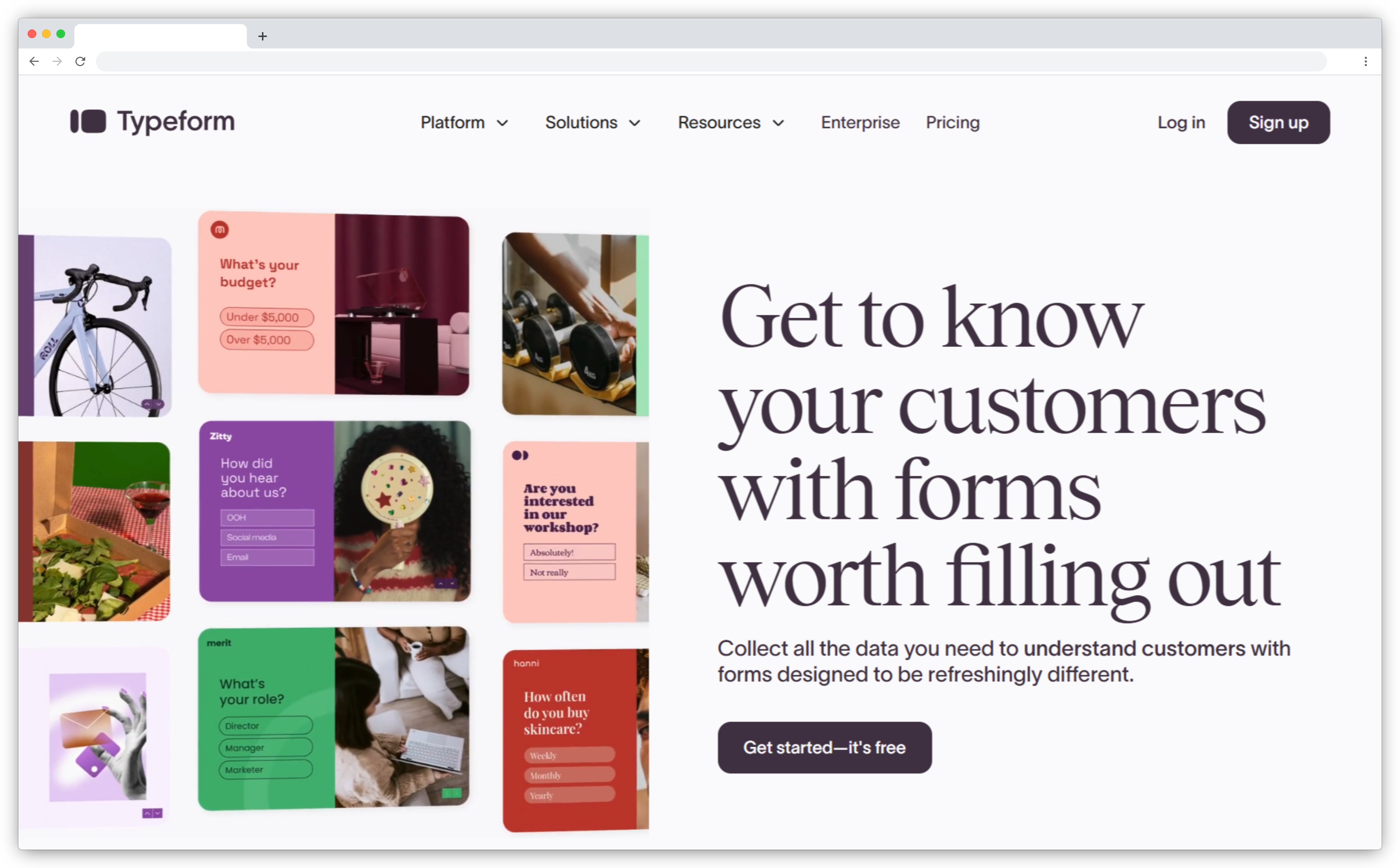
Typeform is built around survey design quality and conditional logic: the two things that matter most when the survey is long and response quality drives the decision.
The Logic Jump system enables complex branching: users who say they use a specific feature see a different path than those who don't, without the survey feeling like a form.
For concept validation, pricing research, market research, or feature prioritization studies, Typeform handles flows most other tools in this list weren't designed for. Marketing teams also use it for customer satisfaction research and brand surveys.
Where it falls short is always-on operational surveys. No native NPS or CSAT dashboard, no behavioral triggering. See Typeform alternatives if you need in-product delivery or ongoing metric tracking.
Key Features
- Conversational one-question-at-a-time interface with full brand theming and multimedia support
- Logic Jump conditional branching for complex, personalized survey flows
- Integrations with HubSpot, Salesforce, Airtable, Notion, and Zapier
- Video question support for qualitative research and user study screening
- Response piping and hidden fields for personalized survey experiences
- Broad template library for product research, UX studies, and concept testing
Typeform Pros
- Best survey design quality and conditional logic in this list
- Polished respondent experience that improves response quality on research-grade surveys
- Strong integrations with product management and CRM tools
- High completion rates; the format is familiar and well-tested
Typeform Cons
- No in-product widget delivery or event-based triggering for always-on programs
- No native NPS or CSAT dashboard for ongoing metric monitoring
- Per-response pricing on higher tiers gets expensive for continuous, high-volume programs
Typeform Pricing
- Starts at $25/month
- Free version available (limited responses)
G2 Rating: 4.5/5 on G2
Best Use Case: Product teams running periodic user research studies, concept validation, pricing research, or qualitative studies where survey design quality and complex conditional logic matter more than in-product delivery or ongoing metric tracking.
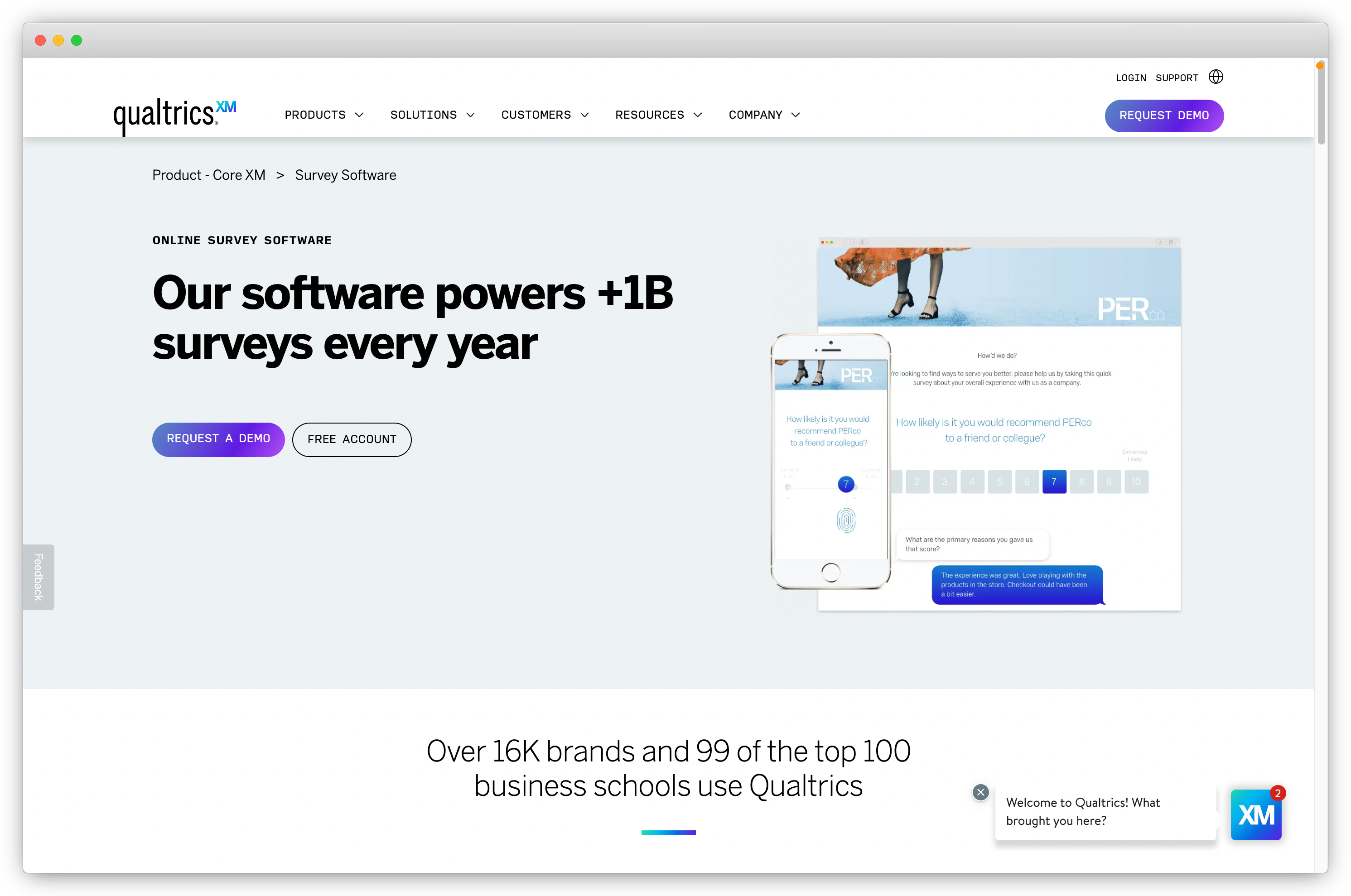
12. Qualtrics: Best for Enterprise-Grade Product Research and Predictive Analytics
Qualtrics is the industry standard for enterprise research programs, not because it's easy to use, but because the analytical depth is genuinely different from everything else in this list.
Conjoint analysis. MaxDiff. Advanced statistical analysis via Text IQ for processing thousands of open-text responses. Predictive analytics that model what sentiment predicts about future behavior. For large scale research programs, no other tool here comes close.
The tradeoff: significant learning curve, dedicated admin required, enterprise-tier pricing with no public rates, no free trial. Teams running simple NPS tracking who adopt Qualtrics will use 10% of what they're paying for. For teams in healthcare, financial services, or government, verify compliance certifications directly with the vendor and confirm that the specific plan tier includes the Business Associate Agreement (BAA) required for HIPAA compliance. See Qualtrics alternatives if you need that depth without the complexity.
Key Features
- Predictive analytics and advanced statistical methods: conjoint, MaxDiff, and regression analysis
- Text IQ NLP engine for processing large open-text volumes at statistical scale
- Survey distribution across email, SMS, QR code, web, and in-product channels
- Advanced branching logic and hundreds of question types for complex research designs
- Integration with SAP, Salesforce, and enterprise BI and data warehouse tools
- Role-based access, enterprise security, and regulatory compliance (GDPR, HIPAA, FedRAMP)
Qualtrics Pros
- Most analytically sophisticated platform in this list by a significant margin
- Handles large-scale, cross-functional research programs with multiple stakeholders
- Strong regulatory compliance for enterprise procurement requirements
- Recognized brand adds credibility to research findings shared with leadership
Qualtrics Cons
- Significant learning curve; most teams need dedicated training and a platform admin
- Opaque enterprise-tier pricing requiring organizational procurement
- No free trial or free version for evaluation
- Feature depth includes capabilities most product teams will never use
Qualtrics Pricing
- Contact for pricing
- No free version or trial available
G2 Rating: 4.4/5 on G2
Best Use Case: Large product organizations running systematic research programs (feature prioritization studies, cross-functional feedback analysis, and executive-facing research reports) where statistical rigor and analytical depth justify the complexity and cost.
How Product Surveys Have Changed in 2025–2026
Three shifts define what a capable product survey tool needs to do today versus three years ago.
AI made the open-text comment field useful.
For years, most product teams collected hundreds of open-text responses and left them largely unread. The NPS score was the metric. The comment was evidence nobody had time to process.
AI sentiment detection and theme clustering changed that. Tools now surface "47% of this month's detractors mentioned checkout friction" without a single manual tag. The open-text response went from a data debt problem to a usable signal source.
AI-powered survey tools are increasingly used to analyze open-ended responses, identifying sentiment trends and actionable insights that would take significant analyst time to uncover manually. Teams that built AI analysis into their product feedback workflow gained a qualitative insight capability that teams still doing manual review don't have.
Event-based triggering replaced scheduled email blasts.
The old model: export a user list, send an NPS email on the 15th of every month. Response rate: 10–12% on a good day.
The new model: a CSAT survey fires 30 minutes after a support ticket closes. An NPS microsurvey appears 24 hours after a user completes onboarding. A churn-prevention survey triggers when usage drops below threshold for 14 consecutive days.
Response rate: 30–50%, because context drives completion. Tools that still rely primarily on email distribution have lost ground to platforms built around event-based in-product delivery.
PMF tracking became continuous, not a one-off checkpoint.
Product-market fit surveys used to be run once, at Series A, as a validation study.
In 2025–2026, product-led growth teams run PMF as a recurring tracked metric, segmented by cohort, plan tier, and feature usage. PMF shifts as the product evolves and as the user base changes. Teams that track it continuously detect erosion before it shows up in churn. The ones who don't find out in the retention data three months later.
Which Product Survey Tool Is Right for Your Team?
The right answer depends on what your team is actually trying to build, not on which tool has the longest feature list.
Starting with in-product NPS and CSAT on a limited budget: Refiner or Survicate.
Running a multichannel feedback program with AI analysis for open-text: Zonka Feedback.
Need survey data correlated with behavioral data: Sprig for session context, Pendo for feature adoption correlation.
Already have Hotjar: add surveys there before adding another tool.
Running periodic user research studies: Typeform.
Need visual feedback and structured surveys from the same widget: Usersnap.
Want surveys embedded inside onboarding flows: Chameleon.
Enterprise team where research rigor drives roadmap decisions: Qualtrics.
Book a demo with Zonka Feedback to see how the multichannel, AI-powered approach works for your specific use case.