.svg)
 Healthcare
 Finance
 Retail
 SaaS & Digital
 eCommerce
 Education
 Salesforce
  HubSpot
 Pipedrive
 Mailchimp
 Zendesk
  Intercom
 Freshdesk
 HelpScout
  Front
Front Jira
Jira Slack
Slack  MS Teams
 Zoom
Zoom Google Sheets
  Zapier
  Integrately
 Make
Make  Webhooks




 MS Teams


The best SMS survey software in 2026 includes Zonka Feedback, Qualtrics, SurveySparrow, QuestionPro, and SimpleTexting. These tools let businesses send surveys over text messages, collect responses through survey links or two-way SMS replies, and turn that feedback into decisions. This guide compares 12 tools across features, SMS survey distribution, pricing, and fit, so you can shortlist the right one for your team.
TL;DR
- SMS survey software collects real-time customer feedback through text messages, a channel where nearly every phone can respond without an app, a login, or a data connection.
- This guide compares the 12 best SMS survey software of 2026 across survey features, deliverability, automation, SMS survey analytics, integrations, and pricing.
- Top picks by use case: Zonka Feedback for end-to-end SMS surveys with AI analysis and signals, Qualtrics for enterprise programs with native two-way SMS, SurveySparrow for conversational surveys, SimpleTexting for two-way messaging with surveys built in, and Twilio for custom API builds.
- Two tools left the market this year. Delighted shut down on June 30, 2026, and GetFeedback Direct closes December 31, 2026. Both have been removed from this list, and this guide covers what their exits mean for buyers.
- The biggest decision isn't which tool. It's which style: link-based SMS surveys (tap a link, answer in a browser) or two-way SMS surveys (reply right in the text thread). Six tools on this list support true two-way.
Text messages get read. That's the whole case for SMS surveys: feedback requests land on the device people check dozens of times a day, with no app to install and no inbox to fight through, at the exact moments sentiment is freshest, right after the purchase, the support call, the delivery, the appointment.
The tools behind those surveys, though, shifted more in 2026 than in the previous five years combined. Delighted, one of the most widely recommended SMS survey tools on the market, shut down in June. GetFeedback's survey product follows in December. Two familiar names off the shortlist means most buying guides are already out of date, and it puts a question on the evaluation sheet that rarely appeared before: will this platform still exist in three years?
This guide compares the 12 best SMS survey software of 2026 with that question in mind: how each tool collects responses, what it does with them, who it genuinely fits, and how stable the company behind it looks.
What Is SMS Survey Software?
SMS survey software is a tool that lets businesses send feedback questions to customers through text messages and collect responses, either through a survey link that opens in a mobile browser or through direct replies in the message thread. A retail store might text "How was your visit today? Reply 1-5" an hour after checkout, and every reply lands in a dashboard as a scored response.
That's the whole category in one sentence, but the tools inside it vary wildly. Some are full survey platforms where SMS is one of several channels. Some are texting platforms where surveys are one of several use cases. And one is an API you build on. We'll sort them into those buckets before the list, because that distinction matters more than any feature comparison.
Why Do SMS Surveys Get Such High Response Rates?
SMS surveys get high response rates because text messages actually get seen: Gartner reports SMS open rates as high as 98% and response rates as high as 45%, compared to roughly 20% open and 6% response for email. No spam folder. No unread badge among 400 others. Just a text.
Timing is the other half. SMS surveys reach customers minutes after a purchase, a support call, a delivery, or an appointment, while the experience is still fresh. Ask the same question three days later by email and you get a vaguer answer from a smaller fraction of people. Ask it in the moment over text and the feedback reflects what actually happened.
There's a trade-off, and it shapes everything else in this guide: texts are short. A 160-character question can't carry a 15-question survey. The tools below solve that constraint in two different ways, which brings us to the most useful decision you'll make.
How to Choose the Best SMS Survey Software for Your Business?
Choosing the best SMS survey software starts with one question, before any feature checklist: do you want link-based surveys or two-way surveys?
Link-based SMS surveys send a short message with a survey URL. The customer taps, and the survey opens in a mobile browser with full branding, visual question types, skip logic, and as many questions as you dare. The cost is a click. Every extra tap loses respondents.
Two-way SMS surveys run the entire exchange inside the text thread. "Reply 1-5." Customer texts "4." Follow-up fires: "Thanks! What could we improve?" No browser, no click, faster responses. The cost is complexity: you're limited to questions a text reply can answer.
Most teams end up wanting both, which narrows the field fast. Beyond that, evaluate tools on:
- Survey customization and personalization. Flexible survey design, logic-based questions, and personalized SMS content using customer data. "Hi Priya, how was your appointment with Dr. Rao?" outperforms "Dear customer."
- SMS deliverability and compliance. High delivery rates across regions, plus built-in opt-in, opt-out, and consent handling. In the US that means TCPA and 10DLC registration; in Europe, GDPR. A survey that never arrives has a 0% response rate.
- Automation and trigger-based sending. The ability to send SMS surveys automatically after events like purchases, support tickets, appointments, or deliveries. Manual sends don't scale past your first hundred customers.
- Integrations and workflow fit. Native connections to your CRM, helpdesk, and existing workflows so responses land where your team already works, not in another silo.
- Analytics, reporting, and alerts. Real-time dashboards, trend views, and alerts when a low score comes in. Collecting sms survey responses is easy. Knowing which ones need action today is the hard part.
- Scalability and pricing transparency. Per-message credits, monthly plans, and per-user fees add up differently at 500 sends a month versus 50,000. Model your actual volume before comparing price tags.
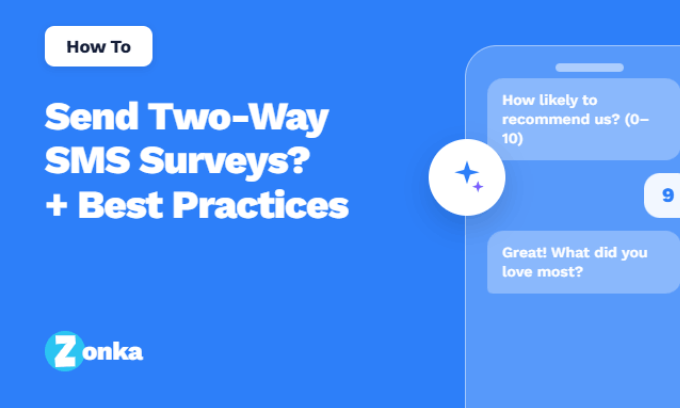
And if the two-way route is calling, our guide on how to send two-way SMS surveys covers setup, reply flows, and best practices in depth.
How We Evaluated These Tools
We're the team behind Zonka Feedback, one of the tools on this list, so read our take on our own product with that in mind. We've kept the evaluation criteria identical for every tool: SMS survey capabilities (link-based and two-way), deliverability and compliance features, automation depth, analytics, integrations, verified G2 ratings, and published pricing from official sources. Where a tool beats us at something, we say so. Two tools that appeared in earlier versions of this guide, Delighted and GetFeedback, were removed in this update because their products are shutting down, not because of any competitive consideration. More on that below.
Best SMS Survey Software at a Glance
| Tool | Tool Type | Best For | SMS Style | Automation | Pricing Model | G2 Rating |
| Zonka Feedback | Survey Platform | End-to-end SMS surveys with AI analysis & signals | Two-way + Survey Links | Advanced | Annual subscription (free trial) | 4.7 / 5 |
| Qualtrics | Survey Platform | Enterprise CX programs with native two-way SMS | Two-way + Survey Links | Advanced | Custom pricing | 4.3 / 5 |
| QuestionPro | Survey Platform | Advanced survey logic & research-driven feedback | Survey Links | Moderate | Free + paid plans | 4.5 / 5 |
| SurveySparrow | Survey Platform | Conversational SMS surveys & recurring feedback | Survey Links | Moderate | Tiered plans | 4.4 / 5 |
| SurveyMonkey | Survey Platform | Quick SMS distribution on a familiar platform | Survey Links | Basic | Tiered plans | 4.4 / 5 |
| piHappiness | Survey Platform | Continuous CX measurement via SMS & other channels | Survey Links | Moderate | Free trial + paid plans | 3.6 / 5 |
| EZ Texting | SMS Messaging Tool | Fast-setup SMS surveys with keyword polls | Two-way + Survey Links | Basic | Monthly plans from $25 | 4.5 / 5 |
| SimpleTexting | SMS Messaging Tool | Two-way SMS surveys & large-scale distribution | Two-way SMS | Basic | Monthly plans from $39 | 4.7 / 5 |
| Sender | SMS Messaging Tool | Campaign-based SMS surveys & messaging | Survey Links | Basic | Free plan + paid plans | 4.7 / 5 |
| TextMagic | SMS Messaging Tool | Keyword-triggered survey flows, pay-as-you-go | Two-way + Survey Links | Basic | Pay-as-you-go credits | 4.4 / 5 |
| SMS-Track | SMS Messaging Tool | Lightweight two-way SMS feedback & polls | Two-way SMS | Basic | Custom pricing | NA |
| Twilio | SMS API | Custom-built SMS surveys via APIs | Two-way SMS | Custom (API) | Pay-as-you-go | 4.1 / 5 |
What Are the Best SMS Survey Software in 2026?
The best SMS survey software in 2026 spans three tool types. Survey platforms (Zonka Feedback, Qualtrics, QuestionPro, SurveySparrow, SurveyMonkey, piHappiness) give you survey logic, question types, and analytics, with SMS as a distribution channel. SMS messaging tools (EZ Texting, SimpleTexting, Sender, TextMagic, SMS-Track) give you true texting infrastructure with surveys as one use case. SMS APIs (Twilio) give you raw building blocks for engineering teams. If you need survey depth and analytics, start with the platforms. If you need real conversations over text, start with the messaging tools. If you're building something custom, you already know you need the API.
Here's how all 12 compare.
1. Zonka Feedback: Best for End-to-End SMS Surveys with AI Analysis & Signals
Zonka Feedback is an SMS survey software built for teams that want the whole loop in one place: send surveys, collect responses, understand what they mean, and route the fix to the right person. Surveys fire automatically from CRM and helpdesk events (case closed, order delivered, appointment completed), personalized with the customer's name and context, and support both survey links and true two-way SMS surveys, where customers answer right in the text thread and follow-up questions fire off each reply, with built-in opt-in and opt-out handling for compliance.
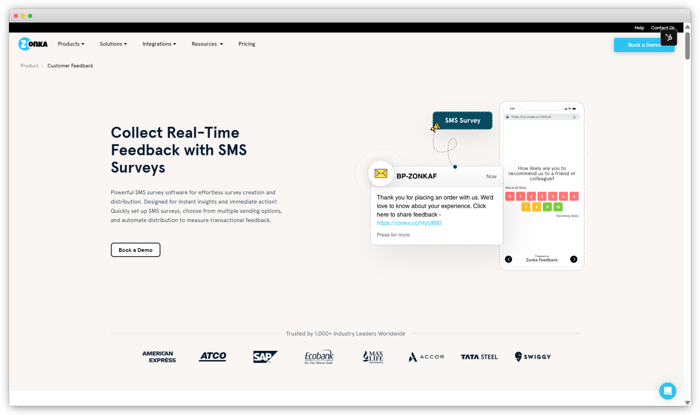
What separates Zonka is what happens after the response. Its AI Feedback Intelligence layer tags themes and sentiment on every reply and surfaces signals: which location's scores dropped this week, which complaint is growing, which detractor needs a callback today. Low scores trigger alerts and closed-loop workflows automatically: a bad delivery experience becomes a support ticket, not a data point.
Responses land in real-time dashboards as they arrive, and role-based views give a location manager and a CX lead each the slice that matters to them.
Key Features
- Trigger-based SMS surveys after purchases, tickets, appointments, or any CRM event
- Two-way and link-based collection
- SMS-optimized survey builder with logic, branding, and personalization
- AI analysis and signals: theme tagging, sentiment scoring, anomaly alerts
- Closed-loop workflows that route negative feedback with context
- Native integrations: Salesforce, HubSpot, Zendesk, Intercom, Slack
Zonka Feedback Pros
- Strong automation for event-based SMS surveys
- Handles collection and AI analysis natively, so there's no separate text-analytics tool to buy and connect
- Real-time alerts and closed-loop workflows built in
- Scales cleanly across locations and teams with role-based views
Zonka Feedback Cons
- Advanced workflow setups take some initial configuration
- Teams that only want a one-question SMS poll may not need the platform depth
Zonka Feedback Pricing
Free trial available. Paid plans are annual subscriptions; AI Feedback Intelligence is priced separately based on volume.
G2 rating: 4.7/5, based on 81 reviews
Best use case: Teams running SMS feedback at scale (CSAT, NPS, CES, post-purchase, post-support) that want collection, AI analysis, and follow-up action in one platform instead of three.
2. Qualtrics: Best for Enterprise CX Programs with Native Two-Way SMS
Qualtrics is at the center of this year's market shake-up: it acquired Delighted years ago and is now sunsetting it, steering those users toward its own XM platform. That makes it impossible to leave off a 2026 list, and to its credit, its SMS capability genuinely stands up. Qualtrics distributes SMS surveys two ways: as survey links, or as fully interactive two-way surveys where respondents text their answer to each question in sequence. Most enterprise survey platforms only do the first.
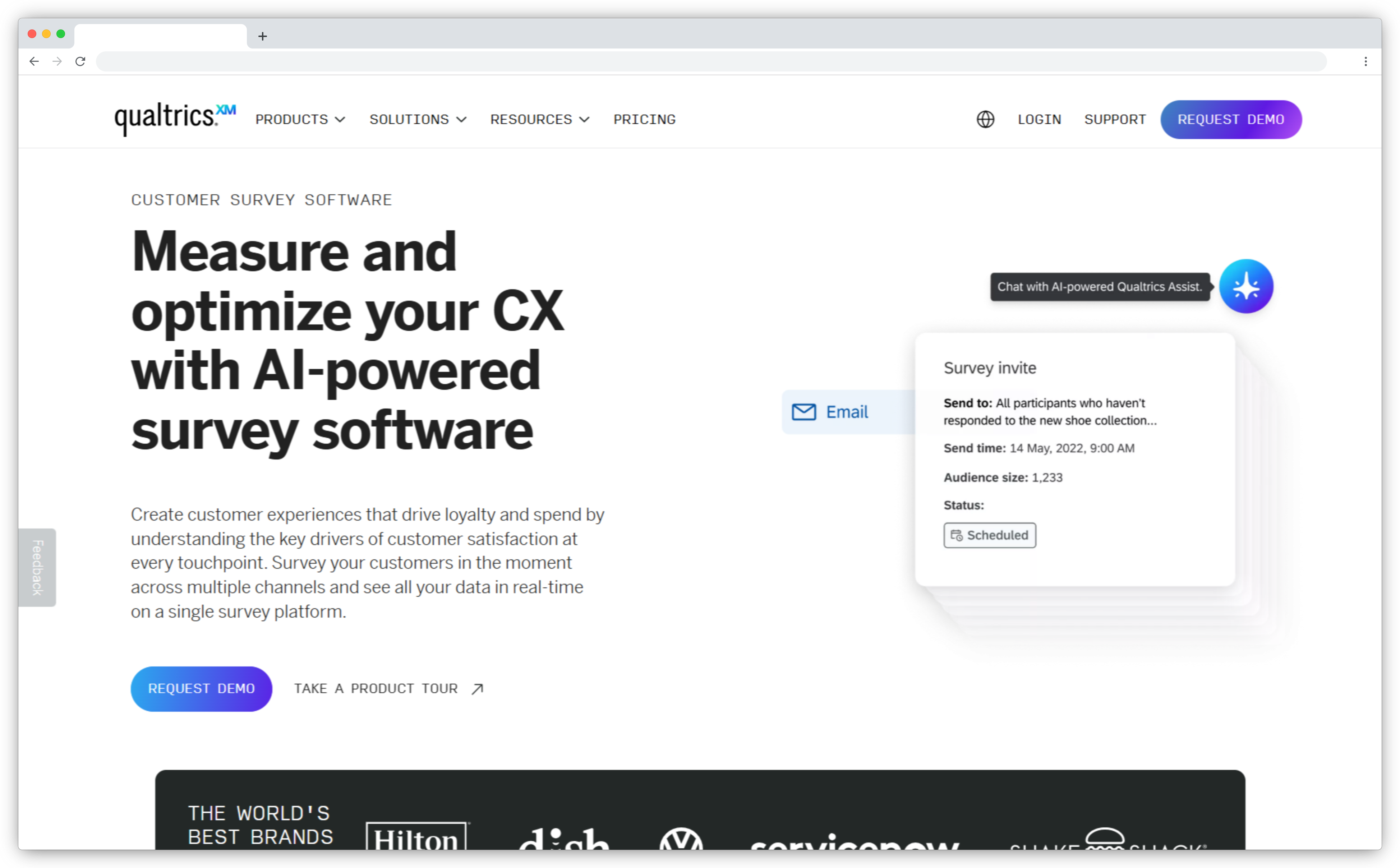
The platform around that capability is deep. Advanced question logic, embedded data, statistical analysis, Text iQ for open-ended responses, and distribution controls like alphanumeric sender IDs per brand or location. For a multi-brand enterprise running relationship NPS and transactional CSAT across regions, that control matters.
The honest counterweight: Qualtrics is a heavyweight. Implementation is sales-led, pricing is custom and substantial, and teams that just want fast SMS feedback will find the learning curve steep. Former Delighted users in particular tend to describe the move as trading simplicity for horsepower.
Key Features
- Native two-way SMS surveys where respondents reply to each question in the thread
- Link-based SMS distribution with opt-out handling and consent templates
- Alphanumeric sender IDs for multi-brand or multi-location programs
- Advanced survey logic: branching, embedded data, quotas, randomization
- Text iQ analysis for open-ended SMS survey responses
- Enterprise governance: roles, permissions, and compliance controls
Qualtrics Pros
- One of the few enterprise platforms with true in-thread two-way SMS
- Research-grade analytics and statistical tooling
- Strong multi-region and multi-brand distribution controls
Qualtrics Cons
- Custom pricing that typically lands well into enterprise budgets
- Steep learning curve; implementation usually needs dedicated admins
- Overkill for teams running simple transactional SMS surveys
Qualtrics Pricing
Custom pricing; contact sales. No self-serve SMS survey tier.
G2 rating: 4.3/5, based on 721 reviews (Qualtrics Customer Experience)
Best use case: Enterprises with dedicated CX teams running structured, multi-region feedback programs, including former Delighted users already being routed into the Qualtrics ecosystem.
3. QuestionPro: Best for Advanced Survey Logic and Research-Driven Feedback
QuestionPro brings research-grade survey design to SMS distribution. With 350+ templates and 40+ question types, plus skip logic, text piping, looping, and branching, it's built for teams whose surveys are more instrument than pulse check. SMS is a distribution channel here: you send survey links via text, and the depth lives in the survey itself.
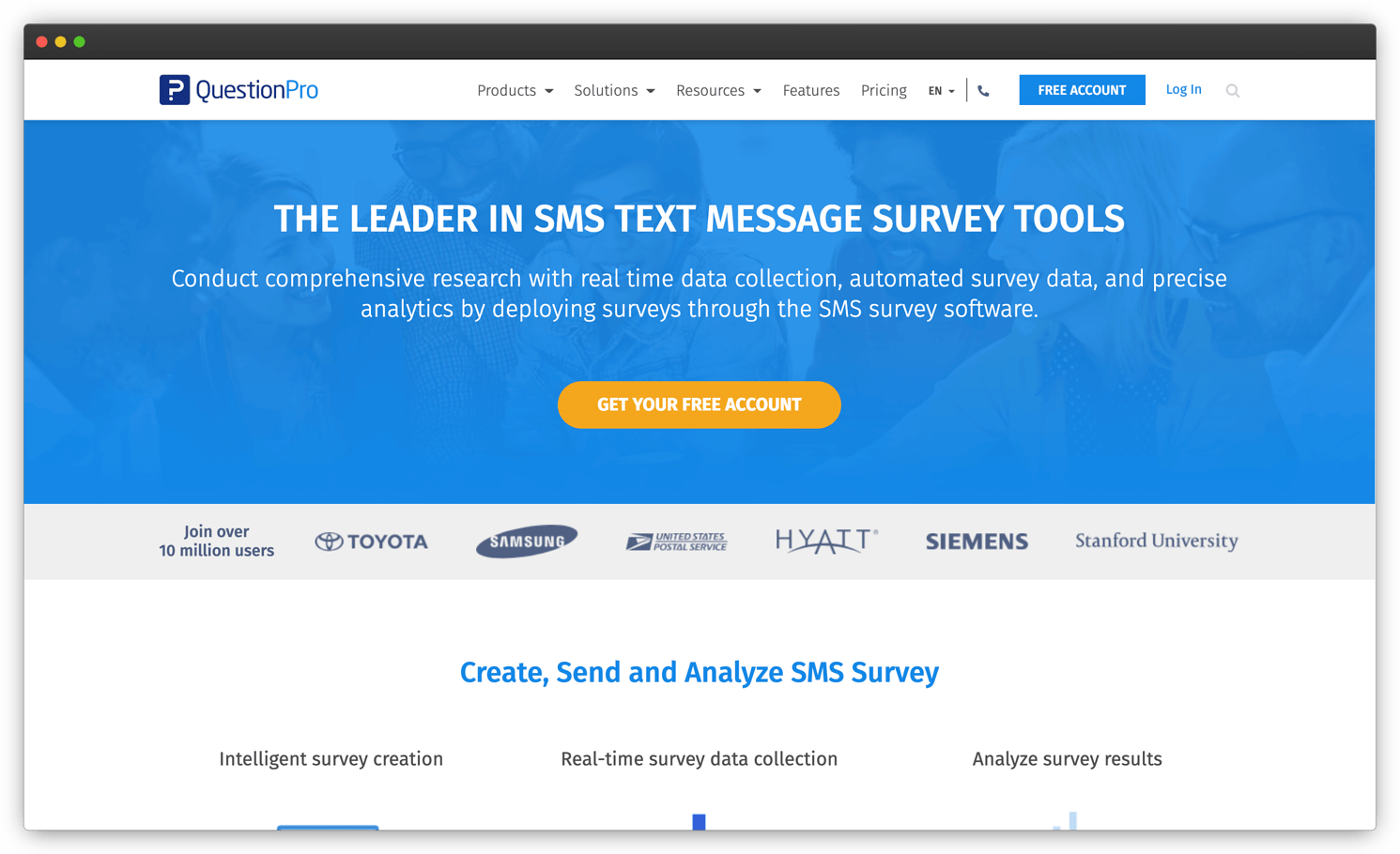
That's the right trade for research teams and the wrong one for conversational feedback. QuestionPro's SMS surveys are link-based rather than in-thread, so if your goal is a one-tap reply after a service call, lighter tools do it with less setup. But if you need structured data collection with quotas, panels, and cross-tab analysis, and SMS invitations are how you reach respondents, few tools match it.
The free Essentials plan, capped at 200 responses per survey, is one of the few genuinely usable free tiers on this list and makes it easy to pilot before committing to a paid plan. Reporting matches the research positioning: real-time dashboards, cross-tabs, and clean exports for teams that analyze survey data for a living.
Key Features
- SMS survey distribution via personalized survey links
- Advanced logic: branching, skip logic, piping, randomization, looping
- 40+ question types and an extensive template library
- Analytics suite with dashboards, cross-tabs, and data visualization
- Text and sentiment analysis for open-ended responses (plan-dependent)
- Multichannel distribution across SMS, email, web, and offline
QuestionPro Pros
- Exceptional survey design flexibility for complex studies
- Strong analytics and export options for research workflows
- Scales from single surveys to full research programs
QuestionPro Cons
- SMS surveys are link-based, not conversational
- Advanced analysis features sit on higher-tier plans
QuestionPro Pricing
Free Essentials plan available (200 responses per survey). Paid plans: Advanced at $99 per user/month and Team Edition at $83 per user/month, both billed annually.
G2 rating: 4.5/5
Best use case: Research teams and enterprises running structured studies that use SMS invitations to reach respondents. Evaluating options? See these QuestionPro alternatives and competitors for comparison.
4. SurveySparrow: Best for Conversational SMS Surveys and Recurring Feedback
SurveySparrow's 4.4/5 G2 rating comes with a consistent theme in the reviews: people actually finish its surveys. The chat-style, one-question-at-a-time format feels like a conversation rather than a form, and that carries over well to mobile users arriving from an SMS link. For recurring feedback programs (quarterly relationship NPS, monthly pulse surveys), its scheduling and automation handle the cadence without manual sends.
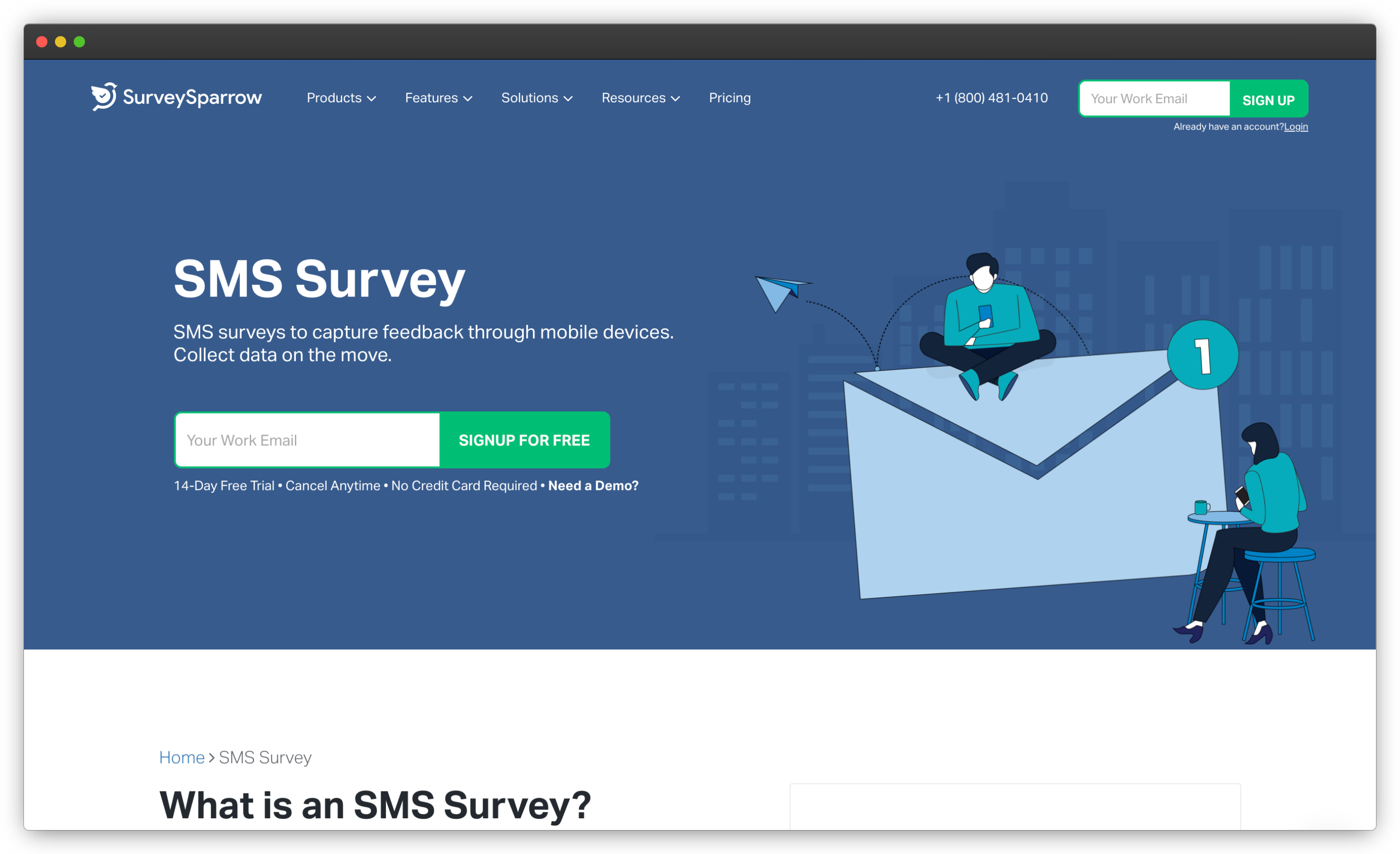
Note the mechanics, though: SurveySparrow's SMS surveys are conversational in design, not in delivery. The text message carries a link; the chat-like experience happens in the browser after the tap. If you want the conversation to happen inside the SMS thread itself, look at the two-way tools later in this list.
The platform rounds out the experience with recurring survey scheduling for relationship programs, built-in NPS, CSAT, and CES templates, white-labeling, and a free plan plus a 14-day trial to test the conversational format before paying. Reviewers repeatedly credit that format with completion rates their old form-style surveys never reached, which is exactly what you want when every survey rides on a text message.
Key Features
- Conversational, chat-style surveys optimized for mobile completion
- SMS survey distribution with scheduling and recurring sends
- Built-in NPS, CSAT, and CES survey types
- Real-time dashboards and sentiment analysis for open text
- Workflow automation for notifications and follow-ups
- CRM and helpdesk integrations including Salesforce and HubSpot
SurveySparrow Pros
- High completion rates from the conversational format
- Easy setup for recurring SMS survey programs
- Clean reporting that non-analysts can use
SurveySparrow Cons
- SMS surveys are link-based; the conversational feel starts after the click
- Deeper customization and analytics require higher tiers
SurveySparrow Pricing
Free plan and 14-day trial available. Paid plans start at $19/month (Basic) and $39/month (Starter), billed annually. Business tiers and CX suites are priced via sales.
G2 rating: 4.4/5, based on 2,000+ reviews
Best use case: CX teams that want engaging, high-completion surveys delivered by SMS on a recurring schedule. If it's not quite the fit, these SurveySparrow alternatives and competitors cover adjacent options.
5. SurveyMonkey: Best for Quick SMS Distribution on a Familiar Platform
Almost everyone has answered a SurveyMonkey survey, and that familiarity is its real SMS advantage: zero learning curve for survey creation, a huge template library, and reliable reporting, with text message distribution bolted onto a platform your team probably already knows. Send time-sensitive text surveys after an event or on-site visit, and responses flow into the same dashboards as your email and web surveys.
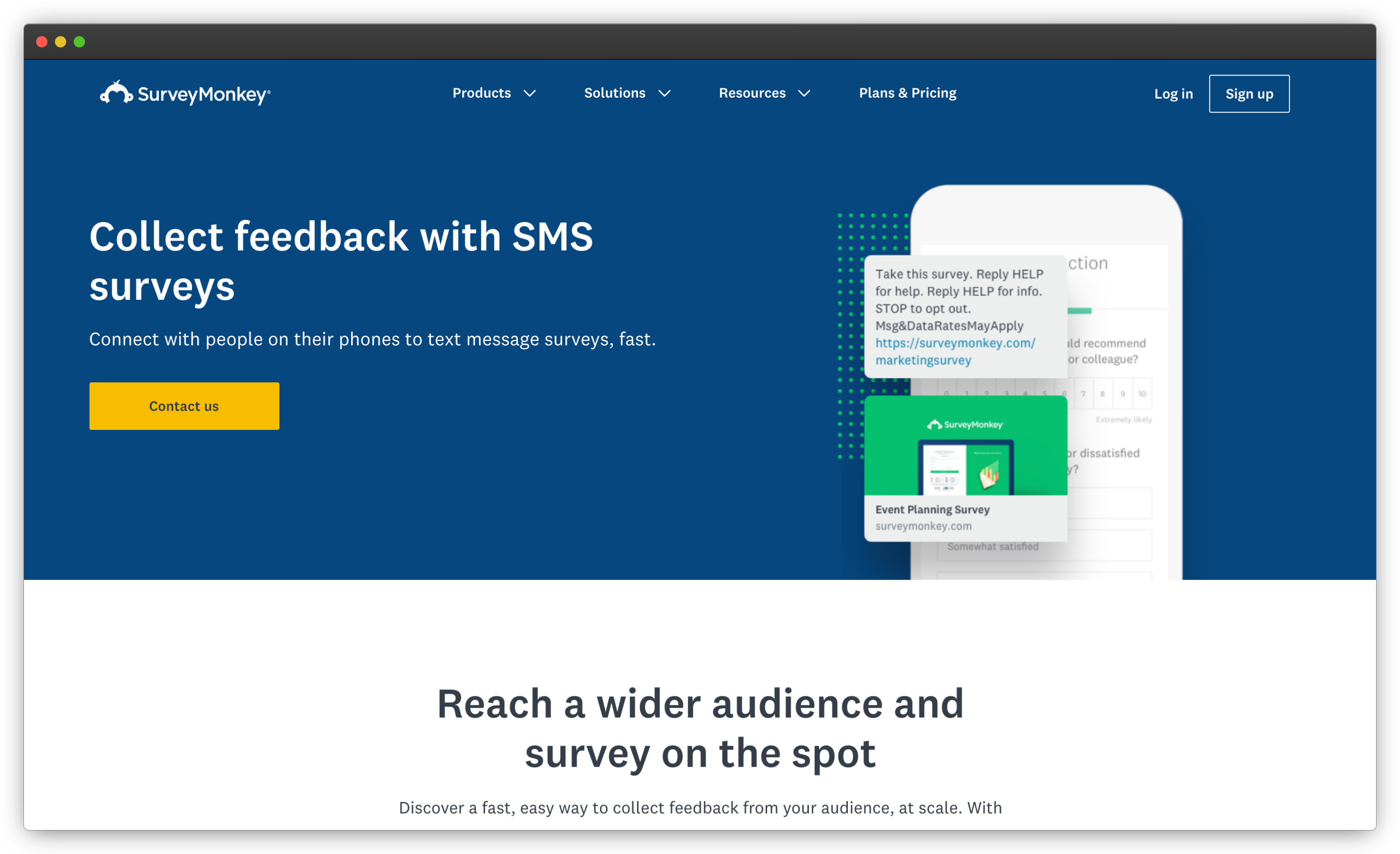
It's a generalist's tool, and the SMS execution reflects that. Distribution is link-based, automation is basic compared to SMS-first platforms, and there's no in-thread reply collection. For teams that run occasional SMS surveys alongside a broader survey program, that's fine. For teams where SMS is the primary feedback channel, it will feel thin.
Know the billing mechanics before you scale, though: paid plans carry response caps with automatic overage charges, team plans require a three-seat minimum billed annually, and the lower advertised rates all assume annual commitment, with month-to-month costing more than double. SMS programs generate replies fast, and the teams that get surprised by the invoice are the ones that never read the cap.
Key Features
- SMS survey link distribution to contact lists
- Extensive template library across industries and use cases
- Flexible builder with multiple question types and logic
- Text and sentiment analysis for open-ended responses at scale
- Reporting and dashboards with filters and exports
- Enterprise-grade security and compliance controls
SurveyMonkey Pros
- Minimal onboarding; most teams already know it
- Large template and question-type library
- Trusted, well-established platform with solid reporting
SurveyMonkey Cons
- SMS is link-based distribution only, with no two-way collection
- Limited automation and closed-loop workflows versus SMS-first tools
SurveyMonkey Pricing
Free Basic plan available (25 responses per survey). Individual paid plans start at $39/month billed annually, or $99/month month-to-month. Team plans from $30 per user/month, billed annually with a three-user minimum. Watch the $0.15 per-response overage charge beyond plan limits.
G2 rating: 4.4/5, based on 23,000+ reviews
Best use case: Teams that want a familiar, general-purpose survey platform with SMS as one distribution option among many. Comparing costs? These SurveyMonkey alternatives and competitors include options with stronger SMS depth.
6. piHappiness: Best for Continuous CX Measurement Across Channels
Full transparency on this one: piHappiness holds a 3.6/5 on G2 from only 4 reviews, the thinnest review base on this list. It stays on the list because it does something specific well: continuous, standardized CX measurement (NPS, CSAT, CES) across SMS, email, web, and kiosk channels, with centralized dashboards for tracking experience trends over time. For teams that want one steady measurement system rather than a flexible survey builder, that focus is the point.
SMS here works as scheduled or event-triggered survey links tied to those CX metrics. Customization is limited compared to the platforms above, and the automation is less configurable, but the setup-to-first-survey path is short.
Built by ParamInfo, the platform leans on emoticon-based feedback capture that customers can answer in seconds, with real-time dashboards and scheduled reports tracking trends across locations. Plans tier by companies and locations rather than response volume, from Basic through Premium Plus, and the survey experience supports a wide set of languages, which suits multi-region service businesses. It's a kiosk-and-tablet tool at heart that added SMS as one more channel.
Key Features
- SMS survey distribution for transactional and relationship feedback
- Built-in CX metrics: NPS, CSAT, and CES survey types
- Event-based triggers for post-interaction surveys
- Centralized dashboards for cross-channel CX trends
- Multichannel collection including kiosk and web
- CRM integrations to sync feedback with customer records
piHappiness Pros
- Focused, standardized CX measurement across channels
- Quick to deploy for structured feedback programs
- Useful trend dashboards for experience tracking
piHappiness Cons
- Very small review base makes user experience hard to verify
- Limited flexibility for advanced SMS survey customization
piHappiness Pricing
Free trial available. Paid plans start at $49.99/month (Basic), or $42.49/month billed yearly.
G2 rating: 3.6/5, based on 4 reviews
Best use case: Teams standardizing on NPS/CSAT/CES measurement across several channels, where SMS is one input into a continuous CX tracking program.
7. EZ Texting: Best for Fast-Setup SMS Surveys with Keyword Polls
If your survey program is "text 500 customers this afternoon and see what they say," EZ Texting gets you there faster than any survey platform on this list. It's an SMS marketing tool first: mass texting, keyword campaigns, contact management, and a two-way inbox, with surveys and polls as built-in features rather than the core product. Reply-based keyword polls ("Text YES or NO") run in the thread; anything longer goes out as a survey link.
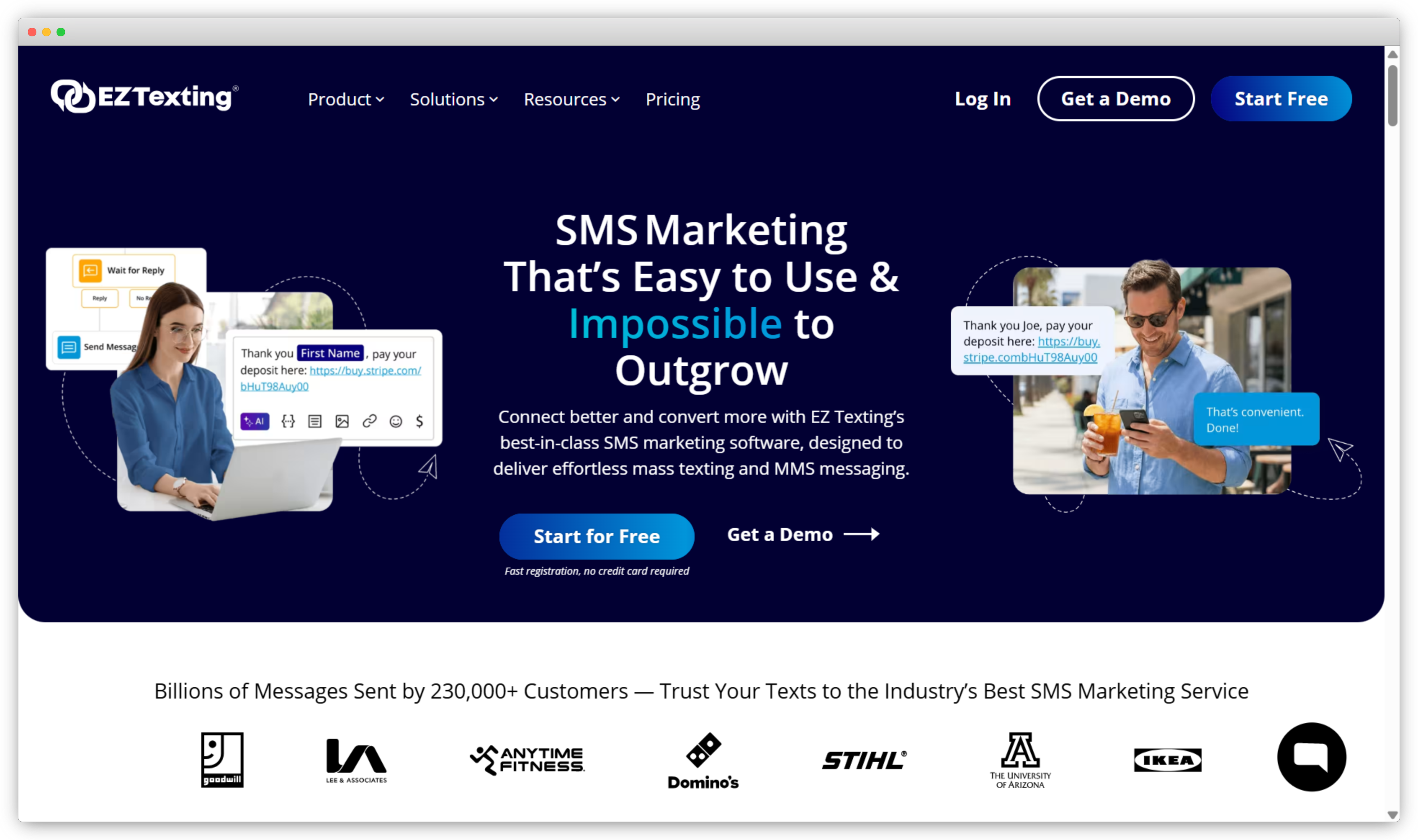
Reviewers consistently praise the setup speed and template library, and inbound messages are free, which matters if you expect lots of replies. The pricing needs a careful read, though. The advertised $25/month Launch plan carries a $5 telecom fee, extra users cost $10/month each, and unused credits expire, so a three-person team's real cost lands closer to $50/month before overages.
EZ Texting has been at this since 2004 and reports serving 230,000+ organizations, with modern touches like AI-assisted message drafting and a built-in Shutterstock library for MMS content. Coverage is US and Canada only, which rules it out for global feedback programs.
Key Features
- Keyword-based SMS polls with replies collected in the thread
- Survey link distribution through mass text campaigns
- Two-way inbox for managing customer conversations
- Text automation with drip campaigns and follow-up sequences
- Compliance tools for opt-in capture and STOP handling
- Free inbound messages, including MMS replies
EZ Texting Pros
- Very fast setup; surveys out the door in an afternoon
- Strong template library and AI-assisted message composition
- No charge for incoming replies
EZ Texting Cons
- No survey logic beyond simple polls; depth requires linking out
- Credits expire and per-user fees stack up for teams
- US and Canada focus limits international programs
EZ Texting Pricing
Monthly plans from $25 (Launch, plus $5 telecom fee), $60 (Boost), and $100 (Scale); Enterprise available. Free trial included.
G2 rating: 4.5/5, based on 725 reviews
Best use case: Small businesses and marketing teams that want quick SMS polls and campaign-based feedback without adopting a full survey platform.
8. SimpleTexting: Best for Two-Way SMS Surveys and Large-Scale Distribution
SimpleTexting holds a 4.7/5 on G2, one of the highest ratings on this list, and the reviews explain why: it makes two-way texting genuinely simple. Surveys run as real conversations. You text a question, the customer replies in the thread, and the response lands in a shared inbox where your team can answer back, follow up, or escalate. For feedback that benefits from a human reply ("Sorry about that delivery, we're sending a replacement"), that inbox model beats any dashboard.
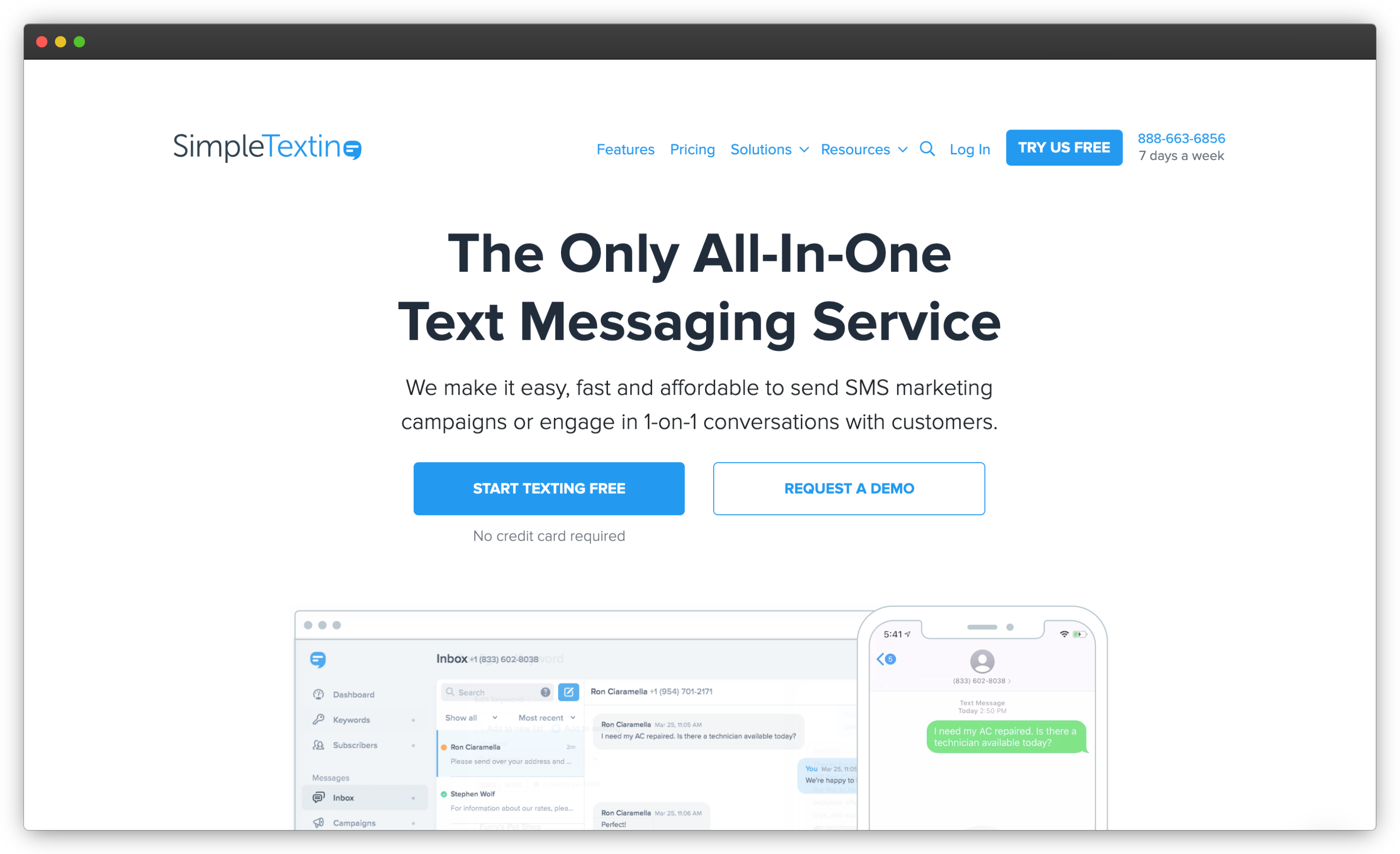
It doesn't pretend to be a survey analytics platform. There's no NPS calculation engine, no sentiment scoring, no cross-tab reports. You get replies, delivery rates, and engagement metrics. Teams that need structured CX metrics at scale outgrow it; teams that want fast, human, conversational feedback rarely do.
Owned by Sinch, one of the largest SMS infrastructure providers, it carries delivery credibility smaller tools can't claim, and the $39 entry plan includes three user seats where competitors charge per head. Autoresponders, scheduled campaigns, and mobile apps for iOS and Android round out a tool built for teams that live in the message thread.
Key Features
- Two-way SMS surveys with replies collected in conversation threads
- Shared inbox for managing and responding to feedback in real time
- Survey links via SMS for longer questionnaires
- Contact segmentation for targeted sends
- Scheduling and automation with API access for custom triggers
- Opt-in and compliance tools built in
SimpleTexting Pros
- True two-way conversations with a clean inbox experience
- Easy setup, consistently praised in user reviews
- Three user seats included on the entry plan
SimpleTexting Cons
- Limited survey logic and analytics versus dedicated survey platforms
- Not built for structured CX metrics like NPS at scale
SimpleTexting Pricing
Monthly plans from $39, including three user seats. Free trial available.
G2 rating: 4.7/5, based on 643 reviews
Best use case: Small and mid-sized teams collecting feedback through real SMS conversations, where a human follow-up matters more than a metrics dashboard.
9. Sender: Best for Campaign-Based SMS Surveys and Messaging
Sender is an email and SMS marketing tool that handles surveys as campaign follow-ups: send a promotion, then send a short survey link asking how it landed. It's built for marketing teams, not CX teams, and it shows in the feature set. Contact management, campaign scheduling, multichannel sends combining SMS and email, and template-based setup, with response tracking at the click-and-engagement level.
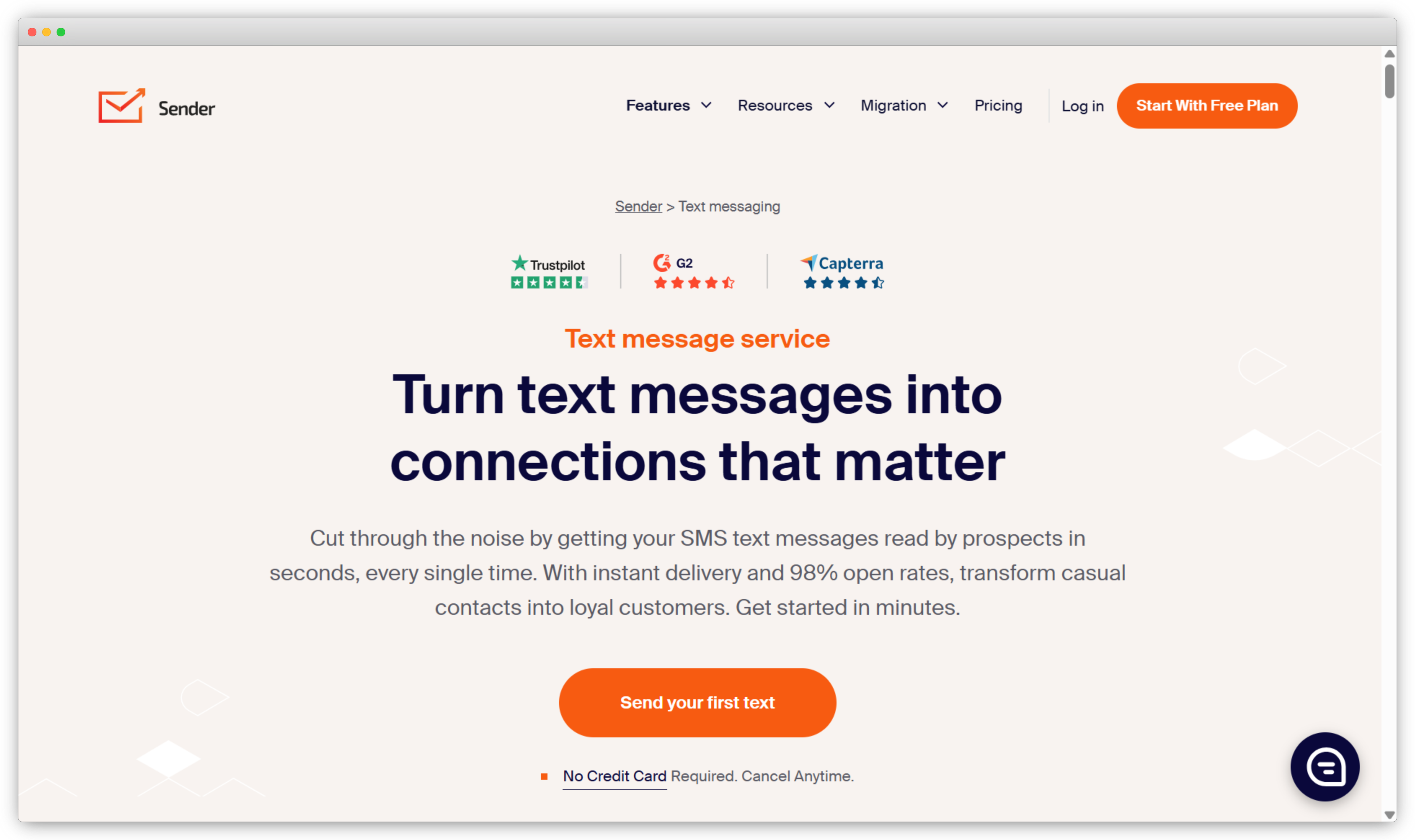
For basic feedback collection attached to marketing workflows, the value is hard to argue with. Paid plans start at $7/month, among the cheapest entry points in this guide, and it integrates with the major eCommerce platforms (Shopify, WooCommerce, Magento) where post-purchase surveys naturally live. Just don't expect survey logic, sentiment analysis, or CX-focused reporting.
The free plan is genuinely free forever, covering 2,500 subscribers and 15,000 emails a month, though SMS itself only unlocks on paid tiers, with credits priced by destination country and the Professional plan bundling monthly SMS credits worth its own subscription price. For a small store that mostly emails and occasionally texts, that structure is close to ideal.
Key Features
- SMS survey links sent through campaigns or automations
- Combined email and SMS workflows from one platform
- Contact segmentation for targeted survey sends
- eCommerce integrations with Shopify, WooCommerce, Magento, and more
- Campaign analytics covering delivery, clicks, and engagement
- Compliance controls for opt-ins and opt-outs
Sender Pros
- Very affordable entry pricing with a free plan
- Combines survey distribution with marketing campaigns
- Quick setup with a clean interface
Sender Cons
- No survey logic or CX-focused analytics
- Feedback features are secondary to marketing features
- SMS isn't available on the free plan, and credits are billed separately by country
Sender Pricing
Free plan available (email only). Paid plans start at $7/month for Standard billed annually ($10 month-to-month), which unlocks SMS; SMS credits are purchased separately and priced by destination country (around $0.015 per US message).
G2 rating: 4.7/5, based on 246 reviews
Best use case: Small businesses and marketing teams adding simple post-campaign or post-purchase surveys to existing SMS and email workflows.
10. TextMagic: Best for Keyword-Triggered Survey Flows with Pay-As-You-Go Pricing
TextMagic is easy to underestimate. It reads like a plain business texting tool, but its SMS survey builder is more capable than most messaging tools here: multi-question survey flows where each reply triggers the next question by keyword, merge fields for personalization, timed delays between questions, and six predefined survey templates for common use cases like customer feedback and team check-ins. That's a real two-way survey engine, not just an inbox.
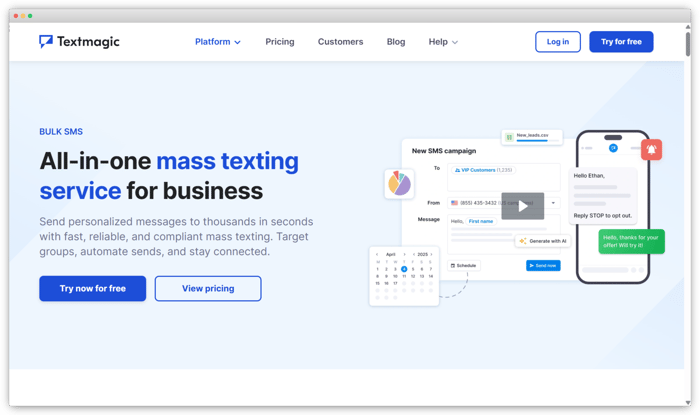
Two practical notes. Two-way conversations require renting a dedicated number for a monthly fee, so factor that into the pay-as-you-go math. And there's no analytics layer beyond delivery and response tracking, so exporting replies for analysis elsewhere is the default workflow at any scale.
The company behind it has run SMS infrastructure from Cambridge for more than twenty years, serves a reported 30,000+ businesses, and quotes a 98.4% average delivery rate, the kind of operational track record that matters more in messaging than any feature checklist. It has also quietly grown beyond texts, folding email campaigns and a shared inbox for WhatsApp and social replies into the same dashboard.
Key Features
- Multi-question SMS survey flows with keyword-triggered branching
- Merge fields for personalized survey questions
- Timed delays to spread surveys across hours or days
- Predefined survey templates for common feedback scenarios
- Bulk sending and scheduling to contact lists
- API access for connecting surveys to other systems
TextMagic Pros
- Genuinely capable two-way survey flows for a messaging tool
- Pay-as-you-go pricing suits irregular sending volumes
- Reliable delivery with straightforward setup
TextMagic Cons
- Dedicated number rental required for two-way replies
- No built-in analytics beyond delivery and response tracking
TextMagic Pricing
Pay-as-you-go SMS credits (around $0.049 per SMS in the US); dedicated numbers rented monthly. No mandatory subscription.
G2 rating: 4.4/5, based on 128 reviews
Best use case: Small teams with irregular or seasonal survey volumes that want two-way survey flows without a monthly platform commitment.
11. SMS-Track: Best for Lightweight Two-Way SMS Feedback and Polls
SMS-Track does one thing: two-way SMS surveys and multiple-choice polls, tracked in real time. Questions go out by text, replies come back in the thread, and a centralized view tracks who responded with what. It positions around high response rates for message-based surveys, and the conversational, no-form format is a big part of why: there's simply nothing to abandon.
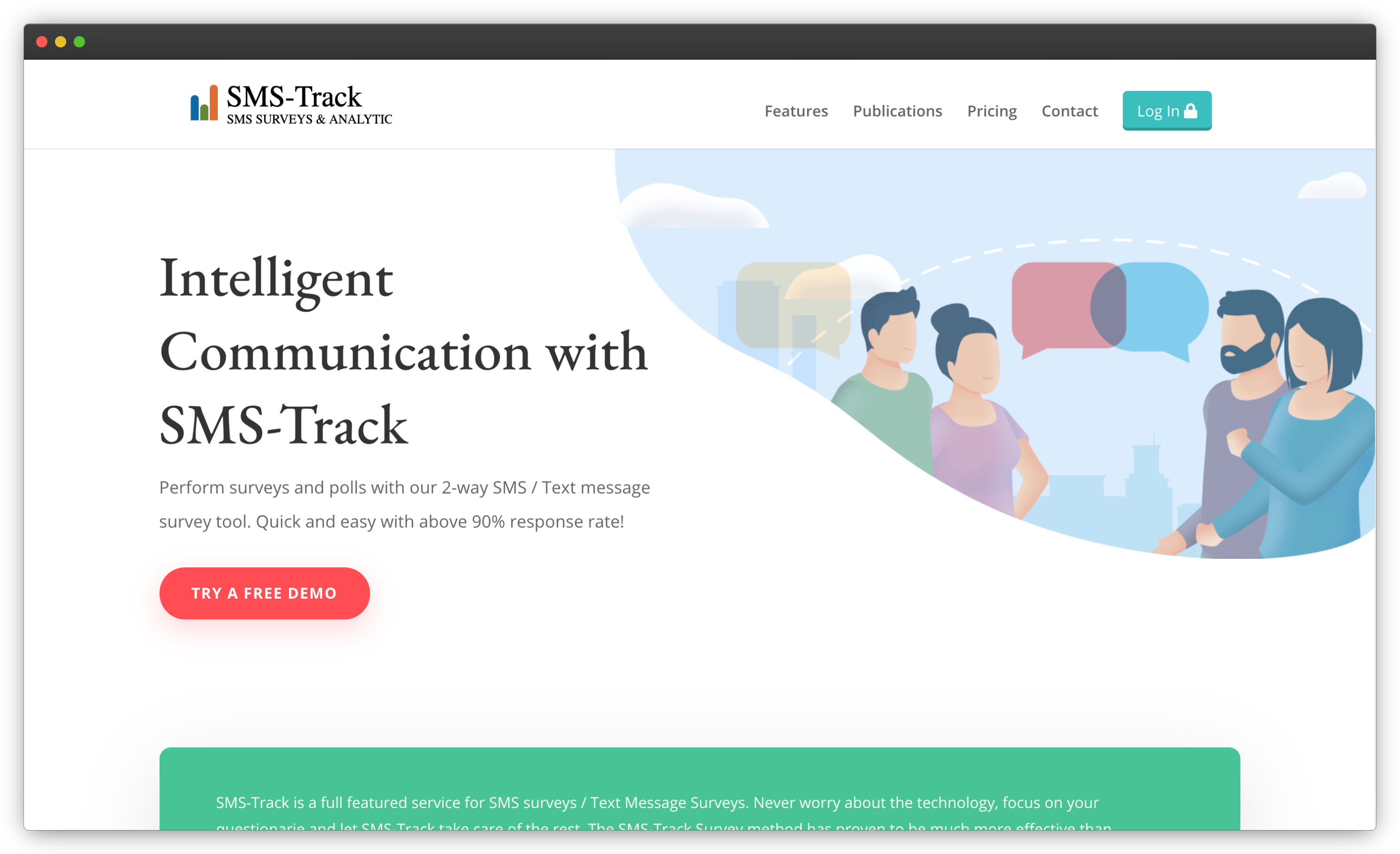
It's the most minimal tool on this list, which is either its weakness or its appeal. No survey builder to learn, no analytics suite, no integrations ecosystem. Teams running repeated-measure data collection (think research check-ins or service follow-ups on a schedule) get a purpose-built tool with no surplus.
The tool has run since 2005 out of Denmark, entirely web-based with nothing to install, and its research roots show in the details: incoming answers can be cleaned and managed with every change logged, results render in predefined graphs or custom reports, and data exports cleanly into whatever analysis software the team already uses. SMS surveys can also be combined with web surveys in the same project.
Key Features
- Two-way SMS surveys with in-thread replies
- Multiple-choice SMS polls with real-time tracking
- Scheduled and repeated sends for longitudinal data collection
- Centralized response view for monitoring replies
- Web survey integration for mixed-mode studies
- API access for custom setups
SMS-Track Pros
- Purpose-built for conversational SMS feedback
- No survey setup complexity at all
- Works well for scheduled, repeated data collection
SMS-Track Cons
- No analytics or sentiment analysis
- Limited customization and integrations
SMS-Track Pricing
Custom pricing; contact the SMS-Track team.
G2 rating: NA
Best use case: Teams that want simple, conversational SMS feedback or repeated scheduled check-ins with minimal setup.
12. Twilio: Best for Custom-Built SMS Surveys via APIs
Twilio isn't a survey tool, and that's precisely why it closes this list. It's a cloud communications platform whose APIs send and receive SMS at global scale, and engineering teams use it to build survey workflows nothing off-the-shelf can match: surveys that branch on live account data, feedback flows embedded in a product's own logic, conversational sequences in any language across 180+ countries.
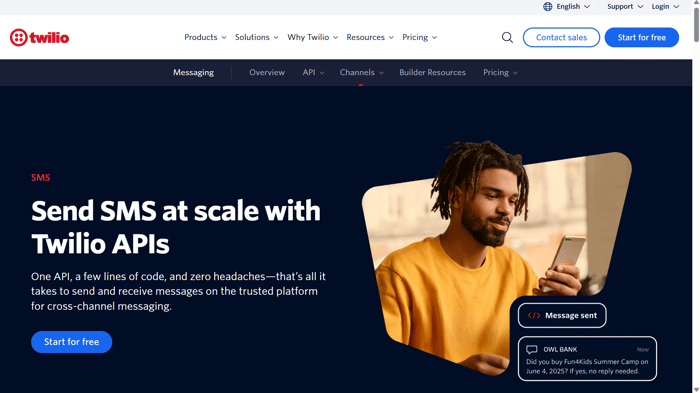
The trade is total: you build everything. Survey logic, response parsing, opt-out handling, analytics, dashboards. None of it exists until your team writes it. For most businesses that math never works. For companies with engineering resources and genuinely custom requirements, nothing else on this list comes close to the flexibility.
What you get for that effort is reach and control nothing packaged can offer: global delivery across carriers, per-message status callbacks, and pricing that scales purely with volume. Twilio Studio, its visual flow builder, softens the engineering lift for simple reply-based surveys, and the developer documentation is consistently rated among the best in the industry, which is why reviewers forgive the learning curve.
Key Features
- Programmable SMS APIs for sending and receiving at scale
- Two-way messaging for building conversational survey flows
- Global delivery across 180+ countries
- Event-triggered workflows wired to your own systems
- Delivery and status webhooks for tracking every message
- Enterprise-grade security and compliance infrastructure
Twilio Pros
- Unmatched flexibility for custom survey experiences
- Reliable global SMS infrastructure
- Excellent developer documentation
Twilio Cons
- No survey builder, analytics, or dashboards out of the box
- Requires ongoing engineering resources to build and maintain
Twilio Pricing
Pay-as-you-go per message sent and received; costs vary by destination and volume. No fixed subscription.
G2 rating: 4.1/5, based on 504 reviews
Best use case: Engineering-driven teams and enterprises building fully custom SMS survey workflows on their own infrastructure.
What Are SMS Survey Tools Used For?
SMS survey tools are used for customer satisfaction and loyalty measurement, customer service feedback, post-purchase and delivery feedback, event feedback, and patient feedback. Every team that collects customer feedback can put SMS to work, but these five use cases account for most of the volume.
1. Customer Satisfaction and Loyalty Measurement
Short text surveys carry the core CX metrics well. A CSAT platform can fire a "Rate your experience 1-5" text minutes after the interaction, and an NPS platform can deliver the 0-10 question over SMS with an optional open-ended follow-up for the "why." Because SMS reaches people in the moment, scores reflect specific interactions rather than hazy recollections.
2. Customer Service Feedback
After a support ticket closes, an SMS survey measures two things: how easy the resolution was, tracked as a customer effort score, and how the agent performed on knowledge, communication, and helpfulness. Triggered from the helpdesk, these fire within minutes of case closure, when the interaction is freshest.
3. Post-Purchase and Delivery Feedback
eCommerce teams automate customer satisfaction surveys at the touchpoints that matter: order confirmation, delivery, first use. A delivery-day text catches packaging problems and courier issues while there's still time to fix them for the next order.
4. Event Feedback
SMS surveys work before, during, and after events. Pre-event texts capture expectations, mid-event pulse checks catch problems while they're fixable, and post-event surveys measure overall satisfaction. Response speed is the advantage: attendees answer a text between sessions in a way they'll never answer a next-day email.
5. Patient Feedback
Healthcare teams use text surveys for post-consultation and post-discharge feedback, where response timing and accessibility matter most. Patient satisfaction surveys sent by SMS reach patients who'd never log into a portal, and appointment-triggered sends keep the process automatic. Choosing between text and other messaging channels? Our comparison of SMS surveys (one-way and two-way) vs WhatsApp surveys breaks down where each channel wins.
What Do the Delighted and GetFeedback Shutdowns Mean for SMS Survey Buyers?
The Delighted and GetFeedback shutdowns mean platform stability is now a real selection criterion for SMS survey buyers: two established, well-liked products were retired in 2026 not because they failed, but because their acquirers consolidated customers upward. If you're choosing a tool this year, that pattern belongs in your evaluation.
Delighted shut down completely on June 30, 2026. Qualtrics, which acquired it in 2018, stopped annual renewals in mid-2025, ended monthly subscriptions in May 2026, and deleted remaining customer data after the shutdown per its sunset policy. Users were steered toward the Qualtrics XM Suite. If you're affected, our guide on the Delighted shutdown and how to switch covers migration steps and data export.
GetFeedback is next. Its parent SurveyMonkey confirmed that GetFeedback Direct, the survey product with Salesforce integration, shuts down December 31, 2026. Only GetFeedback Digital, a website feedback tool, survives. Teams running NPS or CSAT through GetFeedback have under six months to migrate; our breakdown of what the GetFeedback shutdown means includes a migration timeline.
The pattern is identical in both cases: acquisition, slowed development, retirement. For buyers, that adds three questions to any evaluation. Is this tool a standalone business or an acquired product inside a larger portfolio? Can I export my complete response history, including open-ended feedback and trends, in a usable format? And does the vendor offer migration support, or would leaving mean starting from zero? Platform stability wasn't a selection criterion most teams thought about in 2024. After this year, it should be.
Which SMS Survey Software Should You Choose in 2026?
The right SMS survey software depends on how central SMS is to your feedback strategy and how much analysis you need on the other end.
- Choose Zonka Feedback if you want end-to-end SMS surveys with automation, AI analysis and signals, integrations, and closed-loop workflows across customer touchpoints.
- Choose Qualtrics if you're an enterprise running structured, multi-region CX programs and need native two-way SMS with research-grade analytics (and budget to match).
- Choose SurveySparrow if conversational, high-completion surveys on a recurring schedule matter most.
- Choose QuestionPro if advanced survey design and research-driven analysis lead, with SMS as one distribution channel.
- Choose SurveyMonkey if you want a familiar general-purpose platform where SMS is occasional, not central.
- Choose EZ Texting, SimpleTexting, TextMagic, or SMS-Track if you want real two-way texting with surveys as one use, and can live without deep survey analytics.
- Choose Twilio if you have engineering resources and requirements no packaged tool meets.
If SMS is a core feedback channel and you need automation, analytics, and follow-up action, a dedicated platform pays for itself. If you're running occasional polls, a messaging tool does the job for less.
Getting Started with SMS Surveys
Text remains the most direct feedback channel a business has, and the tools above cover every way to use it, from one-question keyword polls to enterprise programs spanning regions and brands. Whichever direction fits, start small: one trigger, one short survey, one clear metric. The response rates will tell you quickly whether to scale.
If you want to see how automated SMS surveys, AI analysis, and closed-loop workflows fit your specific touchpoints, you can schedule a demo with our team.




.png)
_%20Benefits%2c%20Use%20Cases%2c%20Examples%20%26%20More.svg)